- Apply minimalist interfaces to reduce cognitive load and improve decision-making speed.
- Design visual workflows to clarify user progress and reduce job search anxiety.
- Ensure consistent cross-device experiences to build trust and ease of use.
Industry Insight: According to Think with Google, 58% of smartphone users feel more favorable toward companies whose mobile apps remember them and their behavior. This underscores the importance of intuitive UX design and personalization in app experiences.
Minimal Visual Language Reinforces Structure and Calm
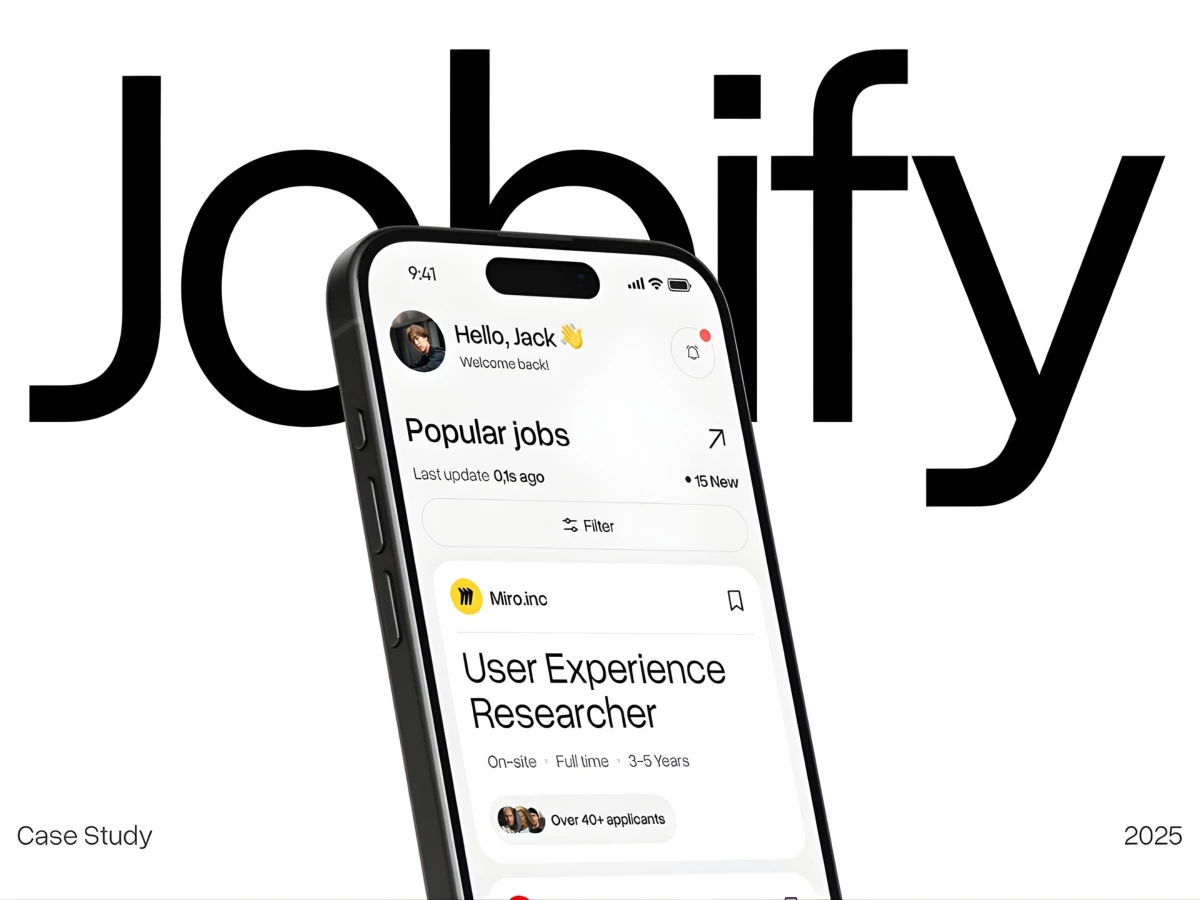
Designed by Digcy, the interface adopts a restrained, minimal visual language built on generous white space, soft neutral tones, and a clear typographic hierarchy. Bold headlines establish clear entry points, while secondary information is deliberately subdued, preventing cognitive overload.
''The simplicity of the design gives the app a refreshing feel. It does not feel over-designed.''
- Mert Erdir, DesignRush Awards Jury
This approach aligns with research by Lazard et al., which found that users tend to prefer interfaces with lower visual complexity because they feel easier to process.
Jobify applies that thinking to create a calmer experience that supports focus and confidence during a demanding job search.
Job Listings Designed for Instant Scannability
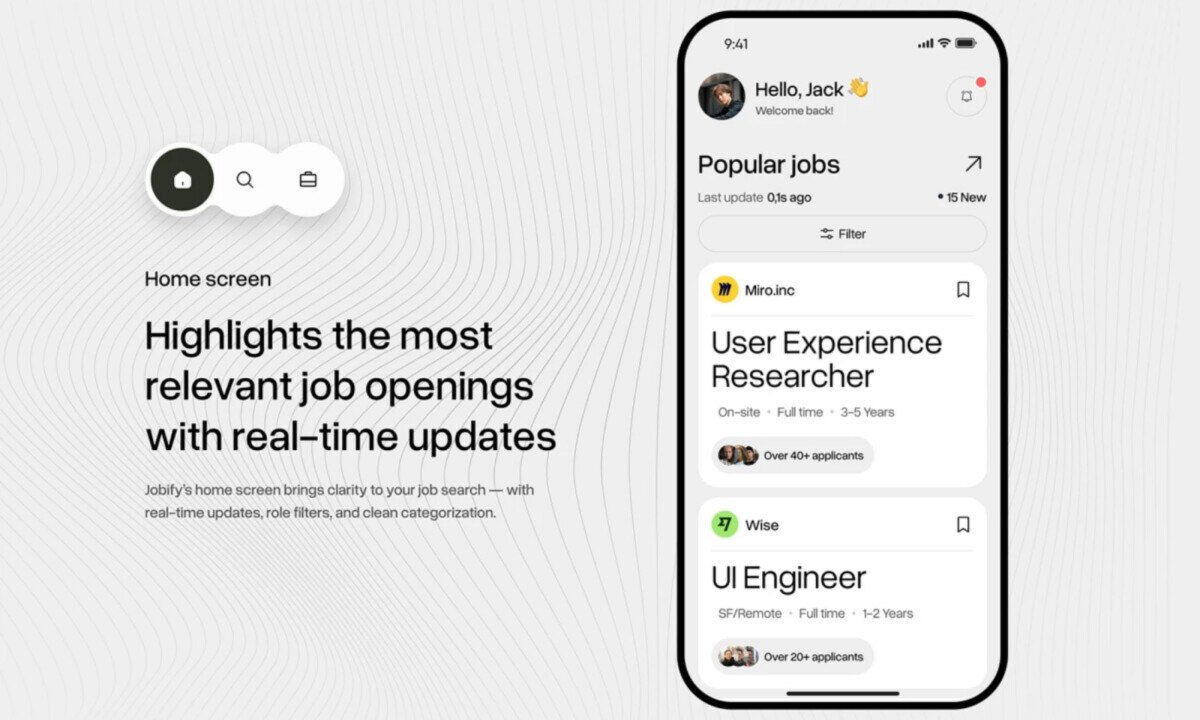
Job listings are structured into clean, card-based components that surface essential information at a glance, including role title, company, location, experience level, and applicant volume. Consistent spacing, alignment, and padding ensure that each listing is easy to compare without visual friction.
Rounded containers and subtle elevation provide separation while keeping the overall interface calm and readable. This balance allows users to move quickly through listings while maintaining confidence in their decisions, especially given that users form an initial impression of an interface in as little as 50 milliseconds.
Discover how top app design companies bring structure, speed, and clarity to high-stakes user journeys.
Visually Guided Application Progress Tracking
Application progress is communicated through a linear, stage-based tracker that clearly maps each step from submission to response. Muted color transitions and simplified visual cues reduce ambiguity, making the process feel transparent and predictable.
By keeping status updates visible and easy to interpret, the design minimizes uncertainty often associated with job applications. This clarity helps users stay engaged and informed as they move through each stage, showcasing the kind of user-centricity found in the best app design.
Seamless Mobile-to-Desktop Adaptation
The interface scales smoothly across mobile and desktop screens, keeping hierarchy, spacing, and interaction patterns intact as layouts shift. On larger displays, added context like job previews appears beside listings, so you see more information without losing your place or breaking the visual rhythm.
Because the structure stays consistent, moving between devices feels natural and familiar. That steady experience helps you stay focused and confident, especially when you return often during a job search that already carries enough pressure on its own.
What Brands & Agencies Can Learn from Jobify
Digcy’s work on Jobify demonstrates how visual discipline and structured UX design can simplify complex tasks and reduce user stress.
1. Use Clean Visual Hierarchies to Reduce Stress
Generous white space and clear typographic cues can help users feel more at ease during emotionally loaded experiences like job hunting.
2. Adopt Card-Based Layouts for Browsability and Flexibility
A modular card design supports rapid information scanning and allows the interface to scale or adapt over time without disrupting the user experience.
3. Build Cross-Platform Consistency to Strengthen Trust
Unified design across mobile and desktop reassures users, builds confidence, and reinforces brand credibility during complex user journeys.