
The best backlink checkers do so much more than count links. They help you uncover competitor opportunities, spot risky or lost backlinks, and track the links that are actually valuable.
We compared 10 leading backlink checker tools to help you find the right option for your goals, workflow, and budget.
Best Backlink Checkers: Key Findings
- Backlinks are still one of Google's strongest ranking signals, but the median top-ranking page has just 13 backlinks — proof that the right links matter far more than the most links.
- Ahrefs and Majestic lead on raw index depth for competitor research, while LinkResearchTools is built specifically for penalty recovery and forensic link-risk audits — the right tool depends entirely on what you're trying to find out.
- You don't need a paid subscription to get started: Collaborator, Google Search Console, and Ahrefs' free checker each offer a genuine, no-cost way to analyze any domain's backlink profile.
Backlinks Still Dominate Google's Ranking Factors
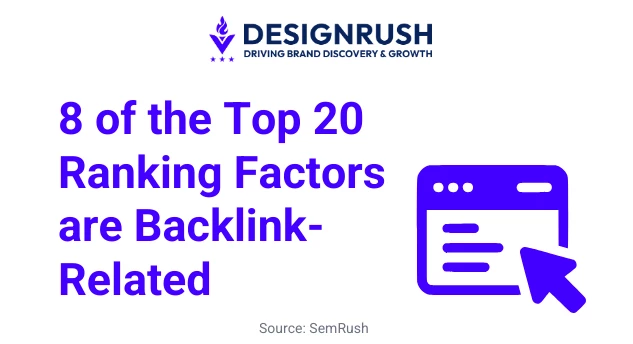
PageRank is still alive and well. Google has said outright that link-analysis systems like it remain part of its core ranking process. Semrush’s research also found that eight of the 20 factors most strongly correlated with higher rankings were backlink-related.
And yet the median top-ranking page had just 13 backlinks. It shows how success is not simply about collecting the biggest number.
What matters is:
- Where those links come from
- How relevant they are
- Which pages they support
- Whether they remain live
A good backlink checker turns that information into action, helping you uncover competitor opportunities, identify lost or questionable links, and understand which parts of your profile are genuinely strengthening your authority.
Below, we compare the 10 best backlink checkers across four criteria: data depth (index size and freshness), monitoring (tracking gained, lost, or changed links), usability (how accessible the reporting is), and price (starting cost relative to data depth).
10 Best Backlink Checker Tools for 2026
The best backlink checker depends on what happens after you find the links. Some platforms excel at competitor research, others at auditing questionable profiles or monitoring links that have already been acquired.
Here is how the leading backlink checker tools compare across their strongest use cases, standout functionality, free access, and price.
| Tool | Best For | Unique Functionality | Starting Price |
| Ahrefs | Competitor backlink research | Detailed link filtering and content-level analysis | $29/month |
| SemRush | All-in-one SEO and outreach | Research, auditing, prospecting, and outreach in one suite | $139/month |
| Majestic | Dedicated link intelligence | Fresh and Historic indexes with topical link metrics | $49.99/month |
| SE Ranking | Agencies and multi-site teams | Research and ongoing monitoring in one workflow | $129/month |
| Moz Pro | Accessible authority analysis | Domain Authority and Spam Score reporting | $49/month |
| LinkResearchTools | Advanced link-risk investigations | Combines and re-crawls data from 25+ sources | $599/month |
| Linkody | Monitoring acquired backlinks | Continuous gained, lost, and changed-link alerts | $15.90 |
| LinkMiner | Visual backlink prospecting | Live source-page previews with highlighted anchors | $37.70/month, billed annually |
| SEO SpyGlass | Desktop backlink analysis | Unlimited project workflows without a credit system | $60/month |
| Seobility | Affordable all-in-one SEO | Weekly backlink monitoring and tailored link ideas | $57 USD/month |
1. Ahrefs: Best for Competitor Backlink Research
For SEO professionals that need to reverse-engineer competing link profiles
Ahrefs is built for investigating where competitors earn links, which pages attract them, and which opportunities may be realistic to replicate.
Site Explorer lets users filter links by referring-domain authority, source-page traffic, language, link type, anchor text, platform, and first- or last-seen date. Its paid reports provide a complete view of the backlinks Ahrefs has found, while Link Intersect highlights websites linking to competitors but not to the user’s domain.
Links report is especially useful for content planning because it reveals which competitor pages have attracted the most referring domains. Broken-backlink reports can also uncover outdated resources that may be replaced with a stronger piece of content.
The free checker we cover further down in the free tools section.
Pricing
- Starter: $29/month
- Lite: $129/month
- Standard: $249/month
- Advanced: $449/month
Pros
- Detailed competitor and page-level research
- Strong filtering and historical analysis
- Identifies link gaps and broken-link opportunities
- Provides traffic estimates for referring pages and domains
Cons
- Useful research can consume plan credits quickly
- If pay-as-you-go add-ons are enabled, overage usage is billed automatically rather than requiring manual approval
- Many advanced reports require Lite or higher
- More tool than occasional users may need
Notable features
- Site Explorer
- Link Intersect
- Best by Links
- New and lost backlink tracking
- Broken-backlink reports
- Anchor and referring-domain analysis
2. Semrush: Best for All-in-One SEO and Outreach
For teams that want backlink analysis within a broader SEO workflow
Semrush's Backlink Analytics tool draws on a database built from billions of backlinks, breaking results down by referring domains, link type, and toxicity.
Its companion Backlink Audit tool automatically flags potentially harmful links and generates a disavow file, which is especially useful for teams managing recovery from a manual action or algorithmic link penalty.
Where Semrush earns its "all-in-one" reputation is the Link Building Tool, a built-in CRM that surfaces link prospects and lets you manage outreach directly inside the platform, rather than exporting data to a spreadsheet first.
Pricing
- Pro: $139/month
- Pro with annual billing: $117.33/month
- Higher plans increase reporting, project, and data allowances.
Pros
- Covers research, auditing, and link-building workflows
- Connects backlink data with wider SEO performance
- Strong competitor-comparison functionality
- Suitable for multi-channel marketing teams
Cons
- Expensive when used only as a backlink checker
- Broad interface can be overwhelming
- Automated risk classifications still need human review
Notable features
- Backlink Analytics
- Backlink Audit
- Backlink Gap
- Link Building Tool
- New and lost link reports
- Multi-domain comparisons
3. Majestic: Best for Dedicated Link Intelligence
For link specialists that want focused backlink data without a full SEO suite
Majestic concentrates heavily on links, making it a strong option for users who don't need extensive keyword, content, or technical SEO functionality.
Its Fresh Index focuses on recently discovered links, while the Historic Index supports longer-term research into how a profile has developed. Trust Flow and Citation Flow assess the apparent quality and quantity of links, while Topical Trust Flow indicates the subjects with which a website is most closely associated.
Majestic also provides link-context information, backlink-history reports, anchor analysis, and visual tools for exploring relationships between websites. Its Bulk Backlink Checker can compare high-level metrics across hundreds of URLs through the interface and larger lists through file uploads.
The Historic Index and wider reporting allowances require the Pro plan.
Pricing
- Lite: $49.99/month
- Pro: $99.99/month
- API: $399.99/month
Pros
- Purpose-built for backlink investigation
- Strong historical and topical analysis
- Proprietary index powered by its own crawlers
- Useful comparison and visualization tools
Cons
- More technical than beginner-focused alternatives
- Limited value outside link analysis
- Historic Index requires Pro or above
Notable features
- Fresh Index
- Historic Index
- Trust Flow and Citation Flow
- Topical Trust Flow
- Link Context
- Bulk Backlink Checker
4. SE Ranking: Best for Agencies and Multi-Site Teams
For agencies managing backlink research, monitoring, and reporting across several projects
Its Backlink Checker evaluates links against more than 15 parameters, including referring domains, anchors, link attributes, target pages, and proprietary Domain Trust and Page Trust metrics, alongside a four-level Toxicity Score for flagging potentially harmful links.
Relevant links can be transferred into Backlink Monitor, where teams can track whether they remain live and whether their attributes, source pages, or destination URLs change. This is particularly useful for agencies responsible for links secured through outreach, digital PR, or publisher relationships.
The tradeoff for its lower price is index depth. SE Ranking's live backlink index covers roughly 2.9 trillion links, smaller than Ahrefs' or Majestic's, so large-scale link audits may hit gaps that dedicated index tools wouldn't.
SE Ranking also includes keyword research, rank tracking, website auditing, competitor analysis, and AI search visibility tracking across ChatGPT, Gemini, and Google AI Overviews, making it more economical when backlink checking is part of a wider client workflow.
Pricing
- Core: $103.20/month (billed annually; $129/month billed monthly)
- Growth: $223.20/month (billed annually; $279/month billed monthly)
- 14-day free trial, no credit card required
Pros
- Combines discovery and continuous monitoring
- Strong project and client-management structure
- Covers several everyday SEO tasks
- Useful reporting and integration options
Cons
- Higher starting price than specialist monitoring tools
- Historical data and broader collaboration features require higher plans
- Some agency functionality is sold separately
Notable features
- Backlink Checker
- Backlink Monitor
- New and lost link tracking
- Domain Trust and Page Trust
- Competitor analysis
- Looker Studio integration
5. Moz Pro: Best for Accessible Authority Analysis
For marketers that need backlink metrics clients and non-specialists can understand
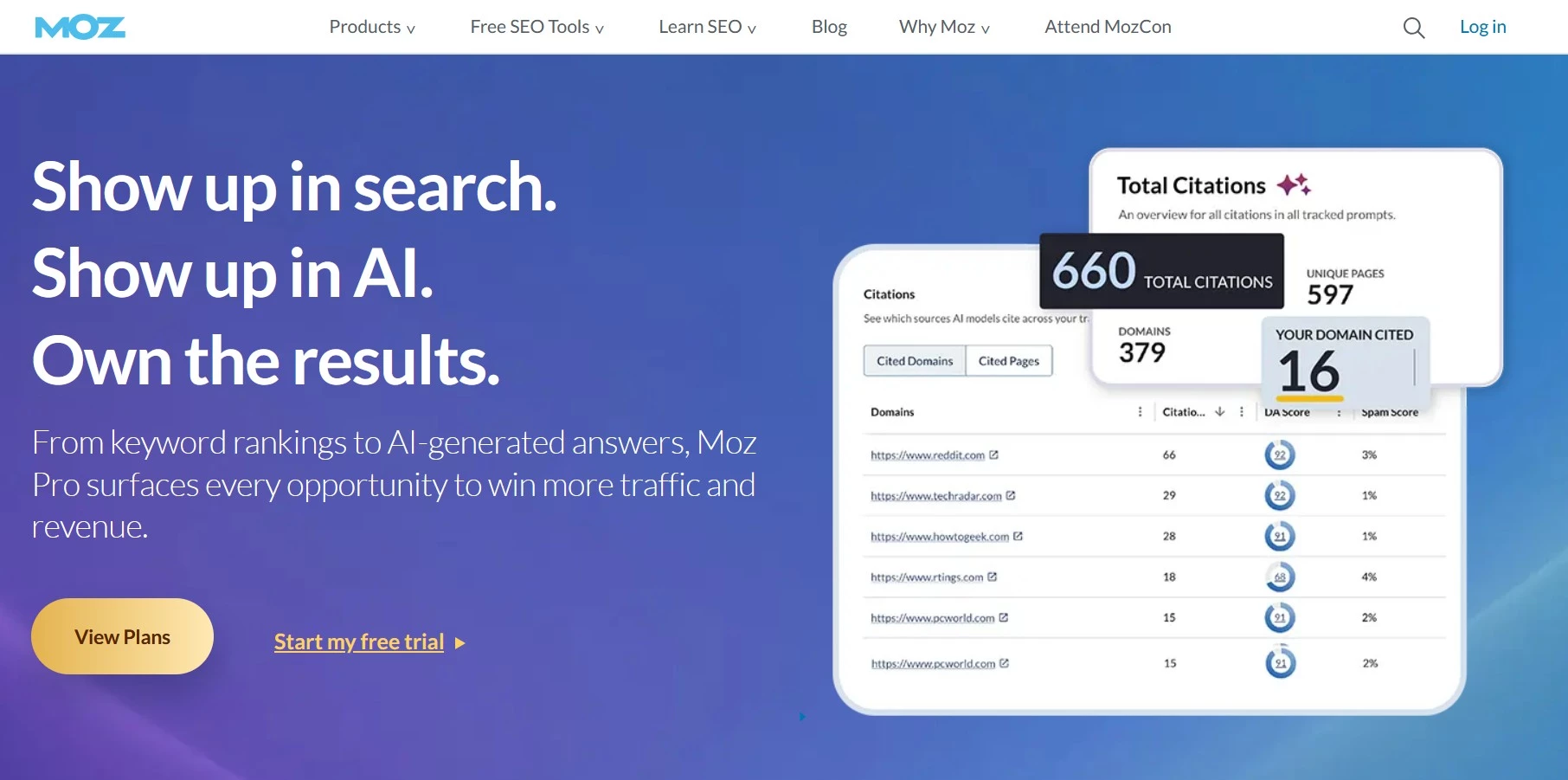
Moz created Domain Authority (DA) and Page Authority (PA), and despite competitors building their own equivalents (Ahrefs' DR, Semrush's Authority Score), DA remains the metric most widely recognized across the industry.
It's useful shorthand when discussing link quality with clients or outreach targets who may not use the same tools you do.
Link Explorer, Moz's backlink database, covers more than 40 trillion links and includes a Spam Score for flagging potentially toxic domains, plus Link Intersect for finding sites that link to competitors but not to you.
Moz's interface and reporting are less technical than those of Majestic or LinkResearchTools, making it a practical choice for small and midsized teams that need useful backlink context without highly forensic analysis.
Its proprietary metrics should be used as comparative indicators, though, rather than direct representations of how Google evaluates a website.
Pricing
- Starter: $49/month
- Standard: $99/month
- Medium: $179/month
- Large: $299/month
- Free trial available
Pros
- Familiar and easy-to-explain metrics
- Accessible interface for less technical users
- Includes keyword, ranking, and site-audit tools
- Useful competitor and spam analysis
Cons
- Less granular than specialist backlink platforms
- Authority metrics are frequently overinterpreted
- Lower plans impose tighter reporting limits
Notable features
- Link Explorer
- Domain Authority
- Page Authority
- Spam Score
- Link Intersect
- New and lost link reports
6. LinkResearchTools: Best for Advanced Link-Risk Investigations
For enterprise teams and consultants handling complex or potentially harmful link profiles
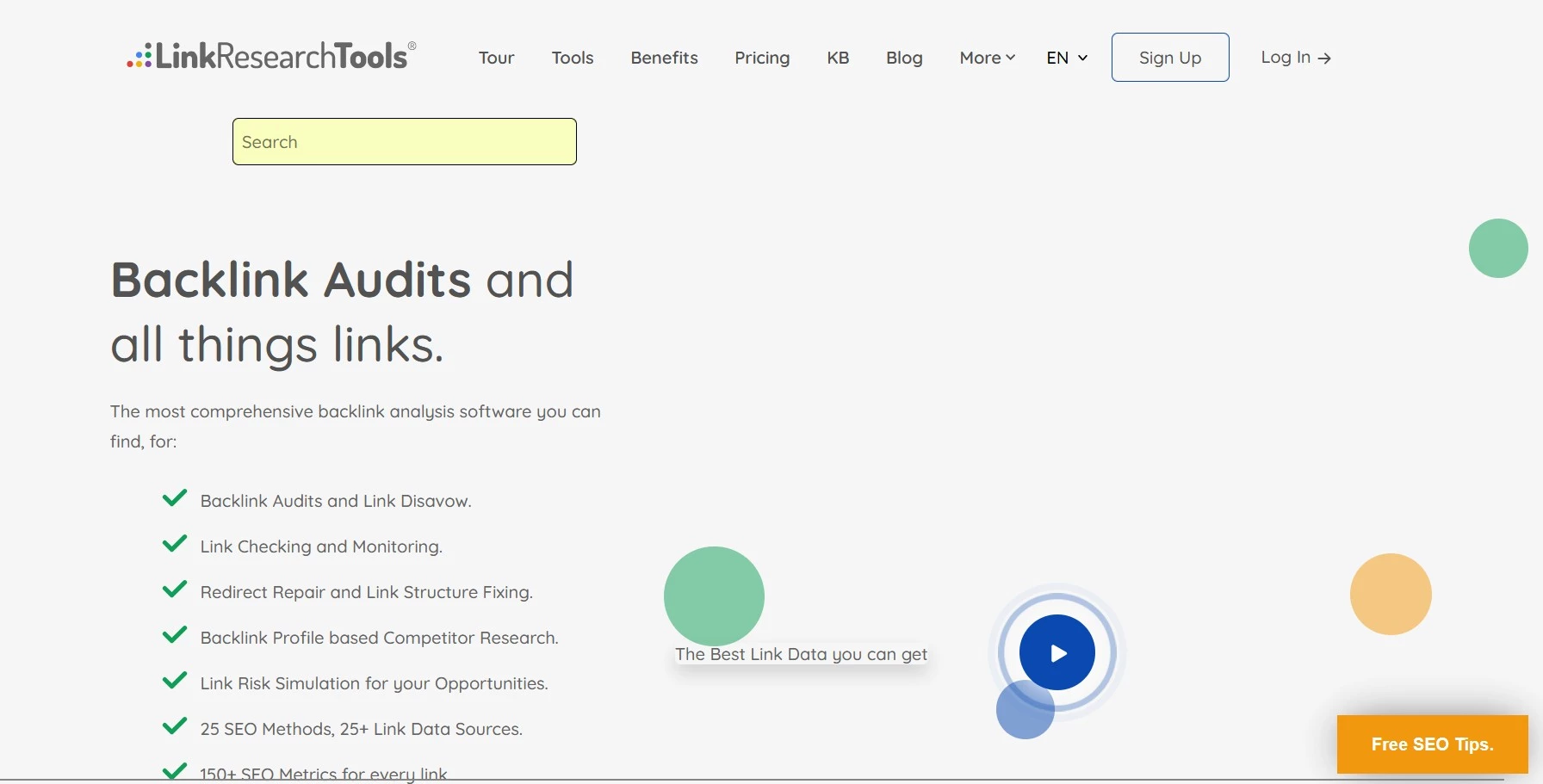
LinkResearchTools is designed for forensic backlink work rather than basic competitor checks.
Its Backlink Profiler combines data from 24 sources, cleans it, and re-crawls the links to confirm their current status. Reports can include as many as 97 metrics covering source strength, link attributes, redirects, anchors, and deleted links.
Link Detox goes further by combining more than 25 data sources with over 150 metrics and proprietary risk signals. This makes it suitable for investigating manual actions, aggressive historical link building, acquired domains, hacked links, or unusually complex profiles.
The platform’s depth comes with a steep learning curve and an enterprise-level price. It is unnecessary for most routine backlink campaigns but difficult to match when detailed risk analysis is the primary requirement.
Pricing
- Seven-day trial: $17
- Superhero Small: $599/month
- Superhero Standard: $999/month
- Superhero Plus: $2,499/month
Pros
- Combines and verifies data from numerous sources
- Provides unusually detailed risk analysis
- Strong redirect, deleted-link, and historical investigation
- Suitable for high-stakes recovery and due diligence
Cons
- Too expensive for most small and midsized businesses
- Requires specialist knowledge
- Far more complex than routine campaigns require
Notable features
- Backlink Profiler
- Link Detox
- Link Simulator
- Redirect tracing
- Link monitoring
- Competitive link-risk analysis
7. Linkody: Best for Monitoring Acquired Backlinks
For agencies, digital PR teams, and link builders that need to protect existing placements
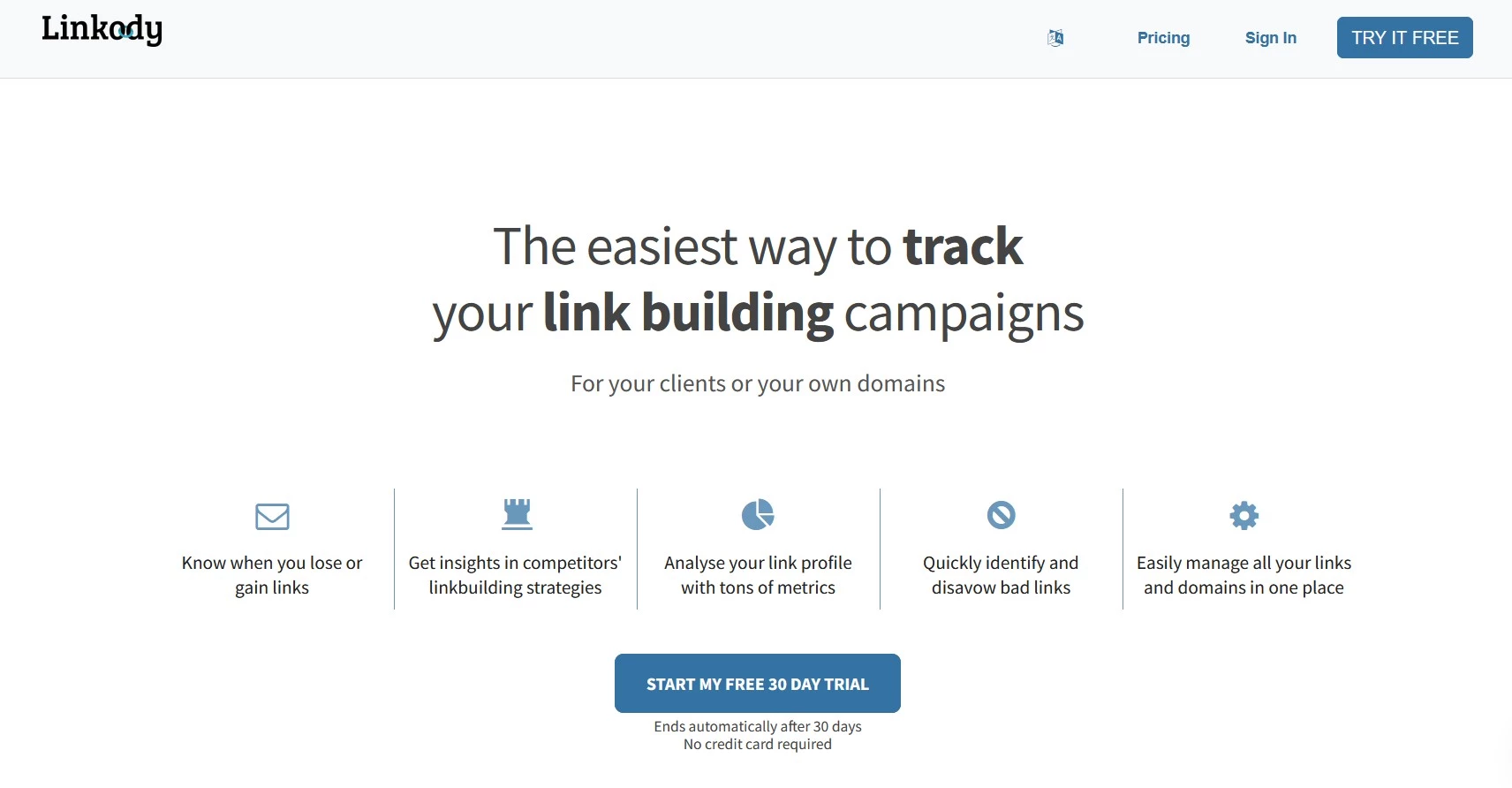
Linkody is a dedicated backlink monitoring tool that focuses on what happens after a backlink goes live. It doesn't try to be a full SEO suite.
It automatically detects backlinks for your tracked domains, checks them 24/7, and sends daily reports flagging anything new, lost, or changed (including shifts from dofollow to nofollow).
Its "Disavow" workflow flags likely-toxic links using metrics like Domain Authority and Spam Score, and generates a file ready for upload to Google.
Because it's narrowly focused, Linkody is considerably cheaper than the all-in-one platforms on this list, making it a good fit for teams that already have a keyword and rank-tracking tool and just need reliable link monitoring layered on top.
Pricing
- Webmaster: $14.90/month
- Advanced: $24.90/month
- Pro: $49.90/month
- 30-day trial with no credit card required
Pros
- Affordable and easy to operate
- Clear gained, lost, and changed-link alerts
- Suitable for client and campaign reporting
- No-credit-card trial ends automatically
Cons
- Limited deep competitor research
- Not a complete SEO platform
- Larger campaigns require higher plans
Notable features
- 24/7 backlink monitoring
- Email alerts
- Competitor tracking
- White-label reports
- Disavow-file creation
- Anchor and link-status checks
8. LinkMiner: Best for Visual Backlink Prospecting
For bloggers, freelancers, and smaller teams that want a simpler research workflow
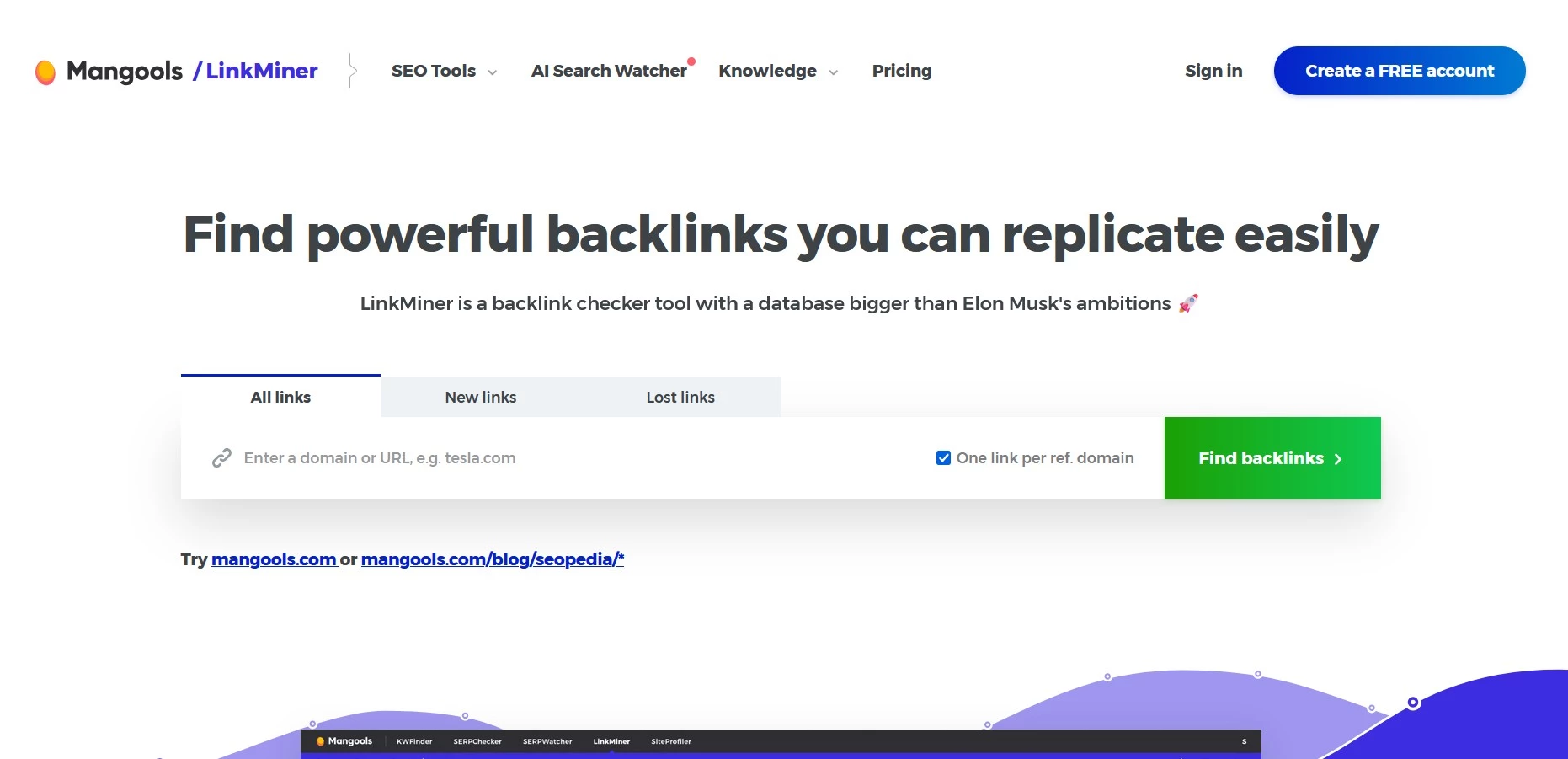
LinkMiner draws on Majestic's backlink index (9+ trillion links) but wraps it in one of the more approachable interfaces on this list. Enter a URL, and you get every linking site along with Trust Flow and Citation Flow scores, dofollow/nofollow status, and anchor text.
Plus, there's a live preview of exactly where on the page your link appears, so you don't have to open a dozen browser tabs to check context.
It's part of the wider Mangools suite (alongside keyword research, SERP analysis, and rank tracking tools), which makes it a reasonable starting point for anyone who wants basic backlink checking bundled with other SEO fundamentals at a low monthly cost.
Pricing
- Basic: $37.70/month with annual billing
- Premium and Agency plans increase usage allowances
- Limited free access is available
Pros
- Beginner-friendly interface
- Shows each link in its on-page context
- Easy prospect saving and filtering
- Bundled with a wider set of SEO tools
Cons
- Less detailed than Ahrefs or Majestic
- Not available as a standalone subscription
- Limited auditing and monitoring capabilities
Notable features
- Live referring-page preview
- Highlighted anchor placement
- All, new, and lost link filters
- Link Strength
- Saved prospect lists
- Backlink exports
9. SEO SpyGlass: Best for Desktop Backlink Analysis
For consultants and power users that prefer downloadable software without daily credits
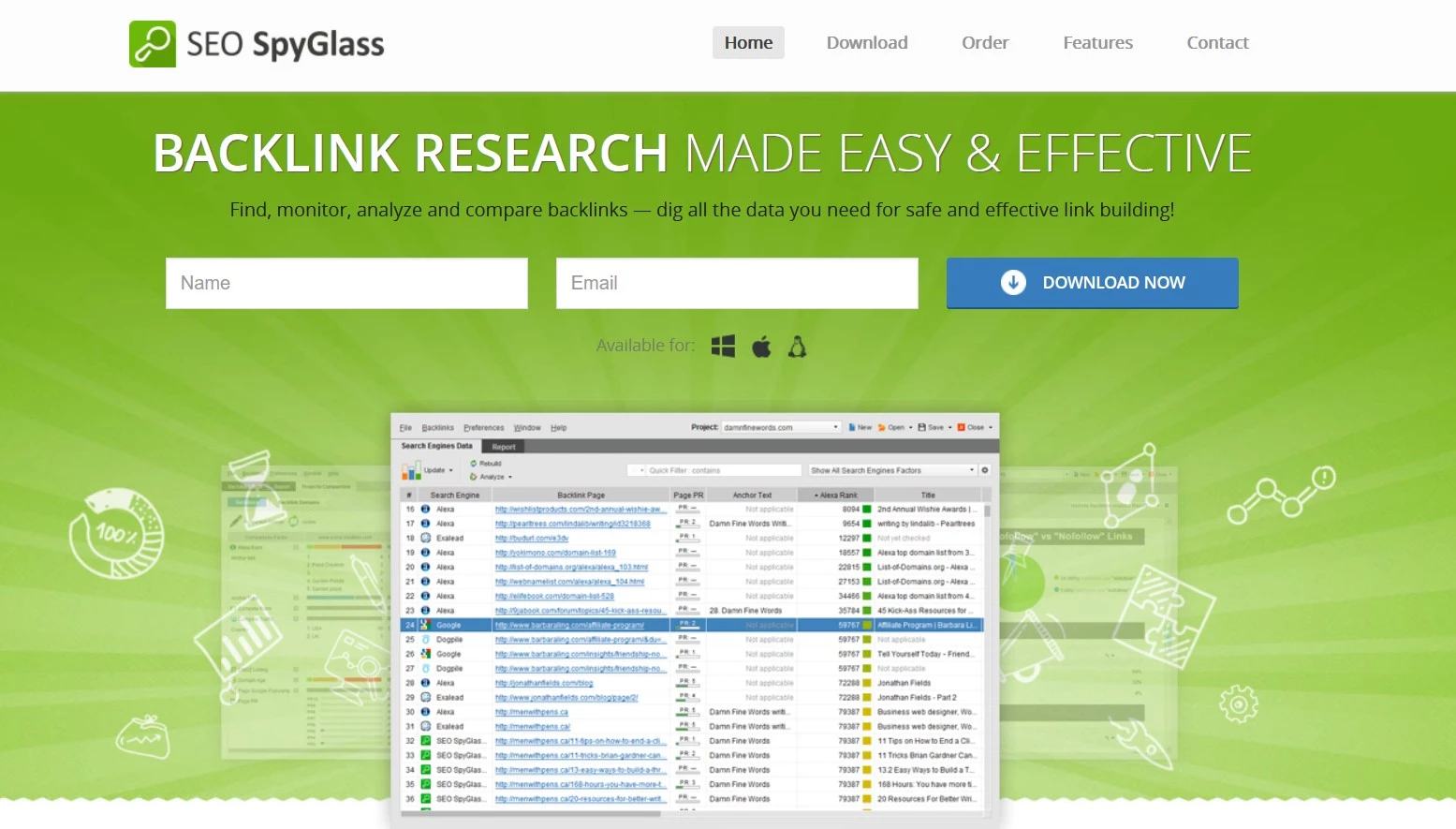
SEO SpyGlass is part of SEO PowerSuite and runs on Windows, macOS, and Linux rather than entirely in a browser. Its crawler processes 7.1 billion web pages daily, feeding an index of over 2.7 trillion backlinks.
It supports backlink research, competitor comparisons, backlink-gap analysis, historical tracking, and profile auditing. Users can evaluate links by follow status, anchor, source authority, HTTP status, destination page, and Penalty Risk.
The desktop model allows the platform to offer broad data allowances without relying on the same credit systems used by many cloud platforms. It can also integrate data from Google Search Console and Google Analytics.
The free edition supports meaningful analysis, but project saving, exports, scheduled tasks, and advanced reporting require a paid license.
Pricing
- Free edition available
- Professional: From $60/month
- Enterprise: From $140/month
- Discounts apply to longer billing commitments
Pros
- Free edition has no expiry date
- Broad backlink and competitor-analysis functionality
- No daily credit system
- Supports Windows, macOS, and Linux
Cons
- Requires software installation
- Less convenient for distributed teams
- Free projects cannot be saved or fully exported
Notable features
- Backlink-gap analysis
- Penalty Risk
- Historical backlink data
- Bulk link analysis
- Automated checks
- Google data integrations
10. Seobility: Best Affordable All-in-One Option
For small businesses that need backlink monitoring alongside core SEO tools
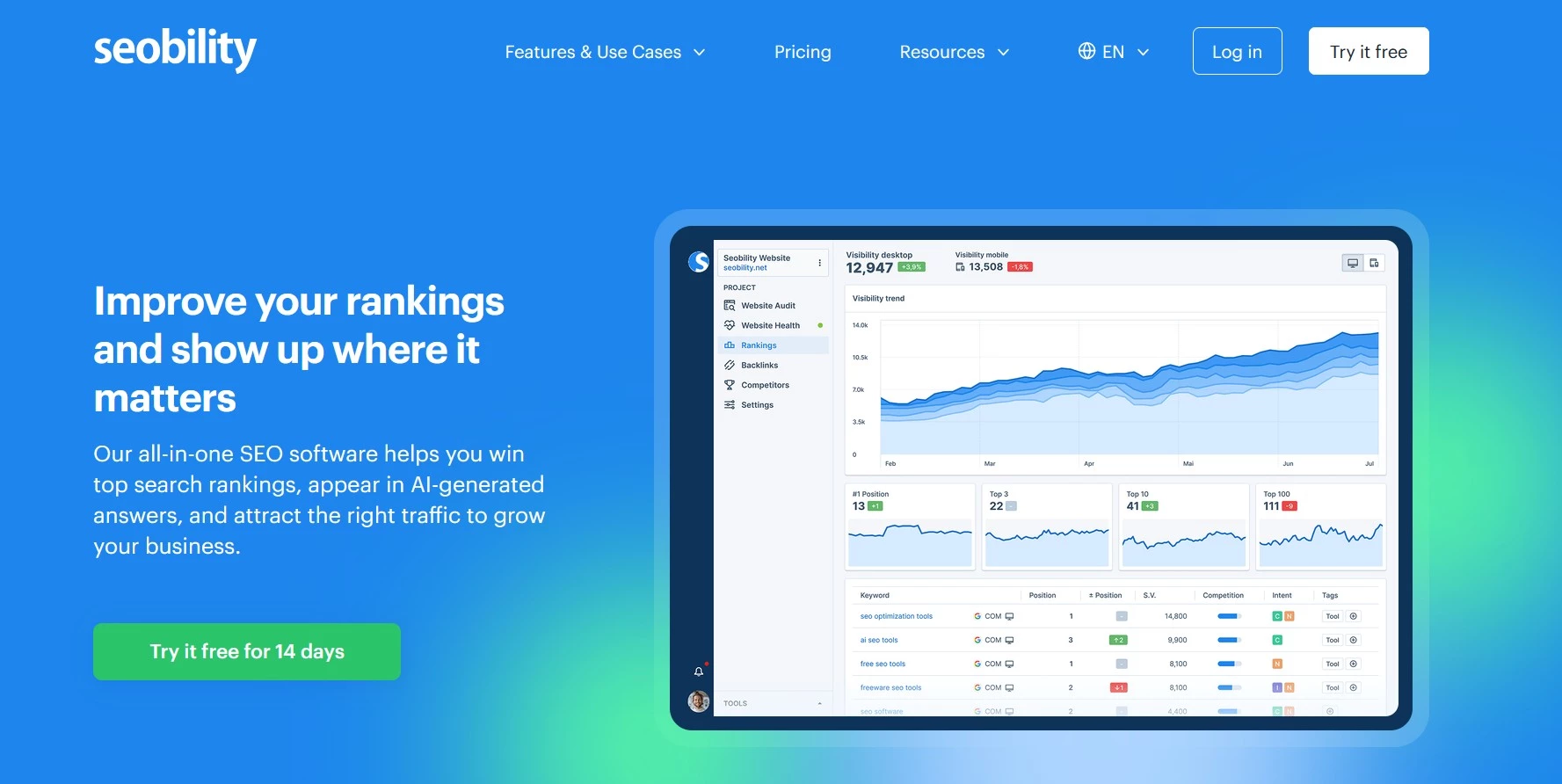
Seobility combines backlink checking with technical auditing, ranking monitoring, keyword research, and competitor analysis.
Its backlink reports are updated weekly and show newly acquired and lost links, referring domains, anchors, and broken backlinks. Users can also monitor competing profiles and receive customized link-building ideas based on tracked keywords and competitors.
The platform is less specialized than Ahrefs, Majestic, or LinkResearchTools, but its broader toolset makes it a good fit for small and midsized businesses that can't justify several separate SEO subscriptions.
A permanent Basic plan is available, while Premium adds higher limits, three website projects, exports, and fuller backlink-analysis functionality.
Pricing
- Basic: Free
- Premium: €49.90/month after a 14-day trial
- Agency: €179.90/month
- Annual plans provide a 20% discount
Pros
- Free permanent plan
- Includes backlink, technical, and ranking tools
- Clear weekly gained-and-lost reports
- Lower paid price than many full SEO suites
Cons
- Less detailed than specialist backlink platforms
- Weekly updates may be too slow for active campaigns
- Free-plan limits suit only small websites
Notable features
- Backlink monitoring
- New and lost backlink reports
- Broken-backlink analysis
- Anchor analysis
- Competitor monitoring
- Tailored link-building ideas
3 of the Best Free Backlink Checker Tools
Free backlink checkers provide enough data for basic site audits, authority monitoring, and manually reviewing a small sample of important links. These limits can be sufficient for early-stage websites with relatively small backlink profiles.
But as Mykhailo Shcherbachov, co-founder and CEO of Collaborator, says, free tools become harder to rely on as link-building scales.
“Once daily query caps, limited row exports, and the lack of automated, real-time alerts begin to stall link-building velocity, upgrading to a paid tier is necessary to maintain momentum,” Shcherbachov explains.
Here are the three free tools that offer the most value for these different use cases:
- Collaborator: Best for finding actionable link opportunities
- Google Search Console: Best for first-party website data
- Ahrefs Free Backlink Checker: Best for quick competitor checks
1. Collaborator: Best for Finding Actionable Link Opportunities
For teams that want to turn competitor backlink research into real placement options
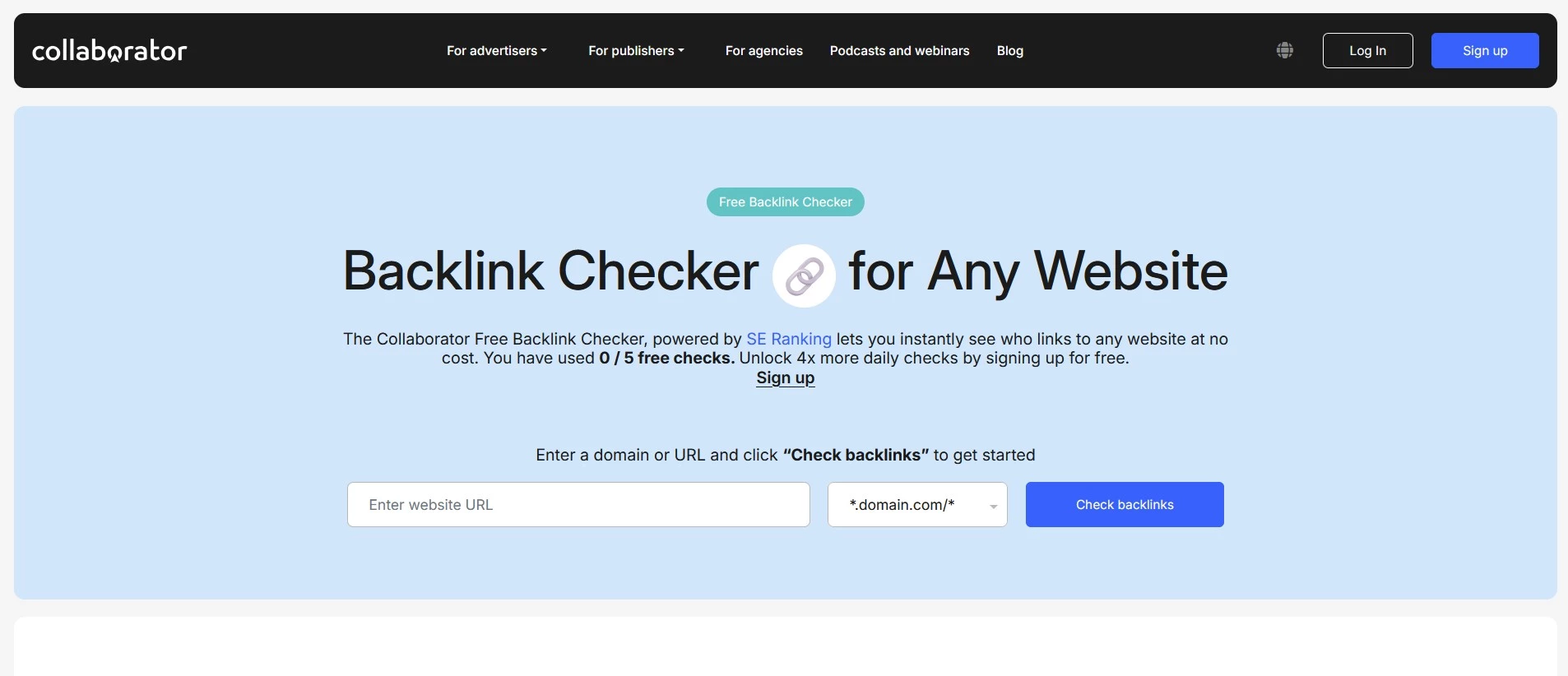
Collaborator's free checker analyzes any domain, subdomain, or individual URL and displays its 50 strongest and 50 newest backlinks, drawing on SE Ranking's database of 2.9 trillion backlinks and 411 million referring domains.
Alongside referring domains, users can view anchors, dofollow or nofollow attributes, first- and last-seen dates, and authority metrics.
Its strongest differentiator is its connection to the Collaborator marketplace. When a referring domain is available for a guest post or other content placement, the tool highlights it within the results so users can move directly from competitor research to an actionable opportunity.
Guests receive five searches per day, while registered users receive 20.
Pricing
- Free
- Five daily searches without registration
- 20 daily searches with a free account
Pros
- Connects backlink research with available placements
- No paid SEO subscription required
- Supports domain-, subdomain-, and URL-level checks
- Shows both strong and recently acquired links
Cons
- Limited to 50 strongest and 50 newest links
- Uses SE Ranking rather than a proprietary index
- Does not provide the depth of a full paid platform
Notable features
- Competitor backlink checks
- Marketplace availability
- Placement prices
- Anchor and attribute analysis
- Strongest and newest link reports
2. Google Search Console: Best for First-Party Website Data
For website owners checking links Google has associated with their own property
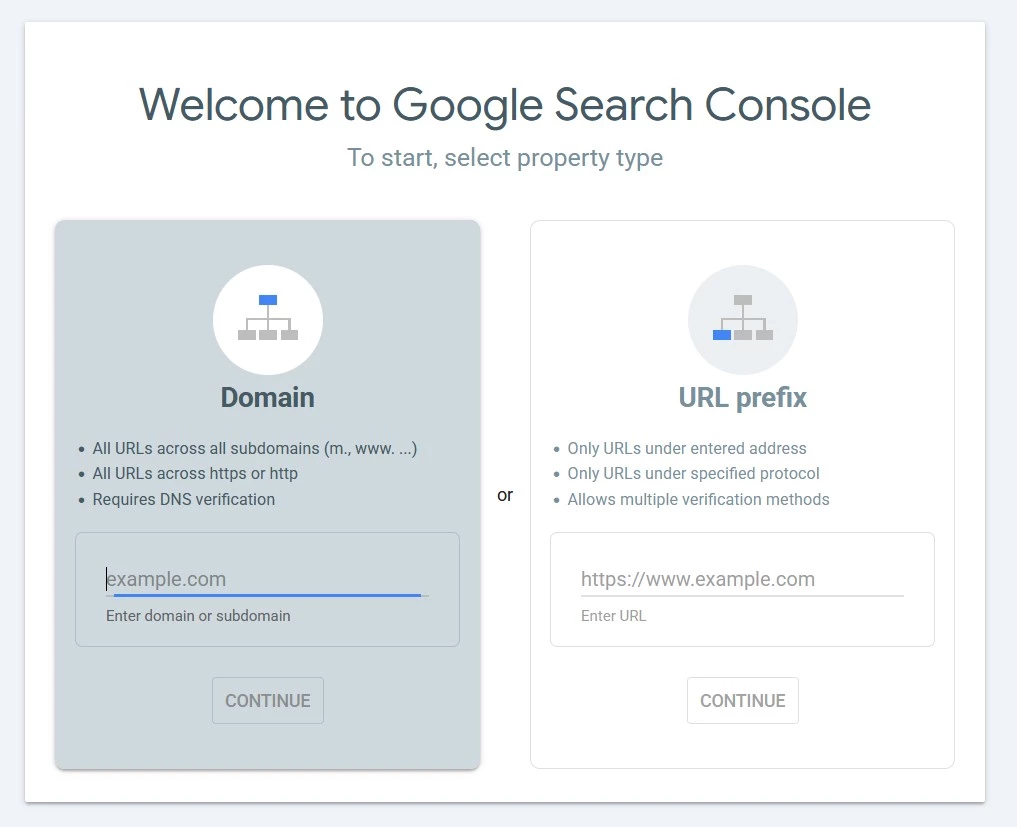
Google Search Console provides free first-party information about external links to verified websites.
The Links report identifies top linking sites, top linked pages, and commonly used anchor text. Data can also be exported to CSV or Google Sheets.
However, Google states that the report is not a comprehensive list of every known link. Its interface tables are limited to 1,000 rows, some links may no longer be live, and the report does not specify whether links are nofollowed.
It also cannot analyze websites the user does not own, so it works best as a verification source alongside a competitor-research tool.
Pricing
- Free for verified website owners
Pros
- Data comes directly from Google
- No subscription or usage credits
- Shows linking sites, pages, and anchor text
- Supports data exports
Cons
- Only works for verified properties
- Does not provide a complete backlink profile
- No competitor research
- Does not report follow status
Notable features
- Top linking sites
- Top linked pages
- Top linking text
- CSV and Google Sheets exports
- Latest-links export
3. Ahrefs Free Backlink Checker: Best for Quick Competitor Checks
For marketers that need a fast snapshot of a competing domain or page
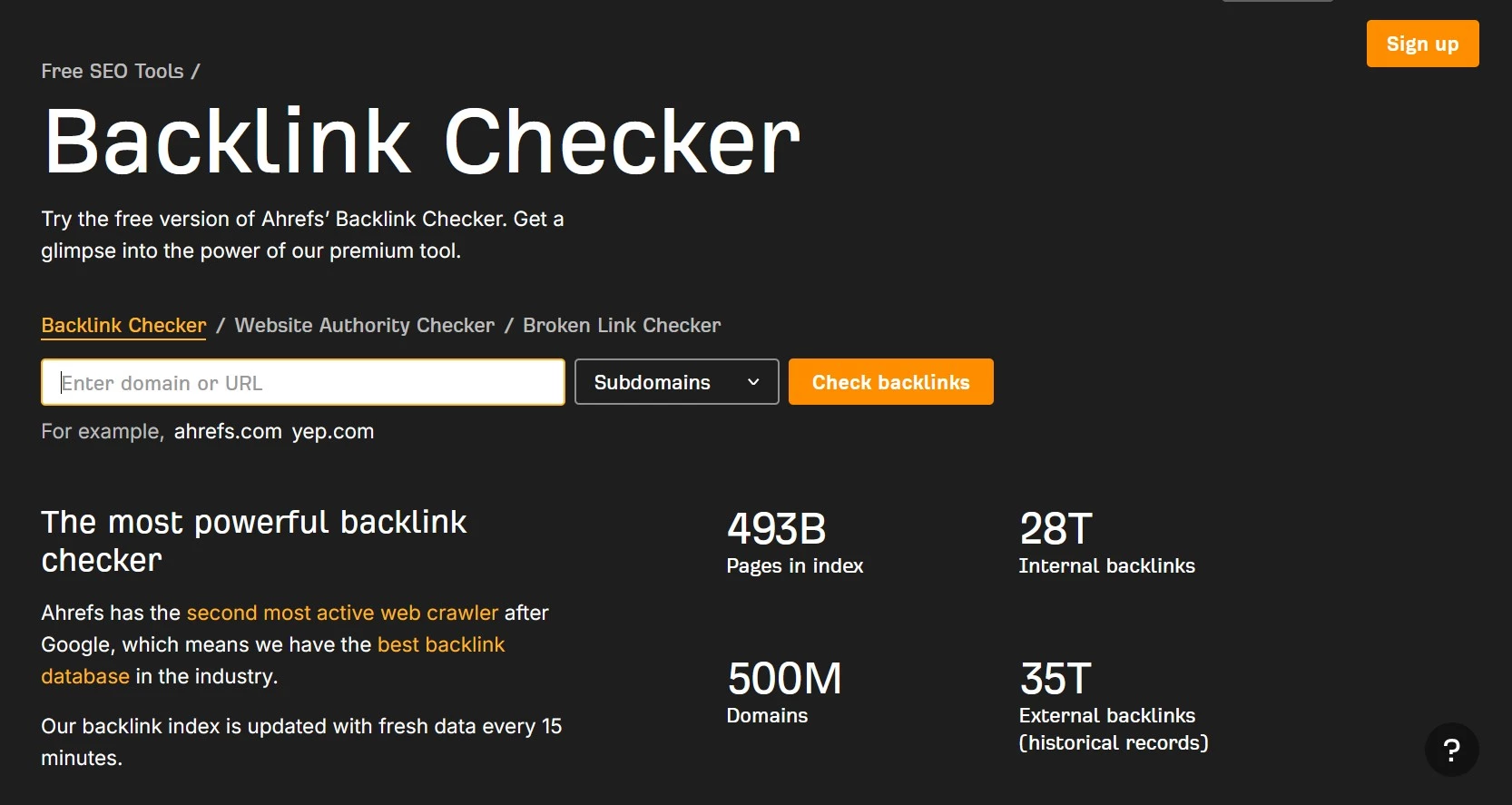
Ahrefs’ free checker shows the total number of backlinks and referring domains for any website or page, along with its top 100 backlinks.
Each result includes the referring page, anchor text, and target URL, providing enough context for quick competitor checks or early-stage prospecting.
The free experience does not include the full reports, advanced filters, extensive exports, or historical comparisons available through Site Explorer. Still, it provides a useful glimpse into Ahrefs’ backlink database without requiring a paid plan.
Pricing
- Free
Pros
- Checks any domain or individual URL
- Displays up to 100 backlinks
- Useful for quick competitor research
- No paid subscription required
Cons
- Only shows a small part of the full profile
- Limited filtering and historical information
- Full reports require a subscription
Notable features
- Total backlinks
- Total referring domains
- Top 100 backlinks
- Anchor text
- Referring and target URLs
Choosing the Right Backlink Checker Tools
Finding the best backlink checker isn't simply about which tool reports the highest number of backlinks.
The best backlink checker tool for your business is one that supplies the context, monitoring, and workflow support needed to make better link-building decisions as part of your broader SEO strategy.
Use these criteria to narrow down which of these backlinks checker tools fits your workflow:
- Define your purpose
- Weigh index depth against budget
- Compare pricing models
- Check update frequency
- Pick a link quality metric
- Prioritize toxic link management
- Choose all-in-one or specialist
1. Define Your Purpose
Are you researching competitors, monitoring your own links, recovering from a penalty, or trying to secure new backlinks?
Linkody suits ongoing tracking, LinkResearchTools suits penalty recovery, and Seobility or SE Ranking suit teams that want backlinks bundled with broader SEO tools.
2. Weigh Index Depth Against Budget
Larger indexes cost more but catch more of the web. Semrush's index holds roughly 43 trillion tracked backlinks, versus Ahrefs' 35 trillion, though Ahrefs is widely regarded as faster to verify new and dead links.
“Discrepancies in backlink metrics arise because proprietary crawlers deploy unique schedules, parsing algorithms, and differing capabilities in executing JavaScript or navigating crawl budgets,” explains Shcherbachov.
He recommends focusing on active referring domains rather than raw backlink totals, then cross-referencing them with organic traffic estimates and domain trust metrics for a clearer view of link equity.
3. Compare Pricing Models
Most tools here are monthly SaaS subscriptions, but SEO SpyGlass breaks from that pattern with a flat annual license and unlimited lookups — a good fit for anyone who prefers backlink checker software installed locally over a browser-based platform.
4. Check Update Frequency
A backlink index is only useful if it reflects the web closely enough to support current decisions
“Data freshness determines the entire operational value of a backlink report, as a stale index leads link builders to waste critical resources pitching dead 404 targets or defunct pages,” says Shcherbachov.
“It also prevents the execution of high-yield, time-sensitive campaigns such as digital PR or broken link building, which depend entirely on real-time web changes.”
If you need to catch new links or losses quickly, prioritize frequent crawling and reports that clearly show when a link was first seen, last seen, or confirmed live.
Ahrefs says its index updates every 15–30 minutes and retains historical data going back to 2016. Semrush’s crawler also updates continuously, although the links available can vary between its reports.
5. Pick a Link Quality Metric
Decide whether you need a specific quality signal (Trust Flow/Citation Flow, Domain Authority, Domain Rating) and whether your team or clients already report on one of these, since consistency matters more than which metric you pick.
6. Prioritize Toxic Link Management
If your priority is protecting an existing profile rather than building a new one, look for built-in disavow file generation and toxicity scoring (Semrush, SE Ranking, Moz, SEO SpyGlass, and LinkResearchTools all include this).
7. Choose All-in-One or Specialist
Suites (Semrush, SE Ranking, Moz Pro, Ahrefs, Seobility) bundle backlinks with keyword research and audits. Specialists (Majestic, Linkody, LinkResearchTools, SEO SpyGlass) go deeper on links but need pairing for a full workflow.
Whichever path you take, the best backlink analysis tool for you is the one that matches your team's skill level and budget, not just the one with the biggest index.
Final Take: The Best Backlink Checker Comes Down to Fit
You'll need to find the best fit for your budget, your workflow, and whether you're auditing, monitoring, or actively building links. Maybe start with a free tool to get a baseline read on your backlink profile, then invest in a paid platform once you know exactly which gap (depth, monitoring, or link quality) you need it to fill.
Our team ranks agencies worldwide to help you find a qualified partner to implement the latest AI solutions. Visit our Agency Directory for the Top Local SEO Companies, as well as:
- Top SEO Consultants
- Top On-Page SEO Companies
- Top Startups SEO Companies
- Top Enterprise SEO Agencies
- Top SEO Companies in Austin
Best Backlinks Checker Tools FAQs
1. What is a backlink checker?
A tool that scans the web (or a private index) to find and report which websites link back to a given domain or page, along with details like anchor text, link type (dofollow/nofollow), and the linking page's authority.
2. Are free backlink checkers accurate?
They're directionally useful but incomplete. Free tools typically cap results (e.g., top 100 links) and only show a slice of the full index, so they're better for quick checks than comprehensive audits.
3. Which backlink checker has the largest database?
Semrush currently reports the largest active index for the best backlinks checker tools at over 43 trillion backlinks, followed by Moz at more than 40 trillion and Ahrefs at 35 trillion.
These figures are self-reported and not independently audited, and a bigger database doesn't always mean better data. Freshness and how a tool defines a "live" link matter just as much as raw size.
4. Why do different backlink checkers show different numbers for the same site?
Each tool crawls the web with its own crawler and maintains its own independent index, so coverage, freshness, and link-discovery methods all vary — there's no single "true" backlink count.
5. Can I check a competitor's backlinks for free?
Yes, most tools on this list offer a limited free lookup (Ahrefs, Collaborator) that shows total backlinks and a capped list of the top links, even for domains you don't own.
6. How often should I check my backlink profile?
Weekly or monthly for most sites; more frequently during active outreach or PR campaigns, or immediately after a ranking drop to check for lost or toxic links.
7. Do backlinks from nofollow links still help SEO?
Nofollow links don't pass direct ranking authority the way dofollow links do, but they can still drive referral traffic and contribute to a natural-looking, diverse link profile.