
AI productivity tools can reduce the time teams spend drafting documents, organizing projects, scheduling meetings, supporting customers, and processing business data.
We reviewed 23 platforms by use case so you can choose options that fit your workflows, budget, and existing software.
Top AI Productivity Tools: Key Findings
- ClickUp Brain helps teams find project answers and draft updates, and Reclaim.ai reduces calendar juggling by automatically scheduling tasks and focus time.
- Freshdesk AI, Salesforce Agentforce, and Vic.ai target specific bottlenecks in customer support, sales workflows, and accounts payable.
- Slite helps keep team knowledge current, Lumi AI lets users explore business data in plain language, and Belle AI supports retail inventory decisions with demand forecasts.
How We Chose and Reviewed These AI Productivity Tools
We examined official product documentation, pricing pages, integration directories, release notes, and available demos or free plans. When product access allowed, we also assessed the software using tasks relevant to its stated use case.
We compared our findings with user reviews and community discussions to identify recurring benefits and limitations that vendor materials may not mention.
Our evaluation focused on seven factors:
- Primary use case: Does the tool address a defined business need, or does it add AI as a minor feature?
- AI capabilities: Which tasks can it automate, accelerate, or improve, and how much control does the user retain?
- Output quality: Are its results useful and reliable, and how much human review do they require?
- Ease of adoption: Can teams get started quickly, or does the platform require extensive configuration and training?
- Workflow integration: Does it connect with widely used business software and fit into existing processes?
- Security and data control: Does the vendor explain how it stores, processes, and protects business data?
- Pricing and value: Are costs transparent, and do the available plans provide enough value for the intended audience?
1. AI Tools for Document Creation & Collaboration
These are our picks for teams that want to create, collaborate on, and keep business documents current with AI.
| AI Tool | Best For | Key Features | Pricing (Starts At) |
| ONLYOFFICE Docs | AI document collaboration with your choice of AI | Office editors that integrate with existing business platforms, configurable AI models, and real-time co-editing | Free |
| Slite | Maintaining collaborative team knowledge | AI document maintenance, cited search, verification workflows, and real-time editing | $10/user/month, billed yearly |
ONLYOFFICE Docs: Best for Document Collaboration With Your Choice of AI
For organizations that want to add collaborative document editing to their existing platforms and control how AI is deployed.
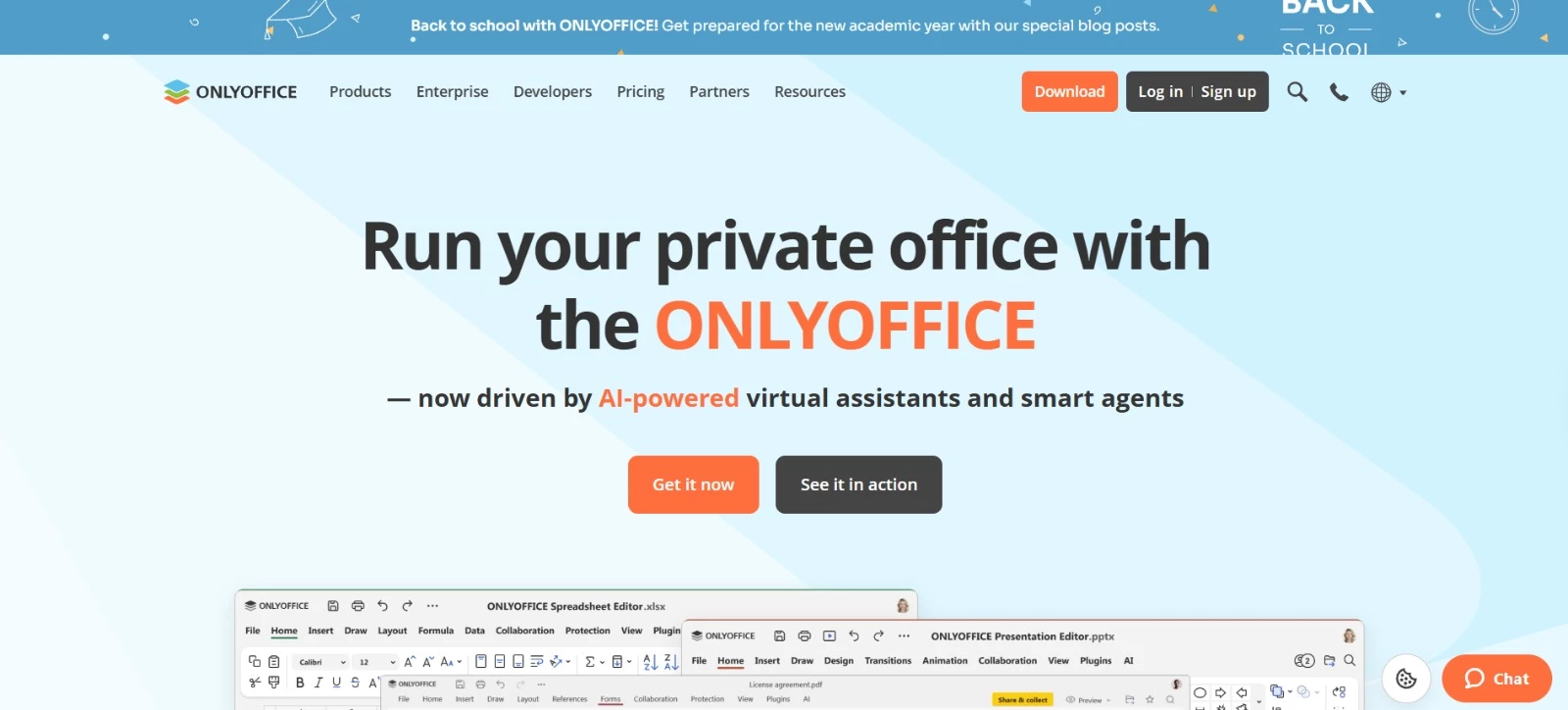
ONLYOFFICE Docs provides online editors for documents, spreadsheets, presentations, forms, and PDFs.
You can embed its editing and real-time collaboration capabilities into existing CRMs, document management systems, project management tools, and ERP platforms without moving your work into a separate office ecosystem.
Its free and opt-in AI plugin starts with no model connected, accepts customer-owned API keys, and supports multiple cloud or local models in both the web editor and desktop app.
As Galina Goduhina, commercial director at ONLYOFFICE, explains:
“This approach gives users total control over their AI integration. They can decide if they need AI assistance or not.”
Key Features
- Generates, rewrites, summarizes, and translates text within documents
- Connects to cloud AI providers or local models, with options to assign different models to different tasks
- Supports AI-assisted OCR, image generation, spreadsheet analysis, and macro creation, depending on the connected model
- Combines AI assistance with real-time co-editing, comments, and change tracking
- Integrates document editing into existing business platforms through ready-made connectors
Pricing
- Docs Community: Free for self-hosting, with community support
- Docs Enterprise: From $1,500; pricing varies by deployment, license duration, capacity, and support
- AI plugin: Free; cloud AI providers may charge separately for API usage
Potential Limitations
- AI requires configuration, and available features depend on the model you connect.
- Running local models requires suitable hardware and ongoing maintenance; self-hosting Docs also requires technical resources.
Slite: Best for Maintaining Collaborative Team Knowledge
For teams that need internal documentation to remain accurate, searchable, and easy to update.
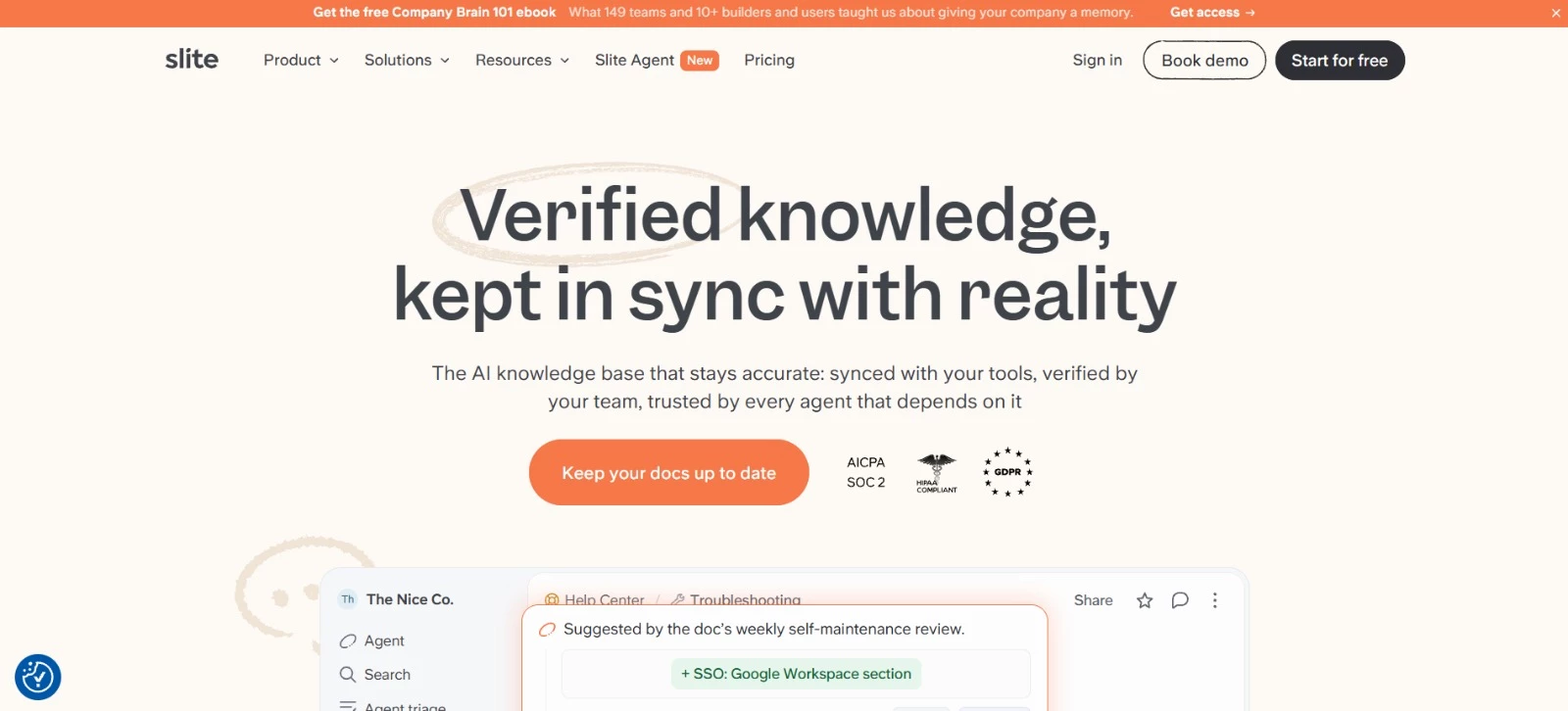
Slite is an AI-powered knowledge base for creating, organizing, and collaborating on internal documentation.
Its Pro plan adds Slite Agent, which searches connected tools, checks documents against current information, and suggests corrections for team members to approve. AI search also helps employees find answers without manually reviewing multiple pages and sources.
Key Features
- Real-time collaborative editor with comments, mentions, templates, notifications, and document history
- Document owners, verification workflows, and a Knowledge Management Panel for identifying content that needs attention
- Slite Agent searches connected tools and recommends fixes when documentation no longer matches its sources
- AI search generates answers from Slite documents and, on Pro, connected business tools
- MCP and API access let teams make verified company knowledge available to other AI tools and agents
Pricing
- Basic: $10 per user/month, billed yearly
- Pro: $20 per user/month, billed yearly; includes Slite Agent and 50 monthly agent credits per seat
- Enterprise: Custom pricing
Potential Limitations
- Slite Agent, cross-tool search, suggested document fixes, and agent workflows require the Pro plan; Basic AI search is limited to content stored in Slite.
- The Pro plan includes 50 agent credits per seat each month, which may be restrictive for teams running frequent automated searches and document-maintenance workflows.



2. AI Tools for Project & Work Management
ClickUp Brain and Buildly address two distinct areas of work management - everyday project coordination and software product planning.
| AI Tool | Best For | Key Features | Pricing (Starts At) |
| ClickUp Brain | AI-assisted work management | Answers based on workspace content, project summaries, enterprise search, and AI agents | $7/user/month for ClickUp, plus $9/user/month for Brain AI |
| Buildly | AI-native software product planning | Product briefs, requirements, release planning, and reusable component discovery | $50/month |
ClickUp Brain: Best for AI-Assisted Work Management
For teams that manage projects, tasks, documents, and communication inside ClickUp.
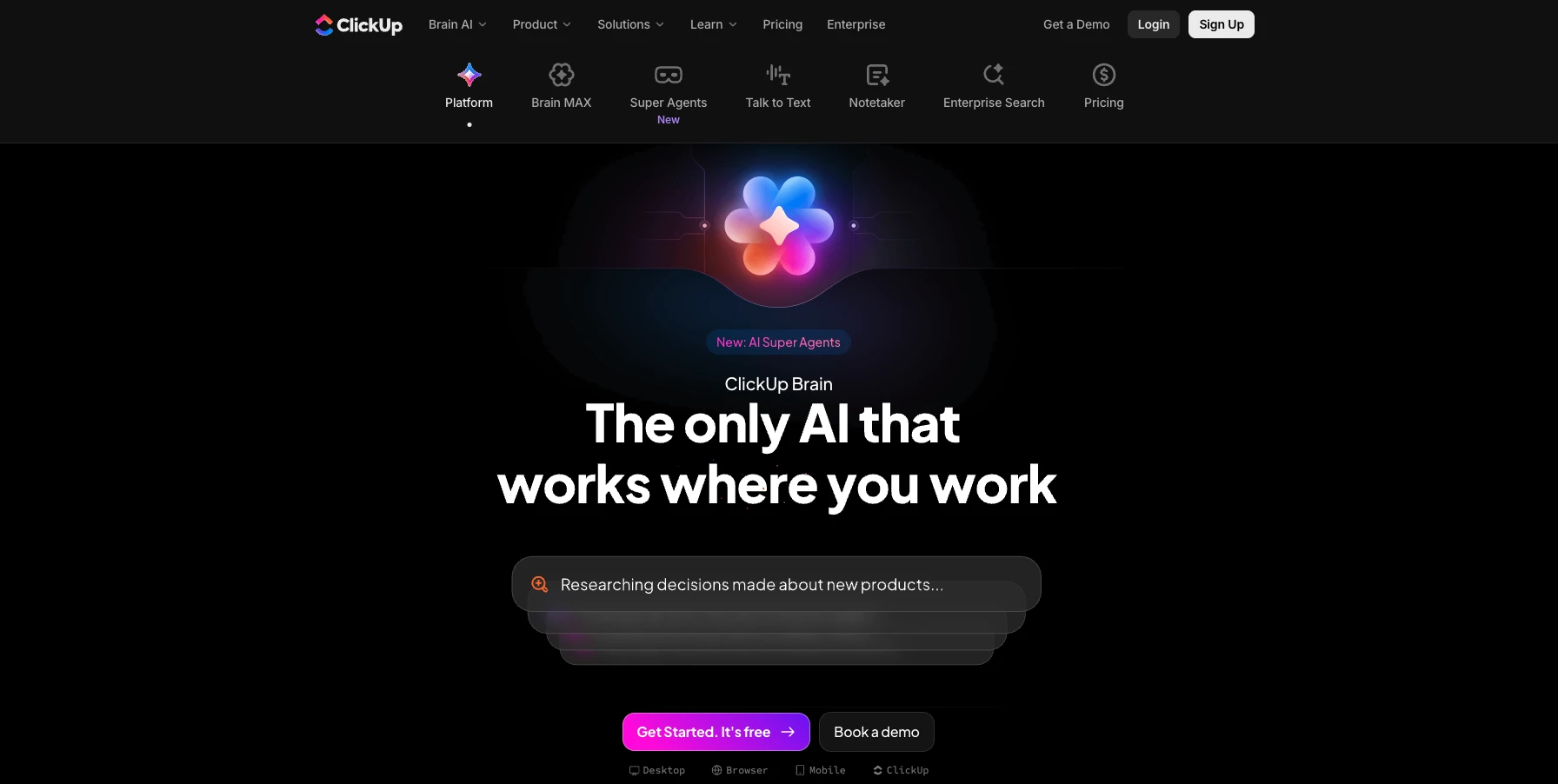
ClickUp Brain is the AI layer within ClickUp’s work management platform.
It can answer questions using workspace context, summarize project activity, draft task content, search company knowledge, and support automated workflows through agents.
Its usefulness increases when teams keep their project information and conversations inside ClickUp.
Key Features
- Answers questions and summarizes information from tasks, Docs, comments, and Chat
- Drafts task descriptions, project updates, and action items
- Searches workspace content to find project information and company knowledge
- Supports AI agents and automation for tasks such as assignment and prioritization, depending on the plan
Pricing
- Workspace subscription: Free plan available; paid plans from $7 per user/month, billed yearly
- Brain AI add-on: $9 per user/month, billed yearly; includes AI writing, workspace search, and 1,500 monthly AI Super Credits per user
- Everything AI add-on: $28 per user/month, billed yearly; adds broader automation and AI Notetaker, with 5,000 monthly AI Super Credits per user
- AI add-ons are billed separately from the workspace subscription and apply to every paid seat in the workspace.
Potential Limitations
- Credit-based AI features may incur additional costs as usage grows.
- Setting up customized workflows and automations can take time, particularly for teams new to ClickUp.
Buildly: Best for AI-Native Software Product Planning
For founders and software product teams turning ideas into structured requirements, roadmaps, and release plans.
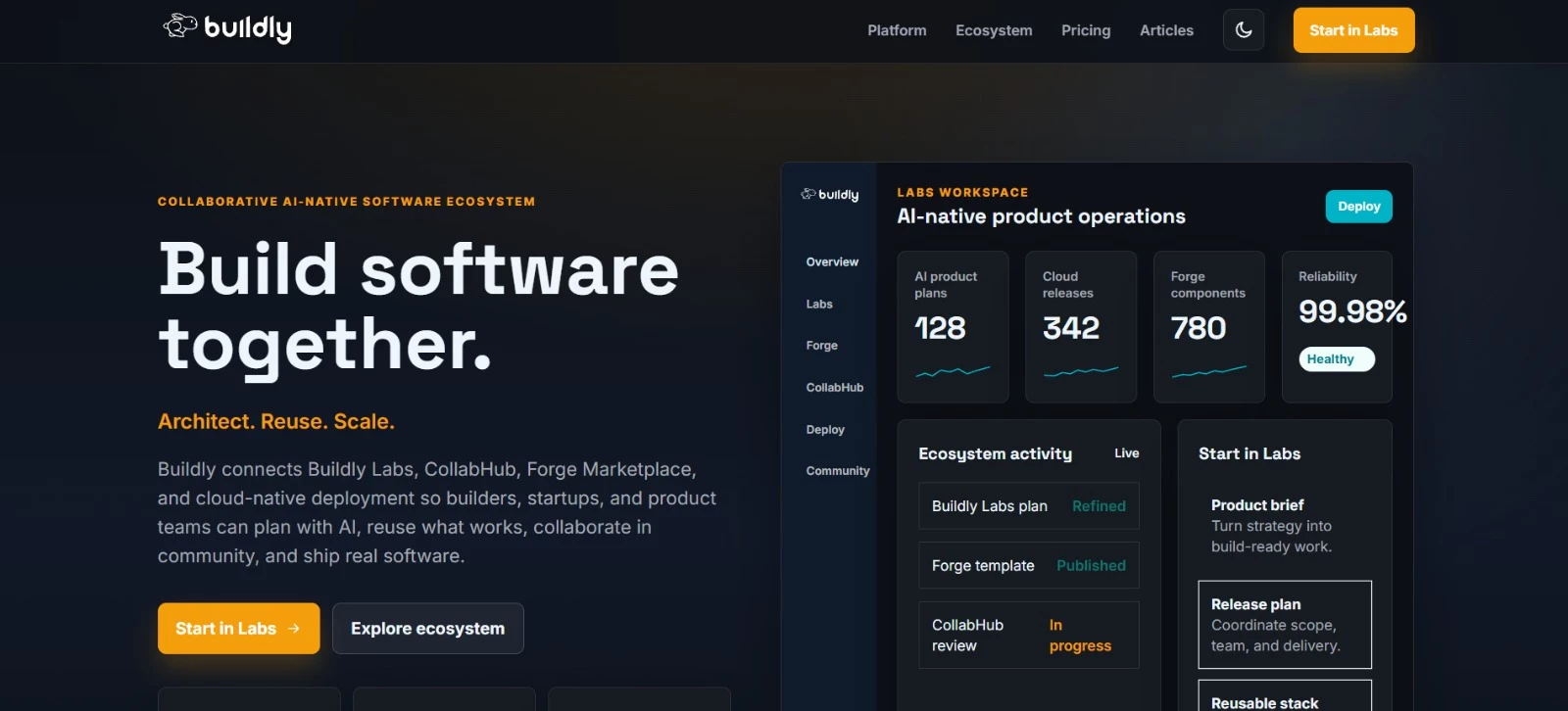
Buildly provides an AI-native product operations workspace focused on planning and delivering software. Buildly Labs helps teams create product briefs, requirements, roadmaps, and releases with human oversight.
Its wider ecosystem adds reusable software components, community collaboration, and cloud-native deployment tools.
Key Features
- Converts product strategy and ideas into structured, build-ready plans
- Supports requirements, roadmaps, release planning, and team alignment
- Automates parts of Buildly’s Rapid Application Development process
- Helps teams identify reusable services, libraries, templates, and software components
- Connects product planning with CollabHub collaboration, Forge publishing, and cloud deployment
Pricing
- Foundry: $50/month, with a 30-day free trial and no credit card required
- Growing: $75/month; adds CollabHub team features, ecosystem analytics, Forge Marketplace publishing, and priority onboarding
- Enterprise: Custom pricing; adds portfolio programs, advanced security, multi-cloud deployment operations, a dedicated success team, and an SLA
Potential Limitations
- Collaboration and Forge Marketplace publishing require the Growing plan, so the entry-level Foundry plan suits early product planning better than broader team coordination.
3. AI Tools for Meetings, Scheduling & Time Management
These tools take care of the scheduling and administrative tasks that tend to interrupt more important work.
Reclaim.ai protects calendar time, Tails creates private meeting notes, and Triponic reduces the administrative work involved in planning client trips.
| AI Tool | Best For | Key Features | Pricing (Starts At) |
| Reclaim.ai | AI calendar optimization | Focus Time, task scheduling, Smart Meetings, calendar sync | Free |
| Tails | Private meeting transcription | Local processing, live transcripts, summaries, AI chat | Free |
| Triponic | Client travel planning | AI itinerary creation, client management, invoicing | $29/month |
Reclaim.ai: Best for Protecting Focus Time
For busy professionals and teams that need more control over crowded calendars.
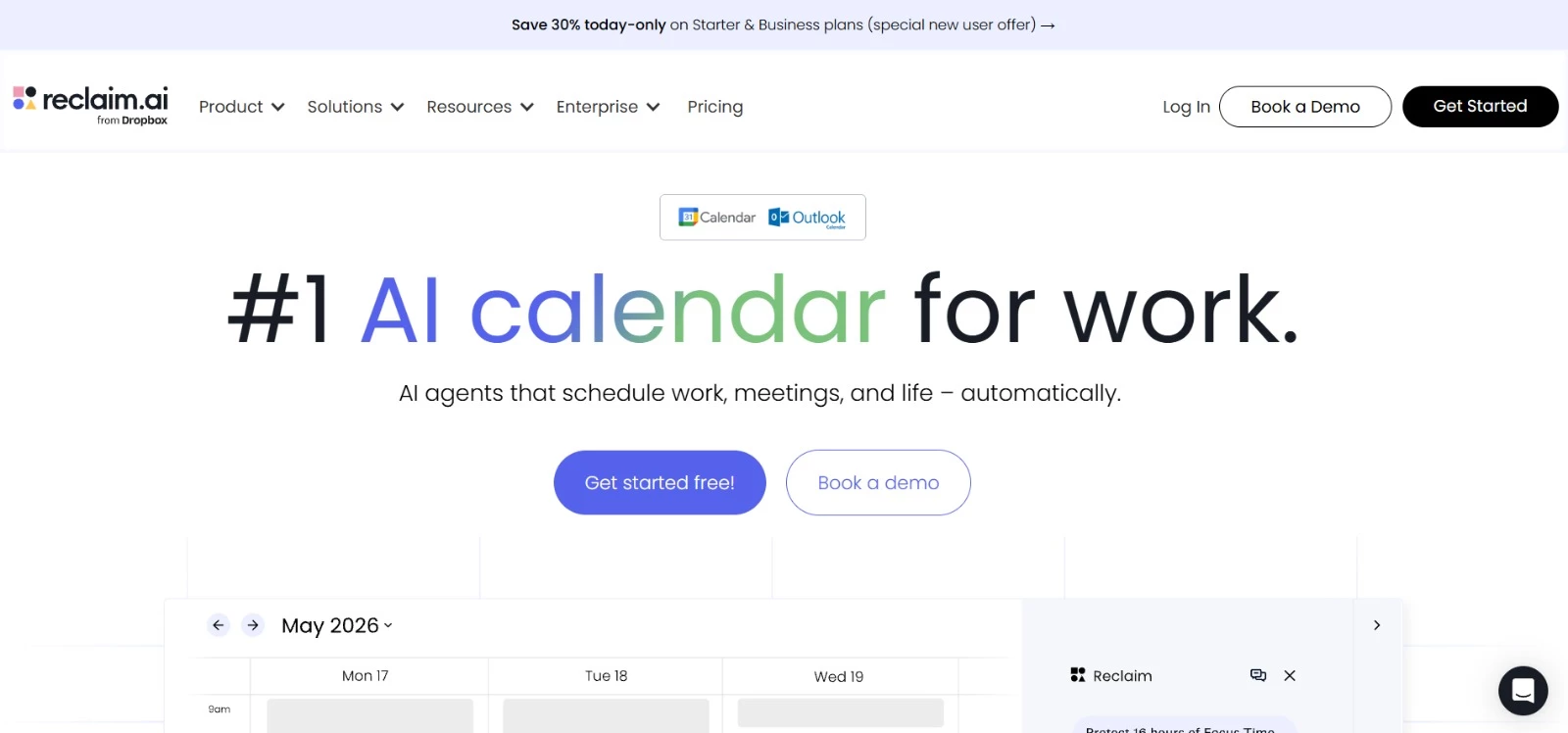
Reclaim.ai uses AI agents to schedule tasks, habits, breaks, meetings, and focused work based on your priorities and availability.
It monitors your calendar and rearranges flexible events when plans change, helping you use open time better. The Dropbox-owned platform works with Google Calendar and Outlook Calendar and can sync availability between several calendars.
Key Features
- AI agents that schedule and reschedule work automatically
- Focus Time for protecting uninterrupted work sessions
- Smart Meetings for finding suitable recurring meeting times
- Calendar Sync for coordinating Google and Outlook calendars
- Scheduling Links for sharing bookable availability
Pricing
- Lite: Free for one user and up to five AI agents
- Starter: $10 per user per month, billed annually, with 10 AI agents per user
- Business: $15 per user per month, billed annually, with 100 AI agents per user
- Enterprise: $22 per user per month, billed annually, with unlimited AI agents
Potential Limitations
- The Lite plan includes one calendar connection, one scheduling link, and a one-week scheduling range.
- Pricing is per user, so the total cost increases as more team members join.
Tails: Best for Private Meeting Transcription
For Mac users who want AI-generated meeting notes without inviting a bot to the call.
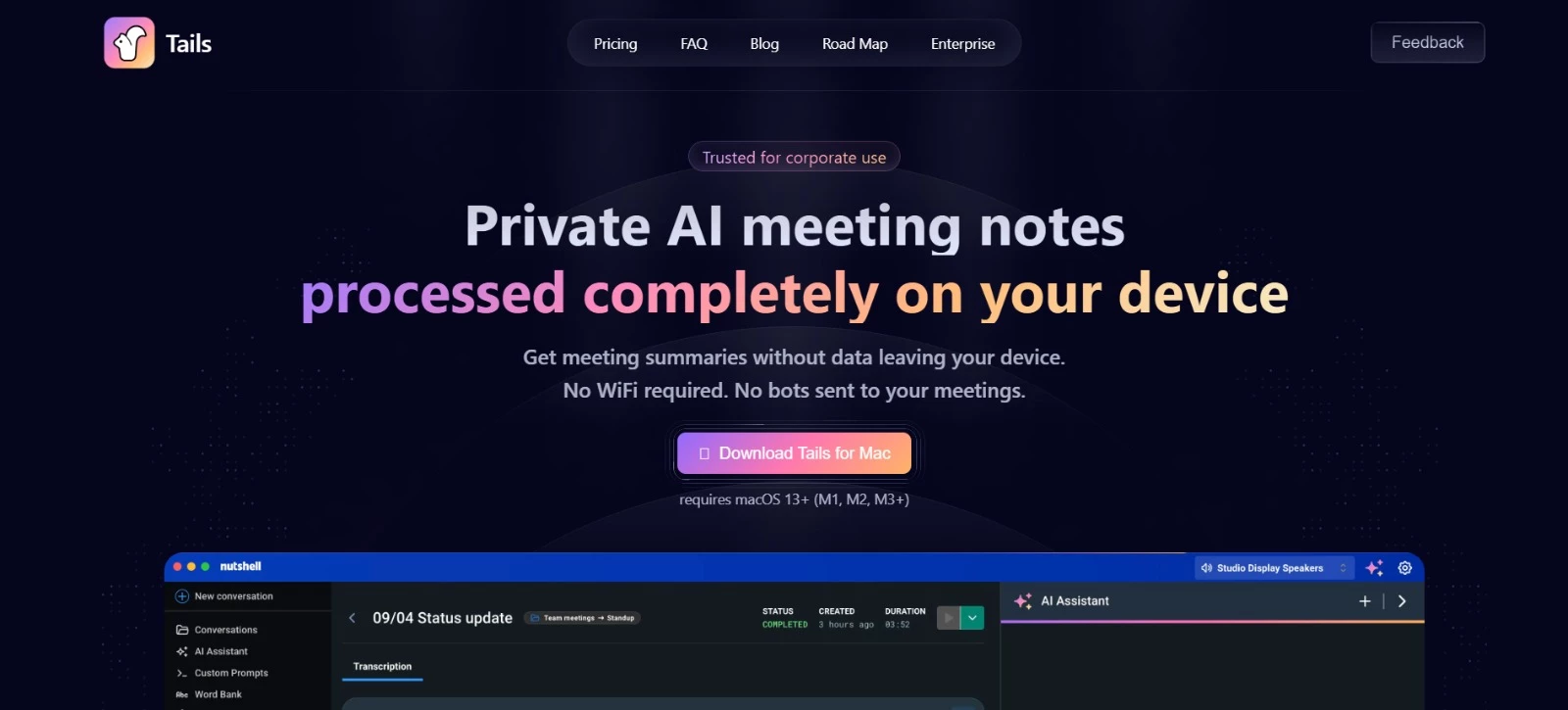
Tails records and transcribes meeting audio directly on your Mac, even without an internet connection. It works with any meeting platform and can summarize discussions, answer questions, and pull out action items after the call.
Because processing happens locally, your recordings and transcripts remain on the device.
Key Features
- On-device recording, transcription, and AI processing
- Live transcription in more than 100 languages
- Automated meeting summaries
- AI chat for reviewing conversations
- Custom prompts for decisions, action items, and follow-ups
Pricing
- Free: With transcripts limited to 10 minutes each
- Pro: $9 per month, $84 annually
- Enterprise: Custom pricing
Potential Limitations
- Tails requires macOS 13+ (M1, M2, M3+).
- The 10-minute transcription limit makes the free plan impractical for standard-length meetings.
Triponic: Best for Creating Client Travel Itineraries
For travel advisors and agencies that want to produce polished itineraries faster.
Triponic uses AI to generate client-ready travel itineraries that agents can export as PDFs or share via a link.
The platform also includes client management tools, branding options, and team workspaces, so agencies can handle more of the planning process in one place. Higher plans add white-label customization, CRM features, and API access.
Key Features
- AI-generated travel itineraries
- PDF exports and shareable client links
- Built-in client and notes management
- Team workspace and role-based access
- Branding, white-label, and API options
Pricing
- Starter: $29 per month for one agent seat and 20 itinerary generations
- Pro: $49 per month for up to three agent seats and 75 itinerary generations
- Agency: $99 per month for up to 10 agent seats and 250 itinerary generations
Potential Limitations
- Each plan limits the number of itineraries you can generate per month.
- The Starter plan includes Triponic branding and lacks the shared workspace available with Pro.
4. AI Tools for Customer Support & Self-Service
These tools help teams handle routine inquiries and give customers faster access to assistance. Freshdesk combines AI with ticket management, ContactSwing handles phone conversations, and Beacon supports users inside enterprise software.
| AI Tool | Best For | Key Features | Pricing (Starts At) |
| Freshdesk AI | AI-assisted email support | Email AI agents, response drafting, ticket summaries, knowledge base | $19/agent/month, billed yearly; additional AI charges apply |
| ContactSwing | Automated phone support | AI voice agents, appointment booking, human transfers, CRM updates | $25/month |
| Beacon.li | In-product support and onboarding | Contextual assistance, workflow execution, issue detection, human escalation | Contact sales |
Freshdesk AI: Best for AI-Assisted Email Support
For support teams that want to automate routine email inquiries and help agents handle more complex tickets.
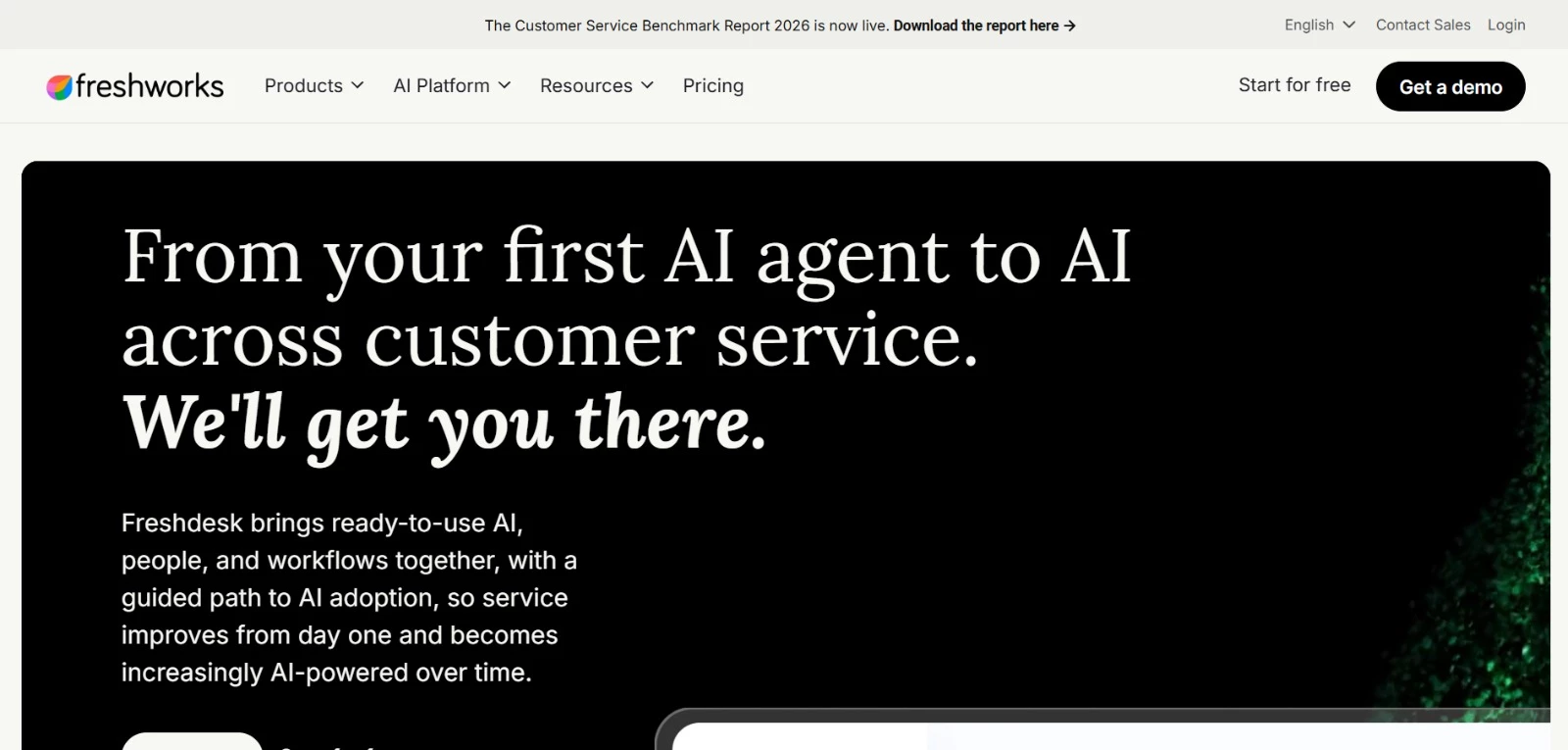
Freshdesk combines ticket management and a customer knowledge base with Freshworks’ Freddy AI capabilities.
Its Email AI Agent handles customer conversations, while the optional Freddy AI Copilot helps human agents prioritize work and prepare responses. Teams can introduce automation alongside their existing support processes.
Key Features
- Automates email responses through Freddy AI Agent
- Drafts replies, summarizes conversations, and translates messages with Freddy AI Copilot
- Suggests relevant solution articles and similar tickets
- Provides a customer portal and knowledge base for self-service
Pricing
- Growth: $19 per agent/month, billed yearly
- Pro: $55 per agent/month, billed yearly
- Enterprise: $89 per agent/month, billed yearly
- Freddy AI Copilot: An additional $29 per agent/month, billed yearly, on Pro and Enterprise
- Freddy AI Agent: First 500 sessions included once per account; additional sessions cost $49 per 100
- Free trial: 14 days
Potential Limitations
- Copilot requires Pro or Enterprise and a separate subscription.
- AI Agent sessions introduce usage costs; the initial 500-session allowance doesn’t renew monthly.
ContactSwing: Best for Automating Routine Phone Support
For businesses that need to answer customer calls, book appointments, and handle inquiries outside normal working hours.
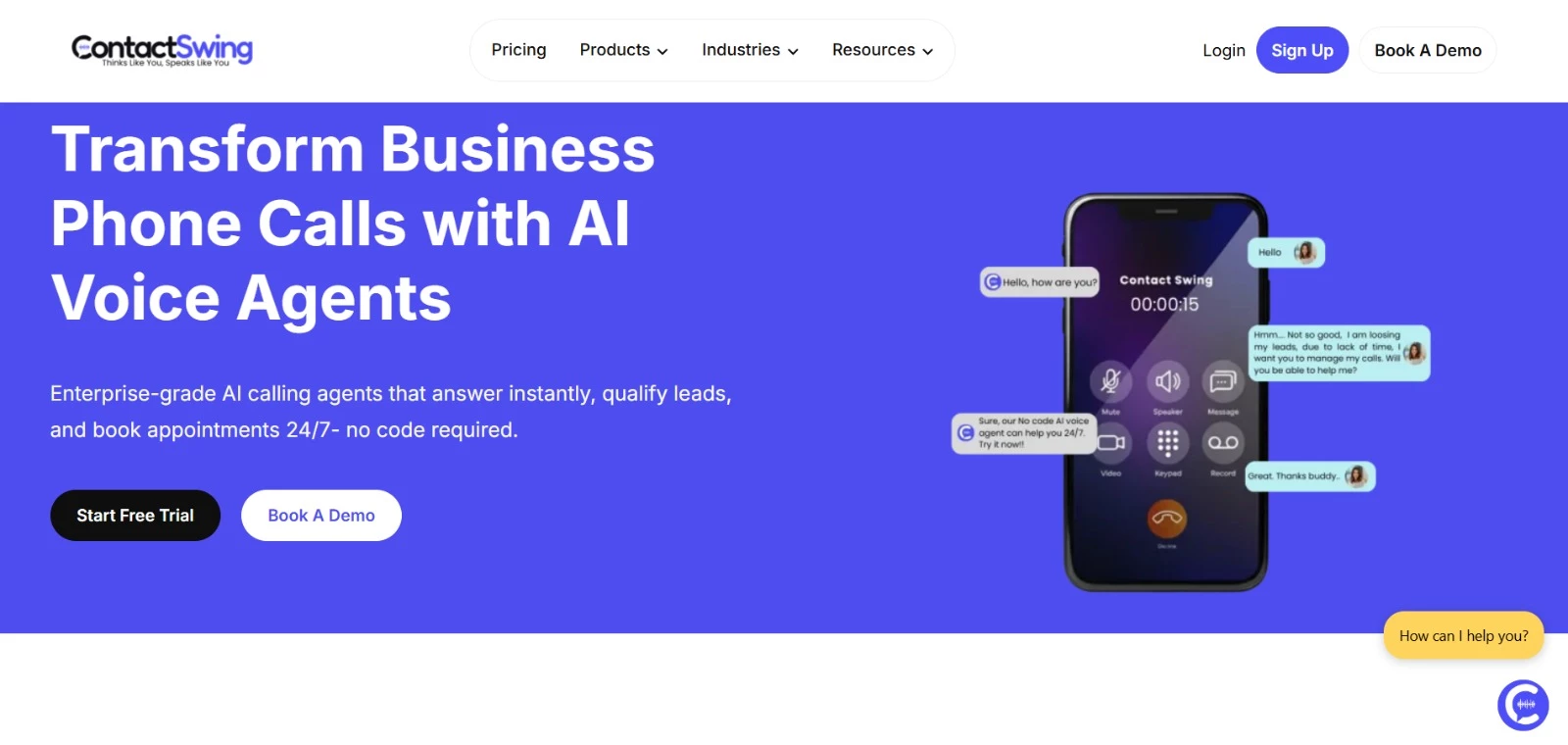
ContactSwing provides AI voice agents that answer calls and carry out routine conversations using information about your business.
Teams can configure call flows without coding, connect customer records, and transfer more complex inquiries to a human. Its scheduling capabilities also make it useful for appointment-based businesses managing frequent booking and rescheduling requests.
Key Features
- Answers customer calls and routine questions around the clock
- Books appointments and manages rescheduling
- Transfers calls to human team members when needed
- Connects with CRM platforms to update customer records
- Provides call analytics, including sentiment and agent performance
Pricing
- Starter: $25/month, with 50 AI voice minutes
- Individual: $200/month, with 1,000 AI voice minutes
- Team: $375/month, with 2,500 AI voice minutes
- Business: $750/month, with 4,500 AI voice minutes
- Free trial: 14 days with 15 AI voice minutes; no credit card required
Potential Limitations
- The Starter plan’s 50-minute allowance is better suited to testing or very light call volumes.
- Additional call minutes incur extra charges, and unused minutes don’t roll over.
Beacon.li: Best for In-Product Support and Onboarding
For enterprise software providers helping customers navigate complex workflows and resolve issues after launch.
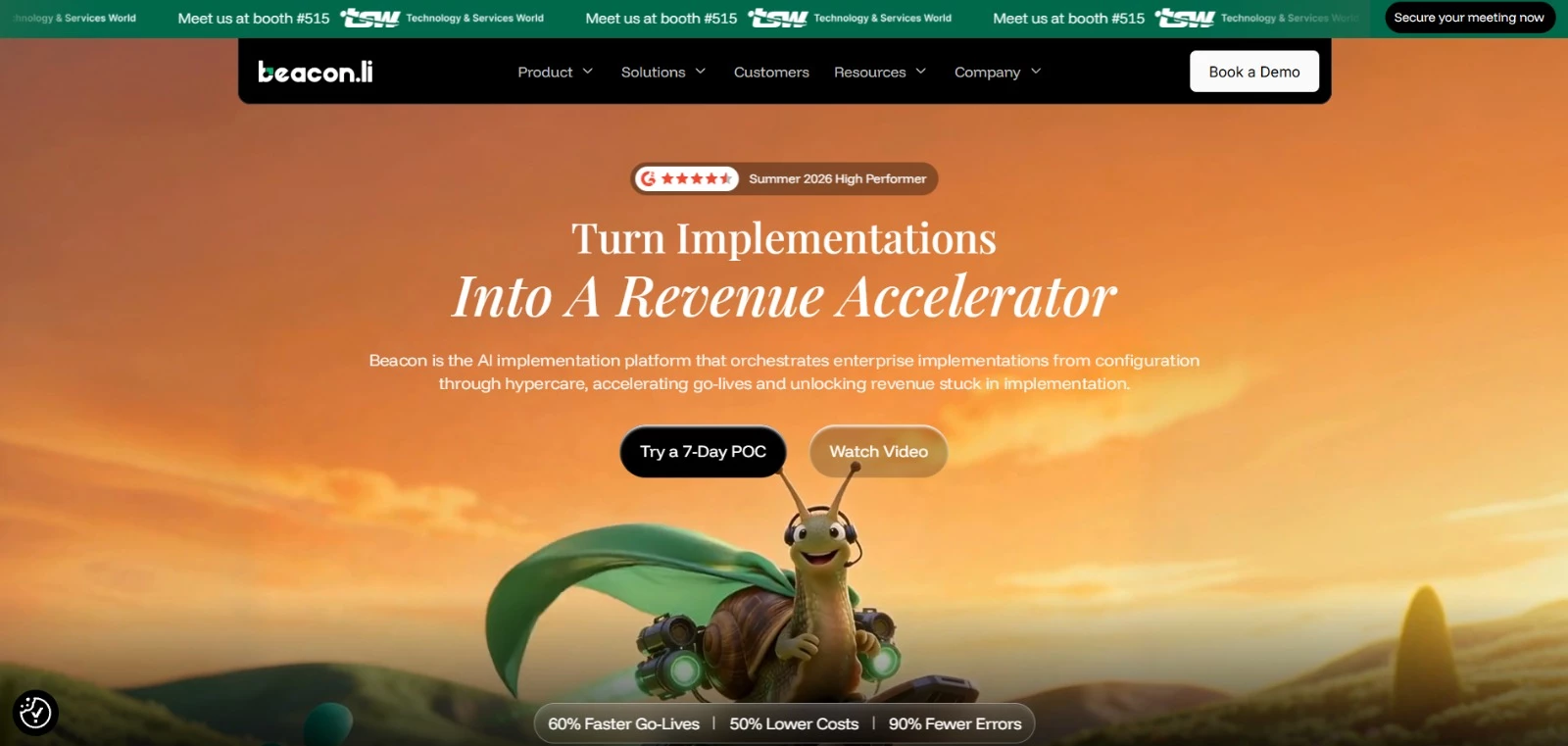
Beacon is an AI implementation platform with tools for user onboarding and post-launch support.
It learns how software works through its user interface and helps users complete tasks within the product. Its support capabilities address routine how-to questions and configuration or workflow problems, with escalation when human assistance is needed.
Key Features
- Answers routine how-to questions within the product
- Executes and validates actions to help users complete workflows
- Detects configuration, workflow, and data issues
- Supports corrective actions and passes context to human support teams when escalating
Pricing
- Paid plans: Contact sales; public subscription prices aren’t listed
- Evaluation: A seven-day proof of concept is advertised
Potential Limitations
- Its enterprise implementation focus makes it a more specialized option for software providers than for businesses seeking a basic support widget.
- Teams should use the proof of concept to check how reliably it handles their product’s workflows and customer scenarios.
5. AI Tools for Sales, Marketing & Competitor Research
These tools reduce the manual work behind sales follow-ups, competitor monitoring, and campaign reviews. Salesforce Agentforce automates sales tasks, RivalOut tracks competing businesses, and Loopholes checks marketing assets for potential policy issues.
| AI Tool | Best For | Key Features | Pricing (Starts At) |
| Salesforce Agentforce | Automating Salesforce sales workflows | Lead engagement, account research, meeting booking, CRM updates | Sales add-on from $125/user/month; usage-based options available |
| RivalOut | Weekly competitor monitoring | Traffic, SEO and social comparisons, AI digests, change alerts | $39/month |
| Loopholes | Reviewing ads for policy risks | Copy and creative scans, landing page checks, suggested fixes | $29.99/month |
Salesforce Agentforce: Best for Automating Salesforce Sales Workflows
For sales teams using Salesforce that want to spend less time researching prospects, following up, and updating records.
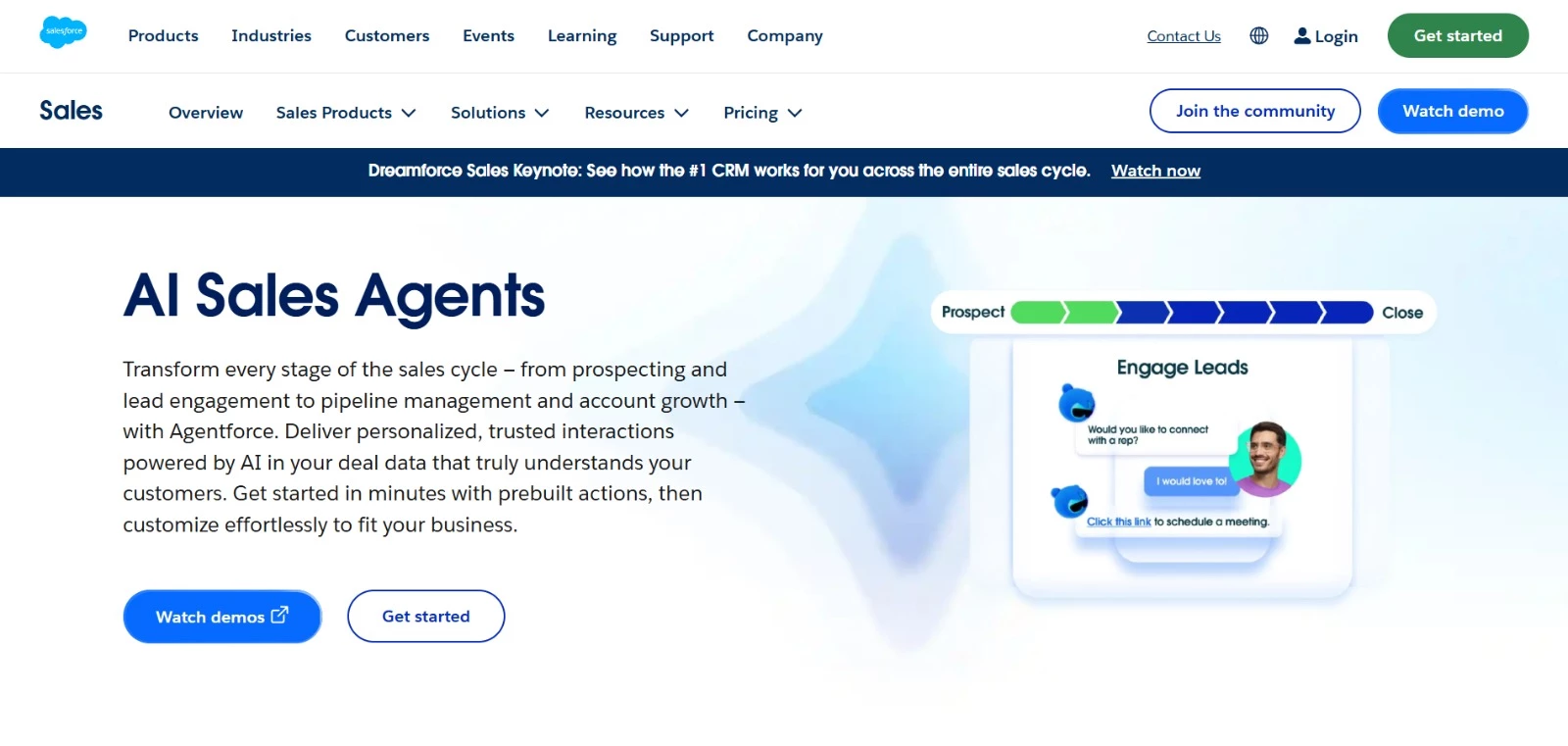
Salesforce Agentforce provides AI agents that use CRM records and connected business information to carry out sales tasks.
Its sales capabilities include answering prospect questions, booking meetings, preparing account research, and updating opportunities. Teams can choose whether certain pipeline changes happen automatically or require a salesperson’s review.
Key Features
- Researches prospects and accounts using CRM data and connected sources
- Creates personalized outreach and responds to lead questions
- Books meetings with interested prospects
- Turns sales conversations and notes into opportunity updates
- Supports pitch practice and deal-specific sales role-plays
Pricing
- Agentforce for Sales add-on: $125/user/month, billed annually; requires a separate eligible Salesforce subscription
- Usage-based option: $500 per 100,000 Flex Credits, with consumption based on the actions performed
- Salesforce Foundations: A $0 starting option with limited credits for eligible customers
- Total costs depend on your Salesforce edition, selected capabilities, and usage.
Potential Limitations
- Teams need to configure data access, business rules, and workflows before handing over sales tasks.
- Licensing and usage charges can make the total cost harder to estimate than a standard per-user subscription.
RivalOut: Best for Weekly Competitor Monitoring
For marketers and product teams replacing manual competitor checks with recurring reports.
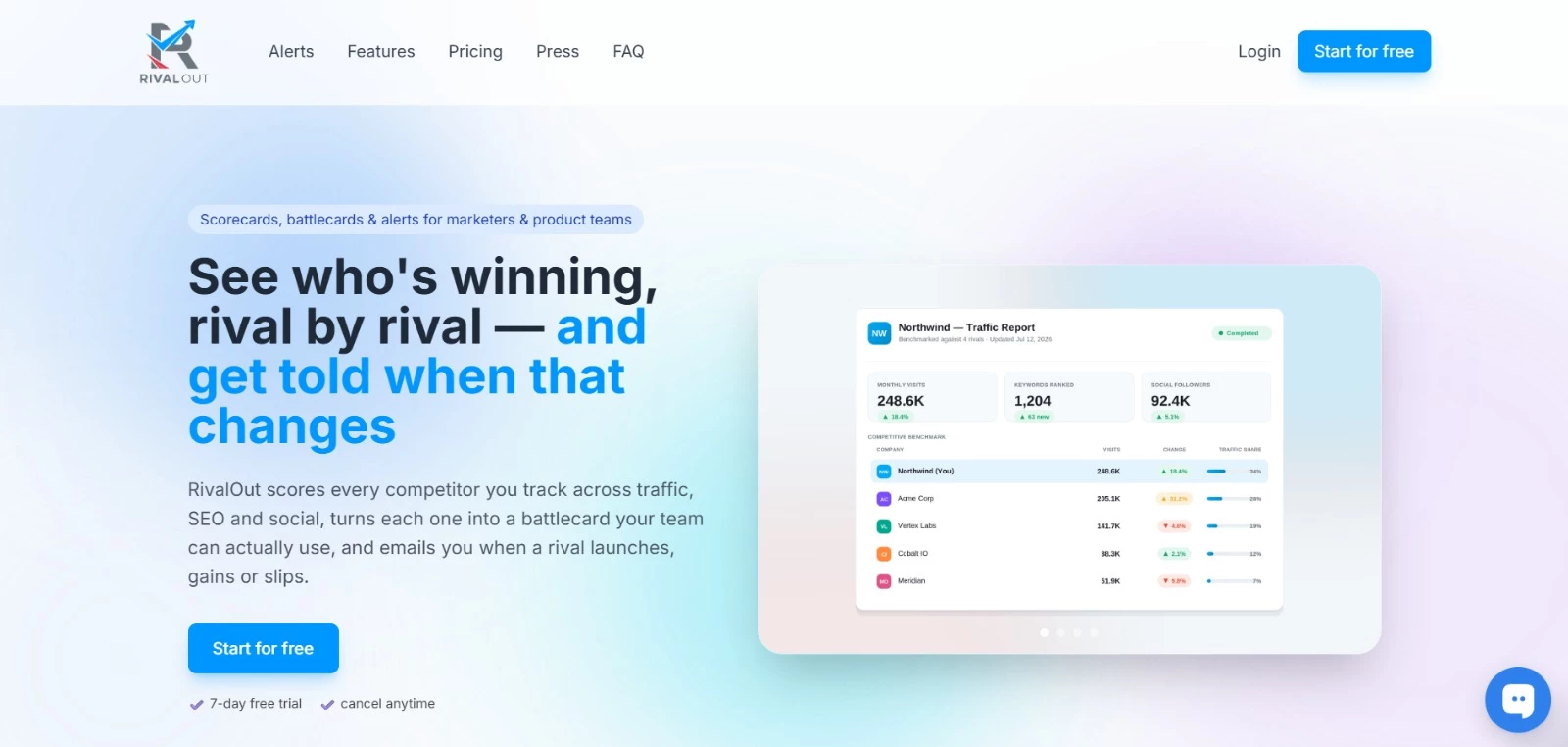
RivalOut compares your business with specific competitors across traffic, SEO, and social activity, producing weekly AI digests and alerts when changes exceed defined thresholds. The idea is to help teams decide which developments deserve attention.
Key Features
- Compares competitors’ traffic, keywords, and social performance
- Produces weekly AI summaries and action plans
- Flags significant traffic, search, and social changes
- Adds competitor discovery and website positioning alerts on Team
- Offers branded reports and scheduled PDF exports on Agency
Pricing
- Solo: $39/month for three competitors and one seat
- Team: $99/month for 10 competitors and three seats
- Agency: $199/month for 10 client workspaces, each with three competitors
- Enterprise: Custom pricing
- Free trial: Seven days on Solo and Team
- Prices shown are for monthly billing.
Potential Limitations
- Weekly checks may be too infrequent for teams that need immediate alerts.
- Social activity spikes can suggest a campaign launch but don’t confirm one; findings still need interpretation.
Loopholes: Best for Checking Ads for Policy Risks
For marketers and agencies reviewing campaigns in restricted or closely regulated categories.
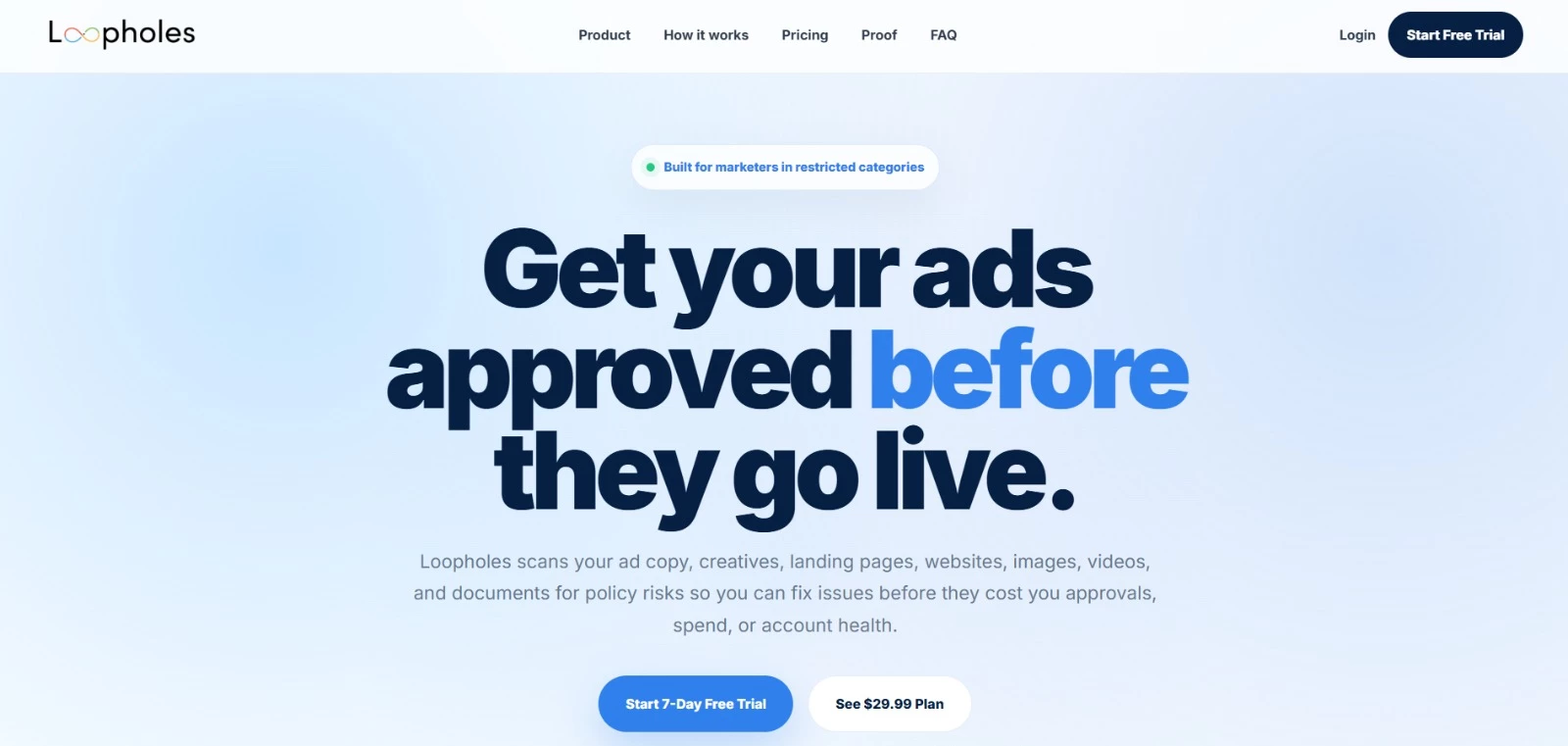
Loopholes helps marketers catch risky claims, visuals, and wording before they lead to rejected ads or delayed campaigns.
It checks both ads and their destination pages, identifies possible problems, and suggests edits. This gives teams an initial review of claims, visuals, and disclaimers before submitting campaigns.
Key Features
- Scans ad copy, websites, and landing pages
- Reviews images, videos, and documents
- Checks for potential Meta and Google advertising policy issues
- Explains flagged risks and suggests fixes
- Provides a Chrome extension, dashboard, and scan history
Pricing
- Individual: $29.99/month
- Free trial: Seven days
Potential Limitations
- Risk detection doesn’t guarantee platform approval or legal compliance.
- Recommendations still need human review, particularly for regulated claims; the platform explicitly states that it doesn’t replace legal counsel.
6. AI Tools for Finance & Back-Office Processing
These tools tackle two paperwork-heavy workflows: processing supplier invoices and preparing insurance claims correspondence. Vic.ai automates accounts payable tasks and Voltaire helps claims teams draft and review letters.
| AI Tool | Best For | Key Features | Pricing (Starts At) |
| Vic.ai | Automating accounts payable | Invoice extraction and coding, purchase order matching, approval routing | Contact sales |
| Voltaire | Preparing insurance claims letters | Policy-supported drafts, review workflows, audit trails, claims-system integrations | Contact sales |
Vic.ai: Best for Automating Accounts Payable
For finance teams spending too much time entering invoice data, assigning accounting codes, and chasing approvals.
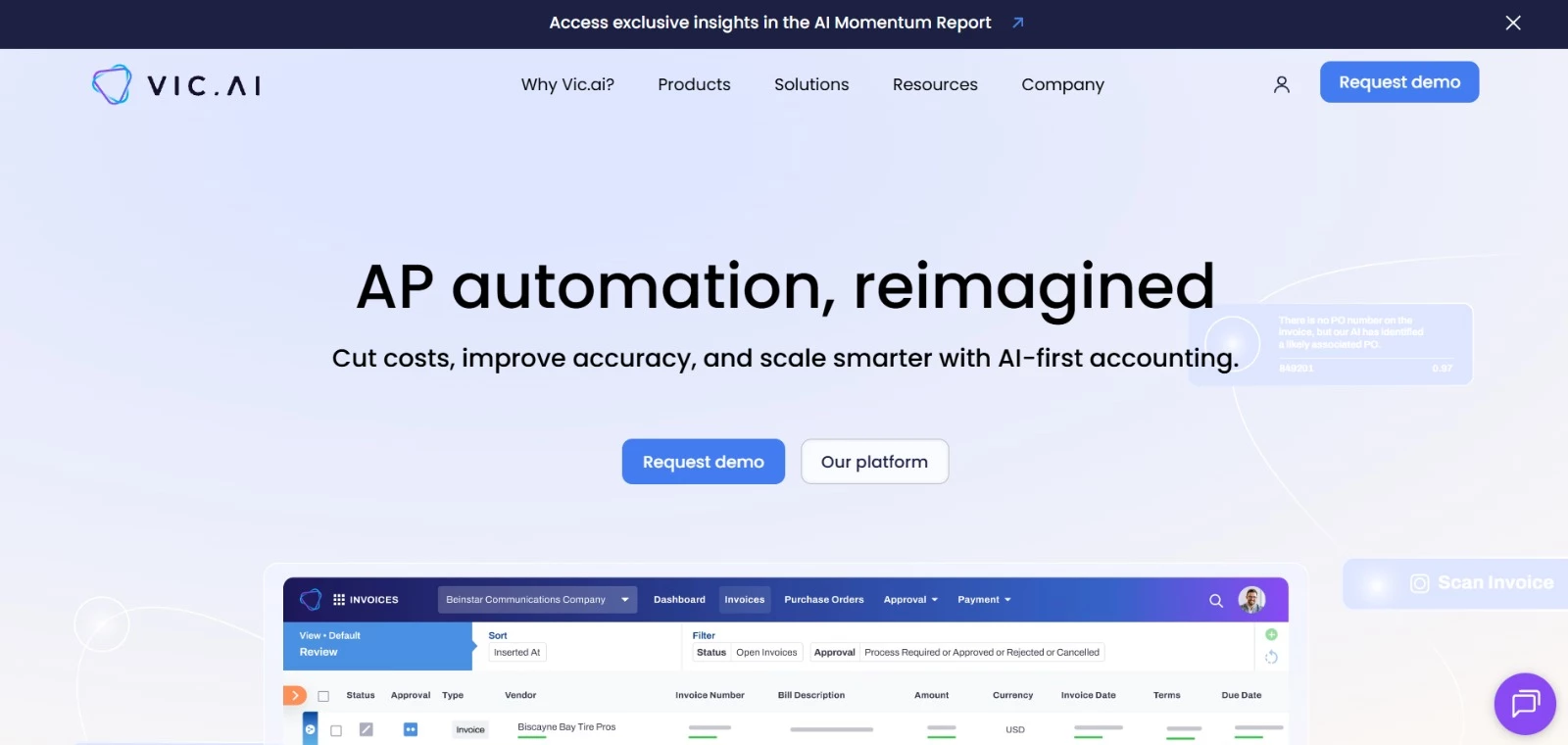
Vic.ai moves invoices from receipt through coding, matching, and approval, working alongside your existing ERP.
Its AI learns from corrections and can process invoices automatically when they meet your configured confidence thresholds. Exceptions go to the team for review, allowing staff to focus on discrepancies and unusual transactions.
Key Features
- Extracts invoice details and assigns accounting codes
- Matches invoices with purchase orders and goods receipts
- Routes approvals using criteria such as amount, vendor, and department
- Flags duplicate invoices and discrepancies for review
- Syncs processed invoice data and approval information with your ERP
Pricing
- Direct purchase: Contact sales for a quote
- AWS Marketplace offering: $25,000 for a 12-month AP Module contract, with a $2 fee per invoice above the contracted allowance
- The AWS listing is a specific contract offering, not a universal starting price.
Potential Limitations
- Teams must configure approval workflows and confidence thresholds around their internal controls.
- Uncertain predictions and matching discrepancies still require human review.
Voltaire: Best for Preparing Insurance Claims Letters
For property and casualty insurance teams handling large volumes of claims correspondence.
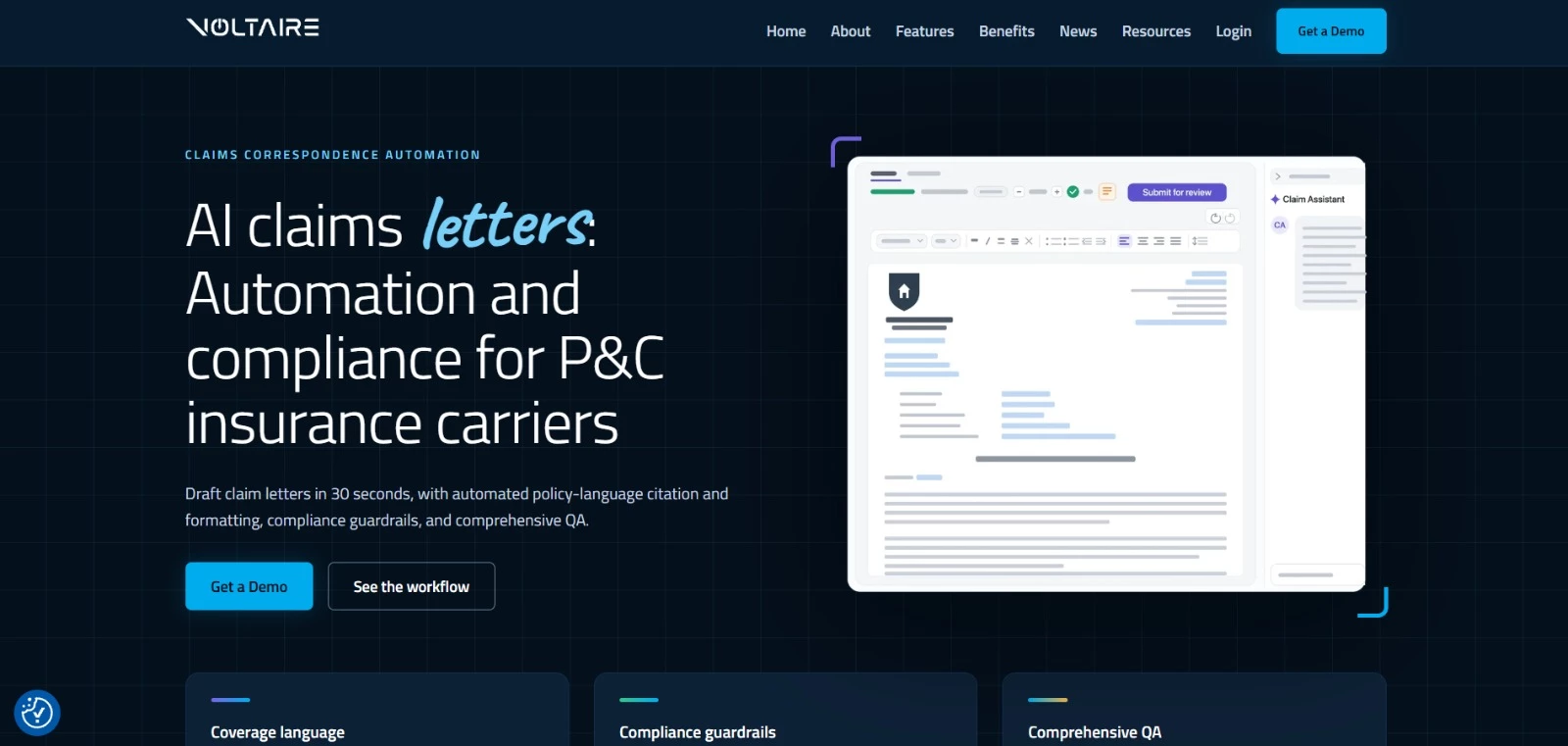
Voltaire helps adjusters turn claim details and coverage decisions into letters supported by relevant policy language.
It brings drafting, formatting, review, and approval into one workflow, reducing the repeated lookups and copy-and-paste work involved in preparing correspondence. Adjusters retain responsibility for coverage decisions and final approval.
Key Features
- Generates claims letters from approved templates and selected claim information
- Adds relevant policy language to denial and reservation of rights letters
- Organizes supervisor and quality-assurance reviews in shared queues
- Keeps supporting information, review context, and approval status together
- Integrates with Guidewire and other claims management systems
Pricing
- Paid plans: Contact sales; public subscription prices aren’t listed
- Demo: Available on request, using a claims scenario relevant to your team
Potential Limitations
- Its focus on property and casualty claims makes it a specialized choice for insurers.
- Teams need to configure approved policy sources and review requirements; coverage judgment and final approval remain with staff.
7. AI Tools for Business Data, Forecasting & Strategy
From investigating sales trends to planning stock levels and evaluating growth opportunities, AI can support several stages of business decision-making. Lumi AI helps teams explore company data, Belle AI forecasts retail demand, and NexStrat AI structures research and strategic planning.
| AI Tool | Best For | Key Features | Pricing (Starts At) |
| Lumi AI | Exploring business data in plain language | Conversational analytics, charts, anomaly detection | $45/month, billed annually |
| Belle AI | Retail demand forecasting | Store-level forecasts, inventory planning, replenishment alerts | Contact sales |
| NexStrat AI | Developing strategic plans | Guided analysis, research, action plans, presentations | $24/month, billed annually |
Lumi AI: Best for Exploring Business Data in Plain Language
For operations and finance teams that want answers from business data without writing SQL.
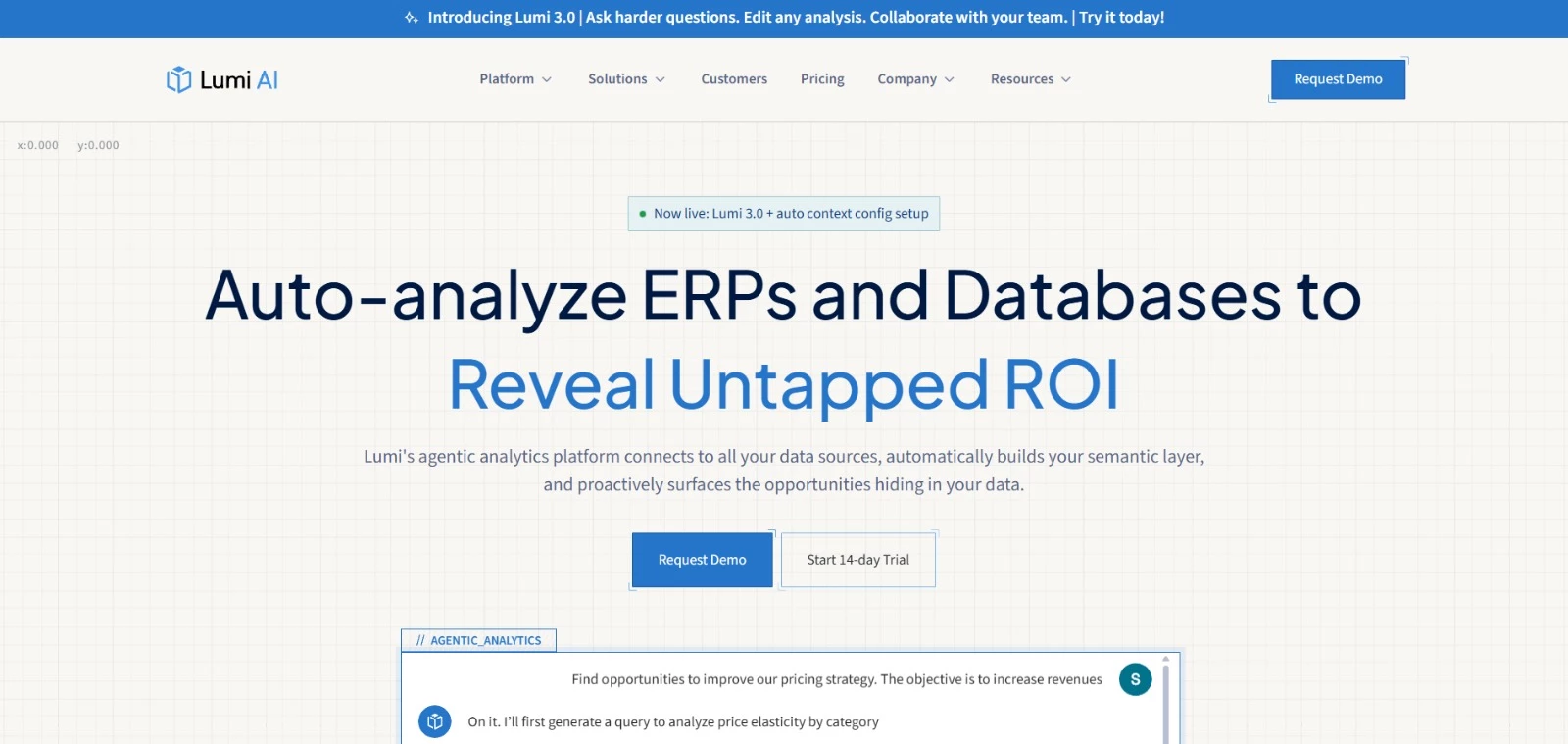
Lumi AI lets users ask questions about company data and explore the results through charts, tables, and follow-up questions. Teams can ask why sales dropped, which products are overstocked, or where results fell short.
The platform incorporates business terminology and metric definitions to give analysis company-specific context. Users can review the calculations, assumptions, and underlying code to see how each answer was produced.
Key Features
- Answers plain-language questions about connected business data
- Generates charts, tables, and downloadable results
- Identifies trends and anomalies and supports root-cause investigation
- Incorporates company-specific terminology and calculation rules
- Provides dashboards and proactive alerts on higher-tier plans
Pricing
- Starter: $50/month, or $45/month billed annually; includes one user and one data model
- Pro: $1,110/month, or $999/month billed annually; includes 10 users and three data models
- Enterprise: Custom pricing
- Free trial: 14 days.
Potential Limitations
- Teams must configure data connections and business context before relying on the analysis.
- Forecast generation is currently listed as a preview feature.
Belle AI: Best for Retail Demand Forecasting and Inventory Planning
For retailers that want to align purchasing and replenishment with demand across stores and online channels.
Belle AI helps retail teams decide what to stock, where to stock it, and when to replenish it. Its forecasts draw on sales trends, seasonal patterns, and shopper behavior to support product availability and reduce excess inventory.
Planners can adjust forecasting parameters to their business and receive alerts about potential stock shortages. The platform also supports connections to existing inventory and ERP systems.
Key Features
- Generates demand forecasts tailored to individual stores
- Supports inventory planning across online and offline locations
- Guides replenishment based on expected demand
- Forecasts inventory needs for newly introduced products
- Flags critical events, including potential stockouts
Pricing
- Contact sales: Public subscription prices are not listed; a demo is available.
Potential Limitations
- Its focus is retail demand and inventory planning, which limits its relevance for broader business forecasting.
- Teams should assess data quality and integration requirements during the demo, as these will affect implementation and forecast usefulness.
NexStrat AI: Best for Turning Business Questions Into Strategic Plans
For business leaders, consultants, and strategy teams that need to turn research into structured recommendations.
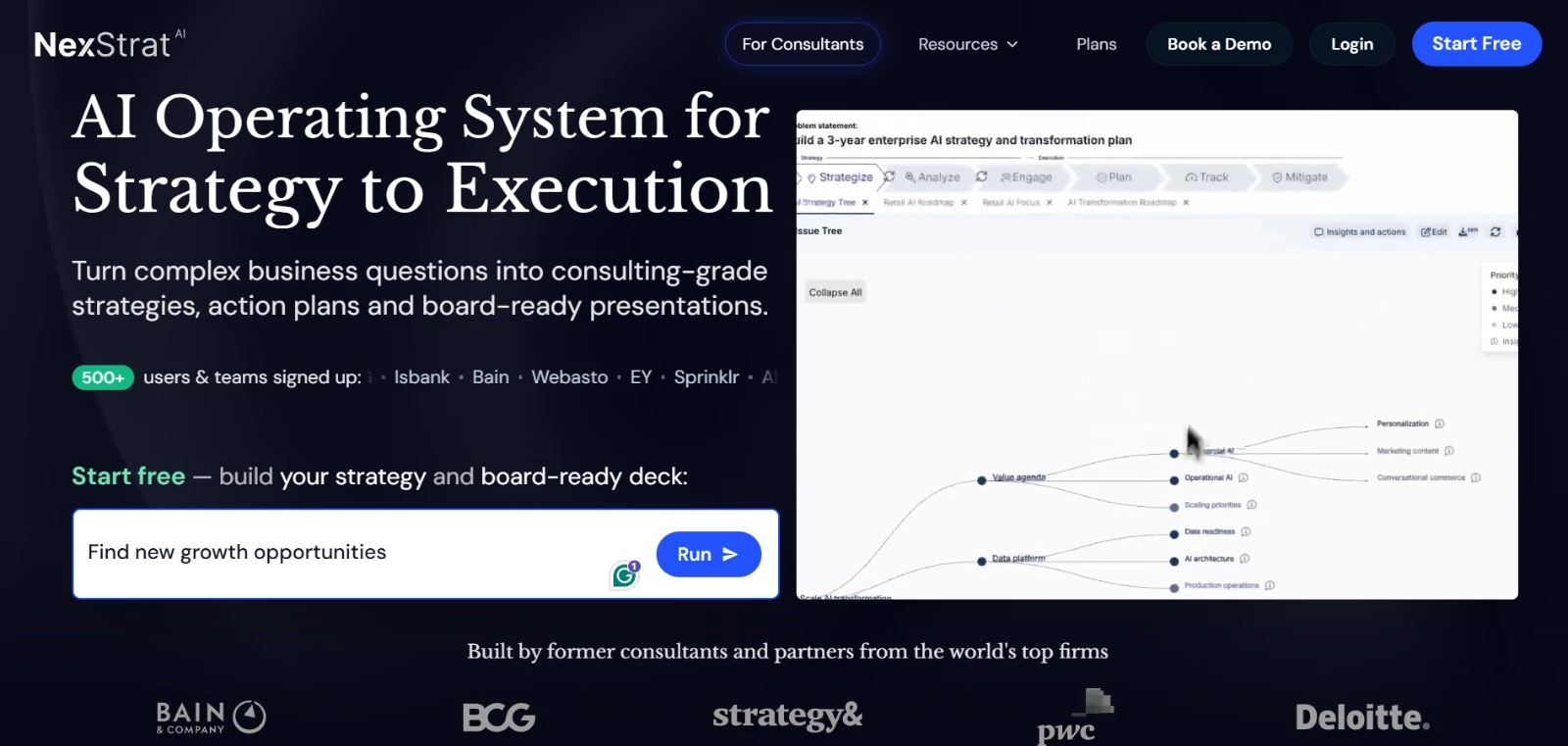
NexStrat AI guides users from a business question through analysis, strategic options, and action planning. It combines consulting frameworks with AI research to help teams organize complex problems and prepare recommendations.
The platform also creates presentations from strategy work. Higher-tier plans add editable outputs, shared workspaces, and connections to company information, helping teams refine their analysis together.
Key Features
- Structures business problems using strategy frameworks
- Supports market research and competitive analysis
- Develops action plans, performance measures, and risk assessments
- Generates presentations from project findings
- Supports team and client collaboration on higher-tier plans
Pricing
- Lite: $29/month, or $24/month billed annually; includes 2,000 monthly credits
- Professional: $99/month, or $79/month billed annually; includes 10,000 monthly credits
- Firm and Enterprise: Custom pricing
- Free trial: 14 days for Professional; a payment card is required.
Potential Limitations
- AI research, analysis, and presentation generation consume credits, so usage needs matter when selecting a plan.
- Lite limits presentations to three per month and excludes editable outputs and team projects.
8. AI Tools for HR, Hiring & Team Performance
Finding candidates, identifying training needs, and reviewing team performance involve different kinds of evidence. Hire.inc supports recruitment, YourSkills.pro maps employees’ AI skills, and Pensero analyzes how engineering teams deliver work.
| AI Tool | Best For | Key Features | Pricing (Starts At) |
| Hire.inc | Candidate sourcing | AI-assisted search, reusable filters, hiring pipelines | Confirm with provider |
| YourSkills.pro | Assessing workforce AI readiness | Skills profiles, gap analysis, development plans | Free individual scan; paid team features |
| Pensero | Understanding engineering team performance | Delivery metrics, quality analysis, team benchmarking | Free; Growth at $50/seat/month |
Hire.inc: Best for AI-Assisted Candidate Sourcing
For recruiters who want to find relevant candidates and manage them within a hiring pipeline.
Hire.inc helps recruiters search for candidates by skills, experience, job title, and location. Its AI sourcing feature works with the platform’s candidate database or an existing talent pool, giving teams another way to find potential applicants for open roles.
Recruiters can save search filters for future vacancies and review candidate profiles from the results. Career-site tools and a Zapier integration support the surrounding recruitment workflow.
Key Features
- Finds candidate profiles using AI-assisted sourcing
- Filters searches by skills, experience, location, and job title
- Saves search criteria for reuse across vacancies
- Supports company career pages and job pipelines
- Connects recruitment workflows to other applications through Zapier
Pricing
- Confirm with provider
Potential Limitations
- Search relevance depends on the criteria recruiters set and the information available in candidate profiles.
- Recruiters still need to assess shortlisted candidates against the role’s requirements.
YourSkills.pro: Best for Identifying AI Skills Gaps
For HR and learning teams planning employee training around AI adoption.
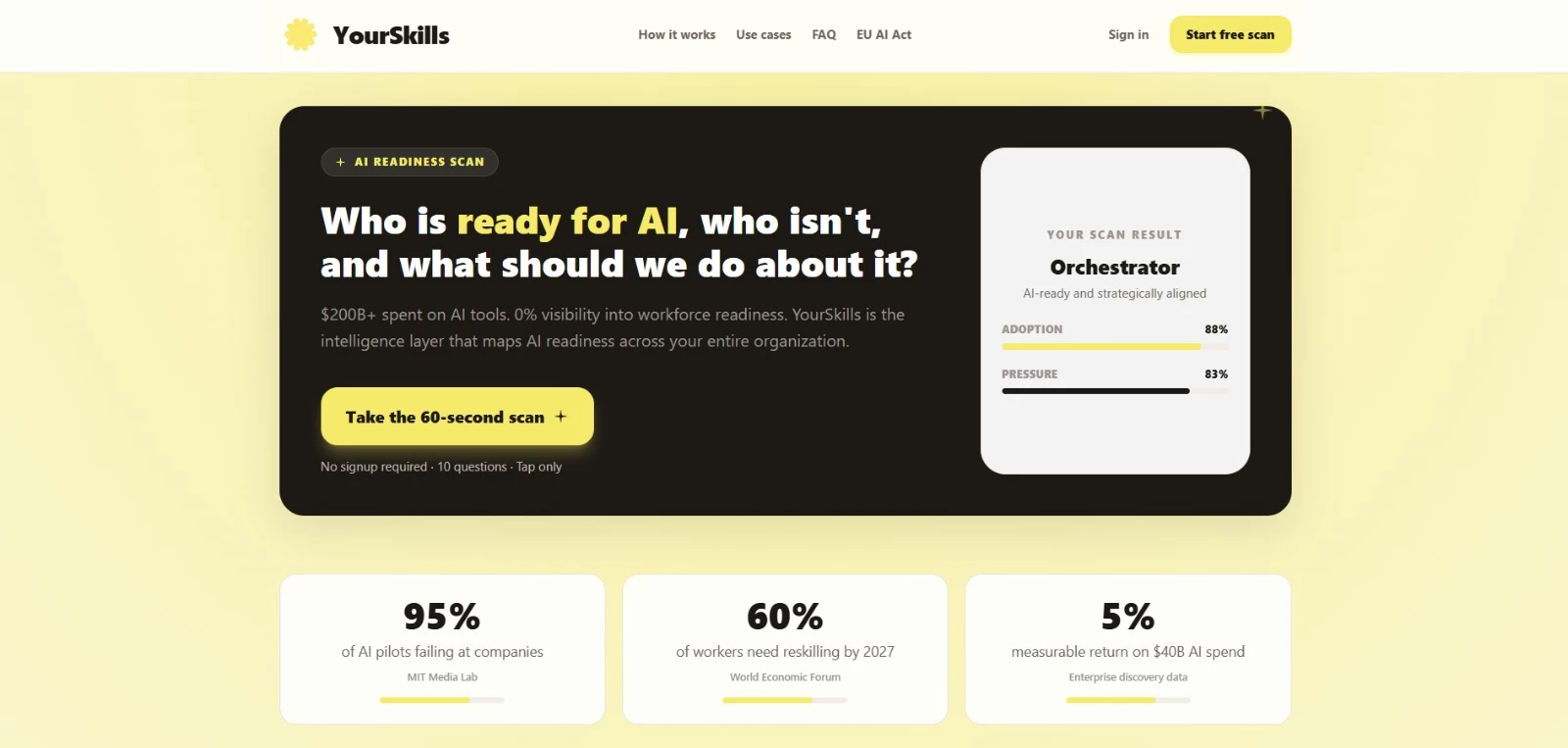
YourSkills.pro assesses how employees understand and use AI, then identifies areas for development. Its initial scan covers five dimensions: fluency, integration, strategy, learning velocity, and leadership.
Individual profiles include gap analysis and practical exercises to try over 14 days. Team dashboards aggregate results to help managers prioritize training, while optional work-tool connections add evidence about AI use beyond the initial questionnaire.
Key Features
- Provides an initial AI readiness assessment
- Creates individual skills profiles and gap analyses
- Recommends targeted development exercises
- Aggregates team readiness and training priorities
- Supports connections to tools including Slack, GitHub, Jira, and ChatGPT
Pricing
- Individual scan and skills profile: Free
- Team dashboards and enterprise features: Paid; request pricing
- AI literacy assessment and development offering: From €49 (~$56) per employee.
Potential Limitations
- Its focus is AI readiness, so it won’t cover every skill needed for broader workforce planning.
- The initial scan relies on questionnaire responses; deeper analysis requires additional work data.
Pensero: Best for Understanding Engineering Team Performance
For engineering leaders who need evidence for coaching, resource allocation, and performance discussions.
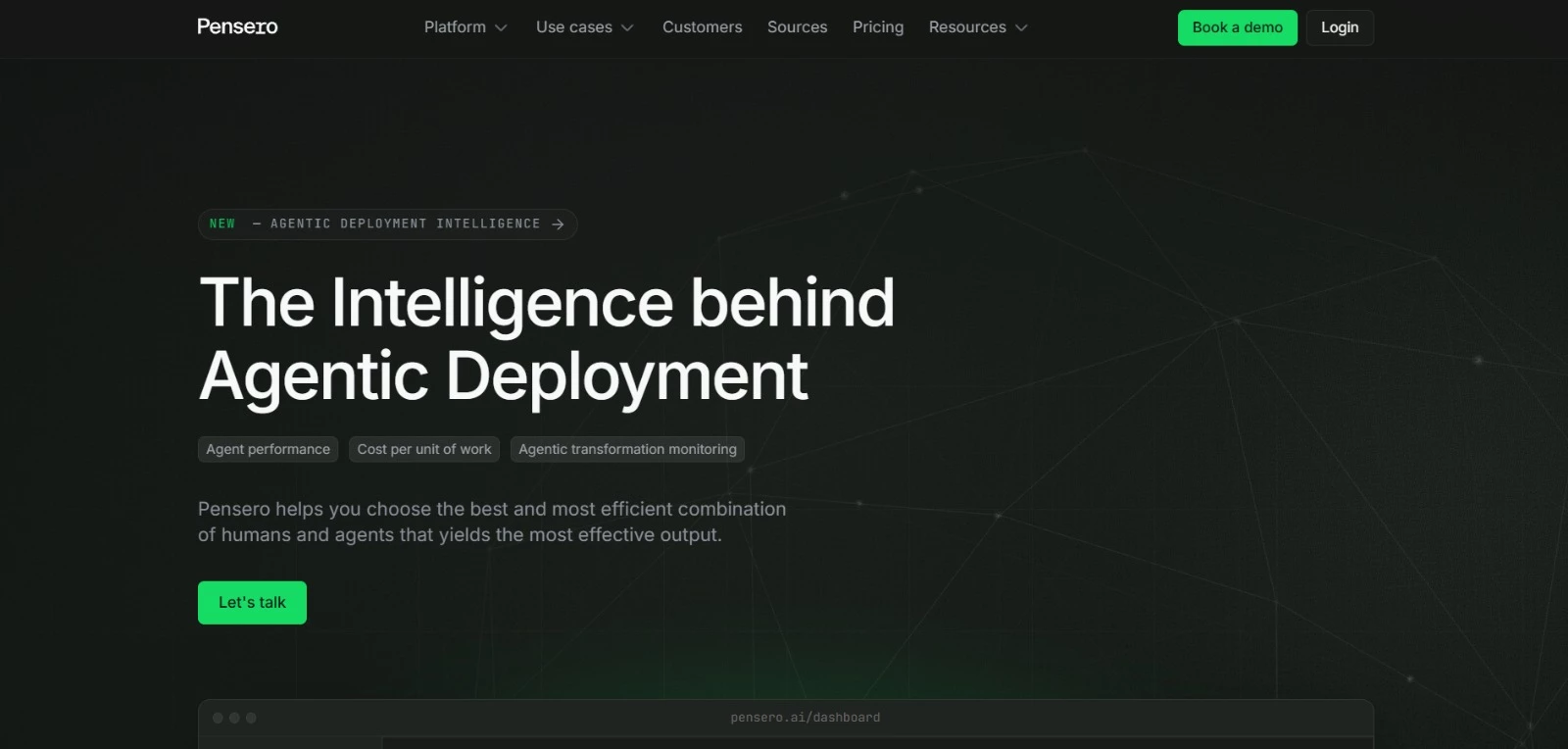
Pensero analyzes software delivery, code quality, and collaboration to show how engineering teams work. Managers can investigate where delivery slows, how much work requires revision, and whether AI-assisted development is improving results.
Its benchmarking features compare teams and peer groups, with context such as role, tenure, meeting load, and time away. That gives managers more detail to bring into performance discussions than a simple count of completed tasks.
Key Features
- Tracks software delivery, quality, and collaboration metrics
- Generates team and individual reports
- Compares performance across teams and peer groups
- Measures contributions from people and AI agents
- Tracks engineering investment and AI impact
Pricing
- Starter: Free for up to five users and one code repository, with 90-day data retention
- Growth: $50/seat/month, with unlimited repositories and one-year data retention
- Enterprise: Usage-based pricing; contact sales.
Potential Limitations
- Its engineering focus makes it less suitable for evaluating teams outside software development.
- Managers should interpret metrics alongside project complexity, mentoring, and responsibilities that may not be fully captured in connected systems.
Other Productivity Tools With Growing AI Capabilities
AI is finding its way into more and more productivity tools, quietly leveling them up in the background.
These additions may not always make headlines, but they’re making a big difference in how teams operate day to day.
Parachute AI: AI-Powered Legal Support for Growing Teams
Parachute AI is positioned as an always-on AI legal teammate, with support extending beyond document review.

When I explored Parachute AI, what stood out immediately was its positioning as an always-on AI legal teammate rather than just a document reviewer.
The platform is built to support startups, founders, and lean operations teams that need fast legal answers without maintaining a full in-house legal department.
Parachute AI can summarize key clauses, flag liability and indemnification sections, and explain dense legal language in plain terms to help non-legal operators understand what’s at stake
Users can also ask follow-up questions in plain English. For example, asking “Is this termination clause balanced?” provides an explanation of potential risks to guide further review.
The platform appears focused on accessibility and practicality rather than deep enterprise-level customization.
That makes it attractive for founders and operations leads who need clarity fast but may not yet have dedicated legal teams.
That said, like most AI-driven legal platforms, it should not be treated as a full substitute for qualified legal counsel.
High-stakes transactions, regulatory-heavy industries, or international agreements still require professional oversight.
Key Features
- On-demand AI legal assistant for contracts and compliance
- Contract review with plain-language explanations
- Document drafting and clause suggestions
Pricing
- Basic: $400/month, billed annually
- Pro: $1,250/month, billed annually
- Platinum: $3,500/month, billed annually
Potential Limitations
- Doesn’t replace qualified legal counsel; high-stakes transactions, heavily regulated industries, and international agreements need professional oversight.
- Best suited for startups and SMBs rather than enterprise legal teams.
AI Marketing Partner: All-in-One AI Marketing and App Development
AI Marketing Partner combines AI-driven marketing services and app development for startups, agencies, and growing businesses.
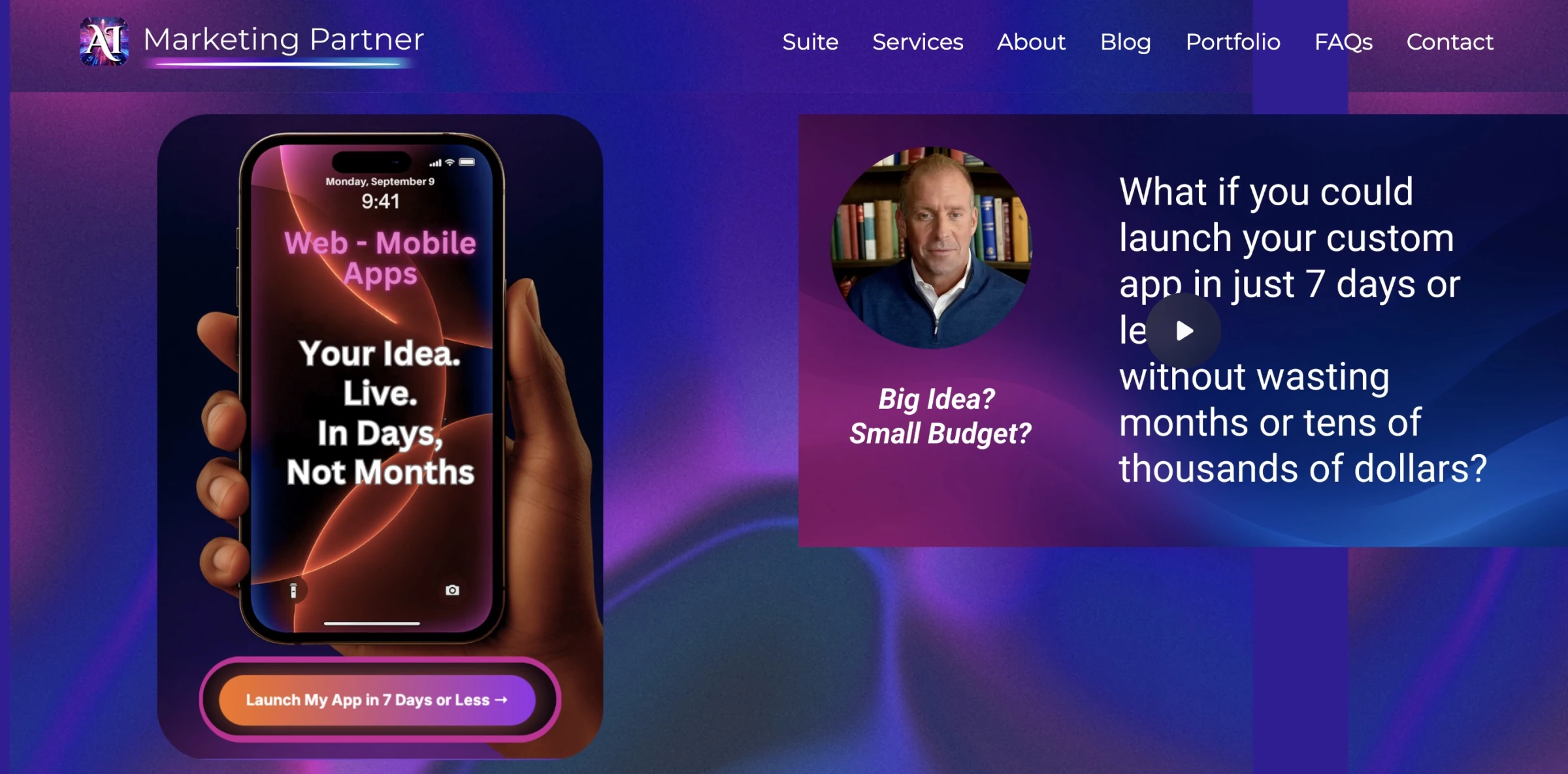
AI Marketing Partner promises to turn an idea into a fully branded app in days while also managing AI-driven marketing.
Instead of juggling multiple vendors, you get an integrated suite: AI-generated images and videos, ad creation, sales funnels, Answer Engine Optimization (AEO), intelligent chatbots, and full-service social media management.
From a productivity standpoint, the main benefit is consolidation. Instead of buying one tool for design, another for funnels, and a third for social media, AI Marketing Partner brings these services together.
That said, it’s not a simple plug-and-play SaaS, you’re working with a marketing partner that blends automation with strategy.
For startups, agencies, and growing businesses looking to scale quickly without building an in-house marketing team, it offers external support across creative work, app development, and marketing.
Key Features
- Branded app development
- AI marketing services covering ads, content, funnels, and chatbots
- Flexible engagement models: do it yourself (DIY), done with you (DWY), and done for you (DFY)
- Full-service social media management
Pricing
- Pricing customized based on service tier
Potential Limitations
- Focused mainly on AI-driven marketing, not general productivity.
- Lacks flat-rate SaaS-style plans.
How To Choose the Right AI Productivity Tools for Your Business
Start with the work that takes too long or keeps piling up. Once you know what needs fixing, use these checks to find a tool that fits:
- Pinpoint the problem: Invoice entry, document reviews, and searching company files call for different tools. Record how long the task takes and where mistakes happen so you have something to compare against.
- Check what you already pay for: Your office suite, CRM, or project management platform may include AI features that do the job. Try those before adding another subscription.
- Give it a real task: Test with your own documents or data, including a tricky example. Check how much correcting the result needs and whether you can use it in the next step of your work.
- Add up the costs: Look beyond the advertised price. Include base subscriptions, seats, credits, API charges, and setup, then estimate what a busy month could cost.
- Check access and control: Find out what data the tool can read, where it’s stored, and whether it’s used for model training. Decide when it should ask permission before sending, publishing, or changing anything.
- Start small: Trial the tool with one team and one recurring task. Ask whether it saves time once checking and corrections are included, and whether people find it useful enough to keep using.
Choose AI Tools That Earn Their Place
The best AI productivity tools save time on work your team does every day. Start with one recurring task, test a tool with your own data, and count the time spent checking its output. If it makes the job easier at a reasonable cost, you have a reason to expand its use.

Our team ranks agencies worldwide to help you find a qualified partner. Visit our Agency Directory for the top AI companies, as well as:
- Top AI App Development Companies
- Top AI Web Design Companies
- Top AI Marketing Companies
- Top AI Market Research Companies
Our design experts also recognize the most innovative design projects across the globe. Given the recent uptick in AI tools usage, you'll want to visit our Awards section for the best & latest in AI website designs.