
I’ve recently reviewed the top five AI roleplay tools used in corporate training, putting each one through its paces. I wanted to get a clear picture of what they offer, where they have limitations, and where they excel.
AI Roleplay Tools for Corporate Training: Key Points
- Platforms like Yoodli and Second Nature provide AI-driven coaching for communication and customer-facing skills using realistic roleplays, instant feedback, and scenario customization.
- Tools such as Hyperbound and Luster focus on sales enablement by identifying skill gaps, simulating real buyer interactions, and delivering performance scorecards and drills.
- Quantified offers enterprise-grade AI simulations that validate sales readiness with personalized coaching, custom rubrics, and scalable training infrastructure.
Top 5 AI Corporate Training Tools in 2026
AI roleplay tools for corporate training simulate real-life workplace conversations using artificial intelligence. They help employees practice communication, sales, negotiation, conflict resolution, leadership, and other soft skills in a safe, interactive environment.
Here are the top tools I tested, with a clear breakdown of their strengths, weaknesses, and best use cases to help your organization pick the right fit.
| AI Corporate Training Tool | Best for | Customization Scenario Options | Multi-Modal Interactions | Integration Capabilities | Gamification Features | Pricing (Starting At) |
| Yoodli | Communication Coaching | ✅ | ❌ | ❌ | ✅ | $11/month |
| Second Nature | Customer-Facing Simulations | ✅ | ✅ | ✅ | ✅ | Not available |
| Hyperbound | Sales Coaching | ✅ | ✅ | ✅ | ❌ | Not available |
| Luster | Skill Gap Identification | ✅ | ❌ | ❌ | ✅ | Not available |
| Quantified | Enterprise Sales Simulations | ✅ | ✅ | ✅ | ❌ | Not available |
1. Yoodli: Best for Communication Coaching
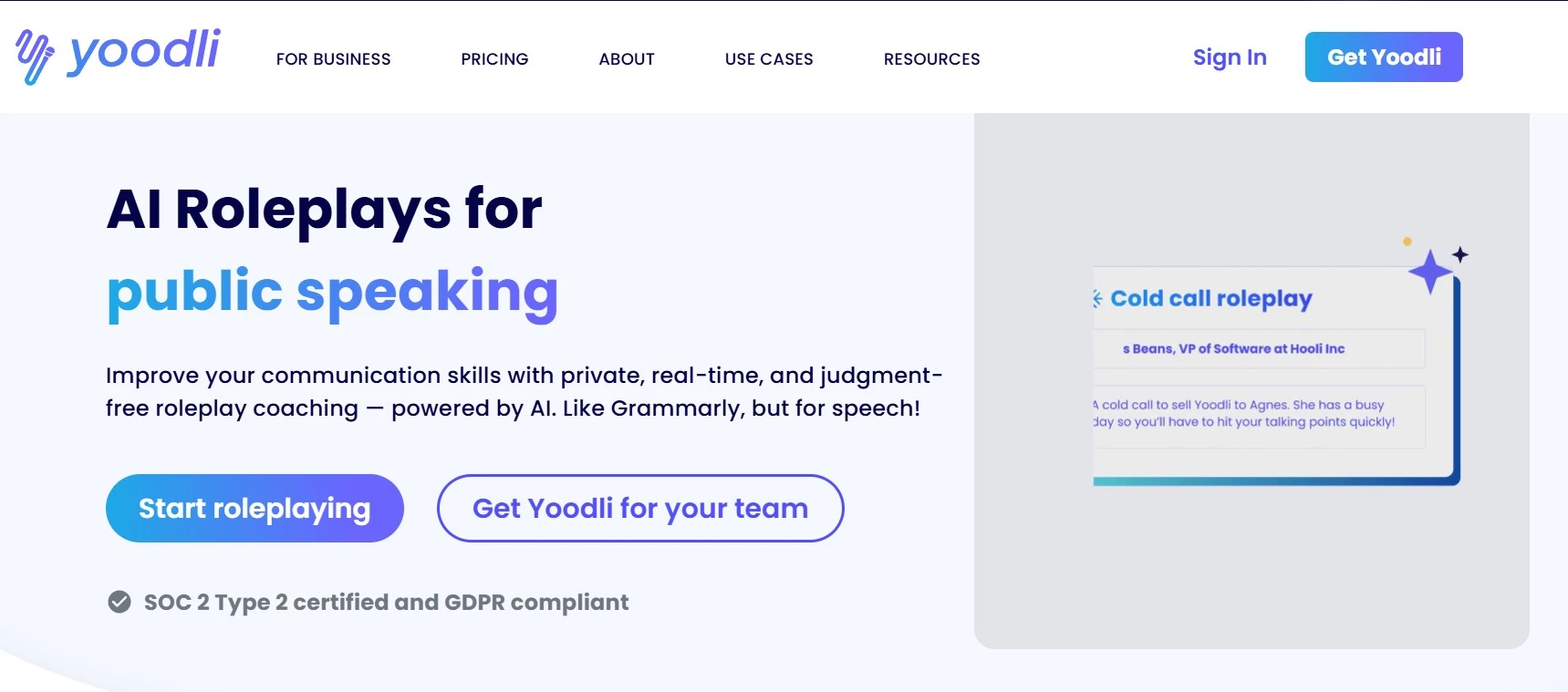
At first, I was slightly unsure about using AI for something as personal as speaking skills, but Yoodli quickly proved its value. While testing the AI roleplay tool, I found it incredibly helpful, especially for coaching me in different scenarios. It felt like having a personal coach always ready to help me practice.
| Pros | Cons | Pricing |
|
|
|
Yoodli offers a quick and straightforward setup. After signing up, I could start right away by recording a scripted speech with both voice and video. Don’t worry if you fumble at first — I was allowed a few tries before I saved the final recording for analysis. The feedback came back quickly, almost in real time.
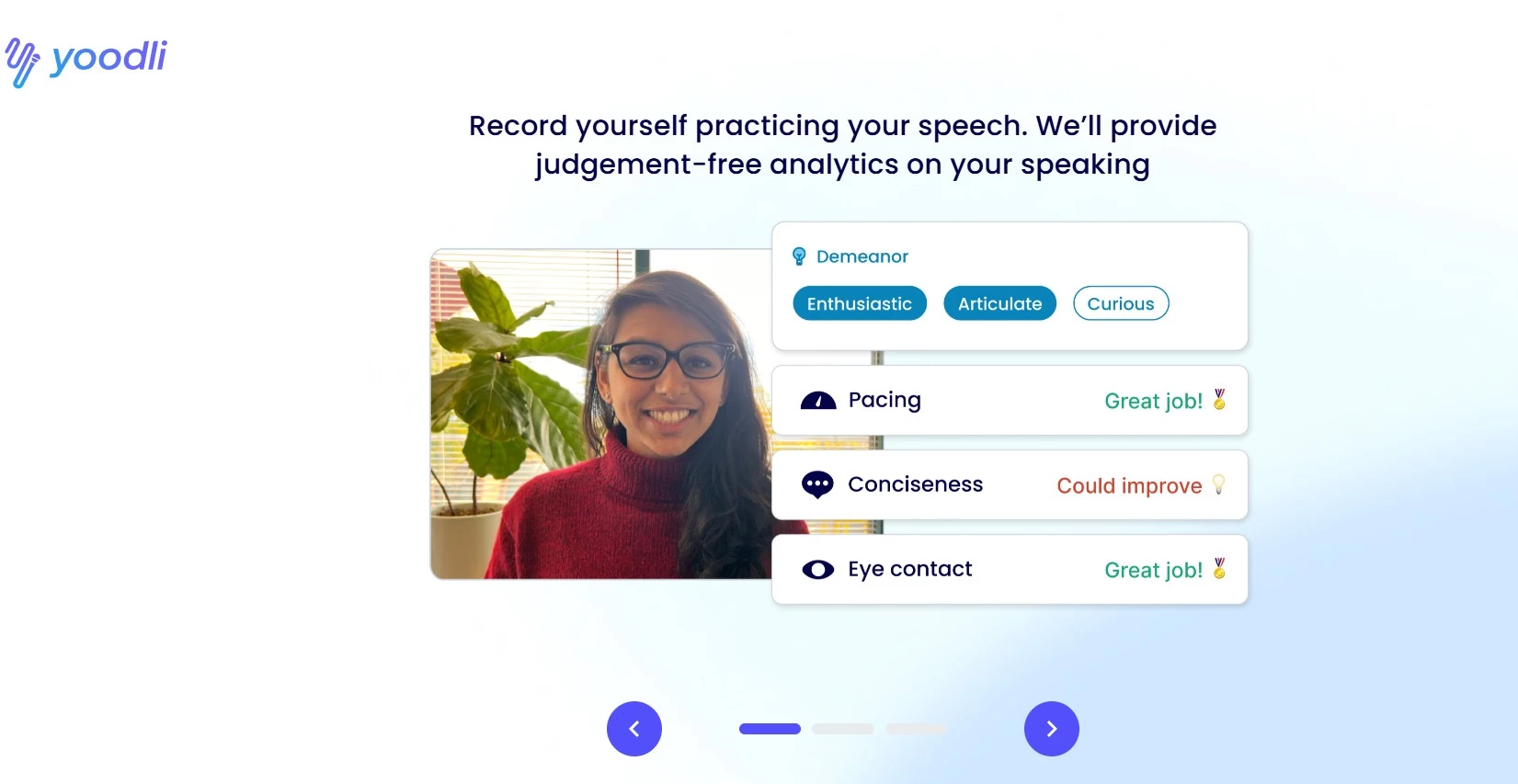
In the results, the Coaching AI showed me my communication skills’ strengths and growth areas. It also gave follow-up questions to help me keep practicing, along with tips on improving and delivering my messages more effectively. Another excellent feature is the tool’s ability to help me catch filler words, awkward pauses, and even my body language as I speak. It’s made a difference in how confident and clear I sound.
As an AI roleplay tool for corporate training, employees can mainly use it to prep for client meetings and team presentations. The tool is easy to use, has a clean design, and it’s not confusing. I can see how it would be a perfect resource for executive coaching or sales teams.
Sign up today and choose a plan that fits your goals!
I particularly like that it focuses on privacy, which matters in a work setting. Employees could also use it to roleplay conversations with coworkers to help them figure out how to sound more natural and professional.
What Users Say
Based on many online reviews, users highly commend Yoodli for offering a safe, judgment-free space to practice and refine their communication skills. Users report significant benefits, including improved efficiency, higher training completion rates, and enhanced performance due to the platform’s instant and data-driven feedback.
Many organizations have noted huge time savings in training processes thanks to Yoodli. One company highlighted a 75% reduction in manual review time for sales training sessions by integrating Yoodli’s AI roleplays.
Who’s It For?
Yoodli.ai’s AI roleplay corporate training tools are best suited for professionals and organizations focused on enhancing critical communication skills. They may include individuals preparing for job interviews, employees needing to practice sensitive workplace conversations, and anyone looking to improve their public speaking or virtual meeting etiquette.
Businesses with client-facing roles, frequent presentations, or internal leadership development will benefit the most. It’s especially useful for preparing employees for high-stakes conversations, interviews, and virtual meetings.
Other Notable Features
- Custom roleplays to practice interviews, presentations, tough conversations, or meetings
- Multi-persona simulations create scenarios with diverse roles and temperaments
- AI responds with dynamic, challenging questions and objections
- Tracks filler words, pacing, and engagement for ongoing improvement
- Integrates branded content and training methods for customized learning
- Progress dashboards monitor user activity, engagement, and team progress
2. Second Nature: Best for Customer-Facing Simulations
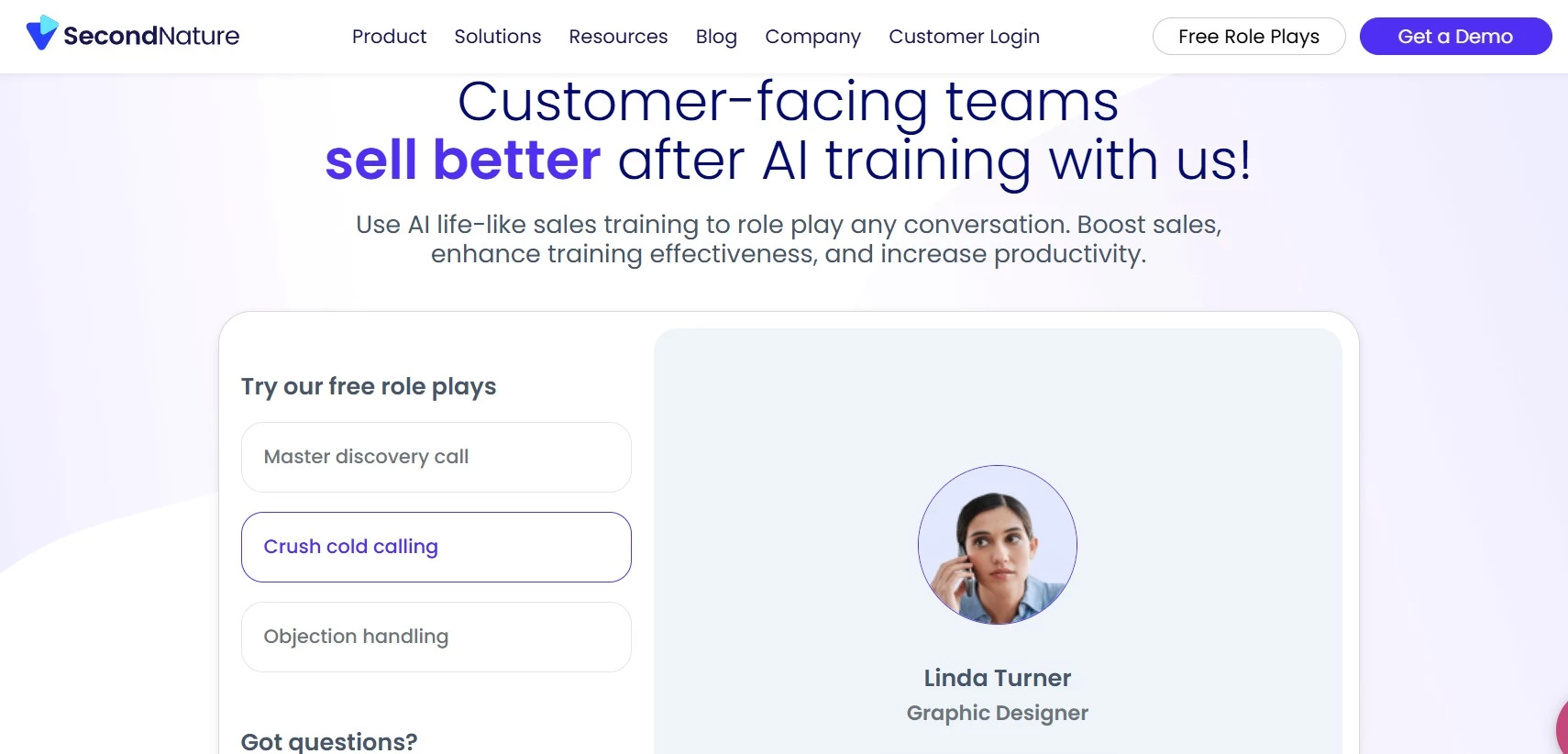
Next, I tested the Second Nature AI tool for corporate training, which focuses mainly on enhancing customer interaction and sales pitches. The platform features different AI coaches that simulate real customer interactions. Even though everything happened in a virtual setting, practicing with AI Jenny allowed me to refine my pitches, handle objections effectively, and build confidence.
| Pros | Cons | Pricing |
|
|
|
After each practice session, the AI coach, Jenny, provided insights into areas like tone, pacing, and content coverage. The immediate feedback helped me identify and improve on specific aspects of my delivery.
The AI roleplay tool also offered various simulation types, including video call roleplays and slide presentation practices. I liked this versatility because it allowed me to match my training to different scenarios to eventually enhance my preparedness.
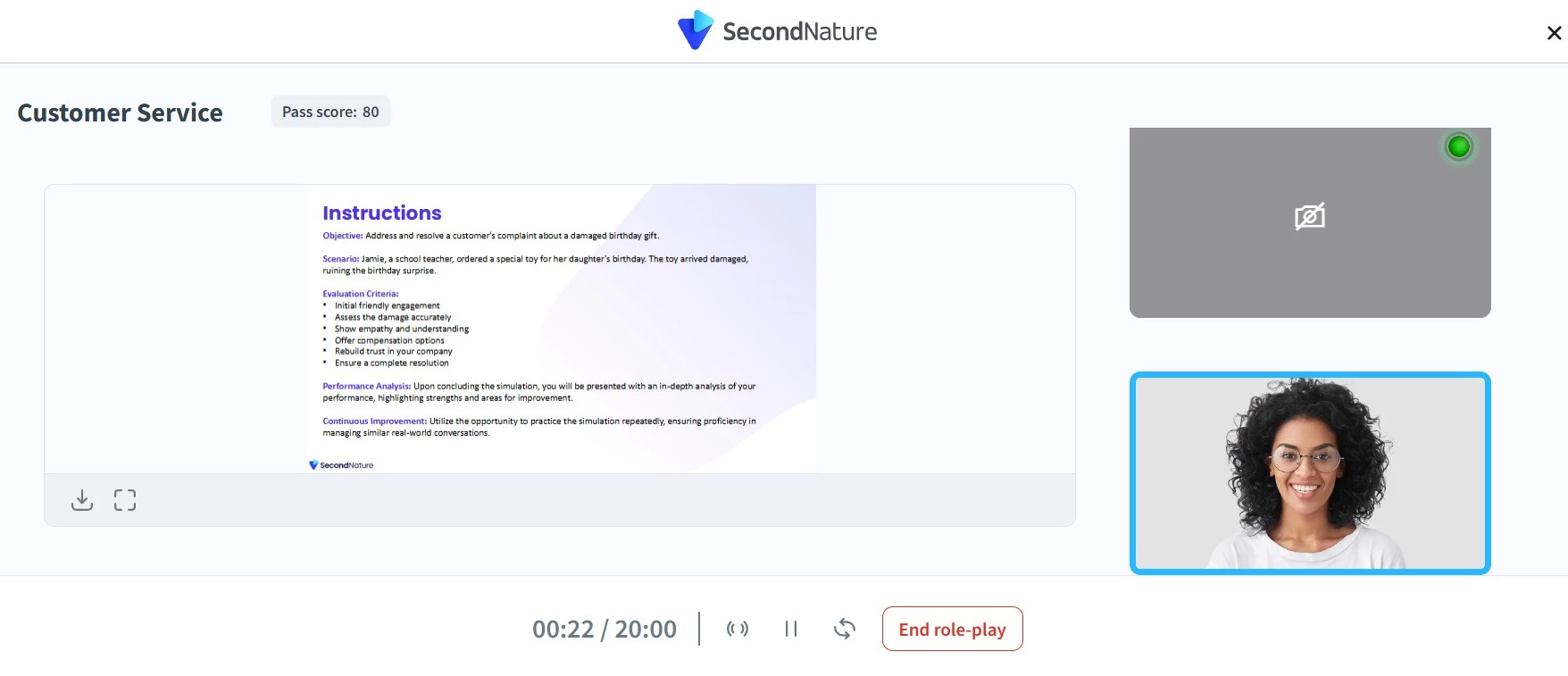
Interacting with the AI customers felt a bit robotic at first. But I soon realized they were only responding to how I was communicating, and the more I practiced, the more natural it became. And I would still prefer practicing with them and AI Jenny over traditional roleplays with managers.
Based on my experience with Second Nature, I believe it can really improve someone’s customer engagement skills. The combination of realistic simulations, quick feedback, and flexible training options makes it a great tool for anyone looking to enhance their customer service and sales performance.
Get a free demo to start training your sales team soon!
What Users Say
For many users, Second Nature provides realistic simulations and immediate feedback, which helps sales and customer service teams refine their pitches and handle client objections better. Many find the platform user-friendly and note that it helps boost confidence in customer interactions. However, some users mention that initial simulations can feel a bit robotic and may require time to adapt.
Who’s It For?
The AI corporate training tool is ideal for businesses aiming to improve communication and soft skills across various departments. However, sales teams can benefit most from the tool’s realistic pitch simulations to handle objections and build rapport. Customer support and call center agents can also improve empathy and clarity through voice and chat roleplays.
Other Notable Features
- Uses pre-built or custom roleplay scenarios with your own content
- Set avatar emotions like anger or skepticism for realistic training
- Communication analysis tracks verbal and non-verbal cues like pacing and eye contact
- Chat mode allows one to practice written skills through simulated chat conversations
- Built-in LMS offers native tools for certification and tracking progress
- CTA: Get connected with the right corporate training agency for your project.
3. Hyperbound: Best for Sales Roleplay and Coaching
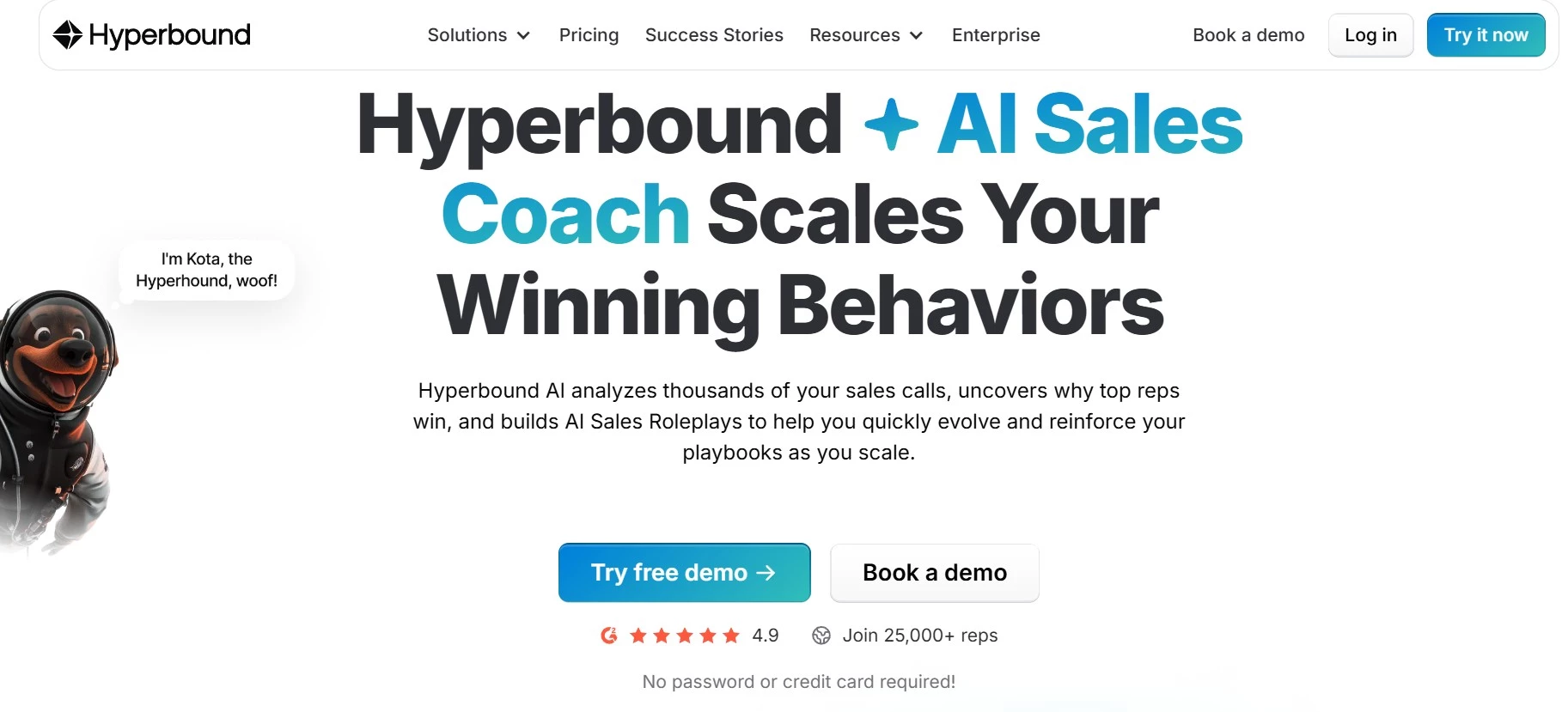
The third tool in my list of AI roleplay tools for corporate training is Hyperbound. It’s such an impressive tool that I wouldn’t be surprised if it became the go-to sales coach for revenue-driven teams. It’s not just another practice platform, but it can genuinely simulate real sales conversations.
| Pros | Cons | Pricing |
|
|
*All pricing is custom, contact Hyperbound for details. |
I set it up quickly and built my first AI buyer persona in under 10 minutes. Doing the simulations made me feel like I was talking to an actual prospect. Each session created custom AI buyers with different personalities, objections, and even varied levels of "rudeness," which made me think on my feet and adapt, just like in a live call.
I tried using it for everything from cold calls and discovery sessions to handling tough objections. If you ask me, realistic interactions can truly help build confidence.
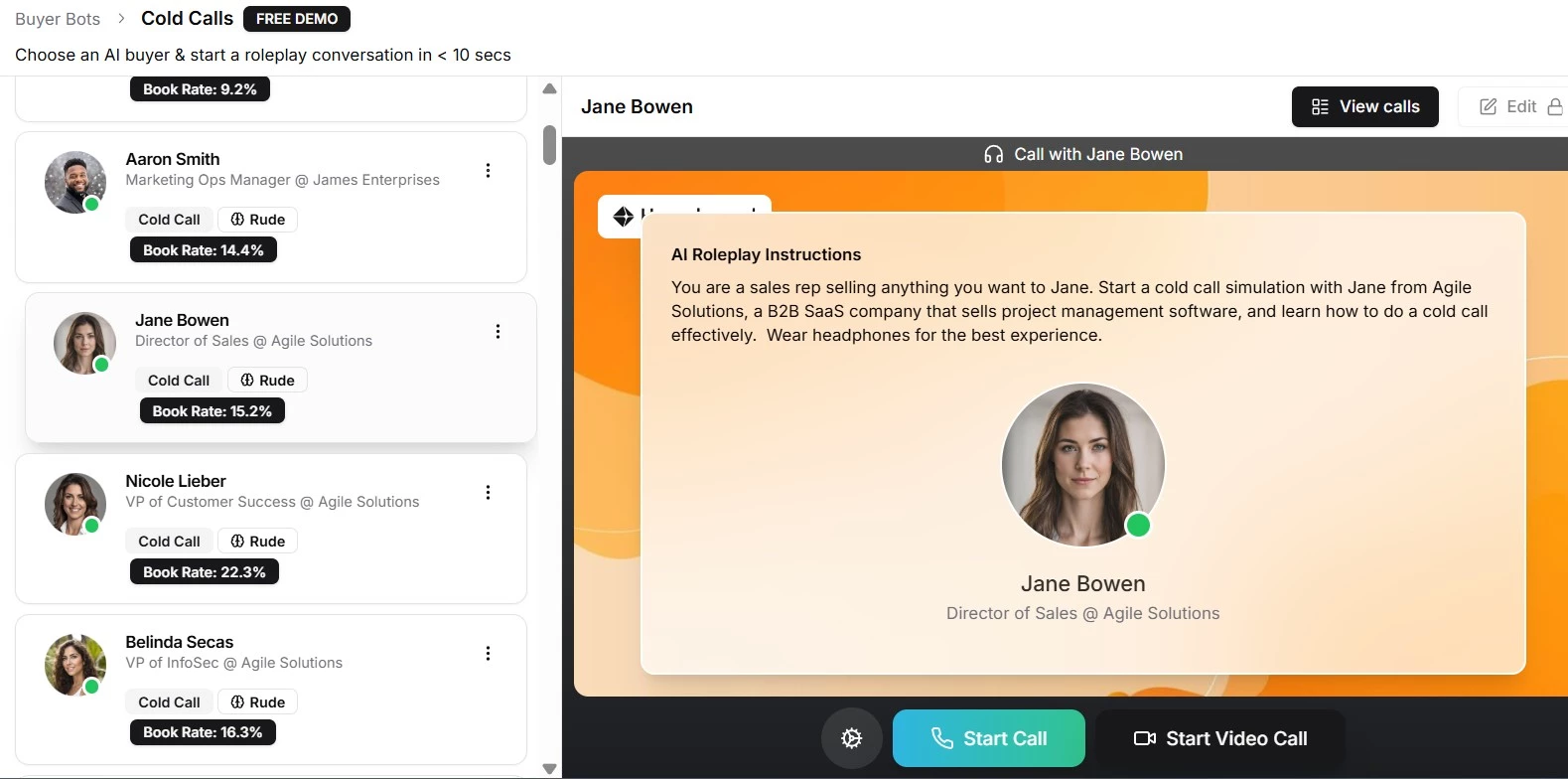
Of course, Hyperbound has the instant feedback feature common to AI roleplaying tools. The difference is that I received a detailed scorecard breaking down my talk ratio, how well I handled objections, and whether I stayed on message.
Book a demo with Hyperbound to get custom pricing based on your training needs.
It is worth mentioning that the platform has a gamified learning aspect, with leaderboards and scoring. It can turn sales training into a friendly competition if that’s something your team will find motivating. It’s also perfect for getting new reps up to speed quickly, helping them close deals sooner.
While it doesn’t fully replace human interaction, this AI corporate training tool is a great asset to keep in your training toolkit.
What Users Say
Based on user recommendations, the tool is impressive for its highly realistic simulations, helping sales professionals to practice calls with AI buyers that sound and react like real prospects.
Many also find it helpful to quickly onboard new sales reps, implement new messaging, and improve their approach to various sales scenarios without risking live deals. Reviewers highlight its instant, data-driven feedback and ability to scale sales training efficiently across teams.
Who’s It For?
Sales teams, revenue operations, and sales enablement leaders at B2B companies will find Hyperbound’s AI roleplay tools very helpful. Its features focus on accelerating sales by analyzing real calls for coaching and quality assurance. Businesses with large teams or fast-changing products will benefit most, especially for onboarding, training, hiring, and ongoing coaching.
Other Notable Features
- AI roleplay + call scoring aligns simulations with real-call performance using AI-generated scorecards
- Digital AI twin simulates prospects’ voice and persona for pre-call practice
- Autodialer simulation trains reps under pressure with rapid-fire AI roleplays
- Daily drills deliver personalized exercises on objections, products, and competitors
- Gamified call contests boost engagement with leaderboards and competitions
- Change management drills reinforce new messaging or GTM strategy through daily practice
- Smart practice suggestions recommend the next roleplays based on real-call data
4. Luster: Best for Skill Gap Identification
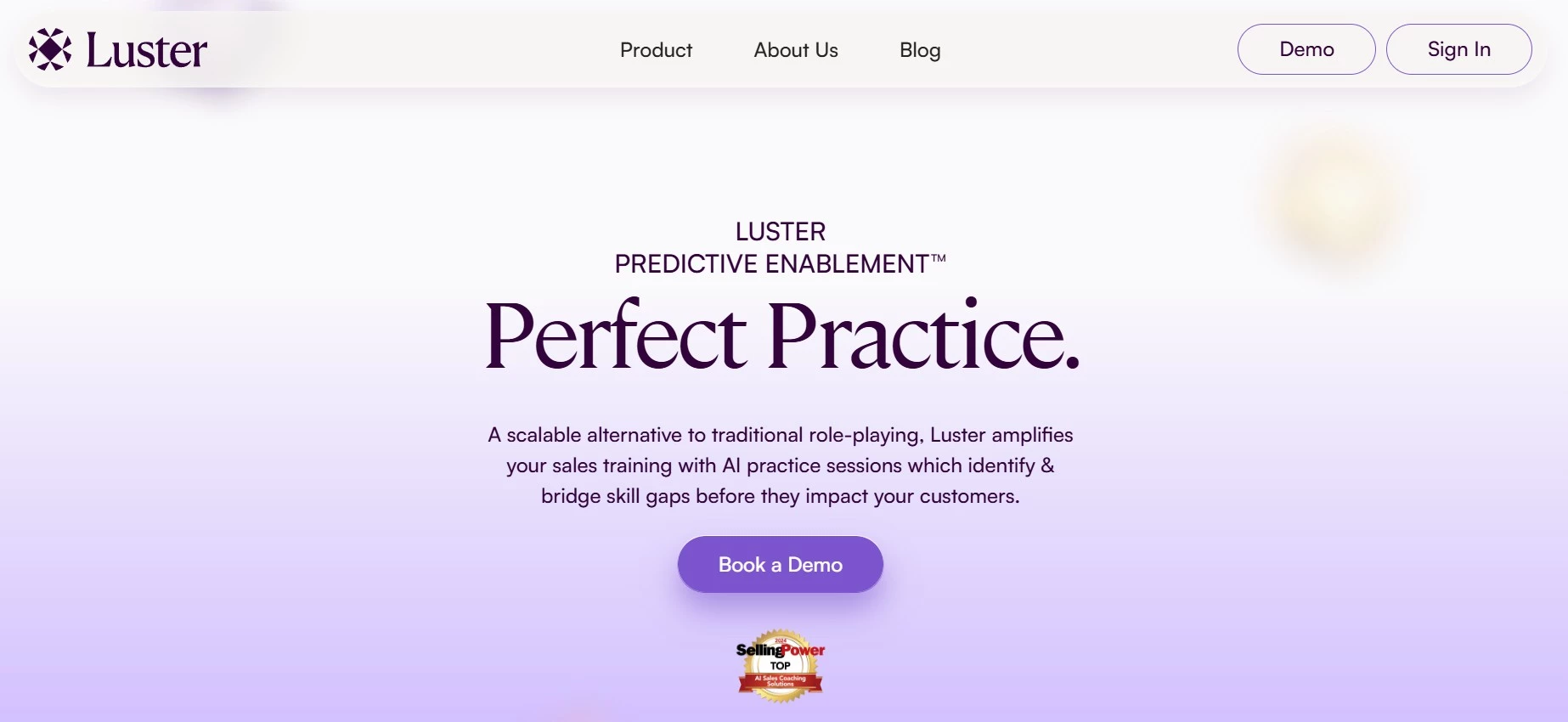
I had the chance to try Luster’s AI roleplay tool for corporate training, and what stood out to me was how well it identifies skill gaps. If you’re not sure where to improve, this tool gives sharp, actionable insights.
| Pros | Cons | Pricing |
|
|
|
When I jumped into a simulation, whether for a difficult client conversation or practicing a sales pitch, Luster didn’t just let me practice. It felt like the platform was watching and listening with precision.
The platform’s Predictive Enablement technology quickly pinpointed my skill gaps, like handling tough objections and tightening my messaging. After each session, I didn’t just get a general thumbs-up or down.
It pointed out exactly where I hesitated, if I used too many filler words, or whether I successfully hit key messaging points. It’s a great way to address these areas before they become problems in real sales calls.
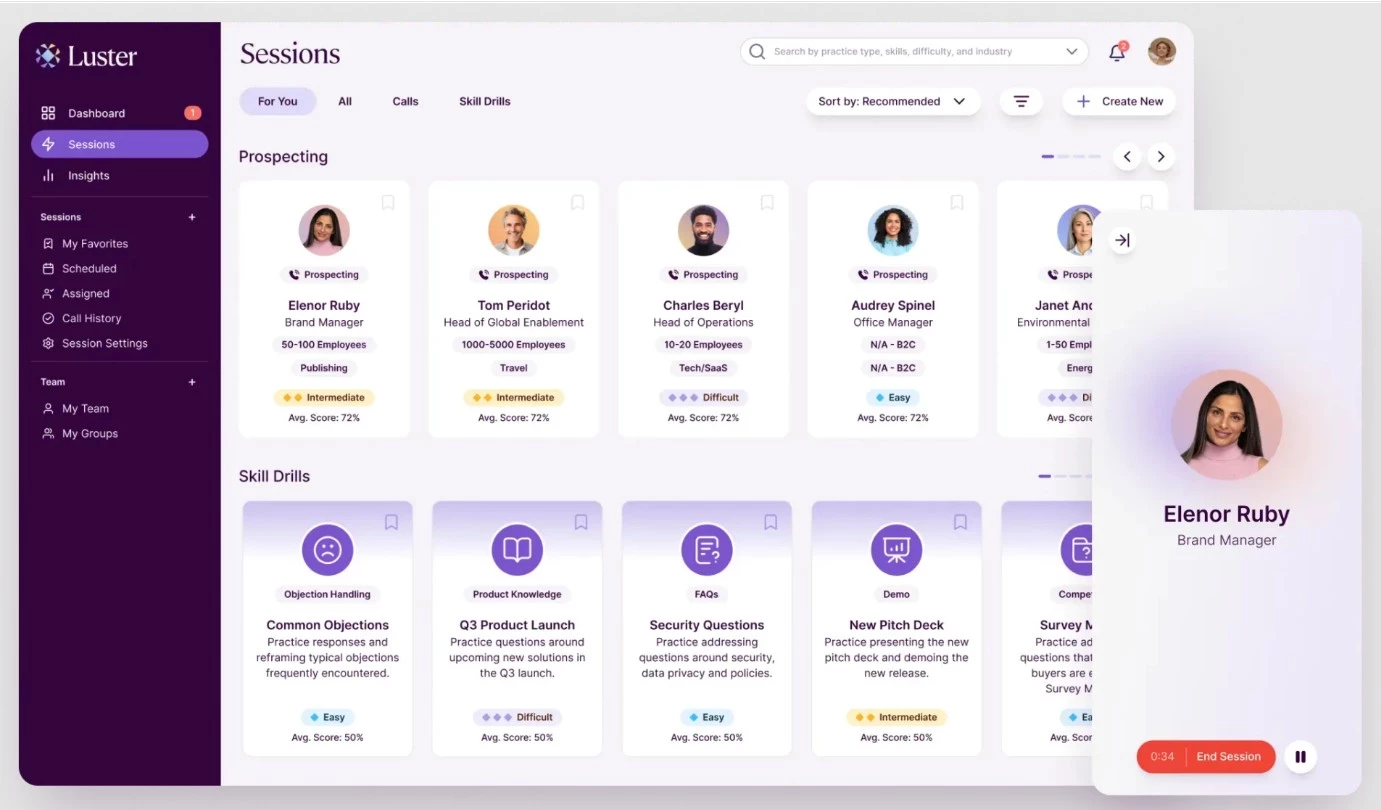
Another helpful feature is the Skill Drills, which are short, focused exercises that target one area at a time. They made it easy to improve different skill gaps without getting overwhelmed.
Talk to Luster to learn more about plans and pricing.
However, the real-time performance analytics is the one feature that sets Luster apart. I could clearly track where I was improving and where I still needed work. It feels like having a personal coach giving targeted advice as you go.
For me, Luster doesn’t just offer practice. It offers smart, focused development, which makes it a standout tool for communication training.
What Users Say
Users highly recommend Luster’s AI roleplay tools for providing a "hyper-realistic" and "low-stakes" environment in which to practice sales skills.
They especially like the immediate, AI-powered feedback on everything from talk tracks to objection handling, which helps reps gain confidence and accelerate their learning. Sales leaders also value the analytics that allow them to assess team skills and target coaching more effectively.
However, some users mentioned that the AI responses could become predictable over time, suggesting the need for a more extensive library of personas and scenarios to enhance realism.
Who’s It For?
Luster AI's roleplaying tool is designed for full revenue teams, supporting rigorous and continuous training.
Common use cases include onboarding new hires, reinforcing skills, mastering objection handling, refining pitches, adopting frameworks like MEDDIC or Challenger, performance management, and certifications.
Luster’s AI corporate training simulations and predictive enablement tools help identify and bridge skill gaps before they impact sales performance.
Other Notable Features
- The predictive training engine recommends focus areas based on performance trends
- Custom AI personas simulate real buyers for personalized practice
- Short, repeatable exercises on objections, pitching, and methods
- Analytics dashboards track individual and team progress, spot skill gaps
- Live feedback analysis and coaching plans on replays
5. Quantified: Best for Enterprise Sales Simulations
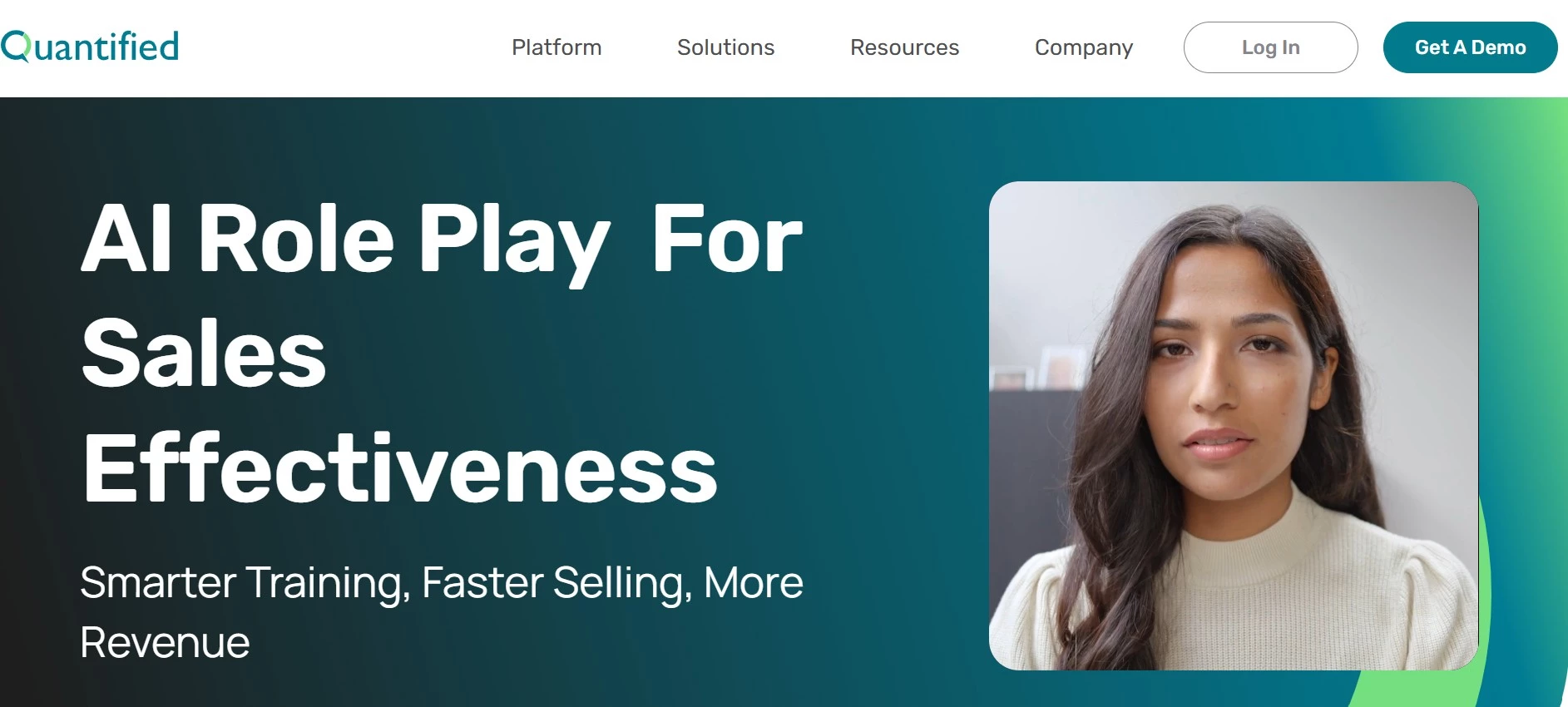
Quantified sales simulator, mainly an AI roleplay tool for enterprise sales training, is the last tool I tested. After doing a lot of sales roleplays for this article, I can say that this tool is a step up because it’s clearly designed for enterprise use in mind.
| Pros | Cons | Pricing |
|
|
|
Quantified’s sales simulator is not just a basic script or chatbot. It felt like I was talking to a real customer. The simulator responds in real time and adjusts based on what you say, making the practice feel more realistic.
Don't let your role-play practice be cringe!
— Quantified (@QuantifiedAi) September 13, 2024
Quantified's AI Sales Simulator offers a safe, private environment for reps to practice and perfect their skills.
Say goodbye to awkward training sessions! 👋https://t.co/bN2KD9WBwBpic.twitter.com/BXRPvgqwPY
To me, this AI roleplay tool for corporate training felt like a flight simulator for sales. The feedback after each session was not just "good job" or "try harder." Instead, it told me exactly where I made a mistake, where I might not have handled an objection well, or if my discovery questions weren’t sharp enough. The AI coach even breaks down my tone, clarity, and how well I built rapport.

If you’re a sales professional, this granular feedback helps you see exactly what you need to work on. You’ll be actively closing those gaps and feel much more confident for real client calls, instead of just going through the motions.
Contact Quantified today for a personalized pricing quote.
The AI corporate training tool also tracks progress over time, so I was able to see how I’m improving with each session. I liked that I could replay tough parts and try again until I got it right. It’s perfect for onboarding new reps or leveling up experienced sellers.
It’s not flashy, but it works. For identifying sales skill gaps and giving clear feedback, I think Quantified gets it right.
What Users Say
Quantified gets a lot of good reviews for its user-friendly interface and the ability to provide individualized support, especially for small training teams managing large sales organizations.
Users note that the platform is easy to navigate and is praised for its responsive support team. Many also highlight its effectiveness in cutting onboarding time and ensuring sales readiness for complex selling scenarios.
Who’s It For?
Quantified’s AI roleplay tool is ideal for enterprise sales teams, enablement leaders, and managers. It helps speed up onboarding, ensures consistent use of sales methodologies, and aligns teams during product launches. Companies that want to assess sales readiness and equip managers with efficient coaching tools will find strong value in this platform.
Other Notable Features
- Realistic video roleplays with lifelike avatars for natural practice
- Behavioral analysis evaluates verbal and non-verbal cues using research-backed metrics
- Delivers personalized, automated feedback for faster improvement
- Tracks the sales rep’s capability and readiness for product or market launches
- Gamified training boosts engagement with goals, badges, and habit-building tools
- Message adherence scoring ensures reps follow brand messaging and sales frameworks

Our team ranks agencies worldwide to help you find a qualified partner. Visit our Agency Directory for the top corporate training companies, as well as:
- Top IT Training Companies
- Top HR Outsourcing Companies
- Top HR Consulting Firms
- Top Business Consulting Firms
- Top Employer of Record (EOR) Companies
Our design experts also recognize the most innovative design projects across the globe. Given the recent uptick in AI tools usage, you'll want to visit our Awards section for the best & latest in AI website designs.
AI Roleplay Tools for Corporate Training FAQs
1. How does AI roleplay work?
AI roleplay simulates real conversations between a user and a virtual character. The AI acts like a person in a training scenario, such as a customer or teammate, and responds based on what the user says. It helps people practice skills like communication, sales, or customer service, provides instant feedback on how well the user did, and shows ways to improve. It's like a practice run before the real thing.
2. How is AI used in corporate training?
AI in corporate training makes learning more personal and hands-on. It can create real-life practice situations, like talking to a customer or giving a sales pitch. AI also gives feedback immediately so employees know what they’re doing well and what to fix. It can track progress, suggest lessons, and help people learn at their own speed. The AI tool makes training faster, easier to manage, and more useful for each employee.
3. What types of AI can be used in corporate training?
There are different types of AI used in corporate training. Some AI tools act like virtual coaches that talk with employees in roleplay situations. Others give quick feedback on speech, writing, or performance.
There are also AI systems that suggest training based on a person’s job or skill level. Some track progress and show where someone needs more practice. AI corporate training tools make learning more active, personalized, and easier to manage across teams.