
I ran a test of five leading AI search platforms for professional purposes and here’s how they performed, what they’re best at, and when they’re actually worth using.
Top AI Search Engines: Key Findings
- Perplexity AI, ChatGPT-4 with Browsing, and Andi cut research time by providing sourced, real-time, or distraction-free results.
- You.com and Bing with Copilot let professionals tailor results, summarize content, and integrate AI tools directly into workflows.
- Up to 80% of users now rely on zero-click AI results for 30% of searches, making the right AI search engine essential.
AI Search Engines Reviewed
AI search tools are quickly becoming a staple in everyday workflows, shifting how we find and use information.
In fact, up to 80% of users now rely on zero-click for 30% of their searches.
To take the AI-optimization of your business to the next level, it pays to get the right expertise to support your journey.
| Tool | Best For | Conversational Search | Personalized Results | Visual Layout | Research-Backed Answers | Pricing (Starting At) |
| Perplexity AI | Conversational search experiences | ✅ | ✅ | ❌ | ✅ | Free (Pro: $20/mo) |
| You.com | Personalized search experiences | ✅ | ✅ | ❌ | ❌ | Free (Pro: $15/mo) |
| Microsoft Bing with Copilot | Integration with Microsoft ecosystem | ✅ | ✅ | ❌ | ✅ | Free (M365 Copilot: $30/mo) |
| Andi | Visual, distraction-free search | ❌ | ❌ | ✅ | ❌ | Free |
| ChatGPT-4 with Browsing | Versatile, research-backed answers | ✅ | ❌ | ❌ | ✅ | Free (Plus: $20/mo) |
1. Perplexity AI – Best for Conversational Search Experiences
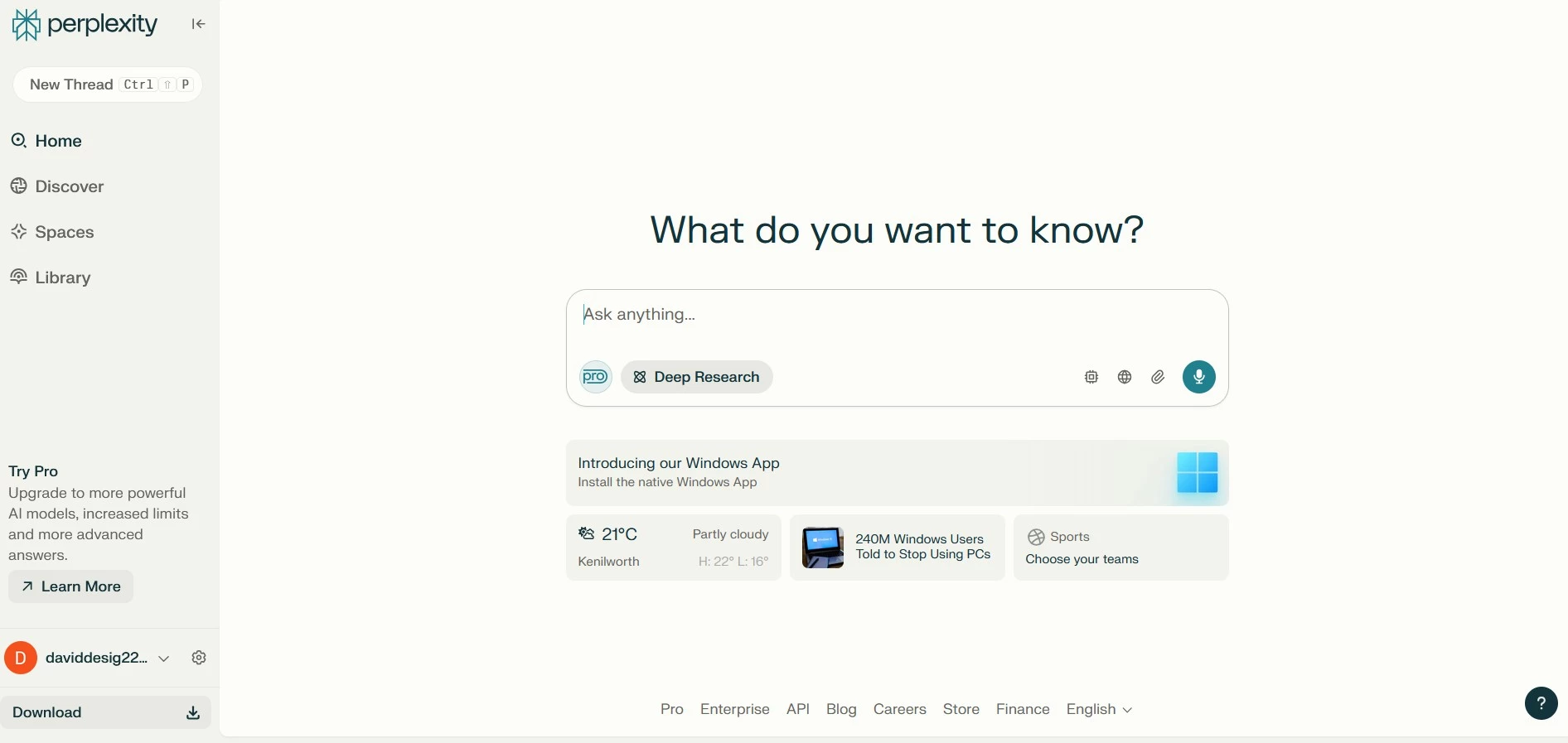
Of all the different AI-powered search engines I’ve been trying lately, Perplexity AI is the one I keep coming back to when I need fast, reliable answers without the usual noise. What makes it stand out is its ability to cut through the clutter.
You ask a question — whether it’s “What’s the best time to post on LinkedIn in 2026?” or “What are the latest trends in customer retention?” — and it gives you a clear, concise answer.
No guessing. No digging through ten blog posts. Just a direct response, with clickable citations right below it.
| Pros | Cons | Pricing |
|
|
|
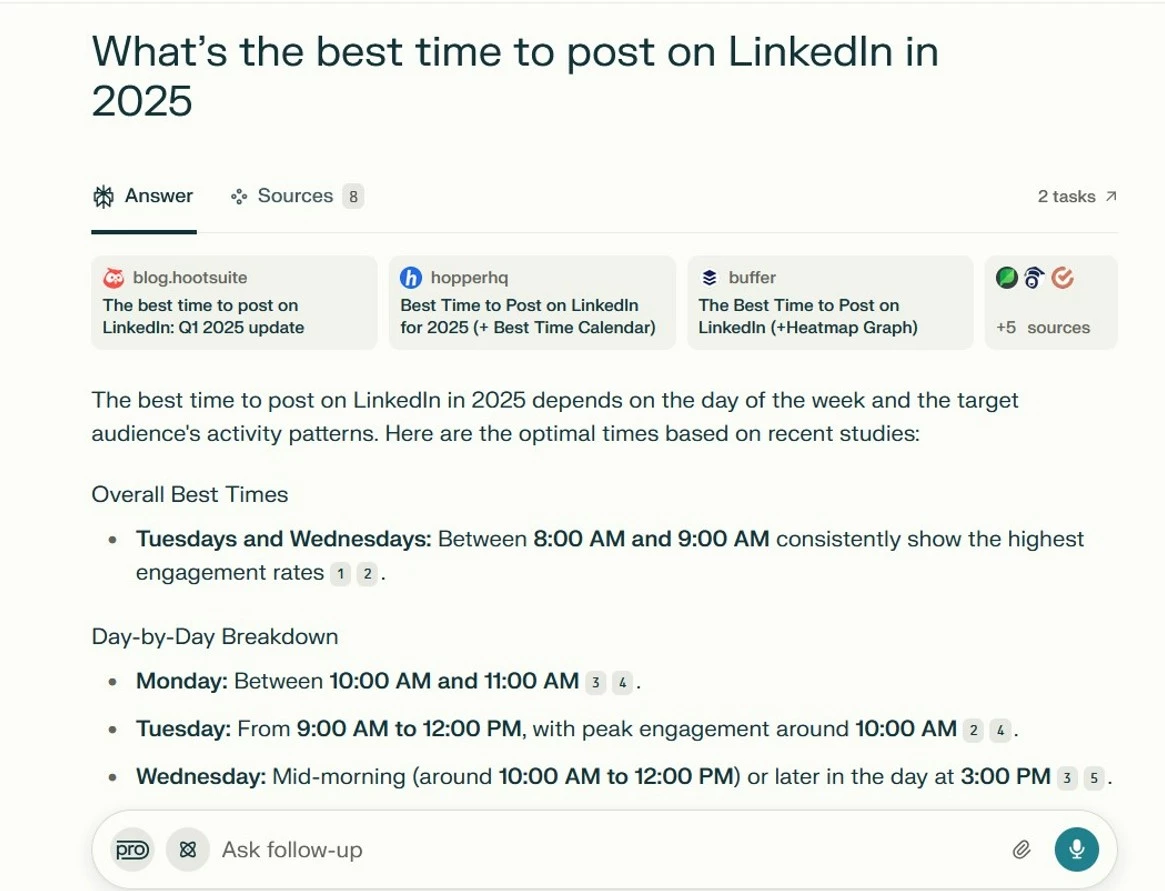
So, it really isn’t just another AI chatbot layered on top of search. It actually pulls in real-time data from across the web and tells you exactly where it found the information.
That transparency is an answer to one of the biggest challenges of AI search — unreliability. Generative AI has a tendency to make things up, so this is a breath of fresh air for any business where trust and attribution matter.
Where Perplexity really fits into a professional workflow is in time-sensitive research tasks — like briefing a client on a trend, validating a data point for a slide deck, or drafting a strategic insight based on emerging news. It saves you the step of clicking through five or six tabs to piece together an answer.
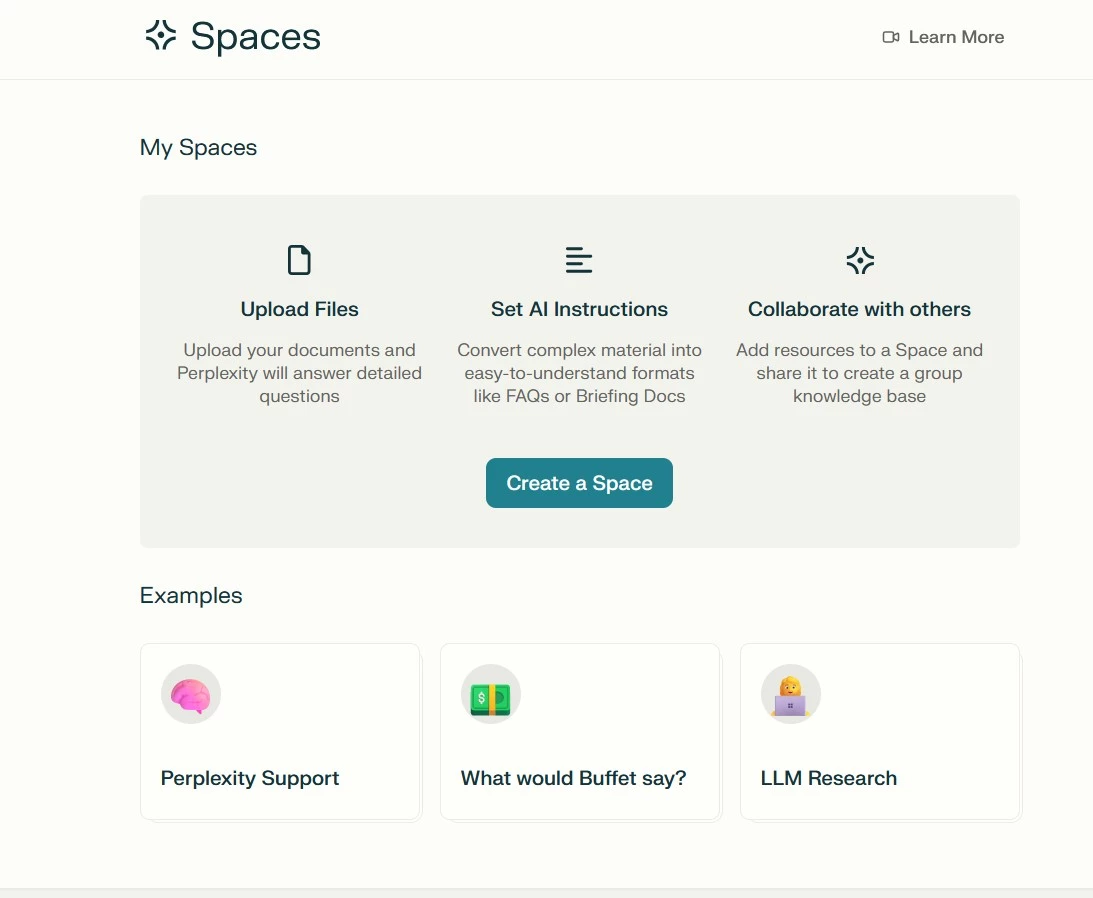
It’s also surprisingly good at refining its responses based on context, I found, which makes it feel more like a research assistant than a standard search tool.
So, if you’re managing content, running campaigns, or building reports, it can be pretty helpful to keep you informed and validate your assumptions, or to discover useful talking points without the traditional ad-heavy search results.
It won’t replace your primary research tools, but it’s ideal for early-stage discovery, idea generation, and quick summaries.
What Users Say
Online sentiment seems to back this up. Users consistently mention how refreshing it is to get quick, sourced answers instead of scrolling endlessly.
Others caution that it’s not error-proof, while others express frustration over its limited extensions, or that context can be lost in follow-up questions. It’s perhaps best, therefore, as a jumping-off point rather than a tool for exhaustive research.
Who’s It For?
Perplexity AI is perfect for professionals who need fast, reliable answers with trustworthy sources.
If you spend time validating facts, pulling data for reports, or briefing teams on trends, you’re bound to appreciate this tool’s ability to cut through the noise and help you move quickly.
Other Notable Features
- Conversational search with a clean, chat-like interface
- Real-time web results with proper source attribution
- Mobile app with strong reviews for speed and UX
- No login required (unless you want to save history)
Get started with Perplexity for free.
2. You.com – Best for Personalized Search Experiences
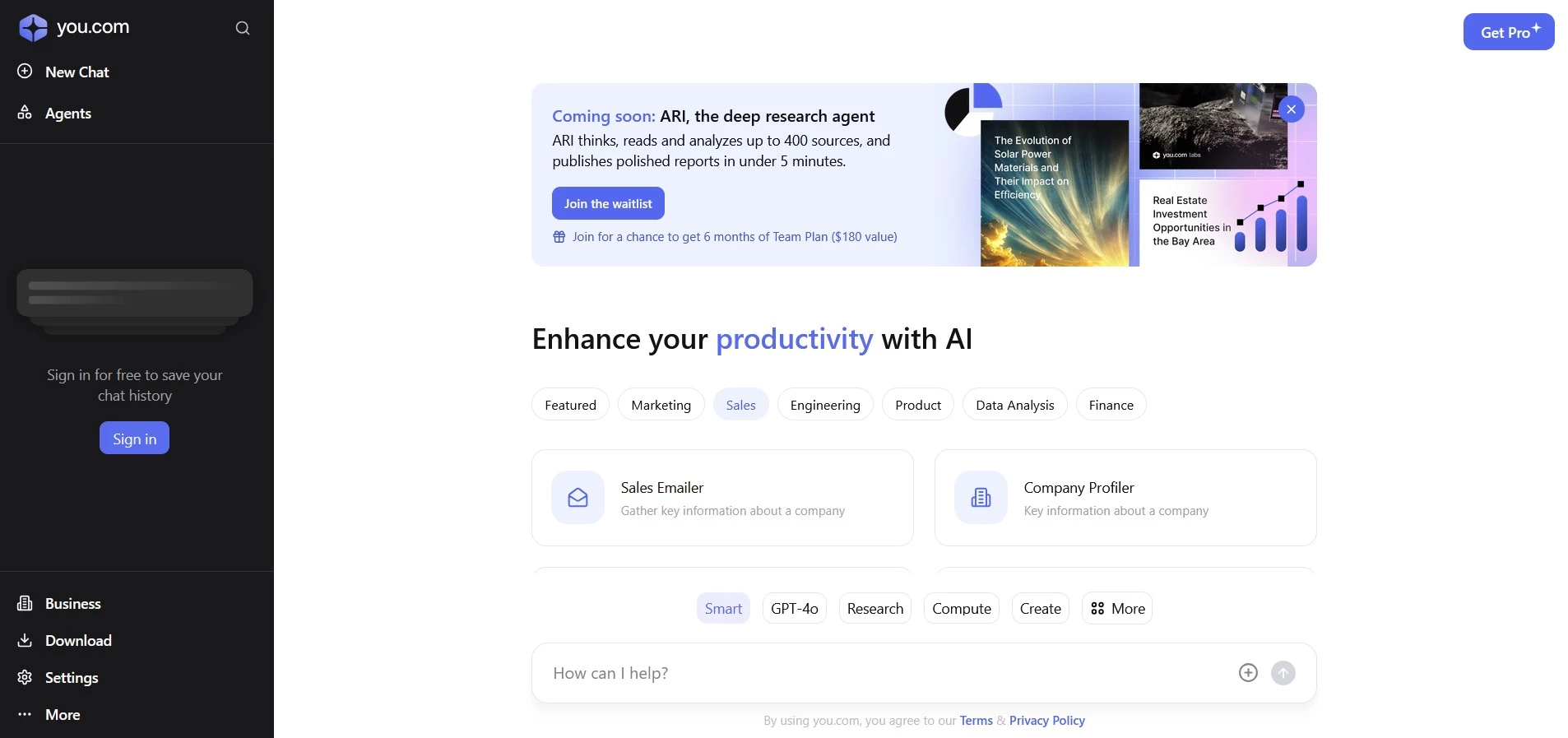
When I started testing You.com, what stood out immediately was how much control it gives you over the search experience.
It caters to highly customizable search and research workflows, especially for companies and teams that want built-in AI tools for content, coding, and quick analysis all in one place.
| Pros | Cons | Pricing |
|
|
|
Essentially, it’s built around the idea that not everyone wants the same search results (hence the name). That’s a big deal in any professional context.
It means you can actually “boost” or “block” specific sources, so if you prefer results from industry-specific sites or want to avoid certain publishers altogether, You.com lets you customize accordingly.
But it goes further. You.com is actually a hub of AI tools, including a writing assistant, code generator, summarizer, translator, and even a diagram creator. The result is that it feels like a productivity suite meets search engine.
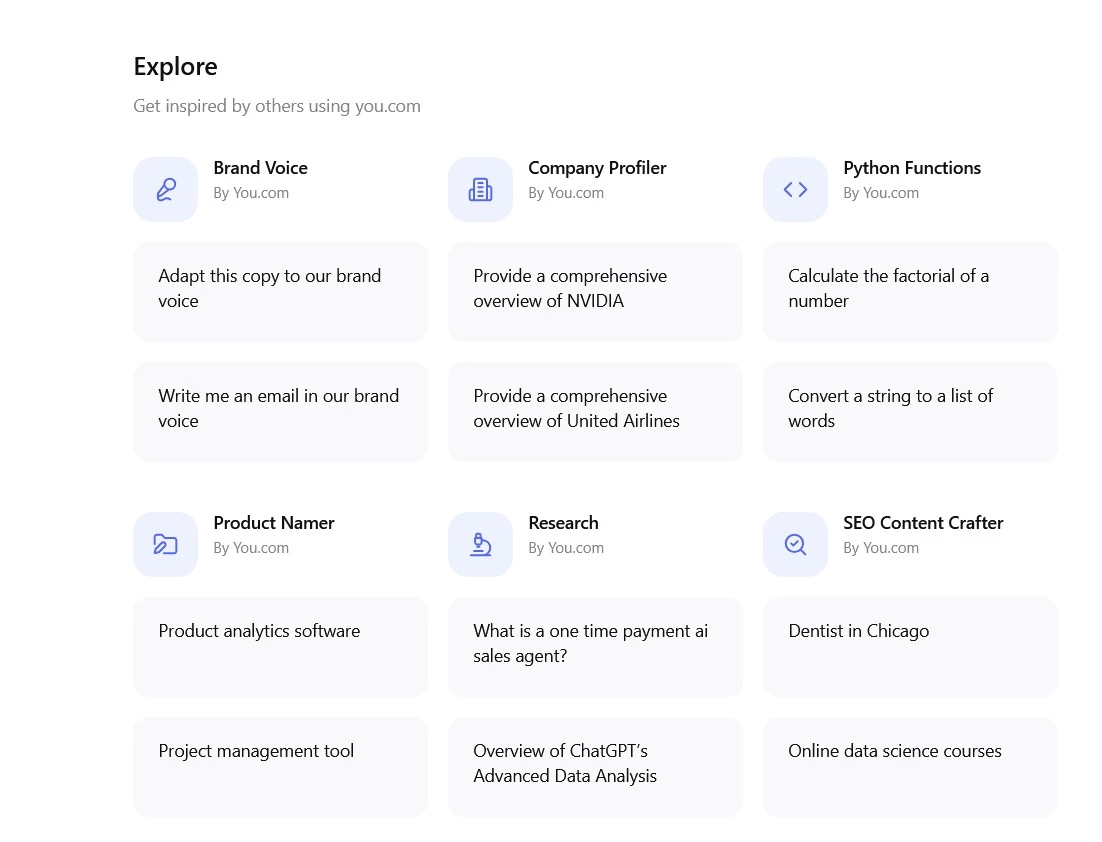
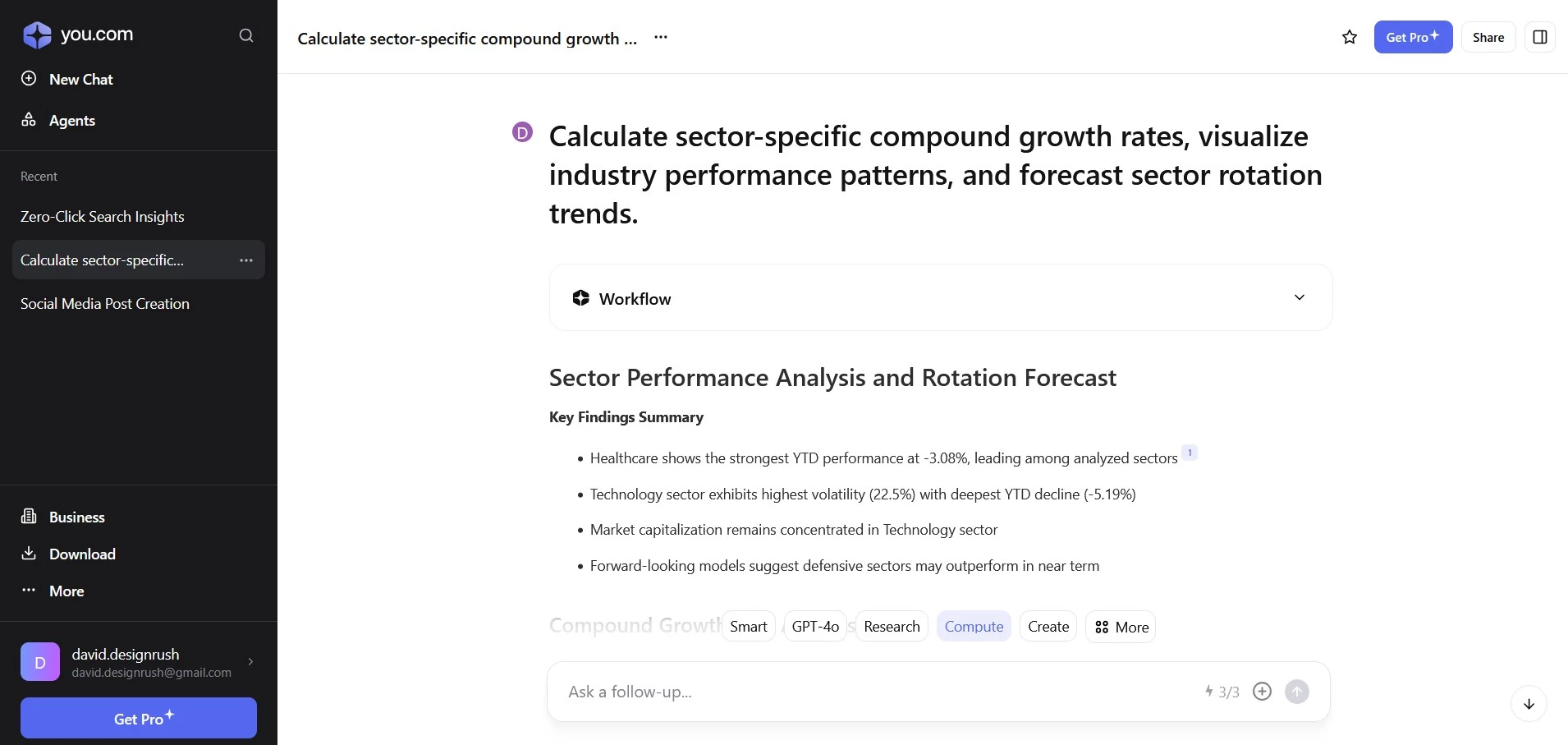
I tried it out for a campaign planning sprint to summarize long-form research, brainstorm some social media messaging, and even debug a bit of code — all without leaving the search window.
The interface is clean but packed with functionality. Search results come in a tabbed format: web, apps, chat, and more, so you can shift between AI-generated answers and traditional sources with ease.
That's great for when you’re trying to balance speed with depth, like validating data before presenting it to a client or stakeholder.
What really makes You.com stand out is how it blends search with productivity. It helps you use the information it finds right away through a suite of AI tools in the same space, so you can do things like draft emails, summarize articles, or even write and test code without ever leaving your search window.
This setup keeps things moving — speeding up the entire workflow that comes after it.
Get started with you.com for free.
What Users Say
Comments about this tool are generally positive with users mentioning that "moving from perplexity over to here was the best decision I've made on AI tools."
One user who complained about getting "huge usage" messages was advised to upgrade to the team plan, which other users also recommended. It seems that if you’re using it frequently across multiple use cases (content, coding, summaries), the upgrade is worth considering.
Who’s It For?
You.com is a great fit for power users, content creators, and developers who want more control over their search experience.
If you like working with AI tools directly in your browser (whether it’s for writing, coding, or summarizing) this is a productivity-first platform worth exploring.
Other Notable Features
- Source prioritization and filtering for tailored results
- Built-in AI tools (writing, summarizing, coding, brainstorming, etc.)
- Multiple search modes including chat, apps, and traditional web
- Private search with no tracking or profiling
- Browser extension and mobile app for on-the-go productivity
3. Microsoft Bing with Copilot – Best for Integration with Microsoft Ecosystem
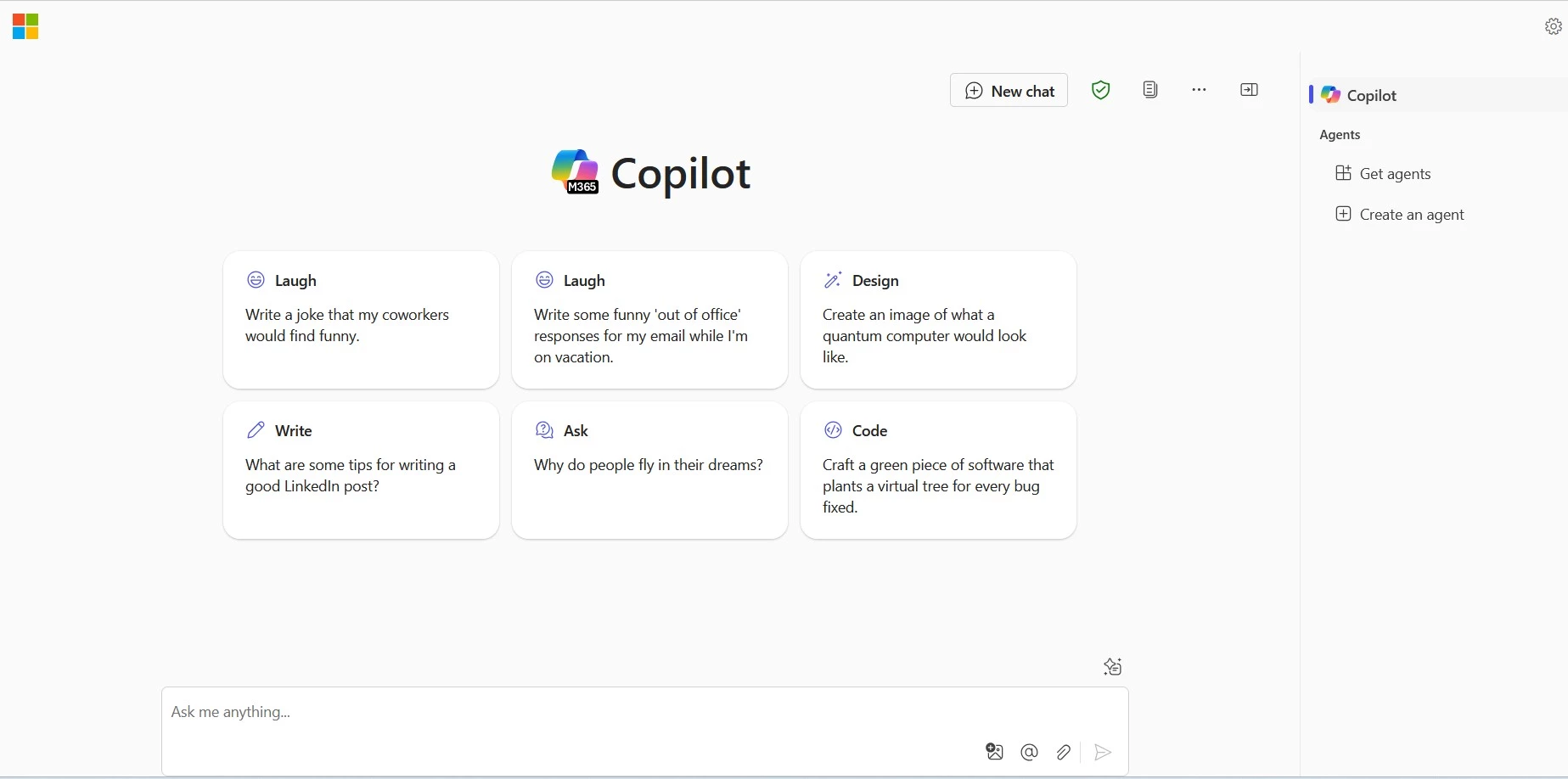
I wasn’t sure what to expect going into Bing with Copilot. Microsoft’s been in the search game for a while, but leaning into AI in a much more deliberate way with Copilot has paid off for them and put Bing on the map (now 12% of the global desktop search market).
What I found was a tool that doesn’t try to reinvent the wheel, it just makes the existing wheels smarter. If you already use Microsoft tools like Edge, Word, or Teams, this integration feels almost seamless.
| Pros | Cons | Pricing |
|
|
|
Some advanced Copilot features in Microsoft 365 apps require a commercial license (currently $30/user/month for enterprise plans).
At its core, Bing with Copilot functions like an enhanced version of traditional search. You still get the classic results layout, but now with a layer of AI-generated insights on top. This includes things like summaries, suggestions, and next-step prompts.
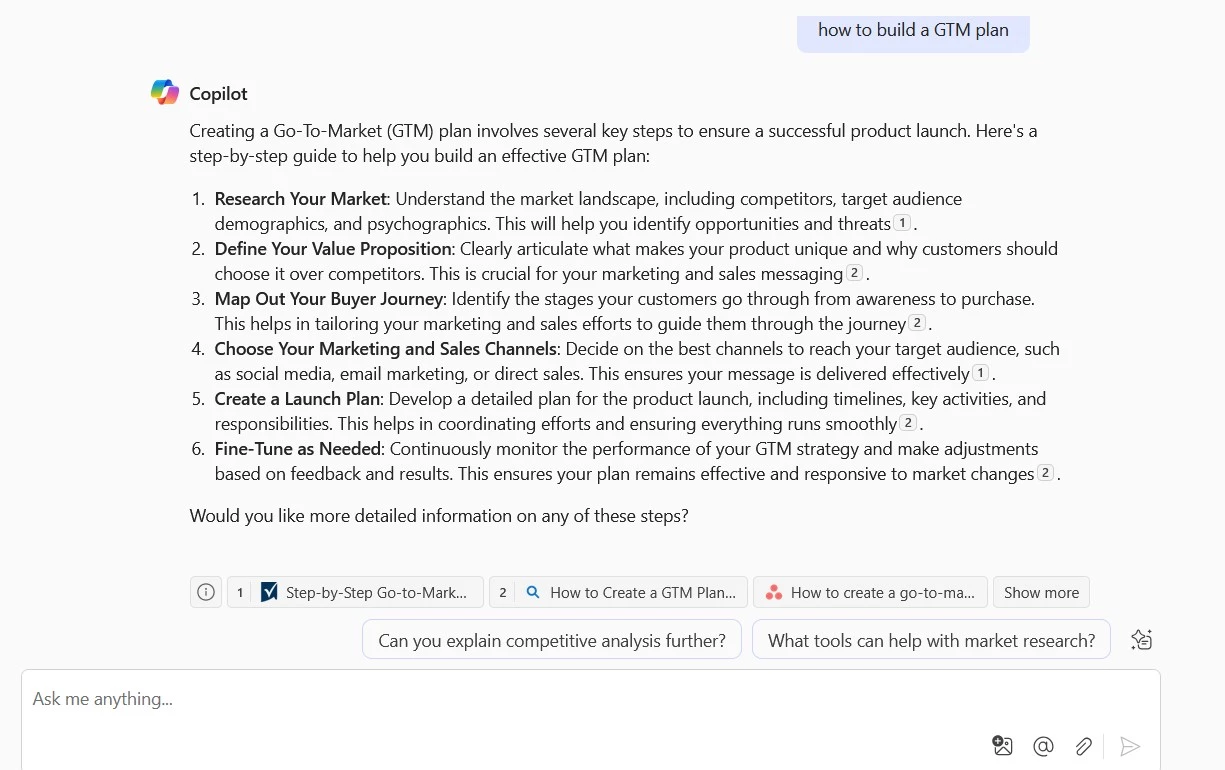
When I searched for things like “how to build a GTM plan” or “best CRM tools for agencies,” Copilot went beyond links to offer a clear, concise breakdown, with citations included.
That makes it especially useful when you need to get up to speed on something fast, or prep for a meeting without reading five different blog posts.
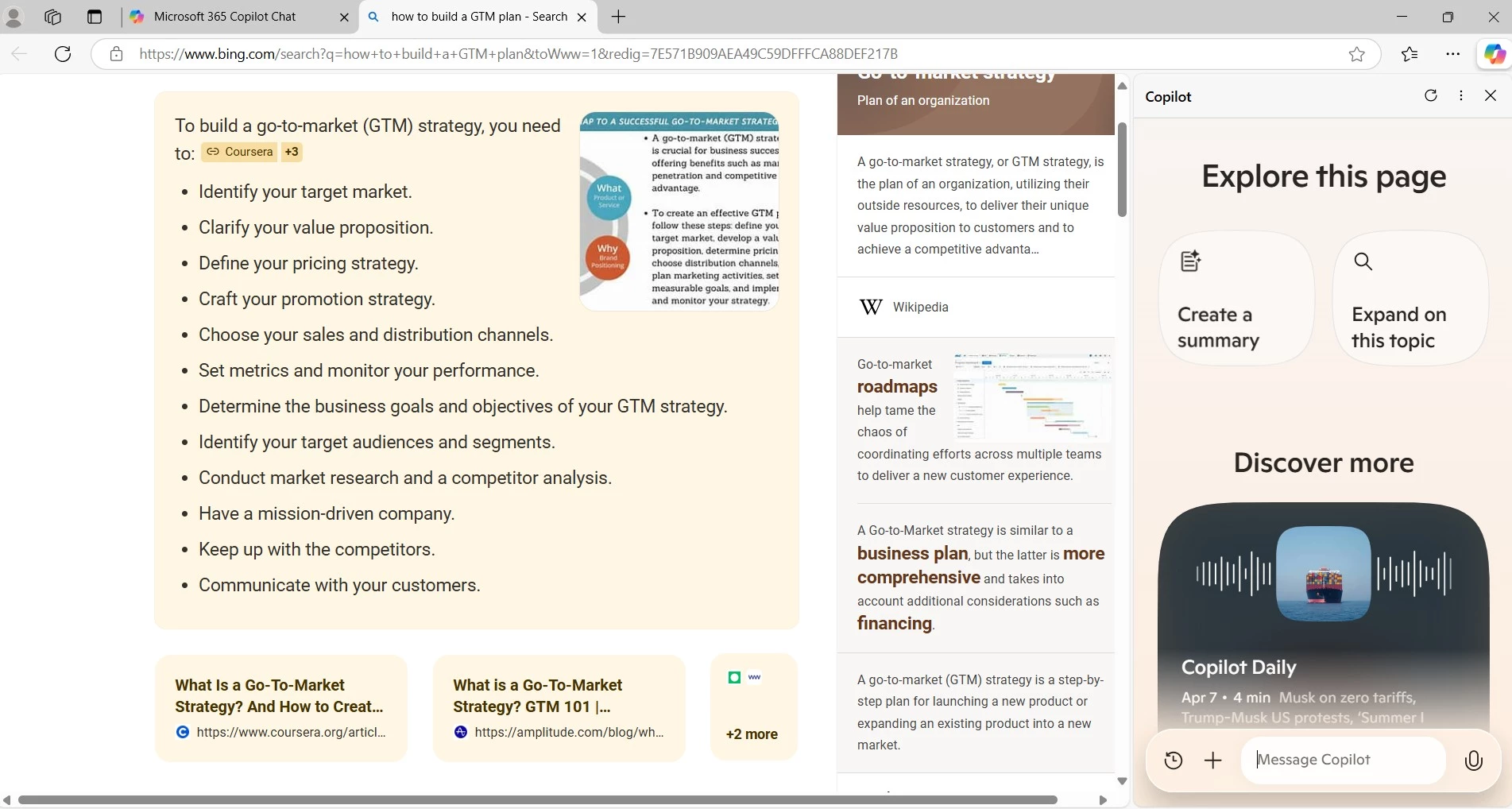
Where it really shines, though, is inside Microsoft’s ecosystem. Using it in Edge lets you open Copilot in the sidebar while keeping your current page active. That’s especially handy for comparing sources or pulling quick insights while you’re drafting a doc.
Start your free trial of Microsoft Copilot Pro today.
And when you’re in Office apps like Word or PowerPoint, you can ask Copilot to help write outlines, polish copy, or summarize long documents in real time. It’s like having a knowledgeable assistant that’s already embedded in your workflow.
What Users Say
User feedback is mixed. Some praise Copilot because “it does Bing searches for you, you can ask something and it will compile, and summarize the result,” adding that it doesn’t hallucinate as much as ChatGPT.
Who’s It For?
Bing with Copilot is best for teams already embedded in the Microsoft ecosystem. If you use tools like Word, Excel, and Teams daily, this AI-powered assistant is here to help you multitask, summarize content, and pull insights more efficiently.
Other Notable Features
- AI-powered answers layered on top of traditional search results
- Copilot sidebar in Edge for multitasking and in-context insights
- Deep integration with Word, Excel, Outlook, and Teams
- Source-cited summaries for business and technical queries
- Supports both natural language questions and structured prompts
4. Andi – Best for Visual, Distraction-Free Search
I stumbled across Andi while looking for lighter, cleaner alternatives to the more established AI search platforms — and I’ll admit, I didn’t expect much. But it surprised me.
Andi feels like what search would be if it were reimagined from the ground up with clarity and simplicity in mind. It’s designed to give you quick, conversational answers in a sleek, minimal interface that strips out the usual noise.
This distraction-free format is especially for mobile users, visual thinkers, and people who want clarity without complexity.
| Pros | Cons | Pricing |
|
|
|
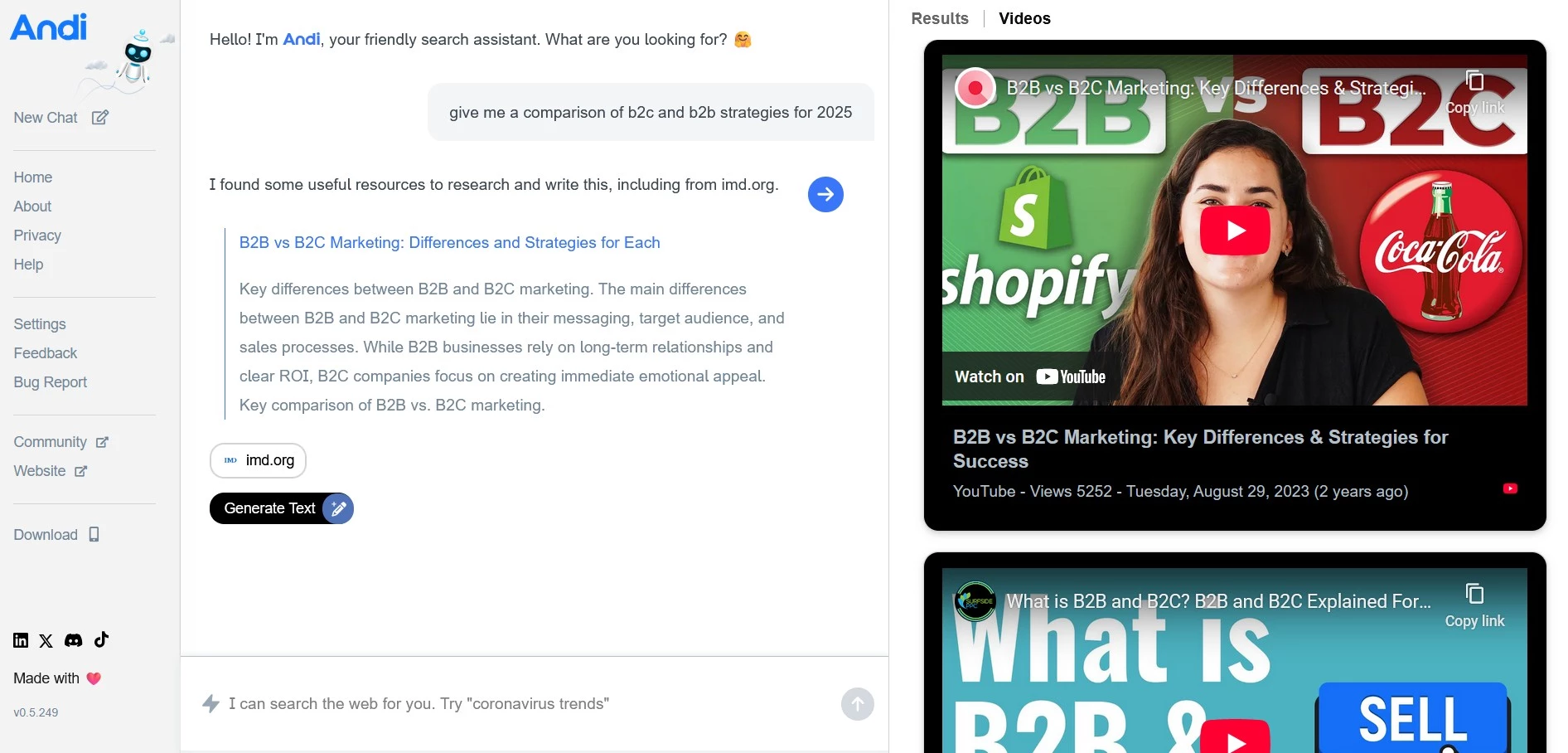
At first glance, it looks more like a messaging app than a search engine. You type your query in natural language, and Andi responds with a direct answer, often paired with visuals from relevant sources.
When I asked questions like “What’s a good customer retention strategy for SaaS?” or “What’s the difference between ROAS and ROI?”, the answers were clear, contextual, and easy to skim. If I wanted more depth, it offered curated links right below.
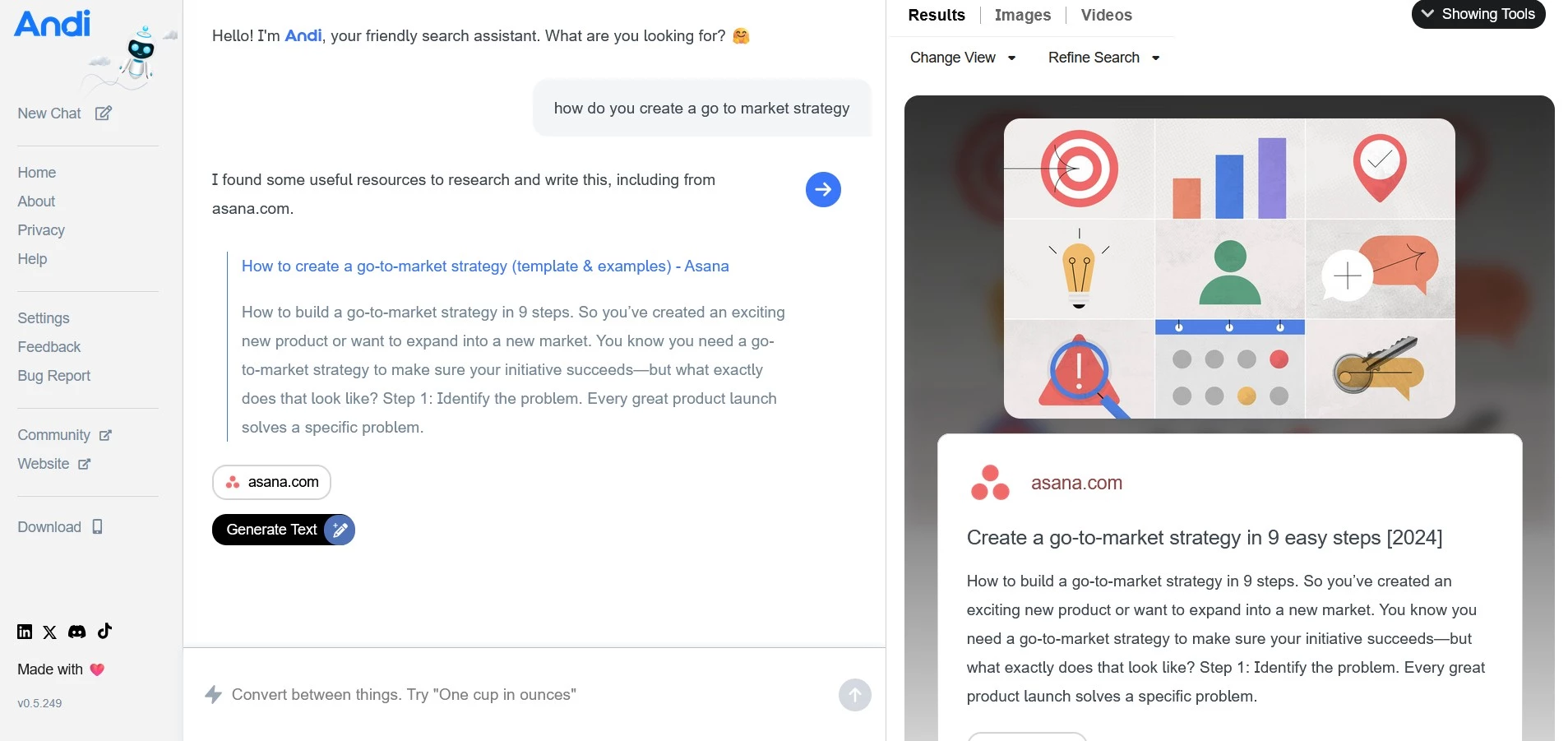
Andi stands out for being a visual-heavy tool. It presents results in modular blocks that highlight stats, employs side-by-side comparisons, or simplified diagrams.
It’s ideal for people who process information visually or are just tired of wading through walls of text. And it’s super mobile-friendly, which made it easy to use when I was away from my desk and needed a quick answer on the fly.
Sure, it doesn’t have the power or depth of a platform like You.com or Perplexity, and it’s not built for heavy-duty research. But that’s not really the point of Andi.
This tool is designed to keep things fast, focused, and easy to understand. And it is especially useful if you want to look something up quickly without being pulled into an internet rabbit hole.
Get started with Andi for free.
What Users Say
While still relatively under the radar, early users consistently praise its speed, clean design, and low-friction experience. One user expressed, "The search is pretty accurate, and I love the interface. Very handy."
Who’s It For?
Andi is ideal for visual learners, mobile users, and anyone who prioritizes speed and simplicity. If you just want a clean, distraction-free way to get answers quickly (without wading through ads or text-heavy results) Andi is a smart, lightweight option worth trying.
Other Notable Features
- Conversational, natural-language search with direct answers.
- Designed with a mobile-first approach
- Visual-first interface with summary cards and clean formatting
- Curated links below answers for deeper dives
- Optimized for mobile and responsive on desktop
5. ChatGPT-4 with Browsing – Best for Versatile, Research-Backed Answers
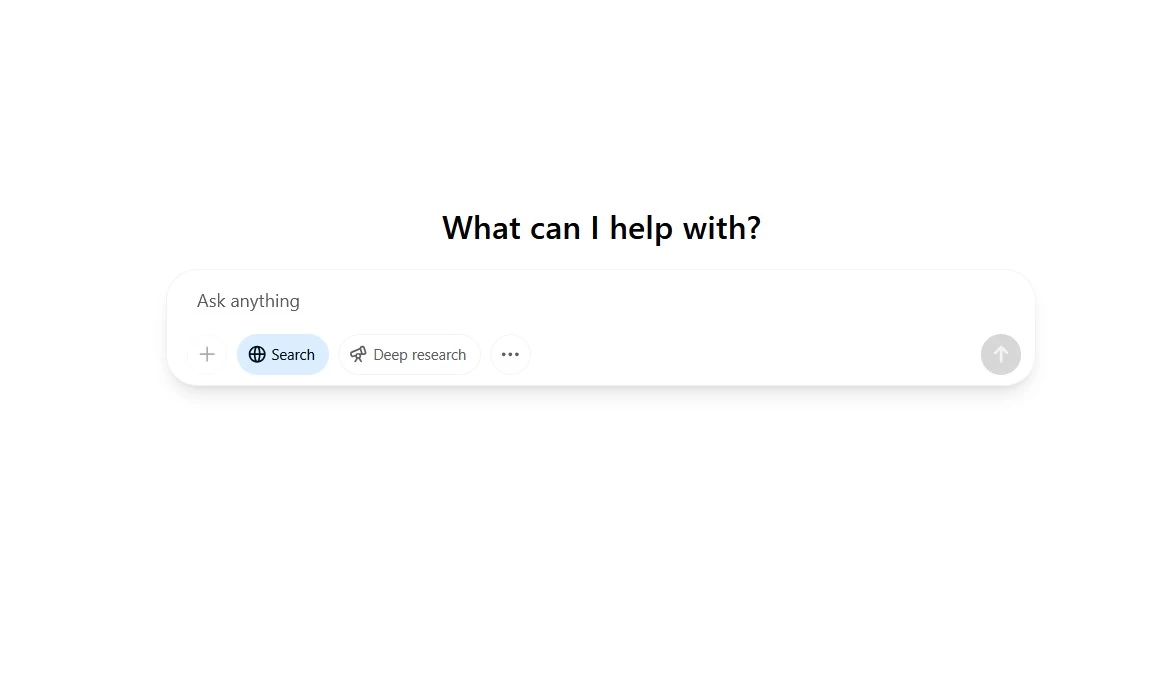
OpenAI's ChatGPT has quickly become a big player in the AI-driven search landscape, ever since the introduction of GPT-4's browsing capabilities. This turned it from a conversational AI into a multifaceted tool for information retrieval and content creation.
| Pros | Cons | Pricing |
|
|
|
I've been using ChatGPT for everything from researching and validating data points and summarizing complex reports to brainstorming creative ideas and drafting content. With browsing enabled, it can fetch real-time information and provide sourced answers, making it a capable (and I think quite competent) research assistant.
What sets ChatGPT apart from traditional search engines is how it transforms the search process from a list of links into a fluid, interactive dialogue.
You can ask follow-up questions, refine your prompt mid-stream, or ask it to break down a concept into simpler terms, all in the same interface. This makes it especially useful for companies doing exploratory research or trying to quickly get up to speed on a topic.
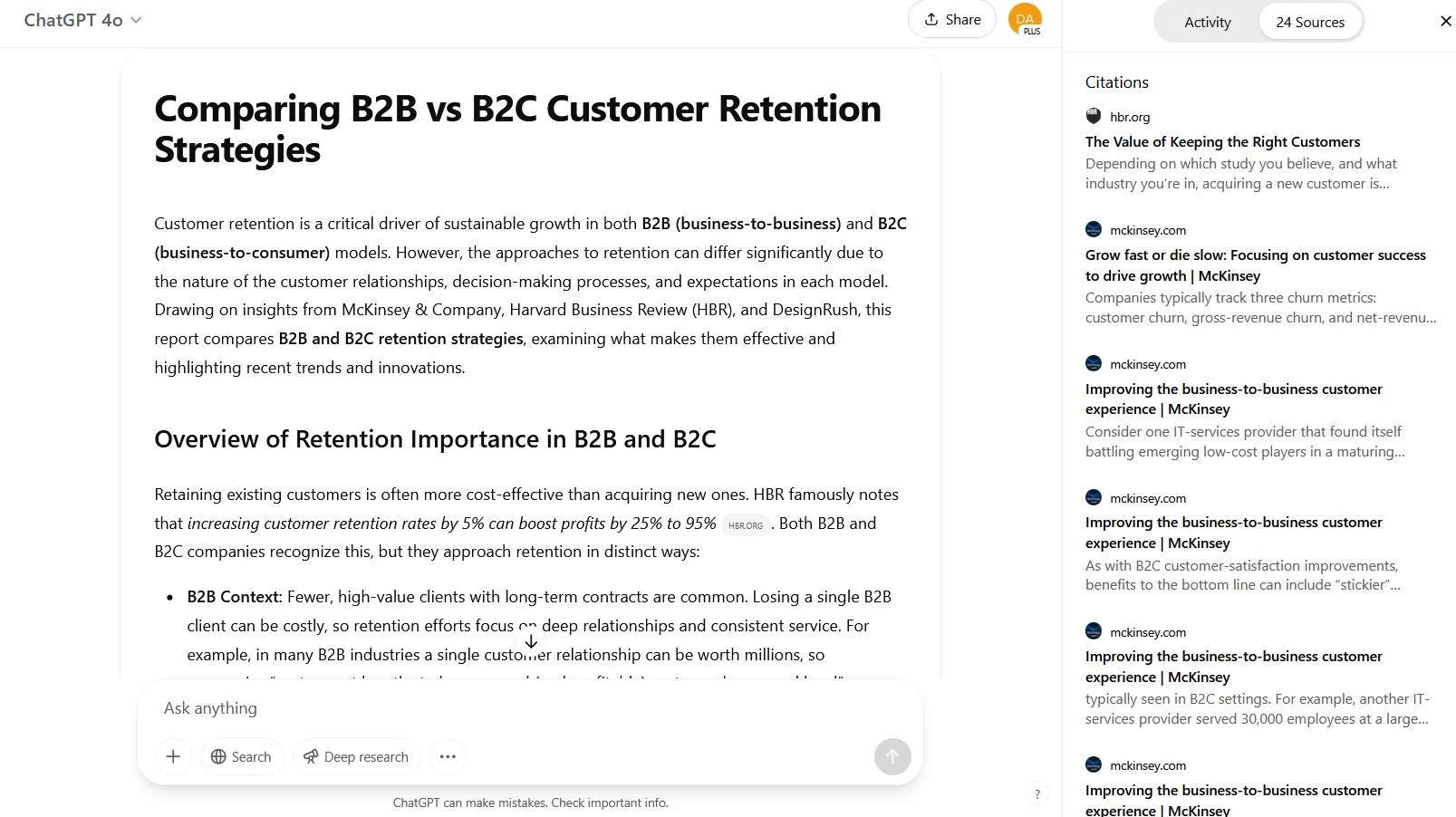
For example, when researching marketing trends for B2B SaaS in 2026, I asked ChatGPT for a broad overview. It returned a summary of the latest articles, complete with sourced insights and links.
But the real value came in the next steps: I asked it to narrow the focus to customer retention strategies, then to compare B2B and B2C differences, and finally to outline potential content ideas around those trends.
That ability to guide the search, not just receive it, turned a one-dimensional query into a strategic research session.
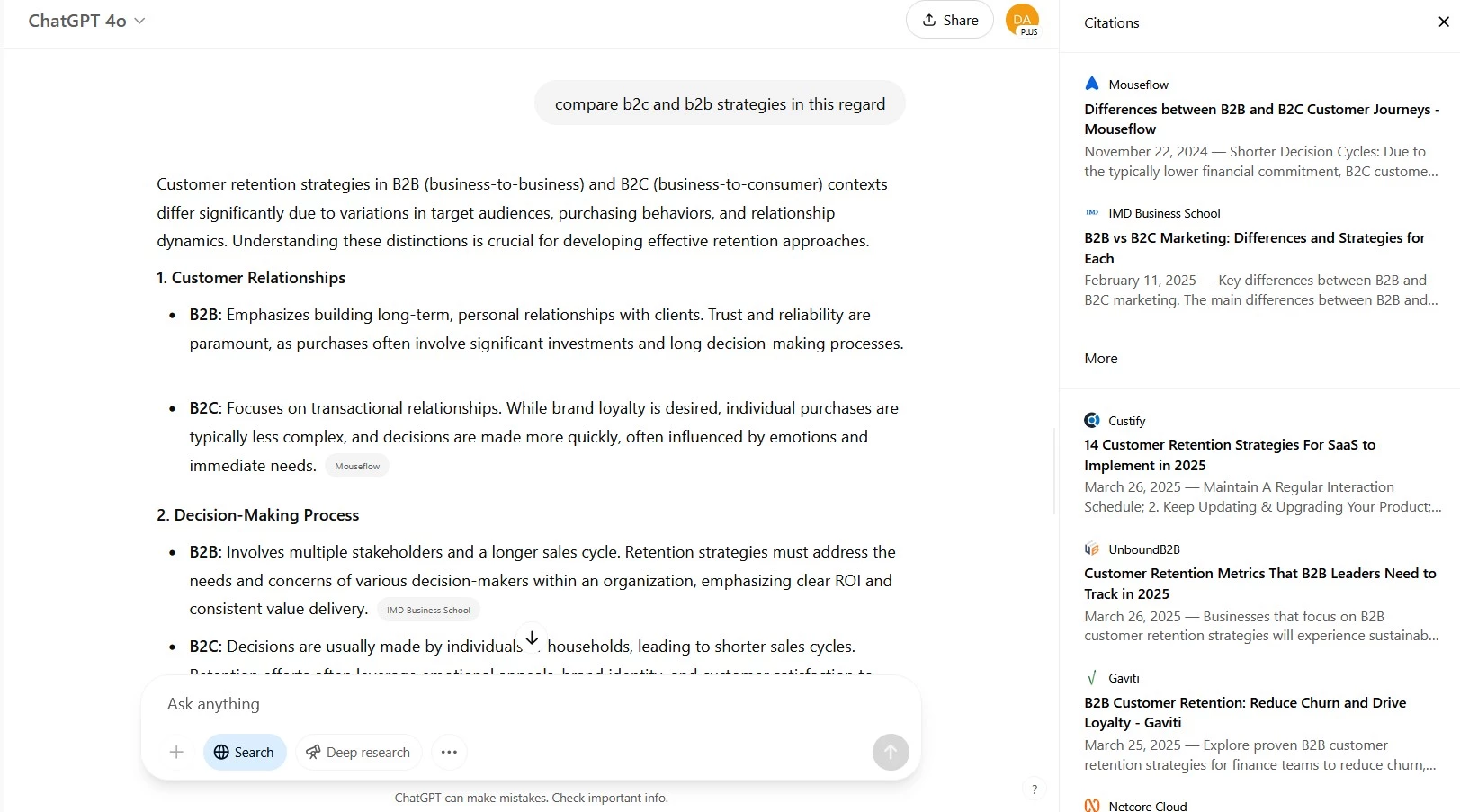
If you’re looking to vet competitors, draft campaign concepts, or prep for a pitch, ChatGPT can cut the time you’d normally spend clicking through pages of search results.
It's good for summarizing key points from a competitor’s website, for instance, comparing features across products, or even pulling out industry-specific terminology from a long-form report.
Get ChatGPT for your team for $25/mo.
ChatGPT’s "Deep Research" feature conducts comprehensive, multi-step investigations on complex topics. It plans and executes searches (while keeping you informed about its process), analyzes online sources, and synthesizes detailed reports with citations. This is very helpful for companies requiring thorough insights without extensive manual research.
That said, ChatGPT isn’t perfect. It’s not great for pulling raw data or statistics unless you ask very specific questions, and it can sometimes miss the nuance that comes from hands-on experience.
But as a high-level discovery tool (especially when you need clarity quickly) it’s become an indispensable part of my search toolkit.
What Users Say
Sentiment is generally positive, with users noting that "ChatGPT (with browsing) is like a million times more useful than Google."
In response, another user mentioned that it feels like a Meta search, with no ads in the content, unlike Google’s multiple pages filled with ads, adding, "ChatGPT feels like the fastest tap for the least fussy information source."
ChatGPT’s weaknesses cost it in the minds of others, however, like some who accuse it of merely coming up with a search query based on your prompt, then summarizing the first five results for you.
Who’s It For?
ChatGPT with Browsing is suitable for researchers, strategists, and business leaders who want depth, flexibility, and real-time information. It’s especially useful if you’re delving into complex topics, comparing ideas, or building content that needs context and citations on the fly.
Other Notable Features
- Natural language chat with browsing capabilities for real-time answers
- Ability to summarize, expand, and reframe content on the fly
- Integration with various plugins for extended functionalities
- Customizable responses to align with specific tones or styles
Other Search Engines With Growing AI Capabilities
While the major players have already been covered, several other search engines are quietly making impressive strides with AI integration.
These tools may not lead the pack, but they offer unique features and innovative approaches worth keeping an eye on.
QuickSearch+: AI Search, Summaries & Smarter Browsing
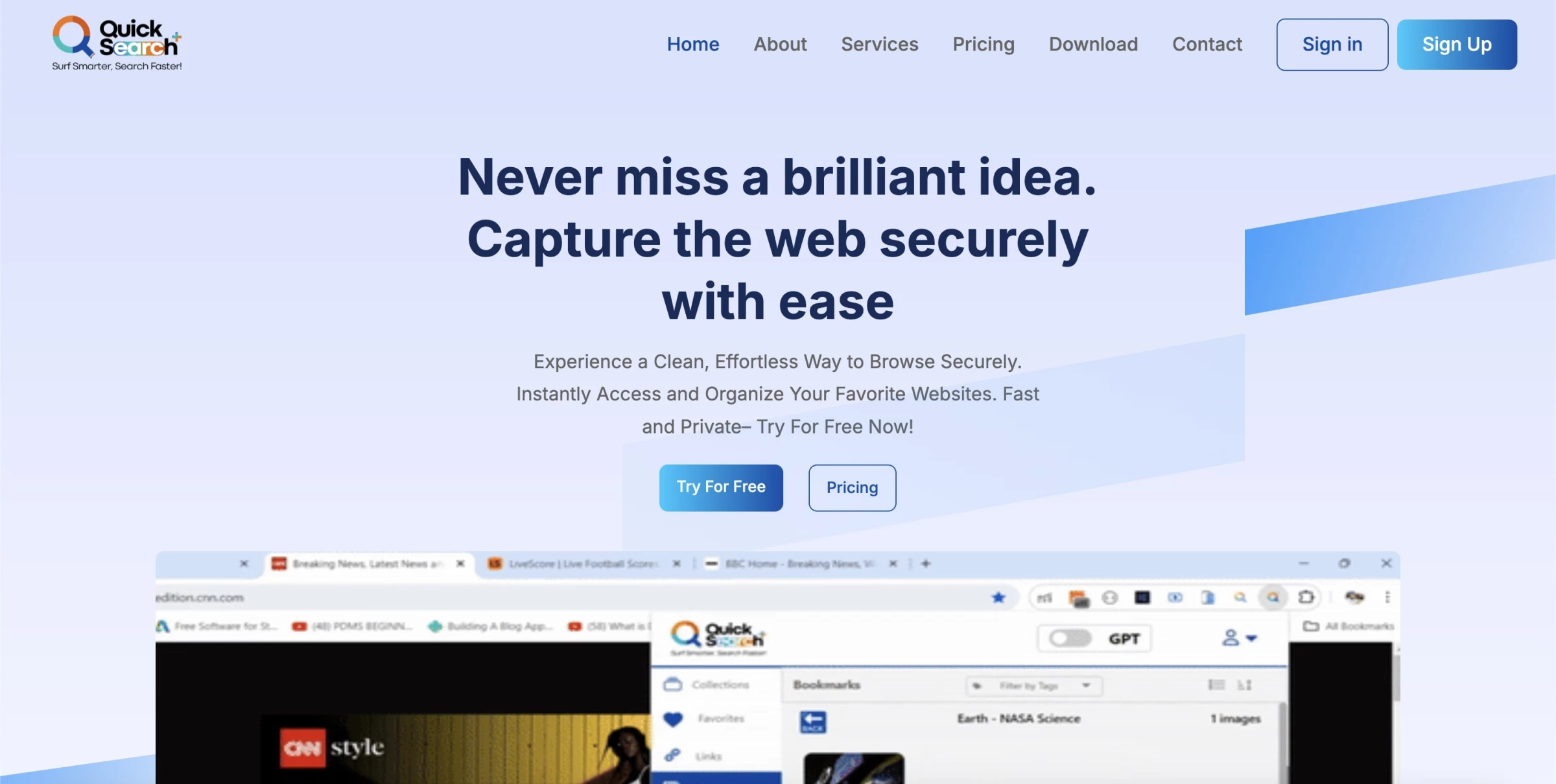
QuickSearch+ is an AI-powered browser extension designed to transform how you interact with the web.
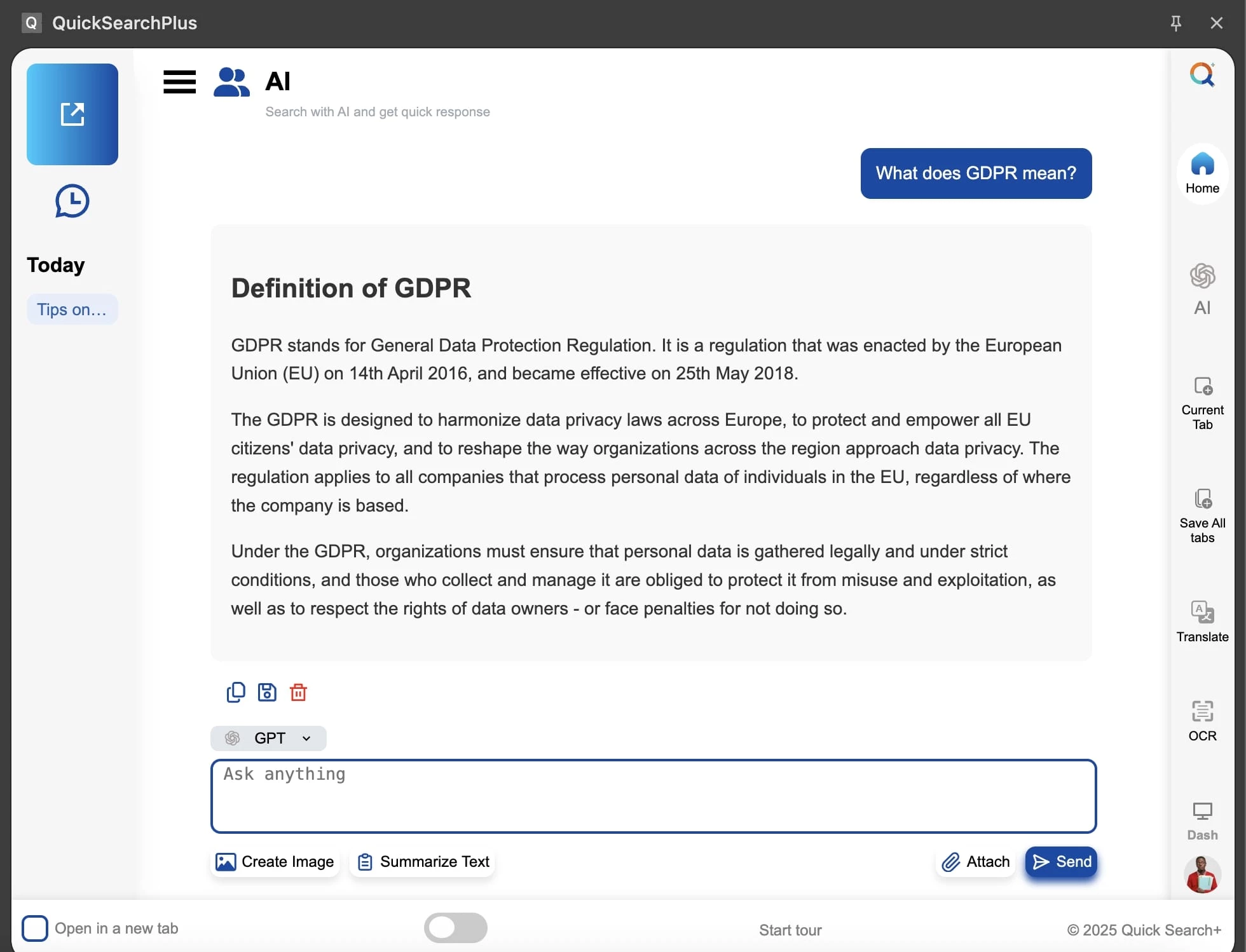
Once you install the Chrome extension, a slim, responsive sidebar appears beside any webpage. It lets you toggle between traditional keyword search and a conversational AI powered by GPT — no need to leave your tab.
| Pros | Cons | Pricing |
|
|
|
Hovering over any link provides an instant snapshot of the page's content — no click required. For larger text blocks, you can OCR PDF or image text directly in the sidebar, then instantly translate it or ask the AI to simplify it.
The sidebar also doubles as a robust bookmark organizer: with one click, I saved links and files into the cloud. It smartly suggests folders as I save, making it feel like a smarter Pocket.
Not everything is perfect, though. There is an occasional UI lag, especially on bigger screens — animations can stutter, and scaling isn't fully polished. Also, accessibility features such as screen-reader compatibility aren't clearly advertised, which might limit usability for some.
If you love streamlining your work, reducing tab clutter, or enhancing digital organization, QuickSearch+ checks all the boxes. It's a good choice for people who prefer having search, chat, bookmarks, summaries, and private browsing all in one place.

Our team ranks agencies worldwide to help you find a qualified partner. Visit our Agency Directory for the top AI companies, as well as:
- Top AI App Development Companies
- Top AI Product Development Companies
- Top AI Web Design Companies
- Top AI Marketing Companies
- Top AI Companies in San Francisco
Our experts also recognize the most innovative projects across the globe so make sure to visit our Awards section.
AI Search Engines FAQs
1. Are there privacy concerns associated with using AI search engines?
As with any online service, privacy considerations depend on the specific AI search engine's data handling policies. It’s important to review these policies to understand how their data is used and stored.
2. Can AI search engines replace human research?
Certainly not. While AI search engines can be very helpful when it comes to information retrieval and summarization, human judgment is still essential to interpret the results and make informed decisions.