
AI is quickly becoming a go-to creative partner for graphic designers. It doesn’t replace human creativity, but it can help you move projects from ideas to polished execution much faster.
I’ll break down the essentials of writing graphic design prompts for ChatGPT, key use cases, what to keep in mind, and examples to get you inspired.
Graphic Design Prompts: Key Points
- ChatGPT is most effective in the early stages of design, helping shape ideas, structure layouts, and refine creative direction through text-based collaboration.
- A strong prompt functions like a mini creative brief, combining clear objectives, visual references, tone, and technical specs to generate more accurate suggestions.
- While ChatGPT can enhance your workflow, it doesn’t replace design execution or visual intuition — human input is still essential for originality and production-quality work.
How Do Designers Use ChatGPT Prompts for Graphic Design?
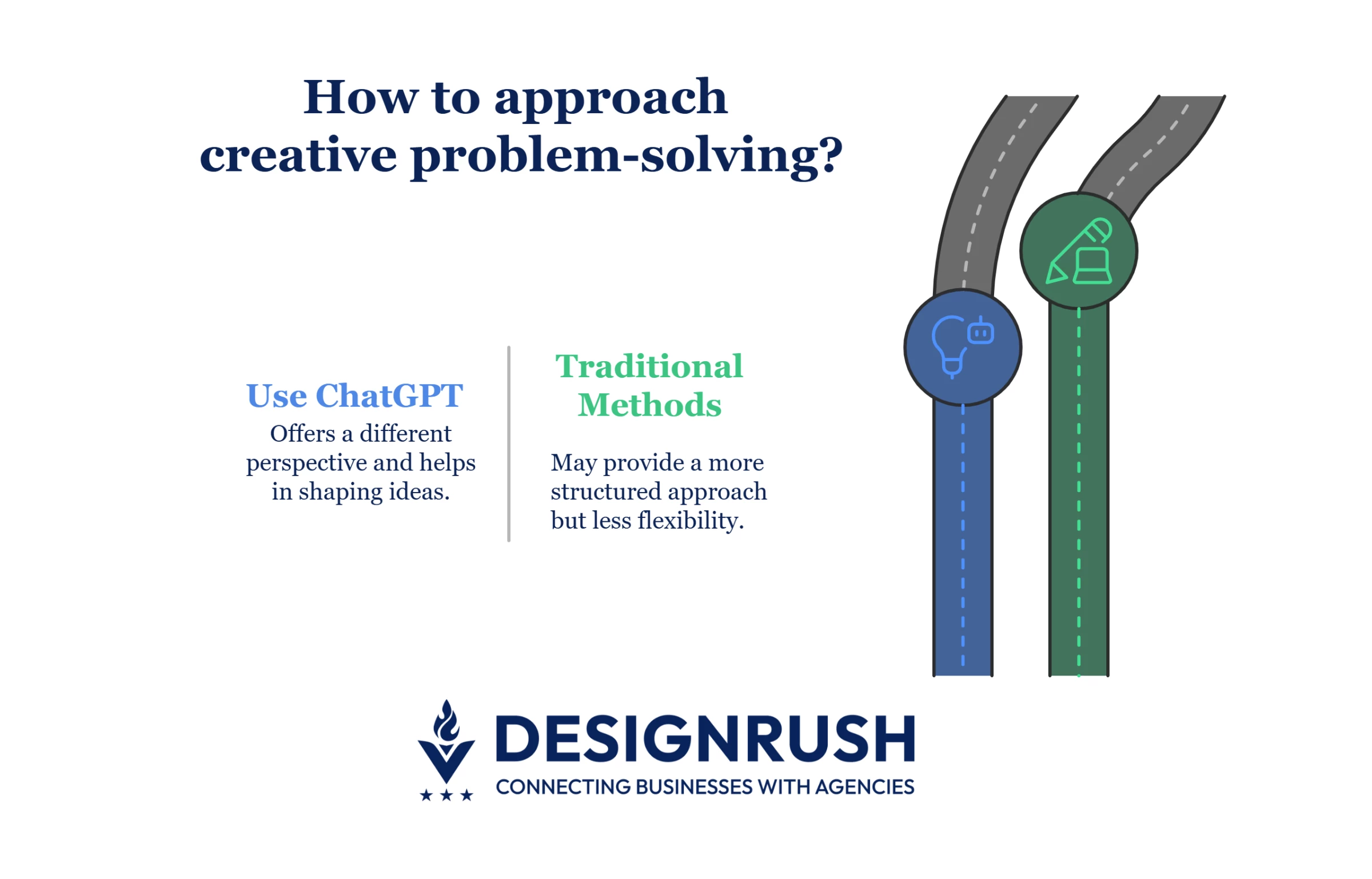
Professional designers rarely use AI to generate finished graphics anymore. Tools like ChatGPT are especially useful to think through creative problems in a different way, when you’re still shaping ideas, figuring out direction, or just trying to get something down on the page.
In general, graphic designers are using ChatGPT for:
- Brainstorming and ideation
- Planning color schemes and typography
- Sketching out layout structures
- Drafting copy for ads, packaging, or social media
- Generating prompts for AI image tools
- Communicating with clients and gathering feedback
The trick is to give ChatGPT the same kind of information you’d include in a well-prepared brief: purpose, audience, platform, tone, and style.
Graphic Design Prompting Checklist
When you are writing a graphic design prompt, it's important to provide specific instructions about the structure and context, as the written request here acts as a creative brief.
Here are some core components you should include when drafting a prompt to get clearer and usable outputs from ChatGPT:
- Purpose and use case
- Creative direction
- Tool-specific integration
- Prompt structure
- Format and technical specifications
1. Purpose and Use Case
Start by stating exactly what you're designing and how it will be used. This sets the parameters for the format, tone, and visual direction of the output.
What to include:
- The type of asset (e.g., product label, homepage hero banner, Instagram carousel)
- The target audience (e.g., tech-savvy professionals, parents, sustainability-focused shoppers)
- The delivery platform (e.g., printed brochure, mobile app, social media ad)
Why it matters: Each design use case brings different technical and stylistic requirements. A TikTok ad needs a completely different tone, format, and pacing than a printed business card or in-store signage.
2. Creative Direction
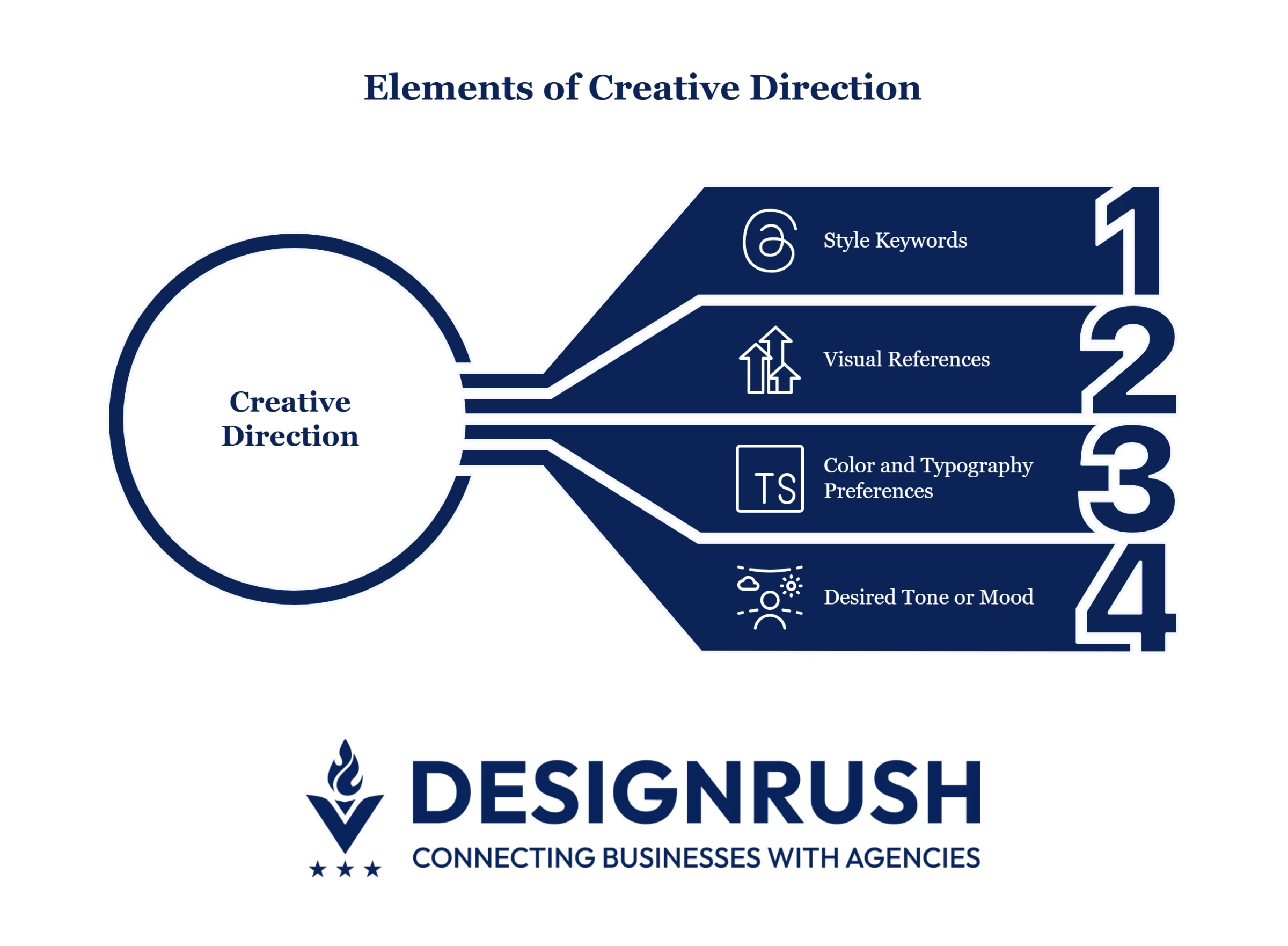 Once the use case is clear, define the aesthetic and emotional qualities you want. Think about how it should look and how it should feel.
What to include:
- Style keywords (e.g., bold, minimalist, editorial, high-contrast)
- Visual references (e.g., “inspired by Nike’s brand system” or “like an Apple keynote slide”)
- Color and typography preferences
- Desired tone or mood (e.g., friendly, premium, nostalgic)
Why it matters: Generic inputs like “make it modern” can lead to vague or mismatched results. Referencing actual design systems, moods, or visual metaphors helps ChatGPT produce more targeted ideas or directions.
3. Tool-Specific Integration
Include in the prompt how you plan to implement the output. Mentioning your tools and workflow allows ChatGPT to suggest formats, structures, and ideas that are easier to translate into your actual design environment.
What to include:
- Your design software (e.g., Figma, Illustrator, Canva)
- How you’ll use the output (e.g., manual tracing, mockup refinement, layout integration)
- Whether you need supporting assets (e.g., sample copy, button text, alt text)
Why it matters: A logo prompt for Illustrator will need different considerations than one for Canva. If ChatGPT knows how the result will be used, it can recommend a more usable format or structure.
4. Prompt Structure
Avoid lumping everything into a single block of text. Instead, break your request into logical phases based on how you design.
What to include:
- Short, focused prompts for each phase
- Suggested structure:
- Concept direction
- Style and mood exploration
- Layout guidance
- Final detailing (typography, color refinements)
Why it matters: Treating your prompt like a step-by-step conversation allows you to evaluate outputs in stages, just like an actual creative process.
5. Format and Technical Specifications
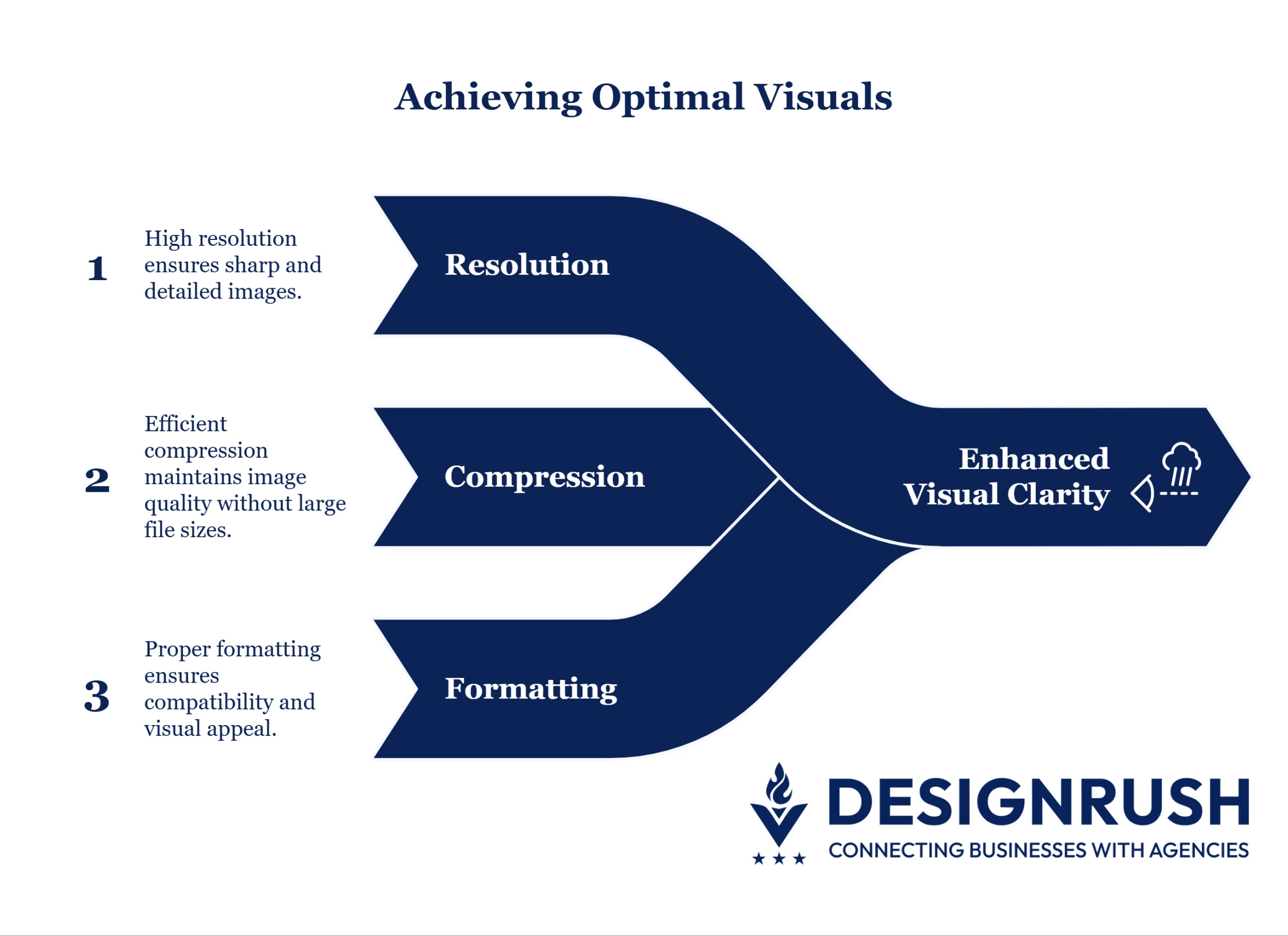 Designs that look great in theory still need to work in the real world. Clarifying technical constraints helps ensure AI suggestions are actually usable.
What to include:
- Dimensions or aspect ratio (e.g., 1920×1080px, 1:1, 4:5)
- File format (e.g., SVG for illustration, PNG for social, PDF for print)
- Platform-specific constraints (e.g., Instagram safe zones, dark mode contrast, UI padding)
Why it matters: Resolution, compression, and formatting influence visual clarity. If you make them clear, ChatGPT can factor in these specs when suggesting layout ideas or image treatments.
Prompt Templates for Key Design Phases
To get consistently strong visual results, try structuring your prompts using this simple formula:
Subject + Style + Color + Composition + Reference or Mood
For example:“Hand-drawn botanical illustration of lavender, pastel tones, centered composition, vintage apothecary vibe.”
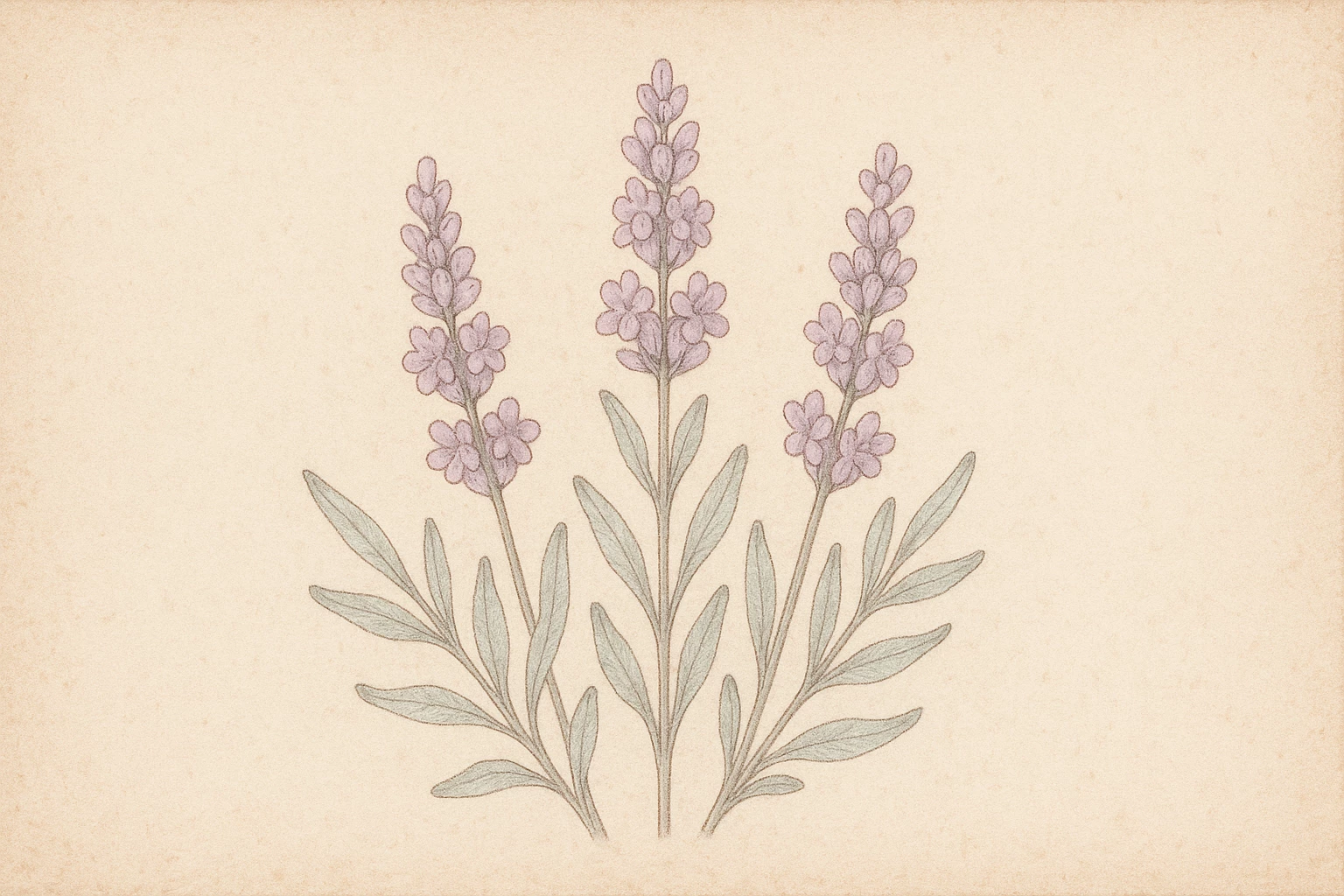
The above structure helps ensure your image prompts are both visually descriptive and creatively focused, giving AI the context it needs to deliver something on-brand.
To add more context to how ChatGPT supports design thinking, let's take a look at more sample prompts with their respective use cases:
- Concept ideation and brainstorming
- Moodboard and style development
- Layout planning and wireframing
- Copywriting for design elements
- Prompt writing for other AI image tools
- Design feedback and revisions
- Presentation and client communication
Concept Ideation and Brainstorming
Start with the big picture. ChatGPT can help you explore visual directions based on your audience, brand goals, or desired mood. For a more focused or nuanced result, be specific about tone, audience, and inspiration.
For example: “I’m designing a visual identity for a sustainable skincare brand targeting Gen Z. Give me 3 distinct design directions with descriptions of style, colors, typography, and imagery ideas.”
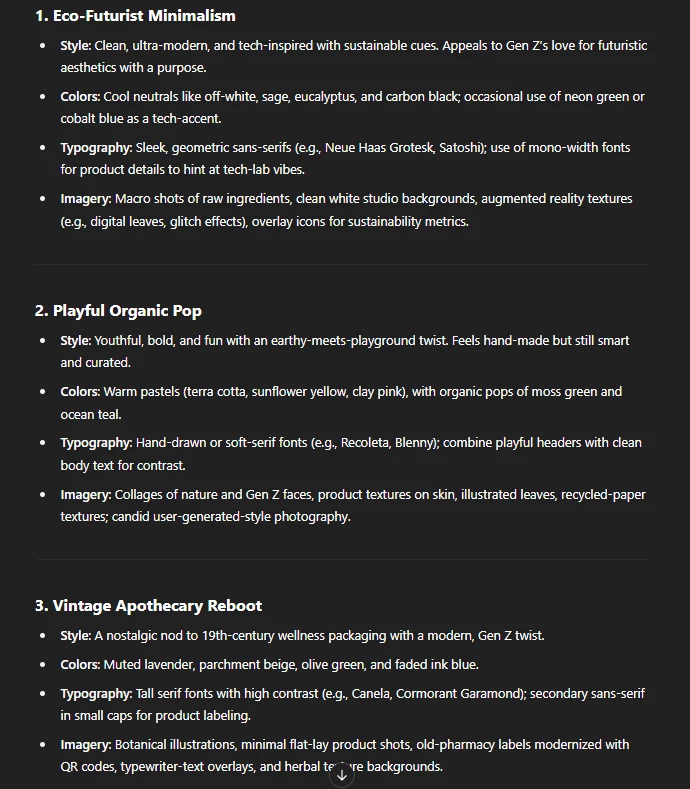
Other sample prompts:
- “Brainstorm a few visual metaphors or logo concepts for a productivity app that emphasizes clarity and speed.”
- “Suggest graphic design ideas for an event poster celebrating modern jazz, aimed at a 30+ audience.”
- “A sleek, minimalist logo for a fintech brand, with bold sans-serif typography and a cool-toned palette.”
Moodboard and Style Development
Once you have a direction, use ChatGPT to define color palettes, font pairings, and keywords to build your moodboard or brand guide.
What to include:
- Style or theme
- Color preferences
- Typography
- Inspiration/reference brand
- Keywords for imagery
Sample prompts:
- “Create a warm and earthy color palette with hex codes for a nature-inspired brand. Suggest matching font pairings and keywords I can search for in stock image libraries.”
- “Generate a style guide for a futuristic fashion label: include tone, color palette, typography style, and visual inspiration.”
- “Give me 5 aesthetic keywords and reference styles for a minimalist coffee packaging design.”
Layout Planning and Wireframing
When it comes to layouts, ChatGPT can provide guidance on visual hierarchy, structure, and content blocks for both print and digital formats. Focus on describing your platform (web or print), your goal (awareness, conversion, etc.), and your audience.
Sample prompts:
- “I need a landing page layout for a digital productivity app. Suggest a section-by-section layout with content types, user goals, and CTA placements.”
- “Outline a wireframe for a tri-fold brochure promoting a health retreat. Include key sections and content ideas for each panel relating to a fitness audience.”
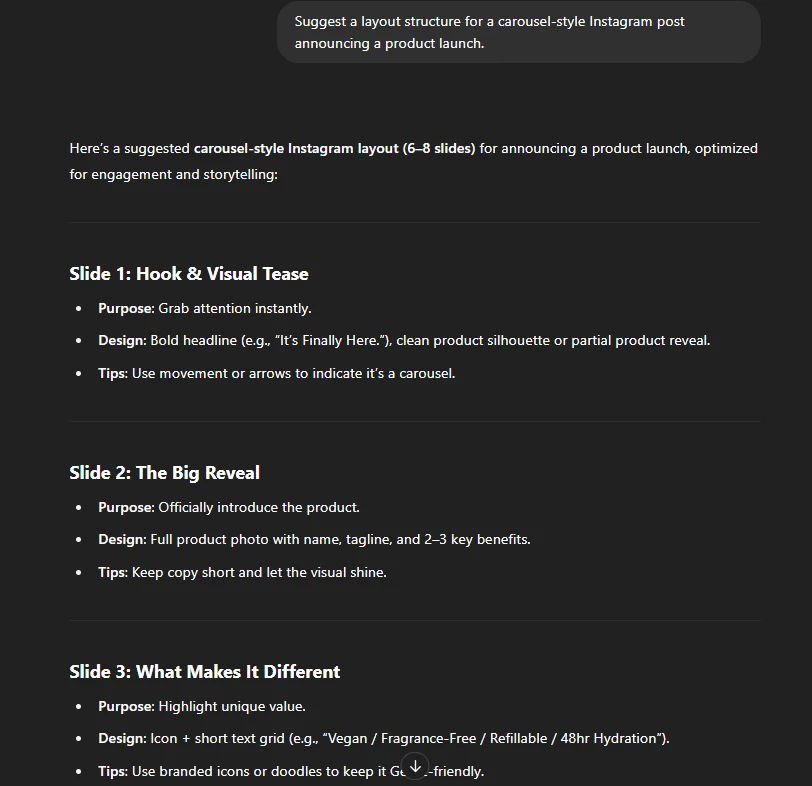
- “Suggest a layout structure for a carousel-style Instagram post announcing a product launch.”
Copywriting for Design Elements
ChatGPT can quickly generate on-brand copy that aligns with your visual language, including headlines, taglines, CTA buttons, and packaging blurbs. For stronger copy suggestions, specify your desired tone, character limit (if relevant), and what emotion you wish to evoke.
Sample prompts:
- “Give me 5 tagline options for an eco-friendly tea brand that emphasizes calm and wellness. Keep the tone soft and poetic.”
- “Write CTA text options for a banner ad promoting a 50% off sale on tech gadgets.”
- “Suggest packaging copy for a luxury candle line. Tone should be elegant, calm, and a little mysterious.”
Prompt Writing for Other AI Image Tools
Use ChatGPT to craft image prompts for Firefly, DALL·E, or Midjourney, which works especially well when you're ideating logos, backgrounds, mockups, or illustrations.
Sample prompts:
- “Write an image prompt for a square Instagram post promoting a ‘calming lavender tea,’ using botanical elements, soft beige/purple tones, and hand-drawn illustration style.”
- “Create a visual prompt for a tech startup logo in a minimalist, Bauhaus-inspired style with black and electric blue accents.”
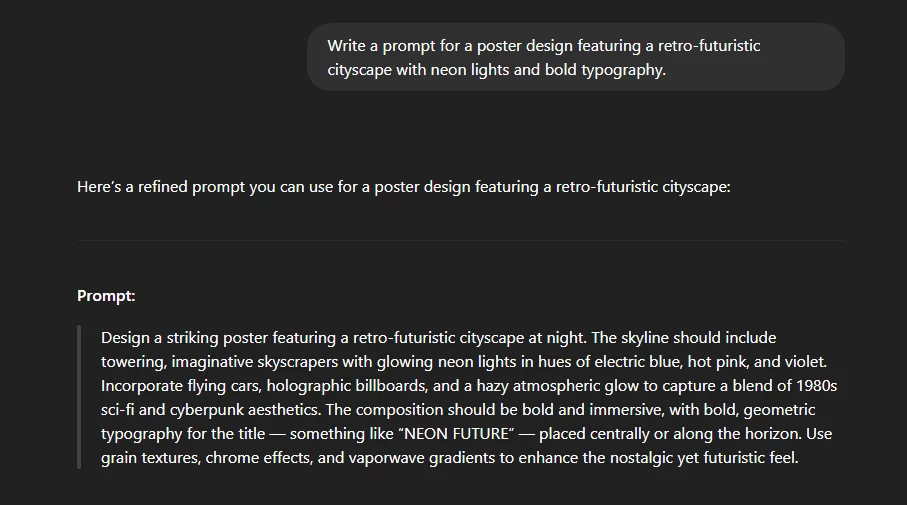
- “Write a prompt for a poster design featuring a retro-futuristic cityscape with neon lights and bold typography.”
Design Feedback and Revisions
ChatGPT can provide constructive design feedback or help you rework based on client notes. If you want to offer an alternative to simple edits, make sure you add stakeholder feedback and ask ChatGPT to interpret it, or help you reframe your design pitch.
Sample prompts:
- “Here’s a description of a social media ad design I made. Can you critique it from a UX and accessibility perspective?”
- “The client said the color scheme feels too cold. Suggest 3 warmer alternatives that still feel modern and premium.”
- “Suggest how I might simplify a busy homepage design while preserving all key information.”
Presentation and Client Communication
At the final stage, ChatGPT can help you write rationales, summaries, or presentation slides to clearly communicate your design choices.
Sample prompts:
- “Help me write a slide explaining the logo design choice for a wellness brand. It’s a minimalist leaf symbol representing growth and calm.”
- “Write a short project summary describing a rebrand for a local bakery, including tone, visual direction, and results.”
- “Create a one-paragraph explanation of a poster design for an environmental nonprofit. Keep it clear and persuasive.”
When presenting your work, a strong rationale reads like a micro-story, anchoring the visuals in strategy, symbolism, and client goals. For example:
“We chose a circular icon for this wellness brand to represent balance, wholeness, and continuity. Soft green tones reflect the company’s commitment to sustainability and natural living, while the clean sans-serif typography gives the identity a modern, approachable feel.”
By framing your design choices through a narrative lens, you help show clients how the creation matches their vision.
Troubleshooting and Iterative Prompting
Even well-written prompts don’t always land on the first try — and that’s normal. The key is treating ChatGPT like a creative collaborator: if something’s off, you can adjust, clarify, and build on the response to move closer to what you need.
If ChatGPT’s output isn’t meeting your expectations, try these tips:
- Reframe your prompt: Add more context or specificity.
- Ask for examples or explanations: This can help clarify what you’re looking for.
- Iterate: Use the output to refine your next prompt for better results.
Understanding ChatGPT’s Role and Limitations
While ChatGPT can be a powerful ideation and support tool in graphic design workflows, it’s important to understand where its capabilities end. The tool is not a design engine. It doesn’t generate visual files or final layouts. Treat it as a creative partner for thinking, not a replacement for your hands-on design work.
Here are some limitations to take into account before you start using ChatGPT in your design projects:
- No visual output: If you request mockups, concept art, icons, UI layouts, or visual styles, ChatGPT can generate images using integrated tools like DALL·E, but you won’t get editable design files like those you'd create in Figma, Illustrator, or Photoshop.
- Text-based only: All output is text. You’ll receive suggestions for layout structure, color combinations, typography pairings, content hierarchy, or creative directions, but these must be manually executed in design software.
- Creative accuracy varies: While ChatGPT can suggest visual styles, it doesn’t see or visualize them the way humans do. Abstract prompts may yield generic or overly literal suggestions unless you guide them in a strong, specific context.
- No legal ownership or licensing: Outputs from ChatGPT are not copyrightable and should not be treated as proprietary creative assets. For commercial design projects, always verify that content doesn’t infringe on existing IP.
- Check outputs for originality: Since AI pulls from existing patterns in training data, always run outputs through your own creative filter. Don’t rely on it for unique stylistic expression as that still requires a designer’s eye.
Final Thoughts
If you're still struggling to get the responses you want, adjusting your phrasing slightly can lead to significant improvements. Consider breaking your process down into stages like brainstorming, style direction, layout, copywriting, and final adjustments, which can help you maintain control over your creativity while allowing ChatGPT to assist throughout each phase.

Our team ranks agencies worldwide to help you find a qualified partner. Visit our Agency Directory for the Top Graphic Design Companies, as well as:
- Best Graphic Design Companies in Dallas
- Top Illustration Agencies
- Top Design Agencies
- Top Digital Design Agencies
- Top Product Design Companies
Our design experts also recognize the most innovative design projects across the globe. Visit our Awards section to see the best & latest in design.
Graphic Design Prompts with ChatGPT: FAQs
1. How can I use ChatGPT to improve collaboration with non-design stakeholders?
ChatGPT can help translate visual concepts into plain language, making it easier to align with marketers, developers, or executives. It’s useful for writing briefs, presenting design options, or summarizing feedback into actionable next steps.
2. Is it possible to use ChatGPT to develop a visual brand language?
While it won’t create visuals, ChatGPT can help you define key brand attributes, suggest consistent tone and style guidelines, and even generate sample messaging to guide the visual identity process.
3. How do I get ChatGPT to match a brand’s visual tone if it can’t see images?
Describe the brand's personality, audience, and visual traits in detail (e.g., “elegant with muted tones and serif typography”). The clearer your language, the better ChatGPT can mirror that tone in naming, copy, or prompt suggestions.