
If you want your business to grow, you need better leads. And in today’s landscape, strategy alone isn’t enough.
Modern teams rely on smart lead generation tools to find the right prospects, nurture them over time, and convert them at scale.
Lead Generation Tools: Key Findings
- Target the right accounts using Pipedrive and Salesforce: Pipedrive offers 500+ integrations and lead routing, while Salesforce is a well-known scalable powerhouse.
- Scale outbound safely with GetSales.io & LinkedIn Sales Navigator: GetSales.io starts at $39/seat/mo, while Sales Navigator Core is $119.99/user/mo.
- Capture demand with WebinarGeek and Unbounce: WebinarGeek runs webinars for up to 5,000 concurrent viewers from €49/mo. Unbounce opens at $22/mo.
Why Lead Gen Matters More Than Ever in 2026
The buying process has moved away from your sales team. Gartner's 2026 sales survey found that 67% now prefer a rep-free experience, and 45% used AI tools during a recent purchase.
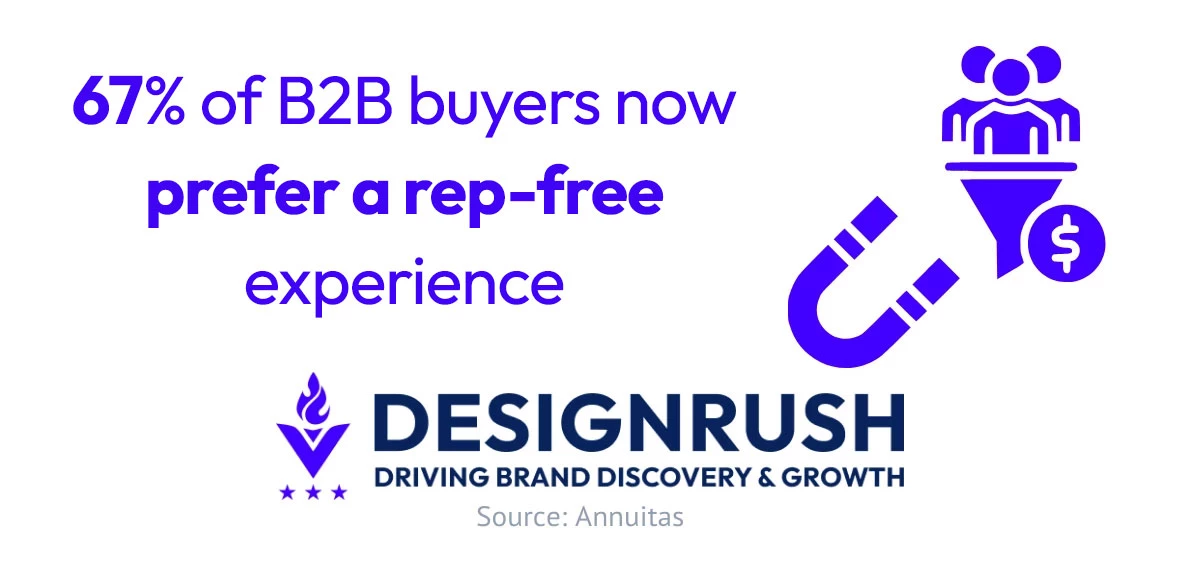
That shift raises the cost of getting outreach wrong. In Gartner's preceding survey of 632 buyers, 73% said they actively avoid suppliers who send irrelevant outreach. Poor targeting now just wastes a send and removes you from consideration.
In other words, the tools you choose have a direct impact on pipeline quality, revenue, and long-term growth.
The 14 tools below are grouped by job: finding target accounts, capturing existing demand, scaling outreach, and routing leads. Pick the group that matches your current bottleneck.
How We Chose These Lead Generation Tools
We reviewed these 15 lead generation tools in 2026. Mariana Delgado and the DesignRush marketing team assessed each platform against vendor documentation, published plan limits, and verified user reviews.
We judged every tool on five things: which pipeline stage it owns, the quality of the data it produces, whether engagement reaches your CRM without manual work, how the bill behaves as you scale, and what setup felt like versus the independent review base.
Prices were verified on each vendor's own pricing page as of the time of writing.
Criterion | Weight | What It Measures |
Pipeline coverage at the entry price | 30% | Which stage of the pipeline the tool owns, and how much of that stage the cheapest paid plan unlocks |
Data quality and freshness | 25% | Where records come from, how often they are re-verified, and what match or accuracy rate the vendor publishes |
From capture to CRM | 20% | Whether engagement data reaches your CRM automatically, or waits for someone to run an export |
Pricing transparency and scaling | 15% | Whether rates are published, what the billing basis is, and what the bill does as seats or volume grow |
Setup and reviews | 10% | Time to a first working campaign, weighed against the G2 and Capterra review base |
Sales Intelligence Tools
Sales intelligence tools sit at the very top of your lead generation stack.
They focus on who you should be targeting in the first place: surfacing high-quality prospects, firmographic data, and buying signals.
These platforms ensure you’re aiming at the right accounts before any engagement even begins:
- ZoomInfo: Best for AI for GTM and lead generation
- LinkedIn Sales Navigator: Best for social selling and networking
- Apollo: Best for all-in-one prospecting on a budget
- Clay: Best for waterfall data enrichment
- UserGems: Best for signal-based outbound and ABM
1. ZoomInfo: Best for AI for GTM and Lead Generation
For teams that need deep account intelligence, intent signals, and AI-driven targeting
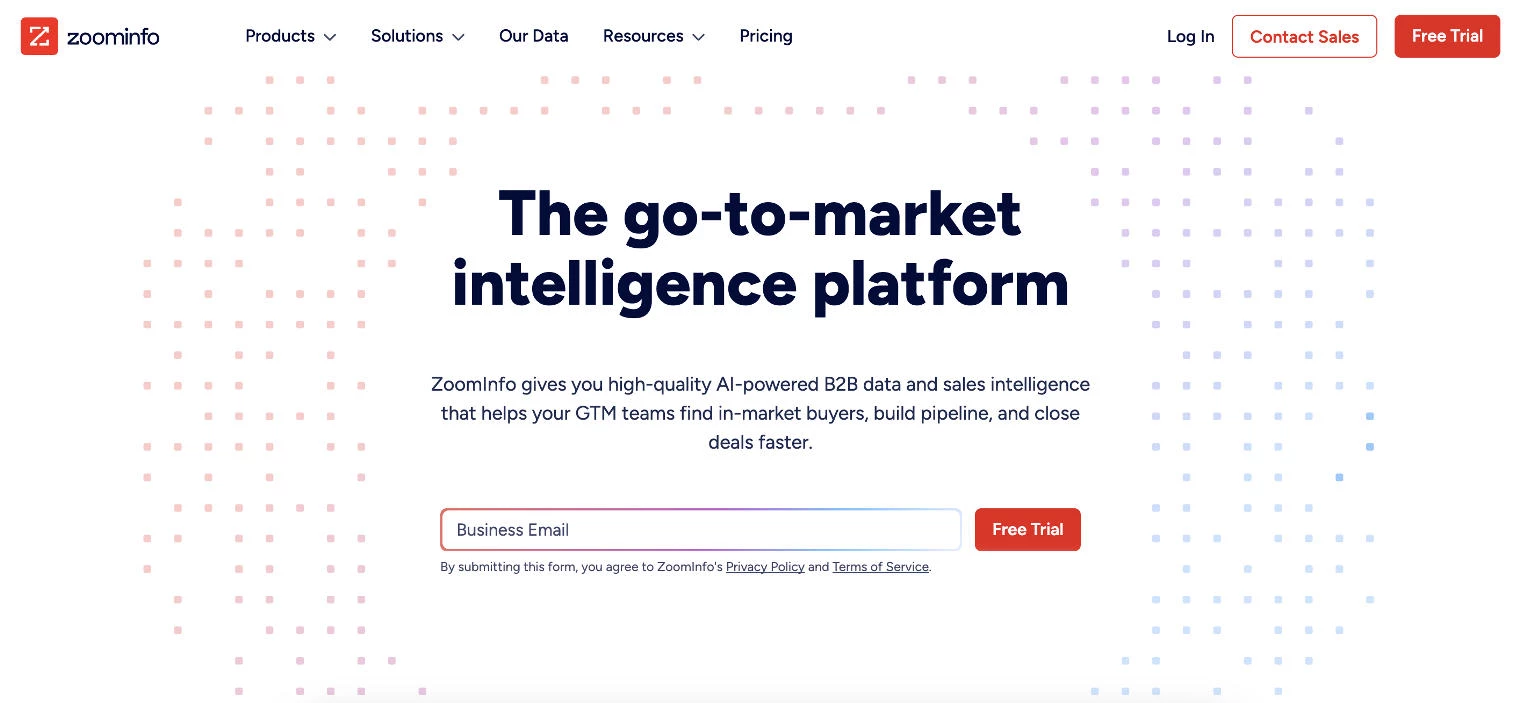
ZoomInfo is a premier GTM intelligence platform that unifies data, buying signals, and AI-powered workflows to help revenue teams execute faster and convert more pipeline. It’s renowned for its precise targeting and lead generation capabilities.
By offering a vast database of business contacts, detailed firmographics, and integration with major CRMs, ZoomInfo equips sales teams to identify and connect with key decision-makers.
ZoomInfo’s robust analytics tools also help refine strategies to enhance engagement and productivity.
While its cost may be higher than other tools, the actionable insights and high data accuracy make it a go-to resource for sales-driven businesses.
Pros:
- Complete B2B database with 100M+ companies, 500M+ contacts, and 1.5B+ data points processed daily
- AI-driven buyer intelligence combining intent data, technographics, and conversation insights
- Native CRM integration and orchestration layer that activates plays across your existing tech stack
- GTM Workspace gives sellers one place to research, plan, and execute without switching tools
Cons:
- Platform depth means initial setup and team onboarding take time
- Advanced features like GTM Studio and orchestration workflows have a learning curve
- Full platform pricing requires a custom quote, and the free ZoomInfo Lite tier caps you at 10 export credits per month
Pricing:
- ZoomInfo Lite: Free, with 10 monthly export credits
- Full platform: Custom pricing based on business needs and feature requirements
Start your free trial with ZoomInfo today.
2. LinkedIn Sales Navigator: Best for Social Selling and Networking
For teams who want to tap into LinkedIn’s network for targeted prospecting
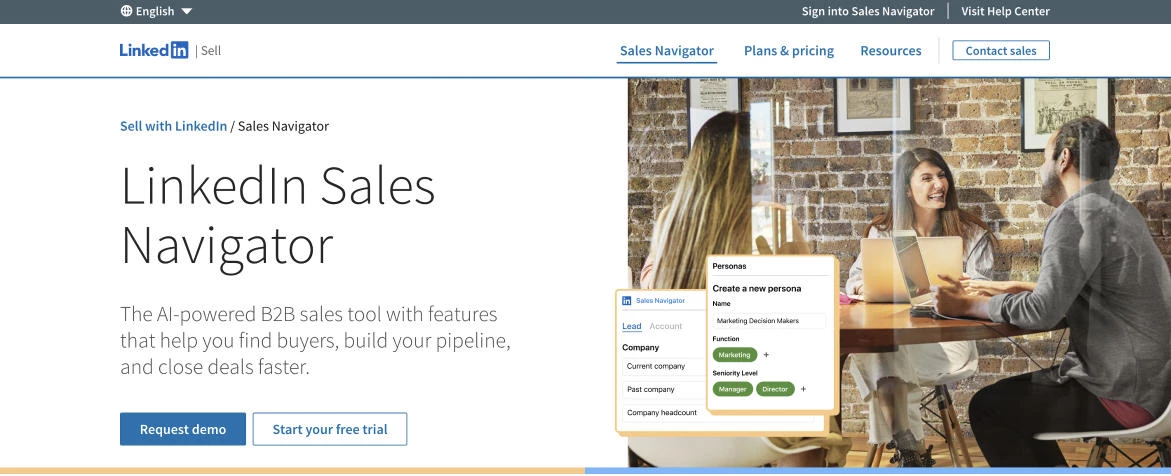
LinkedIn Sales Navigator leverages the professional network of LinkedIn to elevate sales prospecting and relationship management.
This tool excels at identifying high-quality leads with its advanced search filters and AI-driven recommendations. It also provides real-time updates on prospects, helping sales teams stay informed.
Sales Navigator’s seamless integration with CRMs and its unique access to LinkedIn’s vast user base make it a must-have for B2B marketers looking to build meaningful connections.
Pros:
- Access to an extensive professional network
- Advanced search and lead recommendations
- Integration with CRM tools like Salesforce and HubSpot
- Real-time updates on leads and prospects
Cons:
- Limited beyond LinkedIn's ecosystem
- Pricey for smaller teams or solo professionals
Pricing:
- Core: $119.99 per user/month, or $89.99 per user/month billed annually
- Advanced: $159.99 per user/month, or $149.99 per user/month billed annually
- Advanced Plus: Custom pricing
Start your free trial with LinkedIn Sales Navigator.
3. Apollo: Best for All-in-One Prospecting on a Budget
For small and mid-sized teams that want a contact database, email finder, and outreach in one tool
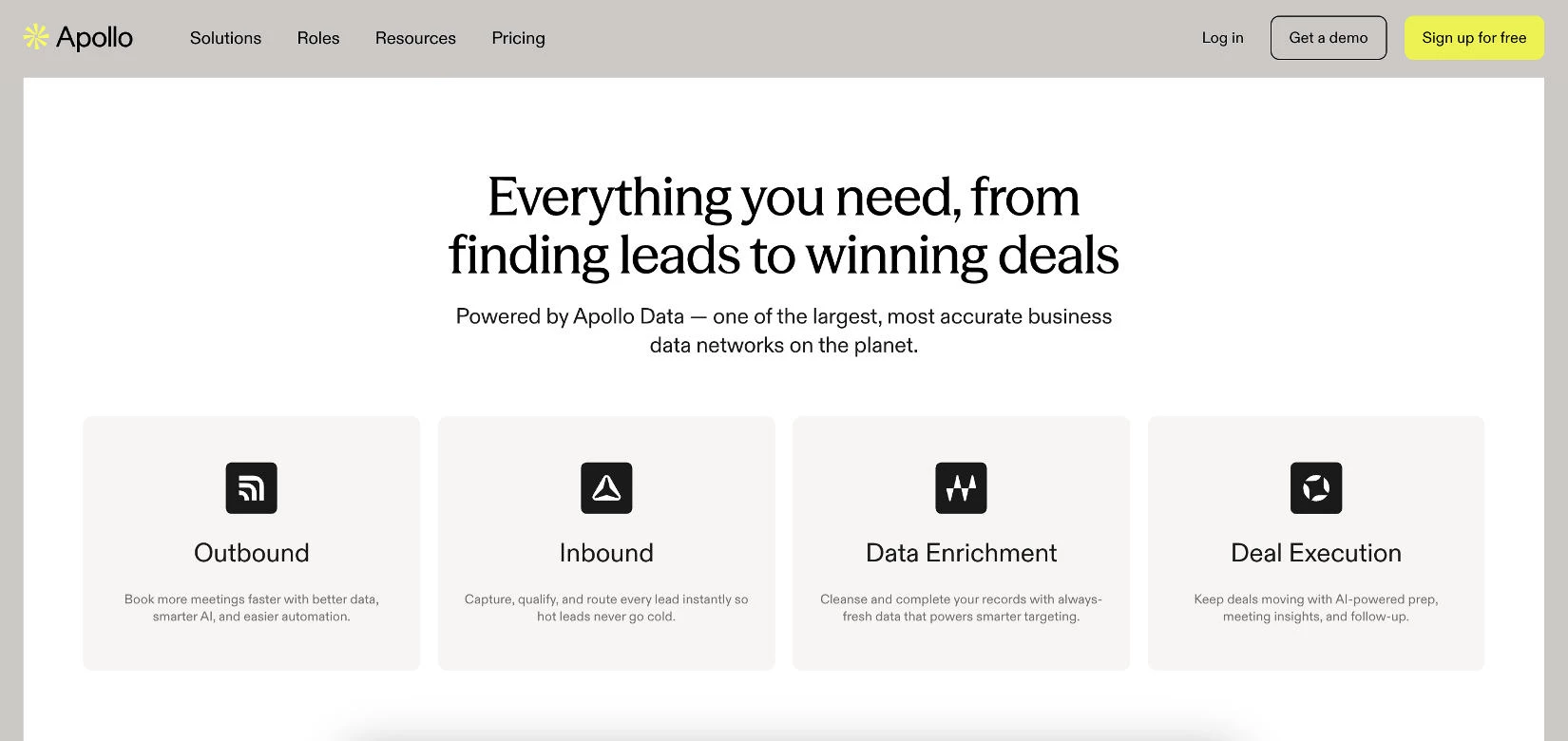
Apollo is an all-in-one prospecting platform that combines a large B2B contact database, email finder, built-in dialer, and sequencing engine under a single login.
It is best known for bundling the full outbound loop into one subscription, which lets smaller teams build a lead list, launch email sequences, and call warm opens without stitching together three separate products.
The Chrome extension is the feature that wins over most users. It surfaces a verified email and phone number alongside any LinkedIn profile, turning routine LinkedIn browsing into list building.
Apollo also syncs bidirectionally with Salesforce and HubSpot, though advanced field mapping and deal sync require the Professional plan.
Pros:
- All-in-one platform that combines contact data, email finder, dialer, and sequencing in one subscription
- Chrome extension surfaces verified emails and phone numbers directly on LinkedIn profiles
- Bidirectional CRM sync with Salesforce and HubSpot on paid plans
- Free tier and low per-seat entry price make it accessible for small teams
Cons:
- Credit-based pricing is easy to misjudge, and overages can raise the real cost significantly for high-volume outbound
- Per-seat pricing scales with team size rather than usage, so costs climb as you add reps
- The Organization tier enforces a three-seat minimum, so even a two-person team pays for three
Pricing:
- Free
- Basic: $49/user/month (billed annually)
- Professional: $79/user/month (billed annually)
- Organization: $119/user/month (billed annually, three-seat minimum)
Get started with Apollo's free plan.

4. Clay: Best for Waterfall Data Enrichment
For RevOps and growth teams that need the highest possible data coverage from multiple sources
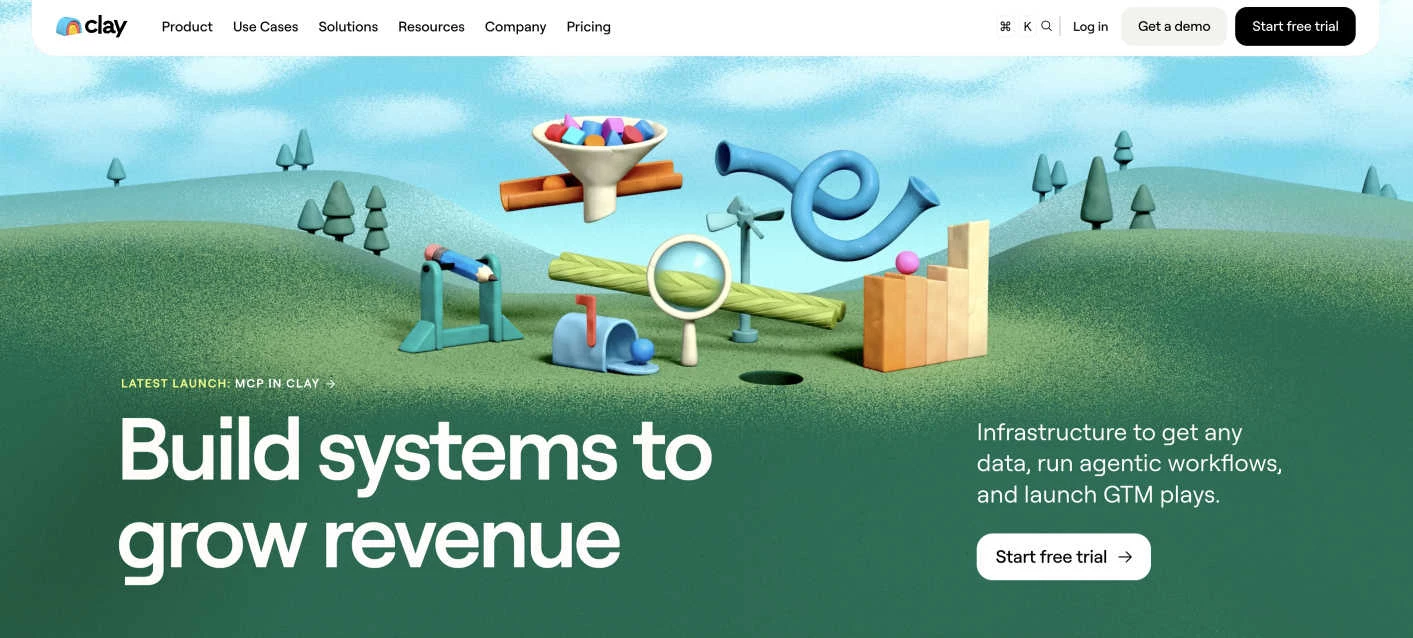
Clay is an AI-powered data enrichment platform built around waterfall enrichment, which queries a sequence of data providers for each record and keeps the first verified result.
By chaining more than 150 providers in a single workflow, Clay lifts match rates well above what any single database returns, which is why data-first GTM teams reach for it when contact coverage and accuracy matter most.
The platform uses a table-based interface that resembles a spreadsheet, paired with Claygent, an AI research agent that can pull custom information about prospects on demand.
This flexibility makes Clay one of the best tools for lead generation when data quality matters more than simple prospecting.
Pros:
- Waterfall enrichment across more than 150 data providers delivers higher match rates
- Claygent AI agent researches prospects and fills custom data fields on demand
- Usage-based pricing includes unlimited user seats on every plan
- Unused Data Credits roll over up to twice your monthly allocation
Cons:
- Steep learning curve that generally requires RevOps or technical skills to use well
- Actions do not roll over, so unused workflow capacity is lost each month
- Native CRM integration starts on the Growth plan rather than Launch
Pricing:
- Free
- Launch: $185/month, or $167/month billed annually
- Growth: $495/month, or $446/month billed annually
- Enterprise: Custom pricing
Sign up for a Clay free trial.
5. UserGems: Best for Signal-Based Outbound and ABM
For revenue teams that want buying signals, scoring, and outreach running from one system
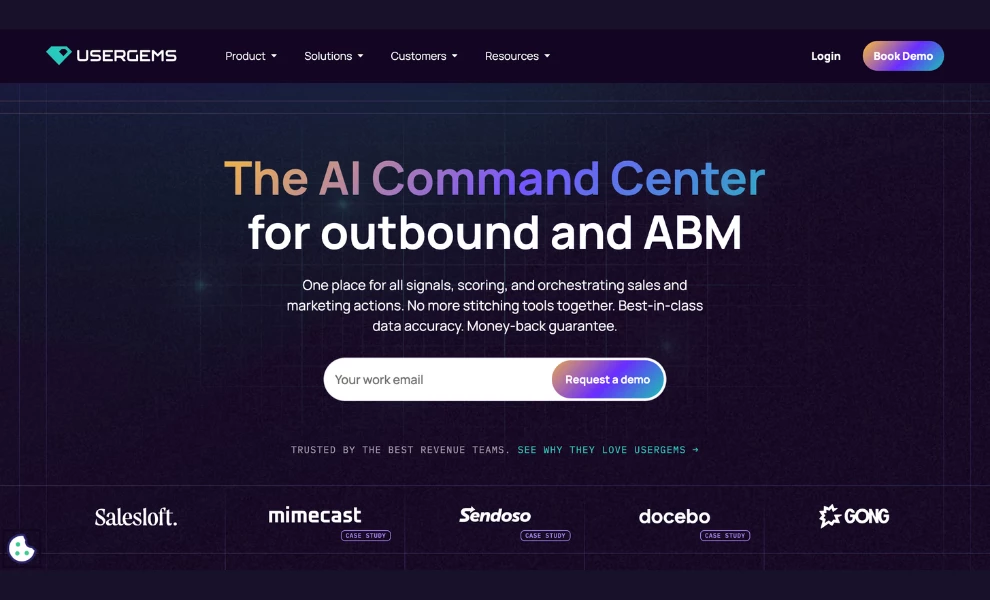
UserGems is a signal platform that identifies which accounts and buyers are in-market, then acts on that with AI agents.
It tracks more than 30 native signals (job changes, contact-level intent, website visits, hiring, and M&A), and a Research Agent finds custom signals beyond that set.
Its scoring agent, Gem-E, analyzes over 600 signals and learns from your closed-won history to build a model specific to your business.
The scoring is editable rather than a black box, which matters for RevOps teams that need to defend prioritization to sales leadership.
Where UserGems separates from a pure data vendor is orchestration. It launches ads, outreach, and CRM updates together, so marketing and sales reach the same buying group at the same time instead of working from separate lists.
Reps never open a new tool. Signals, tasks, and drafted emails appear inside Salesforce, HubSpot, Outreach, Salesloft, and Gong Engage, and a UserGems MCP server lets teams build campaigns from Claude or ChatGPT on the Advanced and Elite tiers.
Pros:
- More than 30 native signals plus a Research Agent for custom signals, combined with your own CRM and product data
- Transparent, editable AI scoring trained on your closed-won patterns rather than a fixed industry model
- Unlimited admin and end users on every tier, so cost scales with usage instead of headcount
- Money-back guarantee tied to closed-won revenue: 1x on Core, 2x on Advanced, 3x on Elite
Cons:
- No free plan or self-serve trial; entry is a demo followed by an annual contract
- Entry pricing starts well above every other tool on this list
- Contact-level intent, buying stages, and CRM hygiene are Elite-only, and MCP and ad audience sync are excluded from Core
- One-time implementation fee of $3,000 to $10,000 on top of subscription
Pricing:
- Core: $3,333/month ($40k/year)
- Advanced: $6,250/month ($75k/year)
- Elite: $12,500/month ($150k/year)
- Enterprise: Custom pricing
Capture & Conversion Tools
Capture and conversion tools focus on turning traffic into leads through landing pages, forms, chat, and referral loops. They’re designed to optimize every interaction to increase conversion rates.
These platforms ensure that once prospects engage, they’re seamlessly guided toward becoming qualified leads or customers:
- WebinarGeek: Best for webinar-led lead capture
- Intercom: Best for customer messaging and support
- Unbounce: Best for landing pages and A/B testing
- ReferralCandy: Best for referral programs and customer rewards
1. WebinarGeek: Best for Webinar-Led Lead Capture
For demand generation and marketing operations teams that run webinars as a recurring channel
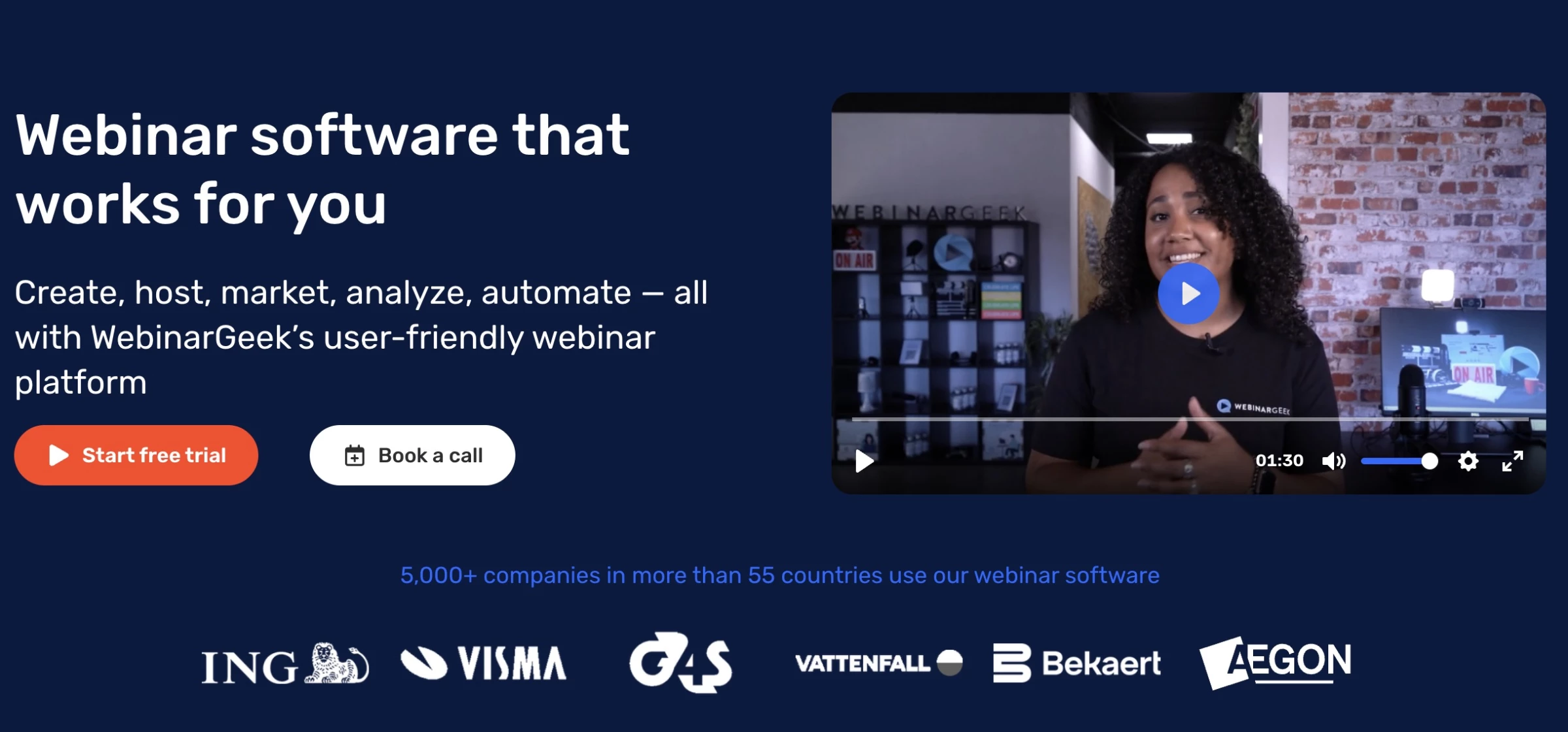
WebinarGeek is a browser-based webinar platform that covers registration, live delivery, and follow-up inside one account.
Organizers and viewers work from any browser with no software installation. The registration page, the reminder emails, and the replay emails are all built and branded in the same place as the broadcast.
WebinarGeek drives effective lead generation by turning viewer engagement into actionable insights.
The platform builds a comprehensive profile for every individual attendee by capturing first-party registration data, exact watch time, drop-off points, poll answers, evaluation responses, and CTA clicks.
Integration triggers then fire an action in your marketing tool based on that behavior, such as a tag in ActiveCampaign once a viewer passes the 50% mark. A 40-minute viewer and a two-minute viewer both reach your CRM, carrying different scores.
Recorded sessions carry the channel past the live calendar. A live webinar can be reused as an automated or on-demand webinar, and just-in-time scheduling starts a recorded session every five, ten, or fifteen minutes after someone registers.
Pros:
- Integration triggers fire on watch time, poll answers, and CTA clicks, so each viewer reaches your CRM carrying a score
- Live recordings convert into automated, on-demand, or just-in-time webinars with no re-recording
- Native connections to HubSpot, Salesforce, Pipedrive, ActiveCampaign, and Mailchimp, with Zapier and Integrately reaching more than 6,000 further services
- Registration pages, emails, viewing pages, and channels all carry your own branding, with custom domains on higher plans
- Consent fields, double opt-in, registration anonymization, and data-lifecycle rules are built in, and the infrastructure sits in Amsterdam and Frankfurt
Cons:
- HubSpot and Salesforce connections are paid add-ons on Premium and included only on Enterprise
- Basic caps you at one presenter, 50 viewers, and two-hour sessions, with WebinarGeek branding on every public page
- Automated webinars, custom branding, and marketing integrations all start at Premium
- AI features are split across plans and add-ons, so the AI Assistant costs extra on Premium
Reported outcomes:
- Seyfor, an ERP and accounting software provider, runs more than 70 paid webinars a year and draws roughly 3,000 registrations annually across three languages, with promotional sessions passing 1,000 registrations each.
- Leadinfo pushes attendance and viewing duration into HubSpot at contact level, then feeds webinar participation into its customer health scores.
Pricing (flat rate per month, listed in euros):
- Basic: €49, up to 50 viewers, one presenter, two-hour sessions
- Premium: from €69, 125 to 1,000 viewers, up to 100 presenters on stage, eight-hour sessions. The rate rises with viewer capacity
- Enterprise: from €349, 500 to 5,000 viewers, 12-hour sessions, HubSpot, Salesforce, and localization included
- Free trial: 14 days, all Premium features, no credit card required
Start a 14-day free trial with WebinarGeek.
2. Intercom: Best for Customer Messaging and Support
For teams that want to convert and support users through real-time chat
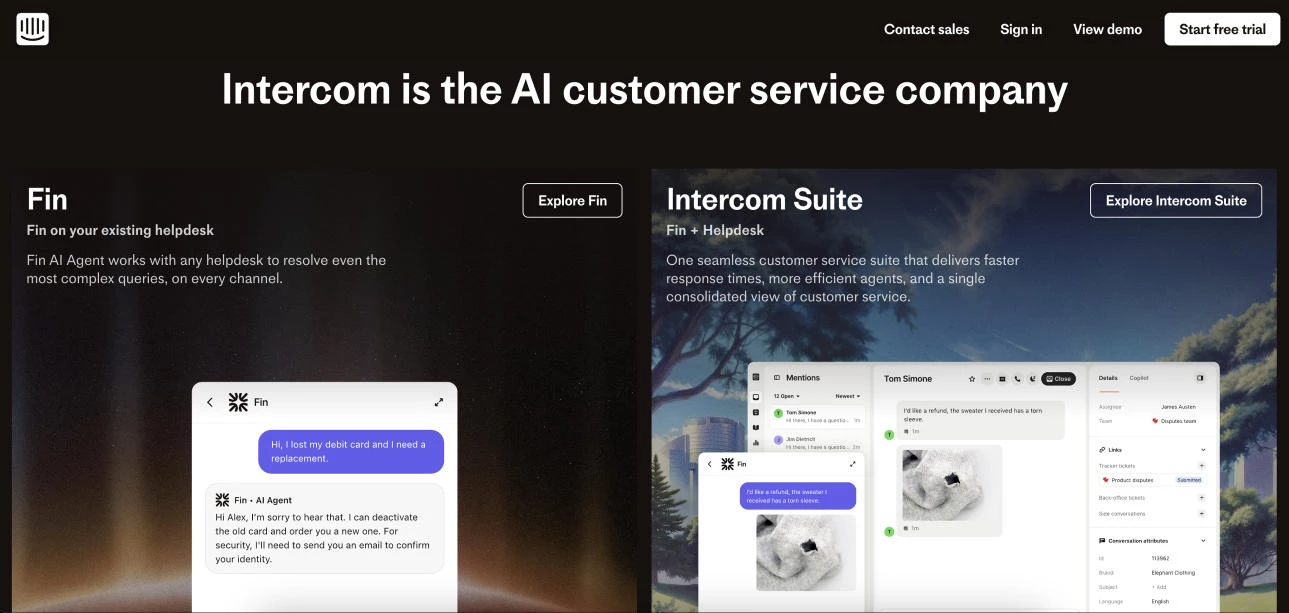
Intercom is a modern customer communication platform that blends live chat, automation, and personalized messaging to improve customer interactions and convert website visitors into leads through real-time conversations.
With tools for onboarding, support, and engagement, Intercom empowers businesses to deliver proactive, tailored experiences across the customer lifecycle, particularly for inbound engagement.
Its standout features include AI-driven chatbots and a unified inbox for streamlined customer management and lead qualification.
Ideal for startups and growth-focused companies, Intercom provides the means to enhance both efficiency and customer satisfaction rather than serving as a traditional outbound lead generation or prospecting tool.
Fin, Intercom's AI agent, is included on every plan but billed separately at $0.99 per successful outcome on top of seats. For support-heavy teams, that usage line typically exceeds the seat cost.
Pros:
- Fin AI outcomes bill separately at $0.99 each, which can dwarf seat costs at volume
- Limited features in lower-tier plans
- No permanent free plan
Cons:
- Can be costly for small businesses
- Limited features in lower-tier plans
- Heavy reliance on third-party integrations for advanced functionality
Pricing (per seat/month):
- Essential: $29 billed annually, or $39 billed monthly
- Advanced: $85 billed annually, or $99 billed monthly
- Expert: $132 billed annually, or $139 billed monthly
- Fin AI Agent: $0.99 per successful outcome, on any plan
Note: Intercom now trades as Fin. On June 15, 2026, Salesforce signed a definitive agreement to acquire the company for $3.6 billion. The deal is signed but not yet closed.
Start your free 14-day trial with Intercom.
3. Unbounce: Best for Landing Pages and A/B Testing
For growth teams that want to build, test, and optimize high-converting landing pages
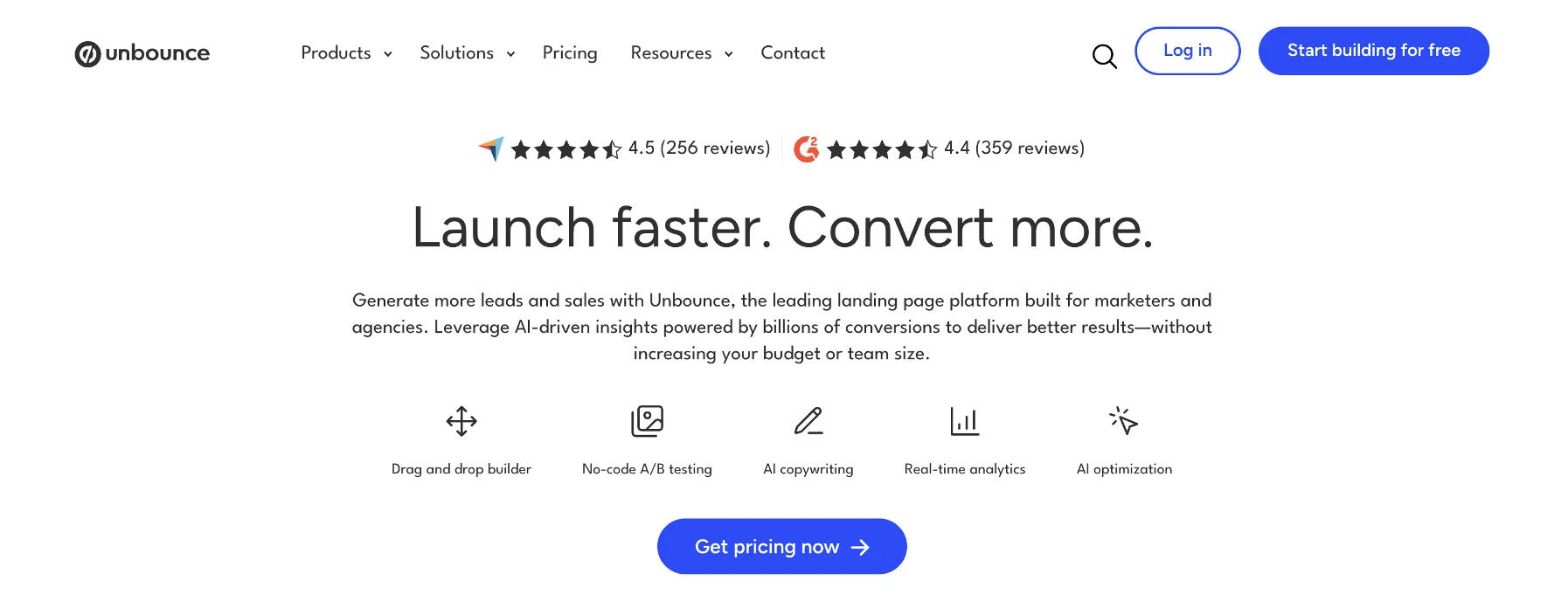
Unbounce specializes in helping marketers create high-converting landing pages without coding skills.
Its drag-and-drop builder, coupled with Smart Traffic AI optimization, ensures pages are not only visually appealing but also designed to perform.
The platform also offers robust A/B testing to fine-tune campaigns for maximum impact. While Unbounce doesn’t build entire websites, its focus on optimizing conversion rates makes it a standout tool for businesses running PPC or email campaigns.
Rachel Hernandez, Senior Director of Content at Next Net Media, emphasizes the importance of tracking bounces:
"At what point are your leads walking away? What was your last outreach before that? Where are the most conversions happening? How can you elevate that honeypot before the churn?
Chances are good that it’s going to come back to mutual engagement, providing useful value, building a good relationship, and striking at the optimal times."
Pros:
- Drag-and-drop builder for creating high-converting landing pages
- Unlimited A/B testing from the Experiment plan upward
- Smart Traffic AI routing on the Optimize plan
- Easy integration with over 1,000 marketing tools
Cons:
- Limited to landing pages, not a full website builder
- A/B testing requires Experiment and Smart Traffic requires Optimize
- Every plan caps monthly visitors, with overage fees above the limit
Pricing (billed annually; monthly rates in brackets):
- Starter: $22/month ($29) — 5 pages, 500 visitors
- Build: $74/month ($99) — unlimited pages, 20,000 visitors
- Experiment: $112/month ($149) — 30,000 visitors, unlimited A/B testing
- Optimize: $187/month ($249) — 50,000 visitors, Smart Traffic AI
- Concierge and Agency: Custom pricing
Start building for free with Unbounce – no credit card required.
4. ReferralCandy: Best for Referral Programs and Customer Rewards
For DTC brands that want to turn existing customers into a scalable acquisition channel
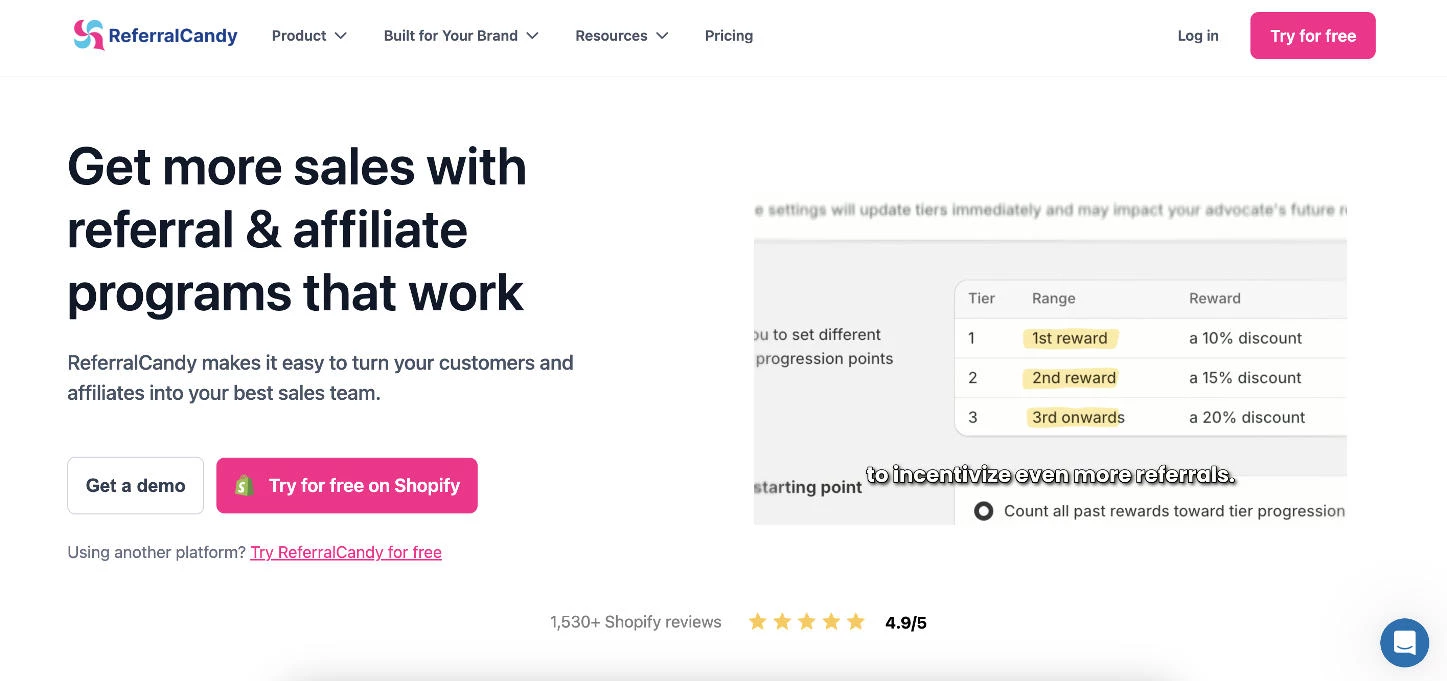
ReferralCandy simplifies customer referral programs, making it easy for businesses to reward loyal customers for spreading the word.
With customizable reward options and seamless integration with platforms like Shopify, it’s particularly effective for eCommerce brands.
The platform’s analytics tools also provide insights into referral performance, allowing for data-driven adjustments.
Every plan carries a success fee on referred sales in addition to the monthly base, charged on each new customer's first three orders only.
For businesses seeking to amplify word-of-mouth marketing, ReferralCandy offers an intuitive and results-driven approach.
Pros:
- Straightforward referral program setup
- Customizable reward options to suit different campaigns
- Integrates with e-commerce platforms like Shopify and WooCommerce
- Analytics to track referral performance
Cons:
- Limited features beyond referral and affiliate programs
- Success fees of 0.25% to 10.5% apply on top of the monthly base at every tier
- No free plan, only a 7-day trial
Pricing (monthly base plus success fee on referred sales):
- Basic: $39 per month + 10.5%
- Grow: $79 per month + 3.5%
- Scale: $249 per month + 1.5%
- Enterprise: $799 per month + 0.25%
Try ReferralCandy for free – no credit card required.
Outbound Automation Tools
Outbound automation is all about how you connect with your prospects across channels, at scale, and with messaging that lands.
These tools streamline outreach, automate sequences, and keep engagement consistent and timely once the right leads have been identified:
- GetSales.io: Best for safe, scalable LinkedIn automation
- Mailchimp: Best for email marketing and automation
1. GetSales.io: Best for Safe, Scalable LinkedIn Automation
For sales teams that want to automate LinkedIn outreach safely
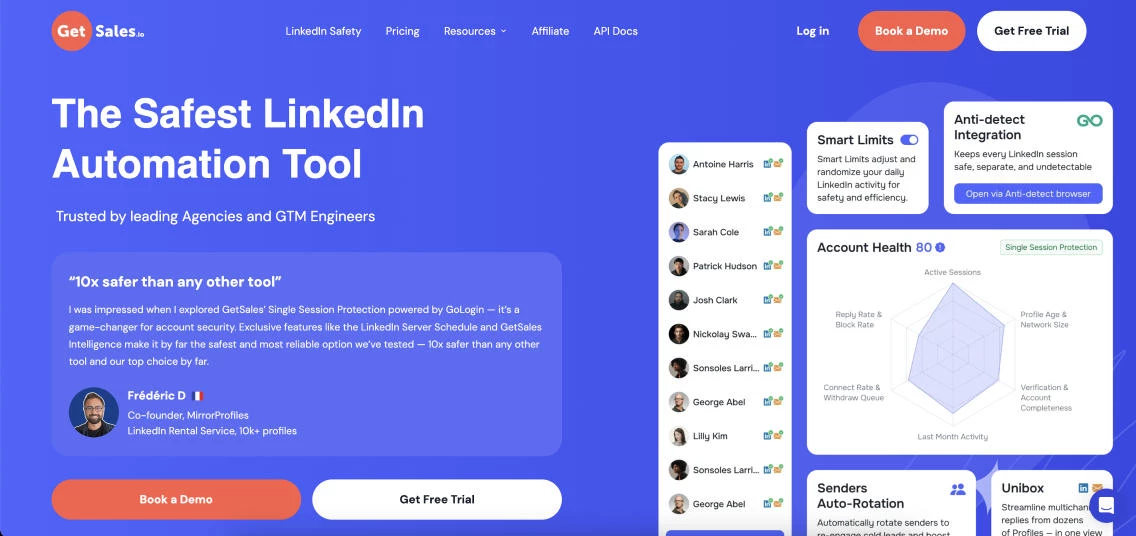
GetSales.io is an AI-powered sales engagement platform built to help B2B teams and agencies scale multichannel outbound without risking account bans.
Designed as a team-centric tool, it lets you orchestrate outreach across multiple sender profiles from a single dashboard, combining account-based workflows, 1-to-1 personalization, and cloud automation.
The platform stands out by letting teams scale LinkedIn and email outreach safely while keeping all messages, leads, and deals organized in one place.
With built-in protections against account bans, a unified inbox, light CRM, and 1-click lead capture from LinkedIn, GetSales.io is the true command center for serious outbound teams.
Pros:
- Team Unibox consolidates multiple LinkedIn and email accounts in one place
- Built-in Outreach CRM for managing leads and deals
- Native MCP support and a 130+ endpoint API for custom workflows
- Unlimited campaigns, leads, daily actions, teams, and users on every plan
Cons:
- Focused on outbound, not full marketing automation
- Multichannel sequencing and email inboxes require the Enrich plan or higher
- Per-seat pricing means costs scale with the number of sender profiles
Pricing (per sender profile, per month; per-seat rates drop as you add seats):
- Send: $39/seat/month
- Enrich: $49/seat/month
- Scale: $69/seat/month
- Six- and twelve-month billing includes one month free
Start a free trial with GetSales.io.
2. Mailchimp: Best for Email Marketing and Automation
For businesses that need to run email campaigns, nurture leads, and automate customer communication
Mailchimp is a versatile marketing platform renowned for its user-friendly email marketing tools.
Its drag-and-drop editor, pre-designed templates, and automation features make creating and managing campaigns simple and effective.
Beyond emails, Mailchimp supports multi-channel marketing, including social media ads and landing pages, catering to businesses seeking an all-in-one solution.
With accessible pricing tiers, Mailchimp remains a top choice for small businesses and entrepreneurs stepping into digital marketing.
Pros:
- User-friendly interface with a wide range of templates
- All-in-one platform for email marketing, social media ads, and automation
- Affordable pricing for small businesses
- Strong analytics and reporting capabilities
Cons:
- Limited automation features on basic plans
- Less robust compared to specialized marketing tools
Pricing:
- Free: up to 250 contacts and 500 monthly sends
- Essentials: From $13 per month for 500 contacts
- Standard: From $20 per month for 500 contacts
- Premium: From $350 per month for 10,000 contacts
Start a free trial with Mailchimp.
CRM & Lead Routing Tools
CRM and lead routing tools sit at the core of your revenue engine, where leads are organized, assigned, and moved through the pipeline.
They focus on what happens after a lead comes in: ensuring it’s routed to the right rep, enriched with the right data, and tracked every step of the way so nothing slips through the cracks.
- HubSpot: Best for all-in-one CRM with free tier
- Pipedrive: Best easy CRM with built-in meeting intelligence
- Salesforce: Best for CRM and sales pipeline management
- LeadAngel: Best for lead routing and account matching
1. HubSpot: Best for an All-in-One CRM With a Free Tier
For growing teams that want a CRM, marketing, and sales tools in one connected platform
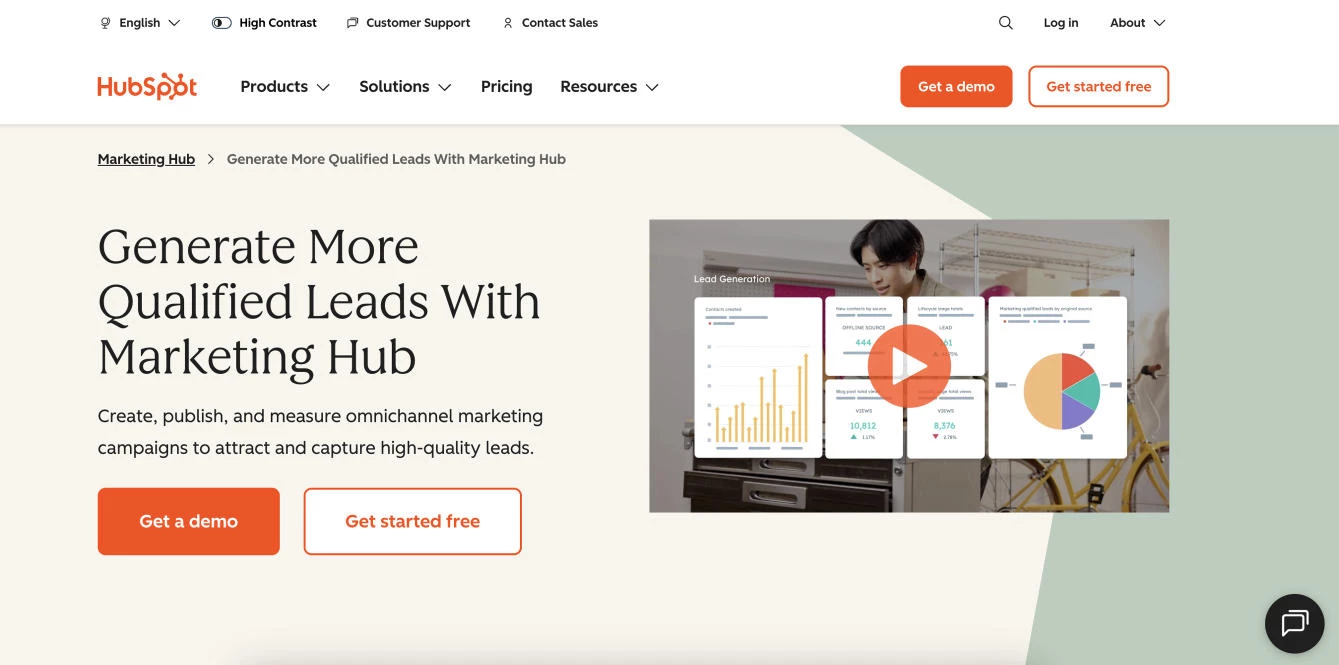
HubSpot is a connected customer platform that brings CRM, marketing, sales, and service tools together on top of a single contact database.
It is best known for pairing a genuinely capable free CRM with paid hubs that layer on automation, sequencing, and reporting as a team grows, which lets businesses start at no cost and expand only when they hit a clear need.
For lead management specifically, HubSpot organizes contacts, tracks every interaction, and automates follow-up, making it one of the best lead generation tools for growing businesses.
Because marketing and sales sit on the same record, a lead captured through a form or landing page flows straight into the pipeline without manual handoffs, which is where HubSpot's all-in-one design pays off.
The free CRM supports unlimited users, though advanced automation, custom reporting, and higher contact limits require paid plans, and Professional tiers carry a mandatory one-time onboarding fee.
Pros:
- All-in-one platform connects marketing, sales, and service on a single contact record
- Transparent, published pricing across every tier
- Strong ease of use and a large ecosystem of integrations and educational resources
Cons:
- The free tier is limited to two seats, with no option to add more
- Advanced automation and custom reporting are gated behind Professional
- Professional and Enterprise carry mandatory onboarding fees of $1,500 and $3,500
Pricing (Sales Hub, per seat/month):
- Free: $0, up to two users
- Starter: $9 billed annually, or $15 billed monthly
- Professional: $90 billed annually, or $100 billed monthly, plus a $1,500 one-time onboarding fee
- Enterprise: $150, plus a $3,500 one-time onboarding fee
Get started with HubSpot's free CRM.
2. Pipedrive: Best Easy CRM With Built-In Meeting Intelligence
For growing sales teams that want pipeline management and AI meeting capture in one place
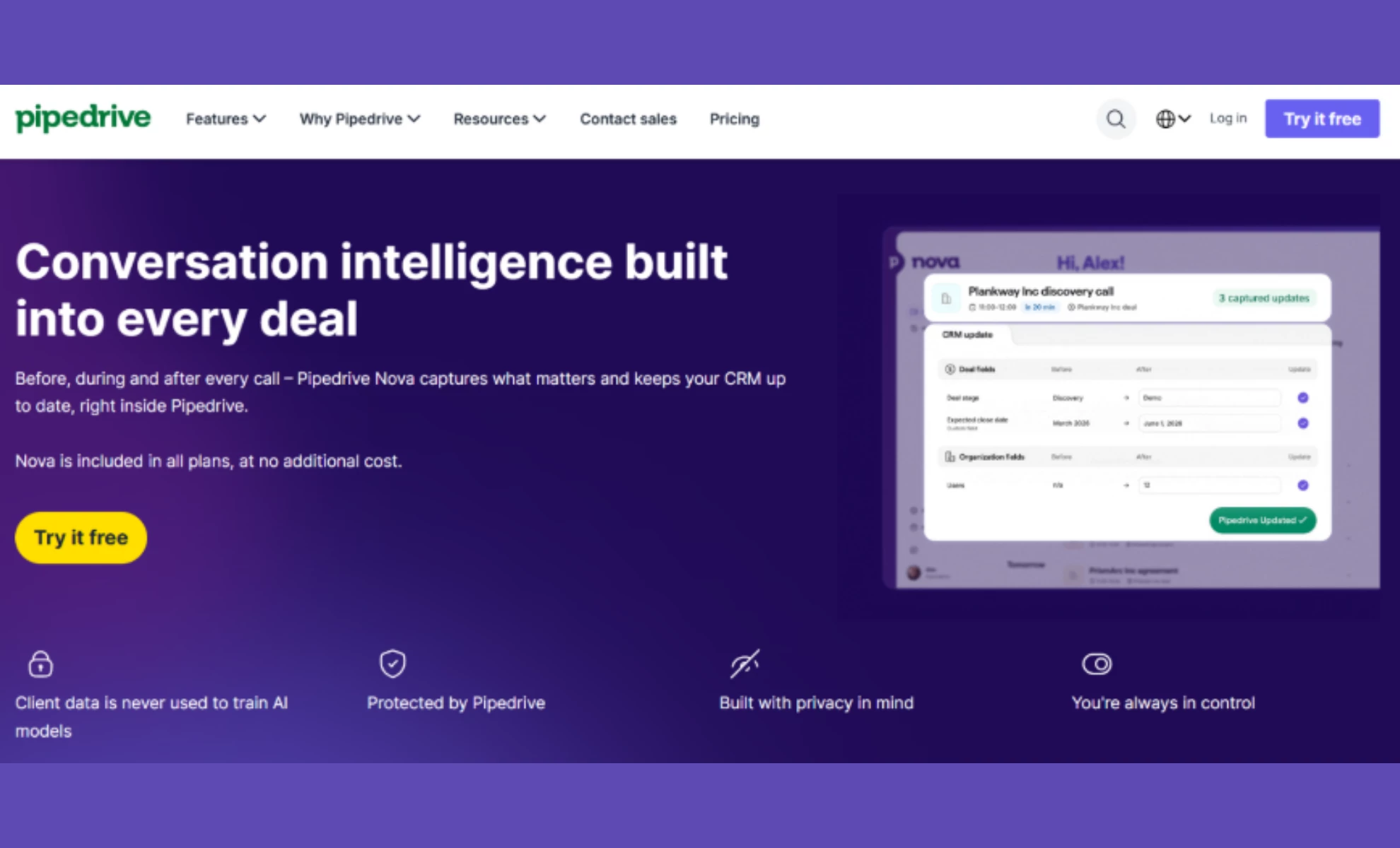
Pipedrive is a sales-first CRM built for small and mid-sized teams that have outgrown spreadsheets but don't want the setup overhead of an enterprise platform.
Most teams import their data and have a working pipeline the same day, which makes it a practical home for leads once they've entered the funnel.
Its newest addition is meeting intelligence, delivered through a built-in tool called Nova. It pulls a pre-call brief together from deal history, emails, and past conversations, records and transcribes the conversation, then drafts the CRM updates afterward, including deal stage, value, and expected close date, for the rep to review, edit, or approve.
Nova records either through a desktop app, with no bot visibly joining, or through a notetaker that sits in on Google Meet, Zoom, and Microsoft Teams calls, and it's included on every Pipedrive plan at no extra cost.
For lead generation teams, the practical payoff is follow-up speed and data hygiene. Pipedrive's own research found that 47% of sales professionals say follow-ups or CRM updates frequently take more than 24 hours to complete, which is precisely the window where a warm lead cools off.
Pros:
- Quick setup and a visual pipeline that reps will actually keep current
- Meeting intelligence, including pre-call briefs, recordings, transcripts, summaries, and suggested CRM updates, on every plan
- Captures video, VoIP, dial-in, and in-person meetings, with a bot-free desktop option
- Every AI-suggested CRM change needs human review before it's applied
- 500+ integrations, with lead generation and routing on higher tiers
Cons:
- No free plan, just a 14-day trial
- Lead capture and routing sit on the Premium tier, not the entry plans
- Less customizable than enterprise CRMs for complex, multi-department workflows
- Call recording puts consent handling on the meeting host, and the rules vary by jurisdiction
Pricing (per seat/month, billed annually):
- Lite: $14
- Growth: $39
- Premium: $59
- Ultimate: $79
Start your free 14-day trial with Pipedrive, no credit card required.
3. Salesforce: Best for CRM and Sales Pipeline Management
For teams that need a highly customizable CRM to manage pipelines
Salesforce is a powerhouse in customer relationship management (CRM), offering an extensive suite of tools for sales, marketing, and customer service.
Known for its scalability, Salesforce allows businesses to manage customer data, automate workflows, and gain critical insights through detailed reporting.
What sets it apart is the AppExchange marketplace, providing hundreds of integrations and extensions to meet unique business needs.
Despite a learning curve, Salesforce’s versatility makes it indispensable for companies aiming to optimize their customer interactions.
Pros:
- Highly customizable CRM solution
- Wide range of integrations and app extensions via the AppExchange
- Advanced analytics and reporting features
- Scalable for businesses of all sizes
Cons:
- Complex setup and configuration process
- Can become expensive with added features and users
- Steeper learning curve for smaller teams
Pricing:
- Free Suite: $0
- Starter Suite: $25 per user/month
- Pro Suite: $100 per user/month
- Enterprise: $175 per user/month
- Unlimited: $350 per user/month
- Agentforce 1 Sales: $550 per user/month
Try Salesforce for free – no credit card required.
4. LeadAngel: Best for Lead Routing and Account Matching
For sales operations teams that need precise lead routing and clean CRM data
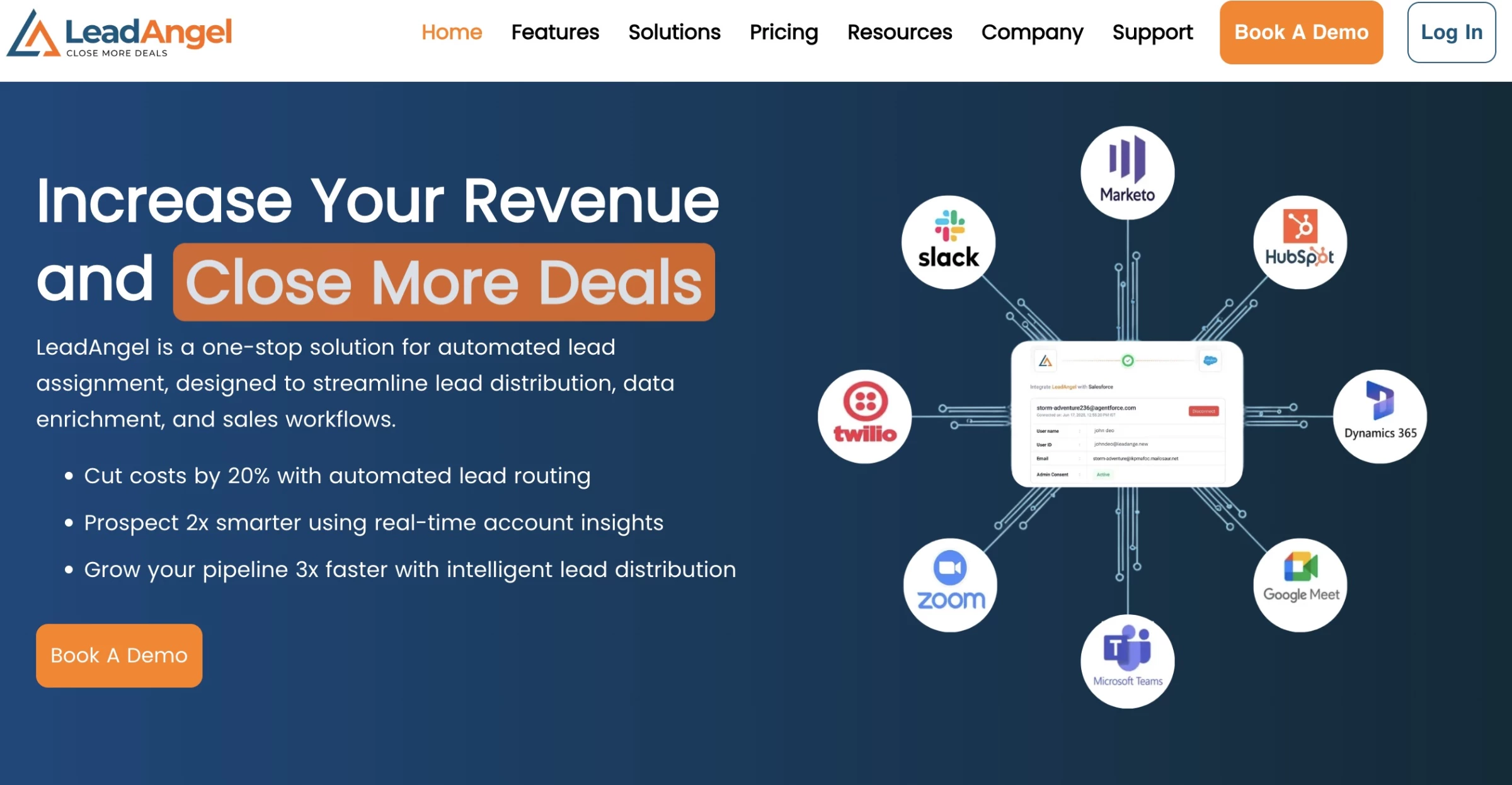
LeadAngel is a revenue operations platform designed to ensure every inbound lead reaches the right salesperson as quickly as possible.
It automatically captures leads from multiple channels, including websites, ads, events, and webinars, and routes them using customizable logic such as round robin, territory rules, or rep availability.
LeadAngel also includes automated data deduplication, calendar scheduling, and on-the-spot lead handoffs.
This prevents duplicate records, improves account visibility, and ensures the right sales team handles each opportunity.
LeadAngel is best for B2B companies and RevOps teams using CRMs like HubSpot or Microsoft Dynamics 365 that need more advanced routing logic, clean CRM data, and faster lead response times.
Pros
- Advanced lead-to-account matching with up to 99.7% accuracy
- Flexible routing rules
- Built-in data deduplication and CRM data standardization
- Native integrations with Salesforce, HubSpot, and Microsoft Dynamics 365
Cons
- Pricing is not publicly listed
- Some advanced features are available only in higher-tier plans
- LeadAngel's own pages cite different accuracy figures in different places, ranging from over 95% to 99.7%
Pricing
- Custom pricing depending on contract and implementation needs
Book a demo with LeadAngel to get started.
Top 15 Lead Generation Tools Compared
Tool | Best For | Main Pros | Main Cons | Pricing |
AI for GTM and lead generation | 100M+ companies, 500M+ contacts, 1.5B+ data points daily | Longer setup, learning curve on advanced features | Free Lite tier, full platform custom | |
Social selling and networking | LinkedIn network access, advanced search filters | Limited outside LinkedIn's ecosystem | From $89.99/user/month annually | |
All-in-one prospecting on a budget | Contact data, email finder, dialer, and sequencing in one subscription | Credit-based pricing is easy to misjudge | Free plan, paid from $49/user/month annually | |
Waterfall data enrichment | Higher match rates across 150+ providers, Claygent AI agent | Steep learning curve, CRM sync starts on Growth | Free plan, paid from $167/month annually | |
Signal-based outbound and ABM | 30+ native signals, editable AI scoring, unlimited seats | Annual contract only, no trial, high entry price | From $3,333/month | |
Webinar-led lead capture | Viewer-level engagement scored into your CRM, recordings reusable as automated webinars | HubSpot and Salesforce are add-ons below Enterprise | From €49/month, 14-day trial | |
Customer messaging, chat, and support | Live chat plus Fin AI agent, easy integrations | Fin bills $0.99 per outcome on top of seats | From $29/seat/month annually + usage | |
Landing pages and A/B testing | Drag-and-drop builder, Smart Traffic AI | A/B testing and Smart Traffic gated to higher tiers | From $22/month annually, 14-day trial | |
Referral programs and customer rewards | Simple setup, all features on every plan | Success fee of up to 10.5% on referred sales | From $39/month + 10.5% success fee | |
Safe, scalable LinkedIn automation | Team Unibox, native MCP, unlimited actions | Outbound-focused, multichannel needs Enrich tier | From $39/seat/month | |
Email marketing and automation | Multi-channel tools, strong analytics | Bills by contact count including unsubscribes | Free plan, paid from $13/month | |
All-in-one CRM with a free tier | Marketing, sales, and service on one contact record | Free tier capped at 2 seats, onboarding fee on Pro | Free CRM, paid from $9/seat/month annually | |
Easy CRM with built-in meeting intelligence | Meeting intelligence on every plan, fast setup, 500+ integrations | No free plan; lead capture and routing need Premium at $59/user/month | Starts at $14/user/month, free trial available | |
CRM and full pipeline management | Highly customizable, large integration marketplace | Complex setup, expensive as you scale | Free Suite, paid from $25/user/month | |
Lead routing and account matching | Advertises up to 99.7% matching accuracy, flexible routing rules | Pricing not publicly listed, accuracy claims vary | Custom pricing |
How To Choose the Right Lead Generation Tools for Your Business
Not all tools are created equal, and the wrong stack leaves you drowning in noise instead of qualified opportunities. The differences that matter are rarely the ones on the feature grid.
With that in mind, here are the key capabilities to look for in your lead generation tools:
- AI-powered targeting: Use tools that apply machine learning to large datasets so you can pinpoint high-intent leads and focus effort on the most promising prospects.
- Seamless integrations: Choose platforms that plug into your CRM, email, and social tools to keep data flowing smoothly, reduce manual work, and keep teams aligned.
- Automation & flexible workflows: Look for customizable journeys, automated follow-ups, and dynamic workflows that match your sales process and keep leads engaged at every stage.
- Actionable analytics & reporting: Prioritize tools that offer real-time, easy-to-read reports on KPIs like conversion rates, ROI, and engagement so you can quickly see what’s working.
- Data quality and freshness: Treat contact-data accuracy as the first thing you evaluate because a tool is only as useful as the records it feeds you. Prioritize platforms that verify and re-enrich records continuously.
- Cost-effectiveness & scalability: Make sure pricing fits your budget today, with room to grow as your pipeline and team expand—without paying for features you don’t need.
Lead Generation Tools: Pitfalls to Avoid
For smaller businesses looking to generate leads, it’s especially important to avoid overcomplicating things or adding inefficiencies.
To maximize the effectiveness of your lead generation strategy, avoid these common mistakes:
- Using too many tools: Overloading your workflow with multiple tools can create inefficiencies, especially for small businesses. Focus on a few well-integrated tools that meet your core needs.
- Skipping staff training: Untrained staff may underutilize tools, reducing their value. Invest in proper training to ensure your team can fully leverage the tools’ features.
- Ignoring scalability: Choose tools that can grow with your business to avoid outgrowing their capabilities.
- Burning your domain with aggressive tactics: Blasting large volumes from a new or unwarmed domain drives spam complaints and hard bounces. Even your legitimate emails can land in spam and recovery takes weeks.
- Poor integration: Opt for tools that integrate seamlessly with your existing systems to avoid data silos.
- Prioritizing features over functionality: Focus on tools that align with your goals rather than those with unnecessary features.
- Ignoring compliance rules like GDPR and DNC lists: Emailing EU contacts without a lawful basis or calling numbers on Do Not Call registries exposes you to fines and legal action that dwarf any pipeline you might gain
By keeping the approach streamlined and focused, small businesses can simplify their processes and achieve better results.
Lead Generation Tools: Final Thoughts
From identifying the right prospects to capturing, routing, and converting them, each tool in your lead generation stack should solve a specific problem in your pipeline.
The best-performing teams keep it simple: they combine strong data, smart automation, and seamless handoffs to turn interest into revenue.
Start with the essentials, focus on integration over volume, and expand only when your process demands it.

Our team ranks agencies worldwide to help you find a qualified partner. Visit our Agency Directory for the top lead generation companies, as well as:
- Top B2B Lead Generation Agencies
- Top Digital Marketing Agencies
- Top Growth Marketing Agencies
- Top Marketing Strategy Agencies
- Top Lead Generation Companies in Houston
Our design experts also recognize the most innovative design projects across the globe. Visit our Awards section for the best & latest.