
An A/B testing tool lets you compare versions of a webpage or product experience and measure how each affects signups, purchases, or other goals. Choosing one means considering how you’ll build variations, track results, and fit testing into your team’s workload.
We’ve reviewed 10 options to help you compare their strengths, pricing, and technical requirements before committing.
Key Findings: A/B Testing Tools
- Wingify and Convert focus on website experiments, Unbounce suits campaign landing pages, and Statsig supports product feature testing.
- GrowthBook lets teams analyze experiments using existing warehouse data, and PostHog connects testing with product analytics and session recordings.
- Free experimentation plans are available, but compare usage allowances and setup costs. Some paid platforms reserve A/B testing or advanced capabilities for higher tiers.
A/B Testing in 2026: Faster Execution and More Room To Experiment
Every idea waiting on a developer, an approval, or a tracking fix delays what you could learn about your customers. When choosing A/B testing software, the work required to launch each experiment deserves as much attention as the testing features.
Optimizely’s 2026 analysis of 173,000 experiments found that customers in its average AI-usage group ran 70.2% more experiments after adopting its AI tools. That doesn’t prove AI caused the increase, but it points out the potential to put more ideas to the test with AI-assisted workflows.
You don’t necessarily need more complex experiments. Three out of four experiments in the analysis were still simple A/B tests, suggesting that faster execution doesn’t have to mean more complicated testing.
In her interview with DesignRush, Sarah Houghton, senior manager of marketing and communications for Sony Electronics’ Personal Entertainment division, described the team’s approach:
“We’re always testing and trying different strategies to optimize our funnel and maximize both brand and conversion metrics.”
How We Selected These A/B Testing Tools
We reviewed vendor product pages, pricing information, and technical documentation to assess how each platform supports real testing workflows.
We also consulted our CRO and analytics experts on implementation requirements, measurement reliability, and practical limitations.
Our selection covers website optimization and product experiments, with options for marketing teams, agencies, and businesses with dedicated developers. We focused on five factors:
- Testing capabilities: Creating variations, assigning traffic, targeting audiences, and measuring outcomes.
- Setup and day-to-day use: Visual editing, installation requirements, developer involvement, and previewing changes before launch.
- Measurement and integrations: Conversion tracking, statistical methods, and connections to analytics tools or existing business data.
- Relevant pricing: The plan that includes experimentation, its usage allowances, and any additional requirements.
- Team fit: Whether the platform offers a clear advantage for a particular workflow, budget, or level of technical support.
1. Wingify: Best for Website Testing With Behavioral Insights
For marketing and CRO teams that want to investigate website friction and test improvements to signups, shopping journeys, and purchases.
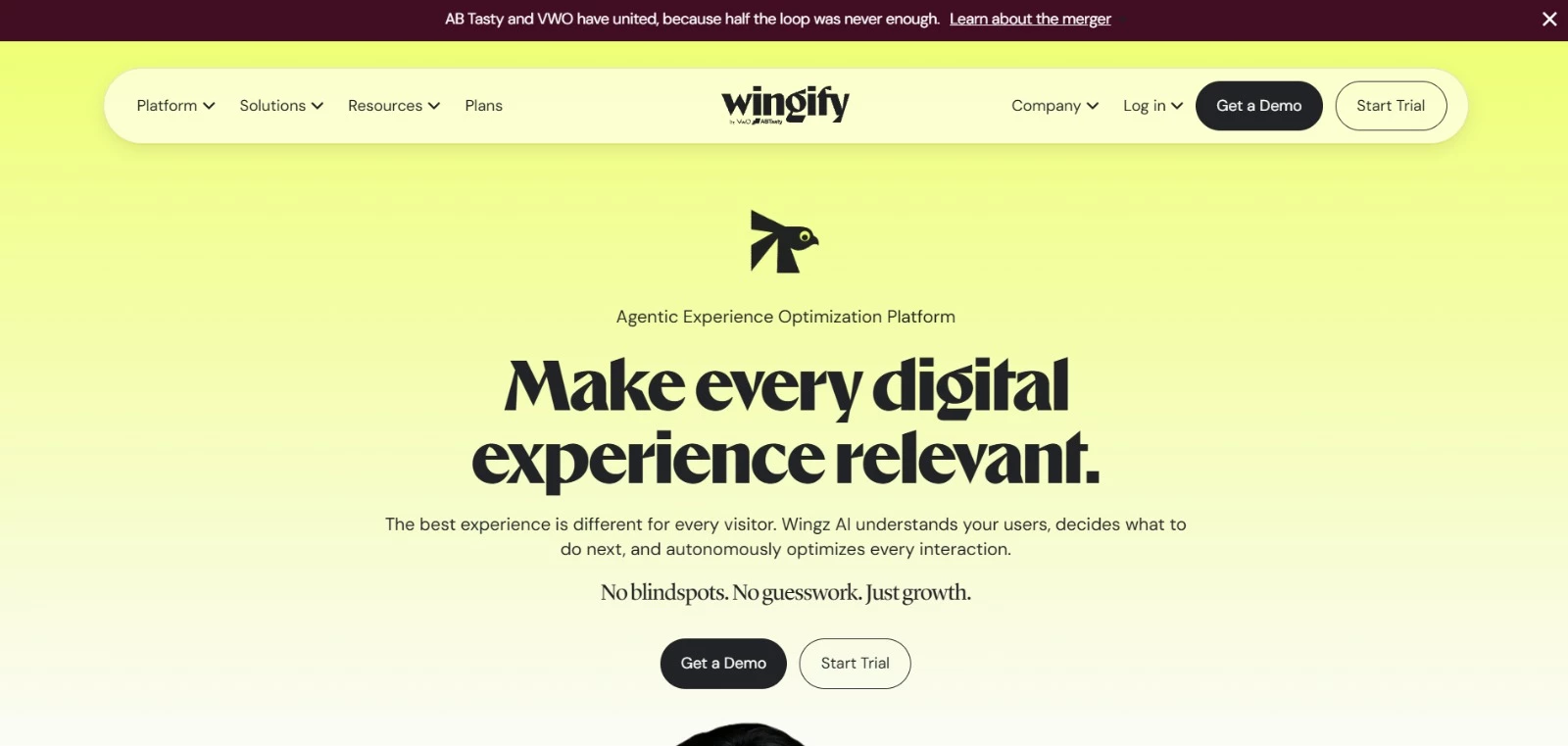
Wingify, the unified offering from VWO and AB Tasty, lets you test page changes through visual and code editors. You can compare headlines, layouts, and calls to action, or use split URL testing to evaluate separately built pages.
Its appeal lies in connecting experimentation with visitor research. Behavior and journey analytics can help you identify where people struggle, then use those findings to plan your next test.
Key Features
- Visual and code editors: Make straightforward page edits visually or use code for more involved changes.
- Multiple testing formats: Run A/B and split URL tests, with multivariate testing available on Pro and Enterprise.
- Quality checks: Use the QA Assistant to preview experiments. Pro adds sample ratio mismatch detection to flag unexpected differences in group sizes.
- AI-assisted analysis: Wingz Core includes AI Analyze. Workflow automation and Autopilot require the paid Advanced upgrade.
- Team controls: Enterprise adds approval workflows, single sign-on, and mutually exclusive groups to keep selected experiments from sharing participants.
Pricing
- Custom pricing: Contact sales for a quote on Growth, Pro, or Enterprise. Confirm traffic allowances, Analytics access, and any AI upgrades.
Potential Limitations
- Multivariate testing is only available on Pro and Enterprise plans.
- Analytics and advanced AI features may cost extra.
What Sets Wingify Apart
Wingify’s testing and behavioral research capabilities support experiments that address specific obstacles in the customer journey.
Clothing brand Kisah, for example, worked with ConvertPolo to test improvements to its mobile shopping experience using Wingify.
One variation remembered shoppers’ preferred sizes as they browsed, removing the need to select a size repeatedly. Here are the results for that experiment:
- 28% increase in conversion rate
- 33% increase in revenue
2. Optimizely: Best for Enterprise Experimentation
For businesses with dedicated marketing, product, and development teams running ongoing website and feature experiments.
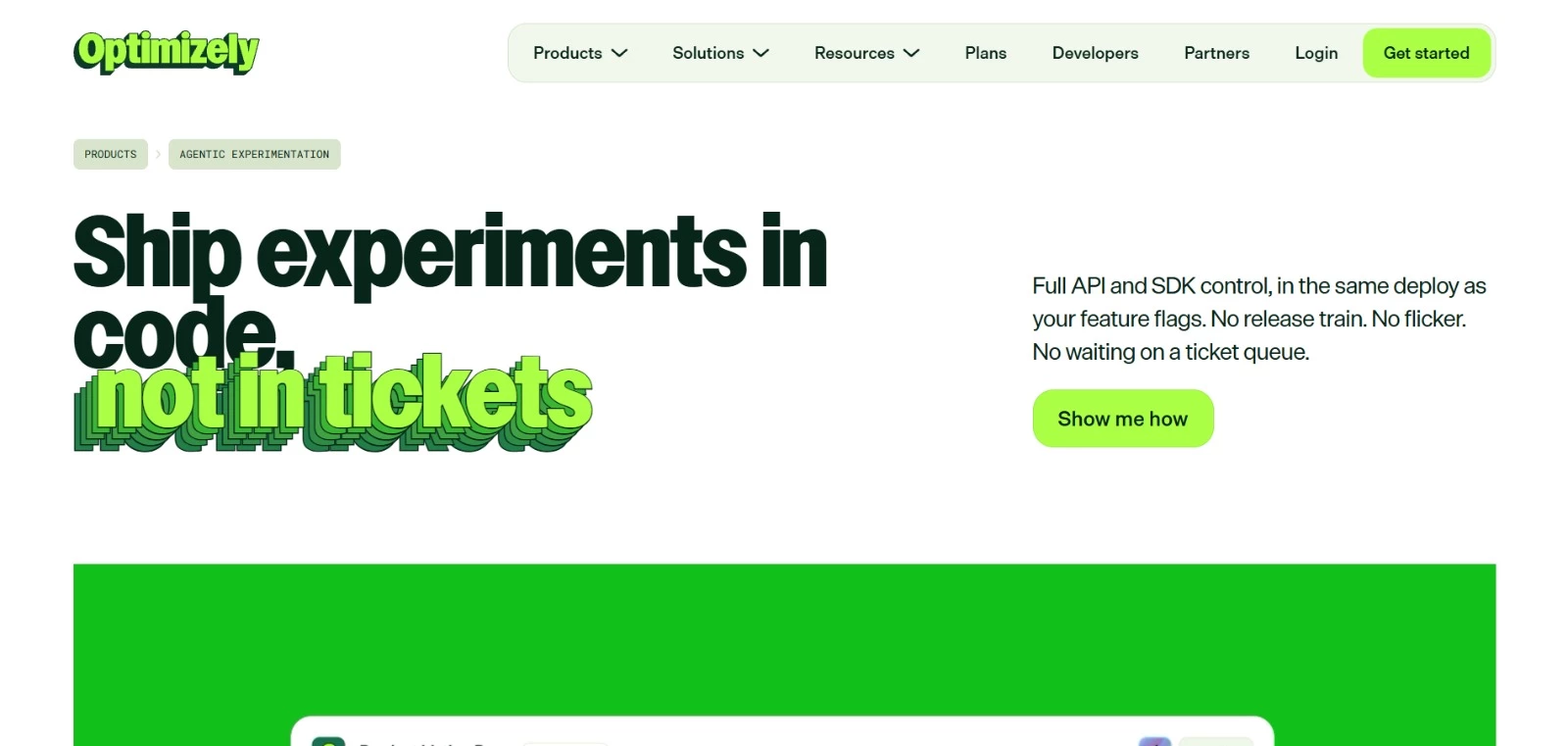
If testing involves both your marketing website and the product itself, Optimizely gives each team a way to contribute. Marketers can create page variations through a visual editor, and developers can use APIs and SDKs to test application features and server-side changes.
Its Agentic Experimentation also brings AI into preparation and analysis. For example, the Variation Development Agent helps generate experiment variations, reducing the coding work needed to get ideas ready for testing.
You can also connect experimentation with personalization, analytics, and feature management to target specific audiences and control how changes reach users.
Key Features
- Web and product testing: Run A/B, multi-page, feature, and server-side experiments.
- Stats Engine: Evaluate experiment results with sequential statistical analysis that supports monitoring as data accumulates.
- AI-assisted workflows: Use agents to help develop variations and support experimentation tasks.
- Audience targeting: Test experiences with selected visitor groups and use behavioral data to inform personalization.
- Controlled releases: Use feature flags to determine who receives a change and slowly increase its availability.
Pricing
- Custom pricing: Contact sales for a package based on your requirements.
Potential Limitations
- Feature and server-side experiments require developer involvement.
- No public starting price, so you’ll need a quote to assess the cost.
What Sets Optimizely Apart
Zillow used Optimizely’s Web Experimentation and Personalization products to test content and tailor experiences to people at different stages of finding a home.
Its marketers used a low-code testing workflow to evaluate ideas before a wider rollout. Optimizely reports 2-3× ROI on Zillow’s conversion rate optimization efforts.



3. Convert Experiences: Best for Dedicated Website A/B Testing
For in-house CRO teams, growth marketers, and agencies running ongoing website experiments.
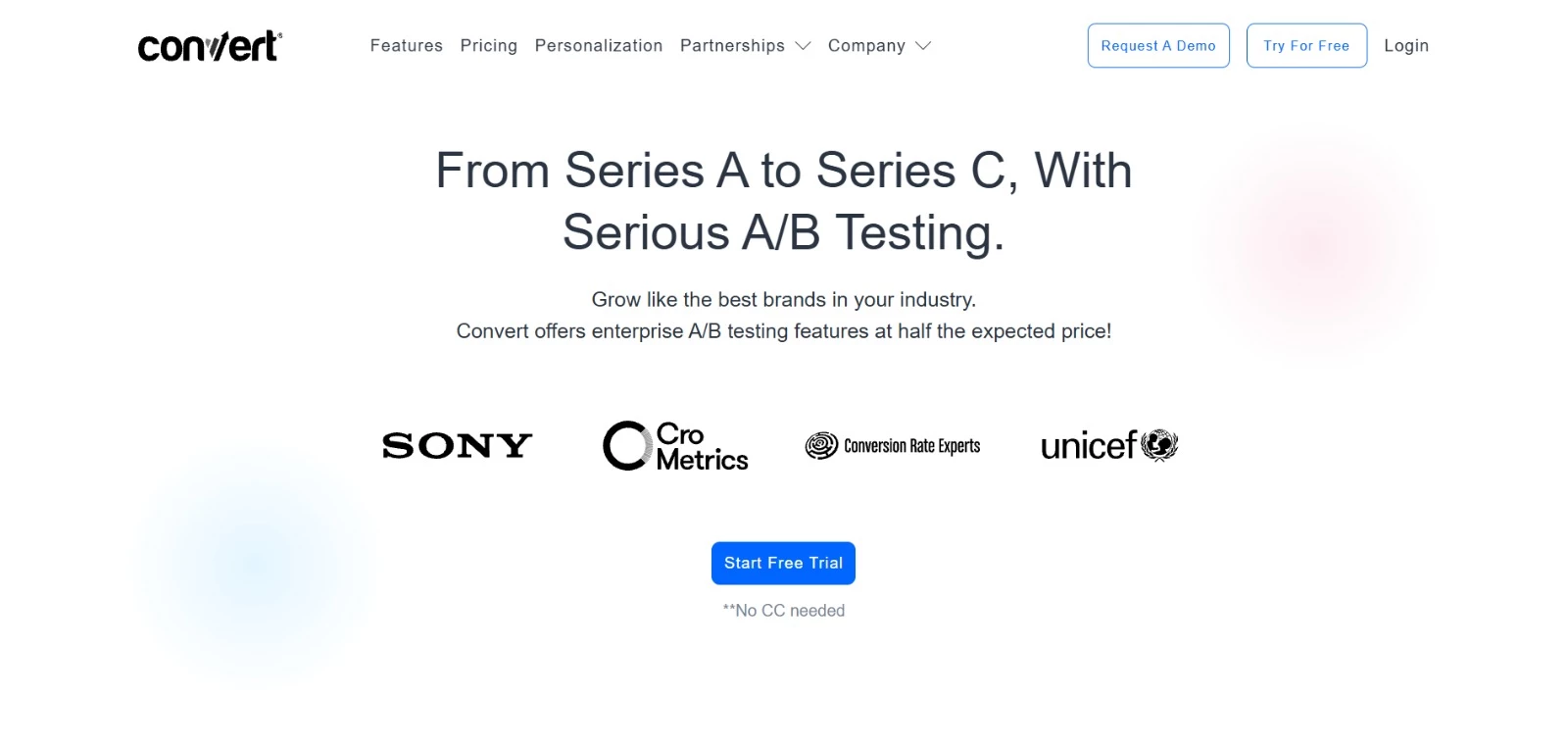
Your analytics may already show where visitors drop off. Convert Experiences lets you test what could persuade them to continue, with integrations for tools such as Google Analytics and Shopify.
You can narrow an experiment to mobile visitors or traffic from a specific campaign, then track purchases and revenue alongside clicks.
That flexibility suits teams with a steady backlog of website improvements and clear questions to investigate.
Key Features
- Visual and code editors: Create page variations with point-and-click editing or custom code.
- Audience targeting: Define who enters an experiment using conditions such as device, traffic source, and visitor behavior.
- Flexible goals: Track purchases, revenue, form submissions, clicks, and other actions relevant to your test.
- Experiment quality checks: Use debugging tools and live logs to investigate problems. Sample ratio mismatch checks flag unexpected differences in traffic allocation.
- 90+ integrations: Connect with tools such as Google Analytics, Hotjar, Shopify, and WordPress.
Pricing
- A 15-day free trial
- Growth: From $299/month billed annually
- Pro: From $420/month
- Enterprise: Custom pricing
- Growth and Pro start at 100,000 tested users per month on monthly billing, or a pooled allowance of 1.2 million per year on annual billing.
Potential Limitations
- Multivariate, multipage, and full-stack testing require Pro or Enterprise.
- Growth limits you to five active projects and five active experiences per project.
What Sets Convert Apart
Convert’s Surefoot case study shows how a focused website experiment can address a specific buying obstacle. Working with Smith Optics, the agency tested a redesigned mobile cart with clearer checkout navigation and easier item editing.
The 20-day experiment produced these results:
- 8% increase in visits to checkout
- 3.4% increase in transactions
- $1.39 increase in revenue per visitor
4. Kameleoon: Best for Coordinating Marketing and Product Experiments
For marketing, product, and engineering teams that need shared audiences, goals, and results for website and feature tests.
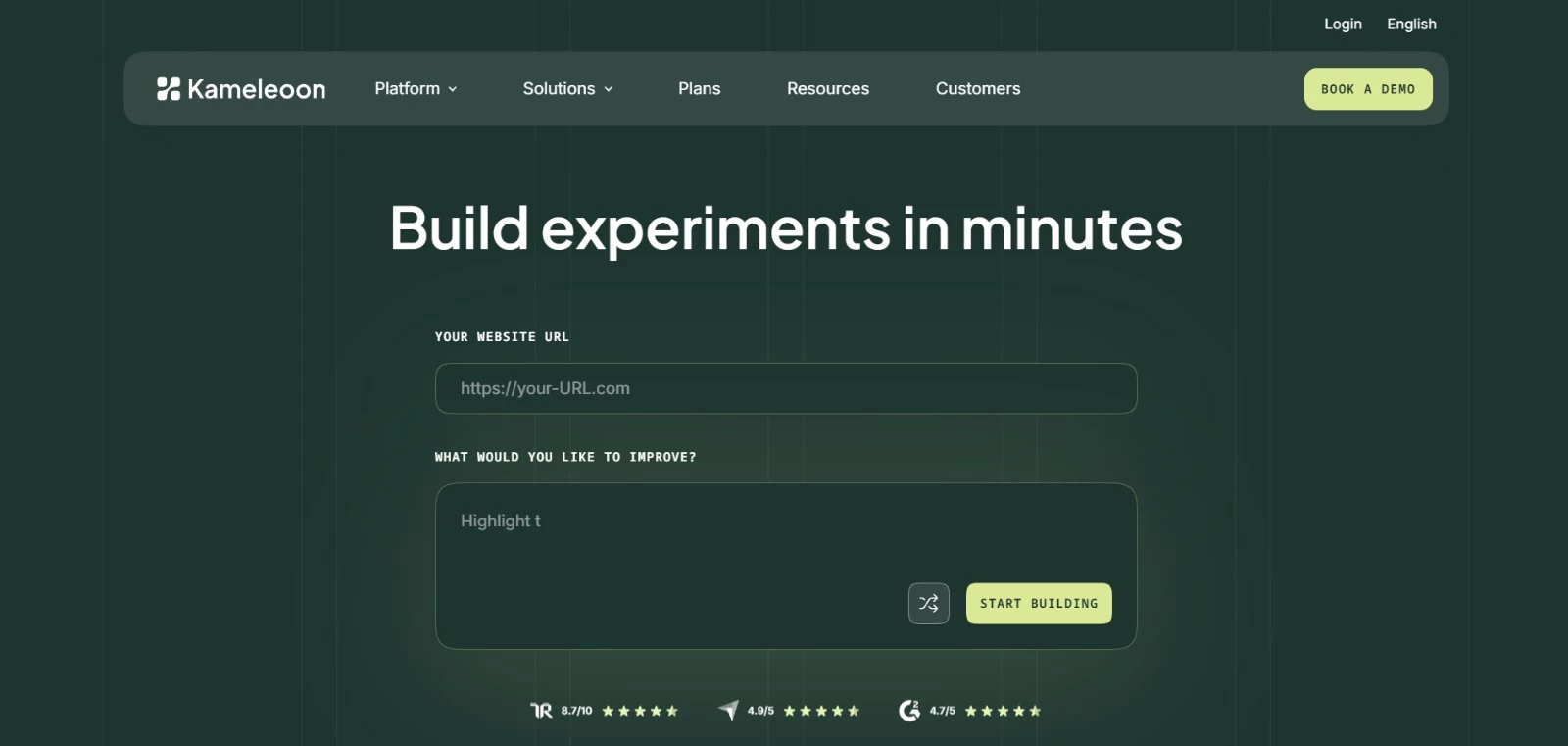
Kameleoon lets marketing and product teams share audiences, goals, and results when running website and feature experiments. Approval workflows help coordinate releases, and reporting shows whether concurrent tests influence each other.
With Prompt-Based Experimentation (PBX), you describe a page change in plain language, and AI generates a variation to review and refine. Enterprise packages include product, server-side, and mobile app testing.
Key Features
- Prompt-based variations: Use AI to create and refine test variations through written instructions.
- Shared experiment data: Let teams work with common audiences, goals, and results.
- Feature experimentation: Test product changes and control their availability through targeted or gradual rollouts.
- Measurement checks: Detect unexpected traffic splits and examine how concurrent experiments affect results.
- Release approvals: Set review steps for changes that require input from other team members.
Pricing
- PBX Starter free trial: 30 days, with up to three experiments. No credit card required.
- PBX Starter: From $495/month for up to 10 experiments and 50,000 tested visitors per month
- Enterprise: Custom pricing for additional capabilities, including feature experimentation, mobile app testing, and feature management
Potential Limitations
- Product, server-side, and mobile app testing require an Enterprise package.
- Starter experiments stop running when you reach the tested-traffic allowance.
What Sets Kameleoon Apart
Samsung’s B2B team used PBX to build variations that previously needed substantial developer time. One moved product information closer to the purchase decision, and another made navigation reappear when visitors scrolled upward.
Kameleoon’s Samsung case study reports:
- 30-40 minutes to prepare tests, compared with three to four days previously
- 15 tests launched per month, up from five
- No increase in team size
5. Adobe Target: Best for Testing Within the Adobe Ecosystem
For enterprise marketing and analytics teams already using Adobe Experience Cloud.
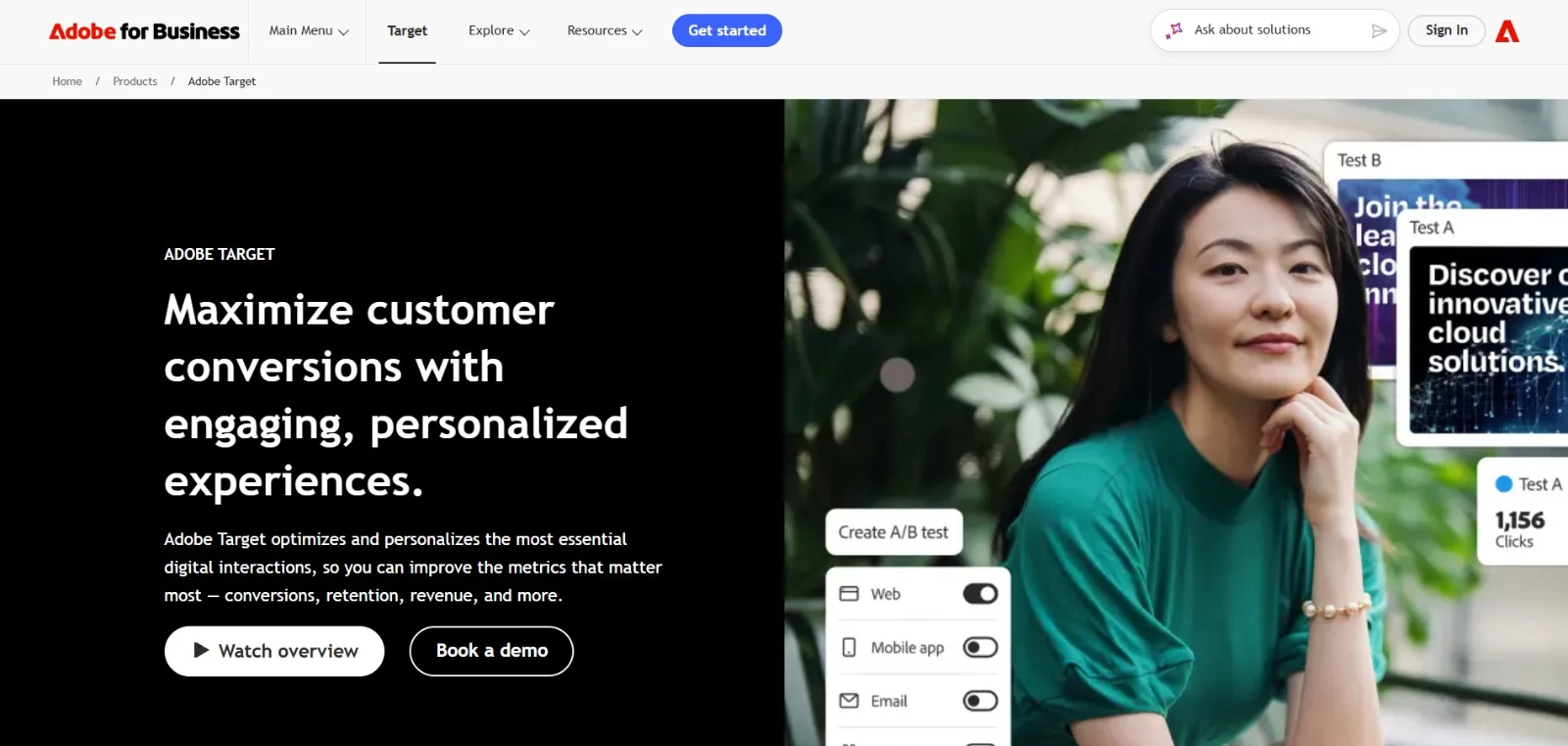
With Adobe Target, you can investigate whether an offer works better for returning customers or whether different visitors respond to different product recommendations.
Premium’s personalization features use visitor profiles and behavior to select which experience to show, extending what you can do with the findings.
The connection to Adobe Analytics lets you evaluate tests using familiar conversion metrics and explore audience differences after a test ends.
Key Features
- A/B and multivariate testing: Compare complete experiences or combinations of page elements.
- Analytics for Target: Use Adobe Analytics as the reporting source for supported experiments.
- Auto-Allocate: Automatically direct more traffic toward better-performing variations.
- AI personalization: Premium’s Auto-Target and Automated Personalization match experiences to individual visitors.
- Product and content recommendations: Test which recommendations to display and where to place them with Target Premium.
Pricing
- Custom pricing: Request a quote.
Potential Limitations
- Auto-Target, Automated Personalization, and Recommendations require a Premium license.
- Using Adobe Analytics for experiment reporting requires access to both products and integration setup.
What Sets Adobe Target Apart
Adobe highlights NVIDIA among its Target customers, reporting improvements in engagement:
- 182,000 additional clicks per year
- 150,000 fewer bounces per year
6. Unbounce: Best for Paid Campaign Landing-Page Tests
For PPC marketers and agencies building and testing landing pages for lead generation and sales.
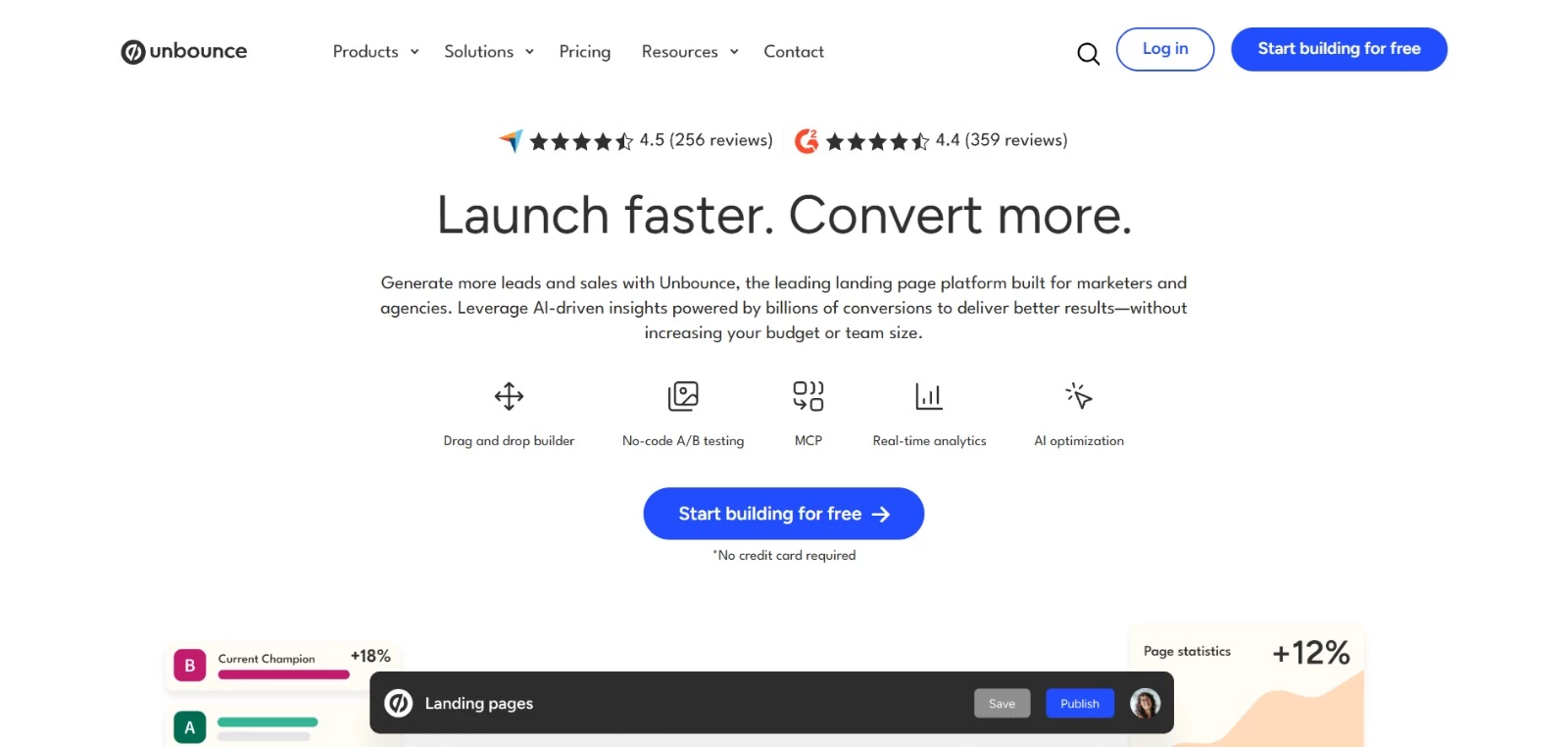
Unbounce gives you control over what happens after someone clicks your ad. Build a campaign landing page, duplicate it, change the offer or form, and divide traffic between versions without commissioning a separate page for every idea.
Page creation and testing happen in the same editor, so you can keep refining campaigns as results come in.
You choose the traffic split for a conventional A/B test. The optional Smart Traffic feature takes a different approach, using AI to route visitors to the variant it predicts will convert best for them.
Key Features
- Landing-page builder: Create campaign pages using a drag-and-drop editor and customizable templates.
- Unlimited A/B tests and variants: Experiment plans and above let you compare page versions and set their traffic allocation.
- Dynamic text replacement: Adapt landing-page copy to match campaign keywords.
- Conversion reporting: Compare variant performance and review confidence intervals.
- Smart Traffic: Optimize plans add AI routing and audience insights to help improve conversions.
Pricing
- Experiment: $112/month billed annually; includes A/B testing and up to 30,000 visitors per month
- Optimize: $187/month billed annually; adds Smart Traffic and supports up to 50,000 visitors per month
- Concierge: Custom pricing
- Agency: Custom pricing
Potential Limitations
- Testing focuses on Unbounce landing pages, limiting its fit for broader website or product experiments.
- A/B testing requires Experiment or above
What Sets Unbounce Apart
Flight-deal service Going used Unbounce to compare “Sign up for free” with “Trial for free,” testing whether visitors would respond better to trying a premium subscription.
The team split traffic evenly through a single URL, with setup and tracking support from Unbounce’s Concierge team.
The case study reports:
- 104% increase in trial-start rate month over month
- Paid-channel conversion rate surpassed organic traffic for the first time
7. Statsig: Best for Testing Product Features Before Wider Release
For product managers, developers, and data teams evaluating changes to apps and digital products.
Before making a new onboarding flow available to everyone, you can use Statsig to compare it with the existing version and measure whether more users complete registration.
Feature flags control who receives the change, letting your team expand availability gradually or switch it off. Developers can connect experiments to your application through SDKs, and product teams use the results to decide what to release.
Statsig supports both hosted experimentation and analysis using data in your own warehouse.
Key Features
- Feature flags and gradual rollouts: Release changes to selected users or a percentage of your audience.
- Experiment analysis: Compare variations using Bayesian or frequentist statistical methods.
- Advanced testing methods: Options include sequential testing, holdout groups, and methods that reduce statistical noise using historical data.
- Release monitoring: Track important metrics and receive alerts when performance declines.
- Client and server SDKs: Implement experiments in web, mobile, and backend applications.
Pricing
- Developer: Free, including A/B testing, 2 million events per month, unlimited seats, and unlimited feature flag checks
- Pro: $150/month, including 5 million events. Additional events cost $0.05 per 1,000
- Enterprise: Custom pricing, with warehouse-native deployment and additional access controls
Potential Limitations
- Product experiments require developers to implement variations and configure event tracking.
- Event-based billing means costs depend on how much activity you record, not just your number of users.
What Sets Statsig Apart
Code.org used Statsig to test changes to teacher registration, including the step where teachers identify their schools.
A separate experiment checked whether adding a question about the educator’s role would discourage signups.
The Code.org case study reports:
- 7.5% increase in U.S. teachers successfully associating with schools during signup
- An estimated 6,000 additional teacher accounts linked to schools over the following year
- No drop in signup rate was observed in the separate educator-role experiment
8. GrowthBook: Best for Teams With an Existing Data Warehouse
For product and growth teams with analysts or developers who manage their business data.
GrowthBook analyzes experiments using the purchase, subscription, and behavioral data you already store in systems such as BigQuery, Snowflake, or Redshift.
Your analysts define the metrics in SQL and can inspect the queries behind each result, making it easier to check a surprising finding against your own records.
You can use GrowthBook’s managed warehouse if you don’t have one, although its appeal is the control it gives teams with existing data infrastructure.
Key Features
- Warehouse-native analysis: Calculate experiment results using data in your connected warehouse.
- Custom metrics: Define conversion, revenue, retention, or other measures using SQL.
- Feature flags: Control access to variations and manage feature releases.
- AI Visual Editor: Pro and Enterprise options let teams create website variations with AI assistance.
- Deployment choice: Use GrowthBook’s hosted service or run it on your own infrastructure.
Pricing
- Cloud Starter: Free for up to three users and one project, with unlimited experiments and feature flags
- Cloud Pro: $40/seat/month, with three projects and additional experimentation features
- Cloud Enterprise: Custom pricing; contact sales
- Self-Hosted Open Source: Free software with unlimited users and one project; you manage hosting
- Self-Hosted Enterprise: Custom pricing
Potential Limitations
- Connecting your own warehouse and defining SQL metrics requires technical support.
- Self-hosting adds infrastructure and maintenance work, and cloud plans can still incur usage charges.
What Sets GrowthBook Apart
Flower and gift retailer Floward connected GrowthBook to its Redshift warehouse to evaluate changes using its own conversion and revenue metrics.
Its experimentation program helped drive double-digit year-over-year sales growth, with tests tailored to individual markets.
The Floward case study reports:
- 200+ experiments launched on web, iOS, and Android within nine months
- Experiment setup was cut to under 30 minutes, down from three days
- 8% higher order conversion and 4% higher revenue in a Kuwait homepage test promoting a locally relevant gift collection
9. PostHog: Best for Experimentation With Product Analytics
For product and growth teams that want to investigate user behavior and measure experiments in the same platform.
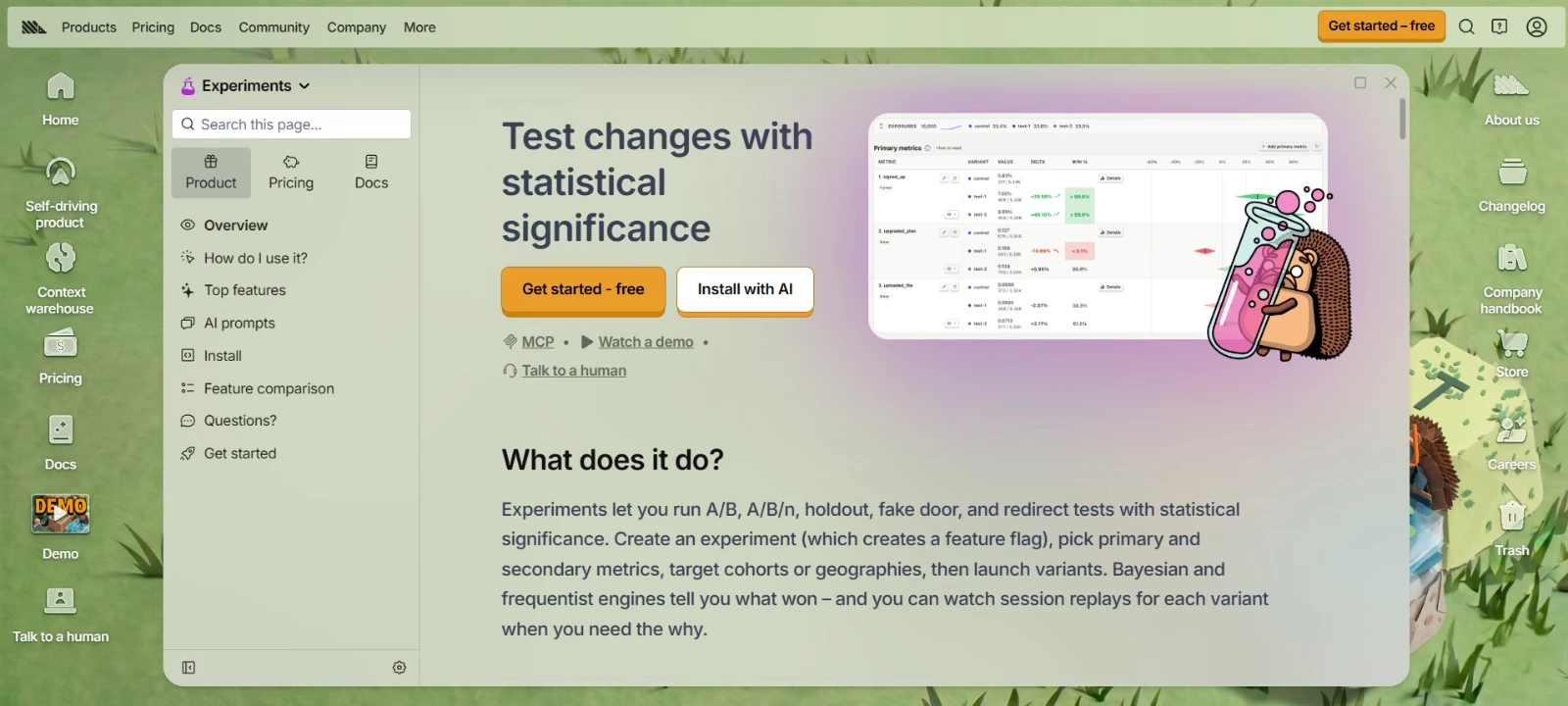
PostHog uses your product analytics events to measure experiments, so you can test changes against the signup, purchase, or usage metrics you already track.
When you need to investigate a result, you can filter funnels by test variation and watch recordings of the users who saw it. There’s less tracking to set up if your team already uses PostHog for analytics.
Key Features
- Flexible outcome tracking: Measure conversion funnels, revenue, event counts, and ratios, with secondary metrics to monitor unwanted effects.
- Variant-level investigation: Open session recordings of users who saw a particular variation to investigate friction.
- Audience targeting: Select participants using behavioral cohorts, user properties, or location.
- Experiment analysis: Compare each variation’s performance and see the uncertainty around the results.
- Feature flag controls: Assign variations and gradually release a successful change to more users.
Pricing
- Free: Includes 1 million feature flag requests, 1 million analytics events, and 5,000 session recordings per month, with unlimited team members and one project. Experiments are billed through feature flag usage
- Pay-as-you-go: Retains the monthly free allowances, with feature flag requests starting at $0.0001 per request beyond the allowance. Analytics and recordings have separate usage charges. Includes six project
- Enterprise agreements: Contact sales for annual commitments, volume discounts, and additional requirements
Potential Limitations
- Product experiments require SDK setup and implementation of the variations; the no-code visual editor is currently in beta.
- Budget for flag requests, analytics events, and recordings separately. Reaching a free or configured billing limit can interrupt data collection and flag delivery.
What Sets PostHog Apart
Phantom’s experience shows how product analytics can guide technical improvements. After tracking failed token transfers in PostHog, the crypto wallet’s team switched to more reliable infrastructure providers.
Feature flags also let developers disable problematic features without waiting for users to update the app.
In its case study, PostHog reported:
- 90% fewer failed token transfers after the infrastructure switch
- Failure rates maintained at 1% or below, supported by feature flag controls
10. Zoho PageSense: Best for Website Optimization for Marketing Teams
For marketers who want to run website tests without relying on developers for every content or layout change.
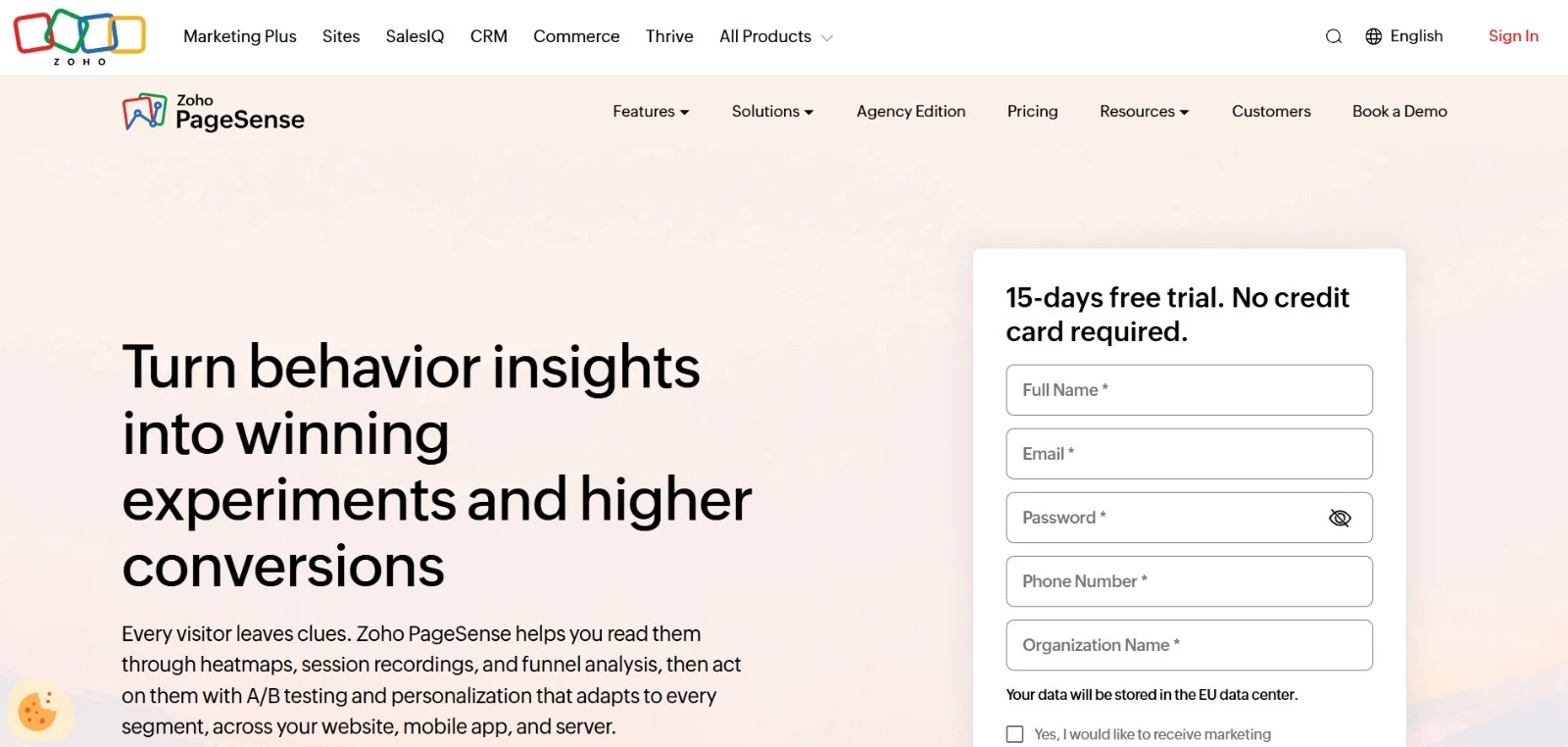
With Zoho PageSense, your marketing team can edit page copy, reposition elements, and preview variations for desktop, tablet, and mobile visitors.
You can perform routine website experiments via the visual editor, with custom code available for changes that need a developer. Heatmaps for each variation help you see how each design affects visitor behavior.
Key Features
- Visual and code editing: Change text, images, and layouts visually, or add custom HTML, CSS, and JavaScript.
- A/B and split URL testing: Compare changes on an existing page or test separately built pages.
- Variation heatmaps: See where visitors click and how they interact with each version.
- Conversion goals: Track actions such as form submissions, button clicks, and purchases.
- AI-assisted copy: Use Zia to generate alternative headlines, button text, and page content for testing.
Pricing
- A 15-day trial
- Forever Free: For up to 5,000 monthly tracked users and one project. Includes behavioral analytics but no A/B testing.
- Professional: From €12/month, billed annually, for 10,000 monthly tracked users and three projects. Adds engagement tools but no A/B testing.
- Enterprise: From €29.42/month, billed annually, for 10,000 monthly tracked users and 10 projects. Includes A/B testing, split URL testing, full stack testing, and personalization.
Potential Limitations
- A/B testing requires Enterprise, even if you only need basic page experiments.
- Experiments pause when you exhaust your tracked-user allowance unless you purchase additional capacity.
What Sets Zoho PageSense Apart
Kissflow used PageSense to investigate and improve its demo page. The team clarified the opening content, offered visitors a choice between a live demo and a guided tour, and made the call to action more prominent.
Goal-based filters also helped the team find relevant session recordings without reviewing them individually.
Zoho reports:
- 2× demo-page lead conversions with the revised page
- Hundreds of hours saved using goal-linked session recording filters
How To Choose the Best A/B Testing Platform for Your Business
Shortlist platforms against the experiments you plan to run, the people who will build them, and the data you need to measure success. This comparison below highlights where each tool fits and what to budget for:
| Platform | Best Fit | Setup Considerations | Starting Price |
| Wingify | Website testing informed by visitor behavior | Visual and code editors; confirm analytics access | Custom |
| Optimizely | Enterprise website and product experimentation | Visual editing for web tests; developers for feature experiments | Custom |
| Convert Experiences | Ongoing website testing for CRO teams and agencies | Visual editor; custom code for complex changes | $299/month, billed annually |
| Kameleoon | Coordinating marketing and product experiments | AI-generated web variations; Enterprise package for product testing | $495/month for PBX Starter |
| Adobe Target | Experimentation within Adobe Experience Cloud | Technical setup; Adobe Analytics reporting requires integration | Custom |
| Unbounce | Paid campaign landing-page tests | Build and test pages in its landing-page editor | $112/month, billed annually |
| Statsig | Testing product features before wider release | Developers implement variations and event tracking | Free |
| GrowthBook | Experiment analysis using existing warehouse data | Technical support for data connections and SQL metrics | Free |
| PostHog | Experiments measured through product analytics | SDK setup and variation implementation | Free |
| Zoho PageSense | Website optimization for small marketing teams | Visual editing after installation | €29.42/month, billed annually |
Before committing, check these five points:
- Try a representative experiment. During a trial or guided demo, build a variation, preview it on relevant devices, and verify tracking. Include a change your team expects to make regularly.
- Confirm developer requirements. Find out who handles installation, complex variations, quality checks, and maintenance. A visual editor reduces coding for some changes, but it doesn't eliminate technical work.
- Check measurement and reporting. Verify that you can track your primary outcome and important side effects, such as higher signups but lower purchases. If you use another analytics platform, confirm that it can identify experiment participants and segment results by variation.
- Review an inconclusive result. Ask the provider you choose to explain uncertainty, traffic-allocation warnings, and stopping rules. Your team should understand when there is enough evidence to act and when there isn’t.
- Calculate the full cost and check controls. Estimate a year of traffic, events, seats, add-ons, and implementation work. Confirm what happens at usage limits, plus any requirements for client projects, approvals, data residency, and retention.
Final Thoughts on A/B Testing Software
The best A/B testing tool fits what your team can realistically do. Before committing, verify that you can build a planned experiment, measure the right outcome, and interpret the results without stretching your budget or development capacity.
A digital marketing agency with CRO experience can help prioritize tests, check measurement, and implement improvements when your team needs additional support.

Our team ranks agencies worldwide to help you find a qualified partner. Visit our Agency Directory for the top digital marketing companies, as well as: