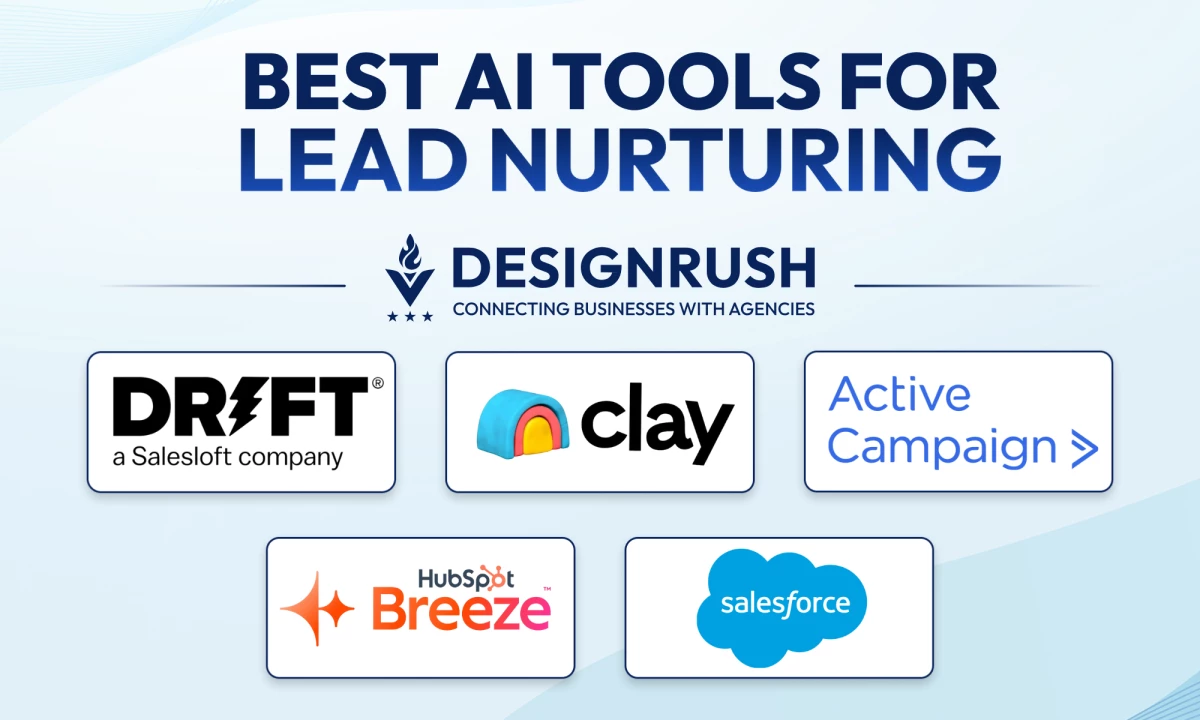

I tested the top AI lead nurturing tools to find which ones actually move leads forward, not just organize them. These five stood out for how they automate, personalize, and scale nurture campaigns.
AI Tools for Lead Nurturing: Key Points
- Tools like Drift and HubSpot AI qualify leads, book meetings, and personalize content automatically, right when the buyer's interested.
- ActiveCampaign and Clay craft tailored experiences based on real behavior and data, without hiring a massive team.
- For larger orgs, Salesforce Einstein offers scalable lead scoring that actually explains why a lead is worth pursuing, making it easier to prioritize and convert at enterprise scale.
AI Tools in Lead Nurturing Overview
Still using static lists or basic filters? Today’s top AI tools now qualify leads in real time, generate hyper-personalized outreach, and adapt to each prospect’s behavior automatically.
Related Articles:
1. I Tried the Best AI Lead Generation Tools
2. 5 Best AI Digital Marketing Tools
3. Tips To Create Winning Nurture Campaigns
4. Lead Generation Process Guide
Tool | Best For | Predictive Scoring | Behavior-Based Automation | Conversational AI | Pricing |
Drift | Real-Time Conversational Qualification | ✅ | ✅ | ✅ | Custom pricing |
HubSpot AI | CRM-Integrated Nurturing & Predictive Lead Scoring | ✅ | ✅ | ✅ (via Chatbot) | Free plan; Breeze AI plans start at $45/mo |
ActiveCampaign | Precision Segmentation & Email Automation | ✅ | ✅ | ❌ | Starts at $15/mo |
Salesforce Einstein | AI-Driven Scoring for Enterprise Teams | ✅ | ✅ | ❌ | Custom pricing |
Clay | AI-Powered Personalization at Scale | ✅ | ✅ | ❌ | Free plan; Paid plans start at $134/mo |
1. Drift (Salesloft) – Best for Real-Time Conversational Qualification
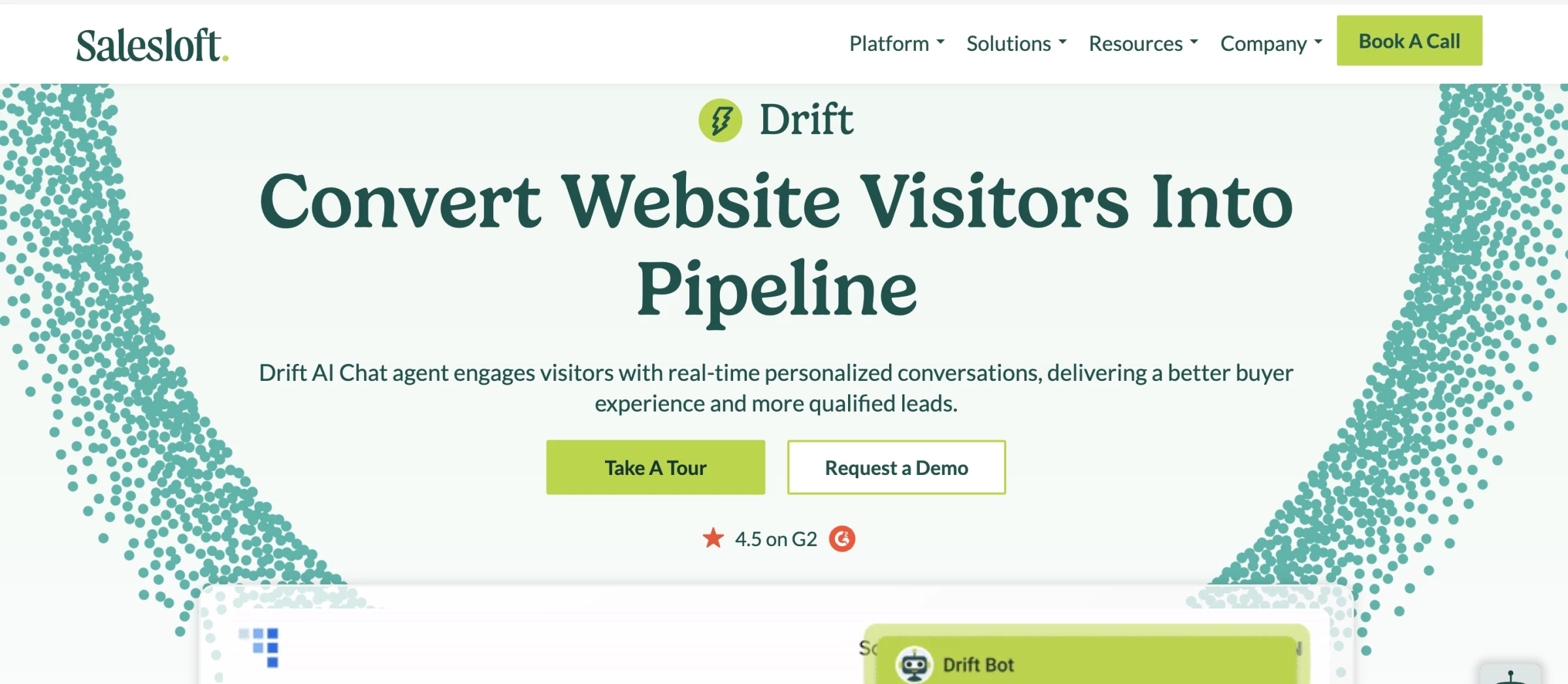
After integrating Drift into my test website, it instantly stood out for how naturally it engaged visitors and how fast it moved them down the funnel.
Unlike traditional lead capture forms or pre-scripted bots, Drift’s AI felt like it listened before acting. That changed the game for how we used visitor-generated data (conversations, interests, behavior) to fuel smarter engagement.
Pros | Cons | Pricing |
|
|
|
Setting it up took less than an hour. I fed it our FAQ documents, a few landing pages, and campaign collateral.
From there, Drift’s AI agent immediately started handling inbound chats, qualifying leads, routing conversations based on visitor behavior, and even booking meetings with my sales team without me lifting a finger.
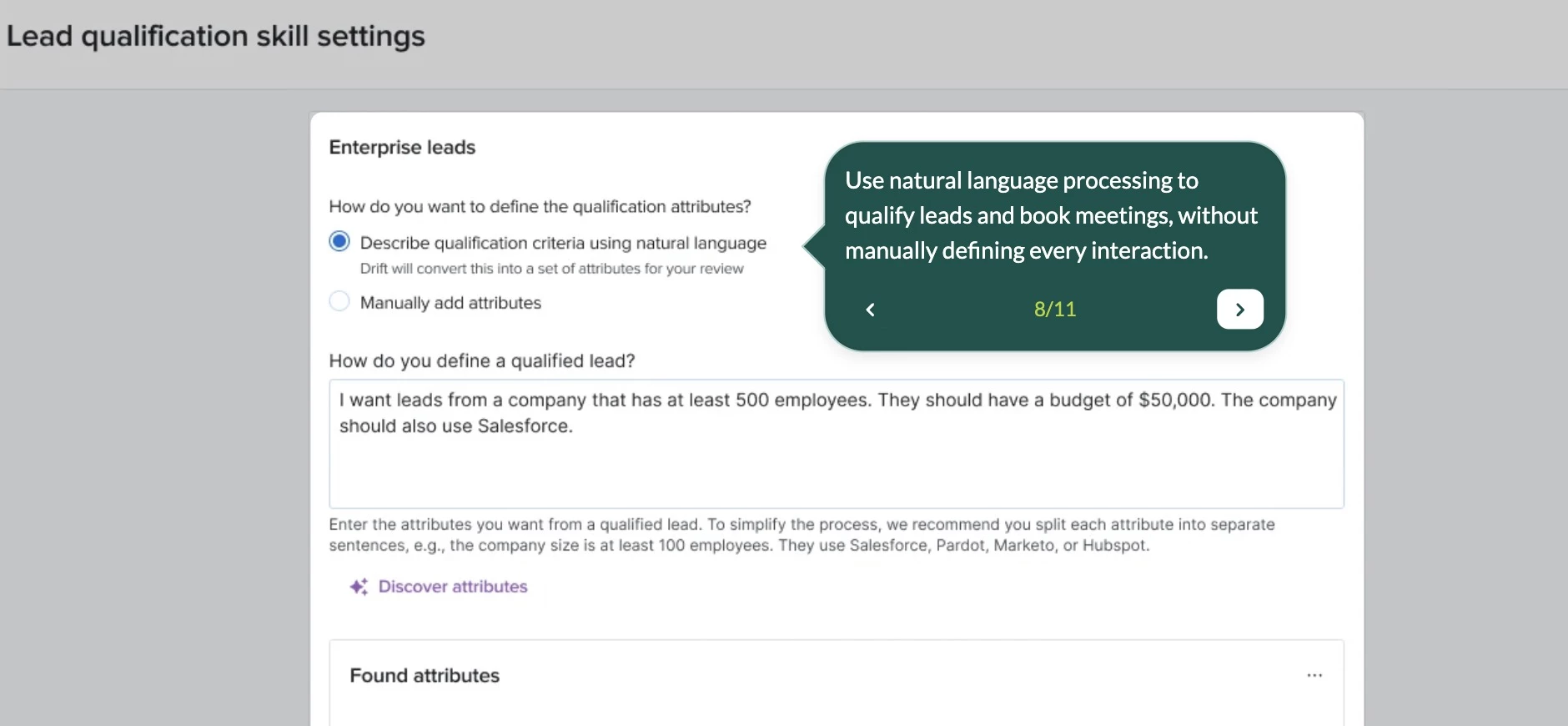
Where it really earned its place on this list was how well it captured UGC-like insights. Every interaction became a feedback loop. The AI summarized chat logs, flagged high-intent questions, and helped us repurpose snippets of conversation into content for future campaigns.
We didn’t just get leads — we got audience language, objections, product insights, and content hooks, all structured and ready to use.
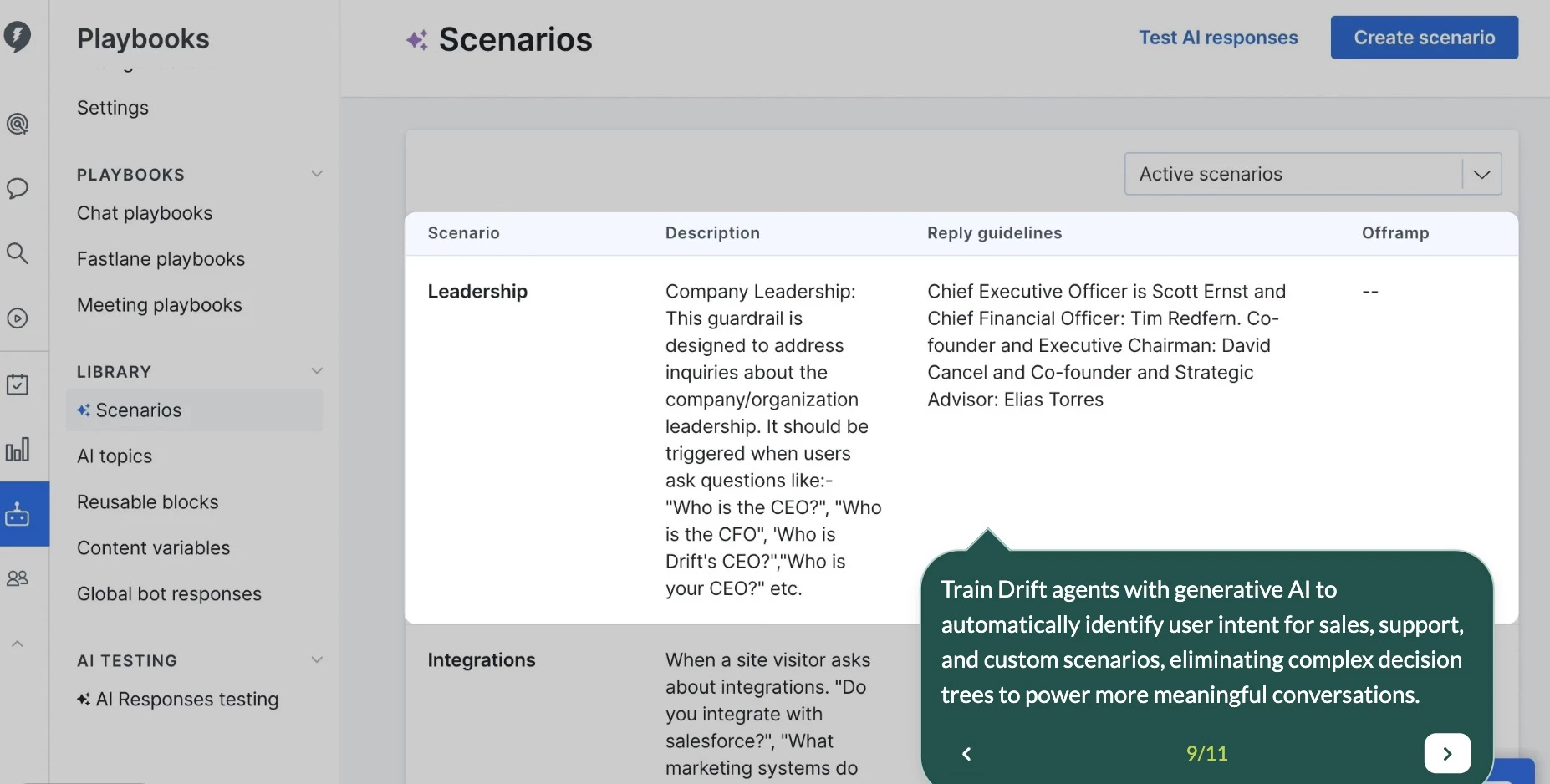
One of my favorite features is how Drift integrates with Salesloft’s Rhythm. If the AI agent deems someone sales-ready, it pushes them into the right workflow automatically.
And thanks to its real-time analytics, I could pinpoint which conversations moved the needle and which didn’t.
Request a demo to get started with Drift AI today.
What Users Say
Drift’s AI lead nurturing tools receive generally positive feedback from users. Users appreciate how Drift streamlines communication with prospects through automated, real-time conversations that qualify leads efficiently.
While the automation features are praised, others note that more advanced chat flows or targeting options may require technical effort or third-party tools to fully unlock Drift’s potential.
Who’s It For?
Drift is ideal for B2B marketing and sales teams that rely heavily on website traffic for lead generation and want to automate qualification without sacrificing personalization.
It’s also a great fit for content marketers looking to repurpose real-time conversations into valuable UGC and messaging insights.
Other Notable Features
- Uses AI to qualify leads and route them based on intent
- Pulls insights from real conversations, including sentiment and objections
- Lets top visitors skip forms and book meetings instantly
- Automates chat strategies using real-time interaction data
- Scores and summarizes chats to optimize performance



2. HubSpot AI – Best for Predictive Scoring and Built-In CRM Automation
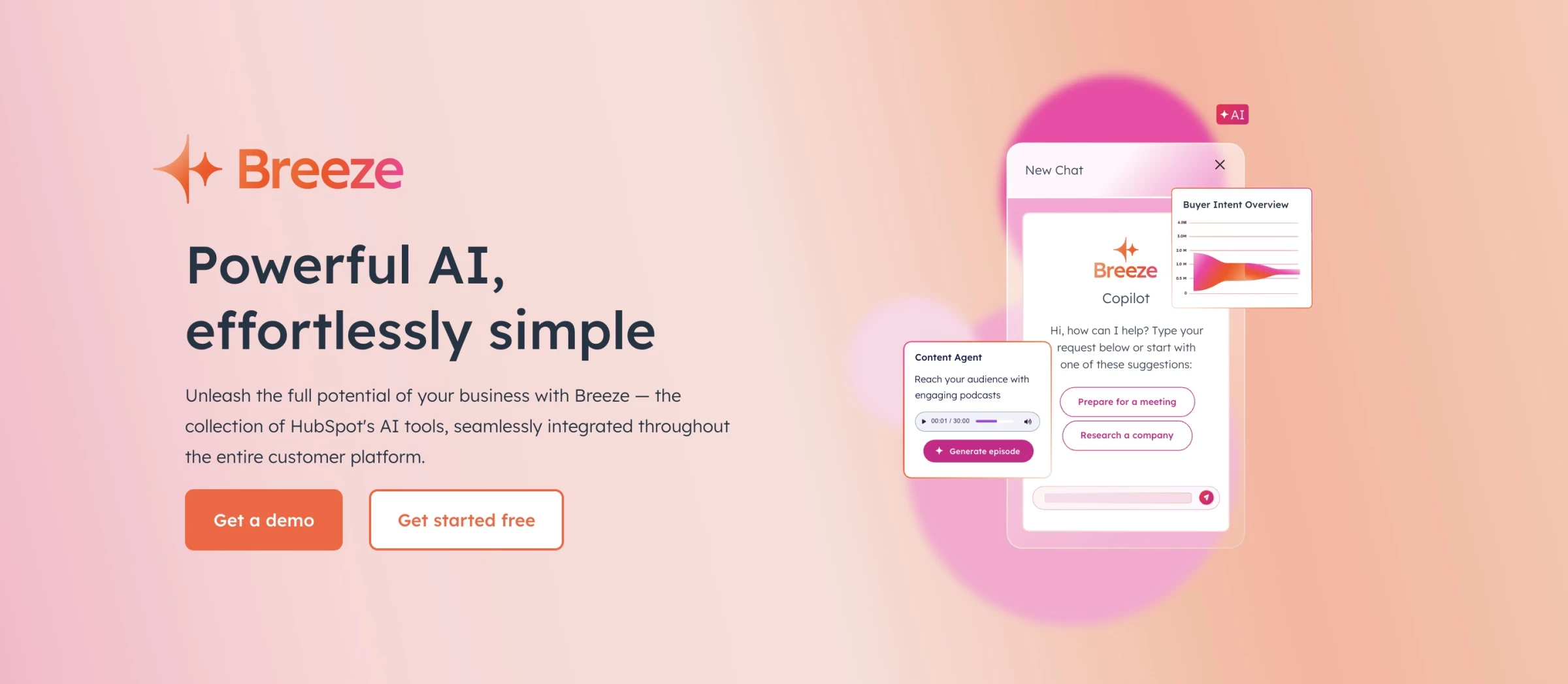
When I tested AI tools for lead nurturing, I was after something that could do more than track leads — it had to actively help nurture them. And HubSpot’s AI suite, Breeze, delivered.
It seamlessly integrated across the platform. I didn’t have to piece together scattered features or dig through hidden menus. From day one, it felt like I had an assistant built right into my dashboard.
Pros | Cons | Pricing |
|
|
|
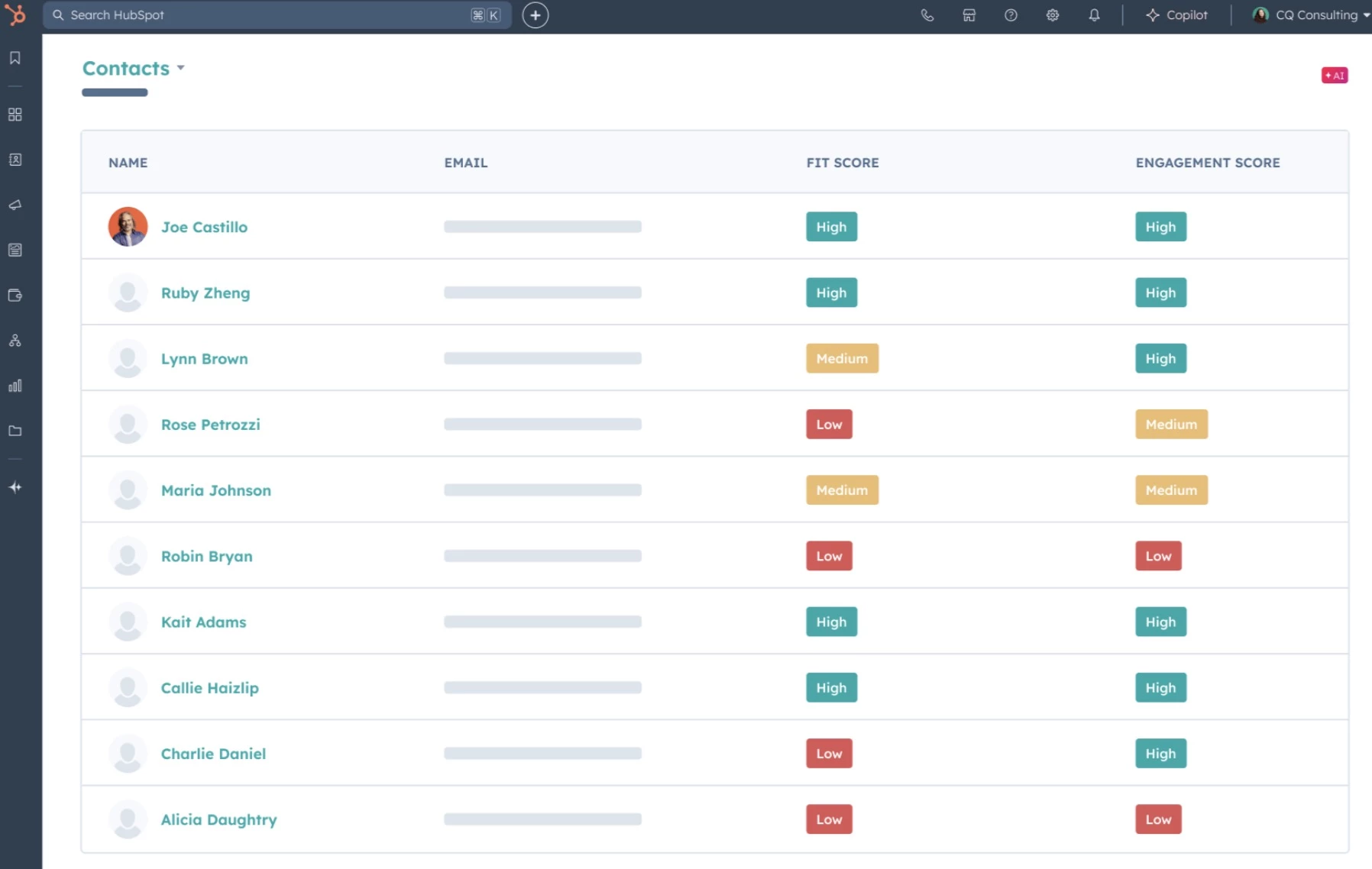
One of the first things I tested was HubSpot’s predictive lead scoring. I uploaded a batch of contacts and let the AI work its magic.
In minutes, it sorted leads based on behavior, engagement, and likelihood to convert. No more relying on gut feelings or manual sorting; this tool lets me focus my time on warm leads that actually matter.
Next up was personalized content automation. Using HubSpot’s AI content agent, I built a workflow that delivered tailored emails and landing pages based on user behavior.
The AI tracked what pages users visited, what they downloaded, and even what emails they opened. I was then able to serve up hyper-relevant content that felt genuinely personalized, without writing it all myself.
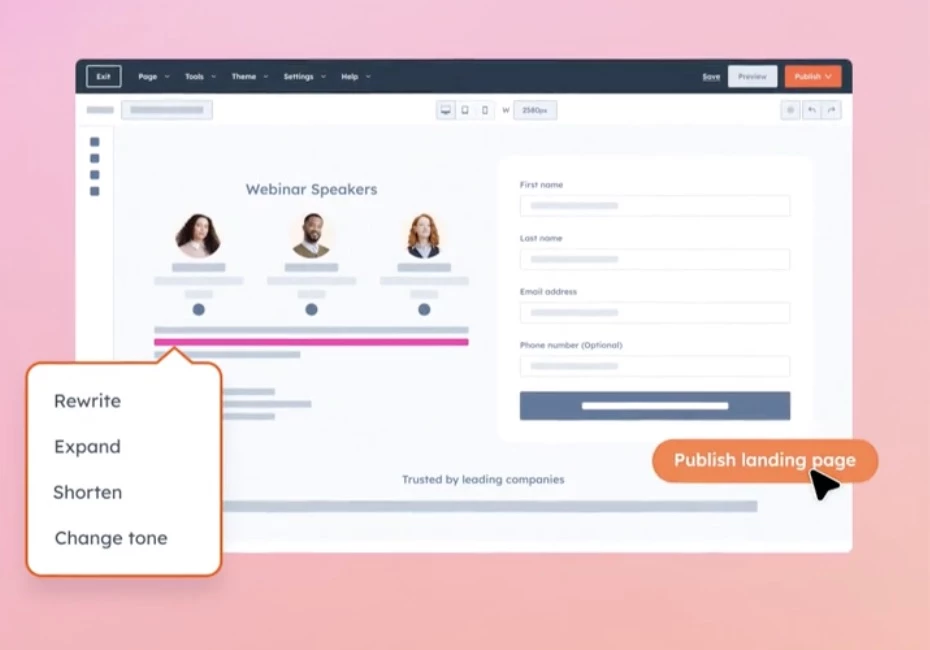
And I can’t skip the AI chatbot. I installed it as a lead capture tool, and it directed people to the right sales funnel, scheduled demos, and handed off serious leads directly into my pipeline.
What Users Say
HubSpot’s AI tools like Breeze and CoPilot show promise in streamlining workflows. Some users appreciate features like form shortening, buyer intent data, and call summaries.
However, others are disappointed by its shallow data usage, robotic content generation, and tool instability. While the AI isn’t perfect yet, many users see steady improvements and appreciate how it ties into the broader HubSpot ecosystem.
It’s a great starting point for teams exploring AI-powered lead nurturing, especially for those already deep in the HubSpot platform.
Who's It For?
HubSpot’s AI suite is ideal for small to midsize businesses and enterprise teams that are serious about streamlining their lead nurturing. Whether you’re running lean with a small team or juggling a complex sales pipeline, the AI tools help you stay focused on high-intent leads and automate everything else.
Get started with HubSpot AI for free.
Other Notable Features
- Predictive lead scoring improves targeting
- AI-powered chatbot qualifies leads autonomously
- Dynamic email content personalization
- Workflow automation for follow-ups and nurturing
- Social media agent for AI-assisted content creation and scheduling
- Buyer intent detection to know who’s ready to convert
3. ActiveCampaign – Best for Behavior-Based Segmentation and Nurturing
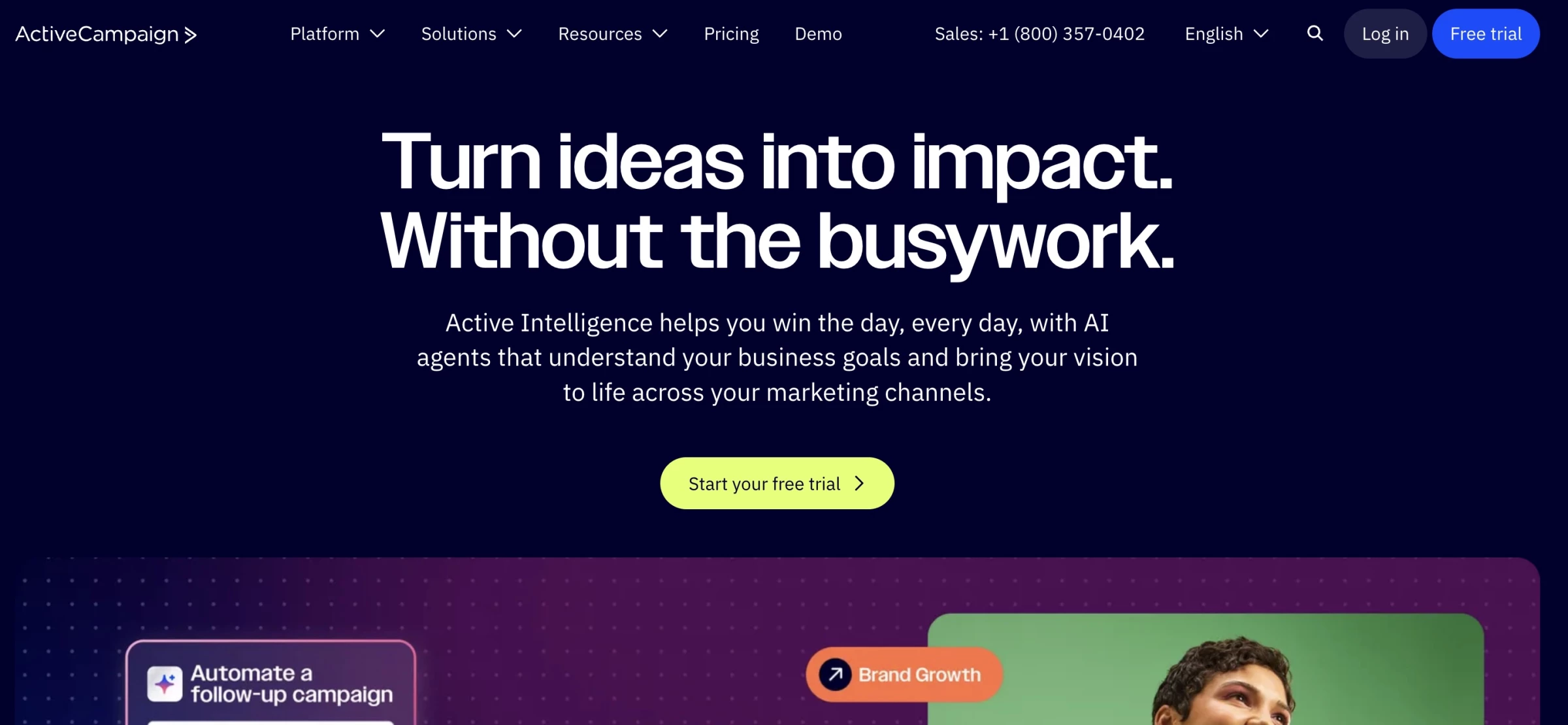
When I tested ActiveCampaign, the real win was how its AI email automation turned basic behaviors, like visiting a page or downloading a guide, into individualized journeys that felt like I’d written each message myself.
Pros | Cons | Pricing |
|
|
|
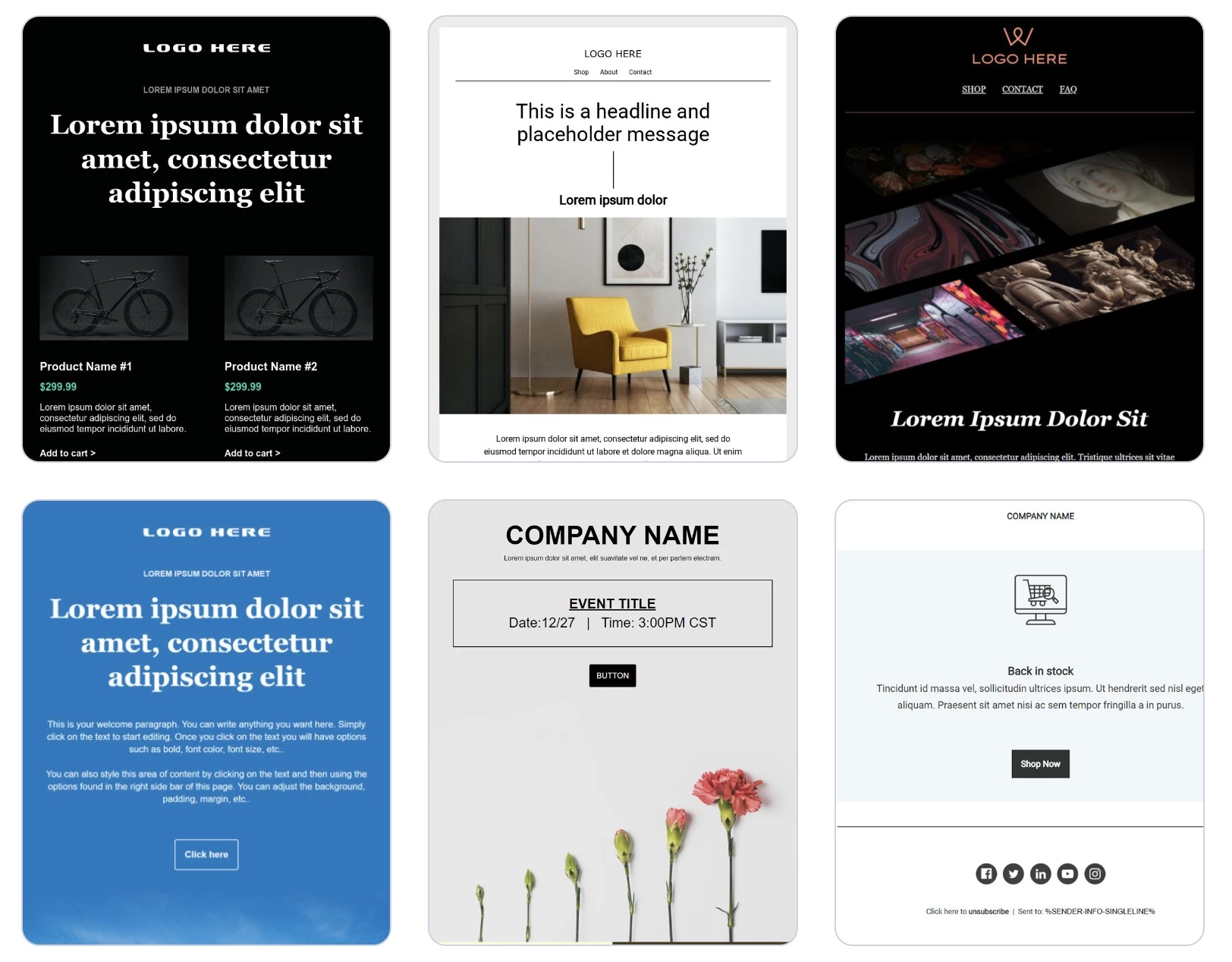
What stood out right away was the library of 250+ pre-built email templates. I set up a drip sequence in minutes — welcome emails, abandoned cart nudges, post-demo follow-ups, you name it.
But the real magic happened when I added behavioral triggers. For example, if a visitor checks out your pricing page but didn’t convert, ActiveCampaign automatically sends a case study relevant to their industry the next day.
It was like having a marketing assistant who never missed a beat.
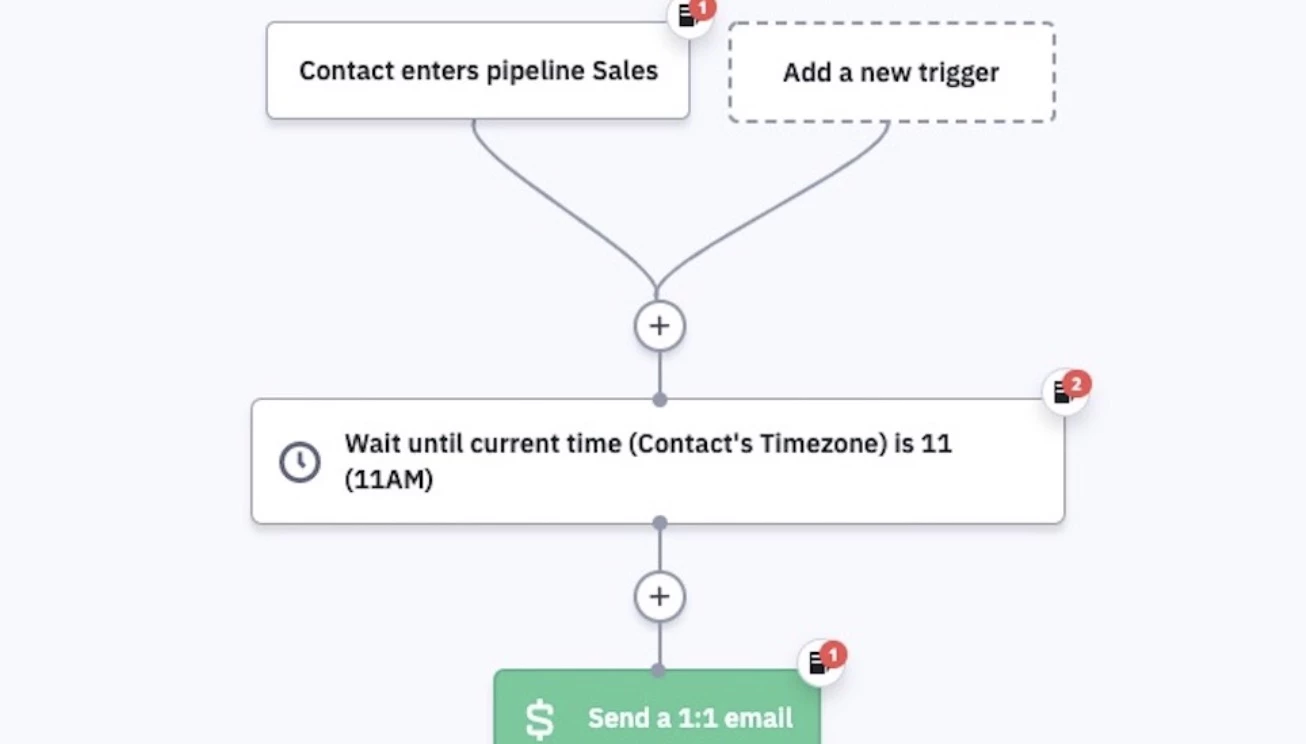
The automation builder was intuitive but powerful. I used it to design sequences that segmented leads by engagement, product interest, or even how far they’d scrolled on our landing pages.
The tool lets me integrate 1:1 outreach, discounts, reminders, and product updates into one smart flow — all powered by AI’s ability to predict the right send time and message based on user data.
Try ActiveCampaign for free for 14 days.
What Users Say
ActiveCampaign earns praise for its robust automation, smart lead scoring, and powerful personalization tools.
Users love how easily it handles complex nurture flows — segmented campaigns, behavior-based triggers, and multi-channel outreach like email and SMS — with lead scoring that adapts over time via predictive AI capabilities.
However, users note some pain points, including a steeper learning curve for beginners, occasional interface glitches, and pricing that increases quickly as your contact list grows.
Who’s It For?
ActiveCampaign is perfect for small to mid-sized businesses, solopreneurs, SaaS companies, and eCommerce brands that need to keep leads warm across multiple channels, without hiring a massive marketing team.
Olivier Gil, Global VP of Digital Business at Exclusive Networks, highlights the value of using AI tools:
"We are also advancing AI-driven demand generation and predictive analytics to improve lead qualification and market activation. These digital-first initiatives allow us to scale our operations effectively while maintaining the adaptability needed for local execution."
If you’re tired of one-size-fits-all email tools and want real-time automation that adapts to your leads, this platform’s for you.
Other Notable Features
- Sends emails when contacts are most likely to engage
- Triggers emails from clicks, visits, or downloads
- Scores leads and prioritizes outreach by behavior
- Connects email and SMS for multi-touch engagement
- Customizes content dynamically using lead data
- Syncs email campaigns with Facebook ad audiences
4. Salesforce Einstein – Best for Enterprise-Scale AI Lead Scoring
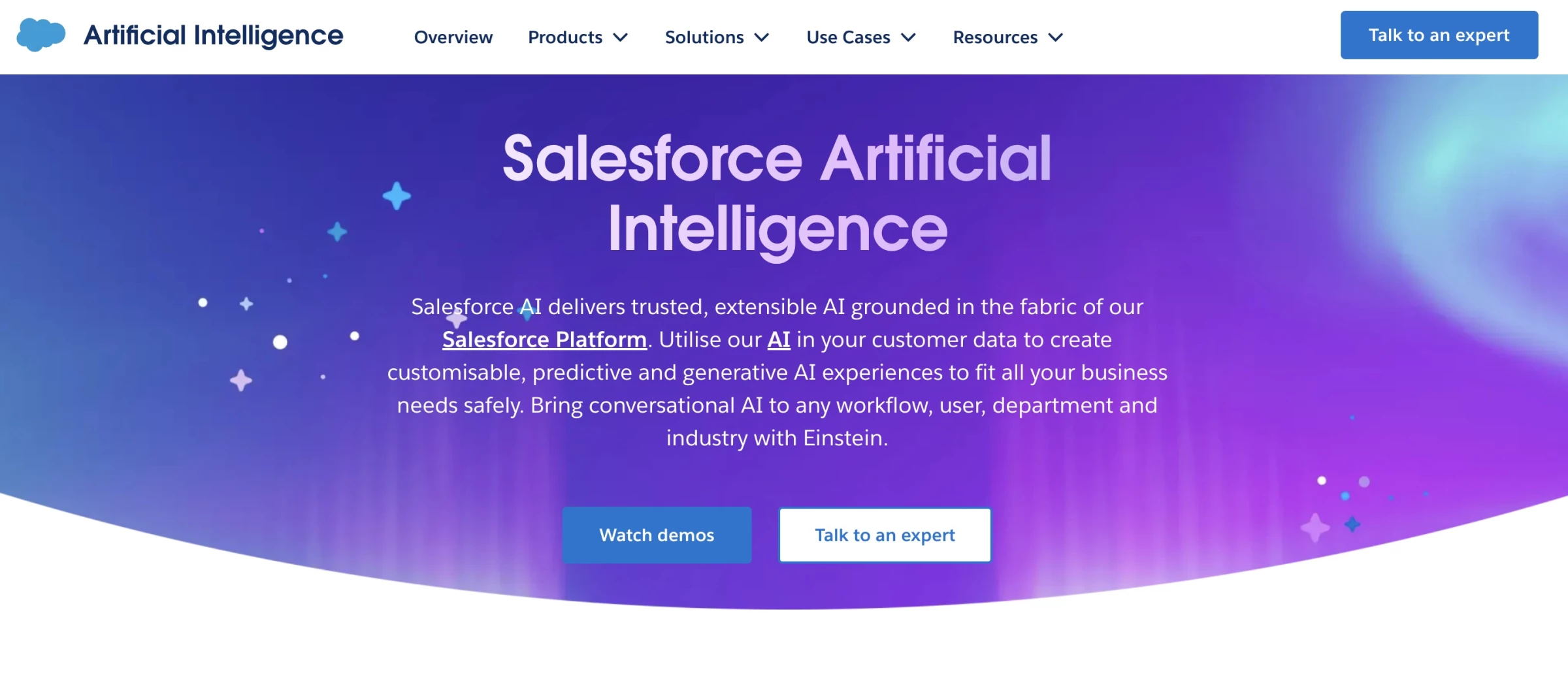
If you're dealing with a high volume of leads and want a smarter way to know which ones are worth your time, Salesforce Einstein is built exactly for that.
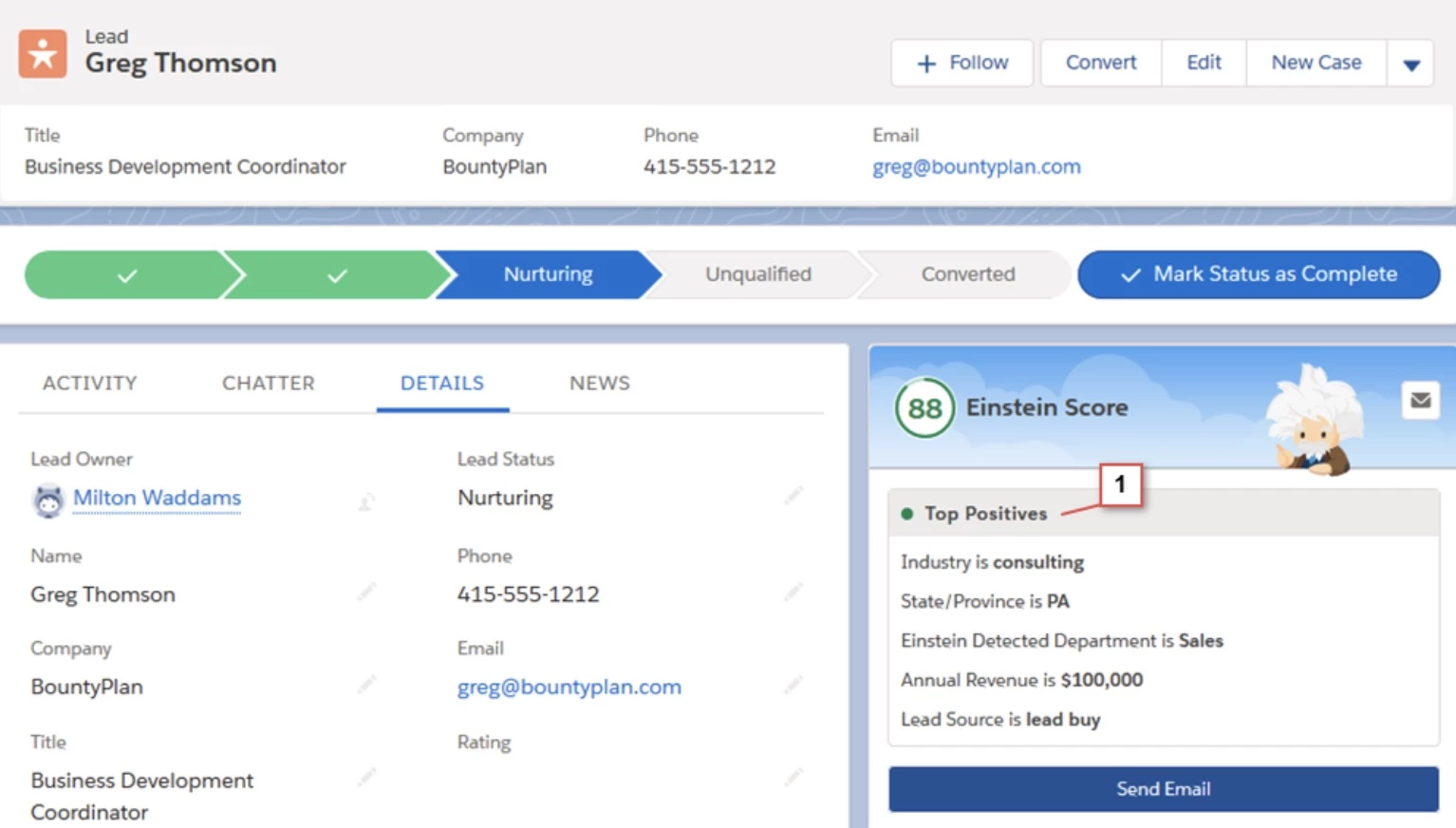
I tested Einstein Lead Scoring and quickly saw it’s not just about ranking leads; it’s about helping reps focus their time by showing who to reach out to, when, and why.
Pros | Cons | Pricing |
|
|
|
Using machine learning, Einstein scores each lead based on how closely it matches past successful conversions.
And what I liked most? The system tells you why a lead got its score. Maybe it’s their job title, company size, or past behavior, but that visibility makes it a lot easier to trust the AI and act on it.
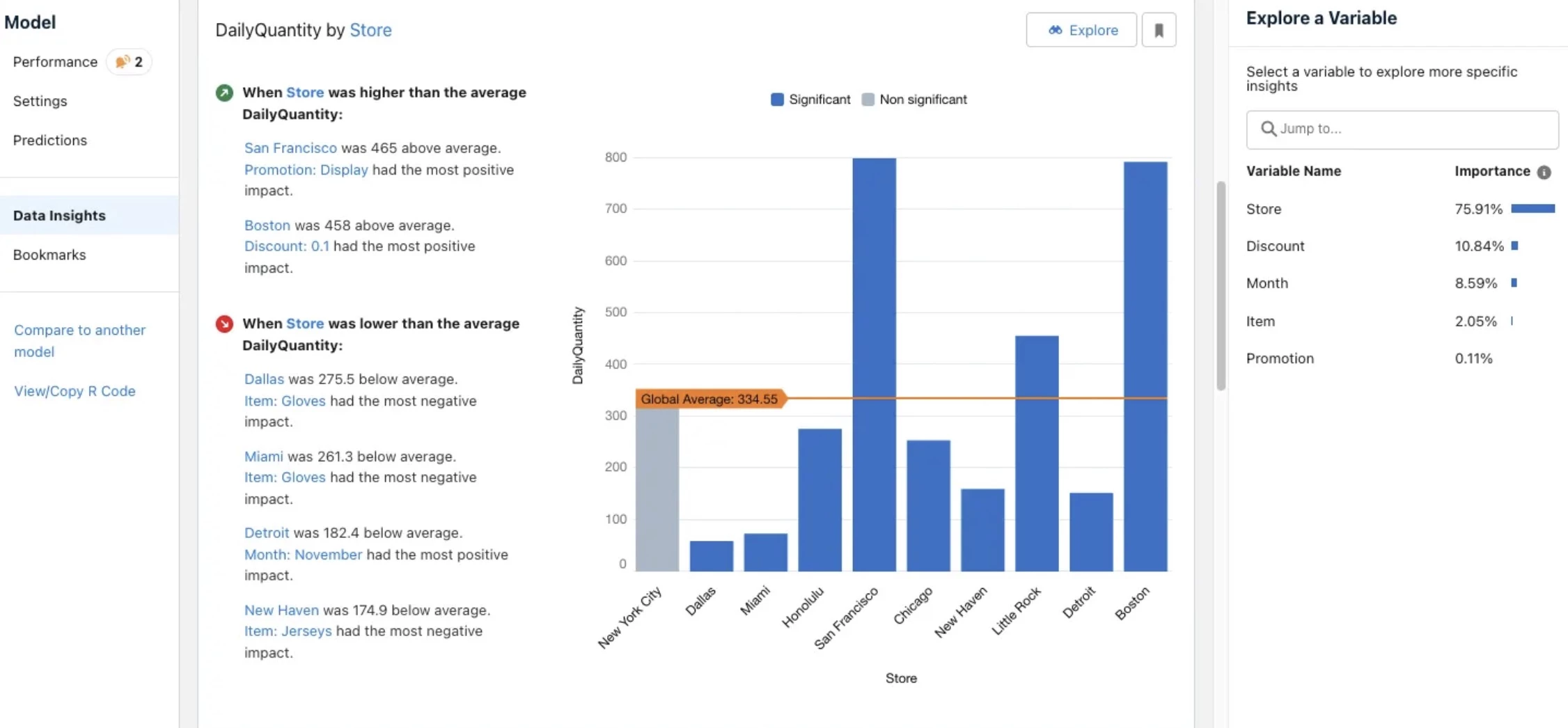
I also tried building a custom model using Einstein Prediction Builder, and it required no code at all. Within minutes, I had a predictive score model that could flag which leads were most likely to respond to peer reviews or video testimonials.
Combined with Einstein Discovery, I was able to visualize what behaviors (like watching a case study or visiting a pricing page) led to the highest conversions and tailor our UGC content strategy accordingly.
If you run a content-rich brand and want to ensure every lead sees the most relevant community-driven asset at the right moment, Salesforce Einstein handles that with power and precision.
Try Salesforce for free — no credit card required.
What Users Say
Salesforce Einstein is often praised for its predictive lead scoring, behavior analysis, and automation capabilities.
Users note that Einstein automatically evaluates CRM data, like form submissions, email interactions, and website behavior, to assign scores that help prioritize high-quality leads.
While powerful, Einstein’s AI tools require clean, well-structured data to work effectively and may not be practical for highly customized Salesforce instances or smaller teams.
Who’s It For?
Salesforce Einstein is ideal for large sales teams, enterprise orgs, or B2B companies already using Salesforce CRM.
If you want to prioritize high-quality leads, uncover predictive patterns in your pipeline, and scale your sales team’s output using explainable AI, Einstein delivers.
Other Notable Features
- Ranks leads with AI-generated scores for smarter prioritization
- Lets you build custom prediction models without writing code
- Surfaces insights and suggests optimizations automatically
- Triggers UGC based on lead behavior and content engagement
- Built directly into Salesforce Sales Cloud for seamless use
- Shows which factors influenced each lead score for transparency
5. Clay – Best for AI-Powered Personalization at Scale
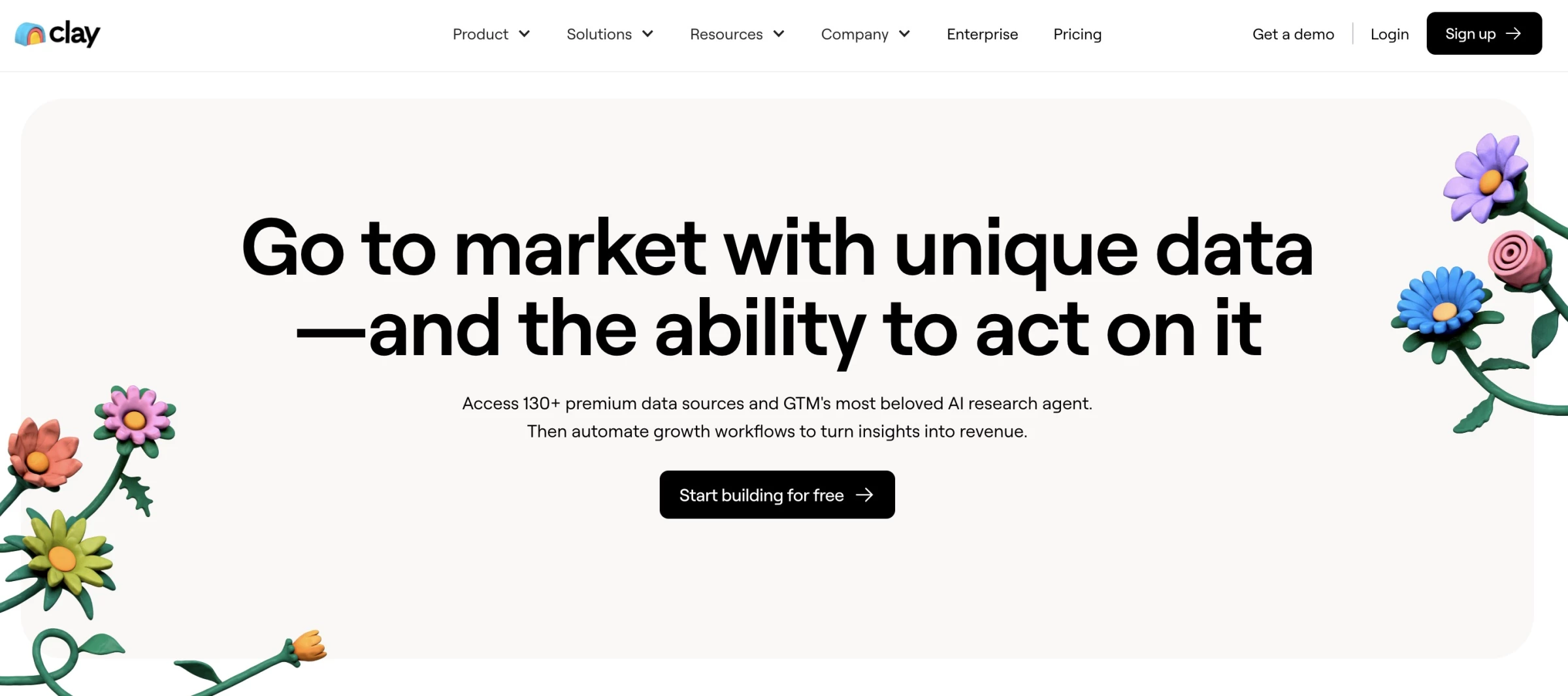
[Source: Clay]
At a glance, Clay looks like a spreadsheet tool with built-in enrichment features. But once I started using it, I realized it is essentially an AI assistant that can turn scattered user data into hyper-personalized outreach assets within minutes.
Pros | Cons | Pricing |
|
|
|
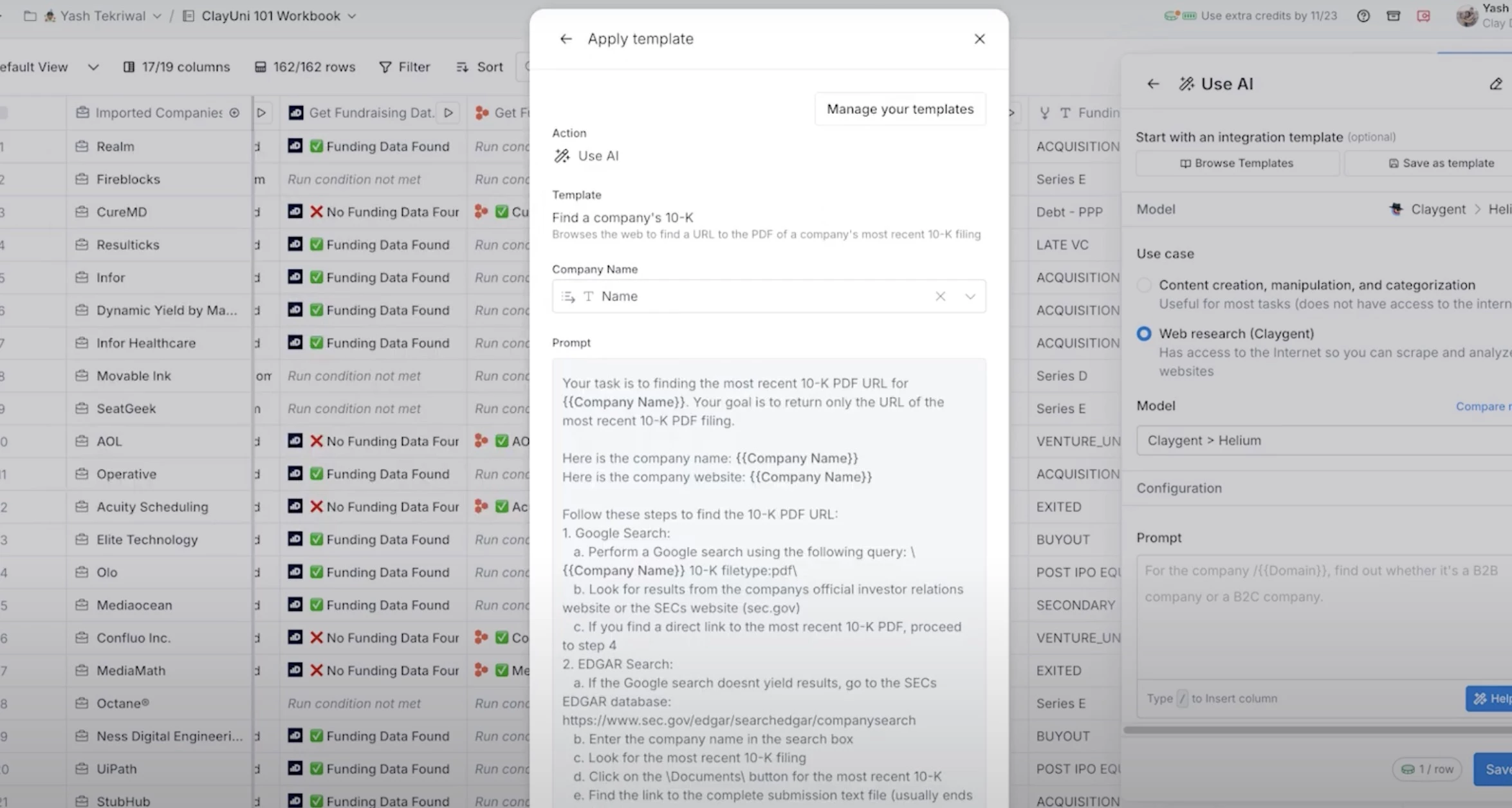
One of the standout features for me was Claygent, its AI research agent. I gave it prompts like “Summarize this lead’s recent LinkedIn post and use it to draft a first-line email,” and it returned something usable and personalized in seconds.
[Source: Clay]
And when it came to content, Clay’s AI writer produced messages that felt anything but robotic. I used lead-specific fields (like recent company funding or new tech adoption) to personalize copies with precision.
You can even generate AI images via its OpenAI integration, which is perfect for dressing up email banners or social post previews with zero design effort.
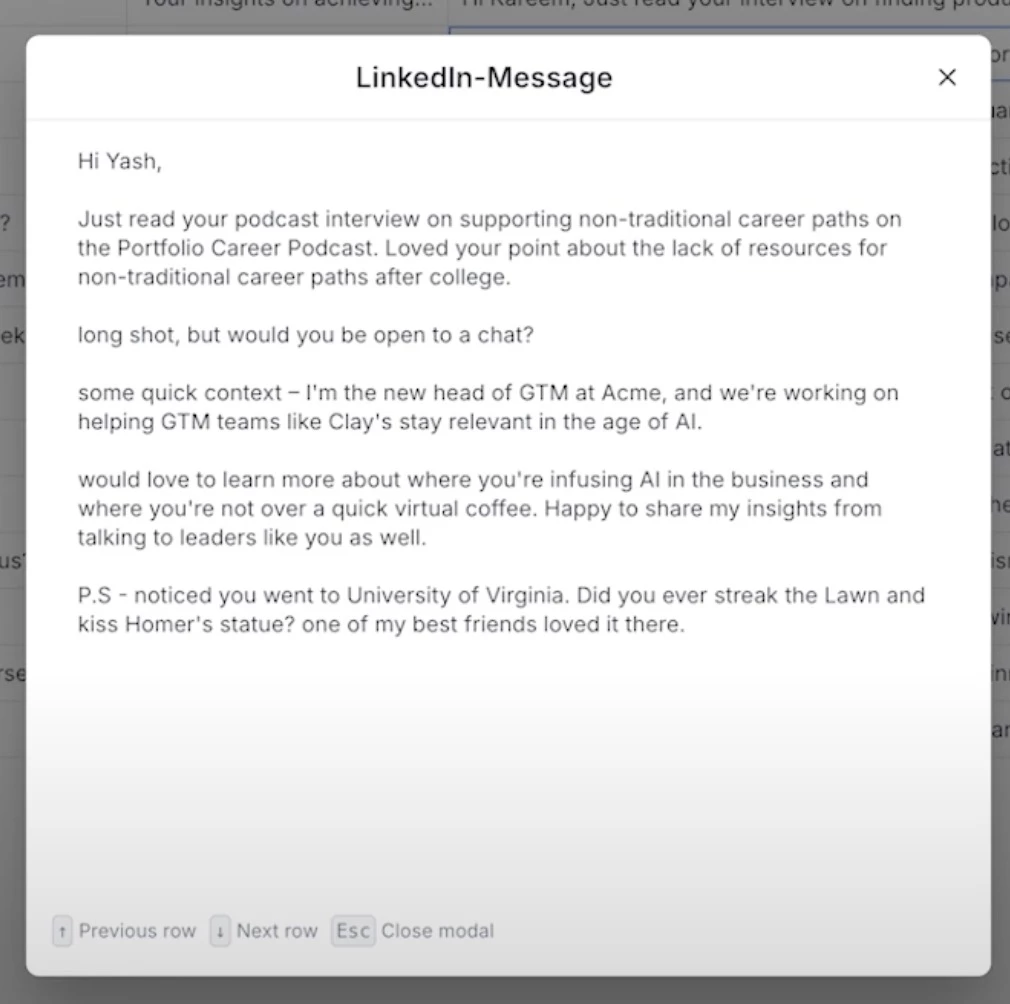
Clay doesn’t directly create UGC, but it gives you all the contextual ammo you need to automate the distribution and personalization of UGC-based emails.
What Users Say
Users really like how Clay’s AI helps personalize and automate lead nurturing by pulling in data from different sources, making outreach feel smarter and more targeted. It’s great for boosting campaign results and closing deals.
That said, some folks find the platform a bit tricky to navigate at first, and the cost can be a bit steep for smaller teams. A few have also mentioned that the AI messages sometimes come off a little robotic.
Overall, Clay’s a solid tool if you’re willing to spend some time getting the hang of it and have the budget to match.
Who’s It For?
Clay is ideal for sales and marketing teams at high-growth companies who are dealing with large volumes of leads and want to create context-aware, UGC-supported outreach campaigns.
If you’ve got a rich content library and need a tool to help deliver the right story to the right lead, Clay will supercharge your process.
Get started with Clay for free.
Other Notable Features
- Integrates with 75+ enrichment tools like Clearbit and Hunter
- Uses waterfall enrichment to pull the best data from multiple sources
- Generates personalized emails from Clay table data
- Syncs with your CRM to keep lead data up to date
- Enriches form submissions in real time for faster follow-up
- Runs trigger-based email campaigns directly in-platform
AI in Lead Nurturing: Final Words
If your lead nurture relies on manual follow-ups or one-size-fits-all drip emails, it’s time to reassess. These AI tools are no longer optional; they’re growth levers.
Whether you’re scaling your agency, evolving your service offering, or trying to retain smarter clients, intelligent nurturing is where the next-level revenue starts.

Our team ranks agencies worldwide to help you find a qualified partner. Visit our Agency Directory for the Top Lead Generation Companies, as well as:
- Top B2B Lead Generation Agencies
- Top Outreach Companies
- Top Digital Marketing Agencies
- Top AI Automation Companies
- Top AI Consulting Companies
AI in Lead Nurturing FAQs
1. What is AI lead nurturing, and why does it matter?
AI lead nurturing uses machine learning and automation to move leads through your funnel efficiently. It handles scoring, segmenting, and personalizing touchpoints at scale, without sacrificing authenticity.
2. Which AI features are most important for lead nurturing?
Look for: predictive scoring, behavioral triggers, conversational interfaces, and generative content. These allow dynamic response, accurate prioritization, and scalable engagement.
3. What are the risks of AI-driven nurturing?
Over-automation can alienate leads. The fix? Ensure oversight and weave human empathy into AI touchpoints. AI should amplify your brand, not replace it.