
The right customer relationship management (CRM) system captures leads, assigns them to agents, and keeps follow-ups moving while you’re showing houses. The wrong one drains your budget and goes unused.
We compared 11 CRMs for real estate on MLS connectivity, automation, mobile usability, and total cost to help you find the best real estate CRM software for your business.
Best Real Estate CRMs: Key Findings
- For real estate teams, choose Real Geeks for IDX-led online lead generation, Pipedrive for custom sales processes and less meeting admin, and Lofty for AI-powered lead nurturing.
- For brokerages, choose BoldTrail for an all-in-one brokerage platform and Salesforce when you need enterprise-level customization.
- For solo agents, choose Wise Agent for predictable pricing, Follow Up Boss for high lead volume, and Top Producer for MLS-driven workflows.
Why Real Estate Professionals Need a Specialized CRM
Real estate CRM software helps agents, teams, and brokerages manage client relationships from the first inquiry through post-close follow-up.
It brings contact details and conversation history together so agents can see what each buyer or seller needs and know when to follow up.
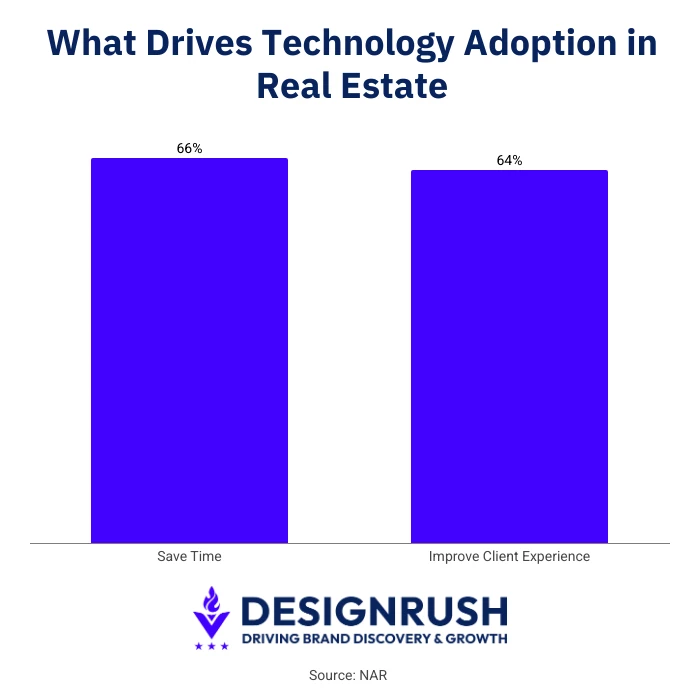
NAR’s 2025 REALTORS® Technology Survey found that agents’ top lead-generating technologies were social media at 39%, CRM systems at 23%, and local MLS platforms at 17%. The same survey found that 66% of realtors adopt technology to save time, while 64% do so to improve the client experience.
A specialist real estate CRM comes with tools built around the way agents work, from handling property inquiries to tracking closing tasks. That can reduce the setup needed to adapt a general CRM to your business.
How a Real Estate CRM Differs From a General CRM
A general CRM organizes contacts, sales opportunities, and follow-up tasks. Agents can adapt its fields and deal stages to track property preferences or manage buyer and seller relationships.
A specialist real estate CRM adds tools built around property activity. Depending on the platform, these may include MLS connections, an IDX website where buyers can search listings, property alerts, or transaction checklists. Some also show which listings a lead views, giving agents more context for their next conversation.
A specialist platform makes sense when you want property searches and client follow-up connected in one system. A configurable general CRM can be enough if your main challenge is managing relationships and you already have separate website and transaction tools.
Real estate templates can give you a starting point for property records and follow-up workflows, though you’ll still need to check integrations and adapt the setup.
Real Estate CRM Comparison: Features and Pricing
Before choosing the best CRM for real estate, compare each platform by fit, MLS support, AI features, and starting price.
| CRM | Best For | MLS Integration | AI Features | Starting Price |
Online lead generation with IDX websites | Yes (through supported MLS feeds) | Geek AI lead engagement | Upon request | |
Growing teams with custom sales processes | No native integration | Nova meeting intelligence on every plan | $14/user/month annually; Growth with email sync and automation from $39/user/month annually | |
AI-powered lead nurturing | Yes (through supported MLS feeds) | AI lead scoring and nurturing | Upon request | |
Brokerages and high-volume teams | Yes (through supported MLS feeds) | AI-powered Smart CRM and automated follow-up | Upon request | |
Enterprise and custom workflows | Requires a connected real estate solution | Einstein and Agentforce; availability varies by edition and add-ons | Free suite; Starter from $25/user/month | |
Solo agents seeking predictable base pricing | Yes (supported MLS providers) | AI writing assistant | $49/month or $499/year; up to 5 team members with a shared login | |
Agents managing high lead volume | Yes (availability varies by market and setup) | Call transcripts and summaries; calling required | $58/user/month annually or $69 monthly | |
MLS-driven client follow-up | Yes (320+ MLS boards) | AI writing; predictive seller targeting available separately | $179/user/month; confirm contract terms | |
Free CRM and team collaboration | No native integration | CoPilot; capabilities vary by plan | Free; Basic from $49/month annually or $69 monthly for 5 users | |
Free contact management with built-in calling tools | No native integration | Freddy AI on eligible paid plans/add-ons | Free for 3 users; Growth from $9/user/month annually | |
Low-cost real estate contact management | MLS data import; no direct integration | None listed | $179/year |
Note: Prices are in USD; annual rates require annual billing. Features vary by plan, and some tools require paid add-ons.
How We Compared These CRMs
We reviewed vendor pricing and product documentation, alongside user feedback, to compare real estate features, MLS connectivity, and follow-up tools.
We also checked plan restrictions and add-on costs to assess which options suit solo agents, teams, and brokerages. This is a research-based comparison, not a hands-on product test.
Best CRMs for Real Estate Teams
For teams of two to fifteen agents, the best CRM for real estate has to do more than help one person remember who to call next.
You need a system that shows where each lead came from, who owns it, what has already been said, and which follow-ups are still waiting.
- Real Geeks: Best overall value for real estate teams
- Pipedrive: Best for customizable real estate pipelines
- Lofty (formerly Chime): Best for AI-powered lead nurturing
1. Real Geeks: Best Overall Value for Real Estate Teams
Best for teams focused on online lead generation who want IDX and CRM in one system.
- Starting price: Custom
- Free trial: No
- Key features:
- IDX website included with CRM plans
- Automated email and SMS drip workflows
- Unlimited text and email
- Lead Feed for prioritizing active leads
- Real Geeks Dialer for calls and follow-up logging
- CRM mobile app
- Property alerts and market reports
- Customizable MLS feed
- 50+ integrations
- Agent, lender, and ISA user access
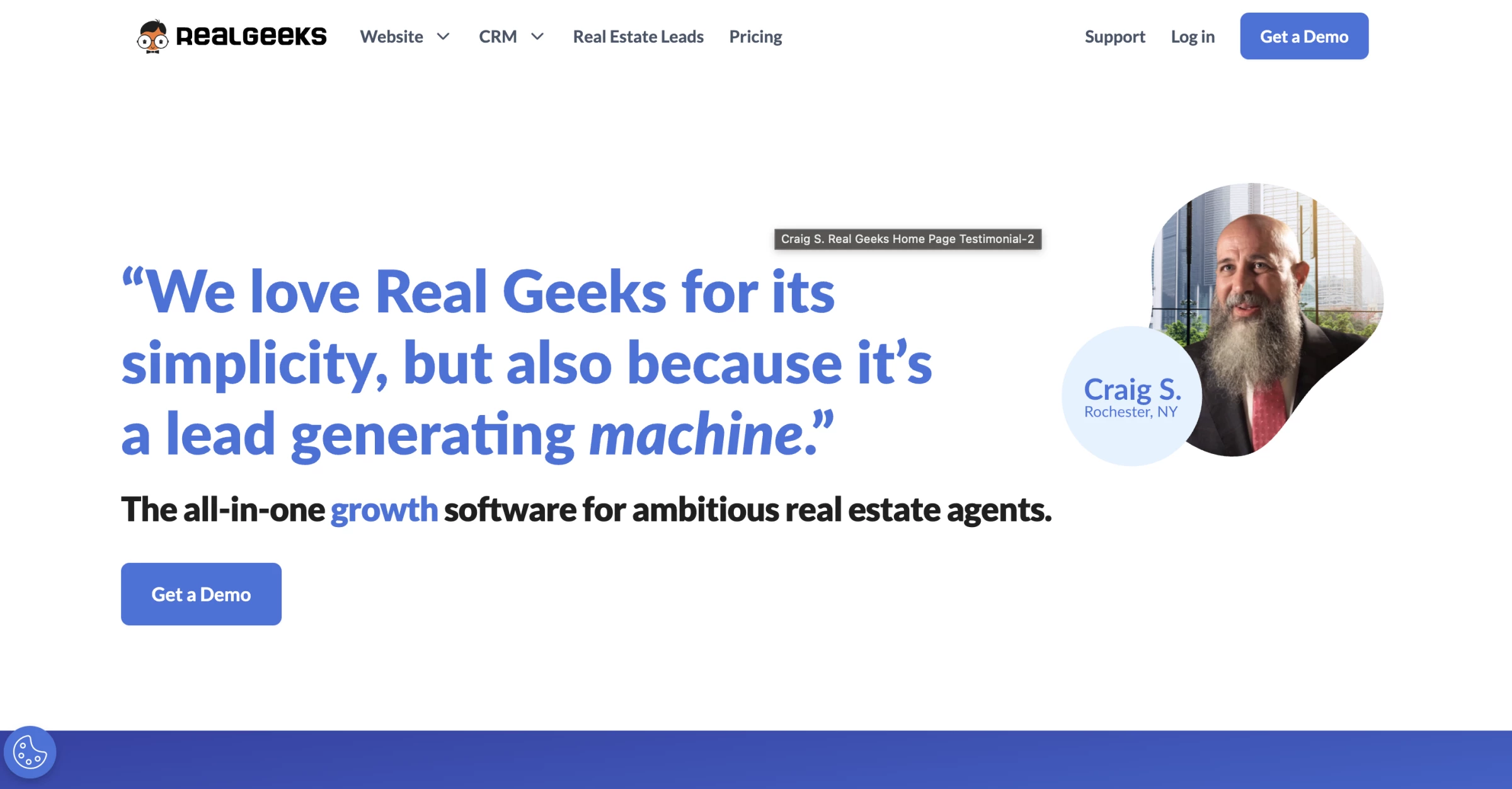
Real Geeks combines an IDX website with real estate CRM software, giving teams lead capture and follow-up tools without buying those systems separately.
You do not have to move contacts manually, check a separate form dashboard, or hope an agent saw the email alert.
Behavioral lead scoring tracks what each contact is searching for, which properties they've saved, and how frequently they return to the site, allowing you to prioritize outreach around demonstrated intent rather than guesswork.
In a Reddit discussion about real estate lead generation, one commenter emphasized the importance of consistent follow-up:
“The fortune is in the follow-up. Calling, texting, emails (the last two can be done via workflows), monthly newsletters, remarketing, positive reviews online, etc., will all make a massive difference in results.”
Pros:
- IDX website included in base price
- Behavioral lead scoring
- Strong lead capture from website
- Good value vs. buying website and CRM separately
Cons:
- No transaction management
- No free trial
- Less robust for offline lead sources
- Limited advanced reporting
2. Pipedrive: Best for Growing Teams With Custom Sales Processes
Best for growing teams that need clearer deal ownership and more time with clients.
- Starting price: $14/user/month (Lite, billed annually); Growth adds email sync and follow-up automation from $39/user/month, billed annually
- Free trial: 14 days, no credit card required
- Key features:
- Customizable pipelines for buyers, sellers, listings, and investors
- Custom fields for property details, budgets, and client preferences
- Activity tracking, reminders, and mobile CRM access
- Email sync and automated follow-up sequences on Growth and higher plans
- Nova AI meeting intelligence on every plan with pre-call briefs, recording, transcripts, and summaries
- Suggested follow-up actions and draft CRM updates for agents to review and approve
- Smart Docs for document templates, sharing, and eSignatures on eligible plans or as an add-on
- Marketplace with 500+ integrations
A productive client meeting can still leave an agent with all the work of writing up notes and updating records, then remembering who needs what next. Pipedrive helps agents turn meeting notes into follow-up tasks and updated client records.
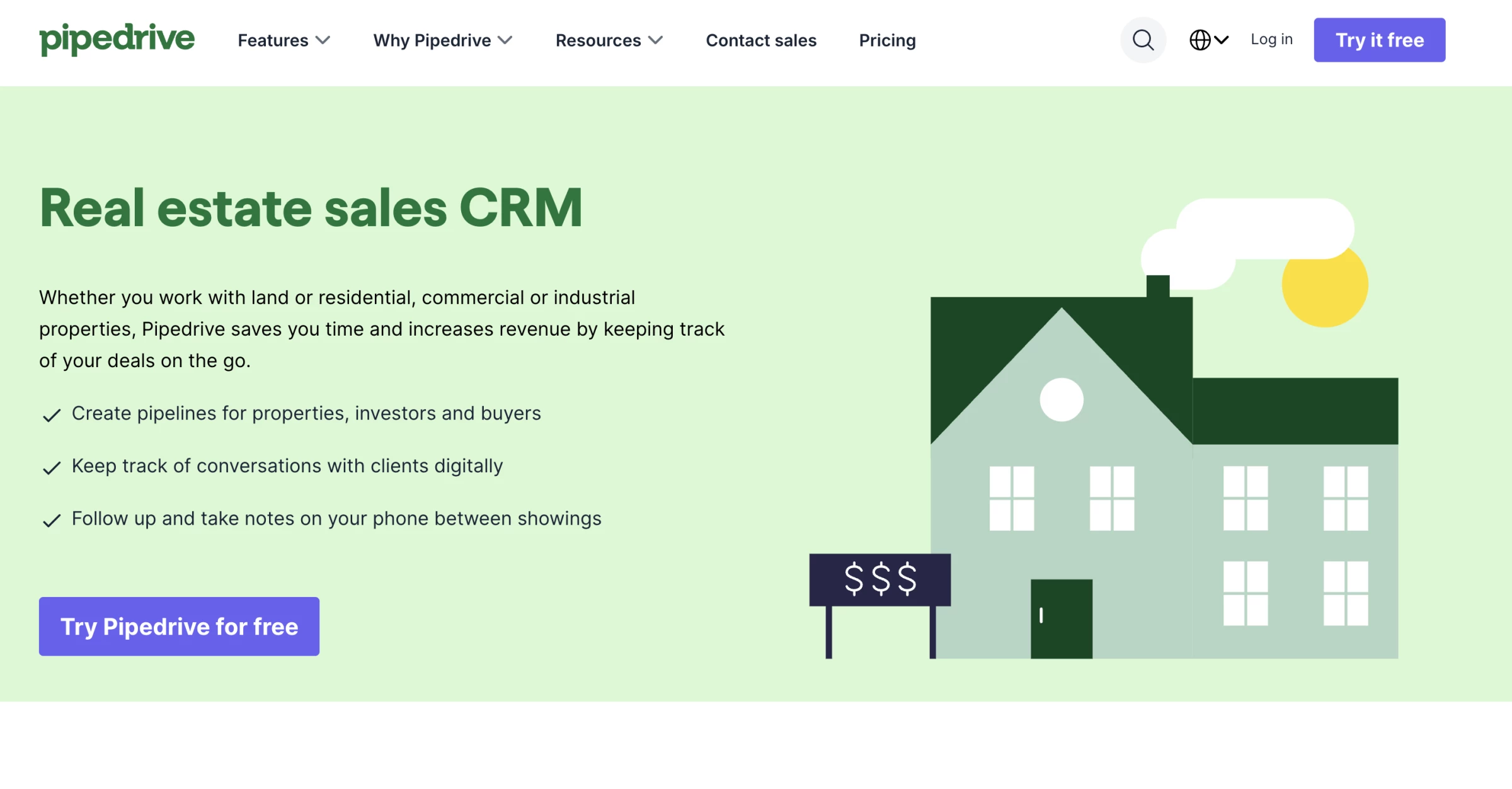
The CRM gives growing real estate teams a customizable way to manage buyers, sellers, listings, and investor relationships. Teams can create separate pipelines and adapt fields, stages, and activities around their own sales process, keeping deal ownership and next steps visible.
Nathan T., the president of a real estate business, shares on Capterra: “I like that I can make notes about conversations I've had on specific deals I'm pursuing.”
Its newly launched AI-powered meeting intelligence, Nova, directly tackles the busywork surrounding client meetings and is included in every Pipedrive plan.
It prepares agents with briefs drawn from existing CRM records, captures conversations, and produces transcripts, summaries, and suggested follow-up actions. Nova also drafts CRM updates for agents to review and approve.
It means agents can arrive prepared and spend less time catching up on admin afterward.
Pipedrive suits teams that want to shape their own workflows. Those needing an IDX website, native MLS connectivity, or dedicated real estate transaction management will need additional tools.
Pros:
- Clear visual pipelines that teams can adapt to their sales process
- Meeting intelligence included on every plan
- Custom fields for property and client details
- Broad integration marketplace
Cons:
- No native MLS integration or built-in IDX website
- Dedicated real estate transaction management requires additional tools
- Email automation and document features depend on the plan or add-ons
3. Lofty (formerly Chime): Best for AI-Powered Lead Nurturing
Best for real estate teams that want IDX, CRM, lead routing, marketing automation, and AI follow-up in one platform.
- Starting price: Pricing available upon request
- Demo: Available on request
- Key features:
- Fully customizable IDX website
- AI-powered real estate CRM
- Dynamic lead scoring
- Behavioral lead analysis
- Smart Suggestions for next-step follow-up
- Marketing automation with Smart Plans
- Advanced lead routing
- Site activity tracking from IDX behavior
- Listing management tools
- Agent subdomains
- External listing widget
- Power Dialer
- Transaction management tools
Lofty, formerly Chime, is a better fit for real estate teams that want more automation but do not need a brokerage-grade system like BoldTrail.
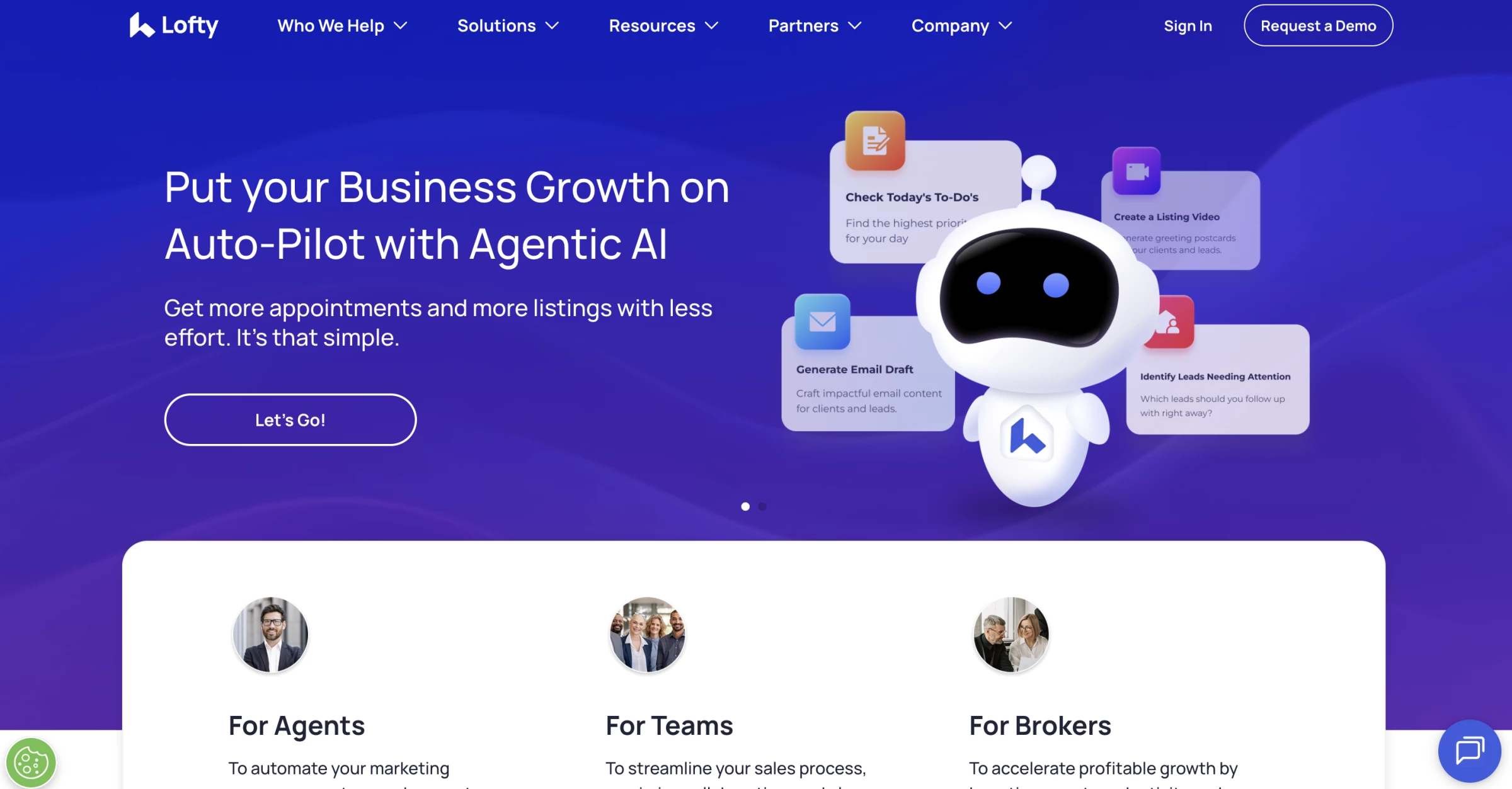
Its appeal is how it turns website activity into follow-up signals. Lofty tracks IDX behavior, adjusts lead scores, analyzes engagement, and suggests next steps based on what a lead is doing.
A Reddit user who currently uses Lofty pointed to the same strengths:
“The website is easy to customize with some great templates. Task system is good. The AI functionality is pretty cool. The mobile app is better than KVCORE’s which was a pretty big selling feature for me.”
That works well for small teams because buyers increasingly expect quick digital follow-up. Zillow’s 2025 Consumer Housing Trends Report for Agents found that 50% of buyers who used an agent prefer texting or messaging apps, compared with 33% who prefer phone calls.
With Smart Plans for email and SMS nurture, Lofty helps agents prioritize active buyers and follow up through the channels buyers are already comfortable using.
Pros:
- Real estate-native CRM with IDX website tools
- AI lead scoring and behavioral lead analysis
- Smart Plans for automated nurture
- Advanced lead routing for teams
Cons:
- Pricing isn't clearly published
- Can be more platform than a small team needs
- Requires setup before teams get full value
- Less suitable if you do not need IDX or AI nurture



Best CRMs for Brokerages
NAR’s 2025 Technology Survey found that 82% of realtors said clients responded positively or very positively to technology in the buying and selling process.
It also found that two-thirds of agents agreed or strongly agreed that their brokerage provides the technology tools they need.
For brokerages, CRM selection shapes how consistently agents communicate, market listings, and move clients through the transaction.
1. BoldTrail (formerly kvCORE): Best for Brokerages and High-Performing Teams
Best for mid-size to large brokerages, franchises, and high-volume teams who need an all-in-one stack.
- Starting price: Custom
- Free trial: No
- Key features:
- IDX websites with modern property search
- Hyperlocal pages for local SEO and lead capture
- Smart CRM for contact and lead management
- Behavioral insights based on lead activity
- Lead Engine for paid and organic lead generation
- Automated lead routing and follow-up
- Marketing Autopilot for email, text, and nurture campaigns
- AI-powered productivity and engagement tools
- Transaction integration
- Business analytics for teams and brokerages
- Mobile-friendly CRM access
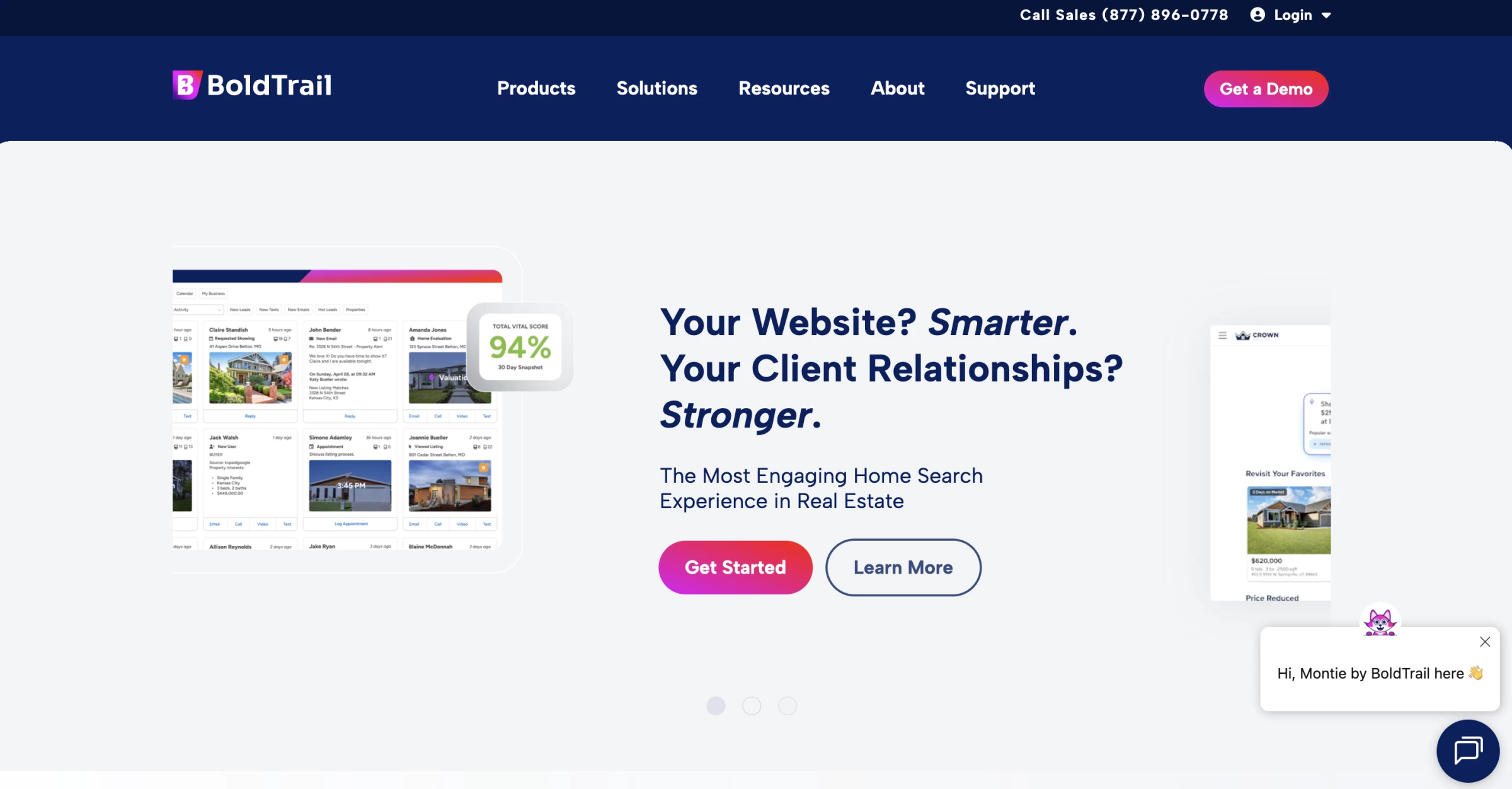
BoldTrail brings configurable IDX websites, a CRM, and behavior-triggered marketing automation into one platform.
Behavioral tracking on the IDX site feeds the CRM's AI-driven Marketing Autopilot, which sends automated emails, texts, and videos based on what each lead is actually doing rather than a fixed calendar schedule.
For brokerage operators, the management dashboard is the standout feature. Lead routing rules, agent permission controls, branding consistency guardrails, and performance reporting across the entire team are all configurable from one interface.
In a Reddit discussion about real estate CRM options, one user described BoldTrail as “your most scalable solution for all aspects of what you do as a realtor all within the same login and platform.”
Before buying separately, check your brokerage’s technology package, as eXp agents can choose BoldTrail for standard use at no extra charge.
Pros:
- 600+ MLS board integrations
- AI Marketing Autopilot (behavior-triggered)
- Native IDX websites
- Enterprise controls for team management
Cons:
- Premium add-ons increase the total cost
- Complex onboarding
- Steep learning curve for agents
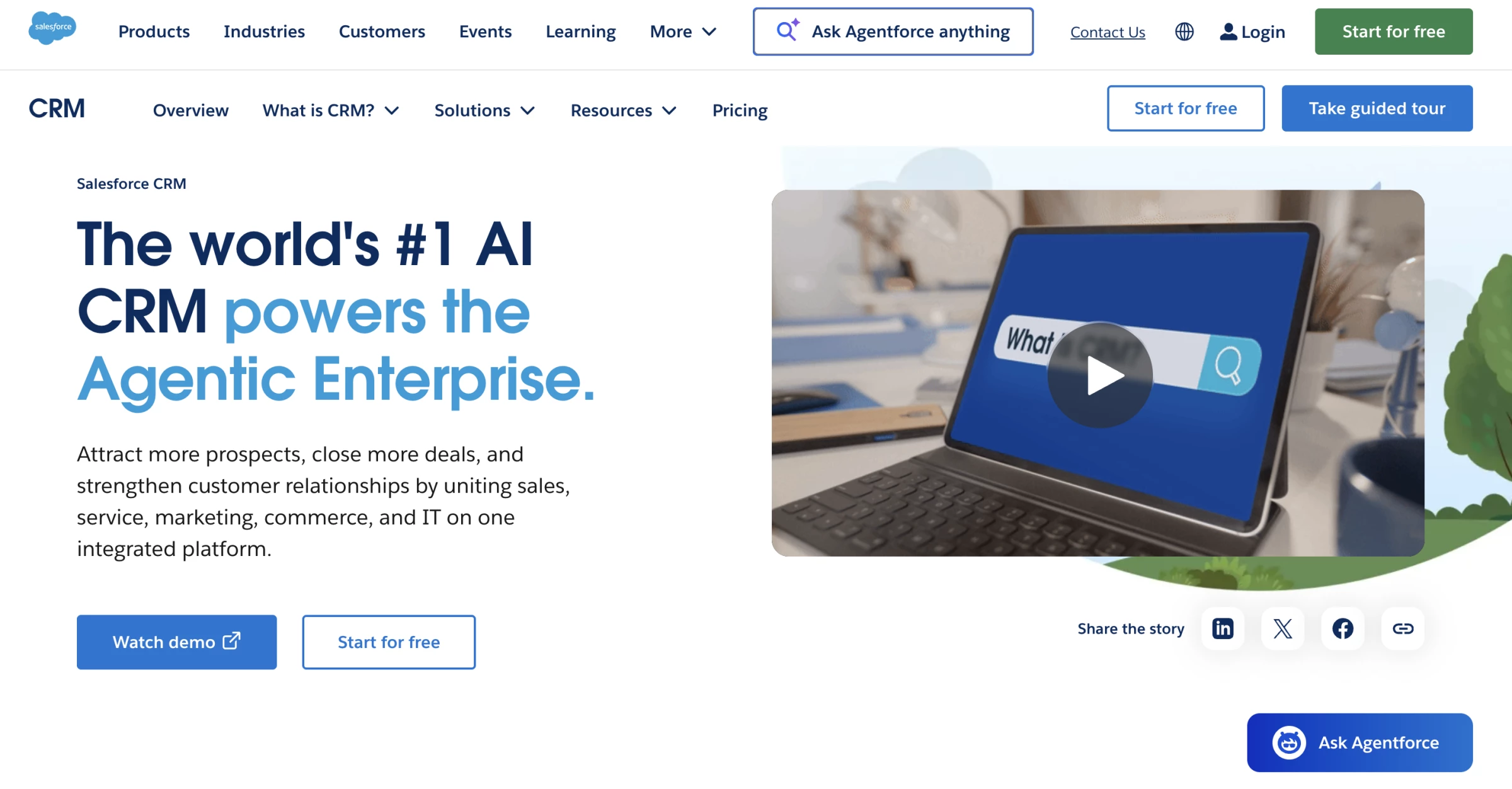
2. Salesforce: Best for Enterprise and Custom Workflows
Best for large regional brokerages or luxury agencies with complex, customized workflow requirements.
- Free suite available for up to 2 users
- Starting price: $25/user/month (Starter Suite); advanced customization and real estate solutions cost extra.
- Free trial: 30 days
- Key features:
- Custom pipelines for buyers, sellers, listings, leases, referrals, and recruiting
- Lead capture, nurturing, and activity tracking
- Custom dashboards for agent, team, office, and revenue performance
- Sales Cloud forecasting and pipeline analytics
- Einstein AI insights for prioritization, forecasting, and next-step guidance
- Propertybase integration for residential brokerage CRM and transaction workflows
- AscendixRE integration for commercial real estate properties, leases, and listings
- Integration with accounting, marketing, back-office, reporting, and document systems
- Mobile access for agents and brokers
Salesforce makes the most sense for brokerages that have outgrown standard real estate CRM software and need more control over workflows, reporting, integrations, and permissions.
Out of the box, Salesforce is a general CRM, so most real estate companies need add-ons like Propertybase or AscendixRE, plus a consultant to configure the system around listings, deals, agents, commissions, referrals, and reporting.
The reason to choose it is control. If your brokerage has multiple offices, custom commission structures, commercial or luxury pipelines, investor relationships, recruiting workflows, or back-office systems that need to connect with the CRM, Salesforce gives you more room to build around those needs.
You can create custom dashboards for team leaders, track agent performance across offices, connect sales activity to marketing campaigns, and build workflows that match how deals actually move from inquiry to close.
Pros:
- Extensive customization
- Einstein AI analytics
- 1,000+ app integrations
- Best-in-class reporting
Cons:
- Steep learning curve
- High total cost of ownership
- Specialist property and transaction workflows may require additional software
Best CRMs for Solo Agents
The best CRM for real estate agents who work solo is usually the one that is easy to use daily, quick to set up, and affordable enough to keep running during slower months.
These three CRMs are the best fits depending on how much structure, automation, or marketing support you need.
- Wise Agent: Best overall for solo agents
- Follow Up Boss: Best for lead-heavy solo agents
- Top Producer: Best for MLS-driven workflows
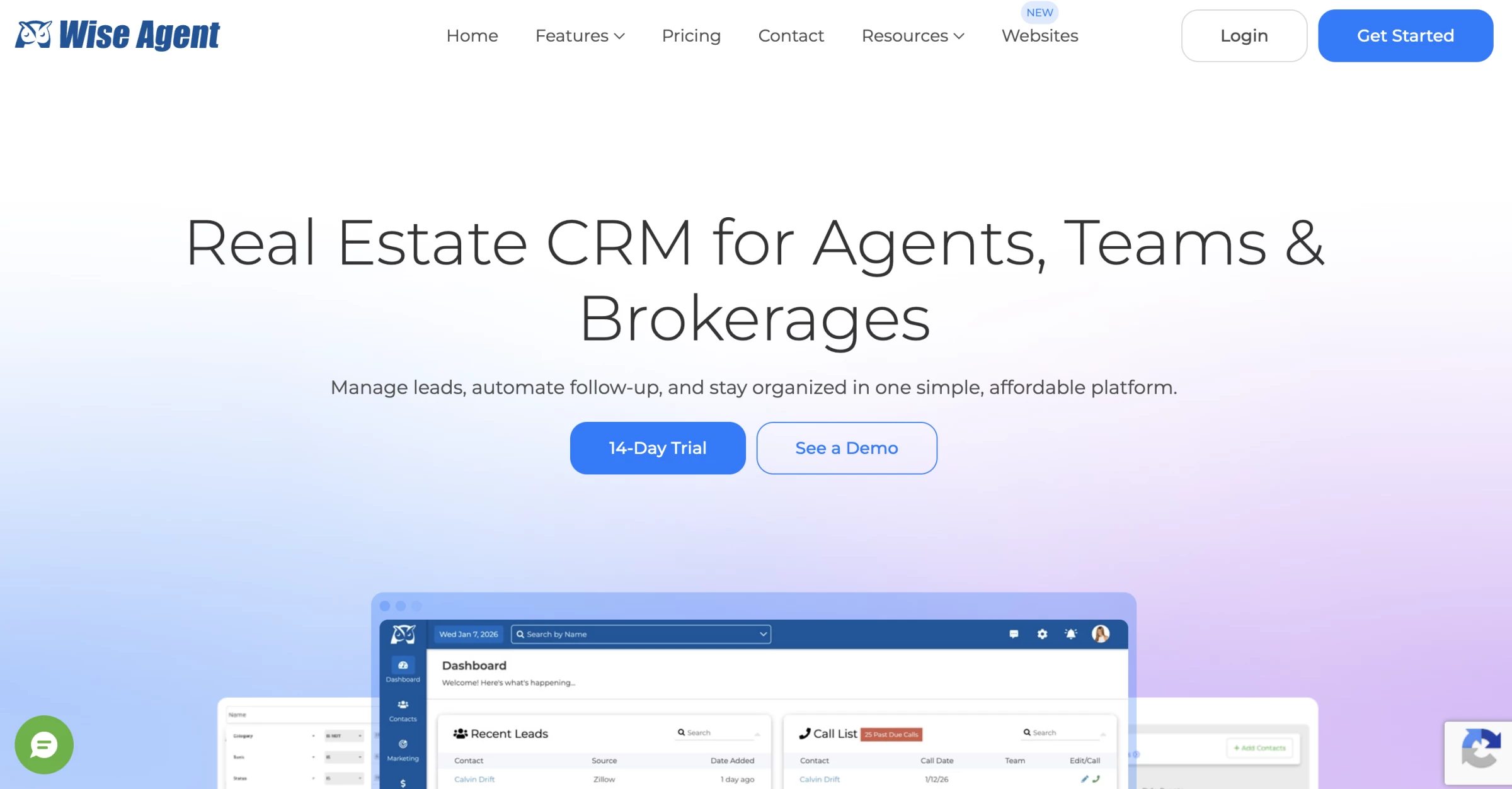
1. Wise Agent: Best Overall for Solo Agents
Best for solo agents and small teams who want real estate tools at a predictable base price.
- Starting price: $49/month, billed monthly, or $499/year; includes up to 5 team members using a shared login
- Free trial: 14 days
- Key features:
- Contact management
- Transaction checklists
- Drip campaigns
- AI-assisted email writing
- Facebook and Google ad creation
- Library of pre-written market update emails
Wise Agent is one of the best CRMs for real estate agents who want everyday follow-up and transaction tools in one subscription.
The base plan can accommodate an agent and support staff, but its five included team members share a login. Separate logins cost extra, so teams that need individual access and permissions should factor that into their budget.
A Capterra reviewer who tested the trial wrote, “I only used the 14-day free trial and found it a great CRM platform for Real Estate agents.”
The appeal is staying in touch with prospects through email campaigns and managing closing tasks without assembling separate systems. WiseText SMS is an optional paid add-on, with a registration fee, so texting isn’t included in the base subscription.
Pros:
- Base subscription accommodates up to 5 team members with a shared login
- AI writing assistant included
- Transaction management included
- 24/7 live support at no extra cost
Cons:
- Separate logins and additional team members cost extra
- SMS requires a paid add-on
- Basic reporting and analytics
- No built-in IDX website
- Interface feels dated vs. newer platforms
- Limited advanced automation
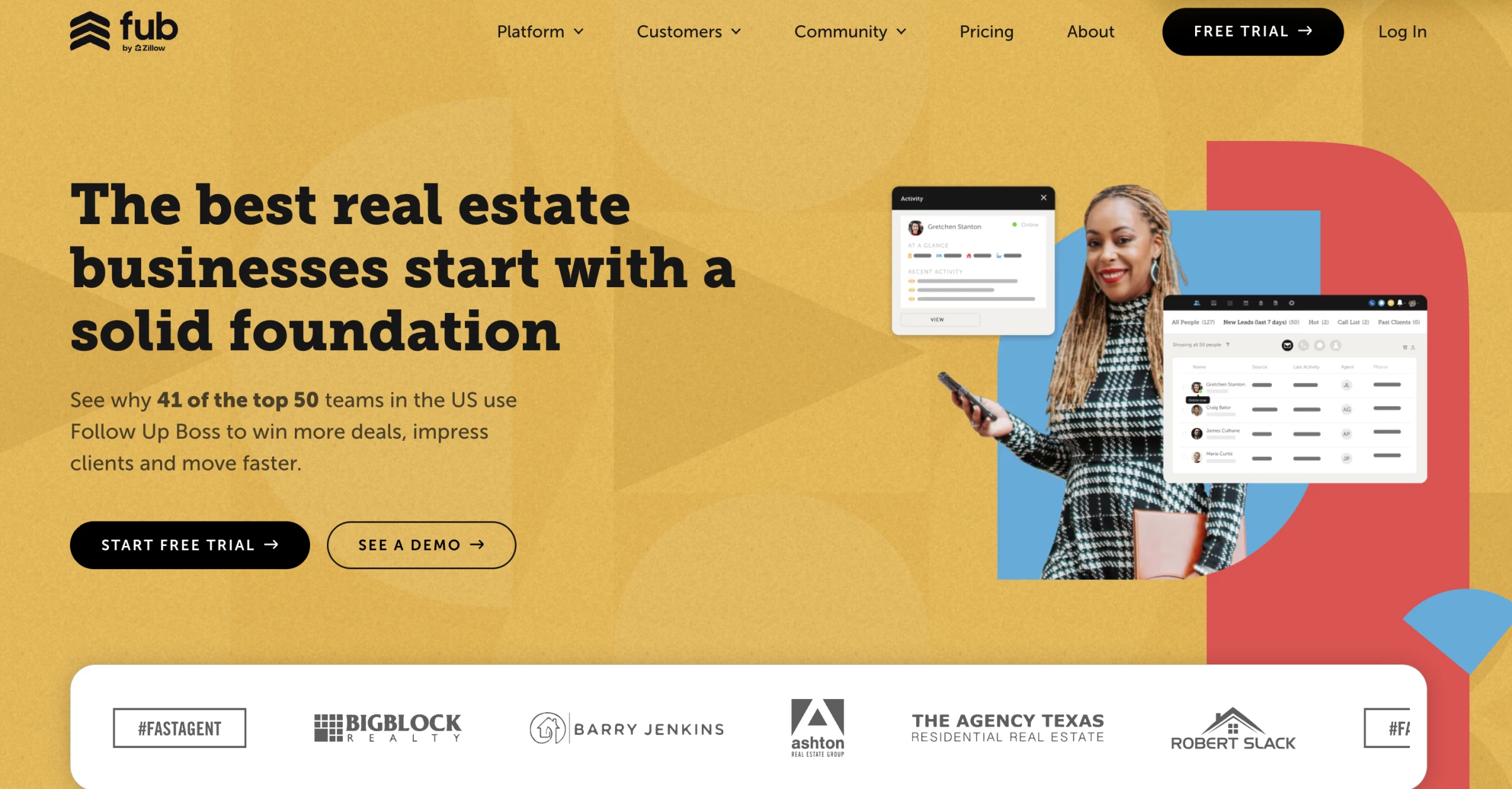
2. Follow Up Boss: Best for Lead-Heavy Solo Agents
Best for solo agents managing high lead volume from Zillow, Realtor.com, or Facebook ads.
- Starting price: $58/month/user (billed annually)
- Free trial: 14 days
- Key features:
- Lead capture from 250+ sources and integrations
- Centralized inbox for calls, texts, emails, and new inquiries
- Action Plans for automated multi-step follow-up
- Smart Lists for prioritizing leads and daily tasks
- Lead source tracking and reporting
- Built-in texting and email sync
- Email and text templates for faster follow-up
- Team inbox and collaboration tools if you grow later
Follow Up Boss is built for the solo agent who is already paying for leads and does not want those leads scattered across inboxes, ad platforms, website forms, and random text threads.
Its core product is a communication hub that consolidates incoming leads from 250+ sources into a single inbox and triggers automatic follow-up sequences the moment a lead arrives.
In a Reddit thread asking for feedback from Follow Up Boss users, one agent praised the platform’s “integrations with other apps and the intuitive nature of the app,” adding that “it is easy to navigate and use basics if that is all you need but it can scale and grow with you as your business grows.”
If your paid and organic leads arrive from several channels, Follow Up Boss gives you a cleaner way to capture them, track the source, and keep outreach moving.
Pros:
- Best-in-class lead automation
- 250+ lead source integrations
- Action Plans for consistent follow-up
- Strong mobile app
Cons:
- No transaction management
- Dialer is an add-on cost
- Higher price for solo use
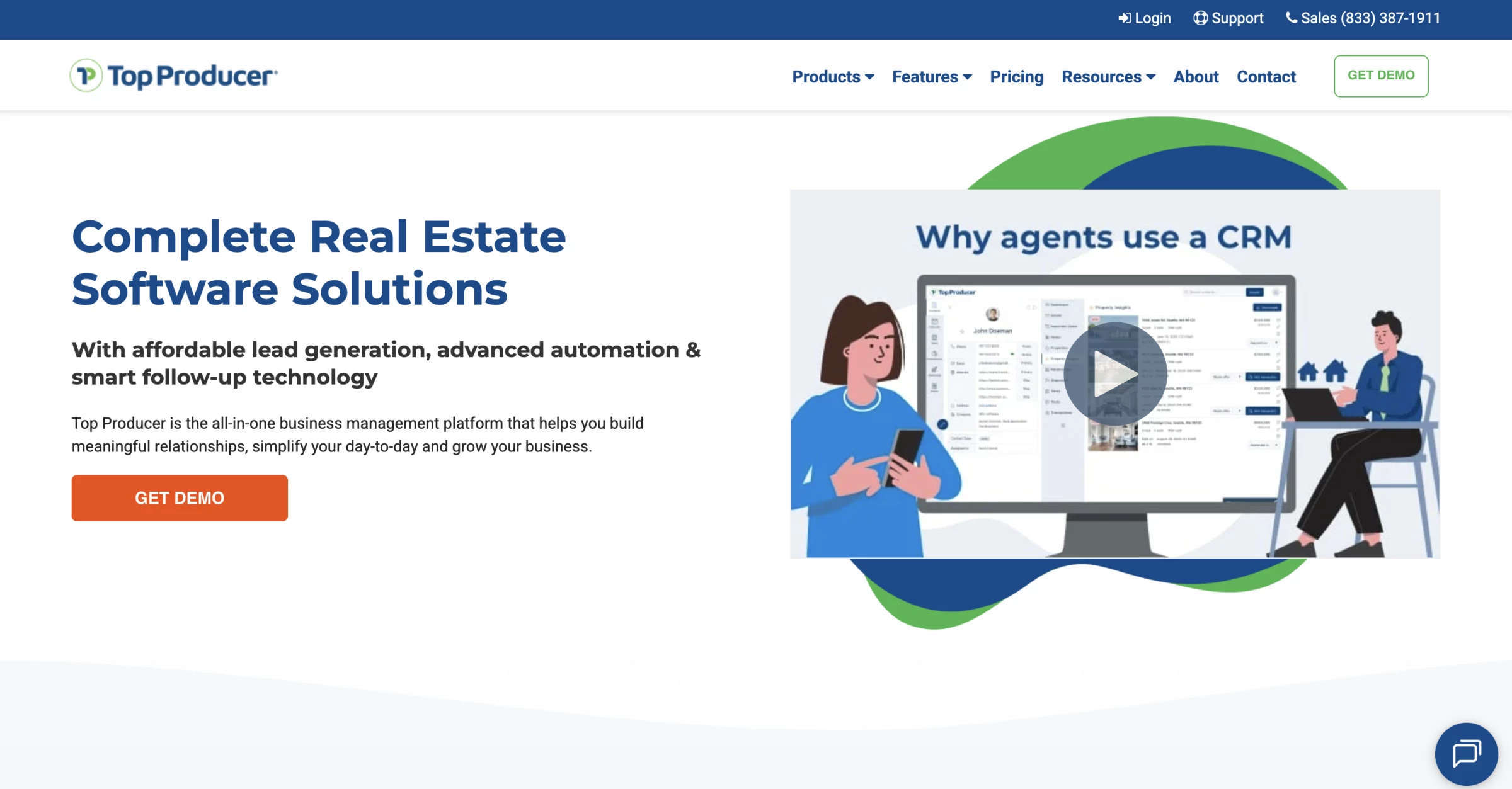
3. Top Producer: Best for MLS-Driven Workflows
Best for buyer and listing agents who want to be the local market experts through automated property alerts.
- Starting price: $179/month per user
- Free trial: No
- Key features:
- Contact, lead, and listing management
- Google, iCloud, Microsoft contact and calendar sync
- Zapier connection for Facebook ads, Google Forms, and other lead sources
- Follow Up Coach for daily contact prompts
- Text and email marketing inside the CRM
- AI email and SMS writing assistant
- Branded MLS market reports
- Real-time alerts for new listings, price changes, and sold properties
- Embedded transaction management
Top Producer's defining feature is its MLS integration depth.
With connections to more than 320 boards across the US and Canada, agents can create and send property alerts directly from the CRM, including price changes, just-listed, and just-sold notifications, without logging into the MLS separately.
A user review captures why that setup works well for agents who want their market activity and daily follow-up in the same place:
“What is great about Top Producer is that it allows you to tie your whole day together - schedule overview, to dos, client follow ups, conversation logs/client notes, and your CRM, plus your current listings and transactions.”
The platform manages the full buyer pipeline from cold lead to transaction management, and its add-on options (IDX website, predictive analytics seller leads) are more affordably priced than comparable upgrades from competitors.
Pros:
- 320+ MLS board integrations
- Automated property alerts from CRM
- AI Author for email/text writing
- Transaction management included
Cons:
- No free trial
- Auto-renewing contracts with cancellation deadlines
- Requires time investment to set up
Free and Low-Cost CRM Options for New Agents
The best free CRM for real estate agents should make it easy to organize contacts and keep up with follow-ups. These free and low-cost options cover the basics while you build your business.
- Bitrix24: Best free CRM workspace for small real estate teams
- Freshsales: Best Free CRM With a Built-In Dialer
- RealtyJuggler: Best low-cost real estate-native CRM for new agents
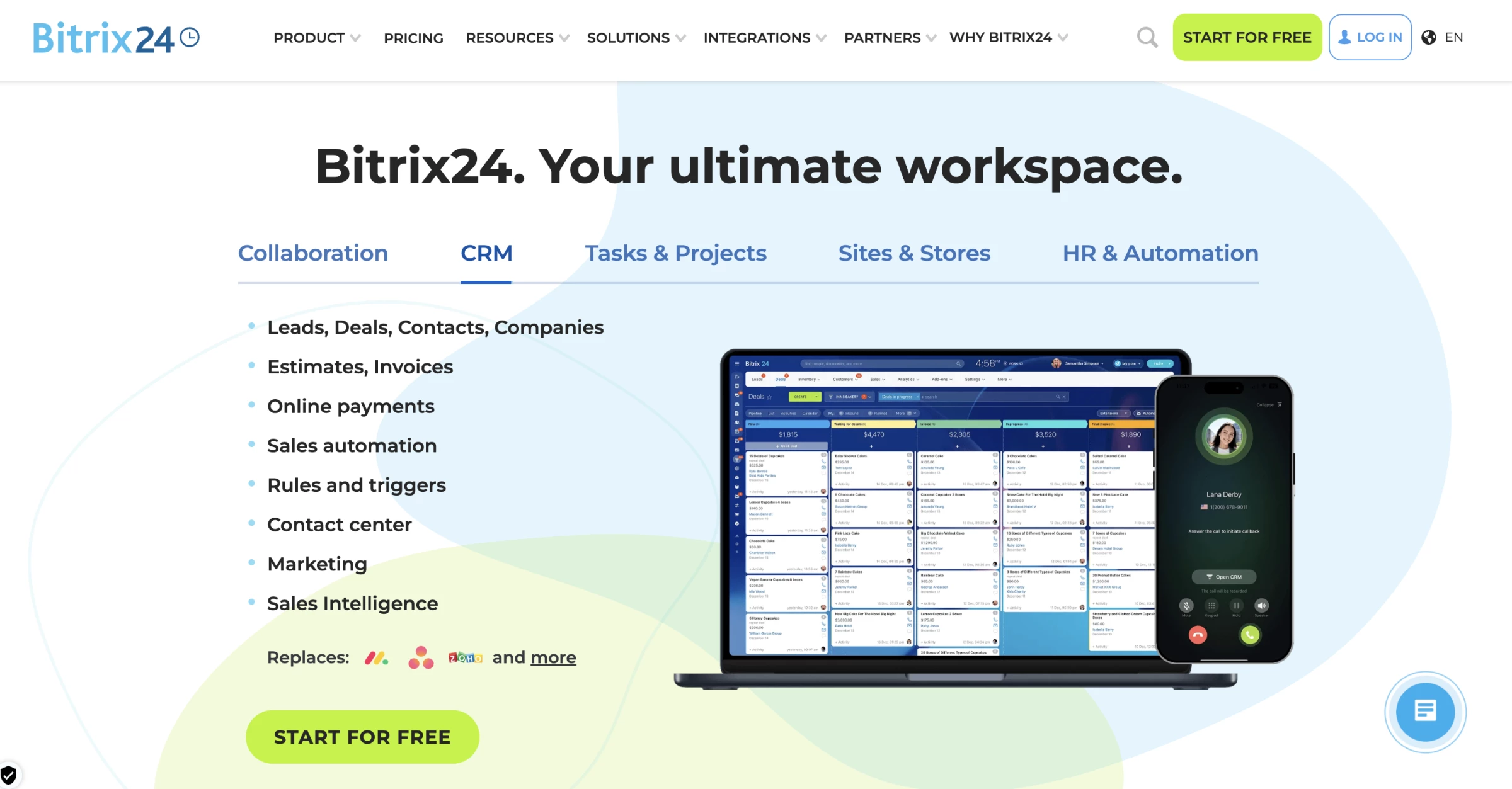
1. Bitrix24: Best Free CRM Workspace for Small Real Estate Teams
Best for small real estate teams that need shared CRM, tasks, chat, forms, and basic collaboration without paying per seat.
- Starting price: $0 (5 GB cloud storage)
- Paid plans from: $49/month for up to 5 users, billed annually
- Key features:
- Free plan with unlimited users and basic features
- 5GB free online storage
- Lead, deal, contact, and pipeline management
- Activity history for client interactions
- Web forms that create CRM leads
- Website and landing page builder
- Tasks, projects, calendars, chat, video calls, and file storage
- Access permissions and user roles
- Quotes and invoices
- Mobile apps for iOS and Android
- AI tools through Bitrix24 CoPilot
For a small real estate office where a principal agent, two buyer agents, an admin, and a transaction coordinator all need to share leads and communicate, Bitrix24 is one of the rare free options that doesn't require a paid upgrade the moment a third person logs in.
Bitrix24 also lists 5GB of storage on the free plan, so it works better for teams managing contacts and documents than for teams storing large listing photos or video files inside the platform.
A user review explains the appeal well:
“Bitrix24 works well when the objective is centralizing CRM, team collaboration, tasks and client communication in one workspace. I particularly appreciated CRM plus collaboration, because it makes the process more structured and reduces the need to manage information manually through spreadsheets or emails.”
Your team can track leads and deals, log client activity, create web forms that send inquiries into the CRM, and use the website or landing page builder for simple lead capture pages.
It’s a general business platform, so you’ll need to adapt the setup around buyers, sellers, properties, and closing stages. Be sure to check the plan requirements for permissions, automation, and integrations before moving your team onto it.
Pros:
- Free plan combines basic CRM and collaboration tools
- CRM, task management, team chat, video calls, and file storage in one
- Call transcription, summaries, and automatic deal-field completion via CoPilot AI on eligible paid plans.
Cons:
- Steep learning curve
- 5 GB storage cap on free plan is modest
- Advanced features and integrations may require a paid plan
- No native MLS integration
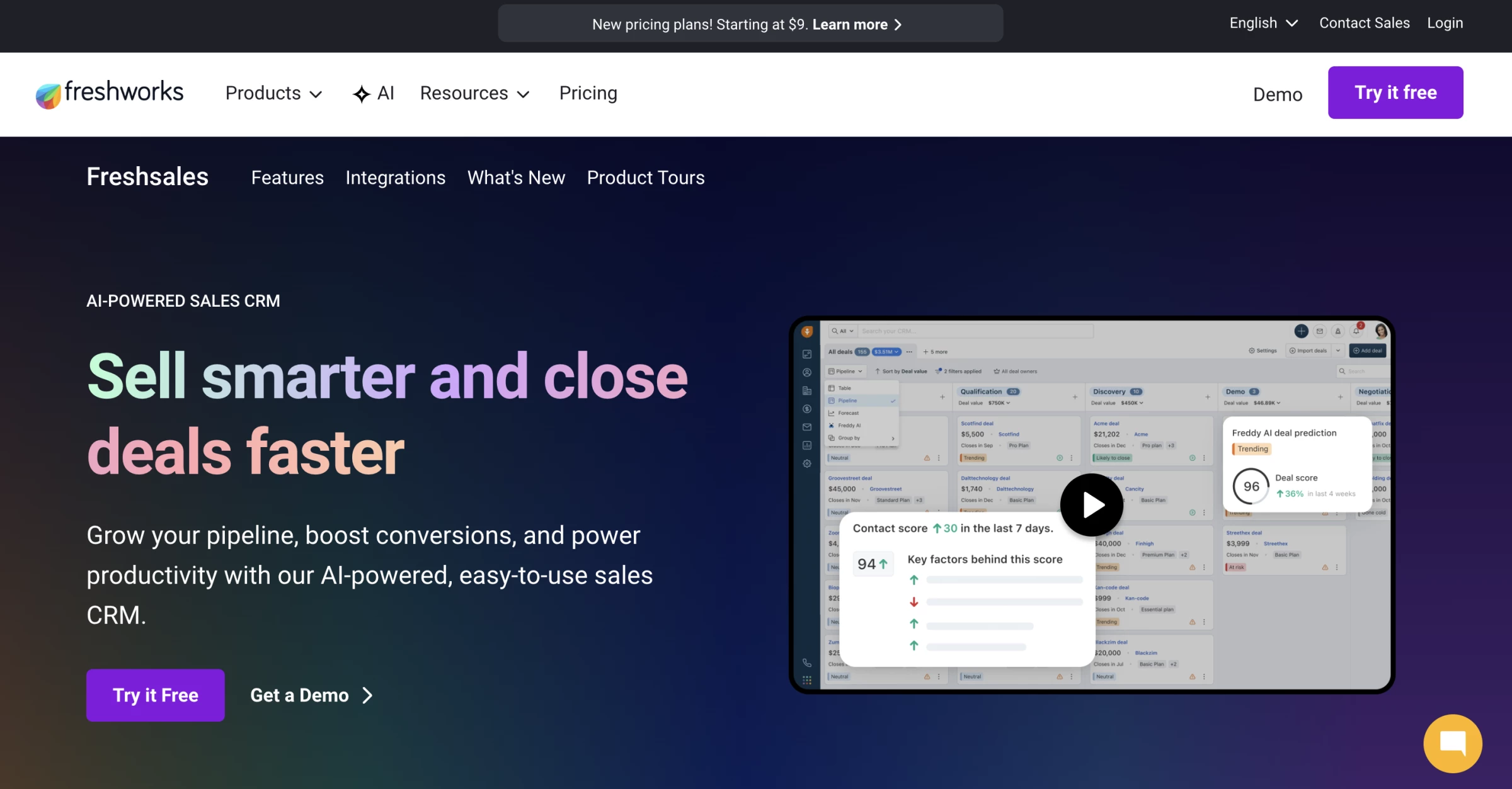
2. Freshsales: Best Free CRM With a Built-In Dialer
Best for new solo agents and small buyer-side teams that rely on phone follow-up and want a free CRM with built-in calling tools.
- Starting price: Free for up to 3 users
- Paid plans from: $9/user/month, billed annually
- Key features:
- Free plan for up to 3 users
- Built-in voice dialer (phone number and usage charges apply)
- Contact and account management
- Activity timeline for calls, emails, notes, and tasks
- Kanban views for records
- Email templates
- Live chat
- Task and appointment tracking
- Mobile CRM access
- Zapier-supported lead routing from real estate sources
- Freddy AI features available on paid plans/add-ons
Freshsales isn't purpose-built real estate CRM software, but it makes sense for agents who spend a lot of time calling new leads and want calling tools built into their CRM.
The free plan includes contact management, account management, activity timelines, Kanban views, email templates, live chat, and a built-in phone for up to three users. Phone numbers and calls require paid credits, so the free subscription doesn’t mean free calling.
For a new agent, that covers the basics: keep your contacts organized, log conversations, schedule follow-ups, and call leads from the same system without switching between your CRM and a separate calling app.
If your day is built around calling buyer leads, open-house contacts, FSBOs, expired listings, or referral prospects, Freshsales removes one extra tool from your stack.
Pros:
- Built-in voice dialer included in the free plan
- Contact management and communication tools in one system
- 21-day free trial on all paid plans, no credit card required
Cons:
- Free plan limited to 3 users, no expansion without upgrading
- Phone number and call charges add to the cost
- No native MLS integration on any plan
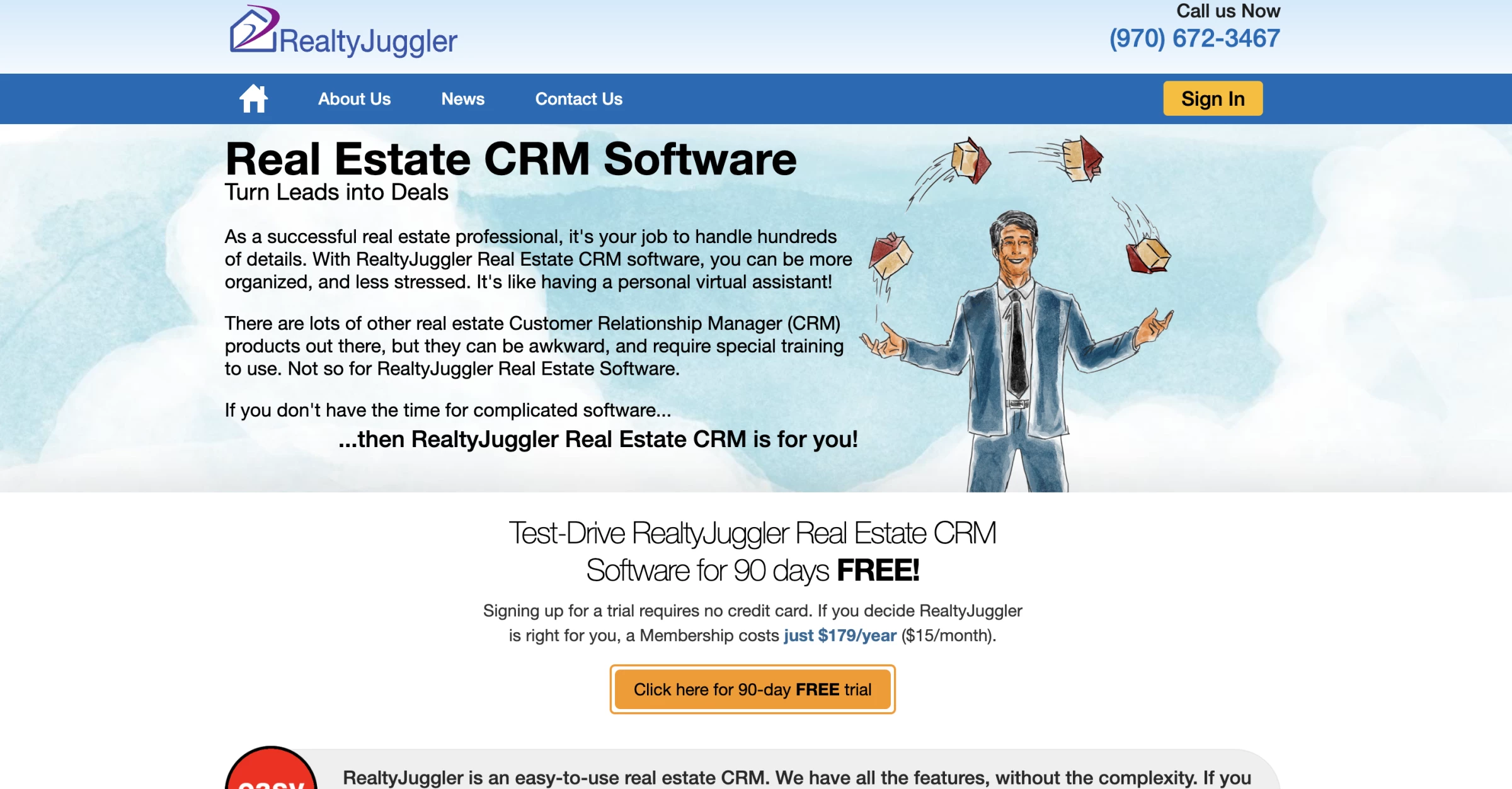
3. RealtyJuggler: Best Low-Cost Real Estate-Native CRM for New Agents
Best for new agents who want an affordable real estate CRM with transaction tools, follow-up reminders, and marketing templates
- Starting price: $179/year, or about $15/month
- Free trial: 90 days, no credit card required
- Refund policy: Pro-rated refund available
- Key features:
- Real estate contact and lead management
- Follow-up reminders and daily call lists
- Drip email and print mail campaigns
- Bulk email marketing
- Built-in real estate letter library
- 100+ flyer templates
- Transaction and closing tracking
- Showing feedback requests and tracking
- Google Contacts and Calendar sync
- Microsoft Outlook sync
- Zillow and Realtor.com lead import/feed support
RealtyJuggler is one of the best CRMs for real estate agents who want an affordable CRM with built-in real estate workflows.
A Reddit user who had recently moved to RealtyJuggler summed up the appeal clearly: “I switched over recently and absolutely love it. About $170/year and it’s incredibly simple to use and navigate.”
The budget price includes onboarding, phone support, written manuals, video tutorials, and complimentary one-on-one training, which is useful if you are a new agent setting up your first real database.
RealtyJuggler gives a new agent the everyday pieces they need before they are ready to pay for a bigger platform. You can keep buyers, sellers, past clients, deals, tasks, marketing letters, and closing details in one system without taking on a $50 to $100 monthly CRM bill.
Pros:
- Includes transaction and closing tracking
- Showing feedback tracking included
- Zillow and Realtor.com lead import/feed support
Cons:
- Interface feels dated compared with newer CRMs
- Limited advanced automation
- Not ideal for teams that need deep reporting or permissions
How To Choose the Right CRM for Your Real Estate Business
The best CRM for real estate agents should match how you get leads, how fast you need to follow up, who touches each deal, and what your team can realistically maintain every day.
- Start with your lead sources
- Test the CRM with your daily tasks
- Check whether follow-up is easy to maintain
- Make lead ownership clear for teams
- Price the CRM the way you will actually use it
- Match the CRM to your business stage
1. Start With Your Lead Sources
Before comparing features, list where your leads come from now.
- If most of your leads come from referrals and past clients, you need reminders, relationship history, birthdays, anniversaries, email campaigns, and long-term nurture.
- If you buy Zillow, Realtor.com, Facebook, or Google leads, you need automatic lead capture, source tracking, fast notifications, texting, calling, and follow-up sequences.
- If your real estate website brings in leads, look for IDX integration, property search alerts, saved-search tracking, form capture, and behavior-based follow-up.
- If open houses are a major source, check whether the CRM has mobile lead capture, tags, open-house follow-up campaigns, and simple contact import.
2. Test the CRM With Your Daily Tasks
Test the actions you will repeat every week.
- Add 20 real contacts.
- Create a buyer lead, a seller lead, a past client, and an open-house contact.
- Log a call. Schedule a follow-up.
- Send a text.
- Start a drip campaign.
- Add a note after a showing.
- Check the same contact from your phone.
If any of those steps feel annoying during the trial, they will feel worse when your pipeline is full.
If AI is part of the appeal, test what it can do automatically and which actions need your approval.
3. Check Whether Follow-Up Is Easy To Maintain
Your CRM should show who needs a response and help you catch follow-ups before they slip through.
A buyer may ask about a property, disappear for three weeks, then text after seeing a new listing. Keeping that history in one contact timeline helps you pick up the conversation without searching through emails and notes.
During your trial, check whether you can:
- Find missed calls, unanswered messages, and overdue tasks quickly.
- See the last conversation and next planned action for each contact.
- Adjust reminders and follow-up sequences when a client’s plans change.
Leave a task overdue on a sample contact and check how clearly the CRM flags it.
4. Make Lead Ownership Clear for Teams
A team CRM needs to prevent duplicate outreach and missed leads.
Before choosing one, test these workflows:
- New lead comes in: Source, timestamp, assigned agent, first follow-up status.
- Lead is reassigned: Previous owner, new owner, notes, communication history.
- Agent is unavailable: Who can take over and what has already been said.
- Lead goes cold: Last contact date, last response, next nurture step.
- Team leader reviews performance: Leads assigned, response activity, appointments set, deals opened.
If your team leader cannot see those details quickly, the CRM will be hard to manage once lead volume grows.
5. Price the CRM the Way You Will Actually Use It
Price the plan around your team's daily work, including any usage charges or add-ons, then check which existing subscriptions it could replace.
- A $25 CRM can become expensive if texting, calling, or lead capture requires paid add-ons.
- A $100 CRM can be cheaper if it replaces your website tool, dialer, email platform, and follow-up software.
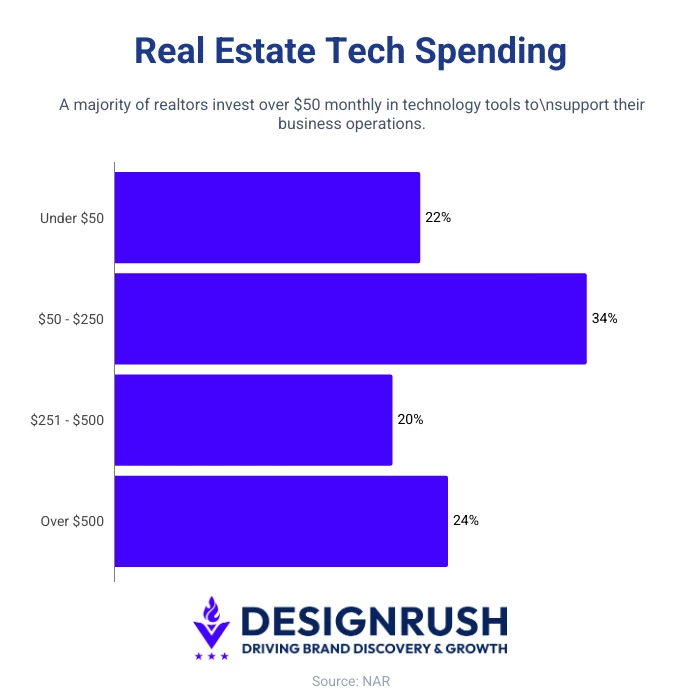
NAR’s 2025 technology survey found that 34% of realtors spend $50-$250 per month on technology tools, 20% spend $251-$500, and 24% spend more than $500.
6. Match the CRM to Your Business Stage
Focus on the CRM features that match how your business operates today.
- New solo agent: Contact management, reminders, simple campaigns, low cost
- Referral-based agent: Relationship history, tags, anniversaries, long-term nurture
- Lead-heavy solo agent: Lead capture, source tracking, texting, calling, fast alerts
- Small team: Lead routing, shared notes, task ownership, activity tracking
- Website-driven team: IDX website, saved searches, property alerts, behavior tracking
- Brokerage: Permissions, office reporting, onboarding, integrations, transaction workflows
If it takes too many clicks to log a conversation, agents avoid the mobile app, lead sources do not connect cleanly, or reporting does not show what your team needs to manage, the feature list will not save it.
Choose the CRM that fits your lead sources, follow-up habits, team size, and budget after add-ons.

We evaluate agencies globally to connect you with the right partner. Explore our Agency Directory for top crm consulting companies, as well as: