
An employee joining your team, a customer signing into your app, and an administrator accessing a server each create different access requirements.
Choosing identity and access management IAM tools starts with identifying whose access you need to manage and which systems you need to protect.
This guide compares 10 options by use case, including key capabilities and limitations, to help you decide what belongs in your setup.
Best Identity and Access Management Tools: Key Findings
- Entra ID and Okta address employee access; JumpCloud adds device management, and Duo emphasizes MFA and device trust.
- Auth0 supports customer login, Keycloak offers self-hosted authentication, and PingFederate connects enterprise identity systems.
- SailPoint focuses on access governance, Idira PAM controls privileged access, and AWS IAM manages permissions for AWS resources.
What To Look for in IAM Tools in 2026
Identity and access management (IAM) tools manage digital identities and control how people, applications, and services access systems and data.
Authentication requirements are changing. NIST’s July 2025 update to its Digital Identity Guidelines introduced guidance on synced passkeys as part of its first major revision since 2017.
Microsoft’s Azure MFA enforcement also expanded to user accounts performing resource-management operations, with the latest postponement date passing on July 1, 2026.
These changes give you a reason to revisit how users sign in. Choosing identity and access management tools also means deciding how access should be granted, reviewed, and removed.
Start with the problem you need to solve:
- Employee access: Look for reliable sign-in, automated account setup, and timely access removal when someone changes roles or leaves.
- Customer authentication: Consider registration, login, and account recovery, plus the development work needed to fit your application.
- Access reviews and privileged accounts: Check how teams approve permissions, identify unnecessary access, and oversee administrator activity.
- Cloud resources and automated tasks: Examine how permissions are assigned to people, applications, and services.
Your business may need several of these capabilities. Use the comparison below to identify which tools address your priorities and where they could work together.
Identity and Access Management Tools Comparison
Employee logins, customer accounts, and administrator permissions call for different controls. Compare these identity and access management tools by use case, capabilities, and pricing to see which fit your business.
| Tool | Best For | Key Capabilities | Pricing |
| Microsoft Entra ID | Employee access in Microsoft environments | SSO, MFA, Conditional Access, identity administration | Free edition; P1 starts at $7/user/month |
| Okta Workforce Identity | Employee access to varied business apps | SSO, adaptive MFA, lifecycle automation, access governance | Starts at $6/user/month; $1,500 annual minimum |
| JumpCloud | Managing identities and devices together | Cloud directory, SSO, MFA, device management | Platform packages require a quote |
| Auth0 | Customer authentication for websites and apps | Hosted login, passkeys, social login, custom authentication flows | Free plan; paid pricing varies by active users and B2C or B2B needs |
| Keycloak | Self-hosted application authentication | SSO, identity federation, roles, customizable login flows | Free software; hosting and maintenance cost extra |
| SailPoint | Identity governance and access reviews | Access certifications, approval workflows, lifecycle automation | Custom quote |
| AWS IAM | AWS resource and workload permissions | Access policies, IAM roles, temporary credentials, access analysis | Core IAM at no additional charge; some analysis features cost extra |
| PingFederate | Enterprise identity federation | Federated SSO, directory connections, authentication policies | Custom quote |
| Cisco Duo | MFA and device trust | MFA, passwordless login, device checks, SSO | Free for up to 10 users; paid plans start at $3/user/month |
| Idira PAM | Privileged accounts and sessions | Credential vaulting, temporary access, session recording | Contact sales |
How We Chose the Best Identity and Access Management Tools
We selected these tools to cover employee access, customer authentication, identity governance, privileged accounts, and cloud permissions. We reviewed official product documentation, pricing pages, and published customer stories, focusing on:
- Use-case fit: The access problem each tool addresses
- Integration support: Connections to applications, directories, devices, and cloud services
- Pricing and limitations: Included capabilities, paid upgrades, and maintenance responsibilities
- Customer examples: Documented deployments showing how businesses use the software
We also consulted our identity and cybersecurity experts on integration requirements and practical limitations. The selections are organized by use case, not ranked.
1. Microsoft Entra ID: Best for Employee Access in Microsoft 365 and Azure Environments
For IT and security teams managing Microsoft services alongside SaaS and on-premises applications.
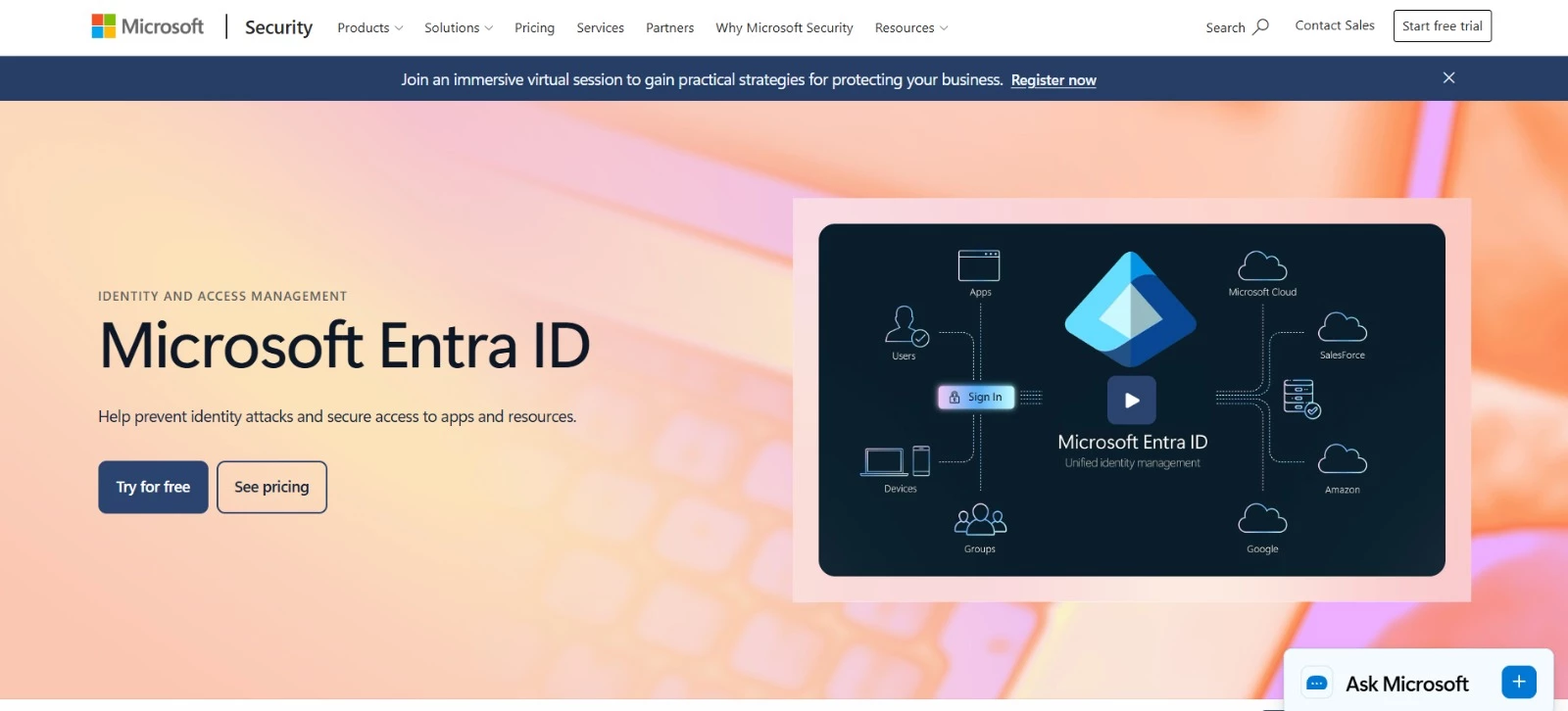
Microsoft Entra ID gives employees a work identity they can use to access connected applications. Administrators centrally control sign-in requirements and permissions, including for supported non-Microsoft software.
If your business already uses Microsoft 365, check your subscription before buying: it may include the Entra ID capabilities you need.
Key Capabilities
- Single sign-on: Give employees access to Microsoft services and connected applications without separate sign-ins
- MFA and passwordless authentication: Support methods such as passkeys to protect employee accounts
- Conditional Access: Set access requirements using signals such as location and device status; risk-based policies require additional licensing
- Identity administration: Manage users and groups, synchronize on-premises directories, and automate provisioning for supported applications
- Privileged Identity Management: Grant eligible users temporary elevated access instead of leaving administrator permissions permanently active
Pricing
- Free: Basic user and group management, directory synchronization, reports, and SSO. Included with qualifying Microsoft cloud subscriptions
- Entra ID P1: $7/user/month, paid yearly. Adds Conditional Access and expanded identity administration
- Entra ID P2: $10/user/month, paid yearly. Adds identity risk protection, risk-based Conditional Access, Privileged Identity Management, and basic access reviews
- P1 is also included with Microsoft 365 Business Premium and Microsoft 365 E3
- P2 is included with Microsoft 365 E5
Potential Limitations
- Advanced governance features, including Lifecycle Workflows, require Entra ID Governance or Entra Suite licensing beyond P1 or P2
- Custom or older applications may need integration work before employees can sign in with Entra ID
What Sets Microsoft Entra ID Apart
For businesses already using Microsoft, Entra ID offers a way to consolidate identity management around their existing software subscriptions and security tools.
Domino’s Pizza Enterprises’ customer story illustrates that approach. The company consolidated identity management for office staff, franchise partners, and frontline workers, using custom integration work to connect employee records and applications.
Here’s what they accomplished:
- One identity per team member, even when they worked in different roles or stores
- Lower licensing costs after replacing its previous identity system
- Simpler IT administration and retirement of legacy custom systems



2. Okta Workforce Identity: Best for Employee Access to a Mixed Application Stack
For IT teams managing employee access to a wide range of business apps
Okta Workforce Identity helps you manage employee, contractor, and partner access as your application list grows. A central directory keeps user profiles organized, and single sign-on gives people access to connected tools through their work account.
Connect your HR system so account changes follow staffing changes automatically, minimizing manual work for onboarding, role changes, and offboarding.
Key Capabilities
- Single sign-on and Universal Directory: Organize user profiles, groups, and access to connected applications
- Passwordless authentication: Offer phishing-resistant sign-in with Okta FastPass and supported FIDO2 authenticators
- Adaptive MFA: Adjust authentication requirements based on context, such as device posture and sign-in risk
- Lifecycle Management: Create, update, and deactivate accounts in supported applications when employee records change
- Identity Governance: Review permissions, manage access requests, and document approvals to help prevent unnecessary access from accumulating
Pricing
- Okta’s Workforce Identity suites are billed annually and require a $1,500 minimum annual contract
- Starter - $6/user/month: SSO, MFA, Universal Directory, and five Workflows
- Core Essentials - $14/user/month: Adds Adaptive MFA and Lifecycle Management, retaining five Workflows
- Essentials - $17/user/month: Adds access governance, 50 Workflows, and coverage for two Privileged Access administrators
- Professional - Custom pricing: Adds Device Access, identity threat protection, a sandbox, and identity security posture management
- Enterprise - Custom pricing: Adds API Access Management, Access Gateway, and machine-to-machine tokens
Potential Limitations
- The $6 Starter price excludes Lifecycle Management and Adaptive MFA, so onboarding automation and risk-based authentication cost extra
- Automated offboarding depends on application support and configuration; integrations without automated deprovisioning still require manual account removal
What Sets Okta Workforce Identity Apart
The Okta Integration Network offers thousands of prebuilt integrations, giving you flexibility to connect the software your departments already use. Check each connector’s capabilities: sign-in support and account provisioning are separate considerations.
At GitLab, connecting BambooHR to Okta allowed HR changes to trigger account provisioning.
The company secured more than 120 cloud applications during its rollout and reported:
- 99% MFA adoption
- 35% fewer employee onboarding tasks
- 90% lower identity compliance costs, supported by simpler reporting and automated policy enforcement
3. JumpCloud: Best for Managing Identities and Devices Together
For IT teams responsible for employee access and company computers
JumpCloud lets IT teams manage employee accounts, application access, and work devices through a central admin console.
You can set up a new hire’s access, apply security policies to their computer, and manage account changes as their role evolves. Its cloud directory also connects with existing systems, including Google Workspace and Active Directory.
For businesses using a mix of Windows, Mac, and Linux computers, that means fewer separate processes for managing users and their devices.
Key Capabilities
- Cloud directory: Create and manage employee identities, with connections to applications, computers, and networks
- SSO and MFA: Simplify access to connected applications and require additional verification to protect sign-ins
- Passwordless sign-in: JumpCloud Go supports device authenticators such as Apple Touch ID and Windows Hello on compatible managed computers
- Automated onboarding and offboarding: Create accounts, assign access, and remove permissions through supported integrations
- Device management: Remotely manage computer accounts, apply security policies, and deploy updates on supported operating systems
Pricing
- A 30-day trial available
- Platform Essentials: Custom pricing for identity and device management, SSO, and passwordless authentication, with a maximum of 300 users
- Platform: Custom pricing, with added Cloud LDAP and Cloud RADIUS capabilities for connecting directory-based applications and authenticating network access
- Platform Prime: Custom pricing, adding conditional access, access requests, AI and SaaS management, and premium support
Standalone products are also available. With annual billing, Device Management costs $9/user/month, SSO costs $11/user/month, and Device Identity Management costs $13/user/month.
These cover different needs, so compare the included features before using the lowest price as your starting point.
Potential Limitations
- Advanced access controls cost extra: The package comparison reserves conditional access and access requests for Platform Prime
- Passwordless deployment needs preparation: JumpCloud Go requires compatible devices and software, including the JumpCloud agent, so your existing computers may need configuration before rollout
What Sets JumpCloud Apart
At financial intelligence company 9fin, new hires can unbox a MacBook, sign in, and have their applications, security settings, and access configured automatically.
The setup connects JumpCloud with the company’s HiBob HR system and Apple Business Manager, which gives their employees a work-ready computer in approximately 30-40 minutes.
For 9fin’s IT team, linking employee accounts with device setup cut much of the work behind each new hire:
- 600+ employees worldwide supported by a four-person IT team
- 90% reduction in onboarding time
- 95% SSO coverage throughout the company’s software environment
4. Auth0: Best for Customer Authentication for Websites and Applications
For development and product teams building customer-facing websites, apps, and portals
Auth0 handles customer sign-up, login, and account recovery for websites and apps. Its hosted Universal Login supports branded screens, social login, and passkeys, reducing the authentication code your developers need to build and maintain.
Custom steps let your team collect profile details or connect to other services during registration and login.
Key Capabilities
- Branded login: Customize sign-up, sign-in, and account recovery screens
- Authentication options: Support social login, passkeys, and plan-dependent MFA methods
- Access permissions: Define roles and API permissions for users and applications
- B2B authentication: Organize business customers and connect their existing identity providers
- Custom workflows: Extend registration and login with Actions and Forms
Pricing
Auth0 offers separate business-to-consumer (B2C) and business-to-business (B2B) plans.
Prices below cover 500 monthly active users, billed annually:
- Free: For up to 25,000 monthly active users, with passwordless login, basic attack protection, and community support
- Essentials: $385/year for B2C or $1,650/year for B2B, adding MFA, higher usage limits, and standard support
- Professional: $2,640/year for B2C or $8,800/year for B2B, adding enhanced attack protection, more MFA options, and existing user database connections
- Enterprise: Custom pricing, with tailored user allowances, enterprise support, and a 99.99% availability SLA
The free plan’s 25,000-user allowance doesn’t carry over to these paid starting prices. Paid costs increase with the user tier and features selected.
Potential Limitations
- Feature-dependent costs: Enterprise connections and advanced security may require a higher plan or add-ons
- Integration work: Developers still need to connect the application and enforce API permissions
What Sets Auth0 Apart
McLaren Racing Club needs fan logins to hold up during race weekends and new car launches. Its team uses Auth0’s Universal Login and Native to Web SSO to support access between its website and mobile app.
Forms and Actions also help McLaren collect profile information gradually and personalize fan experiences. On the commercial side, Auth0 supports a partner portal that has:
- Grown from 500 to 1,000 partner users
- Served more than 50 corporate partners
- Automated account onboarding and offboarding to reduce administrative work
5. Keycloak: Best for Self-Hosted, Customizable Application Authentication
For development and IT teams that want control over where and how authentication runs
Keycloak is open-source IAM software you can run on your own servers or cloud infrastructure.
It handles application sign-in and user accounts, connects to existing directories, and lets developers customize login screens and authentication flows.
Your team controls the setup, including where identity data is stored, but also takes responsibility for maintenance and availability.
Key Capabilities
- Single sign-on: One login for connected applications
- Identity connections: Support for LDAP, Active Directory, social login, and external identity providers
- User self-service: Profile updates, password changes, and two-factor authentication setup
- Access management: Central controls for roles, permissions, and user sessions
- Customization: Editable themes and code extensions, with OpenID Connect, OAuth 2.0, and SAML 2.0 support
Pricing
- Software: Free and open source, with no per-user license fees
Potential Limitations
- Ongoing upkeep: Self-hosting puts security updates, monitoring, backups, and uptime in your team’s hands
- Technical demands: Production setup and custom integrations need engineering expertise
What Sets Keycloak Apart
Videoconferencing provider OpenTalk needed to let customers keep authentication data on their own premises. Keycloak supplied that flexibility, along with registration, password resets, and access controls that OpenTalk would otherwise have needed to build.
Customers could use OpenTalk’s preconfigured Keycloak setup or connect the service to an existing Keycloak login.
- By using those ready-made capabilities, OpenTalk saved:
- Six months of development time
- 30% of deployment time
- 20% of documentation time
6. SailPoint: Best for Identity Governance and Access Reviews
For identity, security, and compliance teams managing complex access requirements
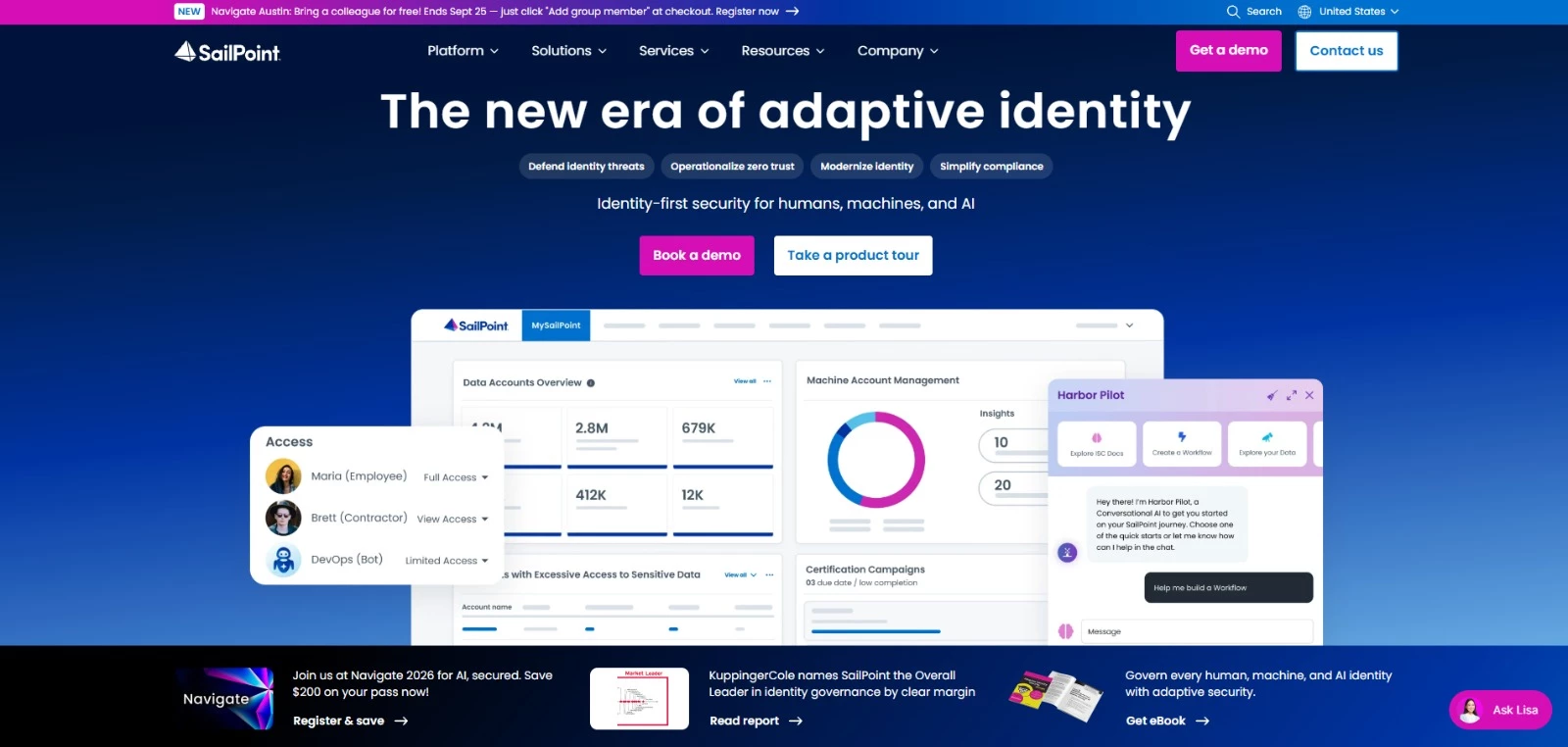
SailPoint helps teams determine who has access to business systems, whether they still need it, and what should change.
Access reviews, approval workflows, and automated account updates keep permissions aligned with employees’ responsibilities as they join, change roles, or leave.
Its governance capabilities also help identify excessive permissions and document access decisions for audits. Broader packages extend coverage to machine identities and AI agents.
Key Capabilities
- Access reviews: Help managers confirm or revoke permissions, with AI-assisted recommendations
- Lifecycle automation: Update accounts and access when employees join, move roles, or leave
- Access requests: Route permission requests through approval policies
- Risk visibility: Identify dormant accounts, excessive access, and conflicting permissions
- Audit reporting: Collect evidence of access decisions and generate compliance reports
Pricing
- SailPoint’s suites require a sales quote
- Standard: Core human identity governance, lifecycle automation, and audit support
- Agentic Business: Extends governance to non-human identities and includes Data Access Security
- Agentic Business Plus: Adds cloud permissions management and Atlas Enterprise for more advanced access controls
Potential Limitations
- Additional licensing: Capabilities such as Non-Employee Risk Management and Access Risk Management are separate add-ons to eligible suites
What Sets SailPoint Apart
Best Buy expanded its workforce by about 20% for the holiday season, then needed to remove seasonal access when that period ends. SailPoint automated provisioning, permissions, and rehire workflows within the retailer’s broader identity setup.
During its seasonal hiring cycle, Best Buy used SailPoint to handle:
- 100,000+ identities
- October onboarding at 419% of its normal monthly average
- Seasonal offboarding at 450% of its monthly average
7. AWS IAM: Best for Controlling Access to AWS Resources and Workloads
For cloud architects, developers, and security teams running applications on AWS
AWS Identity and Access Management (IAM) controls which AWS resources a person or application can use and what actions they can perform.
For example, a policy might let an application read files in a specific storage bucket without allowing it to delete them.
IAM roles provide temporary credentials for applications and services, reducing reliance on long-lived access keys. For centralized employee access to AWS accounts, AWS recommends the separate IAM Identity Center service.
Key Capabilities
- Detailed permissions: Specify allowed actions, resources, and access conditions
- Temporary credentials: Grant time-limited access through IAM roles
- Federated access: Let users access AWS through an existing identity provider
- Permissions boundaries: Set limits on the permissions that identity-based policies can grant to users and roles
- Access analysis: Use IAM Access Analyzer to check policies and identify external or unused access
Pricing
- Core IAM: Available at no additional charge; AWS resources used by your applications are billed separately
- Free Access Analyzer features: External access analysis, policy validation, and policy generation
- Paid Access Analyzer features: Internal access analysis, unused access analysis, and custom policy checks, with charges based on resources, identities, or checks performed
Potential Limitations
- AWS-specific scope: Controls access to AWS resources; broader employee or customer identity needs require other services
- Layered permissions: Policies, permission boundaries, and organization-level restrictions can make effective access harder to troubleshoot
What Sets AWS IAM Apart
FactSet used AWS Organizations to give development teams separate AWS accounts and group them by business unit. Teams could then work independently without disrupting other environments.
With this broader account-management setup, FactSet achieved:
- 5× acceleration in projects onboarded to the cloud
- 10× fewer IAM permission tickets
- 3× fewer stability issues
8. PingFederate: Best for Enterprise Identity Federation
For identity architects connecting multiple directories, applications, and identity providers
When business applications rely on different sign-in systems, PingFederate helps those systems work together.
It uses identity federation to let applications trust authentication performed by another system, supporting SSO for employees, customers, and partners. Connections to existing directories and identity providers let you extend access without replacing your entire identity setup.
Key Capabilities
- Federated SSO: Supports SAML, OpenID Connect, OAuth, and WS-Federation
- Directory integration: Connects existing identity stores and third-party authentication services
- Authentication policies: Adjusts sign-in requirements using user and device context
- Application connections: Supports cloud, on-premises, mobile, and API integrations
- Deployment options: Offers self-managed software and dedicated cloud services
Pricing
- Custom quote: Contact Ping Identity for PingFederate pricing
Potential Limitations
- Additional integrations: Risk-based authentication can require a connection to PingOne Protect or another service supplying risk signals
- Self-managed upkeep: Hosting the software yourself adds responsibility for server maintenance and upgrades
What Sets PingFederate Apart
Tech Data’s partners were coordinating roughly six sets of credentials for separate portals and APIs. Partner companies also lacked a central way to remove departing employees’ access.
Tech Data implemented PingFederate as its authentication gateway, supported by PingDirectory to manage user data and complex business relationships.
Partners could then check inventory, view credit lines, and access connected services with one set of credentials. The project delivered:
- A two-week proof of concept that validated complex account and user-profile scenarios
- Single sign-on for partner applications and connected third-party services
- Centralized user data supporting people with multiple roles, such as reseller and vendor
9. Cisco Duo: Best for MFA and Device Trust
For IT and security teams strengthening employee sign-in and checking device security
Cisco Duo verifies users at sign-in and checks whether their devices meet your security requirements before granting access. You can add it to your existing sign-in system or use Duo Directory and SSO to manage user accounts and application logins.
Key Capabilities
- MFA and passwordless login: Supports Duo Mobile, FIDO2 security keys, and biometric authentication
- Device trust: Checks device security and restricts access based on your policies
- Adaptive authentication: Adjusts sign-in requirements using signals such as location and device health
- Directory and SSO: Manages user accounts and access to connected applications
- Identity intelligence: Identifies risky accounts, security gaps, and suspicious activity
Pricing
- Free: For up to 10 users, with basic MFA
- Essentials: $3/user/month for Duo Directory, SSO, phishing-resistant MFA, passwordless authentication, and trusted endpoint checks
- Advantage: $6/user/month, adding risk-based authentication, Cisco Identity Intelligence, Duo Passport, and session theft protection
- Premier: $9/user/month, adding VPN-less access to private resources and endpoint protection checks
Potential Limitations
- Plan-dependent protection: Risk-based authentication requires Advantage or Premier; endpoint protection checks require Premier
- License increments: Self-service subscriptions sell seats in blocks, which can mean paying for more users than you currently have
What Sets Cisco Duo Apart
Bluebeam Software needed stronger security as its business grew, without adding difficult deployment or maintenance work. It chose Duo for its push authentication, cost, and integration with existing systems, then expanded its use to protect all SaaS applications with Duo SSO.
Bluebeam reported practical improvements for employees and its security team:
- Fewer users locked out of their devices
- Better visibility into suspicious logins
- Access policies based on user role, device, and location
10. Idira PAM: Best for Securing Privileged Accounts
For security teams controlling administrator access to critical systems
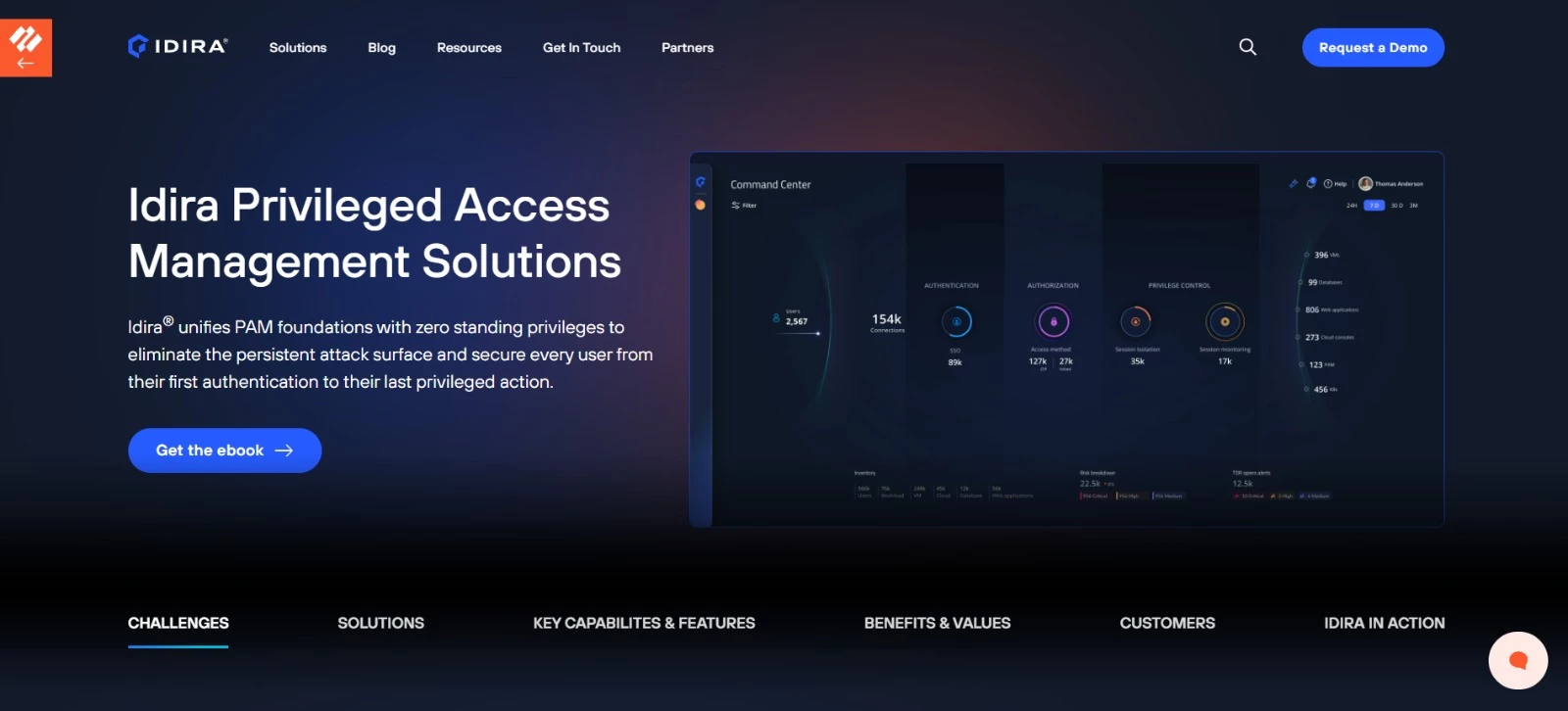
Idira PAM, part of Palo Alto Networks’ identity security offering built on CyberArk, controls access to high-privilege accounts. It stores and rotates sensitive credentials, grants temporary privileges for specific tasks, and records privileged sessions for investigation and auditing.
Administrators can get the access they need without keeping those permissions permanently.
Key Capabilities
- Credential vaulting: Stores privileged credentials securely and rotates them automatically
- Temporary access: Grants privileges when needed and removes them when the task ends
- Session oversight: Isolates, monitors, and records privileged sessions
- Cloud access: Supports controlled access to AWS, Azure, Google Cloud, and Kubernetes
- Vendor access: Provides contractors with browser-based access limited to specific tasks
Pricing
- Contact sales: Custom pricing
What Sets Idira PAM Apart
Maximus needed to replace a heavily customized PAM system that struggled with integrations and complex access requirements.
With a small security team supporting its cloud migration, the company chose Idira Privileged Access Manager and introduced it gradually, starting with domain administrators.
The rollout put tighter controls on privileged access:
- Two weeks to get the initial deployment running
- Around 350 users onboarded during the phased rollout
- Approximately half of users had their access privileges reduced to more appropriate levels
- Eight months to complete enrollment of all Linux administrators, following domain administrators and Windows server coverage
How To Choose the Right IAM Tool
You should start with a specific task your current setup struggles to handle, such as removing a former employee’s access or controlling administrator sessions.
The best identity and access management tools for your business should solve that problem and fit the systems you already use.
| Your Priority | Tools To Consider | What To Check |
| Manage employee access to Microsoft services | Microsoft Entra ID | Existing license coverage and required Conditional Access features |
| Automate access to varied business applications | Okta Workforce Identity | Whether each connector supports account creation, role changes, and removal |
| Set up employee accounts and computers together | JumpCloud | Operating system support and automated device enrollment |
| Add MFA and device checks | Cisco Duo | Supported applications and the plan required for your access policies |
| Build customer registration and login | Auth0 | User-volume pricing, recovery flows, and required customization |
| Host and customize application authentication | Keycloak | Engineering capacity, upgrades, backups, and availability |
| Connect existing directories and identity providers | PingFederate | Federation standards and compatibility with older applications |
| Review permissions and document access decisions | SailPoint | Visibility into specific permissions and support for removing access |
| Control administrator credentials and sessions | Idira PAM | Credential rotation, temporary privileges, and session recording |
| Limit application and service access within AWS | AWS IAM | Role design, temporary credentials, and effective permissions |
Before committing to IAM software, work through these checks:
- Test your actual applications: A connector may support SSO without automating account removal or changing permissions inside the application
- Follow an account through its lifecycle: Demonstrate onboarding, a role change, and offboarding, including what happens to active sessions and separately issued credentials
- Include applications and services: Ask how workload identities authenticate, who owns their credentials, and how unused access is identified
- Inspect the audit evidence: Check whether reports show permissions, approvals, review decisions, and completed access changes
- Price the full setup: Include necessary add-ons, implementation, support, hosting, and ongoing administration
Use a pilot with representative users and applications to confirm these details. Agree on what a successful rollout looks like before expanding it.
Identity and Access Management Tools: Final Thoughts
The right choice depends on whose access you manage and what they need to reach. A workforce sign-in platform, a customer authentication service, and a privileged access tool serve different purposes, even when their features overlap.
Build your shortlist around a specific access problem, verify the integrations, and test the changes your team handles most often. If the rollout involves older applications or complex permissions, an identity and access management specialist can help plan the implementation.

Our team ranks agencies worldwide to help you find a qualified partner to implement the latest AI solutions. Visit our Agency Directory for the Top IT Services Companies, as well as: