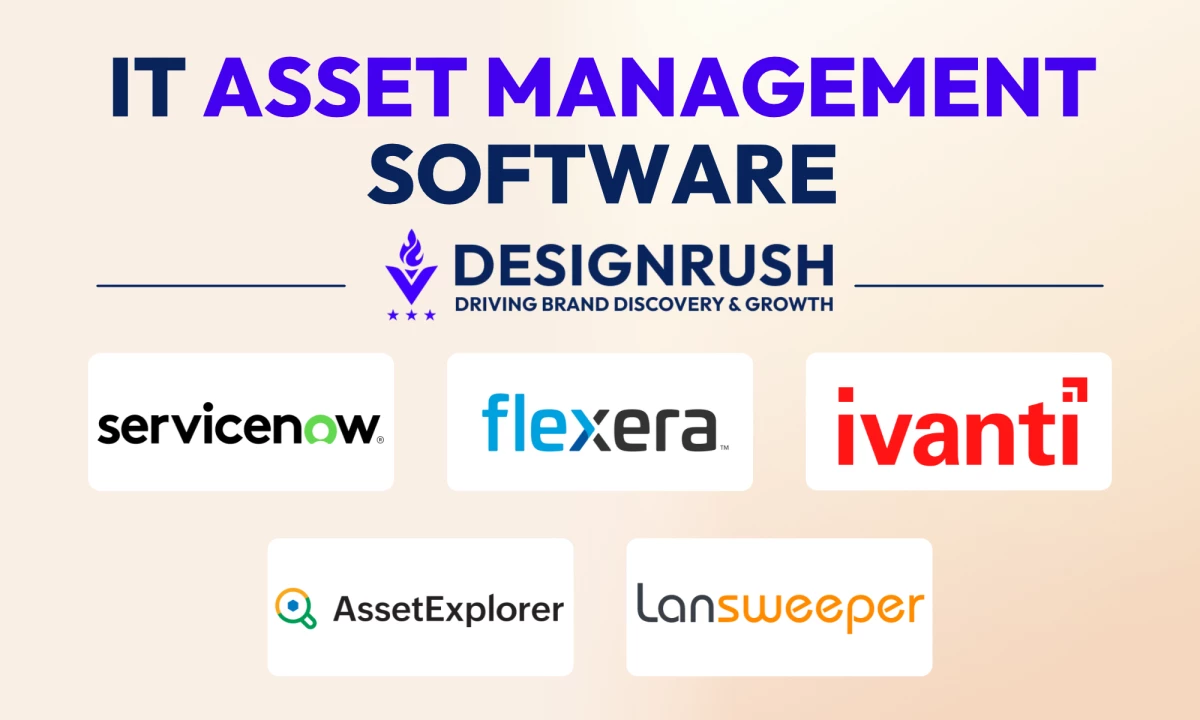

We compared the IT asset management platforms teams shortlist most often in 2026 and looked at how each one handles the two pressures that have reshaped the category: rising software audit activity and the end of Windows 10 support.
IT Asset Management Software: Key Findings
- Pick the platform that matches the service desk already in place. Organizations happy with their current help desk should add a standalone tool instead of migrating tickets.
- Test discovery against real records before signing. Only 36% of organizations report complete visibility across their IT estate.
- Model the total cost at the organization's own asset count. Pricing varies by agent, asset, endpoint, or asset band, so headline prices rarely compare directly.
What Poor Asset Visibility Costs Organizations in 2026
Most organizations now run a mix of laptops, servers, SaaS subscriptions, and AI tools. When asset records fall behind that mix, the result is audit exposure and license spend no one can account for:
- Only 36% of organizations report complete visibility across their IT estate, a figure that declined year over year as AI, SaaS, and cloud environments grew more complex, according to the Flexera 2026 State of ITAM Report.
- Nearly half of organizations (48%) were audited in the past year, and 44% report spending more than $1 million on software audits over three years.
- 59% of organizations report increased wasted AI spend, while only 31% have visibility into AI software.
ITAM vs. SAM, SaaS Management, CMDB, and Fixed-Asset Software
IT asset management (ITAM) software discovers, tracks, and manages hardware, software, and cloud assets throughout their lifecycle. Most platforms combine automated discovery with a centralized inventory that records ownership, licensing, costs, warranties, contracts, and end-of-life status.
Several adjacent categories overlap with ITAM, and buyers often confuse them:
- SAM tools focus on software licenses and entitlements, which makes them a subset of ITAM.
- SaaS management platforms track cloud subscriptions and user access, although they rarely cover physical hardware.
- A CMDB maps how configuration items depend on each other to support incident and change management, while ITAM tracks ownership and cost.
- Fixed-asset accounting software records depreciation for finance teams, although it does not discover devices or software on the network.
Windows 10 ESU Year Two Puts a Price on Every Missing Record
Standard support for Windows 10 ended in October 2025. Since then, many organizations have had to decide whether to upgrade devices to Windows 11 or keep them on paid Extended Security Updates (ESU), until replacement.
Year One ESU costs $61 per device through Volume Licensing, and the price doubles each year for up to three years. Because the program is cumulative, organizations enrolling in Year Two pay $183 per device.
Accurate asset data helps teams make those decisions faster:
- ITAM discovery shows which devices still run Windows 10 and whether each one is on version 22H2, which ESU requires.
- Hardware inventory data shows which systems meet Windows 11 requirements.
- Assignment records show which users and applications depend on each device, which helps teams schedule upgrades with minimal disruption.
- Lease and depreciation data shows whether replacing a device now costs less than keeping it on ESU.
Instead of relying on spreadsheets and manual audits, IT teams can use ITAM software to make informed upgrade and budgeting decisions from a single source of truth.
The right platform depends on an organization's existing IT service management (ITSM) stack and the mix of assets it needs to track.
How We Chose the Top 12 IT Asset Management Tools
Our evaluation focused on the capabilities that most often decide an ITAM purchase:
- We checked how each platform discovers assets across endpoints, servers, network devices, and cloud resources, and whether it supports agentless scanning.
- We assessed license management depth, including entitlement reconciliation and audit preparation.
- We reviewed lifecycle coverage from procurement and assignment through contract tracking and disposal.
- We compared integrations with ITSM, MDM, procurement, and finance systems.
- We noted whether pricing is published and how costs scale as asset counts or technician seats grow.
| Platform | Best For | Platform Type/Deployment | Free Plan | Starting Price |
| ServiceNow ITAM | Enterprises standardized on ServiceNow | ITSM suite / Cloud | No | Available by request |
| Flexera One ITAM | Enterprise license optimization and audit defense | Standalone ITAM / Cloud | No | Available by request |
| Freshservice | Combining ITSM and ITAM in one platform | ITSM suite / Cloud | No (14-day trial) | $49/agent/month (Growth, first plan with asset management) |
| ManageEngine AssetExplorer | Audit readiness and structured governance | Standalone ITAM / Cloud or on-prem | Yes, up to 25 assets | Available by request |
| Lansweeper | Agentless network discovery | Standalone discovery / Cloud or on-prem | Yes, up to 100 assets | €219/month (up to 2,000 assets) |
| Ivanti | Enterprise software asset management | Standalone ITAM / Cloud or on-prem | No | Available by request |
| Device 42 | Hybrid IT and data center environments | Standalone discovery and CMDB / Cloud or on-prem | No (free trial) | Available by request |
| InvGate Asset Management | Scalable ITAM, SMB to enterprise | Standalone ITAM with ITSM companion / Cloud or on-prem | No (30-day trial) | $1,499/year |
| SolarWinds Service Desk | SMB and mid-market ITSM with built-in ITAM | ITSM suite / Cloud | No (30-day trial) | $39/technician/month |
| EZO AssetSonar | Mid-market ITAM with MDM integration | Standalone ITAM / Cloud | No (7-day trial) | $0.75/asset/month (100-asset minimum) |
| NinjaOne | Endpoint management with asset visibility | RMM and endpoint management / Cloud | No (14-day trial) | Custom (about $1.50–$3.75/endpoint/month) |
| Snipe-IT | Free open-source asset tracking | Open-source ITAM / Self-hosted or hosted | Yes, self-hosted | Free (hosting from $399.99/year) |
1. ServiceNow IT Asset Management: Best for Enterprises Standardized on ServiceNow
Consider ServiceNow ITAM if the organization already runs ServiceNow ITSM and wants asset records tied directly to service workflows and the CMDB.
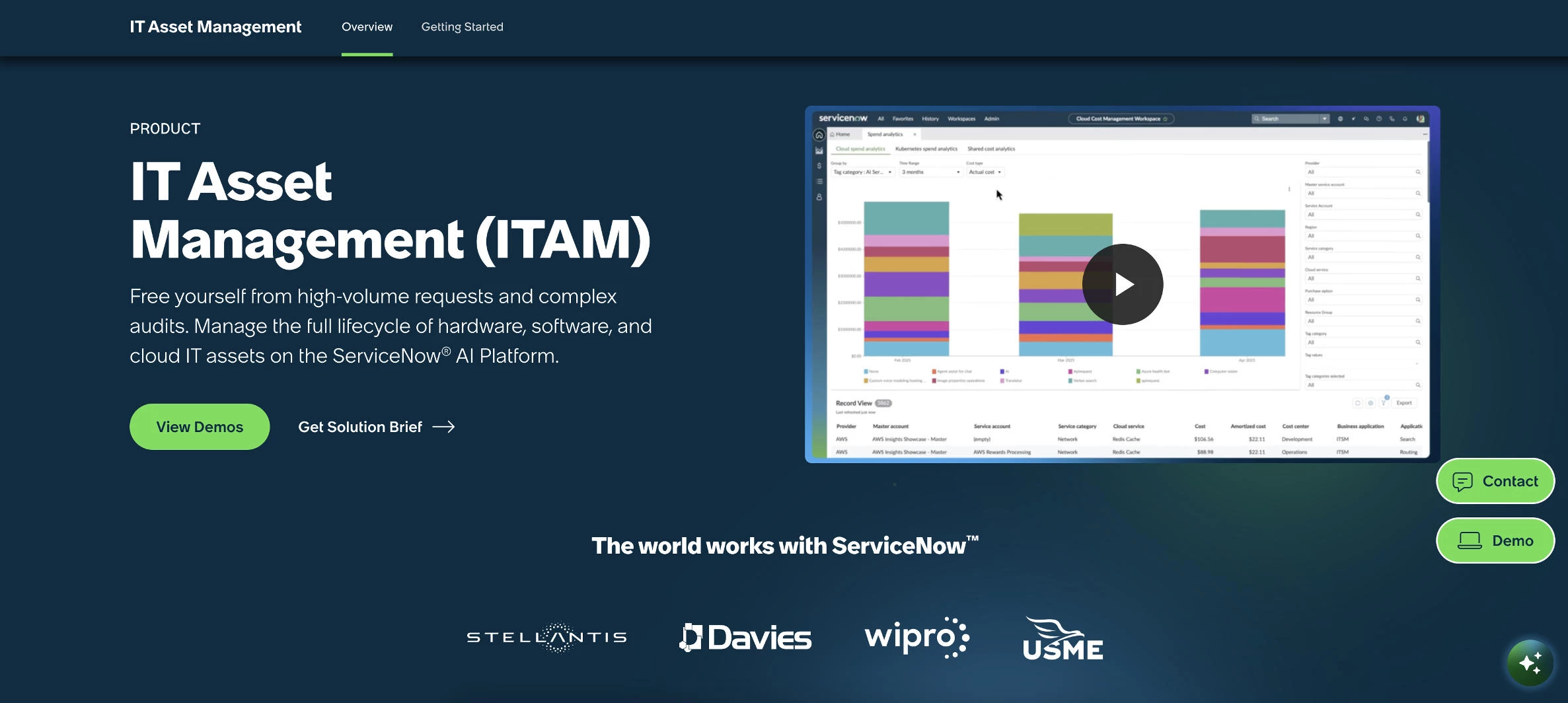
ServiceNow IT Asset Management shares a platform with ServiceNow's ITSM and CMDB products and covers hardware, software, cloud resources, and AI services across the asset lifecycle.
Its Content Library adds end-of-support and end-of-life dates that discovery cannot collect, which helps teams plan Windows 11 hardware refreshes. Publisher packs apply current licensing rules for vendors including Microsoft, Oracle, Adobe, and IBM.
Pros:
- Asset records connect directly to the CMDB and ITSM workflows on a single platform.
- Asset tasks attach to incident and change records, updating asset data automatically when hardware is deployed or retired.
- Publisher packs keep license calculations current for major vendors, including Microsoft, Oracle, Adobe, and IBM.
- The Content Library adds end-of-support and end-of-life dates that network discovery cannot capture.
- A FedRAMP-certified option supports public sector and regulated buyers.
Cons:
- Full hardware and software asset management capabilities go beyond the Asset Management Core included with ITSM.
- Reviewers report an average implementation time of six months.
- Configuration often requires trained administrators or outside consultants.
The platform's main advantage is context. Asset details such as configuration, ownership, and lifecycle status appear inline within ITSM workflows, so agents can see them without switching tools.
ServiceNow also uses AI agents to automate asset tasks from procurement through end of life. This reduces the manual work that typically slows asset teams during large refresh or migration projects.
ServiceNow ITAM suits large enterprises already running ServiceNow ITSM, organizations facing frequent audits from major software publishers, public sector teams that need FedRAMP-certified tooling, and IT departments consolidating several asset tools onto one platform.
Organizations that do not already use ServiceNow will usually find a standalone ITAM tool faster to deploy and easier to justify on cost.
Pricing
- Available by request.
What Users Say
Reviewers praise its link to the CMDB, automatic asset discovery, and the self-service catalog that reduces request volume for IT operations teams. Several users also value its ability to replace separate systems for ticketing, change management, and asset management.
Criticism centers on complexity: the configuration is described as tedious, and training or consultant help is often needed. There is also a steep learning curve during early deployment.
Other Notable Features
- Hardware normalization by manufacturer and model
- Stockroom and consumables inventory management
- Renewals calendar for expiring entitlements and contracts
- Restricted software lists for flagging unauthorized applications
- Cloud spend visibility across multicloud and hybrid environments
2. Flexera One ITAM: Best for Enterprise License Optimization and Audit Defense
Consider Flexera One ITAM if software audits and license spend with major publishers are the organization's biggest asset management risks.
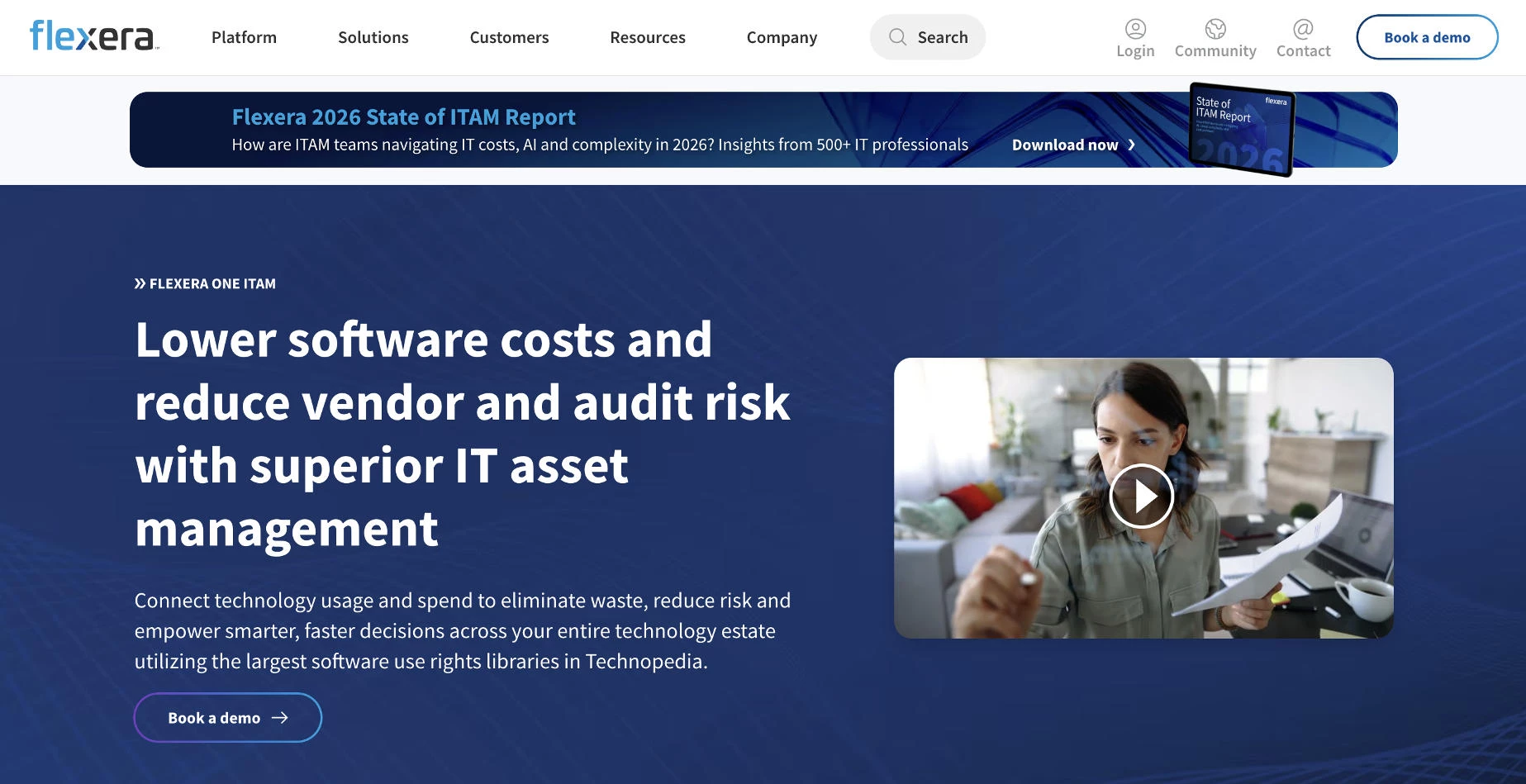
Flexera One ITAM is a SaaS platform built specifically for IT asset management. It optimizes licenses across on-premises, SaaS, cloud, and container environments, and it includes FinOps and SaaS management in the same product.
Its data comes from Technopedia, a reference library covering more than 5 million technology products from over 100,000 vendors, which enriches inventory records with lifecycle and vulnerability data.
Flexera also states that its usage data is IBM-certified and Oracle-verified, which positions it as data those vendors will accept during audits.
Pros:
- License optimization covers on-premises, SaaS, cloud, and container environments in a single platform.
- Technopedia normalizes inventory data and adds end-of-life and end-of-support dates.
- IBM certification and Oracle verification strengthen the organization's position during vendor audits.
- Contract and entitlement ingestion reduces manual data entry for purchase orders and vendor agreements.
- Dedicated hosting regions support local data residency requirements.
Cons:
- Initial setup can be complex, especially when integrating multiple data sources.
- Service desk workflows require integration with a separate ITSM platform such as ServiceNow.
The platform's main advantage is license intelligence. Flexera draws on one of the largest software use-rights libraries available, so it can calculate license positions for complex products from vendors such as Microsoft and Oracle that simpler tools struggle to model.
Flexera also positions the product as independent of the CMDB, so organizations can start optimizing licenses before their configuration data is clean. This shortens time to value for teams whose CMDB projects are still underway.
Flexera One ITAM suits large enterprises with significant Microsoft, Oracle, or IBM spend, organizations that face regular vendor audits, teams that want ITAM and FinOps on one platform, and companies with regional data residency requirements.
Smaller organizations with modest software portfolios will likely find the platform more than they need.
Pricing
- Available by request.
What Users Say
Reviewers praise its single view of software and infrastructure across hybrid environments, which replaces work that was previously spread across spreadsheets, cloud portals, and procurement systems. Users also value its usage dashboards for spotting underused licenses and redundant tools ahead of renewals, along with its data normalization and ServiceNow integration.
Criticism centers on initial setup: configuring the platform and integrating multiple data sources can be complex.
Other Notable Features
- Cloud cost optimization and FinOps tools
- SaaS license management and reclamation
- Visibility into cloud marketplace purchases
- Automated contract data extraction
- IBM Turbonomic integration through Flexera One with IBM Observability
3. Freshservice: Best for Combining ITSM and ITAM in One Platform
Consider Freshservice if the organization needs service desk and asset management in one platform without the implementation effort of an enterprise ITSM suite.
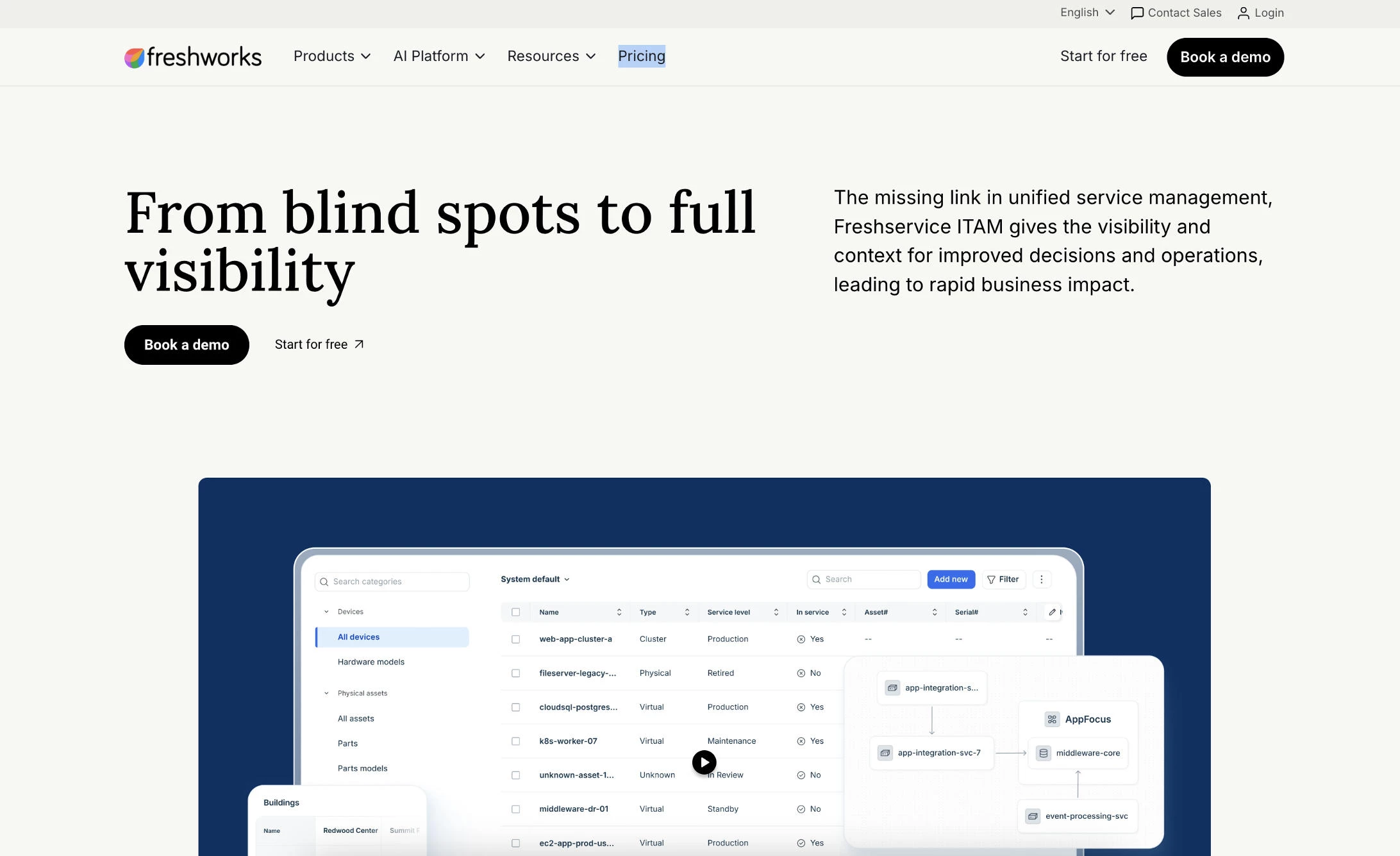
Freshservice is Freshworks' IT service management platform. Its asset management module discovers and tracks hardware and software assets, including cloud resources, and it places that asset data directly in incident and change tickets.
Discovery runs through two tools. The Discovery Agent sends real-time hardware and software data from each computer, while the Discovery Probe scans network devices and servers that rarely move. Assets scanned by both tools are updated only once, so the inventory stays free of duplicates.
Pros:
- Asset records appear directly in incident and change tickets.
- Agent and agentless discovery can run together without creating duplicate records.
- The Discovery Probe integrates with Microsoft SCCM out of the box.
- Contract management centralizes renewal dates and sends reminders before licenses and maintenance agreements expire.
- Published per-agent pricing makes costs easier to estimate than quote-only ITSM suites.
Cons:
- Asset management starts on the Growth plan, and software asset management and contract management require Pro.
- Plans include 100 asset units, and servers are weighted to consume that allowance faster than standard devices.
- Organizations that only need asset tracking pay for service desk features they may not use.
The platform's main advantage is ease of adoption, with an intuitive interface and onboarding wizard that shorten setup compared with enterprise ITSM suites.
The Pro plan extends coverage to software licenses and SaaS applications, including discovery of unsanctioned tools. Freshworks also owns Device42, which handles hybrid IT and data center discovery and is covered separately below.
Freshservice suits mid-size IT teams that want ITSM and ITAM in one platform, organizations moving from email-based support to a structured service desk, buyers who prefer published pricing, and companies that want faster setup than enterprise suites offer.
Enterprises with complex Oracle or IBM licensing will likely need deeper software asset management than Freshservice provides.
Pricing
- Starter: $19/agent/month, billed annually (ticketing only)
- Growth: $49/agent/month, billed annually (includes asset management and 100 asset units)
- Pro: $99/agent/month, billed annually
- Enterprise: Custom
- 14-day free trial
What Users Say
Users praise its intuitive interface and quick implementation, with many pointing to the onboarding wizard. Users also value having ticketing and asset tracking in one centralized platform, especially teams moving away from email-based support.
Criticism centers on flexibility. Some reviewers mention rigid workflows and limited customization, and others describe support quality as inconsistent.
Other Notable Features
- Cloud asset discovery for major public cloud providers
- SaaS management with shadow IT discovery
- Asset relationship mapping in the CMDB
- Purchase order management linked to asset records
- Freddy AI Copilot add-on for agents
4. ManageEngine AssetExplorer: Best for Audit Readiness and Structured Governance
Consider AssetExplorer if the organization needs a dedicated ITAM tool with strong license compliance tracking and a free edition to test before buying.
ManageEngine AssetExplorer is a standalone ITAM platform built for quick deployment across multiple sites. It includes hardware and software discovery, lifecycle workflows, purchase and vendor management, and a CMDB out of the box.
Discovery runs through agent-based and agentless methods across major operating systems. Barcode and RFID scanner support helps teams handle physical asset audits.
Pros:
- A free edition manages up to 25 assets and never expires.
- Always-on license compliance statuses flag gaps before audits.
- Licenses can be auto-allocated as software installations change.
- Purchase order and contract tracking sit alongside asset records.
Cons:
- The wide feature set can create a steep learning curve.
- Service desk workflows require a separate product, such as ManageEngine ServiceDesk Plus.
AssetExplorer's main advantage is compliance depth at a lower entry point than enterprise platforms. It tracks software installations against purchased licenses and flags unauthorized software, giving asset managers audit-ready records without a lengthy implementation.
AssetExplorer suits mid-size organizations preparing for software audits, IT teams managing assets across several locations, companies that need on-premises or cloud deployment, and buyers who want to test a full ITAM tool for free.
Teams that want ticketing and asset management in one product should compare it with ManageEngine ServiceDesk Plus.
Pricing
- Free edition for up to 25 assets
- 30-day free trial for up to 250 assets
- Subscription pricing is available by request
What Users Say
Reviewers praise its automated discovery and license compliance tools, which support cost control and audit readiness. Customizable reports and dashboards also receive positive mentions.
Criticism centers on the learning curve and a mobile app with limited features. Some users also report mixed experiences with support quality.
Other Notable Features
- Visual asset lifecycle workflows
- Purchase order and vendor management
- CMDB for mapping infrastructure relationships
- SAML SSO and two-factor authentication
5. Lansweeper: Best for Agentless Network Discovery
Consider Lansweeper if the priority is finding every device on the network quickly, including unmanaged assets, before expanding into wider ITAM processes.
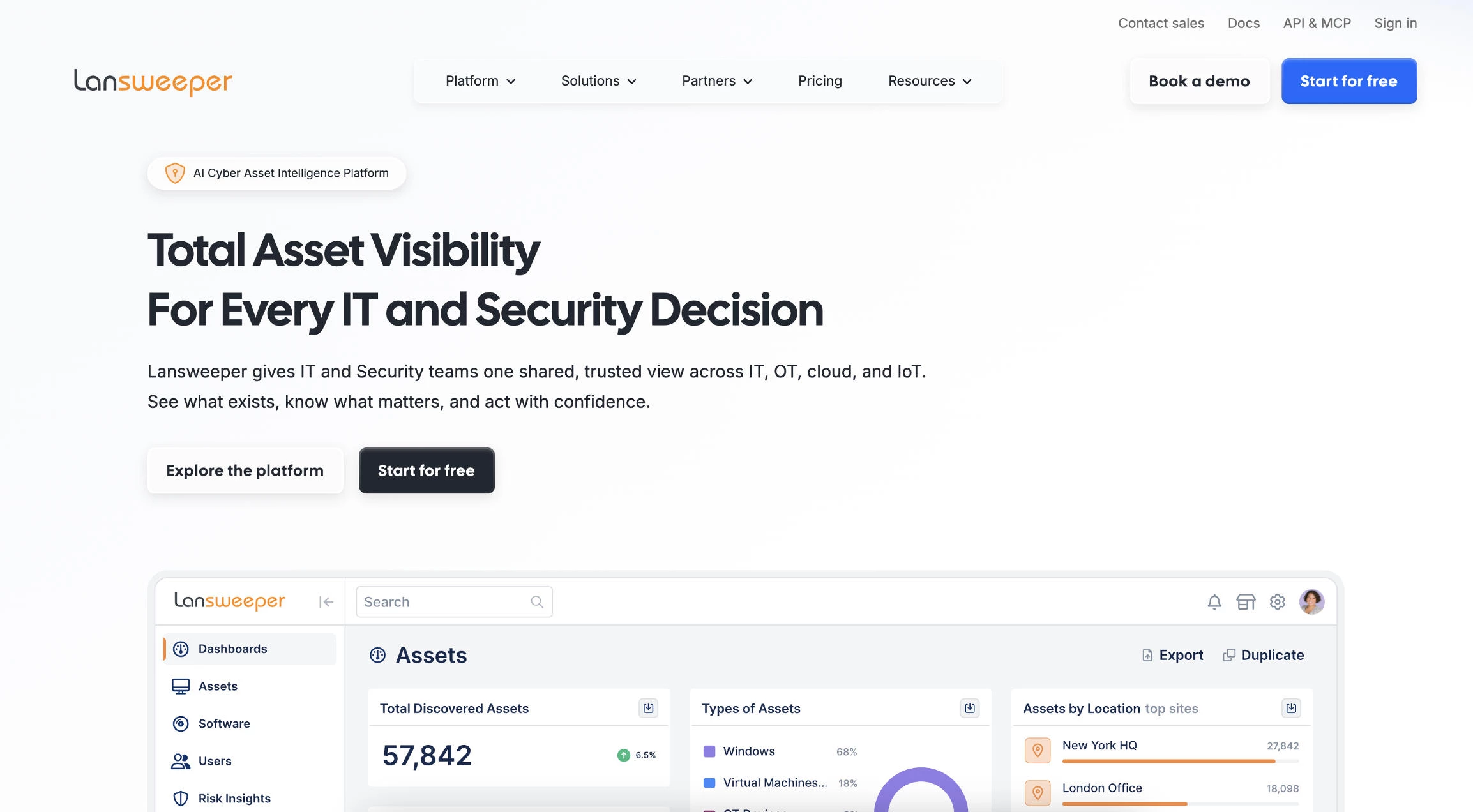
Lansweeper is an agentless-first discovery platform that inventories servers, laptops, virtual and cloud machines, network devices, and IoT assets in one place.
Its Credential-free Device Recognition identifies devices without stored credentials, and prebuilt integrations push asset data into existing CMDB and ITSM tools.
Pros:
- Agentless scanning keeps deployment and maintenance light.
- Credential-free recognition surfaces unknown and unmanaged devices.
- A free plan covers up to 100 assets.
Cons:
- Paid plans start at 2,000 assets, so smaller estates pay for unused capacity.
- Vulnerability and lifecycle insights, including OT discovery, require the Pro plan.
- Contract tracking and license optimization need a separate ITAM or SAM platform.
Lansweeper's main advantage is speed to visibility. Setup typically takes under an hour, and its reports can flag devices by RAM or CPU type, which supports Windows 11 upgrade planning.
Lansweeper suits IT teams building an accurate inventory before a larger ITAM rollout, organizations with OT or IoT devices, companies feeding discovery data into ServiceNow or another ITSM platform, and smaller businesses that prefer agentless deployment.
Pricing
- Free: up to 100 assets
- Starter: €219/month, billed annually (up to 2,000 assets)
- Pro: €399/month, billed annually (2,000–9,000 assets)
- Enterprise: Custom (10,000+ assets)
- 14-day free trial
What Users Say
Reviewers praise its agentless deployment, which leaves fewer components to maintain, and its reporting, which many describe as flexible enough to produce almost any inventory report. Several users also cite cost savings from eliminating redundant tools.
Criticism centers on pricing. Some smaller businesses and larger environments say recent increases make it feel expensive. Others note that scans only capture what Lansweeper can see on the network.
Other Notable Features
- More than 400 prebuilt reports
- Discovery across more than 150 cloud resource types
- OT and IoT device discovery
- Vulnerability matching on the Pro plan
6. Ivanti: Best for Enterprise Software Asset Management
Consider Ivanti if the organization already uses Ivanti for endpoint or service management and wants asset data connected across those tools.
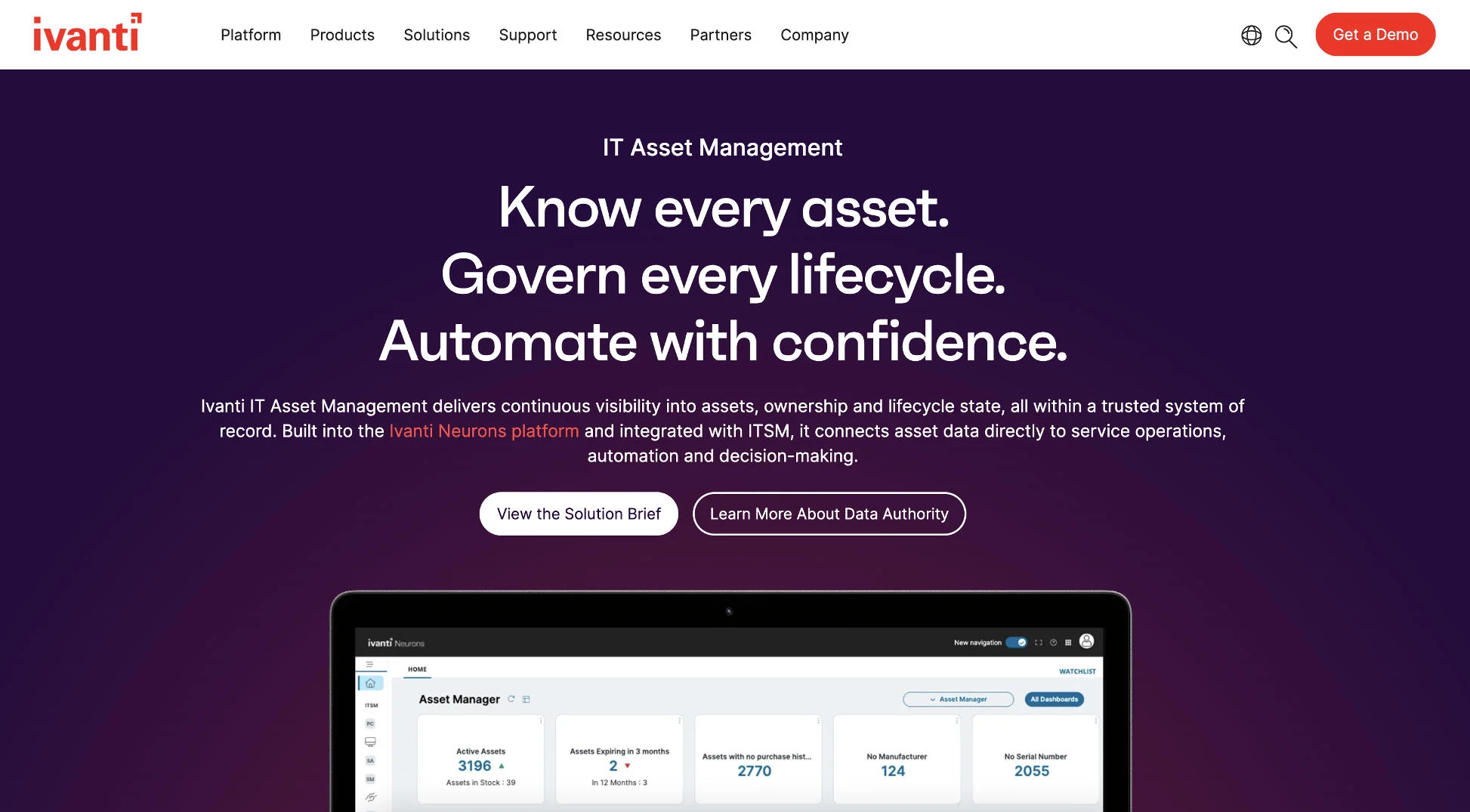
Ivanti tracks hardware, software, virtual, and cloud assets in a single repository, from the initial purchase order through end-of-life disposal.
It imports data from multiple discovery sources, including Ivanti Neurons for Discovery and Ivanti Endpoint Manager, and connects directly to the Ivanti Neurons for ITSM CMDB. Its discovery layer can also reconcile asset data from outside platforms such as AWS and Jamf.
Pros:
- Software license management and usage analytics surface unused applications for reclamation.
- Cost rollups by department link invoices to individual assets.
- Configurable notifications arrive ahead of contract renewals.
- A mobile app supports barcode scanning for physical audits.
Cons:
- Integrating legacy data may require manual adjustments.
- Its strongest value depends on using other Ivanti products.
Ivanti's main advantage is connected data. Asset records flow into ITSM change workflows and a self-service catalog, which reduces service desk volume and shadow IT.
Ivanti suits enterprises already running Ivanti endpoint or service management, organizations preparing for software audits, IT teams that want to reclaim unused licenses, and companies that need cloud or on-premises deployment.
Pricing
- Available by request.
What Users Say
Users describe its automated discovery as reliable, noting that it captures hardware details with minimal manual work, and say its software normalization library saves time during audit preparation. Users also value its tight integration with other Ivanti products, and some report a straightforward onboarding process.
Criticism centers on reporting, which reviewers say has room to grow. Some also note that importing legacy data can require manual adjustments and that the platform still trails ServiceNow in maturity.
Other Notable Features
- Depreciation and disposal management
- Total cost of ownership reporting by department
- Self-service product catalog through Ivanti Neurons for ITSM
- Software recognition library for normalization
7. Device42: Best for Hybrid IT and Data Center Environments
Consider Device42 if the organization needs to map how applications depend on underlying infrastructure before a migration or data center change.
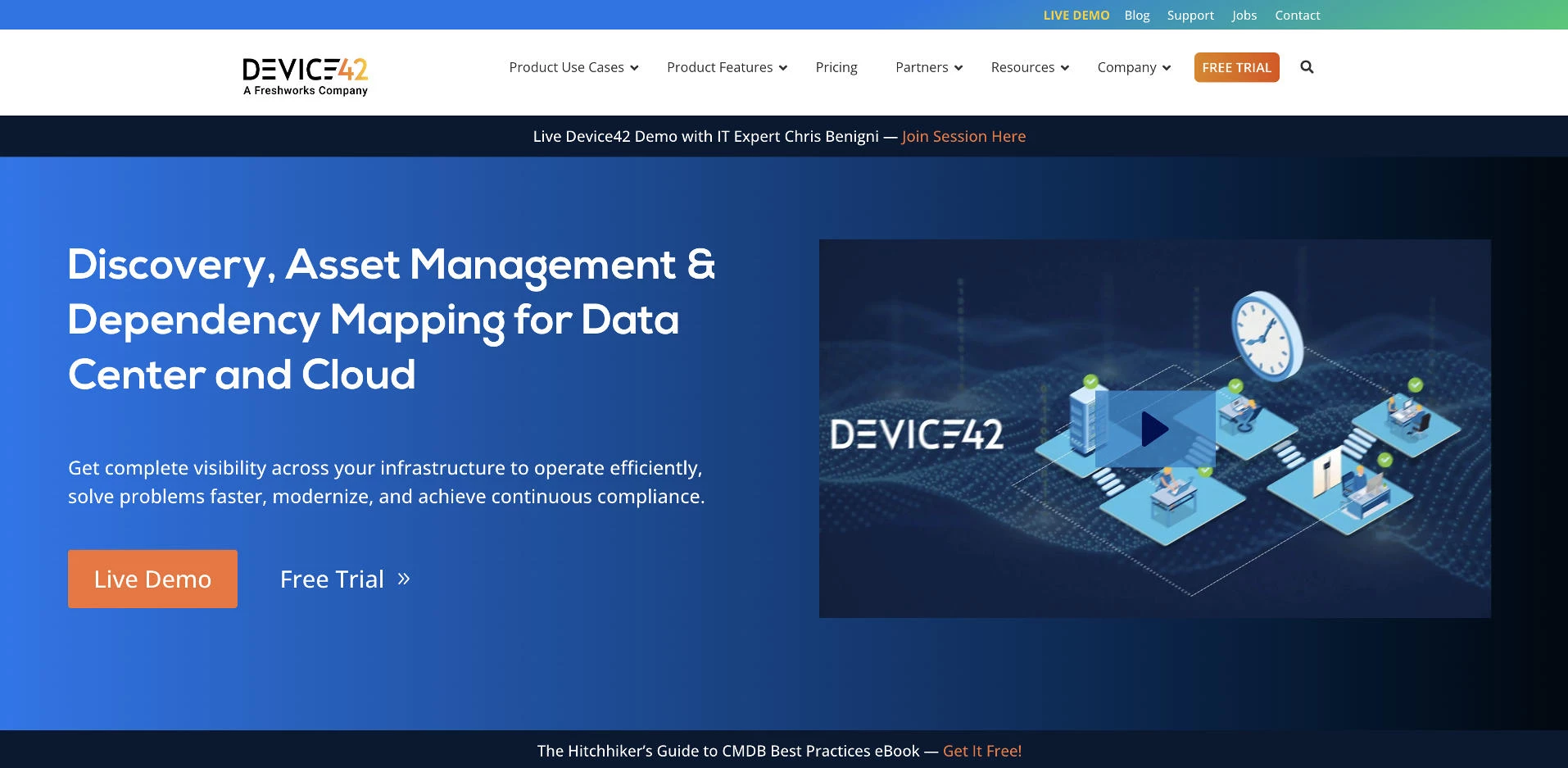
Device42 is an agentless discovery platform that inventories physical and virtual assets, including cloud resources, across on-premises and hybrid environments in one continuously updated repository.
Scheduled scans keep its CMDB current, and application dependency mapping shows which services rely on each server, supporting impact analysis before changes. Freshworks, which also develops Freshservice, owns Device42.
Pros:
- Agentless discovery finds devices without installing software on endpoints.
- Application dependency mapping supports change planning and migration projects.
- The platform combines a CMDB with data center infrastructure management features.
- Visual rack and connectivity views support data center planning.
Cons:
- Pricing is quote-based and scales with the number of managed devices.
- Dependency mapping can slow down in large-scale implementations.
- Its data center focus goes beyond what endpoint-focused IT teams need.
Device42's main advantage is migration readiness. Reviewers who used it during infrastructure migrations say knowing how servers and services connected helped them avoid unexpected downtime.
Device42 suits enterprises running on-premises data centers alongside cloud infrastructure, teams planning cloud or data center migrations, change managers who need impact analysis, and organizations that want an automatically maintained CMDB.
Pricing
- Free trial available
- Paid plan pricing available upon request
What Users Say
Reviewers appreciate its agentless discovery and application dependency mapping, with several calling the dependency charts invaluable for change planning and migration work. Users also highlight its predefined reports and integration with cloud platforms such as Microsoft Azure.
Criticism centers on cost and scale. Some reviewers find pricing high compared with other discovery tools, and others say dependency maps can become slow or difficult to interpret in large environments.
Other Notable Features
- IP address management (IPAM)
- Password and certificate tracking
- REST API for integrations
- Software license tracking
8. InvGate Asset Management: Best for Scalable ITAM, SMB to Enterprise
Consider InvGate Asset Management if the organization wants predictable ITAM pricing and the option to connect asset data to a service desk later.
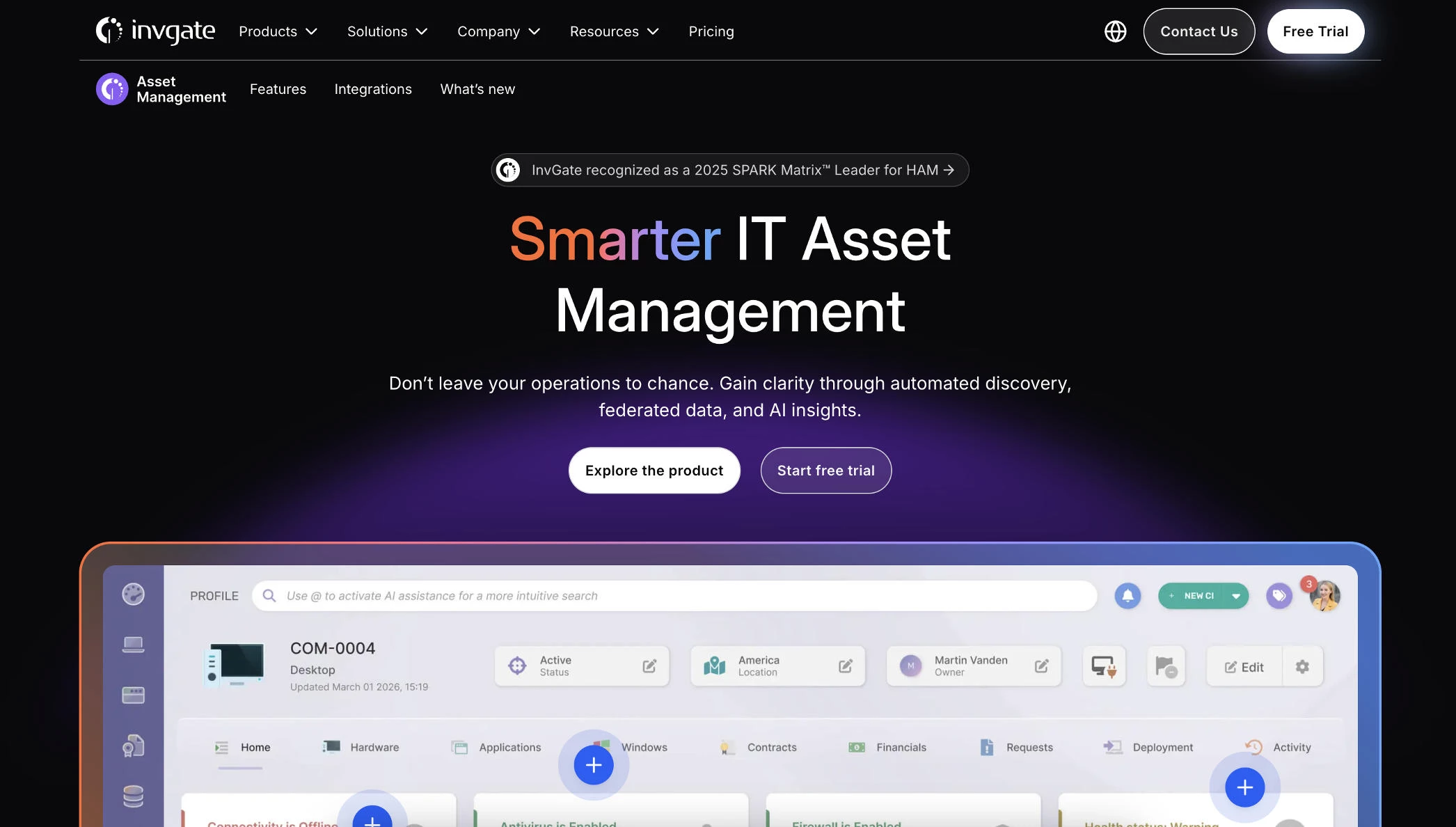
InvGate Asset Management, formerly InvGate Insight, discovers hardware, servers, containers, databases, and cloud services through a lightweight agent, network scanning, integrations, or bulk import.
It tracks contracts and software licenses alongside a CMDB that maps asset relationships. Atlas, InvGate's AI engine, surfaces insights and automates routine tasks.
Pros:
- Multiple discovery methods capture assets wherever they live.
- Core ITAM features are included without separately priced modules.
- Native integration with InvGate Service Management links incidents to configuration items.
- Azure GCC-High integration supports US government agencies.
Cons:
- Reporting and dashboard creation are common weak points.
- Customization options are more limited than those of some competitors.
- Its review base is smaller than those of larger ITAM platforms.
InvGate's main advantage is independence from full ITSM adoption. Teams can start with asset management alone, then connect it to InvGate Service Management or an existing service desk such as ServiceNow.
InvGate Asset Management suits mid-size IT teams that want asset management before a full ITSM rollout, organizations tracking assets across multiple sites, government agencies that need GCC-High support, and buyers who prefer all-inclusive pricing.
Pricing
- Priced by number of IP devices
- Starting at $1,499/year
- 30-day free trial
What Users Say
Users praise its ease of use and quick implementation, and many describe the interface as intuitive. Users also value its unified inventory across physical and cloud assets, along with its automation features and responsive customer support.
Criticism centers on reporting. Several reviewers say building custom reports and dashboards is harder than expected, and some note that customization and integration options are narrower than those of competitors such as Freshservice.
Other Notable Features
- Software metering and normalization
- Software deployment plans
- Remote management
- Health Rules for monitoring asset status
9. SolarWinds Service Desk: Best for SMB and Mid-Market ITSM With Built-In ITAM
Consider SolarWinds Service Desk if the organization wants asset records connected to an ITIL-aligned service desk at a published per-technician price.
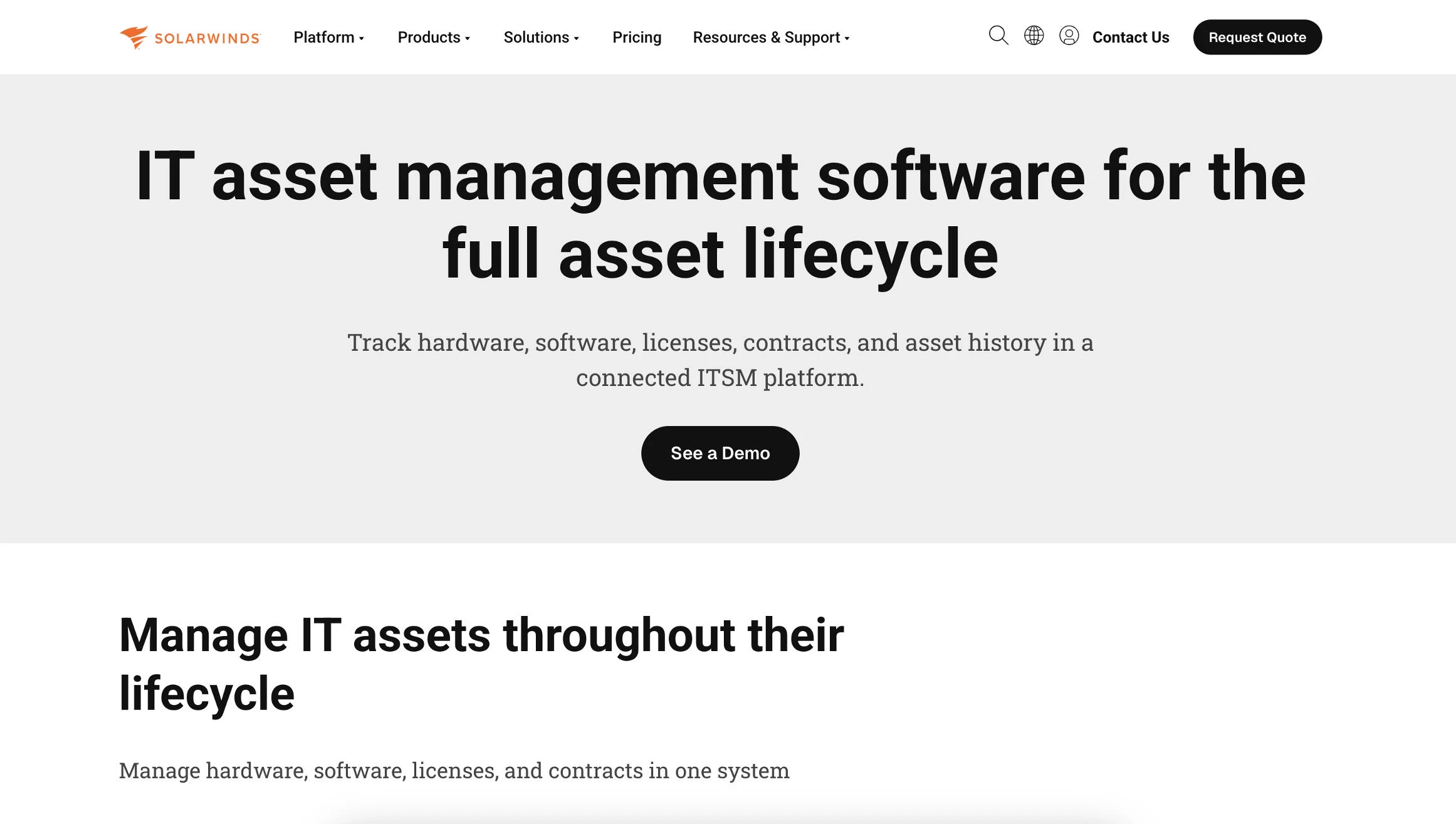
SolarWinds Service Desk is a cloud-based ITSM platform with built-in IT asset management. It stores hardware, software, licenses, contracts, vendors, warranties, assigned users, and locations in one system, along with each asset's ticket history.
Asset records connect to incidents, problems, changes, and releases, so agents can review device details and past incidents while investigating an issue or planning a change.
Pros:
- Asset records link directly to incident, problem, change, and release workflows.
- Contract and warranty records sit alongside asset data for renewal planning.
- Asset history and purchase details support total cost of ownership reviews.
- Published per-technician pricing includes a 30-day free trial.
Cons:
- Costs can rise as teams add extra modules.
- Smaller organizations may find it expensive.
- Hardware property tracking lists support for specific operating systems, so mixed-platform teams should confirm coverage.
SolarWinds' main advantage is ITIL alignment. Asset data follows each ticket through its lifecycle, which helps teams spot patterns across recurring incidents and assess how a change may affect related devices.
SolarWinds Service Desk suits SMB and mid-market IT teams replacing a basic help desk, organizations following ITIL processes, teams that want asset and ticket history in one record, and buyers comparing published per-technician pricing.
Pricing
- Plans from $39 to about $124 per technician per month
- 30-day free trial
- Custom quotes available through SolarWinds sales
What Users Say
Positive reviews mention its incident and ticket management, along with customer support that many describe as responsive. Most users consider its pricing reasonable and flexible, and they value the features included across its scalable plans, with some calling the free trial helpful for evaluation.
Criticism centers on cost as needs grow. Some reviewers say extra modules raise the total price, and smaller organizations may find it expensive.
Other Notable Features
- CMDB for configuration items
- Software license management
- Service level management
- Enterprise service desk for non-IT teams
10. EZO AssetSonar: Best for Mid-Market ITAM with MDM Integration
Consider EZO AssetSonar if the organization already manages devices through an MDM platform and wants that data tied to asset lifecycles and license records.
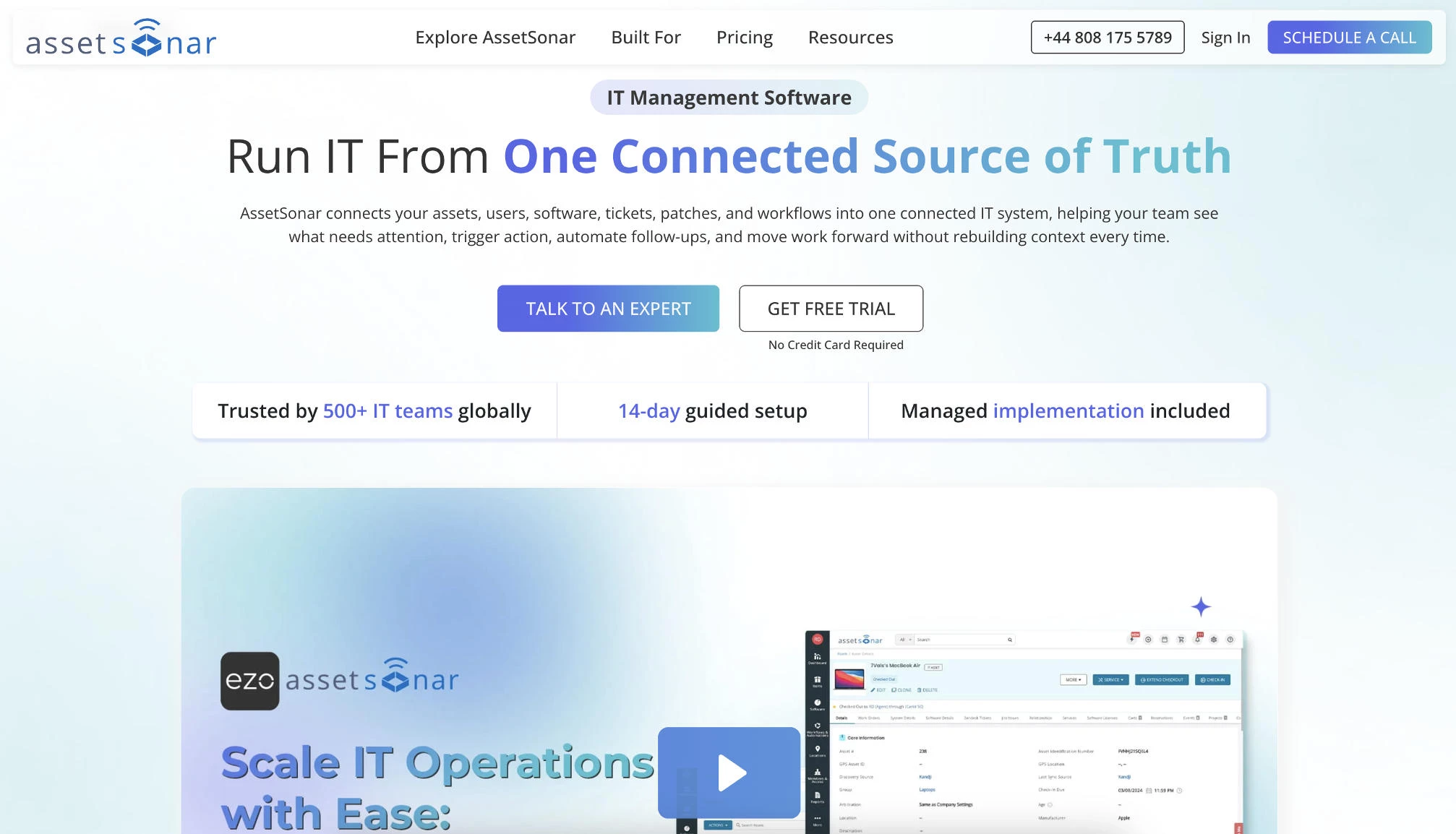
EZO AssetSonar is a cloud-based ITAM platform that brings hardware and software assets, including SaaS subscriptions, into one inventory.
It discovers devices through its ITAM Agent and agentless network scans, and it pulls data from MDM platforms such as Microsoft Intune and Jamf Pro. Overlapping data is reconciled into one device record, which can refresh as often as hourly.
Pros:
- Native MDM integrations extend visibility to mobile devices.
- Overlapping discovery data merges into a single device record.
- Published per-asset pricing makes costs predictable.
- SSO integrations with identity providers such as Okta surface shadow IT and SaaS usage.
Cons:
- Advanced features come with a learning curve.
- It does not replace MDM or UEM platforms.
AssetSonar's main advantage is connecting device management with asset lifecycles. Custody and offboarding workflows sit alongside MDM data, so teams can see who holds each device and when it should be retired.
EZO AssetSonar suits mid-market IT teams running Intune or Jamf, organizations with remote and hybrid workforces, teams tracking SaaS subscriptions alongside hardware, and companies that may want optional ITSM features later.
Pricing
- From $0.75 per asset per month, billed annually
- 100-asset minimum
- 7-day free trial
What Users Say
Reviewers praise its software license management, which helps identify unused licenses and reduce SaaS waste, and its integrations with MDM and service desk tools. Users also highlight responsive support from the EZO team during setup, along with RFID tracking and reporting.
Criticism centers on onboarding. Some reviewers say they needed more guidance during setup, and others note that advanced features take time to learn.
Other Notable Features
- Hardware custody and check-in/check-out
- Barcode and RFID scanning
- Service desk integrations with Zendesk and Jira
- Renewal management for licenses and contracts
11. NinjaOne: Best for Endpoint Management with Asset Visibility
Consider NinjaOne if the organization or MSP wants asset visibility built into daily endpoint management.
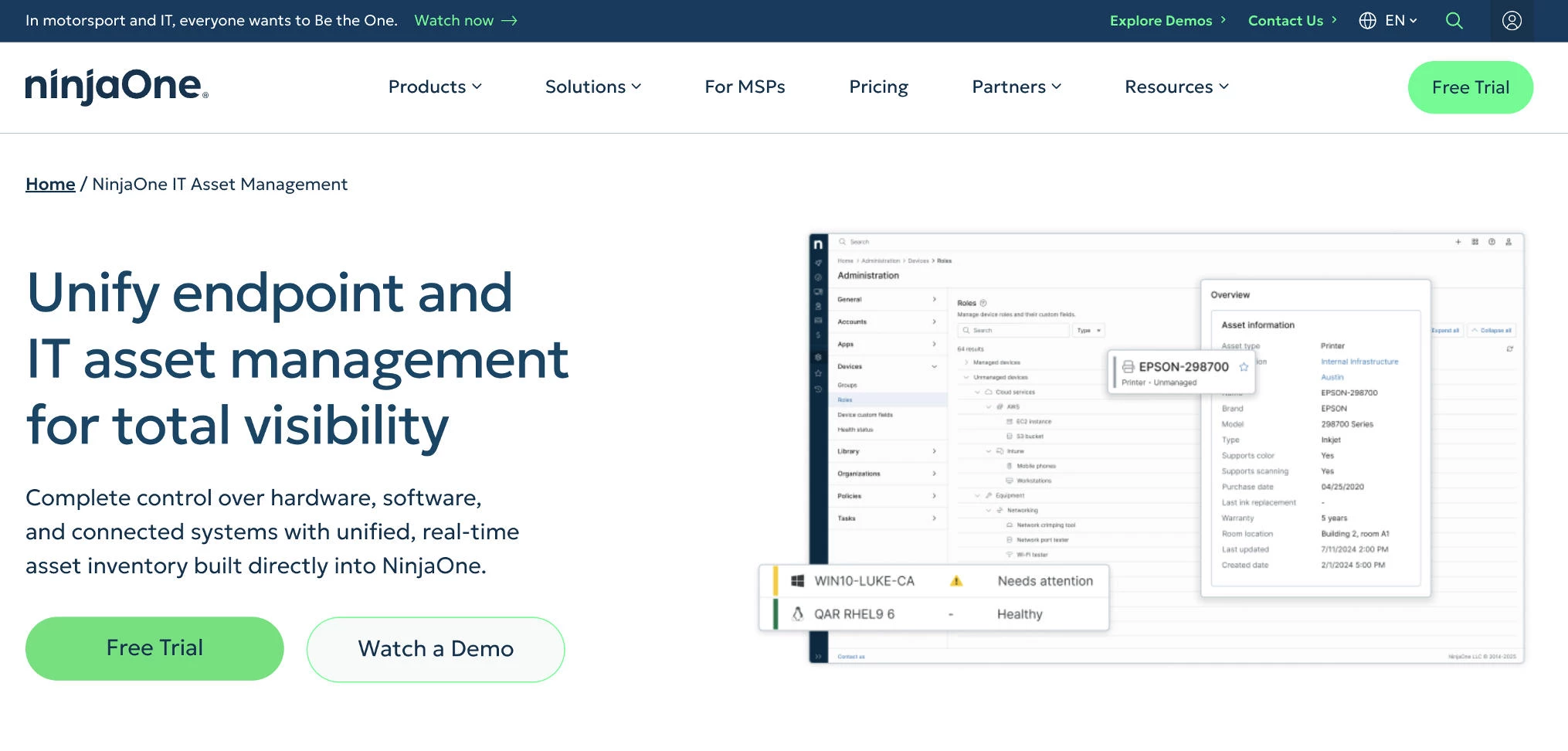
NinjaOne is a cloud-based IT management platform for MSPs and internal IT departments. It combines remote monitoring and management (RMM), patch management, mobile device management, endpoint security, and backup in one interface.
Its agent collects hardware and software inventory from desktop and server endpoints and can also monitor VMware hosts and SNMP network devices. The broader platform adds ticketing and IT documentation alongside asset management.
Pros:
- Multi-tenant management lets MSPs separate clients with per-client policies and reporting.
- Asset inventory updates automatically as agents report from each endpoint.
- Patch management and remote access sit alongside asset data.
- Implementation and support are free.
Cons:
- Discovery depends mainly on its agent.
- License and contract management are lighter than in dedicated ITAM platforms.
NinjaOne's main advantage is consolidation. MSPs can manage every client from one dashboard, and internal IT teams can patch and support devices using the same inventory data.
NinjaOne suits MSPs managing multiple SMB clients, lean internal IT teams that want RMM and asset tracking together, organizations with distributed or remote endpoints, and teams that prefer per-device pricing without per-technician fees.
Pricing
- Custom per-device pricing
- About $1.50–$3.75 per endpoint per month, depending on volume
- 14-day free trial
What Users Say
Users praise its user-friendly interface and easy agent deployment, with many noting they can run scripts on client endpoints without logging into each device. Users also value its reporting, which helps MSPs prepare usage reports for client check-ins and project meetings.
Criticism centers on scripting depth and cost. Some users describe its scripting as basic, and others say add-on modules for backup and advanced features can raise overall costs.
Other Notable Features
- Cloud backup add-on
- Mobile device management
- IT documentation
- Endpoint task automation
12. Snipe-IT: Best for Free Open-Source Asset Tracking
Consider Snipe-IT if the organization needs a free, customizable asset register and has the technical capacity to host and maintain it.
Snipe-IT is a free, open-source ITAM system developed by Grokability and licensed under AGPL-3.0. It tracks assets, software licenses, accessories, components, and consumables, with a full assignment and status history for every asset.
It runs without an agent, so records come from manual entry, imports, barcode scanning, or integrations built on its REST API.
Pros:
- Self-hosting is free, with unlimited assets and users.
- A REST API supports custom integrations and automations.
- Custom fields let teams tailor records to each asset model.
- Managed hosting is available for teams that don't want to run servers.
Cons:
- Automated discovery isn't included, so assets are added manually or through imports and integrations.
- Self-hosted deployments require ongoing server maintenance and security updates.
- There is no official mobile app yet, so field teams rely on third-party clients.
Snipe-IT's main advantage is cost at scale. Unlimited assets and users cost nothing to license when self-hosted, and hosted plans cost less than most commercial ITAM subscriptions.
Snipe-IT suits small IT teams replacing spreadsheets, schools and nonprofits with limited budgets, organizations that require full data ownership, and technical teams that pair it with a separate discovery tool.
Pricing
- Self-hosted: Free
- Basic Hosting: $399.99/year or $39.99/month
- Small Business Hosting: $999.99/year
- Dedicated Hosting: from $2,499.99/year
What Users Say
Users appreciate its ease of use and cost-effectiveness, and many say it covers the core features an asset management tool needs without licensing fees. Users also value its open-source transparency and API access, which support custom integrations.
Criticism centers on maintenance and automation. Reviewers note that self-hosting requires technical skills to keep the server secure and updated, and that the lack of built-in discovery means assets must be entered manually.
Other Notable Features
- Barcode and QR code label generation
- LDAP user sync
- Two-factor authentication
- One-click asset check-in
How To Choose IT Asset Management Software
The right ITAM tool depends on which asset risk costs the organization the most and whether it already runs a service desk worth keeping.
- What problem should the ITAM tool solve first?
- Should the organization choose standalone ITAM or an ITSM suite?
- Can it find every asset the organization owns?
- Does it connect to the existing IT stack?
- Does the team need fast setup or deep configuration?
- What’s the budget, and does a free plan cover it?
1. What Problem Should the ITAM Tool Solve First?
If vendor audits and license spend are the main concern, license intelligence matters most:
- Flexera One ITAM draws on Technopedia's reference library and positions its usage data as IBM-certified and Oracle-verified for audits.
- Ivanti pairs license usage analytics with a software normalization library that reviewers say shortens audit preparation.
- ManageEngine AssetExplorer offers always-on license compliance statuses at a lower entry point than enterprise platforms.
If agents need asset context while resolving tickets, service desk integration matters most:
- ServiceNow IT Asset Management places asset records directly inside ITSM and CMDB workflows.
- Freshservice combines ticketing and asset tracking with published per-agent pricing.
- SolarWinds Service Desk links assets to incident, problem, change, and release records for ITIL-aligned teams.
If the organization can't see everything on its network, discovery matters most:
- Lansweeper uses agentless, credential-free recognition to surface unmanaged devices.
- Device42 maps application dependencies for data center and migration projects.
- ServiceNow's Content Library adds end-of-support dates that help with Windows 11 refresh planning.
2. Should the Organization Choose Standalone ITAM or an ITSM Suite?
ITSM suites build asset management into the platform that already handles tickets and change requests. Standalone ITAM platforms focus on discovery and license optimization, then feed that data into whichever service desk the organization uses.
An ITSM suite fits when:
- Agents need asset details inside incident and change records without switching systems.
- The organization is replacing an aging help desk and can consolidate ticketing and asset tracking in one purchase.
- A smaller IT team prefers managing one vendor and one admin interface.
ServiceNow IT Asset Management, Freshservice, and SolarWinds Service Desk follow this model, and InvGate sells asset and service management as companion products.
Standalone ITAM fits when:
- Heavy Microsoft or Oracle spend requires deeper license calculations than ITSM modules provide.
- The current service desk works well, and the team wants to add discovery or license management without migrating tickets.
- CMDB data is incomplete, and a discovery-led tool can build an accurate inventory first.
Flexera One ITAM, Lansweeper, Ivanti, Device42, ManageEngine AssetExplorer, EZO AssetSonar, and Snipe-IT fall into this group. NinjaOne sits between the two, pairing asset inventory with remote monitoring and endpoint management.
3. Can It Find Every Asset the Organization Owns?
A discovery feature only adds value if it captures the devices that actually create risk, including remote laptops and unmanaged network equipment.
Before signing, IT teams should:
- Run a trial scan and compare the discovered device count against current spreadsheet or MDM records.
- Confirm that laptops working off the corporate network appear in the inventory.
- Check that the tool reports the Windows version and hardware specifications needed for Windows 11 planning.
- Verify how the platform handles duplicates when agent and network scans overlap.
- Ask which discovery features are included in the quoted plan, since some tools reserve capabilities such as OT discovery for higher tiers.
4. Does It Connect to the Existing IT Stack?
A tool with native connectors to the systems already in place will usually outperform a more capable tool that needs custom integration work:
- ServiceNow environments: ServiceNow IT Asset Management works natively, while Flexera One ITAM, Lansweeper, and InvGate can feed asset data into an existing ServiceNow instance.
- Freshworks environments: Freshservice covers the service desk, and Device42 adds data center discovery under the same parent company.
- Intune or Jamf: EZO AssetSonar reconciles MDM data into single device records, and Ivanti can pull asset data from Jamf.
- Ivanti endpoint or service management: Ivanti connects directly to Ivanti Endpoint Manager and the Ivanti Neurons for ITSM CMDB.
- MSPs managing multiple clients: NinjaOne separates clients with per-client policies and reporting.
- Custom or in-house tooling: Snipe-IT's REST API supports tailored integrations and automations.
5. Does the Team Need Fast Setup or Deep Configuration?
Enterprise platforms offer more control in exchange for longer implementations:
- ServiceNow IT Asset Management averages about six months to implement, according to G2 reviewers, and often requires trained administrators.
- Flexera One ITAM can take significant effort when integrating multiple data sources.
- Device42's dependency mapping can slow down in large-scale environments.
Faster-deploying tools trade some depth for speed. Lansweeper setup typically takes under an hour. Freshservice's onboarding wizard shortens implementation, and InvGate reviewers frequently cite quick rollouts.
Deeper license management and customization usually sit on higher tiers or require a dedicated SAM platform.
6. What's the Budget, and Does a Free Plan Cover It?
ITAM pricing follows different models, so the best comparison estimates cost at the organization's current asset count and technician headcount:
- Free: ManageEngine AssetExplorer (up to 25 assets), Lansweeper (up to 100 assets), Snipe-IT (self-hosted)
- Per asset or endpoint: EZO AssetSonar from $0.75/asset/month with a 100-asset minimum, NinjaOne at about $1.50–$3.75/endpoint/month
- Per agent or technician: SolarWinds Service Desk from $39/technician/month, Freshservice from $49/agent/month for plans with asset management
- Flat plans: Snipe-IT hosting from $399.99/year, InvGate from $1,499/year, Lansweeper Starter at €219/month for up to 2,000 assets
- Available by request: ServiceNow IT Asset Management, Flexera One ITAM, Ivanti, Device42, ManageEngine AssetExplorer paid plans

Our team ranks agencies worldwide to help you find a qualified partner to implement the latest AI solutions. Visit our Agency Directory for the Top IT Services Companies, as well as: