
WordPress page builders are visual design tools that let you create and customize page layouts and reduce the need to write code.
Contentsquare’s 2026 benchmark found signs of frustration in more than a third of website sessions, making it clear that usability deserves as much attention as appearance when choosing a WordPress page builder.
The challenge is deciding how much control you need, and how much complexity you can handle. A builder that helps a small business launch quickly can restrict a developer building a custom site.
Here we compare 10 WordPress page builders by cost, free features, AI capabilities, and the projects they suit best.
WordPress Website Design Tools: Key Findings
- Brizy suits beginners, while Oxygen and Bricks offer deeper control for users comfortable with more technical design work.
- Free versions of Elementor and Spectra give you a starting point before deciding whether paid features justify an upgrade.
- Divi’s unlimited-site license and Beaver Builder’s reusable templates make them worth considering for ongoing client work.
Best WordPress Page Builders Compared
The best WordPress page builder for your project depends on what you need to build and who will maintain it. As you narrow your options, check for features and limitations that could affect your choice and pay particular attention to what the starting price includes.
A free version might only cover basic page layouts, while features such as WooCommerce customization or AI assistance require a paid plan or separate subscription. Of course, you might decide that the WordPress block editor is enough for your needs.
| Tool | Best For | Free Version | AI Features | Pricing (starts from) |
| Elementor | Visual Design and AI-Assisted Workflows | Yes | Elementor AI; separate Angie assistant with limited free daily credits | Pro from $60/year for 1 site |
| Brizy | Beginners & No-Code Design | Yes | AI Website Builder included with WordPress PRO | PRO from $69/year for 1 site |
| SeedProd | Landing Pages | Yes, Lite | AI Assistant available at extra cost | Paid plans from $79/year for 1 site |
| Visual Composer | Flexible Visual Customization | Yes | No native AI features confirmed | Premium from $49/year for 1 site |
| Divi | Agencies Building Multiple Websites | No | Divi AI available separately or with Divi Pro | $89/year for unlimited sites |
| Spectra | Extending the WordPress Block Editor | Yes | ZipWP AI website generation in Toolkit + AI bundles | Pro from $69/year for 3 sites |
| Oxygen Builder | Advanced Developer Control | No; demo available | Connects to compatible AI assistants through MCP | $199.50 one-time for unlimited sites |
| Thrive Architect | Conversion-Focused Websites | No | No native AI generation confirmed | $199/year for 1 site |
| Beaver Builder | Repeatable Client Builds | Yes, Lite | Beaver Builder AI included from Plus | Free; paid plans from $89/year for 1 site |
| Bricks Builder | Visual development with dynamic content | No; online playground available | AI-assisted editing through MCP-connected assistants | $79/year for 1 site |
Note: Prices are in USD. Annual prices reflect standard rates where established; introductory discounts may apply. AI features aren’t necessarily included in the starting plan.
1. Elementor - Best for Visual Design and AI-Assisted Workflows
Elementor is a WordPress page builder with a visual drag-and-drop editor for creating and customizing page layouts. Its free plugin covers basic page design, and Elementor Pro adds features like a theme builder for customizing headers, footers, and other site elements.
Angie AI is Elementor’s agentic AI assistant for WordPress to create pages and manage site tasks through conversational commands. Angie works directly inside the WordPress dashboard (with or without the Elementor editor) to turn prompts into actions, from building custom Elementor widgets to updating WooCommerce products.
Pros
- Visual drag-and-drop page editing, with a free version available
- Automates complex, multi-step WordPress workflows through Angie
- Works across design, content, code, and eCommerce
- Integrates deeply with Elementor and major plugins
- Speeds up site management for agencies and freelancers
Cons
- Advanced design and eCommerce features require higher-tier Elementor plans
- Angie remains in beta, and its free plan has daily usage limits
Pricing
- Essential: $60/year for 1 website, including Theme Builder.
- Advanced Solo: $84/year for 1 website, adding WooCommerce and Popup Builders.
- Advanced: $108/year for up to 3 websites.
- Elementor One: $180/year for 1 website, including 25,000 monthly AI credits and optimization tools
- Agency tiers: $204–$444/year, covering 25 to unlimited websites depending on the plan
Angie acts as a context-aware AI engine powered by Model Context Protocol (MCP) technology.
That means it understands your site’s structure, including pages, plugins, products, and templates, and can carry out tasks using that context, with changes available for review and approval.
Used alongside Elementor’s visual editor, Angie lets users build custom functionality and manage WordPress site tasks through conversational prompts.
Even in its beta phase, Angie already delivers powerful automation for creators, agencies, and businesses looking to save time and work smarter.
2. Brizy WordPress Page Builder - Best for Beginners & No-Code Design
Brizy’s WordPress plugin is an intuitive, no-code builder designed for users of all skill levels. It offers pre-made blocks and customizable templates to give you a running start on nearly any type of website.
Brizy’s AI Website Builder turns a few details about your business into a first draft of your site, giving you something concrete to work with from the outset. Included with Brizy WordPress PRO, it lets you take over in the drag-and-drop editor to make the design your own.
The editor supports global styling, responsive controls, and integrated form and marketing elements to help you quickly and easily build landing pages, small business sites, blogs, and promotional pages.
And all of this comes packaged in a clean, beginner-friendly workflow that keeps setup and customization straightforward without sacrificing flexibility.
Pros
- Simple to learn and use
- Pre-made designs and templates you can customize
- Provides comprehensive documentation and tutorials
- AI website generation included with WordPress PRO plans
Cons
- AI website generation isn’t included in the free plugin
- Theme building and WooCommerce customization require PRO
Pricing
- Free version available with basic features and non-premium designs
- Personal: $69/year for 1 website
- Freelancer: $119/year for 25 websites
- Agency: $239/year for 50 websites
- White Label: $359/year for 100 websites
- Enterprise: Custom
Brizy WordPress runs on your own WordPress hosting. Brizy Cloud is a separate hosted platform, so its hosting and publishing options shouldn’t be confused with what the WordPress plugin includes.
3. SeedProd - Best for Landing Pages
SeedProd helps you build a dedicated page for your next campaign without redesigning your whole WordPress site. Its user-friendly drag-and-drop page builder lets you quickly create sales or signup pages without writing code. Coming soon and maintenance modes also let you control what visitors see while your site is under development.
Pros
- Easy to use
- Landing page templates and 90+ Pro blocks on paid plans
- Free Lite version for basic landing pages and maintenance mode
Cons
- Basic excludes email marketing integrations
- WooCommerce features require Elite
- AI Assistant costs extra
Pricing
- Free Lite version available
- Basic: $79/year for 1 website
- Plus: $199/year for 3 websites
- Pro: $399/year for 5 websites
- Elite: $599/year for 100 websites
Basic may cover the page itself, but connecting signup forms to your email marketing platform requires Plus or higher.



4. Visual Composer: Best for Flexible Visual Customization
Visual Composer gives you control over the details that make a website feel custom. You can adjust spacing for different screen sizes or add video backgrounds and parallax effects through its visual design controls.
Its Premium Theme Builder extends that control beyond individual pages. You can create custom headers and footers, then build reusable layouts for posts and archive pages rather than relying on your theme’s defaults.
Pros
- Easy to use
- 200+ templates and 300+ content elements with Premium
- Reusable layouts and dynamic content through the Premium Theme Builder
Cons
- The free version is limited to 30 elements and 10 templates
- WooCommerce support and the popup builder require Premium
Pricing
- Free version available
- Single: $49/year for 1 website
- Plus: $99/year for 5 websites
- Accelerate: $149/year for 20 websites
- Agency: $349/year for 1,000 websites
- Lifetime: $149 one-time for 1 website, including lifetime updates and 2 years of support
The paid annual plans offer the same core Premium features, so your choice largely depends on how many websites you manage. For one website, the lifetime license lets you pay once, but support ends after two years.
5. Divi - Best for Agencies Building Multiple Websites
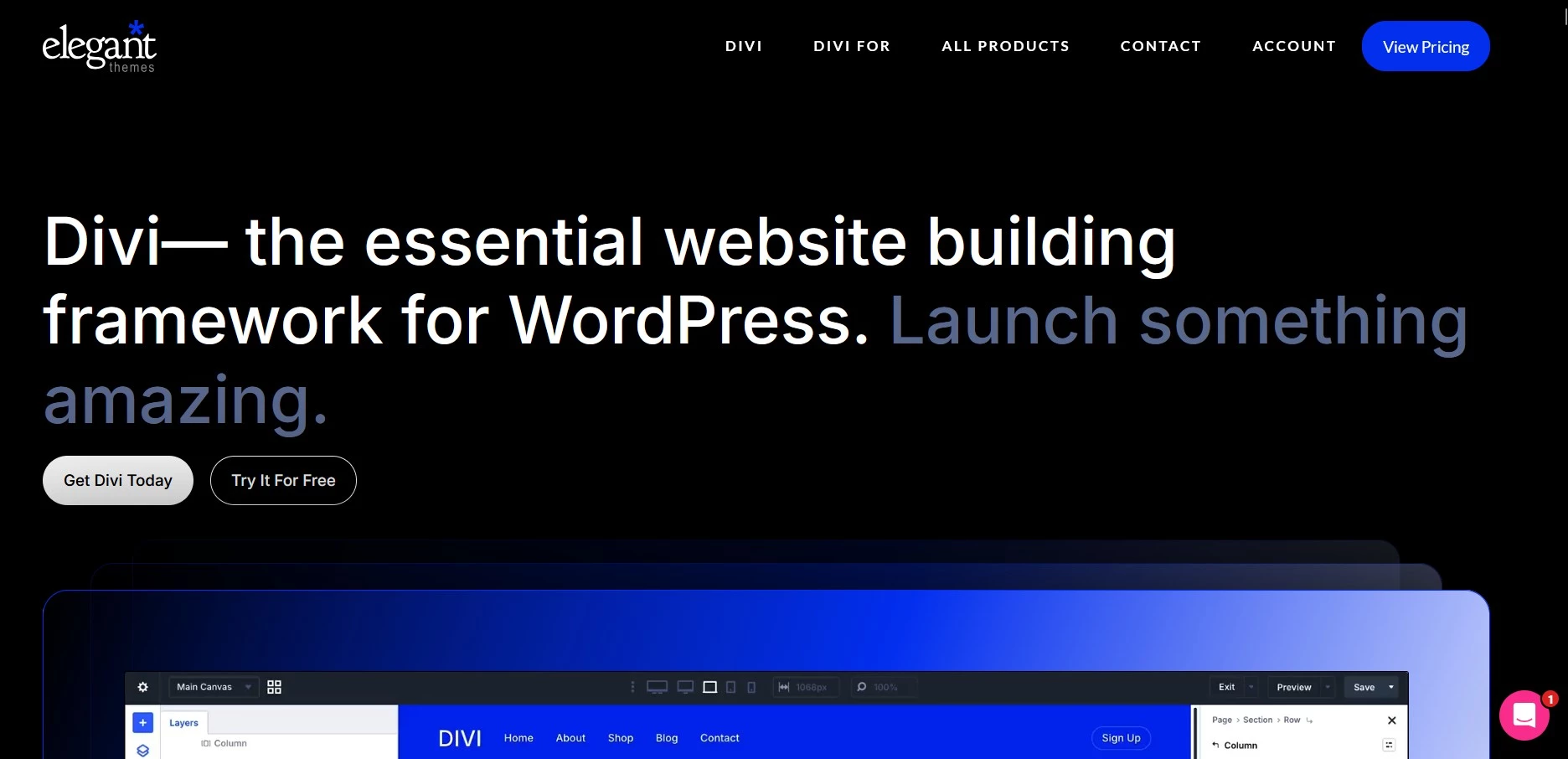
One Divi license covers unlimited websites, making it a practical choice for agencies managing multiple clients. It’s available as a WordPress theme with an integrated visual builder, or as a separate page-builder plugin to use with another theme.
It has hundreds of layout packs for different websites, so you can easily find a starting point that suits your needs. Reusable designs help teams avoid rebuilding familiar page sections for every client.
Divi AI adds website generation and content editing within the builder. It’s available separately or through Divi Pro, which also bundles cloud storage for design assets and team collaboration tools.
Pros
- Unlimited website usage, including client sites
- Many customization opportunities
- Reusable layouts and WooCommerce design tools
- Lifetime license available for the core builder
Cons
- No permanent free version
- Divi AI requires an additional subscription or Divi Pro
- Older third-party modules may need compatibility mode when migrating to Divi 5
Pricing
- Divi: $89/year for unlimited websites
- Divi Pro: $277/year for unlimited websites (including AI and additional services)
- Divi Lifetime: $249 one-time for unlimited websites (AI and other Pro services aren’t included)
Agencies should consider whether they need the builder alone or enough Pro features to justify the extra cost. The lifetime license includes ongoing builder updates and support, but it doesn’t provide lifetime access to Divi AI.
Divi’s standalone builder plugin lets you keep your existing WordPress theme. Its unlimited-site license can also make it cost-effective for agencies building several client websites.
6. Spectra - Best for Extending the WordPress Block Editor
Spectra is a practical starting point for beginners who want more design options within the WordPress block editor. Its free version lets you build custom page layouts without learning a separate editing interface.
Pro adds advanced features such as dynamic content, which pulls information from posts or custom fields into your designs. AI website generation is available through ZipWP in the Toolkit + AI bundles.
If you’re watching your WordPress costs, you can get started with Spectra for free and decide later whether you need the paid extras.
Pros
- Fast and stable
- Free core blocks and design controls
- Dynamic content and custom post layouts with Pro
Cons
- Dynamic content and the Loop Builder require Pro
- Premium patterns and site kits require a Toolkit upgrade
Pricing
- Free version available
- Spectra Pro: $69/year for up to 3 websites
- Essential Toolkit + AI: $299/year for up to 10 websites
- Business Toolkit + AI: $429/year for up to 1,000 websites
The free version is a good starting point for a blog or small business website, and you can upgrade when you need specific Pro features. But the broader Toolkits make more sense if you’ll also use their bundled products and AI tools.
Spectra’s ready-made templates give you a starting point for a blog or business website, so you don’t have to design every page from scratch. Choose a layout that suits your project, then adapt it to your content and brand. Some premium templates require a Toolkit plan.
7. Oxygen Builder - Best for Advanced Developer Control
Oxygen Builder is a powerful toolkit for building custom WordPress websites. It combines visual editing with direct access to HTML, CSS, and JavaScript, giving developers room to go beyond preset layouts.
You can create reusable components and control how content from custom fields appears across your site, making Oxygen useful for things like property listings or directories, where many pages share a design with different information.
Oxygen also supports connections to AI assistants through Model Context Protocol (MCP). This lets a compatible assistant work with the builder’s elements, while you retain the option to edit them manually.
Pros
- Gives a lot of control over your site creation
- Reusable components and custom-field integrations
- Unlimited site license
- Lifetime updates and support included
Cons
- Has a learning curve
- Some knowledge of CSS helps you get more from its design controls
- Connected AI services may involve separate costs
Pricing
- Lifetime license: $199.50 one-time for unlimited websites
- Free demo available; 60-day money-back guarantee
Oxygen’s drag-and-drop editor lets you build custom layouts visually, with access to code when you need finer control. Knowing some CSS will help you get more from it.
8. Thrive Architect - Best for Conversion-Focused Websites
Thrive Architect helps you build WordPress pages that encourage visitors to sign up or buy. Its drag-and-drop editor offers landing page templates and tools such as signup forms, while letting you keep your existing theme.
Add Thrive Optimize to test different versions of a page and see which gets better results.
Pros
- User-friendly
- Ready-made landing page templates and conversion-focused elements
- Works with your existing WordPress theme
Cons
- A/B testing requires Thrive Optimize
- Full theme customization requires the separate Thrive Theme Builder
Pricing
- Thrive Architect: $199/year for 1 website
- Architect + Optimize bundle: $399/year for 1 website
- Thrive Suite: $599/year for 5 websites, including Architect, Optimize and Theme Builder
Start with Architect for marketing pages, adding Optimize for A/B testing or choosing Thrive Suite if you need more marketing tools.
9. Beaver Builder: Best for Repeatable Client Builds
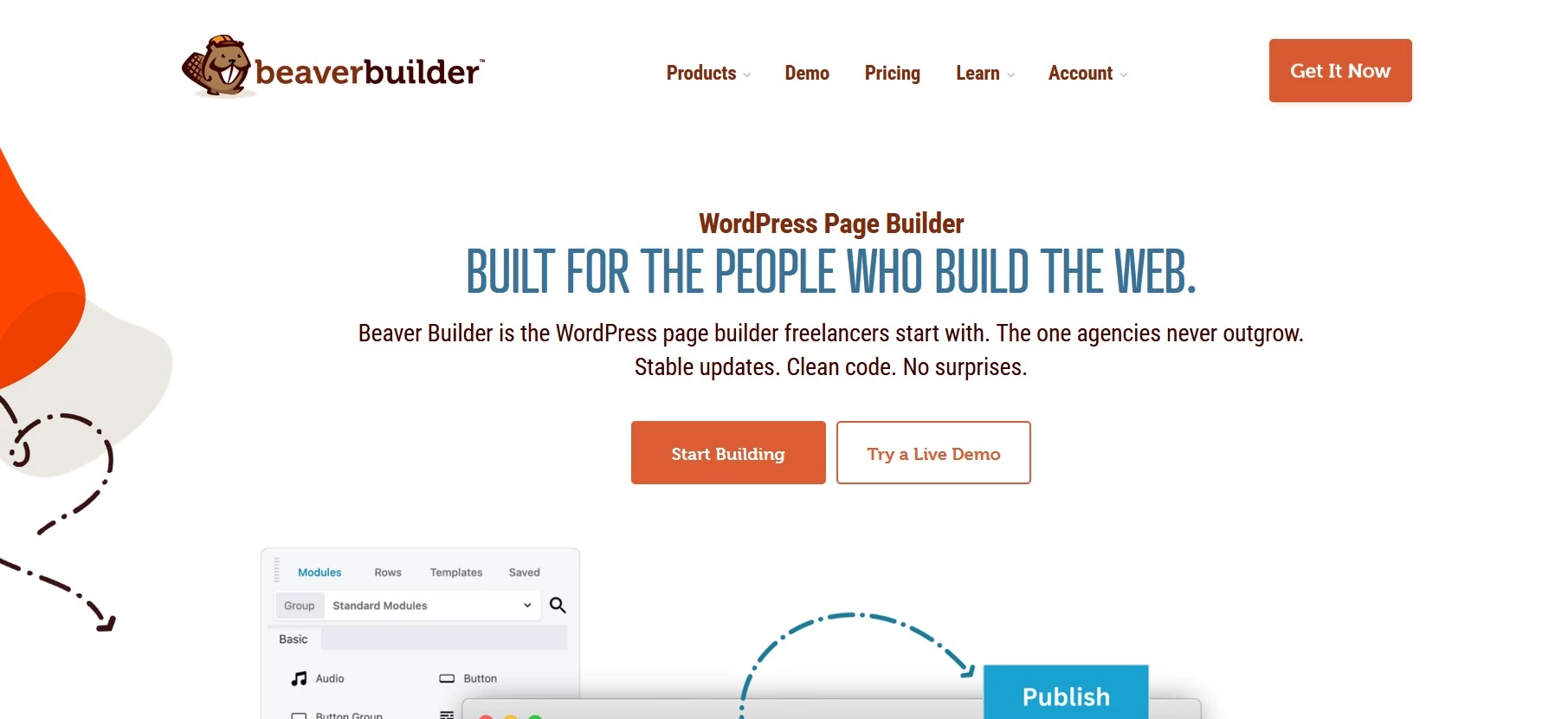
Beaver Builder helps freelancers and agencies reuse their best work across client projects. You can save a page layout or section as a template, then adapt it for the next website instead of starting from scratch.
Reusable components also let you protect the design while leaving chosen content editable, which also gives clients room to make updates without changing the layout.
All paid plans include Beaver Themer for designing areas such as headers and footers. Beaver Builder AI is included from the Plus plan.
Pros
- Reusable templates for recurring client work
- Controls that separate editable content from fixed design
- Beaver Themer included in every paid plan
Cons
- Starter is limited to one website and excludes Beaver Builder AI
- White labeling requires the Unlimited plan
Pricing
- Free Lite version available
- Starter: $89/year for 1 website
- Plus: $179/year for 3 websites
- Professional: $299/year for 50 websites
- Unlimited: $546/year for unlimited websites
Beaver Builder is worth considering if you regularly build similar types of websites and want a simpler handover to clients.
10. Bricks Builder: Best for Visual Development With Dynamic Content
Bricks helps you design pages around the content your site holds. For a property directory, for example, you can create one listing layout and automatically fill it with each property’s details.
Its Query Loop Builder controls which content appears, while built-in filters help visitors narrow their search. It also connects to custom-field tools such as Advanced Custom Fields and Meta Box.
Bricks installs as your WordPress theme, so using it means replacing your current theme.
Pros
- Flexible layouts powered by posts and custom fields
- Built-in content filtering and live search
- All features included in every paid plan
Cons
- Requires switching to the Bricks theme
- Advanced content setups take time to learn
- No permanent free version
Pricing
- Free online playground available
- Starter: $79/year for 1 website
- Business: $149/year for 3 websites
- Agency: $249/year for unlimited websites
- Ultimate Lifetime: $599 one-time for unlimited websites
Bricks is worth considering for directories or other sites with many entries that share a layout. Every plan includes the WooCommerce Builder, so you don’t need a higher tier to design store pages.
How To Choose the Right WordPress Page Builder
Always start with what your website needs to do, and decide early on who will update it after launch. The right builder should make that work easier without adding costs or complexity you can do without.
- Match the builder to the project: A campaign landing page has different requirements from an online store or property directory. Identify your essential features before comparing plans.
- Try the editor yourself: Use a free version or demo to build a sample page, then check it on mobile. If routine edits feel awkward, maintaining a whole site will be harder.
- Check the full cost: Look beyond introductory prices to renewal rates and website limits. Confirm whether features such as A/B testing or AI assistance cost extra.
- Consider your existing setup: Check compatibility with the plugins you rely on and whether the builder requires replacing your current theme. Test major changes on a staging site first.
- Plan for the handover: If clients or colleagues will maintain the site, look for reusable layouts and editing permissions that let them update content without disrupting the design.
If you haven’t committed to WordPress yet, consider how WordPress compares to other website builders before choosing a page builder.
Other Tools Worth Having in Your WordPress Stack
Page builders handle the build, but a couple of supporting tools can help you plan your site and test changes.
Figma for Design and Prototyping
Figma gives teams a shared space to explore page layouts and gather feedback before building in WordPress. Clickable prototypes help clients see how visitors will move through the site, making it easier to agree on a design before development starts.
LocalWP for Local Development and Testing
LocalWP lets you run WordPress on your computer, giving you somewhere to try a builder or work on a redesign without changing your live site. It’s useful for experimenting, though you should still test on your hosting environment before launch.
WordPress Page Builders: Key Takeaways
Brizy suits beginners, while Spectra extends WordPress’s familiar block editor. Oxygen and Bricks offer deeper design control; Divi and Beaver Builder are worth considering for ongoing client work.
Try free options before paying, and check what upgrades actually unlock. AI features and eCommerce tools may cost extra, while introductory prices can rise at renewal.

Our team ranks agencies worldwide to help you find a qualified partner to implement the latest AI solutions. Visit ourAgency Directory for the Web Development Agency, as well as:
- Top WordPress Web Design Companies
- Top WordPress Development Companies
- Top Web Design Companies
- Top WooCommerce Development Companies
- Top Boston Web Developers
Our design experts also recognize the most innovative design projects across the globe. Visit our Awards section to see the best in web design.