
Fragmented feedback loops drain profitability, delay delivery, and frustrate both creative and client teams, highlighting why agencies in 2026 are rethinking how they manage reviews and approvals.
Website Feedback Tools: Key Findings
- BugHerd and Marker.io connect visual feedback directly to tools like Jira, Asana, and ClickUp, so you can turn comments into trackable tasks and reduce rework.
- Pastel, GoVisually, and Ruttl focus on client-friendly reviews with minimal setup, making them well-suited for quick approvals and smaller teams.
- Ziflow, Filestage, and ProofHub support structured workflows, audit trails, and multi-stage approvals that give agencies more control over complex or compliance-driven projects.
How Website Feedback Tools Empower Agencies
Client feedback often arrives scattered throughout emails, screenshots, PDFs, and chat threads, which slows down reviews and creates confusion about what’s been addressed.
A website feedback tool solves this by letting clients and team members leave comments directly on a live or staging website, automatically capturing the exact page element, screenshot, and technical context (browser, device, screen size) behind each piece of feedback.
Unlike visitor analytics tools, which observe behavior rather than collect input (heatmaps, session recordings), and on-site visitor survey tools, both of which we cover further down, website feedback tools are built for structured review between an agency, its team, and its clients.
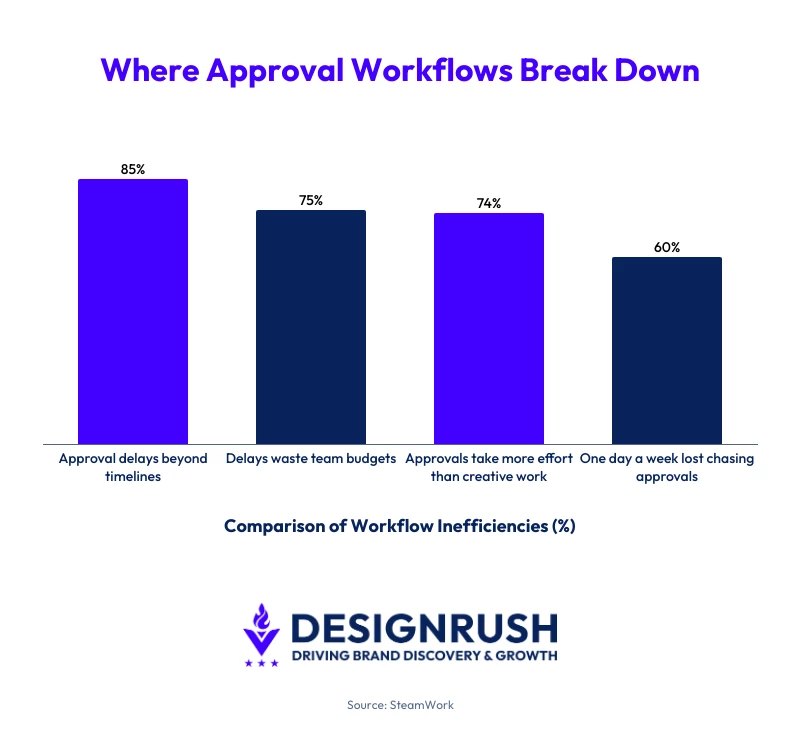
Without that structure, review cycles drag out and stall approvals. StreamWork’s 2025 survey of 500 marketing and creative professionals found that over 60% spend up to one full day each workweek waiting for approvals, while 85% report delays beyond planned timelines.
Website review tools also help agencies operate more consistently:
- Enhanced client transparency: Clients can see progress, comments, and approvals without relying on status updates
- Operational consistency: Standardized review workflows make it easier to manage multiple clients and maintain quality
- Professional accountability: Timestamped comments and logs create a clear audit trail for reporting and client assurance
Collaboration is a critical enabler in client-agency relationships, as Ben Grossman, president of Saatchi & Saatchi New York, explains:
“...because it helps us value and level with one another as humans. And it creates a willingness to operate in an informal way (e.g., texting instead of presenting) that drives speed and consensus.”

Top Website Feedback Tools in 2026 Compared
Here's how the leading website review software differs in how it captures comments, manages approvals, and fits into existing processes:
| Feedback Tool | Best For | Key Features | Starting Price |
| BugHerd | Visual QA workflows | On-page comments, task syncing, client feedback with metadata | $42/mo, unlimited projects & unlimited client users |
| Marker.io | Dev-ready feedback pipelines | Screenshot capture, metadata, two-way sync with Jira/Asana | $39/mo |
| Pastel | Fast client approvals | No-login feedback, canvas-based comments, simple sharing | $35/mo |
| Userback | Cross-team feedback & QA | Video/screen feedback, session replay, reporting dashboard | $7/user/mo |
| Ruttl | Live website editing feedback | Live editing, version comparison, multi-format commenting | $15/mo |
| Filestage | Structured approvals & workflows | Multi-stage approvals, audit trails, version control | €199/mo |
| Ziflow | Compliance-heavy workflows | Automated routing, audit logs, enterprise integrations | $199/mo |
| GoVisually | Quick client approvals | One-click approvals, annotations, version comparison | $16/user/mo |
| FeedbackFish | Lightweight website feedback | Widget-based feedback, screenshots, email capture | $19/mo |
| ProofHub | All-in-one PM + approvals | Task management, proofing, time tracking, team collaboration | $45/mo |
1. BugHerd: Best for Visual Website Feedback & QA Workflows
For digital agencies, creative studios, and design–dev teams managing client websites
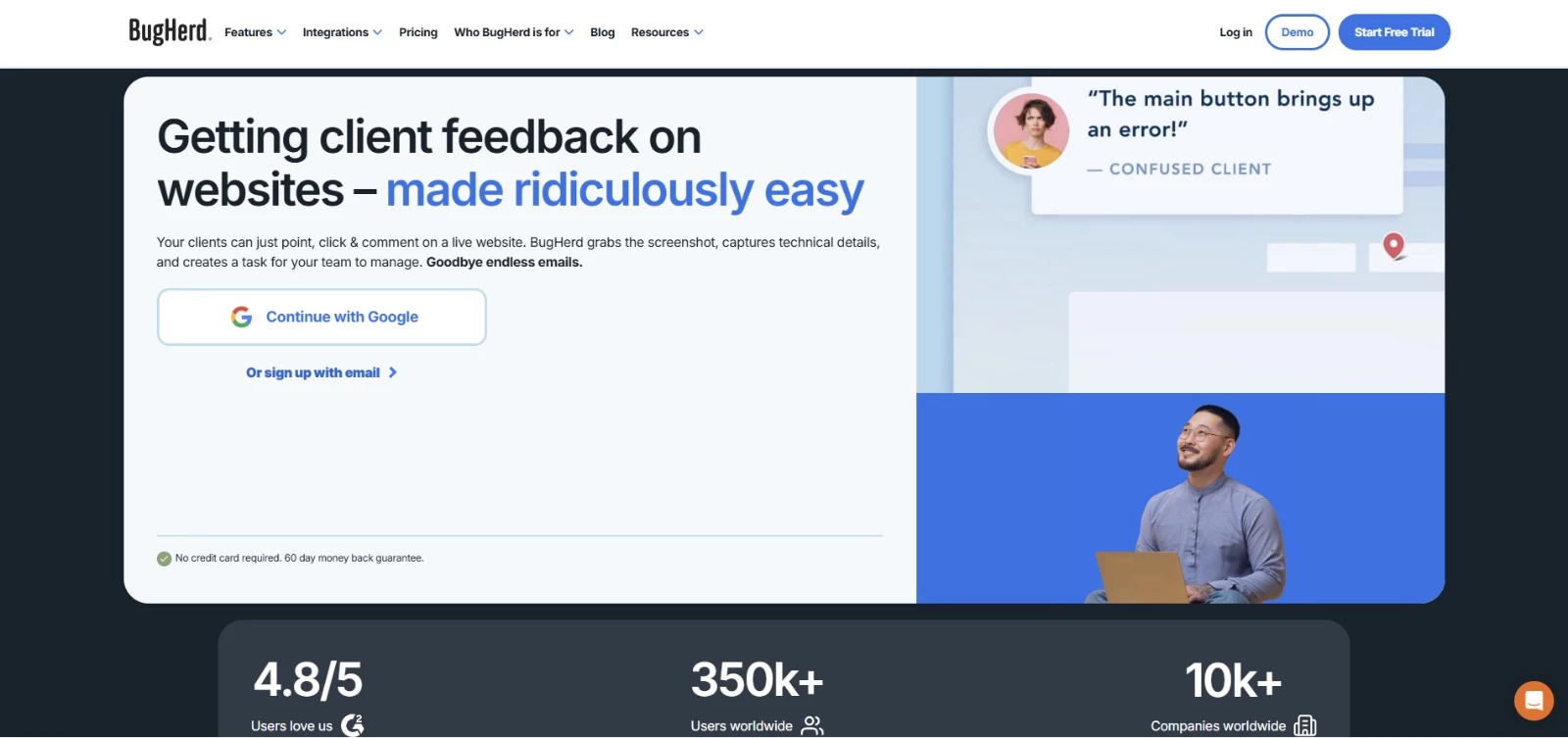
BugHerd simplifies client collaboration by letting users pin comments directly on live web elements, replacing vague email threads with actionable tasks. It’s particularly effective for digital agencies, creative studios, and web development teams managing multiple client sites.
The tool bridges the communication gap between designers, developers, and stakeholders, helping agencies reduce rework and deliver projects faster.
BugHerd replaces your bug-tracking spreadsheet with a fully-featured Kanban board. The intuitive browser extension captures on-page feedback, including screenshots, metadata, and browser details, so you can quickly reproduce and manage issues.
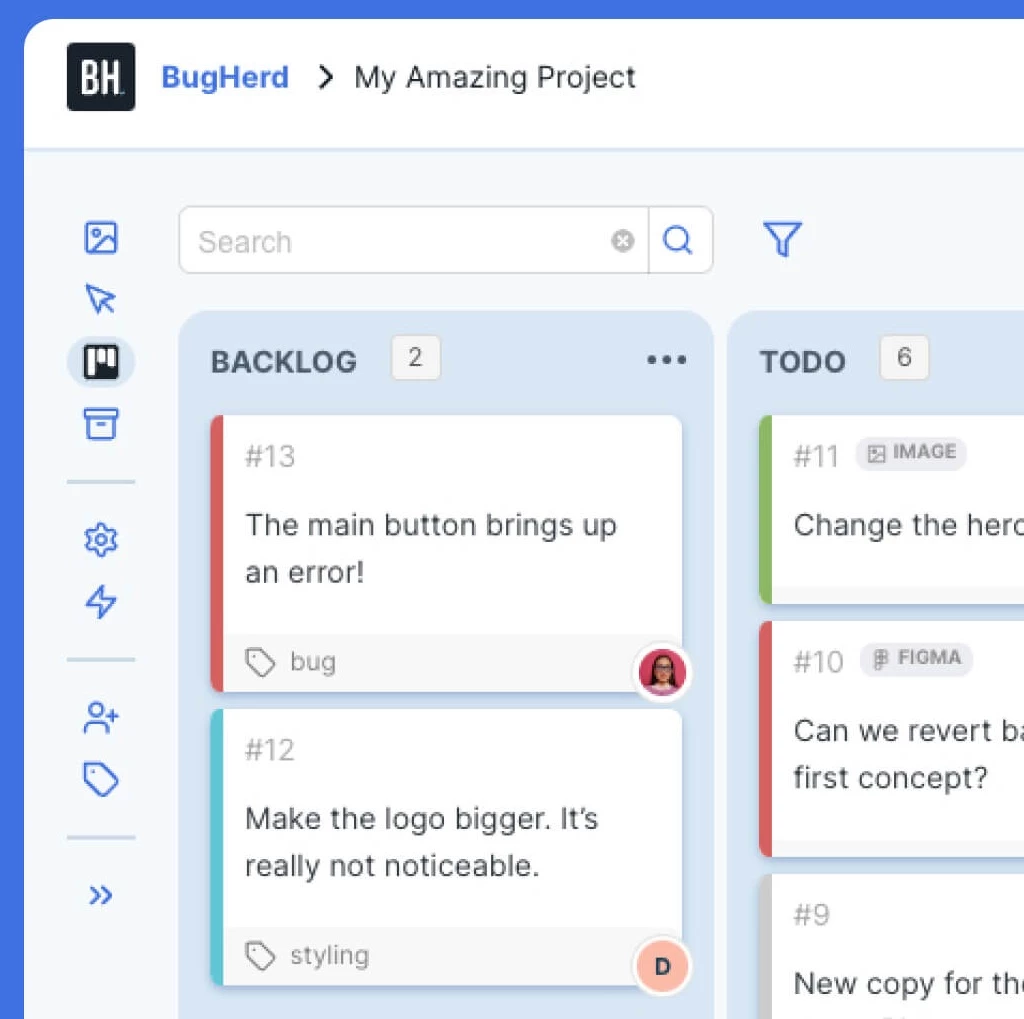
It’s especially helpful for agencies managing multiple concurrent projects, as the tool’s built-in task tracking and notification system reduces time spent clarifying feedback with clients.
Get started with BugHerd today.
Pricing
- Standard: $42/month billed annually ($50 monthly)
- Studio: $67/month billed annually ($80 monthly)
- Premium: $125/month billed annually ($150 monthly)
- Custom: contact sales
- All plans have unlimited projects & unlimited client feedback users
Pros
- Intuitive point-and-click feedback system
- Deep two-way integrations with Jira, Monday, ClickUp, Asana, and others
- Supports client-side guest access for visual approvals
Cons
- Limited analytics in lower tiers
Notable features
- Automatic task creation with full environment context (URL, browser, OS, and screen size)
- Guest commenting with no login required
- Built-in Kanban task board for tracking feedback
- Video feedback and public feedback widget
2. Marker.io: Best for Integration-Driven Workflows
For agencies using project management tools like Jira, Asana, or ClickUp
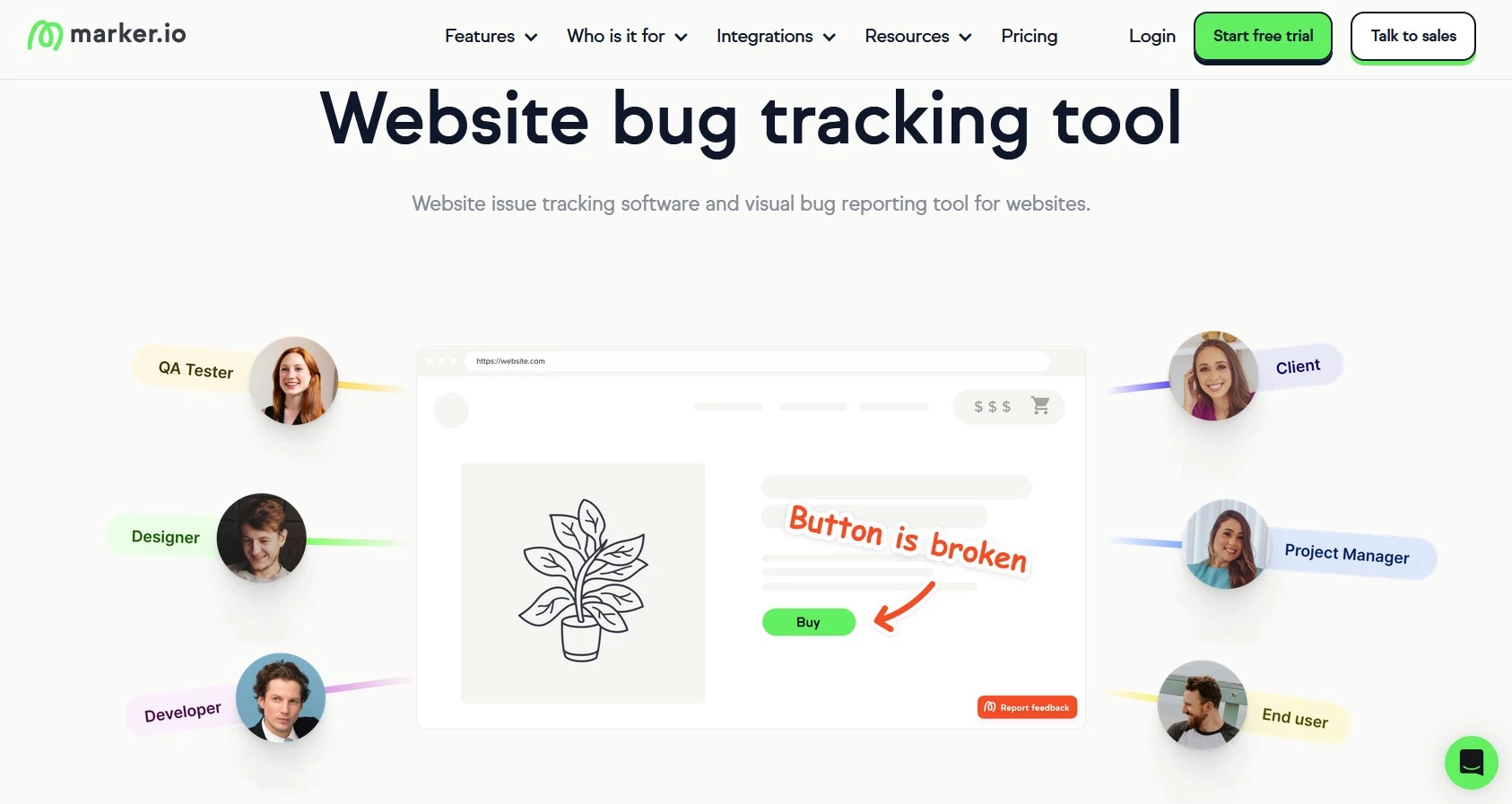
Marker.io turns live website feedback into structured, developer-ready tasks in seconds. It’s been designed for agencies that rely on project management ecosystems like Jira, Asana, and ClickUp, to eliminate friction between creative and technical teams.
Instead of screenshots and long email threads, teams capture annotated issues directly from the browser and sync them instantly with their existing workflow tools.
Marker.io captures contextual technical metadata (URL, browser/OS, screen size, console logs) with each feedback submission, which helps developers reproduce issues faster and shorten the feedback loop.
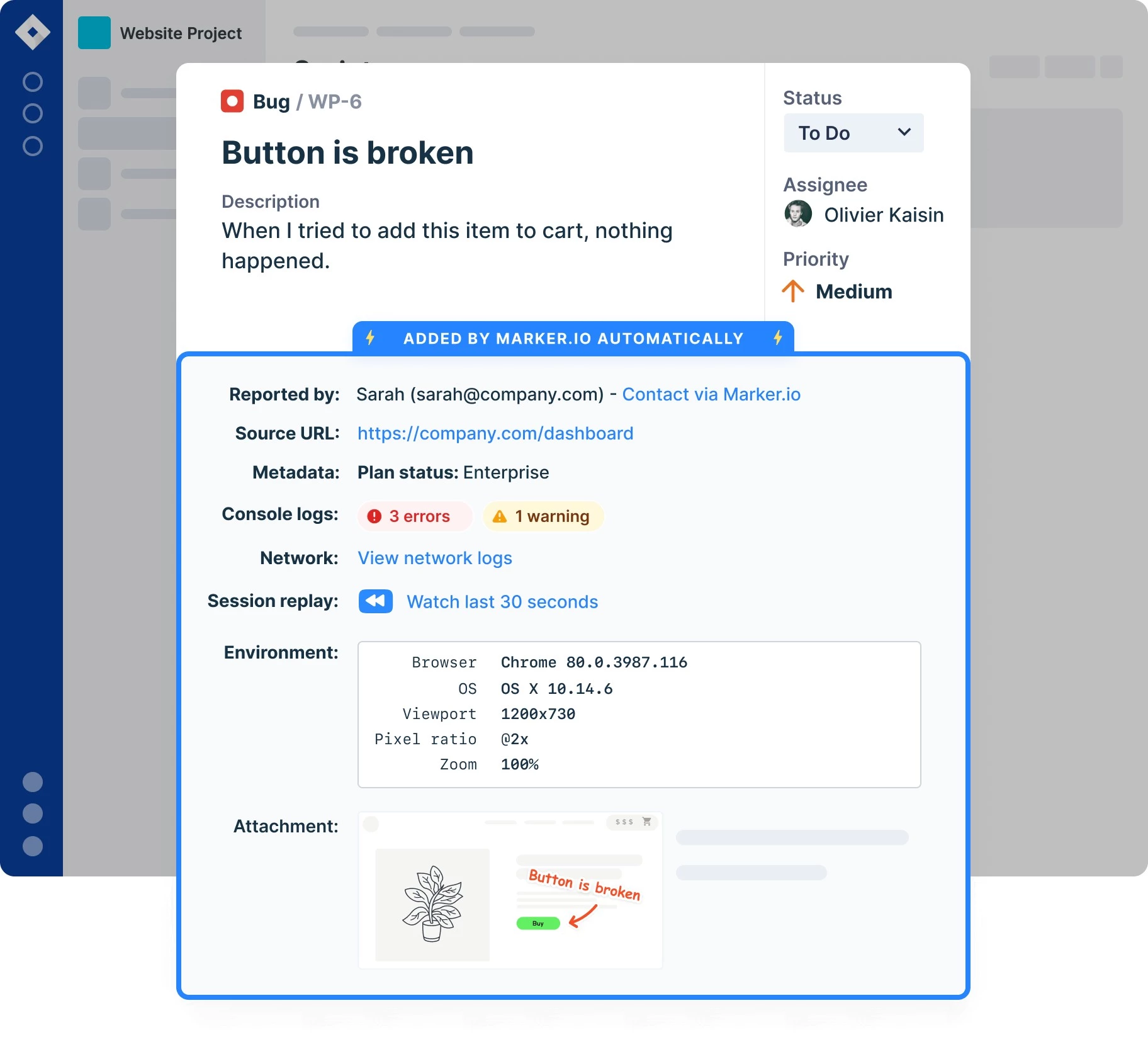
For agencies with multiple concurrent sprints or client accounts, Marker.io offers visibility across all projects without disrupting existing processes.
Pricing
- Starter: $39/month, billed annually
- Team: $149/month, billed annually
- Business: Custom pricing
Pros
- Deep integrations with PM and issue-tracking tools
- Built-in client portal with role-based visibility
- Easy browser extension for quick capture
Cons
- Setup required to map feedback fields to PM tools
- Limited reporting compared to full QA platforms
- No built-in video or screen recording
Notable features
- Automatic screenshot capture with annotations on live websites
- Technical metadata included with each report (URL, browser, OS, console logs)
- Two-way sync with tools like Jira, Asana, and ClickUp
- Role-based client and team access within a shared portal
- Real-time notifications when new feedback is submitted
3. Pastel: Best for Fast Client-Friendly Reviews
For marketing, design, and account teams working with clients
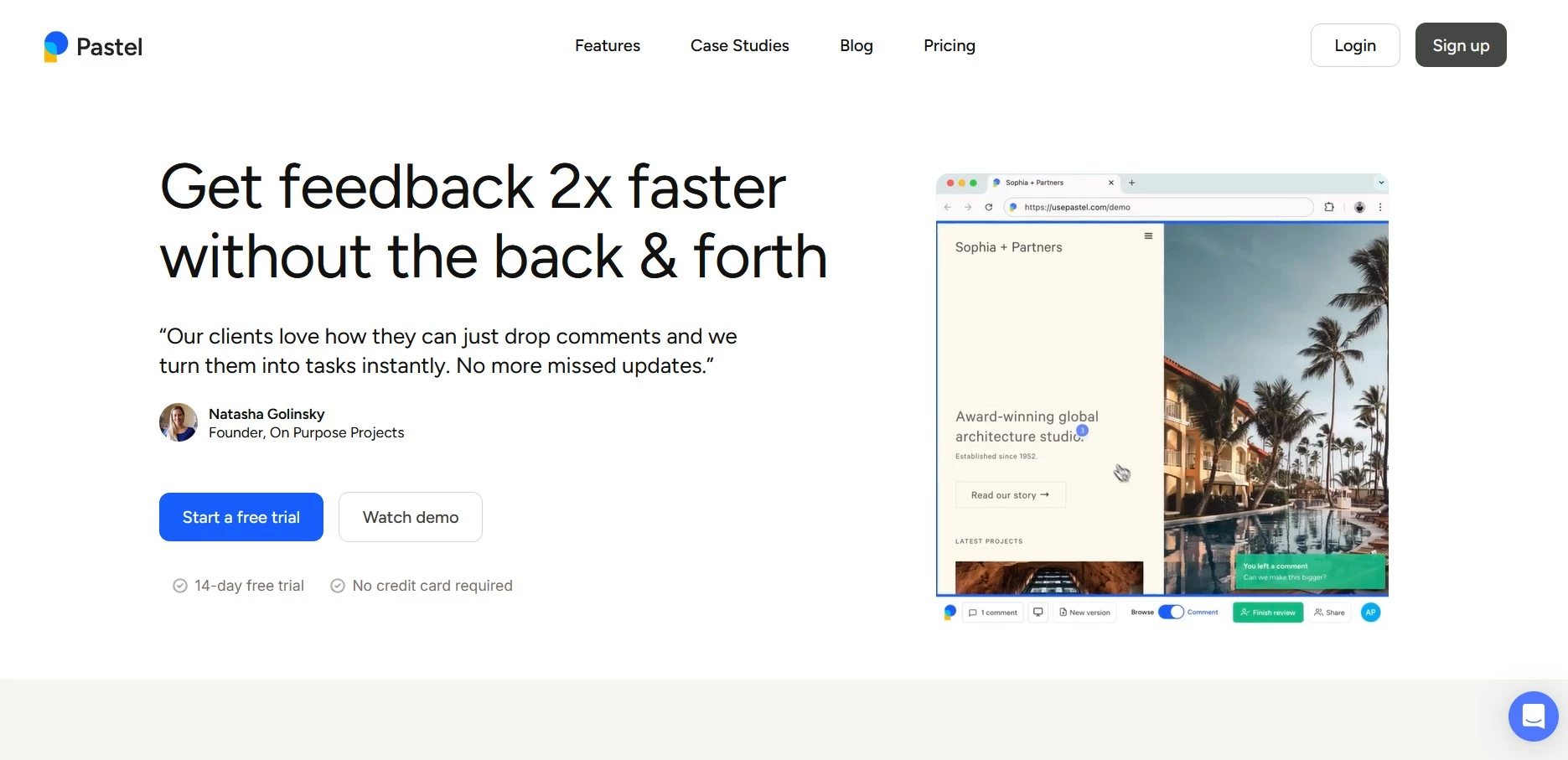
Pastel helps marketing, design, and account teams collect visual feedback on live websites, PDFs, and design prototypes. Its lightweight interface makes it ideal for client-side collaboration to turn chaotic review emails into structured, timestamped comments.
Each Pastel canvas serves as a shared visual workspace where users can leave comments, reply, or mark items resolved. The platform’s real-time collaboration and approval tracking reduce delays caused by scattered feedback channels.
Built-in sharing links and email notifications let clients review projects on any device, making it a practical fit for a fast-moving creative agency.
Pricing
- Free Forever (1 user, 1 active canvas)
- Pro: $35/month (2 users, 3 active canvases)
- Team: $119/month (starts at 5 users, unlimited canvases)
- Enterprise: $450/month (starts at 10 users)
Pros
- Simple browser-based feedback system with no installs
- Works with live URLs and static mockups
- Unlimited comments and share links
Cons
- Fewer native integrations unless on higher tiers
- Free plan restricted to one active canvas
Notable features
- Comment directly on live websites, PDFs, images, and other creative assets
- Shareable link access with no login required for clients
- Canvas-based workspace that groups all feedback in one place
- Automatic capture of screenshots and browser context for each comment
- Export feedback to tools like Trello, Asana, and Jira
4. Userback: Best for Scalable Cross-Team Collaboration
For agencies managing high client volumes and internal QA workflows
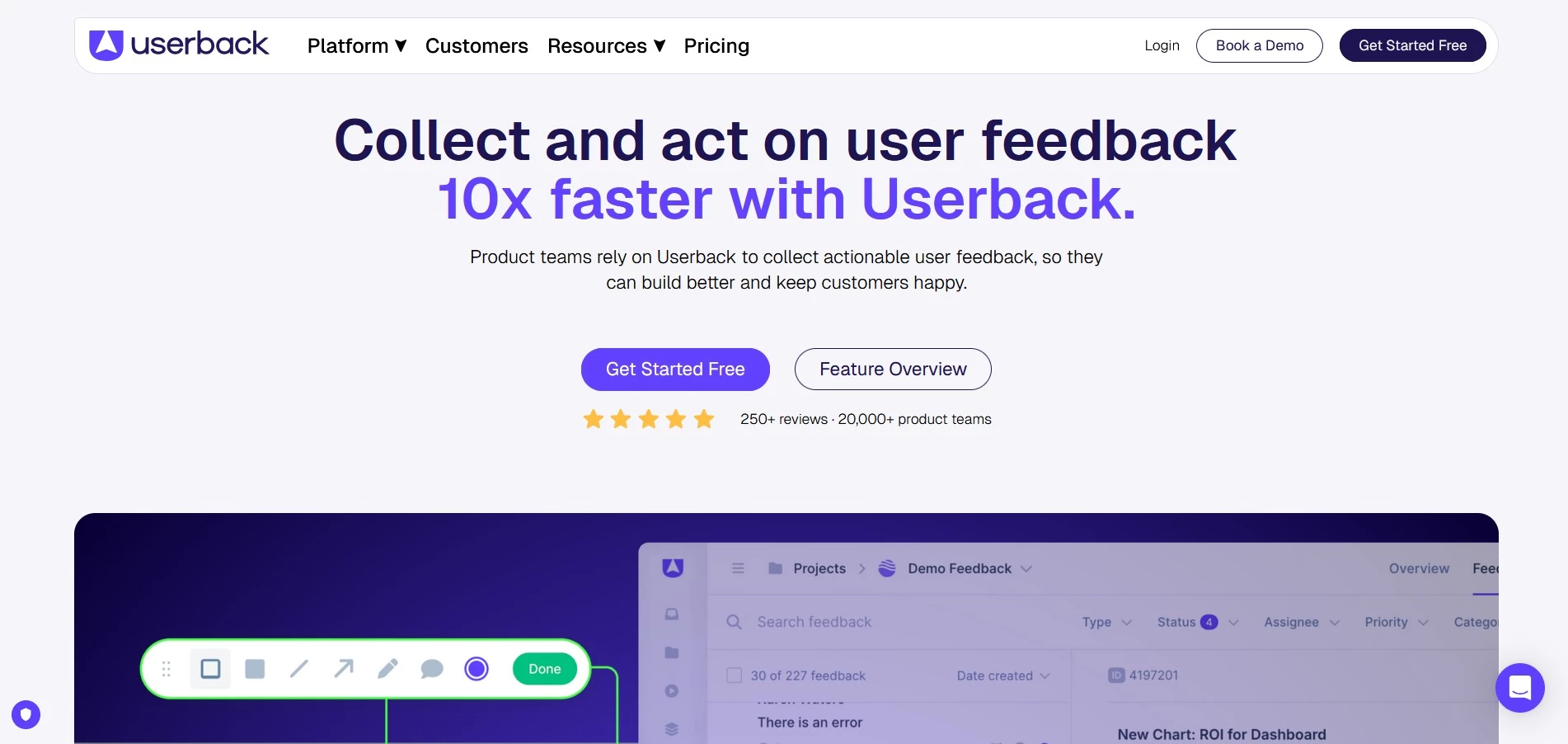
Userback unifies visual feedback, bug tracking, and customer reporting in one place. It supports both internal QA and external client reviews to ensure every comment becomes an actionable insight.
Its advanced automation and analytics support teams that need structure and scalability throughout multiple accounts, automating feedback routing, tracking performance, and providing insights into response times and team productivity.
Userback integrates directly into websites or web apps via a widget or browser extension. Each submission includes visual context and environment data so you can diagnose issues faster.
Agencies managing high client volumes are sure to appreciate Userback’s role-based permissions and branded portals, which create a unified review process.
Pricing
- Free Forever (2 seats, 2 projects, 7-day feedback storage)
- Team: $7 per user/month (billed annually)
- Business: $15 per user/month (billed annually)
- Business Plus: $23 per user/month (billed annually)
Pros
- Collects video, screen, and text feedback
- Works across staging and production environments
- Excellent reporting and analytics on higher tiers
Cons
- Free plan limits feedback storage to 7 days
- Advanced features gated behind higher tiers
Notable features
- Session replay with full user context for debugging
- Feedback widget and browser extension for live capture
- Role-based access and branded client portals
- Automation tools, surveys, and a feature request portal
5. Ruttl: Best for Agile Feedback and Testing
For design and development teams reviewing websites and visual assets
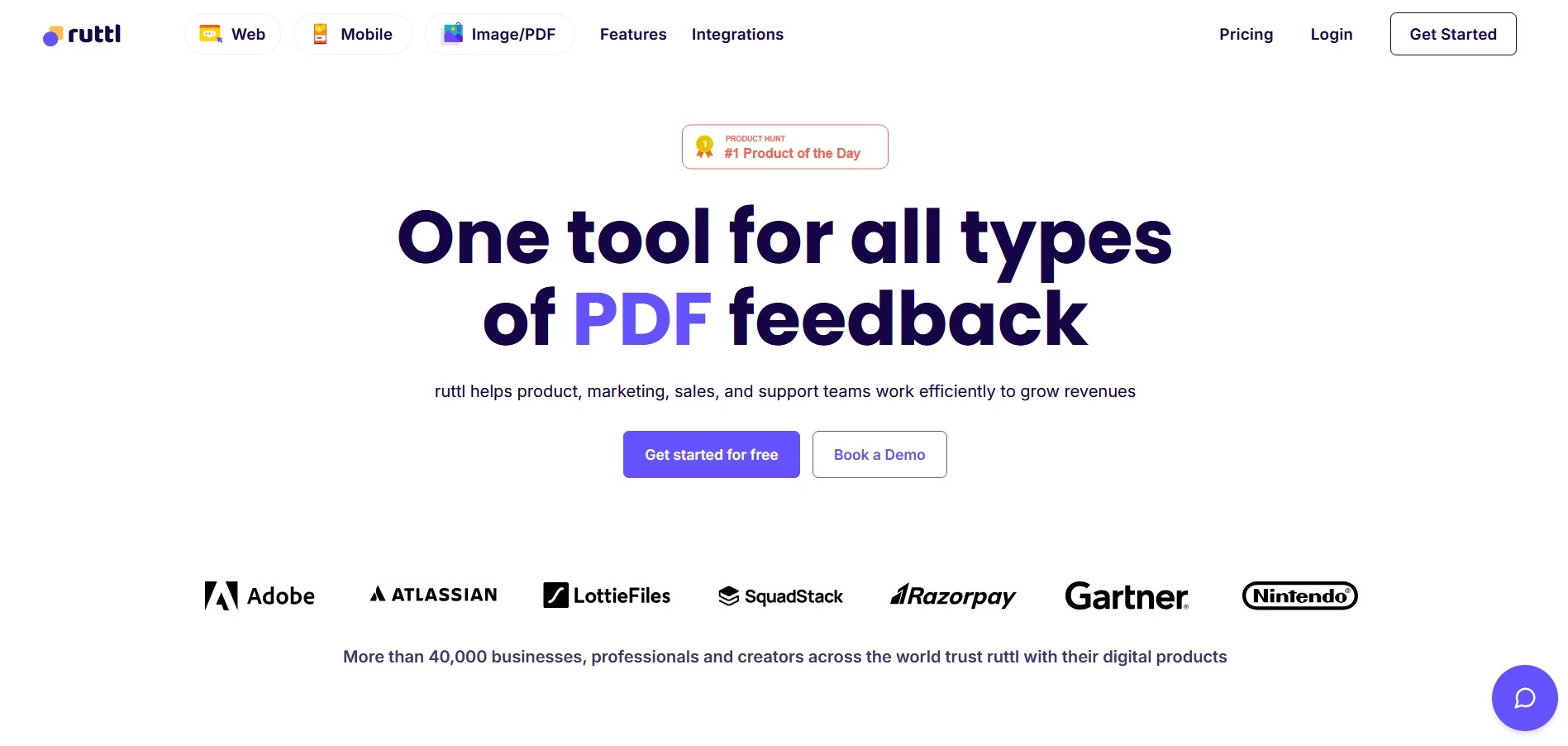
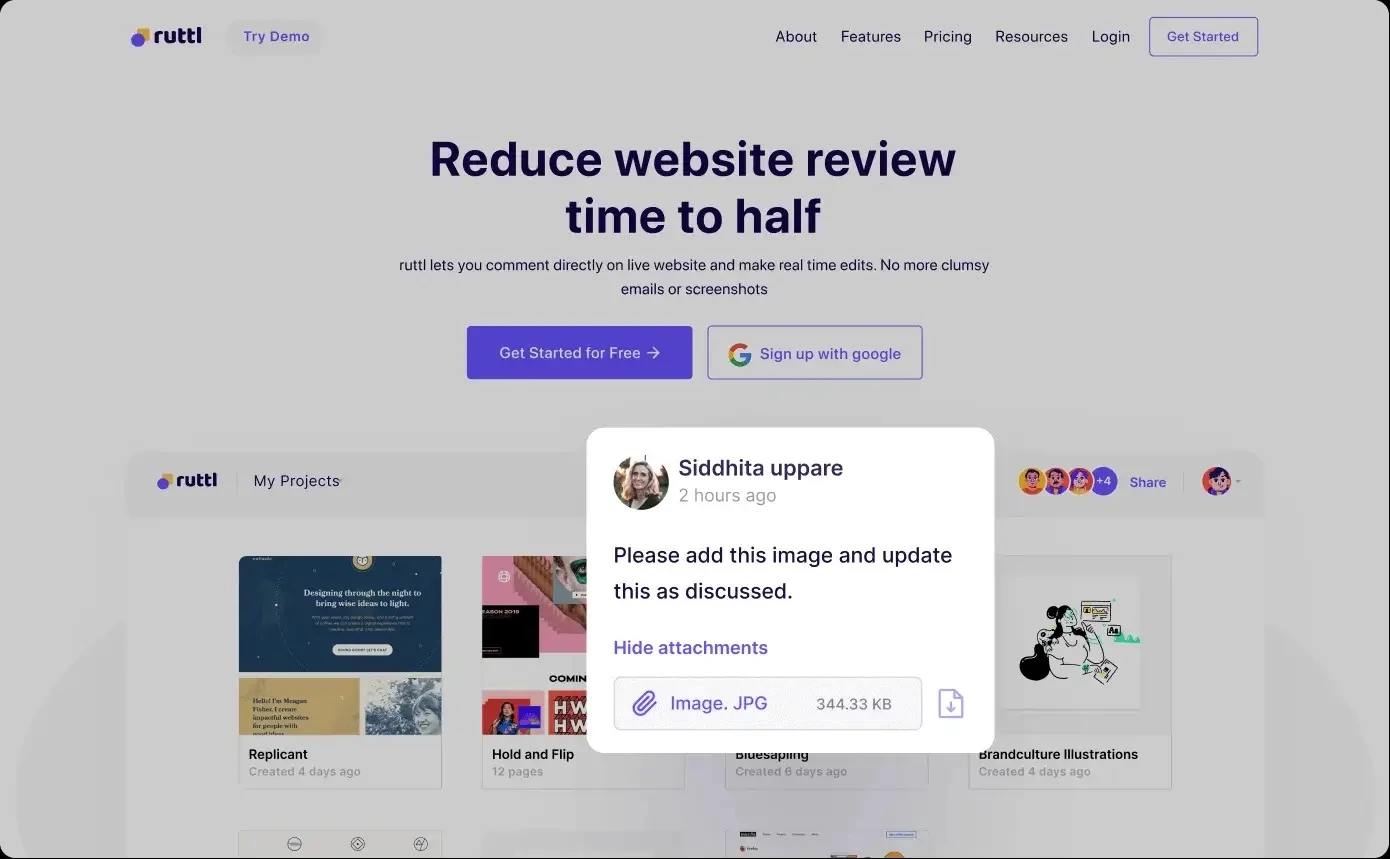
Ruttl focuses on speed and simplicity in design feedback, providing agencies with a unified hub for website, image, and video reviews.
Live commenting and project versioning help creative and development teams coordinate effortlessly, supporting agile workflows that require quick approvals.
Ruttl enables side-by-side comparisons of design versions, which makes it easy to track progress and ensure consistency. It also supports commenting on static images, video frames, and responsive breakpoints, all managed in one place.
Pricing
- Free (up to 5 users, 1 project, 5 pages, unlimited guests)
- Pro: $18/month (1 admin + up to 50 users, all integrations)
- Business: $75/month (unlimited users, advanced workspace features)
Pros
- Fast and intuitive commenting on live websites
- Supports websites, images, PDFs, and other visual assets
- Simple setup with shareable links for client feedback
Cons
- Limited integrations and advanced controls on lower plans
- Video feedback is limited
Notable features
- Pixel-level commenting directly on live websites
- Ability to edit live website elements (text, spacing, images)
- Version tracking to review and compare changes over time
- Guest commenting via shareable link with no login required
- Integrations with tools like Slack, Trello, Asana, Jira, and Zapier
6. Filestage: Best for Enterprise-Level Creative Approvals
For agencies managing complex approvals and multiple stakeholders
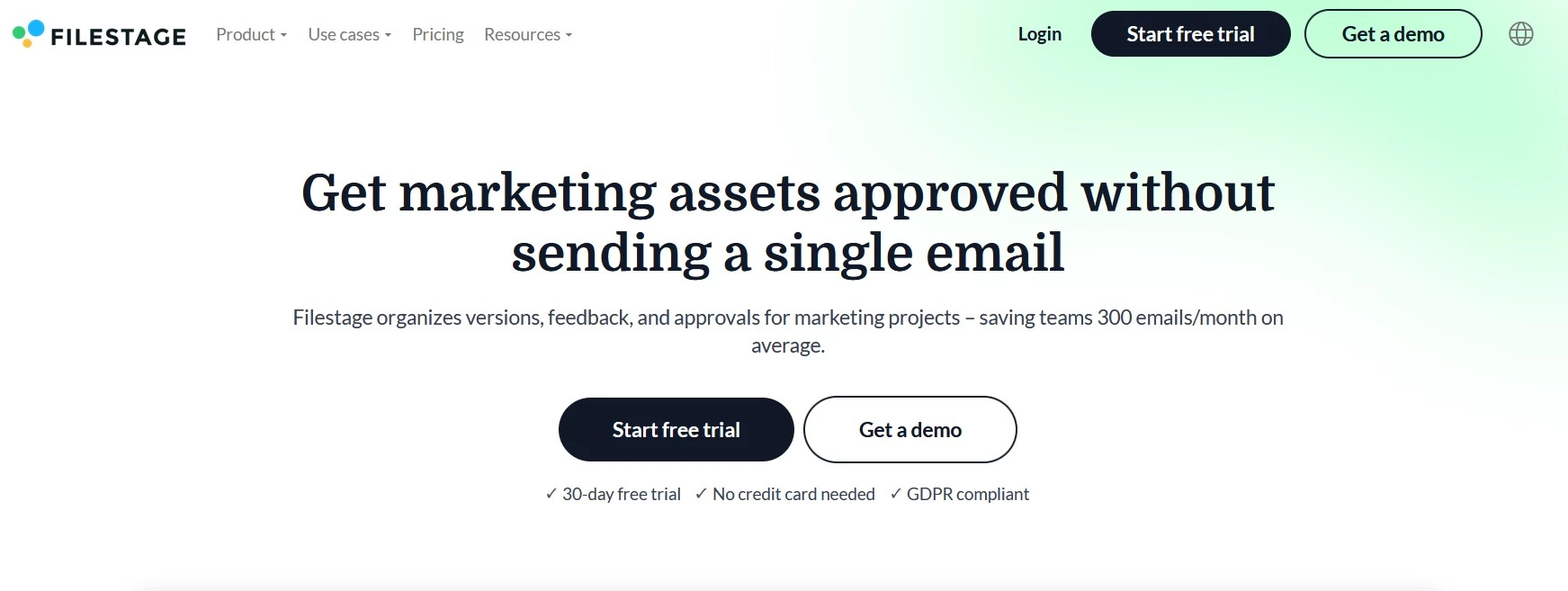
Filestage is for agencies that handle complex, multi-stakeholder approval cycles, from website designs to video and document reviews. It centralizes client feedback and internal collaboration within a single, audit-ready platform to help teams reduce approval times.
Filestage allows reviewers to annotate directly on design files, live pages, and videos, with built-in version control ensuring everyone comments on the latest iteration.
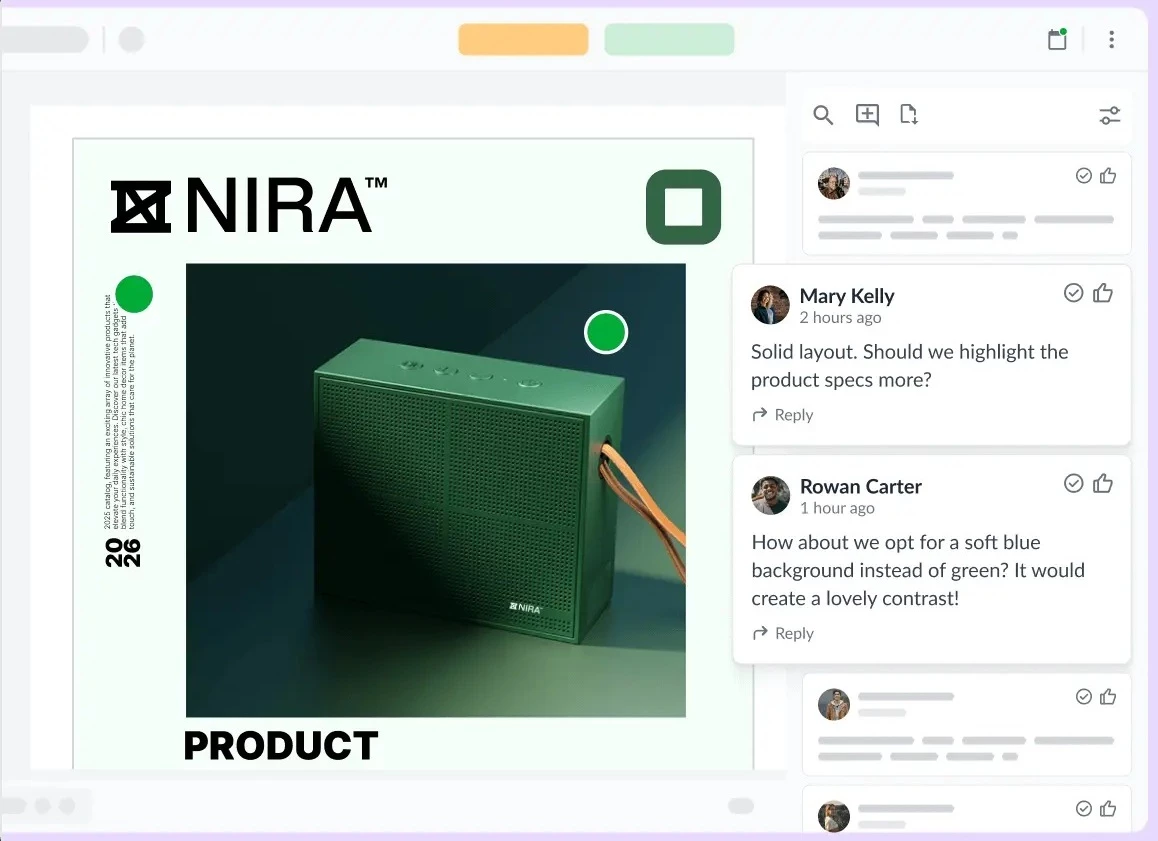
Reviewers can approve, reject, or request changes with one click. The platform’s detailed audit trails and role-based permissions make it a trusted solution for enterprise-grade agencies managing compliance-sensitive projects.
Pricing
- Starter: €199/month
- Business: €329/month
- Enterprise: Custom pricing
Pros
- Highly secure review environment with audit trails and compliance controls
- Support for multi-file and multi-version approvals
- Control who can view, comment, or approve files, and assign reviewers to specific approval stages
Cons
- Limited flexibility in customizing notifications and approval logic
- Performance can slow with large files or complex projects
Notable features
- Frame-accurate commenting on videos, designs, PDFs, and web content
- Version comparison with side-by-side and overlay review modes
- Multi-stage approval workflows with reviewer groups
- Full audit trail of comments, approvals, and changes
- Enterprise features such as SSO, access controls, and data governance
7. Ziflow: Best for Compliance-Driven Creative Operations
For agencies managing complex approval chains
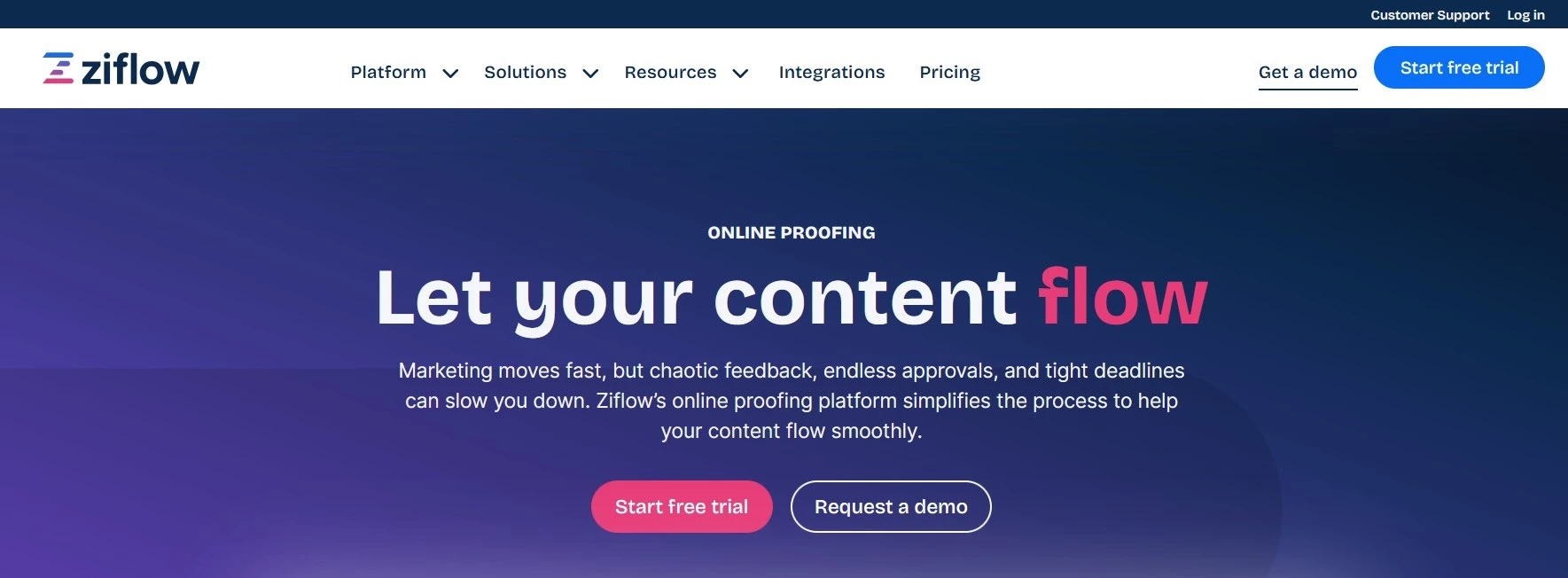
Ziflow brings enterprise-level automation and proofing intelligence to creative project management. It’s engineered for agencies that juggle multiple clients, strict brand governance, and complicated internal review chains.
The platform offers advanced workflow automation and integrates with tools like Adobe Creative Cloud, Monday.com, and Asana.
Ziflow’s key differentiator is its automation, which can route proofs for approval based on project rules, send reminders, and even dynamically apply deadlines.
For agencies managing regulated or high-volume clients, Ziflow’s audit-ready environment and detailed reporting make it one of the most powerful visual review tools available.
Pricing
- Free (2 users)
- Standard: $199/month (15 users included)
- Pro: $329/month (20 users included)
- Enterprise: Custom pricing
Pros
- Advanced proofing and workflow automation
- Compliance support with audit records and permissions
- Integrates with tools like Adobe, Asana, Slack, and Monday
Cons
- Complex setup for smaller teams
- Free plan is very limited
Notable features
- Dynamic proof routing with conditional approval workflows
- Frame-accurate commenting across video, PDF, image, and web assets
- Multi-stage approvals with deadlines and automated reminders
- Audit trails with detailed version and approval history
- AI-assisted features for comment tagging and insights
8. GoVisually: Best for Fast Visual Feedback and Approvals
For design, branding, and web teams working with non-technical clients
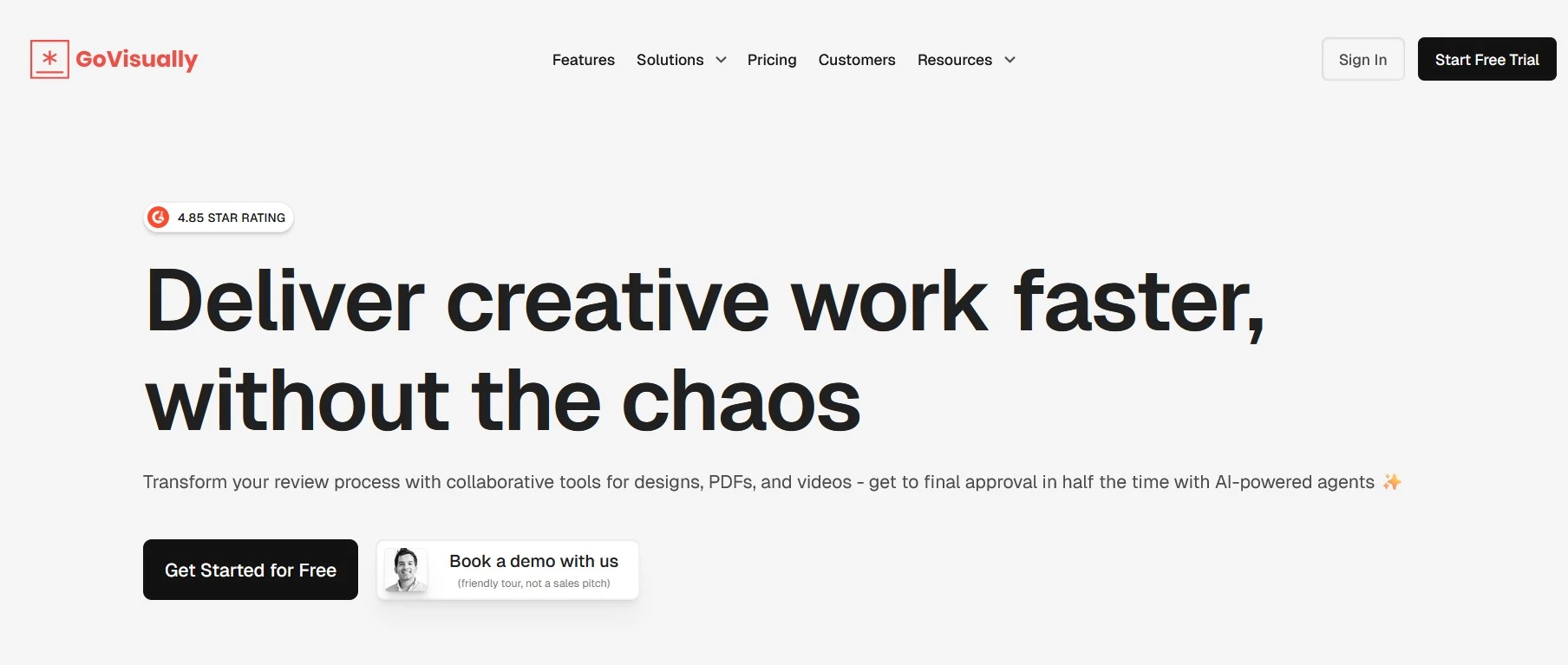
GoVisually combines simplicity with professional-grade review capabilities, so it’s ideal for agencies that need fast visual client approvals without a heavy setup.
GoVisually lets clients mark up designs and live web pages directly in the browser. Projects can include unlimited reviewers, each with real-time commenting and approval capabilities.
Its minimal learning curve and user-friendly interface make it a preferred option for small- to mid-sized agencies looking to improve professionalism and turnaround time.
Pricing
- Lite: $16/user/month (1-5 users)
- Pro: $33/user/month (minimum 3 users)
- Compliance AI Suite: starting from $499/month (separate product for regulated industries)
Pros
- Extremely easy to use for non-technical clients
- Supports design, video, and web file reviews
- Fast client onboarding with shareable links
Cons
- Workflow automation is limited compared to enterprise tools
- Integrations rely heavily on Zapier for wider connectivity
- Advanced compliance and AI features are only available in a separate high-tier product
Notable features
- One-click approvals with approve/reject actions and status tracking
- Version control with side-by-side comparisons and change history
- Custom fields for organizing feedback (e.g., categories, tags, workflows)
- Real-time collaboration with mentions and comment threads
9. Feedback Fish: Best for Lightweight Website Feedback Collection
For small teams, startups, and developers gathering user feedback
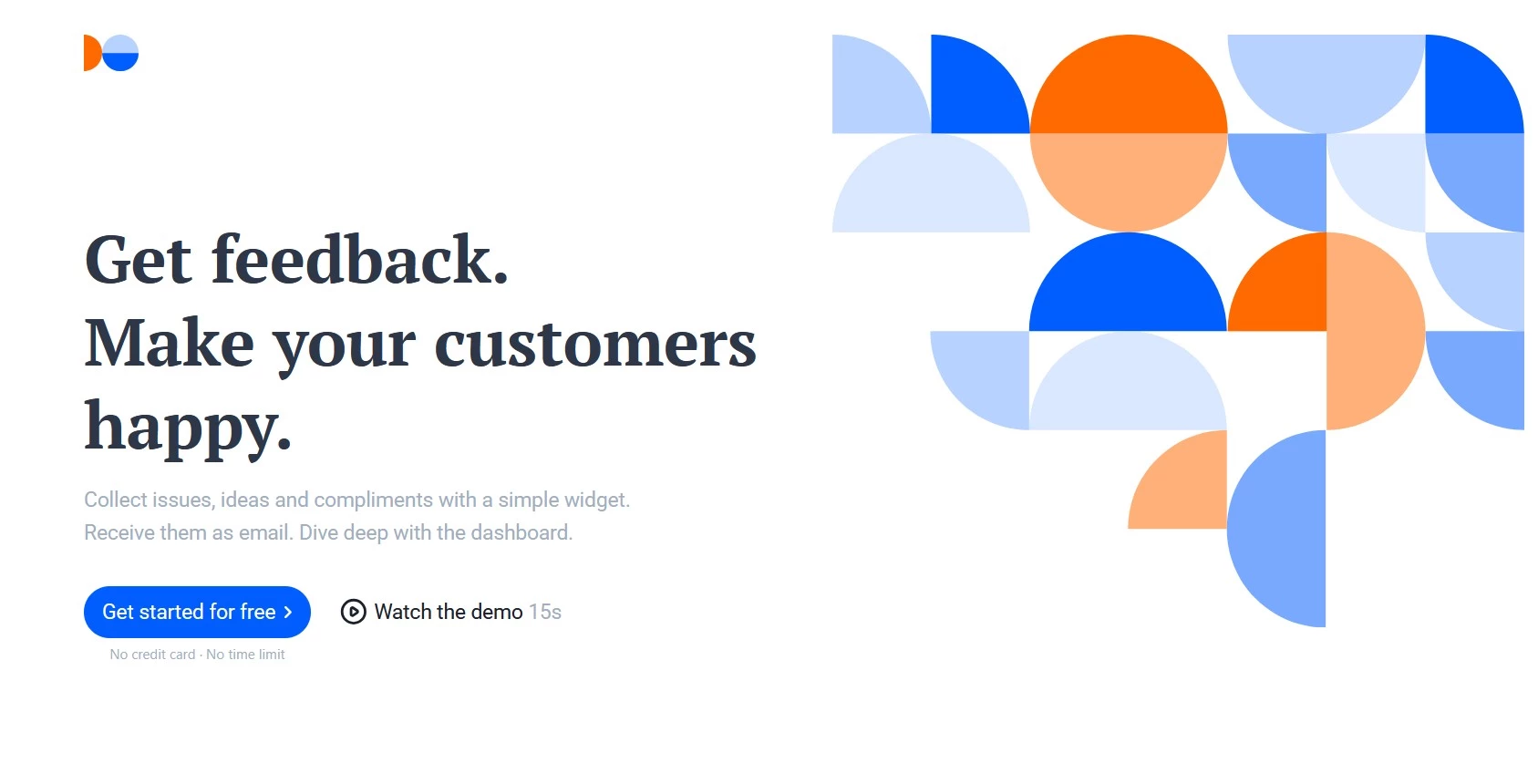
Feedback Fish provides a no-friction way for agencies to collect client and user feedback directly on websites. It’s perfect when you need to add a simple feedback widget without a full review platform. The focus is on speed, simplicity, and affordability.
Feedback Fish captures quick client impressions, bug reports, or user suggestions in real time. It integrates easily with Slack or email to ensure incoming notes go directly to the right team.
For smaller agencies or individual creators, it offers just enough functionality to sustain visibility and responsiveness without needless complexity.
Pricing
- Free: (25 total feedback submissions)
- Paid: $19/month (unlimited feedback submissions)
- Enterprise: Custom pricing (whitelabeling, SLA, support)
Pros
- Simple embeddable widget for instant feedback
- Easy to install and privacy-friendly
- Works well for continuous user feedback
Cons
- No visual annotation or on-page commenting
- Limited collaboration features compared to review tools
Notable features
- One-click screenshot capture with automatic device and browser info
- Email-based user identification for follow-up responses
- Supports 40+ languages with automatic widget adaptation
- Team access to view and manage incoming feedback
10. ProofHub: Best for All-in-One Project & Review Management
For teams managing projects, communication, and approvals in one platform
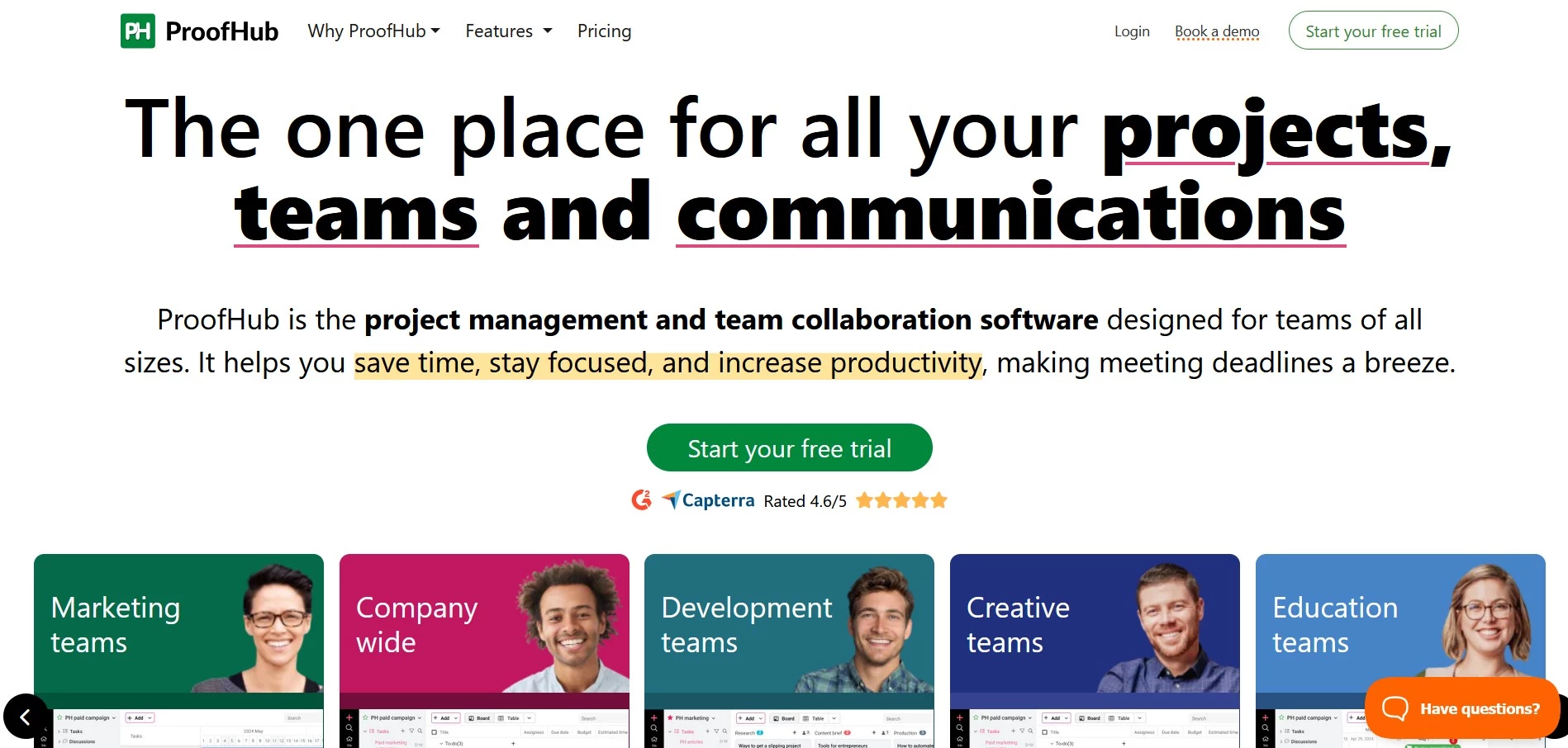
ProofHub is an all-in-one collaboration and project management suite that includes robust proofing features with task management, time tracking, and team chat. You can manage the full lifecycle, including client reviews and delivery.
ProofHub’s proofing feature lets you review designs, documents, and web pages with on-screen markup tools, while the built-in workflow automation streamlines task allocation and progress tracking.
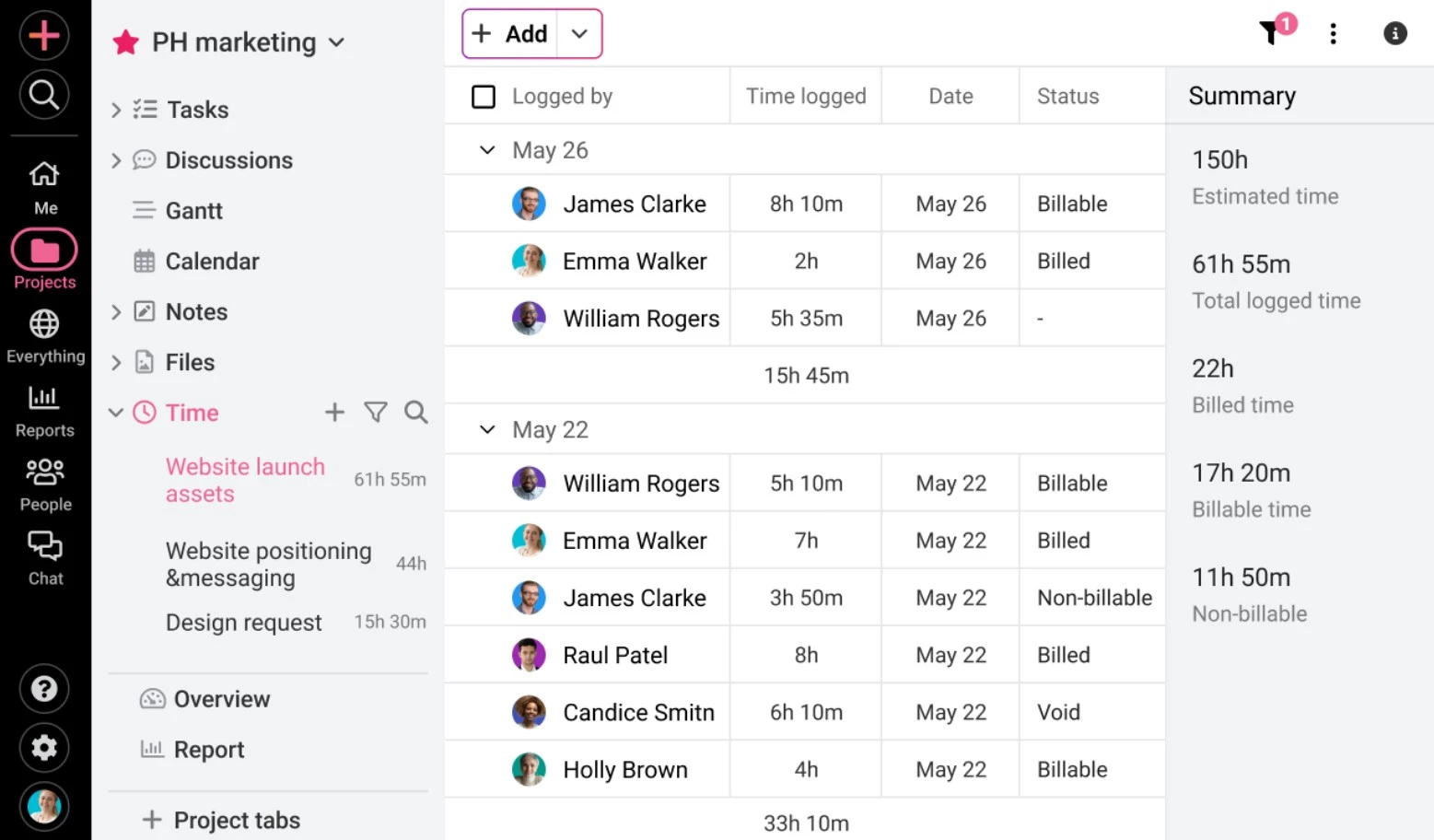
If you want to consolidate tools, ProofHub replaces separate platforms for communication, task management, and approvals.
Pricing
- Essential: $45/month (billed annually, 40 projects, unlimited users, 15GB storage)
- Ultimate Control: $89/month (billed annually, unlimited projects, unlimited users, 100GB storage)
Pros
- Combines project management, proofing, and collaboration in one tool
- Flat pricing with unlimited users
- Ideal for multi-department teams
Cons
- Proofing features are less advanced than dedicated review tools
- The interface can feel crowded
- Limited deep integrations
Notable features
- Task management with board, table, Gantt chart, and calendar views
- Built-in chat, discussions, and announcements for team communication
- Time tracking with reports and workload visibility
- Proofing tools with markup and threaded comments on files
- Custom roles, permissions, and project templates
What To Look for in Website Feedback Tools
Choosing website feedback software in 2026 is less about features and more about fit. You need to be sure it aligns with your agency’s processes, client expectations, and growth goals.
Here’s what decision-makers should prioritize:
- Installation method
- Operational efficiency
- Staging environment compatibility
- Integration stack
- Data Security & governance
- Scalability
- Reporting & analytics
- ROI & pricing transparency
1. Installation Method
How a tool installs determines whether clients actually use it. Browser extensions suit internal teams but create friction for non-technical clients and skip mobile feedback entirely.
Shareable links and proxy tools need no install, but push clients to a separate URL instead of the live page, adding a second link to track and a layer between them and the real page.
Script-tag widgets tend to win on client adoption, since feedback happens right on the site with nothing extra to install or navigate to.
2. Operational Efficiency
You want tools that eliminate email clutter and bring all feedback into one interface. The most effective systems automatically turn client comments into structured tasks that are measurable, actionable and trackable.
3. Staging Environment Compatibility
Not every tool handles password-protected staging sites the same way. Browser extensions and script-tag widgets generally work behind authentication without extra setup, while proxy-based, shareable-link tools often require the site to be publicly reachable.
4. Integration Stack
Look for tools that integrate naturally with your existing ecosystem. Project management software like ClickUp, Monday.com, and Asana should connect directly, ensuring no manual data duplication.
Pro tip: An open API or Zapier integration ensures future compatibility as your tech stack evolves.
5. Data Security & Governance
Data compliance has become a core part of client trust. Agencies that can offer secure, auditable feedback environments position themselves as more reliable partners. Audit trails, SSO authentication, and access permissions protect client data and your agency’s reputation.
6. Scalability
As you expand, feedback systems need to support multiple clients, brands, and concurrent projects. Prioritize white-label portals and flexible user management to scale without friction.
7. Reporting & Analytics
Modern feedback tools are data engines. Track revision speed, response rates, and approval lag time to improve internal KPIs and justify ROI to clients.
8. ROI & Pricing Transparency
Look beyond subscription costs to actually measure time saved per project and reduction in revisions. Even modest automation gains can provide meaningful time savings for multiple projects.
Website Visitor Feedback Tools: Heatmaps, Surveys, and Behavioral Data
Website visitor feedback tools serve a different purpose: they collect direct input through surveys and on-site prompts, or observe behavioral data through heatmaps and session recordings, to help teams understand how real users experience a live product, independent of any single review round.
Agencies tend to use both — client review tools during development and launch, then visitor feedback tools afterward to monitor ongoing user experience.
- Microsoft Clarity: Best for free behavioral analytics on live sites
- SurveyMonkey: Best for structured visitor and customer surveys
- Qualaroo: Best for targeted on-site micro-surveys
- Usersnap: Best for combining bug reports with live product feedback
1. Microsoft Clarity: Best for Free Behavioral Analytics on Live Sites
For teams that want to understand how visitors actually use a page without a budget line
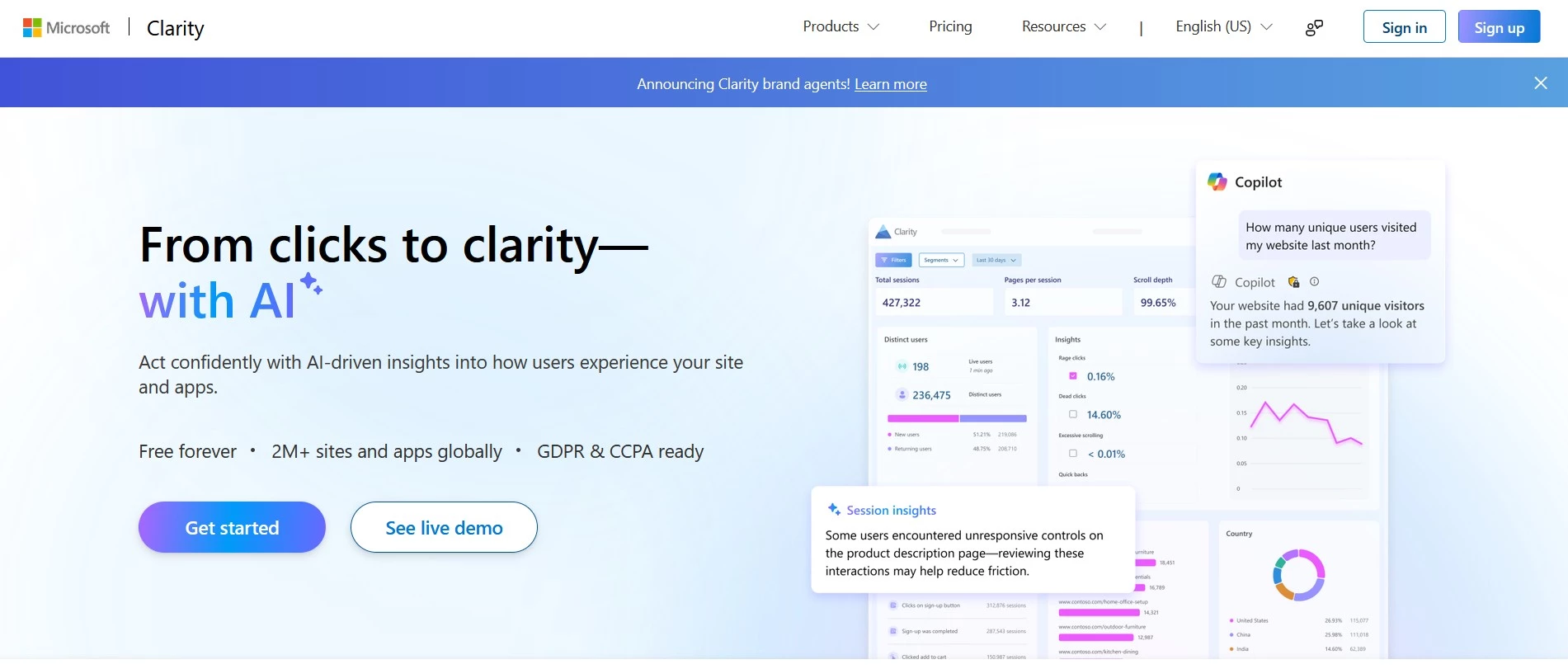
Microsoft Clarity shows how visitors move through a live site using heatmaps and session recordings. It reveals where visitors click, scroll, hesitate, or drop off, which is useful for spotting UX problems a structured review round wouldn't catch.
Pricing
- Free forever, with no paid tiers and no traffic limits
Notable features
- Unlimited heatmaps and session recordings
- AI-generated behavior summaries and rage-click/dead-click detection
- Google Analytics integration
Note: Clarity is free in part because Microsoft uses the collected behavioral data to train its own models. That’s worth knowing if data usage terms are a concern.
2. SurveyMonkey: Best for Structured Visitor and Customer Surveys
For teams that need statistically rigorous, multi-channel survey data
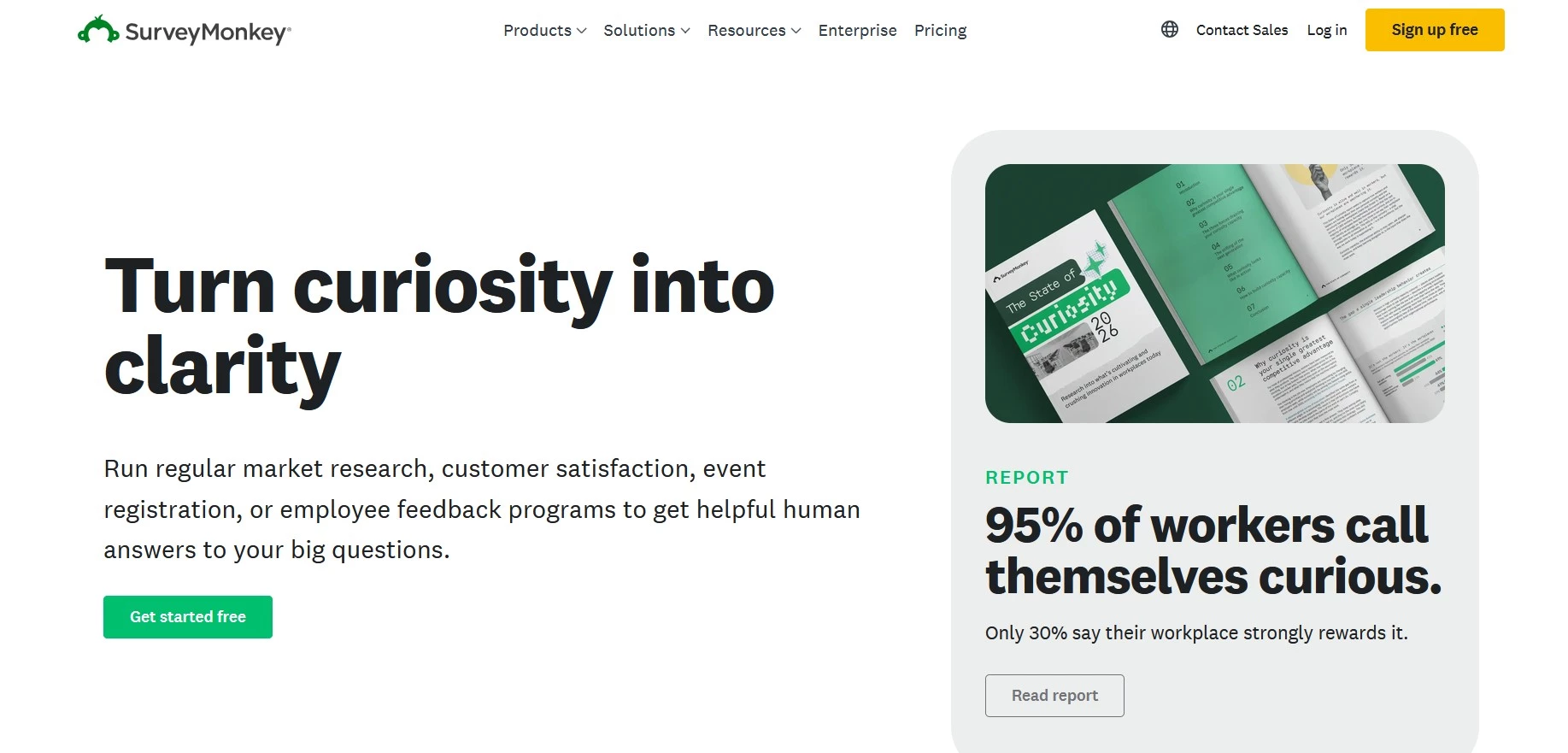
SurveyMonkey collects feedback directly from visitors and customers through targeted surveys, rather than passive behavioral tracking. It's made for teams that need structured questions and analyzable response data.
Pricing
- Team Advantage: $30/user/month, 3+ users, billed annually, 50,000 responses/year
- Team Premier: $92/user/month, 3+ users, billed annually, 100,000 responses/year
- Enterprise: Custom pricing, 5+ users
Notable features
- Skip logic, branching, and A/B testing on paid tiers
- Multi-channel distribution — on-site, email, social
- AI-assisted survey creation and analysis
3. Qualaroo: Best for Targeted On-Site Micro-Surveys
For teams that want feedback at a specific moment in the visitor journey
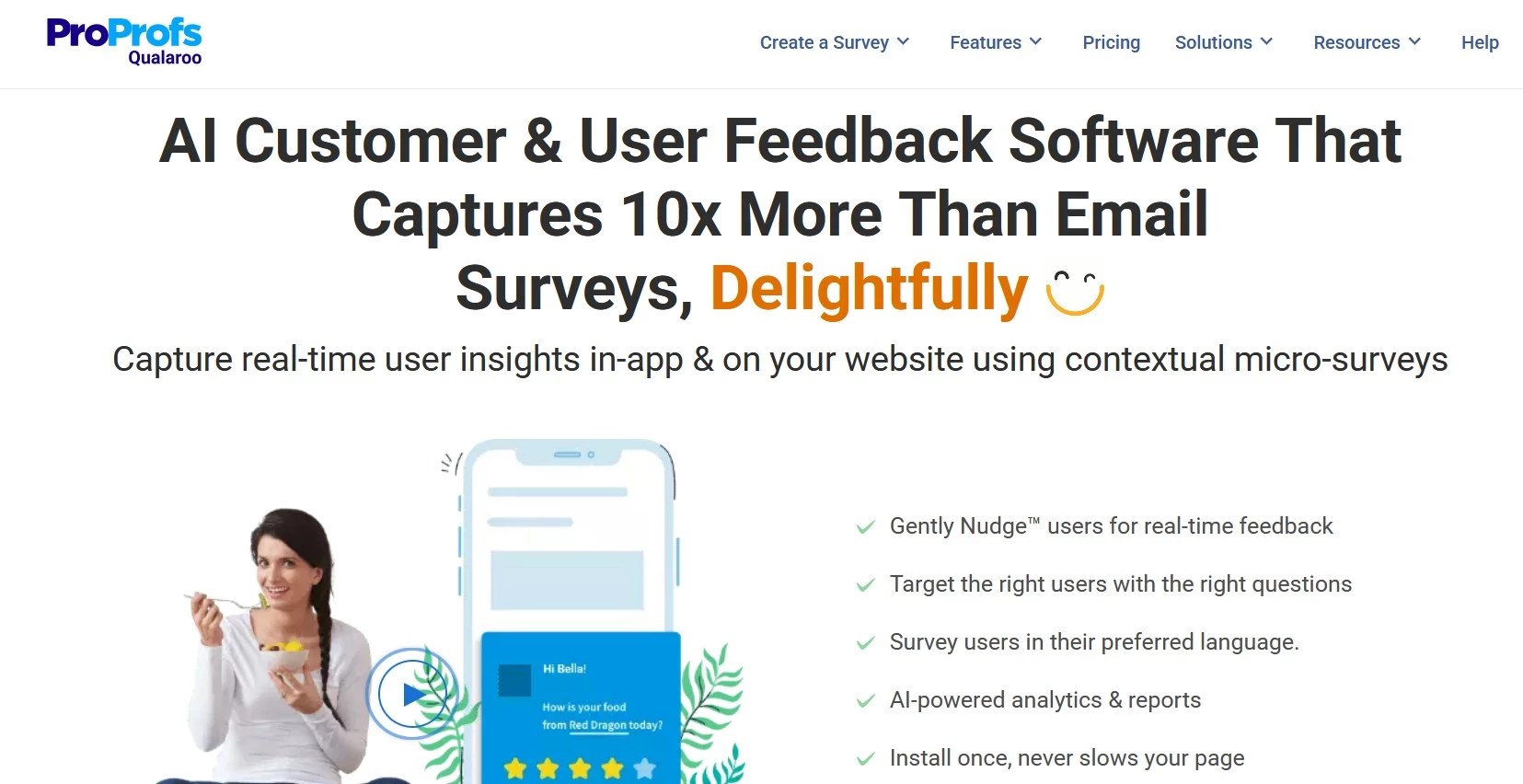
Qualaroo's "Nudge" surveys appear based on visitor behavior (time on page, scroll depth, or exit intent) to capture context-specific feedback without interrupting the whole session.
Pricing
- Free plan available
- Essentials: $19.99 per month
- Business: $49.99 per month
- Enterprise: $149.99 per month
Notable features
- Behavioral and URL-based targeting
- AI-powered sentiment analysis
- 70+ language support for surveys
4. Usersnap: Best for Combining Bug Reports with Live Product Feedback
For product teams collecting feedback and bug reports on a live product
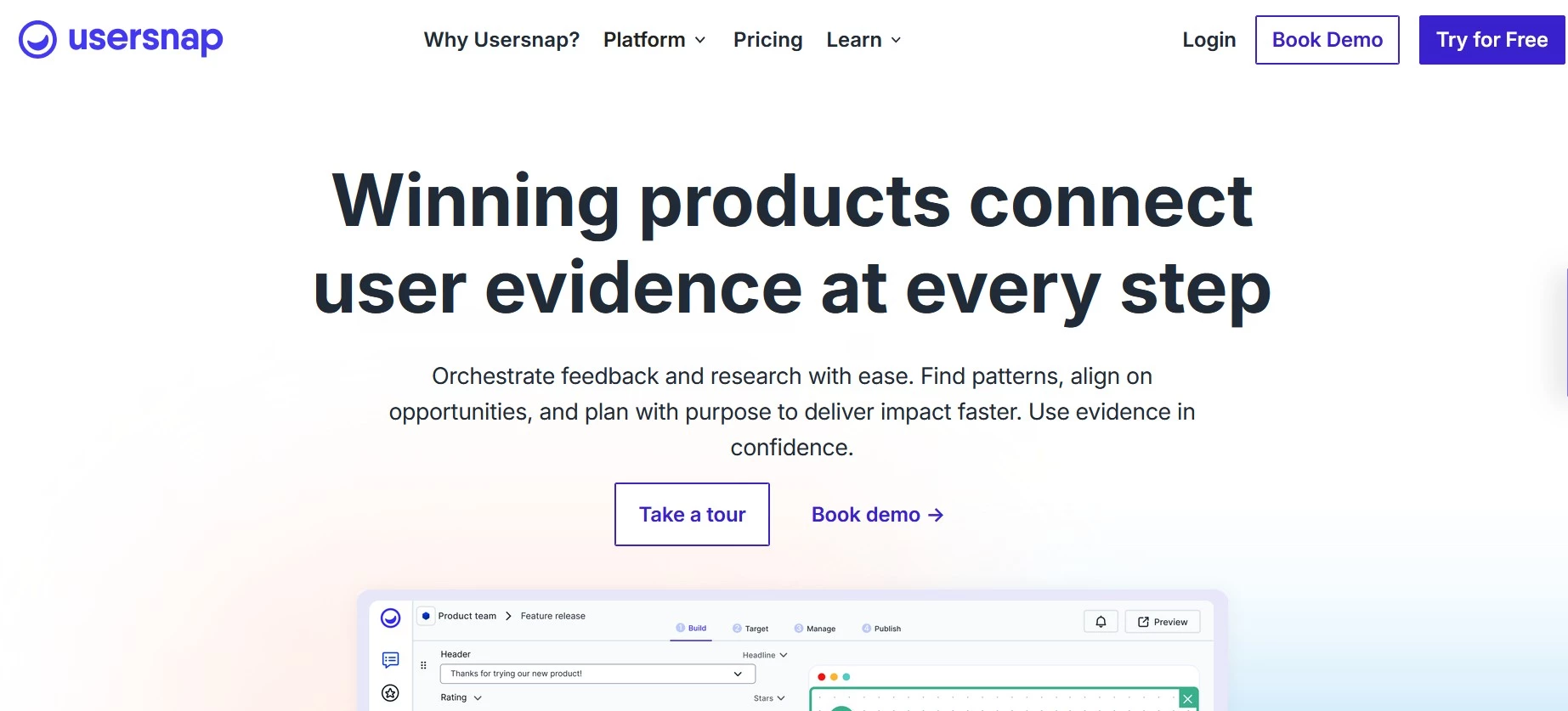
Usersnap blurs the line between categories of website feedback tools. It captures screenshots and technical metadata like BugHerd or Marker.io, but it's aimed at ongoing feedback from a live product's user base rather than a client review cycle.
Pricing
- Starter: ~$42 per month
- Growth: ~$96 per month
- Professional: ~$172 per month
- Premium: ~$319 per month
Notable features
- Screenshot and technical metadata capture
- Widget and browser extension collection methods
- Integrations with Jira, Azure DevOps, Trello, and Slack
Website Feedback Tools: Final Words
When feedback flows clearly, creativity follows with it. Building alignment, accountability, and long-term trust between teams and clients is what effective collaboration is all about.
Agencies that treat feedback (both from clients and from live site visitors) as a valuable resource will see real gains in efficiency and client satisfaction. And the right website feedback software makes it possible.
Our team ranks agencies worldwide to help you find a qualified partner to implement the latest AI solutions. Visit our Agency Directory for the Top Web Development Companies, as well as:
- Top Web Development Company in Chicago
- Top Front End Web Development Companies
- Top WordPress Development Companies
- Top No Code Agencies
- Top Web Design Companies
- Top Boston Web Developers
Our design experts also recognize the most innovative design projects across the globe. Visit our Awards section to see the best in web design.
Website Feedback Tools FAQs
1. How do website feedback tools differ from traditional project management platforms?
Website feedback tools focus on the review stage by capturing visual, contextual input directly on live sites or prototypes.
Unlike project management software, which tracks timelines and tasks, feedback tools streamline creative approvals by connecting comments to specific design elements to reduce ambiguity and back-and-forth.
2. Are these tools secure enough for enterprise and NDA-bound projects?
Yes. Most leading feedback platforms now include GDPR and ISO 27001 compliance, encrypted data storage, and detailed audit trails.
Enterprise plans often offer SSO, role-based permissions, and private hosting options, ensuring client data and creative assets remain fully protected throughout the review process.
3. Do website feedback tools replace bug tracking or QA tools?
Not completely. Website feedback tools are for visual reviews and client collaboration, while bug-tracking tools focus on technical issue management. You can use both together, with feedback tools capturing input and syncing tasks to systems like Jira or ClickUp.
4. Can clients use these website feedback tools without technical knowledge?
Most platforms are built for non-technical users, so clients can leave comments directly on live pages or designs using simple point-and-click interactions. The tools may also support guest access without the need to create accounts.
5. When should you choose a lightweight tool and not an enterprise platform?
It depends on your workflow complexity.
Lightweight tools work well for quick feedback and smaller teams, and enterprise platforms are better suited for multi-stage approvals, compliance requirements, and high-volume client work where audit trails and structured processes are essential.

-preview-webp.webp)