
Web teams are shipping faster and facing higher QA pressure than ever and debugging remains a major bottleneck.
The best bug tracking software gives teams the visibility and workflow efficiency needed to ship more reliable software at speed, and the bug trackers in this list cover every team size and budget."
Bug Tracking Tools and Platforms: Key Findings
- Visual and contextual reporting tools like BugHerd, Marker.io, and Usersnap save time by automatically capturing annotated screenshots and technical information.
- Tools with built-in reporting, such as Zoho BugTracker and ACCELQ Manual, help you track issue status, resolution progress, and testing outcomes more easily.
- If you need flexibility and self-hosted control, you may go for free bug tracking software like Bugzilla, MantisBT, or Redmine, while teams wanting an all-in-one issue tracking software may prefer Jira or Notion.
Why Bug Tracking Tools Are Mission-Critical
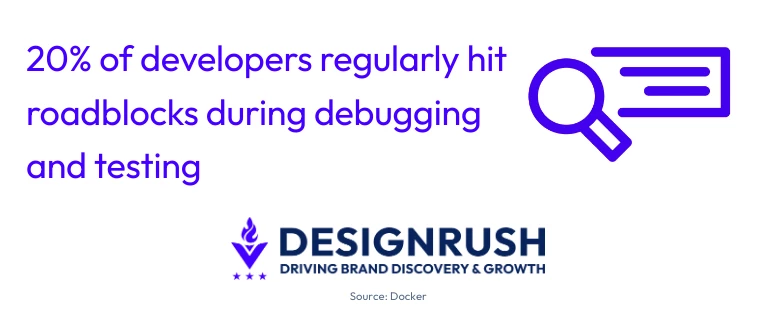
Development workflows continue to face friction. Docker’s report highlights ongoing blockers in areas like testing, debugging, and review cycles.
The real cost of these delays multiplies quickly. IBM data shows that fixing a defect after release is four to five times more expensive than addressing it during design, and up to 100× costlier than resolving it early in maintenance.
For companies shipping web applications or SaaS products, that delay can translate to millions lost, not just in developer hours, but in brand trust, customer satisfaction, and opportunity cost.
The stakes are rising as the category grows. The bug tracking software market was valued at $3.6 billion in 2025, and is projected to reach $11.93 billion by 2033.
That growth tracks the wider adoption of Agile and DevOps, where daily or hourly releases leave no room for defects to slip through unmanaged.
A modern bug tracking system counters this by centralizing issue reporting and improving cross-team visibility.



Best Bug Tracking Tools for 2026
Here's how the leading bug tracking software compares across features, pricing, and best-fit use case:
| Tool | Best For | Unique Functionality | Starting Price |
| BugHerd | Best Overall | Visual, client-friendly bug reporting with screenshots | $42/month (5 users, unlimited projects, unlimited client users) |
| Marker.io | Visual Bug Capture | One-click reporting with screenshots and console logs | $59/month |
| MantisBT | Open-Source Flexibility | Self-hosted, lightweight tracker | Free (open-source) |
| Jira | Enterprise & Agile Teams | Deeply configurable workflows with a 3,000+ app integration ecosystem | $7.91/user/month |
| Zoho BugTracker | Automated Workflows | Built-in SLAs and tight Zoho ecosystem integration | $4/user/month |
| Bugzilla | Customizable Issue Tracking | Highly configurable workflows | Free (open-source) |
| Usersnap | Visual User Feedback | Annotated screenshots + auto-captured environment details | €49/month |
| Redmine | Multi-Project Management | Gantt charts, time tracking, and deep configurability | Free (open-source) |
| Notion | Integrated Docs & Tracking | Linked databases in a modular workspace | $12/member/month |
| ACCELQ Manual | Manual Test Management | Structured test case execution | Custom pricing |
1. BugHerd: Best Overall
For web teams managing client feedback and visual QA

What makes BugHerd unique is its contextual, browser-based reporting: every comment includes a screenshot, metadata, and environment info. This turns vague feedback into actionable tickets without back-and-forth emails.
Each comment becomes a task on BugHerd's built-in Kanban board, ready to be actioned. This means you can keep client and stakeholder feedback separate from your web development team's main project management tool.
BugHerd offers deep two-way integration with leading project management tools such as Jira, Asana, ClickUp, Monday, Trello, GitHub, Slack, and more. It also supports screen recording, making it easier to capture and share visual feedback.
The tool delivers a strong ROI by reducing time spent clarifying feedback. Its visual feedback system lets clients and non-technical users pin comments directly on live pages, helping teams move faster during QA.
Sign up for a free trial with BugHerd here.
Pricing
- Standard: $42/month (5 users, unlimited projects, unlimited client users)
- Studio: $67/month (10 users)
- Premium: $125/month (25 users)
- Custom: Custom pricing
Pros
- Easy for non-technical users and ideal for client feedback
- Automatically captures browser, OS, screen resolution, and URL
- Two-way integrations with Jira, Asana, ClickUp, Trello, Slack, GitHub, and others
Cons
- Not designed for backend or server-side error monitoring
- Optimized for visual website feedback rather than automated QA/testing
Notable features
- On-page commenting with automatic screenshot and metadata capture
- Built-in Kanban board for managing feedback as tasks
- Screen recording for visual issue reporting
- Guest access for client feedback without login
- Integration with project management and issue-tracking tools
2. Marker.io: Best for Visual Bug Capture
For teams turning website feedback into development tasks
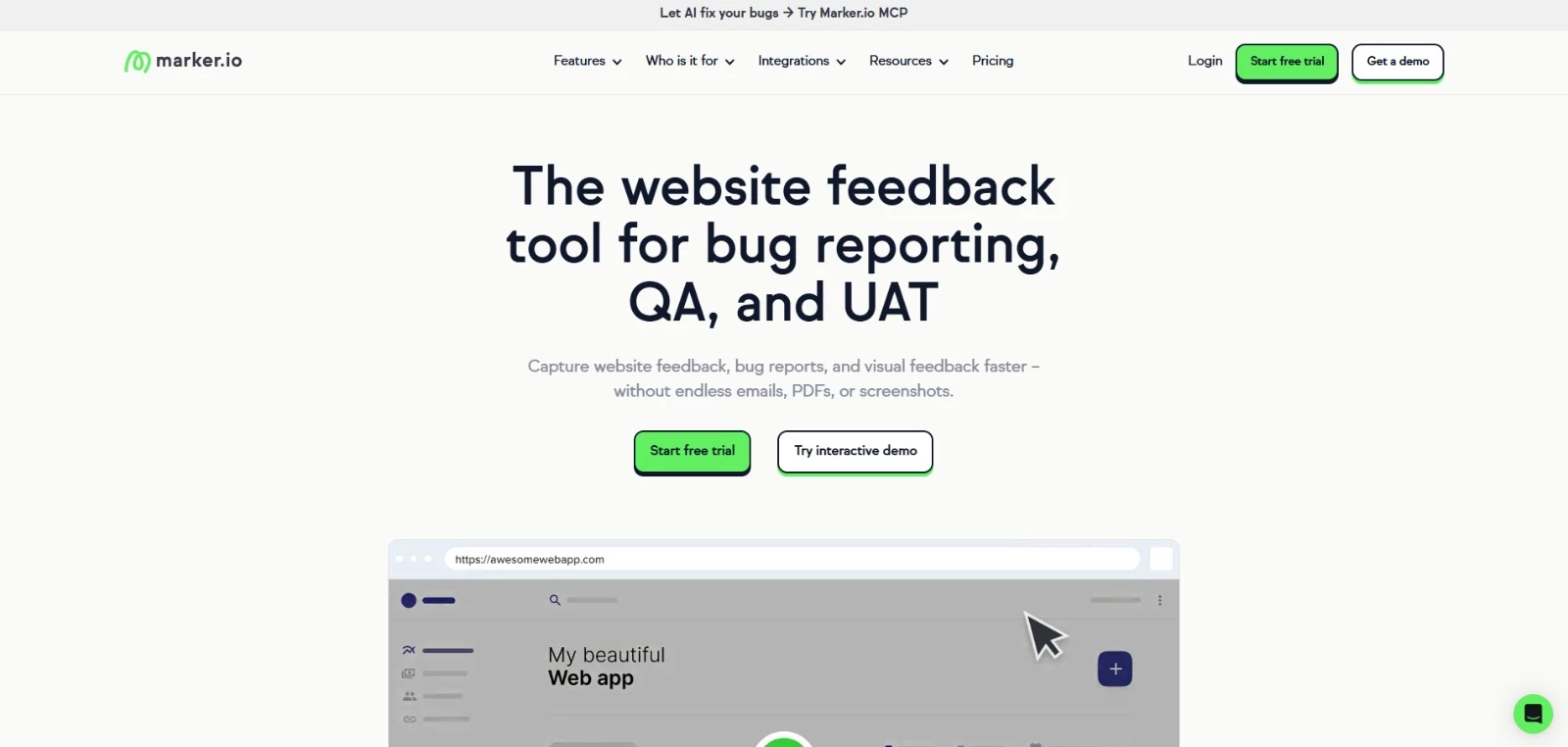
Marker.io improves accuracy with instant screenshots, environment data, and console logs.
It stands out for its client-ready reporting overlay, which even non-technical users can use to mark issues directly on live or staging sites. The tool then auto-creates detailed tickets in Jira, Trello, Asana, or ClickUp.
Marker.io also automatically captures technical context, including browser details and screen size, so developers can reproduce issues without going back and forth with clients.
Pricing
- Starter: $39/month (billed annually)
- Team: $149/month (billed annually)
- Business: Custom pricing
Pros
- Visual bug reporting with screenshots, annotations, and console logs
- Easy for clients and non-technical users to report issues
- Integrates with Jira, Trello, GitHub, Asana, ClickUp, and Linear
Cons
- Focused on front-end/web, not ideal for back-end or complex QA
- Advanced features require higher-tier plans
Notable features
- Automatic screenshot capture with technical metadata (URL, browser, console logs)
- Two-way sync with different tools
- Browser extension and widget for capturing feedback
- Session replay for reproducing user issues
- Feedback submission without requiring user accounts
3. MantisBT: Best for Open-Source Flexibility
For teams that need a self-hosted & customizable bug tracking solution
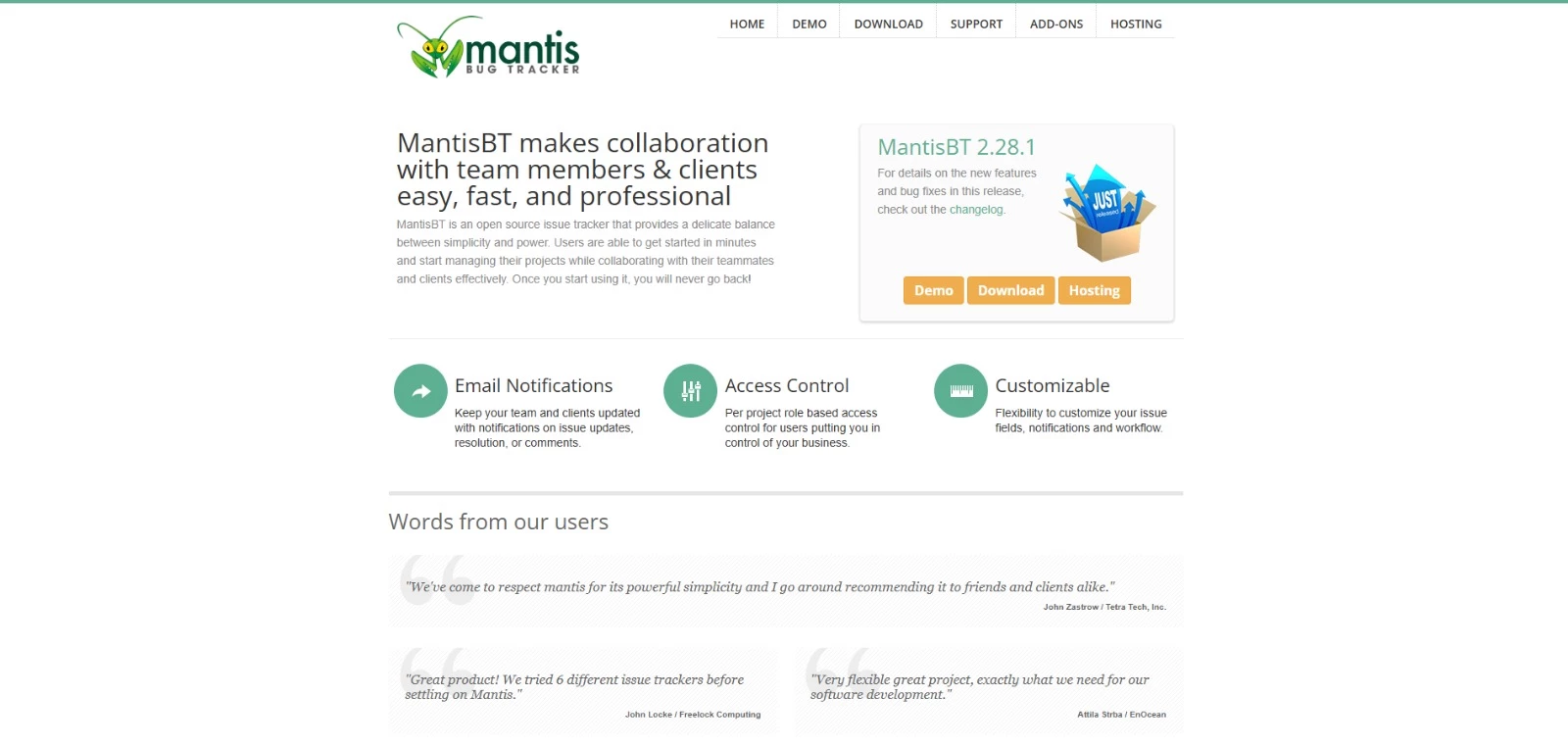
MantisBT offers cost efficiency and control for teams that prefer free bug tracking software they can self-host. It scales well for internal development environments and organizations with strong IT infrastructure.
It lets you tailor workflows and permissions, supports role-based access, and provides email notifications and plugins for extended functionality.
Its simplicity ensures low overhead, and its transparency appeals to security-sensitive projects that need on-premises solutions.
Pricing
- Free: fully open-source (GPL license), self-hosted
Pros
- Lightweight and easy-to-deploy open-source bug tracker
- Built-in email notifications, custom fields, and role-based access
- Suitable for both technical and non-technical users
- Plugin support for extensibility
Cons
- Outdated UI compared to modern issue trackers
- Limited agile PM features (no native Kanban/Scrum boards)
Notable features
- Custom workflows and permissions via self-hosting
- Role-based access control for teams and stakeholders
- Email notifications for issue tracking updates
- Plugin system for extending functionality
- REST API for integrations
4. Jira: Best for Enterprise and Agile Teams
For large development teams running complex, multi-project workflows
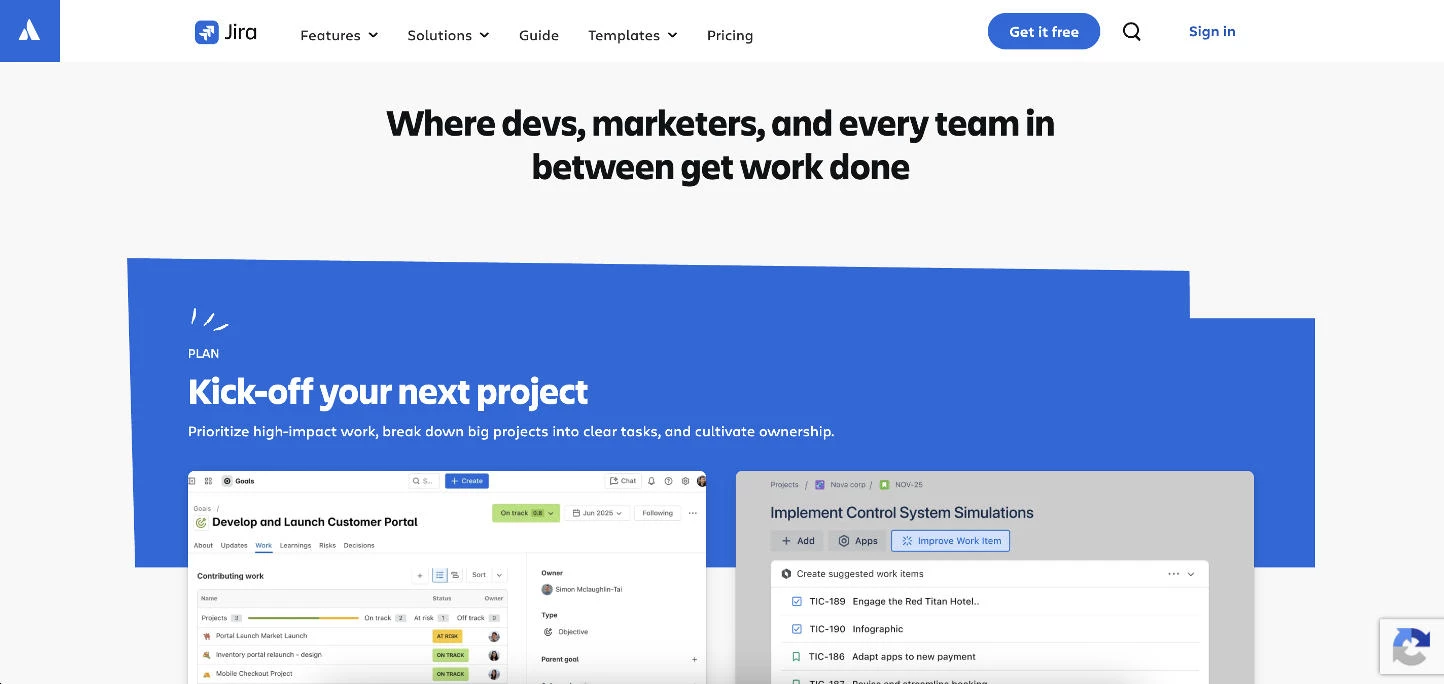
Jira is the industry standard bug tracking system at scale, favored by large development teams that need deep configurability over speed of setup.
Where visual tools like BugHerd optimize for client feedback, Jira optimizes for control, with custom statuses, transition rules, and automation triggers that can model virtually any defect workflow.
Its main strength is the integration ecosystem. Jira connects to over 3,000 apps and syncs tightly with the wider Atlassian stack, including Confluence for documentation and Bitbucket for source control, so bugs can link directly to commits, pull requests, and releases.
That power comes with complexity. For a team of three to five developers on a single product, Jira can feel like more tool than the job requires. For teams of 20 or more spread across multiple projects, it is hard to beat.
Many web teams pair the two approaches, using a visual tracker like BugHerd or Marker.io to capture client-side issues and pushing them into Jira as the central system of record.
Pricing
- Free
- Standard: $7.91/user/month
- Premium: $14.54/user/month
- Enterprise: Custom pricing
Pros
- Deeply customizable workflows, fields, and automation rules
- Integration ecosystem of over 3,000 apps plus native Atlassian sync
- Scales from single teams to large, multi-project organizations
- Strong agile support with Scrum and Kanban boards, sprints, and reporting
Cons
- Steep learning curve and heavier setup than lightweight trackers
- Can feel over-engineered for small teams or simple projects
Notable features
- Configurable workflows with custom statuses and transition rules
- Jira Query Language (JQL) for advanced issue search and filtering
- Two-way integration with Bitbucket, GitHub, and CI/CD pipelines
- Automation rules for assignment, routing, and notifications
- Agile boards, backlogs, sprints, and dashboard reporting
5. Zoho BugTracker: Best for Automated Workflows
For teams using Zoho Projects or looking for built-in workflow automation
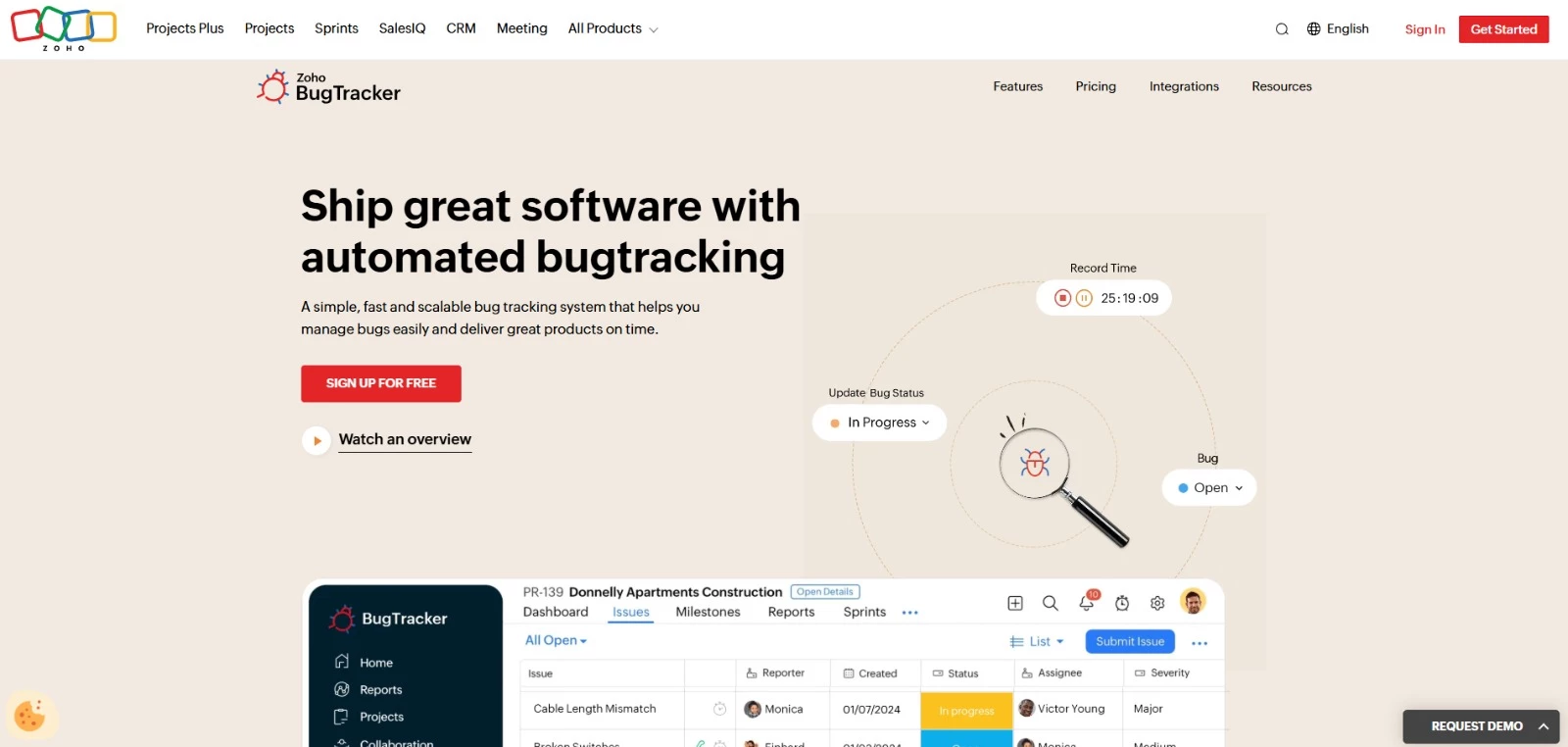
Zoho BugTracker provides structured, automated workflows that improve bug lifecycle management. Its tight integration with the Zoho ecosystem enhances ROI for teams already using Zoho Projects or CRM.
The tool handles bug assignment, notifications, and SLA tracking, helping teams manage recurring issues efficiently. Built-in time-tracking and reporting enable accountability and performance analytics.
Zoho’s customization and scalability make it ideal for small-to-mid teams evolving toward more structured QA processes without enterprise overhead.
Pricing
- Free
- Standard: €3/user/month
- Premium: €7/user/month
Pros
- User-friendly interface focused on issue tracking
- Custom workflows, SLAs, and automation rules
- Built-in time tracking, reports, and notifications
- Integration with the other Zoho tools
Cons
- Limited advanced agile capabilities
- Less flexible for complex development pipelines
Notable features
- Workflow automation with custom statuses and rules
- SLA tracking and automated notifications
- Custom fields for tailoring bug tracking workflows
- Blueprint automation for structured, repeatable processes
- Role-based access and permissions
6. Bugzilla: Best for Customizable Issue Tracking
For teams needing highly configurable, enterprise-grade issue tracking
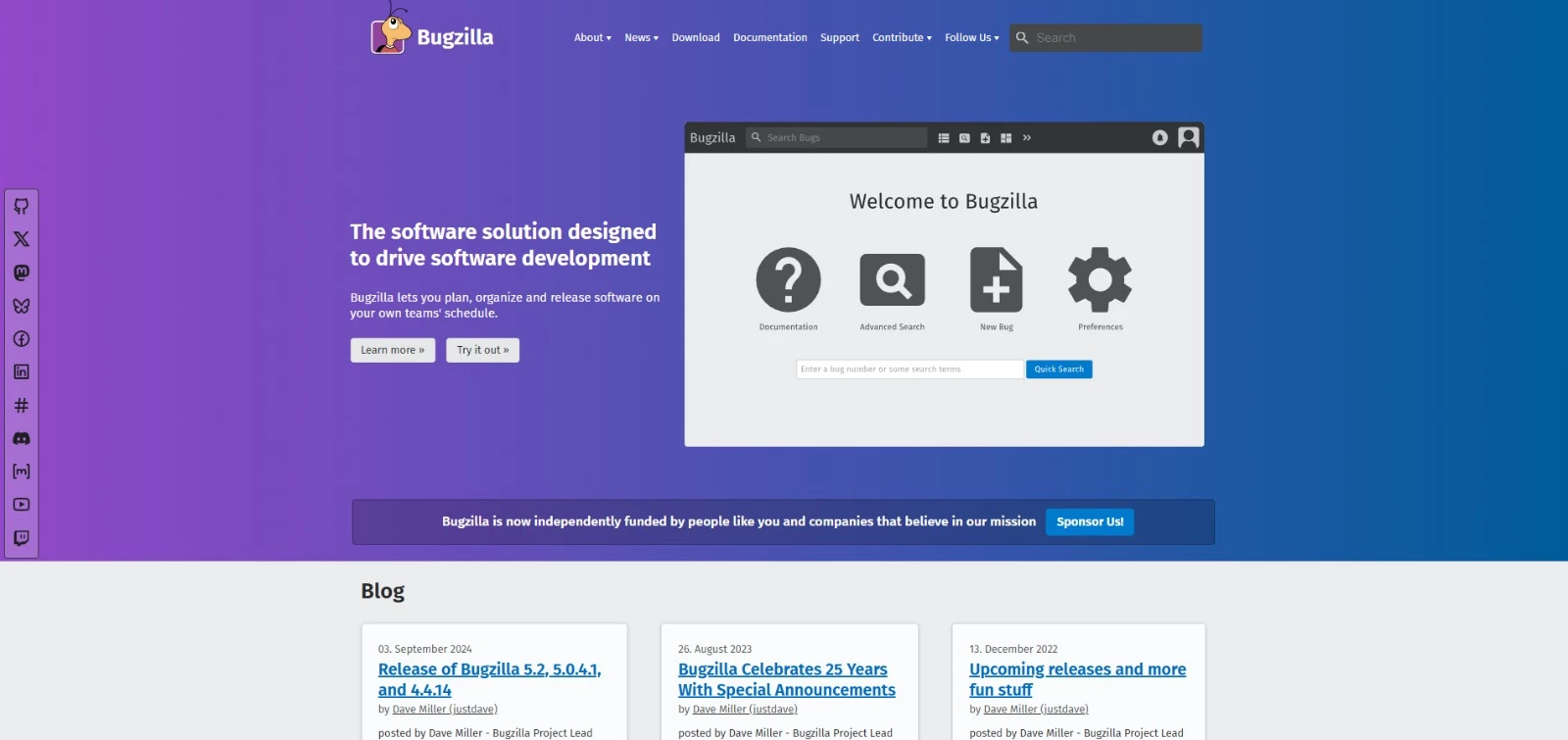
Bugzilla is a mature, open-source defect tracking tool trusted by enterprise teams worldwide for its flexibility and reliability.
Its highly configurable workflows and fields help you tailor issue tracking to virtually any development process.
Bugzilla excels at handling complex projects with multiple products, components, and release cycles.
Features like advanced search, email notifications, and role-based permissions give teams full control over bug management, while its open-source nature allows for deep customization and integrations.
Pricing
- Free: fully open-source, self-hosted
Pros
- Robust workflow and permission customization
- Scales to large teams
- Detailed reporting and historical bug tracking
- Open-source and self-hosted for full control
Cons
- Steeper learning curve for new users
- Requires self-hosting and maintenance
Notable features
- Advanced search with custom query building and filters
- Scheduled reports and data export (CSV, XML, etc.)
- Email-based issue updates and notifications
- Custom fields, workflows, and permissions
- Web services APIs (XML-RPC/JSON-RPC) for integrations
7. Usersnap: Best for Visual Bug Capture
For teams collecting visual feedback directly from users and clients

Usersnap is bug reporting software that turns issue capture into a client-friendly process, making it easy to log issues directly on live websites or staging environments.
Every report includes screenshots, annotations, and environment details, reducing the need for constant clarifications between QA, developers, and clients.
The platform integrates with popular project management and development tools like Jira, Trello, GitHub, and Asana, automatically creating tasks.
Its focus on visual context and streamlined reporting accelerates debugging, improves accuracy, and shortens QA cycles for both small teams and client-facing agencies.
Pricing
- Starter: €39/month
- Growth: €89/month
- Professional: €159/month
- Premium: from €319/month
Pros
- One-click visual bug reporting with screenshots and annotations
- Automatically captures browser, OS, and URL context
- Integrates with Jira, Trello, GitHub, and Asana
- Easy non-technical users
Cons
- Primarily focused on frontend/web issues
- Advanced features gated to higher-tier plans
Notable features
- Screenshot and video feedback capture
- Automatic environment metadata
- Console error logs for debugging
- Feedback widget and browser extension
- REST API and webhooks for integrations
8. Redmine: Best for Multi-Project Management
For teams managing multiple projects with shared resources
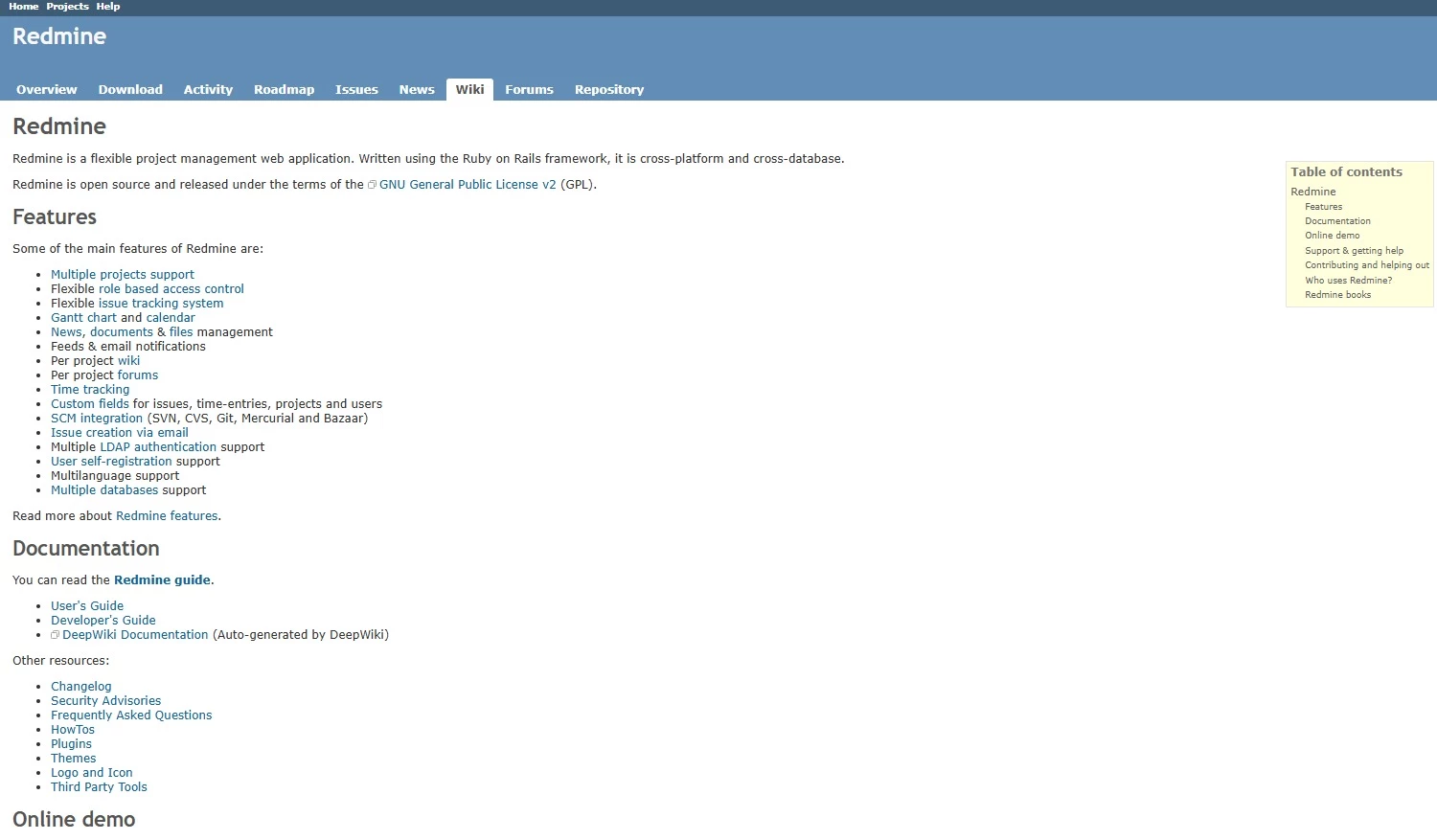
Redmine is a free, open-source issue tracker software and project management tool.
You can organize projects, subprojects, and issues within a single system, with flexible roles and permissions for each project. This makes it easier to track bugs for different clients, teams, or product lines without switching tools.
Redmine supports version control integration, wiki documentation, and Gantt charts, combining bug tracking and project planning.
Pricing
- Free - fully open-source (self-hosted)
Pros
- Multi-project and subproject issue tracking in one system
- Flexible role-driven access control per project
- Built-in Gantt charts, calendar, and time tracking
- Supports integration with Git, SVN, and other repositories
Cons
- Less intuitive interface
- Steeper learning curve for non-technical users
- Requires setup, hosting, and ongoing maintenance
Notable features
- Issue creation and updates via email
- Custom fields for issues, projects, and users
- Advanced search, filtering, and reporting
- Per-project wikis and forums for documentation
9. Notion: Best for Integrated Docs and Tracking
For teams managing bugs with documentation and project planning
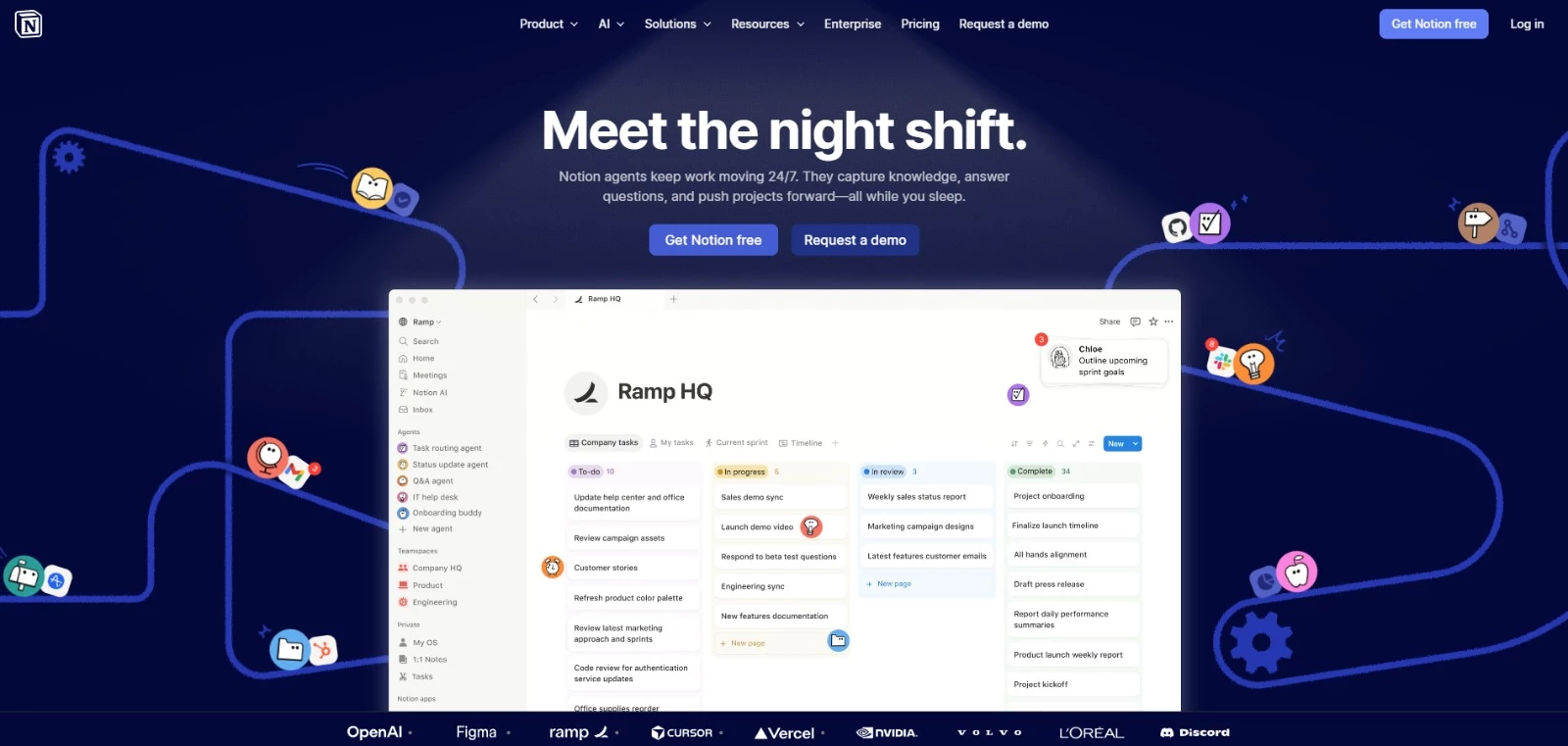
Notion brings issue tracking into the same space as product specs, tasks, and planning.
Bug tracking is handled through customizable databases, and you can define fields such as status, priority, assignee, and deadlines, and adjust the setup as workflows evolve.
Bugs can be linked directly to related pages such as specs, tickets, or roadmap items, so context stays attached to each issue.
Pricing
- Free
- Plus: $10 per member/month
- Business: $20 per member/month
- Enterprise: Custom
Pros
- Docs, planning, and issue tracking in one system
- Flexible database structure for custom processes
- Inline comments and linked pages connect bugs to specs
- Large library of templates and integrations
Cons
- Not a dedicated bug tracking system
- Can feel unstructured without defined workflows
Notable features
- Multiple views (table, board, and calendar) for issue tracking
- Linked pages for connecting bugs to related work
- Real-time collaboration and comments
- API and integrations with tools like Slack and GitHub
10. ACCELQ Manual: Best for Manual Test Management
For QA teams managing bugs within structured test workflows
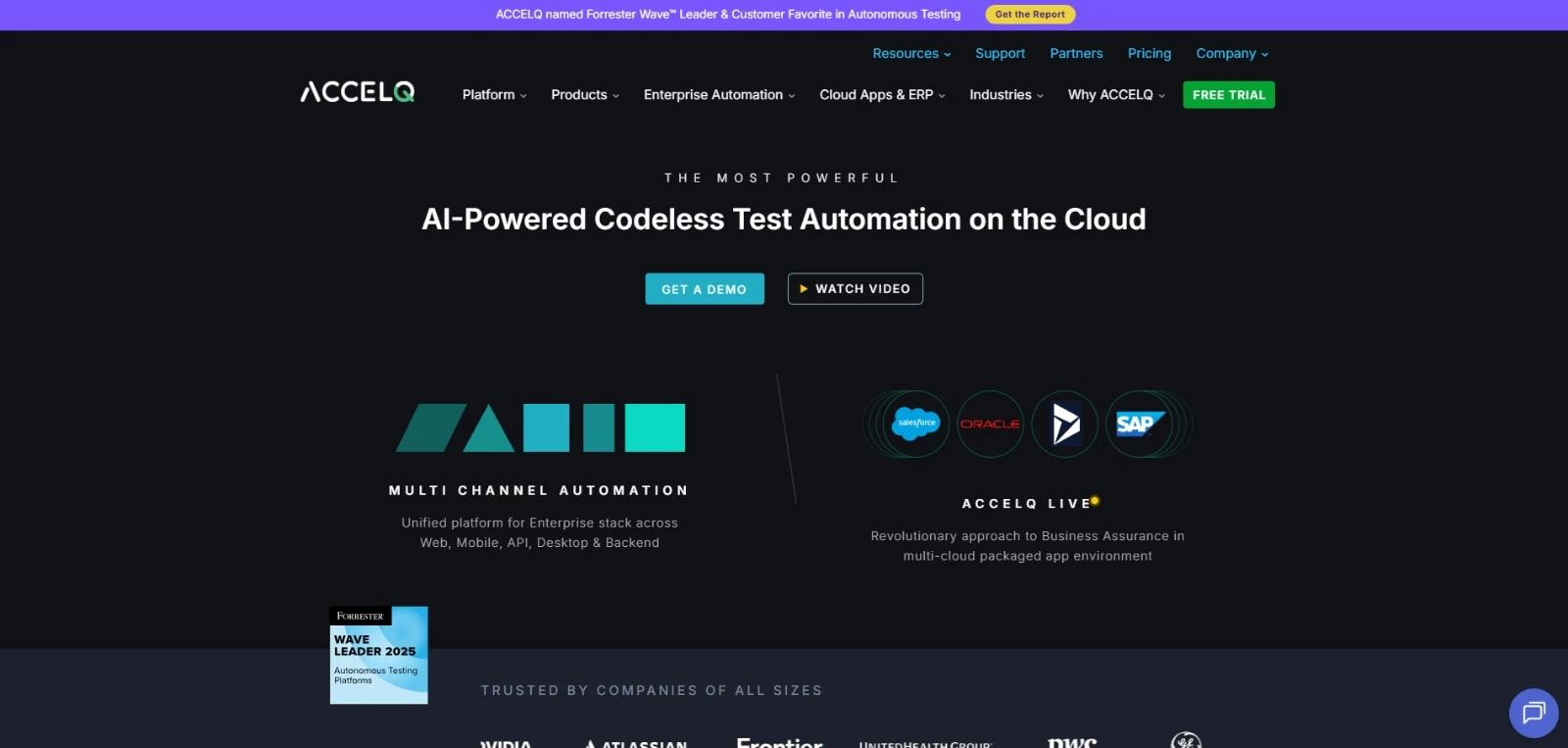
ACCELQ Manual specializes in end-to-end manual test management, so it gives QA teams a centralized system for documenting, executing, and tracking test cases.
Its bug tracking capabilities ensure that issues discovered during testing are logged, prioritized, tracked, and resolved.
ACCELQ Manual simplifies QA processes by connecting test execution directly to bug tracking. This way, you get visibility into defect status and progress toward resolution.
Pricing
- Available by request
Pros
- Centralized manual test and bug management
- Easy connection between test cases and defect reports
- Supports detailed reporting and audit trails
- Integrates with CI/CD pipelines and automation tools
Cons
- Primarily designed for overall test management
- May require training for complex enterprise setups
Notable features
- Defect tracking linked directly to test execution
- Real-time reporting on test results and defects
- Reusable test steps and modular test design
- Integration with automation and DevOps tools
How To Choose a Bug Tracking Tool: A Decision Framework
The right bug tracking software is the one that fits your team's size, workflow, and tech stack, not the one with the longest feature list.
Use the framework below to narrow the field, starting with team size, then weighing the six criteria that determine efficiency, collaboration, and long-term ROI.
Start with team size and workflow
Team size is the fastest way to shortlist the best bug tracking tools for your situation, because it rules out both under-powered and over-engineered options before you compare features.
- Small teams and solo projects (1 to 10) usually need speed over configurability. Lightweight or integrated tools like Notion, Zoho BugTracker, or MantisBT keep overhead low without forcing a heavy process onto a small group.
- Mid-sized and client-facing teams (10 to 20) benefit most from visual capture and fast triage. Tools like BugHerd, Marker.io, and Usersnap reduce back-and-forth with clients and non-technical stakeholders while still feeding a structured pipeline.
- Large and enterprise teams (20 or more) need deep configurability and traceability across projects. Jira, Bugzilla, Redmine, and ACCELQ Manual scale to complex, multi-team workflows and stricter compliance requirements.
Once you know roughly where you sit, weigh the following six criteria against your specific process.
- Workflow efficiency
- Time-to-resolution
- Integrations
- Automation
- Security and compliance
- Reporting and insights
1. Workflow Efficiency
Value comes from reduced friction between developers and QA teams, ensuring bugs move through the pipeline faster and with fewer handoffs. Look for tools that match how your team already works rather than forcing a new process.
Visual trackers cut friction at the reporting stage by capturing context automatically, while configurable workflow engines like those in Jira and Bugzilla cut friction later by routing issues through your exact triage and review stages.
Ask: how many manual steps does it take to get a bug from reported to assigned?
2. Time-to-Resolution
Look for demonstrable improvements in resolution times, fewer back-and-forth clarifications, and measurable efficiency gains across product teams. The biggest lever here is report quality at intake.
Tools that auto-capture screenshots, console logs, and environment data, such as BugHerd, Marker.io, and Usersnap, remove the clarification cycles that stall resolution.
Ask: how much of a complete bug report does the tool assemble on its own, versus what your reporters have to write manually?
3. Integrations
A modern bug tracker must plug seamlessly into your CI/CD pipelines, Git-based repos, automation tools, and project management stack.
Check two things: which tools it connects to, and whether the sync is one-way or two-way. Two-way sync keeps status accurate across systems without duplicate updates, which matters most when a visual tracker feeds a system of record like Jira.
Ask: does it integrate natively with your existing stack, or will it require custom scripting to connect?
4. Automation
Evaluate whether the tool supports auto-assignment, severity tagging, rule-based routing, and intelligent notifications. Automation is where a tool earns back admin time as your volume grows.
Zoho BugTracker's SLA tracking and blueprint automation and Jira's rule-based triggers both reduce the manual triage load that otherwise scales with your backlog.
Ask: can the tool route and prioritize incoming bugs without a person touching each one?
5. Security and Compliance
Enterprise teams need trackers that support ISO and GDPR alignment, audit logs, SSO and SAML, encryption, and granular role-based permissions. These safeguards protect sensitive customer data and maintain compliance across distributed teams.
Self-hosted options like Bugzilla, MantisBT, and Redmine give security-sensitive projects full data sovereignty, at the cost of managing hosting and patching yourself.
Ask: does the tool meet your regulatory requirements out of the box, or does compliance depend on how you deploy it?
6. Reporting and Insights
Prioritize tools that provide productivity analytics. These enable data-driven resourcing and help leaders spot bottlenecks.
Strong reporting turns your tracker into a source of quality metrics, such as defect density, resolution times, and recurring problem areas, not just a to-do list.
Ask: can the tool show you where bugs cluster and how long they take to resolve, so you can act on trends rather than individual tickets?
Bug Tracking Best Practices
Buying a capable tool is only half the equation. The teams that ship faster are the ones that pair the right tracker with disciplined habits, so bugs move through the lifecycle predictably instead of piling up in a backlog nobody trusts.
These tips will help you get more out of the tools in this list, whether you run a visual tracker like BugHerd or a self-hosted system like Bugzilla.
- Write clear, reproducible reports. Include a specific title, steps to reproduce, expected versus actual results, and environment details. Visual trackers like BugHerd, Marker.io, and Usersnap capture screenshots and metadata automatically, so reporters skip the technical guesswork.
- Prioritize by severity and business impact. Sort issues by both technical severity and business impact, keeping the two as separate fields. A checkout-blocking defect outranks a cosmetic one, even when it affects fewer users overall.
- Assign clear ownership. Give every issue a single named owner at triage, even when several people contribute to the fix. Ambiguity is where bugs stall, with everyone assuming someone else has it handled.
- Keep statuses updated consistently. Move bugs through defined states like new, triaged, in progress, ready for review, and closed. Stale statuses erode trust and push teams back into status-chasing over Slack and email.
- Use consistent labels and categories. Define a shared taxonomy for components, bug types, and tags, and require it at intake. Consistent categorization lets you filter by module, spot patterns, and report on defect trends.
- Review and retire stale bugs regularly. Schedule triage reviews to close outdated tickets, merge duplicates, and reprioritize what remains. A lean backlog keeps reporting accurate and prevents important issues from getting lost in noise.
- Integrate with version control and CI/CD. Link your tracker to Git repos and CI/CD pipelines to tie defects to commits, pull requests, and builds. This speeds root-cause analysis and can auto-create tickets when tests fail.
Bug Tracking Tools in 2026: Final Thoughts
The best platforms accelerate releases, improve code quality, and reduce operational drag in the entire development lifecycle. Choosing the right one sets your team up for faster, cleaner, and more predictable delivery.

Our team ranks agencies worldwide to help you find a qualified partner to implement the latest AI solutions. Visit our Agency Directory for the Top Web Development Companies, as well as:
- Top AI Web Design Agencies
- Top Front End Web Development Companies
- Top WordPress Development Companies
- Top No Code Agencies
- Top Web Design Companies
- Top Web Development Company in Chicago
Our design experts also recognize the most innovative design projects across the globe. Visit our Awards section to see the best in web design.
Bug Tracking Tools FAQs
1. Do small development teams really need a dedicated bug tracking system?
Yes. Even for small teams, structured issue tracking prevents bugs from slipping through the cracks and reduces communication overhead. Lightweight tools like Trello or Linear offer the right balance of clarity and speed.
2. How do bug tracking tools improve ROI?
They reduce time spent clarifying issues, speed up triage, prevent defects from escalating, and minimize rework. Combined, these factors shorten release cycles, often saving teams dozens of hours per sprint.
3. Which bug tracking tool is best for teams with non-technical stakeholders?
Platforms with visual, intuitive feedback capture (BugHerd, Marker.io) work best. They reduce friction for clients, designers, and marketers with limited knowledge of and experience with technical interfaces.
4. What is the difference between bug tracking software and issue tracking software?
Bug tracking software focuses specifically on identifying, prioritizing, and resolving software defects. Issue tracking software is broader, covering feature requests, tasks, and general project work alongside bugs.
Many teams use one tool for both, but for complex products, a dedicated bug tracking system offers deeper defect management. The best issue tracking tool for your team depends on whether you need pure defect tracking or a wider project workflow.
5. Can bug tracking tools replace QA processes?
Bug tracking tools support QA but don’t replace it. They help document, prioritize, and manage defects, but testing strategies, coverage, and validation still depend on QA practices and team processes.




-preview-webp.webp)