
We compared the top consent management platforms teams shortlist in 2026 and looked at how each one handles the two things that have changed most in the last eighteen months: Google's consent signal requirements and the IAB TCF v2.3 cutover.
Consent Management Platforms: Key Findings
- Cookiebot, CookieYes, and iubenda offer the strongest self-serve options, with Cookiebot leading on scanning, CookieYes on speed, and iubenda on combining consent with legal documents.
- consentmanager.net, Didomi, and Ketch suit specialized deployments, offering deep TCF control, consent-rate optimization, and cross-system consent synchronization, respectively.
- OneTrust, Osano, and TrustArc support broader privacy operations, with OneTrust consolidating enterprise governance, Osano simplifying US multi-state coverage, and TrustArc enabling auditable program management.
The $3.85 Million Cost of Getting Website Consent Wrong
Your site probably runs analytics, ad pixels, or third-party trackers, and if the consent setup is wrong, you could be looking at lawsuits, regulatory trouble, and marketing data you cannot trust:
- A federal court approved a $3.85 million Los Angeles Times settlement over three website and app trackers in June 2026, although the publisher admitted no liability.
- California law allows statutory damages of $5,000 per violation without proof of financial loss, although courts still disagree over how CIPA applies to website tracking.
- Businesses covered by privacy laws in 12 states must recognize universal opt-out signals such as Global Privacy Control rather than rely only on manual links.
- IAB TCF v2.3 became mandatory in March 2026, while Google Consent Mode v2 requires four correctly configured consent signals.
- The global consent management market is expected to reach $1.2 billion in 2026 and grow to $2.8 billion by 2033, as businesses invest in software and services to manage consent across increasingly complex regulatory environments.
CMP vs. Cookie Banner: What's Actually Different
“A CMP with an automatic scanner crawls the site and identifies not just cookies but the scripts, iframes, embedded video, images and pixels that set them,” says Chris Elsheikhi, VP of Demand Generation at Usercentrics.
“Banner-only setups skip that step, so the banner sits on top of a site that keeps firing whatever it was already firing.”
Five things a CMP does that a banner alone does not:
- Prevents non-essential cookies, pixels, and scripts from firing before the visitor has made a choice.
- Records what was consented to, when, and against which version of the banner.
- Gives visitors a persistent route to change or revoke their choice.
- Passes consent state onward to Google Ads via Consent Mode, to programmatic partners via the IAB TCF consent string, to other platforms via their own consent APIs.
- Re-scans the site to catch new trackers introduced by marketing tags, embeds and third-party scripts.
Installing a banner without prior blocking is the most common failure mode in the category. The banner appears, the visitor clicks nothing, and the trackers fire anyway.
Four Changes That Raised the Bar for CMPs
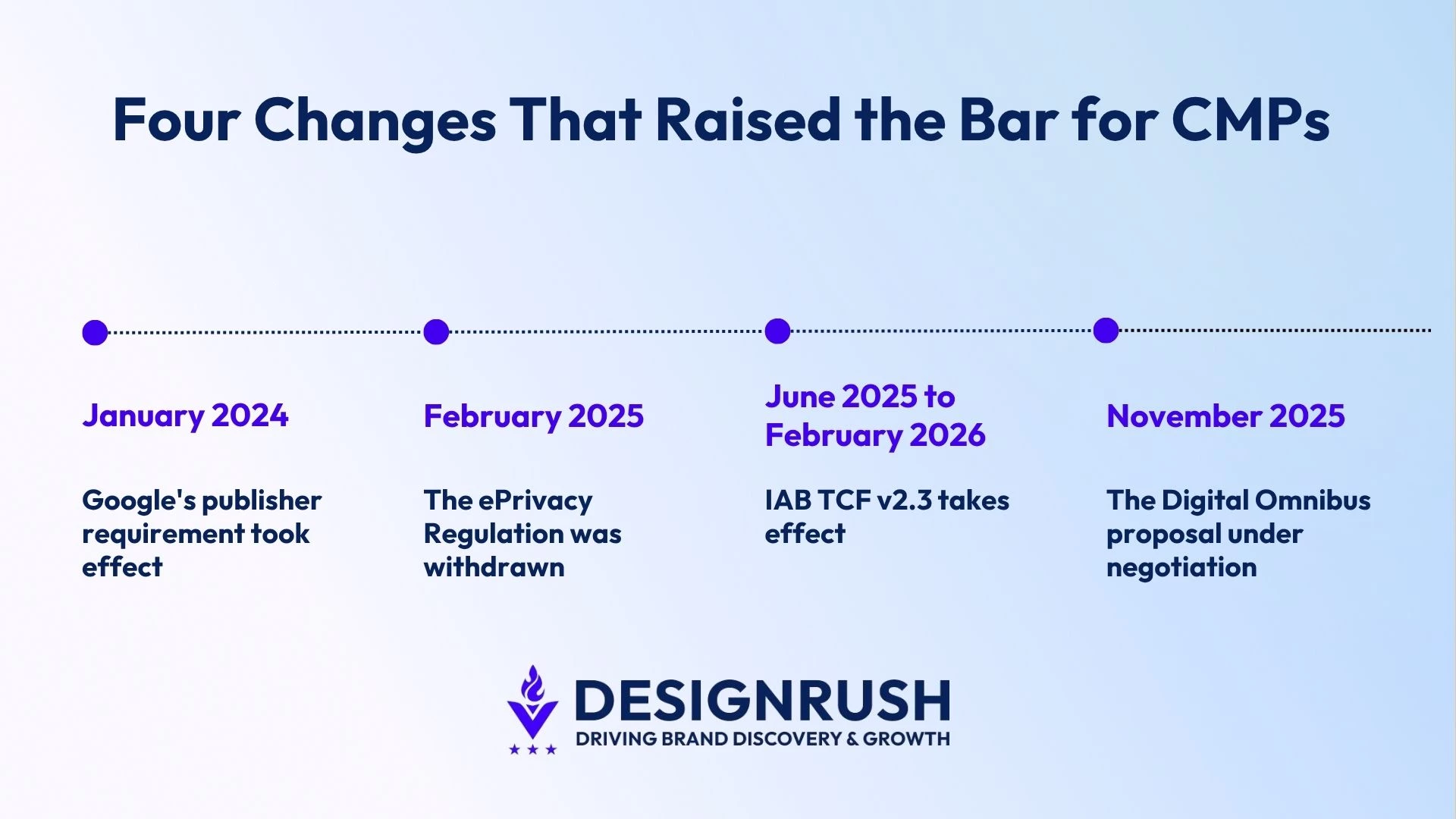 Between 2024 and 2026, consent platforms moved beyond displaying banners:
- Google made certification mandatory. Since January 2024, AdSense, Ad Manager and AdMob publishers serving personalized ads in the EEA and UK must use a Google-certified CMP. Switzerland followed in July 2024.
- The EU abandoned its ePrivacy Regulation. The Commission announced the withdrawal in February 2025, leaving the existing ePrivacy Directive and national cookie laws in place.
- IAB TCF v2.3 became the standard. Since March 2026, new consent strings must contain the mandatory disclosedVendors segment or be considered invalid under the framework.
- Browser-based consent moved closer. The proposed Digital Omnibus would introduce one-click refusal, prevent repeat requests for six months, and require machine-readable consent signals. It remains under negotiation.
CMPs should now be evaluated on certification, TCF v2.3 support, refusal records and browser-signal handling, not banner design alone.
For state laws, GPC requirements and enforcement, see Website Privacy Compliance in the US.



Consent Management Platforms Compared by Features, Pricing, and Best-Fit Use Cases
We weighted the criteria that separate platforms in practice:
- Signal fidelity covered Google Consent Mode v2, IAB TCF support, Global Privacy Control and the transmission of consent to Google Tag Manager.
- Enforcement assessed whether trackers are blocked automatically before consent or require manual script markup.
- Discovery considered how many storage types the scanner detects and how frequently it re-scans the site.
- Pricing considered whether costs are published and how they scale with domains, pages, sessions or traffic.
- Deploymentfit covered integrations, setup time and the level of developer access required.
- Operationaldepth included consent log exports, multi-site administration and language coverage.
| Platform | Best For | Consent Mode V2 | IAB TCF | Free Plan | Price Starting From |
| Cookiebot | Automatic cookie scanning and Consent Mode v2 | ✅ | Registered | ✅ | $8/month |
| OneTrust | Enterprise privacy governance | ✅ | Registered | ❌ | Custom |
| Didomi | Optimizing consent rates across web, mobile, and CTV | ✅ | Registered | ❌ | Custom |
| Osano | US multi-state privacy coverage | ✅ | Registered | ❌ | Custom |
| consentmanager | Deep IAB TCF control at self-serve pricing | ✅ | Essential and above | ✅ | $25/month |
| iubenda | Consent with auto-updating legal documents | ✅ | Registered | ✅ | $6.99/site/month |
| Ketch | Synchronizing consent across apps and data systems | ✅ | Registered | ✅ | $150/month |
| CookieYes | Small sites and fast self-serve setup | ✅ | Pro and Ultimate | ✅ | $10/month |
| TrustArc | Structured privacy program management | ✅ | Registered | ❌ | Custom |
| Enzuzo | Shopify and Webflow stores | ✅ | Registered | ✅ | $9/month |
1. Cookiebot: Best for Automatic Cookie Scanning and Google Consent Mode v2
Choose Cookiebot if you want the trackers on your site found and categorized for you, and your Google consent signals working without a custom Tag Manager build.
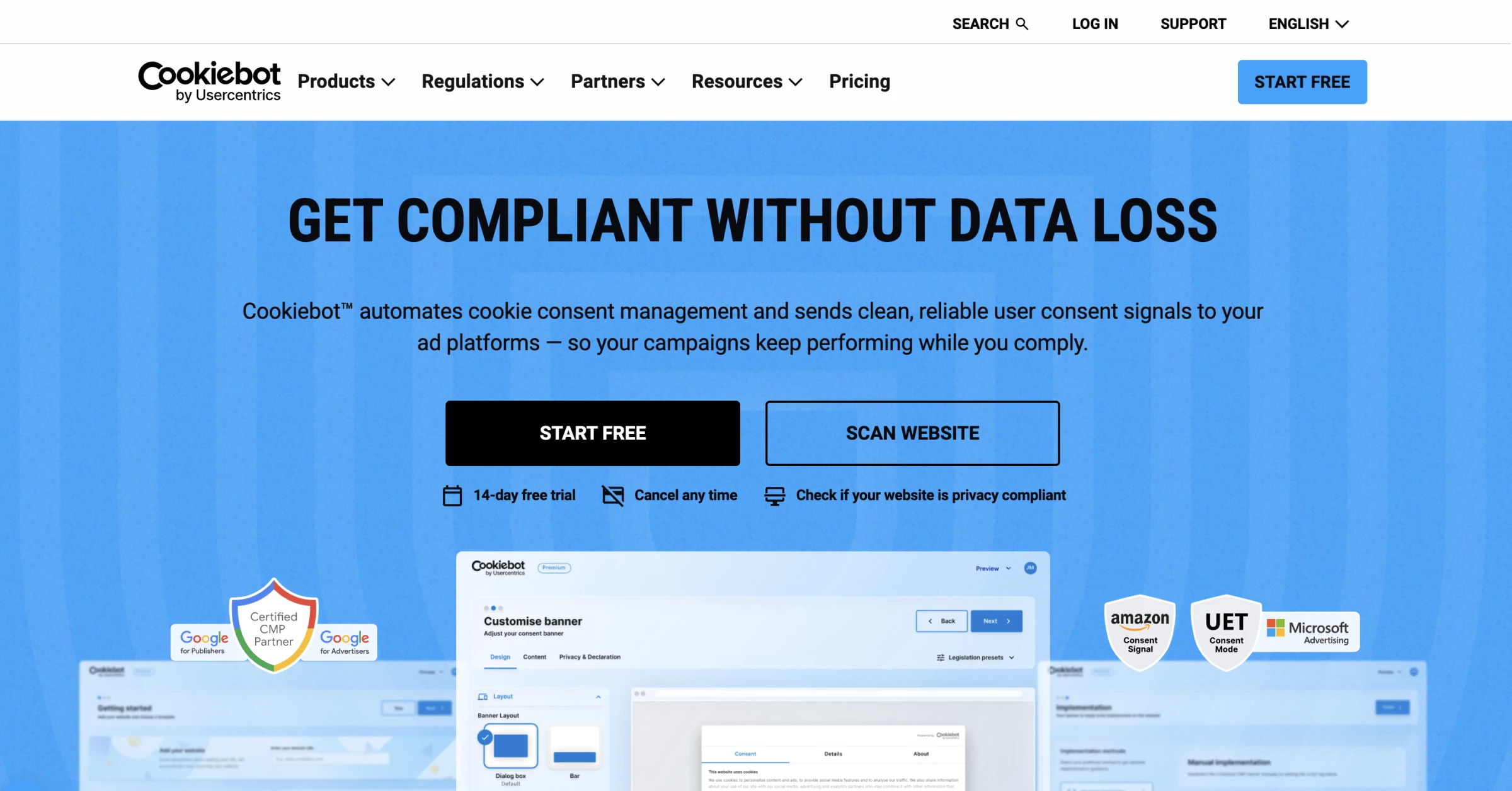
Cookiebot automates the main consent-management tasks that would otherwise require ongoing manual work.
Its scanner crawls your domain on a schedule and detects tracking technologies across a wide range of storage types, including HTTP and JavaScript cookies, HTML5 local storage, IndexedDB, pixel tags and more, then generates a cookie declaration describing each one.
That declaration appears in the consent dialog's details pane and can be published as a standalone cookie report on any page through a JavaScript embed.
Pros:
- Broad automatic detection across multiple storage types, not just HTTP cookies
- Block non-essential trackers and cookies automatically until visitors’ consent
- Google-certified CMP with Consent Mode v2 support out of the box
- Permanent free tier for small single-domain sites
- WordPress plugin, Shopify app, Google Tag Manager and direct script deployment
Cons:
- Priced per domain and tiered by scanner-detected subpage count, which suits one large site far better than a portfolio of small ones
- Subdomains are treated as separate domains and billed separately
It can also prevent non-essential trackers from loading before a visitor gives consent and pass that choice to Google Ads and GA4 through Consent Mode v2.
That integration affects more than compliance as consent signals determine how much conversion data reaches Google’s reporting and bidding systems.
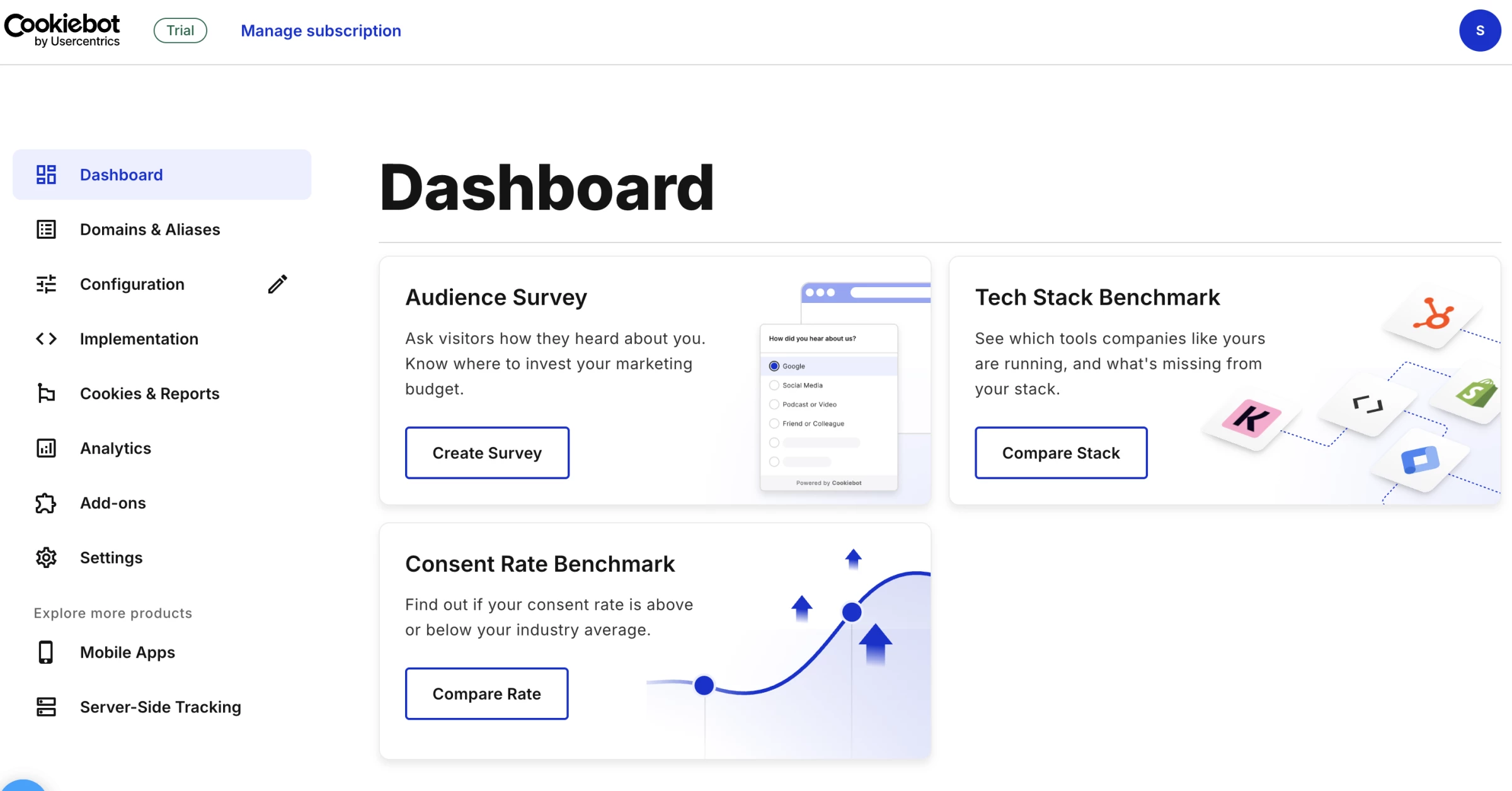
As Elsheikhi explains, missing signals leave Smart Bidding with less optimization data, while a correct Consent Mode v2 setup allows eligible accounts to use modeled conversions to recover part of the measurement gap without overriding the visitor’s choice.
Cookiebot suits marketing teams and site owners running Google Ads or GA4 who want tracker discovery handled automatically, single-site businesses with substantial page counts, and agencies working through the reseller model rather than per-domain retail pricing.
Pricing
- Free tier available
- Premium Lite: $8/month
- Premium Small: $16/month/domain
- Premium Medium: $34/month/domain
- Premium Large: $56/month/domain
- Premium XLarge: $96/month/domain
What Users Say
Cookiebot scores about 4.3/5 on Capterra and 3.6/5 on Trustpilot. Users praise its responsive support, easy setup, multilingual banners, customization, and integrations with WordPress, Google Tag Manager, and Google Analytics.
Most complaints concern pricing transparency, particularly unexpected increases tied to page counts, domain requirements, or automatic tier changes.
Other Notable Features
- Geo-targeted banner configuration for different regulatory regimes
- Consent log export for documentation
- Cross-domain consent sharing within a domain group
- EU-based data storage
- Microsoft UET consent mode support
- Partner and reseller program with certification training
Scan your site free with Cookiebot.
2. OneTrust: Best for Enterprise Privacy Governance
Consider OneTrust if consent is one requirement inside a formal privacy program rather than a website feature you need to switch on.
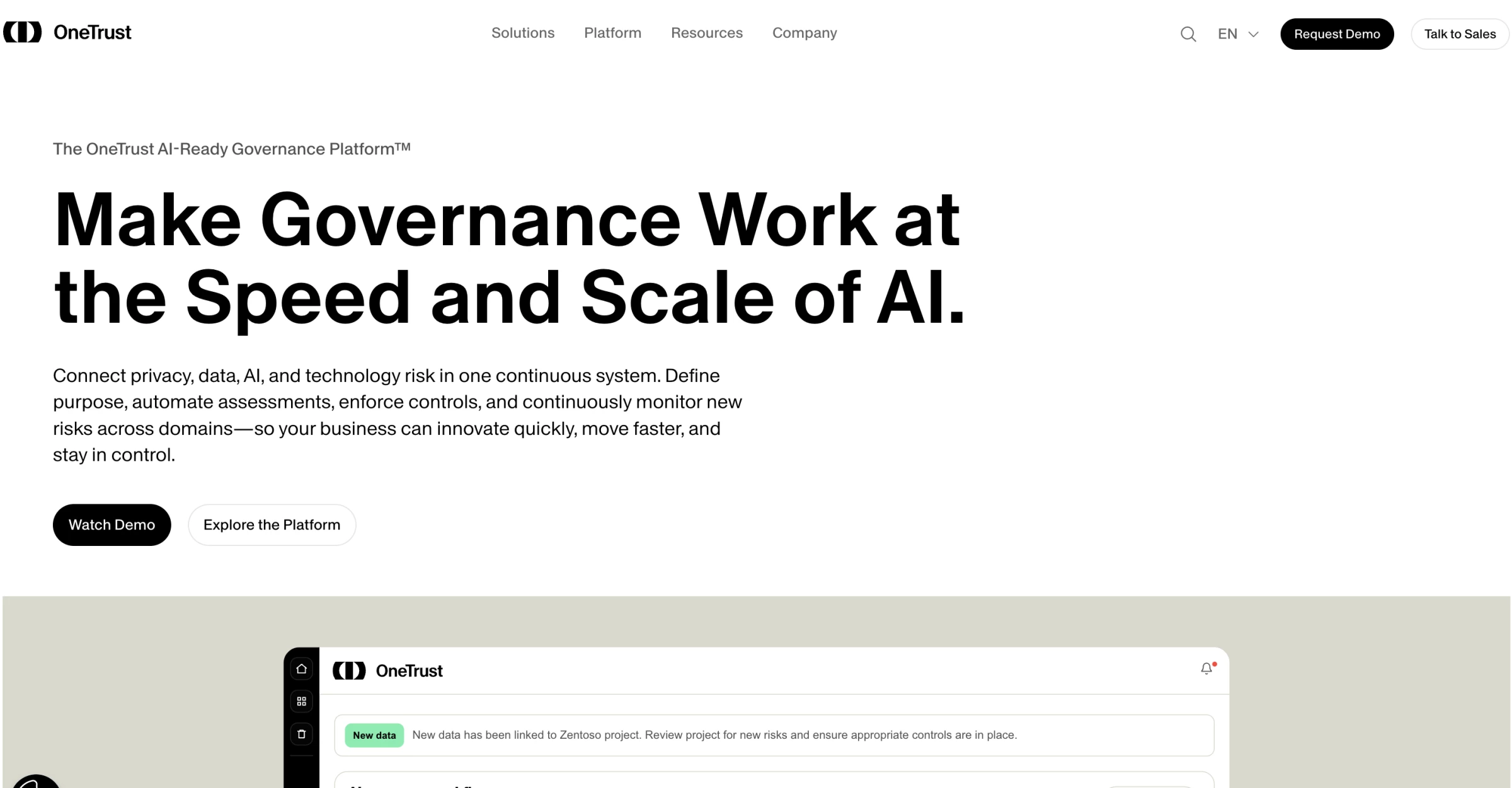
OneTrust is an enterprise privacy platform that combines consent management with data discovery, records of processing activities, privacy assessments, vendor risk, regulatory research and AI governance.
It can manage banners and customer preferences across websites, mobile apps, and connected TV while applying different rules across jurisdictions.
The platform makes the most sense when consent choices need to feed into broader privacy records and downstream systems, giving legal and compliance teams one place to document decisions, manage regional requirements and prepare evidence for audits.
Pros:
- Consent across web, mobile and connected TV inside one governance platform
- Deep preference management beyond simple cookie categories
- Broad regulatory framework coverage for organizations operating across many jurisdictions
- Large integration ecosystem connecting to enterprise data and security tooling
- Consolidates privacy, risk, vendor management and compliance in one system
Cons:
- Implementation measured in weeks to months, frequently requiring a consultant
- Pricing is not published, and reviewers describe it as opaque
- Substantially more platform than a mid-market team needs
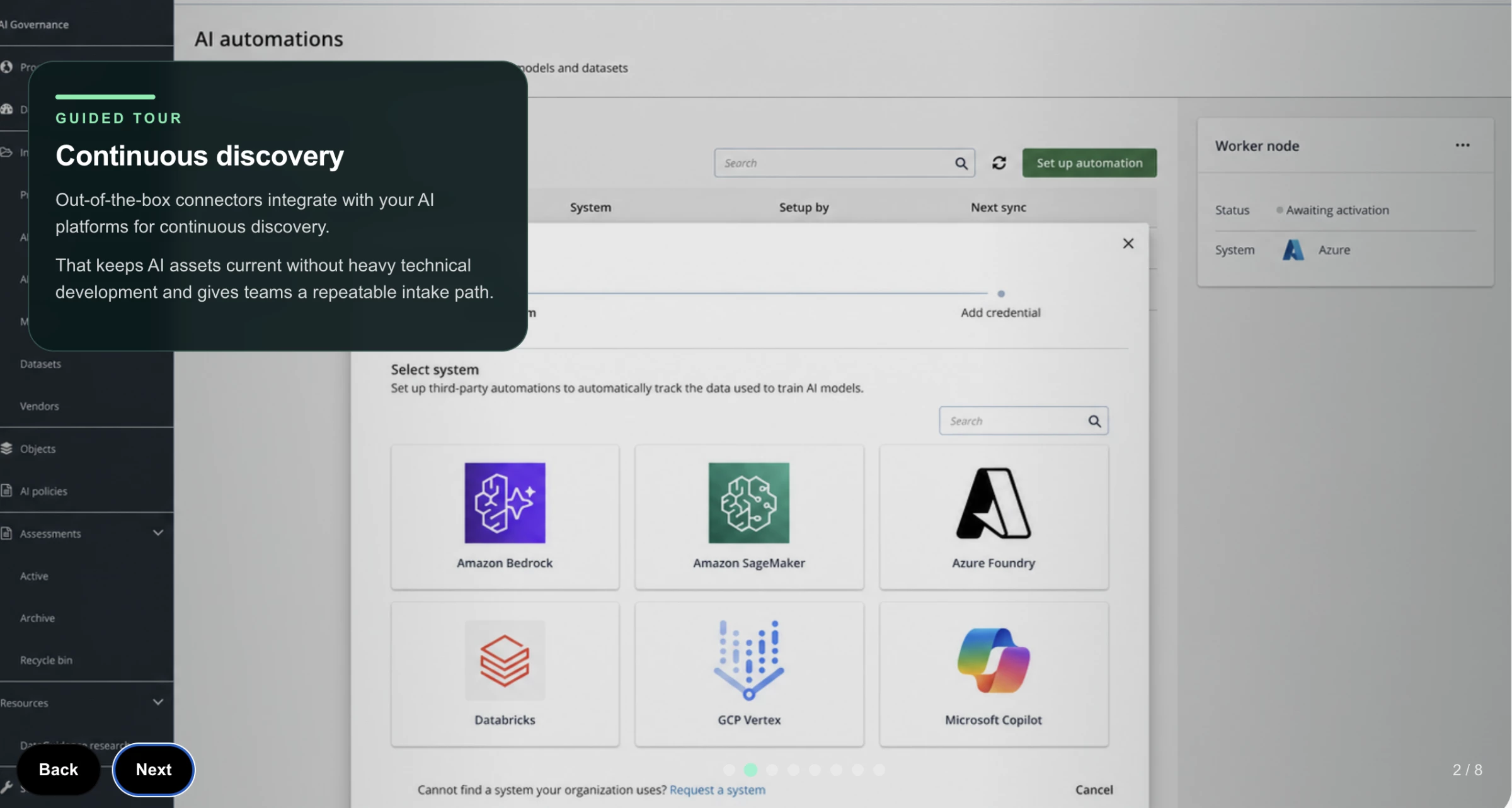
However, the platform also required more configuration than the simpler tools we evaluated.
Setting up banners and preference centers involved working through detailed rules, regional variations, and integration options rather than selecting a template and publishing it immediately.
The available controls suit organizations with complex requirements, but teams without dedicated privacy or technical resources may find the setup excessive for basic consent management.
Pricing
- Custom enterprise pricing
- No publicly advertised free plan
What Users Say
OneTrust earns roughly 4.2 out of 5 on Gartner Peer Insights and maintains solid Capterra ratings, but its Trustpilot score falls to around 1.5 out of 5.
Positive reviews praise its ability to consolidate consent, data mapping, vendor risk, and compliance workflows. Users also value its detailed preference controls and support for global regulations.
The most common criticisms concern complex navigation, time-consuming configuration, rising costs as more modules are added, and the expertise required to maintain the platform.
Other Notable Features
- Data mapping and records of processing activities
- Assessment and audit workflows
- Third-party and vendor risk management
- AI governance tooling
- IAB TCF registration and Google Consent Mode v2 support
3. Didomi: Best for Optimizing Consent Rates Across Web, Mobile, and CTV
Look at Didomi if consent rates map directly to revenue and a percentage point of opt-in is worth optimizing for.
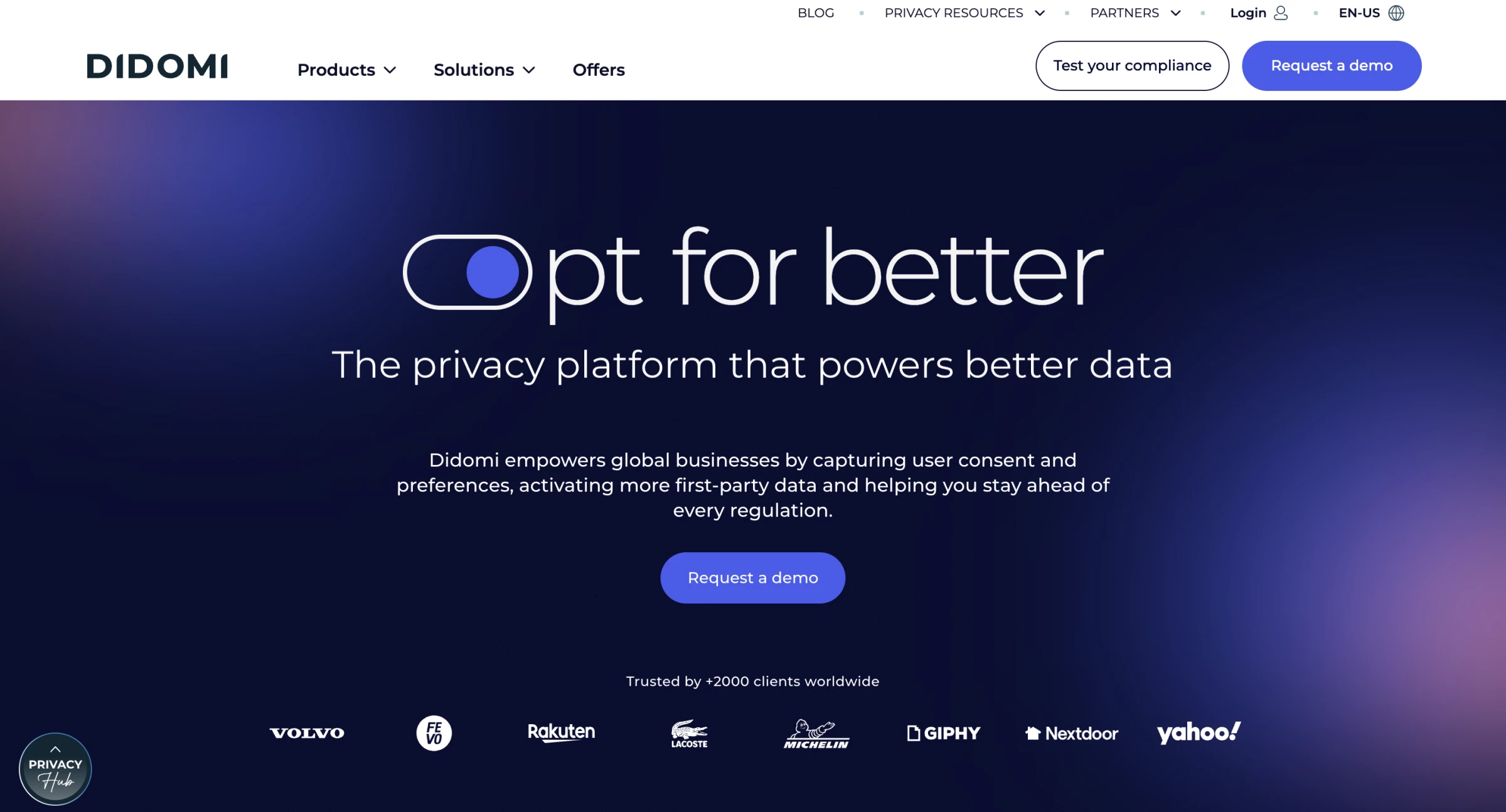
Didomi is a consent and preference management platform designed around the needs of publishers, media companies, and other ad-supported businesses.
Alongside collecting and storing consent, it provides A/B testing and analytics for measuring how banner design, wording and regional configuration affect opt-in rates.
The basic consent workflow is relatively approachable, but Didomi becomes more technical as requirements expand. AMP configurations, provider-specific integrations, and highly customized regional notices may require developer input.
Teams can compare different consent notices, apply location-specific experiences automatically and manage preferences across web, mobile, and connected TV from the same platform.
Pros:
- Built for ad-funded businesses where opt-in rate has measurable revenue impact
- Consent and preference management across web, mobile and CTV in one platform
- Google Gold CMP Partner status
- Reviewers consistently describe deployment as fast and non-technical
- Regular feature releases and responsive product team
Cons:
- Sales-led with no free tier and no published pricing
- Positioned at the higher end of the cost spectrum
- More platform than most non-publisher businesses require
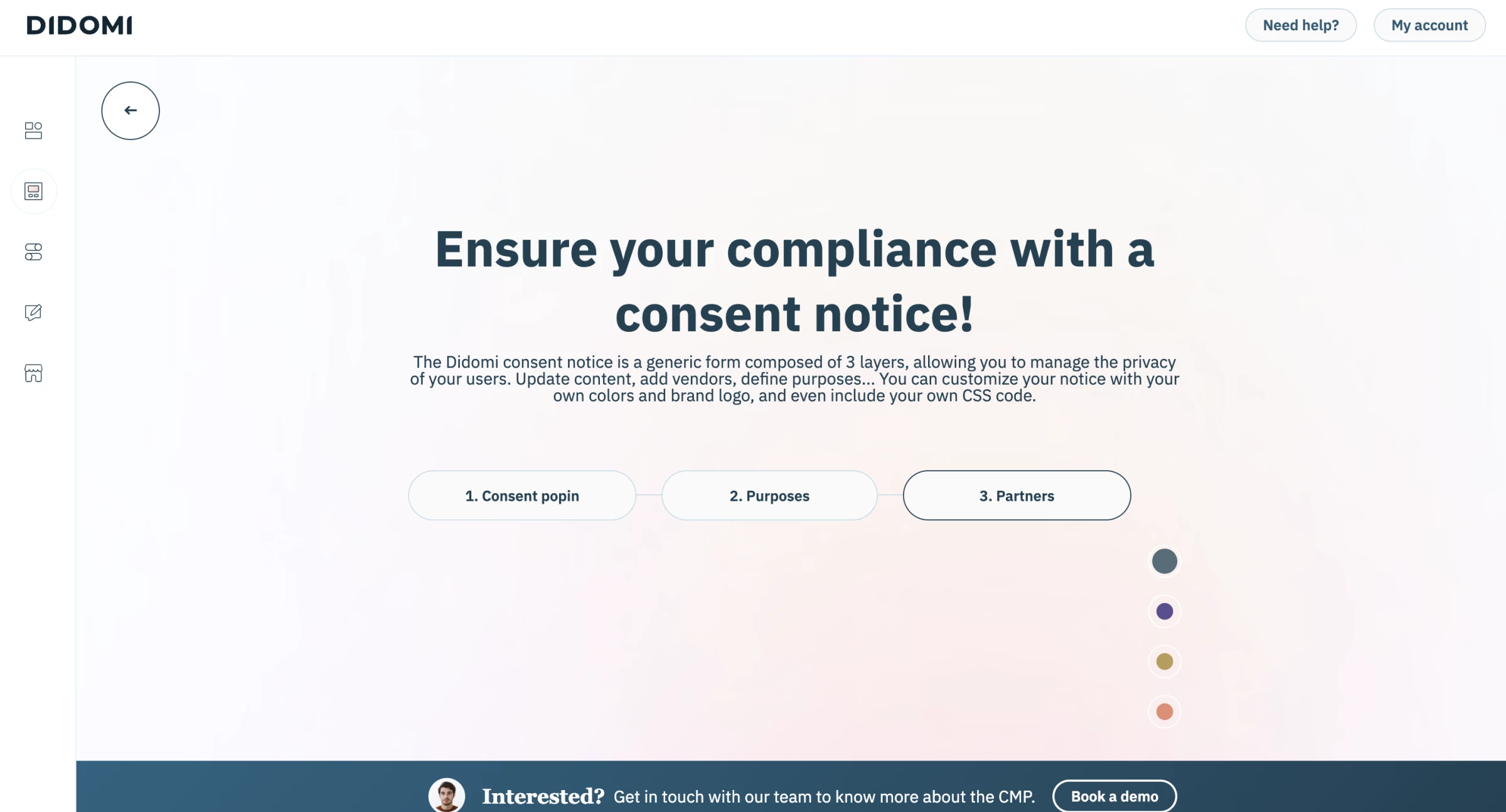
The main advantage is the connection between compliance and consent performance.
Many CMPs can collect and store user choices, but Didomi adds the testing and preference tools needed to evaluate how notice design, wording, and regional rules affect opt-in rates.
Didomi is a strong option for any organization that monetizes consented audiences, operates across several digital channels, or treats preference data as part of its customer data strategy.
Businesses that only need a compliant website banner may struggle to justify the platform’s cost and additional complexity.
Pricing
- Custom pricing across multiple tiers
- No permanent free tier
What Users Say
Didomi holds roughly 4.5 out of 5 on Capterra and also receives positive reviews on Gartner Peer Insights. Users frequently praise its fast deployment, approachable interface, responsive support, and regular regulatory updates.
Criticism focuses on advanced use cases rather than the core consent workflow.
Reviewers mention difficulties customizing AMP implementations, integrating certain providers, applying specific international requirements, and interpreting evolving TCF rules.
Other Notable Features
- A/B testing on consent notices
- Auto-geolocation for regulation-specific banner rules
- Preference management for zero-party data collection
- Privacy request module for data subject access requests
- Native mobile and CTV SDKs
4. Osano: Best for US Multi-State Privacy Coverage
Consider Osano if your compliance obligations are primarily American and the state-by-state variation is the part that worries you.
While many consent platforms began with GDPR and added American regulations later, Osano is designed to handle differences in state-level thresholds, consumer rights, cure periods, and opt-out rules.
That focus is increasingly useful now that 20 states have comprehensive privacy laws in effect, including Indiana, Kentucky, and Rhode Island as of January 1, 2026.
Osano combines consent management with data subject request automation, data mapping, and vendor privacy monitoring. It therefore sits closer to a privacy operations platform than a standalone cookie banner, although it remains more approachable than many enterprise governance suites.
The banner can be deployed with a single line of JavaScript, while automatic location detection applies the appropriate consent experience according to the visitor’s jurisdiction.
Consent records, tracking scripts, disclosures, and consumer requests can then be managed from the same dashboard rather than through separate tools and manual processes.
Pros:
- Depth on US state privacy law rather than GDPR with CCPA bolted on
- Single line of JavaScript to deploy the consent banner
- Data subject rights management and vendor privacy monitoring included
- Reviewers consistently describe the dashboard as clean with a low learning curve
- Automatic location detection adjusting consent behavior per visitor
Cons:
- Entry pricing is high relative to consent-only competitors
- Self-serve tier carries a hard monthly visitor cap, above which pricing becomes sales-led
- Fewer CMS integrations than several competitors
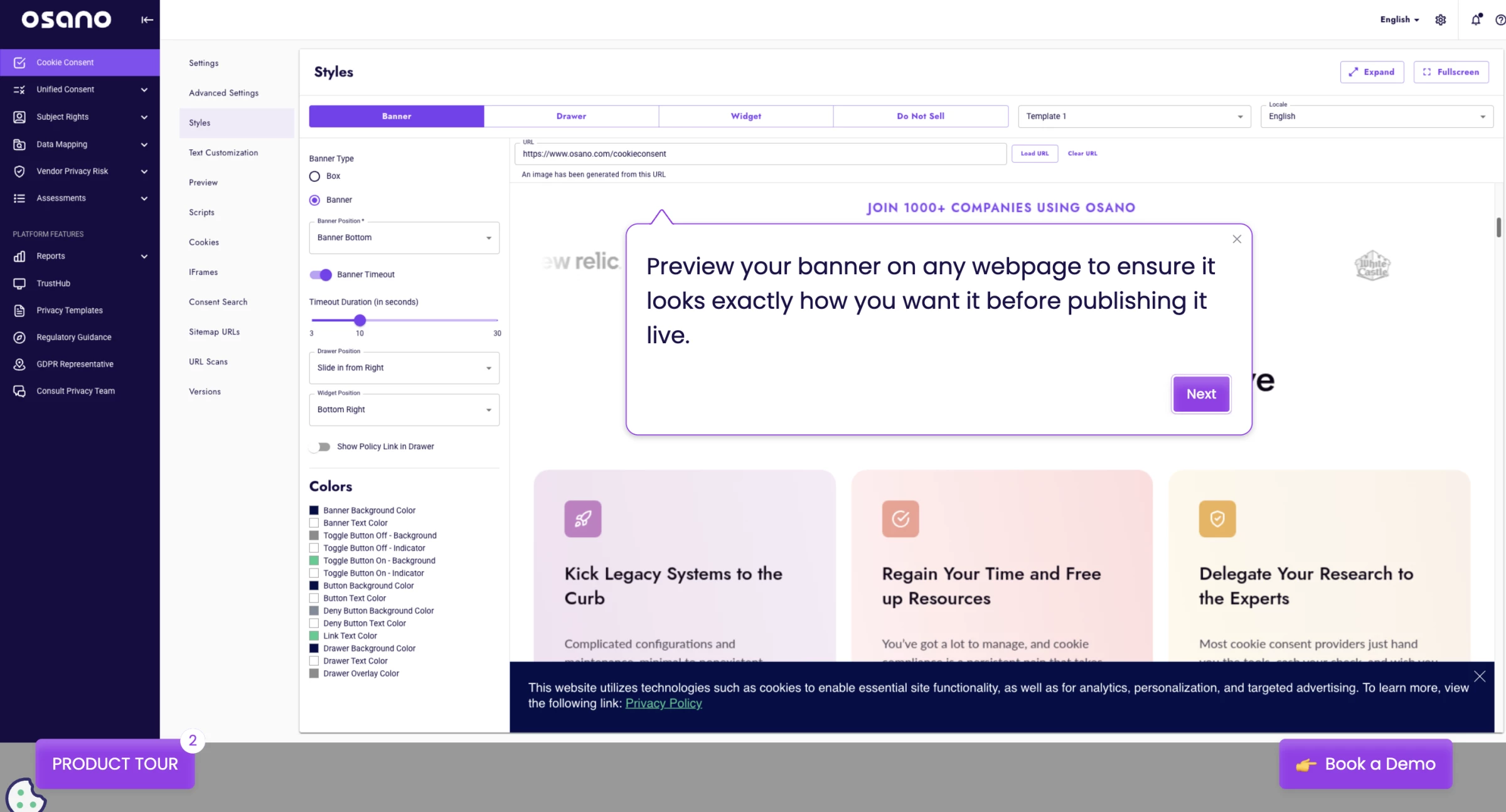
Osano’s main advantage is the amount of US privacy work it can centralize.
Instead of using one tool for consent, another for consumer privacy requests, and manual processes to monitor vendors and regulatory changes, teams can manage those responsibilities within one platform.
Osano is best suited to businesses that operate across several US states and need a repeatable process for applying jurisdiction-specific privacy rules.
Businesses with international traffic can still use it, but its strongest differentiation lies in managing the fragmented US regulatory environment.
Pricing
- Custom pricing based on the organization’s setup and requirements
- No public starting price or plan comparison
- Free 30-day trial
What Users Say
Osano earns generally positive reviews from mid-market users, although its Trustpilot rating sits at roughly 2.6 out of 5. Reviewers most often praise the simple JavaScript deployment, clean dashboard, automatic location detection, and relatively low learning curve.
Price is the most common complaint, particularly among smaller and lower-traffic businesses. Reviewers also mention limited self-service customization and occasional gaps in data discovery.
Some users nevertheless find the higher cost worthwhile because the platform requires less ongoing maintenance than more manual alternatives.
Other Notable Features
- Vendor privacy policy monitoring across a large vendor database
- Data subject request automation
- Consent analytics and audit logs
- Privacy law change alerts
- Unified consent and preference hub
5. consentmanager.net: Best for Deep IAB TCF Control at Self-Serve Pricing
Try consentmanager.net if you need certified TCF compliance for programmatic advertising and enterprise pricing is not an option.
consentmanager.net is a platform built around the IAB Transparency and Consent Framework, aimed at publishers and ad-supported sites. It registers under CMP ID 31 and is built on TCF v2.3, alongside Google Consent Mode v2 and the IAB Global Privacy Platform.
Google Additional Consent v2 is included in the TCF implementation with no additional configuration required, and the PublisherTC segment, which is the part of the consent string carrying a publisher's own purpose restrictions, can be enabled directly.
Pros:
- Validated support for IAB TCF v2.3 and IAB GPP
- Published self-service pricing below typical enterprise CMP costs
- Includes A/B testing and consent-rate optimization on the Essential plan
- Automated crawler identifies cookies, trackers, and vendors
- Supports Google Consent Mode v2
Cons:
- The lowest paid plan does not include IAB TCF
- Pageview-based pricing can increase costs for high-traffic websites
- Configuration requires manual review and vendor-to-purpose mapping
One implementation detail is worth understanding before you buy, because it is unusual and it cuts both ways.
The system continuously checks your CMP and banner design against TCF policy, and if you configure something non-compliant, it automatically disables the TCF API and stops generating a consent string rather than emitting an invalid one.
An icon under the CMP and design names shows current compliance status. For a publisher, that is a meaningful safety net as you cannot silently ship a broken string to your programmatic partners.
It also means a well-intentioned design tweak can take your TCF integration offline without an obvious warning, so the compliance indicator is something your ad ops team needs to know exists and needs to watch.
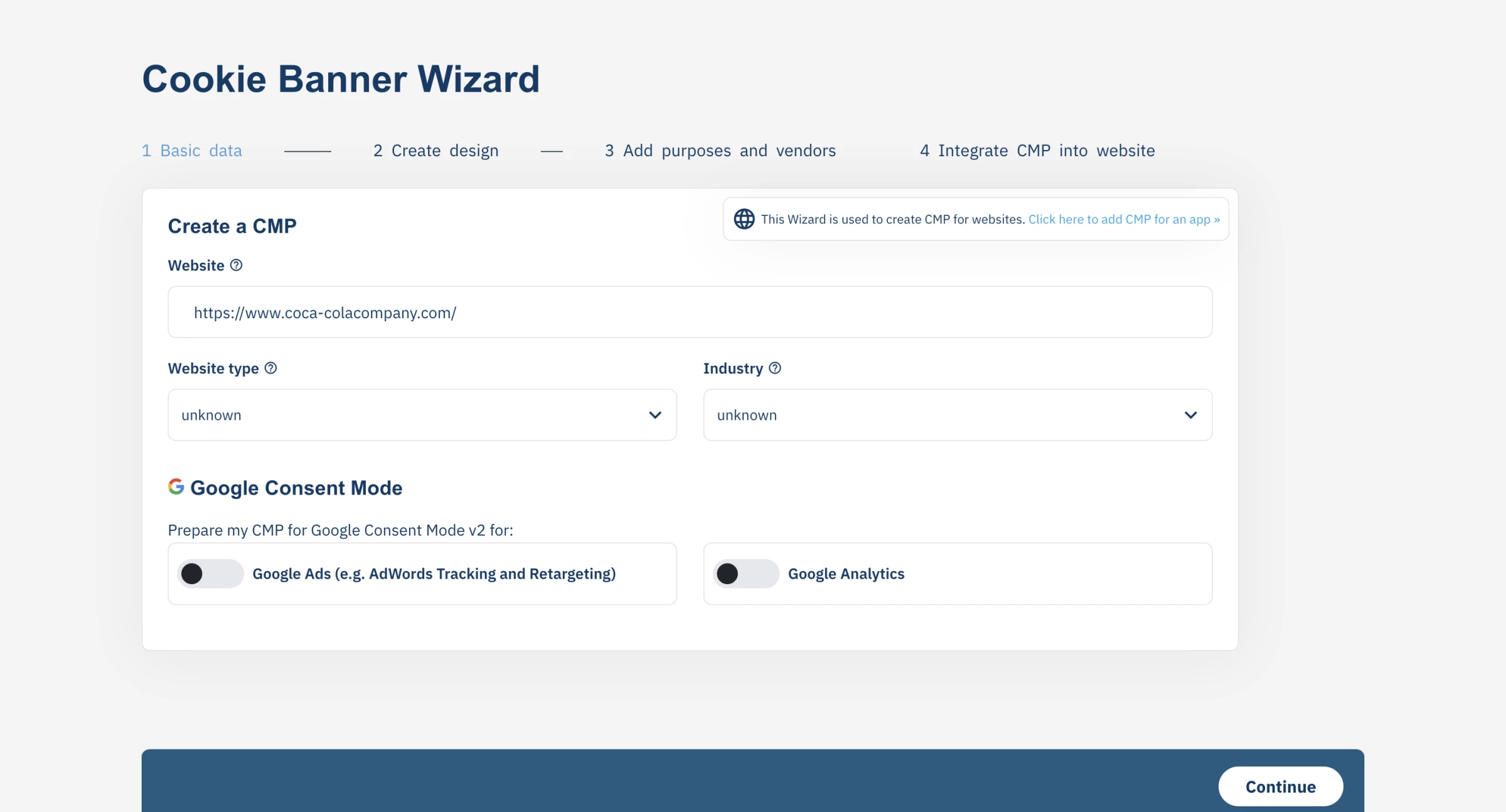
consentmanager.net suits EU publishers, ad-supported sites and app developers whose primary requirement is a valid, current, granularly-controlled consent string reaching programmatic partners, and who have someone technical enough to complete the vendor mapping.
It is a poor fit for a business that wants a banner configured in twenty minutes and never touched again.
Pricing
- Free tier available for low-traffic sites
- Starter: $25/month
- Essential: $64/month
- Enterprise: Custom
What Users Say
consentmanager holds approximately 3.8 out of 5 across 30 Trustpilot reviews and 4.1 out of 5 across 11 Capterra reviews. Users praise its support, customizable banners, scanning reliability, integrations, and relatively accessible pricing.
Criticism focuses on the learning curve, a backend that can feel slow or overwhelming, unclear feature restrictions, and isolated mobile SDK and contract disputes.
The small review base means individual complaints carry unusual weight, but buyers planning app deployment should still test the relevant SDK during the trial and review cancellation terms before signing.
Other Notable Features
- Cookie crawler with scheduled and manual scans, surfacing Consent Mode detail in crawl results
- Consent logging and reporting
- Tag blocking prior to consent
- Custom purposes alongside the standard TCF purpose set
- Consent Mode debugging guidance via the dataLayer, documented publicly
- Customer references including HP and Refinery89
6. iubenda: Best for Combining Consent With Auto-Updating Legal Documents
Consider iubenda when you want cookie consent, privacy policies, and website terms managed through the same platform instead of assembling separate tools.
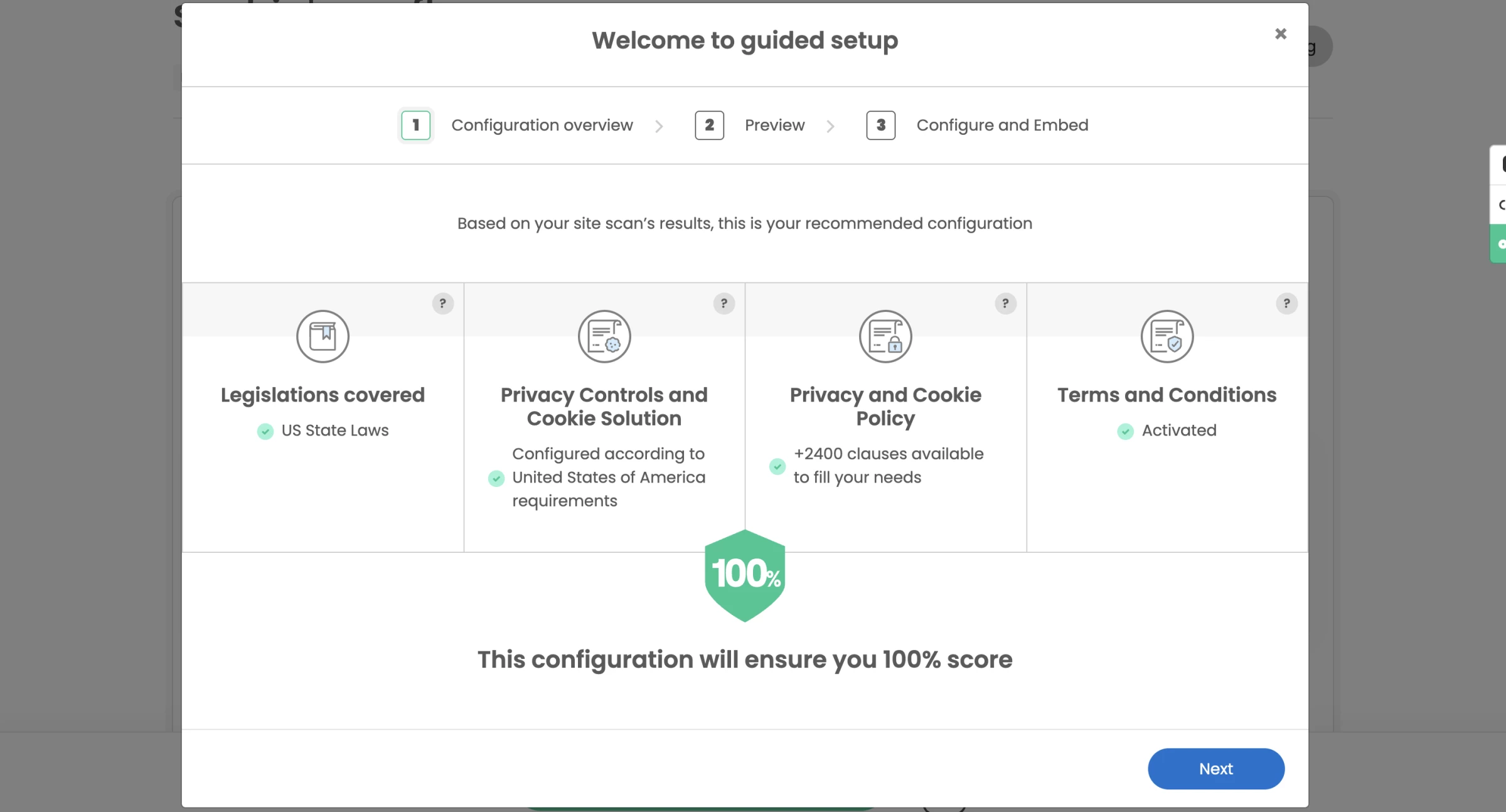
iubenda combines a consent banner with a privacy and cookie policy generator, terms and conditions, consent records, website scanning, and higher-tier privacy management tools.
The result is a broader compliance layer than most consent-focused platforms provide.
The policy generator draws from more than 2,400 prepared clauses covering common website services.
Once users select the services their website relies on, iubenda adds the relevant disclosures to the privacy and cookie policy. This connects the legal-document and consent-management workflows while reducing duplicate configuration.
Pros:
- Consent, legal documents and data subject requests from one vendor
- Documents maintained and updated as regulations change
- Broad language coverage for legal documents
- Google Consent Mode v2 support
Cons:
- Per-site billing with a separate dashboard per property, which erodes the low entry price for multi-site owners
- Banner and document styling limited on lower tiers
iubenda allows agencies and multi-site owners to manage different projects through the same account and assign a separate plan to each property.
However, every website or app still requires its own subscription, so the cost increases with the size of the portfolio.
For one low-traffic website, iubenda provides a convenient and relatively affordable way to manage consent and legal policies together. Advanced is the more practical option for businesses that need terms and conditions, multilingual documents, and regional consent behavior.
Pricing
- Free plan option available
- Essentials: $6,99/site/month
- Advanced: $27,99/site/month
- Ultimate: $119,99/site/month
14-day free trial on all paid plans
What Users Say
iubenda earns 4.7 out of 5 across 190 Capterra reviews and 4.4 out of 5 across more than 600 Trustpilot reviews.
Users praise its combined legal and consent tools, automatic updates, integrations, affordability for individual sites, and helpful support agents.
Criticism focuses on initial setup, confusing dashboard areas, outdated documentation, limited lower-tier customization, and inconsistent scanner results. Some reviewers also report slow support when resolving more complex technical problems.
Other Notable Features
- Privacy policy, cookie policy and terms generators
- Consent records and preference management
- Website scanning
- WordPress plugin and broad CMS support
- Accessibility tooling within the wider suite
7. Ketch: Best for Synchronizing Consent Across Apps and Data Systems
Look at Ketch if consent has to work identically on web, mobile and streaming, and web-first tools keep failing that test.
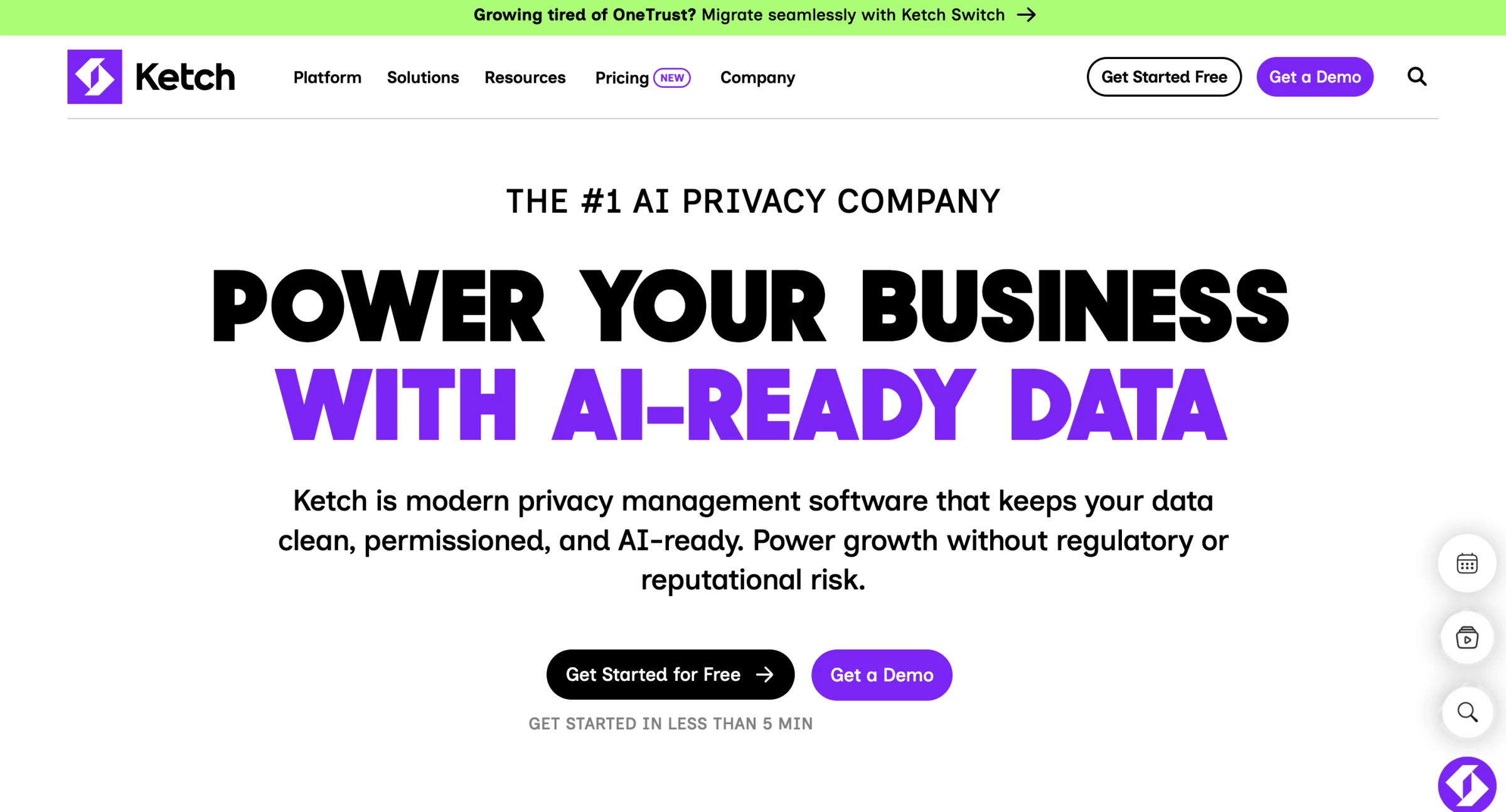
Ketch targets organizations where consent is one input into a wider data governance program and where a genuine native mobile experience is a hard requirement.
Ketch maintains native integration SDKs for iOS and Android, alongside a React Native module. These SDKs allow apps to pass customer identities, display consent experiences, monitor preference changes, and receive TCF, GPP, and regional privacy signals inside the application.
Ketch can also associate preferences with known identities rather than leaving them entirely inside a browser cookie.
When organizations provide identity links such as account IDs, emails, or device identifiers, Ketch can synchronize preferences across recognized devices and pass updated signals into downstream systems.
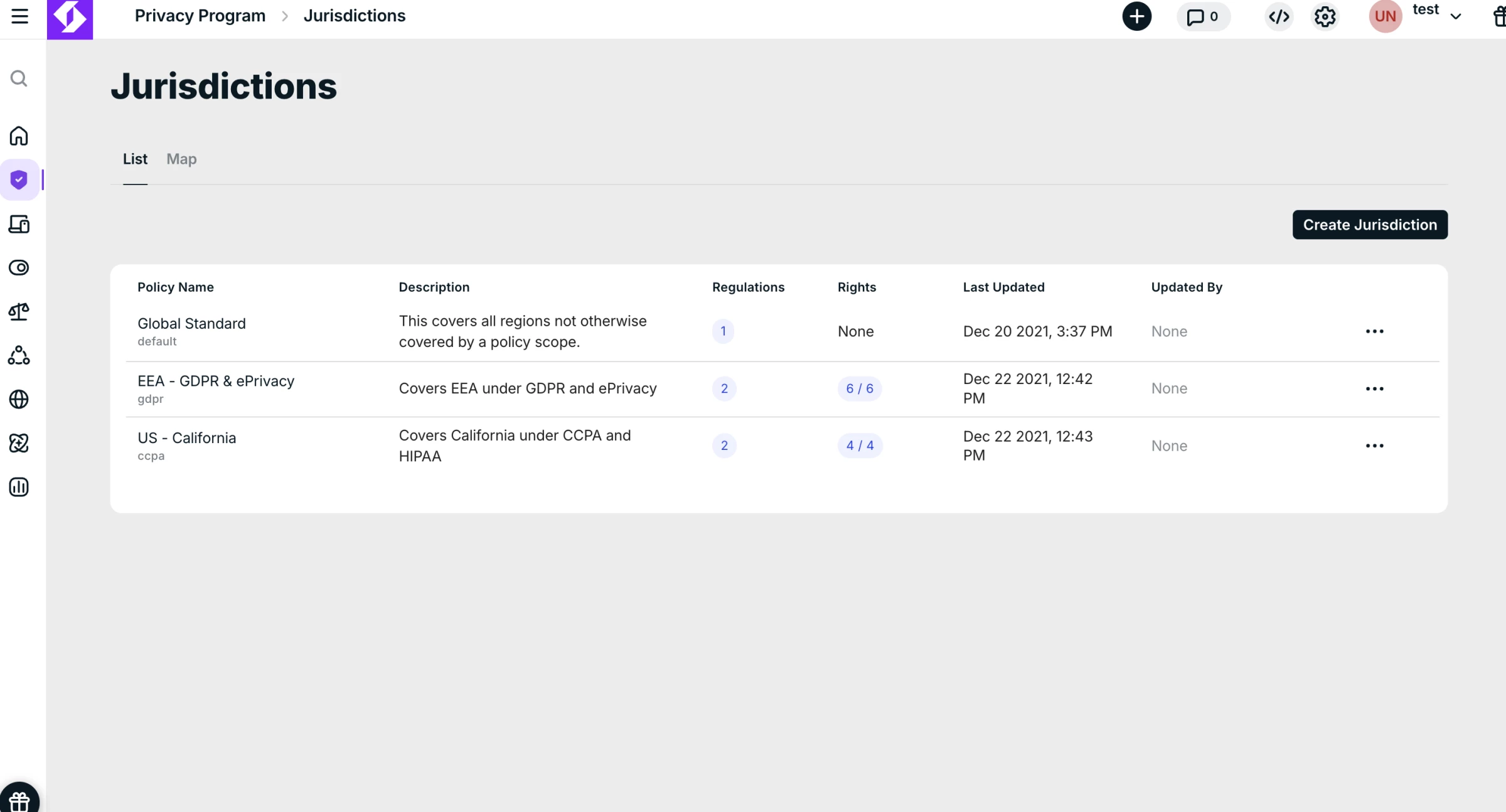
This makes it useful when an opt-out collected in one channel must affect marketing, advertising, and data processing elsewhere.
The broader platform includes data subject request automation, data mapping and classification, risk assessments, marketing preference management, identity resolution, and AI governance.
Pros:
- Native iOS and Android SDKs alongside web, CTV and OTT support
- Reviewers report unusually fast implementation, in some cases live within hours
- No-code interface accessible to non-technical users
- Strong native integrations with commerce and marketing tools
- Free tier for low-volume use
Cons:
- Deeper configuration requires admin attention and some editing functions are not self-evident
- Higher-value governance features sit above the entry tier
- Multiple configuration paths to the same outcome can slow teams before they settle on a convention
Ketch works best when a company needs consent orchestration across apps and data systems, with the option to add privacy governance modules later.
Organizations that only need a basic website banner can use the free plan, but they will not benefit from the platform’s main cross-system strengths without additional integrations and identity configuration.
Pricing
- Free plan for low monthly user volumes
- Starter: $150/month
- Plus: $499/month
- Pro: Custom
What Users Say
Ketch holds 4.7 out of 5 across 32 Gartner Peer Insights ratings. Reviewers praise its modern interface, fast implementation, responsive support, and ability to replace more cumbersome platforms.
Criticism centers on less-obvious admin functions, advanced integration work, restrictive base integration limits, and occasional tracker or Google Tag Manager noise.
Other Notable Features
- Progressive consent collection
- Data subject request automation on higher tiers
- Data mapping and classification
- Cross-device consent and identity synchronization
- Large integration library
8. CookieYes: Best for Small Sites and Fast Self-Serve Setup
Try CookieYes if you need a compliant banner live this afternoon on a single site and have no appetite for a procurement process.
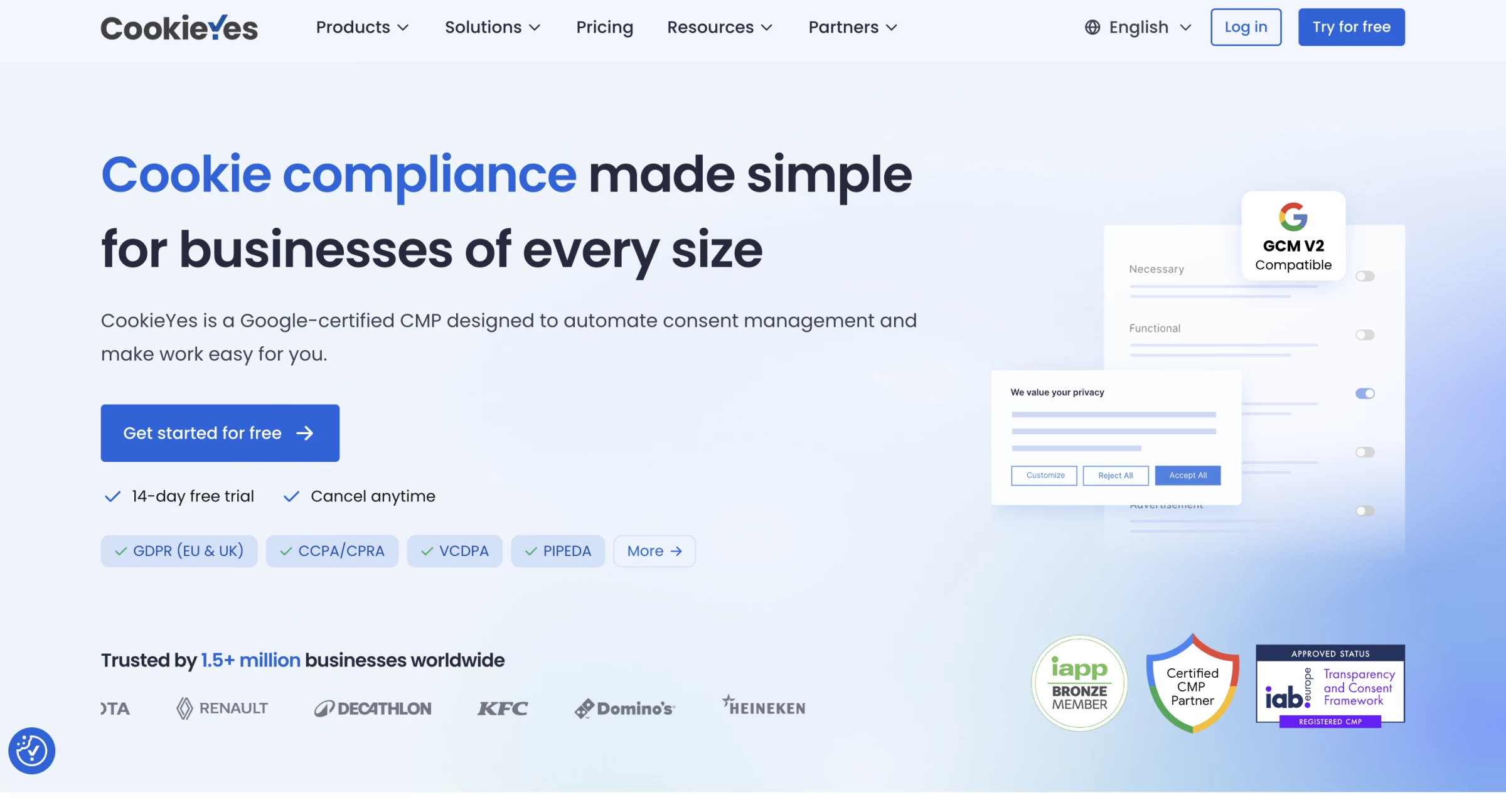
CookieYes sits firmly at the self-serve end of the market. Setup involves scanning the site, configuring the banner and adding a script, or installing the WordPress plugin.
Automatic script blocking, consent records, and Google Consent Mode v2 are available even on the free plan, making it a practical starting point for a small website.
The platform also maintains a large database of pre-categorized cookies, reducing the amount of classification work required after a scan. Automated results should still be reviewed, particularly on sites that load trackers dynamically or use less-common plugins and advertising vendors.
CookieYes is narrower than platforms such as OneTrust or Ketch.
It includes cookie and privacy policy generators, but it is not a broader privacy-governance system and does not provide a terms and conditions generator.
Pros:
- Fast self-serve setup with no sales process
- Free forever plan plus a free WordPress plugin
- Certified Google Consent Mode v2 integration
- Large cookie database automating categorization
- Handles multi-site setups with many landing pages
Cons:
- Per-domain pricing with pageview overage charges, which compounds for multi-site owners
- Free tier auto-disables the banner above a monthly pageview threshold
- No terms and conditions generator
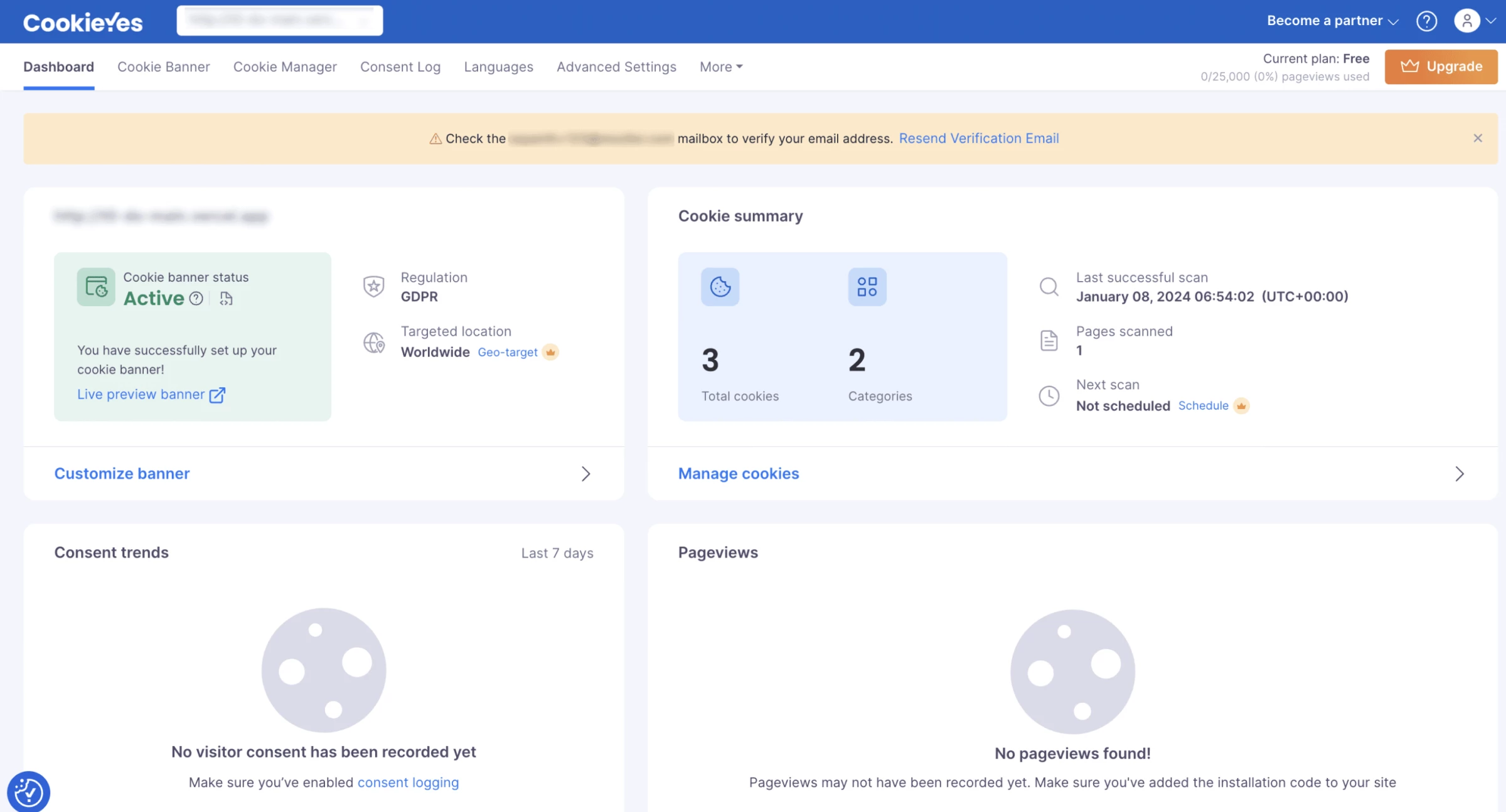
CookieYes becomes more expensive across multiple sites because each domain needs its own subscription and only one Free plan is allowed per account.
It works best for small sites that need straightforward consent management. Agencies, high-traffic publishers and organizations needing broader privacy-governance tools may find it limiting or expensive.
Pricing
- Free forever plan with a monthly pageview limit, above which the banner is disabled
- Basic: $10/month
- Pro: $25/month
- Ultimate: $55/month
What Users Say
CookieYes has unusually consistent public ratings: approximately 4.8 out of 5 on Trustpilot and about 4.7 on Capterra. Reviewers most often praise the quick setup, straightforward WordPress integration, and responsive support.
Criticism centers on scans occasionally needing manual correction, features moving behind paid tiers and performance or configuration problems on more complex sites.
The overall pattern is positive, but users expecting the Free plan to provide extensive customization are the most likely to be disappointed.
Other Notable Features
- Privacy policy and cookie policy generators
- Consent logging and analytics
- IAB TCF and Global Privacy Control support on higher tiers
- Geo-targeting on higher tiers
- WordPress, Shopify and Wix integrations
9. TrustArc: Best for Structured Privacy Program Management
Consider TrustArc if your organization needs privacy managed as an auditable program and consent is one deliverable within it.
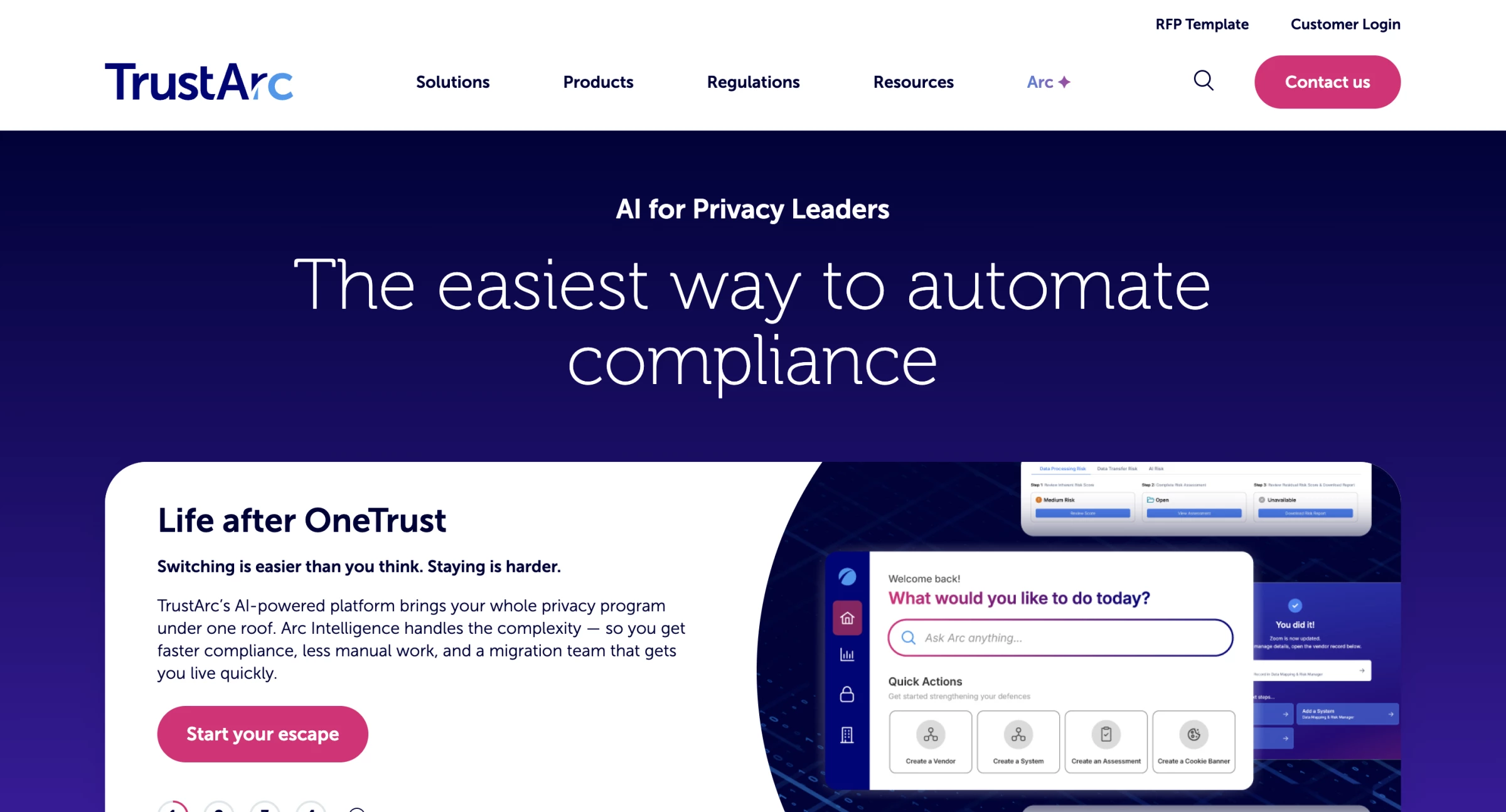
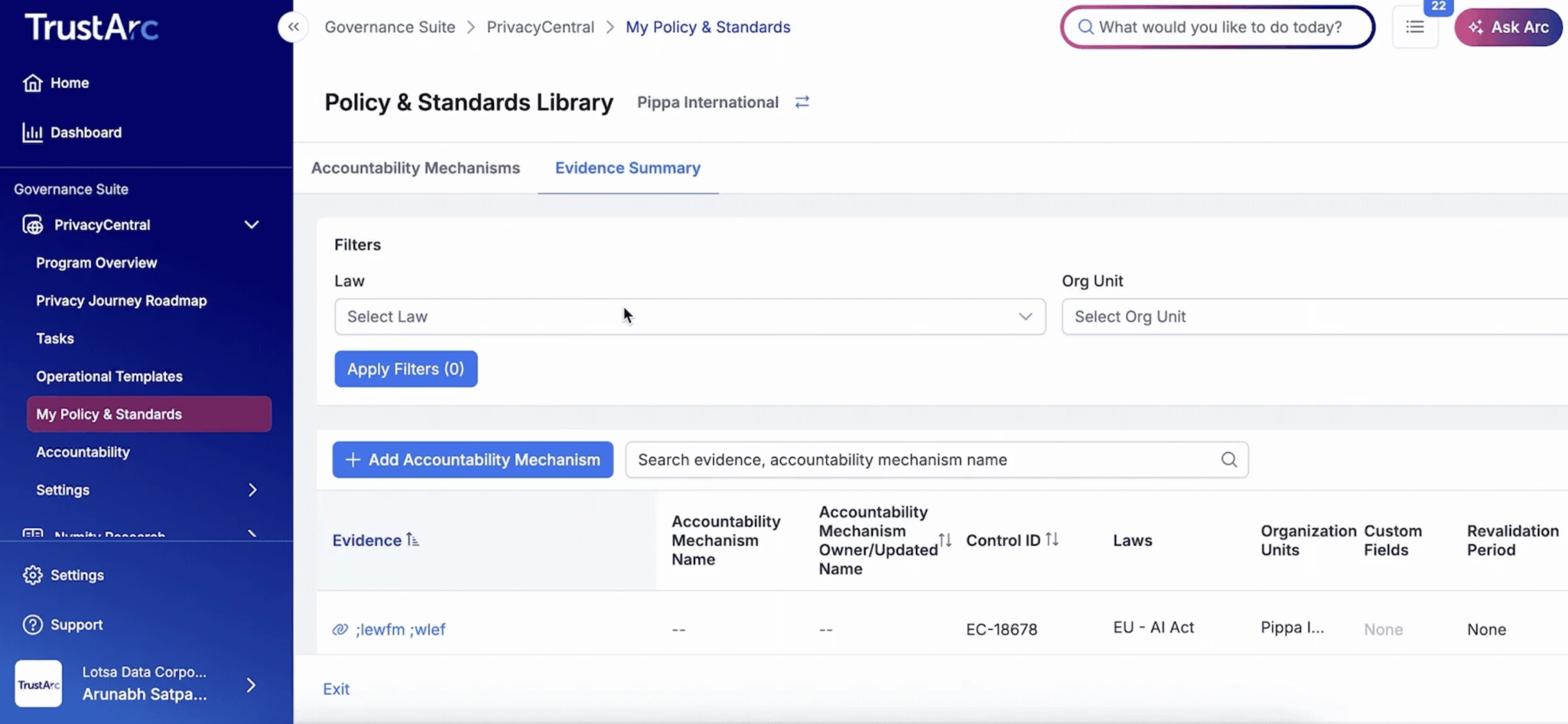
TrustArc combines its Cookie Consent Manager with broader compliance, risk assessment and data governance capability.
Like OneTrust, it is bought by compliance functions rather than marketing teams, and the buying criteria reflect that with framework coverage, assessment workflows, and the ability to demonstrate a documented program to auditors.
On the consent side specifically, it is a Google-certified CMP with Gold status for both web and mobile, and an official App-Ready partner.
Consent Mode v2 support covers all four signals, with documented integrations for Firebase and app attribution partners including Airbridge, AppsFlyer and Singular.
Its Global Privacy Platform implementation covers the US National, California, Virginia, Colorado, Utah and Connecticut sections, with the IAB CCPA US Privacy string and TCF maintained as separate frameworks alongside it.
Pros:
- Open-source GTM Consent Mode template published on GitHub
- Scanning covers e-tags, JavaScript and beacons, not just cookies
- Auto-blocking of HTML tags capable of dropping cookies
- Financial incentive notices for loyalty and referral programs under CCPA and CPA
- Dedicated Technical Account Manager as part of the service model
Cons:
- Setup and configuration is complex for teams without dedicated privacy resources
- Pricing is not published and there is no free tier
- Substantially overweight for an organization that only needs consent
One thing to verify before you buy. TrustArc's own public product pages, help center articles and its CMP profile hosted by Google all reference IAB TCF v2.2, not v2.3.
Given that v2.3 became the operative version on 28 February 2026, that is worth confirming directly with TrustArc and against IAB Europe's CMP list rather than assuming the public materials are current.
TrustArc is best suited to organizations replacing manual privacy processes with standardized, auditable workflows. It is particularly relevant where legal, privacy, security, and business teams must collaborate across several jurisdictions.
Companies that only need a cookie banner will usually find a self-serve CMP faster and more economical.
Pricing
- Not published. Sales-led, typically by module and scale
- No free plan
What Users Say
Aggregated across review platforms it averages around 4.1 out of 5 on roughly 193 reviews, and it appears on Gartner Peer Insights in the Privacy UX market.
On capability, reviewers credit TrustArc with a comprehensive approach spanning automated cookie scanning, data inventory management and assessment workflows.
Testimonials published on TrustArc's own Consent Mode page describe increased flexibility in banner options and easy Google Tag Manager integration for blocking tags when consent is rejected which is useful as an indication of what the product does well, though they are vendor-selected and should be read as such.
Other Notable Features
- Data discovery, classification and mapping
- Assessment and risk workflows with reporting
- Branded data subject request intake with identity verification and audit logs
- Regulatory intelligence and framework tracking
- Online tracker disclosures supporting US state law transparency requirements
- In-person training, webinars and written documentation for onboarding
10. Enzuzo: Best for Shopify and Webflow Stores
Consider Enzuzo if you sell on Shopify and want consent that governs tracking at the platform level rather than sitting alongside it.
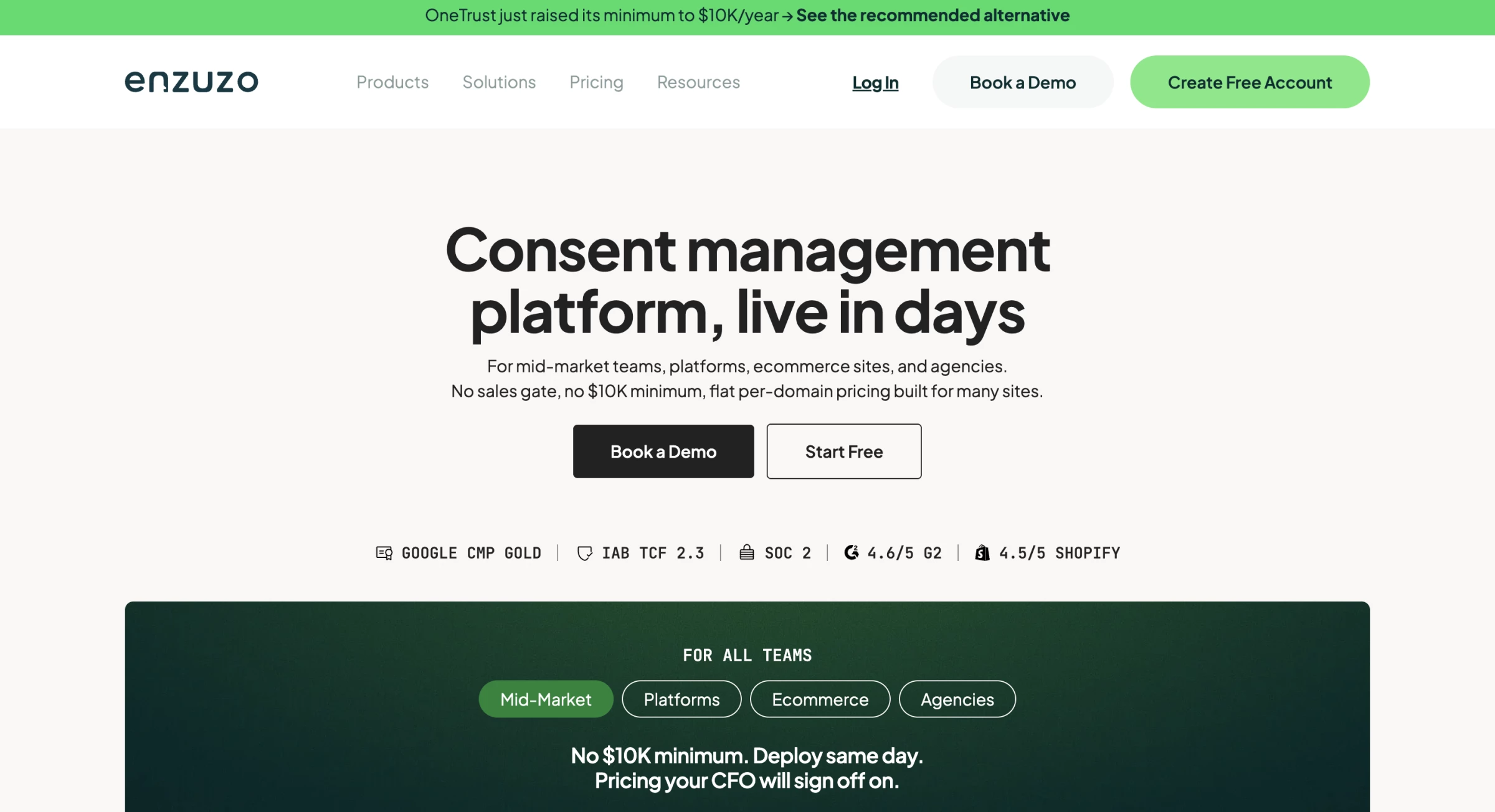
Shopify exposes a Customer Privacy API, and whether a CMP writes to it or runs a parallel consent script layer determines whether consent genuinely controls tracking on the storefront.
Enzuzo states that its native Shopify app writes consent state directly to that API, with the practical consequence that apps installed through Shopify, like Klaviyo, Shopify Email, and post-checkout apps, respect consent without needing a Google Tag Manager bridge.
It is a Google-certified CMP with Gold Partner status for Consent Mode v2 and supports Microsoft Consent Mode alongside it.
Pros:
- Native Shopify app writing consent state directly to Shopify's Customer Privacy API
- Shopify-installed apps inherit consent without a GTM bridge
- Client consent records kept isolated per property for reporting and audit
- Per-US-state geofencing alongside EU and UK rules
- Documented CIPA configuration and explicit positioning on wiretapping exposure
- Native HubSpot integration for request routing
- Webflow and WordPress integrations out of the box
Cons:
- Multi-domain consent management is not self-serve and requires a sales conversation
- No dedicated mobile SDK
- Additional domains carry a per-domain surcharge on higher plans despite the traffic-based headline model
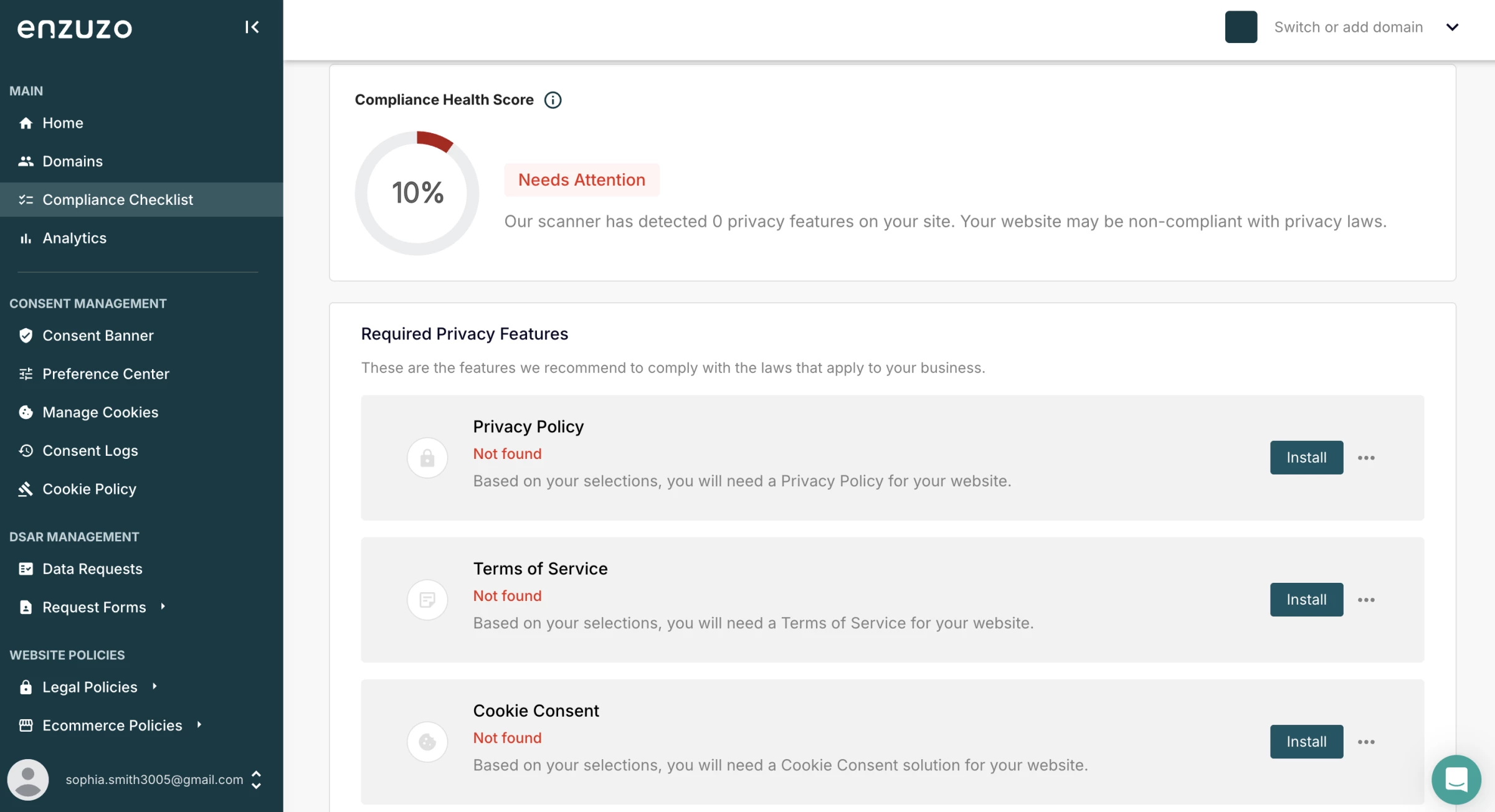
Beyond consent, it generates six legal document types: privacy policy, terms of service, EULA, shipping and returns among them, and runs data subject requests through a customer-facing form and a unified dashboard.
Geofencing covers the US states with active privacy laws as well as EU and UK visitors, and the platform is explicitly positioned around wiretapping exposure under CIPA and Florida's FSCA, with a documented configuration for it.
Enzuzo suits Shopify and Webflow stores, mid-market teams running several domains who are penalized by per-domain pricing, and US businesses where wiretapping exposure rather than GDPR is the driving concern.
Pricing
- Free plan at $0 covering one domain, a low monthly visitor cap, a small DSAR allowance and one user
- Starter: $9/month
- Growth: $29/month
- Pro: $79/month
- Enterprise: Custom
What Users Say
Enzuzo has a small and mixed review base. Its Shopify App Store listing shows 4.3 out of 5 across 34 reviews. Users praise the easy setup, native Shopify integration and combination of consent, policies and data requests in one platform.
Complaints focus on inconsistent language availability, slower support on lower tiers, and important features being restricted to more expensive plans.
One merchant also reported prolonged double billing without a response, although this appears to be an isolated case.
Other Notable Features
- Consent analytics aimed at opt-in rate optimization
- Multi-store dashboard with a billing parent and child storefronts
- Google Tag Manager template
- Stack audit offered during initial onboarding
- Agency and reseller tier with white-label options
- Public REST API for programmatic provisioning
Business Benefits of Adopting a Consent Management Platform
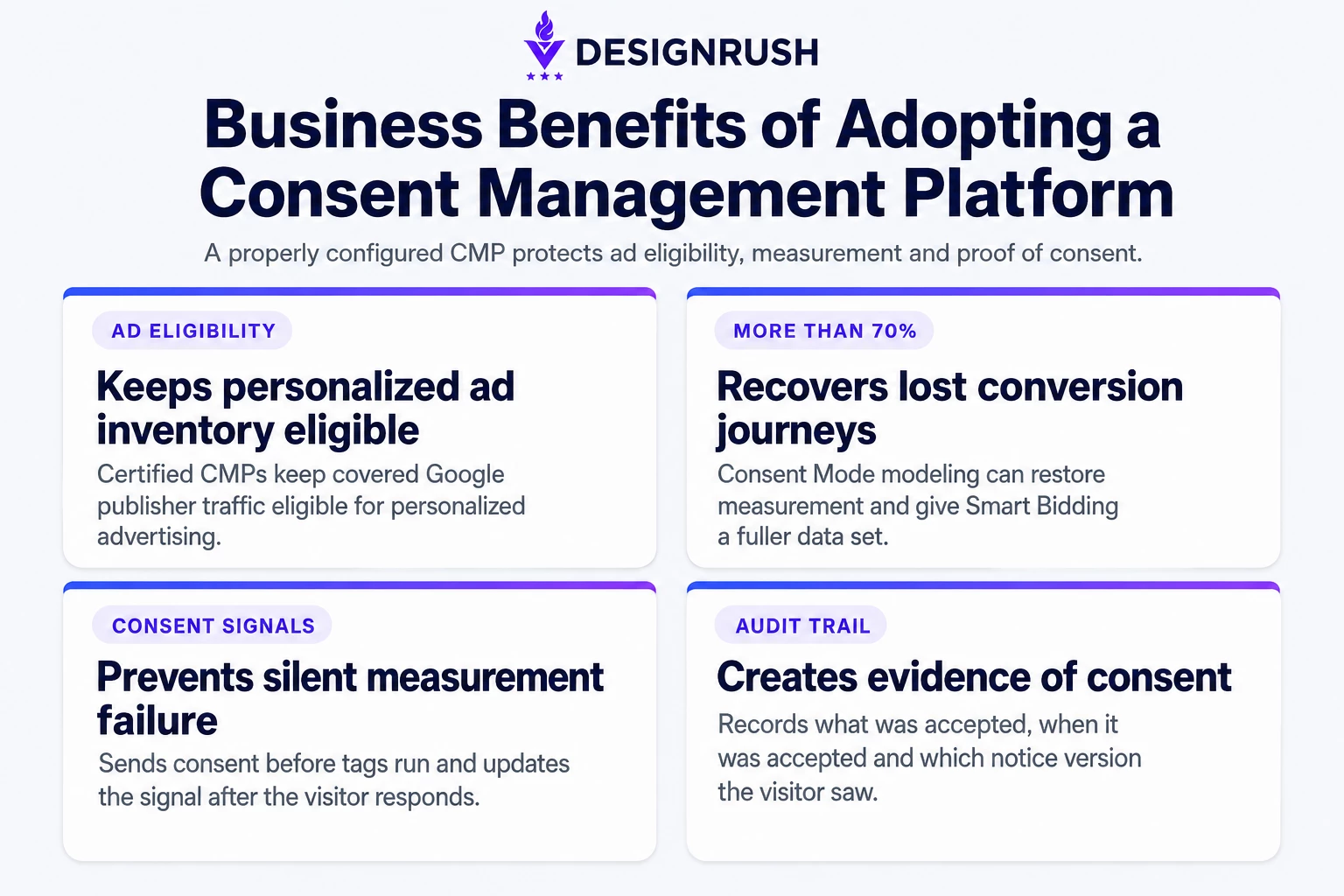
A properly configured CMP protects advertising eligibility, preserves measurement, records consent and keeps tracker inventories current.
It Keeps Your Ad Inventory Eligible for Personalized Advertising
Google requires AdSense, Ad Manager and AdMob publishers to use a certified CMP integrated with the IAB TCF for personalized ads in the EEA, UK and Switzerland. Without one, that traffic is not eligible for personalized advertising.
It Recovers More Than 70% of Lost Ad-Click-to-Conversion Journeys
Google reported that Consent Mode modeling recovered more than 70% of lost ad-click-to-conversion journeys on average, although results vary by account and setup. Modeled conversions can feed both campaign reporting and Smart Bidding.
It Prevents the Silent Failure Mode That Costs the Most
A banner can collect a visitor’s choice without passing it correctly to Google or other connected platforms. A properly integrated CMP sends the consent state before tags run and updates it after the visitor responds, preventing measurement from failing behind a banner that appears to work.
It Produces Evidence, Which Is What Disputes Turn On
A CMP can record what a visitor accepted, when they accepted it and which notice version they saw. Those records help demonstrate consent, as required under GDPR Article 7, but they do not replace technical checks confirming that trackers respected the choice.
“Transparency is paramount. When the user downloads the app, we must explain to them what type of personal information we will access and for which reasons,” says Lorenzo Rossi, Co-Founder of REPLUG, in a DesignRush interview.
For the customer-facing value of clearer consent and privacy messaging, see Privacy as a Conversion Asset: How Data Transparency Wins eCommerce Customers.
How To Choose the Right Consent Management Platform
Choosing the right CMP depends on whether you're protecting ad spend, ad revenue, or your legal position, and whether you're running one site or fifteen.
- Are You Protecting Ad Spend, Ad Revenue, or Your Legal Position?
- Can It Enforce the Right Rule in Each Location?
- Does Your Platform Have Its Own Integration?
- Do You Need Deep TCF Control or a Working Banner Today?
- What's Your Budget, and Does a Free Tier Cover It?
1. Are You Protecting Ad Spend, Ad Revenue, or Your Legal Position?
If your Google Ads or GA4 data has degraded in the EEA, you're protecting ad spend, and Consent Mode implementation quality decides this:
- Cookiebot ships Consent Mode v2 configured out of the box rather than as a setup step.
- Ketch exposes a global ketch() function and consent event listener, publishes an open-source GTM template, and has a setup path documented in Google's own Analytics Help.
- TrustArc also publishes an open-source GTM template and runs a dedicated Consent Mode support address separate from general support.
If you're a publisher monetizing through Google's publisher products, you're protecting ad revenue, and the consent string is the whole game:
- consentmanager.net registers as CMP ID 31 on TCF v2.3, includes Google Additional Consent v2 with no extra setup, supports the PublisherTC segment, and disables the TCF API rather than emitting an invalid string if you misconfigure it.
- Didomi for larger publishers and CTV operators where opt-in rate maps directly to revenue.
- OneTrust if consent has to sit inside a wider governance requirement.
Be cautious with iubenda here. Its own documentation states its TCF activator script may cause incompatibilities with Google Ad Manager, AdSense, and AdMob.
If you have significant US traffic and litigation is the worry, you're protecting your legal position, and what matters is evidence you can produce:
- Osano is built US-first rather than GDPR with CCPA bolted on, with location detection adjusting consent behavior per visitor.
- Enzuzo geofences per US state and publishes a documented CIPA configuration.
- TrustArc or OneTrust if the consent layer has to sit inside an auditable privacy program.
2. Can It Enforce the Right Rule in Each Location?
Multi-jurisdiction coverage is useful only when the platform changes how tracking is handled, not merely the wording displayed on the banner.
“Test enforcement, not appearance,” Elsheikhi says. “Check that geolocation actually swaps the consent model rather than just the copy, and confirm it does so on the plan you're being quoted, not the top tier.”
Before choosing a CMP:
- Open the site in an incognito window and confirm that non-essential requests do not fire before consent in opt-in jurisdictions.
- Test whether geolocation changes the consent logic for EU, UK and relevant US visitors.
- Confirm that Global Privacy Control signals are detected and applied where legally required.
- Check whether geo-targeting and GPC support are included in the quoted plan.
- Ask how frequently the site is rescanned and what happens to new or uncategorized tags between scans.
3. Does Your Platform Have Its Own Integration?
If you build on a specific platform, its native integration beats a generalist script:
- Shopify: Enzuzo writes consent state directly to Shopify's Customer Privacy API, so Shopify-installed apps inherit consent without a GTM bridge. Cookiebot and CookieYes both ship Shopify apps.
- WordPress: CookieYes, Cookiebot, Complianz
- Webflow: Enzuzo
- Native iOS or Android: Ketch offers native SDKs plus a documented WebView pattern; consentmanager.net's SDKs auto-update Firebase Consent Mode from v3.3.0. Enzuzo has no dedicated mobile SDK.
- CTV or OTT: Didomi, consentmanager.net, Ketch.
4. Do You Need Deep TCF Control or a Working Banner Today?
The configuration-heavy platforms give you granular control over the consent string and expect you to earn it.
- consentmanager.net runs roughly nine onboarding stages including manual vendor-to-purpose mapping.
- OneTrust and TrustArc are implementation projects measured in weeks.
- Ketch is fast to stand up but needs sustained admin attention for deeper configuration.
The fast-deployment platforms trade depth for getting live: CookieYes, Cookiebot's free tier and iubenda all get a compliant banner running without a sales process. The trade is that TCF, geo-targeting and customization sit on higher tiers across all three.
5. What's Your Budget, and Does a Free Tier Cover It?
- Free: Cookiebot, CookieYes, consentmanager.net, Enzuzo, Ketch, iubenda
- Under $10/month: iubenda Essentials $6.99/site, Cookiebot Premium Lite $8, Enzuzo Starter $9
- $10-30/month: CookieYes Basic $10, Cookiebot Premium Small $16, CookieYes Pro $25, consentmanager.net Starter $25, iubenda Advanced $27.99, Enzuzo Growth $29
- $30-100/month: Cookiebot Medium $34 / Large $56, CookieYes Ultimate $55, consentmanager.net Essential $64, Enzuzo Pro $79, Cookiebot XL $96
- $100+/month: iubenda Ultimate $119.99, Ketch Starter $150, Ketch Plus $499
- Sales-led, no published price: OneTrust, Didomi, Osano, TrustArc

Our team ranks agencies worldwide to help you find a qualified partner to implement the latest AI solutions. Visit our Agency Directory for the Top IT Services Companies, as well as: