
When I tested these AI video agents, I set out to see how they help businesses work smarter, improve communication, or create content more easily. Here’s what I found out.
Key Findings: AI Video Agents
- AI agents are moving into the mainstream, as McKinsey reports that 23% of companies already use them and 39% are experimenting with them.
- Descript and HeyGen focus on scalable video production; Colossyan on structured training; Yepic on conversational avatars; and Spot AI on monitoring.
- HeyGen supports 175+ languages, Colossyan exports SCORM for LMS use, and Descript combines transcription editing and screen recording into a single workflow.
What Is an AI Video Agent?
An AI video agent is a goal-directed AI system that uses video as its primary interface. It can generate content, present information through an avatar, or respond to users in real time.
Unlike reactive chatbots or rules-based scripts, these systems can interpret intent, split tasks into steps, select tools, and modify based on results.
In video contexts, that capability appears as live avatar interactions or AI-assisted production workflows.
Adoption is no longer theoretical. McKinsey reports that 23% of organizations are deploying AI agents in at least one function, and 39% are experimenting with them.
While right now, companies in technology, media and telecommunications, and healthcare are leading the way, it's clear agent-based systems are starting to move from experiments into everyday use.
AI Video Agent Tools at a Glance
Here’s a side-by-side comparison of the five AI video agents I tested, highlighting their core capabilities:
| Tool | Primary Use Case | Live Interaction | Avatar Support | AI Video Production |
| Descript | AI-assisted video & audio production | ❌ | ✅ | ✅ |
| Yepic AI | Conversational customer support avatars | ✅ | ✅ | Limited |
| HeyGen | Scalable avatar-based video content | ✅ | ✅ | ✅ |
| Spot AI | Real-time operations monitoring | ✅ | ❌ | ❌ |
| Colossyan | AI training & onboarding videos | ❌ | ✅ | ✅ |
1. Descript: Best for Avatar-Hosted Videos & AI Editing Workflows
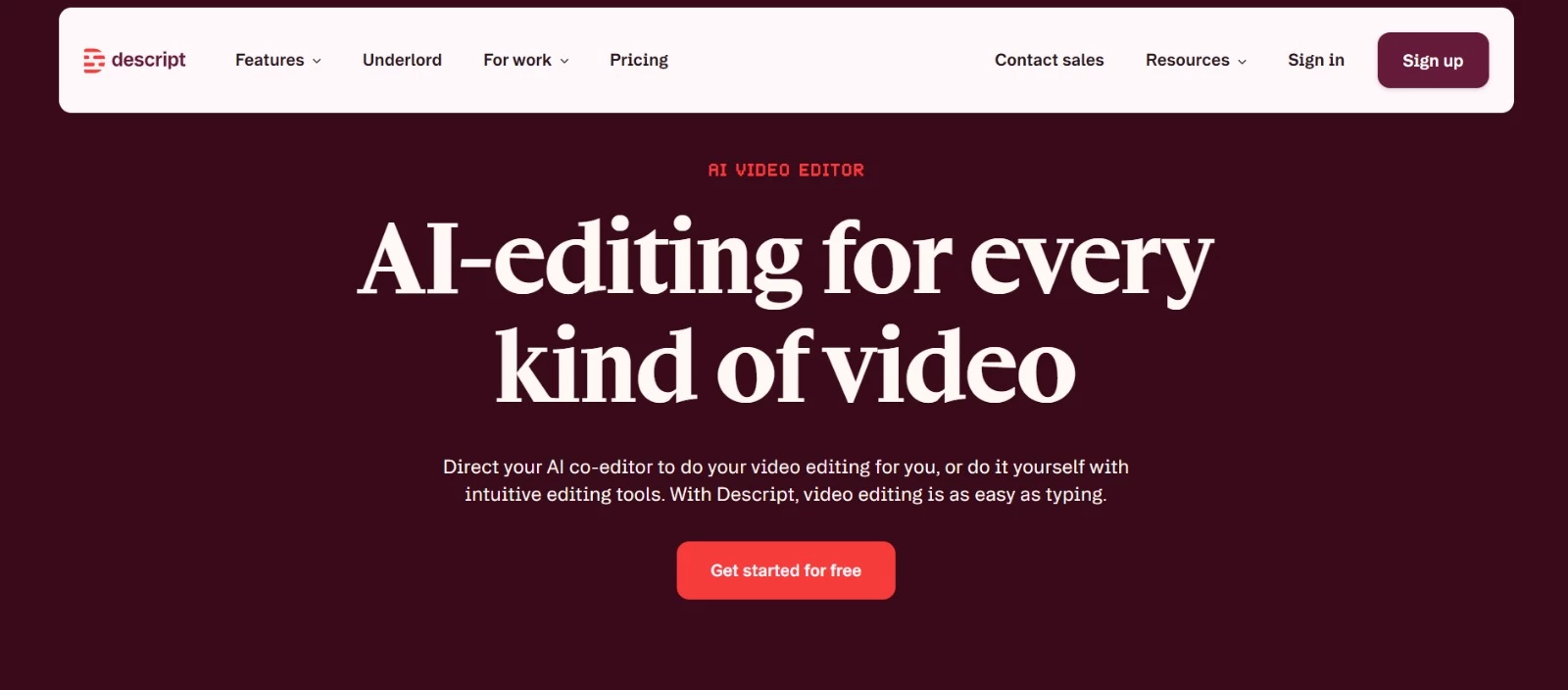
Descript is an all-in-one video and podcast editor built for marketers and content teams who need to move from script to published video quickly. And its avatars are just part of its broader AI-powered production system.
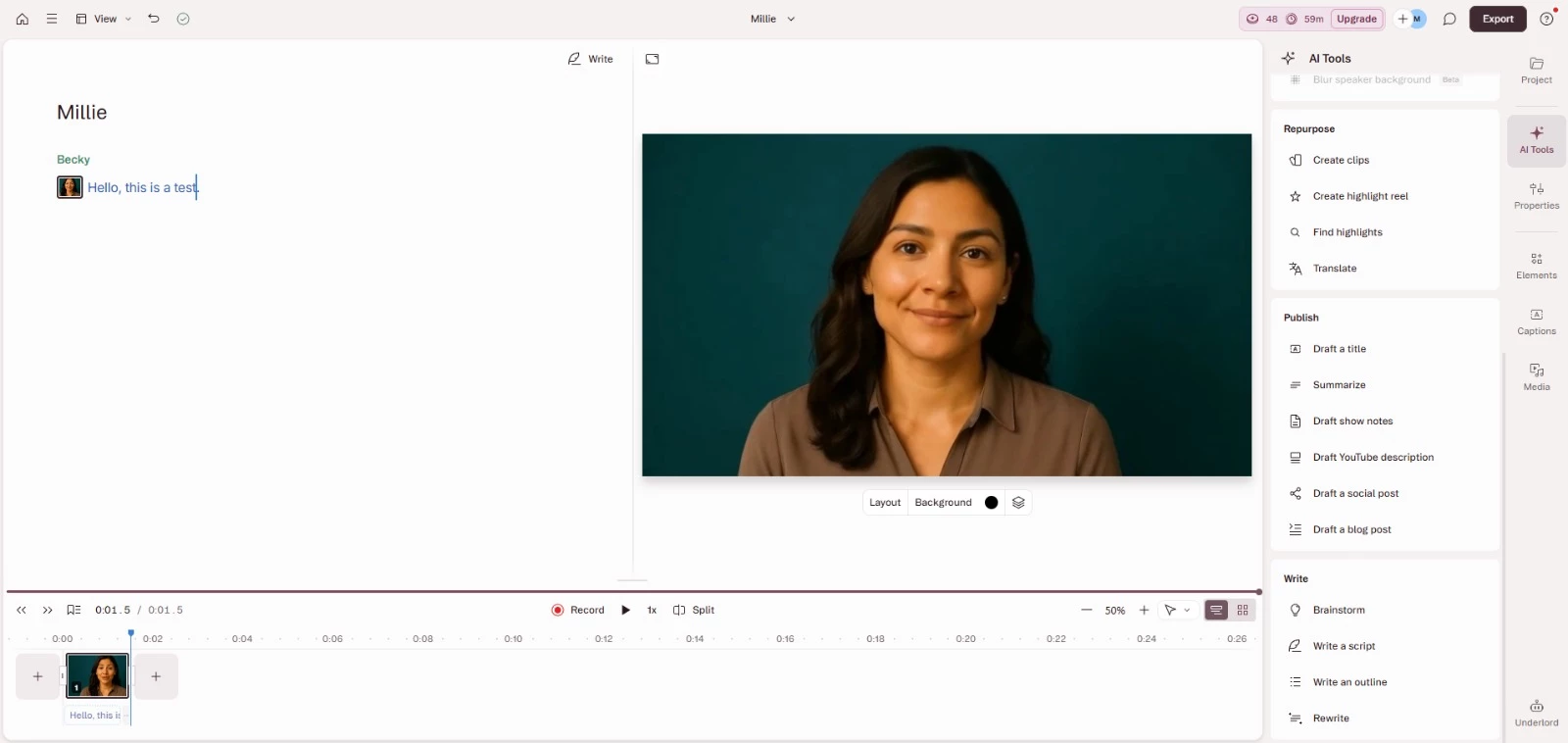
When I tested it, the setup felt pretty straightforward. I could choose from a stock avatar gallery, upload my own image, or generate one using a text prompt.
Custom avatars depended on how specific my prompt was, but you could still choose from three options and add three more each time you edit the prompt or change the style.
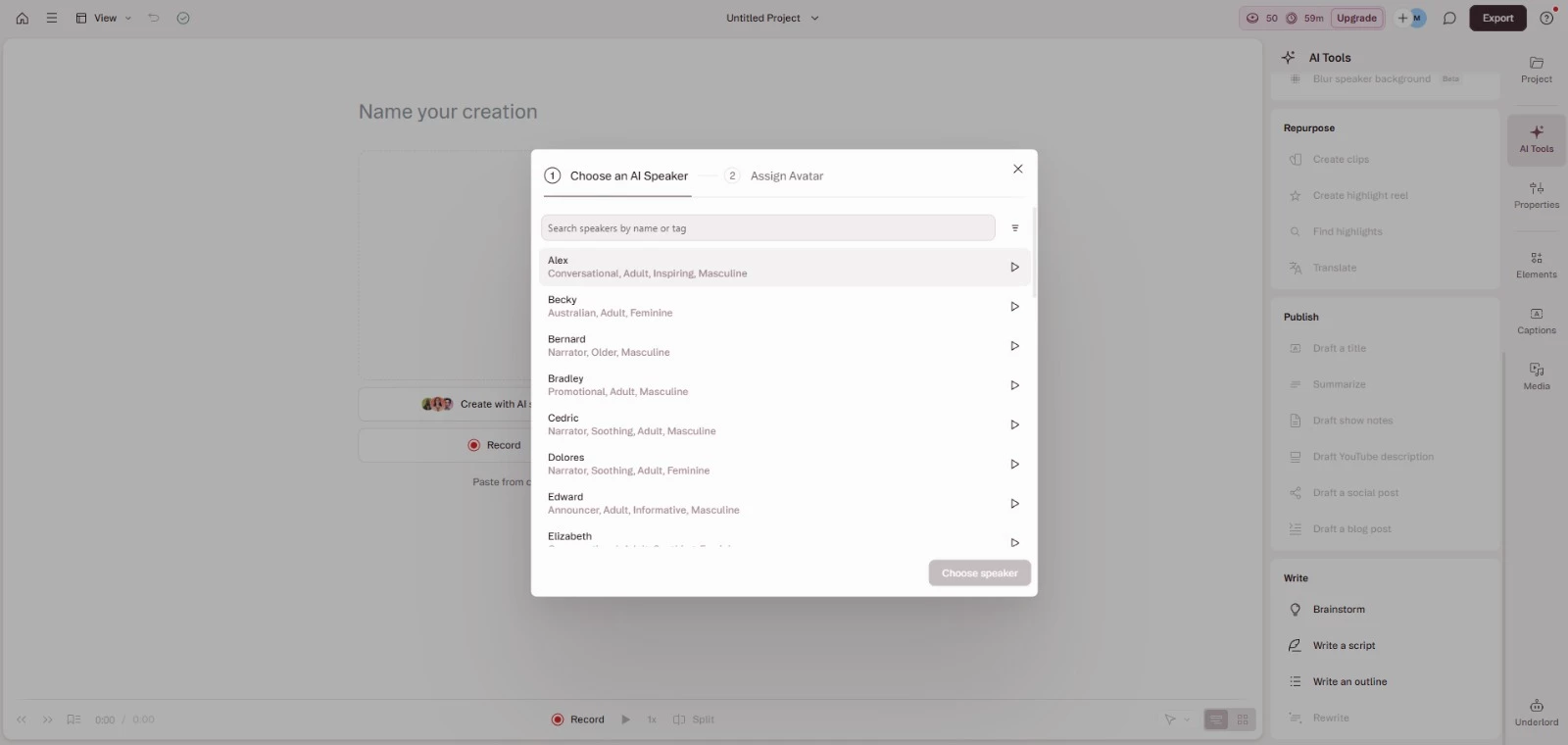
I liked that I could pair the avatar with different audio sources. I tested text-to-speech, but you can also use your own recording or imported audio. That flexibility makes it easier to keep a consistent presenter without having to record every update yourself.
One thing I noticed is that if you edit the script after generating the video, you have to re-render it, so it is worth planning scripts carefully.
In practice, I could see this working well for product walkthroughs, onboarding modules, and recurring feature updates.
You can also translate avatar videos into 20+ languages with just a few clicks, making it useful for global teams.
[Source: Descript]
Descript also includes Underlord, its built-in AI video assistant. I used it to draft scripts from prompts, tighten sections before generation (e.g., get rid of those pesky ums and uhs), and apply bulk adjustments that would otherwise take much longer to handle manually.
It can review your script, suggest structural improvements, and turn written materials, such as docs or slides, into video-ready drafts.
Combined with features such as Studio Sound and automatic captions, it reduces the back-and-forth and manual cleanup that usually slow down your video production.
It still requires direction, but it noticeably speeds up the process.
Pricing
- Hobbyist: $24 per month, $16 billed annually
- Creator: $35 per month, $24 billed annually
- Business: $65 per month, $50 billed annually
- Enterprise: Custom
- Free plan available
Pros and Cons
| Pros | Cons |
|
|
What Users Say
From the reviews I read, users consistently describe Descript as surprisingly powerful once you understand how much it can do. Many highlight how intuitive the interface feels.
The AI automation tools receive a lot of praise, especially filler word removal, transcription accuracy, and Studio Sound. Several reviewers say these features dramatically reduce cleanup time for dialogue-heavy content.
Underlord also stands out in feedback. Users mention how natural language commands and bulk edits save time, particularly when restructuring longer videos or repurposing content into short clips.
On the downside, some users note that the full feature set can feel overwhelming at first. Others mention that usage-based limits, such as avatar minutes or export resolution on lower tiers, require planning.
Who’s It For?
Descript is built for modern content teams that need to go from recording to publishing in one workflow.
It’s also a great fit for marketers and product marketing managers creating walkthroughs, demos, webinars, and launch videos.
If your team needs to whip up polished videos quickly without juggling multiple tools, Descript lets you record screen and webcam in one place, edit video like a document, apply AI cleanup tools, and share drafts for feedback.
Other Notable Features
- AI Clip Finder to extract short segments from longer recordings
- Time mapping controls for precise speed adjustments
- Direct publishing to podcast hosts and video platforms
- Integrations with Zoom, Restream, Ecamm, and SquadCast for remote recording
- Version history with full project rollback
- Commenting and mentions for feedback
- Non-user commenting access for client reviews
- SOC 2 Type II compliance and GDPR alignment



2. Yepic: Best for Interactive Customer-Facing Avatars
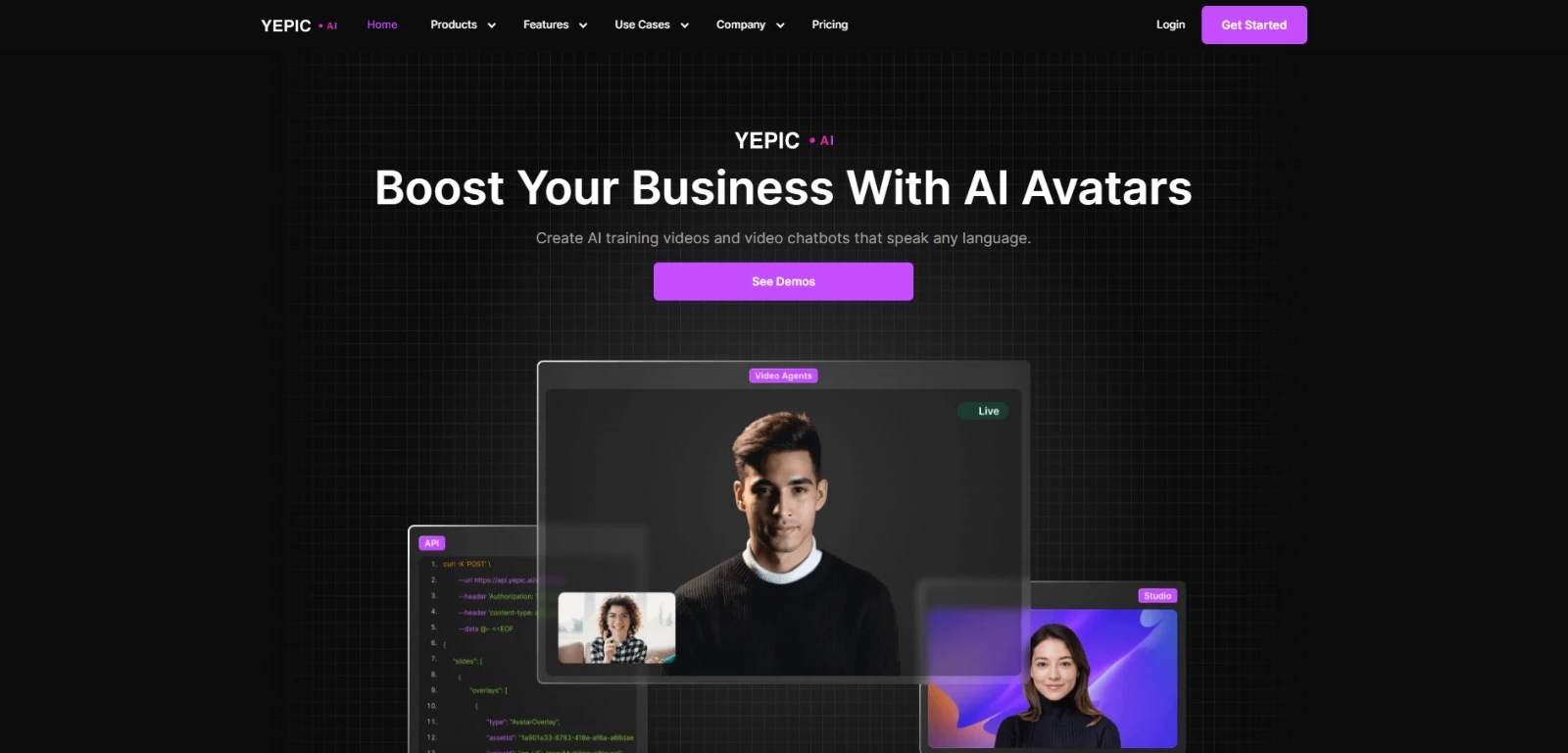
Yepic lets you create video avatars that talk to people in real time. It’s basically like having a video-based customer support rep or virtual presenter, except it’s powered by AI.
But these aren’t just script-readers; they can respond to questions, hold simple conversations, and even adjust their tone or behavior based on the situation.
In my experience, the best part is how the platform incorporates basic emotional intelligence. The avatars are designed to track facial expressions in real time and use accurate emotion tags to guide conversations.
Based on these emotional cues, the avatar can adjust its expression or tone accordingly, so interactions feel more adaptive and human-like.
You can think of them as smart virtual receptionists or a friendly FAQ bot that can handle basic customer queries.
Pricing
- Basic: $20/month or $200/year per user
- Creator: $79/month or $790/year per user
- Creator Plus: $199/month or $1,999/year per user
- AI Employee: $499/month per AI employee or $4,990/year
- AI Team Member: $1,999/month per team or $19,990/year
- Enterprise: Custom pricing
Pros and Cons
| Pros | Cons |
|
|
I tested how the avatars handled tone, and while it’s not dramatic, there are subtle changes in expression and delivery depending on the script and input, which gives it a more human feel than other platforms I’ve tried.
The platform was easy to use. You don’t need to know anything about video editing or AI. It’s pretty much plug-and-play.
I also tried generating a few videos with different avatars, and the platform handled it well without any complicated setup. The avatars look good on screen, the lip-syncing is accurate, and they support multiple languages, which is useful if you’re creating videos for a global audience.

However, I did find the avatar selection a little limited, though. There are only so many styles and looks to choose from. I’ve also observed that rendering longer videos can take more time than expected, which might be a consideration if you're working on tight deadlines.
What Users Say
Most users praise Yepic AI for how easy it is to use. Generating a video from just a face photo and some text is incredibly easy and straightforward. The avatars look impressively realistic, and the platform's multilingual support makes it a great option for global content.
Users also appreciate how smoothly it runs in-browser. You can upload your own photo to create an avatar and produce videos with spot-on lip-sync accuracy.
Not all feedback is glowing, though.
Some users say the time it takes to generate videos is reasonable, while others — myself included — noticed it did take longer than expected. It likely comes down to how long or complex the video is.
There were also a few bumps worth noting: some users report paid plans randomly reverting to free, and others pointed out the lack of portrait video formats and limited avatar variety. A handful of reviewers also flagged slow or unresponsive customer support as well.
Who's It For?
Despite a few hiccups, many users find Yepic AI to be a reliable, flexible tool. It eliminates the need for expensive cameras, actors, or studios, making it ideal for teams working with limited resources.
It’s a good fit for businesses that want to add a human touch to customer interactions without investing in video production.
Other Notable Features
- Real-time avatar conversations
- Integration with Eleven Labs voices
- API access for developers
- Custom avatars from a single photo
- AI script generator
- Video share pages for collaboration
- Over 120 language options
- Support for multiple ChatGPT versions
- Emotion recognition for contextual replies
- Browser-based editing interface
3. HeyGen: Best for High-Volume Avatar Video Production
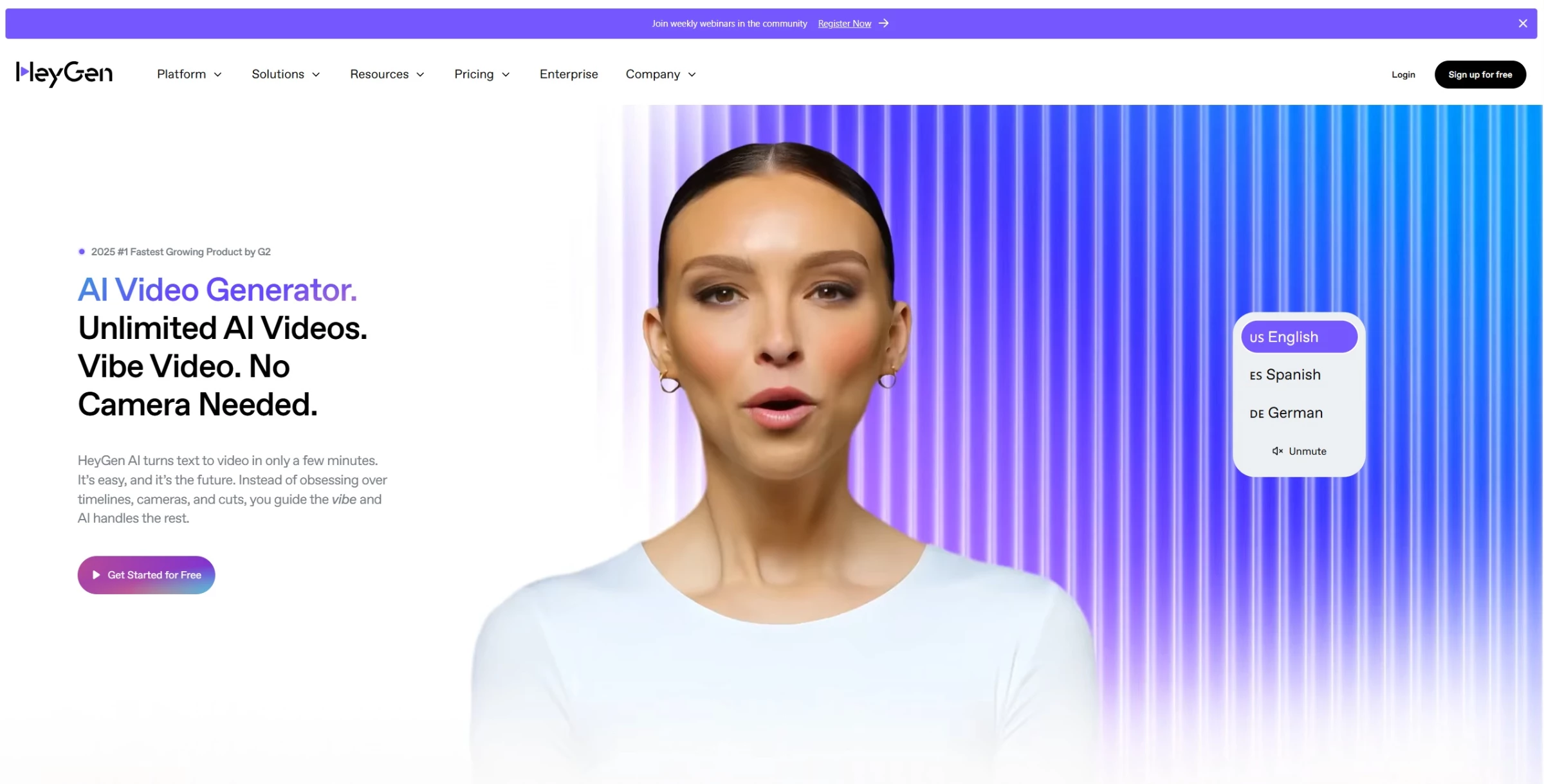
If you're trying to create AI avatars that can actually stand in for a human, whether it’s for a training video, onboarding walkthrough, explainer videos, or product pitches, HeyGen is one of the strongest tools out there.
From my experience, it’s not just a video generator. It can produce high-quality, human-like avatars, with sharp lip-syncing and lifelike gestures, that can deliver scripted or localized content at scale.
What sets HeyGen apart is how well it handles volume. You can generate dozens of videos at once, and the avatars still come through polished with clear speech, natural movement, and none of that uncanny, stiffness you sometimes get with AI.
It also supports voice cloning and translation in 175+ languages, making it easy to create personalized, global-ready videos without starting from scratch every time.
Pricing
- Free
- Creator: $29/month (or $24/month billed yearly)
- Pro: $99/month (or $79/month billed yearly)
- Business: $149/month (or $119/month billed yearly)
- Enterprise: Custom pricing
Pros and Cons
| Pros | Cons |
|
|
There’s also a full scene editor, customizable templates, and support for things like brand logos, backgrounds, and generative avatars.
Through testing, I can say that HeyGen is clearly designed to help teams create video content at scale without making each one feel like a template.

What Users Say
A lot of users point to HeyGen’s avatar quality as the biggest draw. They mention how lifelike the videos feel, and I can confirm this.
They look and sound natural, especially for things like talking head explainers, social content, or even podcast-style videos.
One user said they’ve used it to run multiple viral TikTok accounts and called it “the best tool of its kind.” Others appreciate the platform's efficiency, stating that the workflow was faster and smoother than expected, even for longer content.
The platform also gets solid feedback for scalability. People like the fact that it can handle multiple video variations quickly without needing constant manual edits. Some noted the translation and lip-synced accuracy hold up well even in non-English content.
However, issues like poor customer service and performance problems have been noted. A few users expressed frustration over additional costs for features they believed were included.
Who's It For?
Still, the drawbacks mentioned feel minimal compared to what the platform can deliver. The avatar quality, speed, and multilingual support make it a strong option if you're producing a lot of face-forward content at scale.
That makes HeyGen a great fit for teams that need to turn out high volumes of video quickly, without them all feeling cookie-cutter. If you’re ready to invest in a tool that replaces repetitive on-camera tasks with scalable, AI-powered output, HeyGen is definitely worth checking out.
Other Notable Features
- AI-powered script generator
- Teleprompter-style script editor
- Video dubbing with accurate lip-sync
- Avatar gesture control
- Zapier integration for workflow automation
- Instant Avatar (self-creation from webcam or video)
- Shared workspace and collaboration tools
- Background removal and customization
- Multiple avatar placements in one scene
- Analytics for viewer engagement
Get started with HeyGen for free.
4. Spot AI: Best for AI-Powered Operational Monitoring
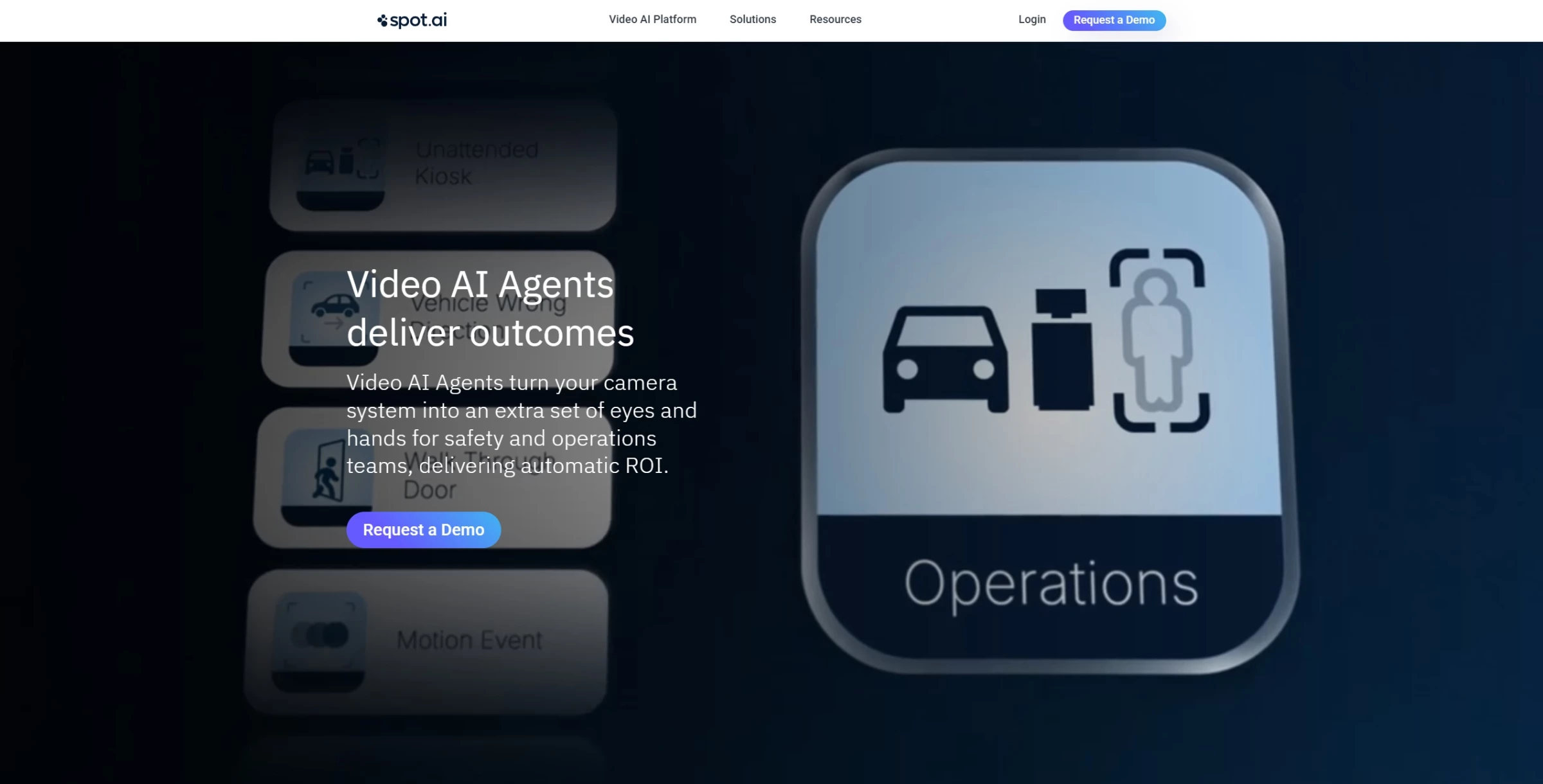
While most AI video agents are built for customer-facing roles, some are moving into operations, tracking what’s happening on the ground in real time. Spot AI is one of them.
This tool turns your existing cameras into active observers. During my tests, its AI agents could detect things like missing PPE, slip-and-fall risks, idle workstations, or unauthorized access, and automatically flag those moments with alerts, emails, or push notifications.
Pricing
Custom pricing based on camera feeds, storage duration, and license term. Get a quote.
Pros and Cons
| Pros | Cons |
|
|
More than real-time alerts, it also allows you to search archived footage using new parameters. So, if you start tracking a new behavior or safety rule, the AI can pull up past instances automatically.
It feels like a smart upgrade for teams in manufacturing, logistics, and retail who want to move from passive recording to active, AI-assisted visibility.
Everything's managed through a cloud-based dashboard, so you can access and control videos across multiple sites without touching any of the on-prem systems.
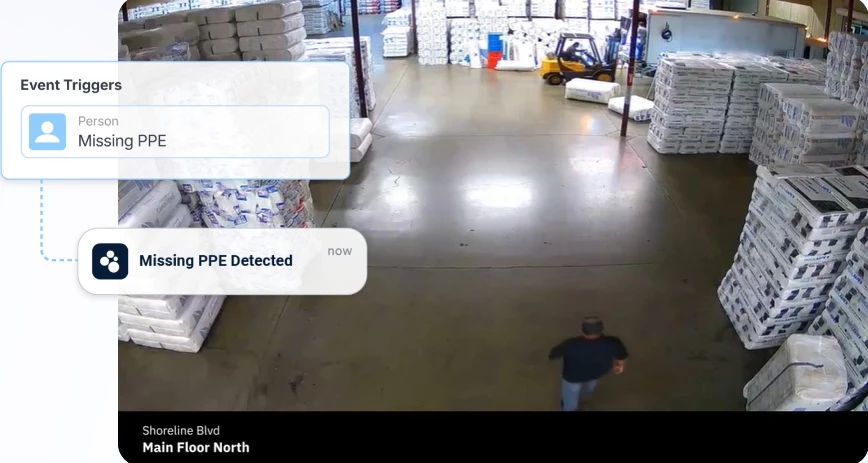
I tested Spot AI with a few cameras to see how well it handled real-world monitoring, and I get the hype. The setup was smoother than I expected, and once it was running, I could easily track activity across different zones and follow specific incidents through multiple cameras.
The ability to search archived footage based on new events was especially helpful. It’s not just helpful for safety; it actually saves time during reviews or investigations.
What Users Say
Many users seemed to agree with what I found. The dashboard is intuitive, and being able to access multiple locations from one screen is a major advantage. Some also pointed out how quick and smooth it is to switch between feeds, even when managing dozens of cameras at once.
Others highlighted how easy it was to set up cameras and network video recorders (NVRs) independently and appreciated having video stored directly in the cloud. I also personally noticed how it didn’t have constant false alarms, unlike other brands.
Of course, no tool is perfect, and Spot AI is no exception.
A few users pointed out that while it offers features like weapon detection, it’s not available natively — you’ll need a third-party integration like OmniAlert, which comes with extra cost and mixed reviews.
For more advanced AI applications, some felt other platforms responded faster to feature requests.
Who's It For?
While it’s true that some features require third-party integrations, most teams won’t need those edge-case tools to get real value out of Spot AI.
For day-to-day monitoring, safety compliance, and operational oversight, what’s built in is more than enough, and easier to use than most traditional video systems.
Spot AI is best suited for teams that need to monitor activity across physical locations, to improve how things run day to day.
It’s a strong fit for businesses in manufacturing, logistics, retail, or any industry where visibility across multiple sites matters.
If your team already has IP cameras in place and wants smarter tools layered on top, without ripping out your current setup, Spot AI makes that upgrade relatively painless.
Other Notable Features
- AI Copilot
- Iris (chat with your video)
- Semantic Search
- Smart zones
- Dwell time analysis
- People presence and search
- Video annotation and collaboration
- Role-based access control
- Unlimited cloud backup
- Mobile app access
Request a demo to learn more about Spot AI.
5. Colossyan: Best for Personalized AI Onboarding Videos
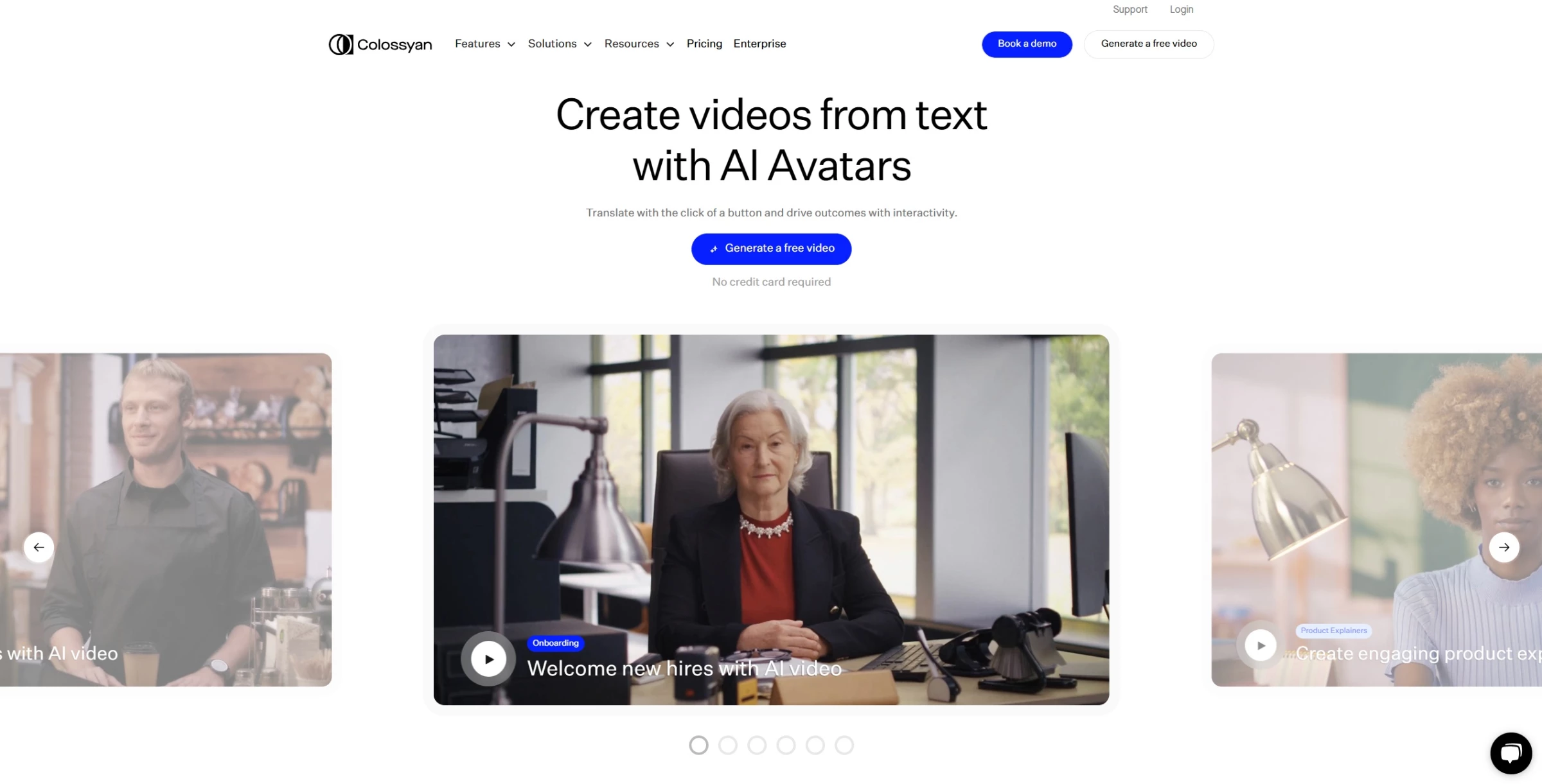
Colossyan is designed to take the repetitive work out of training and onboarding, by turning scripts into videos delivered by AI avatars. How does it work?
You start with a prompt or script, choose your avatar, and the platform generates a professional-looking video that can be used for employee onboarding, internal updates, explainer content, and more.
Pricing
- Starter: From $27/month or $19/month billed annually
- Business: From $88/month or $70/month billed annually
- Enterprise: Custom pricing
Pros and Cons
| Pros | Cons |
|
|
Unlike traditional video tools, Colossyan lets you update content on the fly without re-recording anything. And with features like multi-speaker scenes, language translation, and branded templates, it’s a solid fit for teams that want consistent, scalable training videos that still feel personal.
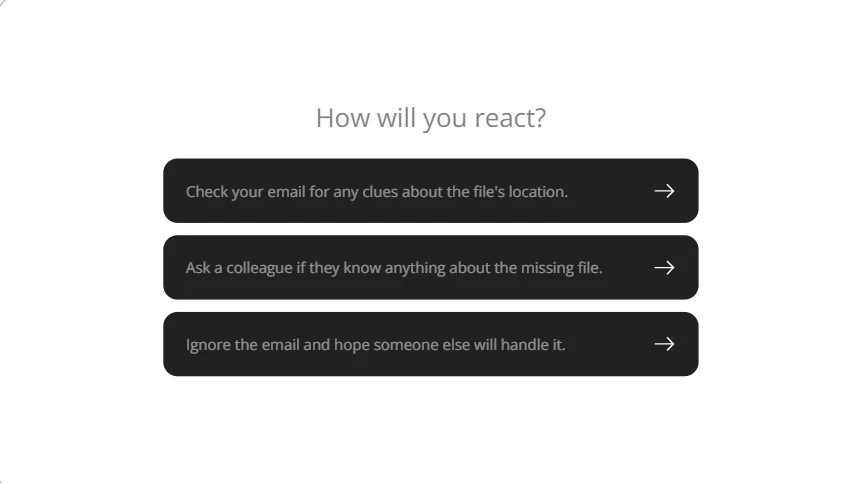
I ran a few onboarding and training scenarios to see how it handled practical, internal-use cases. I started with a simple welcome video and added short quiz-style questions between sections.
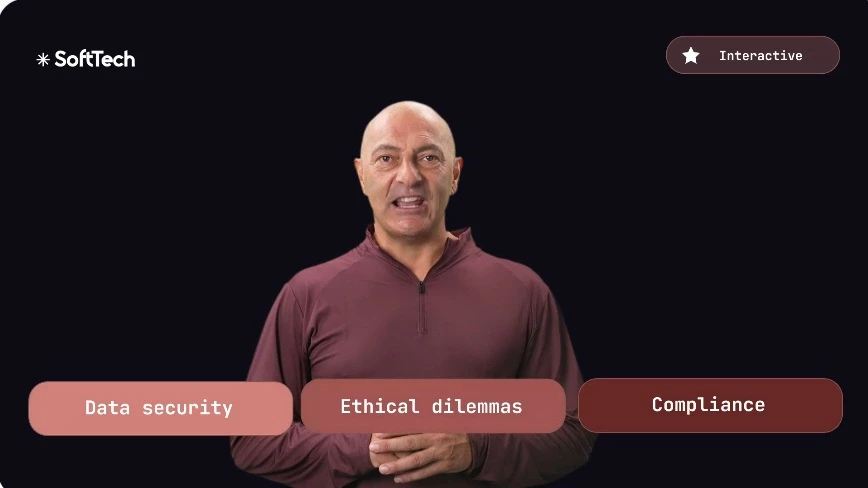
Colossyan let me set up different follow-up messages depending on how the viewer answered. So, if someone picked the wrong response, the avatar could offer a clarification before continuing.
That kind of branching made it feel more interactive, like an actual onboarding session instead of just a video.
What Users Say
Colossyan has its fans. Many users appreciate its user-friendly interface and the ability to create videos quickly. It's often praised as a "powerful tool" for turning text into video, with lots of styles and templates that work well for everything from social media content to internal presentations.
But of course, others have pointed out areas where the platform could improve like the avatars lacking natural expression and longer rendering times for larger projects.
Who's It For?
That said, the critiques feel minor compared to what Colossyan can actually deliver. For teams that need to roll out consistent, multilingual videos fast, without re-recording every update, it’s a practical, high-impact tool that gets the job done.
Other Notable Features
- Document-to-video conversion (PPT, PDF, DOCX)
- Screen recording integration
- Brand asset management (Brand Kit)
- SSO (Single Sign-On) support
- Team collaboration tools
- Scenario-based avatars
- Viewer analytics
- API access for developers
Final Thoughts on AI Video Agents
AI video agents are no longer novelty tools. They’re becoming practical production and operations systems that solve very different problems depending on how you use them.
The right choice really depends on whether you need polished content at scale, interactive training, conversational customer engagement, or live monitoring. Whatever you need, it's important to find a good fit.

Our team ranks agencies worldwide to help you find a qualified partner. Visit our Agency Directory for the top video production agencies, as well as:
- Top Video Marketing Agencies
- Top Video Production Agencies in Chicago
- Top AI Companies
- Top Digital Agencies
- Top Digital Marketing Agencies
AI Video Agents: FAQs
1. How do AI video agents differ from traditional chatbots?
While both AI video agents and chatbots are designed to interact with users, AI video agents offer a more immersive experience by incorporating visual elements such as avatars, facial expressions, and gestures.
This visual component can enhance user engagement and make interactions feel more personal compared to text-based chatbots.
2. Can AI video agents be integrated into existing business systems?
Yes, most AI video agent platforms are designed with integration capabilities, allowing them to connect with customer relationship management (CRM) systems, learning management systems (LMS), and other enterprise tools.
This integration facilitates seamless workflows and ensures that the AI agents can access and utilize relevant data effectively.
3. What are the considerations for deploying AI video agents in terms of data privacy?
Deploying AI video agents requires careful attention to data privacy and compliance with regulations such as the General Data Protection Regulation (GDPR).
It's essential to ensure that any personal data collected or processed by the AI agents is handled securely and transparently, with appropriate user consent and data protection measures in place.
4. Are AI video agents suitable for small teams or startups?
Yes. Most platforms offer entry-level plans that let small teams experiment without a major upfront investment. For startups or lean marketing teams, AI video agents can reduce reliance on external production resources and still deliver professional-looking results.
5. Do AI video agents require technical expertise to implement?
Not necessarily if the platforms are designed for non-technical users and offer browser-based interfaces, templates, and guided workflows.
However, more advanced use cases, such as API integrations or enterprise deployment, may require support from technical teams. The level of complexity depends on how deeply you hope to integrate the system into your present workflows.