
The real problem just isn’t picking a CRM, it’s making your stages, plays, and workflows deliver ROI in daily work. That’s where a CRM consultant earns their keep.
CRM Consultant: Key Findings
- Simple CRMs like Nutshell and Pipedrive work well for clear, single-team pipelines but strain under multi-team complexity.
- Scalable platforms such as Salesforce and HubSpot require structured setup to deliver real ROI, not just feature adoption.
- Zoho and similar automation-rich tools only drive value when sales plays are properly embedded into workflows.
What Is CRM Consulting?
CRM consulting starts with how your business actually sells, markets, and supports customers day to day. Then it turns that reality into a CRM setup that works.
That means a repeatable process your team will follow, clean data you can trust, automation that removes busywork, and reporting you’ll actually use. It’s about making the system work in the real world, where people are busy and data gets messy.
CRM consulting focuses on making your CRM usable, accurate, and scalable. It usually includes:
- Aligning sales stages with the customer journey with clear definitions, required fields, and handoffs.
- Choosing the right platform for your needs, budget, and growth, weighing tradeoffs and must-have integrations.
- Implementing the system end to end: workflows/automation, integrations, data migration/cleanup, training, and ongoing optimization
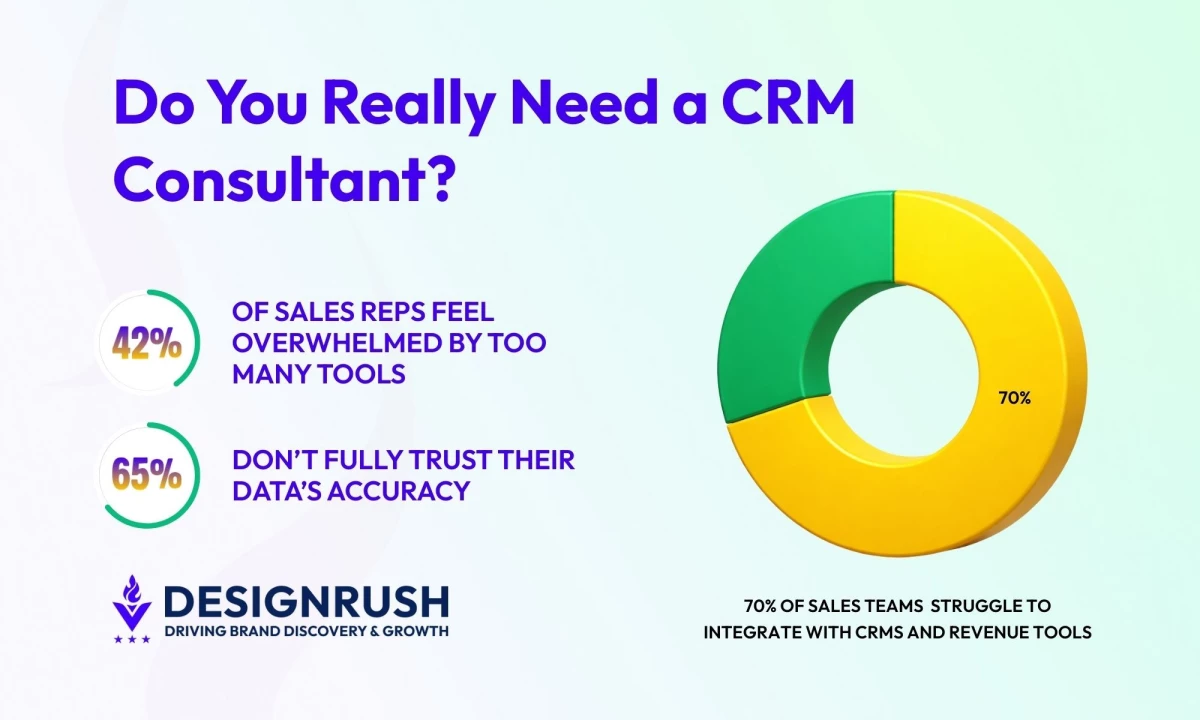
Salesforce found that only 35% of sales pros completely trust the accuracy of their data, while 42% felt overwhelmed by too many tools.
What’s more, 70% of companies still struggle to translate sales plays into their CRM and revenue technologies.
As Ivan Burban, head of marketing at Coupler.io, advises businesses struggling to get started: “...seeking consultation or expert assistance can be invaluable for setting up data collection and reporting."
He adds that businesses must focus on what truly matters. “Start with essential metrics and KPIs,” he says, “the ones that directly impact decision-making and align with your core business goals."



CRMs for Small Teams and Growing Businesses
Before you hire help, take stock of what today’s CRMs can do out of the box. Many now cover setup, automations, email/calendar sync, integrations, and reporting well enough to get value fast.
The key is knowing when the software is sufficient, and when complexity makes outside expertise worthwhile.
- Nutshell: Best for small teams wanting simplicity and automation
- Salesforce: Best for complex workflows and long-term scalability
- Pipedrive: Best for simple, visual pipelines
- Zoho: Best for budget-conscious teams
- HubSpot: Best for all-in-one growth teams
1. Nutshell: Best for Small Teams Wanting Simplicity and Automation
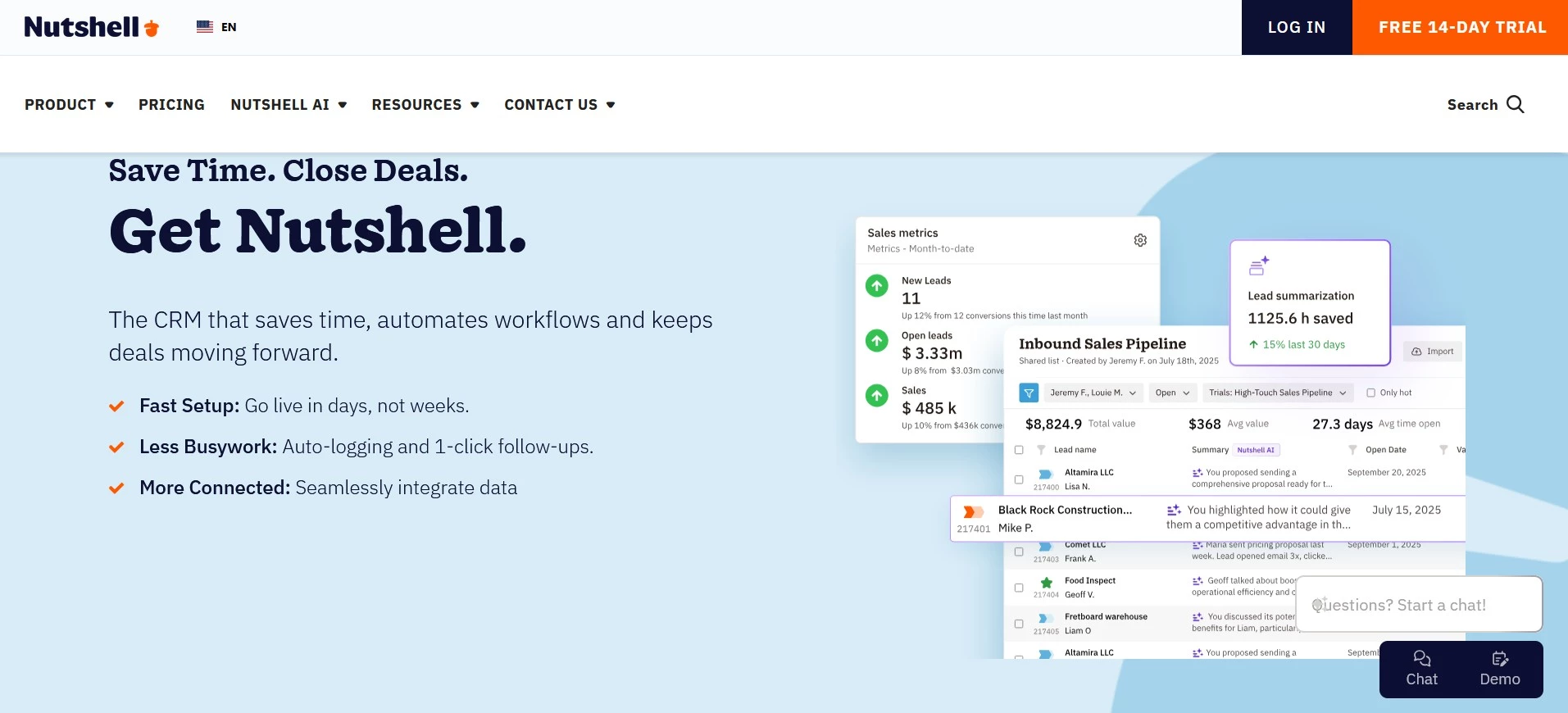
What sets Nutshell apart is how it can be usable from day-one. It offers a clean pipeline view, a clear communication timeline, and email/calendar sync so activity stays current without a full-time admin.
It’s easy to learn, quick to adopt, and backed by notably responsive human support.
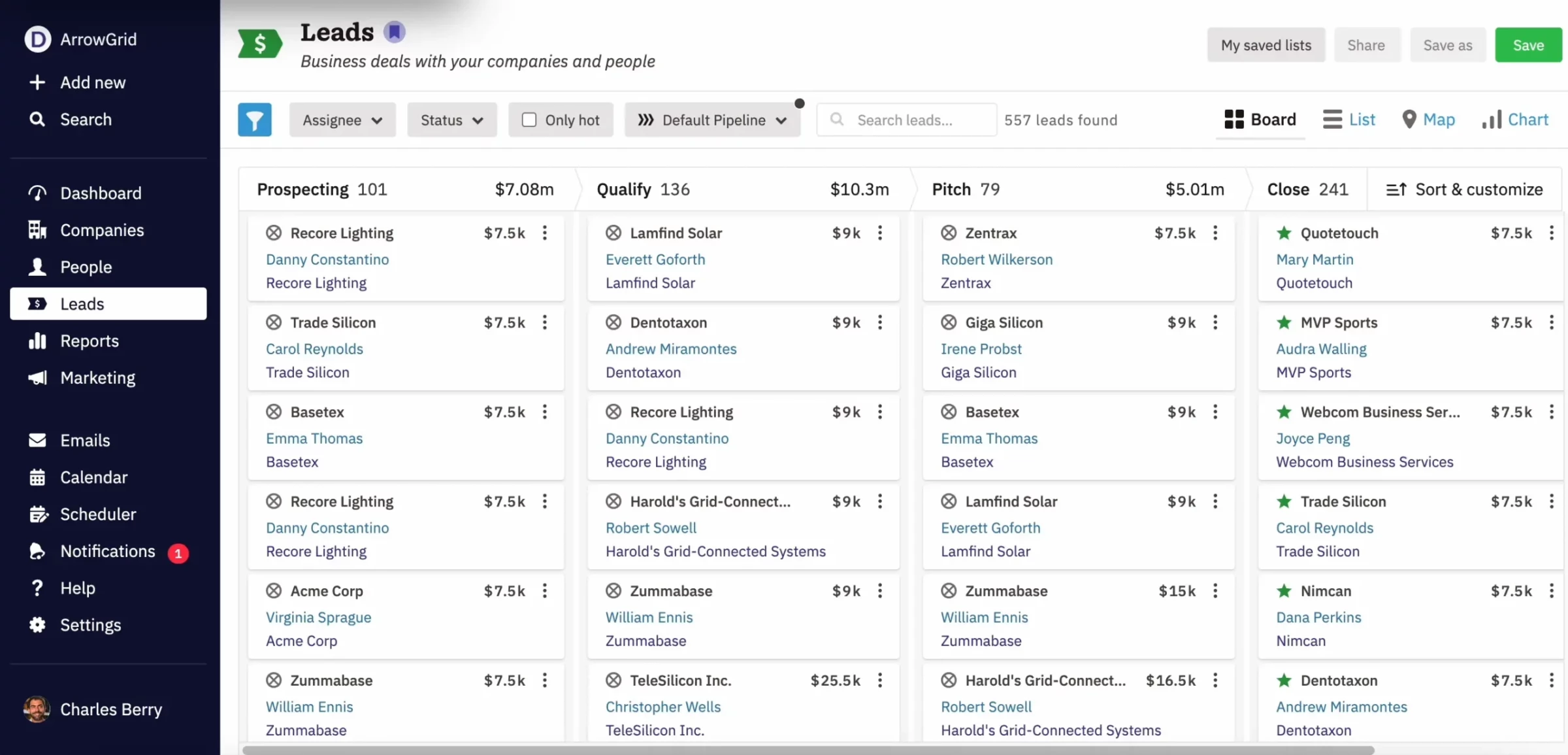
Nutshell bundles engagement capabilities alongside CRM rather than forcing a separate platform. Webchat, an AI chatbot, forms, landing pages, email marketing capabilities, and attribution reporting are included with CRM subscriptions.
It’s great for teams that want less CRM busywork, but if you need deep customization and complex workflows, you may outgrow it.
Pricing:
Paid plans start at $13 per user/month (billed annually)
What Users Say
Reviews are positive with people consistently mentioning an intuitive interface, quick onboarding, and unusually responsive human support.
Usability and functionality earn recurring praise, especially for small teams, with occasional notes about limits in deeper automation or advanced customization.
Other Notable Features
- Email + calendar sync included across plans
- Higher tiers add sales automation, multiple pipelines, and fuller reporting
Give Nutshell a Try with 14-Day Trial!
2. Salesforce: Best for Complex Workflows and Long-Term Scalability
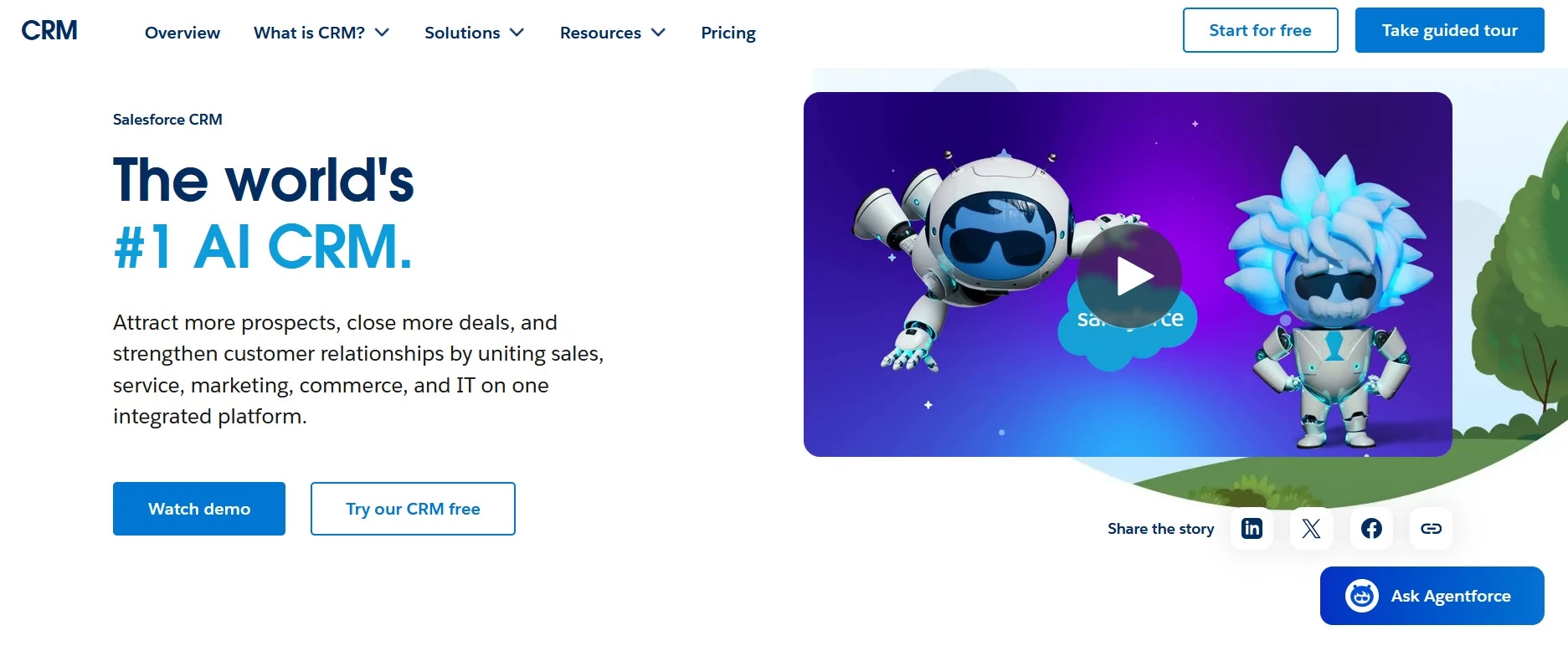
Salesforce suits those who want a CRM that behaves more like an operating system, not just a contact database.
It handles multi-stage revenue processes well (handoffs between teams, approvals, complex permissions, multiple pipelines) and gives leadership the kind of forecasting and reporting depth that’s hard to replicate with lighter tools.
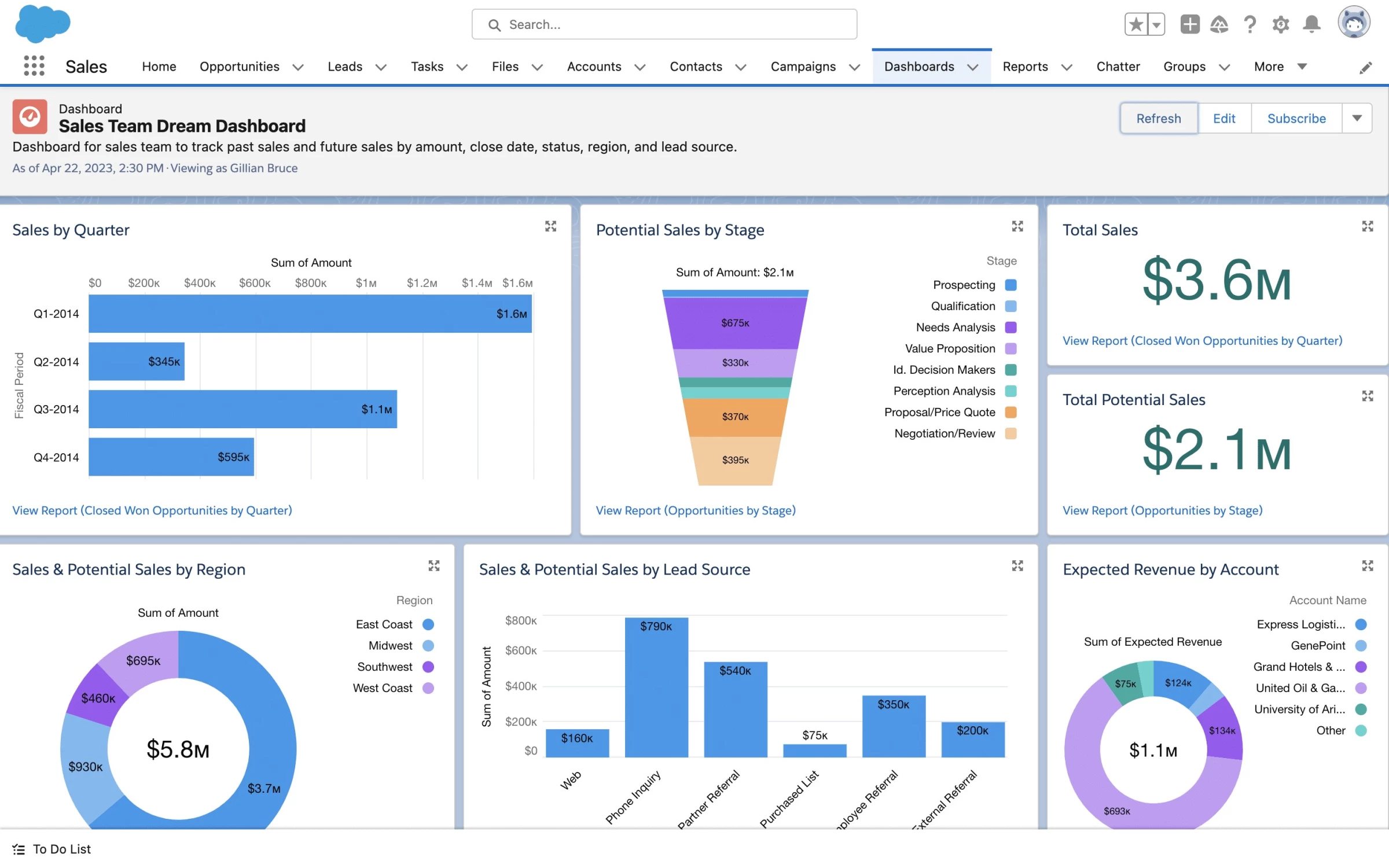
The tradeoff is that it rewards structured setup: you’ll get the most value when your stages, fields, and rules are defined clearly and maintained consistently.
Many teams begin with a relatively simple deployment, then expand into additional functionality and integrations. Consider it if you expect complexity to increase over time and want to avoid migrating.
Pricing:
Paid plans start at $25/user/month (billed monthly or annually)
What Users Say
The tone is favorable on product review sites, where users frequently praise centralized pipeline visibility, customization, automation, and reporting while repeatedly flagging a steep learning curve and the need for admin/consultant help to configure changes well.
There are, however, some recurring issues reported concerning support responsiveness and billing/contract friction.
Other Notable Features
- Built-in lead routing and sales flows at the entry suite level
- Extensive ecosystem (AppExchange + integrations) when you’re ready to extend functionality
3. Pipedrive: Best for Simple, Visual Pipelines
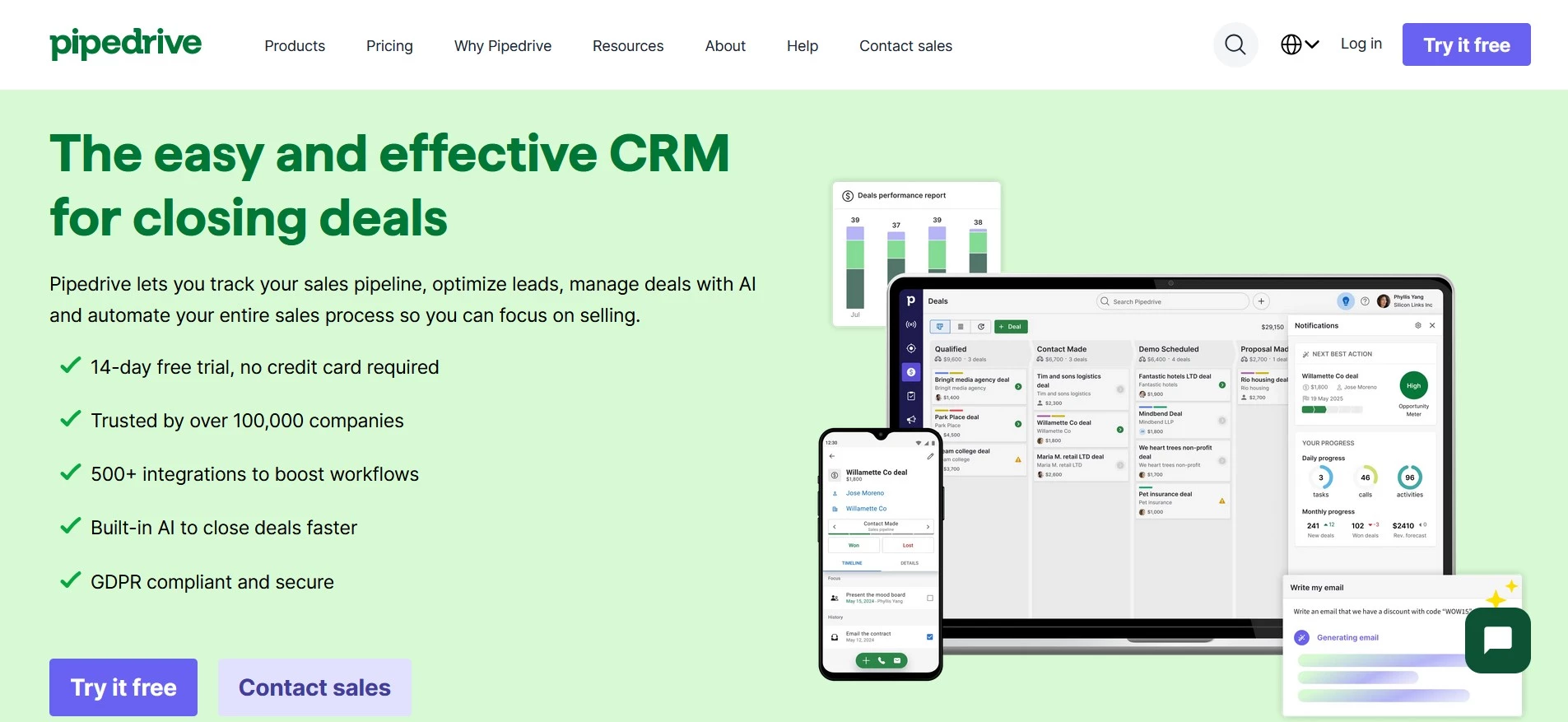
Pipedrive has a visual pipeline you can scan in seconds, plus the activity and follow-up structure that keeps business moving.
It could be the right fit if you want the CRM to reinforce good habits (clear stages, next steps, consistent follow-ups) and don't want setup to turn into a project.
Pipedrive keeps the basics sharp and adds practical upgrades as you grow. The entry plan covers lead, calendar, and pipeline management, AI-powered reporting, a real-time sales feed, 500+ integrations, and guided onboarding.
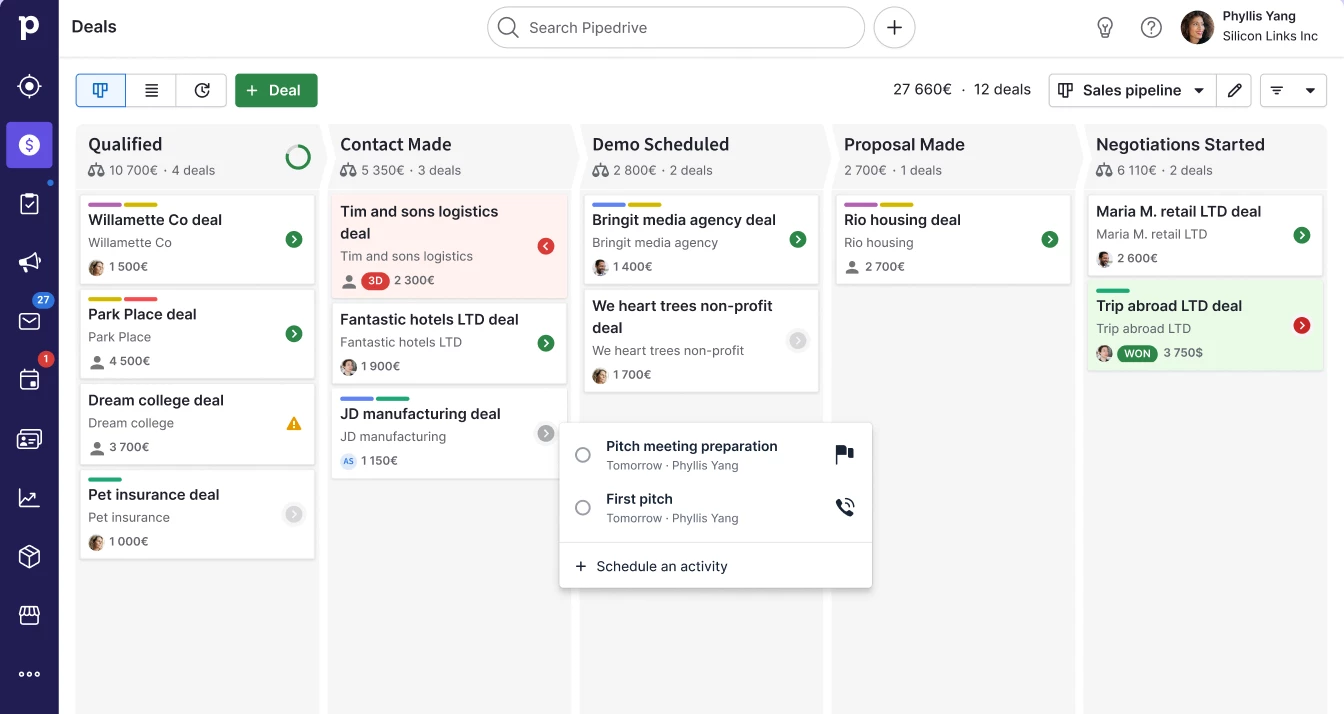
Automation is where it gets more system-like. Pipedrive can trigger actions when deals hit certain stages to reduce repetitive admin and keep deals moving without constant manual nudges.
Pricing:
Paid plans start at $14/seat/month billed annually
What Users Say
Reviewers repeatedly call out the intuitive interface, clear pipeline visibility, and hands-on onboarding/support. A smaller set of reviews mention occasional bugs or friction around billing/support expectations
Other Notable Features
- Drag-and-drop pipeline + lead/calendar management
- AI-powered report creation + 500+ integrations
4. Zoho: Best for Budget-Conscious Teams
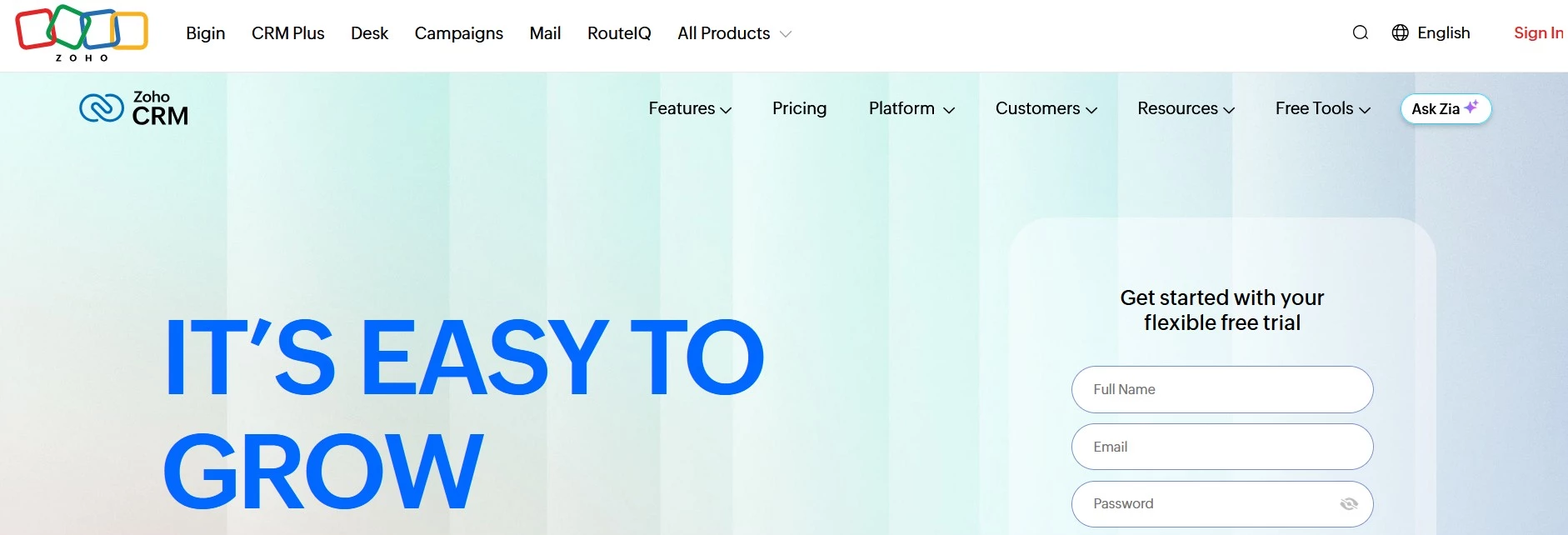
You get a lot for your money with Zoho, and it’s particularly compelling if you prefer a broad, unified suite rather than a patchwork of vendors. Zoho CRM is positioned to manage sales and marketing activity in a single system.
The reason Zoho often comes up in consulting conversations is how much process you can encode without heavy custom development.
It includes workflows for day-to-day automation, cadences for structured multi-step follow-up, and sales forecasting for goal tracking and visibility.
Pricing:
Paid plans from $14/user/month billed annually (Standard)
What Users Say
Reviewers usually like the customization and integrations, praising its breadth and value, while the most repeated downside is the learning curve and time required to set it up well.
Other Notable Features
- Built-in workflows, cadences (follow-up sequences), and forecasting on paid tiers
- Good option if you want one vendor for multiple business apps (mail, docs, finance, etc.)
Give Zoho’s free version a try!
5. HubSpot: Best for All-in-One Growth Teams
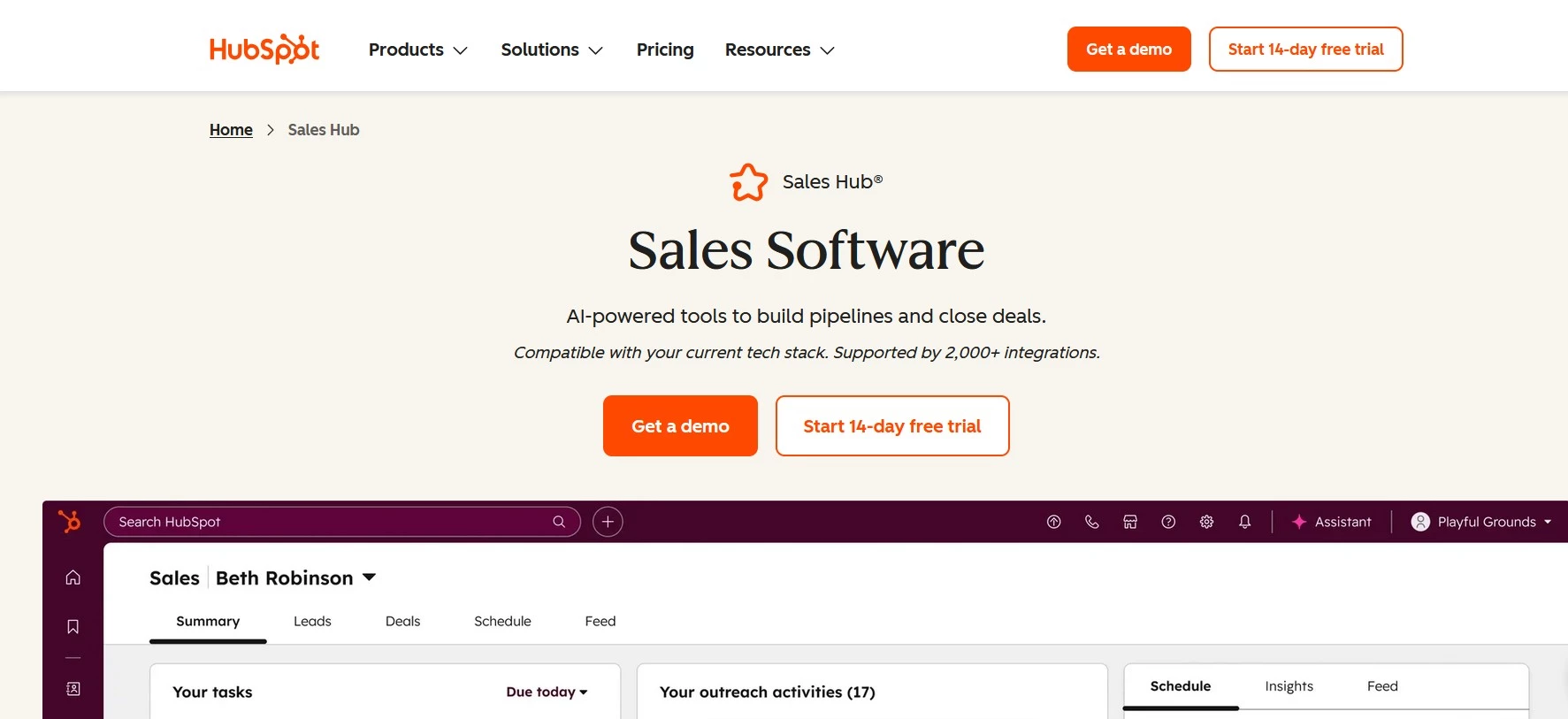
With HubSpot, you can start with a free CRM (which includes practical basics like contact/deal/task management, email tracking, templates and scheduling) that centralizes customer data.
Then, you can add paid capabilities only when you need them without starting over.
For many teams, the free tier is enough to replace spreadsheets and disconnected inbox workflows. It’s also built to reduce tool-hopping.
HubSpot supports Google/Outlook calendar sync and sales tools that can live closer to the inbox, and its App Marketplace has 1,000+ integrations.
Pricing:
Starter from $9 per seat/month (billed annually)
What Users Say
Users often praise ease of use and having sales activity in one place, but frequently flag that costs rise as you move into higher-tier automation and reporting.
Other Notable Features
- Strong onboarding/templates and bundled “starter” setup for small teams.
- Scales into marketing automation, customer support, and reporting within the same platform.
Top CRM Consulting Agencies
If your CRM project involves messy data, multiple tools, or sales-to-marketing handoffs that keep breaking, that’s when you need an agency to help you get to a working system faster.
The firms below are all listed in DesignRush’s U.S. CRM consulting directory, with at-a-glance details like location, team size, rates, and minimum budgets.
- Azumo (San Francisco, CA)
- Geeks (Houston, TX)
- CSSChopper (New York City, NY)
- Closeloop Technologies (Mountain View, CA)
- Dev.Pro (Charlotte, NC)
1. Azumo (San Francisco, CA)
Azumo is a solid pick when CRM work touches data, integrations, and custom development.
They emphasize nearshore, AI/data engineering capability and enterprise web/mobile builds, which can be useful if you’re trying to connect your CRM to the rest of your operating
- Avg. hourly rate: $55/hr
- Minimum budget: $50,000+
2. Geeks (Houston, TX)
Geeks aims to be a technology ally for the AI age, which is a good signal if you want CRM consulting to go beyond configuration and include automation and smarter workflows.
- Avg. hourly rate: $90/hr
- Minimum budget: $10,000–$25,000
- Portfolio: 1 project listed
3. CSSChopper (New York City, NY)
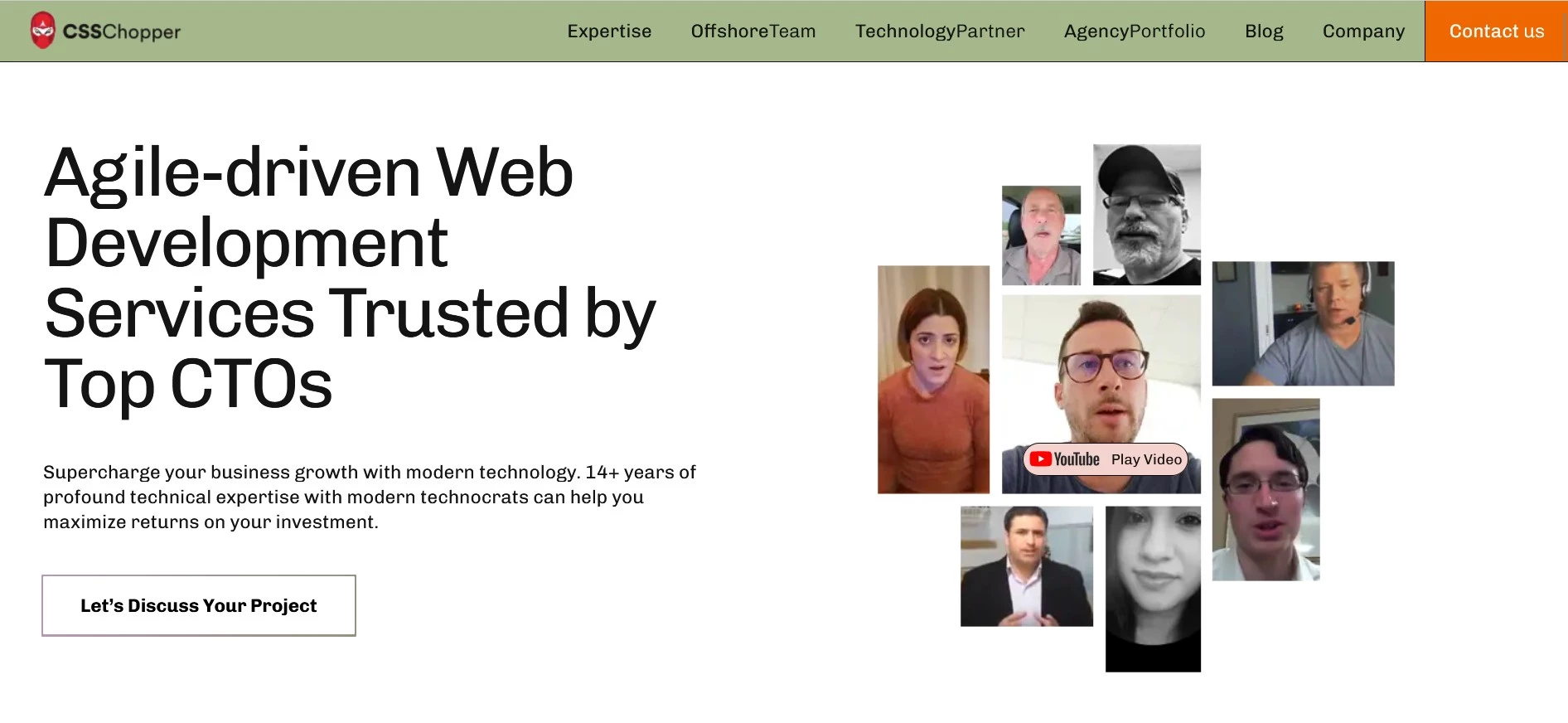
CSSChopper’s roots in web and eCommerce development make it a strong fit when your CRM needs to connect tightly to lead capture, landing pages, forms, and online conversion flows.
Their large listed project portfolio shows consistent delivery, which is useful if you want an agency that executes and iterates, not just advises.
- Team size: 100–249
- Avg. hourly rate: $25/hr
- Minimum budget: $1,000–$10,000
4. Closeloop Technologies (Mountain View, CA)
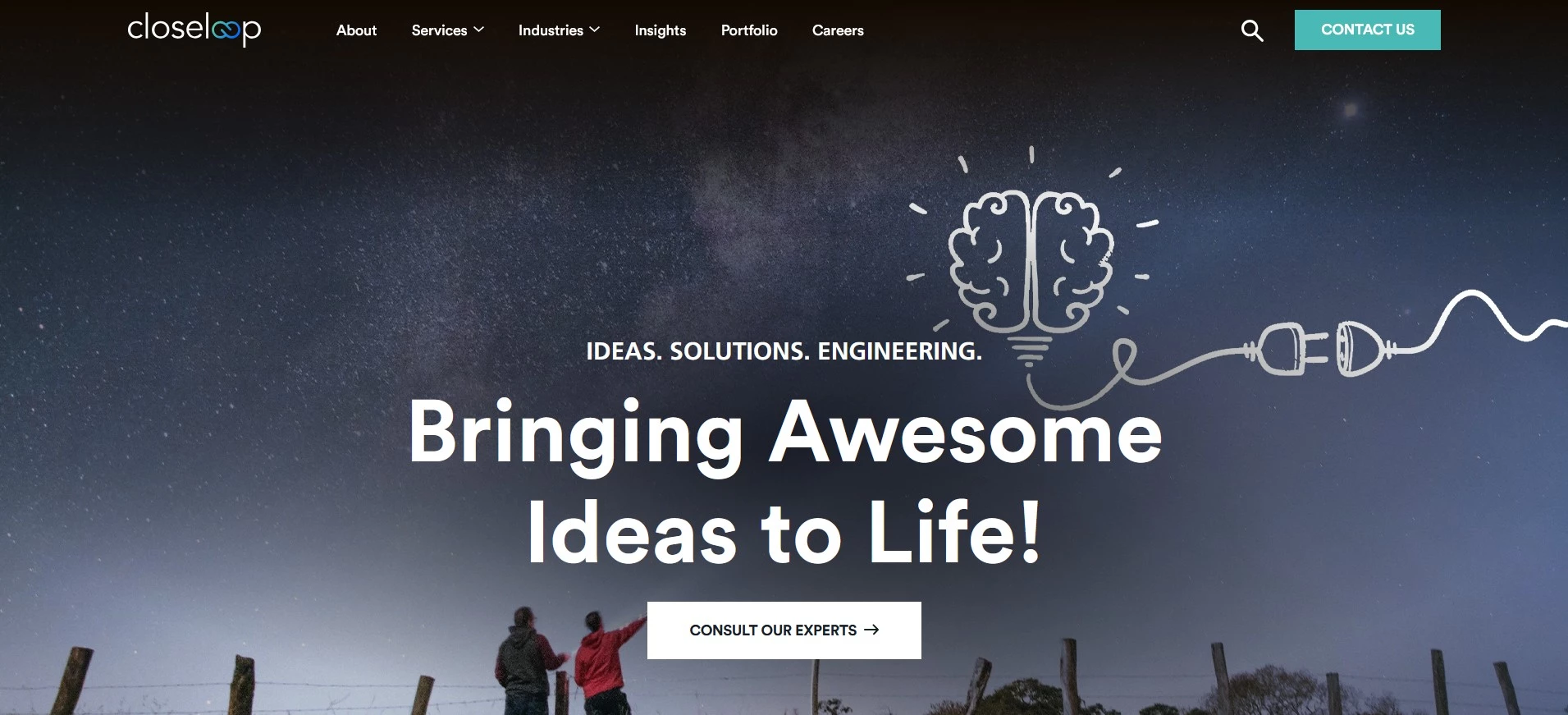
Closeloop is a practical pick when CRM is only one piece of a bigger systems build, especially if you need custom software, cloud work, or Salesforce and NetSuite.
They’re especially helpful if you need your CRM to connect cleanly with finance and fulfillment systems, so teams can trust the same customer data across the business.
- Avg. hourly rate: $25/hr
- Minimum budget: $25,000–$50,000
5. Dev.Pro (Charlotte, North Carolina)
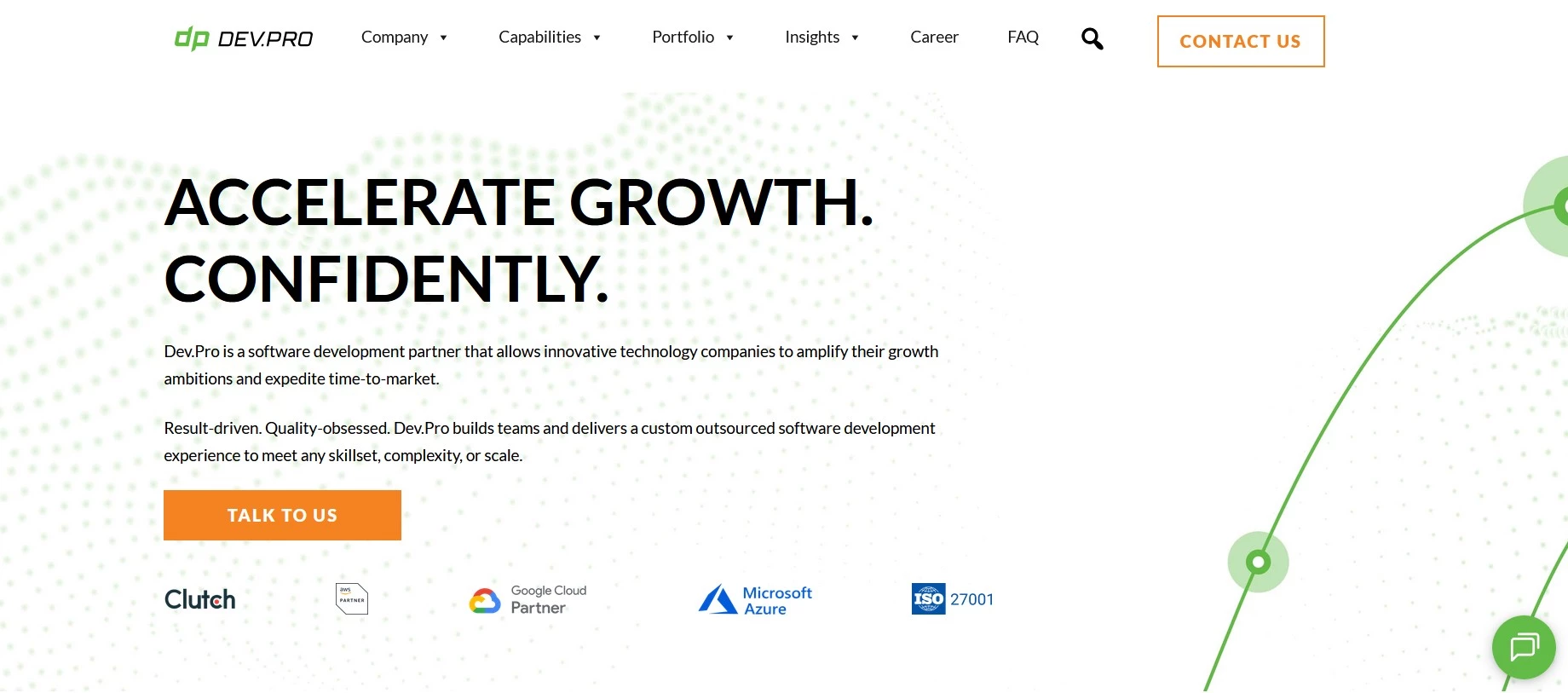
Dev.Pro is a good fit when your CRM needs go beyond setup and configuration—especially if you’re also dealing with custom development, integrations, analytics/reporting, or ongoing improvements.
They work as a software development partner, building dedicated teams that plug in closely with yours. That can be a real advantage if your CRM has to tie neatly into the rest of your stack (data, apps, workflows) and keep evolving after launch.
- Avg. hourly rate: $40/hr
- Minimum budget: $25,000–$50,000
How to Choose the Right CRM Solution for your Business
It’s a big decision, and the important part is matching the tool to your operating model, not the other way around.
But as Steve Fine, managing partner at FINE Design Group, reminds us, the tools and technology are essential but are the means to an end. "Make the technology match the experience you’re creating for customers,” he says.
To make the right choice, align your shortlist to a few non-negotiables:
- How leads enter your business and how follow-ups happen
- Your sales stages and reporting requirements (what you need to see weekly/monthly)
- The automations that will save the most time (routing, reminders, sequences, data capture)
- Integrations you can’t live without (email/calendar, forms, accounting, support, marketing tools)
- Who needs access, permissions, and visibility across teams
CRM Consulting: Final Words
CRM consulting pays off when it produces a CRM your team can run daily with defined stages, clean data, high-impact automation, and reporting you can trust.
If you do bring in an agency, scope for outcomes and require documentation and handover so you don’t find yourself dependent in the long-term.
Our team evaluates agencies globally to assist you in finding a trusted partner. Explore our Agency Directory for the best CRM consulting companies, along with:
CRM Consulting: FAQs
1. Do I need a CRM consultant, or can we do it in-house?
If you have a simple pipeline, one team, and limited integrations, you can usually get live with software and a disciplined internal owner. Consulting becomes valuable when data is messy, multiple teams touch the same deals, reporting must be executive-ready, or integrations and permissions need to be airtight.
2. What should a CRM consultant deliver?
Expect a documented process (stages, definitions, handoffs), a configured CRM (fields, permissions), a handful of automations that remove busywork, cleaned/migrated data with rules, and a small set of dashboards that answer core questions. You should also get training assets and a clear handover plan.
3. What does CRM consulting cost?
It depends on scope: a focused cleanup and setup costs far less than multi-team redesign and complex integrations. Control spend by defining “must-have outcomes,” time-boxing phases (pilot → rollout), and avoiding deep customization until adoption is proven.
4. How quickly will we see results?
You can see early wins in weeks if you keep scope tight: one pipeline, minimal required fields, and a few automations tied to follow-ups and routing. Timelines stretch when you’re consolidating tools, fixing integrations, or cleaning years of inconsistent data.
5. Why do CRM rollouts fail?
Usually because basics aren’t defined or enforced: unclear stages, too many fields, inconsistent data rules, and no accountability for updating deals. Over-customization before habits are built is another common failure.