
Product Prototype: Key Points
- The global product prototyping market is projected to grow from $19.3 billion in 2023 to $64 billion by 2034, highlighting its increasing importance in modern product development.
- Figma leads the prototyping tool market with a 31.42% share, outpacing Adobe’s suite of tools and reinforcing its dominance in collaborative design workflows.
- Early-stage prototyping significantly reduces development risk and cost, with experts emphasizing it enables faster validation, clearer direction, and fewer revisions.
Customers expect value — fast, and they want proof before committing. Prototyping helps show working ideas early, align on direction, and cut the risk of costly rework. Here's how you can use prototypes to make better decisions, deliver faster, and get stronger results.
How Prototypes Help Businesses Build Smarter Products
Great products start with great ideas. But those ideas need to be tested, validated, and improved before launch. Product prototypes make that easier.
Instead of just describing a concept, you can show something tangible early — something users and stakeholders can click through, test, and give feedback on.
This hands-on approach has become a business advantage. Proto.io's PR & Communications, Constantinos Vitoratos, said “The whole point is to start prototyping as early as possible so that teams can evaluate potential pain points and benefit from time and cost savings when it comes to development.”
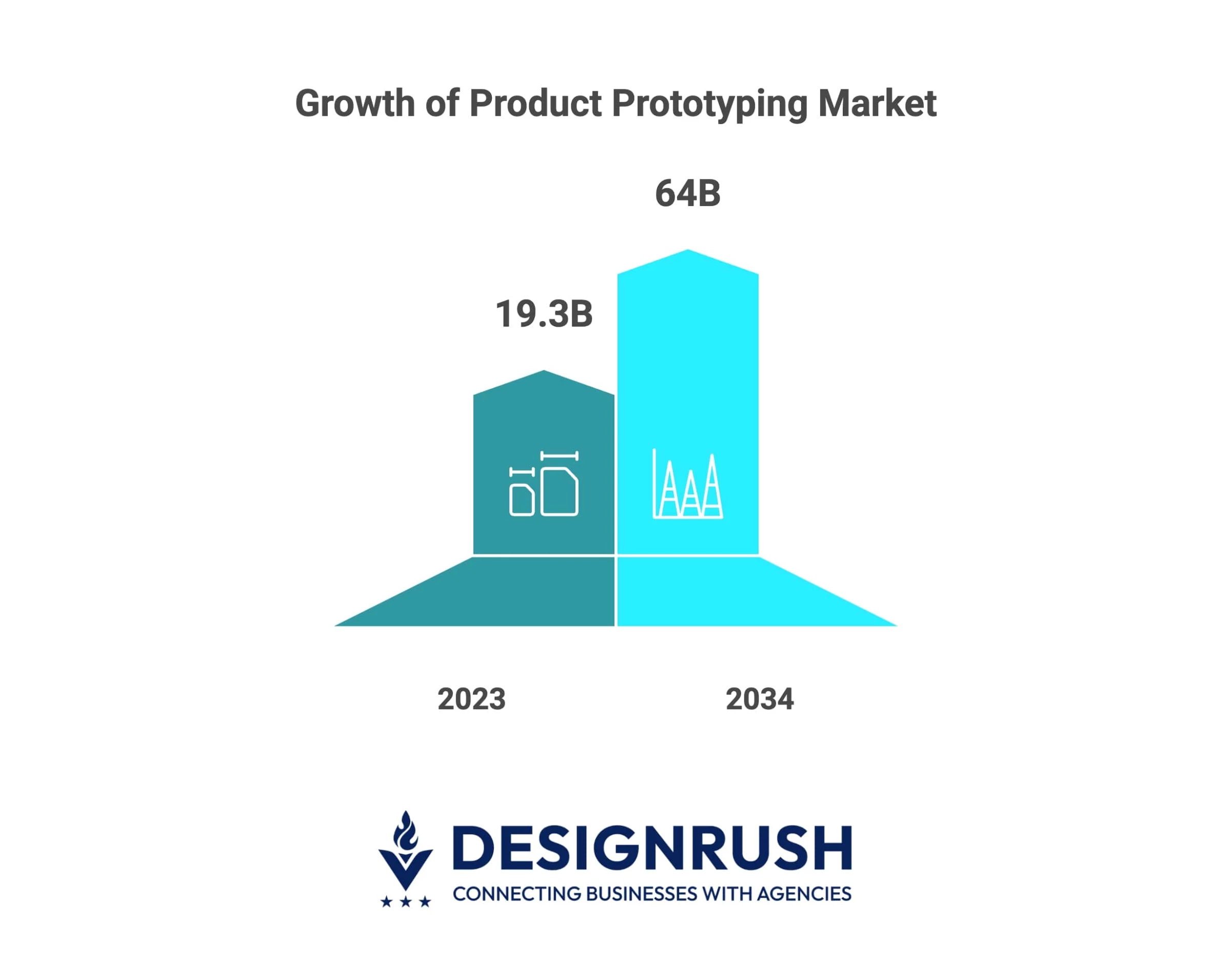
This shift toward early prototyping is driving real growth.
The global market for prototyping services is projected to reach nearly $64 billion by 2034, underscoring its growing importance for fast-moving, innovation-driven teams.
Here’s what prototypes make possible:
- Spot issues early: Catch design or usability problems before they get expensive.
- Pitch with clarity: Show the idea, don’t just explain it.
- Align faster: Get client sign-off sooner by making direction clear.
- Move with less risk: Test assumptions before full development.
- Win more work: Build trust and momentum that leads to repeat projects.
For businesses, prototyping is about speed and showing value earlier, cutting down on revisions, and making the work easier to approve.
7 Types of Product Prototypes and When To Use Them
Not every prototype serves the same purpose. Some help you try out ideas, others are built for testing, and a few are polished enough to pitch. Knowing which type to use — and when — can save time and keep your process on track.
- Feasibility prototypes
- Appearance prototypes
- Low-fidelity user prototypes
- High-fidelity user prototypes
- Live-data prototypes
- Minimum viable products (MVPs)
- Proof of concept models (PoC)
1. Feasibility Prototypes
Feasibility prototypes are built to answer one question: can this idea work technically? They focus on functionality over design, often using minimal user interface (UI) to test whether a specific feature, integration, or technology is viable.
These are especially useful for complex builds, unfamiliar platforms, or anything involving custom engineering. By testing the hard parts early, teams can avoid expensive surprises later in development.
2. Appearance Prototypes
Appearance prototypes show what a product will look like, but not how it works. It’s often a static or non-functional model designed to reflect the final product’s visual style, shape, or branding. These are typically used in client presentations, investor pitches, or marketing previews where form matters more than function.
For product teams, it’s a helpful way to align on aesthetics and make a strong visual impression during stakeholder reviews or funding discussions.
3. Low-Fidelity Prototypes
Low-fidelity prototypes are quick, low-effort versions of a product idea — like hand-drawn sketches, paper layouts, or basic wireframes built in prototyping tools. They’re useful early in a project when teams are still exploring directions, gathering feedback, or aligning on structure before investing time in visual polish.
Because they’re fast to make and easy to change, they’re ideal for early ideation and internal reviews without slowing down the process.
4. High-Fidelity User Prototypes
A high-fidelity prototype looks and behaves like a final product. It includes real content, polished visuals, and interactive elements that simulate actual user flows. These are typically used later in the design process, often before development begins.
They’re great for usability testing, client presentations, and refining details based on real feedback, helping teams catch issues before the build phase.
5. Live-Data Prototypes
A live-data prototype connects to real or simulated data, allowing users to interact with content and experience how the product will behave in real-world scenarios. It’s especially useful for testing flows, logic, and dynamic content — like filters, user dashboards, or form submissions.
These are useful for validating user behavior and ensuring key features work as intended before moving into full development.
6. Minimum Viable Products (MVPs)
Minimum viable products (MVPs) are functional, no-frills versions of a product that include only the essential features. They're released to real users to gather feedback, validate market interest, and guide future development. Ideal for startups or innovation teams looking to reduce time-to-market without overbuilding upfront.
7. Proof of Concept Models (PoC)
A proof of concept (PoC) tests whether a specific idea or function can be achieved. It’s usually small, technical, and built before design or full development begins. Businesses use PoCs to validate integrations, new tech stacks, or core algorithms before committing major resources.
Tools and Materials for Building Product Prototypes
Prototyping used to mean writing code or hiring a specialist. Now, businesses have access to intuitive tools that support drag-and-drop design, real-time collaboration, and interactive features — no engineering required.
These platforms make it easy to test ideas early and often, without slowing down the process:
UX/UI Design Tools
UX/UI design tools are built for creating digital product interfaces — everything from early wireframes to fully interactive mockups. They help teams design, prototype, and gather feedback in one place, making them a staple for most web and app projects.
Figma
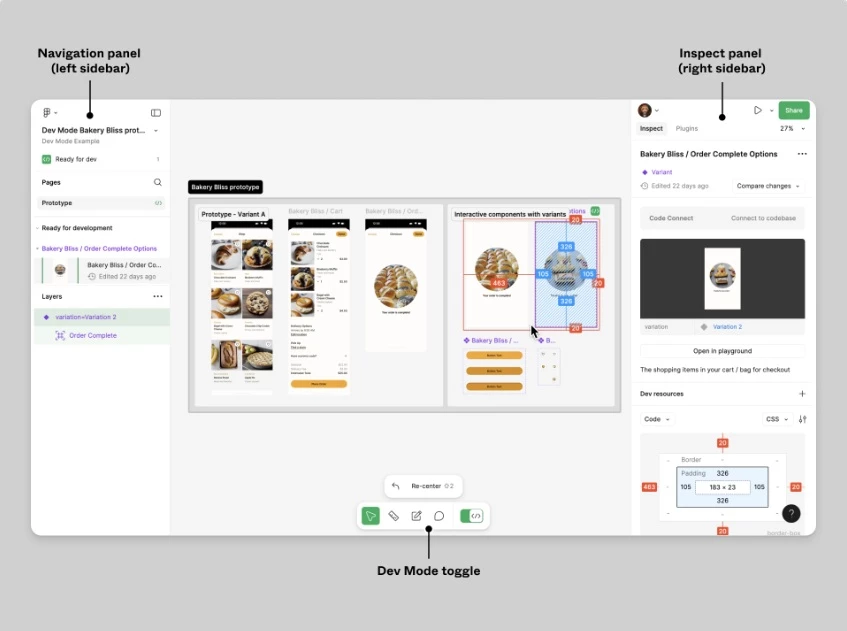
Figma is a cloud-based design and prototyping tool that supports real-time collaboration. Popular for its ease of use, component libraries, and live feedback features. In fact, Figma holds the number one place in the Collaborative Design and Prototyping category on 6Sense with 31.42% market share, followed by Adobe Discover at 22.87%, Adobe Premiere Pro CC at 16.27%, and Adobe XD at 10.21%.
AdobeXD
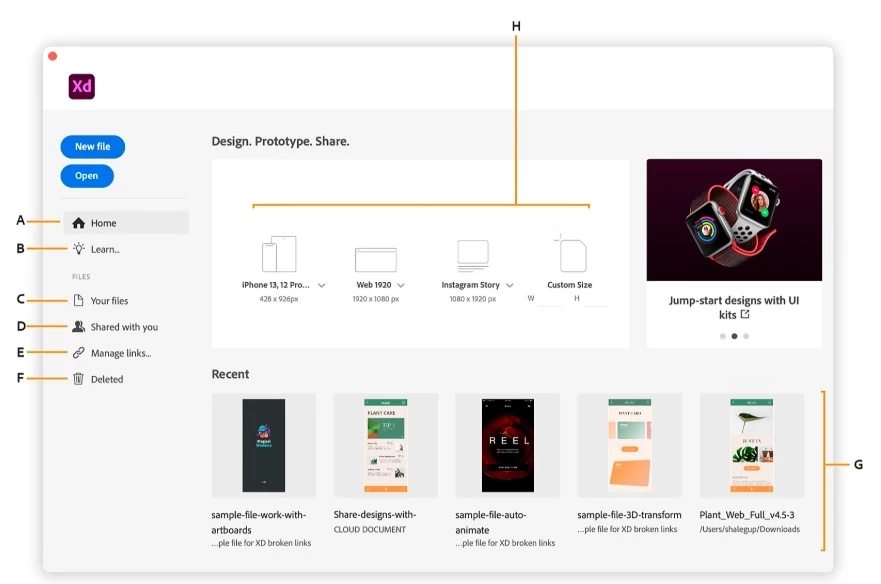
Adobe XD is a part of Adobe’s Creative Cloud, offeing smooth integration with other Adobe tools and is often used for high-fidelity web and app prototypes.
Sketch
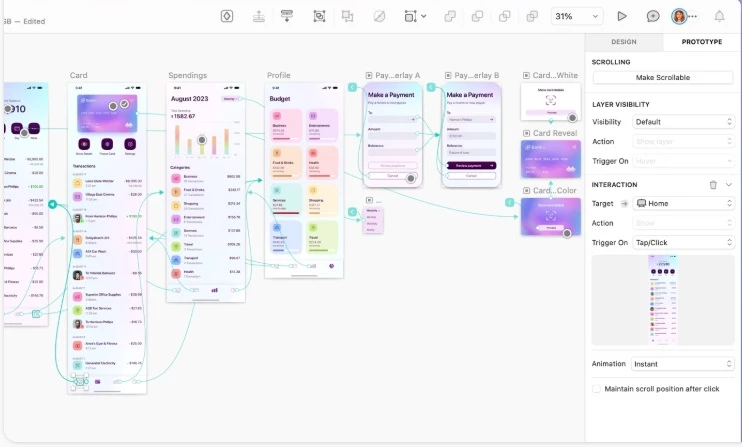
Sketch is widely used on Mac and remains a favorite for UI design, especially among freelancers and boutique teams. It integrates well with plugins but lacks the built-in collaboration features of Figma.
Proto.io
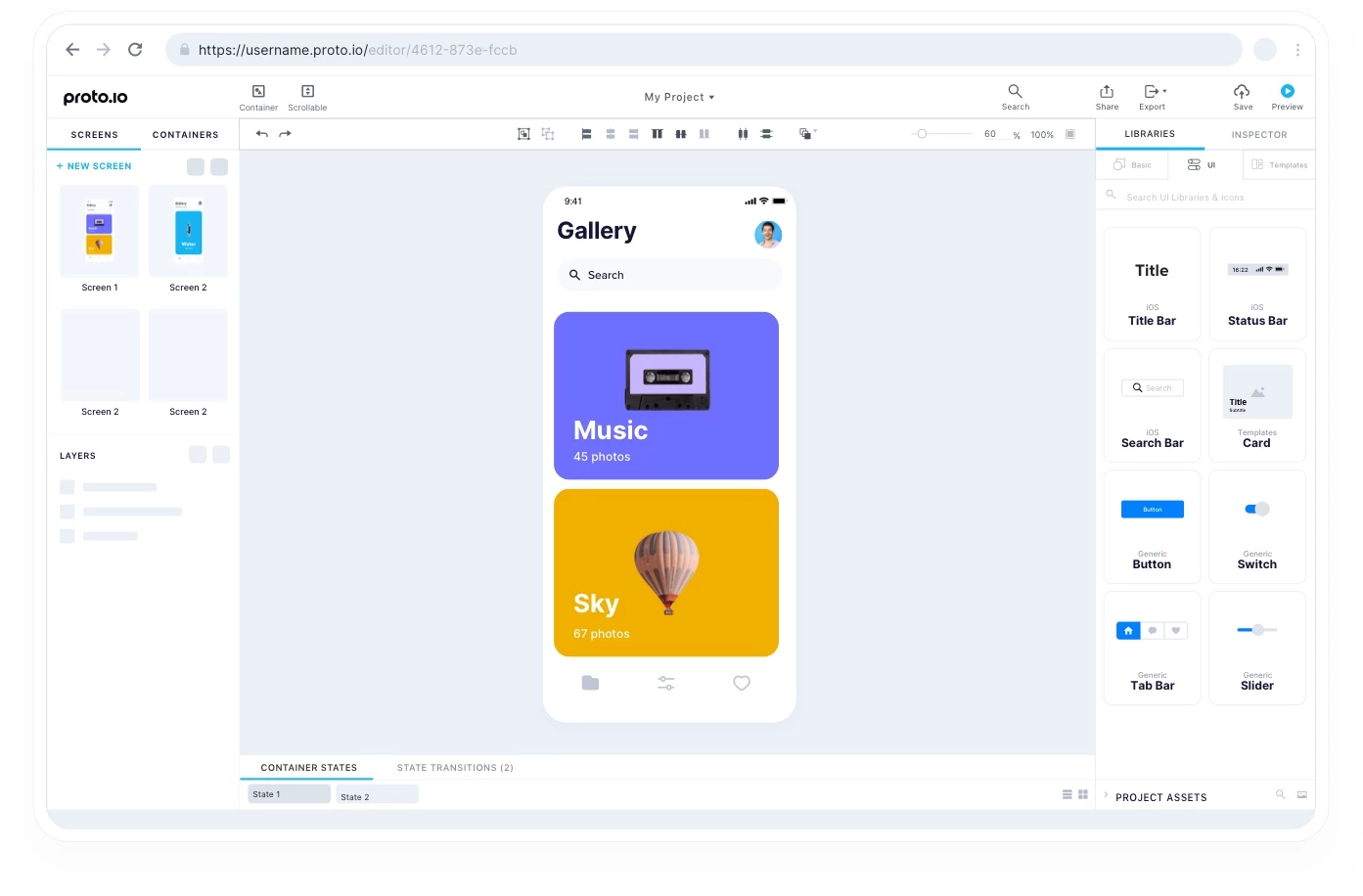
Proto.io is ideal for teams looking to create lifelike prototypes without code. It’s especially strong for mobile apps, allowing designers to simulate gestures and transitions.
Framer
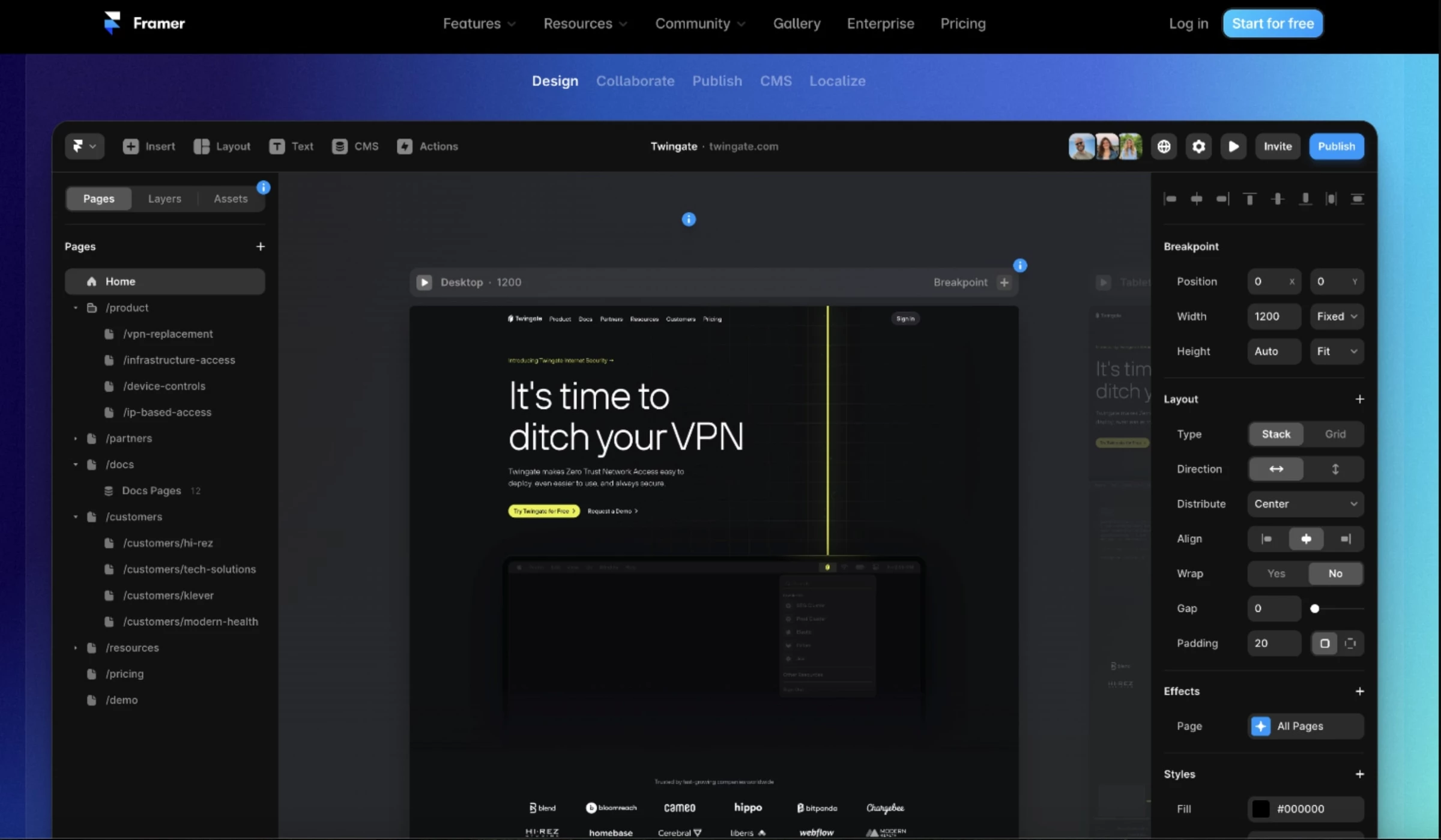
Framer combines visual design with React-based interactivity. It’s more powerful than traditional design tools but has a steeper learning curve. Best for teams needing advanced interactions or micro-animations.
Hardware Prototyping Platforms
For teams building connected devices or physical-digital products, hardware prototyping platforms make it easier to test functionality early. These tools let you simulate product logic, program behavior, and build working prototypes without full-scale manufacturing.
- Arduino: An open-source electronics platform popular for prototyping interactive devices. It’s used to build everything from simple sensors to smart appliances and is supported by a massive developer community.
- Raspberry Pi: A compact, low-cost computer used in more advanced prototyping, especially for IoT products or connected devices. It's ideal for projects that need real computing power during testing.
- Prototyping kits: Off-the-shelf kits like those from SparkFun or Adafruit provide modular parts — sensors, LEDs, motors, and microcontrollers — that help startups and hardware teams rapidly assemble and test physical concepts.
3D Modeling and CAD Software
When physical products are part of the project, CAD tools are essential for modeling form, fit, and function before fabrication. These platforms let teams design with precision and export files directly for 3D printing or CNC machining.
- Autodesk Fusion (formerly Fusion 360): A cloud-based CAD tool that combines industrial design, mechanical engineering, simulation, and manufacturing in one platform. Popular for its collaborative features and all-in-one workflow, it’s a go-to for team building and testing physical product concepts.
- SolidWorks: An industry-standard for mechanical design and engineering. It’s known for detailed modeling, powerful simulation tools, and precision in parts and assemblies — best suited for more complex product development.
- TinkerCAD: A beginner-friendly 3D modeling tool from Autodesk. It's web-based, simple to use, and ideal for quick concepting, educational projects, or teams just starting with 3D design.
Fabrication Tools
Once a physical prototype is ready for testing or presentation, fabrication tools bring the design to life. These methods are essential for businesses working on hardware or industrial product concepts.
- 3D Printing: One of the fastest and most accessible ways to produce a physical prototype. It allows teams to test form and function without the cost of tooling. Common for product enclosures, mechanical parts, and early-stage hardware mockups.
- CNC Machining: Computer numerical control (CNC) machining is used for higher-precision parts or materials that aren’t 3D printer-friendly. It’s ideal when prototyping parts that need strength, tight tolerances, or specific finishes — like metal enclosures or mechanical components.
- Adobe Sensei: Built into Adobe’s Creative Cloud, Sensei uses AI to automate repetitive design tasks, suggest layouts, and improve workflows in tools like XD and Photoshop. It’s especially useful for teams working on tight deadlines.
- Figma AI (Beta): Figma is rolling out AI-assisted features like auto-layout suggestions, content generation, and design tweaks, helping designers produce usable drafts more efficiently within the platform they already use.
- Uizard: Designed for rapid ideation, Uizard lets users turn sketches or plain text into functional UI mockups using AI. It’s especially helpful for non-designers or early-stage teams looking to explore layout options quickly.
These tools — across software, hardware, and AI — give teams the flexibility to prototype in ways that match their workflow, team size, and project scope.
Where To Find Product Prototyping Services
Not every business has the time or tools to build every prototype in-house. When you need extra hands, niche skills, or just more speed, there are plenty of ways to bring in outside help.
Here are the most common options you can turn to:
Product Design Agencies
Full-service product design firms can handle everything from concept development to rapid prototyping methods. They're ideal when you need end-to-end support — strategy, CAD modeling, UI/UX, MVP development, and even engineering. Agencies are often the best fit for startup product launches or when you’re building something that requires multiple iterations and client approvals.
Look for teams that specialize in early-stage product design or interactive prototyping. These groups often have the right mix of design and technical expertise to turn loose ideas into validated models you can test and refine.
Freelance Prototypers
Freelancers are a flexible option for teams that need targeted support — like a 3D model for a hardware prototype or a clickable UI flow for a pitch deck. They're a good fit for smaller budgets, short-term needs, or early-stage concept validation. Many specialize in specific tools or phases, such as CAD rendering, UX wireframing, or model iteration.
Prototyping Labs and Makerspaces
For physical product development, local labs and makerspaces offer hands-on access to tools like 3D printers, laser cutters, CNC machines, and electronics workbenches. They're ideal for teams working on functional mockups, IoT concepts, or early-stage hardware prototyping.
These spaces often provide technical assistance or workshops — great for startups testing product fit or agencies refining a concept before manufacturing. They're also a cost-effective way to experiment with materials and build low-volume models without committing to full production.
Platform-Based Services
Online platforms make it easy to find and hire prototyping talent on demand. They offer access to designers, modelers, and interactive prototyping specialists across price points and turnaround times.
These services work well when you need quick support for tasks like wireframing, MVP development services, or product design mockups. Some platforms even let you review portfolios and niche experience — so you can match with talent based on tools, industry, or project type.

Our team ranks agencies worldwide to help you find a qualified provider. Check out our Agency Directory for the Top Product Design Companies, as well as:
- Top Product Design Firms In Chicago
- Top AI Product Development Companies
- Top Print Design Agencies
- Top Digital Design Agencies
- Top Industrial Design Companies
Our design experts also recognize the most innovative design projects across the globe. Visit our Awards section for the best & latest.
Product Prototypes: FAQs
What is a product prototype in business development?
A product prototype is an early version of a digital or physical product built to test design, functionality, or user flow before full development. It helps teams validate ideas, gather feedback, and reduce the risk of costly changes later.
Why should businesses invest in prototyping?
Prototyping helps you test assumptions, improve decision-making, and align stakeholders early. It shortens development timelines and increases the likelihood of product-market fit — saving time, money, and effort.
How does prototyping reduce project risk?
It surfaces usability issues, scope gaps, or stakeholder misalignment before development begins. Early feedback loops help teams fix problems when changes are still quick and inexpensive to make.