
Small business cybersecurity involves safeguarding your business data, systems, and operations from threats like phishing and ransomware. Security isn’t just a concern for large corporations — small businesses are often easier targets because they lack strong defenses.
The good news is that with the right tools and practices, you can protect your business against these threats even without an enterprise-level budget. To help you stay secure in 2026, we’ve compiled 11 affordable yet effective small business cybersecurity tips.
1. Implement Multi-Factor Authentication (MFA)
Implementing MFA is one of the most important cybersecurity measures small businesses can adopt. Passwords alone are no longer enough to keep cybercriminals out. With MFA, users must confirm their identity through a second method, such as a mobile app, fingerprint, or text message code.
Many MFA tools are free or cost very little, making them a budget-friendly solution for small businesses. Some examples include:
- Google Authenticator
- Microsoft Authenticator
- Authy
Why it matters: Accounts protected by MFA are 99.9% less likely to be compromised. It’s an easy and effective way to strengthen your cybersecurity.
Our experts recommend: Enabling MFA on your most critical accounts, such as email, financial software, and cloud storage.
2. Regularly Update and Patch Software
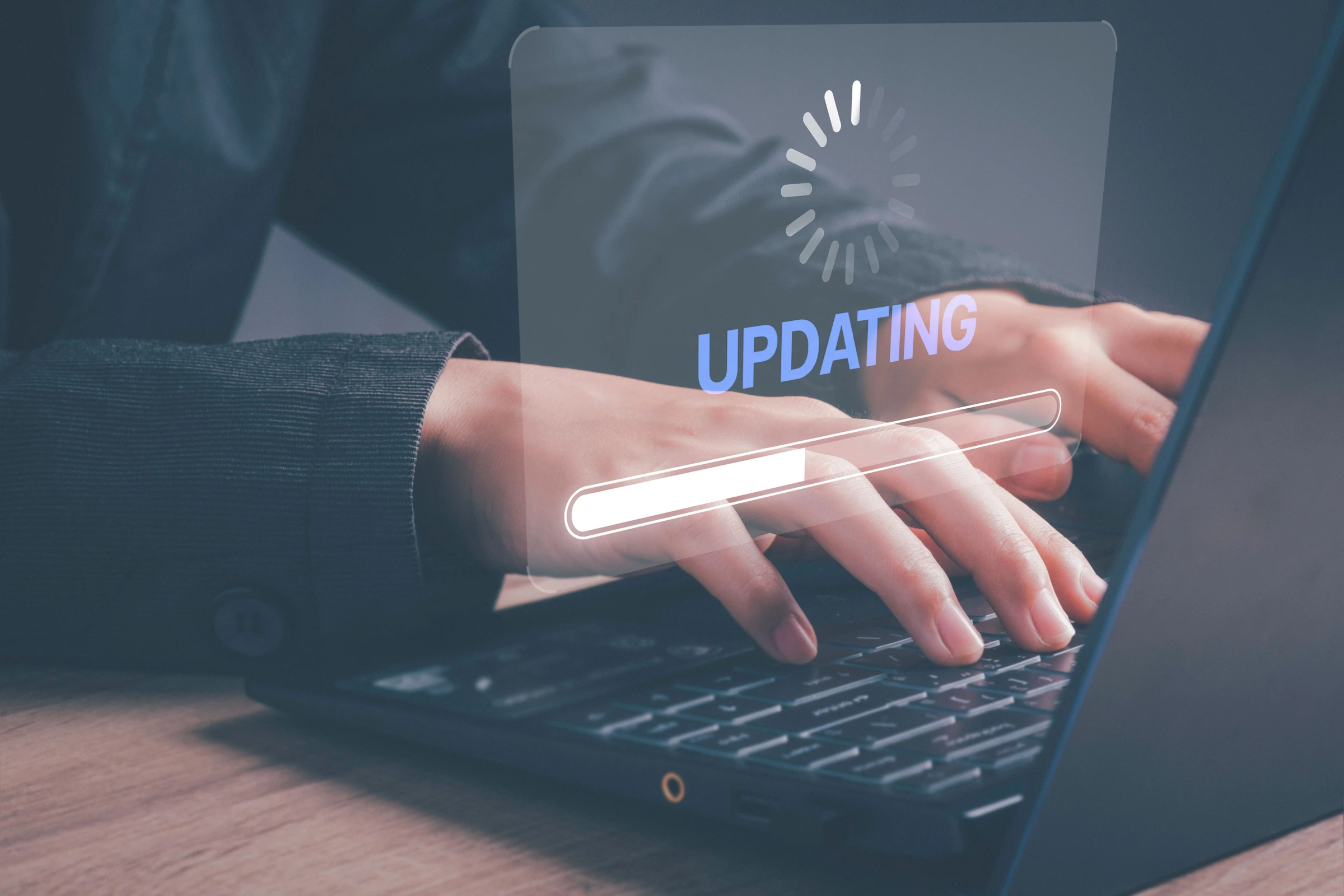
Cybercriminals usually exploit outdated software to access sensitive data. To prevent this, keep your devices, applications, and operating software updated with the latest patches. These updates often include fixes for security vulnerabilities hackers rely on.
Most updates are automated and free, but some software may require manual updates. Examples of software to check regularly include browsers, plugins (like Adobe Reader), and antivirus programs.
Why it matters: Hackers often use outdated software to break into systems. Regular updates are an easy, no-cost way to protect your business.
Our experts recommend: Scheduling a regular check-in — at least monthly — to review and apply updates manually for software that doesn’t update automatically.
3. Backup Files Regularly
Backing up your data means keeping copies of your important files somewhere safe. This way, if your data is lost or stolen, you can get it back quickly without paying a ransom or losing valuable information.
Use a mix of cloud storage (like Google Drive or Dropbox) and physical backups (like an external hard drive). Many cloud storage options are cost-effective, with plans starting as low as $2.99 per month.
Why it matters: Without backups, losing your data can bring your business to a standstill. Regular backups give you peace of mind and ensure you can recover quickly.
Our experts recommend: Set up automatic backups and check them regularly to make sure everything is saved correctly.
4. Use Robust Antivirus and Firewall Software
Antivirus and firewall software are your business’s “digital bodyguards.” They block threats like malware, phishing, and ransomware before they can cause damage. A good antivirus program also cleans up your devices if they get infected, so you’re not left dealing with the mess.
Many antivirus tools are inexpensive. Here are a few solid options:
- Bitdefender: Starts at $19.99/year
- Norton: Starts at $39.99/year
- McAfee: Offers plans starting at $24.99/year
Why it matters: Cyber threats are getting sneakier every day. Antivirus and firewall tools give you a strong first line of defense, so your business keeps running smoothly.
Our experts recommend: Picking an antivirus software that updates automatically and includes real-time threat detection.
5. Secure Your Wi-Fi Network
Your Wi-Fi network is a gateway to your business’s systems, so securing it is a must. Encrypt your Wi-Fi with WPA3 (Wi-Fi Protected Access 3), which provides stronger protection for your data. If your router doesn’t support WPA3, use WPA2 instead.
To find out if your router supports WPA3, consult your router's user manual or settings page.
Why it matters: An unsecured Wi-Fi network is an open door for cybercriminals. Securing it helps protect your data and keeps your business running safely.
Our experts recommend: Using a separate Wi-Fi network for guests to keep your business systems isolated and secure.
6. Use Secure File-Sharing Tools
Sharing files is part of everyday business, but doing it securely is crucial. Platforms like Google Workspace or Dropbox offer end-to-end encryption, which keeps your data safe during transfers. They’re affordable and may include extra features like access controls and file recovery options.
Why it matters: Insecure file sharing can expose your business to data leaks or theft.
Our experts recommend: Using file-sharing tools that allow you to set permissions — like who can view or edit a file — and always enabling encryption for sensitive documents.

7. Monitor and Control the Use of Removable Data
While USB drives and other removable devices are convenient, they’re a common way for malware to spread. To reduce risks, create internal policies that regulate how and when these devices can be used.
Encrypting sensitive files on USB drives adds another layer of security and prevents unauthorized access if a device is lost. Most computers already have built-in tools, like BitLocker for Windows and FileVault for Mac, to make encryption easy.
Why it matters: Unregulated use of removable media can introduce malware into your systems or lead to data breaches.
Our experts recommend: Use only trusted, company-issued USB drives and require encryption for any sensitive data.
8. Restrict Access to Sensitive Data
Not everyone on your team needs access to everything. Limiting access based on roles minimizes the risk of internal breaches — whether accidental or intentional. Role-based access controls let you decide who can view or edit sensitive data, ensuring only the right people handle critical information.
Tools like Google Workspace and Microsoft 365 include built-in features to help you set up these controls effectively.
Why it matters: Restricting access protects your most sensitive data and reduces the risk of breaches.
Our experts recommend: Reviewing permissions regularly and updating them when employees change roles or leave the company.
9. Develop an Incident Response Plan
No system is completely foolproof, which is why it’s critical to have a plan for responding to cyberattacks. An incident response plan outlines the steps your team should take to contain the threat, notify stakeholders, and restore systems. Having this clarity minimizes damage and speeds up recovery time.
For businesses with more complex systems, professional consultation can help refine the process. But for smaller businesses, you can write and communicate a basic plan internally at no cost.
Why it matters: A clear and tested response plan reduces chaos during a cyber incident, helping your business recover quickly and effectively.
Our experts recommend: Testing your plan regularly with mock scenarios to ensure everyone knows their role in an emergency.
10. Train and Educate Your Employees on Cybersecurity
Cybersecurity awareness for small businesses is essential. Training employees to recognize phishing attempts, create strong passwords, and handle sensitive data securely reduces the risk of accidental breaches.
Cybersecurity training doesn’t have to break the bank. Affordable programs, free online resources, and regular in-house discussions can make it practical for small businesses.
Why it matters: Human error is a leading cause of data breaches. Training your team empowers them to make smarter decisions and protects your business from avoidable risks.
Our experts recommend: Focusing on real-world examples, like spotting phishing emails or avoiding suspicious links. Repeat training regularly to keep everyone updated on the latest threats.

11. Regularly Audit Cybersecurity Practices
Cybersecurity isn’t a “set it and forget it” process. Regular audits help you identify gaps in your defenses and stay ahead of evolving threats. These reviews can be done internally or with free online tools, making them a cost-effective way to protect your business.
Why it matters: Threats evolve, and your defenses need to evolve with them. Regular audits ensure your business stays protected over time.
Our experts recommend: Scheduling cybersecurity audits quarterly and updating your security measures as needed to address any vulnerabilities.
Cybersecurity for Small Businesses Takeaways
Cybersecurity for small businesses doesn’t have to be expensive or complicated. Start small — choose one tip and build from there. The effort you put in today could save you from costly breaches tomorrow.
If implementing cybersecurity measures feels overwhelming, consider outsourcing cybersecurity to professionals. These agencies provide an effective way to access expert protection without the costs of an in-house team.

Our team ranks agencies worldwide to help you find a qualified partner. Visit our Agency Directory to find top-rated cybersecurity companies, as well as:
- Top AI Cybersecurity Companies
- Top Digital Forensics Companies
- Top Identity Access Management Companies
- Top Penetration Testing Companies
- Top Security Assessment Companies
Our team also curates standout creative work on our Design Awards page, where you can explore award-winning branding, web, and digital design projects to see what strong execution looks like in practice.