
I tried five of the most popular no-code AI builders to see which ones actually deliver on speed, usability, and smart automation. From mobile apps to full-stack platforms, I break down what worked, what didn’t, and which tools are truly worth your time.
Top Tools To Build AI Agents: Key Points
- Bubble offers the most flexibility for building fully customized agents. It’s great for users that need design control and backend automation.
- Relevance AI stands out for advanced decision-making and it’s ideal for data-heavy, logic-driven use cases.
- Zapier, Tray, and Postman AI make AI agent automation accessible across teams, with Zapier excelling in task automation, Merlin in enterprise-scale workflows, and Postman in API-driven LLM prototyping.
Top 5 AI Agent Builders Reviewed
I put these AI agent builders to the test to see how they help teams create intelligent, task-driven agents that can interact with users, make decisions, and automate processes using natural language and AI models.
| Tool | Best For | Visual Workflow | Built-in Context | Pre-built Templates | Pricing |
| Bubble | Fully customizable web-based agents | ✅ | ❌ | ✅ | Free plan available, Starter plan starts at $32/month |
| Relevance AI | Agent builder for complex decision making | ✅ | ✅ | ❌ | Free plan available, Pro plan starts at $19/month |
| Zapier Agents | No-code AI solution for automation | ✅ | ✅ | ✅ | Free plan available, Pro plan starts at $50/month |
| Merlin Agent Builder | Enterprise-grade AI agents | ✅ | ✅ | ✅ | Pricing is only available upon request |
| Postman AI | Prototyping and orchestrating AI agents | ✅ | ❌ | ✅ | Free plan available, Basic plan starts at $19/user/month |
Anthony Paris, the Founding Managing Partner of AppWT LLC, advised businesses to first identify pain points and bottlenecks before selecting an AI agent, matching them to suitable agent types.
He emphasized the importance of a phased implementation plan with measurable KPIs for evaluating effectiveness. Paris added, "The most successful implementations start with defined use cases, not just adopting AI because it's trending."
1. Bubble: Best for Fully Customizable Web-Based Agents
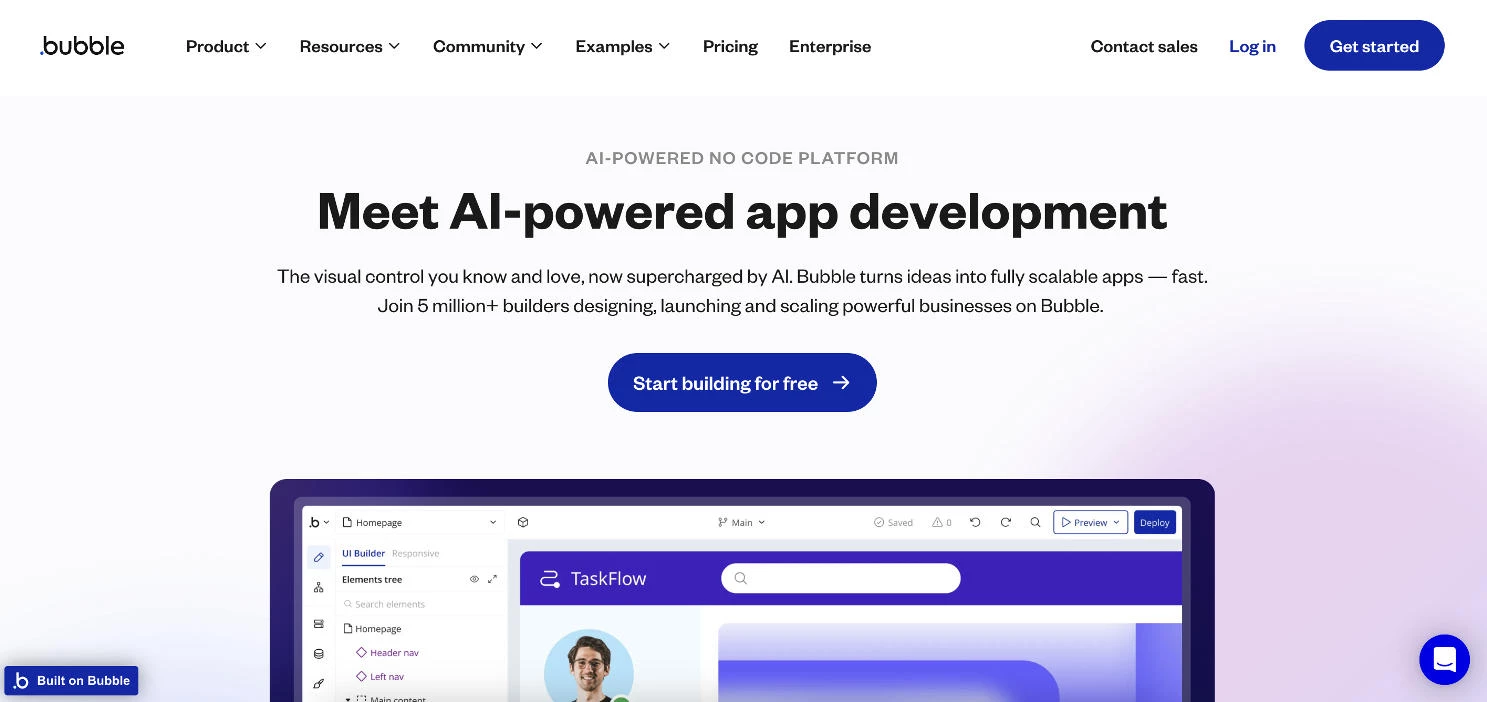
Bubble is one of the best no-code AI platforms renowned for enabling users to build sophisticated web applications without writing code.
When I first tried Bubble, I was intrigued by its promise of combining visual development with powerful backend capabilities, all within a single platform.
My goal was to assess whether Bubble could effectively support the creation of AI-powered web agents that are both functional and scalable.
| Pros | Cons | Pricing |
|
|
|
One of the standout features I encountered was Bubble’s workflow automation. By setting up custom workflows, I could define how the AI agent responds to user inputs, integrates with external APIs, and manages data.
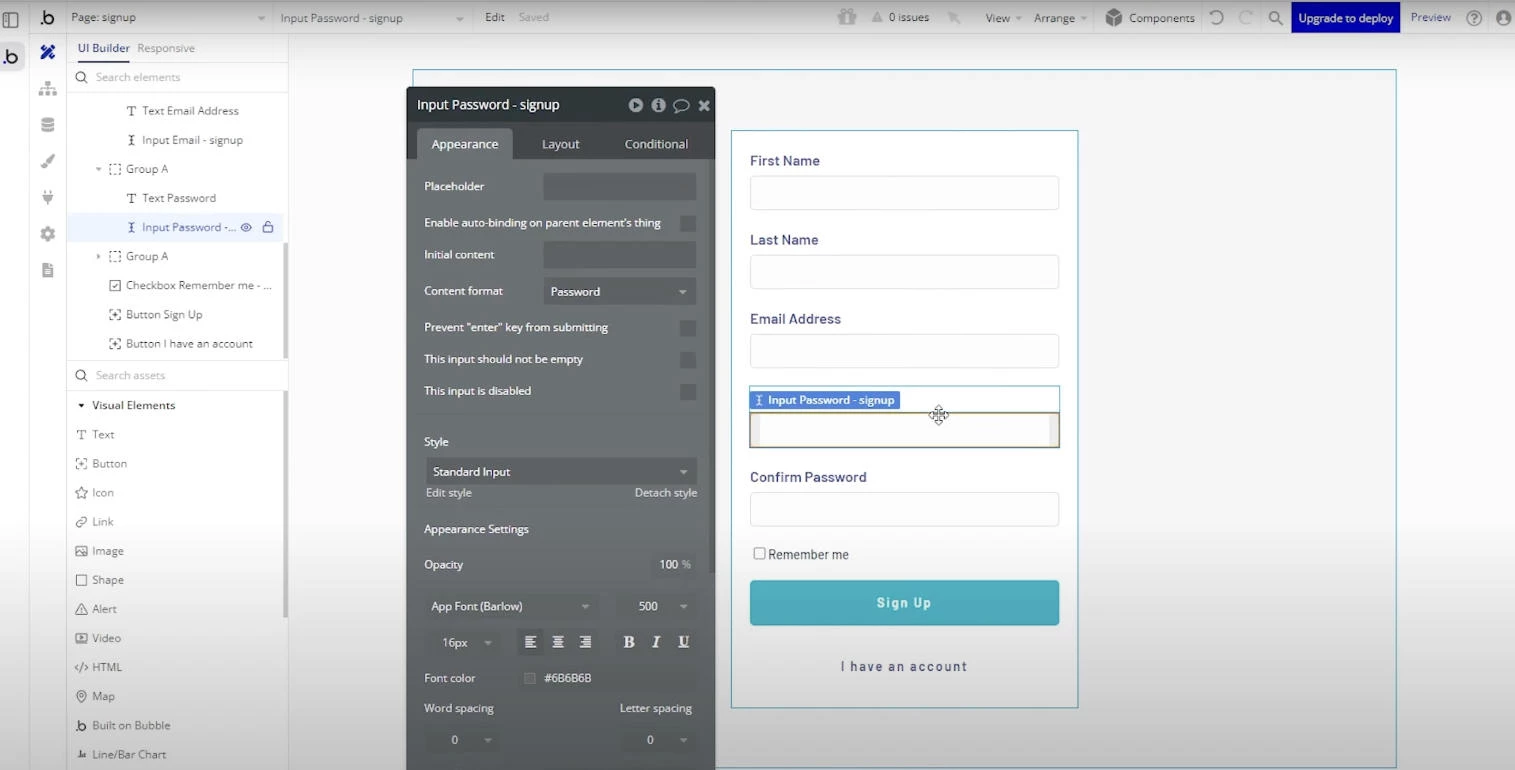
For instance, I created a customer support agent that collects user details, processes inquiries, retrieves relevant information from the database, and responds appropriately, all without writing a single line of code.
Start building with Bubble for free.
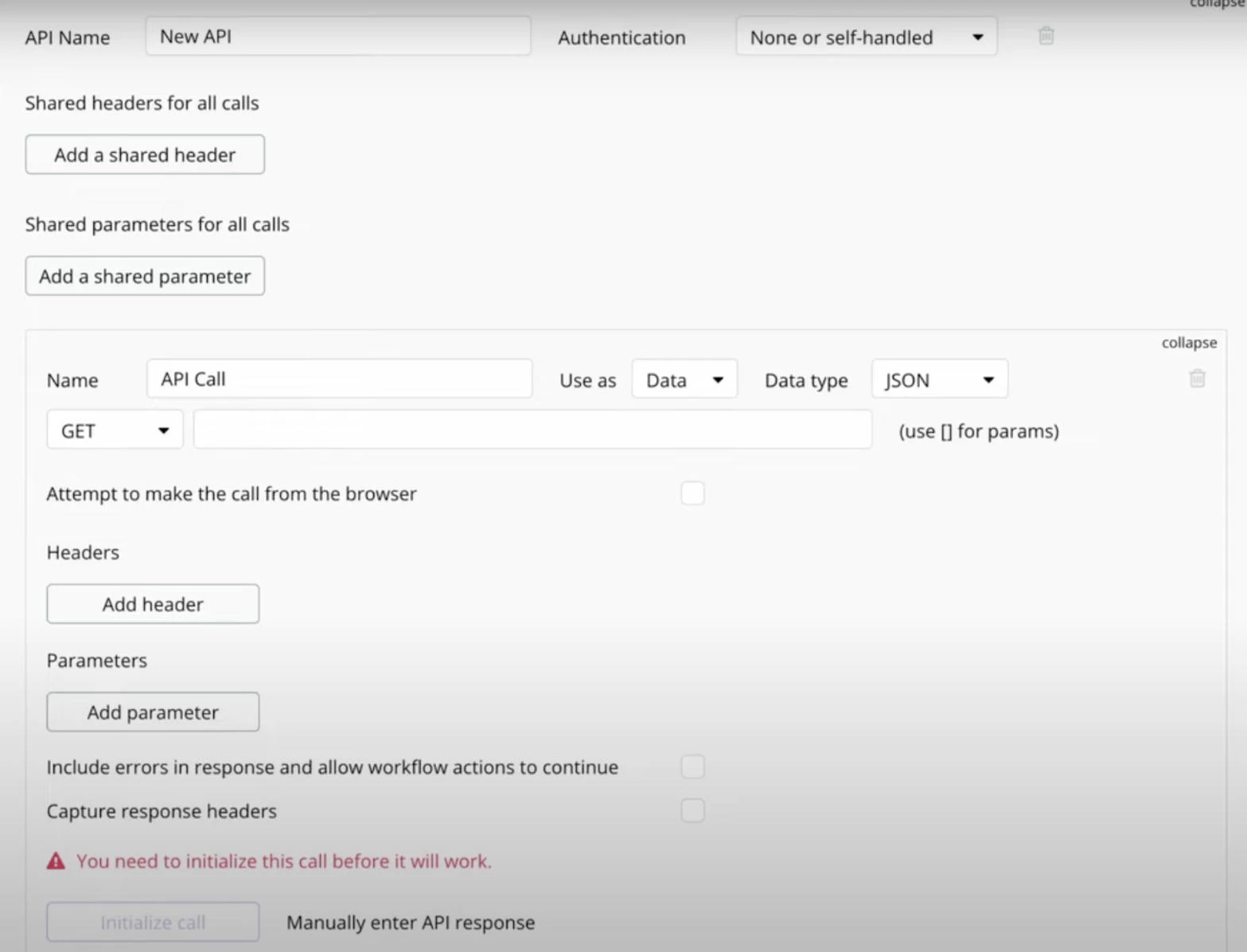
Another impressive aspect was the API Connector plugin. This feature made it easy to integrate OpenAI’s GPT models into my app.
I just configured a few API calls in Bubble, and suddenly the AI agent was generating dynamic responses based on user queries, which made the app more interactive and intelligent.
What Users Say
@brandnat Future or JOBS 2025 Report by World Economic Forum, let me break it down. #ai#artificialintelligence#futureailab#nataliechoprasert#brandnat#jobs#businessautomation#aiautomation#work#corporate♬ original sound - Brand Nat | AI Automation
The Bubble community often praises the platform for its flexibility and the power it offers to non-developers. Users point out that you can build complex applications and even AI agents that would typically require a full development team.
That said, there’s a bit of a learning curve at the start, and for bigger projects, some users mention you’ll need to pay attention to performance tuning.
Who’s It For?
Bubble is great for startups and small businesses aiming to develop AI agents without investing in an in-house team. You’ll have complete control over design and functionality, from UI to backend processes.
In my experience, Bubble was instrumental in rapidly prototyping and deploying an AI-driven customer service platform tailored to specific business needs.
Other Notable Features
- Built-in database for privacy and security controls
- Responsive design tools
- Robust plugin marketplace
- Custom domain and SSL options
- Secure login systems
- Comprehensive documentation for continuous learning
2. Relevance AI: Best Agent Builder for Complex Decision-Making
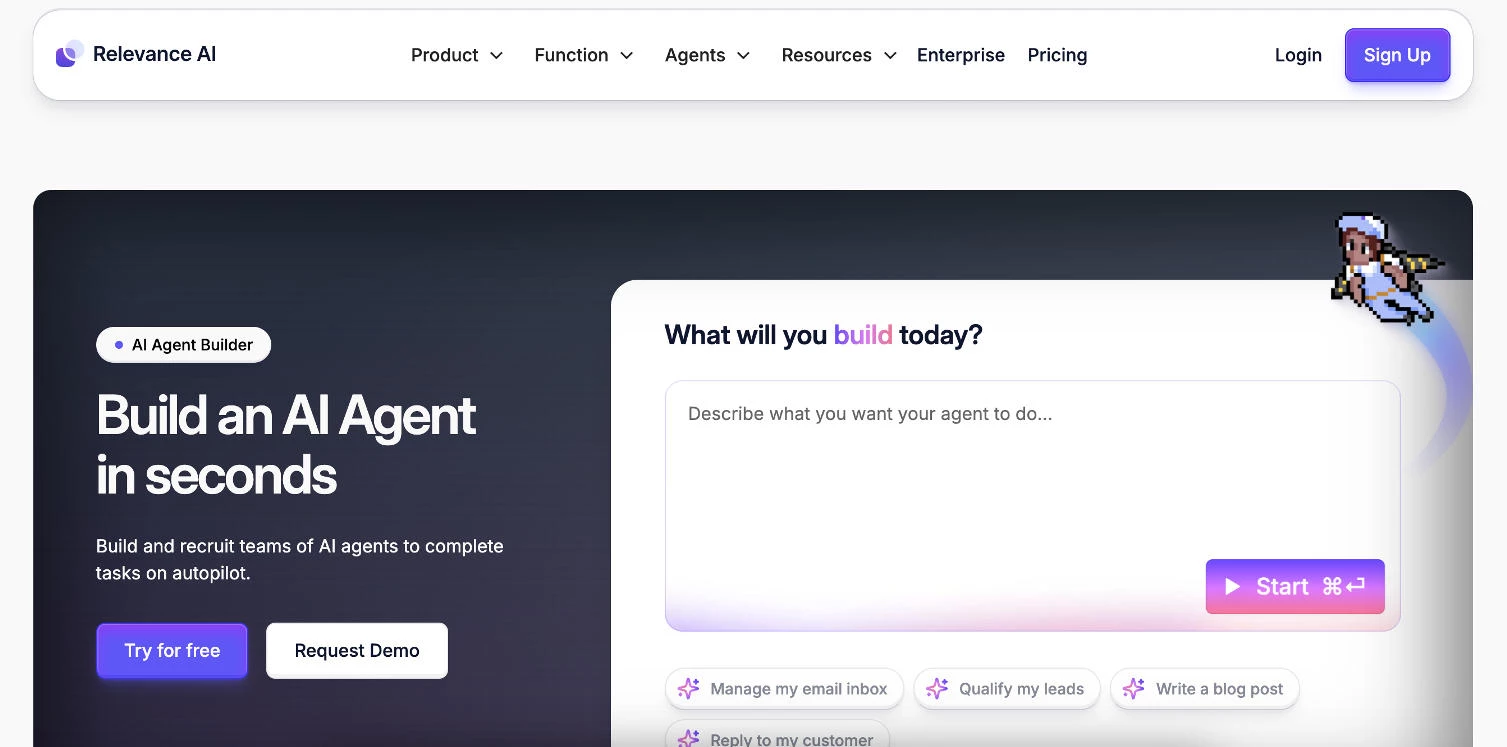
Relevance AI is one of the most advanced no-code AI model builders, specifically for creating AI agents that can reason, make decisions, and handle unstructured data.
When I first tested it, I wanted to see if its “workflows + vector search + agents” approach could really scale across different use cases, especially in data-heavy environments.
| Pros | Cons | Pricing |
|
|
|
One of the things that stood out to me was the visual agent builder. I was able to map out an intelligent support agent that could route customer questions based on intent, fetch info from a knowledge base, and hand off to Slack, all using the visual editor.
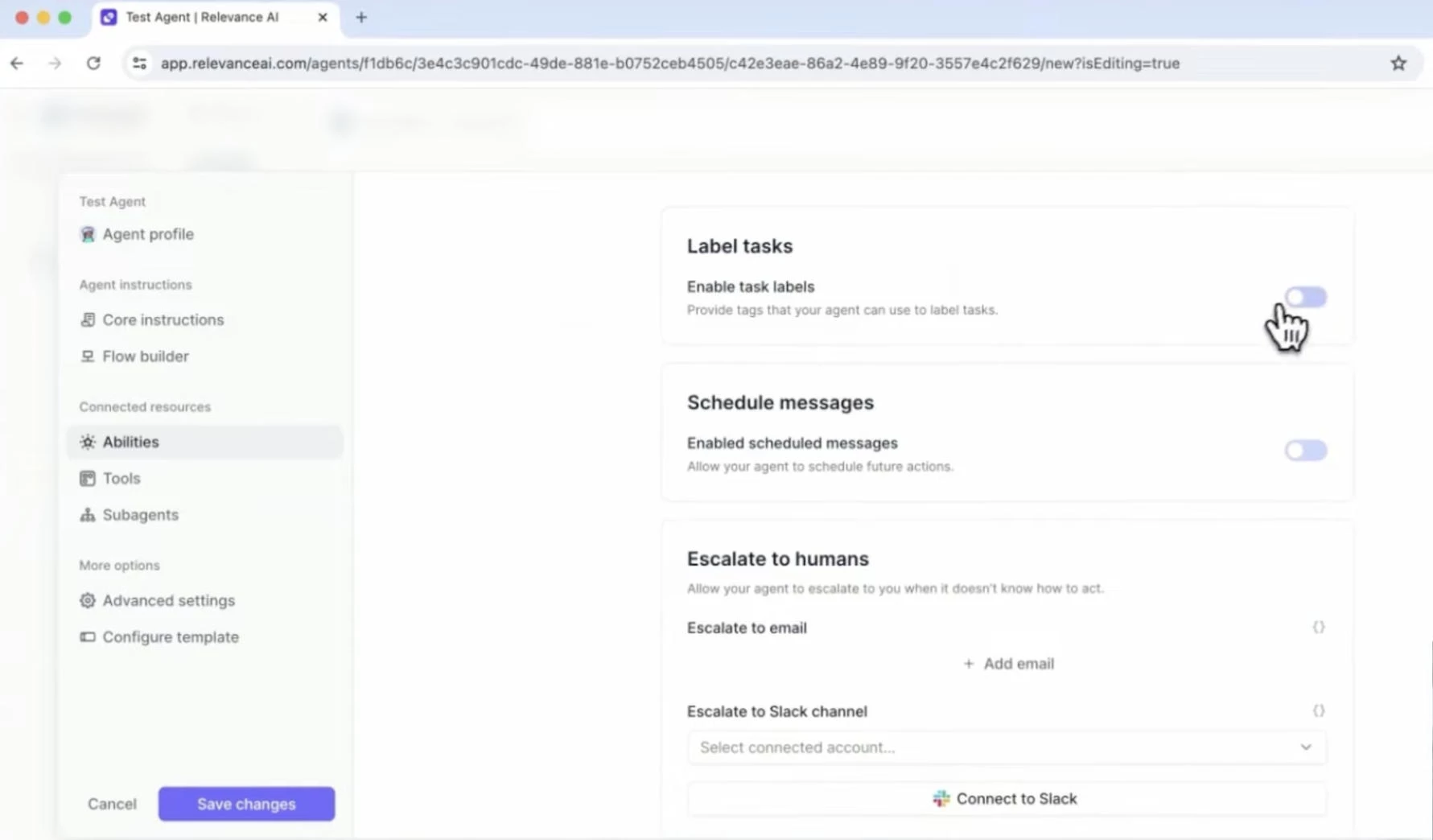
It felt more like building a flowchart than coding, and I appreciated the ability to add fallback logic and confidence thresholds to make it feel robust.
Build an agent with Relevance AI for free.
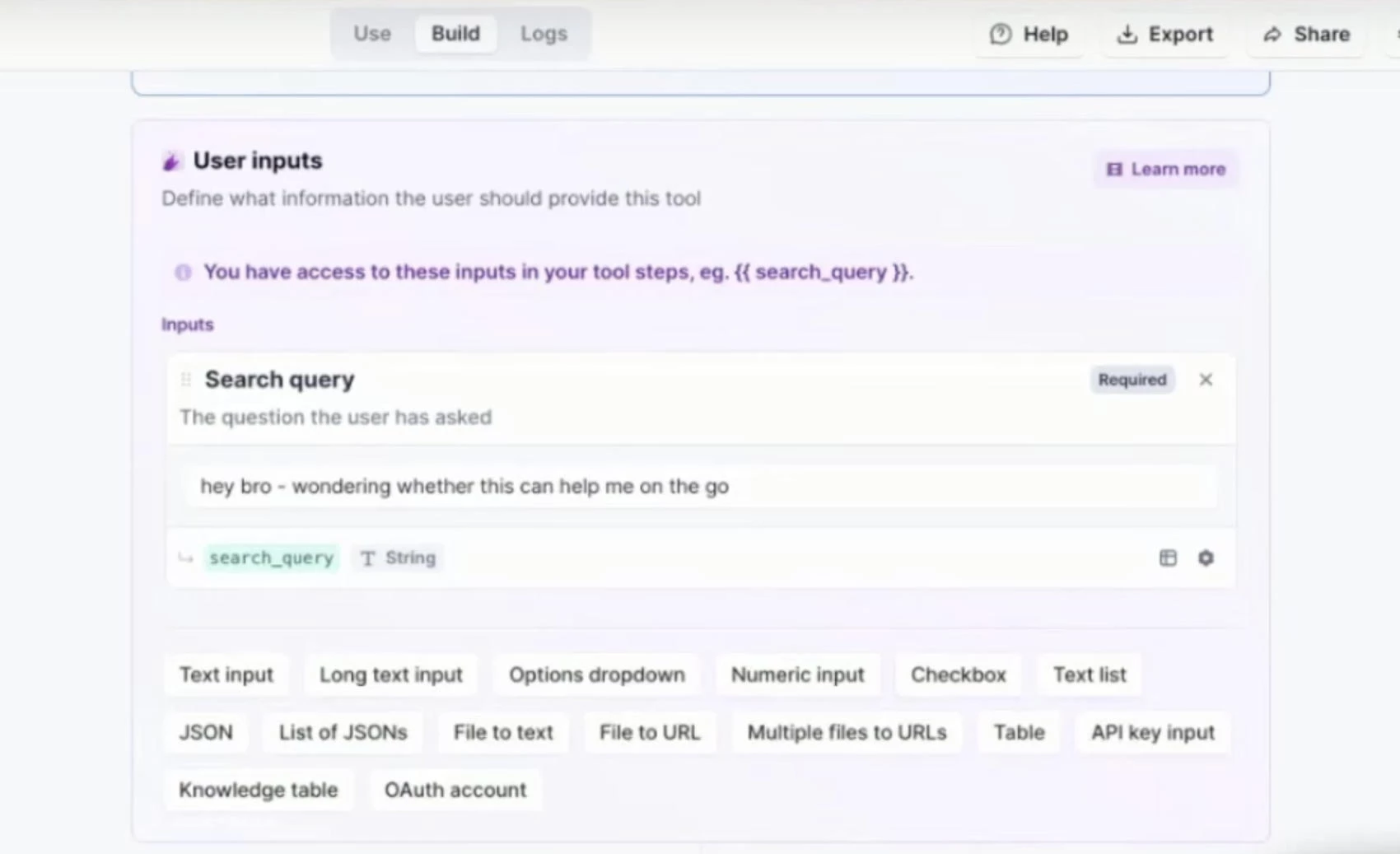
Another standout feature was the vector search. I uploaded a few hundred data points and within minutes, the agent was handling natural language queries with contextual accuracy.
I could visualize everything in the analytics dashboard, which gave me clarity on what needed fine-tuning.
What Users Say
Users love Relevance AI for its power and flexibility, particularly the vector and memory features that enable more personalized, context-aware agents. That said, some users have flagged the steeper learning curve, especially for those without prior experience in workflows or API chaining.
Who’s It For?
If you’re building agents that need to reason through logic, query internal data, or support multiple fallback paths, Relevance AI is one of the most capable no-code platforms out there.
It’s best suited for technical teams looking to deploy agents that go beyond basic chat responses. It worked particularly well for me when I wanted to build a product assistant that could learn and improve from context.
Other Notable Features
- Memory persistence and long-term context tracking
- Built-in API calls and JSON handling
- Routing logic and fallback options
- Real-time analytics dashboard
- React-style decision trees
- OpenAI, Pinecone, Notion, and Slack integrations
3. Zapier Agents: Best No-Code AI Solution for Automation
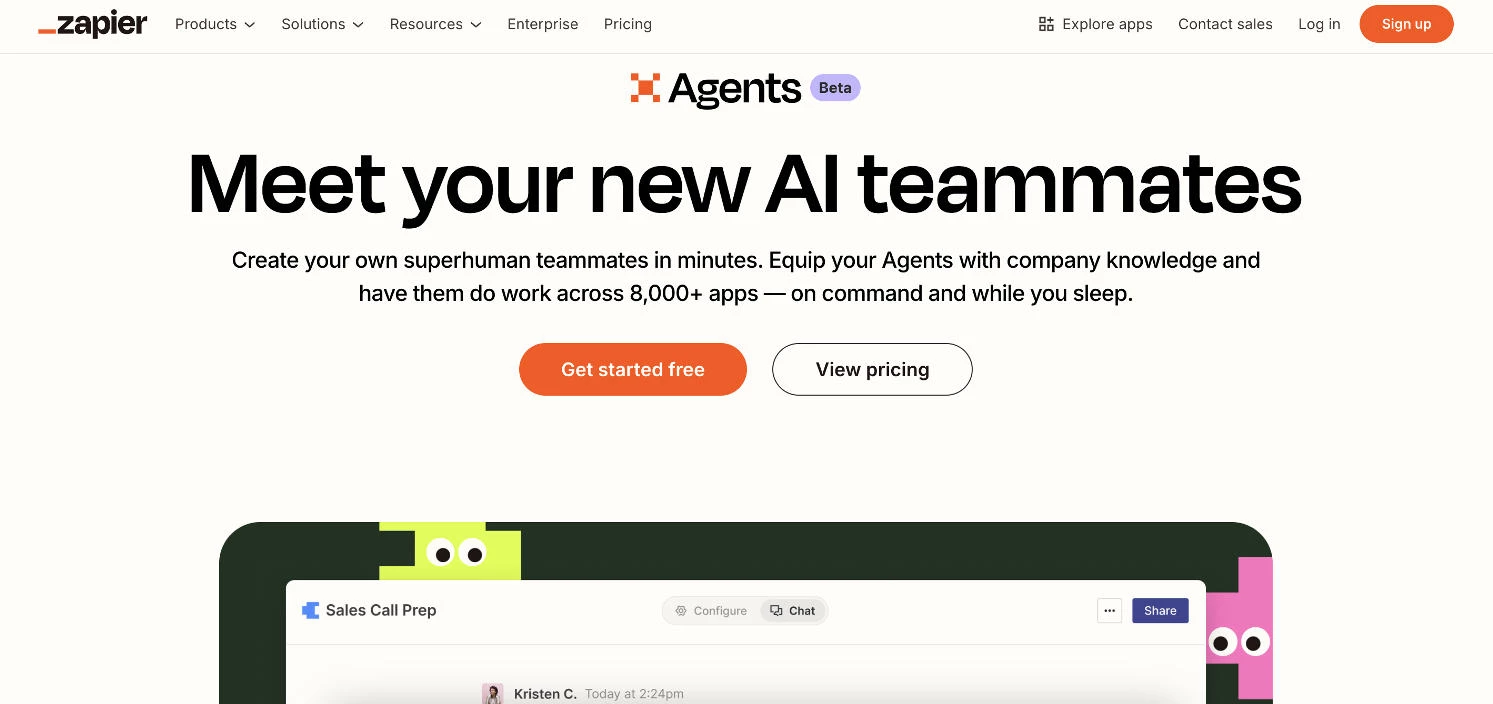
Zapier is already a household name in automation, but with its new AI Agents feature, it takes no-code automation to a new level.
| Pros | Cons | Pricing |
|
|
|
When I first tried Zapier Agents, I wanted to see if I could create an AI-driven workflow that could think, take action, and operate independently across various third-party tools with zero code.
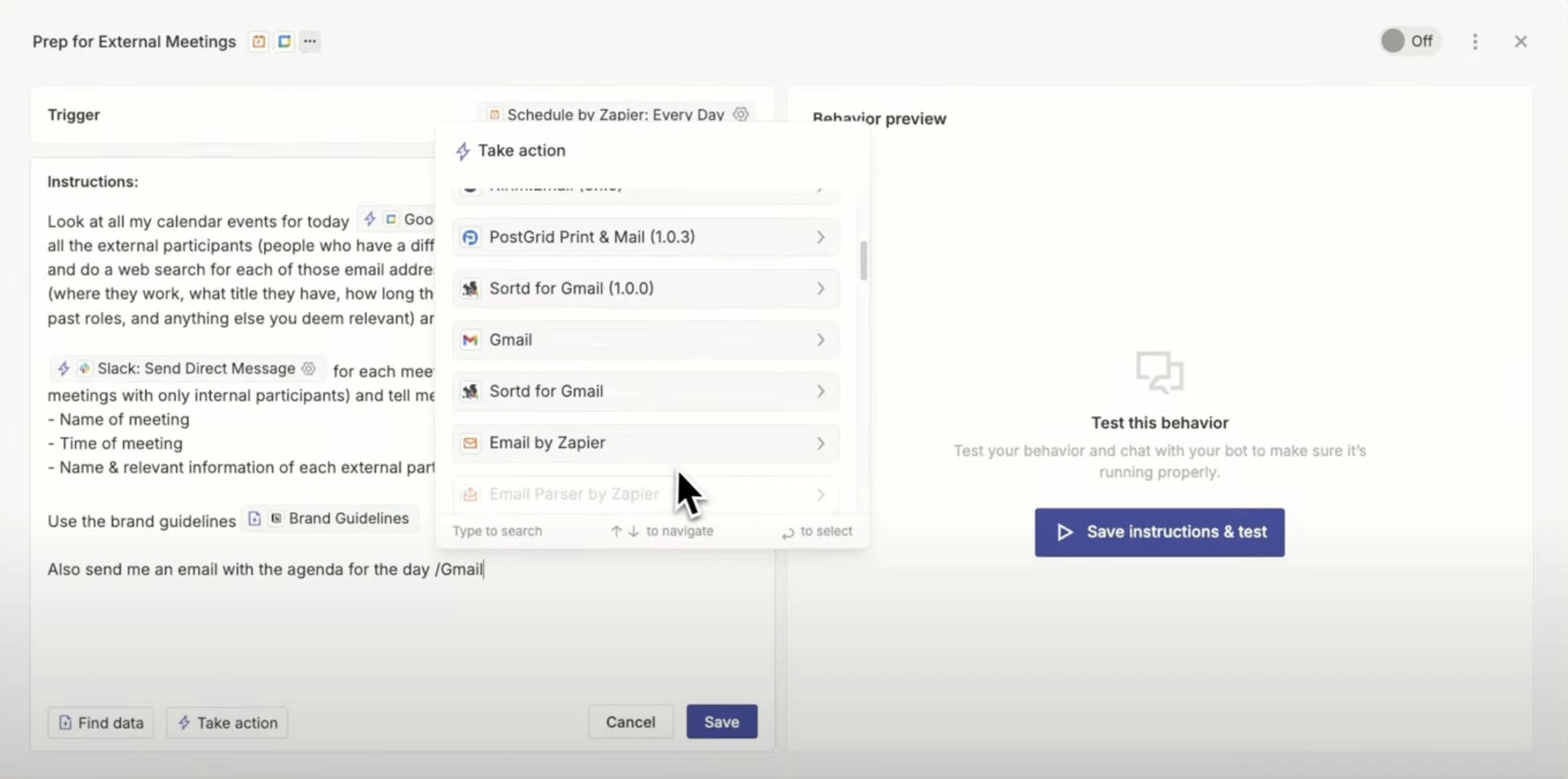
One thing that impressed me right away was how quickly I could spin up an agent by simply describing a task in plain English.
The agent broke down my instructions, built the multi-step workflow, and even handled formatting, with no triggers or filters to configure manually.
Experiment with Zapier Agents for free here.
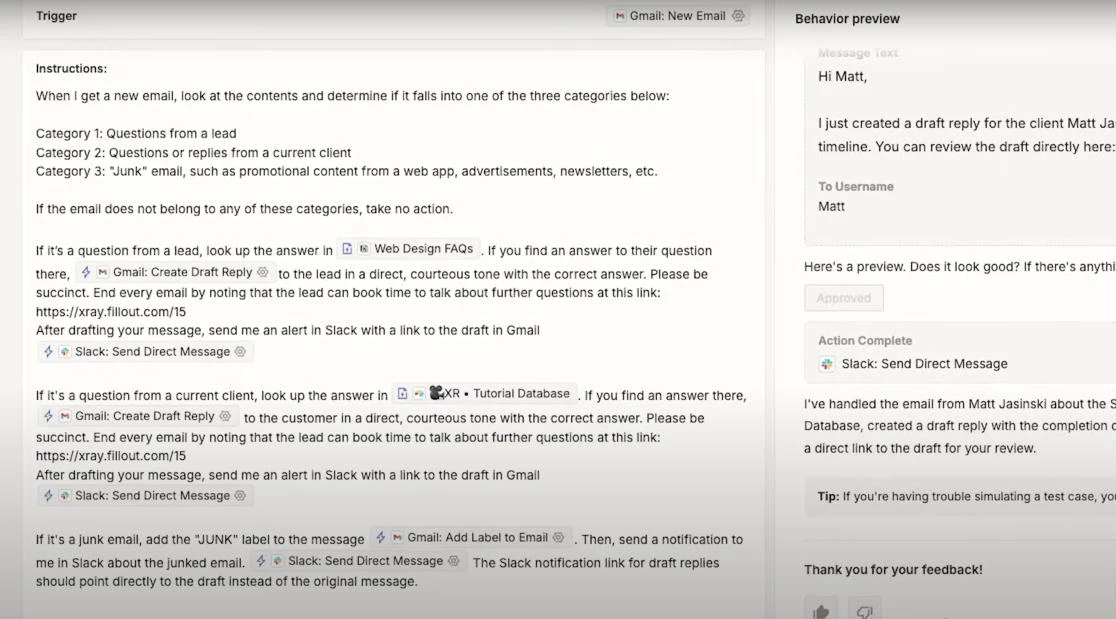
Another standout moment was when I combined AI with app logic. I set up an agent to monitor my inbox, classify each message, then auto-route them to the correct inboxes.
I then set up the agent to pull the appropriate responses from our existing knowledge base, send them out via Gmail, and drop me a copy in Slack so I can finish the draft.
The process worked perfectly end-to-end, and Zapier’s built-in logs let you see exactly what happens at each step.
What Users Say
Zapier Agents has been well-received for making automation even more accessible. Users rave about how easy it is to set up cross-platform AI workflows and agents without needing deep technical knowledge.
There’s some criticism around reliability in terms of context handling and occasional prompt misfires, but most users find the time savings and flexibility worth it.
Who’s It For?
Zapier Agents is perfect for busy professionals and teams that rely heavily on SaaS tools and want to create sophisticated AI agents.
It worked well for me when I needed to combine GPT-4's reasoning with task automation, like summarizing reports, updating databases, or routing emails based on tone and topic.
Other Notable Features
- Memory and context handling for task chaining
- Conditional logic and filters
- AI prompt editor for refining agent behavior
- Enterprise-level security and compliance
- Behavior configuration
- Live business data access
4. Merlin Agent Builder: Best for Enterprise-Grade AI Agents
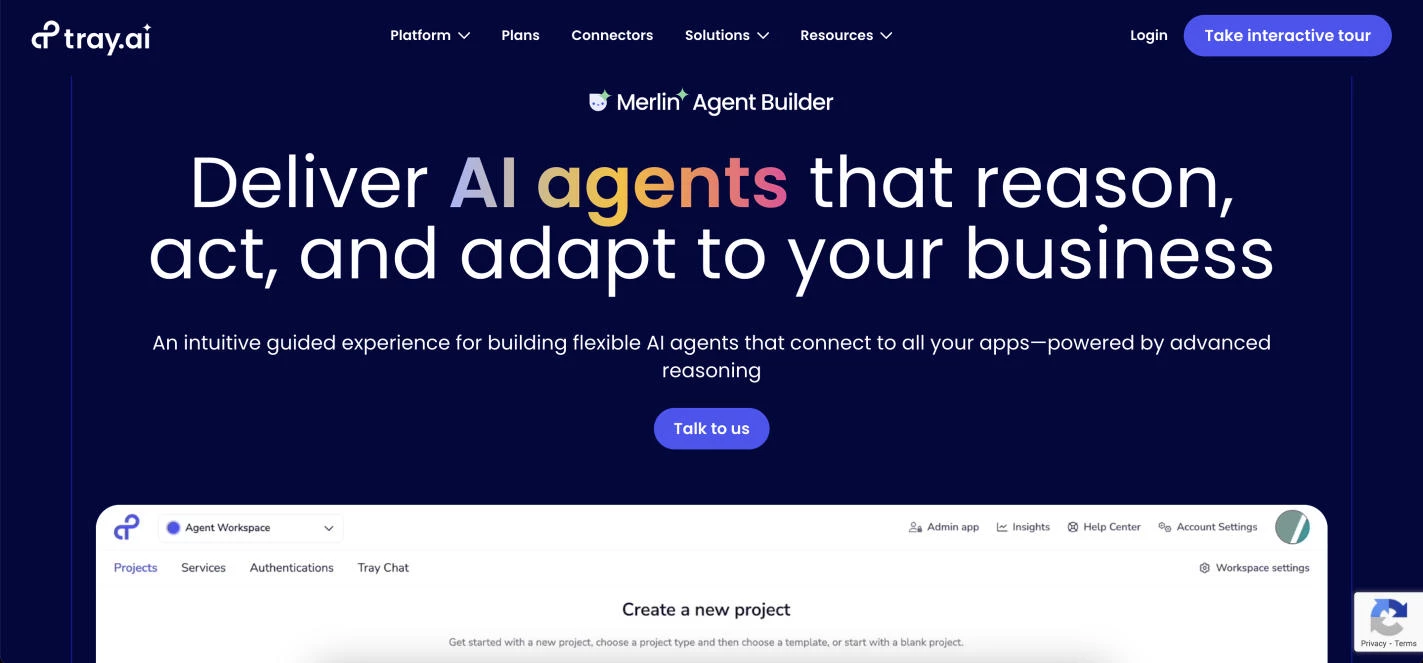
Tray AI’s Merlin Agent Builder is built for enterprises that want to automate complex processes across multiple systems. When I first tried it out, I was eager to see how its low-code approach could help create AI agents that can easily connect with the tools we already use.
| Pros | Cons | Pricing |
|
|
|
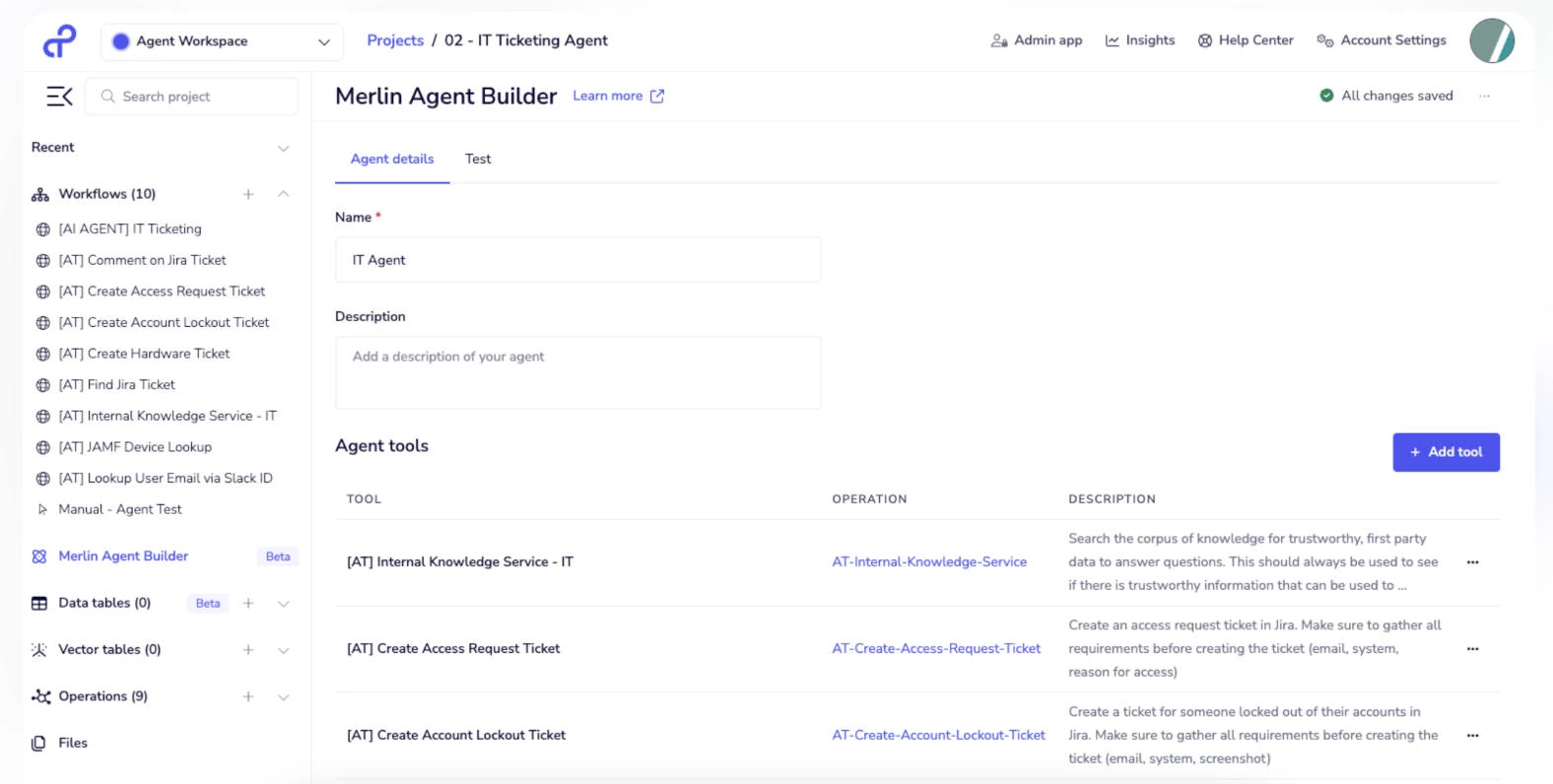
I appreciated how easily the platform turned natural language inputs into actual workflows. For instance, I described a process to automate IT support ticket routing, and Merlin Agent Builder generated a comprehensive workflow that plugged right into our existing setup.
From there, the visual builder allowed me to fine-tune each step, ensuring the agent behaved exactly as we intended.
Start building through Agent Merlin here.
Another impressive aspect was the platform’s security measures. Knowing that all data processing occurs within the Tray ecosystem gave me confidence in deploying agents that handle sensitive information.
This is particularly crucial for enterprises concerned about data privacy and compliance.
What Users Say
Users appreciate Merlin Agent Builder for its robust integration capabilities and the flexibility it offers in automating complex processes. Many highlight its ability to accelerate digital transformation initiatives without compromising on security.
However, some users note that the platform’s extensive features can be daunting at first, especially for those new to automation tools.
Who’s It For?
Merlin Agent Builder is great for business technologists and enterprise teams seeking to automate intricate workflows without extensive coding. It’s especially useful for organizations that need scalable solutions and want to connect seamlessly with a wide range of existing tools and systems.
Other Notable Features
- Natural language workflow creation
- Intuitive visual workflow builder
- Extensive connector library
- Scalable architecture for complex workflows
- Pre-built templates for common use cases
- Robust error handling for workflow reliability
5. Postman AI: Best for Prototyping and Orchestrating AI Agents
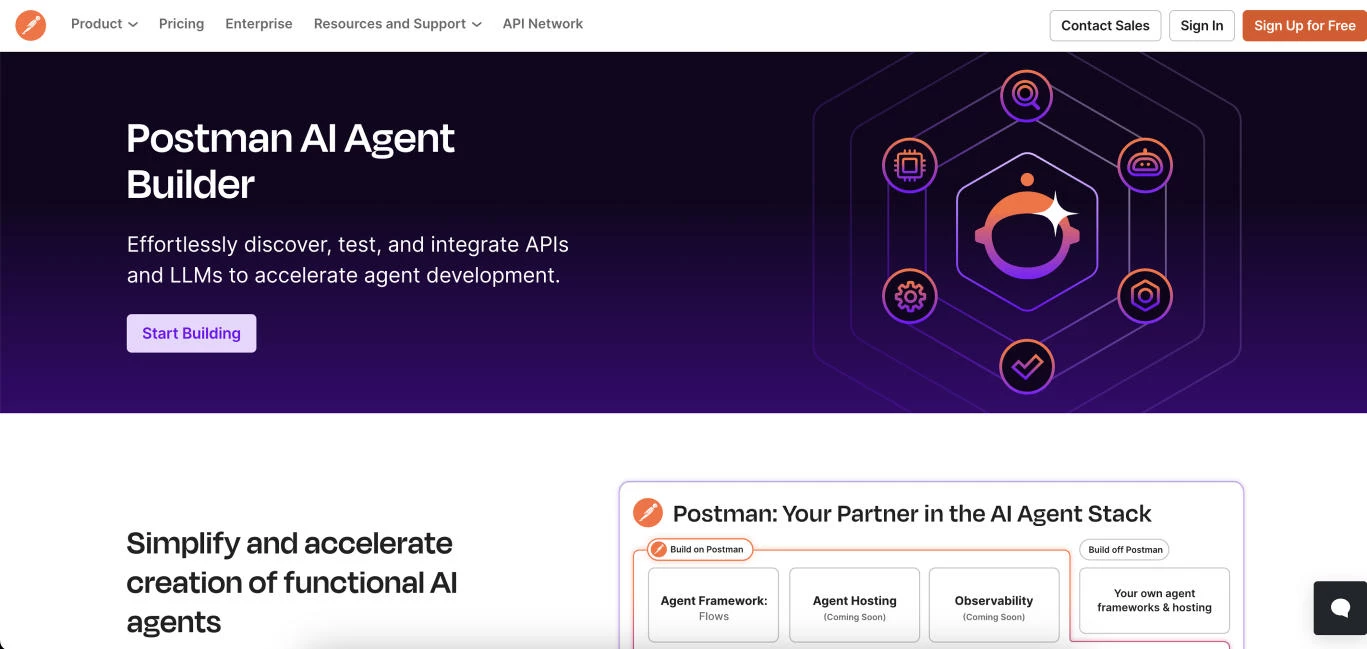
Postman AI Agent Builder offers one of the most developer-friendly no code AI solutions for orchestrating intelligent workflows using APIs and large language models. It’s great for teams who need to rapidly prototype, test, and deploy AI agents without writing custom code.
| Pros | Cons | Pricing |
|
|
|
When I first tried the platform, what stood out first was how familiar yet elevated it felt. If you’ve ever used Postman for API calls, the agent builder is right on top of that foundation — with a visual interface and AI logic layered in.
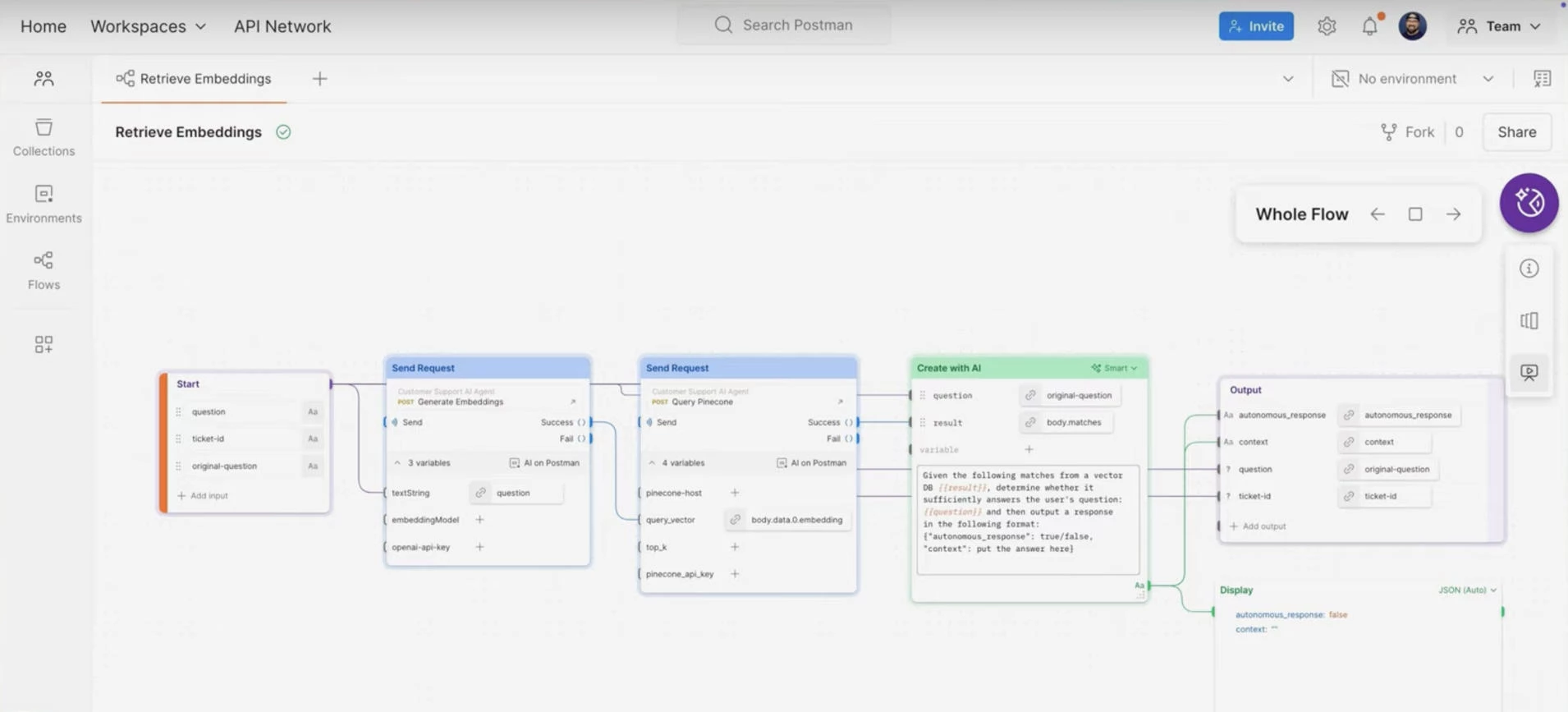
Whether I needed to connect LLMs, trigger workflows, or handle structured data, everything stayed in one streamlined interface. It’s one of the few no-code AI solutions that actually caters to technical workflows without the bloat.
Try Postman AI Agent Builder for free here.
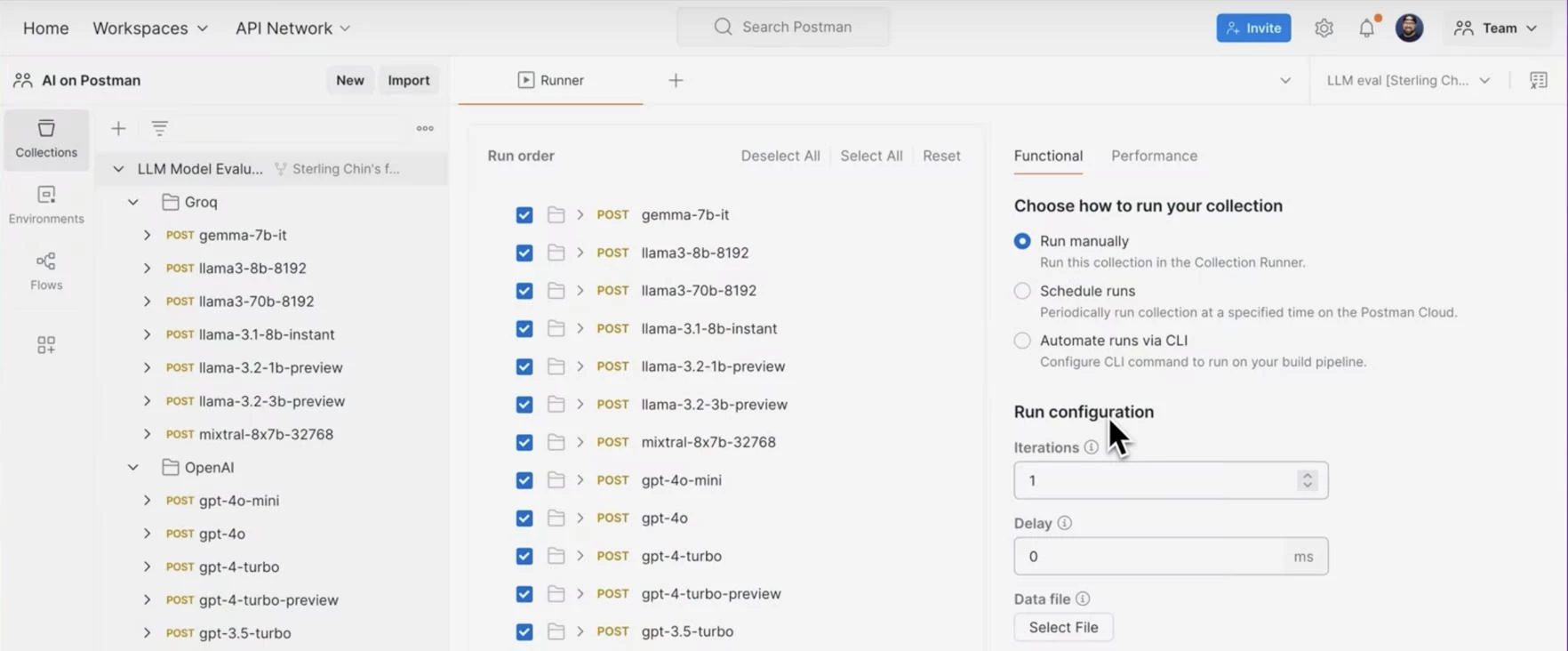
Testing was smooth, too. Each node in the workflow showed input/output in real time, and I could step through executions or review logs when something went wrong.
This saved me hours of debugging and gave me the confidence to deploy more complex agents later.
What Users Say
Postman AI Agent Builder has been getting strong praise from product teams for making LLM-powered agents much easier to prototype and test. The ability to connect any API and debug as you go is definitely a highlight for me and many other users.
Some users have mentioned they’d like better support for multi-step memory or tighter integration with external storage. But most agree that it’s ideal for fast, iterative agent development.
Who’s It For?
If you’re already using APIs and want to layer intelligence on top, Postman AI Agent Builder makes the transition smooth. It worked great for me when I needed to build a backend agent that could handle logic, route API responses, and summarize data instantly.
Other Notable Features
- Tool Generation API for auto-creation
- Built-in support for GPT-4, Claude, Hugging Face
- Full integration into the Postman API ecosystem
- Prebuilt LLM toolkits with authentication flows
- Execution logs with input/output at each step
- Role-based access control for teams
Other Agent Builders with Growing AI Capabilities
While the big guys stand out, they’re not alone in the race. Several other platforms are rapidly evolving their agent-building capabilities, offering no-code tools, flexible LLM options, and deeper integrations to match growing enterprise demands.
Let’s take a look at who else is leveling up.
1. FINIITE: Where Your Data Meets AI Assistants
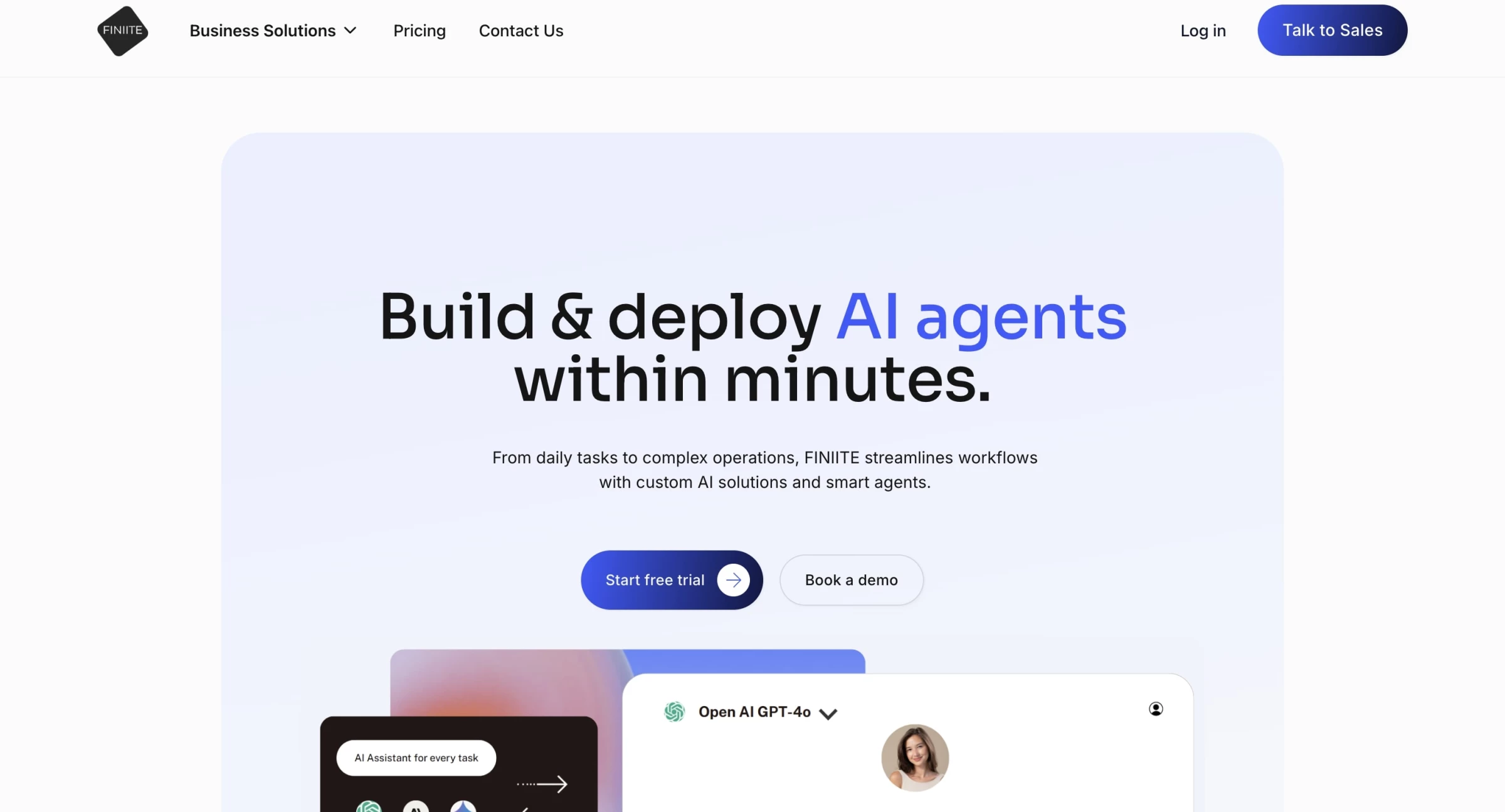
I signed up for FINIITE and dove into building AI assistants in under an hour.
The onboarding flows smoothly: you connect your data sources like internal documents or CRM systems, choose preferred LLMs (OpenAI, Anthropic, Gemini, or open‑source), and then design an intelligent agent tailored to your workflow.
| Pros | Cons | Pricing |
|
|
|
Customizing agents felt intuitive, no heavy setup or vendor lock‑in, and in testing they responded accurately, drawing context from our internal knowledge base.
The dashboard is clean and modern, letting you monitor agent activity, tweak prompts, and track performance.
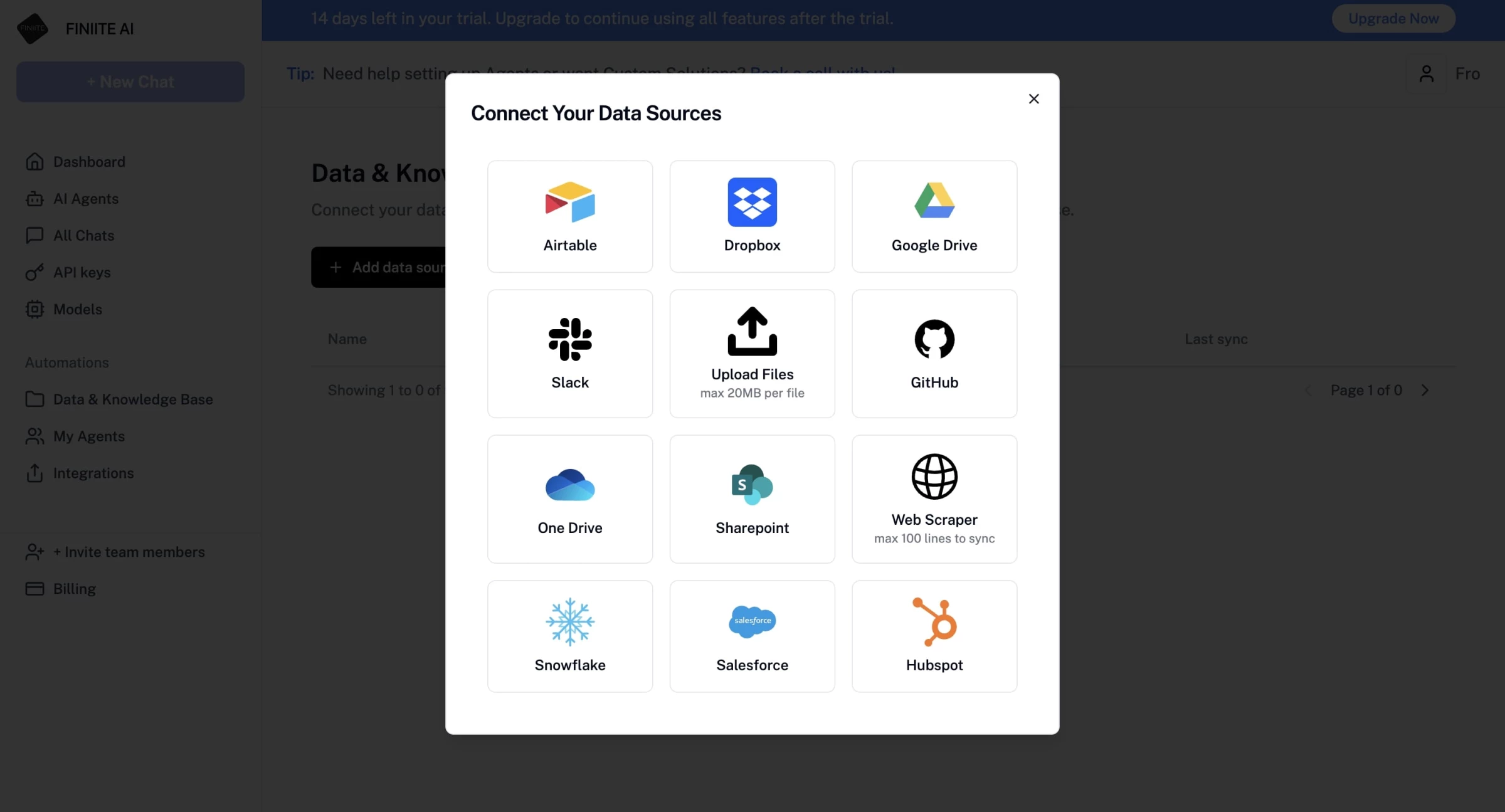
One thing to note: to try it out with a free trial, you’ll need your own AI model API key. That’s something Finiite does include in its paid plans, but not in the test version, so be ready for that.
Overall, FINIITE shines for teams with well-defined use cases, like customer support, internal knowledge retrieval, or retail personalization.
However, with no transparent pricing available, it’s clearly designed with mid-sized to enterprise teams in mind rather than casual or early-stage users.

Our team ranks agencies worldwide to help you find a qualified partner. Visit our Agency Directory for the top software development companies, as well as:
- Top AI App Development Companies
- Top AI Companies
- Top Web Development Companies
- Top AI Web Design Agencies
- Top AI Marketing Companies
Our design experts also recognize the most innovative design projects across the globe. Given the recent uptick in AI tools usage, you'll want to visit our Awards section for the best & latest in AI website designs.
AI Agent Builders FAQs
1. Do I need programming experience to use an AI agent builder?
No. These tools are designed for non-developers. You can build powerful workflows using visual logic and natural language prompts, though having some technical understanding can be helpful.
2. Are no-code AI agents secure enough for business use?
Many no-code platforms offer enterprise-grade security, including SSO, role-based access, data encryption, and audit logs. That said, it’s important to evaluate each platform’s compliance with industry standards like SOC 2, HIPAA, or GDPR, depending on your business requirements.
3. What are the limitations of no-code AI agents compared to custom-built ones?
No-code agents may offer less flexibility in deeply customized logic, performance tuning, and memory handling. They also rely on the limitations of the platform’s prebuilt components, which can make it harder to build highly specialized or deeply integrated systems at a scale.