Our expert analysts determined the best Palo Alto Android app development agencies that build high performance and well-secured apps that drive user loyalty and engagement. You can filter listings by budget, size and reviews to select the best partner for your needs.
Best Palo Alto Android App Developers
1 Companies - Rankings updated: April 01, 2026
DesignRush evaluates each agency using expert assessment and client feedback to inform your choices. Some featured agencies have paid placements.
Transform Fast: Your App on iOS & Android Awaits!
KodersPedia is a Palo Alto, California-based mobile app development company specializing in end-to-end digital solutions. Founded in 2020, the company offers services including mobile app development, game app development, website development, and staff augmentation. KodersPedia caters to a diverse range of [... see all Koderspedia reviews ]- Location
- Palo Alto, California
- Number of Employees
- Under 49
- Minimal Budget
- $1,000 - $10,000
- Portfolios Count
- 13 Projects Listed
Data sourced from the agency's DesignRush profile, its website, and other relevant accountsKoderspedia Services
Comprehensive analysis done by DesignRush Agency Experts.Clients and Projects
View Full Portfolio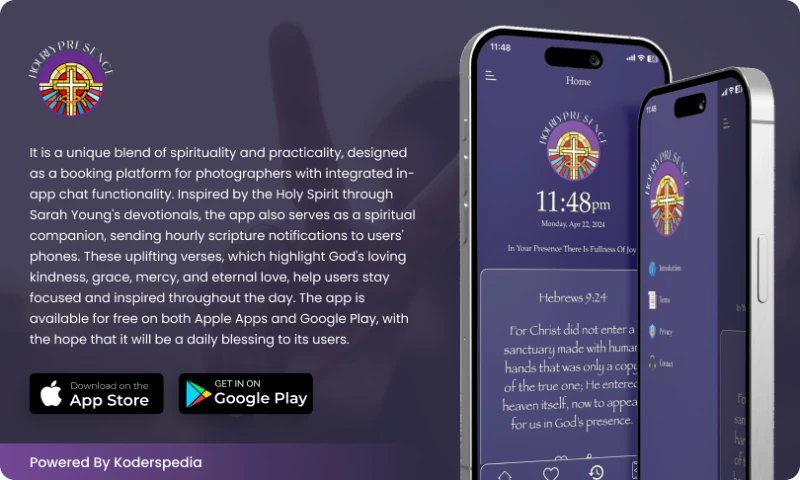
App Development Project for Wellness & Fitness Company Hourly Presence 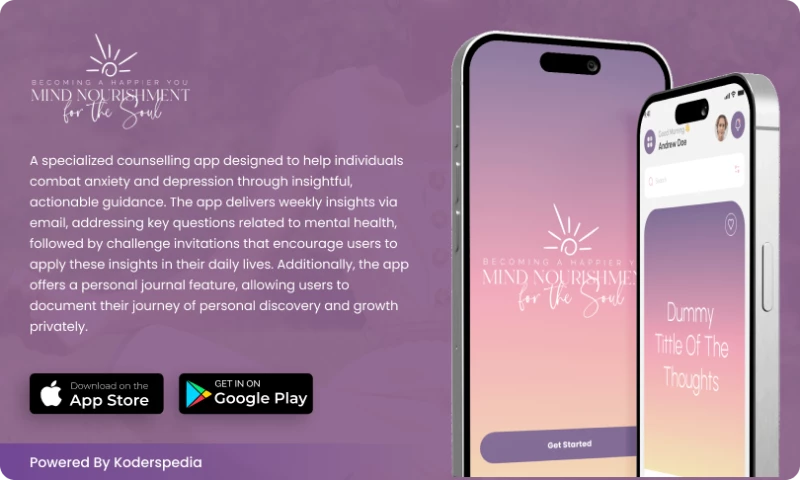
Web Design Project for Wellness & Fitness Company Mind Nourishment 
eCommerce Development Project for Beauty Company US Maxim Beauty Supply of NC 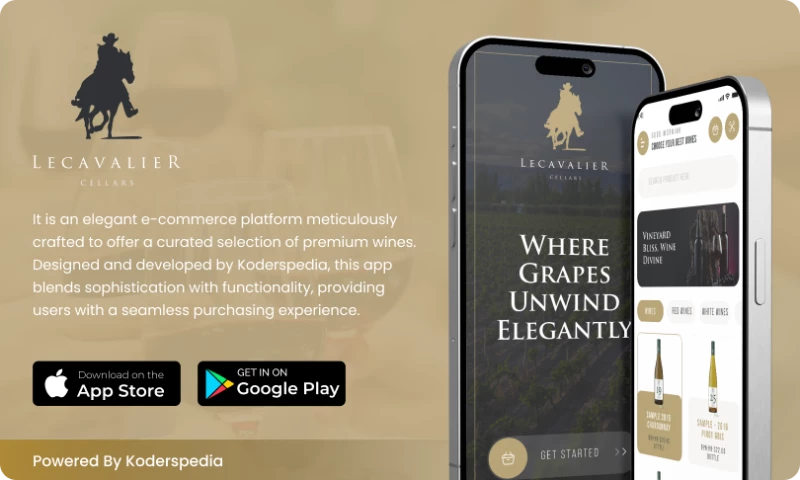
eCommerce Development Project for eCommerce Company Lacavalier 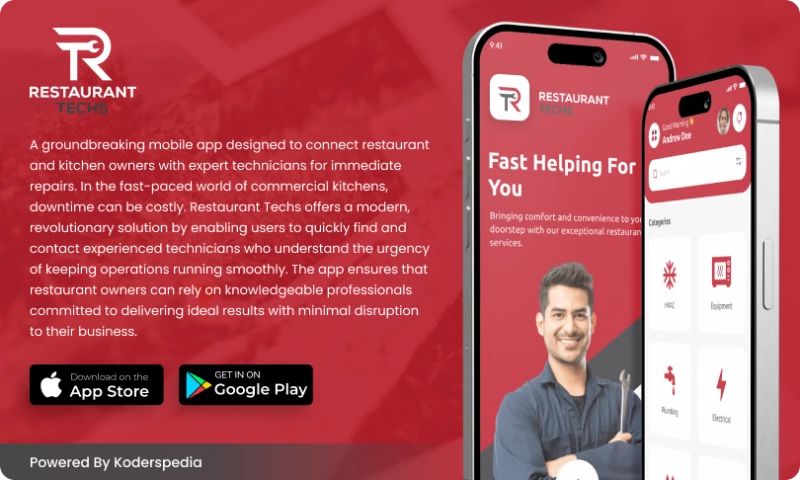
Web Design Project for Restaurants Company Restaurant Techs 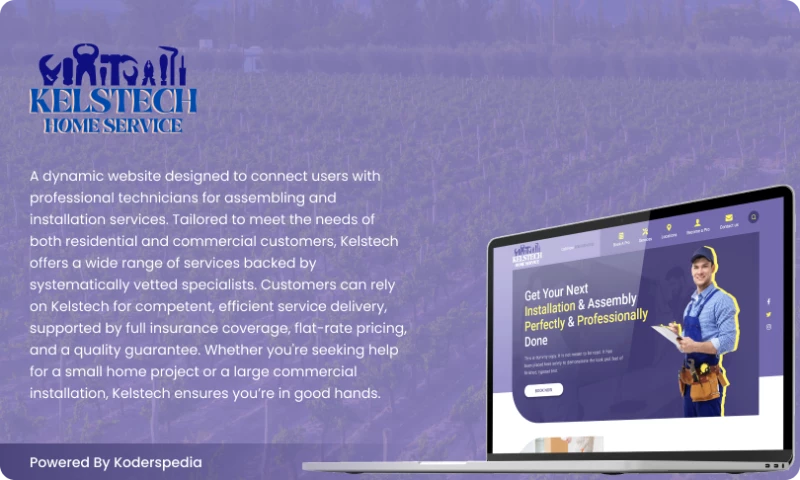
Website Development Project for Home & Garden Company Kelstech
Reviews verified by DesignRush and sourced from the agency's profileKoderspedia Reviews & Testimonials

Web Development Review from Jason Troyan
We discovered Koderspedia through an online search, and it turned out to be one of the best decisions we've made for our real estate company's web development!The team at Koderspedia, particularly Peter, demonstrated exceptional professionalism, expertise, and dedication to delivering top-notch results. Peter's communication skills are outstanding- he was always available, responsive, and ensured we were on the same page throughout the project.The final product exceeded our expectations- a stunning, user-friendly, and highly functional website that perfectly represents our brand. Koderspedia's attention to detail, creativity, and technical prowess are truly impressive.We wholeheartedly recommend their services and appreciate the fantastic work they've done for us!Thank you, Peter and the Koderspedia team!
Show more
Web Design Review from Nina Di Carlo
Koderspedia' work was easy to implement, and we saw a 95% increase in sales and traffic after the site's launch. The Peter and the team communicated well and provided constant updates throughout. Their web design expertise and strong project ownership made for a fruitful engagement.
Show more
Web Development Review from Betty Rodrigues
Koderspedia delivered an exceptional web app for Gamesoft Montreal Company! Their team, led by Peter, showcased outstanding expertise and communication skills. Peter's prompt responses and clear updates ensured a seamless project experience. The final product exceeded our expectations- visually stunning, functional, and secure. Highly recommend Kordespedia for web app development!
Show more
Data sourced from the agency's DesignRush profileThe ALS Guide Accenture Stadis EventBuddy Teachers DIrect Munich Re Comcast ViacomCBS intel Coca*Cola

Frequently Asked Questions
How much does it cost to build an Android app?
Android app development typically costs between $5,000 and $200,000+, depending on complexity.
- Simple apps with basic features may cost $5,000 to $20,000
- Mid-level apps with integrations cost $20,000 to $75,000
- Complex apps with advanced functionality can exceed $75,000 to $200,000
Costs come from several stages of the build process:
- UI/UX design: $2,000 to $15,000
Wireframes, user flows, interface design, and interaction design. - Frontend development: $5,000 to $50,000+
Android interface, screens, user interactions, and device optimization. - Backend development: $5,000 to $60,000+
Servers, databases, APIs, authentication systems, and integrations. - Testing and QA: $2,000 to $15,000
Device testing, bug fixing, performance testing, and security checks. - Project management: $1,000 to $10,000
Planning, coordination, and delivery oversight. - Maintenance after launch: 15% to 20% of the original development cost per year.
What factors determine the final price?
The final cost depends mainly on app complexity, design quality, features, development team location, and ongoing maintenance.
- App complexity: Basic apps cost less. Apps with payments, real-time features, or large databases cost more.
- Design and UX quality: Custom UI, animations, and advanced interaction design increase development time and cost.
- Features and integrations: APIs, payment systems, geolocation, and third-party services add development work.
- Development team location: Android app development companies in North America charge the most. Eastern Europe, Latin America, and Asia usually cost less.
- Maintenance and updates: Ongoing support, bug fixes, and OS updates typically cost 15 to 20% of the original development cost each year.
How long does development take?
Android app development usually takes 2 to 6 months, depending on the app’s complexity and feature set.
- Simple apps: 1 to 3 months
Basic features and minimal backend. - Medium-complexity apps: 3 to 6 months
User accounts, APIs, integrations, and databases. - Complex apps: 6 to 12+ months
Real-time features, payments, advanced security, and large systems.
How often should an Android app be updated and why?
Top Android app development companies update apps every 1 to 3 months, with faster updates for bug fixes, security issues, or urgent performance problems.
- Regular updates keep the app stable. They fix bugs, improve speed, and reduce crashes.
- Security updates protect users. Apps need patches when new risks or vulnerabilities appear.
- OS updates require compatibility fixes. Android changes over time, so apps need updates to keep working properly on new devices and versions.
- Feature updates keep the app competitive. New features and UX improvements help retain users and meet changing expectations.
- Too few updates can hurt retention. An outdated app can feel broken, slow, or abandoned.
Do Android app developers handle app store publishing?
Yes. Most Android app developers handle Google Play Store publishing as part of the development or launch process.
They typically prepare the app build, configure the Google Play Console, upload the Android Package Kit (APK) or Android App Bundle (AAB), add store assets such as screenshots and descriptions, and submit the app for review. Many companies also manage updates, version releases, and compliance requirements after launch.
About The Author and Expert Reviewer

Selina Garcia has authored 500+ articles and edited 50+ published books in economics, law, and history. Her unique blend of experiences allows her to approach content creation from a well-rounded perspective. Currently, Selina applies her expertise to producing insightful articles on IT, software, and applications for DesignRush.

Sergio is a technology leader with over six years of experience managing global teams and delivering projects across fintech, sportstech, and B2B platforms. At DesignRush, he drove product growth and development execution, building tools that speed up processes by 95% and cut costs by 35% while maintaining full uptime.
Latest Trends Related to Android App Development