
I tested the top AI tools designed to support software engineers, be it for writing code, reviewing pull requests, or debugging faster. This guide breaks down what each tool does best, where some fall short, and which ones are actually worth integrating into your stack.
Key Findings
- CodeGPT and Fine.dev AI are great for improving code quality and reducing review time, offering just-in-time assistance and suggestions without disrupting the workflow.
- GitHub Copilot and Tabnine speed up repetitive coding tasks with fast, context-aware autocompletions.
- Windsurf is a lightweight, no-fuss option for developers who want fast, distraction-free autocomplete without heavy setup or usage limits.
Top AI Tools for Software Engineers Reviewed
AI tools are quickly becoming essential for modern software development. Below, you’ll find the software engineer AI tools that I tested, to see how they could assist in debugging, refactoring, and optimizing code. Here's what I found.
| Tool | Best for | Custom model training | Self hosting | Code review | Pricing (starting at) |
| CodeGPT | Code explanation | ✅ | ❌ | ✅ | $80/month |
| GitHub Copilot | Fast code generation | ❌ | ❌ | ✅ | $15/month |
| Tabnine | Shared development environments | ❌ | ✅ | ❌ | $500/month |
| Fine AI | AI code reviews | ✅ | ❌ | ✅ | $49/month |
| Windsurf | Autocompleting code | ❌ | ✅ | ❌ | $11.20/month |
1. CodeGPT: Best for Code Explanation
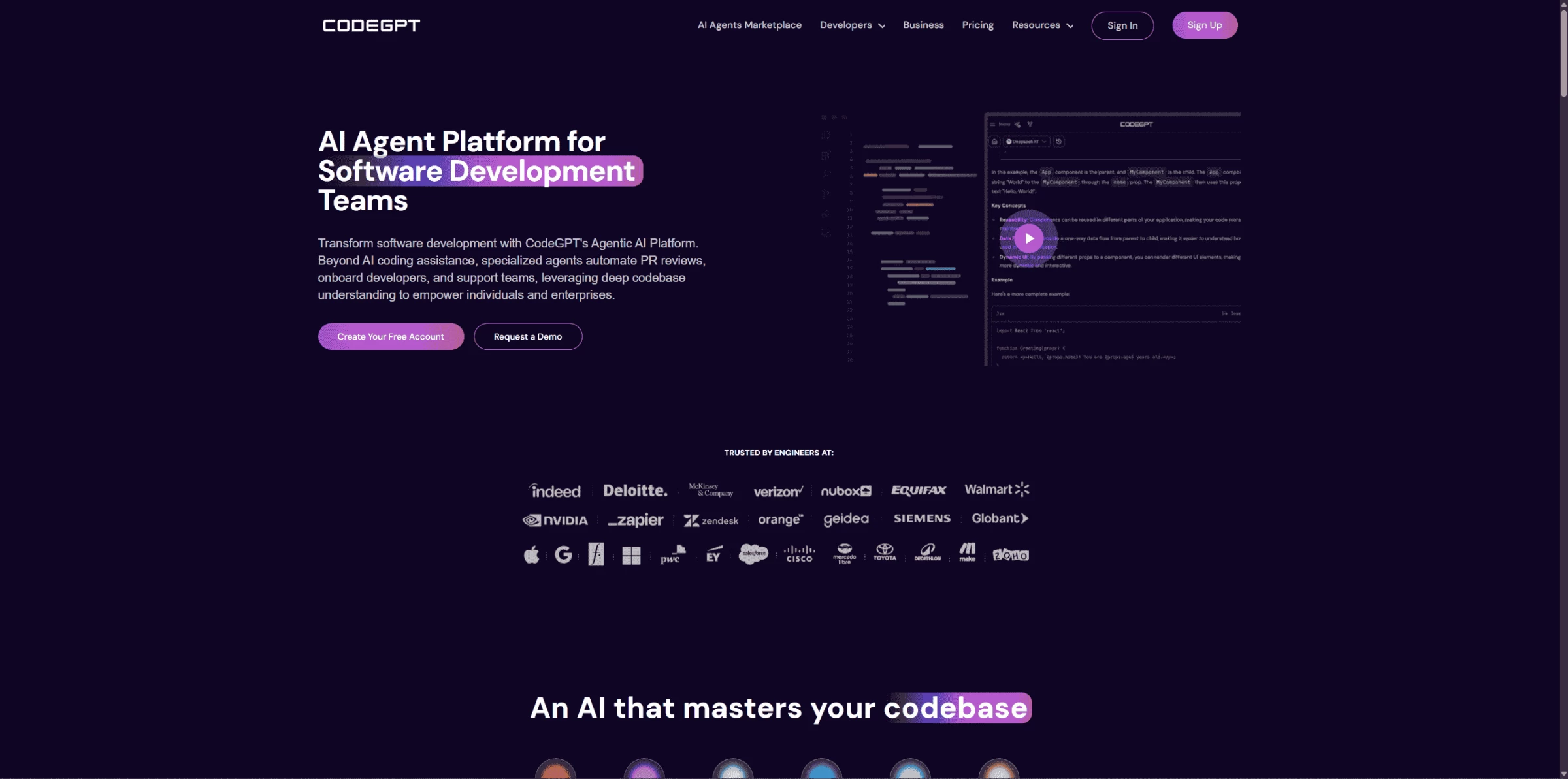
CodeGPT is an AI coding assistant that provides real-time code generation, debugging assistance, and intelligent suggestions to help developers write clean code faster. The coding agent integrates with VS Code, Cursor, and JetBrains IDEs, and uses contextual understanding to tailor its suggestions to the desired coding style.
| Pros | Cons | Pricing |
|
|
|
One of the first things I noticed was how easy it was to interact with the AI through a chat interface inside the editor. You can ask questions about code, request explanations, or get help with debugging. I tried feeding it snippets from a small project, and it did a solid job of understanding context and offering helpful suggestions. While it's not perfect, it certainly cut down the time I would have spent digging through documentation or stack overflow.
You can upload your own documentation, PDFs, or even link to a GitHub repo to create custom AI agents, and the tool uses that information to give more personalized responses. That seemed particularly useful for engineers working on large codebases or dealing with internal libraries and APIs that aren’t publicly documented.
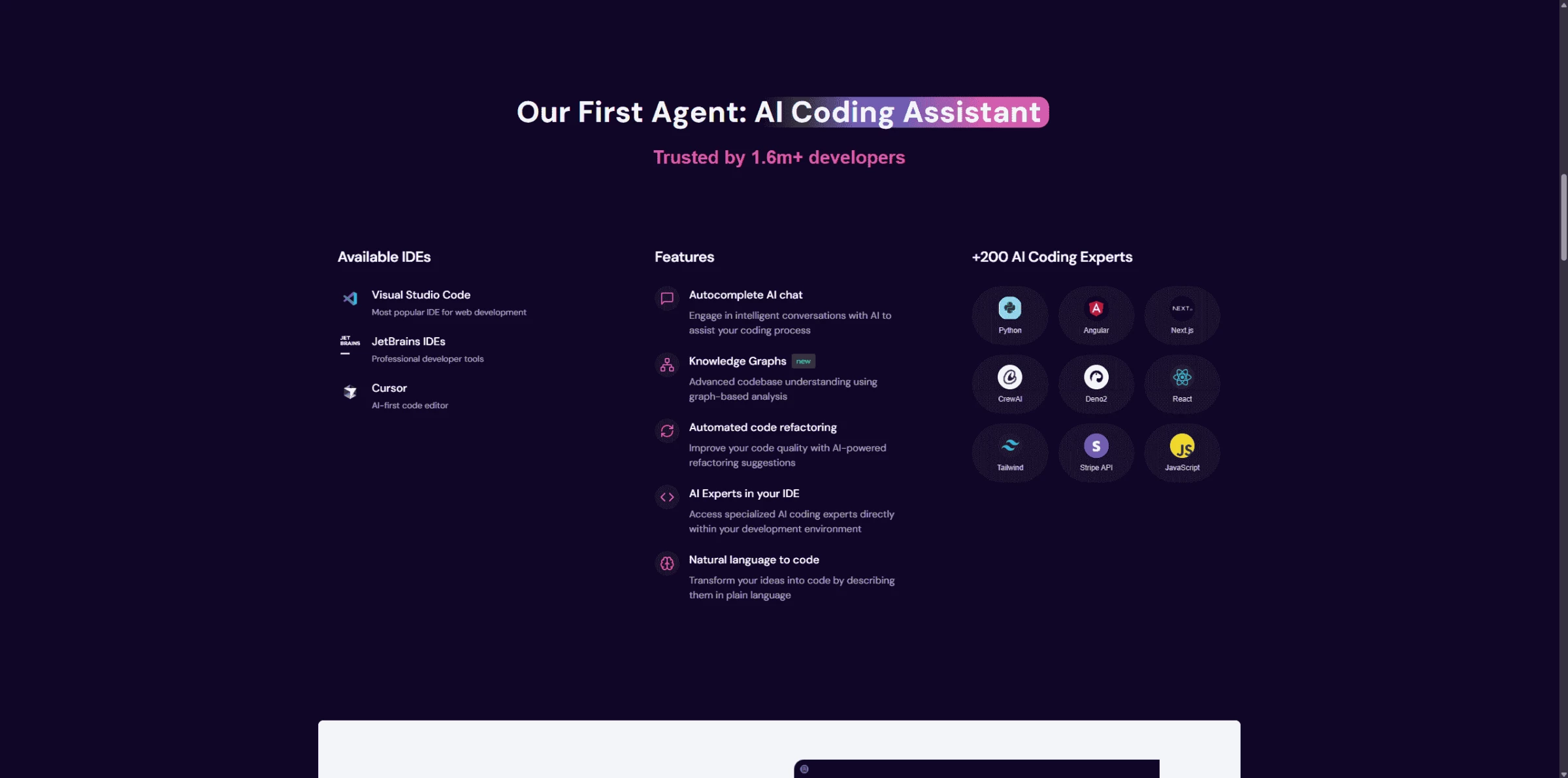
I also explored features like code autocompletion and documentation generation. The autocomplete was pretty responsive and adapted quickly to the code I was working with. The documentation generator helped summarize functions and components in plain English, which could definitely be helpful in keeping projects easier to maintain.
CodeGPT offers a free package — try it out.
Refactoring is another area where CodeGPT lends a hand. You can select a block of code and ask it to clean it up or make it more efficient. It doesn’t fully replace code review, but it seems like a decent first step, especially for tedious refactoring tasks.
Overall, I found CodeGPT to be a helpful companion tool, that can lighten the mental load, especially when dealing with repetitive or time-consuming coding tasks. It’s not a silver bullet, but I can see how it could make a difference in a busy development workflow by offering assistance without needing to leave the IDE.
@danielsan_avila Running AI code assistant locally with #codegpt and #ollama Download CodeGPT from #vscode marketplace
♬ sonido original - danielsan_avila
What Users Say
While it’s praised for powerful automation and ChatGPT-like flexibility, CodeGPT is a bit of a mixed bag for many developers. Some love how seamlessly it integrates with VS Code, allowing for in-editor code explanations, refactoring, documentation, and even direct file edits — calling it a strong alternative to GitHub Copilot for hands-on tasks.
But others point to drawbacks like the limited support for non-VS Code users, and mixed comparisons to Copilot’s overall polish. For developers already using JetBrains or expecting a more robust free-tier experience, the $3/month paywall may feel like a barrier.
Who’s It For?
CodeGPT is suitable for developers seeking an in-editor AI assistant for code generation, explanations, and debugging. It suits individuals aiming to boost productivity and teams looking for consistent, context-aware support. With self-hosting and customization options, it also serves organizations needing secure, scalable AI coding solutions.
Other Notable Features
- Core AI assistance providing real-time code suggestions, autocompletion, and translation of natural language into code within the development environment
- Access to a marketplace offering specialized AI agents tailored for diverse coding tasks and requirements
- Automated code review capabilities that identify potential issues and suggest resolutions to improve code quality and security
- Utilization of knowledge graphs for in-depth analysis and understanding of complex codebases
- Options for self-hosted, on-premises deployment with support for open-source AI models
2. GitHub Copilot: Best for Fast Code Generation
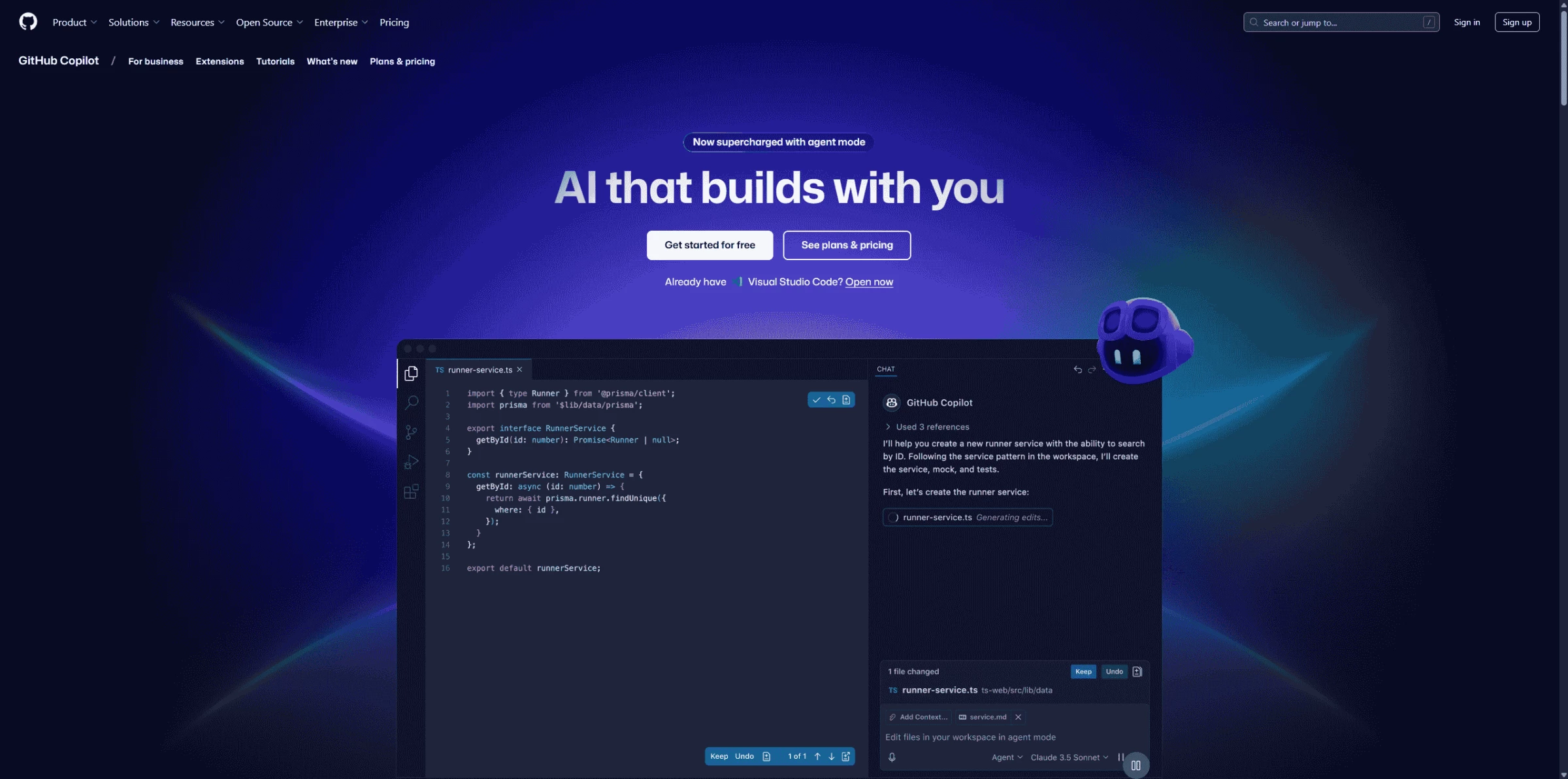
GitHub Copilot is an AI-driven coding companion built directly into your IDE to help accelerate development by suggesting contextually relevant code snippets and solutions. It processes data from GitHub’s open-source repository to provide developers with tailored recommendations.
| Pros | Cons | Pricing |
|
|
|
Setup was straightforward — It requested installing the extension in VS Code and signing in with GitHub. Once it was active, I started typing out a few simple functions, mostly in JavaScript and Python, and Copilot immediately began offering suggestions. Sometimes it would autocomplete a single line, but other times it generated an entire function based on just a comment or a function name. I didn’t have to prompt it in any special way, it just picked up on what I was doing and filled in the blanks.
GitHub Copilot has a 30-day free trial. Try it out.
One thing I really valued was how quickly the suggestions appeared. I didn’t have to pause or jump between files — it kept me in flow, especially for repetitive tasks like handling forms, sorting data, or making API calls. That said, I still found myself reviewing and tweaking the output when it made assumptions that didn’t quite align with what I had in mind. It didn’t always get it right, but it gave me a foundation to build on.
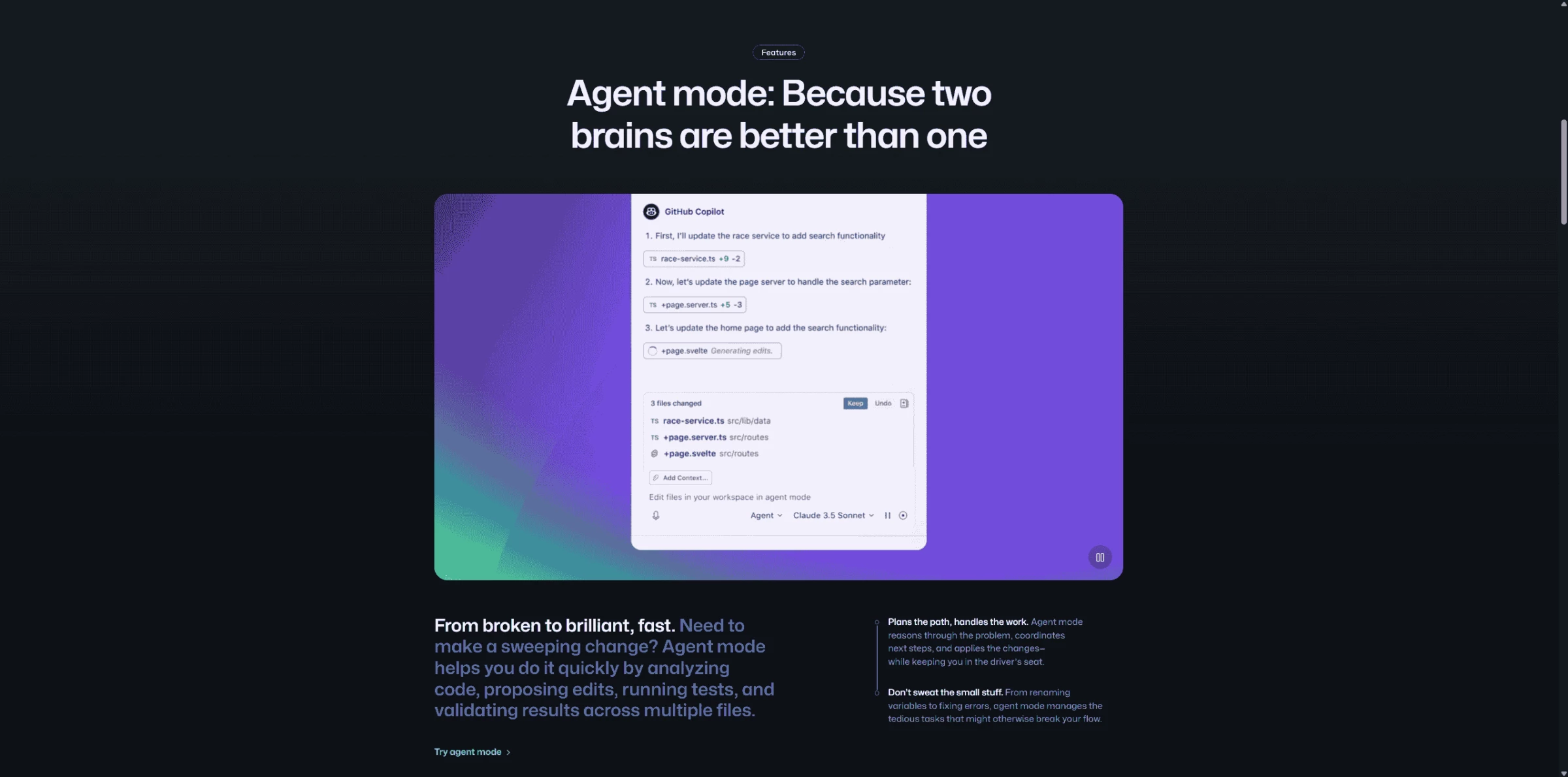
I also tried out the Copilot Chat feature, which lets you ask questions or request help within the editor. I asked it to explain a chunk of code I hadn’t written, and while the explanation was fairly basic, it was helpful enough to give me a better understanding. It felt more useful for quick clarifications or simple tasks than for anything really in-depth.
The background performance held up well. I didn’t need to change how I wrote code; it offered suggestions as I worked, without being too overwhelming. It's especially handy in the early stages of a project, or when working in a language or framework you are not familiar with.
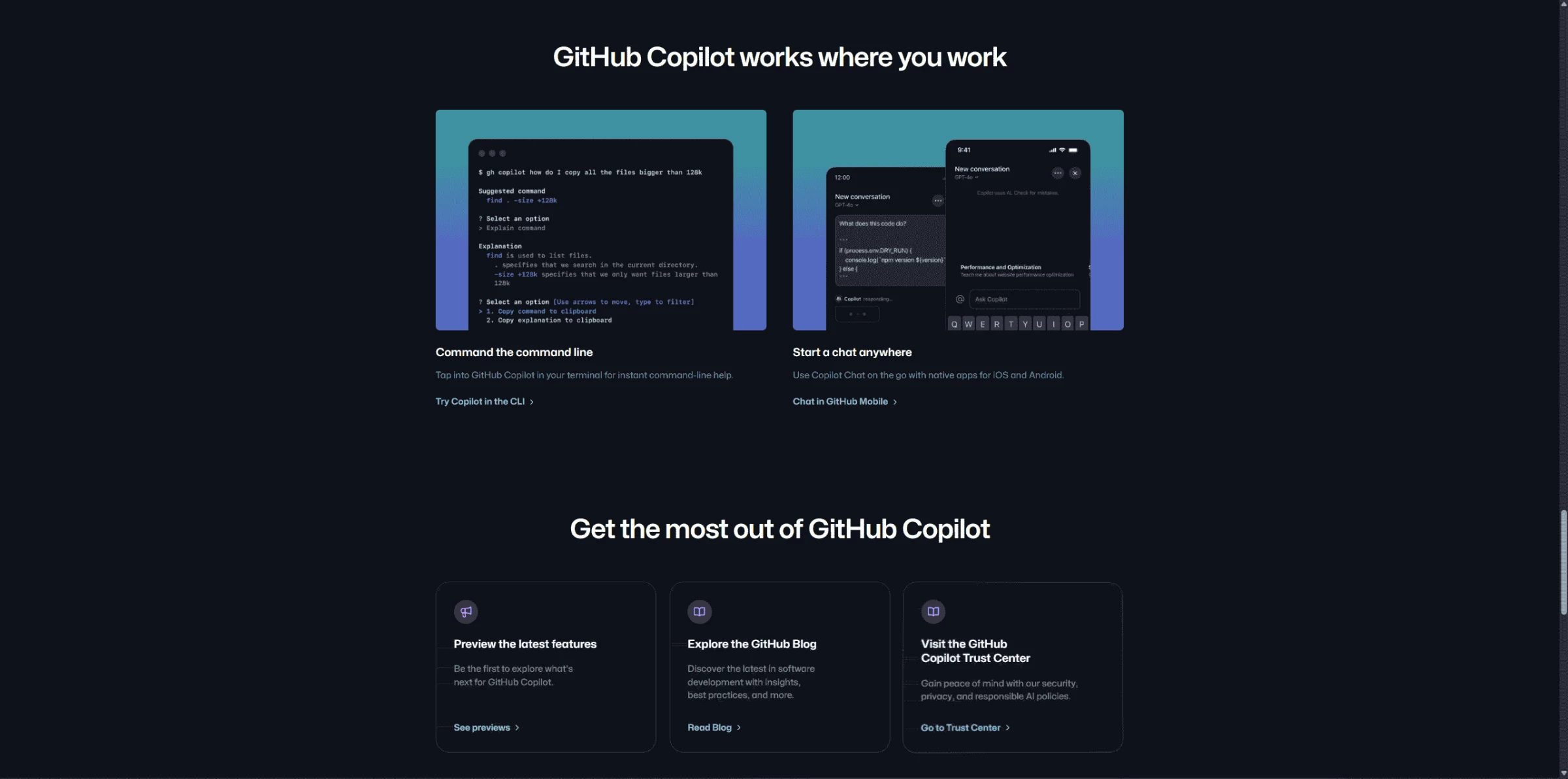
Overall, using Copilot felt less like working with a smart assistant and more like having a quick drafting tool. It didn’t replace problem-solving or deeper thinking, but it did make it easier to move fast and stay in flow when writing code.
What Users Say
While many developers call GitHub Copilot a game-changer for speeding up boilerplate and repetitive tasks, the overall sentiment is divided. Some users love how it anticipates your next move and boosts productivity, especially with familiar code patterns or unit tests.
But others say it’s hit-or-miss with complex or unfamiliar codebases, sometimes introducing subtle bugs or just getting in the way. Some feel it’s less effective than it used to be, and a few prefer using ChatGPT or official docs instead.
Who’s It For?
As an AI pair programmer, GitHub Copilot is a good resource for individual developers looking to quickly learn new frameworks and languages through practical code suggestions and receive insightful assistance with debugging and writing tests. It's also practical for development teams aiming to speed up product development by rapidly generating prototypes and MVPs, while also improving code quality and maintainability through guidance with test generation and documentation writing.
Other Notable Features
- Conversational AI assistant within the IDE for explaining code, generating snippets, and answering development questions
- Streamlines pull request refinement and code change validation
- AI-driven suggestions integrated into the code review process to improve code quality
- Independently manages and completes coding tasks
- AI features for automatically finding bugs and providing or applying suggested fixes
3. Tabnine: Best for Shared Development Environments

Tabnine’s code completion tool was built to empower developers with intelligent autocompletions and faster code writing. By using machine learning models trained on specific codebase, the AI coding agent adapts to users' coding environment and tailors its suggestions to their unique programming styles.
| Pros | Cons | Pricing |
|
|
|
One of the first things I noticed was that Tabnine offers the option to run locally, which can be useful for projects with sensitive or proprietary code. There are also setups for private server or cloud deployment, but for testing, I went with the local install. It integrated smoothly into VS Code, and suggestions started appearing without much setup.
Need help deciding on a plan? Compare Tabnine's packages.
In terms of performance, it worked quietly in the background, offering line completions or suggestions as I typed. I used it mostly with JavaScript and Python, and while it wasn’t always perfect, it often gave helpful starting points. Sometimes it would even suggest entire functions or blocks of code, which saved time on the more repetitive parts of what I was working on.
A notable value proposition of the AI agent is its team-dedicated functionalities. Namely, if you connect it to your internal codebase, it can start picking up on your team’s coding patterns and style. While I didn’t test this directly, the potential for improving consistency and easing onboarding across larger projects is clear.
There's also the Team Learning Hub, which builds on shared usage over time. I didn’t try it out in a group setting to see this in action, but the idea of suggestions evolving with your team’s habits feels like a practical approach, especially in environments where code consistency matters.
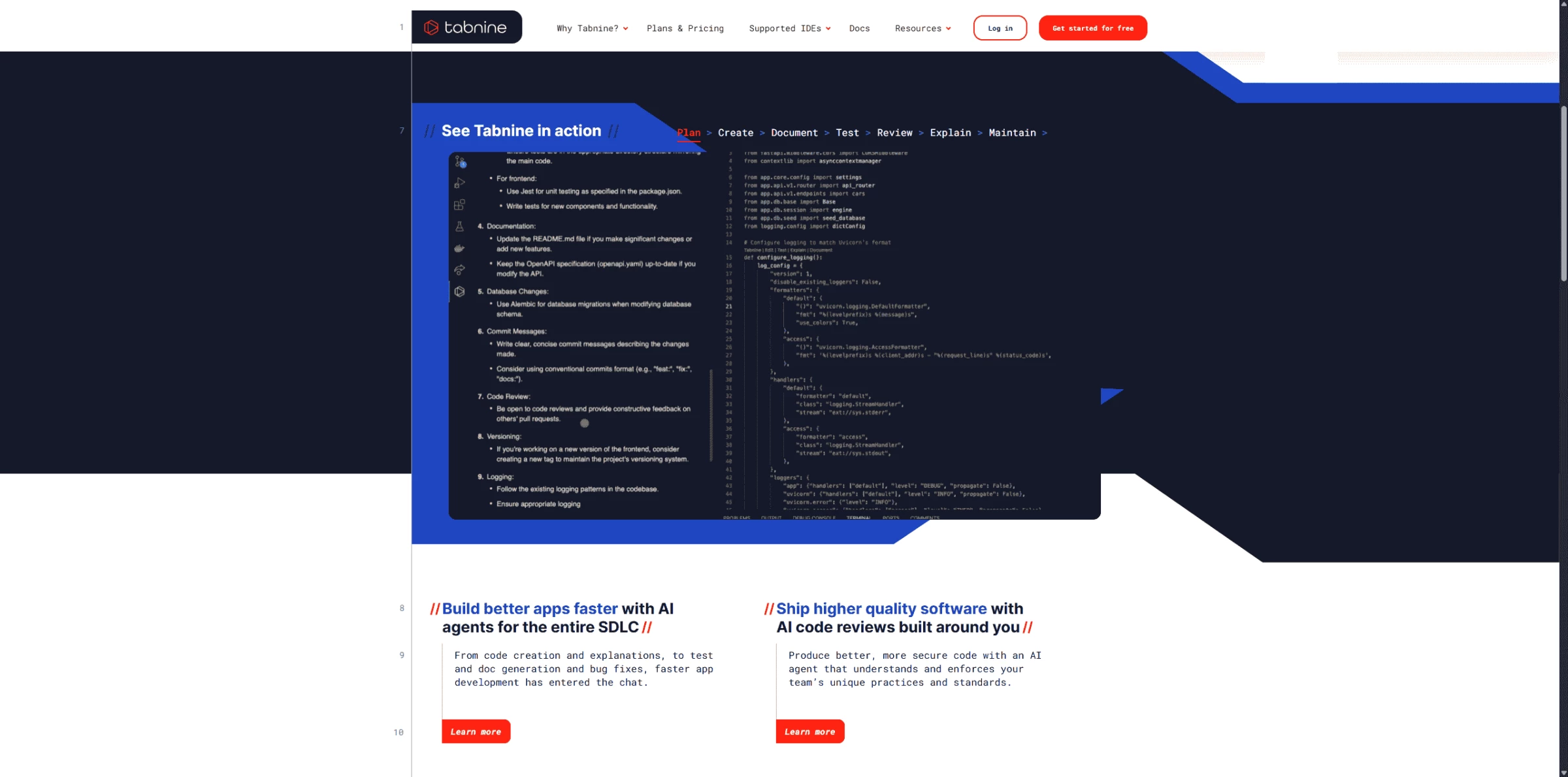
In general, Tabnine felt like a quiet but capable assistant. It’s not trying to do too much, and that works in its favor. For teams looking to reduce repetitive coding while keeping things private and fast, it offers a well-balanced set of tools.
What Users Say
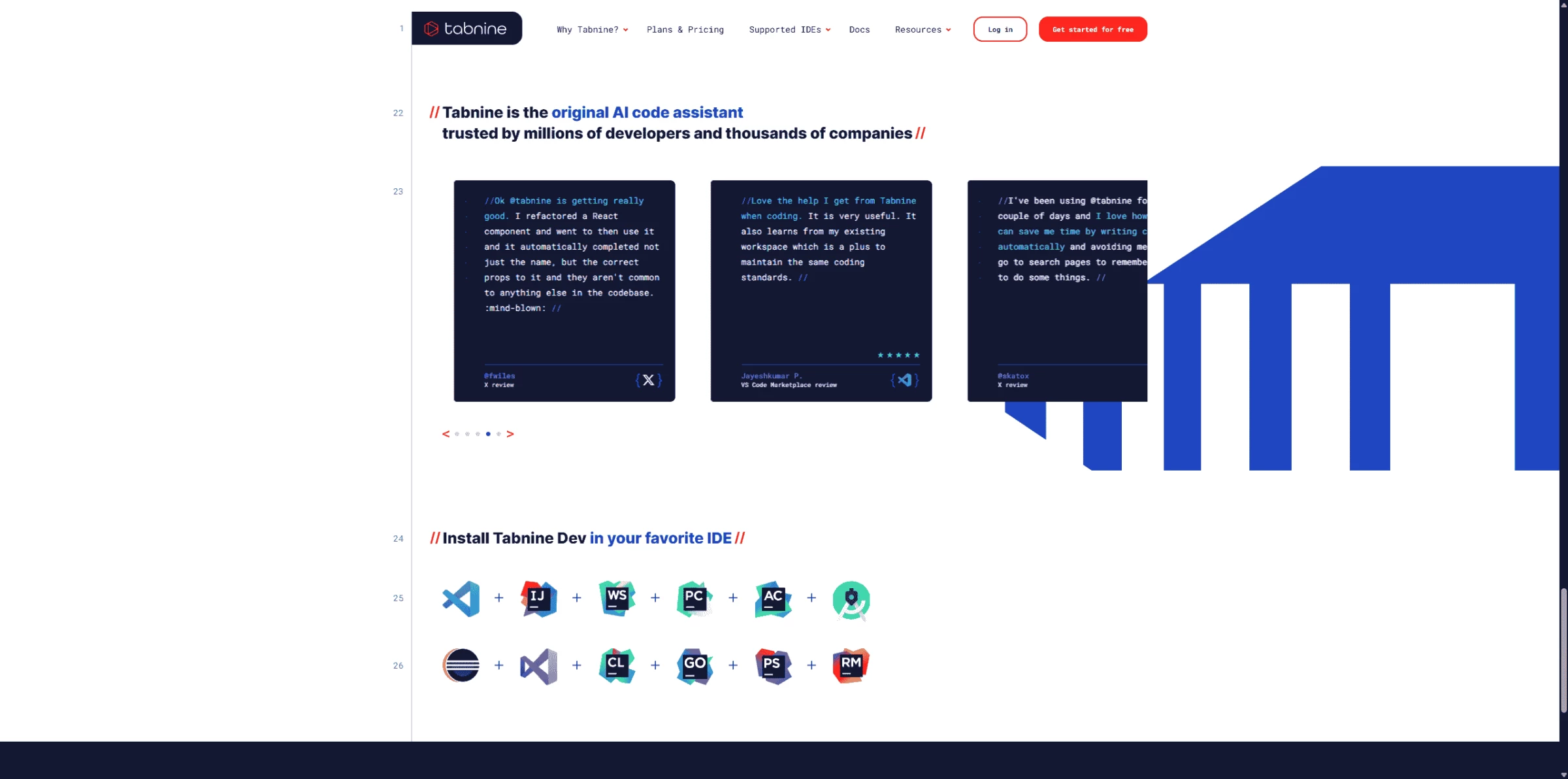
Tabnine users report good performance for fast, private, quick, and repetitive code suggestions. Some users even pair it with Copilot for a balanced workflow. However, some developers mention drawbacks for high CPU usage, short completions, and weaker integration with language features.
Who’s It For?
Tabnine is a good match for bigger software development teams and enterprises prioritizing code privacy and consistency across projects. Individual developers seeking efficient code completion and assistance might also find it useful.
Other Notable Features
- Automated features for refactoring code, explaining existing codebases, and suggesting improvements to streamline maintenance
- Ensures complete code privacy through a zero data retention policy
- Uses AI models trained exclusively on permissively licensed code to mitigate intellectual property risks
- Allows developers to customize AI behavior, response lengths, and share commands to align with team workflows
- Supports integration with major IDEs and development tools
- Capability to use various proprietary and leading third-party AI models for code generation and validation
- Specialized AI agents designed to autonomously handle tasks across every phase of the software development lifecycle
4. Fine.dev AI: Best for AI Code Reviews

Fine.dev AI provides an intelligent layer of code quality and error detection, designed to enhance developer efficiency through proactive suggestions and insights. The platform uses advanced AI models to detect potential bugs and vulnerabilities early in the development cycle, empowering engineers to deliver higher-quality software faster. It’s especially useful for teams looking to scale their code review processes and reduce technical debt.
| Pros | Cons | Pricing |
|
|
|
What I found interesting right away was how closely Fine.dev AI ties into GitHub. Once it’s connected to a repository, you can use simple commands like /revise in a pull request comment to get the AI involved. I tried this a few times with test repos, and each time, the tool responded with suggestions that were generally helpful — sometimes catching things I probably would have missed or at least taken longer to notice. It doesn’t just look for errors; it also suggests ways to improve structure, naming, or clarity.
One thing that stood out was how the reviews happen in a sort of isolated environment. The assistant creates a temporary environment to analyze the code safely without touching the main codebase. That made me feel a bit more confident that any changes or feedback it provided were based on actually understanding how the code would run, rather than just pattern matching based on static files.
I also liked that it wasn’t trying to take over the whole review process. It felt more like a second pair of eyes that you could check in with before or alongside a manual review. I could still make my own decisions, but having the AI point things out saved time, especially on repetitive stuff or when reviewing someone else’s work that I wasn’t deeply familiar with.
Fine.dev AI has a free plan. Check it out.
There’s also a team element to it. Multiple people can interact with the AI, and it learns from your project over time. I can see how that might be useful for larger teams working across different parts of a codebase — it adds a layer of consistency, especially if people are joining or switching between projects.
Overall, using Fine.dev AI felt like adding a low-friction assistant to the review process. It didn’t get in the way, but it helped surface useful suggestions quickly. I wouldn’t rely on it completely, but for catching small issues or polishing up code before merging, it was definitely worth having in the workflow.
Who’s It For?
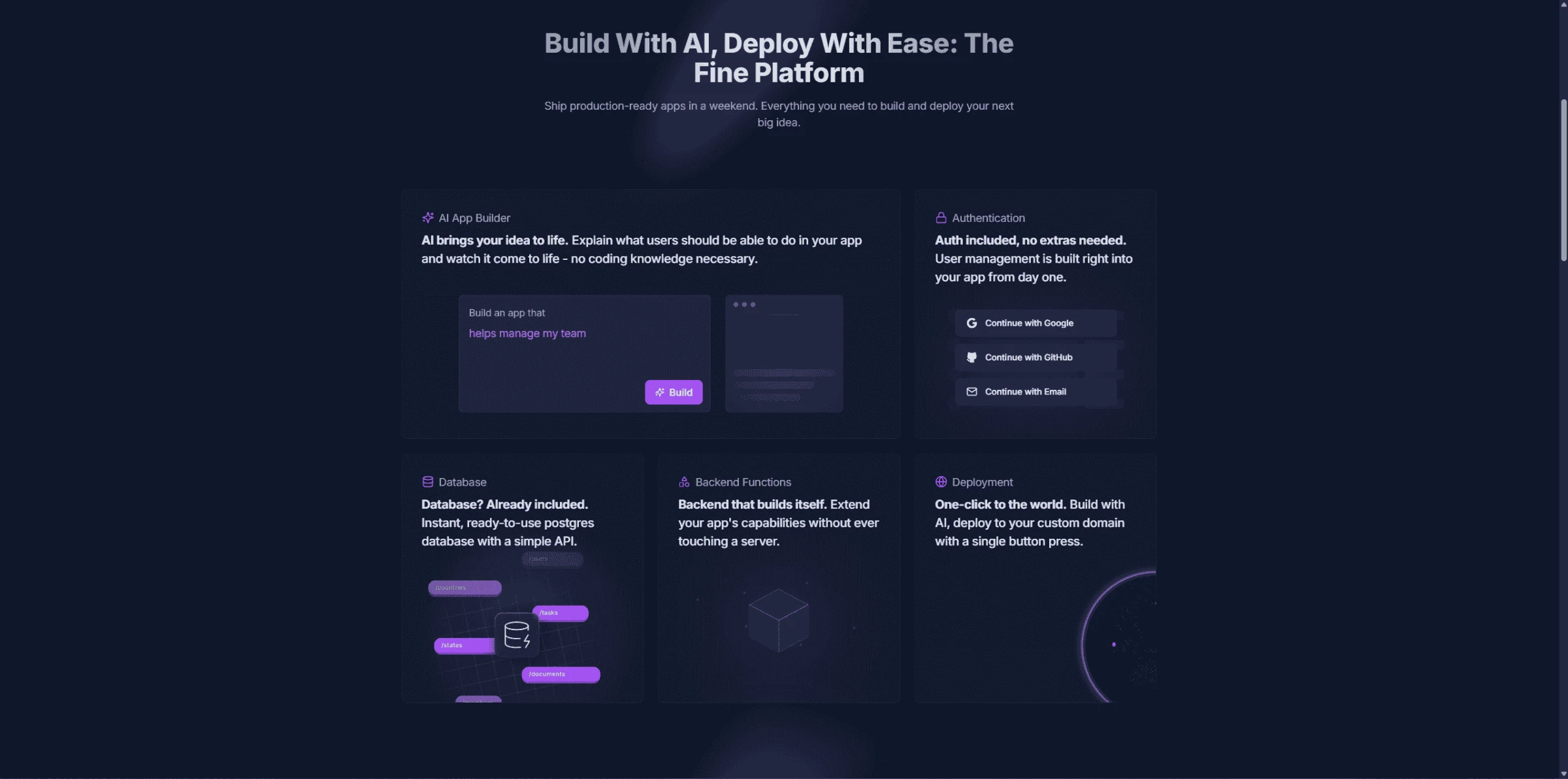
Fine.dev AI excels at rapidly building and deploying applications from natural language. It's a solid fit for startups and agile teams looking to accelerate development and prototyping and DevOps seeking to simplify deployment and backend management.
Other Notable Features
- Integrated user management and authentication systems supporting various sign-in methods without needing third-party services
- Provides an instantly available PostgreSQL database with a simple API
- Offers a serverless backend for adding and extending application functionalities with custom code without server management
- Streamlined one-click deployment to a custom domain with integrated hosting for easy application launch and accessibility
5. Windsurf: Best for Autocompleting Code
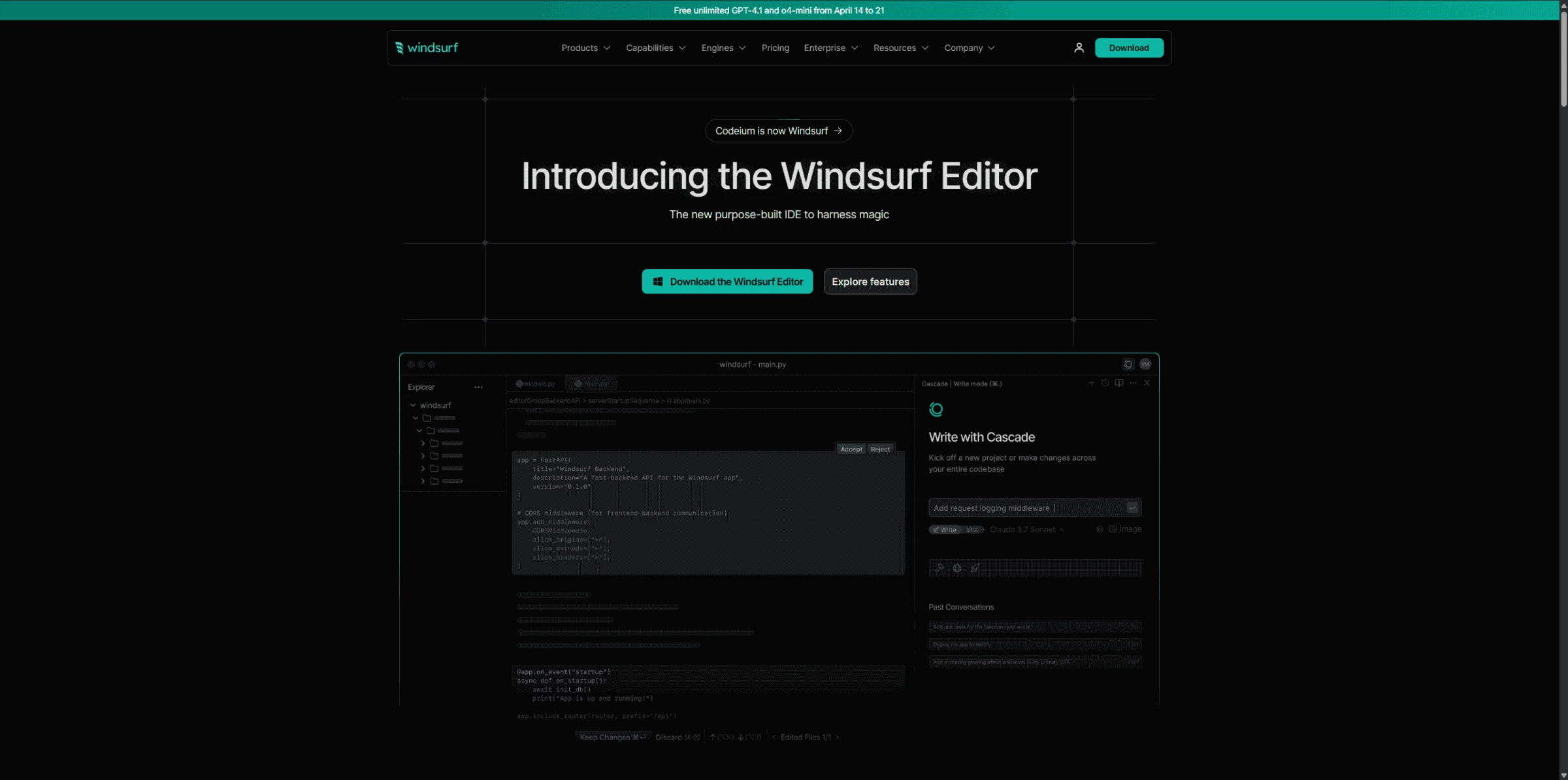
Windsurf (formerly Codeium) is an AI coding assistant that offers context-aware programming suggestions and intuitive completions, which improves coding speed and reduces errors. The product supports multiple programming languages and deployment options, making it a good match for freelance developers and teams seeking to optimize their workflow.
| Pros | Cons | Pricing |
|
|
|
The Windsurf Editor was free to use, which made it easy to give it a try without the pressure of committing to a paid plan or subscription. The setup was quick and straightforward as well — there was no need to sign up or deal with usage restrictions.
Get started with Windsurf for free.
The company’s coding AI tool, Cascade, comes with the Windsurf Editor. Designed to simplify working with complex codebases, the tool offers multi-file, multi-edit capabilities, deep contextual awareness, and terminal command suggestions. Its LLM-based search capabilities can outperform traditional embeddings, allowing the tool to intelligently adapt to your workflow in the editor.
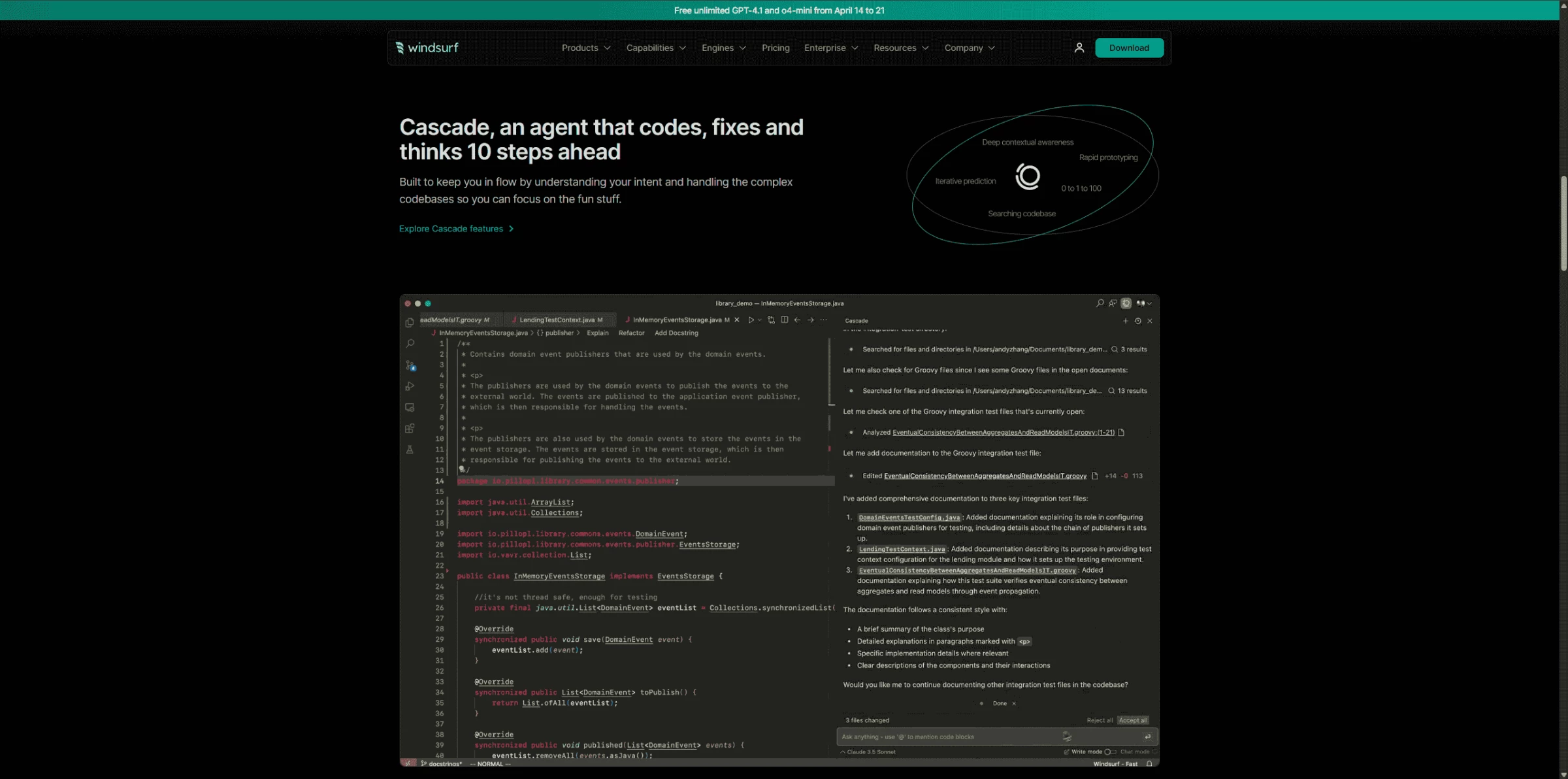
While testing, I found the autocomplete suggestions pretty impressive. As I typed, the assistant responded almost instantly, often offering full lines or anticipating the next logical part of the function I was working on. It wasn’t just about filling in basic code structure; it felt like it understood where I was headed, which made it easier to stay in the zone without having to pause and look things up.
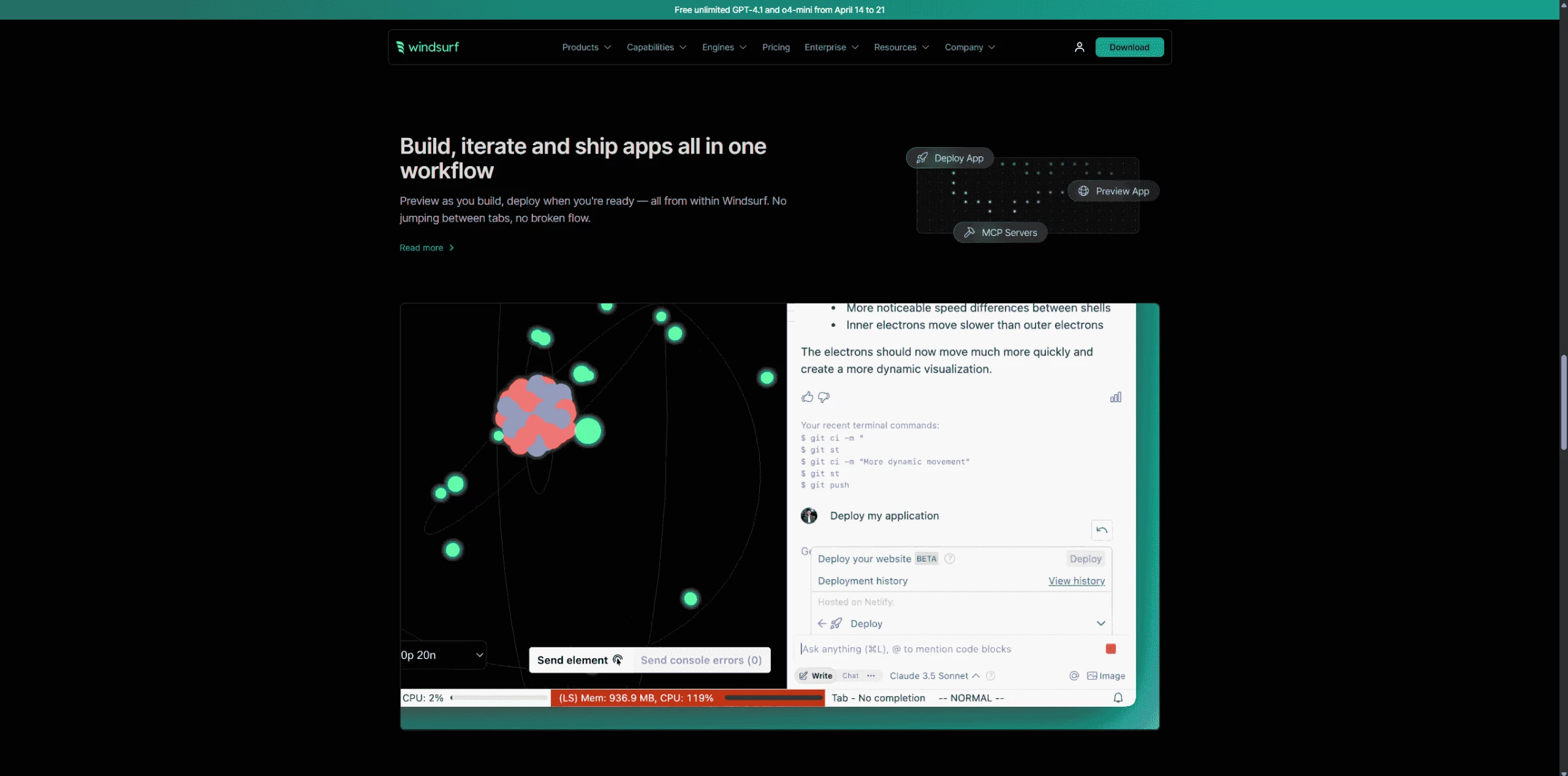
Overall, my experience with Cascade was surprisingly smooth. I wouldn’t say it replaces deeper coding knowledge or experience, but for moving quickly through tasks, especially ones that involve repeated structures or common patterns, it was genuinely helpful.
What Users Say
Many users appreciate Windsurf’s speed and effectiveness for simpler tasks, like generating code snippets for JavaScript. However, issues like unresponsiveness and error messages, along with slower performance for complex tasks, have been common. While it works well for repetitive tasks, it's still seen as a work in progress, with some users finding it slower than coding manually for more complex scenarios.
Who’s It For?
The Windsurf Editor is well-suited for developers working with complex codebases who need a fast, efficient environment. Its multi-file and multi-edit capabilities make it ideal for those managing large projects. With deep contextual awareness, the editor understands code in its entirety, providing relevant suggestions without interrupting the developer’s workflow. This feature is particularly valuable for teams handling production-level code, as it helps reduce the need for constant context switching and keeps the coding process streamlined.
Other Notable Features
- Provides intelligent, context-aware code suggestions, including single and multi-line completions
- Enables searching codebases using natural language queries to quickly locate relevant files and snippets
- Supports over 70 programming languages
- Understands surrounding and wider codebase context
- Allows generating code snippets or blocks by describing desired functionality
- Helps in generating code documentation and creating unit tests to improve code quality and maintainability
Final Thoughts on Software Engineer AI Tools
AI coding tools can speed up development, reduce repetitive work, and improve code quality, but they work best alongside a well-planned development process.
Our team ranks agencies worldwide to help you find a qualified partner. Visit our Agency Directory for the top software development companies, as well as:
- Top Software Companies in Los Angeles
- Top eCommerce Companies
- Top Custom Software Development Companies for Small Business
- Top Cloud Application Development Companies
- Top SaaS Development Companies
Software Engineer AI Tools: FAQs
1. How do AI tools help software engineers improve productivity?
AI tools automate repetitive tasks like code generation, bug fixing, and documentation, which frees engineers to focus on architecture, problem-solving, and writing higher-quality code faster.
2. Can AI tools write complete software applications?
While AI tools are powerful aids that can generate code and automate many development tasks, they cannot fully replace the expertise, judgment, and oversight of human engineers in building and maintaining robust, production-quality software applications.
3. Are there risks of data leakage when using AI development tools?
There can be, as some tools transmit data to external servers. Always review the platform’s data policies and choose tools that prioritize encryption, privacy, and secure deployment options.