
Proposal software tools help you create, send, and track client proposals without repeatedly rebuilding documents or chasing signatures over email. The right choice depends on how you sell, including your services, pricing, and who needs to approve each deal.
We break down 10 options for agencies and sales teams, covering pricing, AI features, integrations, and limitations.
Best Request for Proposal Software Tools 2026: Key Findings
- PandaDoc, Proposify, and Better Proposals support repeatable sales proposals, with different plan requirements for reusable content, CRM integrations, and approvals.
- Qwilr and Storydoc emphasize interactive presentation, GetAccept supports buyer collaboration, and DealHub handles complex quoting and pricing approvals.
- Responsive and Loopio help organize detailed RFP responses and specialist contributions, and QorusDocs suits firms that prepare proposals within Microsoft 365.
How We Selected the Best Proposal Software Tools
We reviewed official product documentation, pricing, and integration details to assess how each tool supports proposal preparation, internal review, and client decisions.
Our selection covers agency pitches, complex sales quotes, and formal RFP responses, each with different workflow priorities.
We considered:
- Proposal creation and customization: Options for reusing service descriptions, case studies, and pricing tables, plus the flexibility to adapt templates to each client
- Pricing and approval controls: Support for optional services, recurring fees, discounts, and internal sign-off before a proposal reaches the buyer
- Client experience and tracking: How recipients review, comment on, accept, or sign proposals, and how much visibility the sender gets into their activity
- Integrations and data reuse: Connections to CRM and document systems, including the information they transfer and any plan restrictions or setup requirements
- AI capabilities: The specific tasks AI supports, the source material it can use, and the controls available to review and edit its output
- Total cost and access: Annual pricing, minimum seats, document allowances, paid add-ons, and free plans or trials
The comparison below highlights the main differences to help you narrow your shortlist:
| Tool | Best For | AI or Automation Focus | Pricing | Trial or Demo |
| PandaDoc | Agencies and sales departments managing proposals and contracts | Document generation and approval workflows | Document generation and approval workflows | 14-day trial; limited free plan |
| Proposify | Sales organizations standardizing proposals | AI writing and approval controls | $420/user/year | 14-day trial |
| Qwilr | Agencies presenting interactive web proposals | AI proposal templates and CRM data population | $420/user/year | 14-day trial |
| Better Proposals | Freelancers and small agencies | Automatic formatting and reusable content | $156/user/year | 14-day trial |
| GetAccept | B2B sellers coordinating multiple decision-makers | AI content assistance and meeting summaries | $25/user/month for eSign; Professional starts at $245/month for five users | Free trial |
| DealHub | SaaS and service businesses with complex pricing | Guided quoting and pricing approvals | Custom | Demo |
| Storydoc | Agencies creating personalized proposal decks | AI writing, images, and slide design | $237.60/year | Free access to get started |
| Responsive | Proposal departments coordinating RFP responses | AI answer drafting and requirements analysis | $10,000/year platform starting fee | Demo |
| QorusDocs | Professional services firms using Microsoft 365 | AI drafting using company content and CRM data | Custom | Demo |
| Loopio | Bid and presales specialists reusing RFP content | AI-assisted answers and content retrieval | Custom | Demo |
1. PandaDoc: Best for Proposal and Contract Workflows
For agencies and sales teams that need reusable proposals, internal approvals, and client signing and payment options.
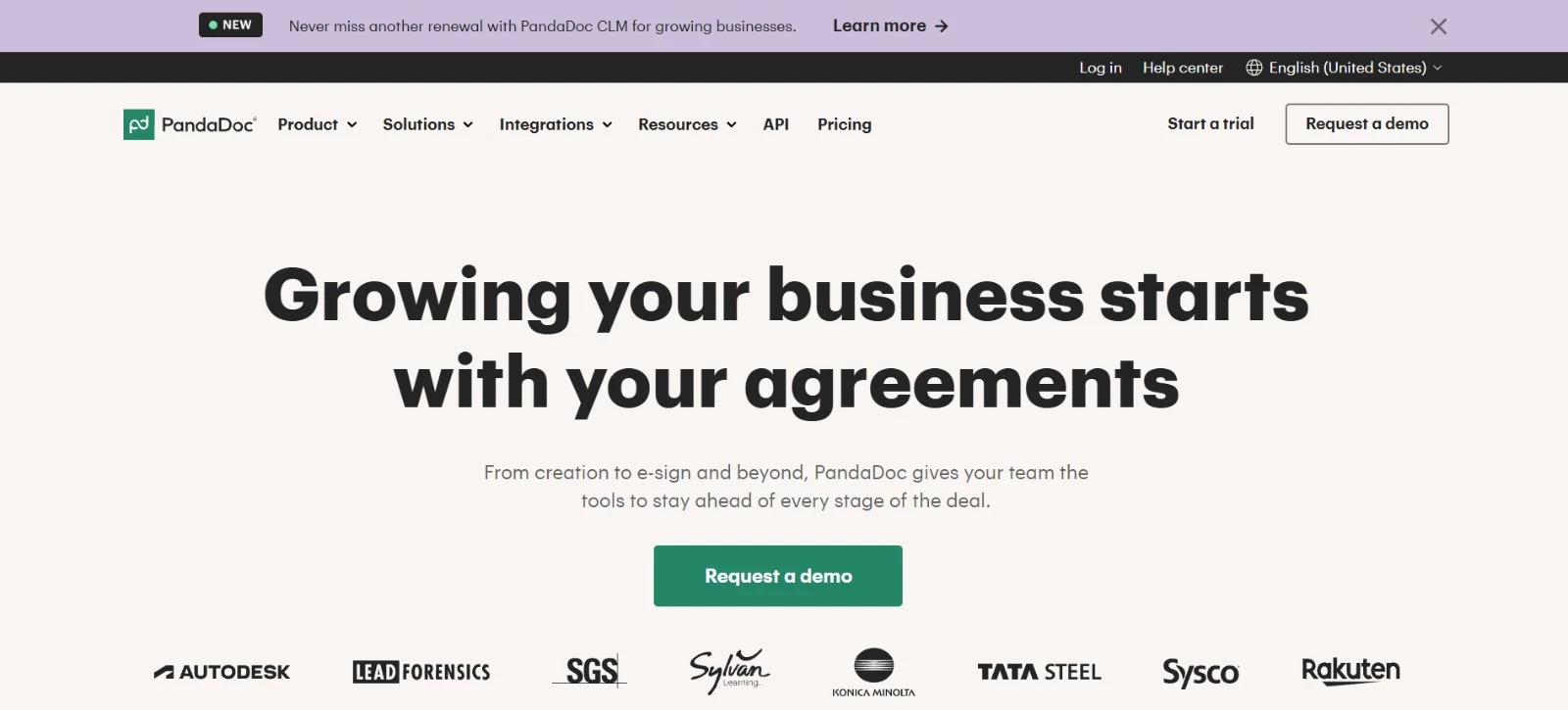
PandaDoc helps you prepare proposals, quotes, and contracts using an editable document builder. You can reuse approved service descriptions and case studies, pull client details from your CRM, and collect signatures and payments within the document.
Its scope suits businesses that handle several types of sales documents. For more complex deals, the configure-price-quote (CPQ) functionality applies product and pricing rules to help reps prepare consistent quotes.
Key Features
- Drag-and-drop document builder with reusable templates and content
- CRM integrations for populating client and deal information
- Approval workflows, comments, and document collaboration
- Recipient activity tracking and document analytics
- E-signatures and integrated payment collection
Potential Limitations
- CRM integrations, the content library, and approval workflows require Business or Enterprise, with some advanced capabilities costing extra
- Complex CPQ setups require upfront configuration of product catalogs, pricing rules, and sales workflows
Pricing
- Free eSign: Limited free plan for basic document signing
- Starter: $228 per user/year
- Business: $588 per user/year
- Enterprise: Custom pricing
- Free trial: 14 days
What Makes PandaDoc Stand Out
PandaDoc’s Foundation Software case study shows how its CPQ functionality can simplify document preparation across multiple brands.
They configured product bundles and pricing rules, then rolled out the system in stages.
According to PandaDoc, Foundation Software achieved:
- Consolidation of 80 templates across five workspaces into one template and workspace
- Contract creation in under one minute, previously taking 5-15 minutes
- An estimated 240 hours saved in the first quarter of 2026
2. Proposify: Best for Standardizing Sales Proposals
For agencies and sales teams that need consistent proposals across representatives or locations.
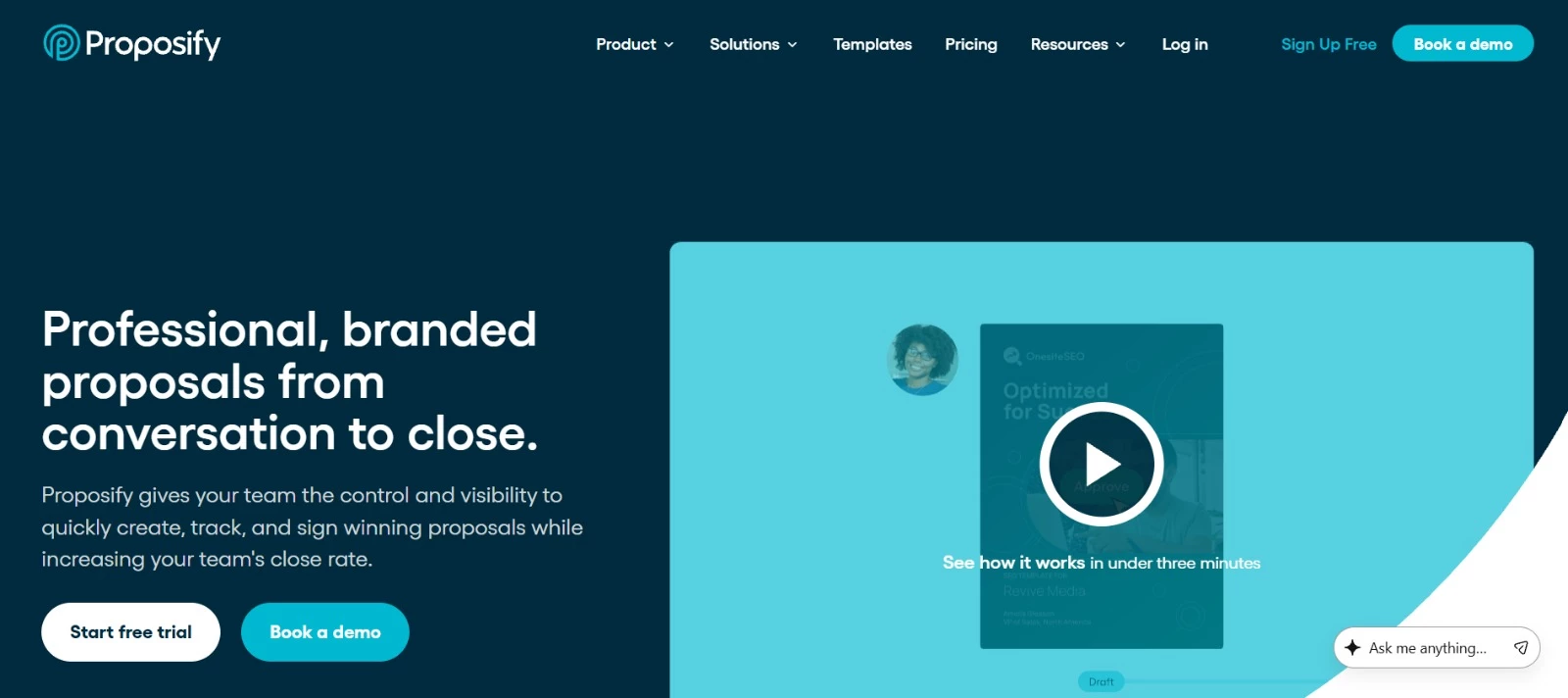
Proposify helps teams reuse approved content and control what reaches clients. Managers can restrict edits to sensitive sections and require approval for specific prices or discounts. Engagement tracking helps sales representatives decide when to follow up.
Key Features
- Content library: Reusable sections, images, and text snippets
- Interactive quotes: Client-selectable quantities and optional items
- Approval controls: Permissions and reviews triggered by pricing or discounts
- Engagement analytics: Recipient activity and time spent per section
- AI writing: Drafting, rewriting, and proofreading assistance
Potential Limitations
- Approval workflows and user roles require Grow or Scale
- Interface translation doesn’t translate proposal content or emails
Pricing
- Build: $420 per user/year
- Grow: $3,900/year for five users; $780/year per additional user
- Scale: $12,800/year for 10 users; $780/year per additional user
- Free trial: 14 days, no credit card required
- Custom template design for Build costs $1,500
- Grow’s launch kit is listed separately at $2,000
What Makes Proposify Stand Out
Event services company Fern used Proposify to replace inconsistent documents across its locations with seven standard templates. It also restricted editing of terms and conditions to three authorized people.
Fern reported:
- 75-80% fewer people needed for proposal production, freeing employees to focus on their core responsibilities
- A 35-40% increase in close rates, which Fern attributed largely to better proposal quality and consistency
- Only about one in 10 RFP questions requiring an answer written from scratch, thanks to its reusable content library

3. Qwilr: Best for Interactive Web Proposals
For agencies and sales teams that want clients to explore services, compare pricing options, and approve proposals online.
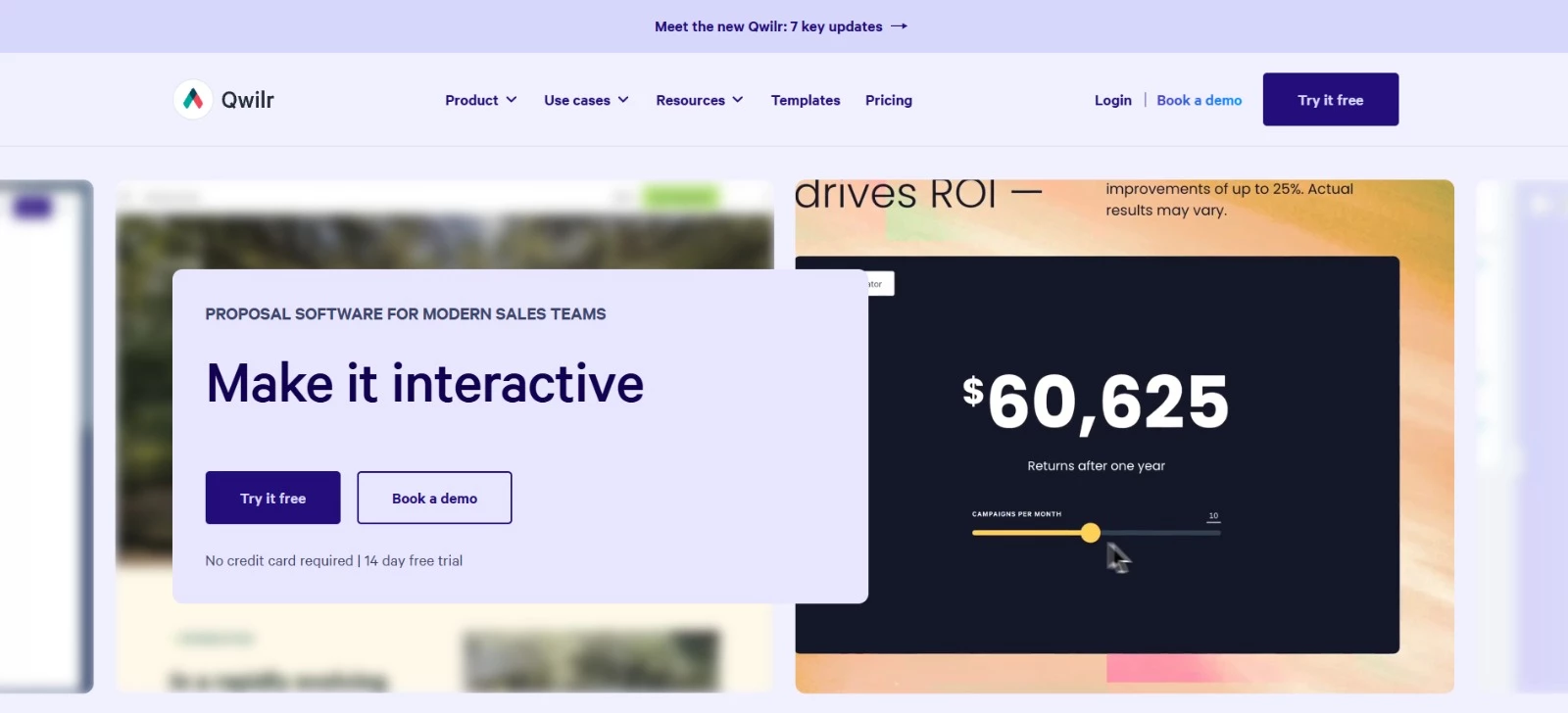
Qwilr presents proposals as shareable web pages with embedded media, interactive quotes, e-signatures, and payments.
You can update a live proposal without sending another attachment, and track buyer engagement to guide follow-ups. Its AI Proposal Creator can also turn your website into a proposal template.
Key Features
- Interactive quotes: Let buyers explore pricing tables and service packages
- Multimedia pages: Embed videos, calendars, and spreadsheets
- E-signatures and payments: Collect approval and payment within proposals
- Buyer analytics: Track views, clicks, and time spent on content
- CRM integrations: Populate proposals with contact and deal information
Potential Limitations
- Salesforce integration, AI Prefill, and the Smart Proposal Engine require Scale, which has a 10-user minimum
- PDF exports cannot play embedded videos; recipients must open the live proposal to watch them
Pricing
- Starter: $420 per user/year
- Growth: $3,300/year for five users; additional users cost $660/year each
- Scale: $9,000/year for 10 users; additional users cost $900/year each
- Free trial: 14 days, no credit card required
- Automated document generation has usage charges beyond included credits
What Makes Qwilr Stand Out
Security hardware manufacturer Brisant Secure was handling more than 70 proposals a week using emails, PDFs, and Excel price books. It switched to Qwilr and connected Pipedrive to populate proposals with pricing and product data.
The company reported:
- Approximately 5% higher close rates within a month
- Proposal creation in minutes, including one proposal sent within two minutes of a prospect call
- More reliable forecasting, with proposal preparation requiring accurate product information in Pipedrive
- Better visibility into stakeholder engagement, including proposals being shared between branches and head office
4. Better Proposals: Best for Small Agency Proposals
For freelancers and small agencies that need branded proposals with reusable content, client tracking, and online signing.
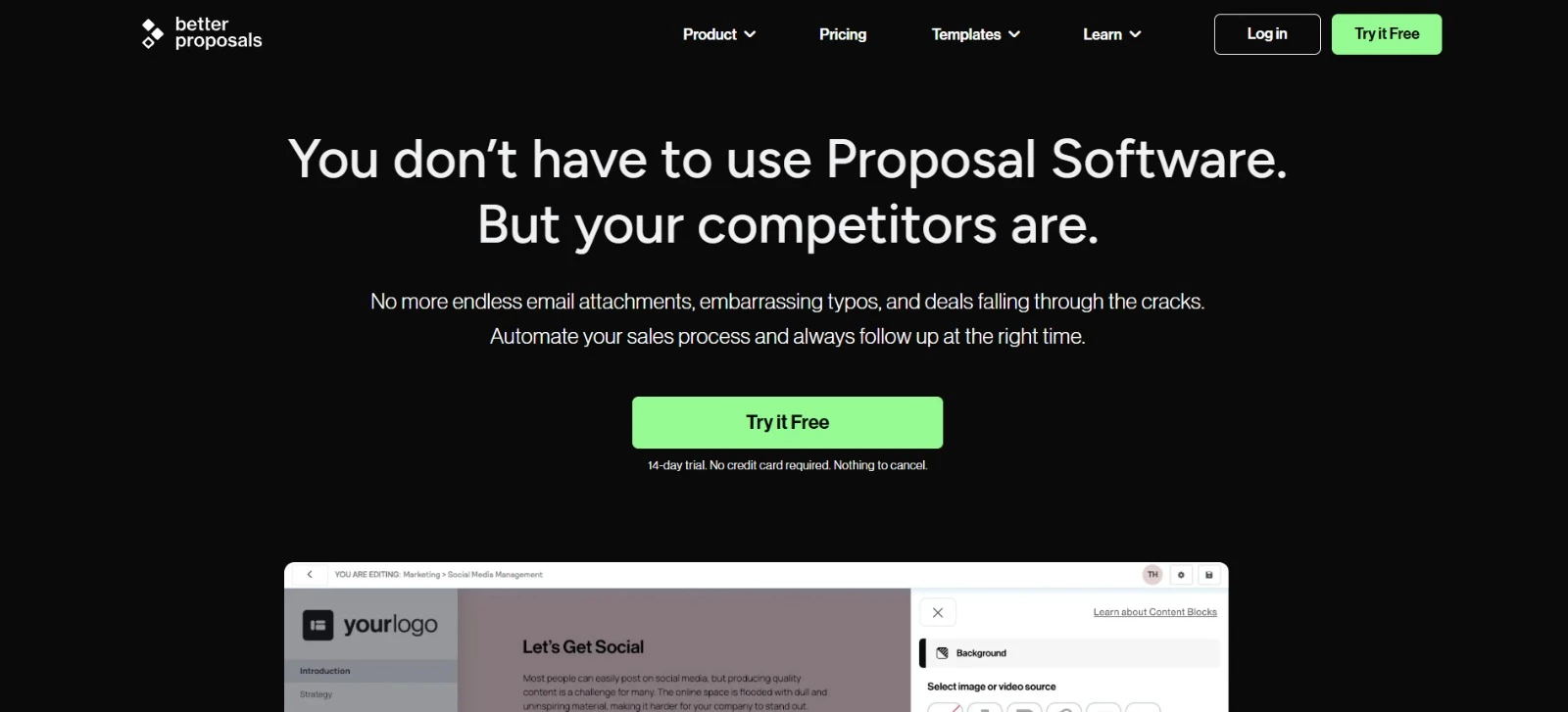
Better Proposals handles proposal spacing, formatting, and branding so you can focus on the offer.
You can save service descriptions, case studies, and terms for future proposals, then customize pricing with packages and optional extras. Its templates provide a starting point for proposals, contracts, and statements of work.
Key Features
- Automatic formatting: Applies consistent spacing, fonts, colors, and branding
- Content library: Stores reusable proposal sections, images, and case studies
- Interactive pricing: Supports packages, optional services, quantities, and discounts
- Proposal analytics: Tracks opens, section viewing time, and signing activity
- Signatures and payments: Lets clients sign digitally and pay through connected payment services
Potential Limitations
- CRM integrations require Premium or Enterprise; manager approvals and content locking require Enterprise
- The Nudge follow-up feature is a paid add-on
Pricing
- Starter: $156 per user/year
- Premium: $252 per user/year
- Enterprise: $504 per user/year
- Free trial: 14 days, no credit card required
- Custom template design starts at $1,495
What Makes Better Proposals Stand Out
Milia Marketing, a digital marketing agency serving countertop businesses, uses Better Proposals to tailor its pitches to each client. They review proposal opens, time spent on individual sections, and signatures to refine their sales approach.
The agency reports:
- Less time spent drafting and sending proposals, freeing time for strategy and client relationships
- Better insight into prospect engagement, helping inform sales decisions and proposal revisions
- More consistent brand presentation, with customized proposals that clearly explain its services
5. GetAccept: Best for Buyer Collaboration
For B2B sales teams and consultancies managing proposals with multiple decision-makers.
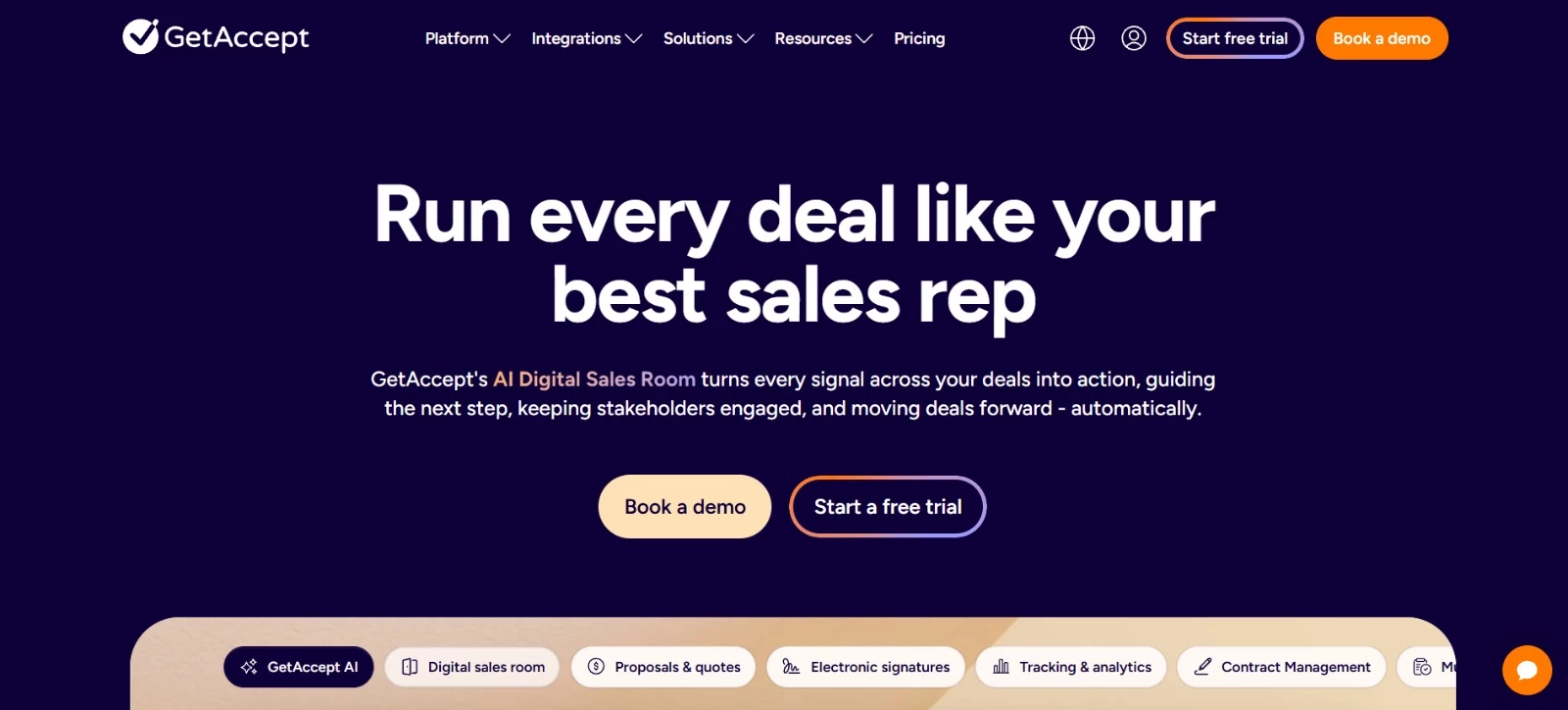
GetAccept gives buyers a shared digital sales room for proposals, supporting materials, conversations, and signatures. You can keep stakeholders informed as the deal progresses, agree on next steps, and use engagement data to guide follow-ups.
This approach suits sales that require several conversations and approvals before a client commits.
Key Features
- Digital sales rooms: Share proposals, supporting content, and buyer conversations
- Mutual action plans: Agree on tasks and next steps with clients
- Engagement tracking: Monitor proposal opens and time spent on sections
- AI assistance: Edit content, personalize materials, and summarize meetings
- E-signatures: Collect signatures and send automated reminders
Potential Limitations
- The full digital sales room requires Professional or Enterprise; Professional has a five-user minimum
- Professional’s product library stores only three products. Enterprise includes an unlimited library and CPQ
Pricing
- eSign: $25 per user/month
- Professional: $49 per user/month, with a five-user minimum
- Enterprise: Custom pricing
- Free trial available
- Unlimited AI content and AI contract management are additional paid options
What Makes GetAccept Stand Out
ScaleWise, a UK advisory firm helping B2B technology companies grow, used GetAccept to replace manually assembled PDFs, presentations, and terms.
A master template and reusable assets simplified proposal creation, and branded sales rooms gave prospects a place to review materials and ask questions.
ScaleWise reported:
- A 17% increase in its proposal-to-close rate, equivalent to approximately a 51% improvement
- Proposal creation in under five minutes, previously taking 30-60 minutes
- Around 16 hours saved per month on proposal creation, giving the founders more time for discovery calls and client relationships
6. DealHub: Best for Complex Quotes and Pricing Approvals
For SaaS and service businesses managing product bundles, negotiated discounts, and subscription pricing.
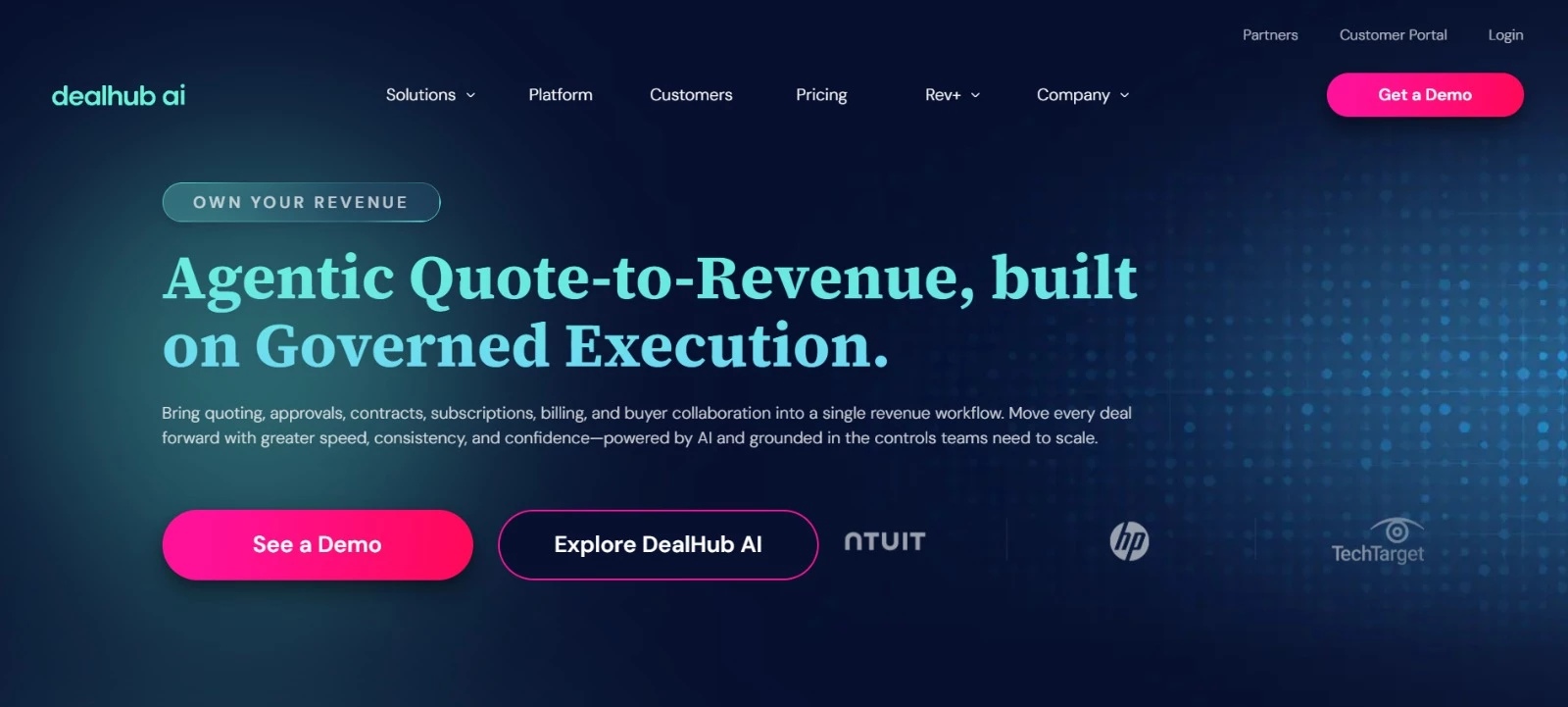
DealHub builds proposals around configure, price, quote (CPQ) workflows.
Sales representatives use guided product selection and pricing rules to prepare offers, with approvals for deals that need additional review.
Its DealRoom gives buyers access to proposals, contracts, supporting content, and e-signatures, keeping the commercial details connected throughout the sale.
Key Features
- Guided quoting: Configure products, bundles, and discounts using predefined rules
- Approval workflows: Route commercial, legal, and technical reviews
- Digital DealRoom: Share proposals and contracts, chat with buyers, and collect signatures
- Subscription management: Handle renewals, amendments, and expansions
- CRM integrations: Connect quoting workflows with Salesforce, HubSpot, and Microsoft Dynamics
Potential Limitations
- Configuring product catalogs, pricing rules, and approval workflows may require more setup
- Pricing is available only through a sales consultation
Pricing
- Custom pricing: Contact DealHub for a quote
- Demo available on request
What Makes DealHub Stand Out
Intuit selected DealHub to support sales of its Enterprise Suite.
Sellers had relied on spreadsheets and internal deal support for proposals, and approval requests were scattered across email and Slack. DealHub enabled representatives to prepare quotes independently and track approval status.
According to DealHub’s case study, Intuit achieved:
- Proposal turnaround of 48 hours, previously taking seven days
- A 70% reduction in administrative overhead.
- 100% adoption across more than 200 sellers
- Deployment in eight weeks, including Salesforce integration
7. Storydoc: Best for Personalized Proposal Decks
For agencies and sales teams that want visually engaging proposals tailored to each prospect.
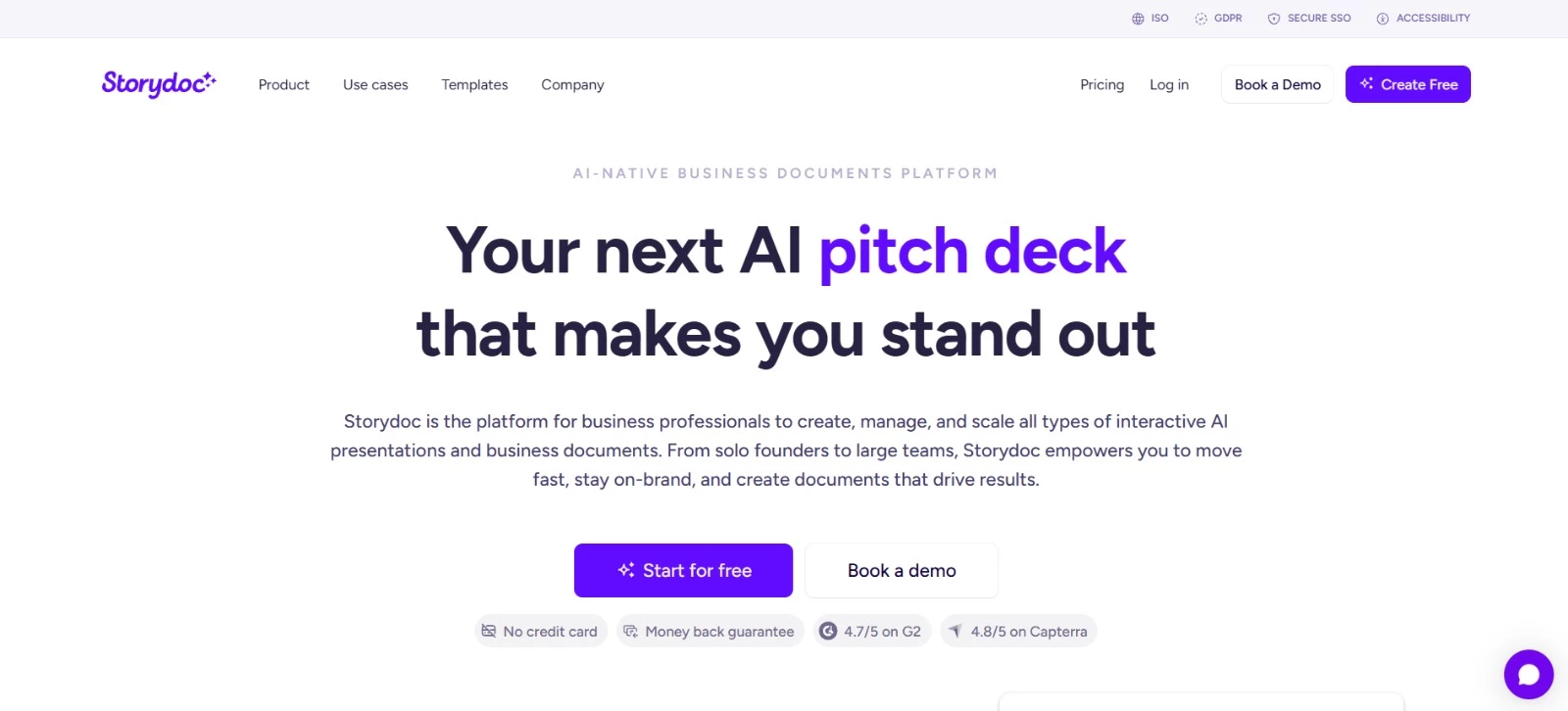
Storydoc gives prospects a proposal they can explore and share internally, with videos, booking forms, and content tailored to their business.
AI tools help draft the deck and arrange the slides, and engagement analytics show which parts of your pitch get attention.
Key Features
- AI creation tools: Generate decks, rewrite text, and adjust slide designs
- Dynamic personalization: Customize text, images, and data for each prospect
- Interactive content: Embed videos, scheduling tools, and forms
- Engagement analytics: Track opens, clicks, and reader activity
- Version control: Update or expire shared links after sending
Potential Limitations
- Starter allows five active documents, and Pro allows 30. Unlimited active documents require Teams
- Collaboration, variable-based personalization, and integrations require Pro or Teams
Pricing
- Starter: $237.60/year
- Pro: $432/year
- Teams: Custom pricing, designed for five or more users
What Makes Storydoc Stand Out
WiseStamp wanted better engagement after introductory calls and product demos. It used Storydoc to personalize sales decks with each prospect’s name, company logo, email signature mockups, and agreed pricing.
According to Storydoc’s case study, WiseStamp reported:
- A 10% CTA conversion rate
- A 60% deck completion rate
- More than half of its decks shared internally within prospective clients’ organizations
8. Responsive: Best for Coordinating RFP Responses
For proposal managers coordinating input from sales, technical specialists, legal, and security reviewers.
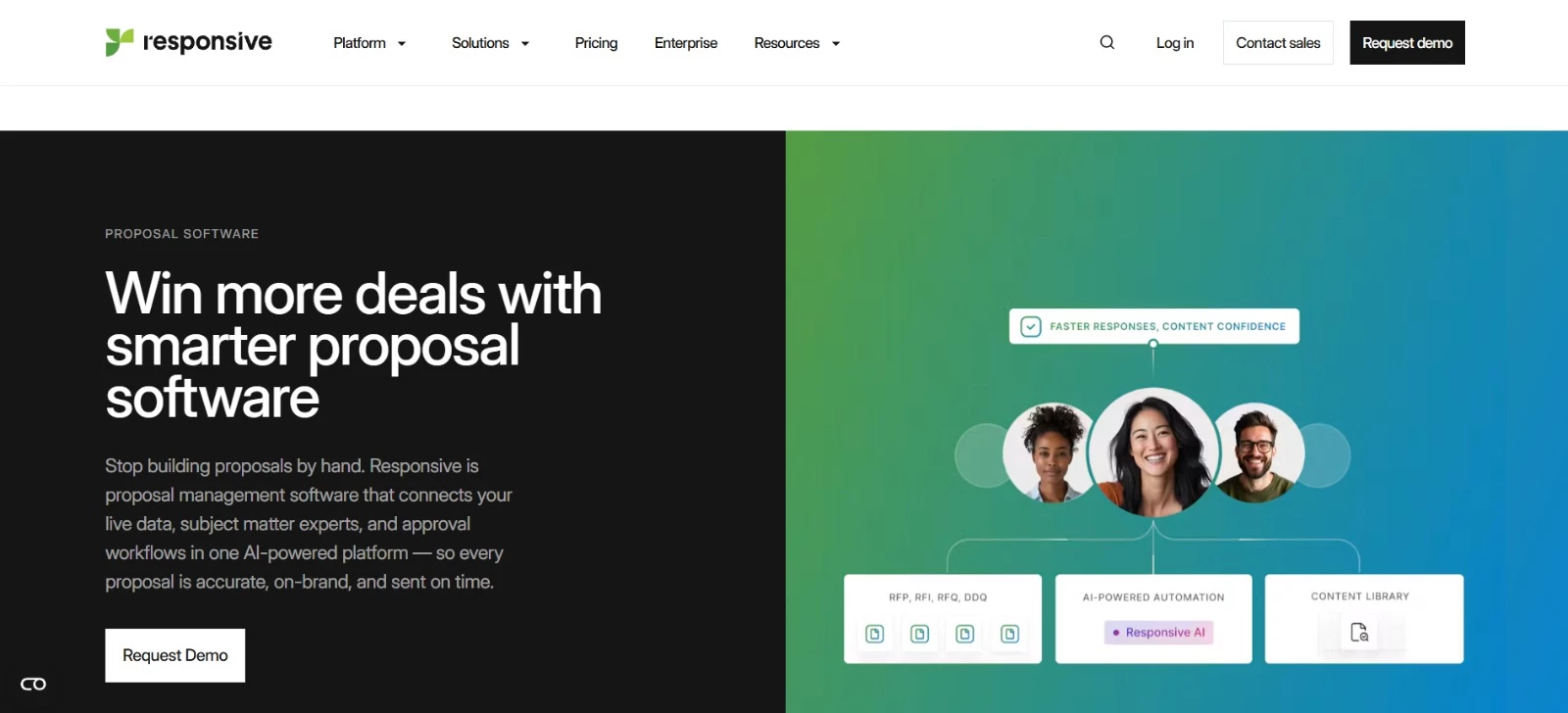
Responsive organizes RFP responses around approved company knowledge, AI-generated drafts, and reviews by subject matter experts.
Proposal managers can coordinate contributions across departments and reuse verified answers for security questionnaires and due diligence requests, reducing the need to ask specialists the same questions repeatedly.
Key Features
- AI response drafting: Prepare initial answers using company knowledge
- Centralized content: Maintain reusable answers and supporting documentation
- Collaborative reviews: Coordinate contributions and approvals across departments
- Requirements analysis: Assess how well an RFP matches your capabilities
- Self-service knowledge access: Make approved information available through Ask and Trust Center
Potential Limitations
- AI drafts still require subject matter experts to validate details and tailor answers to each request
- The starting platform fee is only part of the cost; user licenses, add-ons, and services affect the total
Pricing
- Emerging Edition: Starts at $10,000/year
- Growth Edition: Custom pricing
- Enterprise Edition: Custom pricing
- Demo available on request
What Makes Responsive Stand Out
At BlackLine, IT and security questionnaires consumed approximately half of the proposal team’s capacity.
The financial software company introduced a self-service Trust Center for customer documentation and AI-assisted drafting, giving subject matter experts responses to review and refine.
- 74% of draft answers prefilled by AI within minutes of starting an RFP project
- 11,000 unique Trust Center views and more than 15,500 downloads, helping reduce repetitive information requests
- A maintained 50% proposal win rate, with the proposal team influencing approximately 30% of company revenue
9. QorusDocs: Best for Microsoft 365 Proposal Workflows
For professional services, legal, and technical firms that prepare proposals in Microsoft 365.
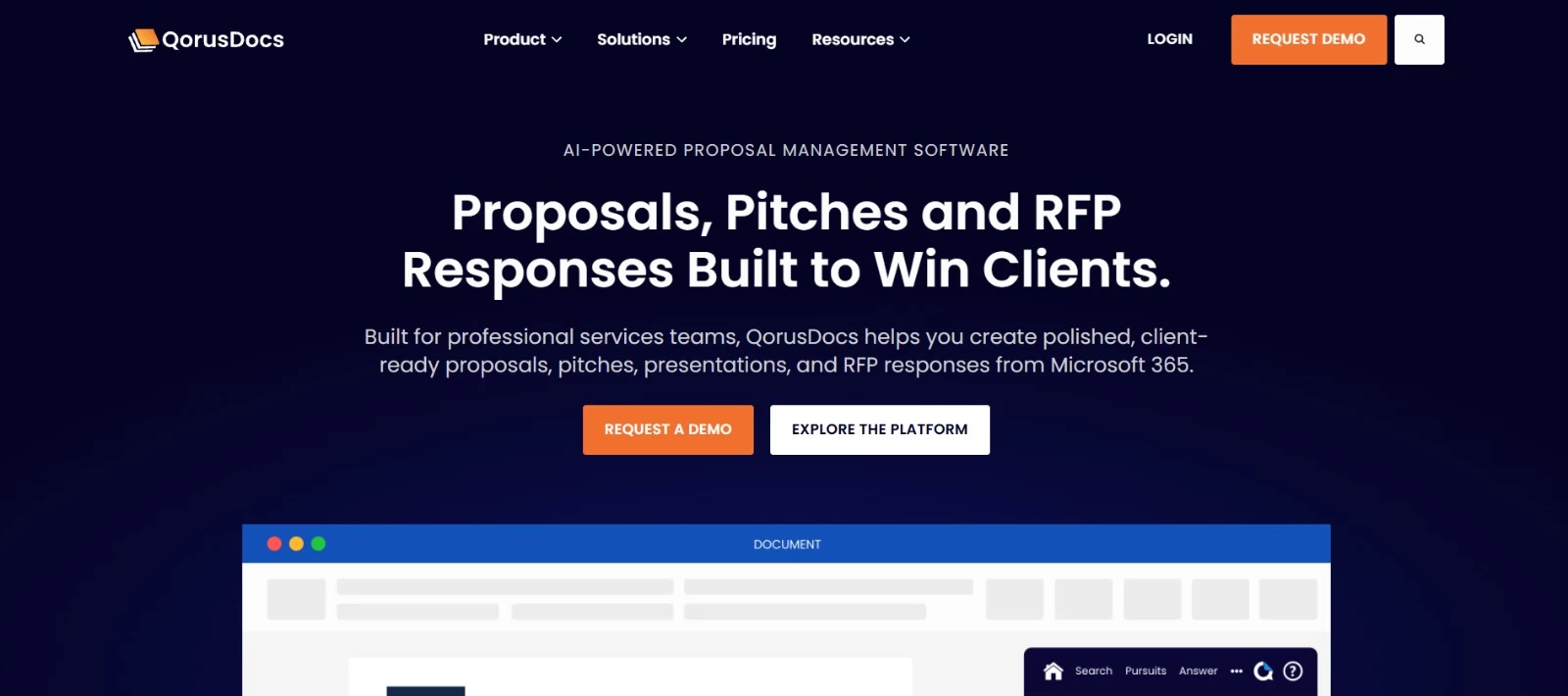
QorusDocs brings proposal drafting, reusable content, and document reviews into Microsoft 365. Contributors can co-author documents, and proposal managers can assign sections and track approvals.
Its AI uses existing content and CRM data to draft personalized responses within branded templates, helping firms reuse their expertise across bids.
Key Features
- Microsoft 365 collaboration: Co-author documents and gather feedback
- AI proposal drafting: Use CRM data, call transcripts, and past content to prepare responses
- Reusable content library: Find and add relevant material into proposals
- Review workflows: Assign sections, track progress, and manage approvals
- Proposal analytics: Monitor engagement, content usage, and win/loss trends
Potential Limitations
- Its Microsoft 365-centered workflow may be less suitable for businesses using other document tools
- Proposal creation, legal pitches, and ROI modeling sit in different packages, so buyers need to confirm which capabilities their quote includes
Pricing
- ProposalHub: Custom pricing for proposals, presentations, and RFP responses
- PitchHub: Custom pricing for legal pitches and RFP responses
- ValueHub: Custom pricing for business cases and ROI modeling
- Demo available on request
What Makes QorusDocs Stand Out
IT consulting and engineering firms used QorusDocs to speed up proposal work by reusing existing content within Microsoft Office. A report by Info-Tech Research Group explored their experience and reported the following results:
- A fivefold increase in RFP responses
- Up to 50% less time spent creating proposals
- Automation of up to 80% of proposal creation tasks, including content updates and formatting
10. Loopio: Best for Reusing RFP Content
For proposal managers and presales specialists handling recurring RFPs, security questionnaires, and due diligence requests.
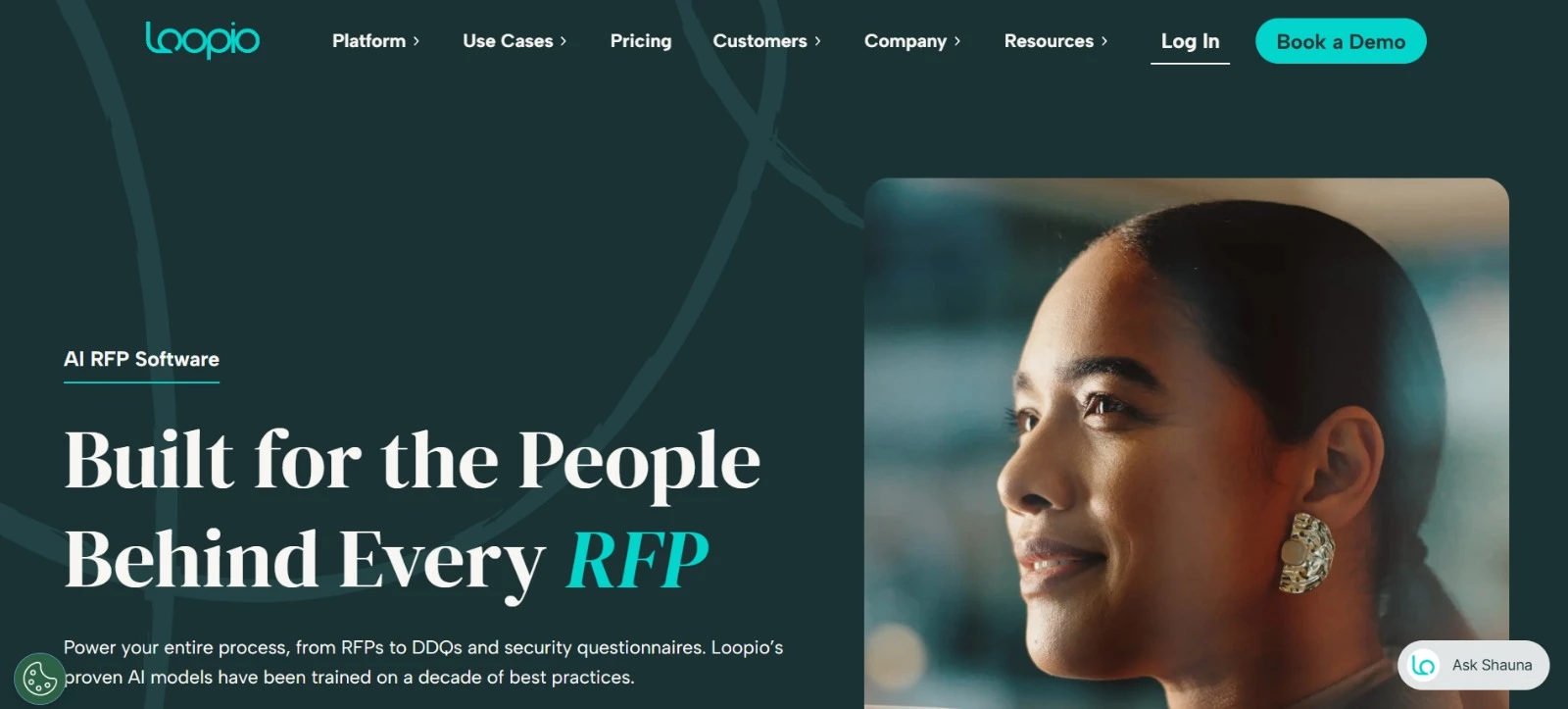
Loopio makes previous responses and company knowledge easier to find and reuse in new bids. Its searchable library and AI drafting tools give contributors a starting point for each answer, leaving more time to address the buyer’s requirements.
Proposal managers can also track deadlines, coordinate reviews, and see which content needs attention.
Key Features
- Searchable content library: Organize reusable answers and retrieve relevant company information
- AI-assisted responses: Draft answers using existing knowledge for contributors to review and personalize
- Project coordination: Track deadlines and manage contributions across projects
- Content and performance reporting: Monitor completion times, proposal effectiveness, and library health
- Connected workflows: Access information and coordinate work through integrations with tools such as Salesforce, SharePoint, Slack, and Microsoft Teams
Potential Limitations
- Multistep reviews, confidential projects, and multilingual libraries require Enhanced or Enterprise
- Project translations, onboarding packages, and integrations are listed as add-ons, so confirm their costs when requesting a quote
Pricing
- Foundations: Custom pricing; includes 10 seats, unlimited projects, unlimited library entries, and generative AI.
- Enhanced: Custom pricing
- Enterprise: Custom pricing
What Makes Loopio Stand Out
Zendesk had plenty of proposal content, but its existing software made it hard to find and reuse the right answers.
With Loopio, its proposal specialists organized that knowledge into a searchable library and connected customer-facing documentation to their RFP workflow through a custom API integration.
According to Loopio’s Zendesk case study, here’s what they accomplished:
- 30% more automation, giving proposal specialists more time to review and customize responses
- 400+ RFPs supported annually, without adding headcount
- Up to 70% greater efficiency across RFP responses, supported by the custom integration
How To Choose the Right Proposal Software Tools
The right proposal software depends on where your process slows down. Your team might spend hours finding relevant content, adjusting prices, or chasing internal approvals.
A recent proposal that was difficult to complete can help you pinpoint which features would make the biggest difference.
As Andreja Zujkovic, founder of IceFyre Solutions, explains:
"The creative agencies that win are the ones that rethink their processes first — then choose the tools that fit."
| Your Main Challenge | Shortlist | Test Before Committing |
| Preparing branded service proposals with limited administrative support | Better Proposals, PandaDoc | Build a proposal with your own services, terms, and payment schedule. |
| Keeping proposals consistent across sales representatives | Proposify, PandaDoc | Restrict edits to approved terms and route a discounted offer for review. |
| Presenting services through interactive pages or decks | Qwilr, Storydoc | Check the proposal on mobile and review what happens when the buyer shares or downloads it. |
| Coordinating several client stakeholders | GetAccept | Share supporting materials, assign next steps, and test the buyer’s commenting and signing experience. |
| Quoting bundles, subscriptions, or negotiated discounts | DealHub | Configure a realistic deal with exceptions and confirm that approvals reach the right people. |
| Managing detailed RFP responses and specialist reviews | Responsive, Loopio | Import a previous questionnaire, retrieve relevant answers, and assign unanswered questions for review. |
| Preparing proposals within Microsoft 365 | QorusDocs | Create a document using your templates and test co-authoring, content reuse, and approvals. |
Before choosing, check these requirements:
- Template flexibility: Confirm that you can edit scope, deliverables, pricing, and terms without rebuilding the document.
- CRM data transfer: Test the exact fields you need, including custom fields, products, and deal values. Ask which updates sync back to the CRM.
- Client approval: Walk through signing order, reminders, payment collection, and access for additional decision-makers.
- Engagement tracking: Check what the software actually measures and how it identifies recipients. Viewing activity can guide a follow-up, but it does not confirm buying intent.
- Total cost: Include minimum seats, document allowances, implementation, integrations, and any features restricted to higher plans.
For proposal software tools for digital marketers, pay particular attention to recurring retainers, optional channels, and the distinction between agency fees and advertising spend.
Your pricing table should make those differences clear to the client.
What To Check in AI Proposal Software
For example, Storydoc helps generate and design decks, and Responsive and Loopio focus on drafting responses using company knowledge. Choose the task you want help with before comparing AI features.
During a trial or demo, check:
- Source material: Can the AI use approved service descriptions, current product documentation, and relevant case studies?
- Missing information: Give it a question your content doesn’t answer. Check if it flags the gap or produces an unsupported claim.
- Editing controls: Confirm that reviewers can change drafts and protect approved pricing, terms, and other sensitive sections.
- Data handling: Ask how uploaded content is stored, who can access it, and how it is used by the AI provider.
- Actual time saved: Measure the time needed to review and finish the proposal, including corrections.
Proposal Software Tools: Final Thoughts
AI-powered proposal tools are transforming how agencies and businesses create, personalize, and manage proposals, making the process faster, smarter, and more engaging.
Choosing the right platform depends on your team’s workflow, CRM integrations, and the level of automation you need.
By leveraging these tools effectively, organizations can save time, increase win rates, and deliver proposals that truly resonate with clients.
Our team ranks agencies worldwide to help you find a qualified partner. Visit our Agency Directory for the Top Software Development Companies, as well as:
- Software Consulting Agencies
- Top Software Testing Companies
- AI Development Companies
- Top Mobile App Development Companies
- Top Software Companies in Nashville
Our design experts also recognize the most innovative design projects across the globe. Visit our Awards section for the best & latest in app designs.