
Accessibility barriers can stop visitors from submitting forms, completing purchases, or using online services. WebAIM found WCAG failures on 95.9% of the top one million homepages in 2026, up from 94.8% in 2025.
Any page can be an entry point, and a one-time audit cannot keep pace with each new feature or content update.
We reviewed 10 website accessibility testing tools to help development, QA, and compliance teams compare different options.
Web Accessibility Testing: Key Findings
- WAVE and Lighthouse provide free page checks, and Pa11y adds automated testing to developer pipelines.
- Stark catches design issues before handoff, and BrowserStack tests complete journeys on real devices.
- Siteimprove, Silktide, and Level Access support broader monitoring or expert review; Fable provides feedback from people with disabilities.
How Website Accessibility Testing Works: Automated vs. Manual
Website accessibility testing assesses whether people with disabilities can use a site and complete key tasks, such as navigating menus, understanding content, submitting forms, and making purchases.
The goal is to assess the content, code, and user experience against the Web Content Accessibility Guidelines (WCAG), which provide technical criteria for making web content more accessible to people with disabilities.
Its latest version, WCAG 2.2, organizes 13 guidelines into four principles - perceivable, operable, understandable, and robust.
Here’s what automated tools can catch and what still needs a human review:
| Testing Method | What It Checks | Main Limitation |
| Automated Testing | Scans code and page elements for detectable issues such as low contrast, missing form labels, empty links, and absent alt text | A clean automated scan only confirms that the tool found no issues covered by its rules. Determining whether a website is accessible and WCAG-conformant also requires knowledgeable manual evaluation. |
| Manual Testing | Reviews keyboard navigation, focus order, screen-reader output, content clarity, interaction logic, and key tasks through expert checks or testing with people with disabilities | Takes longer and may require specialist knowledge, participant recruitment, or both |
Accessibility Testing Tools at a Glance
We chose website accessibility testing tools that represent the main testing needs within an accessibility program, such as quick page checks, developer automation, design review, recurring monitoring, formal audits, and usability research with people with disabilities.
We reviewed each provider’s published documentation and compared its intended users, testing methods, integrations, monitoring capacity, manual-testing support, and publicly available pricing.
The tools are not ranked because they answer different needs.
| Tool | Best For | Core Testing Type | Pricing |
| WAVE | Free visual accessibility checks | Visual page audit with automated indicators | Free; API credits start at $10 for 250 |
| Google Lighthouse | Built-in accessibility audits in Chrome | Automated page, CLI, and CI audits | Free and open source |
| Fable | Accessibility testing with people with disabilities | Moderated and unmoderated user research | Free account and usability scale; projects and annual plans are paid |
| BrowserStack | Cross-browser accessibility testing on real devices | Journey, screen-reader, design, and CI/CD testing | Free plan; paid plans use custom pricing |
| Siteimprove | Enterprise accessibility monitoring and reporting | Recurring website, PDF, and media monitoring | Free single-page checker; platform pricing is custom |
| Silktide | Automated testing with expert support | Scheduled site scans, journey testing, and expert audits | Free browser extension; platform pricing is custom |
| Pa11y | Automated checks before website updates go live | Command-line and CI/CD automation | Free and open source |
| axe DevTools | Guided accessibility testing during development | Automated scans and guided manual checks | Free extension; Pro costs $60 per user per month |
| Stark | Catching accessibility issues during design | Design, code, and live-product testing | Free account; paid plans start at $198 per user per year with a three-seat minimum |
| Level Access | Formal audits and VPAT documentation | Automated monitoring, expert evaluations, and compliance reporting | Custom pricing |
1. WAVE: Best for Free Visual Accessibility Checks
Ideal for developers, editors, and QA
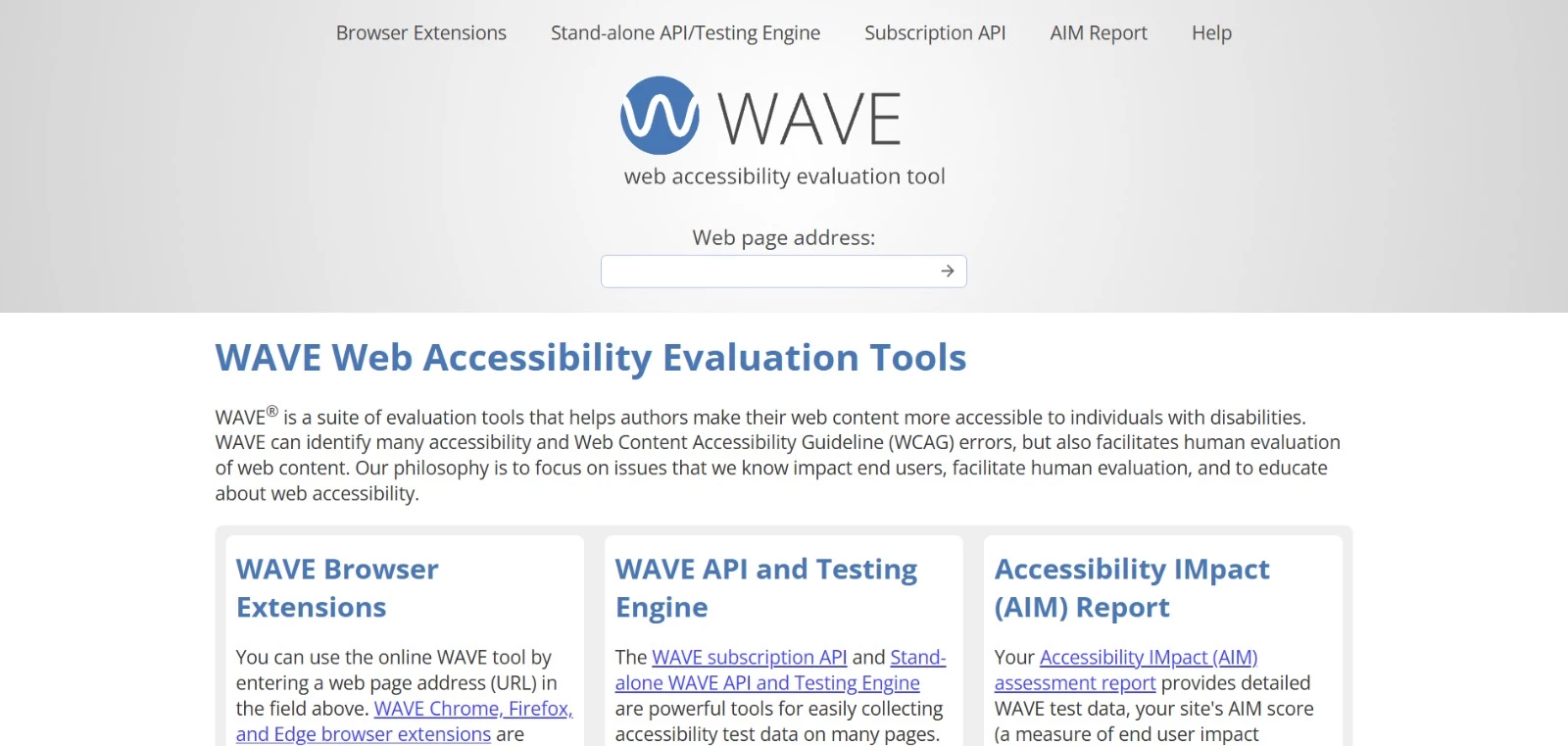
WAVE is a website accessibility tool from WebAIM that flags WCAG errors and potential barriers directly on a page.
Its visual report places icons beside affected elements, helping developers, content editors, and QA professionals locate issues and understand why they matter.
You can check a public URL online or install the Chrome, Firefox, or Edge extension. The extensions also evaluate local, password-protected, and dynamically generated pages without transmitting page data to WAVE.
For larger projects, WAVE offers an API, a stand-alone testing engine, and an AIM assessment that adds expert manual testing to automated site data.
WAVE also supports human evaluation and doesn’t issue a definitive accessibility verdict. A report with no detected errors would still require manual review.
Pros
- Free online checker and browser extensions
- Visual indicators make detected issues easier to locate and understand
- Extensions can evaluate private, local, and dynamically generated pages
Cons
- The online checker evaluates one page at a time
- Contextual and interaction issues still require manual testing
Pricing
- Online checker and browser extensions: Free
- Subscription API: Includes 100 free credits for new accounts; paid credits start at $10 for 250
- AIM assessment: $500 for a one-time scan of up to 20,000 pages, including expert manual testing of four sample pages; each additional 20,000 pages costs $100
- Stand-alone API and testing engine: $4,000 to $12,000 per year, depending on request, domain, and installation limits
2. Google Lighthouse: Best for Built-In Accessibility Audits in Chrome
Ideal for developers and technical teams
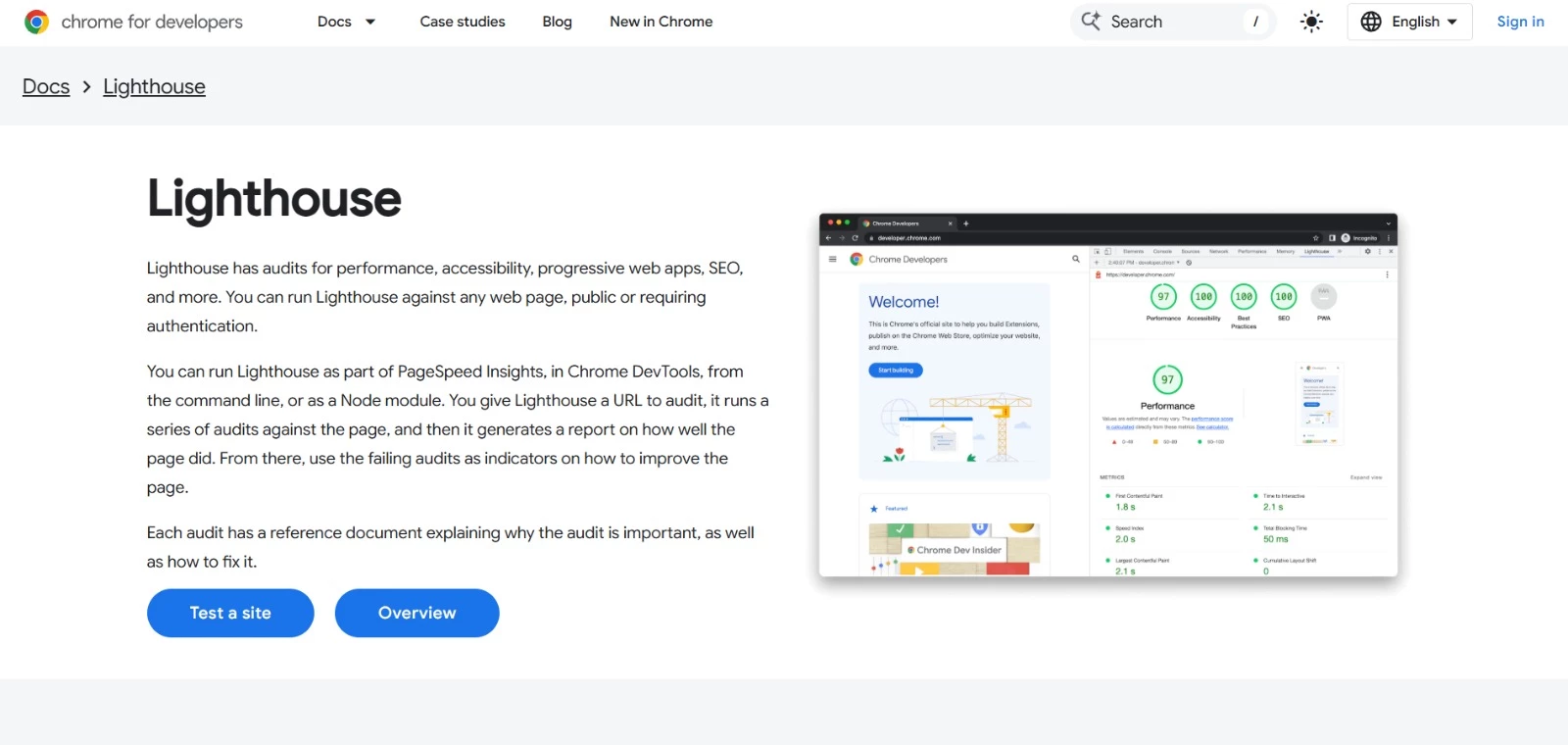
If you already work in Chrome DevTools, Google Lighthouse lets you check a page without setting up a separate accessibility platform.
Select the accessibility audit, analyze any public or authenticated page, and review the failed checks.
Each result explains why the issue matters and directs you to remediation guidance.
Lighthouse also audits performance, SEO, and development best practices, giving you an extensive view of page quality in the same report.
Developers can run it from the command line or as a Node module when browser-based checks are insufficient.
Pros
- Built into Chrome DevTools and available without an account
- Tests public, local, and authenticated pages
- Supports automated checks through its CLI, Node module, and Lighthouse CI
Cons
- Only detects accessibility issues covered by its automated audits
- DevTools audits check one page at a time; broader monitoring requires additional setup
Pricing
- Free and open source
- Available through Chrome DevTools, PageSpeed Insights, the command line, and Node.js at no cost
3. Fable: Best for Accessibility Testing With People With Disabilities
Ideal for UX researchers and product teams
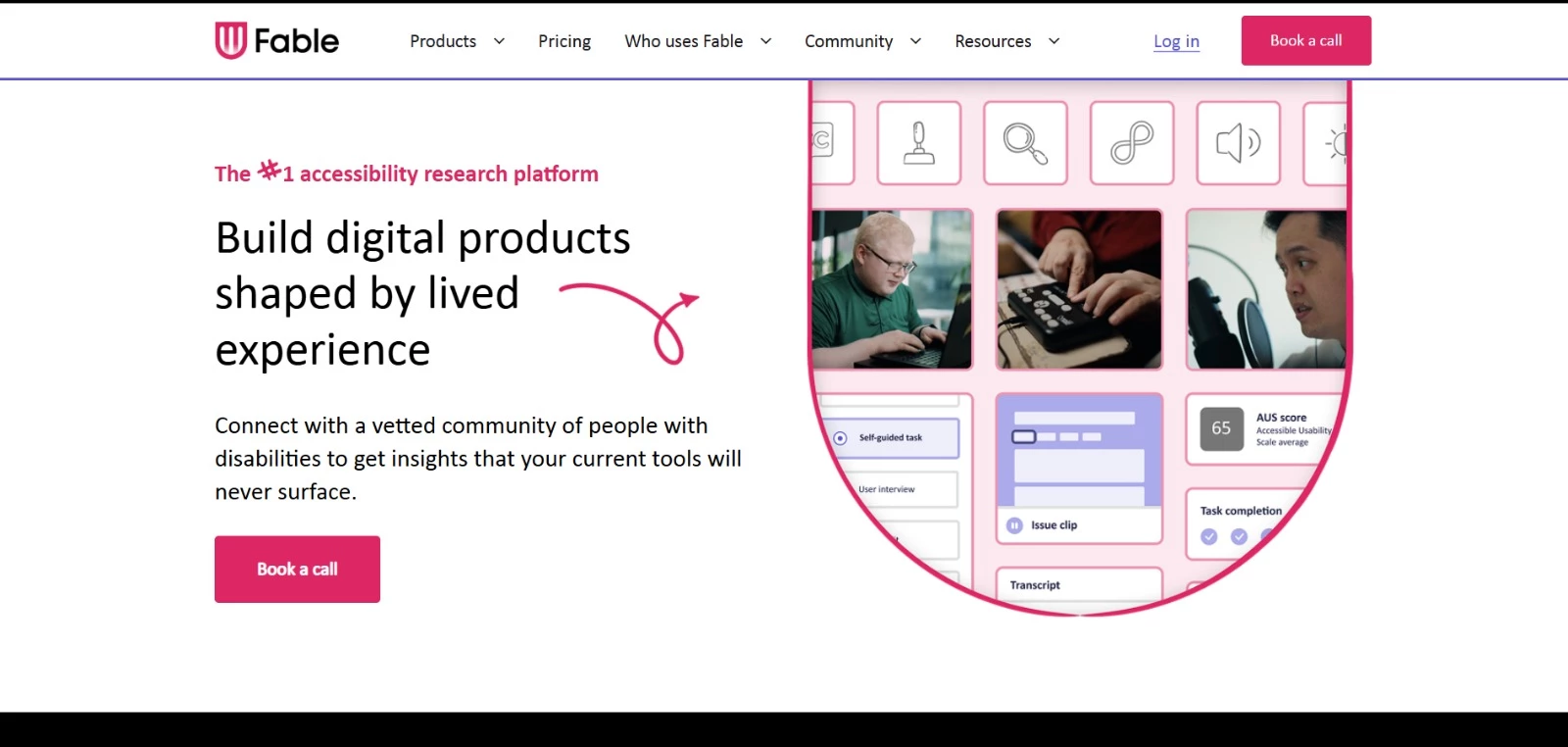
Use Fable when you need to understand how people with disabilities actually experience a website, app, or prototype.
The platform connects you with vetted participants who use screen readers, magnification, alternative navigation tools, and other accommodations in their daily lives.
You can request self-guided tasks, compatibility tests, user interviews, prototype reviews, or QA sessions.
Fable manages participant recruitment, matching, training, and compensation. Feedback can include recordings, transcripts, task-completion results, and an Accessible Usability Scale score, giving your team evidence it can use to prioritize changes.
Annual plans also include Figma and Jira integrations, organization-level reporting, and access to a range of research methods.
Fable shows you where users run into problems, but you will still need automated tools and an expert review to assess WCAG compliance.
Pros
- Provides feedback from people with disabilities using their own assistive technologies
- Handles participant recruitment, matching, training, and compensation
- Supports moderated and unmoderated research, recordings, transcripts, and usability scoring
Cons
- Research project and annual-plan prices are not publicly listed
- Several reporting features require an annual plan
Pricing
- Fable Engage: Pay-per-project and custom annual plans available
- Pay-per-project account: Free to create; individual research projects are paid
- Accessible Usability Scale: Free
4. BrowserStack: Best for Cross-Browser Accessibility Testing on Real Devices
Ideal for QA and development teams
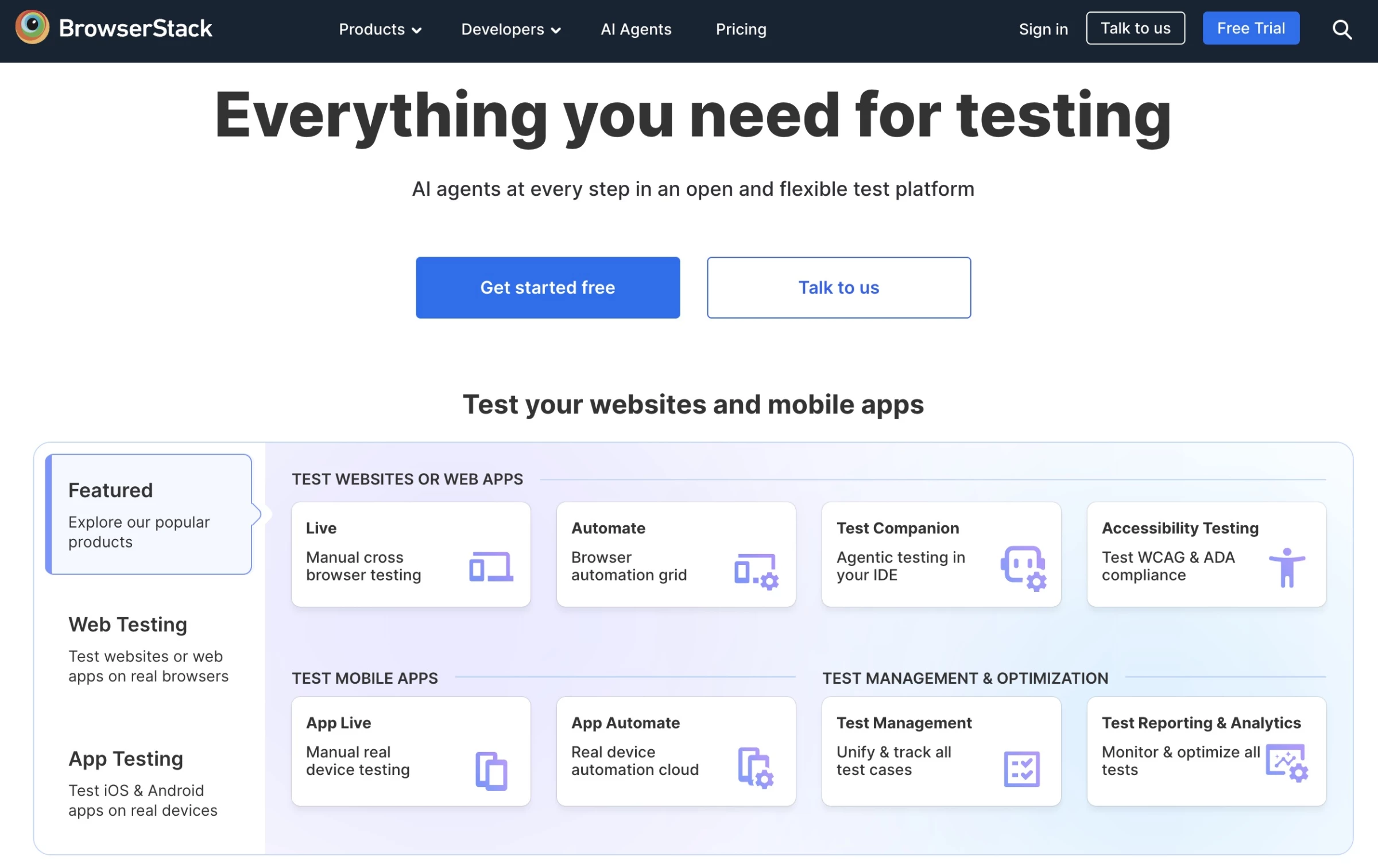
BrowserStack helps you examine complete user journeys, not only isolated pages. Its Workflow Analyzer follows users through processes such as registration or checkout, and Assisted Tests provide guidance for checks that need your input.
You can also test how pages work with JAWS, NVDA, TalkBack, and VoiceOver on actual devices.
Your developers can add WCAG checks to CI/CD pipelines, use the linter inside their IDE, and schedule website scans to catch new issues after launch.
BrowserStack also includes tools for checking layouts and components during design. This makes it a good fit for QA teams that want to manage multiple aspects of accessibility testing on a single platform.
Pros
- Tests multi-page journeys, individual pages, designs, and code
- Provides access to screen readers on real devices
- Supports CI/CD checks and scheduled website scans
Cons
- Paid plan prices are only available by contacting sales
- The free plan limits testing to five pages and 20 design frames per month
Pricing
- Free: Includes five-page workflow testing, unlimited scans for up to five pages, keyboard-navigation testing, an IDE linter, reports, and 60-day data retention
- Essentials, Automate, Ultimate, and Enterprise: Custom pricing
5. Siteimprove: Best for Enterprise Accessibility Monitoring and Reporting
Ideal for accessibility leaders and enterprise teams
Siteimprove scans web pages, PDFs, and media, then prioritizes the issues it finds and provides guidance on how to fix them.
Accessibility leaders, WebOps teams, and executives can track progress through its dashboards.
Checks are available in Figma for designers, VS Code and CI/CD pipelines for developers, and publishing workflows for content teams. This helps each issue reach the person responsible for fixing it.
Accessibility is part of a wider platform that also includes analytics, SEO/AEO, and content strategy.
Enterprises looking to reduce the number of separate tools they use may see that as an advantage, but smaller teams may find Siteimprove more extensive than they need.
Pros:
- Monitors multiple websites, web pages, PDFs, and media
- Prioritizes issues and tracks progress through dashboards
- Integrates with Figma, VS Code, CI/CD pipelines, and content management systems
Cons:
- Platform pricing is not publicly listed
- May offer more functionality than smaller websites need
Pricing:
- Free Website Checker: Available for a single-page website assessment
- Siteimprove Accessibility platform: Custom pricing available upon request
6. Silktide: Best for Automated Testing With Expert Support
Ideal for large web teams and accessibility specialists
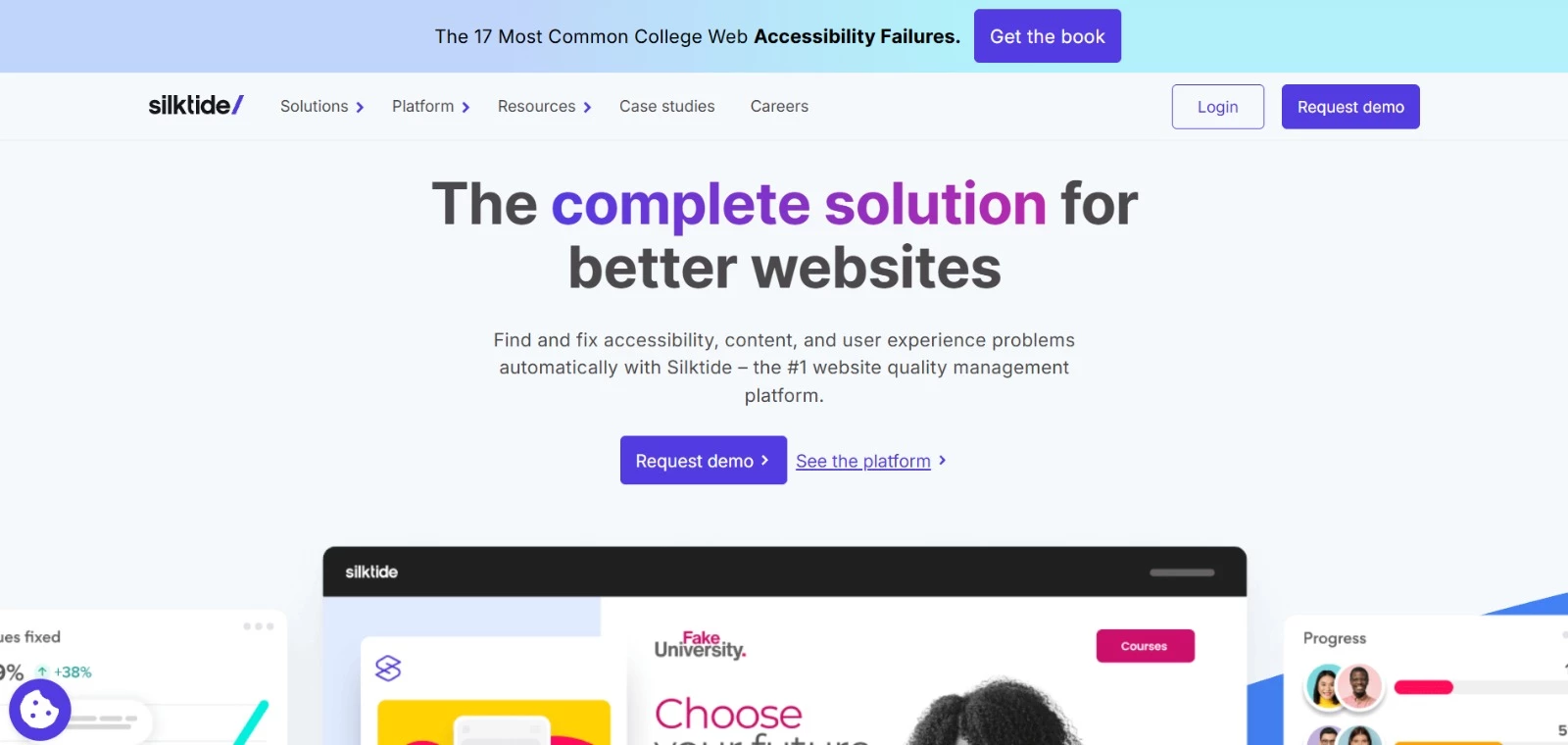
Silktide gives large web teams one place to automate recurring checks and bring in specialists when a site needs human review.
After scanning your pages, the platform assigns accessibility scores and prioritizes problems. Its Inspector then shows you exactly where each issue appears.
Silktide can test multi-step forms and content behind a login, two areas that simple URL scanners may not reach.
Once your team makes a change, you can rerun the test for one page or the entire website without waiting for the next scheduled scan.
For additional support, Silktide’s in-house experts provide manual audits, consultancy, and training.
Pros:
- Supports scheduled and on-demand scans for websites with hundreds or thousands of pages
- Tests multi-step user journeys and authenticated areas
- Offers manual audits, accessibility consultancy, and employee training
Cons:
- Paid platform prices are not publicly listed
Pricing:
- Silktide Accessibility Checker: Free Chrome and Edge extension for testing individual pages
- Silktide platform: Custom pricing based on website size, selected features, and support requirements
7. Pa11y: Best for Automated Checks Before Website Updates Go Live
Ideal for developers using CI/CD workflows
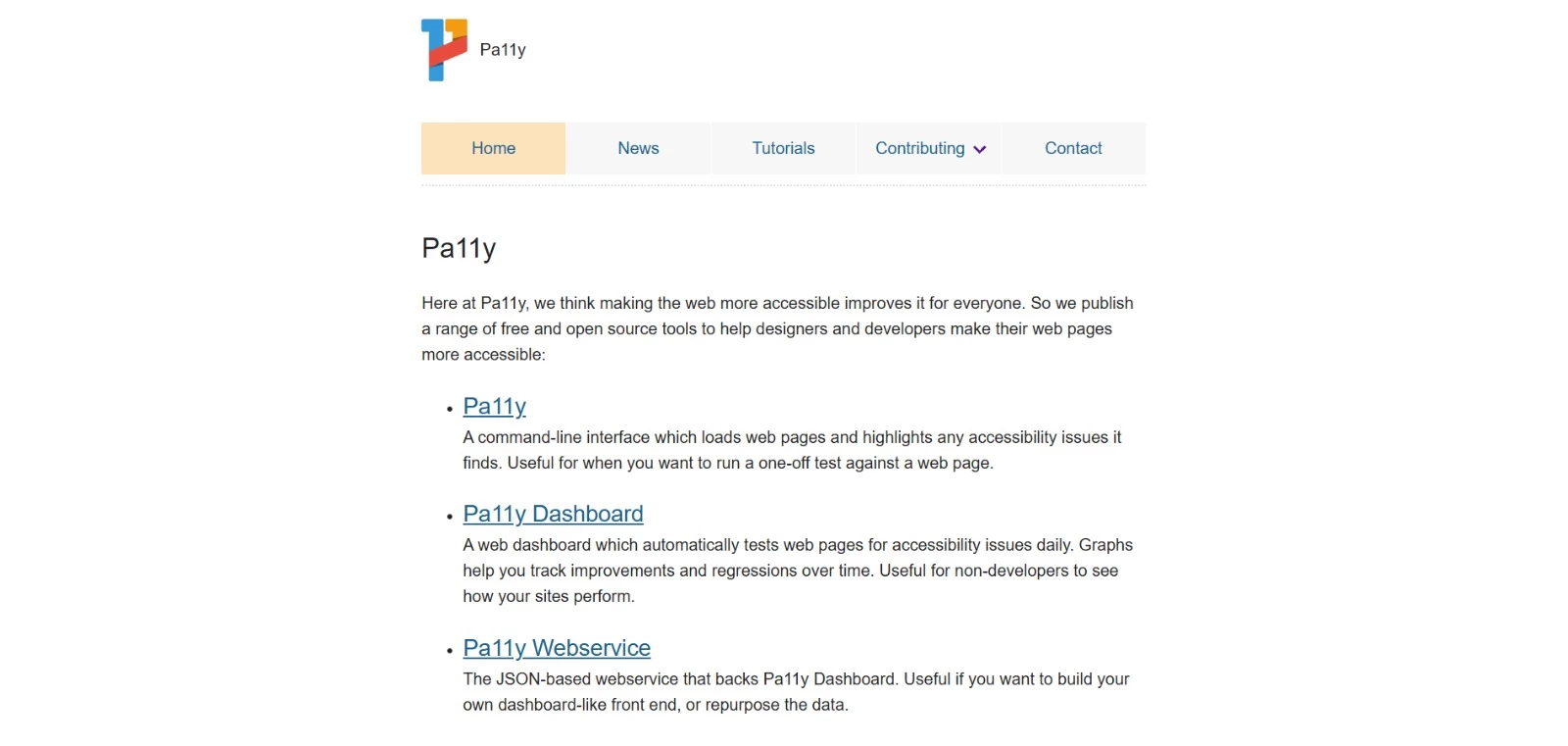
Pa11y is a free, open-source toolkit that lets developers run accessibility checks from the command line or integrate them into the development process.
With Pa11y CI, your team can test a list of pages whenever code changes are submitted and stop the update if errors exceed a chosen limit. This helps catch recurring issues before they reach the live website.
For a one-off check, enter the page URL in the command line. Pa11y supports HTML_CodeSniffer and axe, with reports available in CSV, HTML, JSON, and other formats.
The separate Pa11y Dashboard runs daily tests and charts changes over time, but your team must install and host it.
Pros:
- Free and open source
- Can test multiple pages and stop updates that exceed your error limit
- Supports HTML_CodeSniffer and axe, plus several report formats
Cons:
- Requires Node.js and command-line knowledge
- Pa11y Dashboard must be installed and hosted by your team
Pricing:
- Free under the LGPL-3.0 open-source license
- No paid plans
8. Axe DevTools: Best for Guided Accessibility Testing During Development
Ideal for developers and QA teams
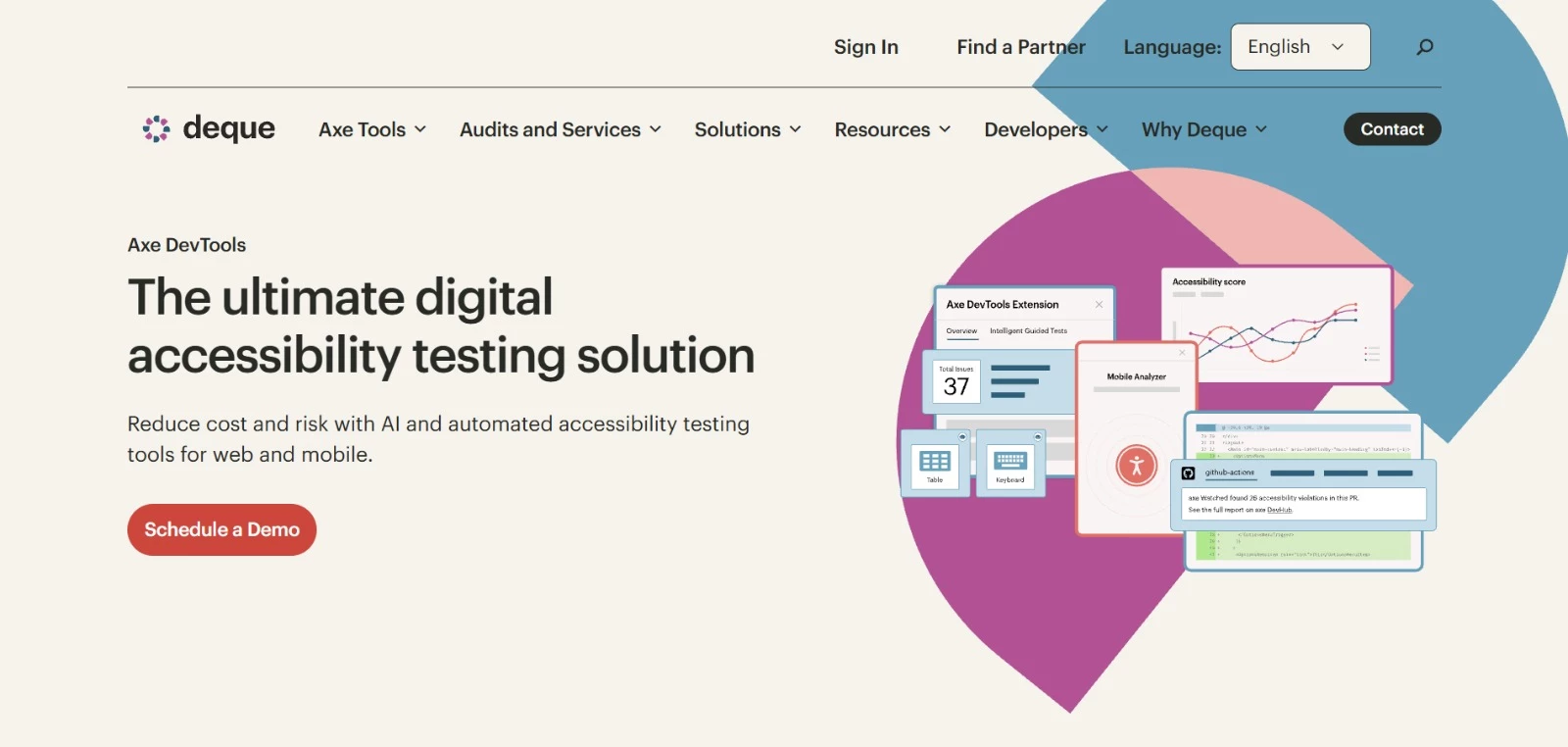
Axe DevTools works in the places developers already spend their time - the browser, code editor, automated testing framework, and CI/CD pipeline. You can start with the free Chrome extension for basic page scans.
Paid plans add guided tests, user-flow analysis, issue deduplication, Jira integration, and reporting for multiple projects.
Step-by-step prompts help developers review issues that automation cannot settle on its own, with those findings added to the automated results.
This gives your team more context when deciding what needs fixing. Web and mobile toolsets are sold separately.
Pros:
- Free extension available for basic page-by-page scans
- Adds guided checks for issues that need human input
- Integrates with code editors, CI/CD pipelines, Jira, and automated testing frameworks
Cons:
- Pro pricing is charged per user, which can increase costs for larger teams
- Web and mobile testing require separate products
Pricing:
- Axe DevTools Extension Free: for basic automated testing
- Axe DevTools Extension Pro: $60 per user per month after a 14-day free trial
- Axe DevTools for Web Bundle: Custom pricing
9. Stark: Best for Catching Accessibility Issues During Design
Ideal for designers and design teams
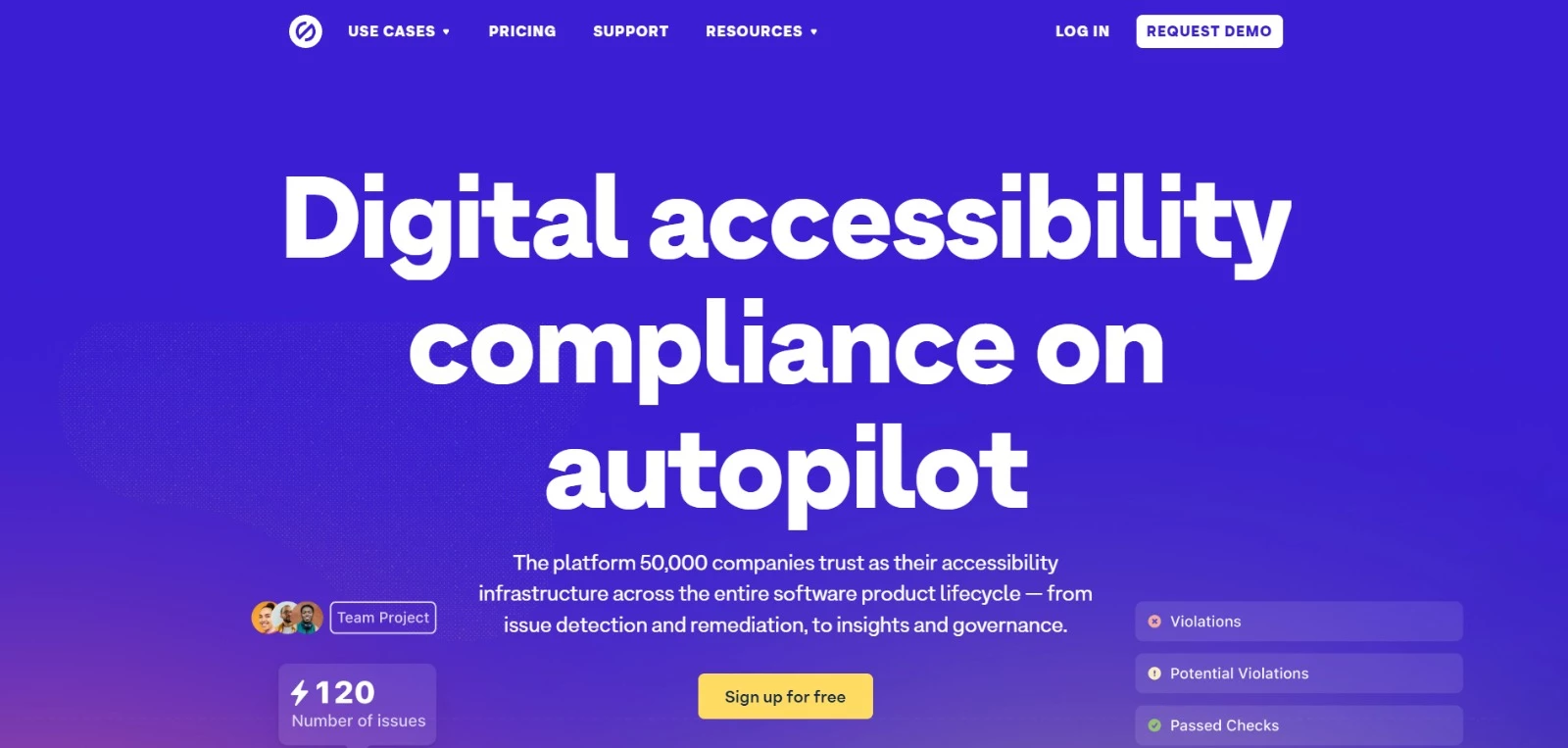
Designers can use Stark to check contrast, typography, alt text, focus order, touch targets, and other accessibility requirements without leaving Figma or Sketch.
Designers can then share the results with developers before they start building.
Once the product moves into code, browser and GitHub integrations keep the same accessibility work connected.
Stark can also monitor design files, code repositories, and live products through a single project dashboard, though scan frequency and page limits depend on your plan.
Higher tiers add ticketing integrations, draft VPAT reports, and a Compliance Center for documenting requirements and audit evidence.
Pros:
- Checks accessibility directly in Figma and Sketch
- Connects design work with browsers, GitHub, code repositories, and CI/CD pipelines
- Tracks accessibility in design files, code, and live products
Cons:
- Premium Pack requires at least three paid seats
- Ticketing, draft VPAT reports, and the Compliance Center start with the $8,000-per-year Grow plan
Pricing:
- Free team account
- Premium Pack: From $198 per user per year, with a three-seat minimum
- Launch: From $2,500 per year
- Grow: From $8,000 per year
- Scale: From $21,000 per year
10. Level Access: Best for Formal Audits and VPAT Documentation
Ideal for compliance teams and software vendors
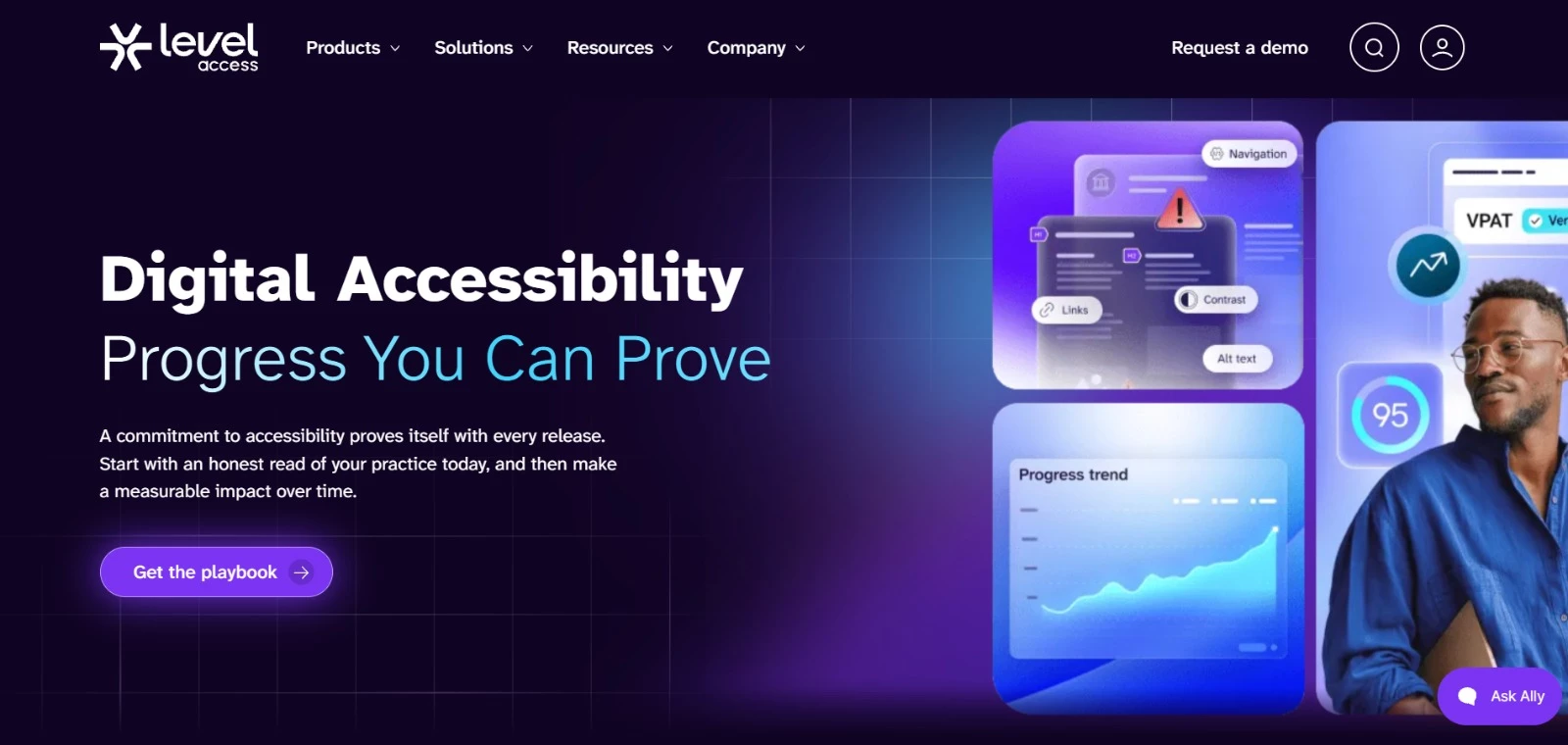
Level Access is built for organizations that need accessibility results for procurement, audits, and formal reporting. Automated scans handle standard checks.
Accessibility specialists review the issues automation cannot confirm, and their findings appear in the same dashboards used by compliance teams and senior leaders.
Software vendors can also use Level Access to complete a VPAT and produce the resulting Accessibility Conformance Report.
This document explains how well a product meets WCAG and related standards, giving buyers evidence they can review during procurement or contract renewal.
Pros:
- Includes automated monitoring and expert manual evaluations
- Helps software vendors prepare VPATs and Accessibility Conformance Reports
- Provides dashboards for tracking compliance status and reporting progress
Cons:
- Pricing is not publicly listed
- CI/CD testing, mobile testing, and accessible PDF tools are listed as add-ons
Pricing:
- Platform and services: Custom pricing
- Personalized demo: Free 30-minute session
How To Choose the Right Website Accessibility Tool
Start with the testing problem you need to solve. A browser checker, a development library, a monitoring platform, and a user-research service perform different jobs.
- Who will use the tool: Lighthouse, Pa11y, and axe DevTools suit developers familiar with browser tools, code, and CI/CD. Stark works directly within design workflows.
Content owners and compliance leaders may need visual reports, dashboards, and guided recommendations. - What needs to be tested: Determine whether you need occasional page checks, comprehensive user-journey testing, recurring scans of a large website, or reporting across several digital properties.
Also check whether the tool supports authenticated pages, mobile apps, PDFs, and media. - Where testing must happen: List the integrations you require before comparing plans.
These could include Figma, Sketch, a CMS, VS Code, GitHub, Jira, automated testing frameworks, or your CI/CD pipeline. - How much human evaluation you need: Automated testing may be sufficient for frequent regression checks, but complex interactions and procurement evidence require guided testing, expert evaluation, or research with people with disabilities.
- What standards and evidence are required: Confirm which WCAG version and conformance levels the tool tests.
ADA, Section 508, and the European Accessibility Act are legal requirements rather than testing rule sets, so verify how the provider’s checks, audits, and reports support the obligations relevant to your organization. - What the tool costs in practice: Look beyond the entry price. Compare limits on pages, domains, seats, scans, stored results, integrations, support, and expert-audit hours.
Free tools can cover individual checks; recurring monitoring and authorized documentation usually require a paid platform or service.
Quick Recommendations by Testing Need
The right choice also depends on where testing happens and the type of results you need. Use these recommendations to narrow down your options:
- Quick, free page checks: WAVE or Google Lighthouse
- Developer and CI/CD testing: Pa11y or axe DevTools
- Accessibility checks during design: Stark
- Cross-browser, journey, and real-device testing: BrowserStack
- Recurring website or portfolio monitoring: Siteimprove or Silktide
- Formal audits, VPATs, and compliance reporting: Level Access
- Usability testing with people with disabilities: Fable
If accessibility testing uncovers work your in-house resources cannot cover, specialist web design and development support may be the next step.

Our team ranks agencies worldwide to help you find a qualified partner. Visit our Agency Directory for the top software development companies, as well as:
- Best Website Designers NYC
- Top Web Design Companies
- Top Website Redesign Agencies
- Top WordPress Web Design Companies
- Top Web Development Companies
Our design experts also recognize the most innovative design projects across the globe. Visit our Awards section for the best in website design.