
When your team keeps client details in one spreadsheet and project updates in another, routine changes can mean checking several files and asking colleagues which version is correct.
Choosing the best database software starts with understanding how those records need to connect, who needs access, and whether your team will use the tool directly or build an application around it.
This guide compares 10 options for business teams and their tech partners, focusing on what each supports, pricing, and setup so you can build a shortlist based on your day-to-day needs.
Best Database Management Software: Key Findings
- Airtable, Knack, and Zoho Creator help employees manage records through configurable forms and workflows, reducing the need for custom development.
- PostgreSQL and MySQL provide free database engines for custom applications. Hosting, development, and ongoing maintenance still need a budget.
- Growth affects each platform’s costs differently. Knack includes unlimited app users, TeamDesk removes record limits, and Baserow offers self-hosting for businesses that want control over their infrastructure.
What Is Business Database Software?
Database software stores, organizes, and retrieves information, helping businesses manage records such as customer details, orders, inventory, and transactions. It also provides controls to update that information and decide who can access it.
For example, a retailer might connect customers to their orders and the products purchased. Staff could then look up an order’s contents without maintaining a separate customer list for every sale.
This guide covers database engines and platforms for building database-backed business applications. Depending on the product, your team will configure forms and workflows visually or work with developers to build the application around the database.
| Product Category | How It Works | When To Consider It | Options |
| Relational database engines | Store data in related tables, with rules for keeping records consistent | Your application needs linked records and reliable transactions | Microsoft SQL Server, PostgreSQL, MySQL, Oracle AI Database |
| Document database engine | Store flexible documents with nested information and varying fields | Your application handles records with different attributes or changing structures | MongoDB |
| No-code and low-code database and app platforms | Offer visual tools for creating databases, forms, and workflows | Your team needs a business system with less custom coding | Airtable, Knack, Zoho Creator, Baserow, TeamDesk |
These categories describe different aspects of the software - relational and document databases describe how data is organized.
No-code and low-code describe how people build and configure a system. A visual platform can still use a relational database underneath.
The practical distinction is how much your team needs to build and maintain. Selecting a database for a custom application involves decisions about queries, transactions, and infrastructure.
Evaluating business database software for direct employee use puts more emphasis on forms, permissions, reporting, and workflow setup.
How We Selected the Best Database Software
We reviewed official documentation, pricing, plan restrictions, and customer examples to assess how each product supports business operations.
The selection includes visual database platforms for direct employee use and database engines that developers build applications around.
Our criteria covered:
- Business fit: The records, workflows, and applications each product supports
- Setup and upkeep: The expertise needed to configure the software, connect other systems, and maintain it
- Data controls: Relationships, validation, permissions, reporting, and recovery capabilities
- Total cost: Licensing, billable users, usage limits, hosting, and separately priced features
- Customer evidence: Published implementations showing how organizations use the software, with results attributed to the reporting company
Best Database Software Compared
The table below compares these top database software options by use case, setup requirements, and cost. Free database engines still need hosting and administration, and the paid platforms differ in what their subscriptions include.
| Software | Best For | Setup Requirements | Pricing Overview | Free Option |
| Airtable | Connected team workflows | Visual configuration | Paid plans from $20/collaborator/month, billed annually | Free plan |
| Microsoft SQL Server | Microsoft-based applications | Database expertise | Free Express; paid licensing varies | Express; Developer for testing |
| PostgreSQL | Custom business applications | Database expertise | Free software; hosting extra | Free and open source |
| MongoDB | Applications with varied records | Development expertise | Atlas Flex approximately $8-$30/month | Atlas Free, 512 MB |
| Knack | Business apps without code | Visual app building | From $49/month, billed annually | Free trial |
| Zoho Creator | Approval workflows | Visual setup; scripting for advanced needs | From €8/user/month, billed annually | Free plan; 15-day trial |
| Baserow | Self-hosted no-code databases | Visual setup; IT support for self-hosting | Paid plans from $10/user/month, billed annually | Free cloud and self-hosted editions |
| MySQL | Websites and eCommerce apps | Database expertise | Free Community Edition; paid editions available | Free and open source |
| Oracle AI Database | Enterprise transactions | Database expertise | Free limited edition; paid licensing varies | Database Free |
| TeamDesk | Custom databases without record limits | Visual configuration | From $49/month for five users | 14-day trial |
1. Airtable: Best for Connecting Team Workflows
For marketing, operations, and agency teams managing related projects, contacts, and approvals across departments.
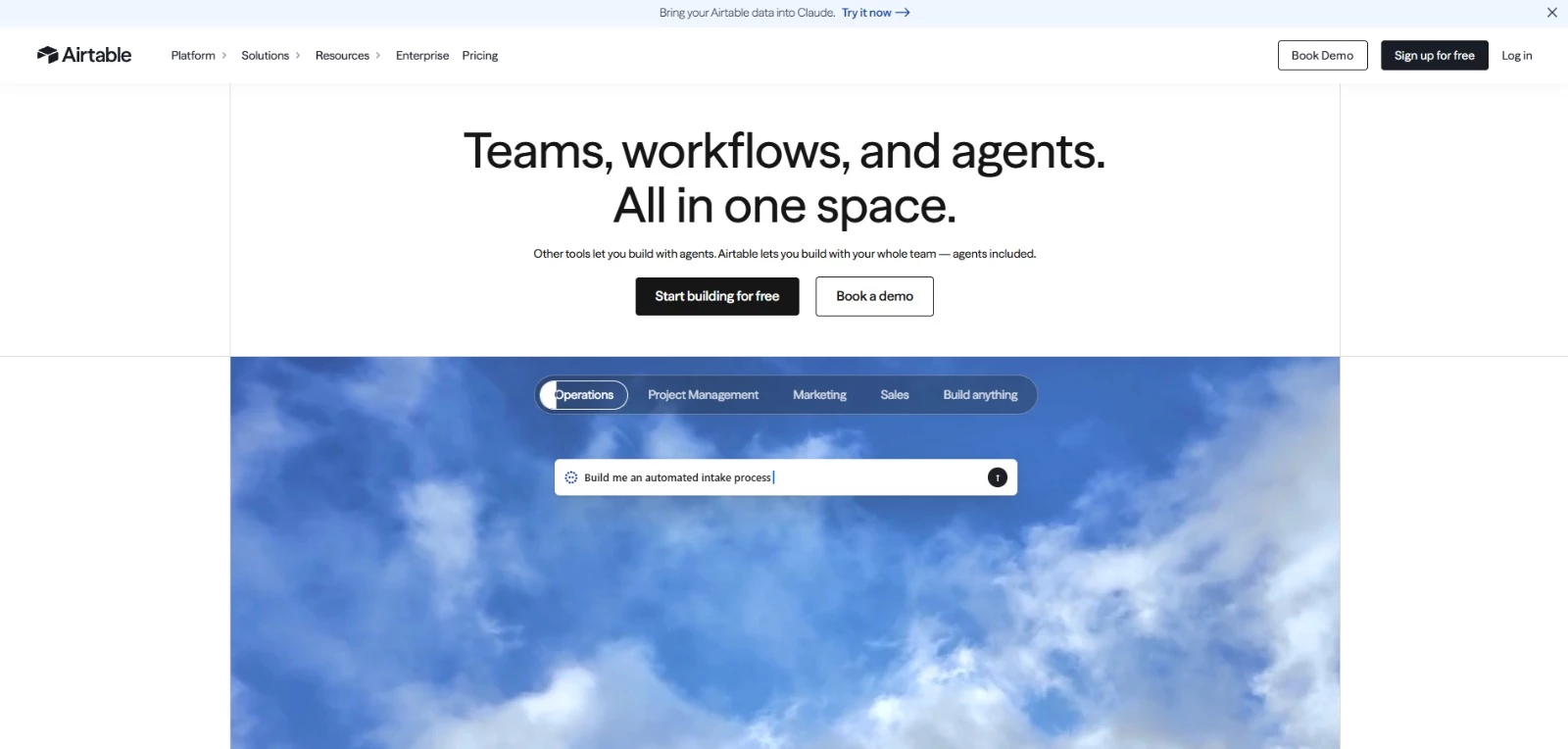
Airtable lets business teams organize related records and build forms, dashboards, and workflows without writing SQL. Its spreadsheet-style interface gives staff a familiar way to enter and update information.
A marketing team can link each campaign to its assets, assigned colleagues, and client details, then create tailored screens for reviewing progress or submitting requests. Automations handle routine record updates and notifications.
Key Features
- Linked records: Relationships between tables for clients, projects, assets, and other business information
- Interface Designer: Custom screens for reviewing, updating, and reporting on records
- Workflow automation: Triggers and actions for notifications, record updates, and connected tools
- Flexible views: Grid, calendar, Kanban, timeline, and Gantt layouts, depending on the plan
- Data sync: Shared information across bases, with two-way sync available on Business and higher plans
Potential Limitations
- Team charges for collaborators with Commenter permissions or higher, so even colleagues who only provide feedback can increase costs
- Record limits apply across all tables within a base - 1,000 on Free, 50,000 on Team, and 125,000 on self-serve Business
Pricing
- Free: Up to five Editor or Creator collaborators
- Team: $240 per billable collaborator/year
- Business: $540 per billable collaborator/year for the self-serve plan
- Enterprise Scale: Custom pricing
- Free trial: 14 days of Team features for the first workspace created by a new account
What Makes Airtable Stand Out
Code and Theory used Airtable to connect project information, contracts, and budget estimates that producers had previously managed through separate systems.
Standardized intake forms gave reviewers the context they needed, and automated contract updates replaced manually prepared status emails.
Director of Production, Josh Currie, reported:
- More than 5,000 hours saved in one year within the production department
- An estimated 10,000 hours saved annually across the agency
- Roughly 500 people using Airtable across 18 departments
2. Microsoft SQL Server: Best for Microsoft-Based Business Applications
For businesses with developers or an IT partner building and maintaining applications within the Microsoft ecosystem.
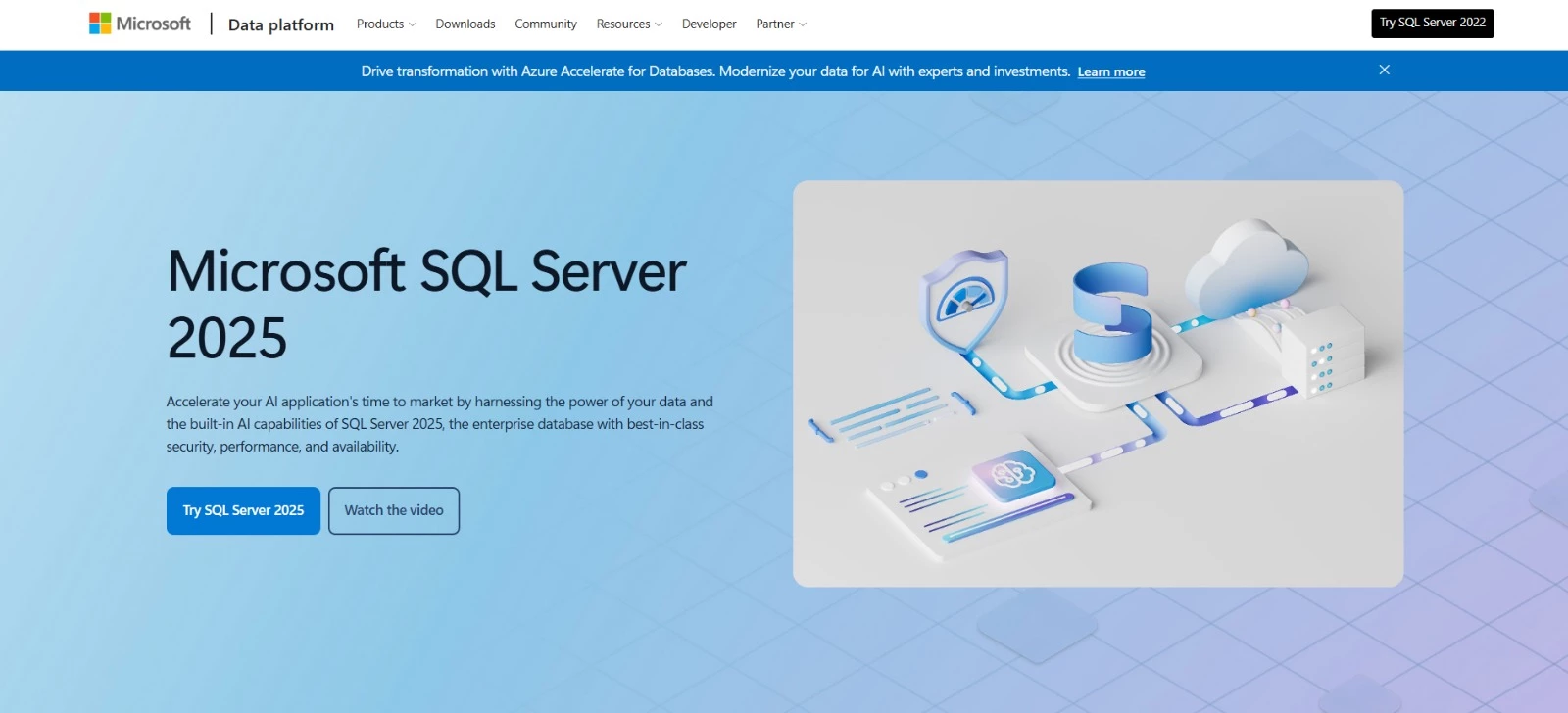
Microsoft SQL Server manages the data behind business applications, including orders, payments, inventory, and customer accounts. Its transaction controls keep related updates consistent, such as recording a purchase and adjusting stock in a single transaction.
Technical teams can deploy it on their own servers or in cloud environments and connect it to Microsoft’s reporting and management services.
SQL Server 2025 improves simultaneous transaction processing and adds JSON and vector-search capabilities for developers building more advanced applications.
Key Features
- Transaction management: Coordinated updates across related records
- Security controls: Database auditing, row-level access restrictions, and encryption options
- Availability and recovery: Backup, restore, and failover capabilities that vary by edition
- Microsoft integration: Connections to Power BI reporting, Microsoft Fabric, and Azure Arc management
- Modern data support: JSON data handling and vector search for finding related information by meaning
Potential Limitations
- Setup, performance tuning, backups, and access management require technical expertise
- Licensing depends on edition, processor cores, and deployment, with more extensive availability features reserved for Enterprise
Pricing
- Express: Free for smaller production applications, with a 50 GB limit per database in SQL Server 2025
- Developer: Free for development and testing, not production
- Standard subscription: $1,418/year per two-core pack
- Enterprise subscription: $5,434/year per two-core pack
What Makes Microsoft SQL Server Stand Out
Infios, a supply chain software provider, tested SQL Server 2025 to address transaction conflicts that disrupted customer operations and pulled developers away from product work.
In early-access testing, Infios reported:
- Zero deadlocks under its test load, avoiding situations where transactions block one another from completing
- 50% lower CPU usage during compressed database backups, reducing the processing resources needed for that task
These results gave Infios a practical reason to prepare customer migrations. Fewer transaction interruptions and less demand on servers during backups.



3. PostgreSQL: Best for Custom Business Applications
For businesses working with developers to build client portals, internal systems, or customer-facing applications.
PostgreSQL gives developers control over how business information is stored, connected, and accessed.
A custom ordering system, for example, can link customers, purchases, and inventory, with rules that prevent incomplete or conflicting records.
Its open-source license lets you use it commercially without software licensing fees.
For teams evaluating the best database software for a custom application, PostgreSQL also has an established developer community. It was the most-used database in Stack Overflow’s 2026 Developer Survey, with 58% of respondents selecting it.
Key Features
- Data integrity: Transactions and validation rules help keep related records consistent
- Flexible data types: Support for relational tables, JSON documents, and custom data types
- Access controls: Permissions that restrict access to specific tables, columns, or rows
- Recovery options: Replication and point-in-time recovery to support continuity and restore data
- Extensions: Additional capabilities, including geographic data handling through PostGIS
Potential Limitations
- Requires technical expertise to configure, maintain, and build the interfaces employees use
- Distributing large workloads across multiple servers can require additional tools and substantial engineering work
Pricing
- Software: Free for commercial and personal use under the PostgreSQL License
- Hosting and maintenance: Separate costs depend on your infrastructure and support needs
- Managed services and professional support: Available through third-party providers, with provider-specific pricing
What Makes PostgreSQL Stand Out
Figma documented how it expanded its PostgreSQL infrastructure to accommodate growing demand. Its application stores relationships between files, organizations, comments, and versions, making its existing relational database an important part of the product.
The engineering team developed a way to split large tables across multiple databases. For its first deployment, Figma reported:
- About 10 seconds of reduced availability on primary databases during the transition
- No availability impact on read replicas
- No deterioration in response times or availability after the change
The project took roughly nine months to deliver its first split table, illustrating both PostgreSQL’s flexibility and the engineering investment required for this level of growth.
4. MongoDB: Best for Applications With Varied Data
For businesses and development teams building product catalogs, content platforms, or applications with frequently changing data requirements.
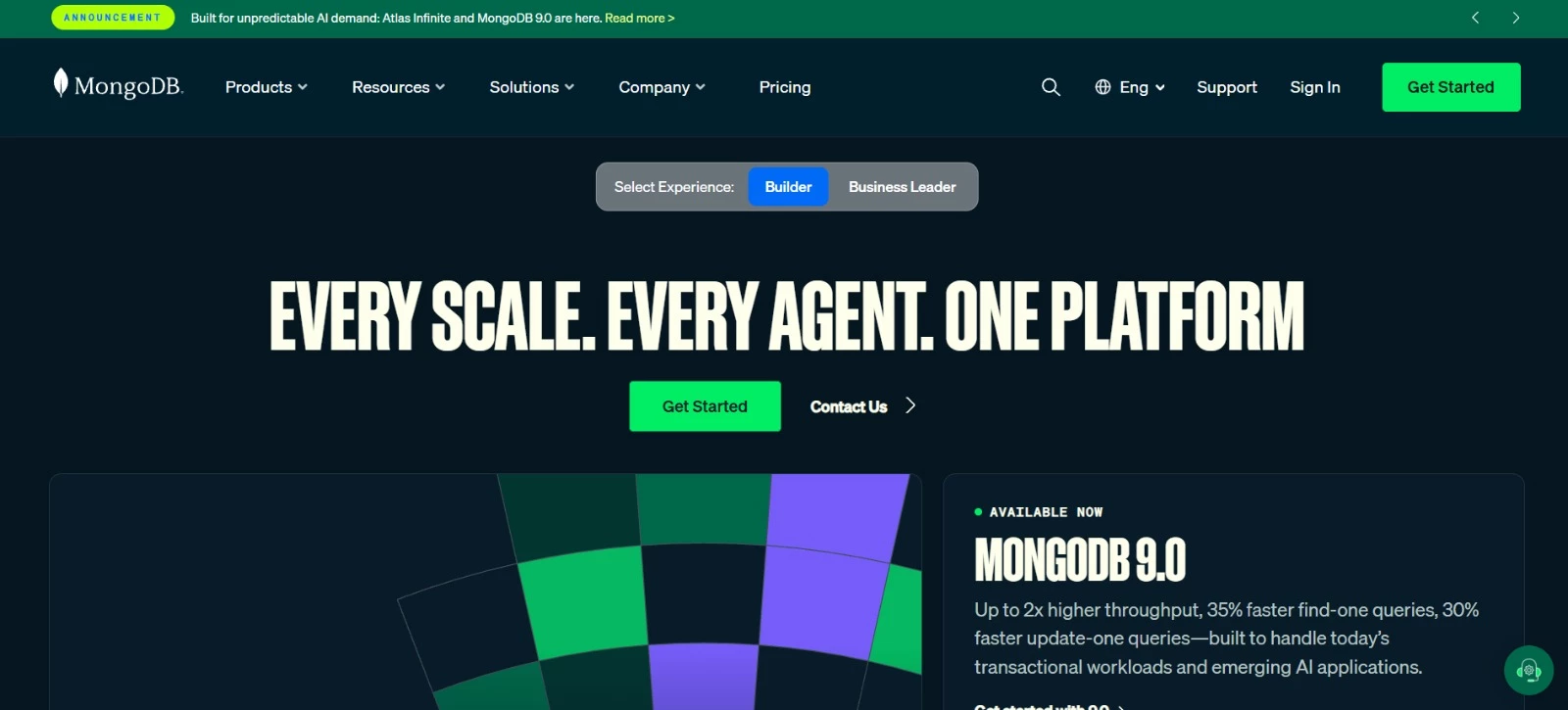
MongoDB stores data in documents with different fields, making it well-suited for product catalogs and applications with changing data requirements.
Developers can add new attributes and set validation rules without requiring every record to follow an identical structure.
MongoDB Atlas, its managed cloud service, handles infrastructure setup and routine updates. Businesses still need developers to design the database and build the application people use.
Key Features
- Flexible documents: Records with different fields and nested information
- Schema validation: Rules for required fields and accepted data types
- Aggregation tools: Filter, group, and calculate data within the database
- Search capabilities: Full-text and vector search for keyword and similarity-based retrieval
- Managed cloud deployment: Atlas infrastructure management, with scaling and backup options depending on the configuration
Potential Limitations
- Flexible records still require careful data modeling; developers must plan how related information is stored and retrieved
- Atlas Free has 512 MB of storage and lacks private endpoints and database auditing
Pricing
MongoDB Atlas pricing is usage-based. Annual figures below are estimates, not annual subscription plans:
- Free: with 512 MB of storage
- Flex: Approximately $96-$360/year per cluster, based on the published $8-$30 monthly range; includes 5 GB of storage
- Dedicated: Approximately $683.28/year at the advertised starting price of $56.94/month
- Enterprise Advanced: Custom pricing for self-managed deployments
What Makes MongoDB Stand Out
Slow calculations were interrupting work in an internal application at L’Oréal’s Tech Accelerator. Employees used it to simulate business decisions, but completing a task could take 20-25 clicks, making each step frustratingly slow.
The team moved the application to MongoDB Atlas on Google Cloud and shifted more data processing into the database. MongoDB’s case study reports response times of around 10 milliseconds, replacing delays measured in seconds.
Developers also had less complicated code to maintain and could reuse modules across product teams. The case study also reports that adding features that previously took days could take a couple of hours.
5. Knack: Best for Building Business Apps Without Code
For service businesses and operations teams creating client portals, job trackers, and internal management tools.
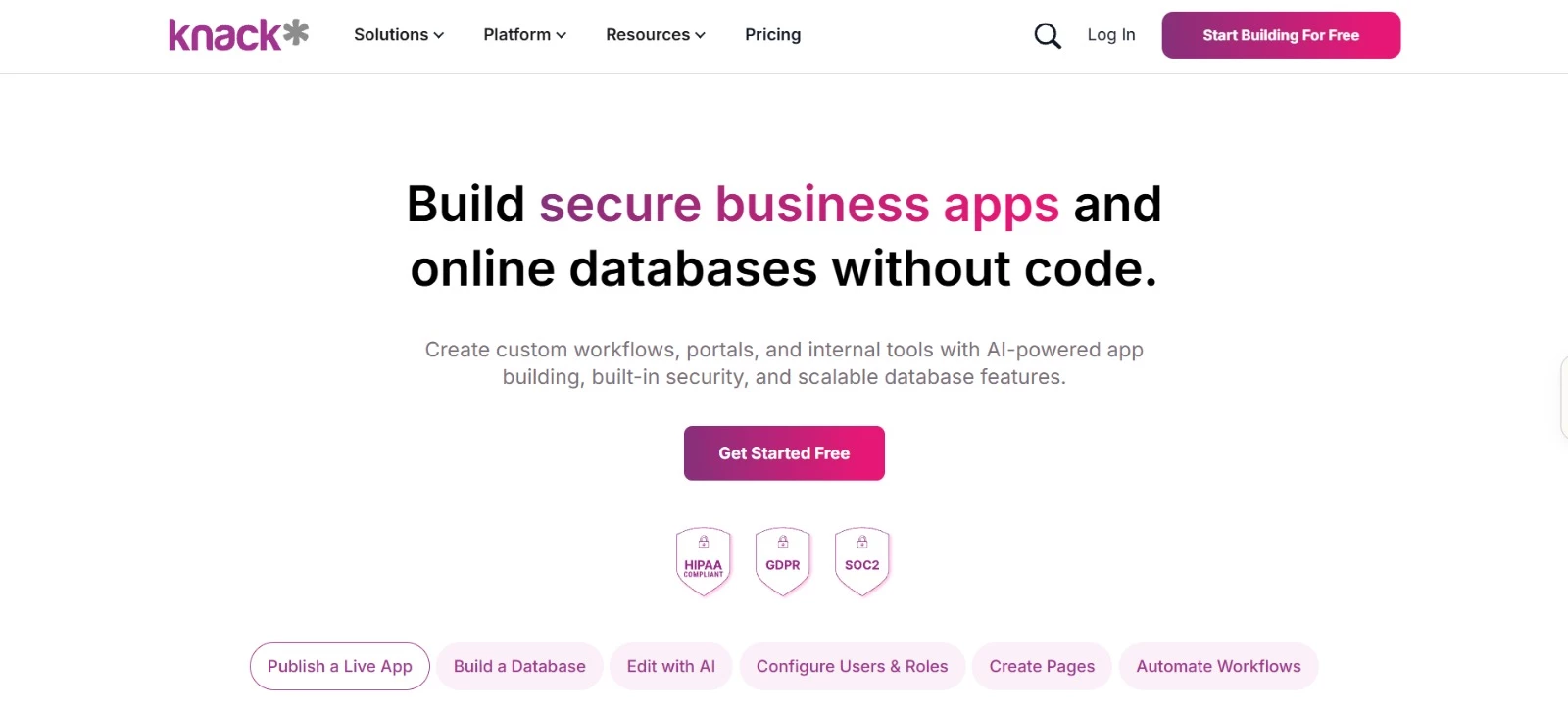
Knack turns connected business records into web applications with forms, searchable pages, and user logins. Teams can build a client portal for submitting requests or an internal tool to assign work and track progress.
Permissions control which pages and records each person can view or update.
This business database software includes unlimited app users at no per-user cost. Customer and contractor access therefore won’t add seat fees, although each user account counts toward the plan’s record allowance.
Key Features
- Connected records: Relationships between customers, projects, orders, and other information
- Visual app builder: Forms and pages for entering, finding, and updating records
- User permissions: Access rules for specific roles, pages, and records
- Workflow automation: Knack Flows for automating tasks and connecting external tools
- AI app builder: An initial application structure generated from a description of your needs
Potential Limitations
- Removing Knack branding, custom domains, and scheduled tasks are available only on Pro or higher
- Starter’s 20,000-record limit is shared across all apps, including user accounts, so expanding usage may require a higher plan
Pricing
- Starter: $49/month, billed annually; includes 20,000 records
- Pro: $110/month, billed annually; includes 50,000 records
- Corporate: From $250/month, billed annually; starts with 125,000 records, with higher capacity available through sales
- Enterprise: Custom pricing; supports 2.5 million+ records
- All plans include unlimited app users and roles
- Free trial available; no credit card required
What Makes Knack Stand Out
At Blakely Construction, field technicians previously completed about seven paper forms to record their work. Missing forms, illegible handwriting, and forgotten billable items complicated billing.
The company built an electronic ticketing application with required fields and dropdowns for labor and equipment usage. Supervisors could review and approve submissions, and a payroll integration connected recorded hours to payroll processing.
Blakely reported:
- 40 hours of manual data entry eliminated each month across seven Knack applications
- 90% of employees using Knack daily
- Better capture of billable labor and equipment usage that technicians previously omitted from paper forms
6. Zoho Creator: Best for Automating Approval Workflows
For agencies and operations teams building applications with approval steps, task assignments, and web and mobile access.
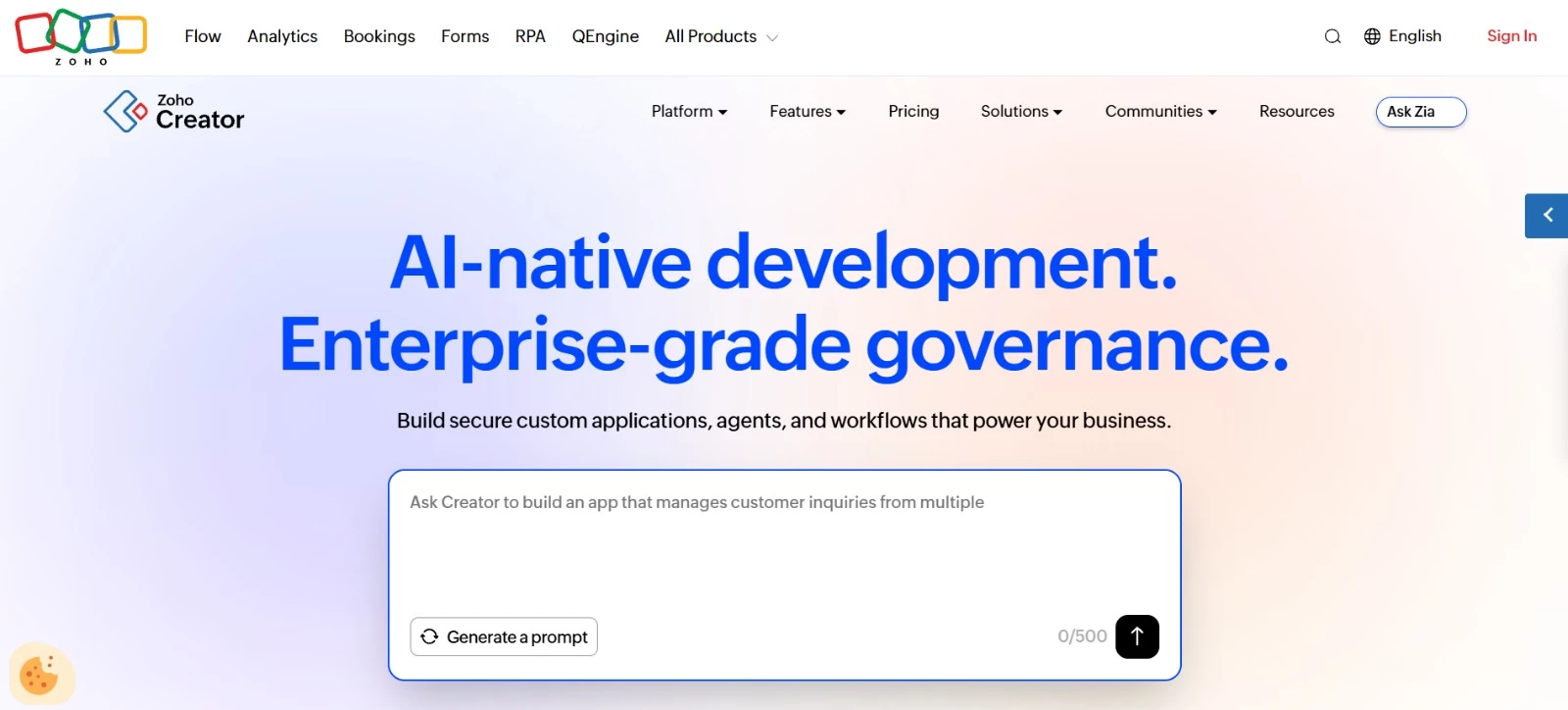
Zoho Creator connects business records to the steps employees follow to complete work. A purchase request, for example, can go to a manager for approval and trigger a notification once a decision is recorded.
Teams configure forms, reports, and workflow rules visually, adding custom logic through Zoho’s Deluge scripting language when needed.
Applications work across browsers, iOS, and Android devices. Connections to other Zoho products and external services let you extend existing processes with custom business database software.
Key Features
- Approval workflows: Send submitted records to designated reviewers
- Process blueprints: Define stages and conditions for moving work forward
- Forms and reports: Collect records and display information for different tasks
- Web and mobile access: Use applications through browsers, phones, and tablets
- Integrations and scripting: Connect services and add custom behavior with Deluge
Potential Limitations
- Standard supports one application; multiple apps need Professional or higher
- Advanced customization can involve Deluge scripting, so complex workflows may need technical help
Pricing
- Free: One application and 5,000 records, without app sharing
- Standard: €8/user/month, billed annually; one application
- Professional: €20/user/month, billed annually; unlimited applications
- Enterprise: €25/user/month, billed annually; unlimited applications and additional integration and analytics capabilities
- Flex: Custom pricing
- Free trial: 15 days, no credit card required
What Makes Zoho Creator Stand Out
Creative agency Fieldstone Helms relied on emails, spreadsheets, and phone calls to coordinate projects. As the business grew, keeping track of people and progress became harder.
The Nairobi-based agency built a management application in three months with Zoho. Here are the results:
- An 80% increase in overall productivity
- A 40% reduction in operational costs
- 30% time savings on repetitive tasks
7. Baserow: Best for Self-Hosted No-Code Databases
For businesses that want a spreadsheet-style database with control over where their data is hosted.
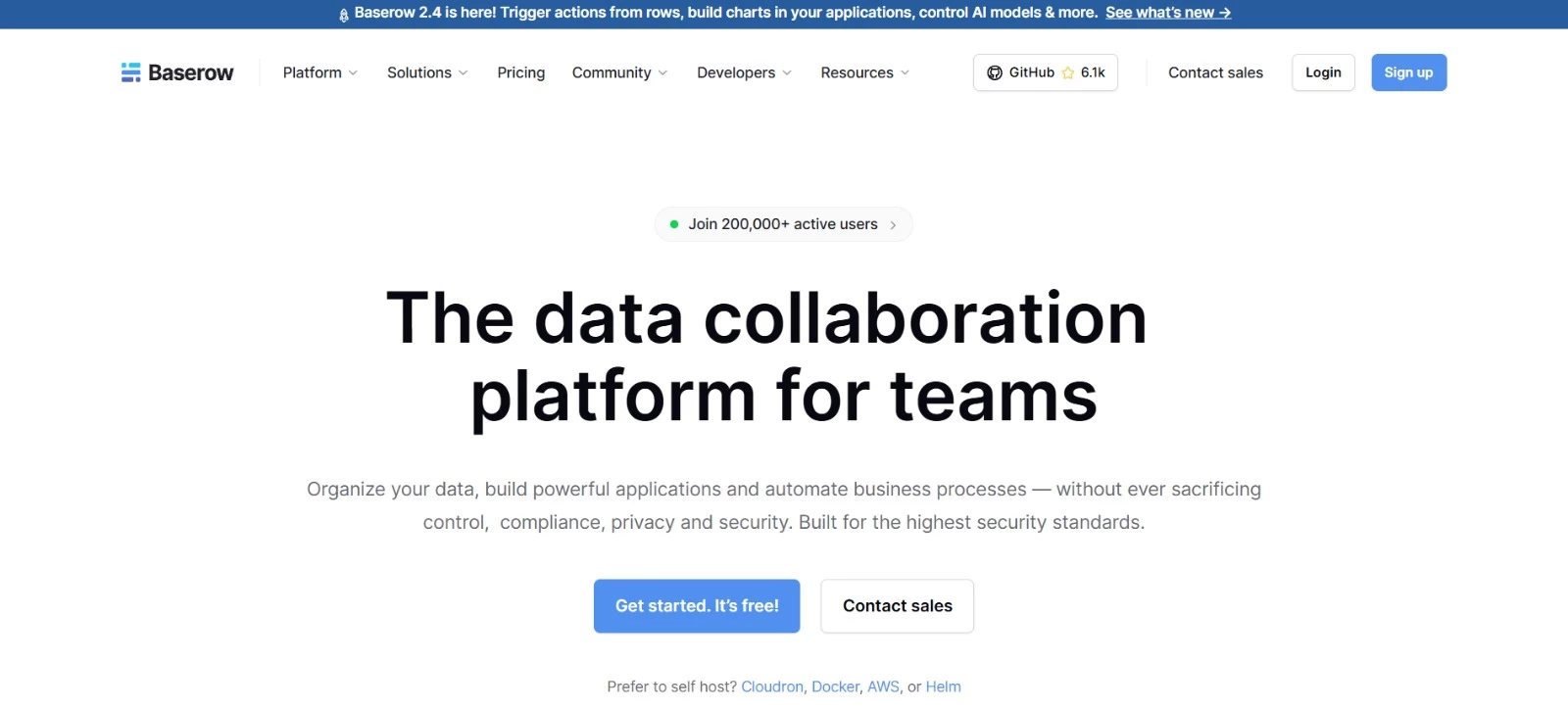
Baserow offers a familiar grid for organizing records, linking tables, and collecting information through forms. Its application builder adds custom interfaces so you can work with that data without coding an application from scratch.
Hosting is the main distinction. Use Baserow’s cloud service or install it on infrastructure you control.
The free self-hosted edition removes the cloud plan’s row and storage caps, making it one of the best free database software options for businesses with technical support available.
Actual capacity depends on your infrastructure.
Key Features
- Linked tables: Connections between records, with lookup and rollup fields
- Multiple views: Grid, form, and gallery layouts, plus paid Kanban, calendar, and timeline views
- Application builder: Custom pages and interfaces connected to database records
- APIs and webhooks: Connections to external applications and automated processes
- Deployment choice: Managed cloud hosting or installation on your own servers
Potential Limitations
- Role-based permissions and audit logs are reserved for Advanced and Enterprise
- Self-hosting makes your organization responsible for server maintenance, updates, and backups, adding costs beyond the software license
Pricing
- Cloud
- Free: 3,000 rows and 2 GB of storage per workspace
- Premium: $10/user/month, billed annually; 50,000 rows and 20 GB per workspace
- Advanced: $18/user/month, billed annually; 250,000 rows and 100 GB per workspace
- Enterprise: Custom pricing; 1 million rows and 1,000 GB per workspace
- Self-Hosted
- Free: No software licensing fee
- Premium: $10/user/month, billed annually
- Advanced: $18/user/month, billed annually
- Enterprise: Custom pricing
- Self-hosted plans have no imposed row or storage limits. Hosting and administration costs are separate.
What Makes Baserow Stand Out
Thales SIX GTS kept operational data on company infrastructure as part of its Baserow implementation. The business needed to replace spreadsheet tools used to manage maintenance and repair information for customers’ equipment.
Baserow became the shared database, connected through its API to existing systems and business applications. Employees accessed records through its spreadsheet-style interface or connected apps.
Baserow’s case study describes:
- About a dozen spreadsheet-based tools replaced
- Connections to multiple data sources to keep operational information current
- On-premises deployment with role-based access and single sign-on
8. MySQL: Best for Websites and eCommerce Applications
For businesses working with developers to build and maintain websites, online stores, and customer-facing applications.
MySQL stores the product, customer, and order records behind a website or application. Developers define how those records connect and build the screens employees and customers interact with.
For businesses comparing the best database software for web projects, MySQL offers a free Community Edition, commercial editions with support, and managed cloud options.
Its transaction support helps keep related changes consistent, such as saving an order and updating inventory together.
Key Features
- Transactions: Related database changes saved together or rolled back if the transaction cannot be completed
- MySQL Workbench: Visual tools for database design, SQL development, and administration
- Replication: Copies of database changes across servers to support availability and distribute read requests
- Application connectors: Connections for applications using Java, .NET, and other technologies
- Enterprise tools: Paid backup, auditing, and data-masking features
Potential Limitations
- Setup, database design, and ongoing performance tuning need technical expertise
- Community Edition excludes Oracle’s commercial support and tools such as MySQL Enterprise Backup and Enterprise Audit
Pricing
- Community Edition: Free and open source
- Optional commercial editions: Standard starts at $2,140/server/year; Enterprise starts at $5,350/server/year, including support
Commercial prices apply to servers with one to four processor sockets. Larger servers cost more. Hosting and administration are separate, and managed cloud services have their own pricing.
What Makes MySQL Stand Out
Ecommerce solutions provider Kemana used MySQL Community Edition before moving its workloads to MySQL HeatWave on Oracle Cloud Infrastructure.
As the business expanded, manual processes and infrastructure constraints slowed product development.
Following that migration, MySQL’s case study reports:
- Shopper response times of 20-40 milliseconds, compared with 200-300 milliseconds on previous cloud platforms
- New merchant onboarding within 15 minutes, previously taking hours or days
- Automated database monitoring to identify and address performance issues
9. Oracle AI Database: Best for Enterprise Transaction Processing
For enterprises with dedicated IT teams managing financial, operational, or customer systems that must stay available.
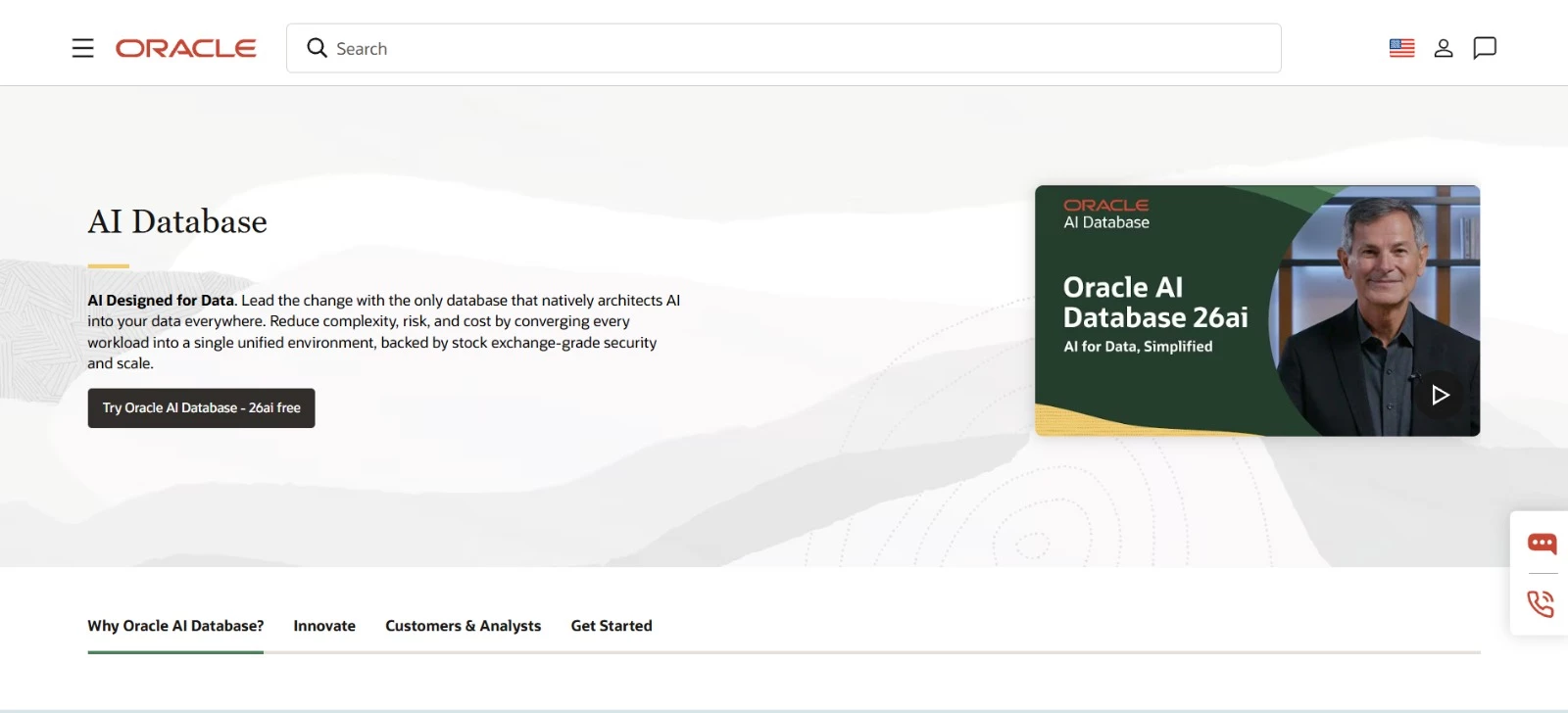
Oracle AI Database gives administrators detailed control over data access, recovery, and availability. That makes it a fit for businesses whose daily operations depend on applications that reliably process sensitive records and transactions.
The current release, Oracle AI Database 26ai, supports relational tables, JSON documents, graphs, and vector search. Enterprises comparing database management software can deploy it on company-managed infrastructure or cloud services.
Oracle’s Autonomous AI Database service also handles routine tasks such as patching and performance tuning.
Key Features
- Multiple data models: Relational, JSON, graph, and vector data within the database
- Security controls: Permissions, auditing, and encryption options for sensitive information
- Availability and recovery: Clustering and standby database options to reduce interruptions
- AI Vector Search: Retrieval of related content based on similarity in meaning
- Autonomous management: Automated patching, tuning, and scaling through Autonomous AI Database
Potential Limitations
- Database options, management packs, and support can add substantially to licensing costs
- Self-managed installations need specialist expertise for setup, maintenance, and recovery planning
Pricing
- Oracle AI Database Free: Free, with limits of two CPU cores, 2 GB of RAM, and 12 GB of user data
- Standard Edition 2: $17,500 per processor license, plus $3,850 annually for software updates and support
- Enterprise Edition: $47,500 per processor license, plus $10,450 annually for software updates and support
These paid license prices are one-time fees. Support amounts are per processor license, and Oracle’s licensing rules determine how many licenses a deployment needs. Cloud services are priced separately.
What Makes Oracle AI Database Stand Out
Thomson Reuters extended its ONESOURCE tax application with Oracle Autonomous Database on Oracle Cloud Infrastructure.
The company wanted to reduce database maintenance and keep tax calculations running reliably during busy periods, including Black Friday and Cyber Monday.
Oracle’s case study reports:
- Roughly 6-12 hours of monthly downtime for patching and updates eliminated
- Transaction processing measured in milliseconds
- Application updates completed without sacrificing availability or transaction processing speed
10. TeamDesk: Best for Custom Business Databases Without Record Limits
For small and midsize businesses that need tailored systems for orders, projects, and customer records.
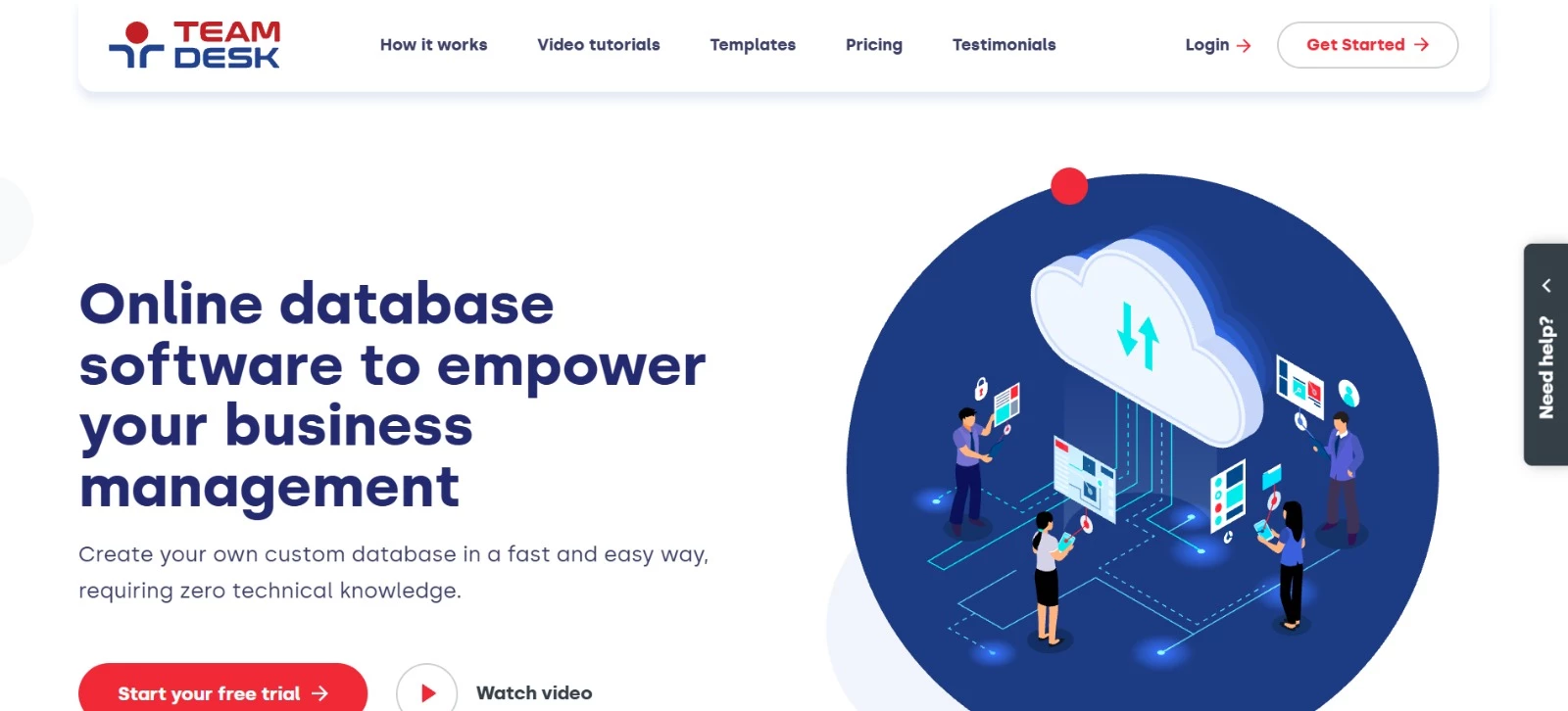
TeamDesk provides forms, linked tables, and workflow rules for building a database around your existing processes.
A template offers a starting point, with options to change fields, connect information, and automate notifications as requirements develop.
This business database software runs in your browser, and TeamDesk handles hosting. All plans include unlimited records and storage, so keeping years of order or project history won’t trigger an upgrade based on record counts.
Key Features
- Related records: Links between customers, projects, orders, and other tables
- Workflow automation: Actions and email notifications triggered by database events
- Validation rules: Checks that entries meet your requirements before they are saved
- Document generation: Word and PDF documents with information from database records
- Access controls: Custom roles defining what each user can view or change
Potential Limitations
- Starter allows a maximum of five users, so adding a sixth means moving to Team
- Unlimited databases and rebranding are available only on Enterprise
Pricing
- Starter: $49/month for up to five users
- Team: $99/month for 10 users; $9/month per additional user
- Enterprise: $249/month for 10 users; $19/month per additional user
- Free trial: 14 days
Team and Enterprise also offer discounted user packs. Every plan includes unlimited tables, records, storage, and customer support.
What Makes TeamDesk Stand Out
Purple Media Solutions replaced paper and spreadsheet-based processes with TeamDesk. Its previous setup made the sales pipeline difficult to follow and business figures time-consuming to analyze.
Managing Director S. Hardiman shared the accomplishments:
- CRM, sales order processing, and invoicing handled through a custom application
- Better visibility into business processes
- Quick, inexpensive changes as the company’s needs evolved
How To Choose Database Software for Your Business
Choosing the best database software starts with a task your current system makes difficult. Perhaps staff cannot trace an order to its customer, client requests arrive without essential details, or inventory figures conflict after several people update them.
Here’s what can help you assess your options:
- Consider who will build and maintain it
Employees working directly with records need clear forms, searchable views, and appropriate permissions. Custom applications also need developers to design the database and build the screens people use.
The best database programs should match the expertise available after launch. Decide who will handle changes, resolve problems, and manage access. For projects needing technical support, compare in-house and outsourced software development before committing to a platform.
Repeated workarounds can signal that a tool no longer fits your processes. RP Singh addresses this when discussing how businesses should evaluate their software:
"If your team finds themselves constantly tweaking or working around an off-the-shelf tool to accommodate specific workflows, it could be slowing operations or inflating costs."
"Similarly, as user volumes grow, certain packaged products may struggle with performance or require costly ‘enterprise’ add-ons," RP adds.
- Test a complete business process
A demonstration should cover an entire task - creating a customer, recording an order, updating its status, and generating an invoice. Include exceptions, such as duplicate records, cancellations, and restricted access.
When comparing the best online database software, check how those steps work on employees’ usual devices. Test integrations with your own fields and records, including what happens when information changes in either system.
- Calculate the cost of growth
Additional users, storage, automation allowances, backups, and support can substantially change the total.
For custom applications, software development costs belong in the same budget.
Even the best free database software needs someone to configure, maintain, and troubleshoot it. Estimate costs at your expected user count and data volume, then check what would trigger an upgrade.
In Flexera’s 2026 State of the Cloud Report, 85% of respondents identified managing cloud spend as a challenge. For hosted databases, ask which charges increase with usage and how spending can be monitored.
- Establish how recovery and exports work
Ask who restores a failed system, how long recovery could take, and how much recent work might be lost. A backup schedule alone doesn’t answer those questions.
The best database management systems for essential business records also need a workable exit plan. Confirm what exports preserve, including relationships, attachments, and any history your business must retain.
Here are scenarios that can help you make an informed decision:
| Your Main Need | Shortlist | Test Before Committing |
| Connect campaigns, contacts, and project updates | Airtable | Link records and restrict access by responsibility |
| Build a client portal with limited coding | Knack, Zoho Creator | Test logins, submissions, and approvals |
| Keep a visual database on company infrastructure | Baserow | Confirm responsibility for updates and recovery |
| Retain growing volumes of operational records | TeamDesk | Test searches and reports with representative data |
| Build a custom website or business application | PostgreSQL, MySQL | Check transactions, queries, and integrations |
| Manage records with changing attributes | MongoDB | Test validation and retrieval of related information |
| Support Microsoft-based applications | Microsoft SQL Server | Check compatibility and edition-specific costs |
| Process enterprise transactions with demanding availability needs | Oracle AI Database | Review recovery arrangements and licensing |
How To Move Your Business Data Into a New Database
Moving data means preserving the connections that make it meaningful. Customer names may import correctly, but the job is incomplete if their orders, attachments, or account owners are missing.
A spreadsheet-based system may need a carefully prepared import. Moving a live application database usually involves additional work to keep records current during the transition.
- Identify what needs to move. List the source files, databases, attachments, and connected applications. Decide which source to trust when records conflict and what can be archived instead of imported.
- Clean the data and map its destination. Resolve duplicates and inconsistent formats, then match existing fields to the new structure. Preserve unique identifiers or create a reliable mapping so related records stay connected.
- Prepare the new system. Configure tables, relationships, permissions, and validation rules. Forms, reports, integrations, and automations may need to be rebuilt separately.
- Run a trial transfer. Include representative records, attachments, missing values, and unusual cases. Compare field values, financial totals, and relationships with the originals. Matching record counts won’t reveal an order assigned to the wrong customer.
- Plan the switch and fallback. Establish when editing stops in the old system and how any changes made during migration will be captured. Document how you would return to the previous system without losing new work if the launch fails.
- Verify everyday work before retiring the old system. Have employees complete their normal tasks, check permissions, and review reports. Test recovery arrangements and securely retain the original data for an agreed period that matches your retention requirements.
Even the best database management systems need a carefully checked transfer. Where several applications depend on the same records, data migration companies can help coordinate the move and its testing.
The Best Database Software for Your Team: Final Thoughts
The best database programs fit both how employees work and the resources available to support them.
A configurable platform may cover your forms, approvals, and reporting needs. A custom application calls for a database engine and the expertise to build around it.
Airtable, Knack, and Zoho Creator offer starting points for business workflows. PostgreSQL and MySQL give developers more control over application design. When evaluating the best free database software, include the cost of making it operational and keeping it reliable.
Before committing, test a complete workflow with representative data and the people who will use it.
For custom development or complex integrations, it may be best to find a partner with relevant database experience.

Our team ranks agencies worldwide to help you find a qualified partner. Visit our Agency Directory for the Top Software Development Companies, as well as:
- Software Consulting Agencies
- Top Software Testing Companies
- AI Development Companies
- Top Mobile App Development Companies
- Top Software Companies in Nashville
Our design experts also recognize the most innovative design projects across the globe. Visit our Awards section for the best & latest in app designs.