
Managing projects efficiently requires the right tool that fits your team’s needs.
Below is a curated list of ten project management tools suitable for multiple industries.
Project Management Tools: Key Findings
- Teamwork, ProofHub, and Zoho Projects keep client work organized, approvals moving, and billable time visible without a messy stack.
- Jira and Easy Redmine are best when you need Agile boards, real workflow control, and delivery accountability across multiple teams.
- Smartsheet, Microsoft Planner, and Lark help cut the noise by centralizing updates and ownership.
Pick the Wrong Tool and Every Project Feels Harder Than It Should
Asana’s Anatomy of Work research found that 60% of a knowledge worker’s time is spent on “work about work” like chasing updates, switching tools, and duplicating effort instead of actually delivering outcomes.
That’s exactly what happens when work lives across chat threads, spreadsheets, and email instead of one system with clear owners, due dates, and status.
A strong PM tool reduces the coordination tax by making work visible, trackable, and hard to ignore, so teams spend less time syncing and more time shipping.
Best Project Management Tools in 2026: Side-by-Side
Wrike’s 2024 Impactful Work Report shows why picking the right platform matters: knowledge workers report a 31% workload increase, while business leaders say workloads are up 46% for their teams, yet only 54% of work is considered “high impact.”
With pressure rising and impact lagging, this side-by-side comparison breaks down the best project management tools so teams can spend less time managing work and more time moving it forward.
| Tool | Best For | Agile Boards | Gantt/Timelines | Time Tracking | Pricing (Starting At) |
| Atlassian Jira | Software dev & Agile teams | ✅ | ❌ | ❌ | Free Tier |
| Easy Redmine | Structured delivery orgs (Agile & Waterfall) | ✅ | ✅ | ✅ | €6.90/user/mo |
| Basecamp | Small-mid teams that want simple collaboration | ❌ | ❌ | ❌ | Free Tier |
| Microsoft Planner | Microsoft 365 teams managing everyday work | ✅ | ❌ | ❌ | Included in Microsoft 365 |
| Smartsheet | Cross-functional projects & spreadsheet-style PM | ✅ | ✅ | ❌ | $9/user/mo |
| Zoho Projects | Budget-friendly PM for small teams | ✅ | ✅ | ✅ | Free Tier |
| Teamwork | Agency, client projects, & billable work | ✅ | ✅ | ✅ | Free Tier |
| ProofHub | Simple collaboration & creative proofing | ✅ | ✅ | ✅ | $50/mo |
| Adobe Workfront | Enterprise marketing & creative operations | ✅ | ✅ | ✅ | Custom pricing |
| Lark | All-in-one team collab & lightweight ops | ✅ | ❌ | ❌ | Free Tier |
1. Atlassian Jira: Best for Software Development Teams
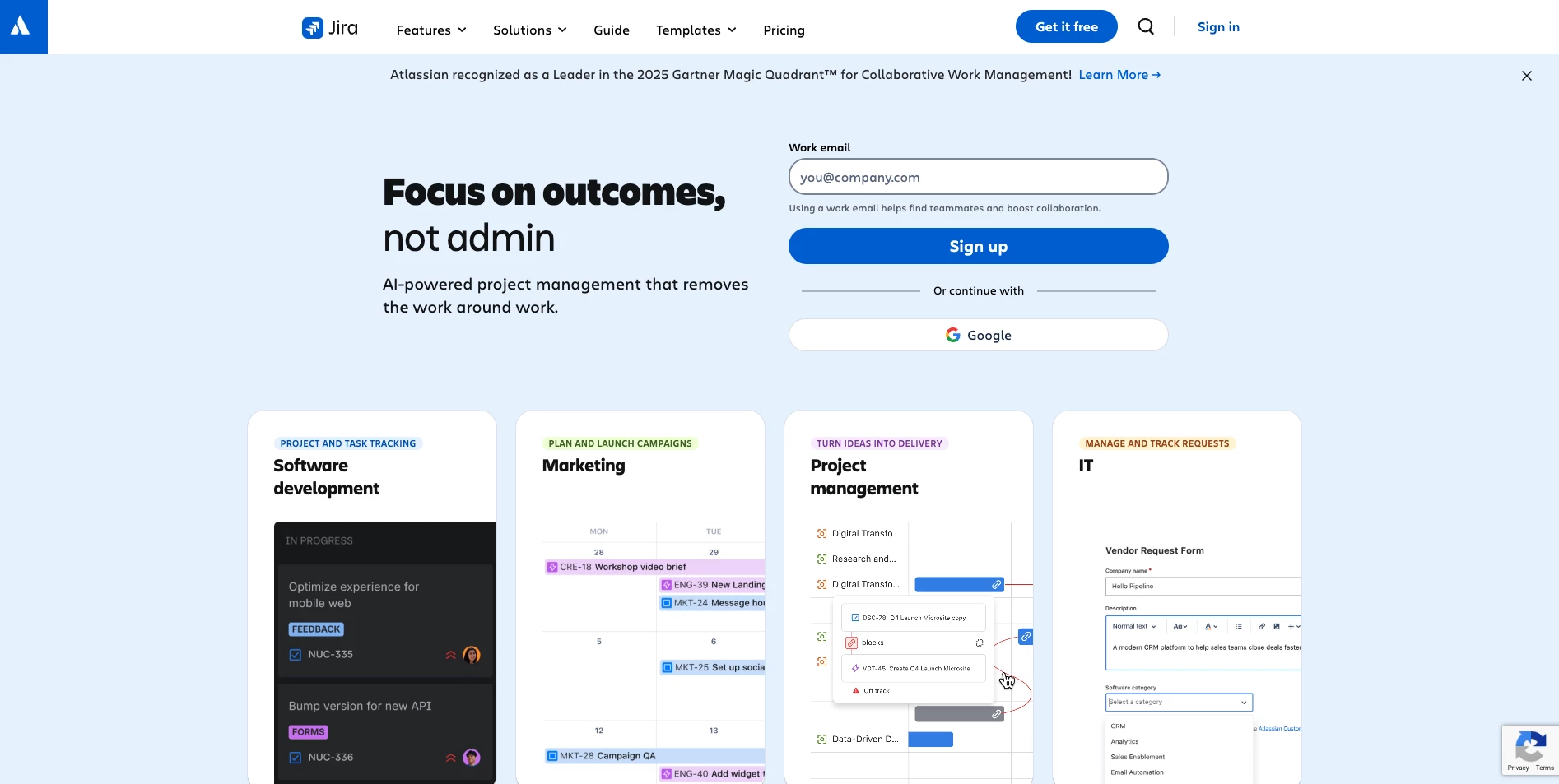
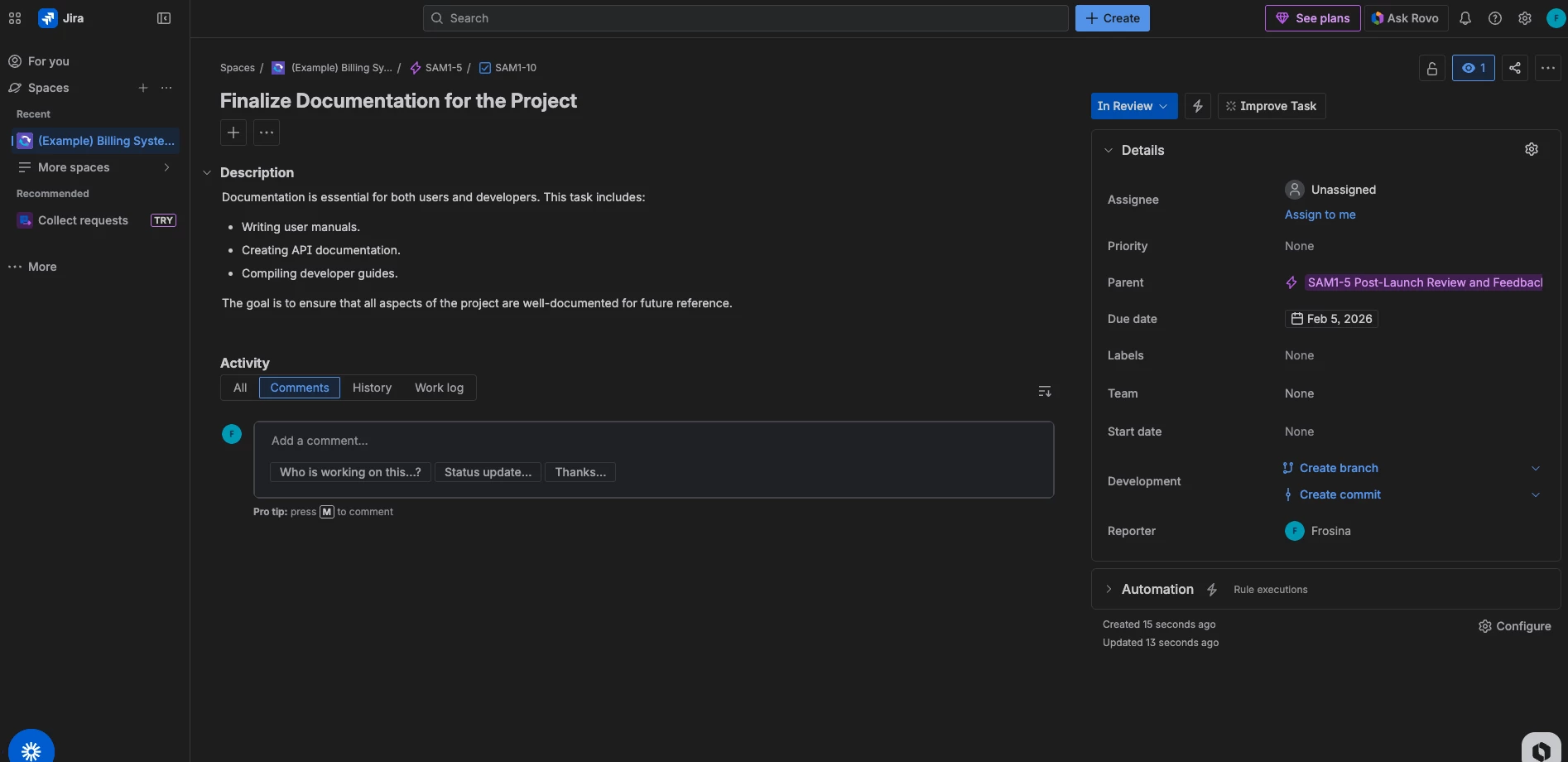
Atlassian Jira is a project management and issue-tracking platform built for Agile teams. It supports Scrum and Kanban boards, backlogs, and highly customizable workflows, so it works best when you need structure, visibility, and real accountability.
Pricing:
- Free forever for 10 users
- Standard: $7.91/user/month
- Premium: $14.54/user/month
- Enterprise: Contact sales
Jira can be deployed as a cloud service or on-premises (Data Center edition) for companies needing self-hosting.
Pros:
- Highly customizable workflows, dashboards, and reports
- Strong fit for Agile/Scrum teams
- Scales well across large teams and orgs
- Free plan makes it easy to start small
Cons:
- Learning curve is real, especially for beginners
- Can feel like overkill for simple projects
- Costs grow fast as your team size increases
- Less intuitive for teams that don’t work in Agile
Notable Features
- Scrum and Kanban boards with flexible workflows
- Deep issue and bug tracking with custom fields/statuses
- Reporting and analytics for tracking progress and bottlenecks
- Massive integration ecosystem (3,000+ apps)
What Users Say
Users love Jira when work gets complex. The biggest win people call out is visibility: tickets, owners, priorities, and timelines are all trackable in one place, so projects don’t fall apart the moment things get busy.
The downside is the same thing that makes it powerful: it can feel overwhelming at first. New users frequently mention a steep learning curve and a setup phase that takes time before everything “clicks.”
Who’s It For?
Jira is best for teams that need structured, trackable work with lots of moving parts.
It’s a strong fit for:
- Software + product teams running Agile
- Cross-functional teams that need one system for handoffs and accountability
- Scaling companies that want custom workflows, roles, and reporting
- Teams already in the Atlassian ecosystem
2. Easy Redmine: Best for Structured Delivery Organizations
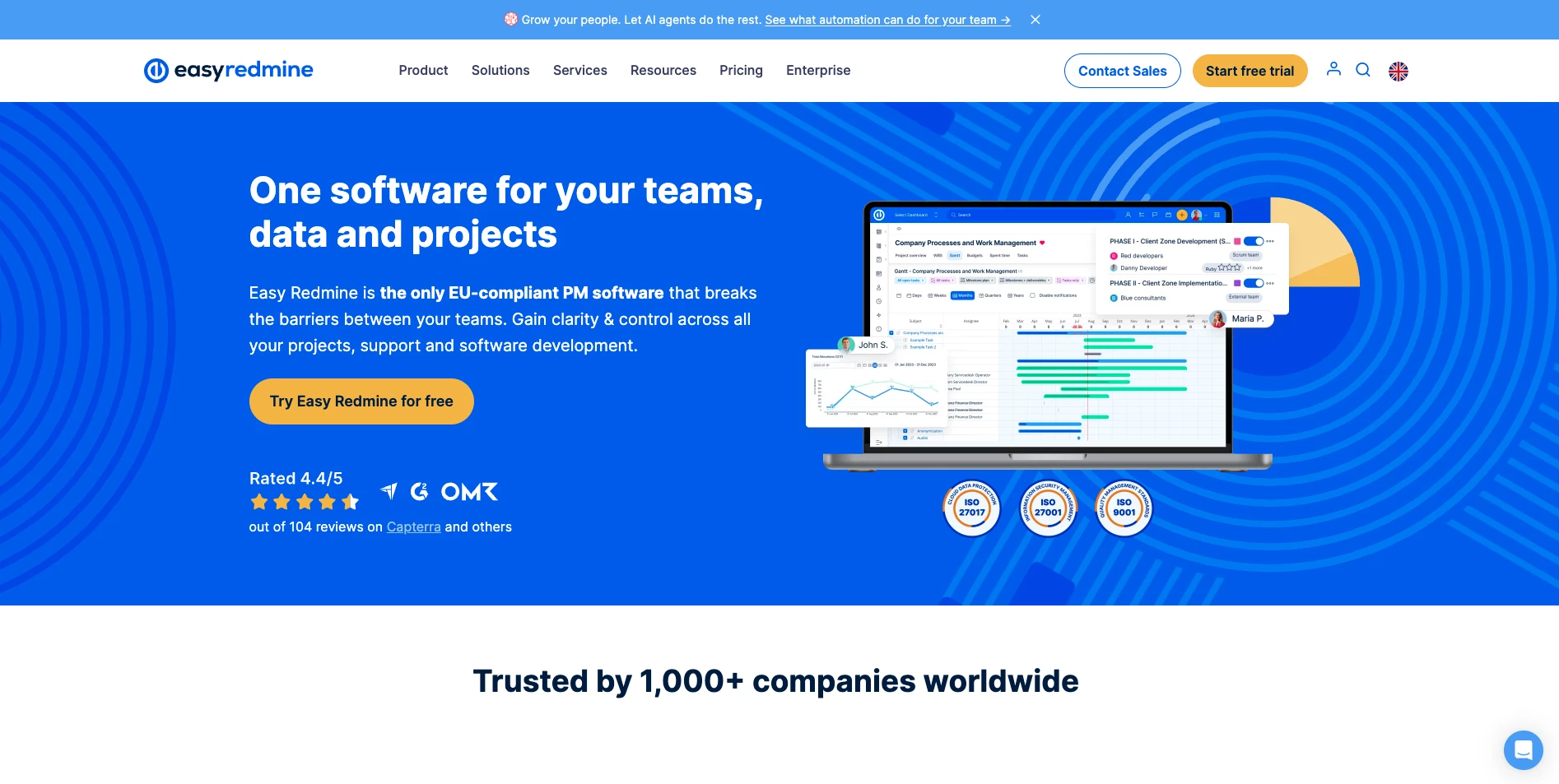
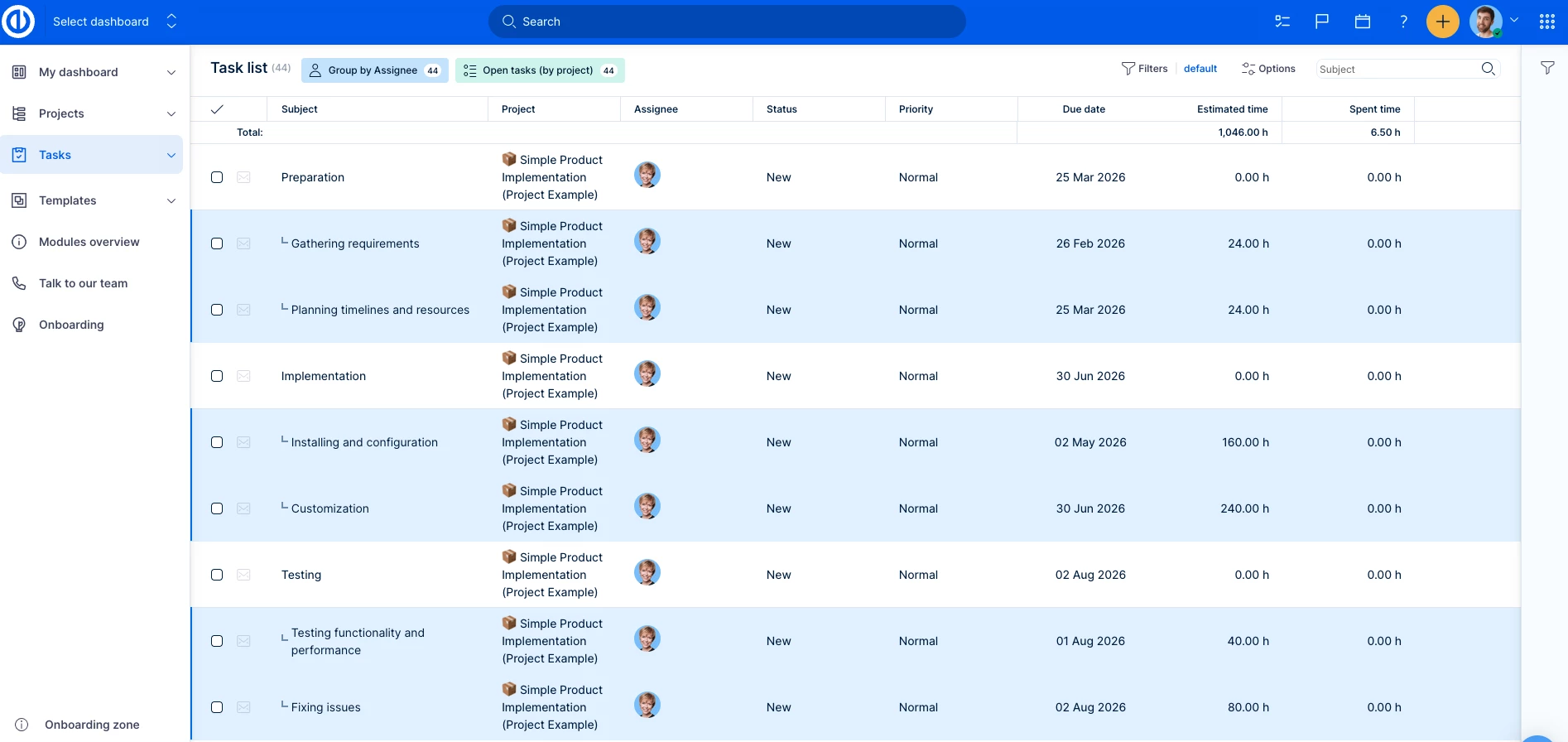
Easy Redmine is a project management platform built on top of Redmine. You get the same flexibility Redmine is known for, but with a more modern UI and stronger tools for planning, tracking, and delivery execution.
Pricing (billed annually):
- Free trial
- Essentials: €6.90/user/month
- Business: €13.90/user/month
- Platform: €25.90/user/month
- Enterprise: Contact sales
Easy Redmine is available in the cloud or on-premises, which is a big advantage if you want tighter control over hosting and data.
Pros:
- Works well for teams running Agile and traditional project plans in parallel
- Strong focus on delivery ownership and accountability
- Cloud + on-prem deployment options
- More structured and “complete” than basic Redmine without being overly rigid
Cons:
- You’ll only get full value if you actually use the resource, reporting, and process features
- Not a plug-and-play tool like Trello or Asana, setup still matters
- Per-user pricing can get expensive at scale
Notable Features
- Scrum and Kanban boards for Agile workflows
- Gantt charts and WBS for waterfall planning
- Time tracking and timesheets for delivery and billing visibility
- HelpDesk module on higher tiers
- Knowledge base for internal documentation
- Integrations including GitLab support
What Users Say
Users often describe Easy Redmine as a big upgrade over “basic Redmine”, mainly because it adds more features out of the box and feels more complete for real project delivery, not just ticket tracking.
The main complaint is that it’s not always “easy” at the start. Some users say onboarding and setup can take effort, and if your team expects a lightweight tool, it can feel like too much system to manage.
Who’s It For?
Easy Redmine is best for teams that want Redmine-level control with a more business-ready system for planning and execution:
- IT teams and ops teams running multiple projects
- Software companies and delivery-focused orgs
- Agencies that need planning + time tracking in one place
- Teams that want visibility without stitching together multiple tools
3. Basecamp: Best for Small to Medium Teams
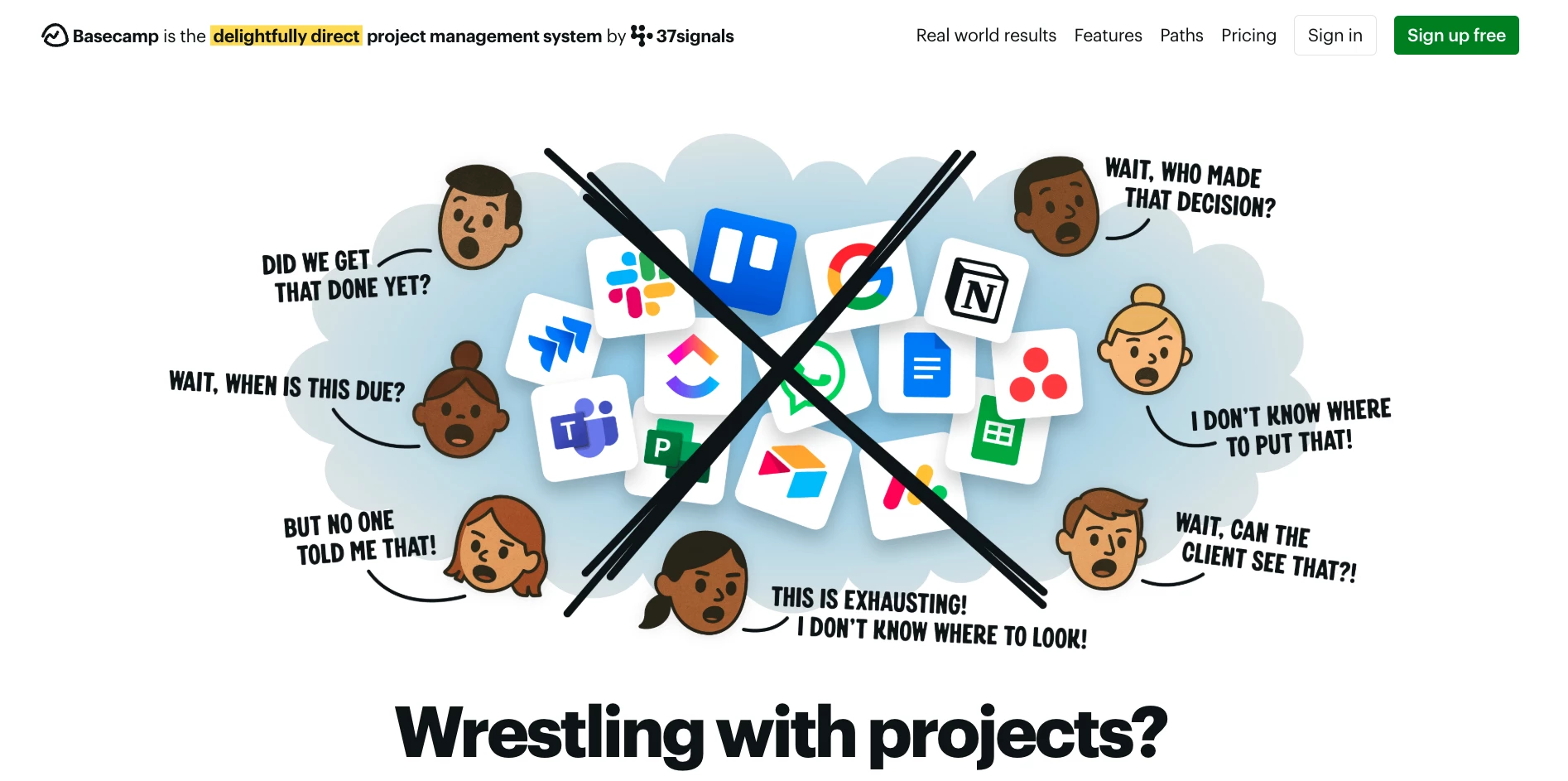
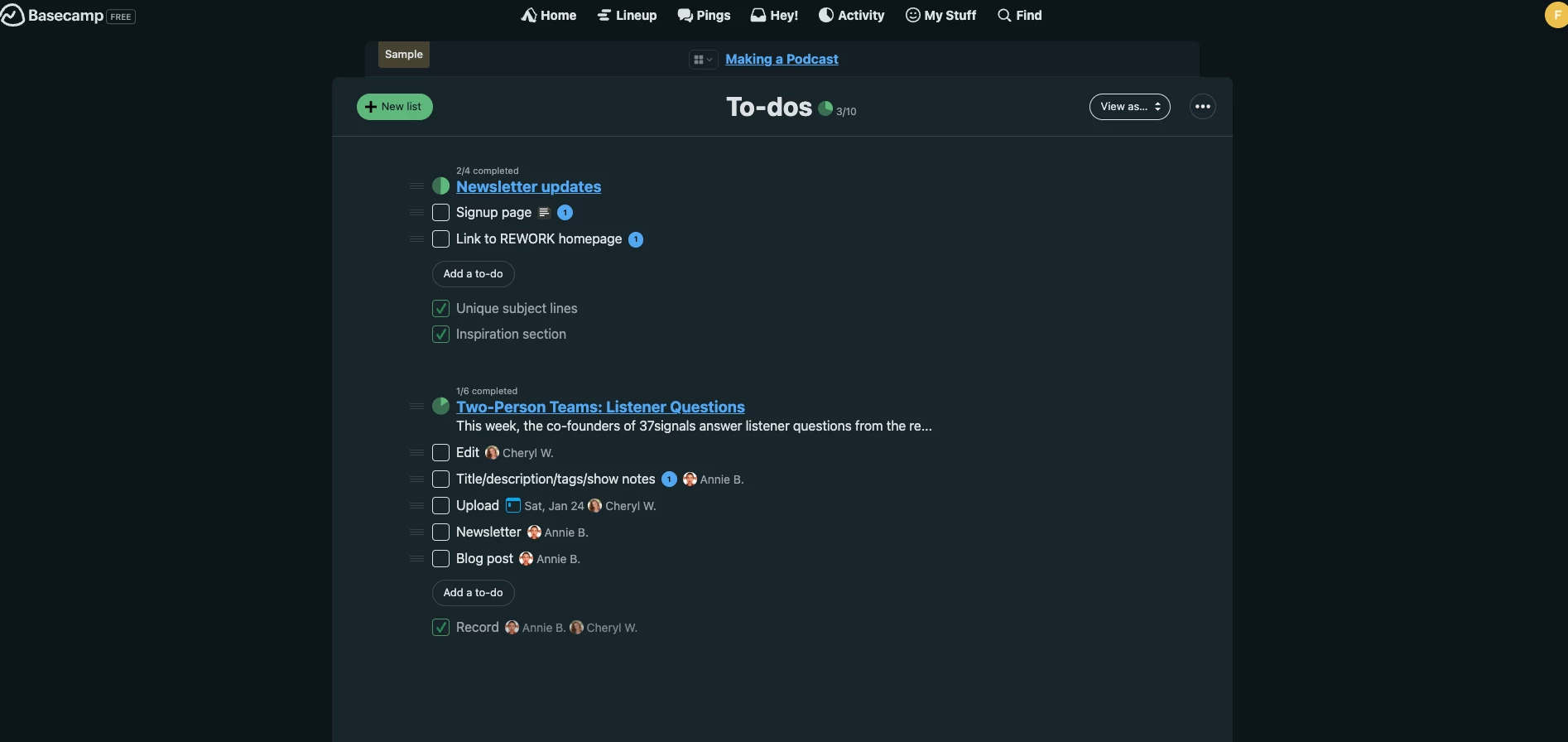
Basecamp is a cloud project management and team collaboration tool built around simplicity. Instead of complex workflows, it focuses on keeping communication, tasks, and files organized in one clean place.
That matters because Wrike reports businesses lose an average of $15,138.03 per employee per year to unnecessary tasks, and Basecamp is designed to cut down on that kind of busywork.
Pricing:
- Basecamp Free
- Basecamp Plus: $15/user per month
- Basecamp Pro Unlimited: $299/month billed annually, all-inclusive
It’s a common pick for small businesses, agencies, and remote teams that want something easy to adopt without turning project management into a second job.
Pros:
- Simple, intuitive UI with almost no training needed
- Message boards + Campfire chat keep discussions centralized
- Everything lives in one project hub (tasks, files, schedules, updates)
- Helpful features for distributed teams like check-ins and notification scheduling
Cons:
- Limited project planning depth (no dependencies, fewer views)
- To-dos are flat lists with no strong prioritization or subtask hierarchy
- Light reporting and dashboarding compared to more advanced tools
- Smaller integration ecosystem than many competitors
Notable Features
- To-do lists and task tracking
- Message boards and Campfire chat
- Schedules and calendars
- Docs and file storage
- Automatic check-ins and lightweight reporting
What Users Say
Users consistently praise Basecamp for being easy to learn and easy to stick with.
But some users say Basecamp can feel too simple for teams that need structured project planning.
They commonly point out the lack of advanced features like dependency tracking, deep reporting, and more “enterprise-style” workflow control, which is where more complex tools start to win.
View this post on Instagram
Who’s It For?
Basecamp is best for small-to-mid-sized teams that want smoother collaboration and clear communication without heavy PM overhead.
It’s ideal if you want fewer meetings, simple task tracking, and a tool your team won’t fight.
4. Microsoft Planner: Best for Mid-to-Large Project-Driven Businesses
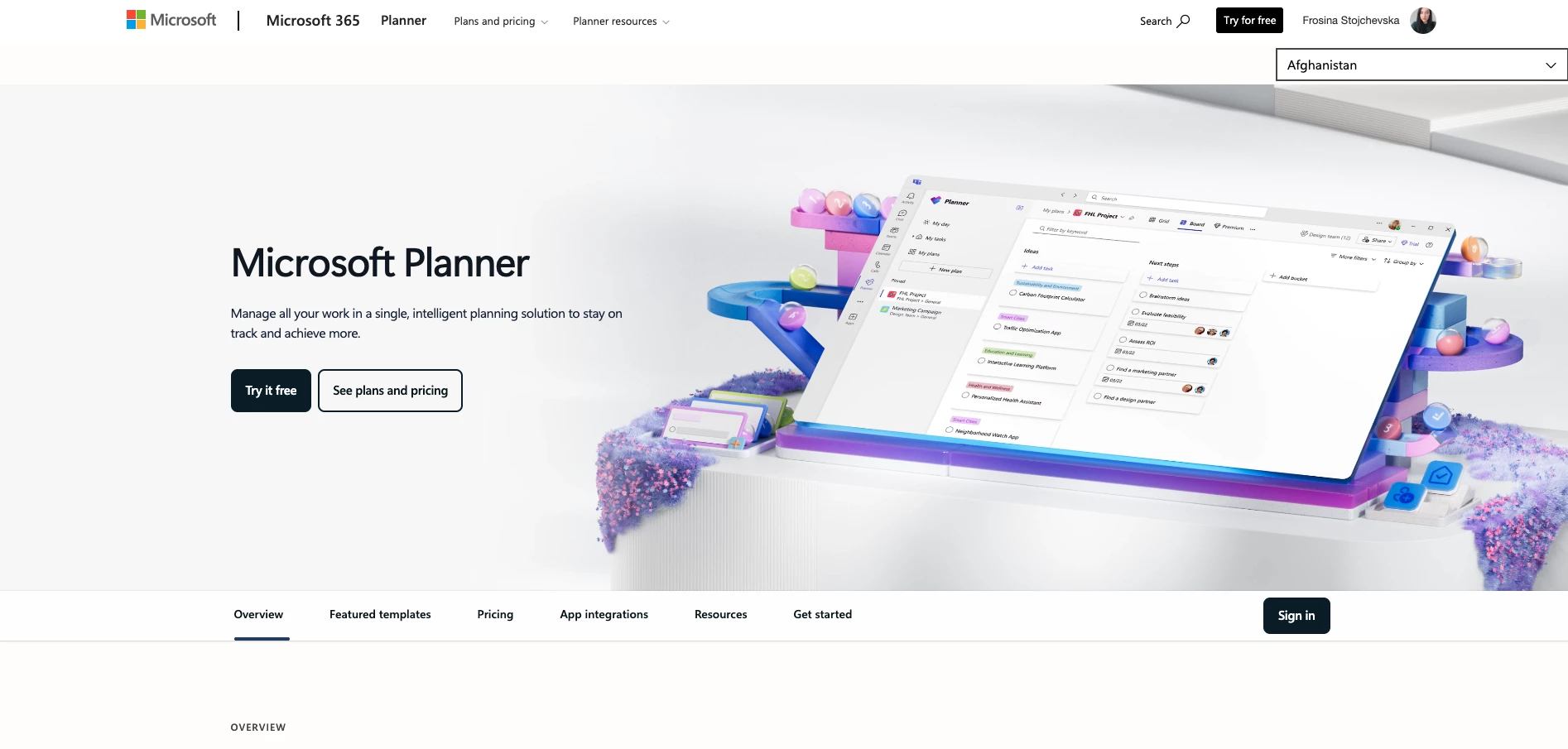
Microsoft Planner is Microsoft’s task and project planning tool inside the Microsoft 365 ecosystem.
It’s designed for organizing work, assigning owners, and tracking progress without needing a heavyweight PM platform. It works best when you’re already running Teams, Outlook, and SharePoint day to day.
Pricing (billed annually):
- Microsoft Planner: Included in Microsoft 365
- Planner Plan 1: $10/user/month
- Planner and Project Plan 3: $30/user/month
- Planner and Project Plan 5: $55/user/month
Planner sits alongside Microsoft’s more advanced Project tools, so you can scale up if you need deeper scheduling and portfolio-level control.
Pros:
- Easy to use for task-based project work
- Fits naturally into Microsoft 365 workflows
- Strong when paired with Teams, Outlook, and SharePoint
- Clear visibility into who owns what and what’s due
Cons:
- Can feel limited for “serious” project management
- Not built for complex planning like dependencies and advanced reporting
- Customization and workflow depth are lighter than dedicated PM tools
- Third-party integrations aren’t a strong focus
Notable Features
- Task boards and simple planning views
- Assignment, due dates, and progress tracking
- Microsoft 365 integrations
- Reporting and basic analytics (stronger at higher tiers)
What Users Say
Users consistently say Planner is easy to pick up and easy to use.
The most common complaint is that Planner can feel limited for serious project management. Users point out gaps like advanced reporting, deeper workflow customization, and features needed for complex projects.
Who’s It For?
Microsoft Planner is best for Microsoft 365-first teams that want a clean way to manage everyday project work without introducing another tool.
It’s a strong fit for internal teams like ops, marketing, HR, and admin that already collaborate in Teams and want task tracking built into the same environment.
5. Smartsheet: Best for Cross-Functional Team Projects
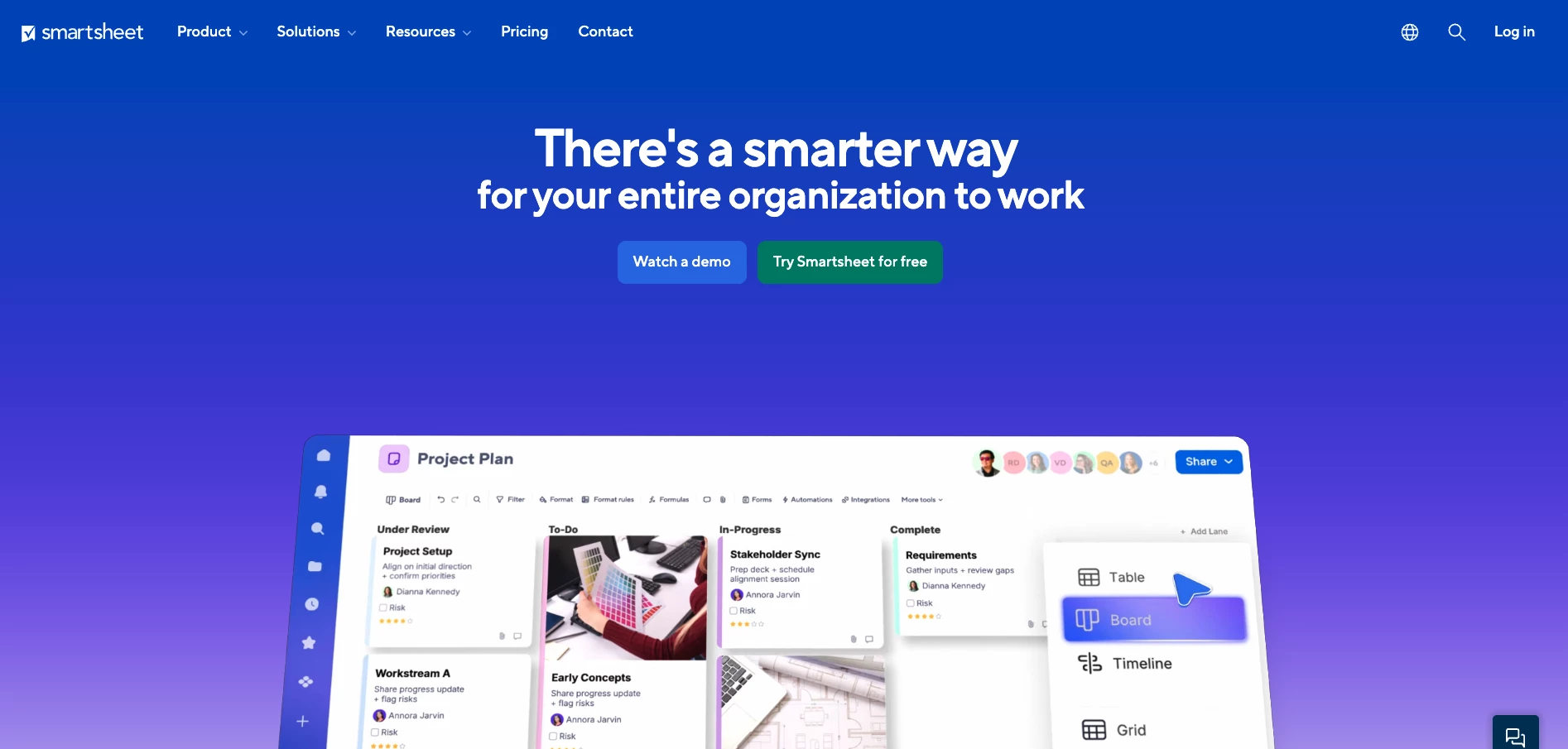
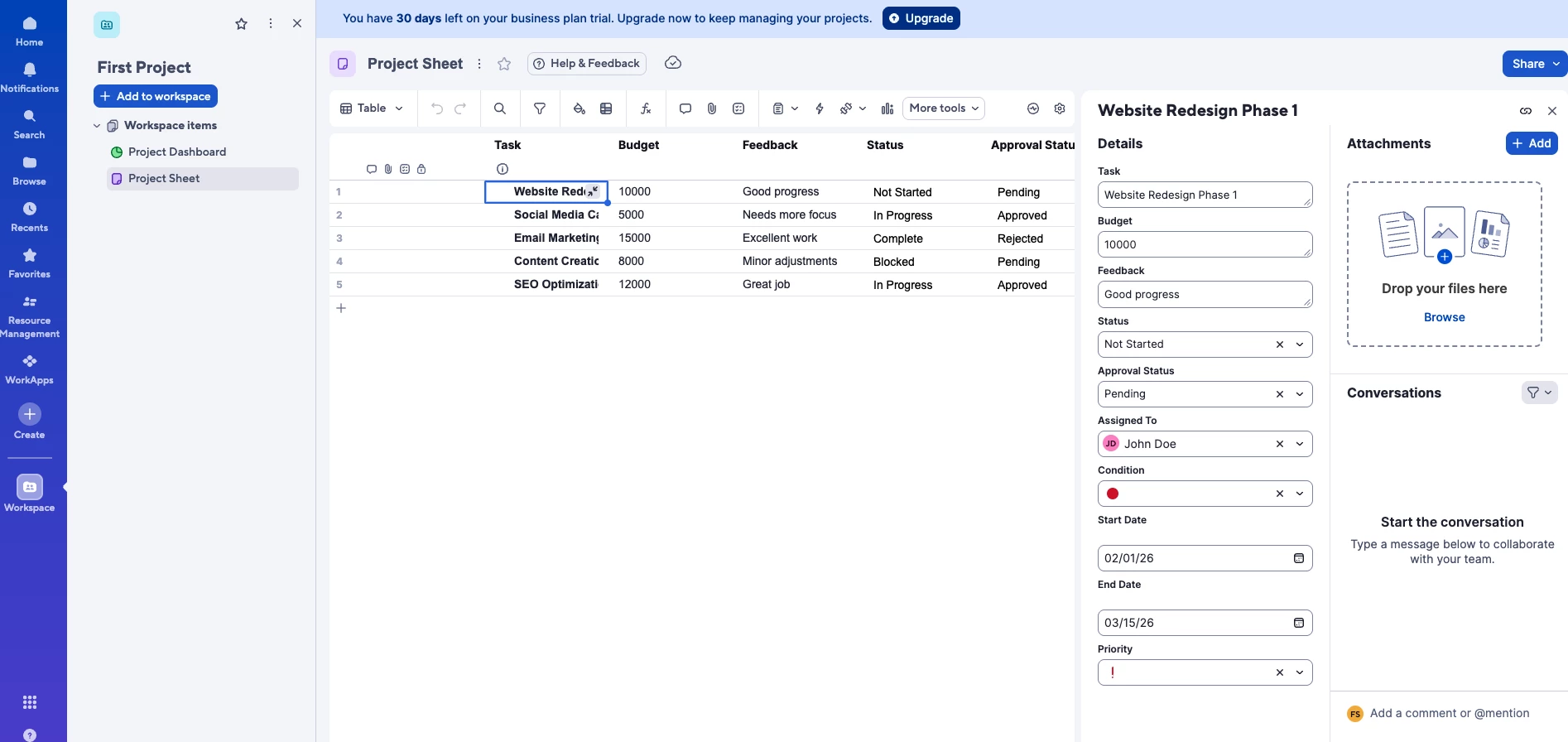
Smartsheet is a cloud project management platform that looks like a spreadsheet, but works like a workflow and project system. It’s basically Excel, collaboration, automation, and reporting, all in one place.
Pricing:
- Free trial
- Pro: $9 user/month
- Business: $19/user/month
- Enterprise: Contact sales
- Advanced Work Management: Contact sales
As Bethany Heck, Director of Design Systems at Smartsheet, explains, the platform is built for modern work environments:
“We’re focused on adapting our design system to meet the needs of dynamic, hybrid teams, ensuring that new features are user-friendly, visually cohesive, and support fluid, team-wide collaboration across any context.”
Pros:
- Easy for Excel/Sheets users to adopt fast
- Highly customizable (columns, dropdowns, formulas, conditional formatting)
- Real-time collaboration with instant updates
- Strong template library and automation for repetitive workflows
- Enterprise-ready security and admin controls for large teams
Cons:
- Advanced features take time to learn and structure properly
- Time tracking and resource management aren’t strong out of the box (often needs add-ons)
- Premium features can get expensive
- Can be overkill if you just need a basic task list
Notable Features
- Grid + Gantt views
- Card and calendar views
- Forms, automations, and workflow triggers
- Dashboards and reporting
- Integrations with Google Workspace, Microsoft 365, Slack, Jira, and more
What Users Say
Users love Smartsheet for one main reason: it’s flexible.
The most common downside is that Smartsheet can feel powerful but complicated. Users say once you start using advanced features, the setup and structure matter a lot, otherwise it becomes messy fast.
Who’s It For?
Smartsheet is best for teams that already live in spreadsheets but need something more scalable.
It’s a strong fit for ops, PMOs, IT, and cross-functional teams managing multiple workstreams, stakeholders, and reporting needs.
6. Zoho Projects: Best for Budget-Friendly PM for Small Teams
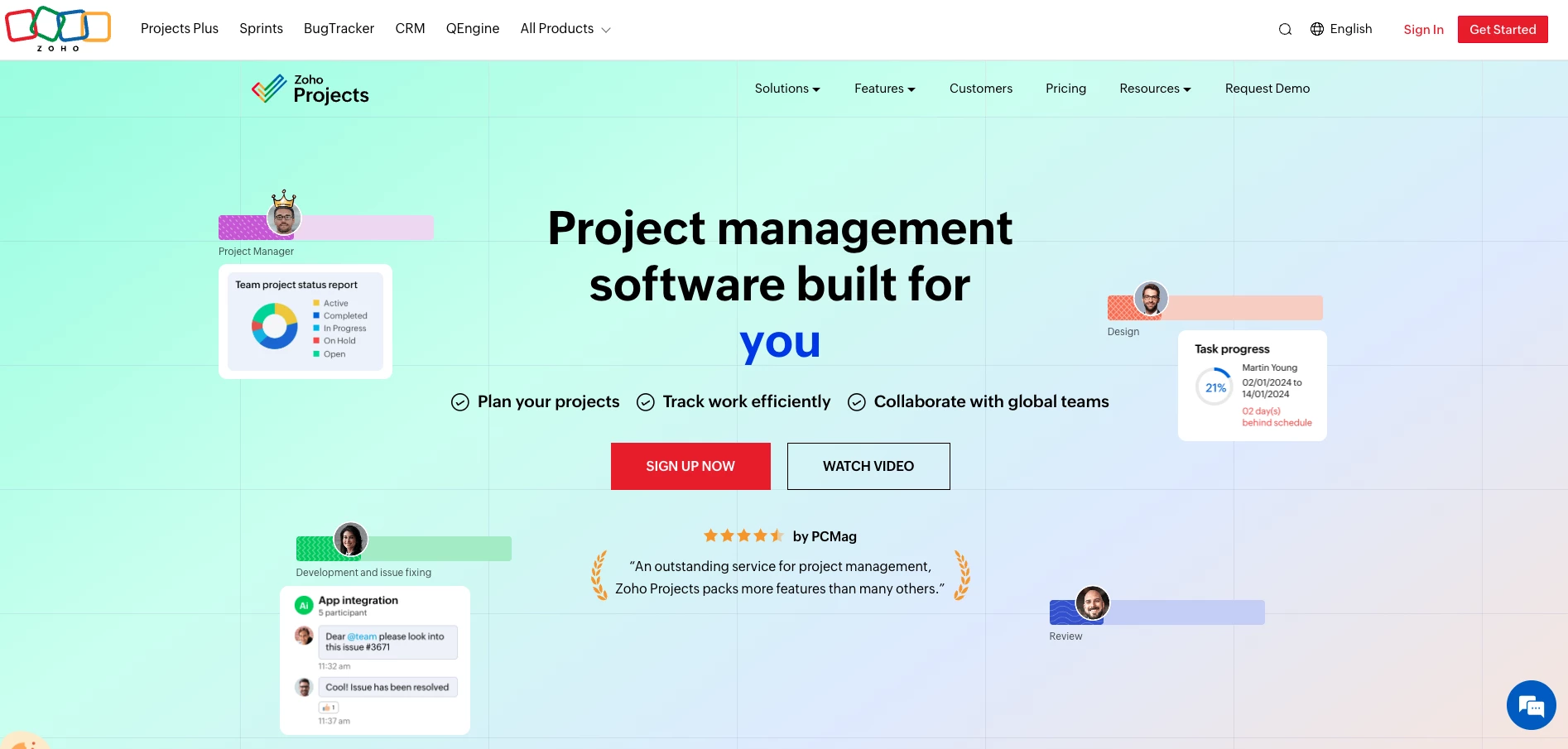
Zoho Projects is a full-featured project management tool inside the Zoho ecosystem. It’s priced for small teams, but it still gives you “real PM” features like timelines, dependencies, and time tracking without jumping into enterprise-level complexity.
Pricing (billed annually):
- Free: Up to 5 users
- Premium: €4/user/month
- Enterprise: €9/user/month
- Ultimate: €14/user/month
- Zoho Projects Plus: Contact sales
It’s a solid option for teams in IT, software, marketing, consulting, and services that need structure without spending a lot.
Pros:
- Strong feature set for the price
- Clean, modern, customizable interface
- Includes features many low-cost tools skip
- Comments, chats, forums, and @mentions keep teamwork in one place.
Cons:
- Smaller integration ecosystem compared to tools like Jira or Asana
- Some advanced controls (roles, portfolio dashboards, calendars) are locked behind higher tiers
- Storage may feel limited if you manage lots of large files (upgradeable)
- Standard support is business hours; 24/7 support costs extra
Notable Features
- Tasks with subtasks and dependencies
- Gantt charts for timeline planning
- Timers and timesheets for tracking work
- Forums, chat, project feed, and a client portal for collaboration and visibility
What Users Say
Users often describe Zoho Projects as a “complete toolkit” for the price.
The main downside you’ll see is that it can feel like “a lot” during onboarding. Some users say it takes time to set up cleanly and get everyone using it the same way, especially if the team expects something lightweight.
@technomapsolutions Is your Zoho Projects feeling a little chaotic? 🌀 A few custom task statuses, fields, and smart filters to bring instant clarity. 🌅 Here’s how I set it up to actually stay on top of things. ⬇️
♬ original sound - TechnoMap
Who’s It For?
Zoho Projects is best for teams that want strong project management features on a small-team budget.
It’s a good fit for agencies and SMBs that need tasks, timelines, time tracking, and reporting in one platform.
7. Teamwork: Best for Client-Focused Projects and Agency Work
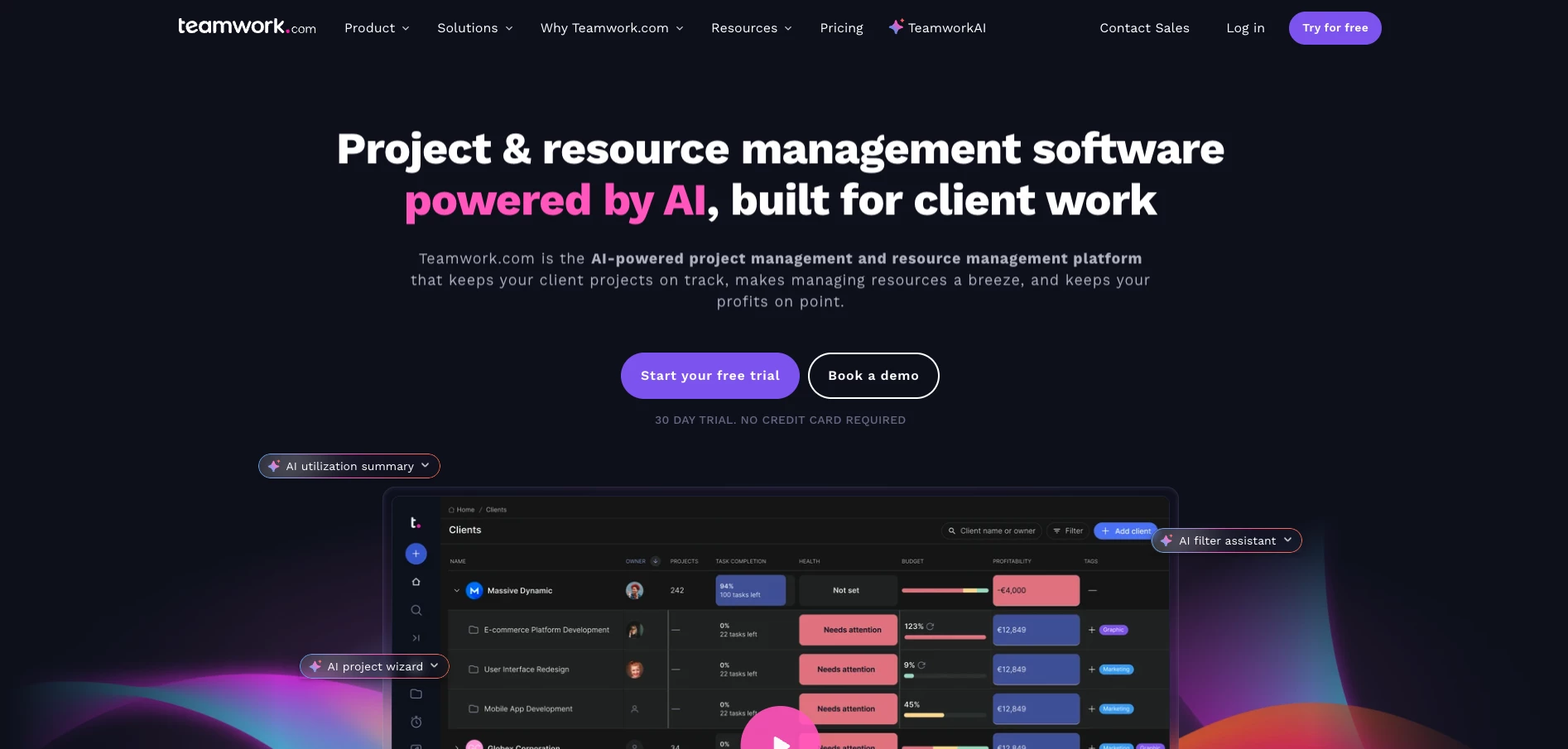
Teamwork is a project management platform built for teams delivering work for clients. It’s made for managing multiple projects at once, tracking time, and keeping client visibility clean without exposing internal chatter or messy details.
Pricing:
- Free tier available
- Deliver: $13.99/user/month
- Grow: $25.99/user/month
- Scale: Contact sales
What makes Teamwork different is the client-service angle: billing, client users, and privacy controls are built in, so it works well for agencies and professional services teams.
Pros:
- Feature-rich for managing multiple projects and teams
- Custom workflows and reusable templates
- Strong time tracking that feeds into billing and productivity reporting
- Client access controls make sharing updates easier without oversharing
Cons:
- Can feel complex at first because there’s a lot going on
- Higher tiers unlock the real value
- Limited offline use
- Automation is fairly basic compared to newer PM tools
Notable Features
- Task management with owners, due dates, priority, and tags
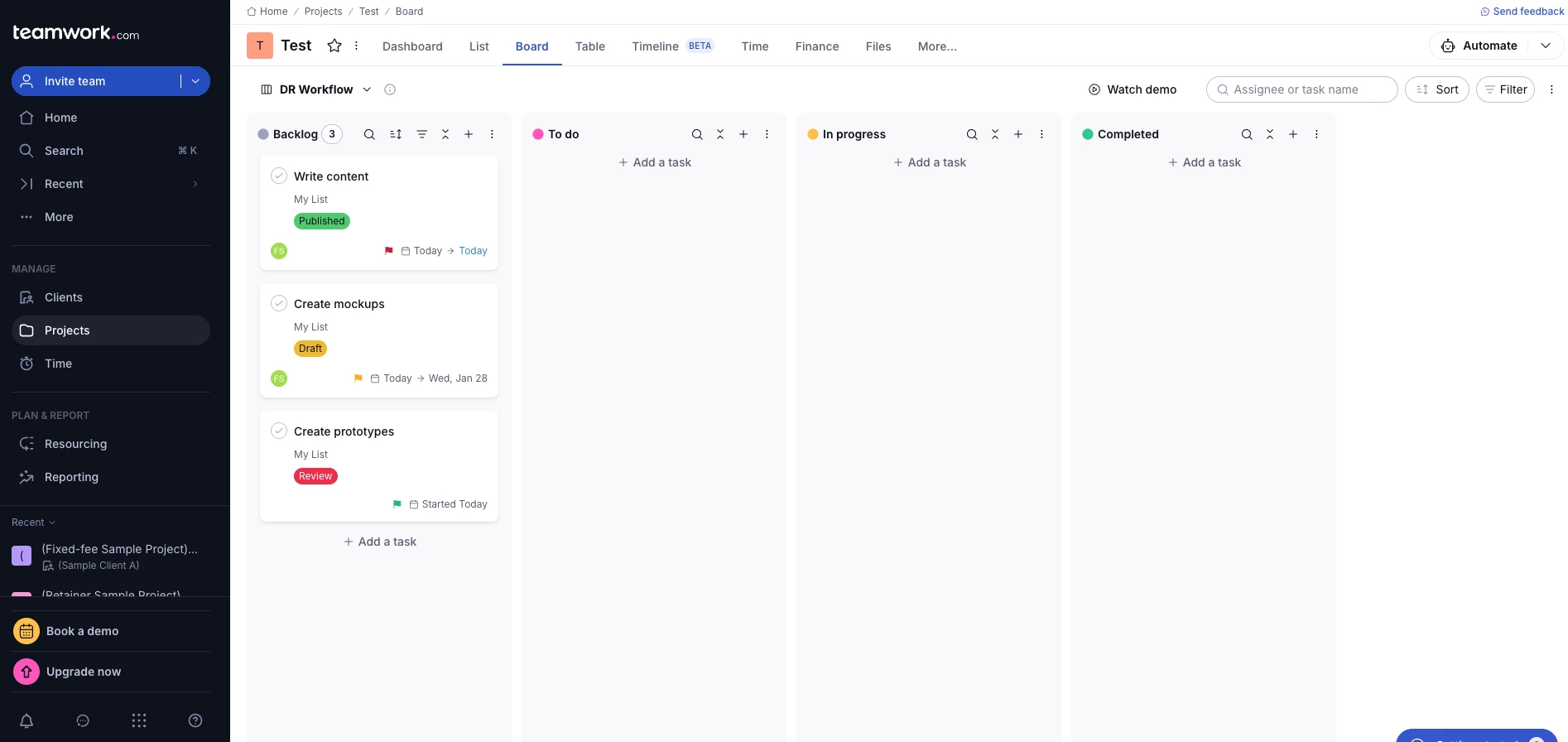
- Multiple views: list, board, Gantt timeline, and workload
- Built-in timers and timesheets
- Dashboards and reporting for project health, utilization, and profitability
What Users Say
Reviews often mention that Teamwork brings clarity to projects and makes it easier to keep tasks, deadlines, and collaboration organized in one place.
Time tracking is the standout feature for agencies, since it helps with billing accuracy and utilization targets.
The biggest concern users raise is occasional performance or reliability issues, which matters when the tool runs your daily delivery work.
Who’s It For?
Teamwork is best for agencies, consultancies, and professional services teams managing multiple client projects.
It’s especially useful if you need project structure plus time tracking and client-friendly collaboration, without stitching together five separate tools.
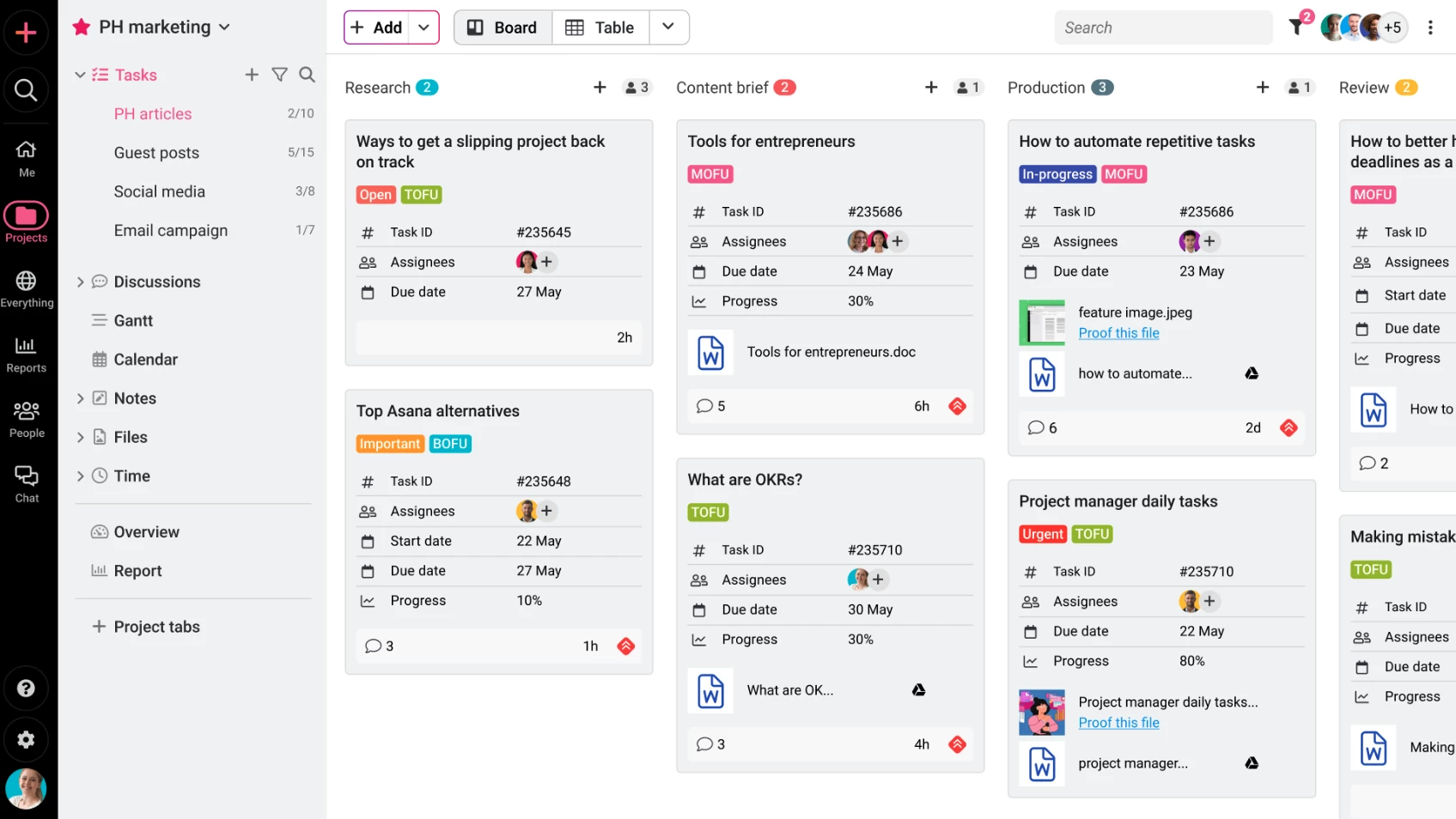
8. ProofHub: Best for Simple Team Collaboration and Proofing
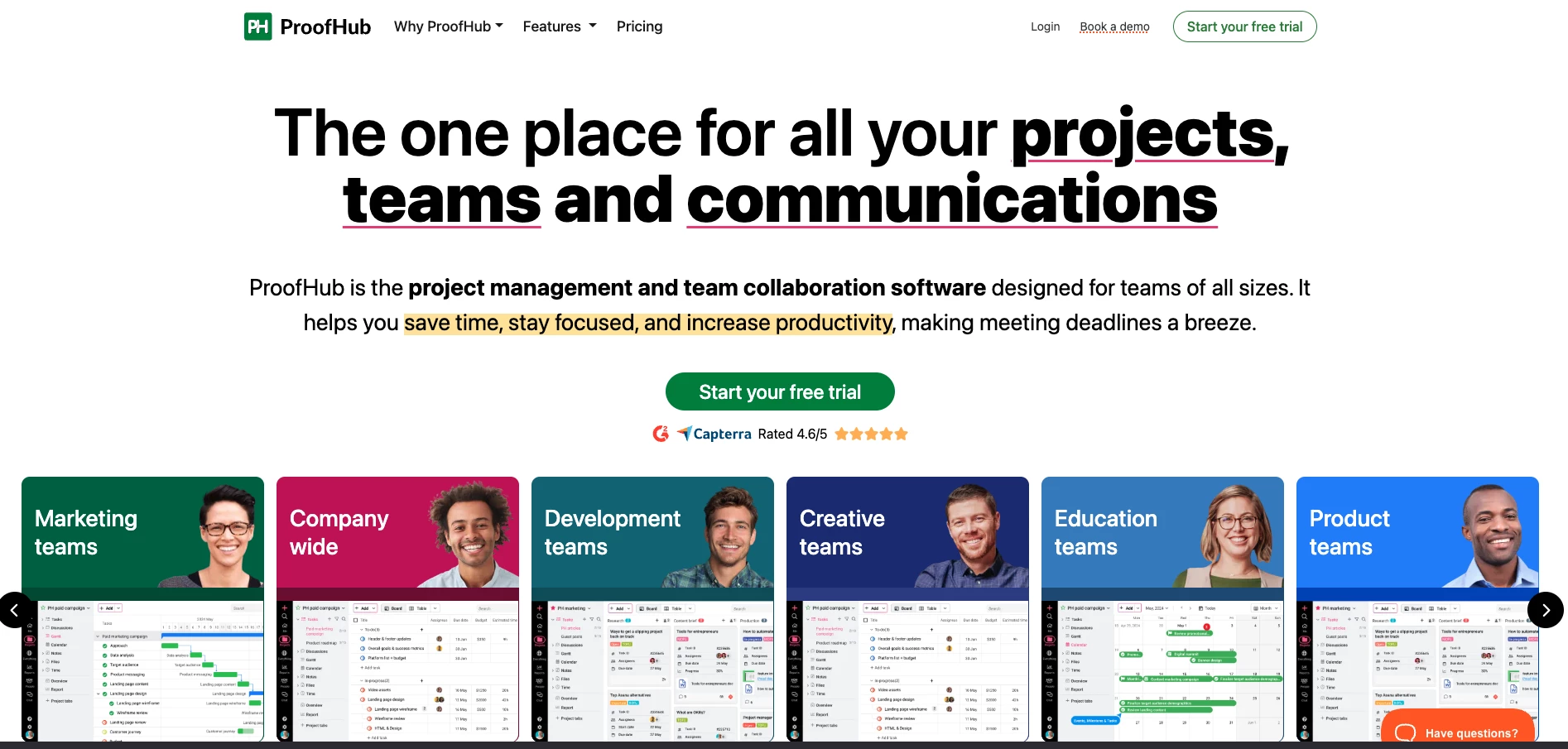
ProofHub is an all-in-one project management and collaboration tool with a simple interface and flat monthly pricing.
The standout is proofing: it’s built for teams that need fast feedback and approvals on design files and creative work.
Pricing:
- Free trial
- Essential: $50/month
- Ultimate Control: $99/month
ProofHub is cloud-based and works especially well for creative teams where multiple people need to review, comment, and approve assets without chaos.
Pros:
- Unlimited users on paid plans (cost doesn’t spike as your team grows)
- Easy to learn and quick to roll out
- Strong built-in proofing and markup tools for visuals
- Custom task statuses help match your workflow
Cons:
- Reporting is basic
- Limited integrations compared to bigger platforms
- Automation is minimal
- UI feels slightly dated in places
Notable Features
- Tasks and subtasks with assignees and deadlines
- Timeline view for planning schedules
- Time tracking with timers and timesheets
- Group chat, discussion threads, and @mentions
- Announcements for team-wide updates
What Users Say
Users like ProofHub because it feels straightforward and easy to adopt. A lot of reviews call out the clean interface and the fact that teams can get productive quickly without a huge onboarding phase.
The main pushback is that if it’s used poorly, it can feel like micromanagement instead of support, so the tool works best when expectations and communication are healthy.
Who’s It For?
ProofHub is best for teams that want one place for project tracking, collaboration, and approvals without juggling multiple tools.
It’s a strong fit for marketing teams, creative teams, and agencies that deal with lots of files, feedback cycles, and revisions.
9. Adobe Workfront: Best for Enterprise Marketing and Creative Ops
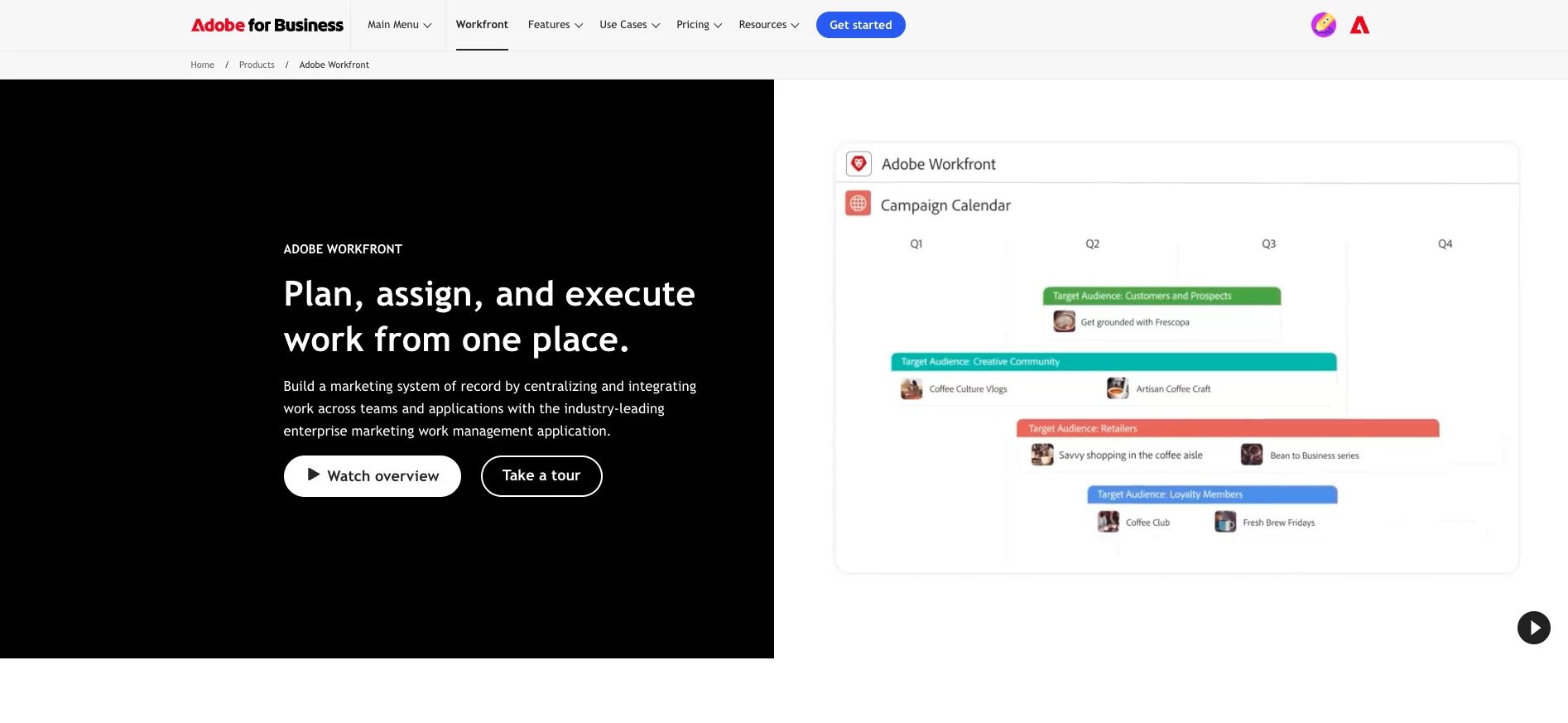
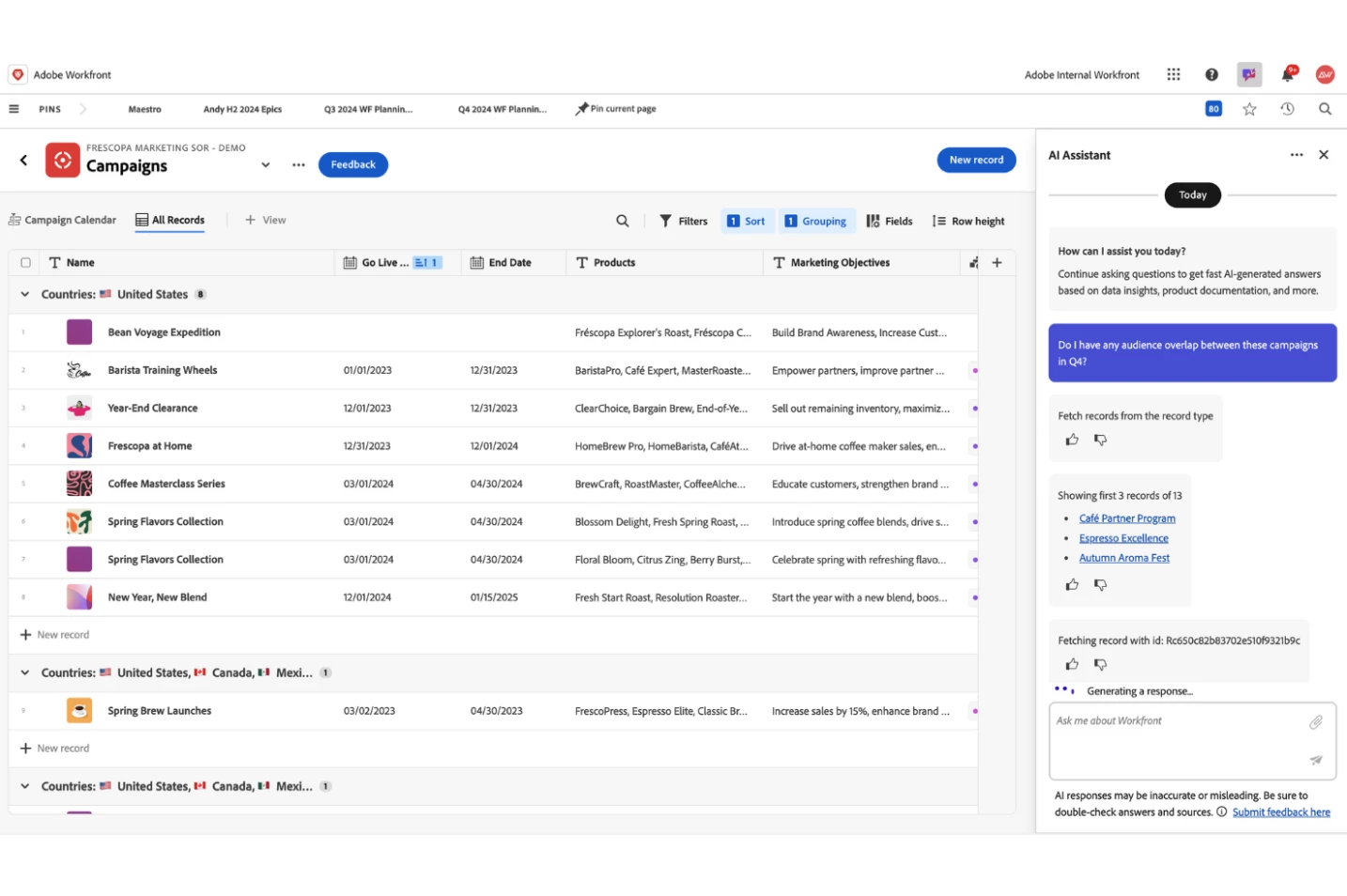
Adobe Workfront is a cloud work management and portfolio platform built for enterprise teams.
It’s designed to handle high-volume work with structured intake, workflows, approvals, and reporting, especially for marketing and creative operations.
Pricing:
- Custom, contact Adobe
Workfront started as a marketing-focused tool, but it’s evolved into an enterprise system any department can use to manage projects at scale.
Pros:
- Full end-to-end workflow management, from intake to delivery
- Highly customizable to match how your organization runs work
- Strong Adobe Creative Cloud integration (Photoshop, Illustrator, etc.)
- Built-in proofing with markup and comments on creative assets
Cons:
- Can be complex to implement and learn
- Enterprise pricing (not built for smaller budgets)
- Structured workflows may feel too rigid for lightweight teams
- Rollout and setup often become a project on their own
Notable Features
- Advanced project planning and portfolio management
- Resource and capacity planning
- Custom forms and fields for intake and governance
- Automations and workflow routing
- Real-time dashboards and reporting
What Users Say
Users consistently praise Workfront for being powerful and structured, especially once teams move beyond basic project tracking.
The biggest downside is the learning curve, onboarding takes time, and the platform can feel heavy if your team just wants simple collaboration.
View this post on Instagram
Who’s It For?
Adobe Workfront is best for enterprises managing large volumes of marketing, creative, or cross-functional work where intake, approvals, capacity, and reporting need to be controlled.
It’s an especially strong fit if you already run on Adobe tools and want planning and execution connected in one ecosystem.
10. Lark: Best for All-in-One Team Collab and Project Work
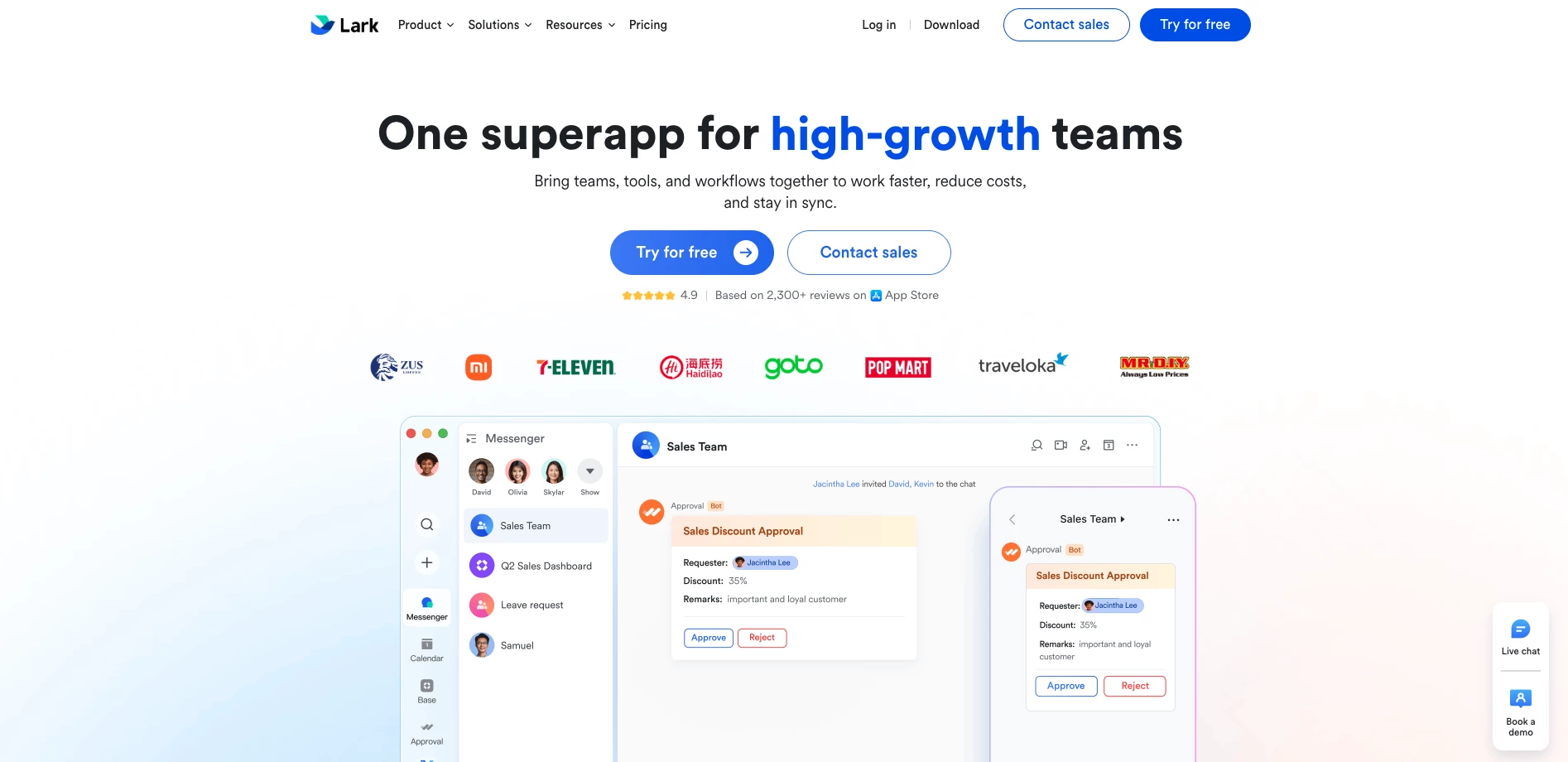
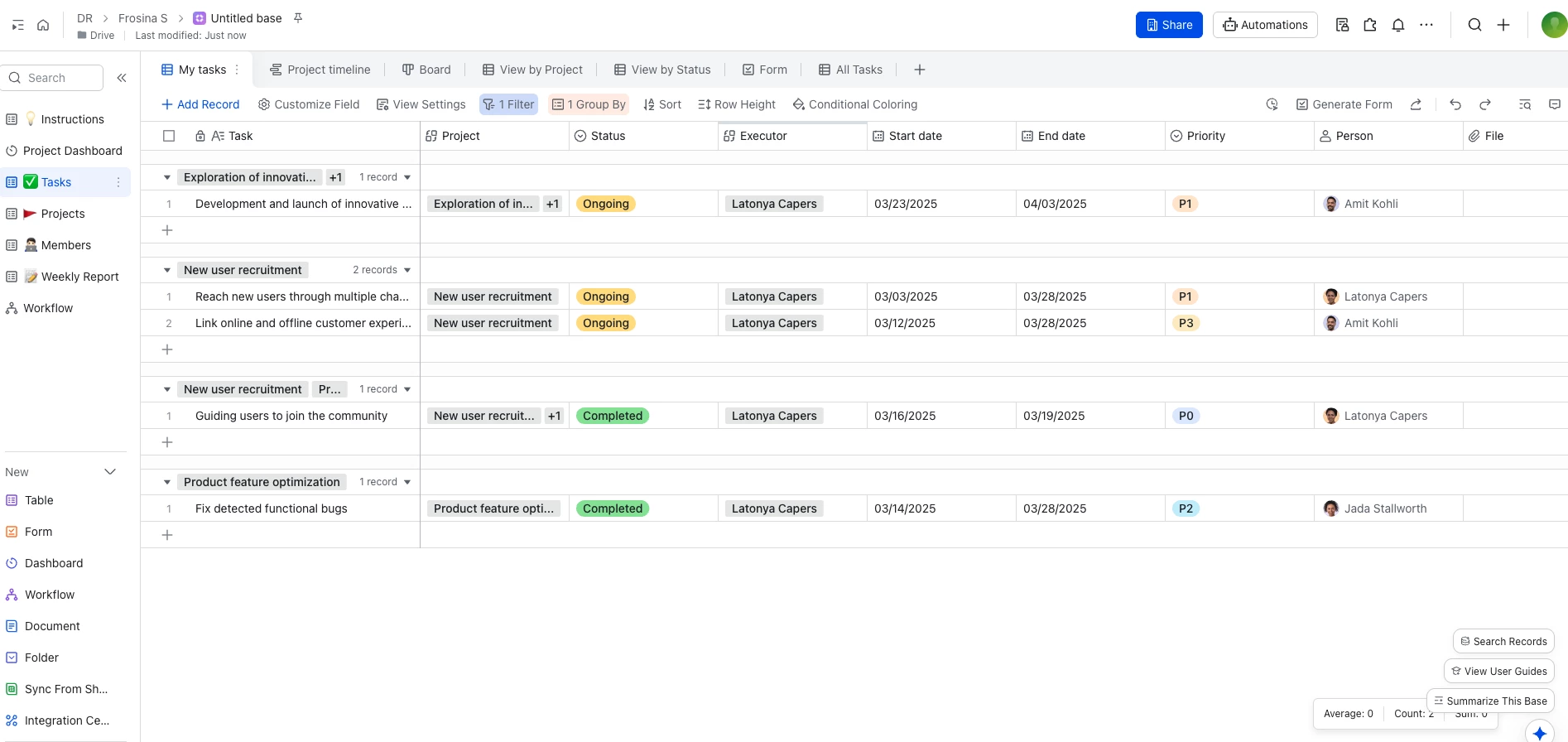
Lark is an all-in-one workplace platform built to replace the usual mix of tools teams stitch together (chat, meetings, docs, calendars, and basic workflows). It’s a strong pick if you want collaboration and lightweight project work living in one system.
Pricing:
- Starter: Free
- Pro: $14.4/user/month
- Enterprise: Contact sales
It’s especially strong for organizations that want a single system for collaboration and lightweight operations.
Pros:
- Replaces multiple tools with one ecosystem
- Works well for cross-functional teams
- Great for distributed teams doing lots of async work
- Can be cheaper than paying for separate point tools
Cons:
- Some teams still prefer best-in-class tools instead of one suite
- Without clear standards, an all-in-one platform can get messy fast
Notable Features
- Built-in meetings and video calls
- Docs and Sheets for real-time collaboration
- Email and calendar to reduce context switching
- Wikis / knowledge base for internal documentation
- Workflow and approval tools for operational processes
What Users Say
Users consistently like Lark because it feels like “everything in one place.” Reviews often mention how easy it is to combine chat, meetings, docs, and calendars without bouncing between separate platforms all day.
The downside is onboarding: there’s a lot inside the platform, so it takes time to learn where everything lives and how to use it cleanly.
@lark We dare you to comment a feature that Lark doesn’t have 🤯 #lark#productivity#productivitytips#larkreferral2024♬ Lazy Sunday - Official Sound Studio
Who’s It For?
Lark is best for teams that want a single workspace for communication, collaboration, and day-to-day coordination.
It’s a great fit for fast-moving SMBs and mid-market teams that want fewer tools, less switching, and faster execution.
Our team ranks agencies worldwide to help you find a qualified partner. Visit our Agency Directory for the top business consulting companies, as well as:
- Top Project Management Companies
- Top Small Business Consulting Firms
- Top Business Operations Consulting Firms
- Top Strategy Consultant Firms
Project Management Tools FAQs
1. What is the best project management tool for most teams?
The best tool is the one your team will actually use consistently. For most teams, that means something easy to adopt, clear for task ownership, and flexible enough to scale as projects get more complex.
2. How do I choose between a simple tool and a more advanced one?
Go simple if you mainly need task tracking, communication, and basic visibility.
Go advanced if you need timelines, dependencies, reporting, or structured workflows across multiple teams and projects.
3. Are free project management tools worth using?
Yes, especially for small teams, early-stage companies, or testing adoption. Just expect limits around reporting, automation, permissions, and advanced planning features as your needs grow.