
In 2026, VPNs (Virtual Private Networks), especially those equipped with split tunneling, are the backbone of secure yet efficient network management. Let's review the top VPN providers offering the feature and benefits of split tunneling in improving business operations.
Best VPNs for Split Tunneling: Key Points
- NordVPN, ExpressVPN, and Surfshark stand out for offering flexible split tunneling through both apps and domains, giving users better control over their traffic.
- PureVPN and CyberGhost make split tunneling easy with user-friendly interfaces and ready-made configurations ideal for fast deployment.
- ProtonVPN and Private Internet Access offer advanced privacy and granular controls like IP-, subnet-, and inverse split tunneling for power users.
What Is Split Tunneling in VPNs?
1. How to Choose the Right VPN
2. 7 VPN Mistakes That Businesses Make
3. VPS vs. VPN Guide and Comparison
4. 9 Types of Cybersecurity
Split tunneling lets users choose which internet traffic goes through the VPN and which doesn’t. It’s a smart way to balance security with speed.
For example, sensitive data like internal systems or client communications can stay protected via the VPN, while everyday browsing or media streaming skips it for faster speeds and lower bandwidth use.
Below are some of the best VPN with split tunneling in 2026:
VPN Provider | Best For | Split Tunneling Type(s) | Supported Platforms | Starting Price |
NordVPN | App- and URL-level control | App-based, URL-based | Windows, Android, Android TV | $3.39/month (Standard plan) |
ExpressVPN | Router-based split tunneling | App-based, Router (Device Groups), Inverse | Windows, Android, Linux, macOS ≤10, Routers | $4.99/month (2-year plan) |
Surfshark | Cross-platform inverse tunneling | App-based, URL-based, Inverse | Windows, macOS, Android, iOS | $1.99/month (2-year plan) |
Proton VPN | Privacy-first teams | App-based, IP-based, Inverse | Windows, Android | $4.49/month (2-year plan) |
CyberGhost | Ease of use on Windows & Android | App-based, URL-based (Exceptions) | Windows, Android | $2.19/month (2-year plan) |
IPVanish | Domain-dased custom routing | App-based, Domain-based | Windows, Android, Fire TV, Vision Pro | $1.97/month (2-year plan) |
Private Internet Access (PIA) | Granular traffic segmentation | App, Domain, IP, Subnet, Inverse | Windows, Linux, Android (Docker & VMs supported) | $2.03/month (3-year plan) |
PureVPN | Local services & smart eevice bypass | App-based | Windows, Android | $2.11/month (2-year plan) |
1. NordVPN – Best for App- and URL-Level Control
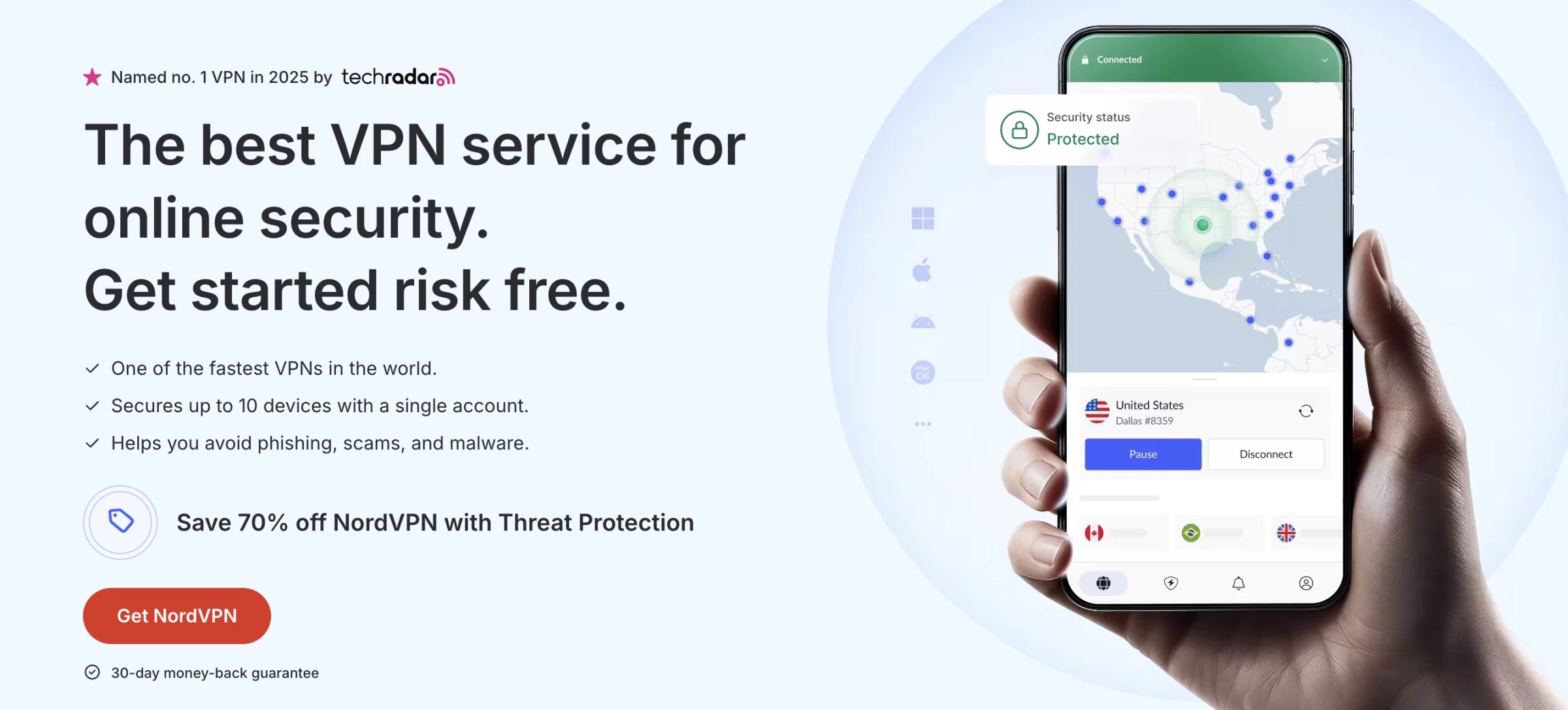
NordVPN consistently ranks among the top VPN providers, and its split tunneling feature is one reason why. Designed with user control in mind, NordVPN allows you to route only selected traffic through the VPN, keeping the rest on your regular connection.
This makes it especially useful for those who need to secure work-related apps while streaming or browsing locally without speed loss.
Key Features | Pricing |
|
|
Split tunneling is supported on Windows, Android, and Android TV. You can enable app-based split tunneling from the settings menu, choosing which apps should bypass the VPN tunnel.
NordVPN also supports URL-based split tunneling, allowing you to exclude specific websites from VPN coverage.
Combined with features like Threat Protection Pro™, Meshnet, and a strict no-logs policy, NordVPN offers a comprehensive solution for businesses that want full control over their encrypted and unencrypted traffic.
2. ExpressVPN – Best for Router-Based Split Tunneling

[Source: ExpressVPN]
ExpressVPN is a standout when it comes to flexibility and device-level control, especially for users who want to manage VPN coverage across an entire network.
While many VPNs limit split tunneling to apps, ExpressVPN extends the feature to routers, allowing you to assign different VPN connections to specific devices. This is ideal if you want your smart TV connected to a U.S. server while your laptop stays local or vice versa.
Key Features | Pricing |
|
|
On the software side, ExpressVPN supports split tunneling on Windows, Android, Linux, and macOS (pre-11).
DNS queries remain protected through ExpressVPN servers regardless of how you route app traffic — an added layer of privacy that many users appreciate.
For routers, the split tunneling experience is even more granular. Using Device Groups, you can organize connected devices into up to five groups, each with its own VPN rules.
ExpressVPN’s clean interface and reliable performance make this possible without getting overly technical, which is part of why it’s still a favorite among privacy-conscious users.
3. Surfshark – Best for Cross-Platform Inverse Tunneling
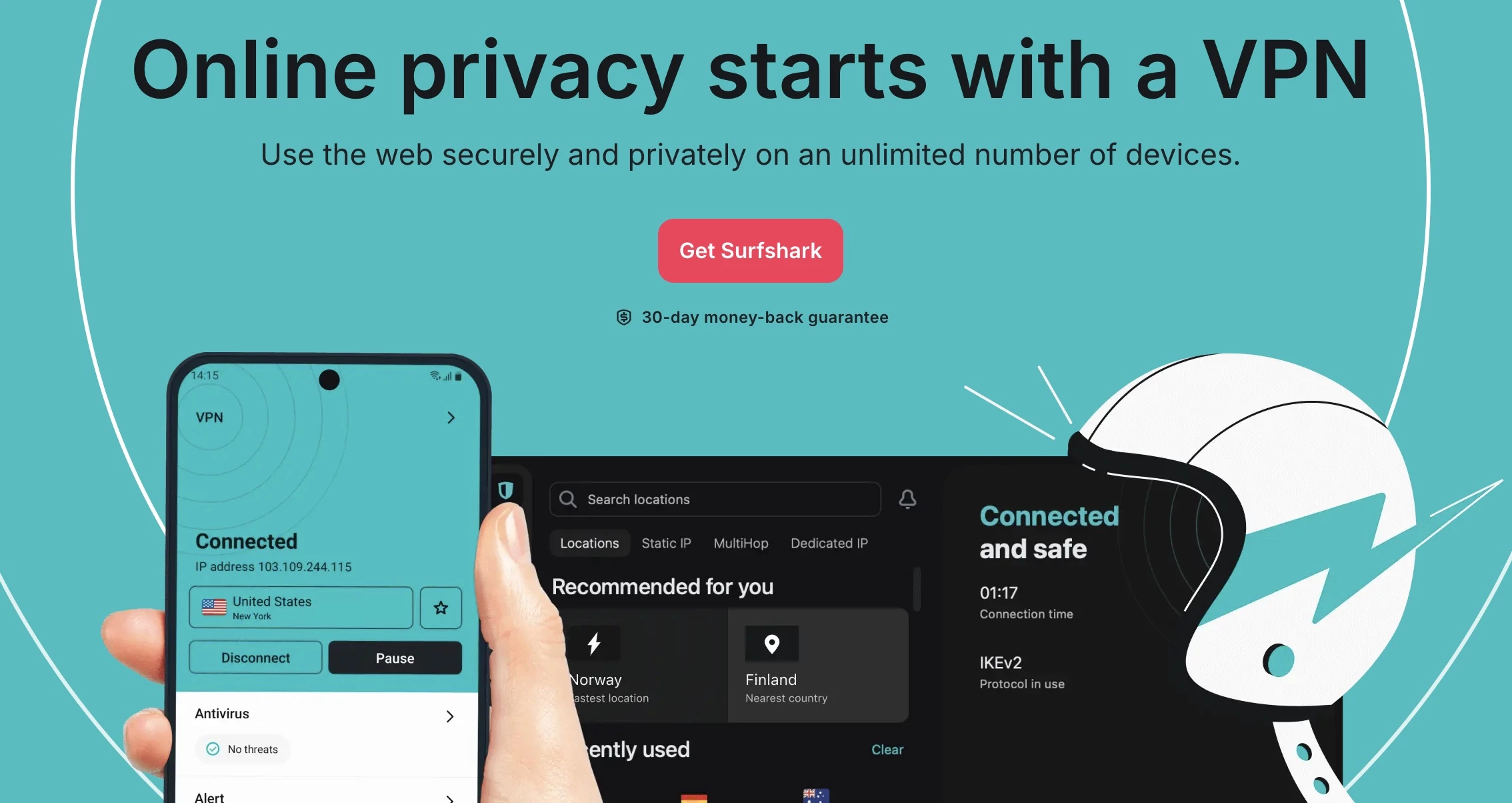
Surfshark’s split tunneling feature, branded as Bypasser, offers a flexible way to tailor your VPN usage without sacrificing speed or convenience.
Bypasser makes it easy to choose what gets routed through the VPN and what doesn’t. It’s a clean, intuitive setup that supports both apps and websites, giving you fine-grained control over your encrypted and unencrypted traffic.
Key Features | Pricing |
|
|
Bypasser is available across Windows, macOS, Android, and iOS, and it supports all three major split tunneling types: app-based, URL-based, and inverse split tunneling.
Surfshark is also one of the few services offering split tunneling on iOS, where many competitors fall short.
The ability to run different IPs at once — VPN-routed for privacy and direct for local services — adds another layer of flexibility that frequent travelers and remote workers appreciate.
Surfshark balances ease of use with power-user features, making it a solid choice if you want full control without technical headaches.
4. Proton VPN – Best for Privacy-First Teams
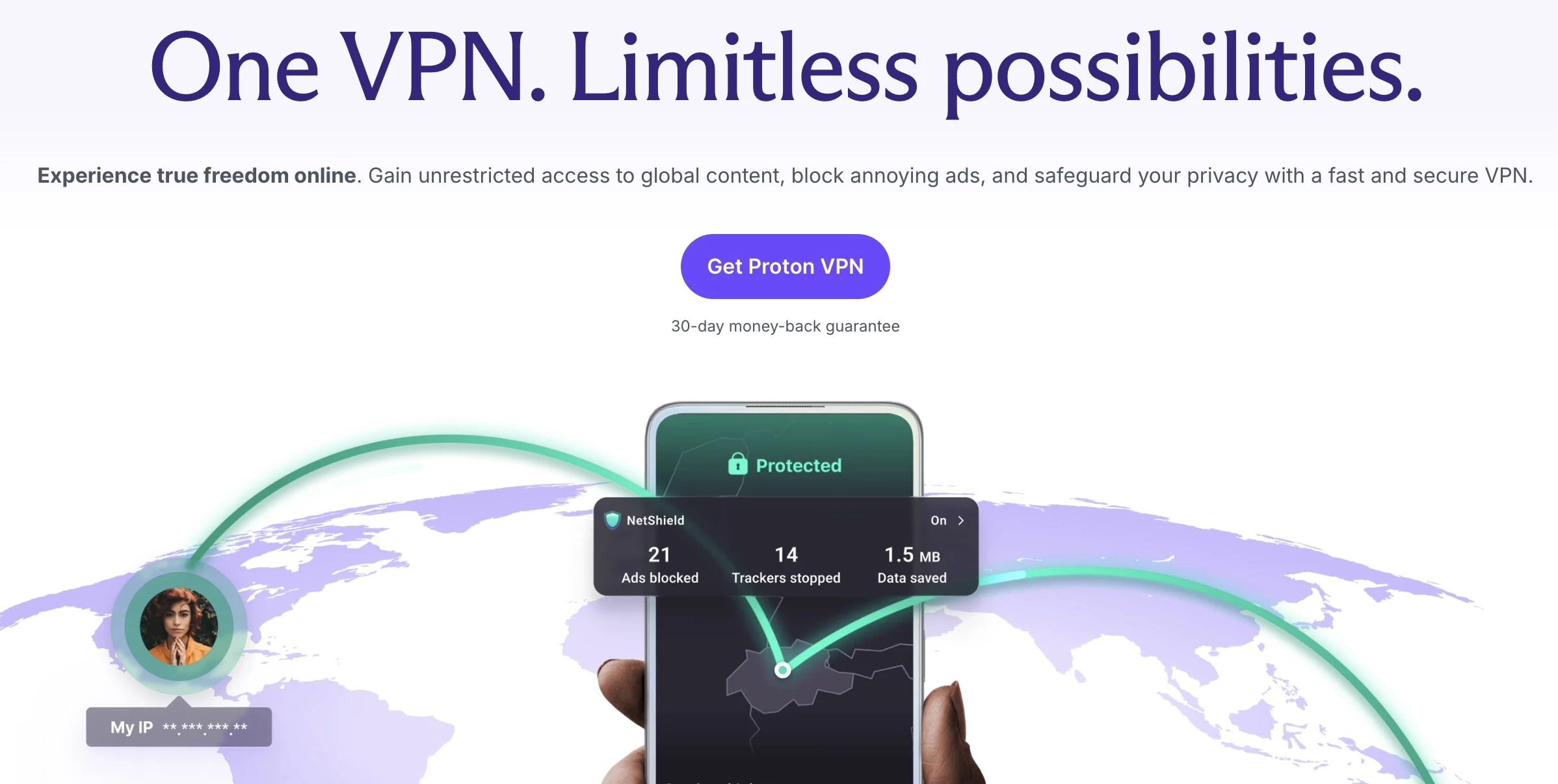
Proton VPN is built for teams that want privacy without compromises, and its split tunneling feature is a great example of that. It offers both app-based and IP-based split tunneling, giving you a level of control over how your traffic flows.
Key Features | Pricing |
|
|
The split tunneling feature works in two modes: Exclusion Mode lets you pick apps or IPs to bypass the VPN, while everything else stays protected.
Inclusion Mode flips that: only selected apps or IPs go through the VPN, ideal if you want to keep things lean and focused.
Proton VPN is currently available on Windows and Android, with support for macOS and Linux on the roadmap.
Proton VPN combines technical power with user-friendly design. It’s also one of the more transparent services out there — open source, regularly audited, and based in privacy-strong Switzerland.
Users and review platforms praise its commitment to privacy, its easy-to-use interface, and how stable the connection is, even when split tunneling is in play.
5. CyberGhost – Best for Ease of Use on Windows and Android

CyberGhost VPN strikes a great balance between ease of use and advanced features, especially when it comes to split tunneling.
While split tunneling is limited to Android and Windows, it’s executed smoothly and intuitively, making it one of the most beginner-friendly implementations out there.
Key Features | Pricing |
|
|
On Android, you get app-based split tunneling, which is perfect for routing only specific apps outside the encrypted VPN tunnel.
Over on Windows, there’s the Exceptions feature, ideal for URL-based split tunneling. It’s user-friendly and very customizable.
Users often call out how smooth and lightweight the split tunneling is, especially on Android. Just keep in mind that, for now, there’s no IP-based or inverse tunneling.
6. IPVanish – Best for Domain-Based Split Tunneling
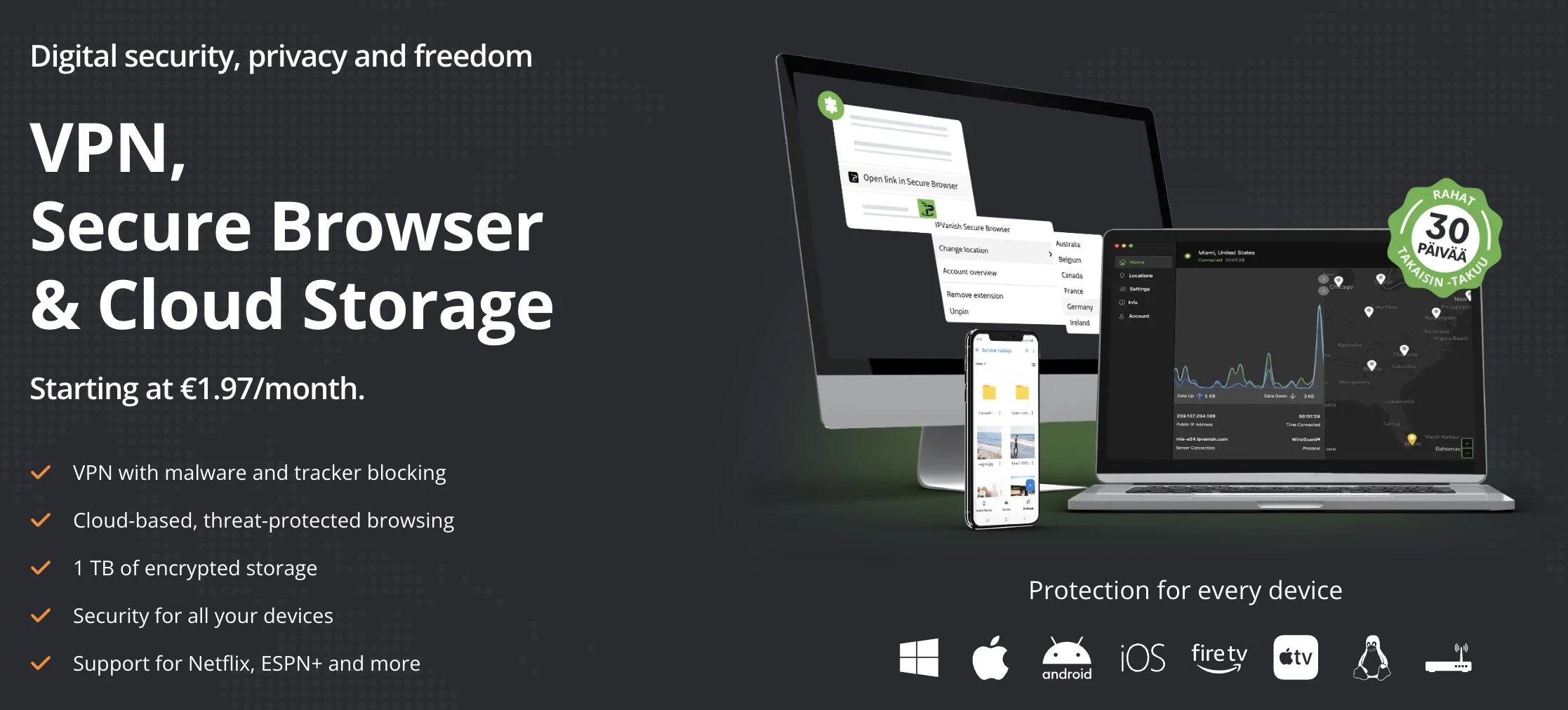
IPVanish brings serious split tunneling flexibility to the table. This VPN is designed for teams who like to fine-tune their setup. It supports both domain-based and app-based split tunneling.
Key Features | Pricing |
|
|
On Windows, you can define which apps or websites should bypass the VPN. Teams using Android, Fire TV, and even Vision Pro can tap into app-based split tunneling with a few simple toggles.
While it doesn’t yet offer IP-based routing like some top-tier players, the flexibility across apps and domains (and devices) makes IPVanish an excellent choice for anyone wanting to personalize their VPN without sacrificing performance.
7. Private Internet Access – Best for Granular Traffic Segmentation
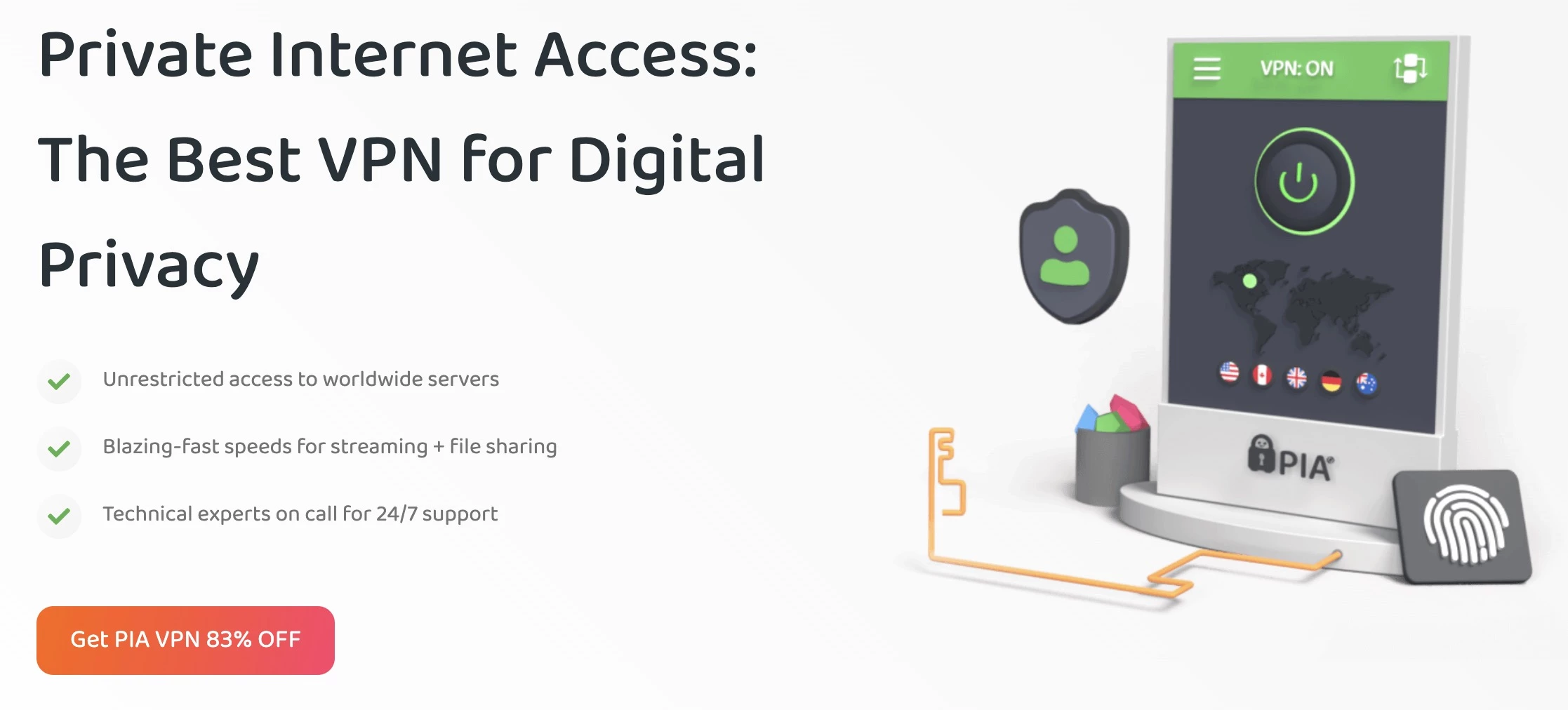
Private Internet Access (PIA) stands out for teams that need complete control over their VPN traffic. Its split tunneling system supports routing by application, domain, IP address, and subnet, offering one of the most granular configurations available.
Key Features | Pricing |
|
|
On Windows, Linux, and Android, your team can easily exclude or include traffic based on exact use cases — whether it’s letting local apps bypass the VPN for speed or encrypting only specific work tools.
Inverse split tunneling is also available, so only selected apps go through the VPN, while everything else uses your regular connection. Power users on Linux get extra flexibility, including control over Docker containers and VMs.
Split tunneling also extends to Windows Store apps and supports split DNS, allowing private DNS for selected apps while others resolve via default settings.
These controls make PIA a smart choice for teams that need to segment traffic cleanly without compromising speed or privacy.
8. PureVPN – Best for Local Services and Smart Devices
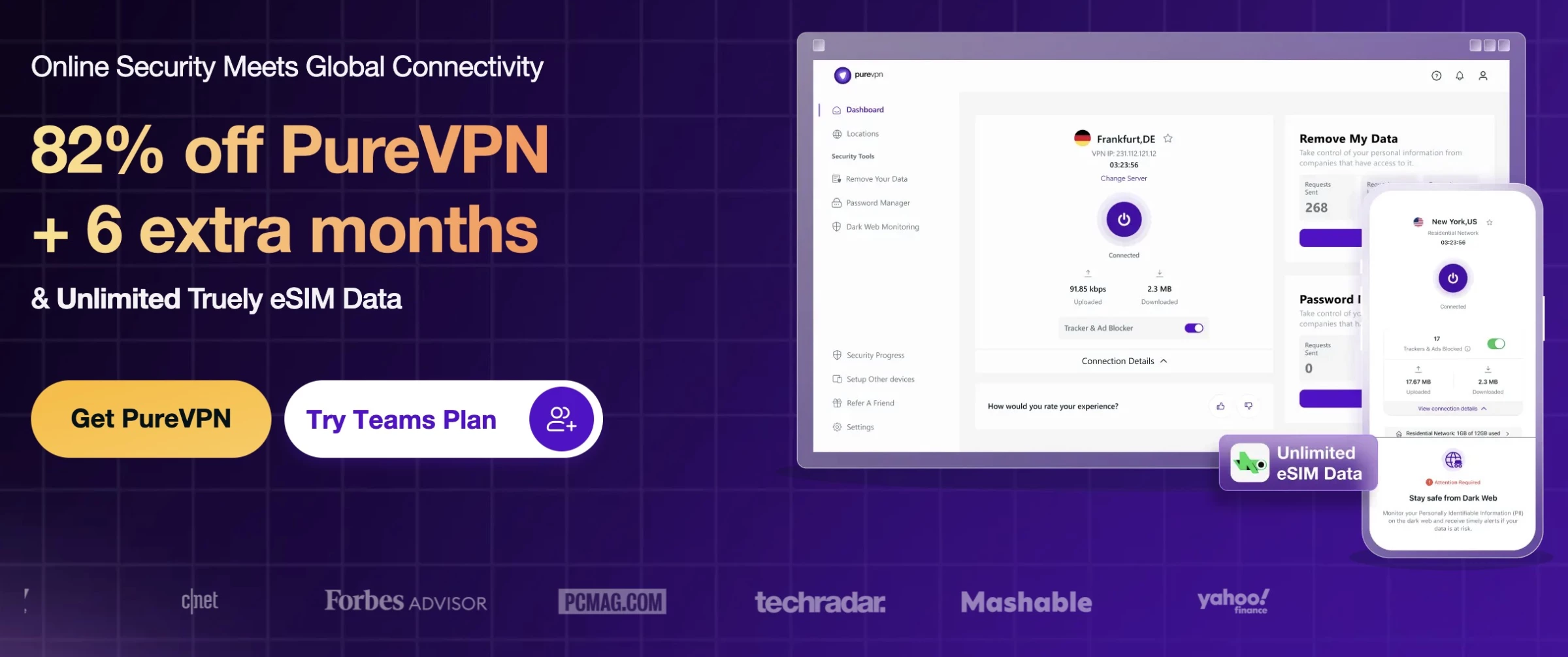
PureVPN gives you a solid mix of privacy, speed, and flexibility, and its split tunneling feature is a major standout.
This VPN feature routes your traffic accordingly without interrupting your flow. You get encrypted access for the apps you need, while everything else can run directly through your regular connection for faster speeds.
This is especially handy for accessing local services, smart devices on your LAN, or apps that don’t work well with VPNs.
Key Features | Pricing |
|
|
PureVPN currently supports Windows and Android devices. Users praise its ease of use, and for good reason: PureVPN doesn’t overcomplicate things.
It’s also backed up by 6,000+ servers in 78+ countries, so you’re rarely short on options for stable, fast connections. The full feature set also includes everything from a kill switch to 256-bit encryption and obfuscation servers.
How Split Tunneling Benefits Businesses in 2026
The integration of split tunneling into business VPN setups can significantly improve both security and performance. Here’s how businesses benefit: 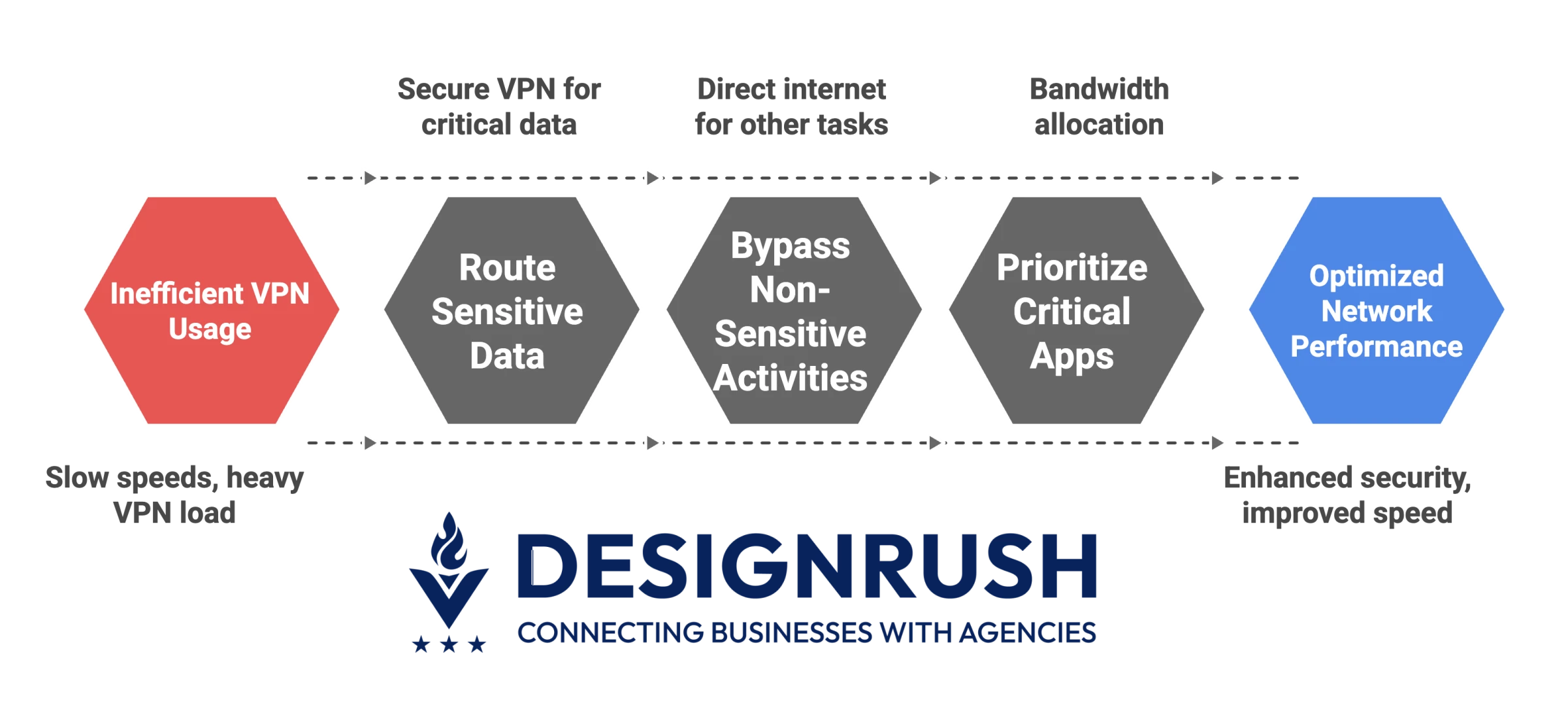
1. Enhance Security Without Sacrificing Speed
Balancing security and performance is a top priority for businesses adopting VPNs. Split tunneling allows teams to securely route sensitive data through the VPN, while permitting non-sensitive activities to bypass it.
This reduces the load on the VPN and speeds up non-critical tasks like browsing or cloud-based file sharing.
2. Improve Remote Work Efficiency
Remote work continues to be a significant trend, and VPNs with split tunneling are essential for optimizing performance for hybrid teams.
Employees can securely access internal company resources (such as file storage and printers) while still benefiting from a fast, direct internet connection for other tasks.
3. Achieve Seamless Network Management
Split tunneling gives businesses more control over how network traffic flows. Teams can prioritize critical apps through the VPN while routing lower-priority traffic outside it.
This improves bandwidth use and ensures that performance and security stay balanced — especially when paired with a VPN that has strong infrastructure.
Arqam Zafar, Head of Marketing at AstrillVPN, explains why that foundation matters:
“A well-distributed network of high-speed servers ensures low latency, stable connections, and the ability to bypass geo-restrictions effectively.
On the security side, top-tier infrastructure includes hardened data centers, strong encryption standards, secure DNS, and protection against IP/DNS leaks — safeguarding sensitive business data and ensuring compliance with privacy standards.”
Best VPNs With Split Tunneling: Final Words
As businesses adapt to remote work and hybrid models, tools like split tunneling become invaluable for balancing security with performance.
By selecting the right VPN provider and configuring split tunneling effectively, businesses can improve their operational efficiency, safeguard sensitive data, and maintain flexibility in their network management. 
Our team ranks agencies worldwide to help you find a qualified partner. Visit our Agency Directory for the Top Cybersecurity Companies, as well as:
- Top AI Cybersecurity Companies
- Top Security Assessment Companies
- Top Cybersecurity Incident Response Companies
- Top IT Support Companies
- Top Managed IT Service Providers
Split Tunneling VPN FAQs
1. Can split tunneling compromise my business’s security?
Split tunneling can improve efficiency, but if not configured properly, it may expose some traffic to security risks. To minimize this, businesses should ensure only low-risk traffic bypasses the VPN, while all sensitive data remains encrypted through the tunnel.
2. Does split tunneling slow down VPN?
No, split tunneling typically improves performance. By sending only selected traffic through the VPN, it reduces the load on the encrypted tunnel, leading to faster speeds for both VPN and non-VPN activities.
3. What is the difference between split tunneling and full tunneling?
Split tunneling lets you choose which traffic goes through the VPN and which doesn’t. Full tunneling, on the other hand, routes all internet traffic through the VPN, offering more security but often at the cost of speed and flexibility.