
A social media platform can look affordable until you need more detailed reporting or client approvals. Features like that could require a higher plan, and the cost of adding users and profiles can push the bill even further beyond the advertised price.
We'll compare social media management tools by what they actually help your team do and what those capabilities cost, covering full management platforms alongside specialist tools for content creation and analytics.
Best Social Media Management Tools: Key Findings
- Choose tools by the work they need to handle. Canva and CapCut support content production, while broader management platforms combine publishing with engagement and reporting.
- Buffer suits straightforward scheduling, while CoSchedule connects social publishing with campaign calendars and keeps evergreen content circulating.
- Compare the cost of the plan your team actually needs. Client approvals and advanced reporting might require upgrades, while extra users or social profiles can increase the bill.
What Makes a Good Social Media Management Tool in 2026?
The best social media management software helps teams coordinate approvals and use performance data to improve what they publish.
Here’s what you should pay attention to:
- Reliable publishing: Scheduling, previews, and platform-specific formatting
- Useful reporting: Clear data on reach, engagement, traffic, leads, and conversions
- Team collaboration: Shared calendars, permissions, approval workflows, and audit logs
- Scalable pricing: A plan that still makes sense as users and social profiles increase
- Broad platform support: Coverage for established networks as well as Threads, Bluesky, and other emerging channels
- AI features: Automation that speeds up work without removing human review
The reporting point is especially important.
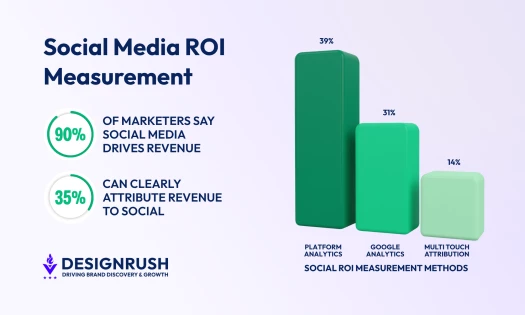
DesignRush’s 2026 Social Media Marketing Survey found that only 35% of respondents can clearly connect social media activity to revenue, which makes attribution and conversion tracking more valuable than dashboards filled with surface-level metrics.
Social Media Management Tools at a Glance
The right social media tools depend on the work your team does. The table below compares all 15 recommendations by their clearest use case, standout capability, and starting price.
| Tool | Best For | Standout Feature | Free Plan Availability | Starting Price |
| SchedPilot | AI-agent-ready scheduling | Native MCP server and API; approval workflows on Enterprise | 7-day trial | $21/month billed annually |
| Hootsuite | Multi-platform management | Publishing, inbox, listening, and reporting in one suite | 14-day trial | $99/user/month |
| Buffer | Straightforward social scheduling | Simple scheduling across established and newer networks | Yes; up to 3 channels | $5/channel/month, billed annually |
| Sendible | Client collaboration and approvals | Client workspaces with unlimited users | 14-day trial | $29.75/month, billed annually |
| CoSchedule | Coordinating social posts with marketing campaigns | Shared calendar and ReQueue evergreen publishing | Yes; free calendar | $29/month, billed annually |
| Canva | All-in-one branded content | Brand Kits and Magic Resize | Yes | Pro: $144/year for one person |
| Adobe Express | Adobe-powered social creative | Firefly AI and Creative Cloud integration | Yes | Premium: $9.99/month |
| CapCut | Short-form social video | Video editing and automatic captions | Yes | Pro pricing varies by region and device |
| Predis.ai | AI-assisted social content | Generates posts, ads, carousels, and videos from prompts or product links | 7-day trial | $24/month, billed annually |
| Quuu | AI-powered content automation | Brand voice learning and automated publishing | 7-day trial | $16.49/profile/month, billed annually |
| Sprout Social | Advanced social intelligence | Listening and Premium Analytics available as add-ons on Standard and above | 30-day trial | $79/seat/month, billed annually |
| Metricool | Cross-channel performance tracking | Social, advertising, and website reporting | Yes | $20/month |
| Agorapulse | Social inbox and ROI reporting | Unified engagement inbox with Google Analytics ROI tracking | 30-day trial | $79/user/month |
| Rival IQ | Competitive social analytics | Competitor benchmarks, alerts, and social audits | 14-day trial | $239/month, billed monthly |
| Oktopost | B2B social attribution | Connects social activity with pipeline and revenue data | No public free plan | $499/month, billed annually |
How We Chose These Tools
We selected these social media marketing tools for different workflows after considering publishing capabilities, reporting, collaboration, and the cost as teams grow. Pricing and plan restrictions were checked against official vendor pages. Recommendations reflect documented features and suitability for each use case, rather than hands-on testing.

The Best Social Media Scheduling Tools
- SchedPilot: Best for AI-Agent-Ready Publishing
- Hootsuite: Best for Multi-Platform Management
- Buffer: Best for Straightforward Social Scheduling
- Sendible: Best for Client Collaboration and Approvals
- CoSchedule: Best for Coordinating Social Posts With Marketing Campaigns
1. SchedPilot: Best for AI-Agent-Ready Publishing
For teams connecting AI agents to their social publishing workflow
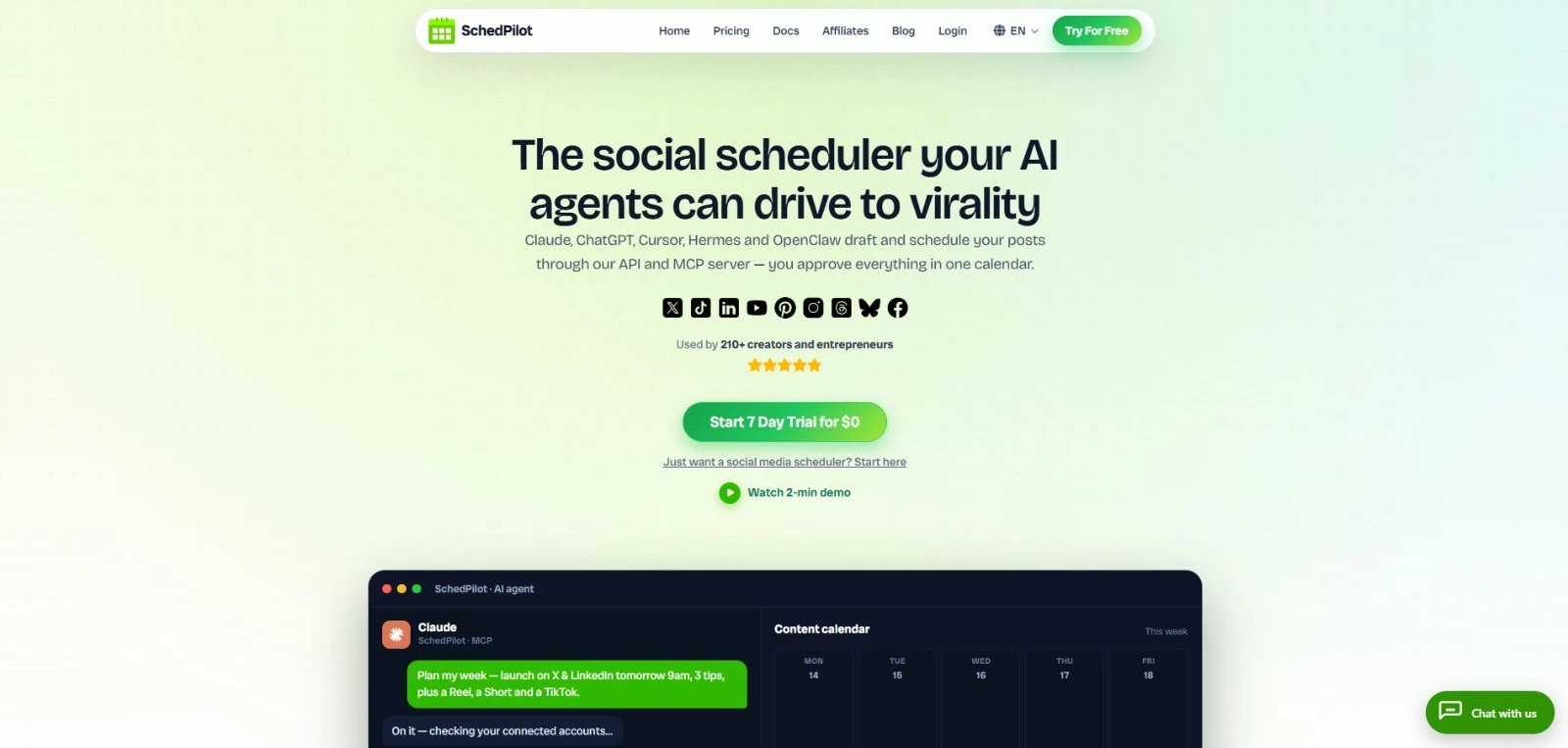
SchedPilot gives teams two ways to manage social content: schedule posts themselves or let an AI agent handle the drafting and queueing through its Model Context Protocol (MCP) server, API, or CLI. Either way, everything lands in one calendar for review before it goes live.
Beyond scheduling, it includes client workspaces, analytics, approval flows, bulk publishing, and a built-in editor for short-form video. Support spans nine social platforms, including Instagram, TikTok, LinkedIn, X, YouTube, Pinterest, Facebook, Threads, and Bluesky.
SchedPilot says its smaller scale also shapes how quickly it can build around agent-led workflows:
“Of course, legacy tools can retrofit an API, but they are big behemoths, and having that developed will involve huge amounts of resources (time and money). It's much easier for smaller solutions like Schedpilot to provide that, and listen to and implement customer feedback.”
Pricing:
- Silver: $21 per month, billed annually, for 5 connected accounts and 450 posts per month
- Gold: $35 per month, billed annually, for 20 accounts and unlimited posts
- Platinum: $49 per month, billed annually, for 40 accounts and unlimited posts
- Enterprise: $79 per month, billed annually, for 100 accounts, unlimited posts, 10 team seats, and approval workflows
- All plans include a seven-day free trial
Key features:
- Native MCP server, REST API, and CLI for AI-agent workflows
- Unified content calendar across nine social platforms
- Post approval workflows on Enterprise
- Client workspaces, team roles, bulk scheduling, and analytics
- Built-in editor for captions, overlays, Reels, TikToks, Shorts, and UGC-style videos
Potential limitations:
- The Silver plan caps publishing at 450 posts, so frequent publishers may need a higher tier
- Advanced agency features such as approval workflows, team seats, and dedicated account support are reserved for the Enterprise plan
2. Hootsuite: Best for Multi-Platform Management
For larger teams coordinating publishing and audience engagement across several social networks
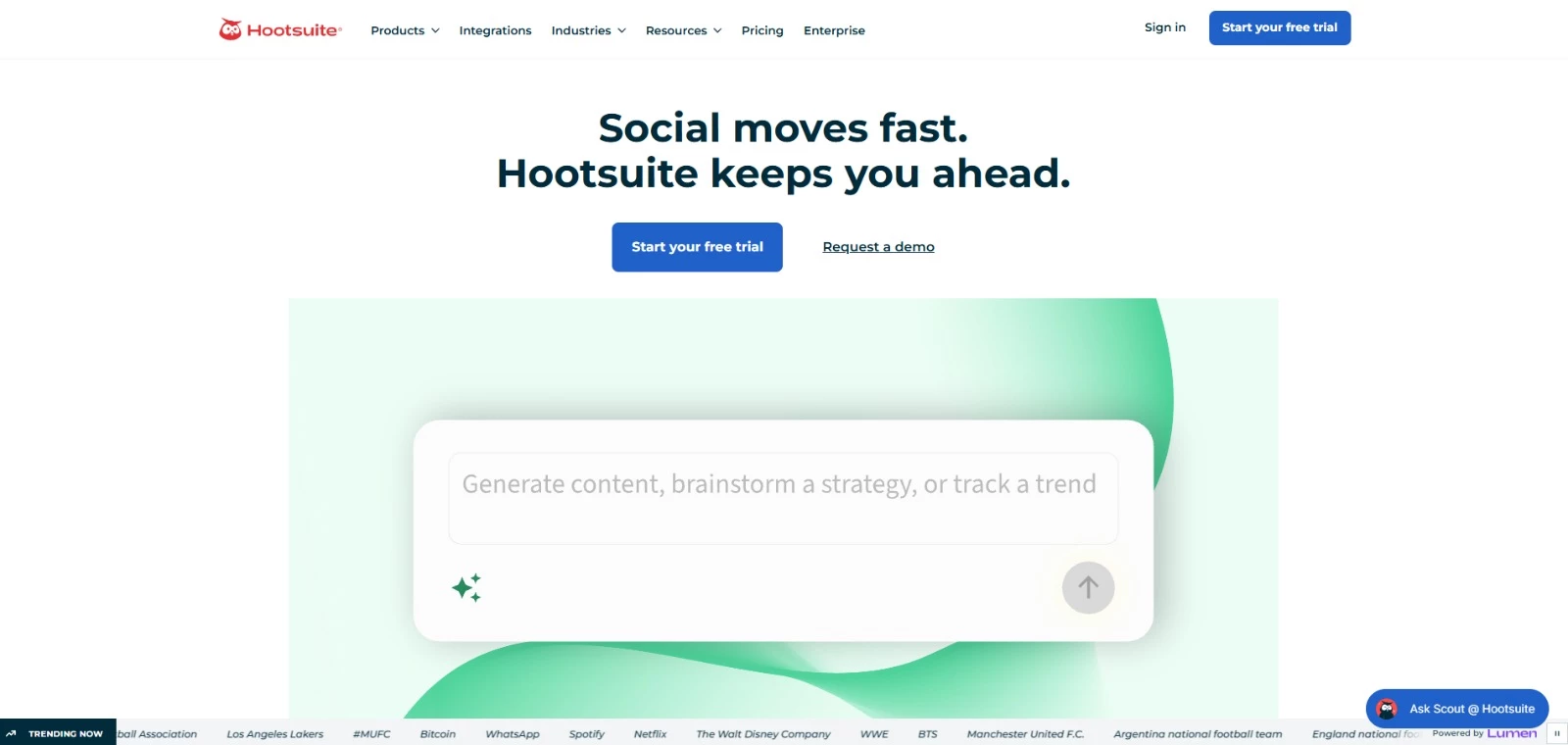
Hootsuite brings publishing, inbox management, monitoring, analytics, and social listening into one platform.
It suits larger teams managing several networks, especially when content approvals, shared workflows, and detailed reporting matter as much as scheduling.
Its entry plan covers up to 10 social accounts, while higher tiers include unlimited accounts, custom reports, automated workflows, and more advanced team controls.
Pricing:
- Standard: $99 per user per month, billed annually
- Professional: $199 per user per month, billed annually
- Advanced: $399 per user per month, billed annually
- Enterprise: Custom pricing
- A 14-day free trial is available for the three standard paid plans
Key features:
- Multi-platform scheduling with unlimited posts
- Centralized inbox for messages and replies
- Brand and competitor monitoring
- Custom analytics and performance reports
- Team approvals, assignments, and workflow automation
Potential limitations:
- Advanced collaboration, listening, and reporting features require higher-tier plans
- The wide feature set may be more than small teams need
3. Buffer: Best for Straightforward Social Scheduling
Suited to creators and small teams whose main priority is planning and scheduling posts
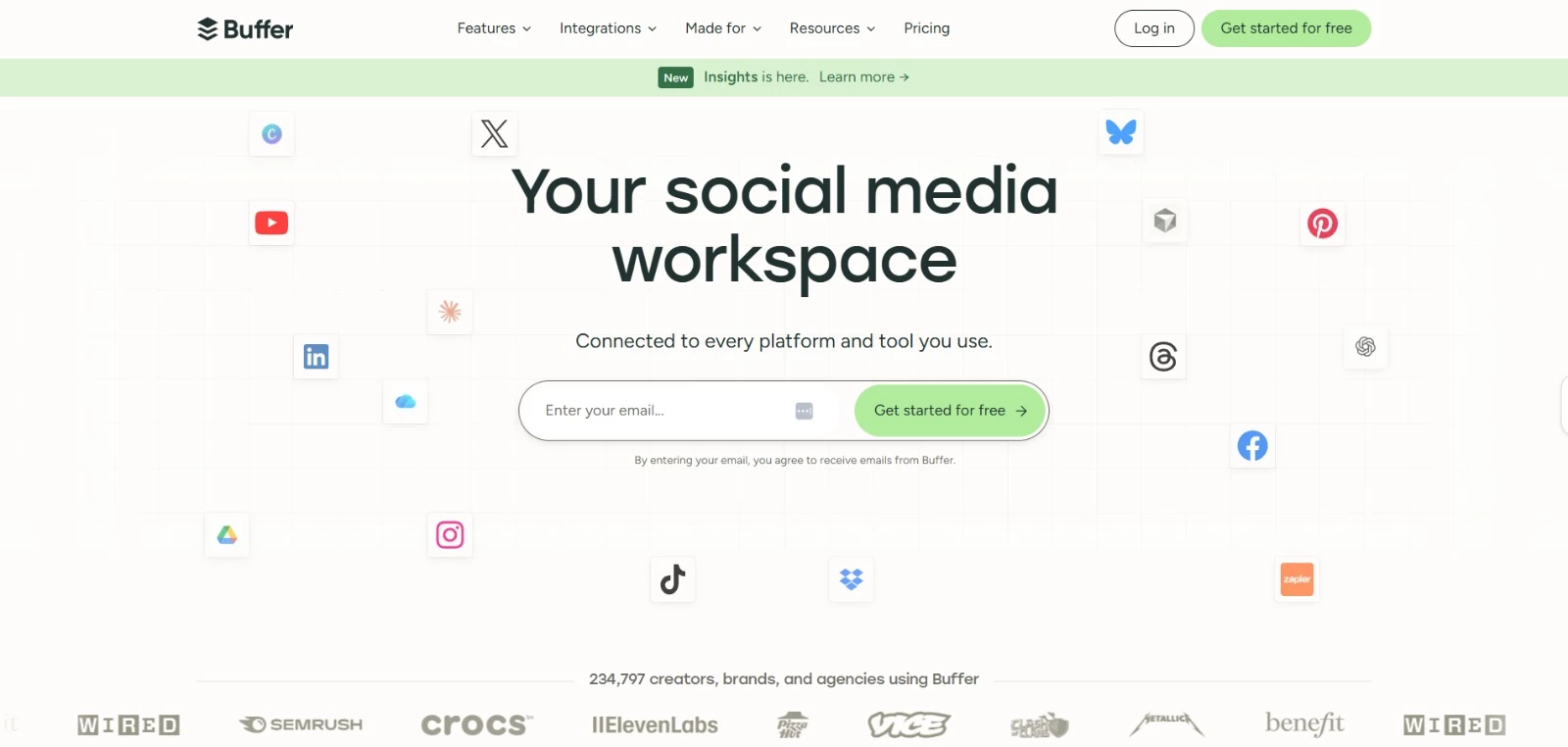
Buffer is one of the easier social media schedulers to pick up and use. It gives creators and small teams a clean workspace for planning posts, organizing ideas, and publishing across multiple networks without the heavier setup that comes with enterprise platforms.
Its channel coverage is another advantage. Buffer supports established platforms alongside Threads, Bluesky, and Mastodon, which makes it a flexible choice for teams testing newer networks.
The tradeoff is that its simpler approach comes with lighter listening, reporting, and customer care features.
Pricing:
- Free for up to three channels
- Essentials: $5 per channel per month, billed annually
- Team: $10 per channel per month, billed annually
- A 14-day free trial is available for paid plans
Key features:
- Scheduling for Instagram, Facebook, TikTok, LinkedIn, X, Threads, Pinterest, YouTube, Bluesky, Mastodon, and Google Business Profile
- Content calendar and idea library
- AI assistant for drafting, refining, and repurposing posts
- Analytics, community inbox, and hashtag management
- API access, approval workflows, and team permissions
Potential limitations:
- Per-channel pricing can become expensive as more profiles are added
- Approval workflows and access controls require the Team plan
4. Sendible: Best for Client Collaboration and Approvals
For agencies managing separate client workspaces that need room for more collaborators without per-user charges
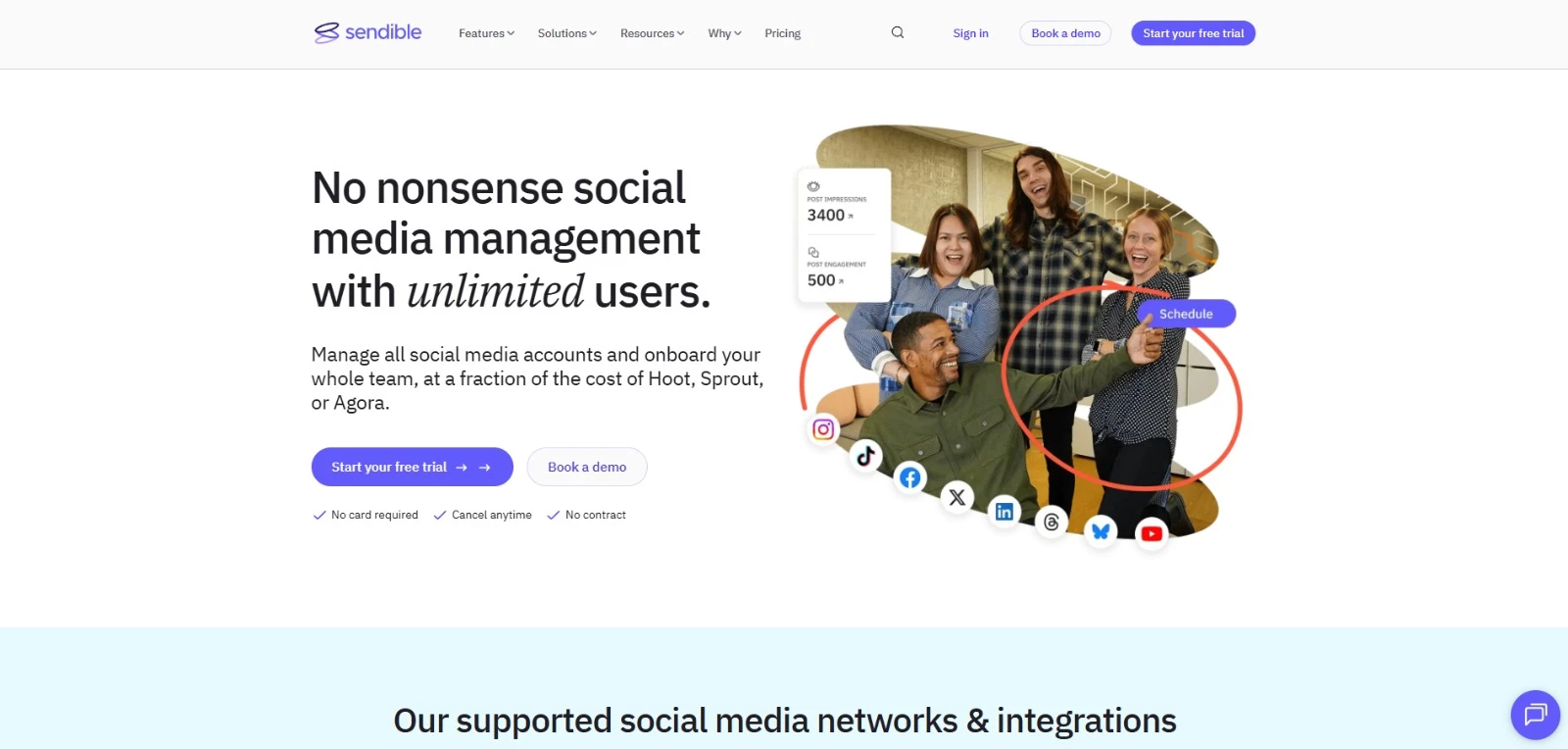
Sendible is designed for agencies and teams managing multiple brands, clients, and approval workflows. Agencies can separate clients into workspaces, invite them through Client Connect, assign approval steps, and keep campaigns, content libraries, and reports organized in the same system.
Unlimited users are included on every plan, which makes Sendible particularly appealing for growing teams that don’t want each new collaborator to trigger another per-seat charge.
Pricing:
- Core: $29.75 per month billed annually ($35 monthly)
- Plus: $84.15 per month billed annually ($99 monthly)
- Premium: $169.15 per month billed annually ($199 monthly)
- Elite: $254.15 per month billed annually ($299 monthly)
- Enterprise: $637.50 per month billed annually ($750 monthly)
Key features:
- Client workspaces, secure onboarding, assignments, and approval flows
- Unlimited users across all plans
- Bulk scheduling, Smart Queues, campaigns, and content libraries
- Custom and automated reporting with white-label options
- Priority inbox, social monitoring, and integrations with Canva, Google Drive, Dropbox, and other tools
Potential limitations:
- The number of workspaces and social profiles is capped by plan, which can raise costs as you add clients
- Approval workflows require the Plus plan or higher, so teams that need client sign-off should budget beyond the Core plan
5. CoSchedule: Best for Coordinating Social Posts With Marketing Campaigns
Suited to agencies managing social content for multiple clients alongside broader marketing campaigns
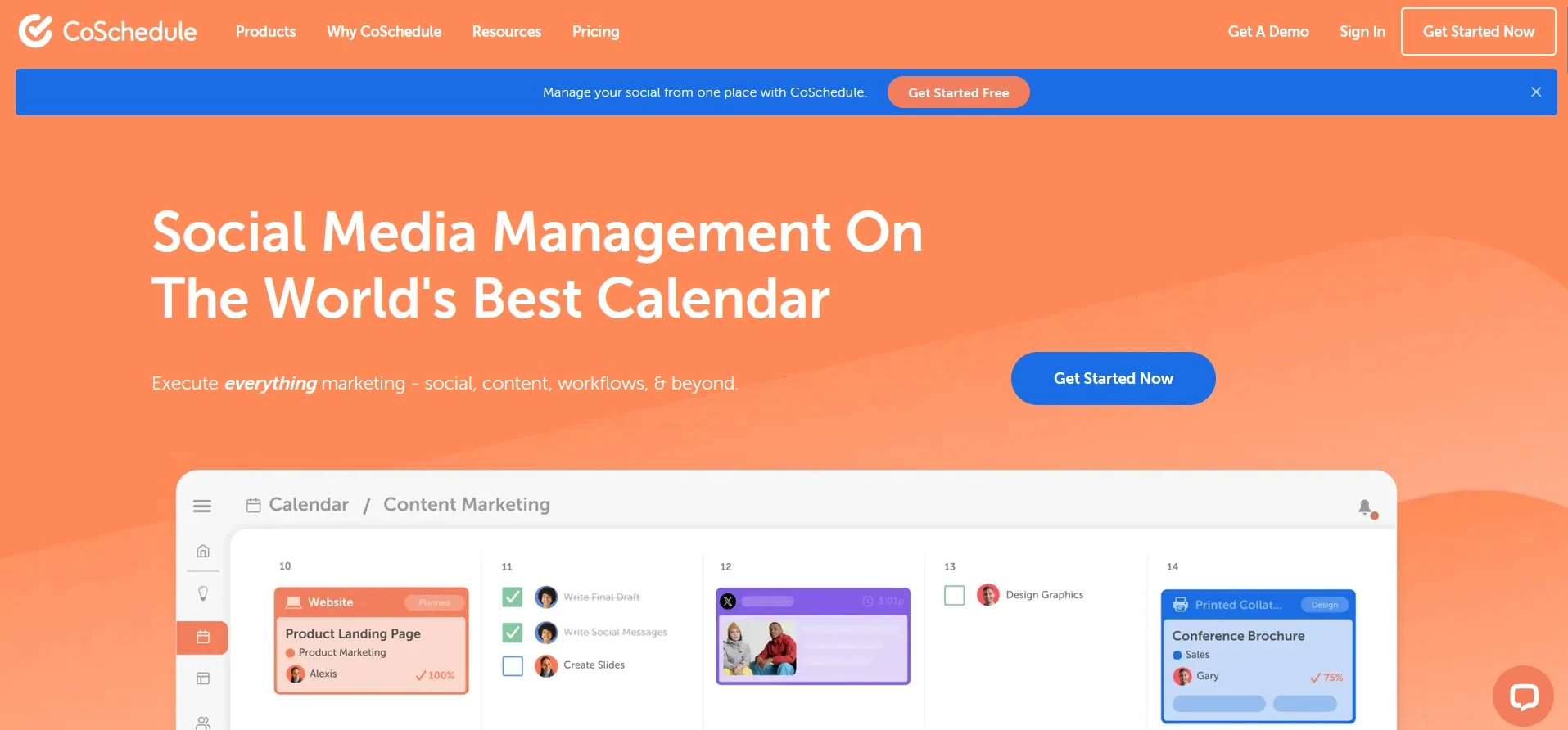
CoSchedule’s drag-and-drop calendar gives teams a shared view of upcoming content and makes it easy to adjust publishing dates and keep social posts aligned with campaign plans.
ReQueue automatically reshares evergreen posts to reduce the work of maintaining a consistent schedule. For agencies, Professional adds client calendars and approval workflows to coordinate reviews before content goes live.
Pricing:
- Free calendar available
- Starter: $29 per month, billed annually, for 1 user and 3 social profiles
- Professional: $49 per month, billed annually, for 2 users and 5 social profiles
- Suite: Custom plans starting at $69 per month
- A 14-day free trial is available
Key features:
- Drag-and-drop calendar for social posts and marketing activity
- Unlimited social scheduling and publishing on paid plans
- ReQueue automation for recurring promotions and evergreen content
- Social Inbox, with Facebook and Instagram support on Starter
- AI-assisted social writing and campaign creation
- Client calendars, white labeling, social message approvals, and advanced reporting on Professional and above
Potential limitations:
- Starter supports one user; Professional allows up to three, with an additional charge for the third seat
- Additional social profiles cost extra on Starter and Professional; X profiles are billed separately
The Top Social Media Content Creation Tools
- Canva: Best for All-in-One Branded Content
- Adobe Express: Best for Adobe-Powered Social Creative
- CapCut: Best for Short-Form Social Video
- Predis.ai: Best for AI-Assisted Social Content
- Quuu: Best for AI-Powered Social Content Automation
1. Canva: Best for All-in-One Branded Content
For marketers producing branded social content without relying on a designer for every asset
Canva gives marketers one workspace for creating social graphics, short-form videos, presentations, ads, and other campaign assets without advanced design skills.
Its templates, Brand Kits, AI editing tools, and Magic Resize feature make it especially useful for teams producing high volumes of branded content across several channels.
Pricing:
- Free
- Pro: $144/year for one person
- Business: $250/person/year
- Enterprise: Custom pricing
Key features:
- Social media templates, stock images, video, audio, and graphics
- Brand Kits for storing logos, colors, fonts, imagery, and brand guidelines
- Magic Resize for adapting one design to different channel dimensions
- AI tools for writing, image editing, background removal, and layout creation
- Built-in content calendar and direct social media scheduling
Potential limitations:
- Premium templates, expanded Brand Kit features, background removal, and other useful tools require a paid plan
- Template-led designs can look repetitive without enough customization
- Less control than professional design software for complex or highly detailed creative work
- Built-in scheduling and analytics are not as advanced as those in dedicated social media management platforms
2. Adobe Express: Best for Adobe-Powered Social Creative
Suited to marketing teams creating everyday social content within Adobe’s creative ecosystem
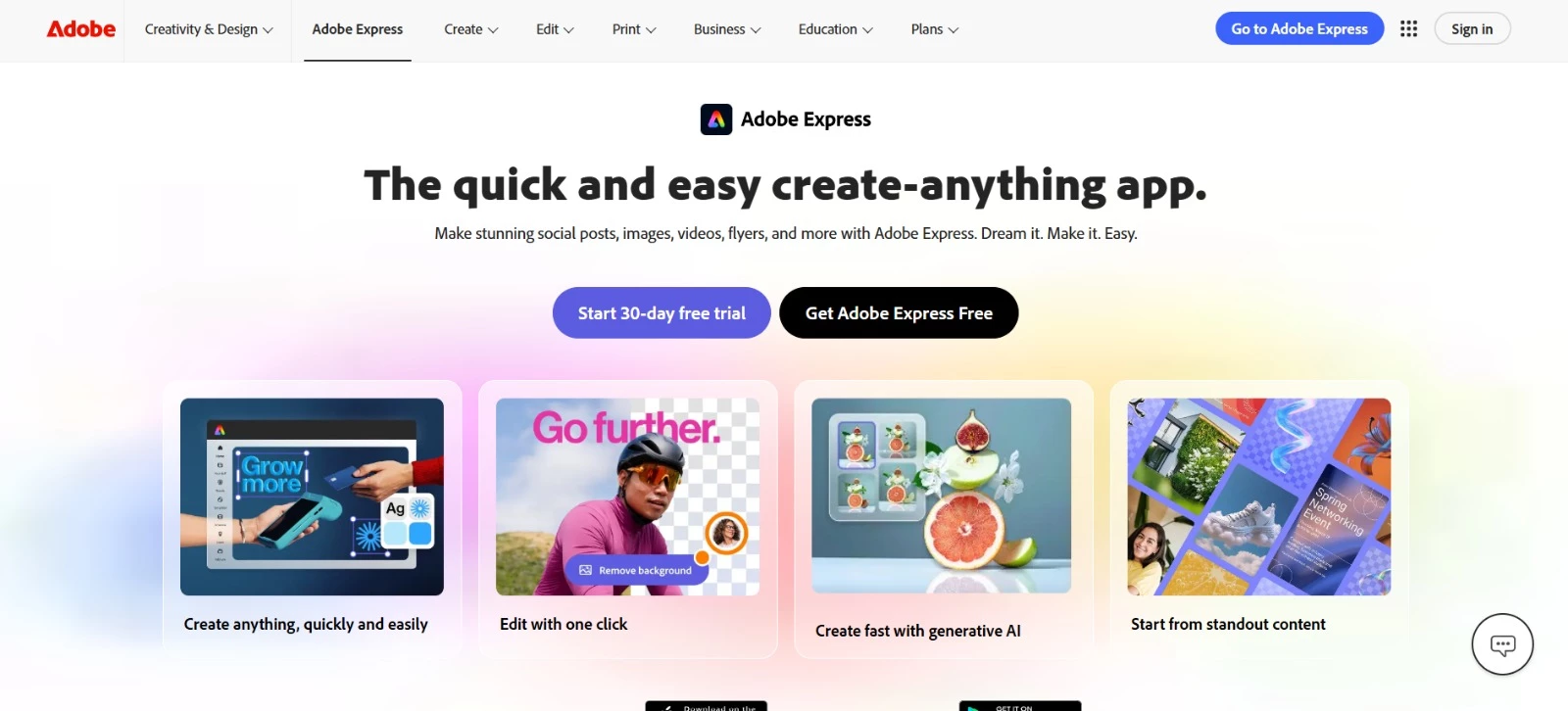
Adobe Express helps marketers create social graphics and short videos using templates they can adapt to their brand. Firefly AI supports image generation and routine edits such as background removal.
Its built-in scheduler lets teams plan and publish finished content, though they may need a separate tool for detailed analytics and audience engagement.
The platform is especially useful for teams already working with Photoshop, Firefly, or Creative Cloud.
Pricing:
- Free
- Premium: $9.99/month
- Teams: $7.99/license/month, with an annual commitment and a two-seat minimum
- Enterprise: Custom pricing
Key features:
- Templates for social posts, Reels, TikTok videos, YouTube content, ads, and other marketing assets
- Firefly-powered image generation, text effects, generative editing, and AI assistance
- Brand Kits, locked templates, and shared assets for maintaining consistency
- Photo and video editing with background removal, animation, and bulk editing
- Integration with Photoshop, Firefly, and other Adobe tools
Potential limitations:
- Advanced controls for vector editing, typography, and layer management are limited compared with Adobe’s professional design software
- The scheduler is useful for basic publishing but lacks the deeper analytics and engagement tools of dedicated social media platforms
3. CapCut: Best for Short-Form Social Video
For creators and marketing teams focused on short-form video for TikTok, Reels, and Shorts
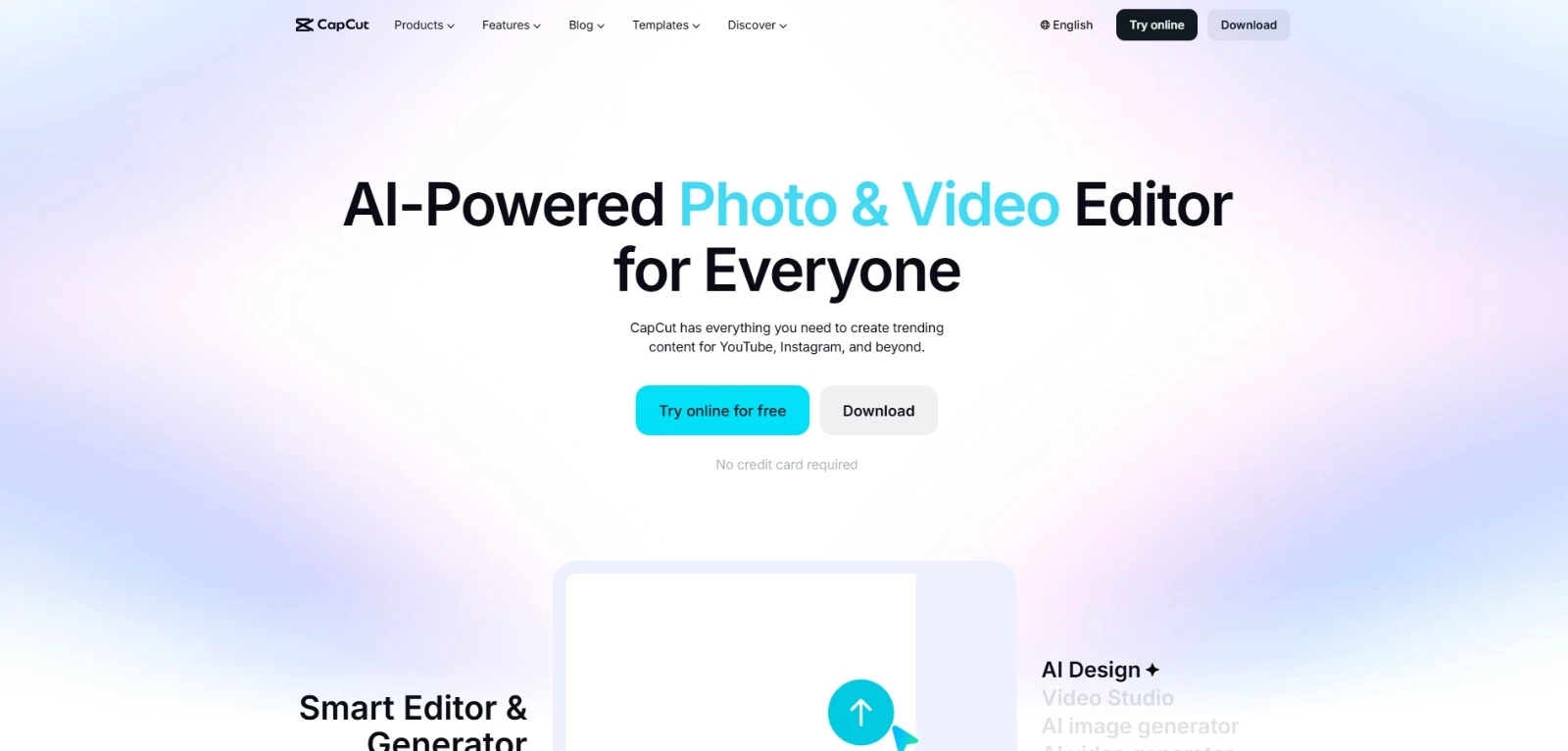
CapCut is built for fast mobile-first video production. Its template library, auto captions, background removal, resizing, and AI-assisted editing tools make it a sensible option for Reels, TikToks, Shorts, and other high-volume social formats.
It works across desktop, web, mobile, and tablet, so creators can move between devices without changing editors.
Pricing:
- Free plan available
- Pro, Standard and Team pricing varies by region, device and billing cycle; check the price shown at checkout
- Extra AI credits and cloud storage may cost more
Key features:
- Short-form video templates, effects, transitions, and social-ready formats
- Auto captions, speech recognition, text-to-speech, and voice editing
- Background removal, video resizing, stabilization, and batch editing
- AI tools for video generation, image creation, avatars, and script-led production
- Desktop, browser, mobile, and tablet apps
Potential limitations:
- Pricing is less transparent than some competitors and can vary by region or device
- User complaints often focus on billing changes, support, and previously free features moving into paid tiers
4. Predis.ai: Best for AI-Assisted Social Content
Suited to eCommerce brands and small agencies generating social content from product information
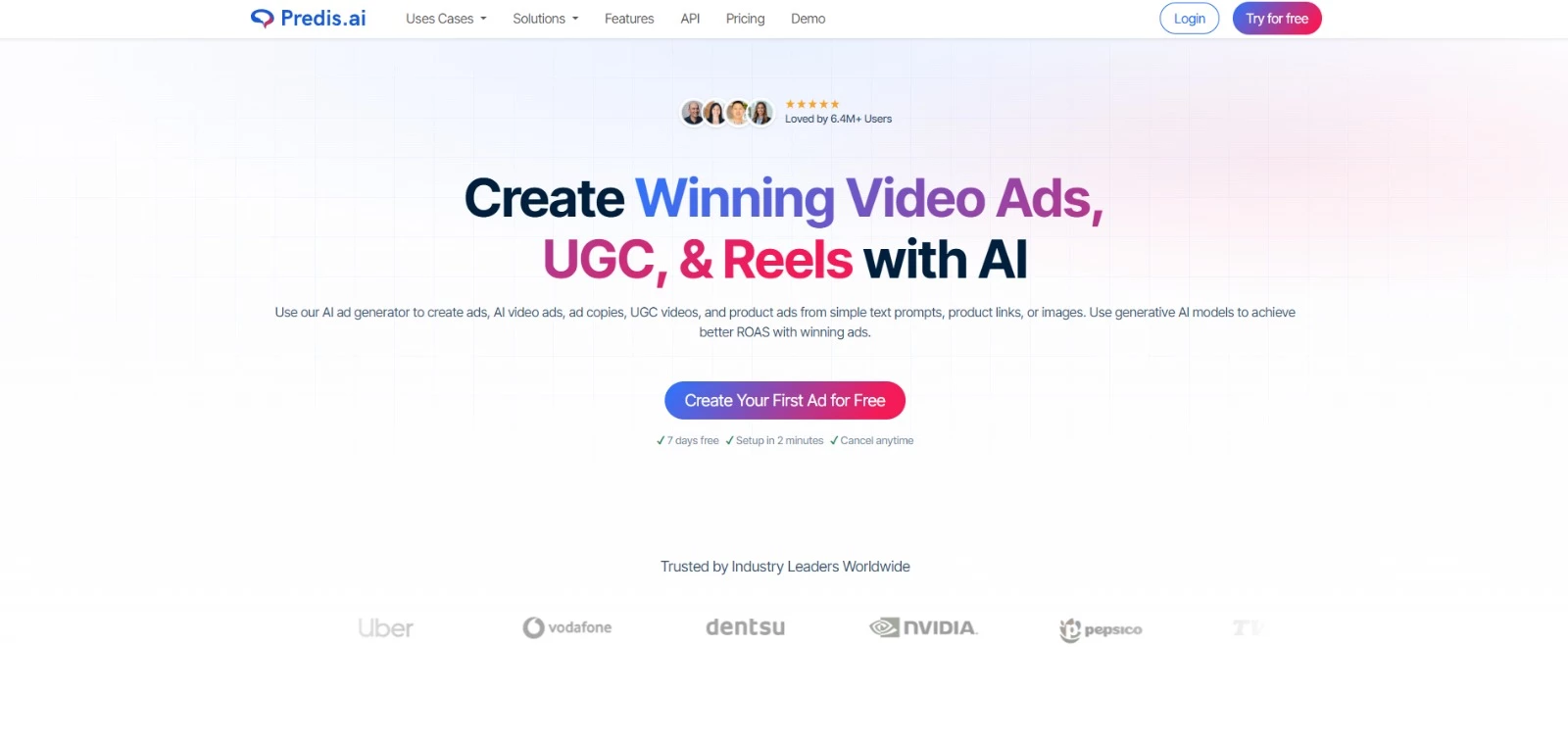
Predis.ai is for teams that want to turn a prompt, product link, or image into ready-to-publish social content. It can generate posts, carousels, Reels, UGC-style videos, and ad creative, then move the finished assets into a built-in approval and scheduling workflow.
It’s particularly useful for eCommerce brands and small agencies that need more variations without building every asset manually.
Pricing:
- Core: $24/month, billed annually
- Rise: Approximately $55/month, billed annually
- Enterprise+: Approximately $212/month, billed annually
- Free trial: Three days; credit card required
- Additional brands, channels, and credits cost extra
Key features:
- AI-generated social posts, carousels, ads, Reels, and short-form videos
- Content creation based on prompts, product URLs, or uploaded images
- Templates for Facebook, Instagram, TikTok, LinkedIn, Pinterest, and YouTube
- Built-in publishing tools, with auto-posting available on Rise and Enterprise+
- Competitor analysis and API access
Potential limitations:
- Credit limits can restrict how much image and video content each plan produces
- AI-generated creative still needs review to avoid repetitive visuals, weak copy, or off-brand output
5. Quuu: Best for AI-Powered Social Content Automation
For founders and small teams that want to automate routine social content creation and publishing

Quuu works as an AI social media agent that learns a brand’s voice, creates posts and visuals, schedules them, and publishes across supported networks.
That makes it a useful option for founders, creators, and small teams that need to post consistently but don’t want to manage every step manually.
Pricing:
- $19.79 per connected profile per month
- $16.49 per profile per month when billed annually
- Seven-day free trial with no credit card required
- All features are included in one plan
Key features:
- Brand voice learning based on existing content
- AI-generated posts, threads, captions, images, and carousels
- Smart scheduling and automated publishing
- Analytics and performance reporting
- Support for X, LinkedIn, Facebook, and Bluesky
Potential limitations:
- Pricing is charged per connected profile, which can become expensive across several accounts
- AI-generated content still needs review to catch generic phrasing or off-brand output
The Top Social Media Analytics Tools
- Sprout Social: Best for Advanced Social Intelligence
- Metricool: Best for Cross-Channel Performance Tracking
- Agorapulse: Best for Social Inbox and ROI Reporting
- Rival IQ: Best for Competitive Social Media Analytics
- Oktopost: Best for B2B Social Attribution
1. Sprout Social: Best for Advanced Social Intelligence
Suited to larger organizations using social insights to inform marketing and customer experience decisions
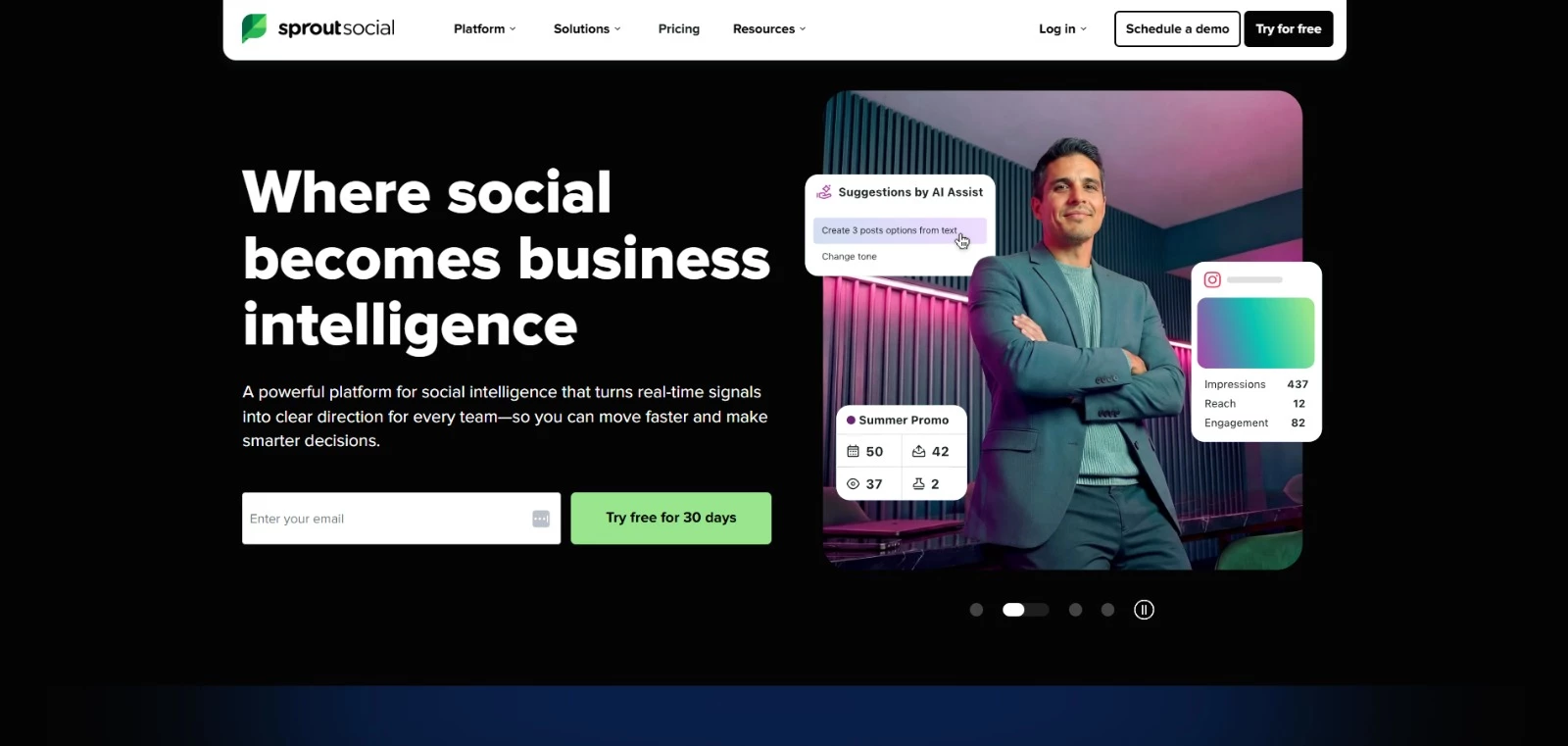
Sprout Social is built for teams that need more than standard performance dashboards. It combines publishing and engagement data with listening, sentiment analysis, competitor tracking, and premium reporting.
Teams can use these reports to show customer service colleagues which complaints recur and help marketing leaders assess campaign performance.
Its Social Insights add-on goes deeper, with custom metrics, presentation-ready reports, trend detection, and AI-assisted analysis.
The platform also integrates with tools such as Salesforce, Zendesk, Slack, Shopify, LinkedIn, TikTok, Threads, and WhatsApp.
Pricing:
- Essentials: $79 per seat per month, billed annually
- Standard: $199 per seat per month, billed annually
- Professional: $299 per seat per month, billed annually
- Advanced: $399 per seat per month, billed annually
- Enterprise: Custom pricing
- A 30-day free trial is available
Key features:
- Cross-network analytics, competitor reporting, and paid performance insights
- Social listening with sentiment analysis, trend detection, and spike alerts
- Premium Analytics with custom metrics and shareable reports
- Unified inbox, review management, and campaign tracking
- Integrations with CRM, customer service, commerce, and collaboration platforms
Potential limitations:
- Per-seat pricing can become expensive for larger teams
- Premium Analytics and Listening are separate add-ons
2. Metricool: Best for Cross-Channel Performance Tracking
For marketers comparing social performance with advertising and website results in one reporting workspace
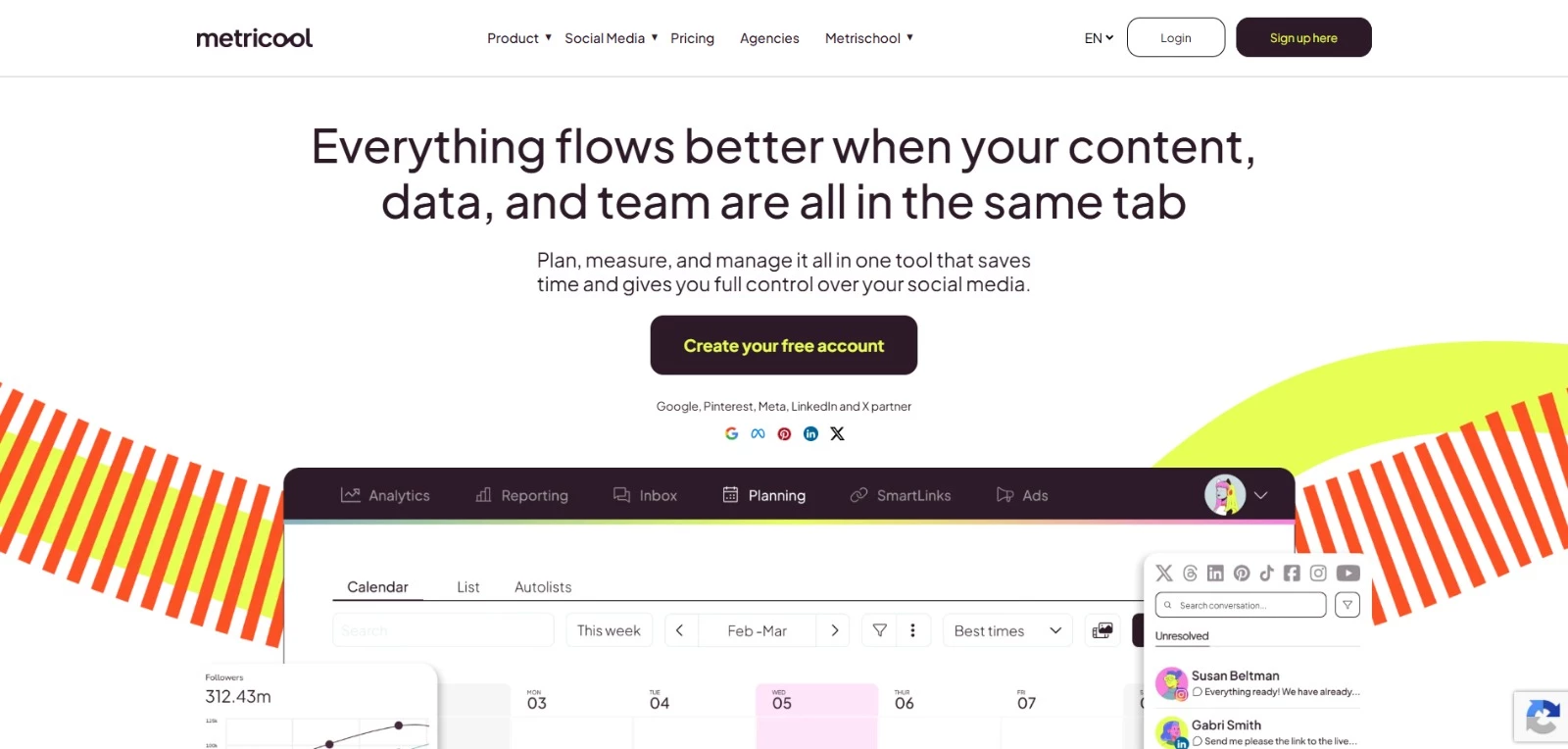
Metricool gives marketers a single place to assess how content performs across social networks, ad campaigns, competitor accounts, and websites. Its dashboards make channel comparisons easier, while automated reports cut down the time spent collecting and formatting results.
Planning and publishing tools are included too, but the analytics are the main draw. Teams can track growth, engagement, hashtags, competitors, ads, and campaign performance, then export the findings as PDF or PowerPoint reports.
Pricing:
- Free for 1 brand
- Starter: From $20 per month for up to 5 brands, billed annually
- Advanced: From $53 per month for up to 15 brands, billed annually
- Custom: Tailored pricing
Key features:
- Cross-network analytics for Instagram, TikTok, YouTube, Threads, X, Facebook, Pinterest, LinkedIn, Twitch, Google Business Profile, and Bluesky
- Competitor tracking, hashtag analysis, and unlimited analytics history on paid plans
- Automated PDF and PowerPoint reports
- Ad performance tracking and campaign dashboards
- Looker Studio connector, API access, and Metricool MCP
Potential limitations:
- Advanced Analytics and some campaign dashboards may require higher plans or add-ons
- Some Capterra reviewers find the free plan restrictive with limited engagement insights
3. Agorapulse: Best for Social Inbox and ROI Reporting
Suited to teams managing audience conversations while tracking social media’s contribution to business results
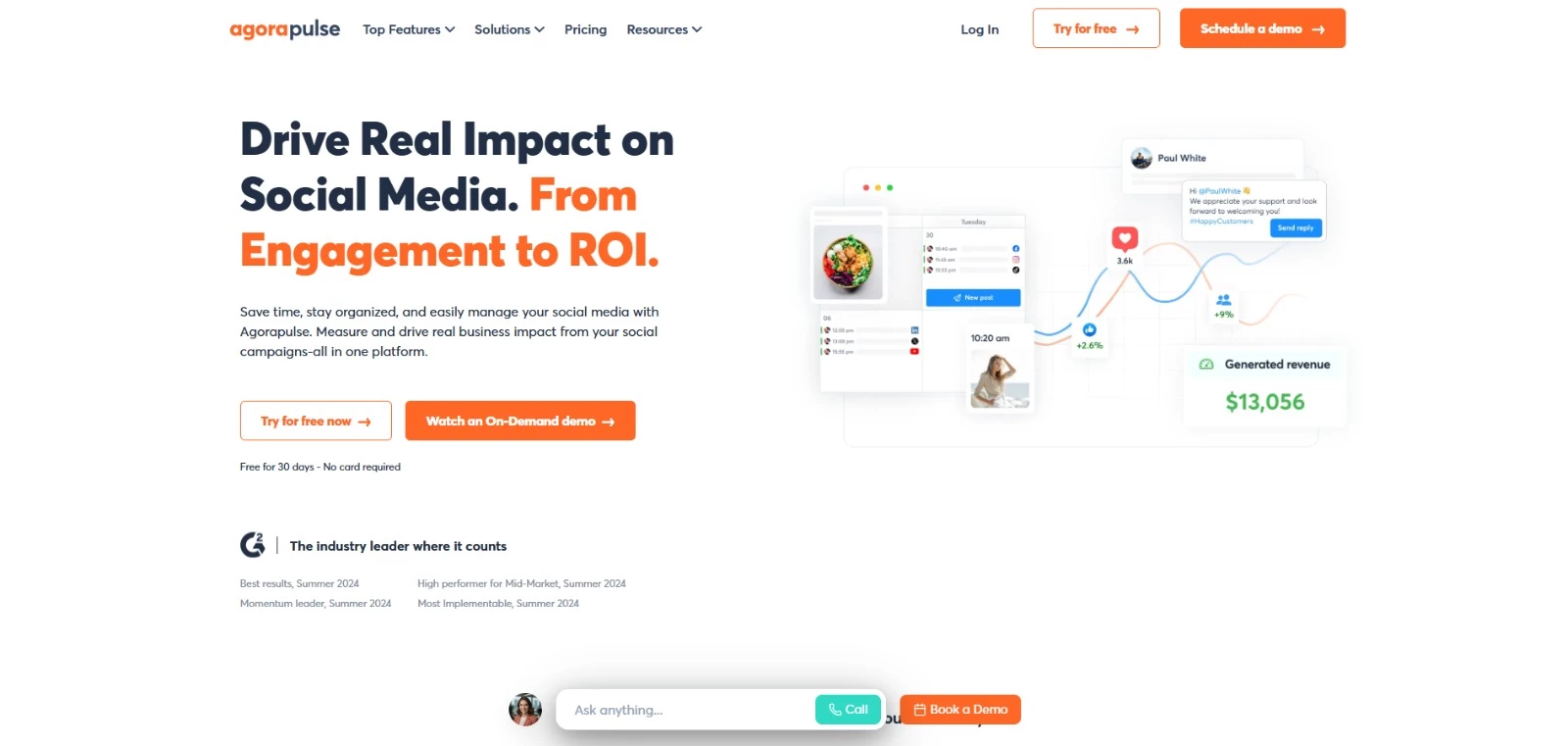
Agorapulse is a practical choice for teams that need to connect day-to-day community management with measurable business outcomes.
Its unified inbox keeps comments, messages, mentions, reviews, and ad interactions organized, while ROI reporting links social activity to traffic, leads, and revenue through Google Analytics data.
Teams can share reports with clients or internal stakeholders, compare channel performance, and schedule recurring reports. Competitor benchmarking is available as a paid add-on.
Pricing:
- A 15-day free trial is available, extendable to 30 days
- Standard: $79 per user per month billed annually ($99 monthly)
- Professional: $119 per user per month billed annually ($149 monthly)
- Advanced: $149 per user per month billed annually ($199 monthly)
- Custom: Contact sales for pricing
Key features:
- Unified inbox for messages, comments, mentions, reviews, and ad interactions
- Google Analytics-connected ROI reporting, with advanced reports on Advanced and Custom plans
- Custom, automated, and presentation-ready reports
- Social listening and competitor benchmarking
- Publishing, approval workflows, and team performance tracking
Potential limitations:
- Advanced Listening, Competitive Benchmarking, Advocacy, and fuller X functionality are sold separately
- Each paid plan includes 10 social profiles shared across the organization; adding users doesn’t increase that allowance
4. Rival IQ: Best for Competitive Social Media Analytics
For agencies and marketing teams that need competitor benchmarks to put their own results in context
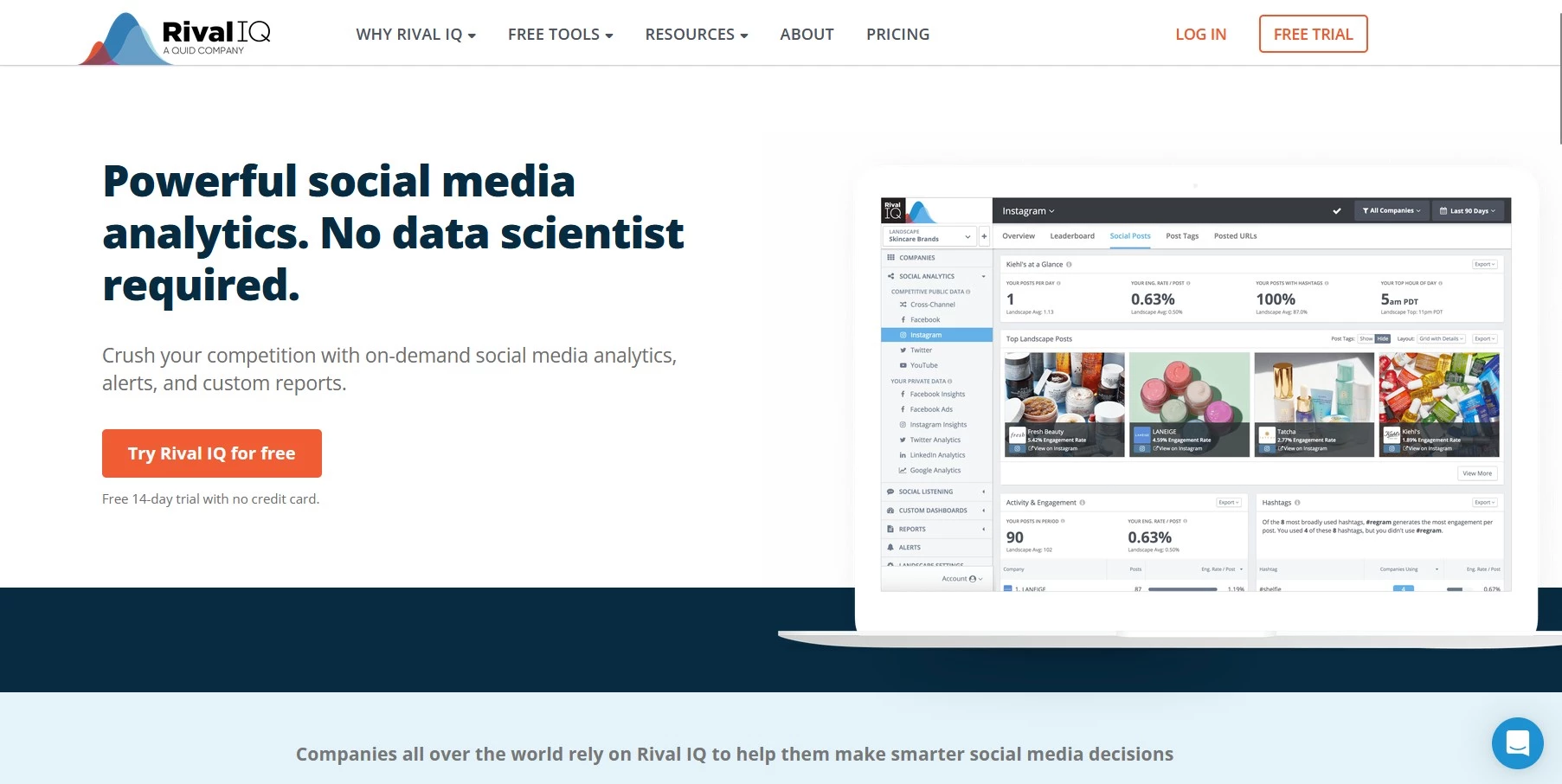
Rival IQ helps teams understand how their social performance compares with the competition. It tracks competitor activity, engagement trends, hashtags, posting patterns, and standout content, then turns that data into scheduled reports and alerts.
The platform also covers social listening, post analysis, and account audits. Its competitive benchmarks let teams compare engagement rates and posting frequency with competitors to spot where their social performance differs.
Pricing:
- Drive: $239 per month, billed monthly
- Engage: $349 per month, billed monthly
- Engage Pro: $559 per month, billed monthly
- Enterprise and high-volume packages: Custom pricing
- A 14-day free trial is available
Key features:
- Competitive benchmarking across tracked companies
- Social post, hashtag, topic, and timing analysis
- Email alerts and scheduled reports
- Social listening with sentiment and mention tracking
- Social media audits and custom dashboards
Potential limitations:
- Pricing could be high for small businesses or teams with limited analytics needs
- Entry plans restrict the number of tracked companies, users, data history, and listening searches
5. Oktopost: Best for B2B Social Attribution
Suited to B2B marketing teams connecting social activity with sales pipeline and revenue
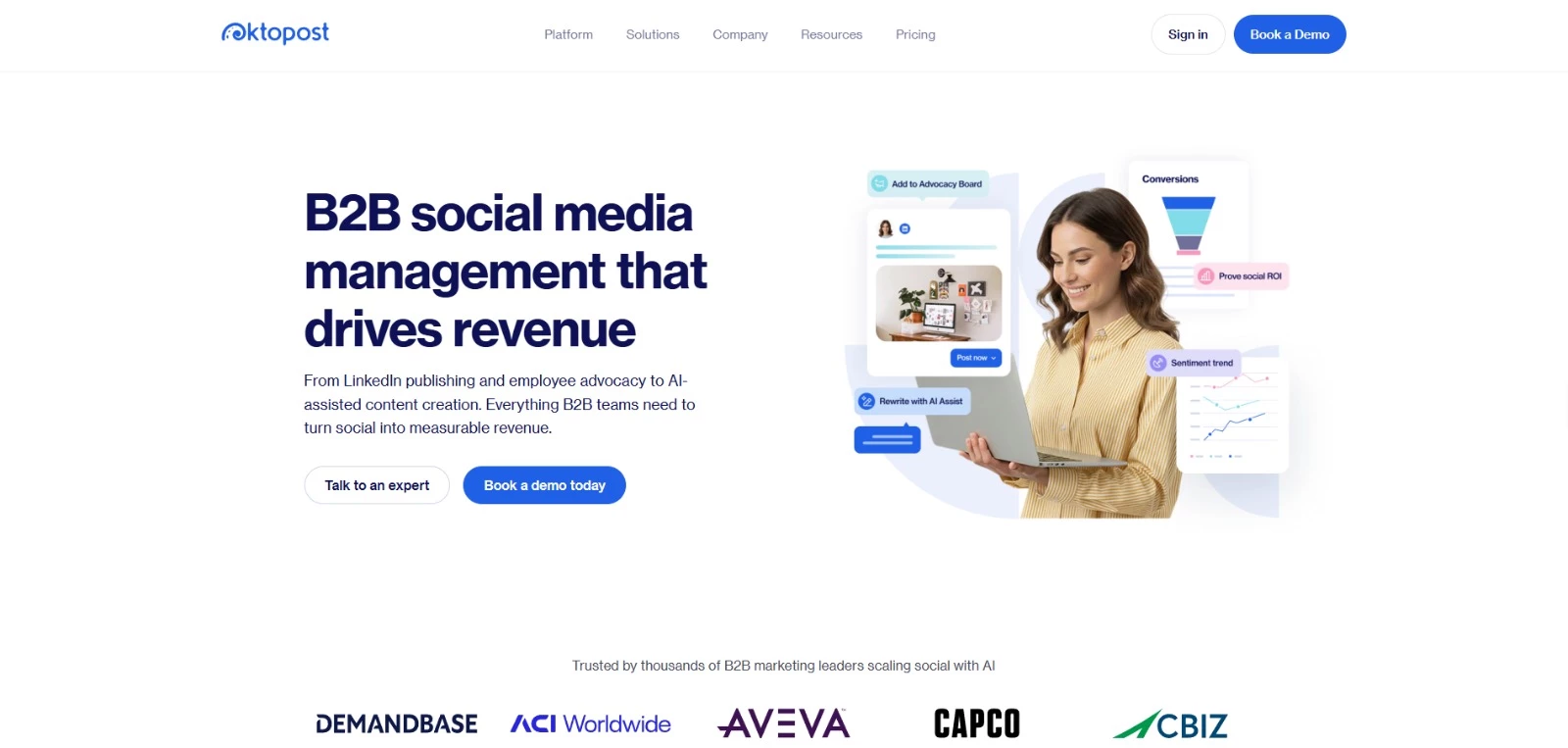
Oktopost's funnel-focused analytics connect clicks, conversions, campaigns, and audience engagement with CRM and marketing automation data, giving sales and marketing teams a clearer view of social media’s business impact.
The platform also covers publishing, listening, employee advocacy, and AI-assisted content creation. If you’re already using systems such as Salesforce, HubSpot, Marketo, or Eloqua, Oktopost is a great option.
Pricing:
- Professional: From $499/month, billed annually
- Advanced: From $799/month, billed annually
- Final pricing depends on team size and add-ons; demo available
Key features:
- B2B social attribution tied to pipeline and revenue
- Funnel-focused analytics and campaign reporting
- Integrations with Salesforce, HubSpot, Marketo, Eloqua, and other business tools
- Social listening, publishing, and employee advocacy
- AI-assisted content creation for B2B teams
Potential limitations:
- Published prices are starting points; the final quote depends on team size and add-ons
How To Choose the Right Social Media Management Tool
A longer feature list does not automatically make a tool the better choice. Start with the work your team performs every week, then check whether the platform you’re considering can support that process without adding unnecessary cost or complexity.
Compare each tool against the same requirements to see what each will actually cost:
1. Check Network and Feature Compatibility
Confirm that the social media software supports every network you use, including the correct account types and post formats. Publishing support doesn’t always include inbox management, listening, analytics, or direct posting for every platform.
Look ahead too. Support for Threads, Bluesky, and other newer networks may matter if your team is experimenting beyond established channels.
2. Look Beyond Vanity Metrics
Reach, impressions, and follower growth are useful, but they don’t tell the whole story. Compare the platform’s ability to track clicks, traffic, leads, conversions, campaign results, and revenue.
Specialist analytics tools may be worth the added expense when reporting needs to inform budget decisions or prove social media’s contribution to business outcomes.
3. Review Collaboration and Approval Tools
Solo creators may only need a calendar, but agencies and larger marketing departments should also look for workspaces, user permissions, content approvals, internal notes, assignments, and activity records.
Make sure to check how clients or external reviewers access the platform. A smooth approval process can save more time than another AI caption generator.
4. Calculate the Cost at Your Future Size
Compare what each tool would cost for your expected team size and account count, including any required add-ons.
Per-user pricing rises as teammates join, per-channel pricing rises as you connect more accounts. Workspace-based plans can get more expensive as you add clients or brands, so a higher starting price can work out cheaper if it includes the users, profiles, and approval features you need.
5. Match Specialist Features to Your Workflow
Content-heavy teams may favor social media tools with templates and video editing, while agencies may prioritize white-label reporting and B2B marketers may need CRM integrations.
AI-agent connectivity, social listening, employee advocacy, review management, and competitor benchmarking are valuable only when they solve a real workflow problem.
6. Use the Free Trial as a Test
A free plan or trial should be a standard part of the evaluation.
This way, you can connect real accounts, schedule several post formats, invite collaborators, build a report, and test the approval process.
Your team can also evaluate publishing reliability, interface speed, and customer support.
Social Media Management Software: Final Thoughts
Before subscribing, use a trial to take a post through your team's approval process and publish it to the intended channels. Check whether the report gives you the data you need, then confirm the cost of the plan that supports that workflow.
Our team ranks agencies worldwide to help you find a qualified partner. Visit our Agency Directory for the top social media marketing agencies, as well as: