

Email hosting is a service that allows you to customize your email address using your domain name instead of a basic address on Outlook, Gmail, or Yahoo. Our comprehensive guide to email hosts outlines the types of hosting, their benefits, features to look for, and the best email hosting options for your business.
What Is an Email Host?
An email host is an email management service provider that allows businesses to customize their email addresses and features to fit their needs. While various email providers are available for business use, they only provide generic email addresses (e.g., name@gmail.com). Moreover, they often have limited features and storage space and no central management options.
Organizations and enterprises have different requirements compared to individual email owners, so hosted business email with customized email addresses (e.g., name@companydomain.com) is the best solution for their teams.
Email hosting offers various functionalities for businesses, including:
- Unlimited aliases
- Unlimited forwarders
- Automated responders
- Larger attachment capacities
- More secure anti-spam feature
- Robust anti-virus protection
- IMAP and POP3
- Adequate online storage
- Cloud-based online calendars
- Mailing lists
- Whitelists and blacklists
- Huge backup capabilities
- Fast archiving attributes
- Convenient folder management
- Easy contact management
- Optimal folder creation and template usage
- Synchronize email addresses with changes to business or website name




How Does an Email Host Work?
Email hosts work by providing the needed infrastructure for businesses to send, receive, and store emails. These services are primarily used by companies and enterprises for professional communication. The three basic elements of email hosting include:
1. Email Servers
The email hosting provider allocates servers for your email services. Simple Mail Transfer Protocol (SMTP) servers communicate with the recipient’s SMTP server to deliver outgoing messages, while Internet Message Access Protocol (IMAP) servers allow users to read emails on multiple devices. On the other hand, Post Office Protocol (POP3) servers download emails to one device and remove them from the server.
Additionally, email hosts provide encryption and spam filtering features to safeguard data coming in and out of the servers.
2. DNS Configuration
DNS records authenticate emails, add digital signatures to each message, and ensure they are sent to the correct email servers.
3. Email Storage
Email hosts also provide web-based interfaces that allow users to access their emails from any browser. All emails are stored on the host’s servers, often including backup options to recover lost or deleted messages. Storage and backup capacities vary depending on the service provider and subscription plan.
Main Differences Between Email Hosting, Web Hosting, and Domain
Web hosting is one of the most popular services for businesses that have websites. However, you may be less familiar with email hosting and domain hosting. Here are the characteristics that differentiate them:
| Email Hosting | Web Hosting | Domain Hosting | |
| Purpose | Email services for businesses and organizations | Infrastructure to host website files and databases | Domain name registration and DNS settings |
| Scope | Email-related infrastructure (sending, receiving, storing) | Website management and operations | Domain name purchase and registration |
| Features | Email servers, user access, security, storage | File storage, data transfer to site visitors, website builders, various installations and integrations | Domain registration, domain transfers, renewal services, DNS management |
| Examples | Google Workspace, Microsoft 365, Zoho Mail | Bluehost, HostGator, Hostinger | GoDaddy, Namecheap |
3 Ways of Email Hosting Services
Paid email hosting services provide advanced features, high-level security, and dedicated tech support. Email hosting services come in various forms:
1. Dedicated Email Hosting
A dedicated email hosting service provider focuses on handling email accounts and offers enhanced features. Users get a set amount of storage space and bandwidth for their business account. These will be separate from your domain’s managed web hosting.
The advantages of dedicated email hosting are:
- High-end data security and protection
- Automated synchronization across devices
- Easy setup
- Multiple email accounts at an affordable price
2. Bundled Hosting (Email and Web)
As the name suggests, bundled hosting includes email services with a web hosting account. This means you don’t have to pay the extra costs of separate web hosting for website management. Most bundled hosting plans allot a singular server shared between your web and email hosts, which means limited storage capacity, bandwidth, and features if you sign up for basic or entry-level plans.
Bundled email and web hosting has the following benefits:
- Easy to use
- More affordable compared to dedicated email hosting
- Scalable solutions
Bundled hosting is an excellent option for startups and small businesses with limited budgets.
3. Enterprise Solutions (SaaS)
Google’s G Suite and Microsoft’s 365 Business are two of the most widely utilized enterprise solutions providers for email hosting. Both are dedicated email hosting solutions that are intuitive and straightforward to use. However, these enterprise solutions are separate from web hosting despite their use of customized domain names.
While these enterprise solutions can be quite pricey for large teams, they have the following advantages:
- Easy setup for team members
- Powerful email management features
- Access control for data security
5 Essential Benefits of Email Hosting
There are many advantages of using a hosted email address, especially when representing your organization in professional communications. These benefits range from showcasing the value of professionalism to guaranteeing data security for your company.
Subscribing to a hosted email service may seem quite expensive, but the advantages that come with it largely outweigh the costs. Here are the benefits email hosting can offer your business:
1. Professionalism
When potential clients and business partners see that you are using an email address with a custom domain, they instantly know what brand you represent and whom they will potentially do business with. It evokes a feeling of trust and confidence in your message.
Additionally, since your company owns and manages the email domain, it will be difficult for anyone to misrepresent themselves and claim to belong to your organization. After all, anyone can use and register for a Gmail or Yahoo address if the username is available. In contrast, a username preceding your business domain will be unique to you and your employees.
2. Data Security and Protection
Having hosted emails for your business means you have control over email management. As the company owner or manager, you can implement email usage regulations such as data localization, which enables email storage in specified locations on servers.
Additionally, you get increased security for business data, which is a key feature of a hosted email. With the threat of data breaches drastically increasing, this level of protection should be a priority. Multiple levels of encryption prevent your emails from being intercepted or accessed by malicious parties. This is especially valuable when you send sensitive information outside of your organization.
Aside from data encryption, you can use extensive spam filters and anti-malware systems to give you peace of mind and ensure that you can safely send, receive, and open your emails.
3. Dedicated Client Support
Communication in corporate organizations relies heavily on internal and external emails. Issues like the loss of invaluable data due to corrupt emails can severely impact your operations and your employees’ productivity. Fortunately, you don’t have to manage this on your own when you sign up for email hosting.
Email hosting service providers have dedicated customer support teams to help users troubleshoot technical email concerns. Many of them are available 24/7 via live chat, phone, or through a dedicated customer support portal, so you can get your company emails back up and running quickly.
4. Better Uptime
With email hosting, you are guaranteed near-perfect uptime. This is another crucial differentiating aspect between a standard free email service and a paid email hosting solution.
Uptime is vital for any thriving business to deliver excellent customer service and internal communications. For a company to flourish, you will need a reliable and premium quality email host that ensures zero information losses and delivery delays.
5. App Integrations
Choose an email host solution service that will allow you to integrate with other business tools and applications. An excellent email host offers a wealth of options to improve your workflow. Here are some useful email hosting integration solutions that can help you succeed:
- Newsletter solution to support marketing for streamlined email campaigns and automation
- Facilitation of subscriber list
- Identification of qualified leads conversion
What Makes a Good Email Host? Top 3 Features
Apart from reliability and flexibility of services, here are the foremost traits of a good email host:
1. Security
As a business, you must establish your company's integrity and earn your clients’ trust. After all, they will be sharing information with you in confidence. These details will include their names, addresses, contact information, business details, and even financial data when necessary. That is why the security provided by a hosted email service is critical.
When selecting your email host, you should look for anti-spam and anti-virus features. You should also inquire about other security-related features to add to your subscription plan.
2. Accessibility
In the digital age, employees often check their emails on various platforms using different devices, all without considering that they may have distinct configuration and security requirements.
Before signing up with an email hosting company, ensure you have access to webmail for web-based email client platforms. POP and IMAP are other important features: they enable users to read emails on the go. This means you can access your company emails anytime, anywhere, with full encryption.
3. Blacklist-Free
Check if your potential email host is known for blacklisting IP addresses. Unnecessary automated blacklisting can cause major issues especially when transacting with clients. It will be difficult and time-consuming to clean up and get the IP address running again.

Free vs. Paid Email Hosting: Which One Should You Get?
The best choice between free and paid email hosting depends on your specific business needs. Here are some key considerations:
| Free Email Hosting | Paid Email Hosting | |
| Cost | Free | Significant financial investment, especially for large teams |
| Features | Basic email functionalities (sending, receiving, storing, and organizing emails) | Custom domain names, larger storage, advanced security measures, integrations with other business tools, customizable user permissions |
| Ease of Use | Easy to set up and use, even for beginners | May be complex to set up, but easy to use across different platforms and apps once integrated |
| Branding | None | Branded email addresses and interfaces |
| Customer Support | Limited one-on-one support | Dedicated customer support on multiple channels |
| Reliability | No guarantee of continuous uptime | Uptime guarantees and better server performance |
| Privacy | Service providers may scan emails for advertising purposes | High level of privacy and security |
Free email hosting is a fantastic option if you only need simple functionalities for your business email. Platforms like Gmail and Microsoft 365 provide custom email addresses if you require that type of branding and professionalism for communications.
With paid email hosting, you can access advanced security features, more complex functionalities and integrations, and dedicated customer support.
How To Choose the Right Email Host in 4 Steps
The email hosting service market is projected to grow to $54.24 billion by 2028, at a compound annual growth rate of 25.43%. The demand for affordable, flexible, and cost-efficient email solutions for organizations and enterprises will only increase, and providers are eager to expand their user bases.
With so many free and paid options available for email hosting, it can be difficult to determine which provider is the best option for your business. Here are the steps that will help you choose the right email host:
1. Assess Your Needs
Before anything else, it’s important to clearly outline what you need from an email host. Answer the following questions:
- How many email accounts do you need today and in the next few years?
- How much storage will each account require?
- What does your existing tech stack look like, and how can you integrate your new email service?
- What security features are crucial for your email platform?
- How much are you willing to spend?
2. Research Potential Email Hosts
Create a shortlist of email hosting providers that will meet your specific needs. Do your due diligence and consider client reviews, uptime guarantees, and the level of support provided for users.
Evaluate their offerings in terms of data privacy and overall security. If your business needs end-to-end encryption for all emails or two-factor authentication for account access, some email hosts can provide these features.
3. Check Compatibility
Make sure your email host can integrate seamlessly into your existing tech stack, such as CRM platforms, collaboration tools, and other apps. Make sure your preferred email client is supported. Look for IMAP and POP3 support for easy access on various devices.
4. Sign Up for a Free Trial or Demo
Test the service’s features, customer support, and overall performance. Consider daily and specialized use by various departments and whether the setup and migration process will be smooth or challenging.
Firsthand experience with email hosting services will help determine the best option for your business. Consider the pros and cons of the providers in your shortlist and choose the one that meets your needs and budget.
3 Best Email Hosting Services
Considering the prices, ease of use, customer support, and guaranteed uptime, here are the most recommended email hosting providers:
1. Proton Mail for Business
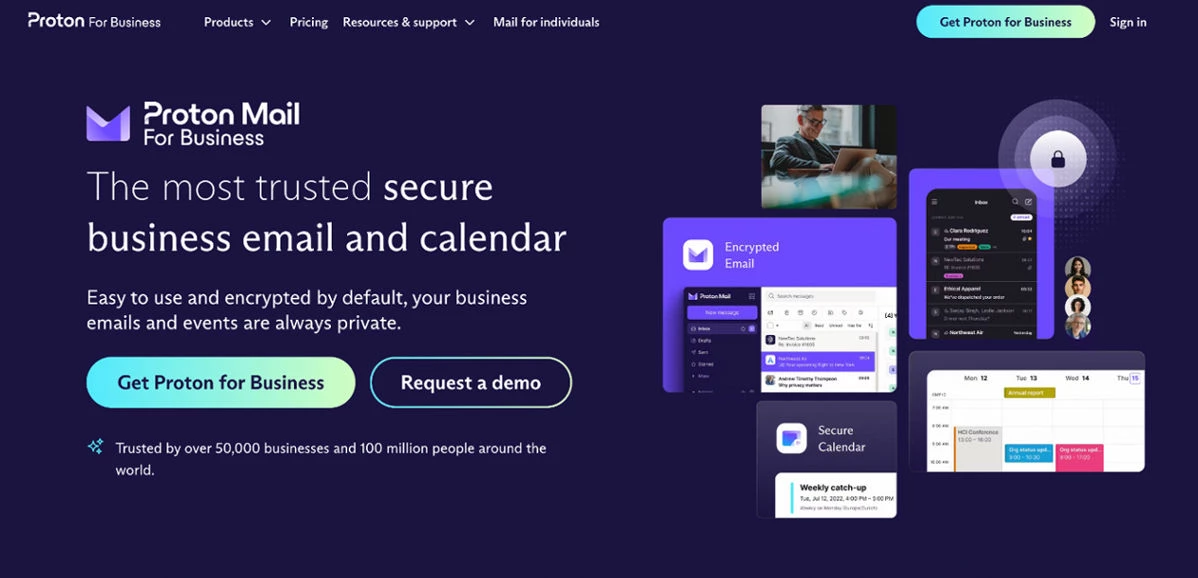
Proton Mail for Business is one of the most popular email hosts today, trusted by more than 50,000 businesses and 100 million people worldwide. All internal communications and customer details are kept safe through automatic encryption. Furthermore, the platform does not share data with third parties or scan emails for advertising or any other purposes.
Key Features:
- 99.95% guaranteed uptime
- Custom domain and branded inbox
- Advanced inbox filters
- Customized workflows
- ISO 27001-certified security management system
- Open-source, encrypted apps for web platforms and mobile devices (iOS, Android, Windows)
Pros:
- All data is encrypted by default
- In-depth and independent security audits
- Multiple integrations and easy access to various platforms
- GDPR and HIPAA-compliant
- Proton Sentinel high-security program
Cons:
- Relatively expensive plans
- Essentials plan only provides 15 GB of storage per user
Pricing:
- Mail Essentials: €7.99/user/month (billed monthly) or €6.99/user/month (billed annually)
- Mail Professional: €10.99/user/month (billed monthly) or €9.99/user/month (billed annually)
- Proton Business Suite: €14.99/user/month (billed monthly) or €12.99/user/month (billed annually)
2. Zoho Mail
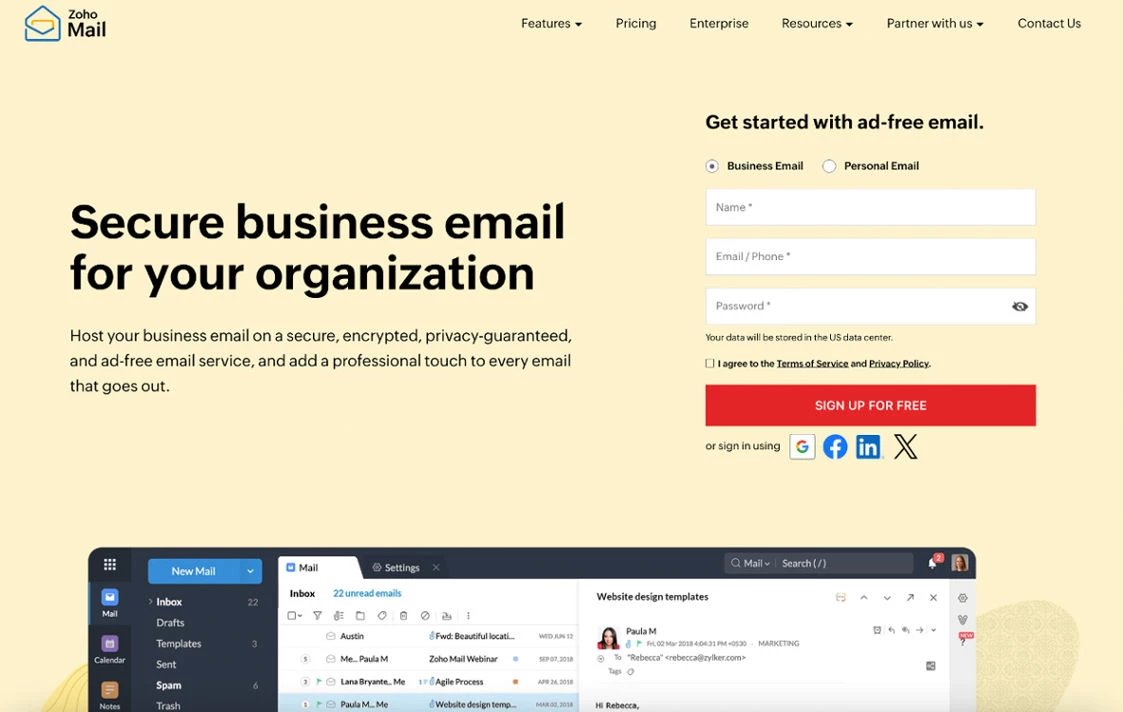
Zoho Mail offers flexible plans for startups and large enterprises alike, with extensive features that ensure a seamless, secure, and collaborative email experience for all its users. Its robust eDiscovery portal enables businesses to set up retention policies for legal and industry compliance. The platform provides automated email encryption at rest and in transit.
Businesses can easily migrate data from another email provider to Zoho Mail via intuitive tools and 24/7 dedicated migration support.
Key Features:
- Email retention within a specified period
- Mobile apps for mail and mail admin
- Email and calendar migration
- Advanced collaboration tools within the inbox
- Integration with Zoho CRM and other third-party apps
Pros:
- 99.9% uptime
- Extensive control panel for customization and configuration
- Strong privacy and security features against phishing, malware, and other threats
Cons:
- Only 5 GB of storage for the Mail Lite plan
Pricing:
- Mail Lite (5 GB per user): $1/user/month (billed annually)
- Workplace: $3/user/month (billed annually)
- Mail Premium: $4/user/month (billed annually)
3. Hostinger

Hostinger is an excellent option if you are looking for a web and email hosting service in one.
Key Features:
- 99.9% uptime guarantee
- 24/7 multilingual customer support
- Industry-leading security measures
- Server access via iOS and Android devices
- Automatic configuration for different devices and mail clients
Pros:
- Quick and easy setup
- Intuitive control panel
- Protected servers to prevent phishing, spam, and malware
- Integration with Thunderbird, Outlook, Apple Mail, and other email clients
Cons:
- Plans are significantly more expensive after the renewal period
Pricing:
- Business Starter: $0.99/mailbox/month for the first 48 months, $1.59/month upon renewal
- Business Premium: $2.99/mailbox/month for the first 48 months, $3.99/month upon renewal
What Is Email Hosting? Key Takeaways
Over 300 million emails are sent and received daily all over the world. A vast majority of these messages are business communications hosted by various free and paid providers.
Premium plans offer top-tier hosted email service and are worth the expense for your business. You can experience top-notch performance, dedicated support, and other features that suit your specific requirements.

Our team ranks agencies worldwide to help you find a qualified partner. Visit our Agency Directory for the Top Web Development Companies, as well as:
- Top Backend Development Companies
- Cloud Consulting Companies
- Top B2B Web Design Agencies
- Cybersecurity Companies
- Top Boston Web Developers
What Is Email Hosting? FAQs
1. What is business email hosting?
Email hosting is a service that provides customized domain email addresses for businesses for professional branding. Email hosts also provide secure storage and backup for emails, collaboration tools, dedicated customer support, and other features that make professional communication a breeze.
2. Who uses email hosting?
Brands and enterprises in need of customized email addresses can use email hosting. Aside from professional branding, email hosts provide increased security and in-depth customer support for all users.
3. Do I need email hosting?
You will benefit from email hosting if you need a customized email address, guaranteed uptime, enhanced security, app integrations, collaboration tools, and reliable support.
4. What is an example of an email host?
Proton Mail is a good example of an email host. It provides custom email domains, default encryption for secure communications, integrations with various email clients (Outlook, Apple Mail, Thunderbird), collaboration tools, priority support, and 99.95% guaranteed uptime.





-preview-webp.webp)