
Turning ideas into 3D assets has traditionally been a slow and resource-heavy process. No longer.
Best AI 3D Model Generators: Key Findings
- Tools like Meshy AI and Rodin by Hyper 3D cut 3D modeling time dramatically, turning prompts into detailed assets within minutes.
- Tencent’s Hunyuan3D signals a shift toward integrated pipelines linking design, simulation, and digital twin production.
- New platforms are addressing brand and licensing concerns through custom dataset training and traceable IP systems.
How AI 3D Model Generators Power Faster, Smarter Product Design
I’ve seen more companies turning to intelligent 3D generation as product lifecycles shorten and digital content demands grow.
In fact, the AI 3D asset market is predicted to reach USD 9.24 billion by 2032, growing at an annual rate of 24.29%.
From hands-on experience, these next-generation 3D model generators actually interpret intent.
Trained on vast datasets of shapes, materials, and textures, they translate sketches, reference images, or short text prompts into fully editable 3D geometry within minutes.
That fundamentally changes how early-stage design work happens. For product design teams, the benefits are tangible:
- Faster iteration cycles: Generate multiple prototypes in hours instead of days, enabling quick testing of form, material, and proportion.
- Reduced production costs: Minimize manual modeling hours and external outsourcing, improving ROI across development stages.
- Improved collaboration: Share and adjust models instantly across distributed teams, keeping creative, engineering, and marketing aligned.
- Smarter resource allocation: Shift designers’ focus from repetitive modeling to concept validation, refinement, and creative decision-making.
- Strategic agility: Rapidly adapt designs to client feedback, new materials, or shifting market requirements without restarting the process.
Let’s take a closer look at some of the leading platforms powering this new era of design, and how they’re doing it.
Top AI 3D Model Generators in 2026
From rapid prototyping to production-ready assets, I’ve tested dozens of AI 3D model generators, and these are the most advanced tools shaping design workflows:
1. Meshy AI: Best for Comprehensive 3D Model Generation
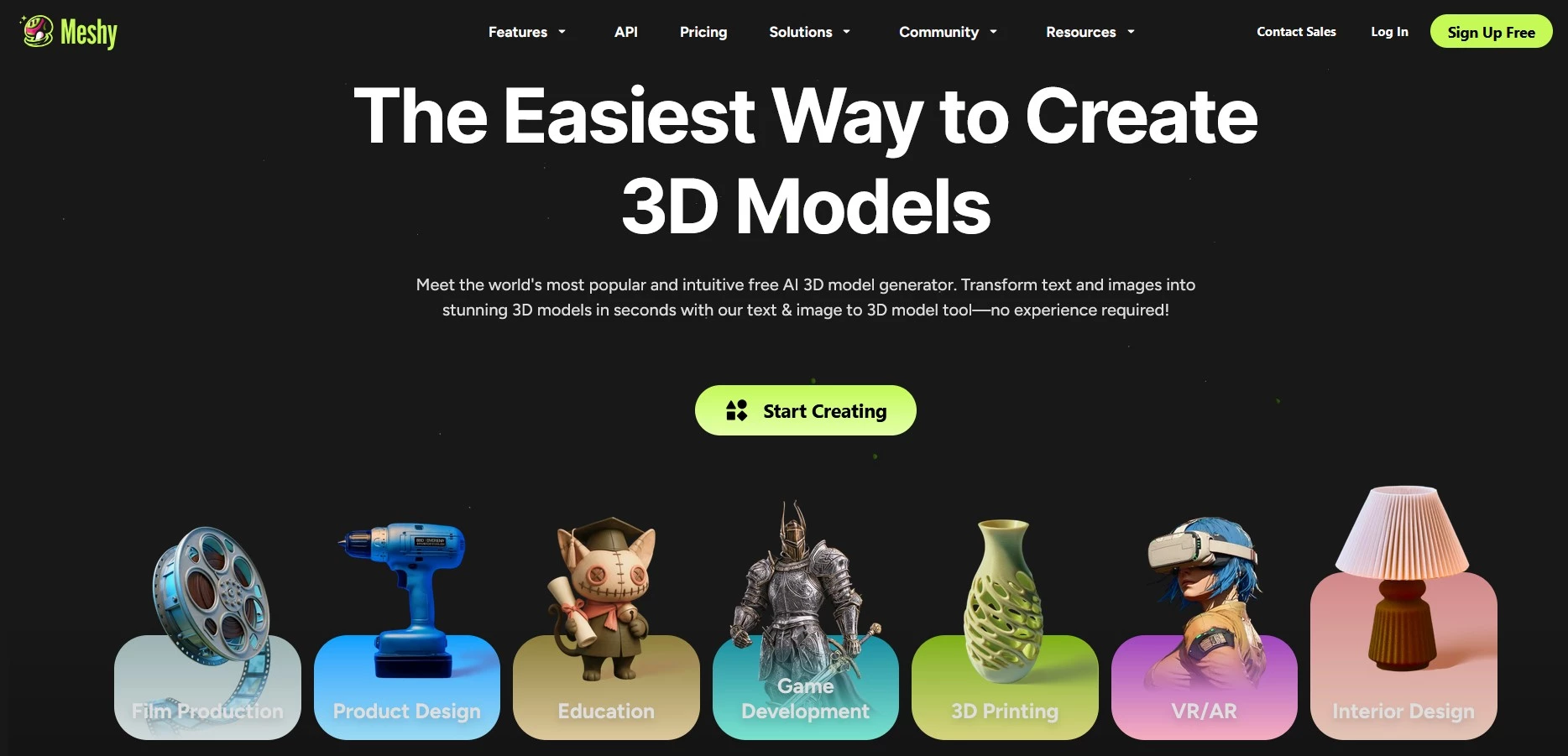
Meshy is one of the most well-rounded AI 3D model generators I’ve tried. It can transform text prompts, reference images, or texture inputs into fully realized 3D assets, complete with textures and animations.
I also love how much control it gives over output quality. I’ve been able to remesh models for better realism and switch between sculptural styles and physically based rendering (PBR).
@meshy.ai "Turn Your Imagination into Reality 🧠✨ Custom 3D-Printed Toy Made with AI + Hand-Painting Magic 🎨🖐️ Perfect for Creators, Beginners & Dreamers 💡🧸 Link in bio to make yours!" #fypp#foryoupage#diy#AI#3dprinting#toys#labubu#drstrange#fyp♬ original sound - Meshy
Meshy’s interface is often praised as intuitive and versatile. Even without 3D modeling experience, it’s easy to generate usable results quickly.
It also resolves common technical challenges like high poly counts and poor UV unwrapping that usually require manual cleanup.
With unlimited prompt generation and consistently fast rendering speeds, Meshy works well when I need to explore multiple design directions quickly.
Pricing
- Free
- Pro: Starts at $15.17/month
- Studio: Starts at $48/seat/month
- Enterprise: Custom pricing
Try Meshy AI for free today – no credit card needed.
Pros:
- Beginner-friendly, no programming or 3D modeling experience needed
- Fixes common issues like high poly counts and poor UVs
- Unlimited prompt generation
- Good balance between automation and creative control
- Fast rendering times
Cons:
- Limited to humanoid and dog rigs
- Private ownership requires a paid license; otherwise models default to Creative Commons
- Occasional animation inaccuracies (e.g., missing limbs or extra elements)
Other notable features:
- Negative prompts to exclude unwanted elements
- Stylization modes for Sculpture or PBR finishes
- Quad or triangle topology selection for mesh control
- Multiple export formats (FBX, OBJ, STL, BLEND, USDZ)
- Seamless integration with Blender, Unity, and Unreal Engine
2. Spline: Best for 3D Web and App Design
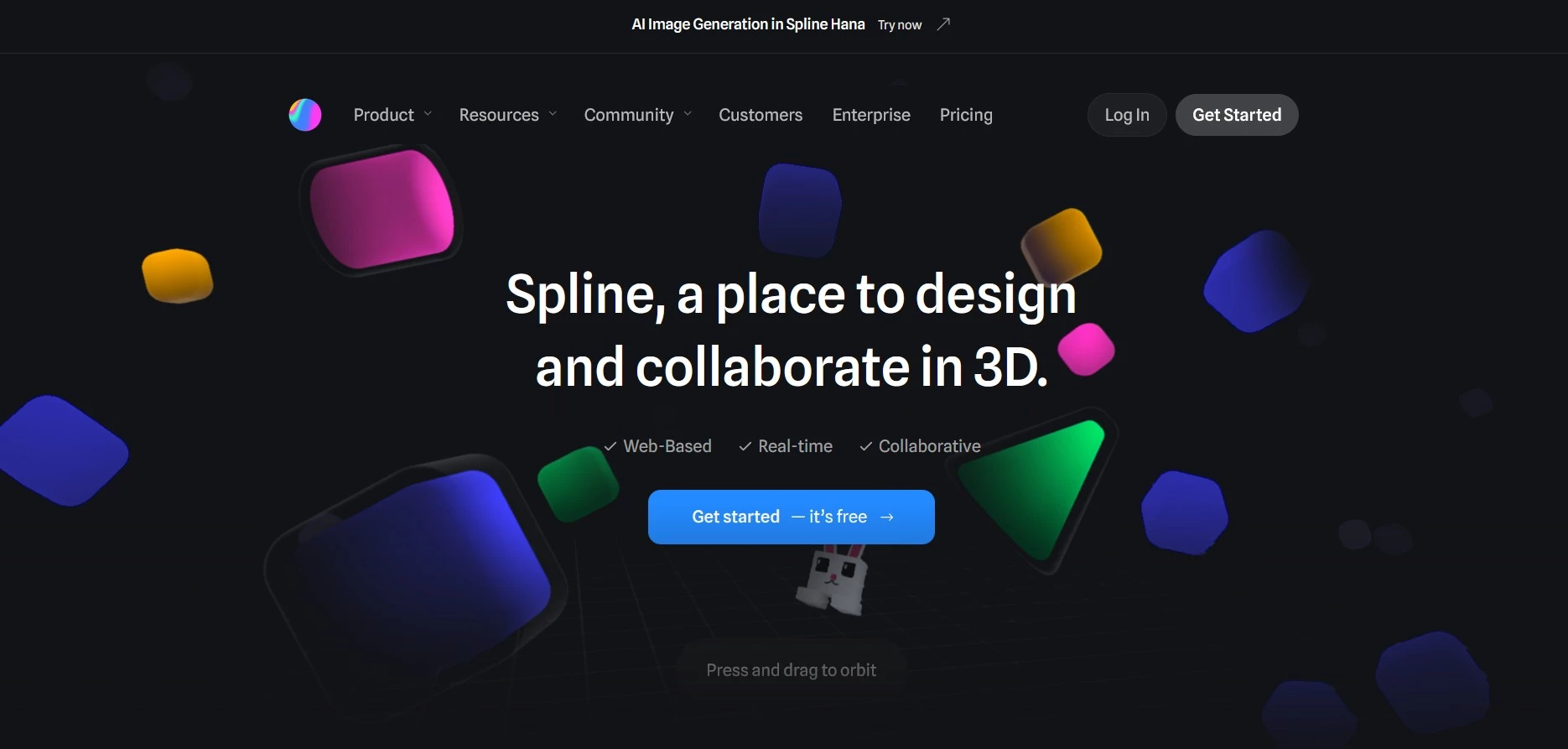
Spline combines the flexibility of traditional 3D design tools with the efficiency of AI-assisted generation. I can build assets from scratch or accelerate my workflow with text-to-model and image-to-model creation.
That said, Spline feels much closer to professional-grade 3D software than most.
It offers concepts like snap settings, subdivision modifiers, and collision parameters, so there’s a noticeable learning curve, particularly for new users without a 3D background.
Where Spline becomes more approachable is its tools for generating 3D logos, text, and UI elements, especially useful as entry points. I’ve found it’s quick and easy to create usable components and refine them visually.
Spline also includes AI text-to-texture and style transfer features that let users instantly adjust materials, apply new finishes, or unify entire scenes under a single color palette or theme.
What truly sets Spline apart, though, is interactivity. Its ability to create 3D objects that respond to text input and user interactions makes Spline a powerful tool for building dynamic web and app interfaces.
Pricing:
- Starter: Starts at $15/seat/month
- Professional: Starts at $20/seat/month
- Enterprise: Custom pricing
Get started for free with Spline today.
Pros:
- High-level customization
- Automatically applies texture and styles to entire 3D scenes or specific objects
- AI-powered contextual interaction for 3D animations
Cons:
- AI functionalities require a paid subscription
- Steep learning curve, requiring a background in 3D modeling and UI/UX design
Other notable features:
- Real-time collaboration for multi-user editing
- Built-in animation and lighting controls
- Seamless export for web embedding or app integration
- Supports interaction triggers for responsive 3D elements
- Cloud-based project storage and version management
3. Tencent Hunyuan3D: Best for High-Fidelity AI Model Rendering
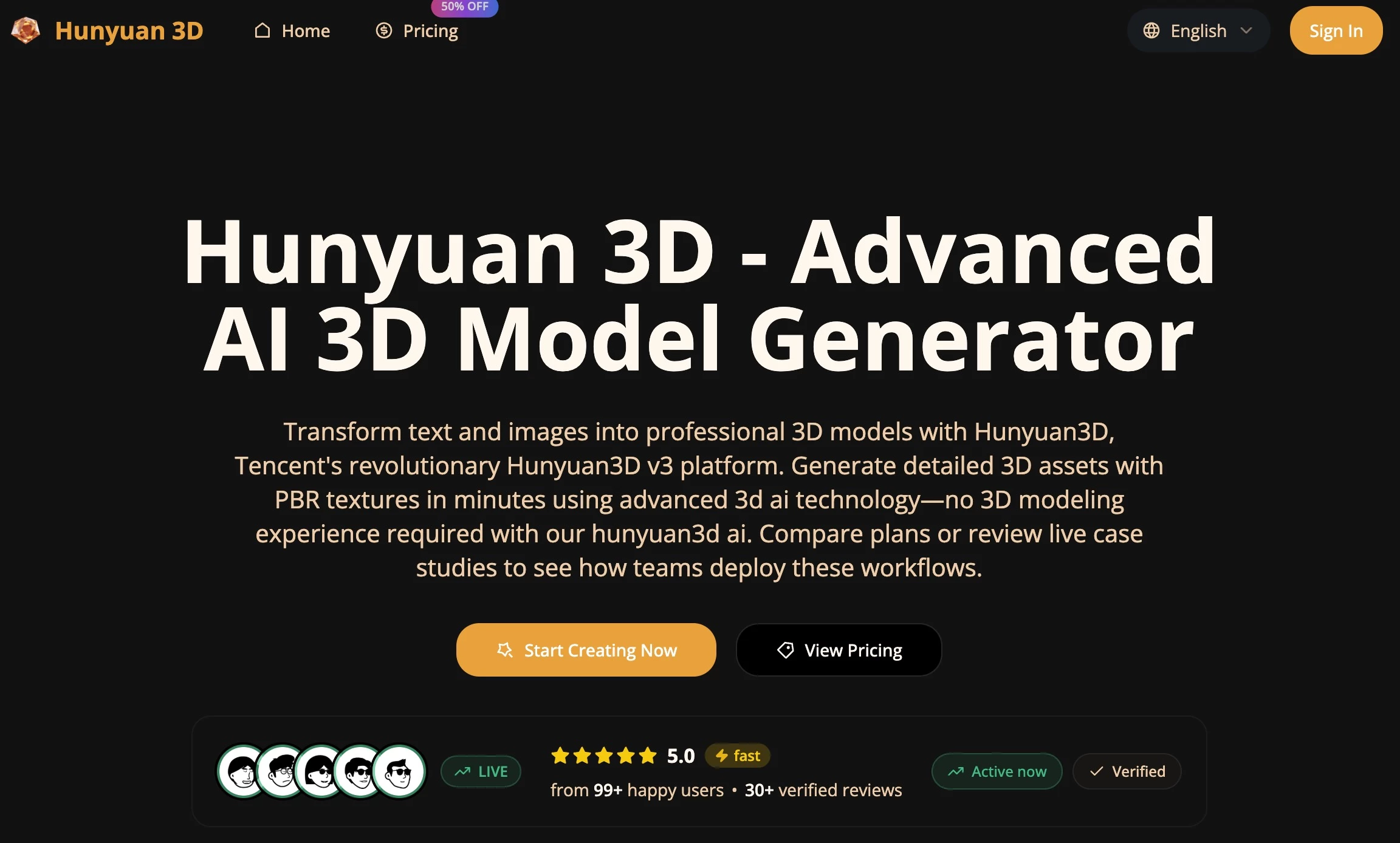
Hunyuan3D is one of those platforms where the technical depth is immediately noticeable. In my experience, it consistently produces some of the most precise and realistic AI-generated 3D models on the market.
Using Tencent’s Hunyuan large model framework, it combines advanced geometry generation with physically accurate textures and lighting. This makes it particularly suited for film, gaming, and industrial visualization.
@aisavvy Hunyuan 3D 3.0 is a new 3D model released by Tencent that has 3x precision, advanced geometric resolution and ultra-HD modeling #hunyuan3d#3dmodeling#ai3D#hunyuan#tencent♬ original sound - Victor C
What I find especially compelling is Hunyuan3D’s integration across Tencent’s wider ecosystem, including its cloud, gaming, and metaverse infrastructure.
This kind of interoperability lets teams deploy assets directly into real-time simulation, XR environments, and digital twin systems without additional conversion or optimization steps.
Pricing:
- Basic: Starts at $4.90/month
- Pro: Starts at $9.97/month
- Ultra: Starts at $99.95/month
- One-time payment: $39.90 - $199.90
Get started with Hunyuan 3D today with 30 free credits to explore.
Pros:
- High-resolution mesh generation with lifelike surface detail
- Strong performance for cinematic and engineering-quality rendering
- Stable outputs with minimal distortion or texture loss
Cons:
- Limited creative stylization options
- Requires significant GPU resources for real-time rendering
Other notable features:
- Supports multi-view reconstruction from reference images
- Compatible with mainstream CAD and DCC tools
- Built-in optimization for photorealistic rendering pipelines
4. Rodin by Hyper 3D: Best for Rapid Human and Character Modeling
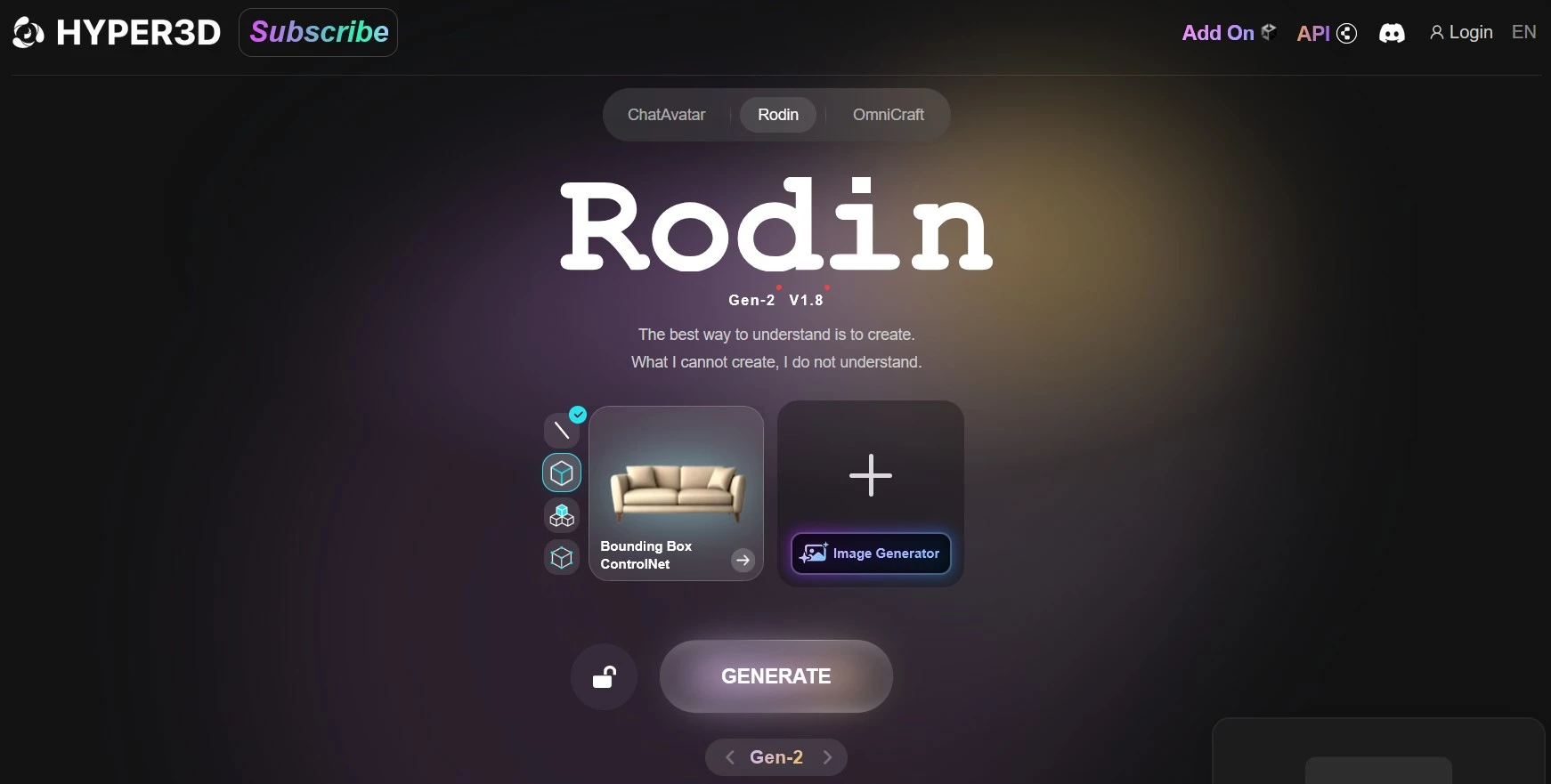
Rodin by Hyper 3D tackles one of the hardest problems in digital production: generating lifelike human and creature models that don't fall apart.
It focuses on maintaining anatomical accuracy, realistic motion, and surface detail.
I’ve found that Rodin significantly cuts down the time spent on traditional sculpting and rigging.
Starting from simple text or image prompts, it can produce high-quality character models that are immediately usable.
The precision of its human modeling pipeline captures fine anatomical details (from musculature to facial topology) with enough fidelity for close-up rendering.
This makes it especially useful in cinematic pre-visualization, motion capture, and advanced game development.
Rodin also enables AI-assisted pose correction and expression mapping to help animators quickly align character emotion and body movement.
Pricing:
- Free
- Education: Starts at $12/month
- Creator: Starts at $24/month
- Business: Starts at $96/month
- Enterprise: Custom pricing
Try out Rodin by Hyper 3D for free.
Pros:
- Scalable generation for large asset libraries
- Streamlined collaboration and asset management tools
- Customizable templates for consistent brand aesthetics
Cons:
- Requires a stable internet connection for rendering and storage
- Limited creative flexibility for individual users
Other notable features:
- Auto-rigging for humanoid and quadruped models
- AI-driven pose and expression refinement
- Integration with Unreal Engine and Blender for animation workflows
5. Content Core: Best for Scalable 3D Asset Creation and Management
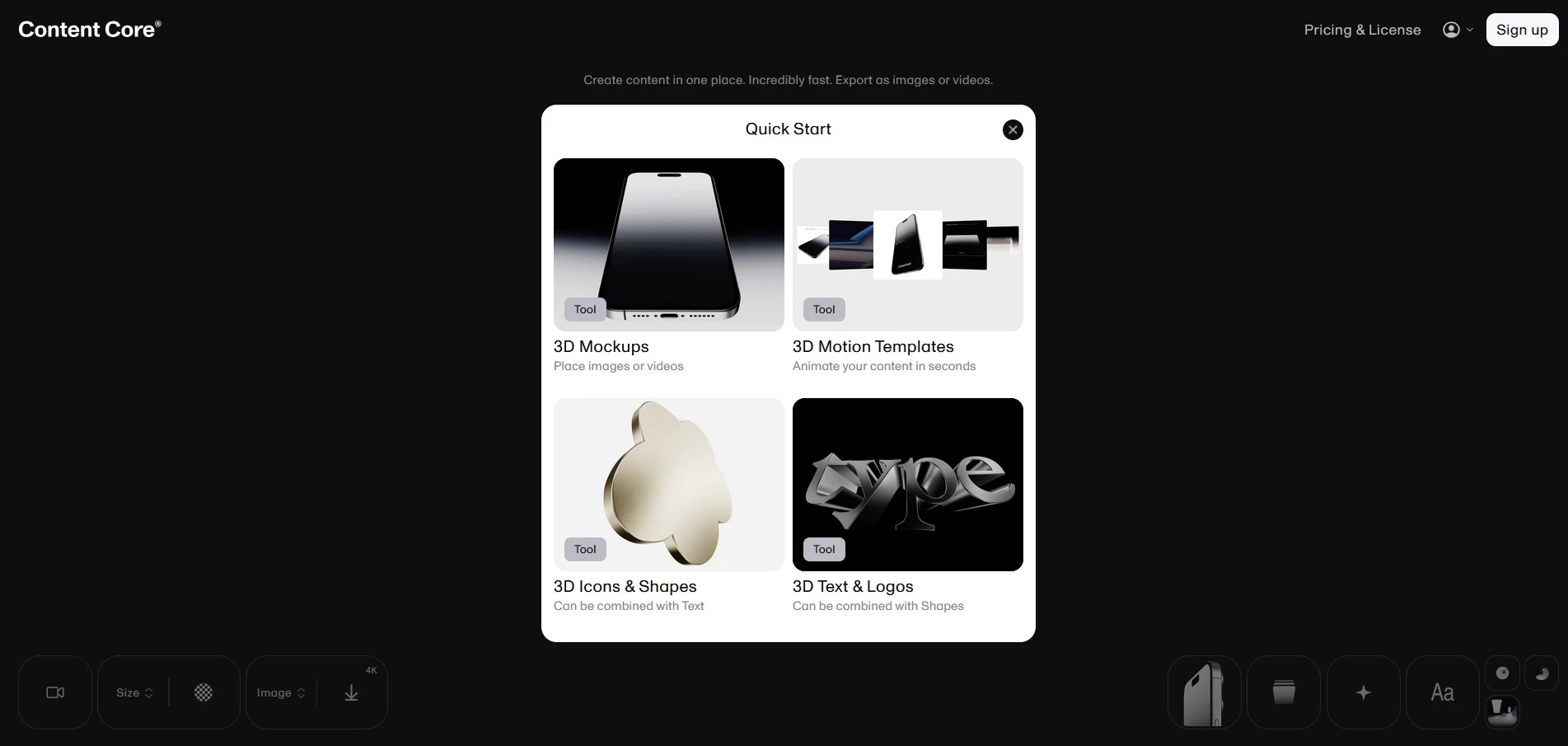
Content Core is built for large-scale 3D asset production and management. It’s designed for studios and enterprises to generate, organize, and distribute thousands of models efficiently.
Because it’s cloud-based, Content Core supports batch generation, collaborative editing, and built-in version control.
I’ve seen this make a real difference for global teams working across complex pipelines, where asset updates, approvals, and handoffs can easily become bottlenecks.
@matcreate My new favorite 3D free tool: ContentCore. You can use to create 3D visuals with mobile apps, text and logos. I’m having so much fun using it! And I still can’t believe that it’s free 🆓 Try it out and tell me if you like it! #designtool#3dmodeling#3d#design#designer#graphicdesign♬ original sound - Mat Creates
The platform also automates repetitive asset creation tasks like model optimization, tagging, and texture standardization to ensure consistency across large product catalogs or extended reality (XR) ecosystems.
For eCommerce, gaming, and AR/VR industries, this means faster asset deployment, improved visual coherence, and lower production costs.
Pricing:
- Basic: Free
- Commercial: $9.99/month or $71.88/year
- Enterprise: Custom
Pros:
- Scalable generation for large asset libraries
- Streamlined collaboration and management tools
- Consistent outputs for enterprise-scale pipelines
Cons:
- Dependent on stable internet connectivity
- Less flexible for one-off creative modeling
Other notable features:
- Cloud-based batch processing and asset tagging
- Centralized version control for multi-team environments
- Multi-format export for retail, XR, and simulation platforms
AI 3D Modeling: Challenges and Future Fixes
From what I’ve seen, AI 3D model generators are redefining design speed and accessibility, but the technology is still evolving. Current tools face several technical, creative, and operational hurdles.
The upside is that many of these challenges are actively being addressed by the next generation of AI-driven 3D platforms.
- Texture and surface fidelity
- Customization limits
- Licensing and IP ambiguity
- Integration barriers
- Resource and skill gaps
1. Texture and Surface Fidelity
Even the most advanced systems still struggle with material realism under complex or changing lighting conditions.
I often see textures that look too uniform or lack the micro-details needed for close-up or production-grade rendering, which means manual refinement is still part of the process.
What’s changing?
Advances in neural rendering and diffusion-based material synthesis are improving how AI understands light behavior, surface roughness, and texture depth. As these models mature, the need for post-processing is already starting to drop.
2. Customization Limits
Because most AI generators are trained on general datasets, outputs can feel generic. Brand-specific geometry, proportions, or design language often need to be reworked in CAD or DCC tools to meet real-world standards.
What’s changing?
More platforms are rolling out custom training pipelines, so teams can fine-tune models using proprietary datasets or internal style libraries.
This makes it possible to generate 3D assets that maintain consistent proportions, color palettes, and design signatures.
3. Licensing and IP Ambiguity
Asset ownership remains one of the murkiest aspects of generative design.
I’ve seen platforms default to Creative Commons or partial rights, which can create compliance risks for commercial projects.
What’s changing?
Legal frameworks are catching up. New licensing models, particularly in enterprise-grade tools, include traceable provenance systems and secure metadata tagging.
This ensures asset authorship and usage rights are clearly defined.
4. Integration Barriers
AI-generated models don’t always drop cleanly into production environments.
Retopology, missing metadata, or inconsistent file structures can slow things down once assets move into CAD, game engines, or real-time pipelines.
What’s changing?
The next generation of modeling tools is focusing on interoperability, with direct export options for Blender, Unreal, Unity, and CAD systems.
Some are also baking in auto-retopology and mesh optimization, so assets are closer to production-ready right out of generation.
5. Resource and Skill Gaps
High-end rendering still requires powerful GPUs and specialized skills, which puts advanced AI modeling out of reach for smaller teams.
What’s changing?
Cloud-based pipelines and AI-assisted editing are lowering the entry point.
Designers can now tap into high-performance processing remotely, while no-code and low-code interfaces simplify tasks like mesh cleanup and texturing
As these tools mature, their true value will be evident in the way they expand what they can do.
As Steve Fine, managing partner at FINE Design Group, explains:
"The coolest thing generative AI is generating is a greater understanding of its limits in replacing human creativity and potential in enhancing it."
AI in 3D Modeling: Final Words
Rather than replacing artistry, 3D AI generators amplify it. They turn ideas into faster, smarter, and more innovative design outcomes.
As adoption grows, the advantage will belong to studios that integrate AI seamlessly into collaborative pipelines and using automation where it helps most, while keeping human judgment at the center of design decisions.

Our team ranks agencies worldwide to help you find a qualified partner. Visit our Agency Directory for the Top Product Design Companies, as well as:
- Top 3D Modeling Companies
- Top Product Prototype Companies
- Top Design Agencies
- Top Digital Design Agencies
- Top Packaging Design Companies
And don’t miss our Awards section, where we celebrate the most innovative projects in design — from logo and app design to print and packaging.
AI in 3D Modeling FAQs
1. Can AI 3D modeling tools handle complex product assemblies or mechanical parts?
Most AI 3D generators excel at organic forms and visual concepts, not engineering-grade assemblies.
CAD software is still needed for precise tolerances and part interactions, though new AI tools are beginning to support physics-aware and parametric modeling for more technical use cases.
2. What data do AI 3D model generators use to learn, and how secure is that information?
These systems are trained on a mix of publicly available, licensed, or synthetic 3D datasets.
Enterprise platforms increasingly use private data and encrypted provenance tracking to protect IP and ensure ethical training practices.
3. Do AI 3D model generators support photogrammetry or scan-based workflows?
Some advanced tools now blend AI generation with photogrammetry, using real-world images or scans to build accurate base meshes.
AI then enhances these models by filling gaps, refining textures, and improving topology for production use.
4. How are studios measuring ROI from AI-driven 3D modeling?
Studios track ROI through time savings, output volume, and lower outsourcing costs.
By automating early modeling stages, AI tools accelerate delivery and free design teams to focus on higher-value creative work.