
I tested the five leading AI writing tools to see which are best to use based on different content types. Explore what sets these tools apart as I walk you through their unique features to help you decide which one is the most suitable for your content writing process.
AI Writing Tools: Key Findings
- Prompt quality directly impacts results, showcased by tools like ChatGPT and Gemini, which rely heavily on detailed prompts to generate relevant and usable content.
- All AI writing tools still require human intervention to refine thought structures and fact-check data, ensuring the final draft brings added value to its audience.
- AI writing tools enable businesses to scale content production, but human input is still key to adding nuance and brand voice to make the content stand out.
Top AI Writing Tools Reviewed
About 85% of digital agencies use AI writing tools to improve their content development.
More than efficiency and resources saved, these tools help enhance content quality and ideation to cater to changing algorithms and market demands.
| Tool | Best for | Offline Availability | Mobile App | Collab Features | Pricing Starts At |
| ChatGPT | Creative Narratives | ❌ | ✅ | ❌ | $20 per month |
| Type.ai | Professional Writing | ✅ | ❌ | ❌ | $23 per month |
| Gemini | Analytical Writing | ✅ | ✅ | ✅ | $19.99 per month |
| Paperpal | Academic Writing | ❌ | ✅ | ✅ | $20 per month |
| Sudowrite | Fiction Writing | ❌ | ✅ | ❌ | $19 per month |
1. ChatGPT: Best for Creative Narratives
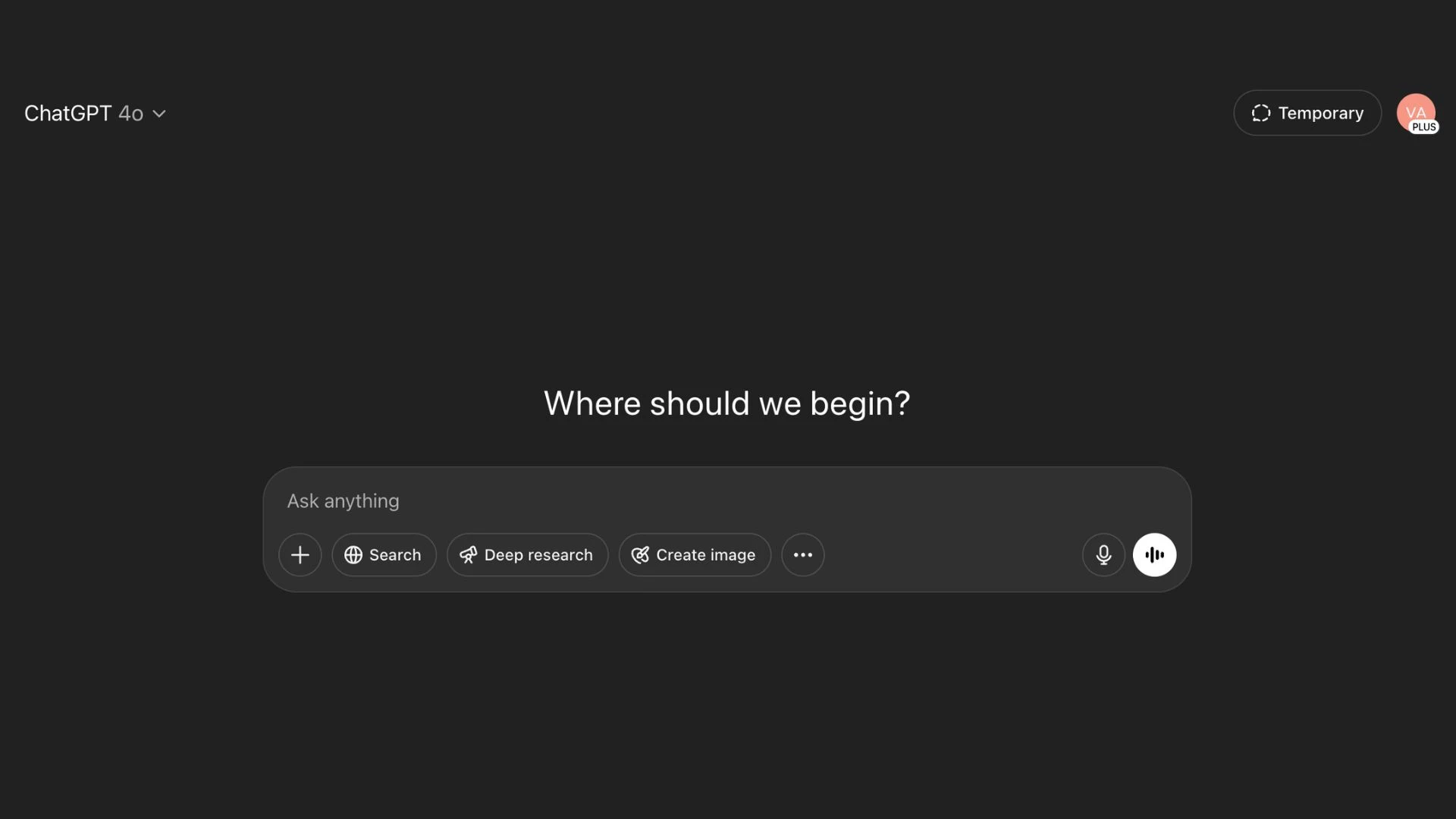
The first AI writing tool I tested is ChatGPT, popular for its ability to generate large data sets and information. But I think its strength lies in its extensive narrative generation.
| Pros | Cons | Pricing |
|
|
|
Thanks to its advanced GPT-4o language model, ChatGPT can generate content and adapt to messaging styles and brand voice, which is perfect for content-led teams needing to streamline or automate their processes. However, it is purely dependent on the prompt that you feed it.
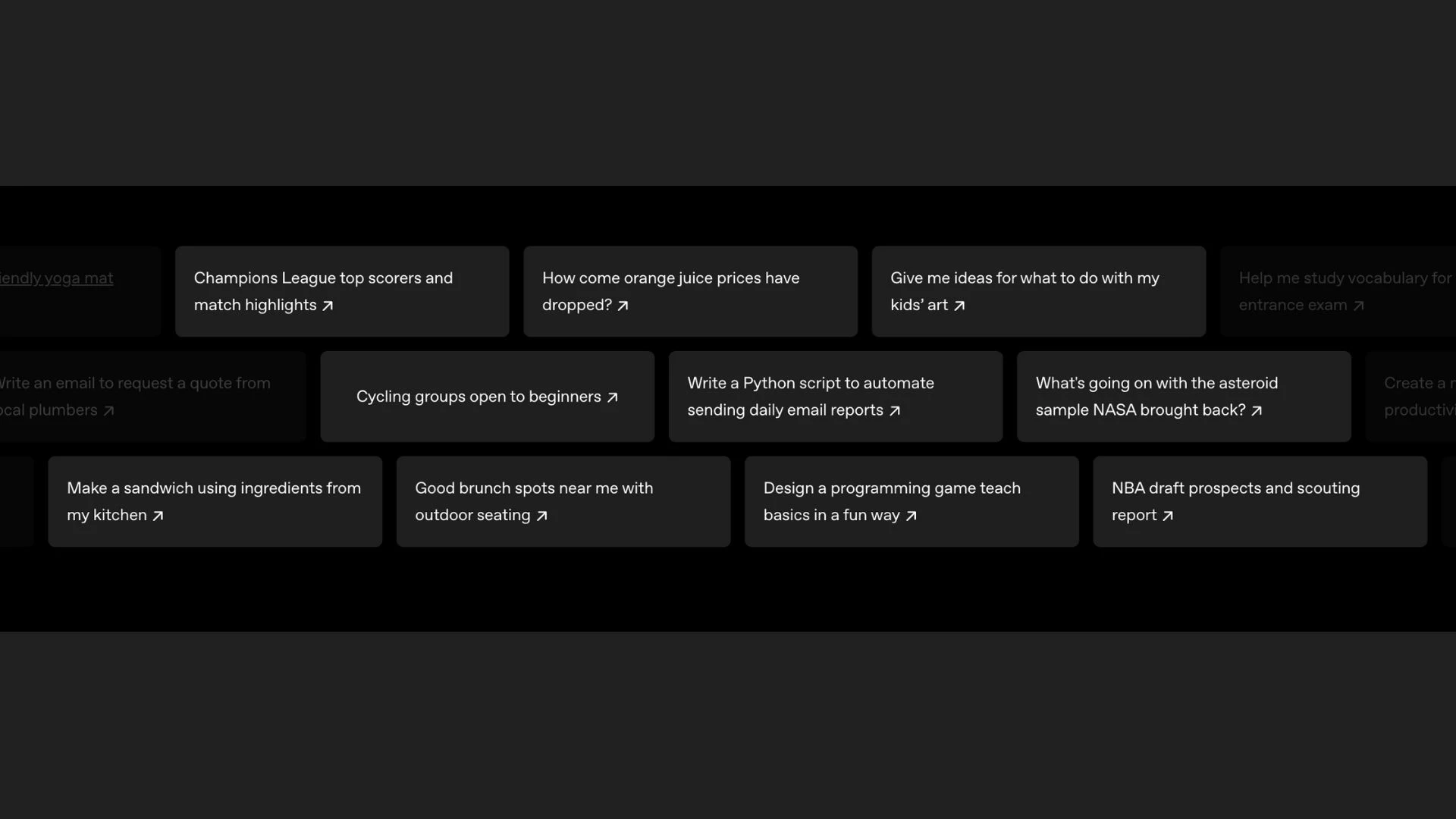
ChatGPT’s voice mirroring feature is very convenient for someone who writes for top industry categories and location content like I do, as it aligns generated content to original documents.
The Deep Research feature is another standout. It supports a more informed writing process by allowing integration of first-party data, making it easier to add relevant context and depth to the content.
Speed up your content production with ChatGPT for FREE!
In my opinion, ChatGPT is very helpful for brainstorming fresh angles that you can use as a starting point to get to the topic you want to pursue. I like how the AI tool generates outlines quickly, which saves time and provides a solid framework upon which to build.
However, it is not perfect, and it struggles with nuanced language or niche topics. The tool needs human interventions and personal weigh-ins to ensure accurate content that follows the right brand voice.
All in all, I see ChatGPT as a useful AI tool for content generation and brainstorming. But I do not recommend taking its responses as they are. Fast content may be an advantage, but if it doesn’t align with user intent, it will only serve bloated articles that don’t add value to your audience.
What Users Say
ChatGPT users have polarizing opinions about the AI writing tool. Some praise it for helping with writer’s block and research. They also like how it generates good content ideas and outlines as long as they provide a detailed prompt.
On the other hand, some users advocate not to use it because of inaccurate data and unhelpful edits. Others also cite how the AI writing tool produces bland, flowery, and generic content, derailing writing more than speeding the content process.
Who’s It For?
ChatGPT is a solid fit for marketing teams who work with generated content and write campaigns on a daily basis. If you’re a CEO drafting a company-wide vision statement or a marketing executive building a story-driven campaign, ChatGPT will quickly sketch angles and develop voice for your business. Content strategists who need to explain complex concepts in plain language can use it to simplify messaging and test tone.
Notable Features
- Flexible prompting
- Tone modulation to shift between voices on command
- Context retention in building coherent long-form drafts
- Idea expansion through multiple angles or “next sentence” suggestions
- Conversational format for better drafts and ideations
- Browser extension availability for more integrated writing help
- Comprehensive language support
- Customize length of content to be generated



2. Type.ai: Best for Professional Writing
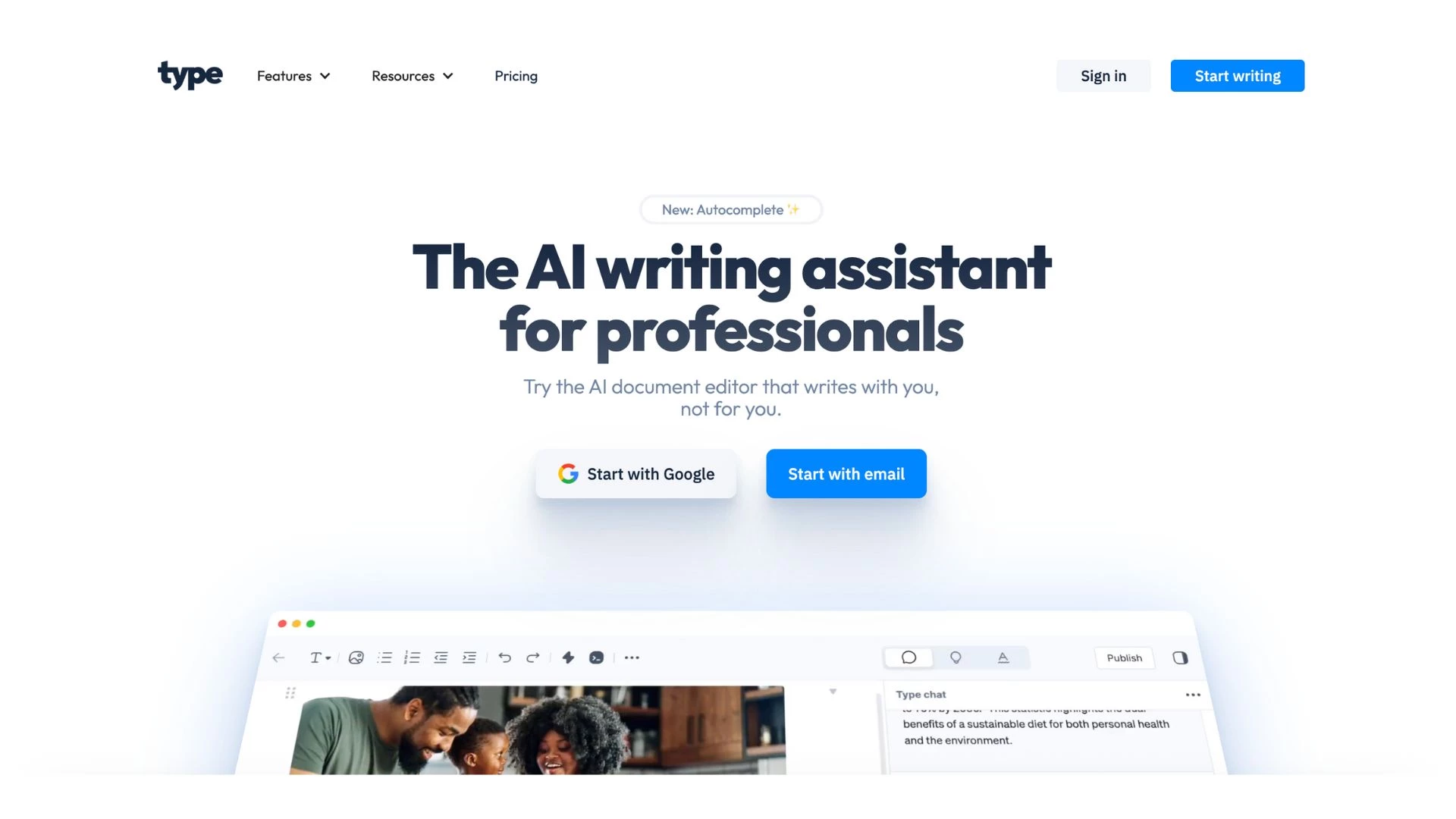 Beyond its functions as an AI writing tool, Type.ai is also known for being a document editor with an advanced ability to generate professional-sounding content. One of its standout features is its clean interface, which helps me focus on writing.
| Pros | Cons | Pricing |
|
|
|
Type.ai stands out because it works as an independent word processor with integrated AI features, helping me with the writing process more than automating it.
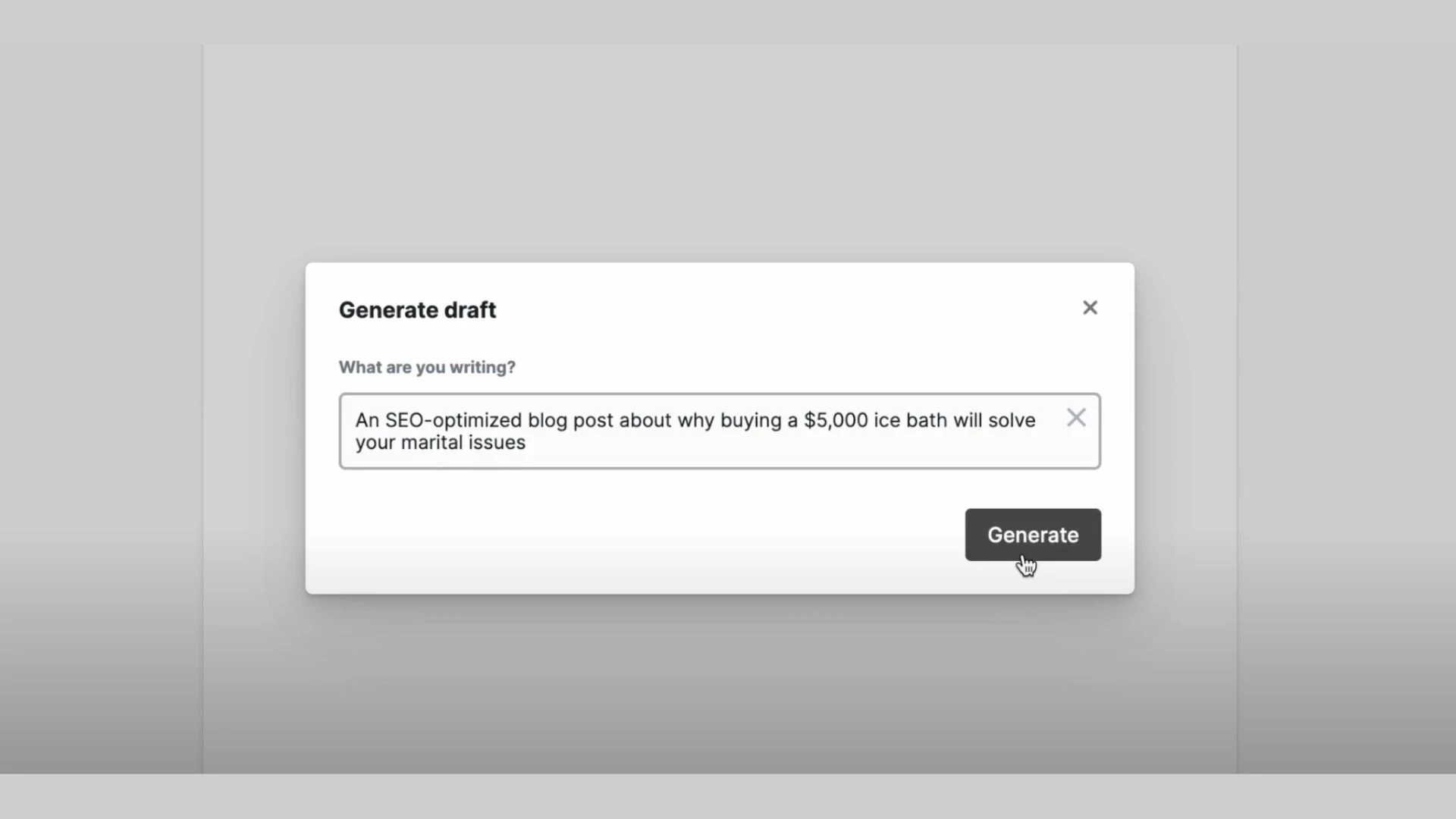
You can process the content in two ways: by uploading the document or by generating it. I chose to generate content to test its language model and see how extensive its text can be.
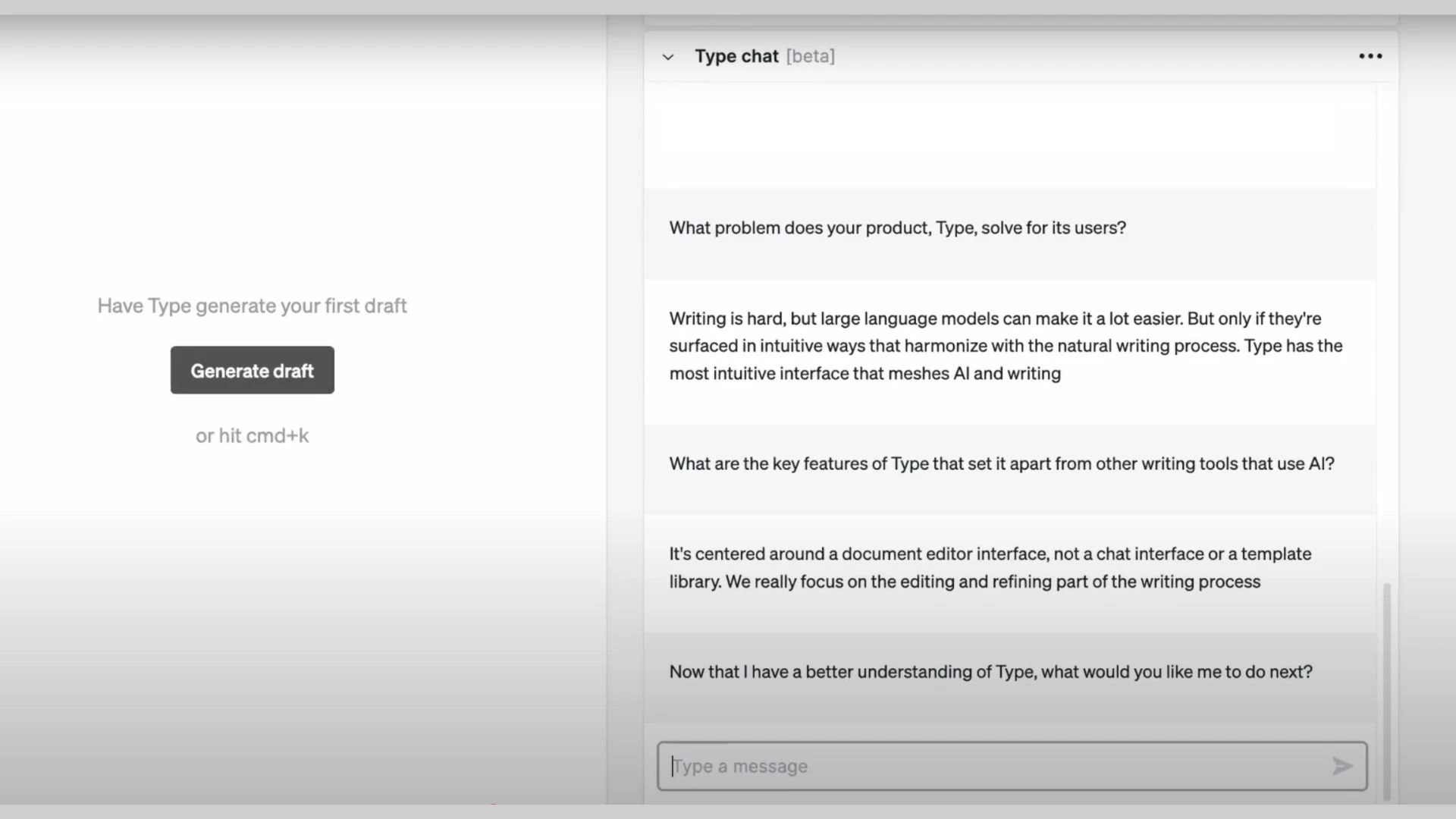
One of my favorite features is working with Type Chat, a built-in context-aware tool embedded in the document.
It helps with brainstorming ideas and understanding the nuances of my entire content. When prompted, it takes into account what is already written and refines the text as needed.
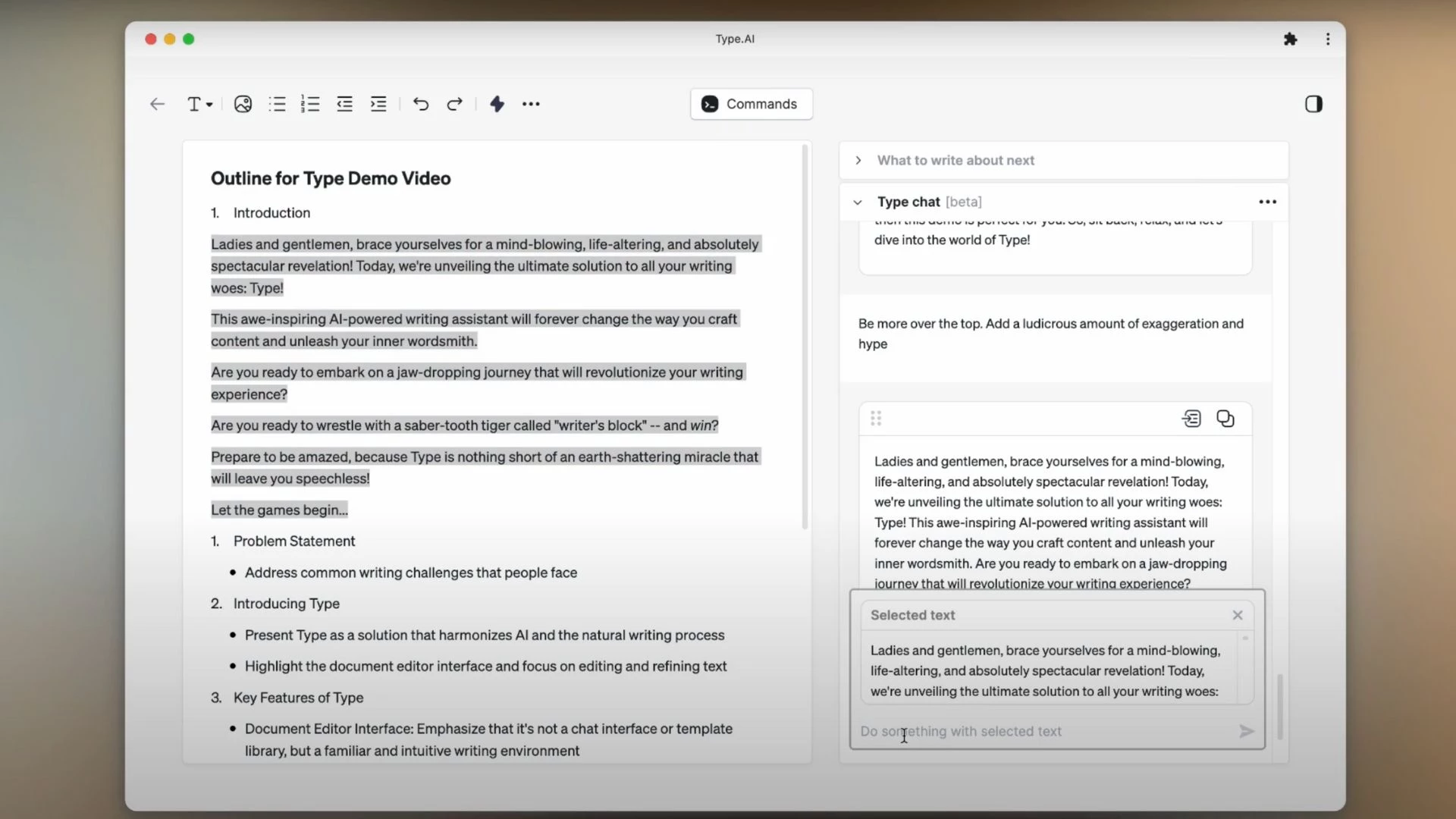
Another feature I appreciate in Type.ai is its intuitive drag-and-drop functionality. It lets me effortlessly move generated content from the chatbot into my working document for immediate editing.
Try Type.ai to level up your B2B content for FREE!
What also stood out for me was how Type Chat simplified revisions. I could simply highlight a section of text, and the bot picked up right where I needed it, making the editing process feel smooth and connected.
As a writing tool, Type.ai impressed me with how it streamlines the writing process without taking away my control over the narrative. I especially appreciate how it generates workable drafts and supports self-editing, which is an increasingly essential skill for writers today.
Tim Hanson, CCO at PenFriend.ai, reflected this sentiment, emphasizing the importance of humanizing AI-generated content through strong editing.
“I think the main job of writers in the future isn’t going to be writing, it’s going to be editing,” Tim explains. “And it’s more editing content in alignment with the human aspect of why somebody would be reading that content in the first place.”
What Users Say
Users praise Type.ai for simplifying the content writing process, making it more manageable at the same time. Many highlight its full-featured document editor, noting how the AI writing tool has made writing and editing more effective. Some users also like its efficient customer support and how it integrates well within teams.
Who’s It For?
Type.ai is built for professionals and teams that manage high-demand writing deliverables, including corporate communications, such as email, marketing, and client services teams. It’s also a valuable tool for teachers who produce heavily outlined content and lessons. Generally, Type.ai can be useful for writers who prefer to use AI tools integrated within their document workspace.
Notable Features
- Tone and style editor
- Sentence restructuring capabilities
- Jargon-reduction tool
- Inline AI commands integrated into the document
- Keyboard shortcuts for AI commands
3. Gemini: Best for Analytical Writing

As someone who works extensively with research, Gemini quickly became one of my go-to AI writing tools for translating complex content to simpler text. It’s not a tool that tries to sound creative or quirky. Instead, it stays grounded in facts, which is exactly what I need.
| Pros | Cons | Pricing |
|
|
|
What stood out for me was how well Gemini handled long-form inputs. I can feed it pages of raw data or lengthy analysis, and it returns a clean, structured summary.
More than that, I love how its sentences sound. I have explored multiple AI writing tools, and most of them always have obvious AI-sounding sentences. However, Gemini’s tone is crisp and provides clarity, which helps me write professional yet engaging narratives.
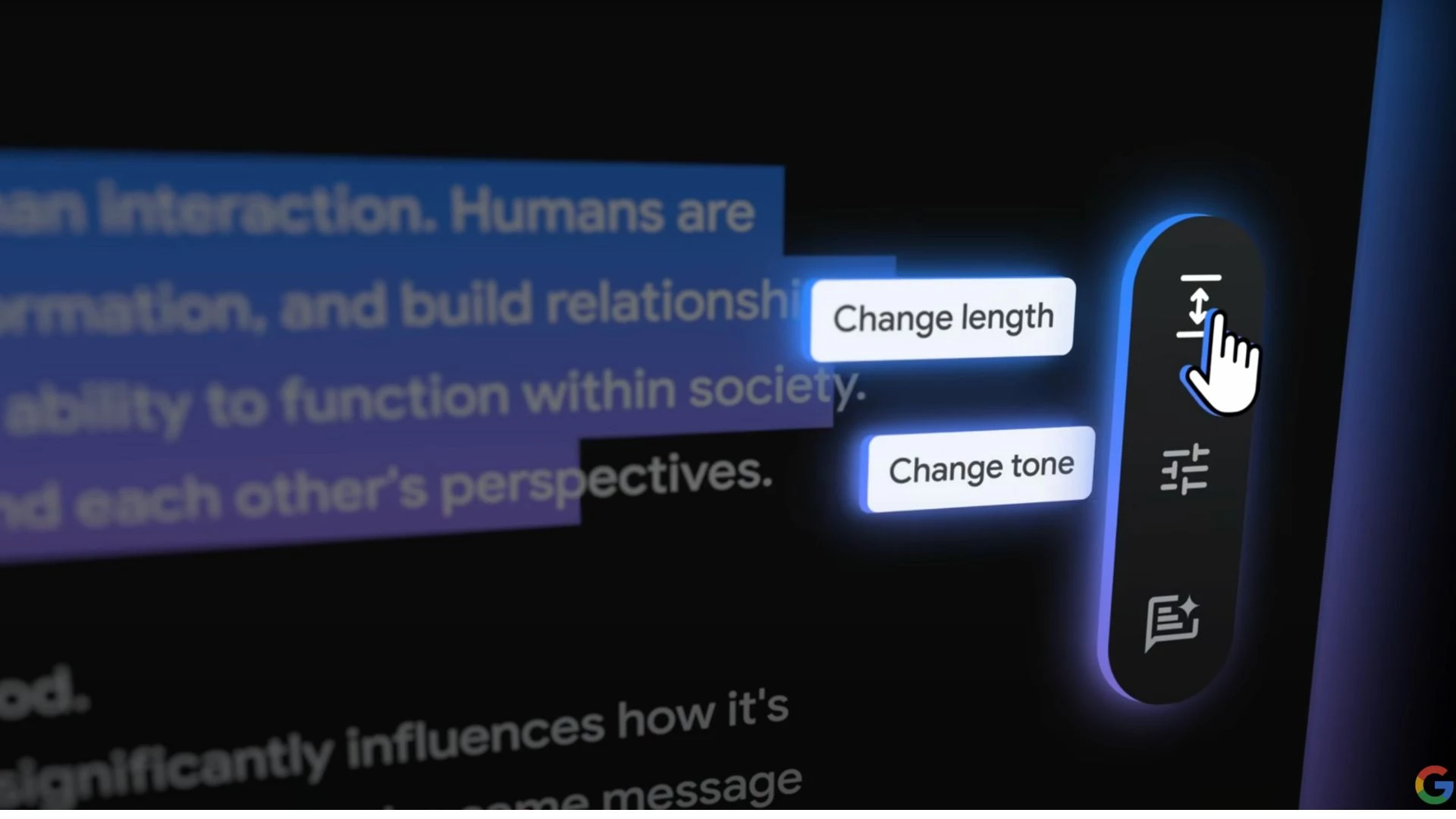
One of the features that I want to highlight is Canvas because I can work and interact with it while generating content. Its intuitive capabilities help me revise specific content parts, including changing the length and tone.
Generate extensive content with Gemini for FREE — NO CREDIT CARD NEEDED!
When Gemini pulls data, it flags claims and statistics that might need verification and often suggests links for further checking. However, the sources it provides aren’t always reliable, so I cross-check facts against trusted publications and white papers to ensure accuracy.
Overall, Gemini’s capability to generate accurate content and research-backed writing makes it stand out as a reliable AI writing tool.
What Users Say
Gemini users have mixed opinions on the AI writing tool. While some praise its collaborative features, others note how it can pick up on language nuance and undertones. Many also like that it gives accurate refinements to content. On the other hand, some users said that Gemini only generates “small blurbs” instead of long-form content. There are also users who noticed that it has limited output generation.
Who’s It For?
Gemini is an excellent fit for researchers, consultants, and analysts who must turn long-form content into clear and useful content. Its straightforward tone can also be helpful for journalists and reporters to build grounded and objective first drafts and speed up fact-checking.
Notable Features
- Seamless integration with applications within the Google Workspace
- Powered by Google’s most capable language models
- Accessible on-the-go with its mobile application
- Multi-modal capabilities enabling it to generate a variety of content
- Links to web sources to enable fact-checking
4. Paperpal: Best for Academic Writing
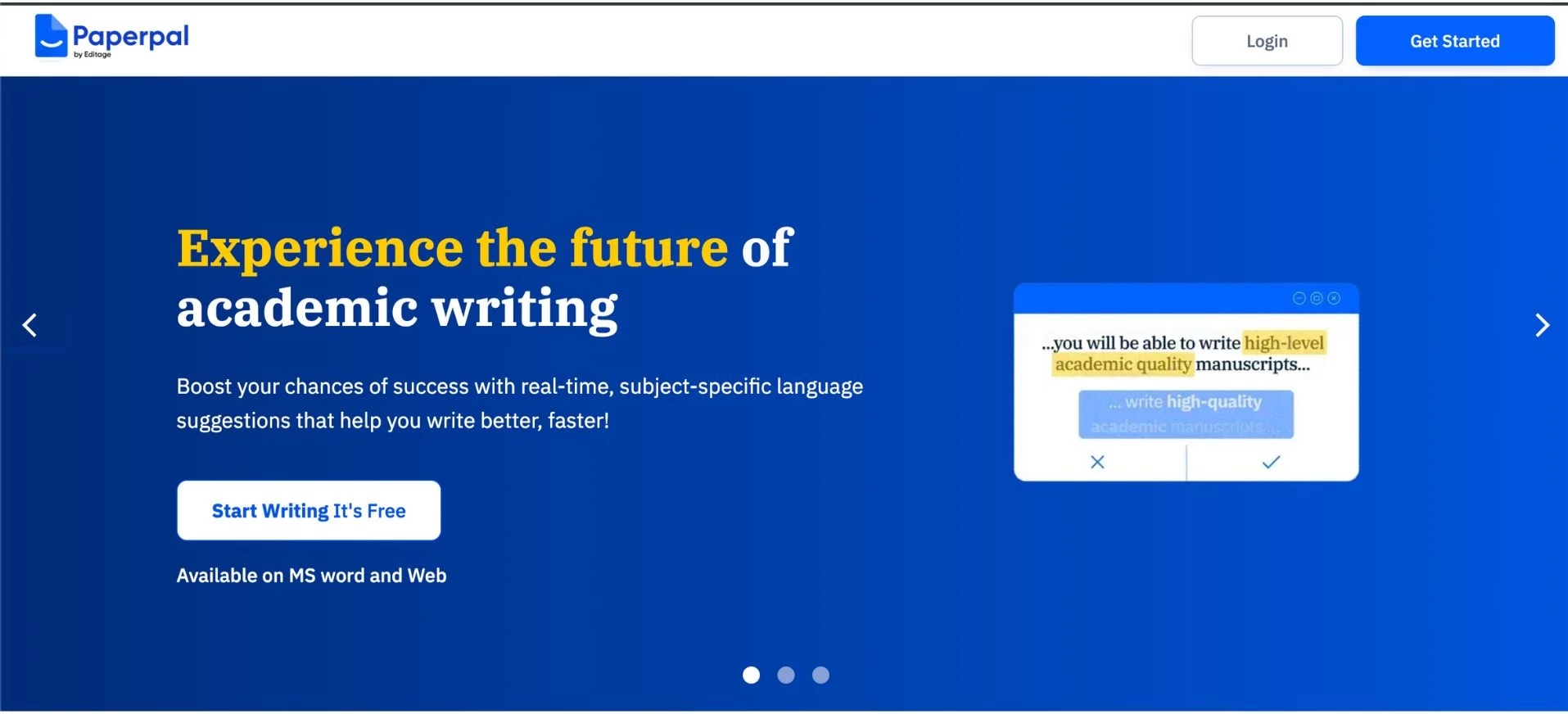
Paperpal is an AI writing tool with an extensive research library that helps writers generate industry-specific content. I was most impressed with its writing, citing, and editing tools built to enhance the clarity and coherence of the generated content.
| Pros | Cons | Pricing |
|
|
|
Another notable characteristic is the range of features built into the AI writing tool. Right when I opened it, Paperpal gave me an overview of its AI capabilities.
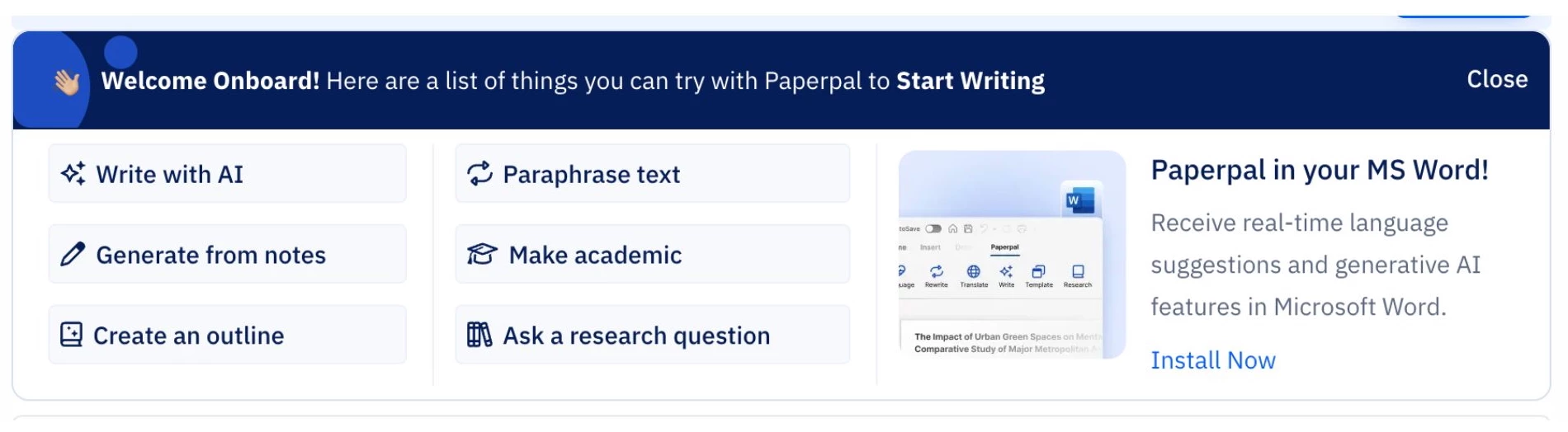
Paperpal integrates directly into Microsoft Word, offering real-time suggestions and support as I write. That means I don’t have to switch between tools to improve clarity, tone, and structure right in my draft.
Sign up to Paperpal to access 250mn+ research for your writing FOR FREE!
Another feature I like is how Paperpal gives instant feedback while I write. If a sentence is too wordy or a section feels convoluted, it highlights it immediately.
It has helped me clean up my drafts, especially when dealing with technical materials.
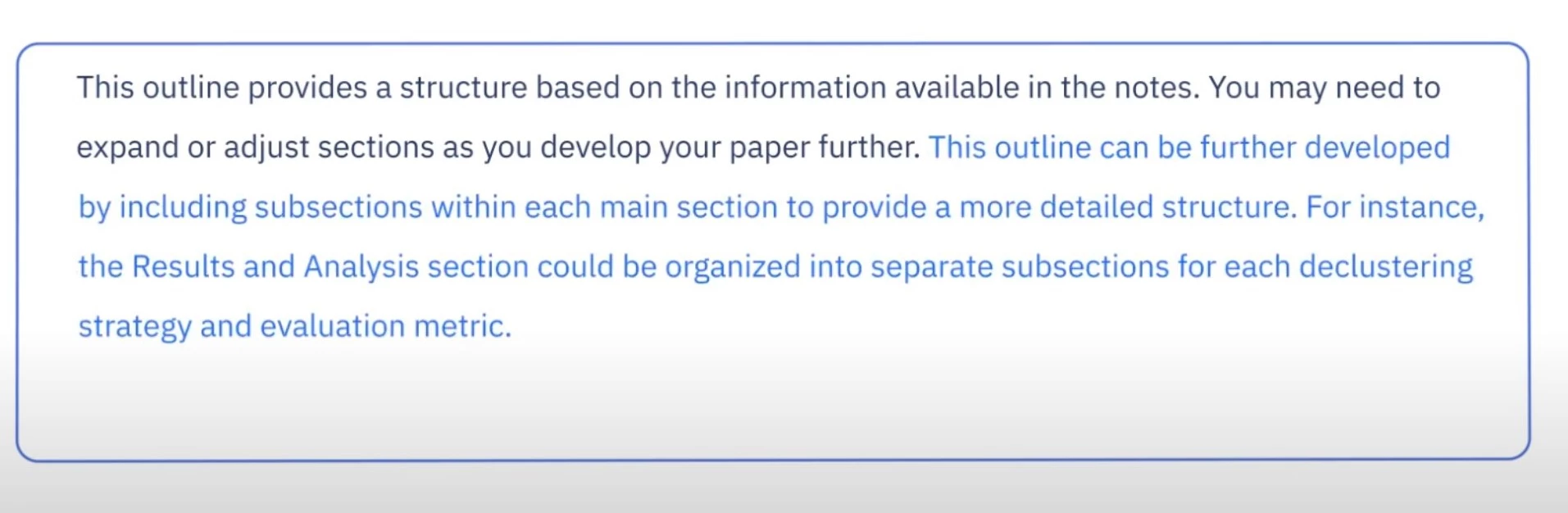
Paperpal’s citations and references feature also impressed me. While other AI tools deal with hallucinations, Paperpal provides access to accurate citations.
It’s also great for non-native English writers. The language suggestions feel supportive, not robotic, and the tool translates rough drafts into clear English without making it sound like AI wrote it.
If you’re constantly writing technical papers and research-heavy articles like I am, Paperpal is a real time saver. It’s tuned for the academic voice and helps meet high editorial standards without needing a full-on editing service.
What Users Say
Users note how Paperpal is helpful for academic work, noting it simplifies the process of reviewing multiple research papers at once. Some also appreciate the translation support through DeepL, which keeps the tone professional across different languages. On the other hand, some users highlight several drawbacks, including clunky citation management and the lack of AI autocomplete. Another downside is related to the tool’s free version, which limits users to 5 uses per day.
Who’s It For?
Paperpal is made for researchers, graduate students, academic writers, and journal authors who need to produce clear, well-structured, and publication-ready content. It’s also especially helpful for non-native English speakers looking to refine their writing in fluent academic English. Paperpal is also valuable for editors and publishing teams who need fast, reliable language and formatting support.
Notable Features
- Real-time feedback on generated text
- Plagiarism detector to ensure originality
- Advanced grammar and syntax tailored for formal research writing
- Journal-specific checks enabling pre-submission readiness
- Assists in reference formatting
- Multiple writing modes depending on writer’s needs
5. Sudowrite: Best for Fiction Writing
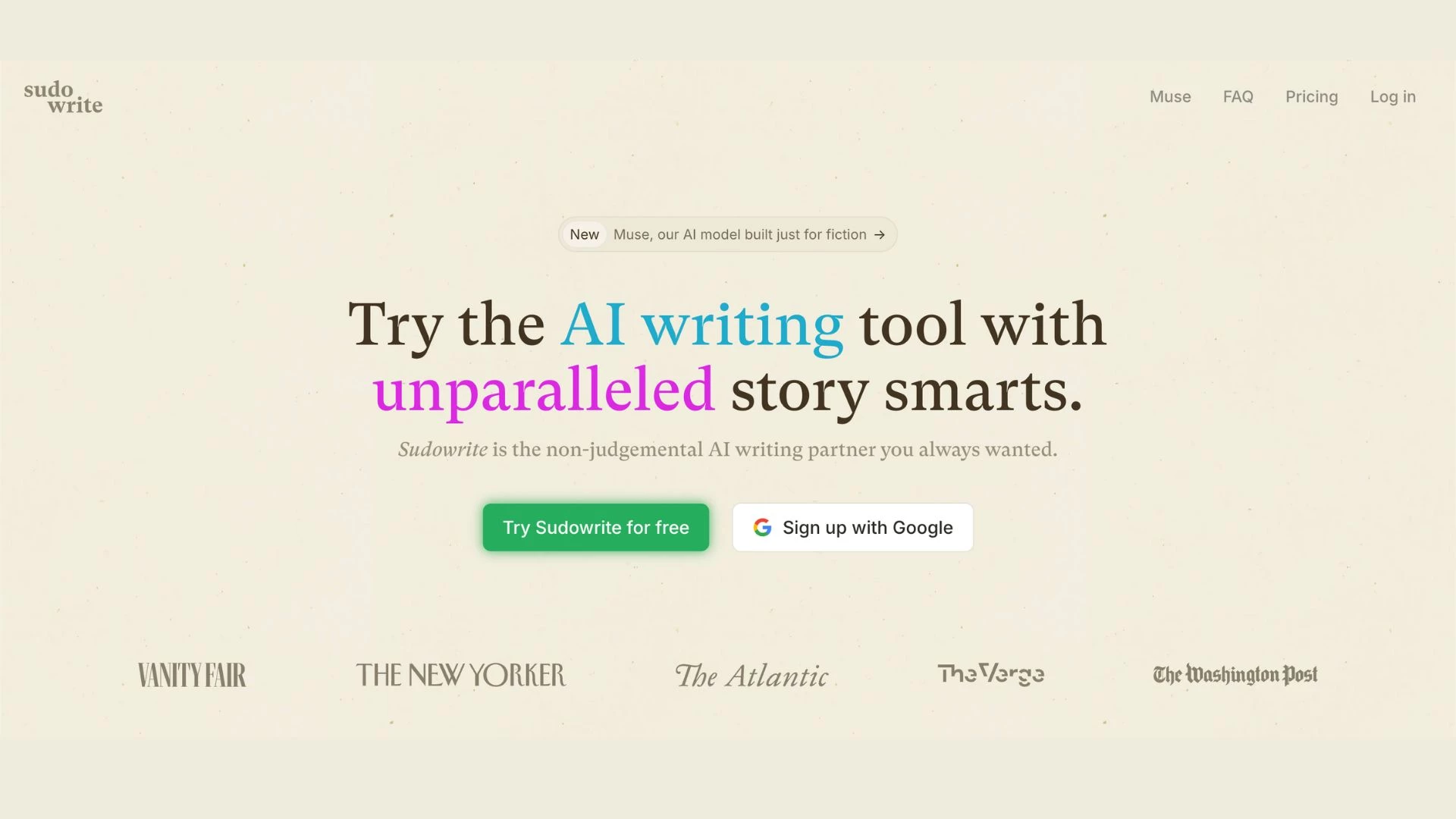
Beyond business writing, I also occasionally dabble in crafting fictional stories to tap into my inner creativity — which led me to try Sudowrite. It did not disappoint in getting me through writer’s block and helped me enhance the quality of my personal work.
| Pros | Cons | Pricing |
|
|
|
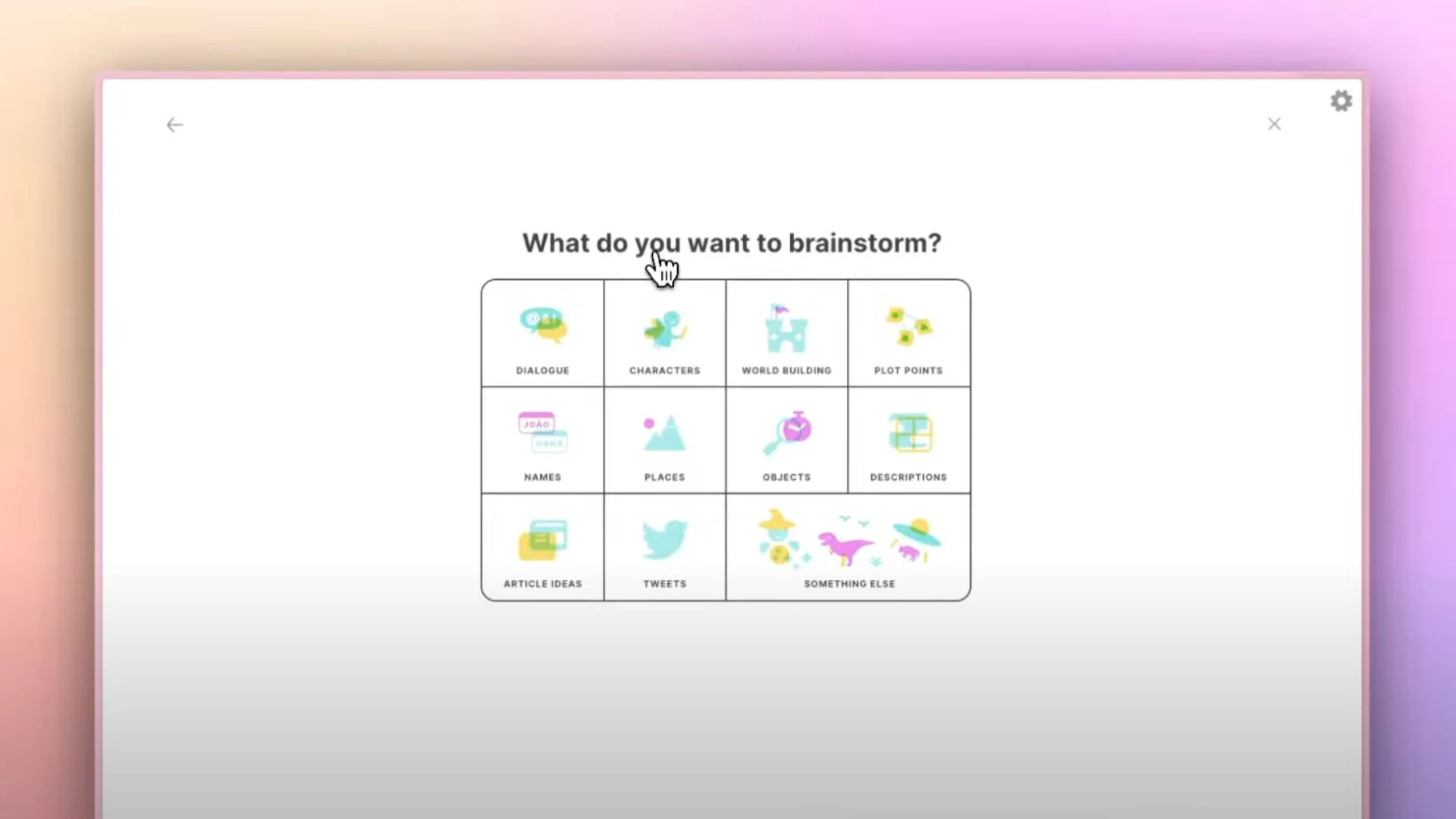
One of the best aspects of Sudowrite is its intuitive features. When I’m stuck, I use Sudowrite’s Brainstorm feature to get fresh ideas and concepts. Its helpful prompts and sample dialogues offer plenty of inspiration.
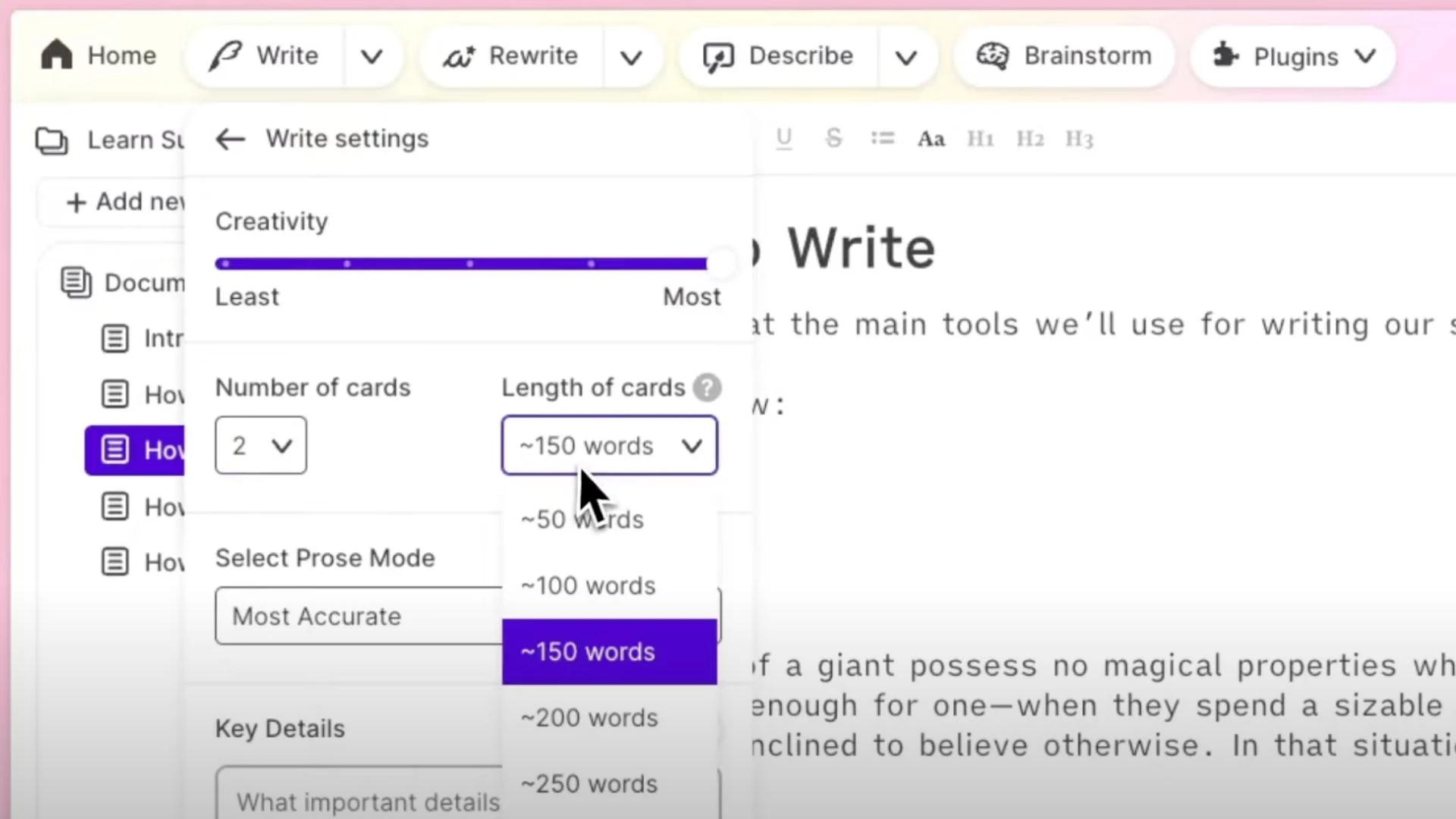
Writing with Sudowrite feels immersive because it can personalize the level of creativity, number of words, and prose modes to get the desired output.
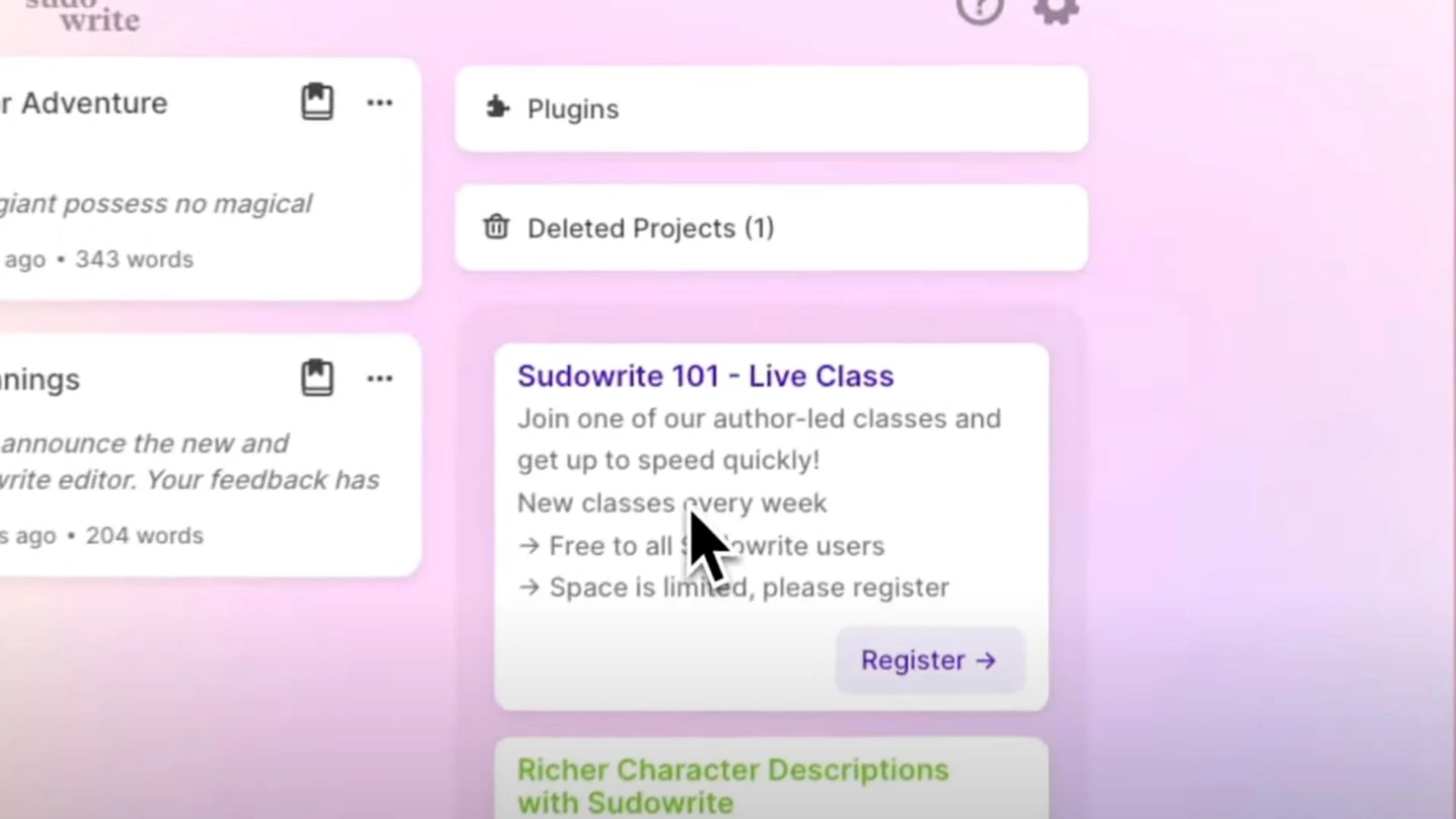
Another aspect I appreciate about Sudowrite is the free access to live writing classes. As someone who is always looking to improve, I found these sessions surprisingly helpful because they keep me motivated to expand my creativity.
Get access to prompts for your creative writing! Sign up to Sudowrite for a FREE TRIAL!
Overall, I love how Sudowrite embodies what an AI tool should be. It doesn’t try to write for you; it writes with you.
What Users Say
Users have mixed opinions about Sudowrite, but many mention the price as a downside. Some writers take the time to understand the tool and find it helpful for polishing drafts. However, some users also note Sudowrite’s recent drop in AI quality compared to using the same models independently.
Who’s It For?
From beginners to seasoned writers, Sudowrite serves as a partner for the overall storytelling process. Independent authors will find the tool very useful, especially because it’s a cost-effective alternative to traditional coaching. Sudowrite also appeals to aspiring writers looking for structured guidance and skill-building resources.
Notable Features
- Quickly generates content, from outlines to full stories
- Designed to support creative storytelling
- Multi-lingual features including French, Spanish, and Dutch
- Helps map out content through Canvas Mode
- Extensive creative writing tools
Other Writing Tools With Growing AI Capabilities
Beyond the big-name tools, a new wave of writing assistants is emerging with powerful, niche capabilities. Here's a look at some of them:
1. Gatsbi: A Smart Research and Writing Assistant
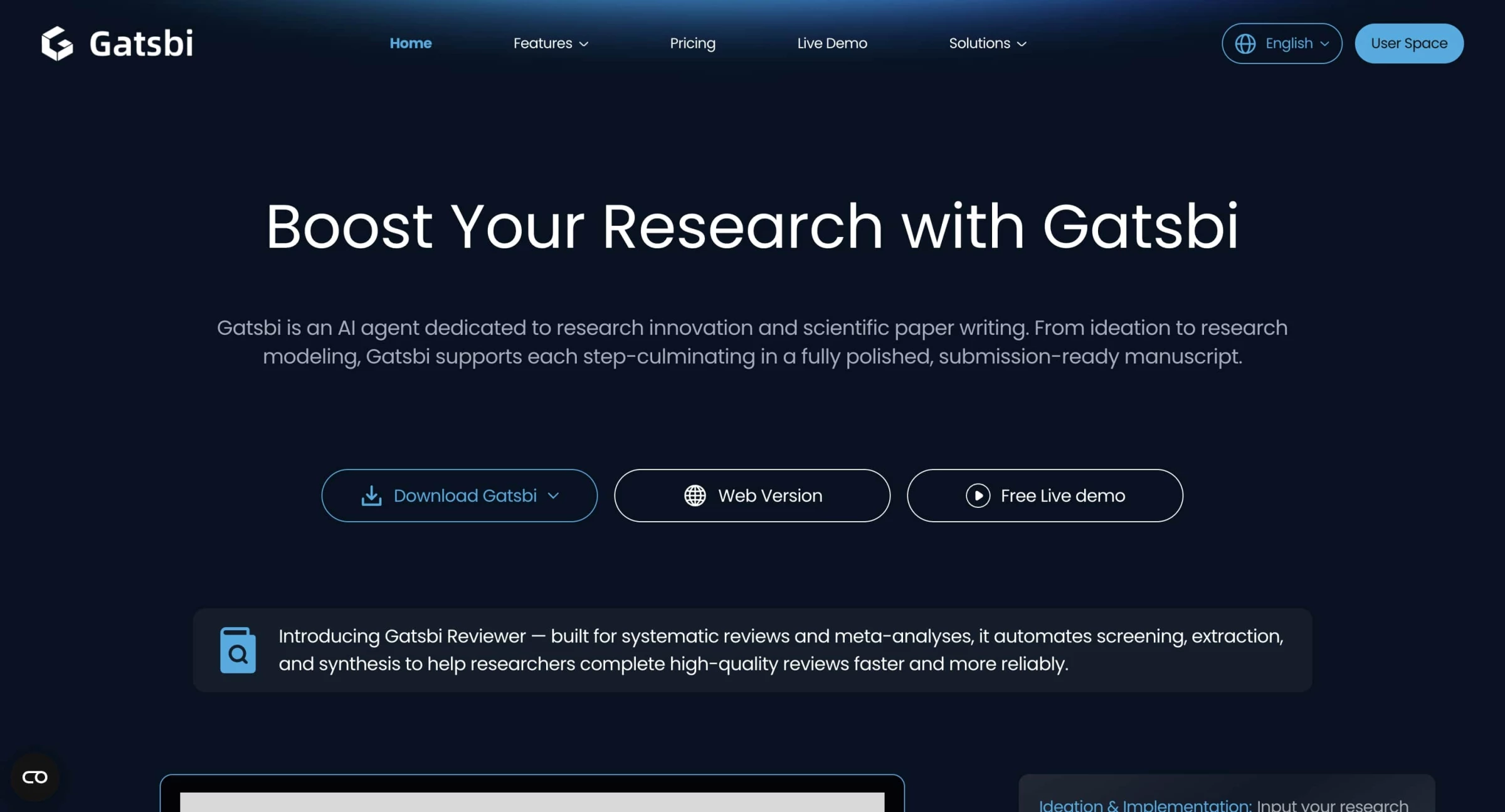
Gatsbi is an AI-powered writing suite designed for researchers, engineers, students, and enterprise innovators. It helps with tasks including ideation, research paper drafting, patent writing, and systematic literature reviews, all from ideation to a polished manuscript.
| Pros | Cons | Pricing |
|
|
|
Using Gatsbi for a research draft, I was impressed with how it generated structured outlines, integrated in-text citations, charts, tables, and even equations at the click of a button. Its “Innovator” and “Writer” modules felt robust — thinking like a co-author, not just a text generator.
It also comes with a “Reviewer” for systematic reviews and meta-analyses, automating screening, extraction, and synthesis—an often tedious research step.
I appreciate it that it supports both desktop (keeping data locally) and browser-based workflows. Although it can feel a bit clunky when switching versions.
That said, Gatsbi isn’t without flaws. While its ideation is strong, the real-world reliability of citations and data accuracy still needs human oversight, which is critical in academic writing. The citation suggestions, though helpful, may not always align perfectly with best practices.
It also leans heavily on the user’s input quality and research discipline; unusual or niche topics might yield thinner draft outputs.
If your work requires airtight academic rigor and you need detailed editing and formatting, treat Gatsbi as a powerful assistant, not a replacement for human oversight.
2. WordWriter: Your All-in-One AI Writing Command Center
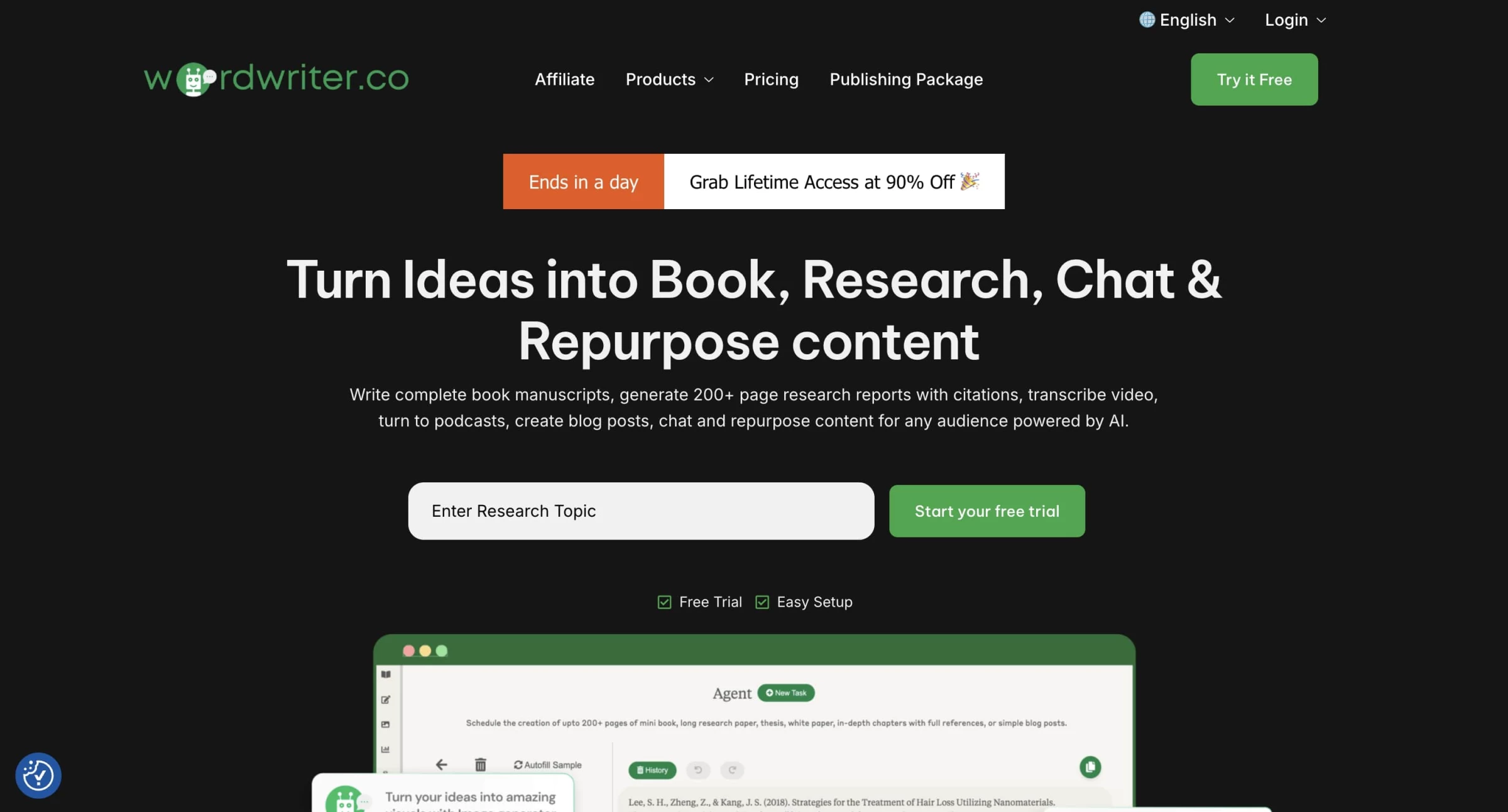
I spent some quality time exploring WordWriter. From the moment I signed up, I could tell the user interface was polished and straightforward.
You get multiple “agents” like the Research Agent, Book Agent, Repurposing Agent, and a Voice Mode that lets you speak instead of type.
| Pros | Cons | Pricing |
|
|
|
I started with a few basic workflows: creating a blog outline, paraphrasing a LinkedIn post, and even testing the long-form book generation. It didn’t disappoint in terms of speed or versatility.
The Research Agent especially impressed me. I gave it a topic: “The Future of AI in Legal Services,” and it generated a detailed, cited report. It wasn’t perfect, but it gave me a very solid foundation.
That’s a recurring theme with WordWriter: it doesn’t give you publish-ready content out of the gate, but it gets you 70–80% there.
That said, there were a few bumps. The AI sometimes drops clunky filler phrases like “as an AI language model,” which break the flow and make the content unusable unless you edit them out.
One big highlight for me was the WordPress integration. If you're managing a blog, you can publish directly from WordWriter, which eliminates a lot of friction.
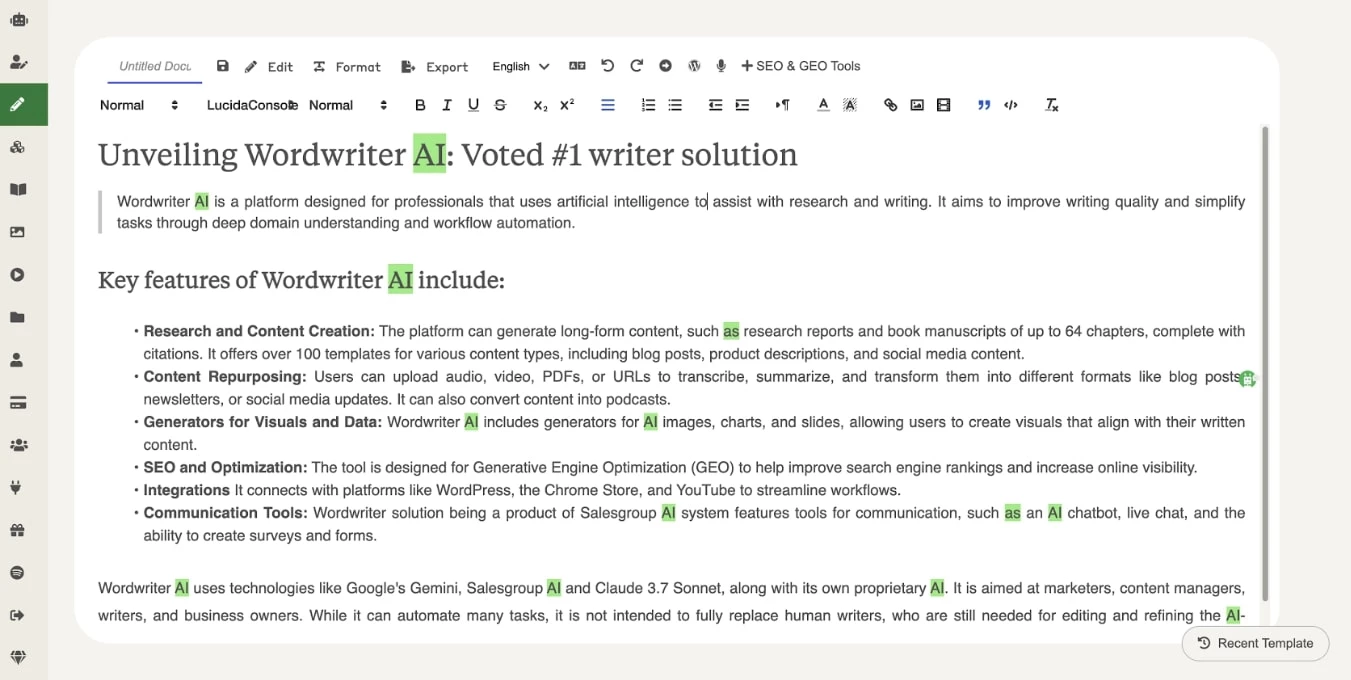
If you’re okay doing some final editing, it saves you time and helps you scale content across multiple formats.
I wouldn’t call it a “magic button,” but it’s the kind of assistant you want on your team, especially if you’re juggling blogs, books, social media, and research all at once.

If you need help automating your marketing processes, our team ranks agencies worldwide to help you find a qualified partner. Visit our Agency Directory for the top content marketing companies, as well as:
- Top Content Creation Companies
- Top Digital Marketing Agencies
- Top Marketing Strategy Agencies
- Top Growth Marketing Agencies
- Top AI Marketing Companies
Our design experts also recognize the most innovative design projects across the globe. Given the recent uptick in AI tools usage, you'll want to visit our Awards section for the best & latest in AI website designs.
AI Writing Tools FAQs
1. How do AI writing tools work?
AI writing tools are software applications trained by machine learning algorithms to learn how to identify human language patterns, including grammar, sentence structures, tone, and vocabulary. These tools can’t think independently or understand concepts on the same level as humans. However, they can process and recognize patterns from large data sets, which enables them to generate content.
2. How can you create quality content with AI writing tools?
To create quality content with AI writing tools, writers must be able to provide it with clear and detailed prompts outlining the type, purpose, audience, tone, and style of your content. Fact-checking and editing are also important skill sets that add value and personal touch to AI-generated write-ups. It’s important to remember that AI is not a replacement for human creativity but a partner that improves it with speed and efficiency.
As John Luxford, CEO of FlipSide XR, emphasized, “For us, AI is a tool to empower the creativity of the human user, not to replace it. It might substitute what would have been a second person if no one is available, but it will still be an obvious substitute for some time to come.”
3. Are there any risks associated with using AI tools for writing?
Yes, using AI writing tools comes with risks. One of the most common is hallucination, or when the tool generates inaccurate or made-up information. The content can also sound overly generic or robotic, which may hurt your brand’s credibility. There’s also the risk of accidentally copying existing content and unknowingly reinforcing biases in the AI’s training data, leading to poor content.