
The right customer relationship management (CRM) system captures leads the moment they raise their hand, routes them to the right agent within seconds, and keeps running automated follow-up sequences while you're showing houses.
The wrong one quietly drains your budget and sits mostly unused after week three.
We reviewed 11 of the most widely used CRMs for real estate to help you find the best CRM for real estate based on MLS integration depth, lead automation workflows, mobile usability, real cost of ownership, and the stage your business is in.
Best Real Estate CRMs: Key Findings
- For real estate teams, choose Real Geeks for IDX-led online lead generation, Pipedrive for customizable pipelines, and Lofty for AI-powered lead nurturing.
- For brokerages, choose BoldTrail for an all-in-one brokerage platform and Salesforce when you need enterprise-level customization.
- For solo agents, choose Wise Agent for predictable pricing, Follow Up Boss for high lead volume, and Top Producer for MLS-driven workflows.
Why Real Estate Professionals Need a Specialized CRM
A general CRM can store names, emails, deal stages, and notes. A real estate CRM has to track people, properties, timelines, lead sources, listing activity, and follow-up signals in the same workflow.
That difference shows up fast once your leads come from portals, social media, your IDX site, open houses, referrals, and your local MLS.
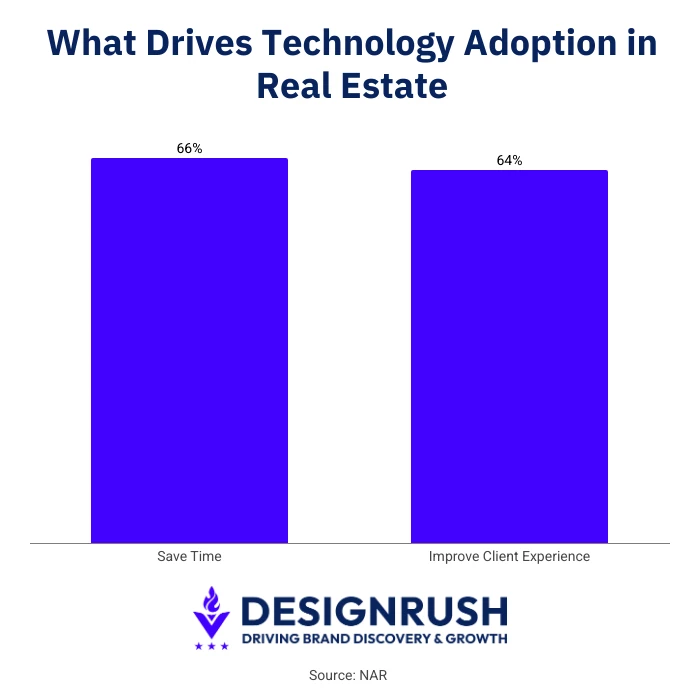
NAR’s 2025 REALTORS® Technology Survey found that agents’ top lead-generating technologies were social media at 39%, CRM systems at 23%, and local MLS platforms at 17%. The same survey found that 66% of realtors adopt technology to save time, while 64% do so to improve the client experience.
A real estate CRM helps because it is built around the way agents actually work. Instead of forcing every buyer, seller, listing, showing, and closing into a generic sales pipeline, it gives you tools that match the property cycle.
What Is a Real Estate CRM and How It Differs From a General CRM?
A real estate CRM is software that helps agents, teams, and brokerages manage leads, client relationships, property activity, follow-up, and transaction timelines in one system.
A general CRM can track contacts, sales stages, emails, and tasks, but real estate CRM software is built around how property deals move.
It can connect leads to listings, show MLS or IDX activity, send property alerts, track buyer and seller preferences, assign leads to agents, and manage closing steps.
General CRMs are built to manage sales relationships, while real estate CRMs are built to connect people, properties, listing activity, follow-up, and deal progress in the same workflow.
Best CRMs for Real Estate Compared
Before choosing the best CRM for real estate, compare each platform by fit, MLS support, AI features, and starting price.
Click the name of any CRM in the table to jump to its in-depth review, including key features, pros, cons, pricing notes, and best-fit use cases.
| CRM | Best For | MLS Integration | AI Features | Starting Price |
Online lead generation | Yes | Behavioral lead scoring | Upon Request | |
Process-driven workflows | No (add-on) | AI Sales Assistant | $39/user/month | |
AI-powered lead nurturing | Yes | Lead scoring | Upon Request | |
Scaling | Yes | Marketing Autopilot | Upon Request | |
Custom workflows | No (add-on) | Einstein AI | $25/user/month | |
Budget-conscious | Yes | AI writing assistant | $49/month flat | |
High lead volume | Yes | Call transcripts | $69/month/user | |
MLS-heavy workflows | Yes | Predictive seller leads | $129/month per user | |
Free CRM workspace | No (add-on) | AI-powered assistant | Free version | |
Free built-in dialer | No (add-on) | Freddy AI | $9/user/month | |
Lowest cost | Yes | None | $179/year |
Best CRMs for Real Estate Teams
For teams of two to fifteen agents, the best CRM for real estate has to do more than help one person remember who to call next.
You need a system that shows where each lead came from, who owns it, what has already been said, and which follow-ups are still waiting.
This is where features like lead routing, shared communication history, and performance reporting become more important than basic contact management.
- Real Geeks: Best overall value for real estate teams
- Pipedrive: Best for customizable real estate pipelines
- Lofty (formerly Chime): Best for AI-powered lead nurturing
1. Real Geeks: Best Overall Value for Real Estate Teams
Best for teams focused on online lead generation who want IDX and CRM in one system.
- Starting price: Custom
- Free trial: No
- Key features:
- IDX website included with CRM plans
- Automated email and SMS drip workflows
- Unlimited text and email
- Lead Feed for prioritizing active leads
- Real Geeks Dialer for calls and follow-up logging
- CRM mobile app
- Property alerts and market reports
- Customizable MLS feed
- 50+ integrations
- Agent, lender, and ISA user access
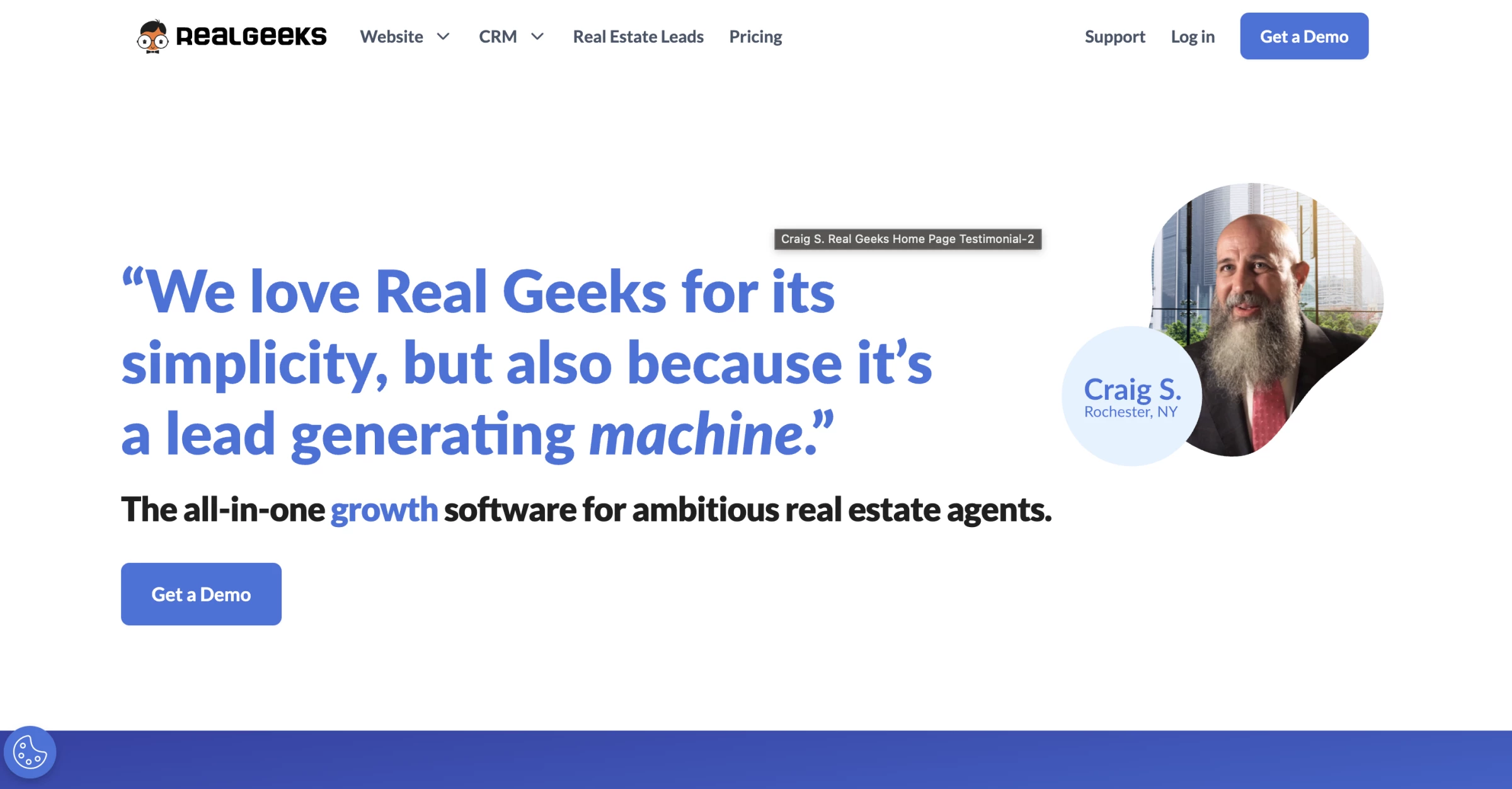
Real Geeks combines an IDX website with real estate CRM software, giving teams lead capture and follow-up tools without buying those systems separately.
You do not have to move contacts manually, check a separate form dashboard, or hope an agent saw the email alert.
Behavioral lead scoring tracks what each contact is searching for, which properties they've saved, and how frequently they return to the site, allowing you to prioritize outreach around demonstrated intent rather than guesswork.
In a Reddit discussion about real estate lead generation, one user summed up the Real Geeks use case well:
“The fortune is in the follow-up. Calling, texting, emails (the last two can be done via workflows), monthly newsletters, remarketing, positive reviews online, etc., will all make a massive difference in results.”
Pros:
- IDX website included in base price
- Behavioral lead scoring
- Strong lead capture from website
- Good value vs. buying website and CRM separately
Cons:
- No transaction management
- No free trial
- Less robust for offline lead sources
- Limited advanced reporting
2. Pipedrive: Best for Customizable Real Estate Pipelines
Best for teams of 2-10 agents who want a clean, visual pipeline system the agents will actually adopt and use daily.
- Starting price: $39/user/month (Growth plan, billed annually)
- Free trial: 14 days
- Key features:
- Visual pipelines for properties, buyers, sellers, and investors
- Deal-stage tracking for listings, transactions, and client progress
- Contact and property detail management
- Call, email, and WhatsApp conversation history
- Mobile app for notes, reminders, and updates between showings
- Automated follow-up reminders, emails, and drip campaigns
- Transaction tracking for contracts, payments, missing documents, and team comments
- Smart Docs for document templates, sharing, and eSignatures
- Marketplace with 500+ integrations, including APIs and IDX platforms
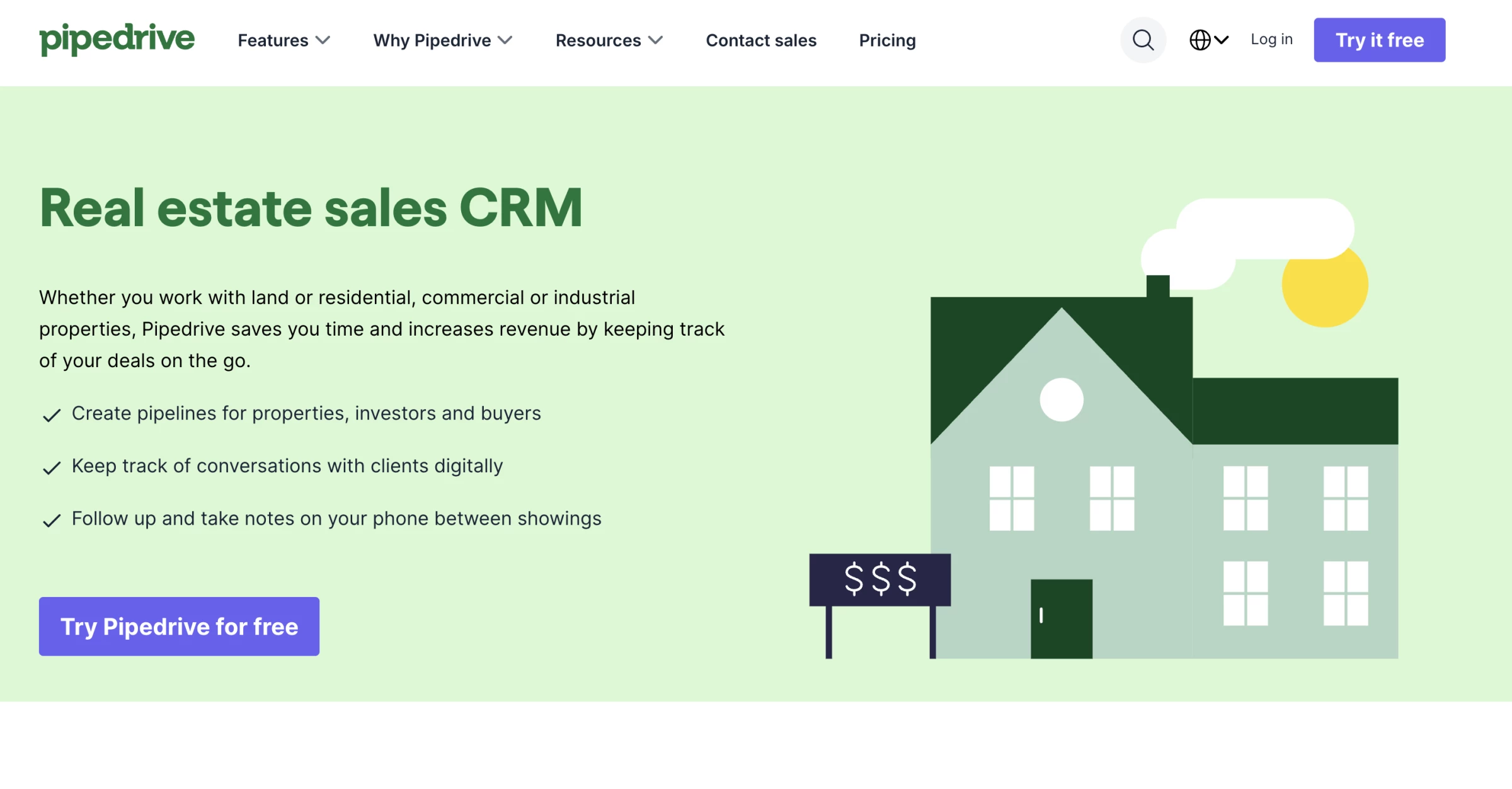
Pipedrive is the right CRM software for real estate teams that have tried purpose-built platforms, found them bloated or poorly adopted, and want a system agents can shape around their own sales process.
Unlike many real estate CRMs that force you into preset templates, Pipedrive lets you build separate pipelines for buyer leads, listings, investor relationships, commercial deals, and internal projects.
That flexibility came up in a Reddit discussion from a residential agent in North Carolina who uses Pipedrive for real estate.
“The field customization is where it really shines. I can keep track of listings, deals, and buyers by zip code, square footage, list/purchase price, etc.”
The AI Sales Assistant sits in the background of every deal, flagging when a contact has gone too long without a follow-up, identifying which pipeline stages have the longest average stall time, and surfacing activity recommendations based on historical patterns.
Pros:
- Highly intuitive kanban pipeline interface
- Transparent per-user pricing with no hidden module costs
- 350+ integrations including Zapier, DocuSign, and PandaDoc
Cons:
- No native MLS integration
- No transaction management
- No IDX website option
3. Lofty (formerly Chime): Best for AI-Powered Lead Nurturing
Best for real estate teams that want IDX, CRM, lead routing, marketing automation, and AI follow-up in one platform.
- Starting price: Pricing available upon request
- Free trial: Demo-based; confirm directly with Lofty
- Key features:
- Fully customizable IDX website
- AI-powered real estate CRM
- Dynamic lead scoring
- Behavioral lead analysis
- Smart Suggestions for next-step follow-up
- Marketing automation with Smart Plans
- Advanced lead routing
- Site activity tracking from IDX behavior
- Listing management tools
- Agent subdomains
- External listing widget
- Power Dialer
- Transaction management tools
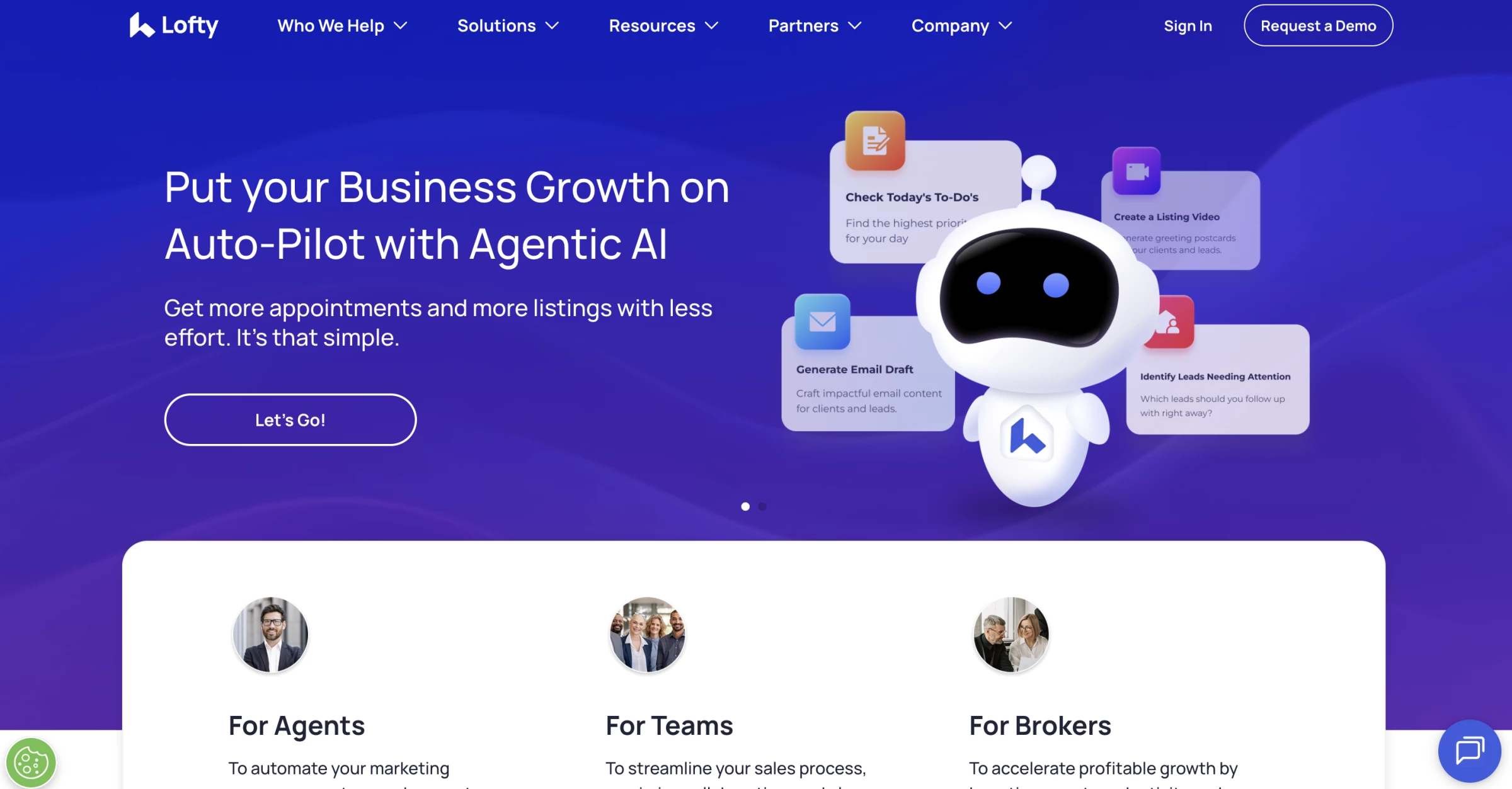
Lofty, formerly Chime, is a better fit for real estate teams that want more automation but do not need a brokerage-grade system like BoldTrail.
Its appeal is how it turns website activity into follow-up signals. Lofty tracks IDX behavior, adjusts lead scores, analyzes engagement, and suggests next steps based on what a lead is doing.
A Reddit user who currently uses Lofty pointed to the same strengths:
“The website is easy to customize with some great templates. Task system is good. The AI functionality is pretty cool. The mobile app is better than KVCORE’s which was a pretty big selling feature for me.”
That works well for small teams because buyers increasingly expect quick digital follow-up. Zillow’s 2025 Consumer Housing Trends Report for Agents found that 50% of buyers who used an agent prefer texting or messaging apps, compared with 33% who prefer phone calls.
Pros:
- Real estate-native CRM with IDX website tools
- AI lead scoring and behavioral lead analysis
- Smart Plans for automated nurture
- Advanced lead routing for teams
Cons:
- Pricing is not clearly published
- Can be more platform than a small team needs
- Requires setup before teams get full value
- Less suitable if you do not need IDX or AI nurture
Best CRMs for Brokerages
Brokerage CRM decisions now affect both agent productivity and the client experience.
NAR’s 2025 Technology Survey found that 82% of realtors said clients responded positively or very positively to technology in the buying and selling process.
It also found that two-thirds of agents agreed or strongly agreed that their brokerage provides the technology tools they need.
For brokerages, CRM selection shapes how consistently agents communicate, market listings, and move clients through the transaction.
- BoldTrail (formerly kvCORE): Best for brokerages and high-performing teams
- Salesforce: Best for enterprise and custom workflows
1. BoldTrail (formerly kvCORE): Best for Brokerages and High-Performing Teams
Best for mid-size to large brokerages, franchises, and high-volume teams who need an all-in-one stack.
- Starting price: Custom
- Free trial: No
- Key features:
- IDX websites with modern property search
- Hyperlocal pages for local SEO and lead capture
- Smart CRM for contact and lead management
- Behavioral insights based on lead activity
- Lead Engine for paid and organic lead generation
- Automated lead routing and follow-up
- Marketing Autopilot for email, text, and nurture campaigns
- AI-powered productivity and engagement tools
- Transaction integration
- Business analytics for teams and brokerages
- Mobile-friendly CRM access
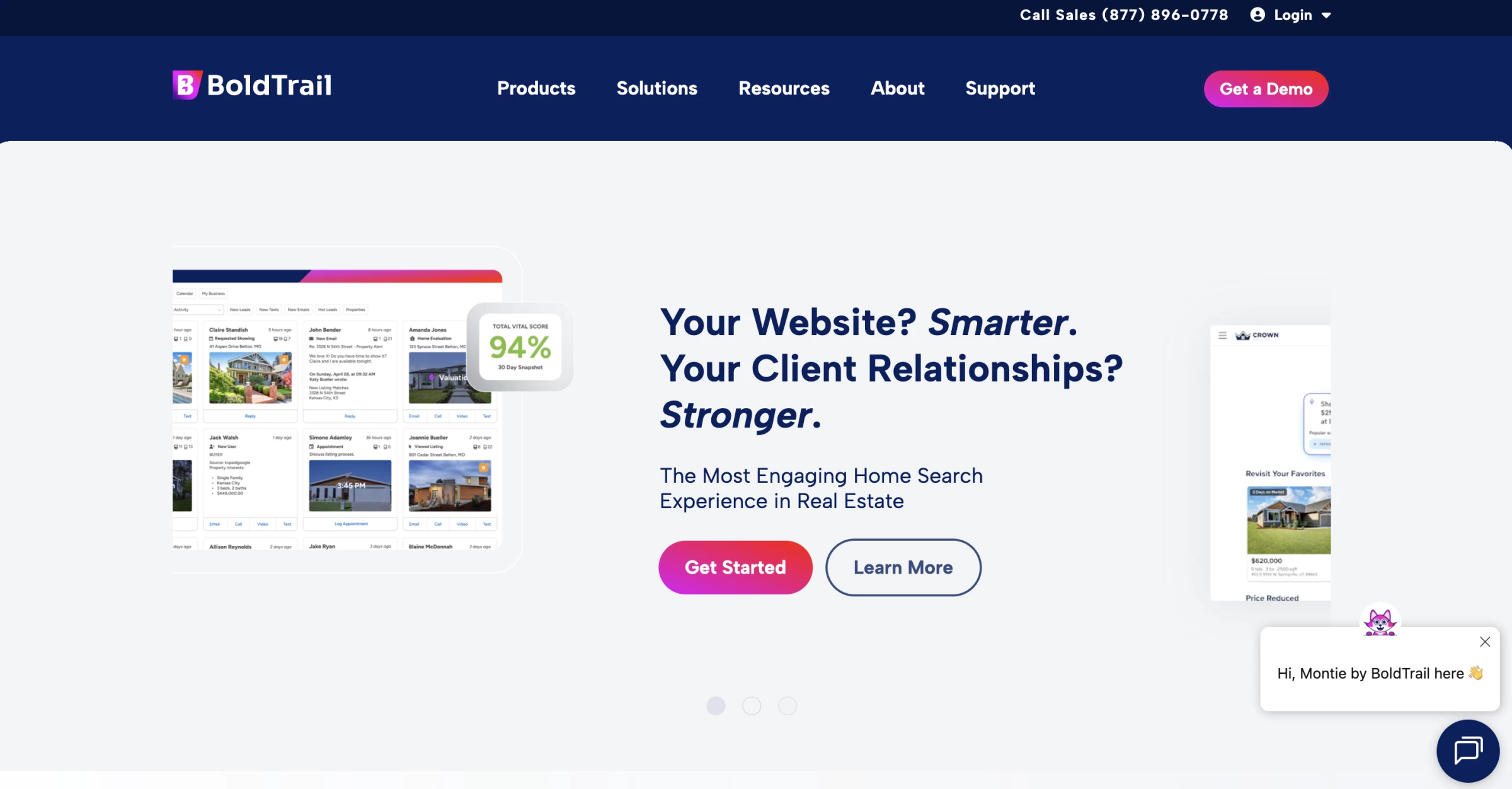
BoldTrail consolidates three tools that most brokerages pay for separately: an IDX website with over 600 MLS boards, a CRM, and back-office marketing automation, into a single system where data flows cleanly between all three.
Behavioral tracking on the IDX site feeds the CRM's AI-driven Marketing Autopilot, which sends automated emails, texts, and videos based on what each lead is actually doing rather than a fixed calendar schedule.
For brokerage operators, the management dashboard is the standout feature. Lead routing rules, agent permission controls, branding consistency guardrails, and performance reporting across the entire team are all configurable from one interface.
In a Reddit discussion about real estate CRM options, one user described BoldTrail as “your most scalable solution for all aspects of what you do as a realtor all within the same login and platform.”
Pros:
- 600+ MLS board integrations
- AI Marketing Autopilot (behavior-triggered)
- Built-in IDX websites included
- Enterprise controls for team management
Cons:
- Significant price increase at scale
- Complex onboarding (4-6 weeks)
- Steep learning curve for agents
2. Salesforce: Best for Enterprise and Custom Workflows
Best for large regional brokerages or luxury agencies with complex, customized workflow requirements.
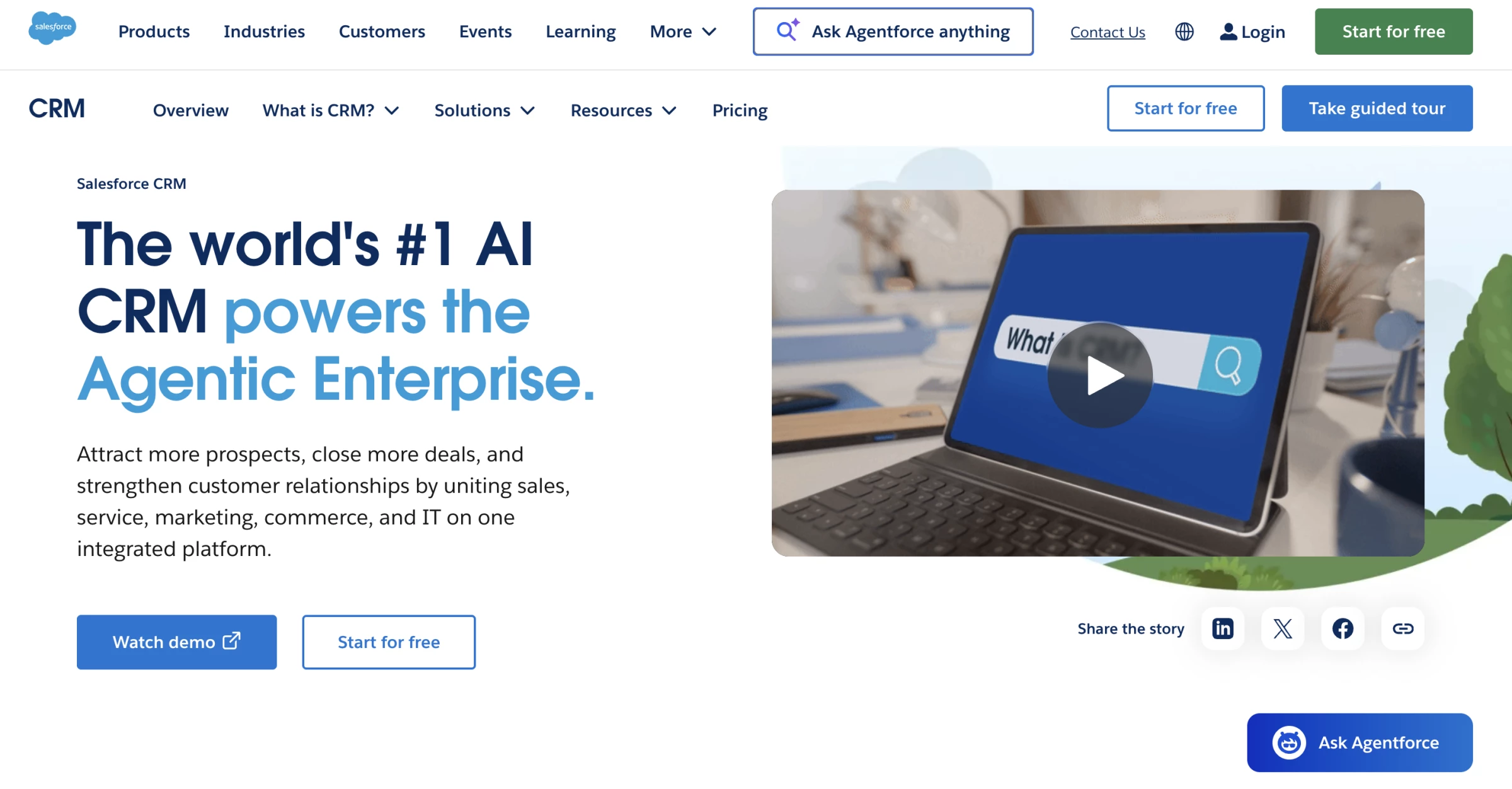
- Free suite available
- Starting price: $25/user/month (base Salesforce) + add-on costs
- Free trial: 30 days
- Key features:
- Custom pipelines for buyers, sellers, listings, leases, referrals, and recruiting
- Lead capture, nurturing, and activity tracking
- Custom dashboards for agent, team, office, and revenue performance
- Sales Cloud forecasting and pipeline analytics
- Einstein AI insights for prioritization, forecasting, and next-step guidance
- Propertybase integration for residential brokerage CRM and transaction workflows
- AscendixRE integration for commercial real estate properties, leases, and listings
- Integration with accounting, marketing, back-office, reporting, and document systems
- Mobile access for agents and brokers
Salesforce makes the most sense for brokerages that have outgrown standard real estate CRM software and need more control over workflows, reporting, integrations, and permissions.
Out of the box, Salesforce is a general CRM, so most real estate companies need add-ons like Propertybase or AscendixRE, plus a consultant to configure the system around listings, deals, agents, commissions, referrals, and reporting.
If your brokerage has multiple offices, custom commission structures, commercial or luxury pipelines, investor relationships, recruiting workflows, or back-office systems that need to connect with the CRM, Salesforce gives you more room to build around those needs.
You can create custom dashboards for team leaders, track agent performance across offices, connect sales activity to marketing campaigns, and build workflows that match how deals actually move from inquiry to close.
Pros:
- Unlimited customization
- Einstein AI analytics
- 1,000+ app integrations
- Best-in-class reporting
Cons:
- Steep learning curve
- High total cost of ownership
- Needs real estate add-ons to function properly
Best CRMs for Solo Agents
For solo agents, the best CRM for real estate is usually the one that is easy to use daily, quick to set up, and affordable enough to keep running during slower months.
These three CRMs are the best fits depending on how much structure, automation, or marketing support you need.
- Wise Agent: Best overall for solo agents
- Follow Up Boss: Best for lead-heavy solo agents
- Top Producer: Best for MLS-driven workflows
1. Wise Agent: Best Overall for Solo Agents
Best for solo agents and small teams who want a complete system without per-user pricing surprises.
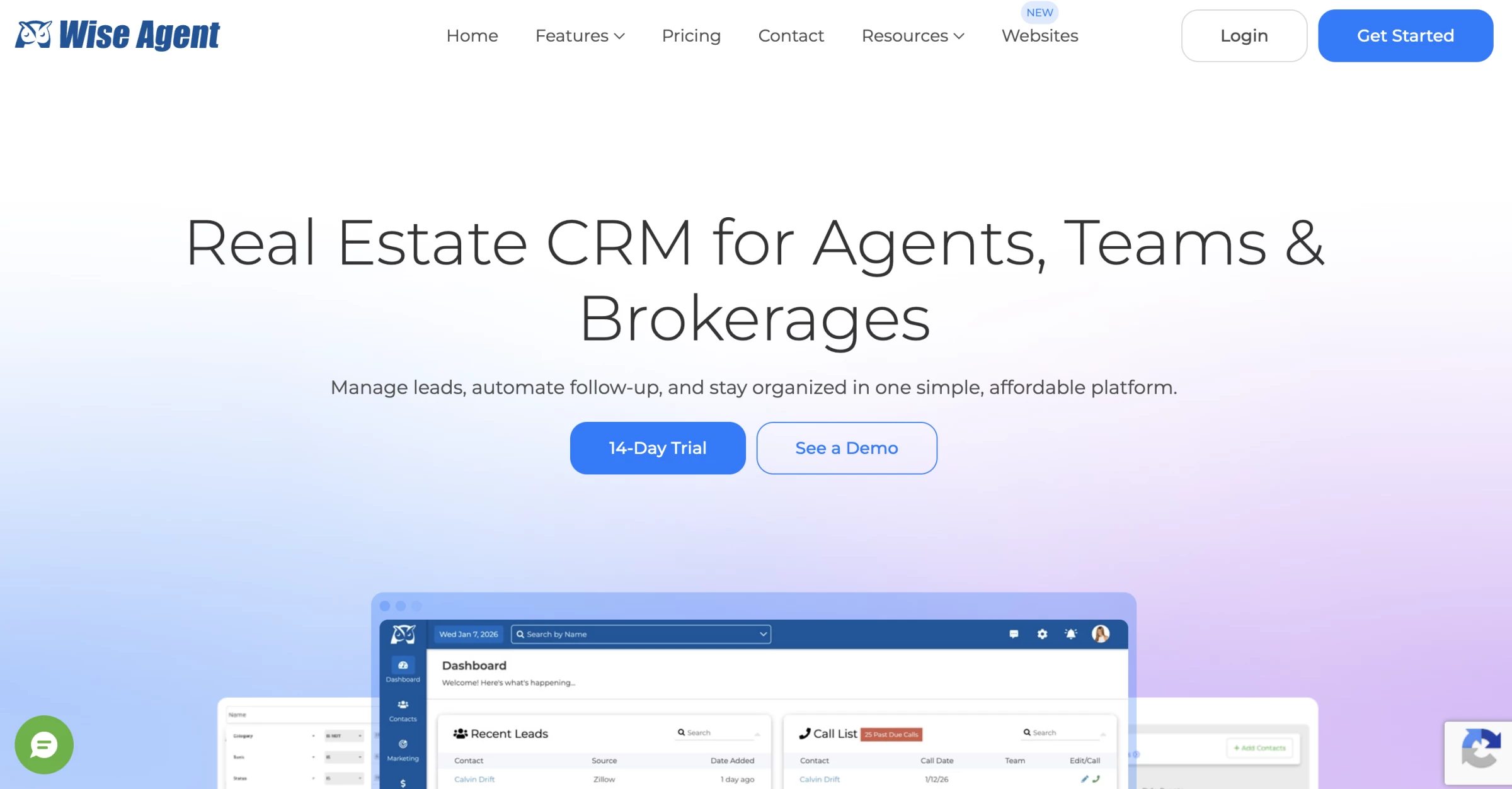
- Starting price: $49/month flat (all users, not per-seat)
- Free trial: 14 days
- Key features:
- Contact management
- Transaction checklists
- Drip campaigns
- AI-assisted email writing
- Facebook and Google ad creation
- Library of pre-written market update emails
Wise Agent is one of the best CRM for real estate agents who want predictable pricing without per-seat fees.
Instead of charging per seat, it covers the full account for $49/month, which helps if you work with an assistant, transaction coordinator, or showing partner.
A Capterra reviewer who tested the trial wrote, “I only used the 14-day free trial and found it a great CRM platform for Real Estate agents.”
That lines up with Wise Agent’s role in this list: a practical CRM for agents who need follow-up, basic marketing, print and email outreach, and transaction work without piecing together several separate tools.
Pros:
- Flat-rate pricing (no per-seat fees)
- AI writing assistant included
- Transaction management included
- 24/7 live support at no extra cost
Cons:
- Basic reporting and analytics
- No built-in IDX website
- Interface feels dated vs. newer platforms
- Limited advanced automation
2. Follow Up Boss: Best for Lead-Heavy Solo Agents
Best for solo agents managing high lead volume from Zillow, Realtor.com, or Facebook ads.
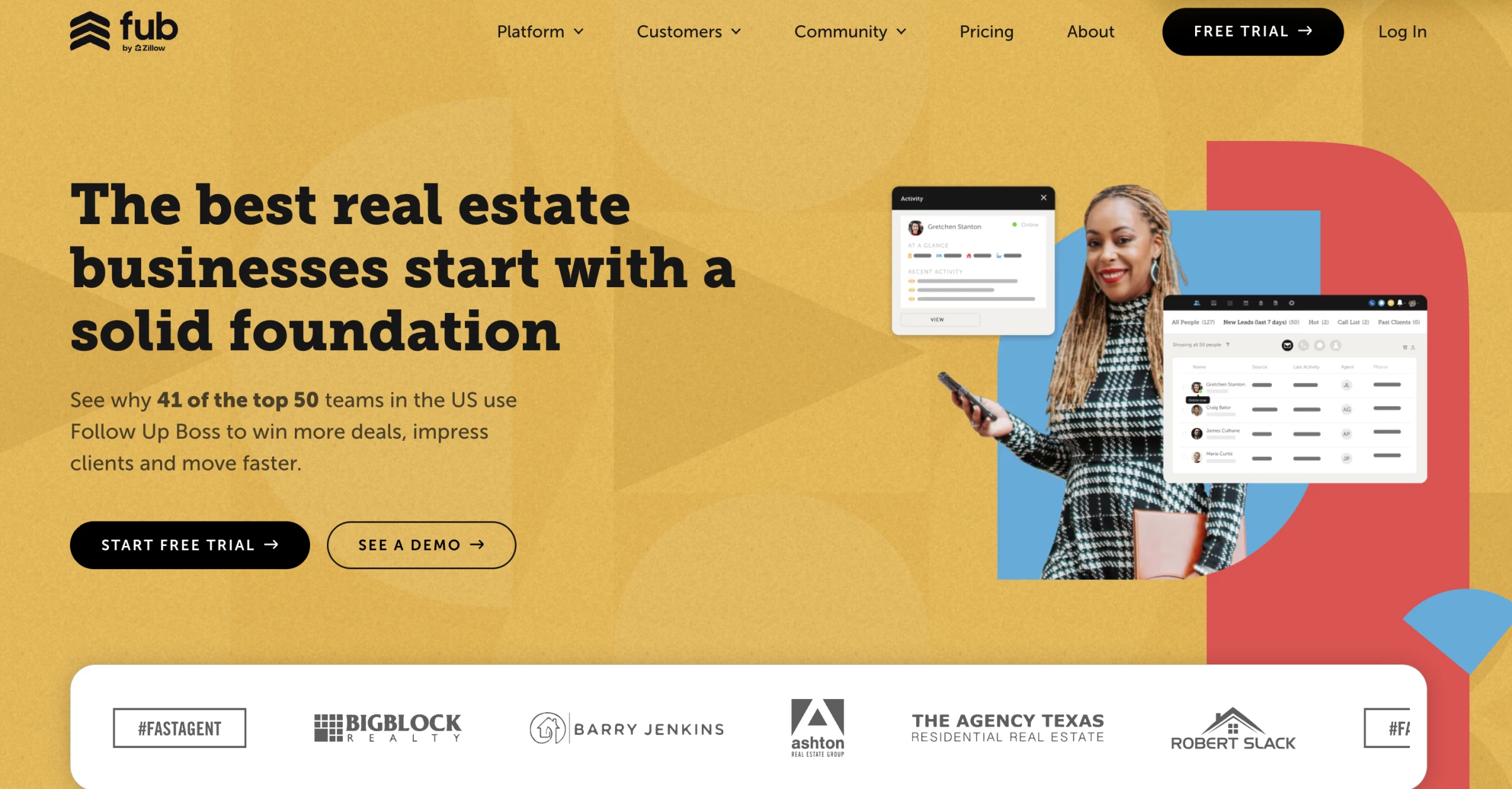
- Starting price: $69/month/user
- Free trial: 14 days
- Key features:
- Lead capture from 250+ sources and integrations
- Centralized inbox for calls, texts, emails, and new inquiries
- Action Plans for automated multi-step follow-up
- Smart Lists for prioritizing leads and daily tasks
- Lead source tracking and reporting
- Built-in texting and email sync
- Email and text templates for faster follow-up
- Team inbox and collaboration tools if you grow later
Follow Up Boss is built for the solo agent who is already paying for leads and does not want those leads scattered across inboxes, ad platforms, website forms, and random text threads.
Its core product is a communication hub that consolidates incoming leads from 250+ sources into a single inbox and triggers automatic follow-up sequences the moment a lead arrives.
In a Reddit thread asking for feedback from Follow Up Boss users, one agent praised the platform’s “integrations with other apps and the intuitive nature of the app,” adding that “it is easy to navigate and use basics if that is all you need but it can scale and grow with you as your business grows.”
If your paid and organic leads arrive from several channels, Follow Up Boss gives you a cleaner way to capture them, track the source, and keep outreach moving.
Pros:
- Best-in-class lead automation
- 250+ lead source integrations
- Action Plans for consistent follow-up
- Strong mobile app
Cons:
- No transaction management
- Dialer is an add-on cost
- Higher price for solo use
3. Top Producer: Best for MLS-Driven Workflows
Best for buyer and listing agents who want to be the local market experts through automated property alerts.
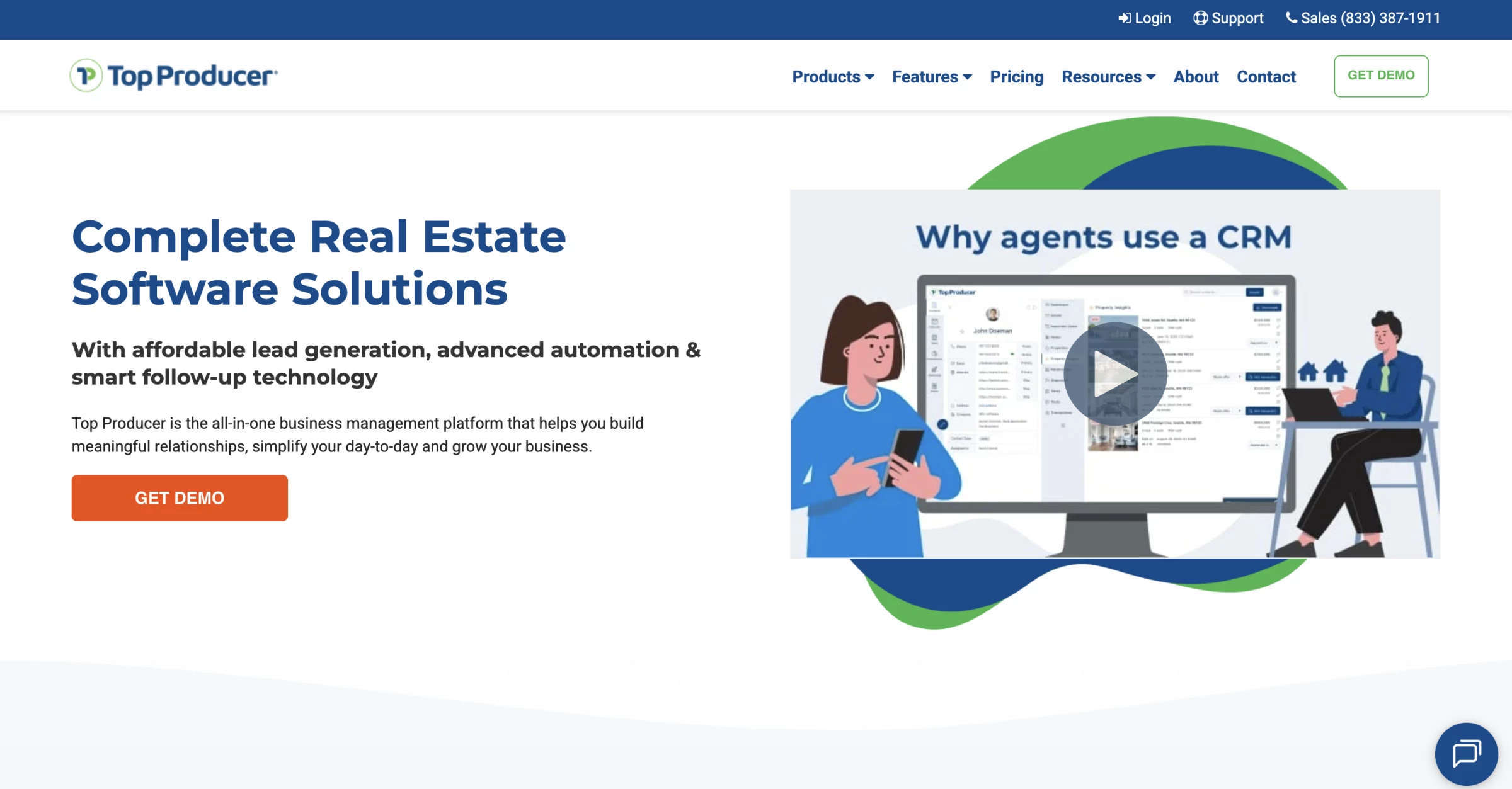
- Starting price: $129/month per user
- Free trial: No
- Key features:
- Contact, lead, and listing management
- Google, iCloud, Microsoft contact and calendar sync
- Zapier connection for Facebook ads, Google Forms, and other lead sources
- Follow Up Coach for daily contact prompts
- Text and email marketing inside the CRM
- AI email and SMS writing assistant
- Branded MLS market reports
- Real-time alerts for new listings, price changes, and sold properties
- Embedded transaction management
Top Producer's defining feature is its MLS integration depth.
With connections to more than 320 boards across the US and Canada, agents can create and send property alerts directly from the CRM, including price changes, just-listed, and just-sold notifications, without logging into the MLS separately.
A user review captures why that setup works well for agents who want their market activity and daily follow-up in the same place:
“What is great about Top Producer is that is allows you to tie your whole day together - schedule overview, to dos, client follow ups, conversation logs/client notes, and your CRM, plus your current listings and transactions.”
The platform manages the full buyer pipeline from cold lead to transaction management, and its add-on options (IDX website, predictive analytics seller leads) are more affordably priced than comparable upgrades from competitors.
Pros:
- 320+ MLS board integrations
- Automated property alerts from CRM
- AI Author for email/text writing
- Transaction management included
Cons:
- No free trial
- Highest per-user price for solo agents
- Requires time investment to set up
Free and Low-Cost CRM Options for New Agents
The options below are not the most advanced platforms in the article, but they help you organize contacts, track leads, schedule follow-ups, and manage basic outreach before you are ready to pay for a larger real estate CRM stack.
- Bitrix24: Best free CRM workspace for small real estate teams
- Freshsales: Best budget CRM with a built-in dialer
- RealtyJuggler: Best low-cost real estate-native CRM for new agents
1. Bitrix24: Best Free CRM Workspace for Small Real Estate Teams
Best for small real estate teams that need shared CRM, tasks, chat, forms, and basic collaboration without paying per seat.
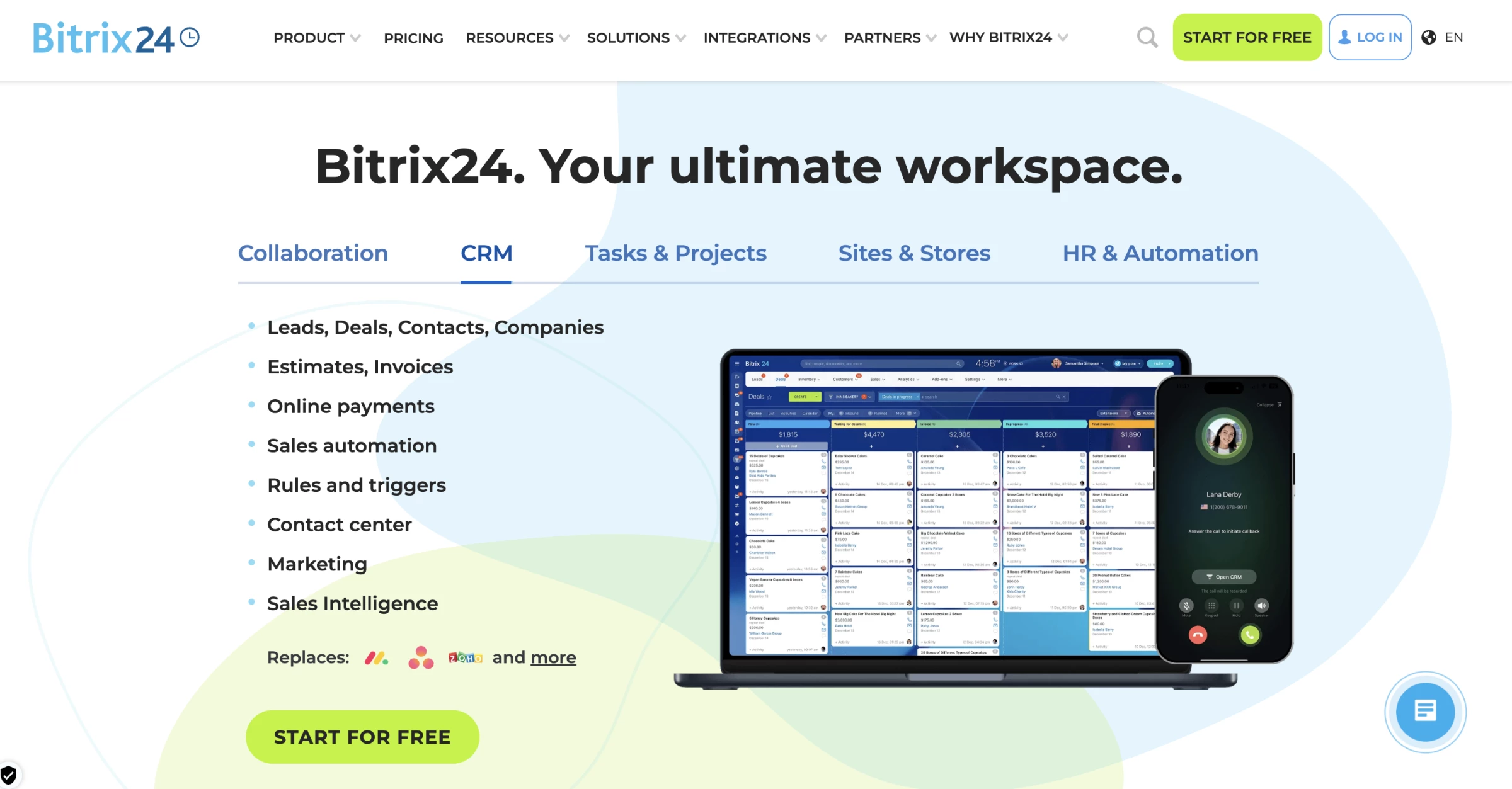
- Starting price: $0 (unlimited users, 5 GB cloud storage)
- Paid plans from: $69/month for up to 5 users
- Key features:
- Free plan for unlimited users
- 5GB free online storage
- Lead, deal, contact, and pipeline management
- Activity history for client interactions
- Web forms that create CRM leads
- Website and landing page builder
- Tasks, projects, calendars, chat, video calls, and file storage
- Access permissions and user roles
- Quotes and invoices
- Mobile apps for iOS and Android
- AI tools through Bitrix24 CoPilot
For a small real estate office where a principal agent, two buyer agents, an admin, and a transaction coordinator all need to share leads and communicate, Bitrix24 is one of the rare free options that doesn't require a paid upgrade the moment a third person logs in.
Bitrix24 also lists 5GB of storage on the free plan, so it works better for teams managing contacts and documents than for teams storing large listing photos or video files inside the platform.
A user review explains the appeal well:
“Bitrix24 works well when the objective is centralizing CRM, team collaboration, tasks and client communication in one workspace. I particularly appreciated CRM plus collaboration, because it makes the process more structured and reduces the need to manage information manually through spreadsheets or emails.”
Your team can track leads and deals, log client activity, create web forms that send inquiries into the CRM, and use the website or landing page builder for simple lead capture pages.
Bitrix24 also offers a real estate CRM page focused on property listings, lead acquisition, invoices, deals, and client interaction tracking.
Pros:
- Unlimited users on the free plan
- CRM, task management, team chat, video calls, and file storage in one
- Call transcription, summary, and deal field auto-completion via CoPilot AI
Cons:
- Steep learning curve
- 5 GB storage cap on free plan is modest
- Terminology and structure differ from standard CRM conventions
- No native MLS integration
2. Freshsales: Best Budget CRM With a Built-In Dialer
Best for new solo agents and small buyer-side teams that rely on phone follow-up and want a free CRM with calling included.
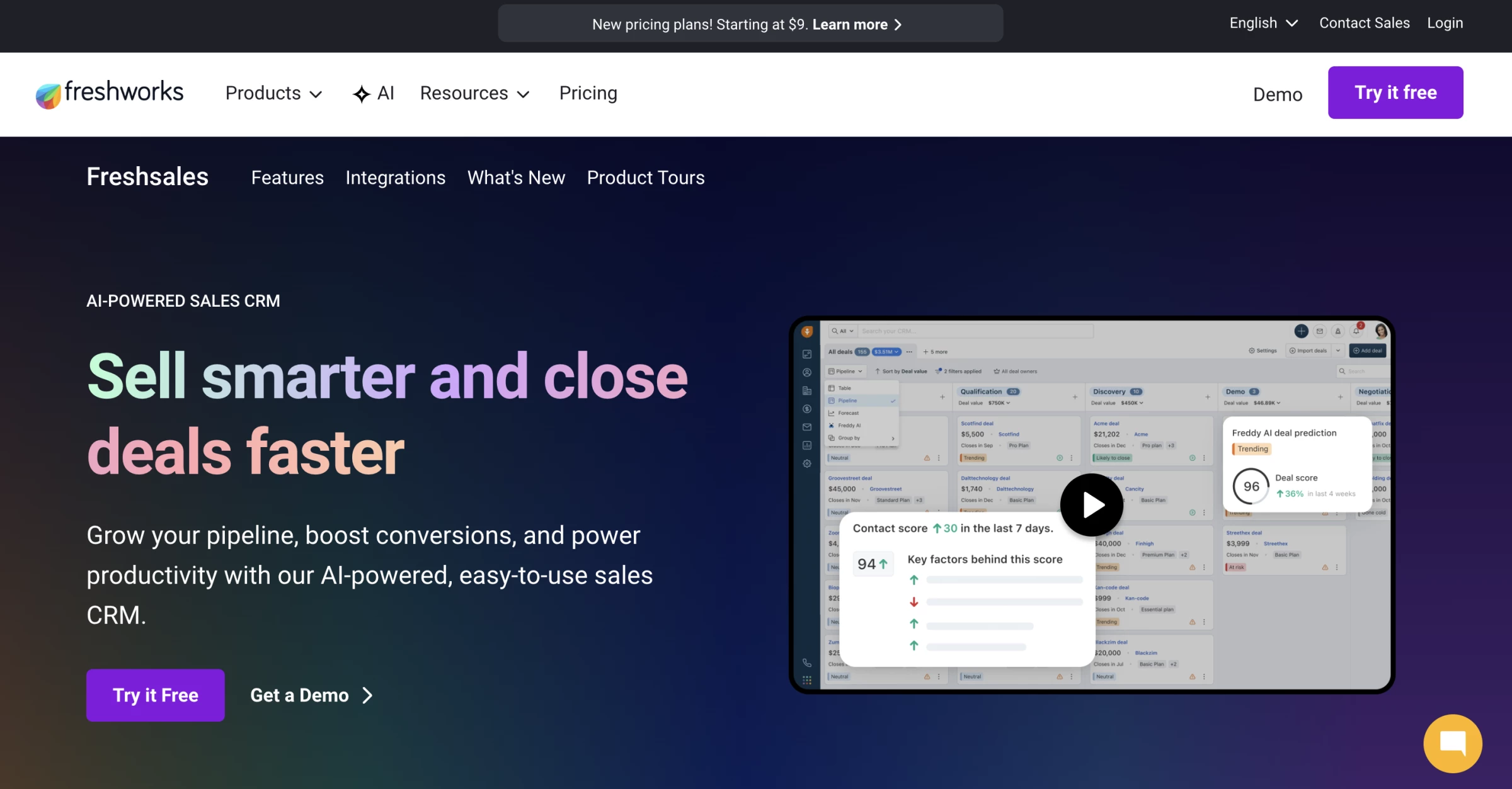
- Starting price: Free for up to 3 users
- Paid plans from: $9/user/month, billed annually
- Key features:
- Free plan for up to 3 users
- Built-in voice dialer
- Contact and account management
- Activity timeline for calls, emails, notes, and tasks
- Kanban views for records
- Email templates
- Live chat
- Task and appointment tracking
- Mobile CRM access
- Zapier-supported lead routing from real estate sources
- Freddy AI features available on paid plans/add-ons
Freshsales is not purpose-built CRM software for real estate, but it makes sense for agents who spend a lot of time calling new leads and want a free built-in dialer.
The free plan includes contact management, account management, activity timelines, Kanban views, email templates, live chat, and a built-in phone for up to three users.
For a new agent, that covers the basics: keep your contacts organized, log conversations, schedule follow-ups, and call leads from the same system without paying for a separate dialer.
Freshsales earns its place in this section for one feature that no other free CRM on this list includes: a built-in voice dialer available at no cost.
If your day is built around calling buyer leads, open-house contacts, FSBOs, expired listings, or referral prospects, Freshsales removes one extra tool from your stack.
Pros:
- Built-in voice dialer included in the free plan
- Click-to-call, live chat, and SMS included at no cost
- 21-day free trial on all paid plans, no credit card required
Cons:
- Free plan limited to 3 users, no expansion without upgrading
- 2 GB cloud storage cap on free plan
- No native MLS integration on any plan
3. RealtyJuggler: Best Low-Cost Real Estate-Native CRM for New Agents
Best for new agents who want a real estate CRM with transaction tools, follow-up reminders, and marketing templates at the lowest possible annual cost.
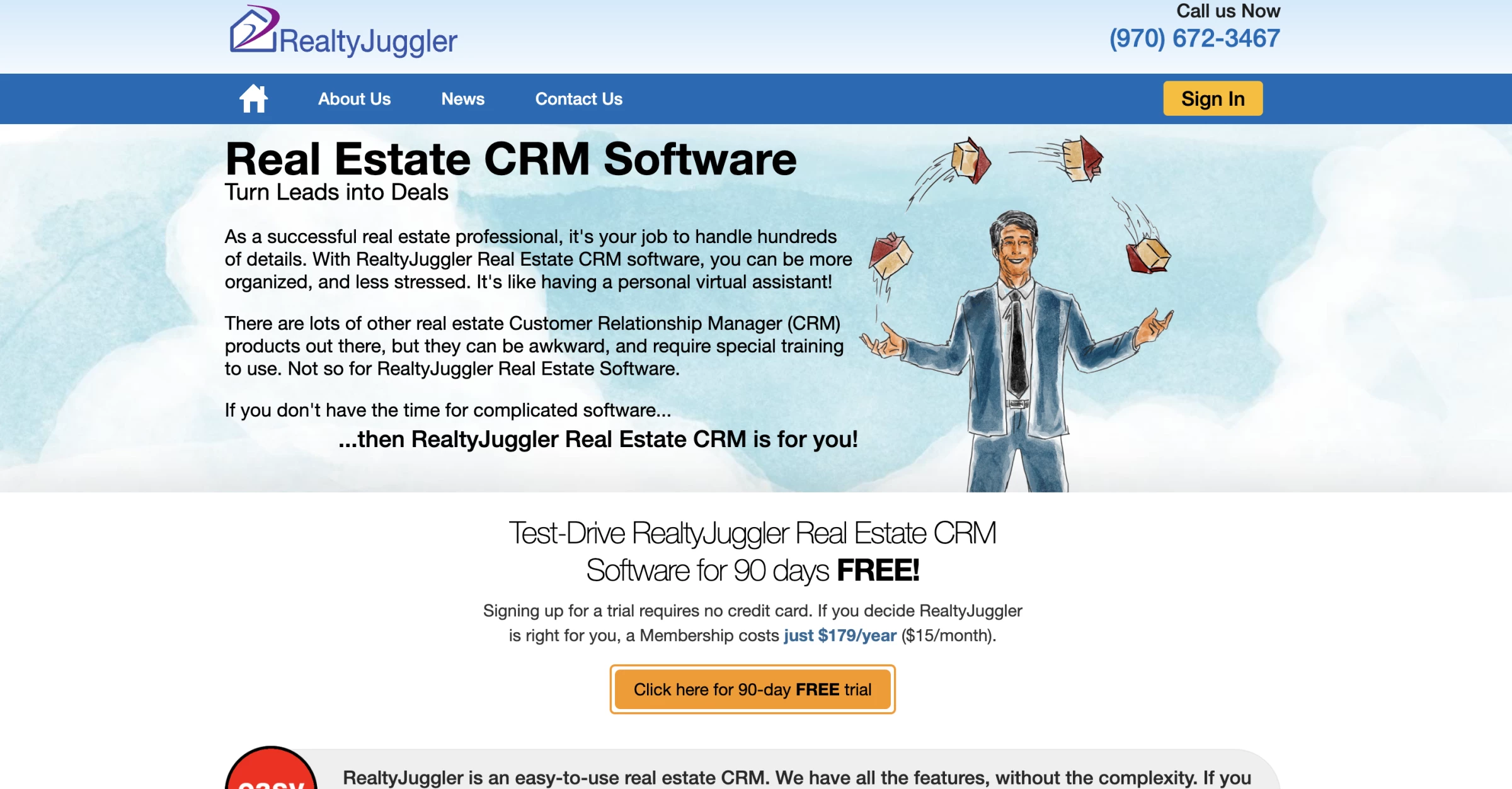
- Starting price: $179/year, or about $15/month
- Free trial: 90 days, no credit card required
- Refund policy: Pro-rated refund available
- Key features:
- Real estate contact and lead management
- Follow-up reminders and daily call lists
- Drip email and print mail campaigns
- Bulk email marketing
- Built-in real estate letter library
- 100+ flyer templates
- Transaction and closing tracking
- Showing feedback requests and tracking
- Google Contacts and Calendar sync
- Microsoft Outlook sync
- Zillow and Realtor.com lead import/feed support
RealtyJuggler is one of the best CRM for real estate agents who want a low-cost tool built for real estate, not a general sales platform they have to bend into shape.
A Reddit user who had recently moved to RealtyJuggler summed up the appeal clearly: “I switched over recently and absolutely love it. About $170/year and it’s incredibly simple to use and navigate.”
The budget price includes onboarding, phone support, written manuals, video tutorials, and complimentary one-on-one training, which is useful if you are a new agent setting up your first real database.
RealtyJuggler gives a new agent the everyday pieces they need before they are ready to pay for a bigger platform. You can keep buyers, sellers, past clients, deals, tasks, marketing letters, and closing details in one system without taking on a $50 to $100 monthly CRM bill.
Pros:
- Includes transaction and closing tracking
- Showing feedback tracking included
- Zillow and Realtor.com lead import/feed support
Cons:
- Interface feels dated compared with newer CRMs
- Limited advanced automation
- Not ideal for teams that need deep reporting or permissions
How To Choose the Right CRM for Your Real Estate Business
The best CRM for real estate should match how you get leads, how fast you need to follow up, who touches each deal, and what your team can realistically maintain every day.
- Start with your lead sources
- Test the CRM with your daily tasks
- Check whether follow-up is easy to maintain
- Make lead ownership clear for teams
- Price the CRM the way you will actually use it
- Match the CRM to your business stage
1. Start With Your Lead Sources
Before comparing features, list where your leads come from now.
- If most of your leads come from referrals and past clients, you need reminders, relationship history, birthdays, anniversaries, email campaigns, and long-term nurture.
- If you buy Zillow, Realtor.com, Facebook, or Google leads, you need automatic lead capture, source tracking, fast notifications, texting, calling, and follow-up sequences.
- If your website brings in leads, look for IDX integration, property search alerts, saved-search tracking, form capture, and behavior-based follow-up.
- If open houses are a major source, check whether the CRM has mobile lead capture, tags, open-house follow-up campaigns, and simple contact import.
View this post on Instagram
2. Test the CRM With Your Daily Tasks
Test the actions you will repeat every week.
- Add 20 real contacts.
- Create a buyer lead, a seller lead, a past client, and an open-house contact.
- Log a call. Schedule a follow-up.
- Send a text.
- Start a drip campaign.
- Add a note after a showing.
- Check the same contact from your phone.
If any of those steps feel annoying during the trial, they will feel worse when your pipeline is full.
3. Check Whether Follow-Up Is Easy To Maintain
Follow-up in real estate means missed calls, new inquiries, unanswered emails, text replies, and overdue tasks should be visible as soon as you open the system.
Leads rarely move in a straight line. A buyer may ask about a property today, disappear for three weeks, open an email, and then text back after seeing a new listing.
If your CRM does not show that activity in one contact timeline, you are left guessing what happened and when to reach out.
- For solo agents, check whether the CRM gives you a clear daily follow-up list. You should be able to see who to call, who opened or replied to a message, which tasks are overdue, and which leads have gone quiet.
- For teams, check whether the CRM shows lead ownership and next steps clearly. If two agents contact the same buyer, or no one follows up because everyone assumes someone else did, the CRM is creating confusion instead of preventing it.
A good trial test would be to create five sample leads, skip a follow-up on one, reply from another, and reassign one to a different agent.
Then check whether the CRM shows what changed, who owns each lead, and which action comes next.
4. Make Lead Ownership Clear for Teams
A team CRM needs to prevent duplicate outreach and missed leads.
Before choosing one, test these workflows:
- New lead comes in: Source, timestamp, assigned agent, first follow-up status.
- Lead is reassigned: Previous owner, new owner, notes, communication history.
- Agent is unavailable: Who can take over and what has already been said.
- Lead goes cold: Last contact date, last response, next nurture step.
- Team leader reviews performance: Leads assigned, response activity, appointments set, deals opened.
If your team leader cannot see those details quickly, the CRM will be hard to manage once lead volume grows.
5. Price the CRM the Way You Will Actually Use It
Add up the cost of the features you actually need: extra users, texting, dialer, IDX website, lead routing, automation, AI tools, storage, onboarding, support, reporting, and transaction tools.
- A $25 CRM can become expensive if texting, calling, or lead capture requires paid add-ons.
- A $100 CRM can be cheaper if it replaces your website tool, dialer, email platform, and follow-up software.
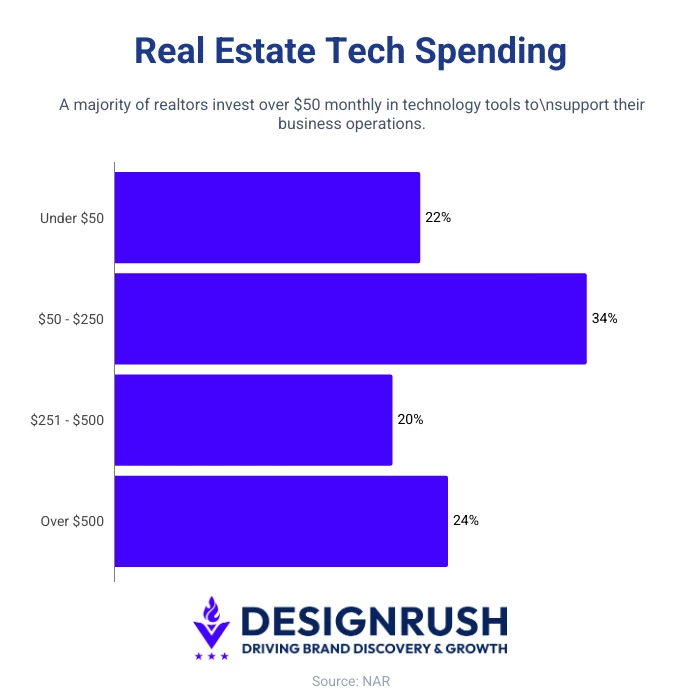
NAR’s 2025 Technology Survey found that 34% of realtors spend $50-$250 per month on technology tools, 20% spend $251-$500, and 24% spend more than $500.
A CRM that looks affordable at the base price can become expensive once you add texting, dialer access, IDX, automation, reporting, storage, and onboarding.
6. Match the CRM to Your Business Stage
The right CRM should make your real estate workflow easier to manage.
- New solo agent: Contact management, reminders, simple campaigns, low cost.
- Referral-based agent: Relationship history, tags, anniversaries, long-term nurture.
- Lead-heavy solo agent: Lead capture, source tracking, texting, calling, fast alerts
- Small team: Lead routing, shared notes, task ownership, activity tracking
- Website-driven team: IDX website, saved searches, property alerts, behavior tracking
- Brokerage: Permissions, office reporting, onboarding, integrations, transaction workflows
If it takes too many clicks to log a conversation, agents avoid the mobile app, lead sources do not connect cleanly, or reporting does not show what your team needs to manage, the feature list will not save it.
Choose the CRM that fits your lead sources, follow-up habits, team size, and budget after add-ons.

We evaluate agencies globally to connect you with the right partner. Explore our Agency Directory for top crm consulting companies, as well as:
Best CRMs for Real Estate: FAQs
1. How long does it take to implement a real estate CRM?
Timeline depends heavily on the platform and your existing data quality. Wise Agent and Follow Up Boss are the fastest to implement, most agents are fully operational within 3-5 business days, including contact import, follow-up sequence setup, and basic lead source connections.
Pipedrive is similarly fast for teams, with most small teams up and running in 3-7 days, though building custom pipeline stages and automations adds time proportional to your workflow complexity.
BoldTrail and Salesforce implementations are substantially longer: 4-8 weeks is typical for a brokerage deploying either platform for the first time, particularly if existing data needs to be cleaned before import.
2. What happens to my CRM data if I switch brokerages?
If you are using a CRM provided by your brokerage as part of your agent agreement, the data may be contractually owned by the brokerage. Before switching brokerages, review your independent contractor agreement to understand what you can take with you.
If you are paying for your own CRM subscription directly, as most solo agents and buyer/seller teams do, your data is yours to export. Confirm the export process in writing before you commit to any platform.
3. How do I migrate my contacts from one CRM to another without losing leads?
The three steps that prevent lead loss during a migration are:
- Export your full contact list with all custom field data at least two weeks before switching, and validate the export in a spreadsheet before you cancel your old subscription.
- Set up and test your new follow-up sequences in the new system before you go live, so no leads fall into a gap.
- Keep both systems running simultaneously for at least two weeks post-migration to catch any leads that didn't transfer cleanly.
Several platforms including Follow Up Boss offer dedicated migration coaches who handle the technical import process, worth asking about during your evaluation.
4. What does real estate CRM implementation typically cost beyond the subscription?
Beyond the monthly fee, plan for a one-time data migration investment for typically 4-8 hours of internal time, a 2-4 week productivity dip while your team learns the new system, and potential add-on costs for features gated behind higher tiers.
For a 5-agent team migrating to a $400/month platform, a realistic first-year total cost of ownership including productivity loss is often 30-50% higher than the subscription price alone.