
AI digital marketing analytics tools have gone from simple dashboards to predictive systems that can flag trends, forecast ROI, and recommend next steps before you even ask.
I tested 10 of the top platforms based on AI capabilities, reporting depth, ease of use, integrations, and overall value to find the best options for marketing in 2026.
AI Analytics Tools for Marketing: Key Findings
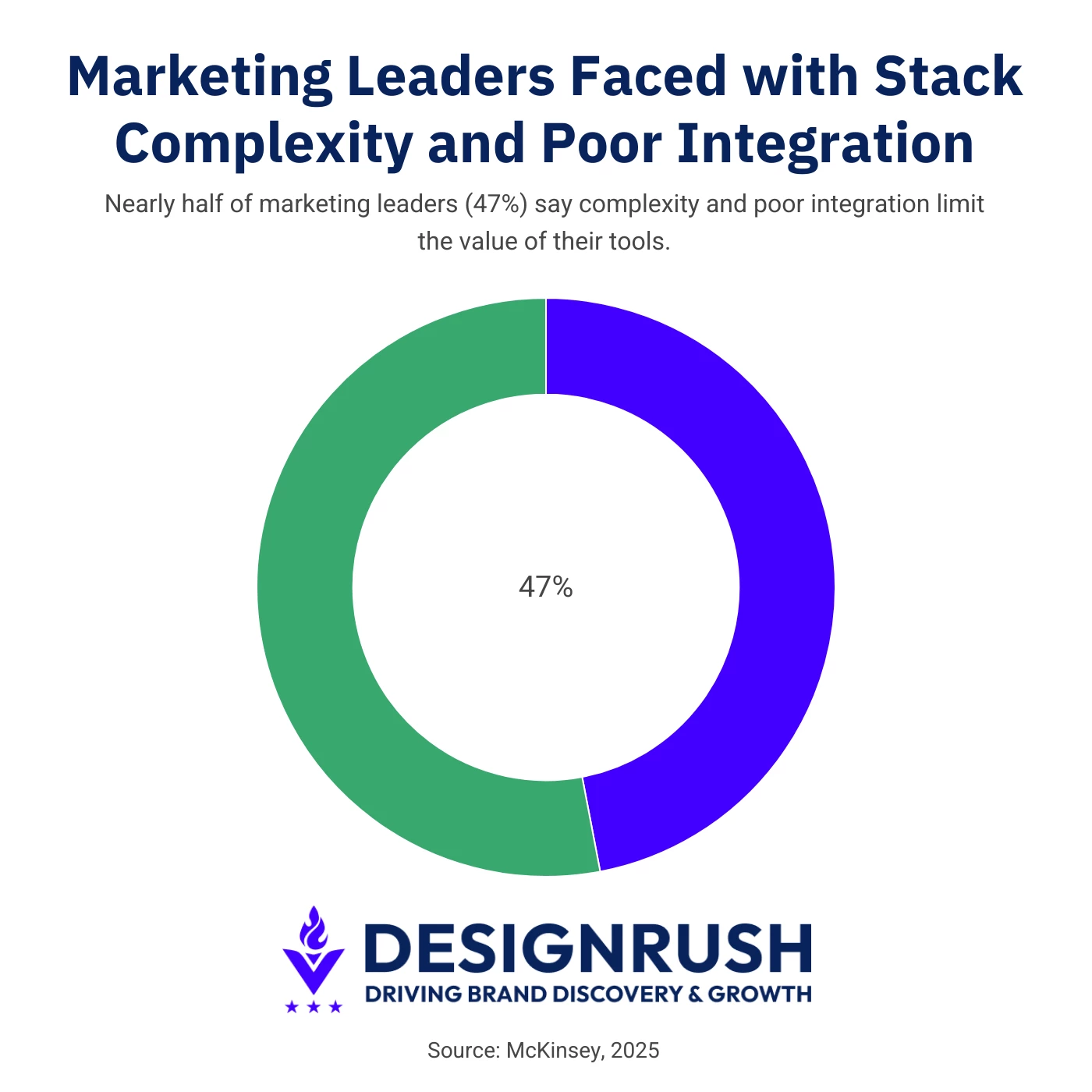
- Nearly half of marketing leaders (47%) say stack complexity and poor integration limit their ability to get value from analytics tools, highlighting how fragmentation remains a core challenge.
- No single AI analytics platform solves everything, with teams needing different digital analytics tools for attribution, behavioral insights, SEO intelligence, and data unification.
- The most effective teams focus on connecting data across channels to understand what actually drives revenue, with platforms like Articos reflecting a growing emphasis on audience context and behavioral insight.
What Actually Matters in AI Marketing Analytics
AI analytics tools are becoming increasingly effective at surfacing attribution patterns, campaign performance shifts, conversion anomalies, and customer trends in real time. But the real challenge now is making sense of fragmented insights across a growing stack of marketing AI tools.
A McKinsey & Company study found that 47% of marketing leaders say stack complexity and poor integration are major barriers to getting value from their tools.
The same research points to bloated tech stacks and siloed systems as a persistent issue across organizations, limiting teams’ ability to turn analytics into clear strategic decisions.
That’s creating growing demand for platforms that combine behavioral analytics with audience intelligence. A platform like Articos’ AI user research for agencies reflects that broader shift.
As Owais Khan, GTM at Articos, explains: “AI analytics tools tell you what happened. The harder problem for agencies and marketing teams is figuring out why — and what to recommend to the client based on it.”
Articos pairs behavioral analytics with structured audience research workflows to help strategists enter client meetings with both “the quantitative what and the qualitative why” behind user behavior, as Khan puts it, offering more actionable context than analytics dashboards alone are able to provide.
This points to the next phase of AI marketing analytics, where audience context becomes as important as performance data. The tools below show how AI analytics platforms are evolving beyond basic reporting and attribution.
Tool | Best For | Forecasting Capabilities | Cross-Channel Attribution | Offline Data Support | Pricing (Starting At) |
Closed-loop revenue attribution (B2B) | ⚠️ | ✅ | ✅ | Free tier; paid from $7/seat/mo | |
Behavioral analytics for PLG | ⚠️ | ❌ | ❌ | Free tier; paid plans: custom pricing | |
SEO performance & AI search visibility | ❌ | ❌ | ❌ | From $103.20/month, billed annually; 14-day free trial | |
Shopify paid media attribution | ✅ | ✅ | ⚠️ | Free tier; paid from $549/mo | |
UX & conversion insights | ❌ | ❌ | ❌ | Free tier; paid plans: custom pricing | |
Form & checkout optimization | ❌ | ❌ | ❌ | From £40/mo | |
Data unification & reporting | ⚠️ | ⚠️ | ⚠️ | From $39/mo | |
Auto-captured behavioral analytics | ⚠️ | ❌ | ❌ | Free tier (10K sessions); paid plans: custom pricing | |
B2B revenue attribution | ⚠️ | ✅ | ✅ | Free tier; custom pricing | |
Call tracking & conversation intelligence | ❌ | ⚠️ | ✅ | From $50/mo |
AI Analytics Tools by Budget: Free vs. Paid Options
Before you read through all 10 profiles, it helps to know which AI tools for marketing analytics actually let you start for free versus which ones require a sales call before you see a price tag.
Genuine free tiers you can use today:
- HubSpot Marketing Analytics: free CRM and basic reporting, no time limit
- Amplitude: free up to 10K monthly tracked users and 2M events
- Triple Whale: free plan for Shopify stores (Triple Pixel tracking, 12-month lookback, up to 10 users)
- Heap: free up to 10,000 monthly sessions
- Dreamdata: free plan for up to 5 seats
- FullStory: a free tier is now available (roughly 30,000 sessions/month), a change from its previous fully custom-quote model
Custom or enterprise-priced by design:
- Heap's paid Growth, Pro, and Premier tiers are all quote-based
- Dreamdata's paid plans scale with GTM data volume and require a sales conversation
- FullStory's Advanced and Enterprise tiers remain negotiated, session-volume-based contracts
Flat, published pricing (no free tier):
- SE Ranking: $103.20–$223.20/mo, billed annually; Enterprise custom-priced
- Zuko: £40–£400/mo
- Supermetrics: $39–$399/mo, priced per destination
- CallRail: $50–$195/mo
If your budget is tight, start with HubSpot's free CRM tier, Amplitude's free analytics tier, or Triple Whale's free Shopify plan. All three give you usable data before any contract enters the picture.
If your team deals with complex attribution or needs to unify data across multiple sources, budget for one of the custom-priced platforms instead.
Their free tiers, where they exist, work fine for evaluation. Production use is a different story.
1. HubSpot Marketing Analytics
For B2B teams using HubSpot CRM
Pros:
- All-in-one platform reduces the need for multiple analytics tools
- Easy-to-use dashboards with actionable insights
- Breeze AI adds genuinely useful automation
Cons:
- Becomes expensive as you scale to higher tiers
- Limited flexibility outside the HubSpot ecosystem
- Advanced reporting often requires higher-tier plans
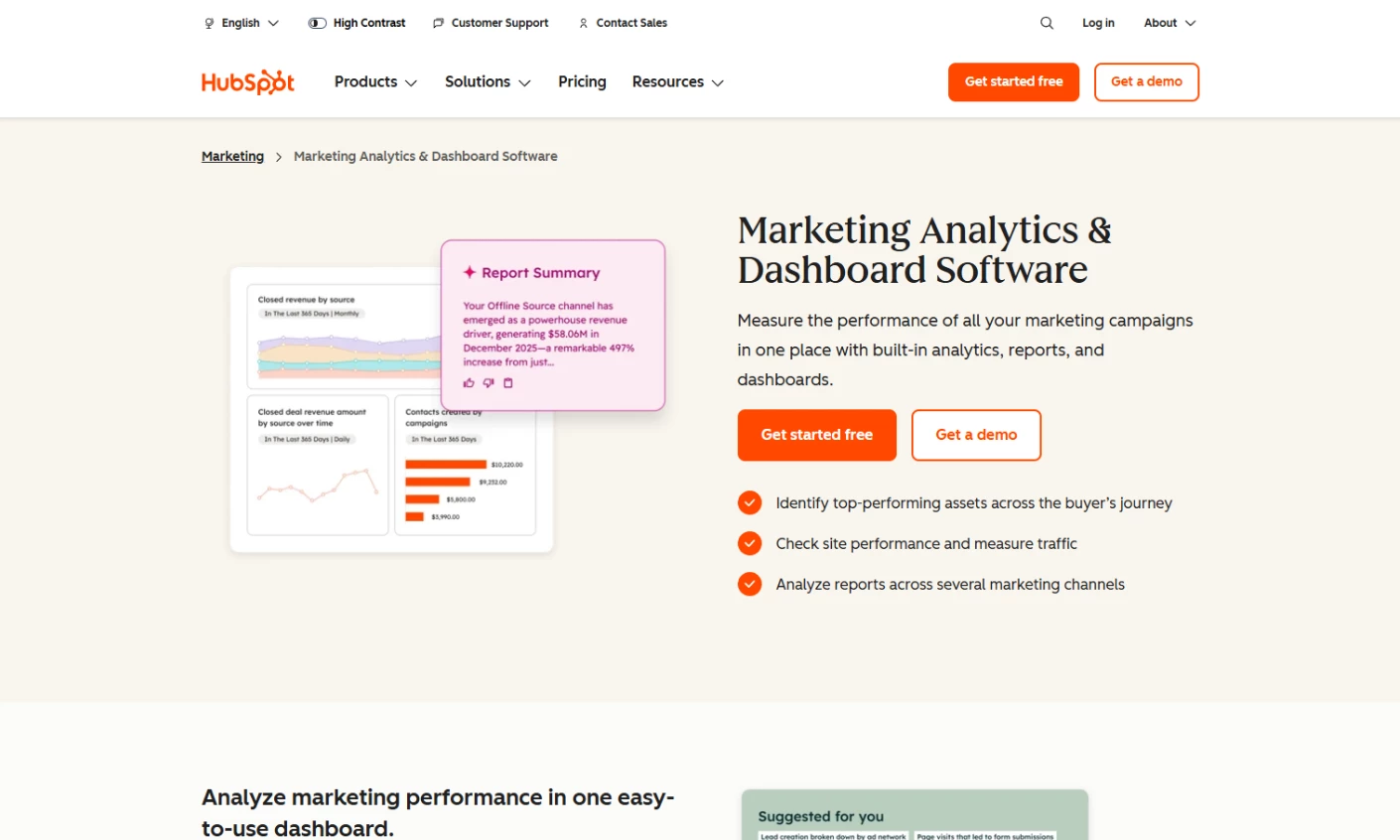
HubSpot's Marketing Hub bundles analytics with email, automation, content, and its built-in CRM. Its analytics shine in linking marketing touchpoints directly to closed deals and in AI-powered content and lead features.
For instance, HubSpot's AI content tools can recommend subject lines or blog topics based on performance data, and its predictive lead scoring flags your highest-potential contacts.
This "all-in-one" approach means no data connectors are needed. Campaigns in email, social, or ads automatically roll up into the CRM dashboards.
The catch is price: HubSpot's Professional tier for Marketing Hub runs around $890/month, plus a mandatory onboarding fee of roughly $3,000. Move up to Enterprise and the base jumps to about $3,600/month, with onboarding fees that can run $6,000 or more.
Limitations also show up in paid media. Attribution for platforms like Meta and TikTok is shallow, so teams running complex campaigns will need additional tools.
It's arguably one of the better AI marketing tools for teams already using HubSpot and for SMBs or enterprises that value simplicity over flexibility.
Pricing (billed annually):
- Free version available (limited analytics features)
- Starter: $7/seat/mo
- Professional: $800/mo
- Enterprise: $3,600/mo
Notable Features:
- Native CRM-to-revenue attribution
- Breeze AI agents for predictive lead scoring and automated insights
- Native tracking code for behavior monitoring and automation triggers
- Unified dashboard across email, ads, social, and CRM data
2. Amplitude
For SaaS and PLG teams focused on linking user behavior to retention and experimentation
Pros:
- Generous free tier
- Intuitive for non-technical marketers on standard queries
- Strong retention analysis for subscription and SaaS businesses
Cons:
- Paid media attribution is limited; it needs supplemental tooling
- Advanced features require Growth or Enterprise tier
- Interface has a learning curve for first-time users
Amplitude’s core value is the link between behavioral analytics and experimentation. You can run A/B tests and directly measure downstream impact on retention through cohort analysis.
For product-led teams, where marketing is deeply tied to product experience, this closed loop between measurement and experimentation is difficult to replicate with stitched-together tools.
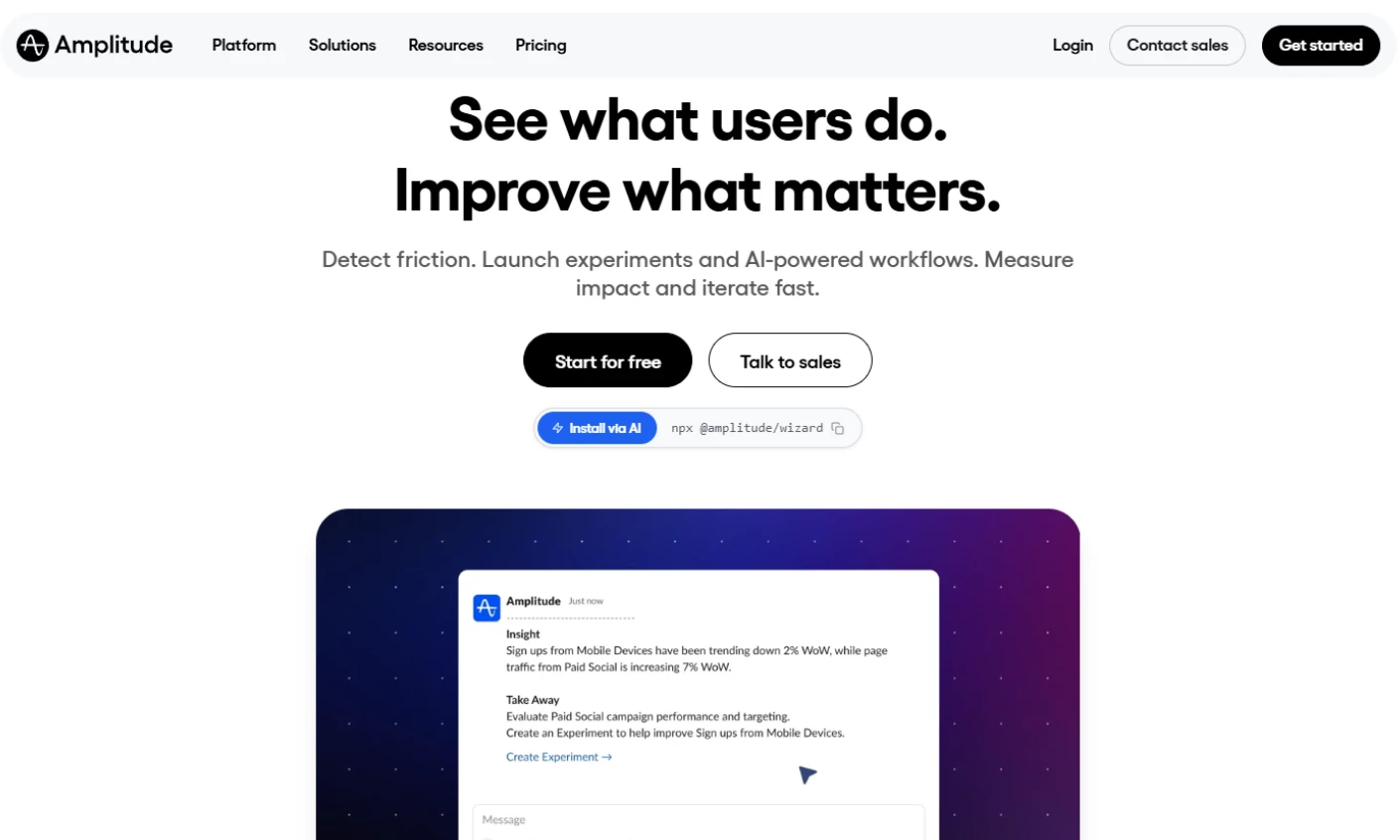
Its AI agents automate analysis by surfacing patterns, detecting anomalies, and recommending next steps without manual queries. Marketers can ask questions and get insights instantly, one of the more mature examples of AI tools for marketing applied to product data.
Features like AI Feedback consolidate customer sentiment into actionable insights, while AI Visibility tracks how your brand appears in AI-driven search environments.
Pricing (billed annually):
- Free plan available (10K MTUs or Monthly Tracked Users, up to 2M events)
- Plus, Growth, and Enterprise plans: custom pricing
Notable Features:
- AI Agents for automated analysis, insights, and recommendations
- AI Feedback to turn customer input into product and marketing actions
- AI Visibility for tracking brand presence in AI-driven search
3. SE Ranking
For SEO teams and agencies monitoring search performance and brand visibility in AI answers
Pros:
- Combines traditional SEO reporting with AI search tracking
- On-page recommendations help teams prioritize improvements
- Supports multiple client websites and reporting integrations
Cons:
- Competitor traffic figures are estimates, not direct measurements
- Expanded AI tracking and white-label reporting cost extra
- Focuses on search performance rather than revenue attribution
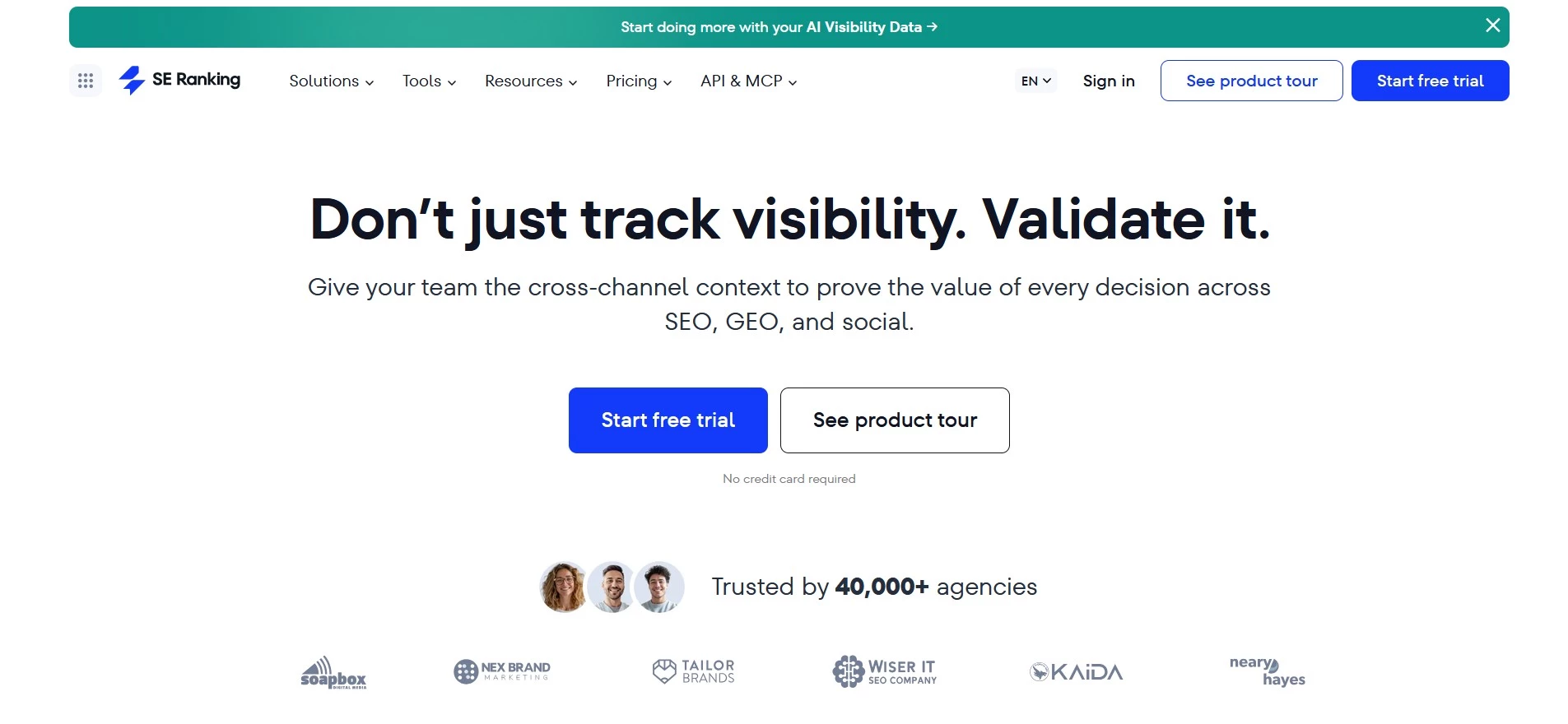
SE Ranking helps marketers understand how their rankings change and which competitors gain visibility. It combines keyword rankings with website audits and competitor research, giving teams useful context for deciding which pages to update.
Its AI-powered On-Page SEO Checker compares pages with competing results and recommends changes. Teams can use those recommendations to turn a weak performance report into a list of page edits.
The AI search tools extend that analysis to generated answers. Teams can check whether platforms such as ChatGPT, Perplexity and Google AI Overviews mention their brand or cite their pages, then investigate the prompts and sources where competitors appear instead. Built-in recommendations highlight gaps in coverage and opportunities to expand tracking.
SE Ranking fits best when organic search is an important acquisition channel. Pairing it with website analytics or CRM reporting helps establish whether visibility gains lead to visits and qualified leads.
Pricing (billed annually):
- Core: $103.20/month for 10 projects and 1 manager seat
- Growth: $223.20/month for 30 projects and 3 manager seats
- Enterprise: Custom pricing
- 14-day free trial; no credit card required
Core includes daily tracking for 100 AI prompts. The optional AI Search add-on starts at $71.20/month, billed annually, and expands tracking while adding access to SE Visible.
Notable Features:
- Keyword rank tracking and competitor SEO/PPC research
- AI-powered on-page optimization recommendations
- Technical website audits and backlink monitoring
- AI brand mention and citation tracking
- Google Analytics and Search Console integrations
4. Triple Whale
For Shopify DTC brands relying on paid social, where accurate attribution is critical
Pros:
- Most accurate post-iOS 14 attribution for DTC
- Creative-level performance analytics is unique in this price range
- Usable free tier for smaller Shopify stores
- Active product community
Cons:
- Built exclusively for Shopify; not portable to other platforms
- Not suited for B2B or non-e-commerce teams
- Pricing scales with GMV, so it grows with your store
Triple Whale is purpose-built for ecommerce teams navigating the attribution gaps caused by privacy changes like iOS 14.
Instead of relying on browser-based tracking, it uses server-side attribution to give a more accurate view of which ad spend is driving revenue.
For brands spending a lot on paid social, this often reveals major discrepancies between reported and real performance.
Its creative intelligence and AI layer also shows the campaigns, down to the exact ad creatives (videos, images, and copy) generating conversions.
Combined with its AI assistant "Moby," now positioned as an AI operator that can act inside ad accounts and build campaigns, marketers can query performance in plain language and get recommendations on budget shifts or audience targeting.
Pricing (billed annually):
- Free plan available (Triple Pixel tracking, 12-month lookback, up to 10 users)
- Foundation: $549/mo
- Automate: $1,349/mo
Notable Features:
- Moby AI assistant for querying insights, recommendations, and campaign actions
- AI-driven recommendations that go beyond reporting
- Real-time Shopify revenue and order data integration
- Revenue forecasting using blended attribution models
5. FullStory
For teams analyzing user behavior to identify friction and improve conversion
Pros:
- Accessible for non-technical teams (UX, product, and marketing)
- AI reduces time spent analyzing session data manually
- No-tagging setup simplifies implementation
- Free tier now makes it easier to evaluate before buying
Cons:
- Can become expensive at higher session volumes
- Less focused on attribution or paid media performance
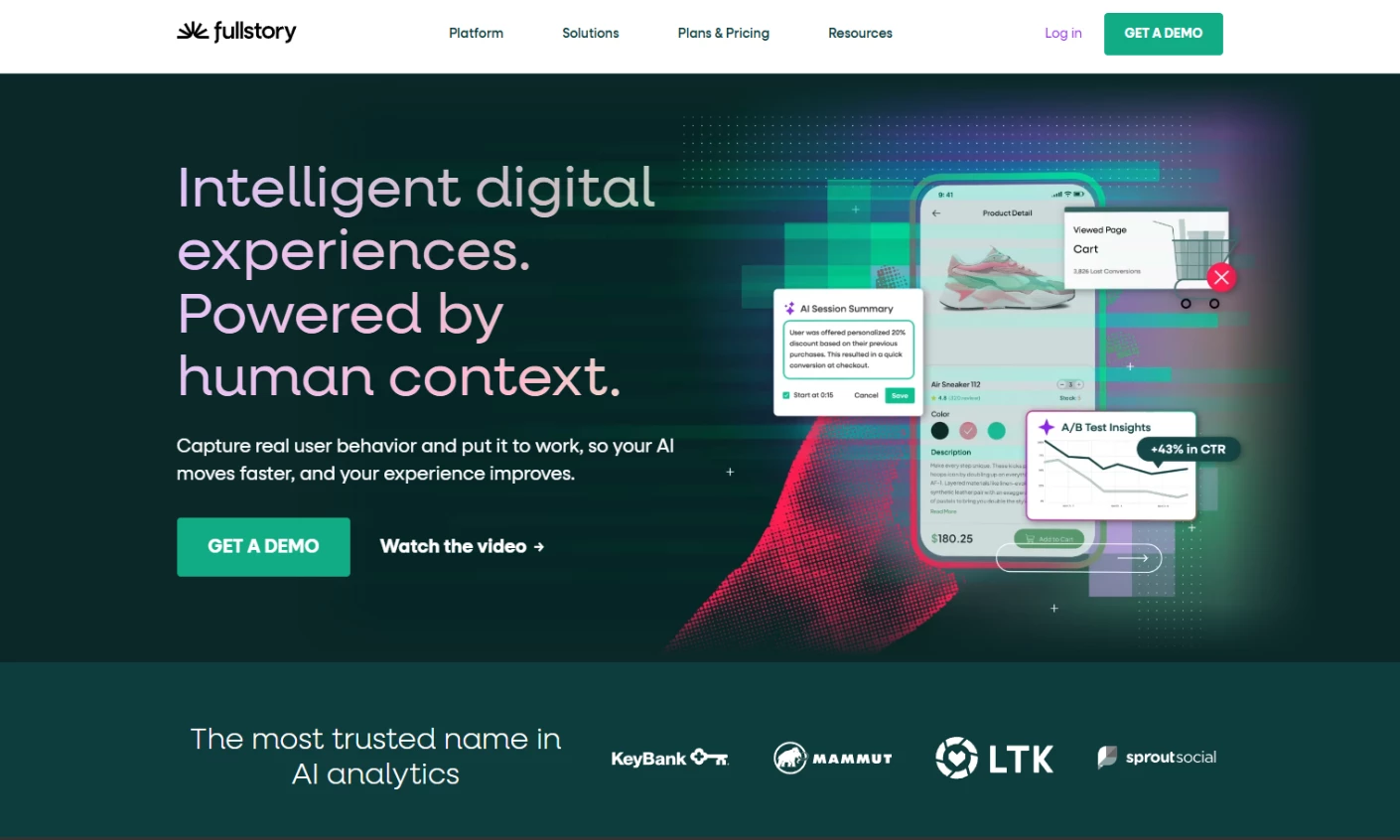
FullStory is built around a simple idea: raw behavioral data is only valuable if you can turn it into immediate, actionable insight.
Its AI layer, primarily through StoryAI, interprets session data, surfaces friction signals like rage clicks, errors, and abandonment patterns, and explains user behavior in context.
Marketers can rely on AI-generated summaries, answers, and recommendations that highlight what's impacting conversion, retention, and engagement.
FullStory’s AI is embedded directly into the workflow, and combined with automatic data capture, journey mapping, and sentiment signals, it enables teams to move from reactive analysis to continuous optimization.
Unlike its previous fully custom-quote model, FullStory now publishes a starting price for its entry paid tier, alongside a free plan — a meaningful shift for teams that want to test before committing budget.
Pricing (billed annually):
- Free tier available (roughly 30,000 sessions/month, core session replay only)
- Business, Advanced, and Enterprise: custom pricing, quote-based
Notable Features:
- StoryAI with summaries, proactive insights, and contextual answers
- Session replay with AI-assisted behavioral analysis
- Visual journey mapping and funnel analysis with drop-off insights
- Sentiment signals to detect frustration and friction points
6. Zuko
For teams optimizing forms and checkouts to reduce drop-offs and increase conversions
Pros:
- Deep, specialized insights not available in general analytics tools
- Fast setup with automatic field tracking
- Actionable insights for CRO and performance teams
Cons:
- Limited scope outside of forms and checkout experiences
- Not a full marketing analytics or attribution platform
- Best suited for businesses with meaningful form volume
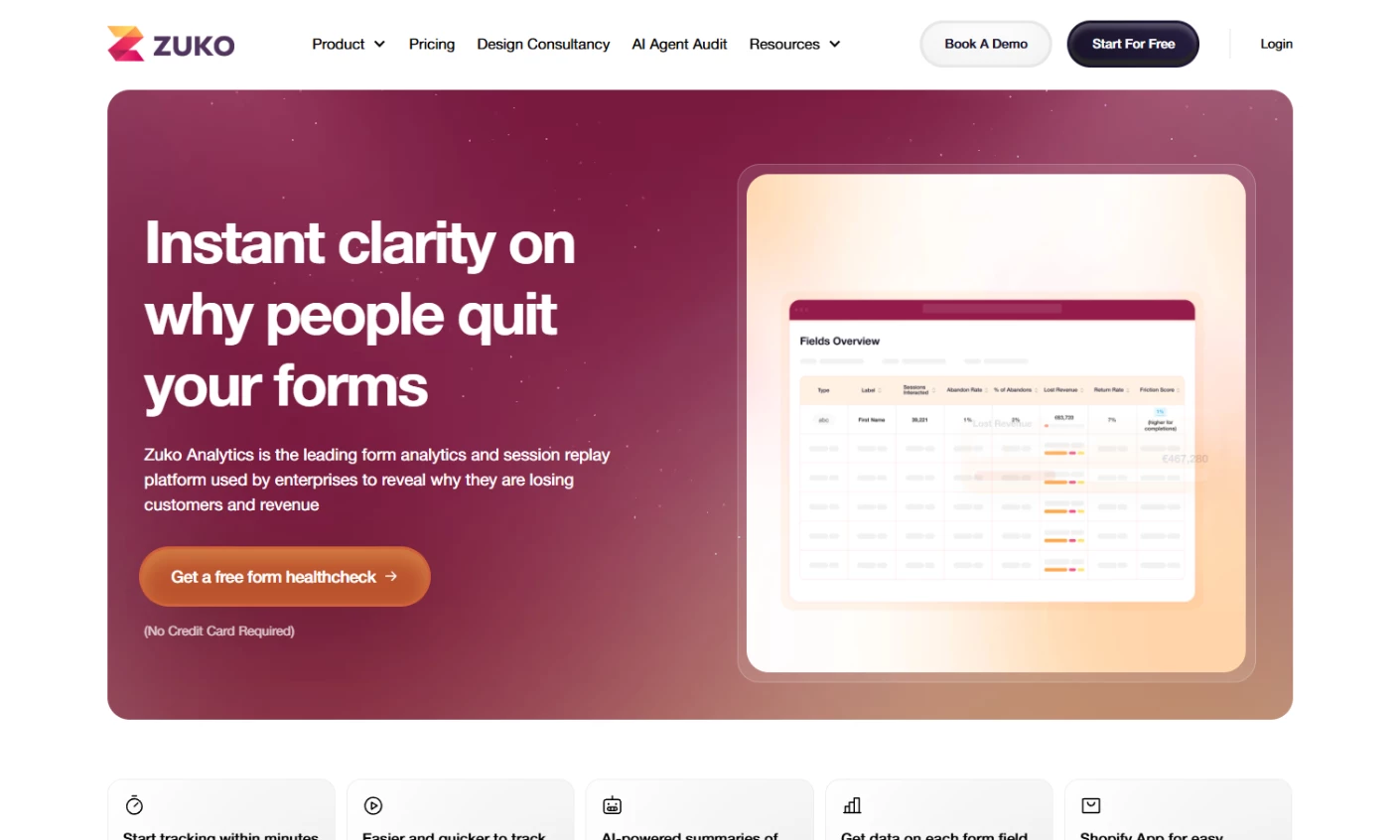
Zuko is a specialist analytics platform built specifically to track behavior on forms and checkouts — an area where most general analytics tools fall short.
While tools like Google Analytics can show that users abandon a form, they rarely explain where or why. Zuko form analytics addresses this gap with field-level tracking that automatically captures how users interact with each input.
It highlights hesitation, repeated entries, validation errors, and drop-offs at a granular level.
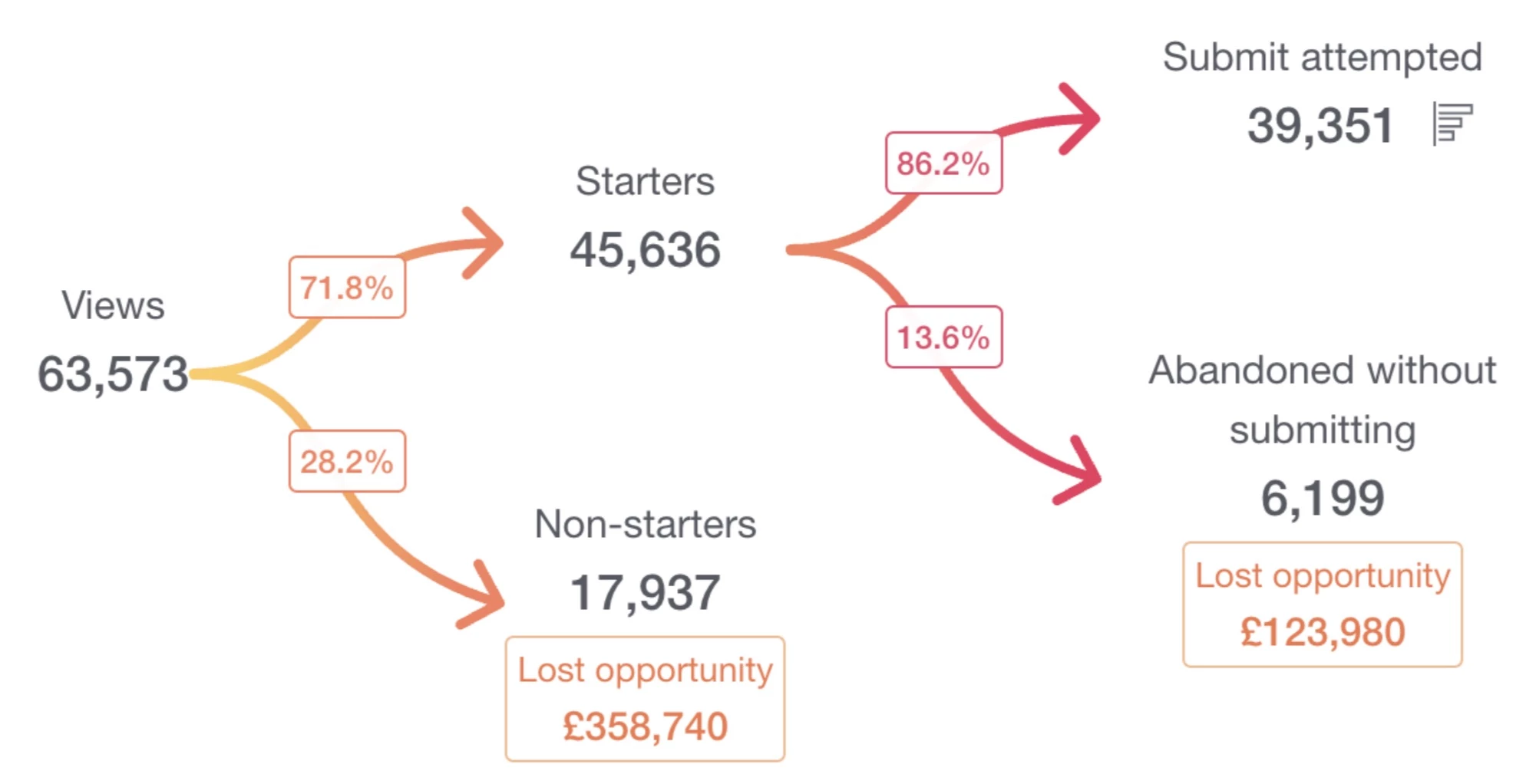
Zuko’s AI assistant builds on this behavioral foundation to interpret patterns and prioritize fixes.
By analyzing differences between users who convert and those who abandon, it identifies which fields or steps are most likely causing lost revenue.
Combined with Shopify checkout tracking, Zuko enables marketers to move quickly from insight to optimization — a narrow but genuinely useful entry among AI tools for marketing analytics.
Pricing (billed annually):
- 5000 sessions/mo: £40/mo
- 10,000 sessions/mo: £80/mo
- 25,000 sessions/mo: £250/mo
- 50,000 sessions/mo: £400/mo
Notable Features:
- Field-level analytics (track hesitation, re-entries, and drop-offs per field)
- Behavior difference analysis between converters and abandoners
- AI assistant for interpreting data and suggesting optimizations
- Shopify checkout analytics with step-level and field-level insights
7. Supermetrics
For teams centralizing marketing data and automating reporting across channels
Pros:
- Strong data foundation ensures more accurate AI insights
- Flexible: works inside the platform or with external AI tools
- Scales well for agencies and multi-channel marketing teams
Cons:
- Per-destination pricing model can surprise teams that need multiple outputs
- Less focused on behavioral or product analytics
- Pricing scales quickly with connectors, sources, and usage
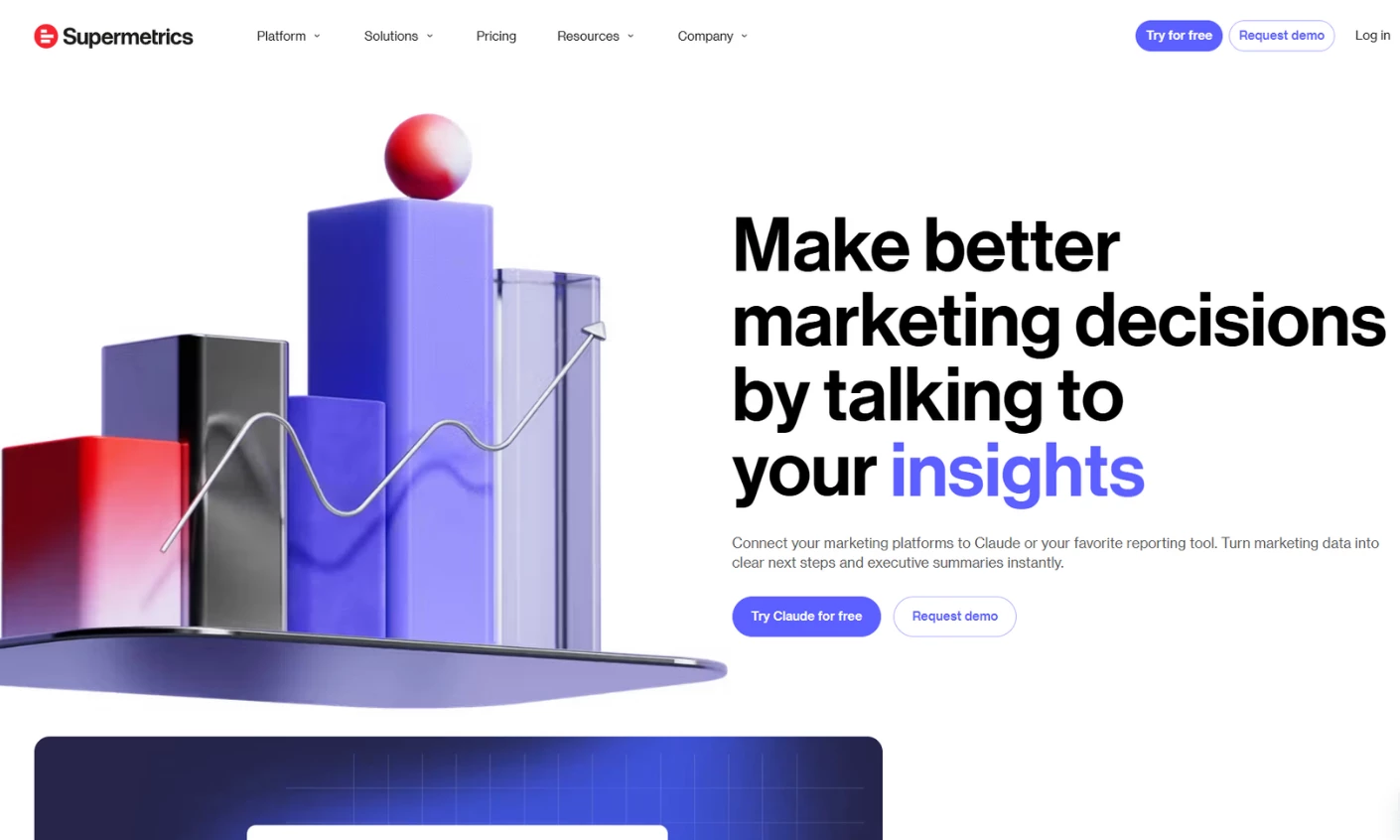
Supermetrics approaches AI starting with data quality, then layers intelligence on top.
Its AI capabilities, particularly through Supermetrics Agents, are designed to turn fragmented marketing data into visualizations and next-best actions in seconds.
Marketers can ask questions in plain language and get immediate outputs: charts, explanations of performance drivers, and recommended optimizations.
Supermetrics also supports building custom AI workflows like automating reporting, anomaly detection, and even campaign monitoring, so teams can move from insight to execution without manual handoffs.
One thing worth flagging: pricing is charged per data destination (Looker Studio, Google Sheets, BigQuery, etc.), so adding a second destination roughly doubles the bill — budget accordingly.
Pricing (billed annually):
- Starter: $39/mo
- Growth: $159/mo
- Pro: $399/mo
- Custom Enterprise pricing available
Notable Features:
- Supermetrics Agents (Dashboard, Insights, and Connector Agents)
- Natural-language querying with AI-generated charts and recommendations
- MCP server for connecting marketing data to external AI tools
- AI-powered data transformation and enrichment (no-code)
8. Heap
For teams needing retroactive user insights without manual event tracking
Pros:
- Eliminates engineering dependency for analytics setup
- Enables retroactive analysis of past user behavior
- Strong at identifying UX friction
Cons:
- Not designed for marketing attribution or paid media analysis
- Advanced AI features limited to higher-tier plans, and pricing isn't published
- Best suited for product-led organizations rather than pure marketing teams
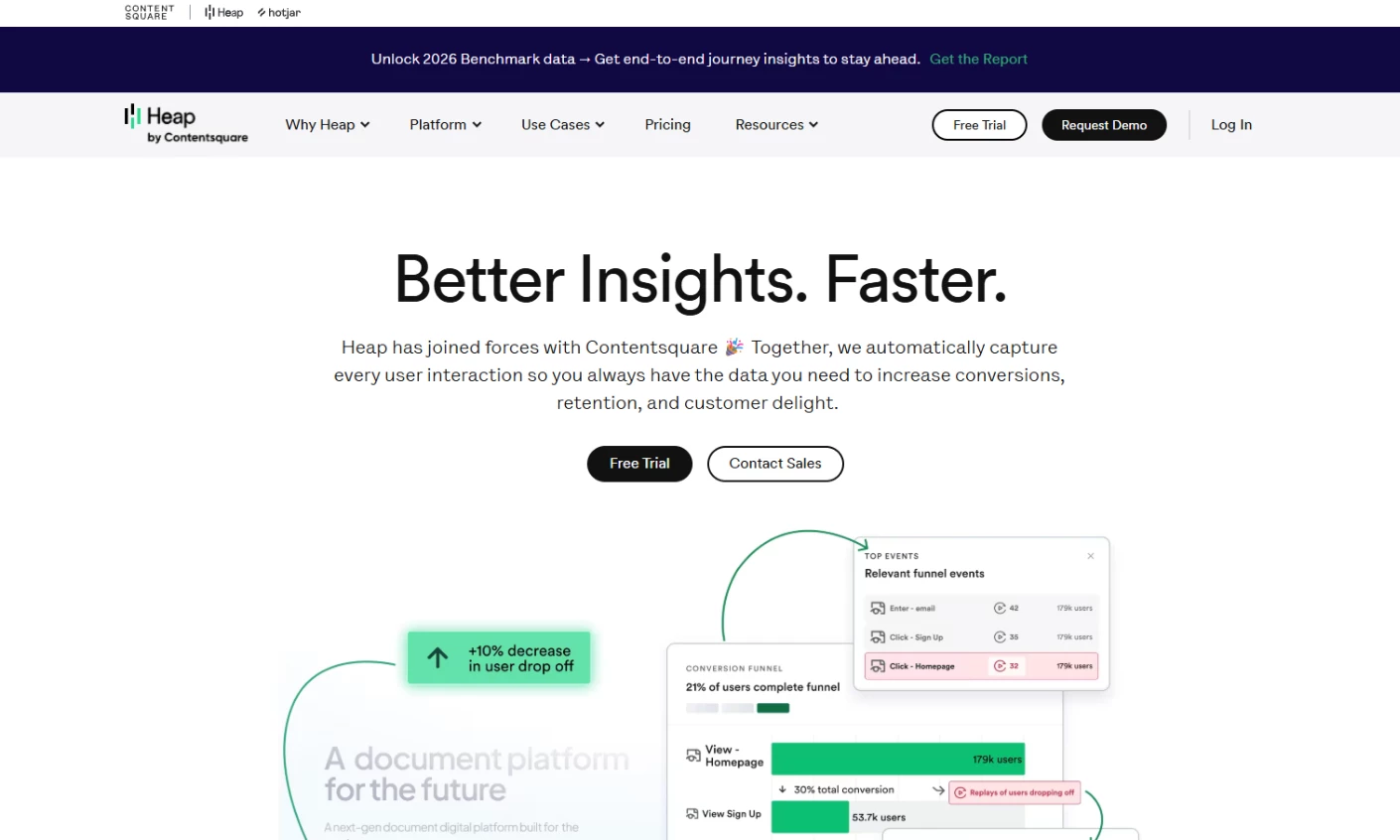
Heap’s core advantage and the foundation of its AI capabilities is auto-capture.
From the moment it's installed, every user interaction is tracked automatically: clicks, taps, page views, form submissions, and even frustration signals.
This eliminates the need for engineering teams to predefine events, which is a major limitation in traditional analytics tools.
On top of this complete data foundation, Heap layers AI through features like Sense and Illuminate.
Sense lets marketers ask questions in plain language and receive charts, summaries, and next-step recommendations instantly. Meanwhile, Illuminate uses machine learning to proactively surface behavioral patterns.
With these features, Heap shifts analytics from reactive reporting to proactive discovery. Note that Heap is now owned by Contentsquare, following its acquisition — a detail worth knowing if platform continuity or roadmap direction matters to your evaluation.
Pricing (billed annually):
- Free version available (up to 10,000 monthly sessions)
- Growth, Pro, and Premier tiers: custom pricing, quote-based
Notable Features:
- Sense AI for natural-language queries, summaries, and chart generation
- Illuminate AI for predictive cohort discovery (conversion and churn)
- Friction Detection (rage clicks, dead clicks, error patterns)
9. DreamData
For B2B teams connecting marketing, sales, and pipeline across long journeys
Pros:
- Built specifically for B2B marketing and long sales cycles
- AI Signals enable proactive, intent-based targeting
- Strong alignment between marketing and sales through shared data
Cons:
- Less relevant for B2C or short purchase cycles
- Requires clean CRM and GTM data for best results
- Setup can be complex for teams without data maturity
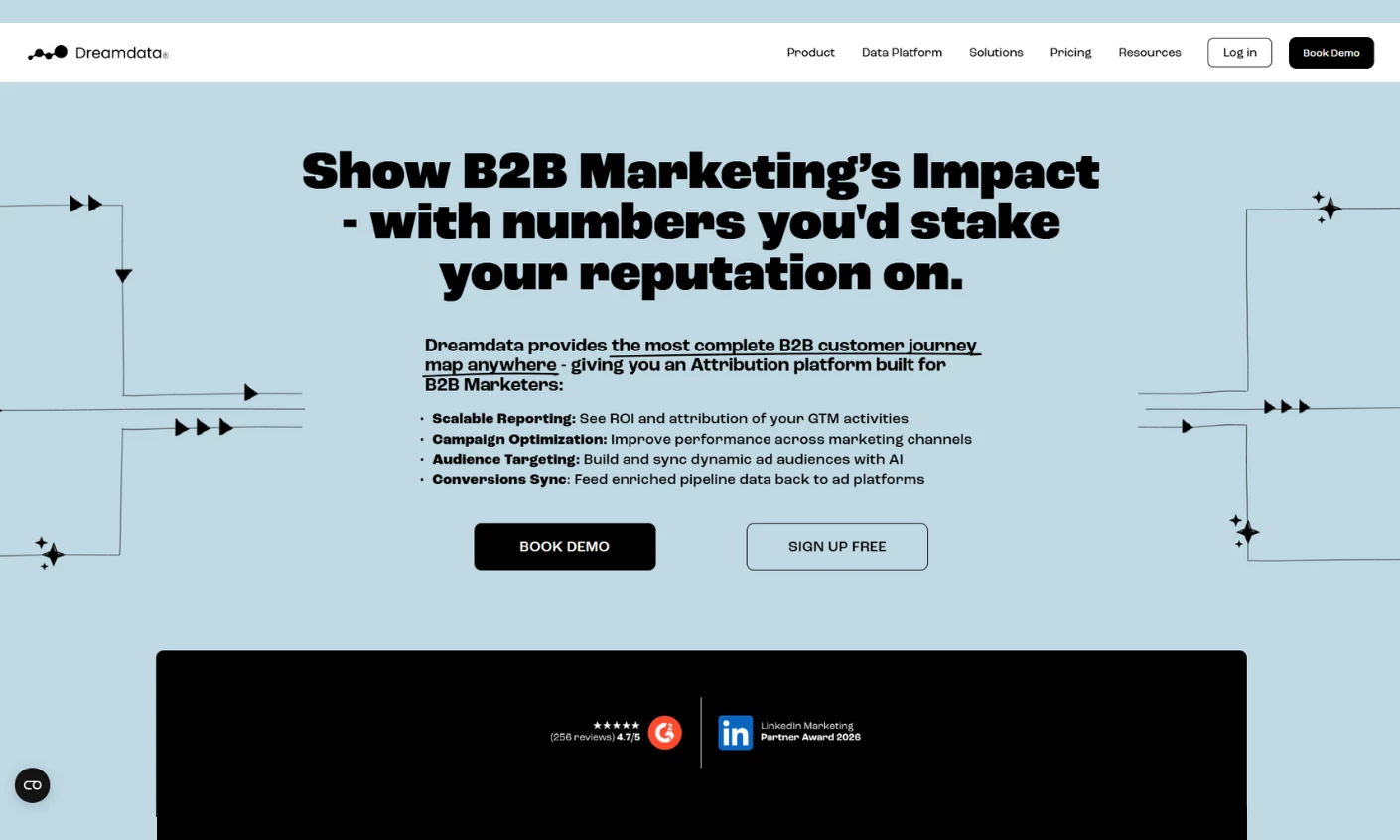
Dreamdata is purpose-built for B2B marketers dealing with fragmented data, long sales cycles, and complex buying journeys.
Its AI Signals engine scans across all go-to-market data, including CRM, ads, and sales touchpoints, to identify high-intent behaviors and surface accounts that are most likely to convert.
These signals can then be activated immediately: syncing audiences to ad platforms, notifying sales teams in Slack or CRM systems, and prioritizing outreach based on likelihood to close.
Combined with automated audience building and conversion syncing, Dreamdata creates a continuous feedback loop where marketing, sales, and revenue data inform each other in real time — a strong example of AI marketing analytics tools built specifically for B2B pipelines.
Pricing (billed annually):
- Free version available (up to 5 seats)
- Custom pricing for paid plans, scaled to GTM data volume
Notable Features:
- AI-driven multi-touch attribution across the full B2B customer journey
- Audience Hub for building and syncing dynamic audiences to ad platforms
- Conversion syncing (pipeline data fed back into ad platforms)
- Unified customer journey mapping across CRM, ads, and website activity
10. CallRail
For businesses where phone calls are key conversions and need tracking and qualification
Pros:
- Strong AI capabilities for lead qualification and call analysis
- Reduces manual effort in reviewing and responding to leads
- Especially valuable for call-driven businesses (services, healthcare, home services)
Cons:
- Limited value for businesses without significant call volume
- Attribution is focused on conversations, not full user journeys
- Not a full behavioral or product analytics platform
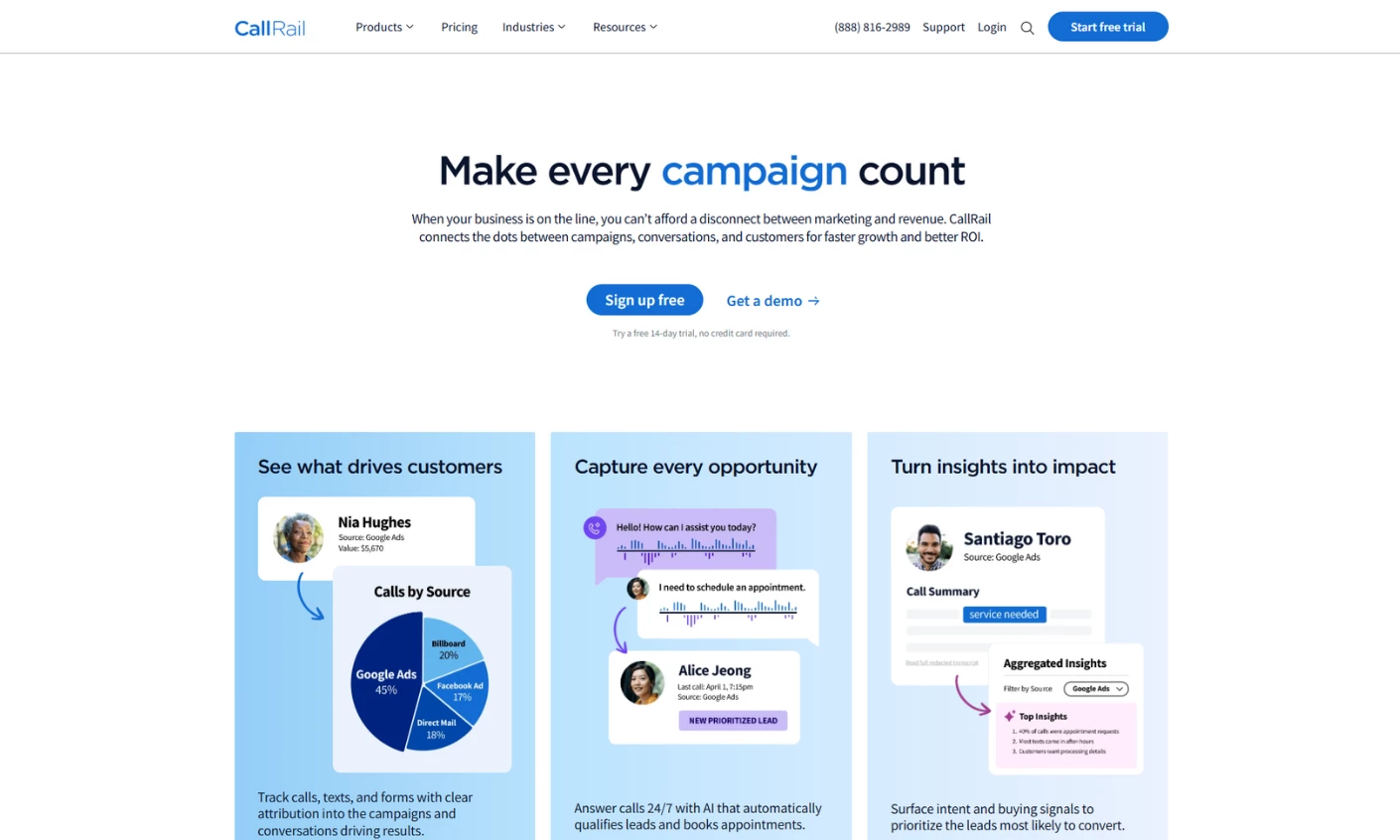
CallRail focuses on a part of the marketing funnel most analytics tools overlook: conversations.
Its AI centers on conversation intelligence and automatically transcribes calls, analyzes sentiment, and identifies intent signals, so marketers can understand which campaigns drive qualified, revenue-generating conversations.
CallRail then operationalizes these insights. Features like Voice Assist act as a 24/7 AI receptionist, while Premium Conversation Intelligence surfaces summaries and recommended next steps for follow-up.
In effect, CallRail bridges the gap between marketing attribution and real customer interactions, making it especially valuable for businesses where calls drive revenue.
Pricing (billed annually):
- Lead Tracking: $50/mo
- Lead Tracking Complete: $95/mo
- Lead Conversion: $150/mo
- Lead Conversion Complete: $195/mo
Notable Features:
- Voice Assist (AI receptionist for answering and qualifying calls)
- Conversation intelligence with actionable follow-up recommendations
- Real-time notifications for high-value or qualified leads
How To Choose Among the Top-Rated AI Tools in Marketing Analytics
Most buyers approach this category backwards: they find one of the best AI marketing tools on a list and then try to figure out if it fits.
These questions help you figure out what you actually need before you even look at options:
1. What problem are you trying to solve?
Start by identifying the core gap:
- If your challenge is revenue attribution and understanding what drives pipeline or sales: Dreamdata, HubSpot Marketing Analytics, and Triple Whale (for Shopify DTC)
- If you need user behavior insights, like what users did on your site or where they dropped off: Heap, FullStory, Amplitude, and Zuko (for forms and checkout)
- If your focus is data unification and cross-channel reporting: Supermetrics
- If you rely on SEO for growth and need competitor research and content recommendations: SE Ranking
- If phone calls are a primary conversion point: CallRail
2. Do you meet the minimum data threshold?
These tools require enough data to produce meaningful insights.
For example, attribution platforms like Dreamdata or Triple Whale rely on sufficient transaction and interaction data to generate reliable signals.
Similarly, behavioral tools like Amplitude or Heap become far more valuable with consistent user activity and event volume.
Before evaluating features, confirm your data volume can support accurate outputs.
3. What is your data readiness level?
Data readiness requirements vary enormously across these tools. Tools like Triple Whale or CallRail can be operational quickly, especially in focused use cases.
Platforms like Dreamdata or Supermetrics require deeper setup, including CRM integrations and structured data pipelines.
Honestly assessing where your data infrastructure is before you start evaluating tools saves you from a 90-day implementation project you weren't budgeting for.
4. Do you have internal analytical capacity to operate the tool?
Some platforms assume ongoing analytical ownership.
Tools like Amplitude, FullStory, or Dreamdata deliver the most value when actively used by dedicated analysts or data-savvy teams.
Others, like HubSpot Marketing Analytics or Triple Whale, are more accessible for marketing teams without heavy technical support.
Matching a tool's complexity to your team's capacity determines whether it drives real insights or gets ignored.
Final Thoughts: Choosing the Right AI Analytics Tool
Which tool works best comes down to what you're actually trying to fix: attribution gaps, understanding user behavior, SEO performance, pulling scattered data into one place, or making sense of customer conversations. Pick the problem first, and the shortlist gets a lot shorter.
Start small if you're new to this. HubSpot, Amplitude, Triple Whale, Heap, and Dreamdata all have free tiers worth running against your real data before you spend anything. A week or two in the free tier will tell you whether a platform's AI actually fits how your team works, faster than any demo call will.
From there, keep an eye on the pace of change. Vendors are adding AI agents, natural-language querying, and predictive signals on top of their existing data every few months, and the lineup you compare today won't look the same by next quarter.
None of that should be the deciding factor, though. The tools worth keeping are the ones that match your data maturity, your team's bandwidth, and your budget — not the ones with the longest changelog. Use the questions above to make that call, and treat the feature list as a tiebreaker, not the main event.
Revisit the decision roughly once a year. Pricing tiers, free-tier limits, and what the AI can actually do all shift quickly in this space — a tool that fell short last year might be the right fit now, and one that fit before might have been outpaced.

Our team ranks agencies worldwide to help you find a qualified partner. Visit our Agency Directory to find top-rated digital marketing companies, as well as: