
After a decade of helping companies plan, hire, and scale design teams, I’ve learned that your web design budget is less about dollars and more about decisions: who builds it, how fast, and what success looks like.
Web Design Budget: Key Points
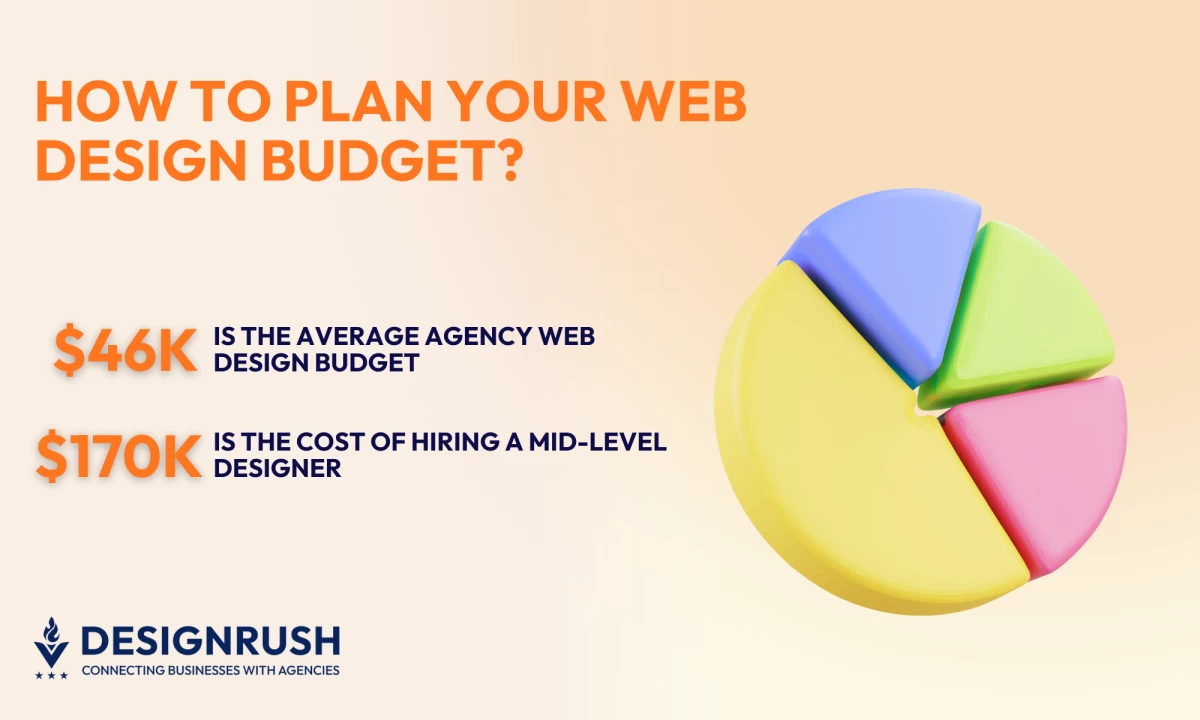
- DesignRush data shows an average project cost of $46K, with two-thirds under $25K, proof that success comes from aligned scope and ownership, not higher budgets.
- A $130K mid-level designer costs $170K+ fully loaded once hiring and onboarding drag on, while agencies deliver senior talent faster and at half the cost.
- Across thousands of projects ranging $5K–$200K+, outcomes hinge on scope clarity, milestones, and accountability. A strutured $60K project will outperform a $30K one without it.
How To Approach Web Design Budgeting
My answer is always the same. It depends on the kind of project you’re running and what your team is built to handle.
To budget smart, you need to know what drives the cost, and whether you're resourcing the project in a way that sets it up to succeed.
In-House vs. Agency Quick Comparison Table
| Category | In-House Team | Agency |
| Upfront Cost | High (hiring, benefits, tools) | Variable (based on scope and duration) |
| Speed to Launch | Slower initially (due to hiring, onboarding, ramp-up) | Faster (senior team, ready to deploy) |
| Ongoing Costs | Fixed and recurring (salaries + overhead) | Project-based or retainer |
| Control and Flexibility | High (internal access, iterative updates) | Medium (defined scopes, change control needed) |
| Specialization | Depends on team skill mix | High (access to specialists in design, SEO, QA, etc.) |
| Scalability | Slower to scale or pivot | Easier to scale or ramp down per project |
| Ownership and Context | Deep institutional knowledge | External perspective, requires onboarding |
| Ideal For | Iterative work, content-heavy builds, continuous optimization | Rebrands, technical builds, migrations, high-stakes launches |
| Best Fit (By Goal) | Long-term design maturity, internal agility, cost control | Speed to market, performance, brand-level impact |
How To Plan a Web Design Budget for an In-House Team
Many businesses assume that hiring internally saves money. Sometimes it does, but only when the structure supports delivery.
Most underestimate the total cost of building and maintaining a design pod.
Let’s walk through what those numbers look like.
Cost Implications of Building an In-House Team
When I helped a Series B startup evaluate whether to internalize design, they expected to save 20%. After factoring recruitment, benefits, and ramp-up, the “savings” disappeared in three months.
Here’s what usually gets missed:
- Recruitment: SHRM puts the median cost-per-hire at $1,200 for non-executives and $10,625 for executives, excluding the 44-day average time-to-hire. Every extra week costs you in opportunity.
- Training: New hires rarely reach full productivity on day one. It takes roughly 35 days to reach baseline output, which means a full sprint of slower velocity that most budgets never capture.
- Salary and benefits: A mid-level product designer in a US metro averages $110K-$140K base. Add the 30% benefits load and that designer costs you $170K+ all-in.
Multiply across roles, and your annual commitment rivals an agency retainer with none of the flexibility.
As Jason Ciment, CEO of Get Visible, puts it, “Agencies cost significantly less than that to get you a comparable result without any risks. In most cases, you're just better off outsourcing an agency that will grow with you.”
That aligns with what I tell SMBs: the best agencies grow with you and compound your progress.



What Drives In-House Design Costs?
Even after you’ve staffed and equipped your internal team, the real cost is in how that team runs day to day. I often see companies spend big on talent only to lose ROI in everyday inefficiencies.
Here’s where that tends to happen:
- Utilization: Aim for 70-80%. Below that, you’re burning payroll; above, you’re burning people.
- Approval bottlenecks: A two-week feedback cycle can double your timeline. Establish decision rights early.
- Content dependencies: If content lags, design reworks pile up. Tight briefs save tens of hours.
- Tool sprawl: Consolidate overlapping tools; redundancy kills ROI.
- Hidden time sinks: Track internal syncs and approvals as budget line items, they’re real costs.
In-house teams make sense when you need continuous iteration, content-heavy builds, or frequent CRO and UX updates.
If your project load is light or unpredictable, you’ll spend more maintaining idle capacity than shipping work.
How To Plan a Web Design Budget If You’re Hiring an Agency
Agency pricing reflects risk ownership, seniority, and delivery structure.
When I was advising an enterprise client on a $150K redesign, the lowest bid looked tempting until we realized it excluded SEO migration and QA. That “savings” would’ve cost them traffic and trust.
Let me show you how agencies price projects:
- Fixed-Price: Best for well-defined scopes. Great for budget control, weak for flexibility.
- Time & Materials / Retainer: Ideal for iterative projects and CRO sprints. Flexible but requires tight burn tracking.
- Hybrid / Not-to-Exceed (NTE): My go-to model. Fixed cap with adaptable scope and milestone gates.
- Performance-Based Add-Ons: Rare but rising, especially for CRO. Tie bonuses to measurable outcomes only if attribution is solid.
DesignRush Data: Real Web Design Project Budgets
Based on 400+ verified DesignRush web design projects, here’s how real businesses budget their websites:
| Budget Range | Company Type | Typical Project Type |
| Under $5K | Micro / Startup | One-page or brochure sites, templated builds Agency Cost Ranges in 2026 |
| $5K-$20K | Small Business | Simple custom sites, redesigns, basic CMS |
| $20K-$100K | Mid-Market | Multi-page builds, light integrations, design systems |
| $100K-$250K | Upper Mid / Enterprise | Scalable sites, B2B portals, eCommerce |
| $250K-$500K | Enterprise | High-traffic, multi-site or multilingual builds |
| $500K-$1M+ | Global / Enterprise+ | Complex ecosystems, integrations, rebrands |
The average project budget is $46,000, and the median sits between $20,000 and $25,000.
Only about 10% of all projects exceed $100,000, confirming that most companies operate comfortably within the $5K-$50K range, which is enough to deliver fully custom, responsive sites with strong UX and SEO foundations.
Top agencies on DesignRush average $104 per hour, which typically includes project management, QA, and multi-role coverage that smaller internal teams struggle to match.
Agency Cost Ranges in 2026
DesignRush’s data sits right in line with broader market benchmarks. Across the industry, most agency projects range between $3,000 and $150,000, depending on scope, features, and timeline.
- $1,000-$5,000: Template-based sites or one-page builds for small businesses
- $5,000-$30,000: Custom sites for SMBs with light branding and CMS work
- $50,000-$200,000+: Enterprise-level redesigns with integrations, SEO migration, and QA
In practice, scope clarity is what defines value. I’ve seen $60K projects outperform $30K builds because they included UX audits, QA, and migration strategy that prevented downstream costs.
What matters most is alignment between deliverables, roles, and accountability.
What Drives Agency Costs?
Agency pricing is both about the hours worked and what goes into getting your project over the finish line with the right outcome.
- Scope: Page count, CMS builds, SEO, QA, integrations.
- Timeline: Launching in under 14 weeks adds a 15-30% rush premium.
- Integration complexity: More systems = more QA cycles.
- Branding involvement: If your brand or design system needs work, cost multiplies.
- Risk ownership: Accessibility, Core Web Vitals, compliance: you pay more, but you buy peace of mind.
How To Analyze Web Design Quotes To Stay on Budget
By the time clients come to me with three wildly different quotes in hand, they’re usually asking the wrong question: “Why is this one so expensive?”
The better question is: “What’s actually in the quote?”
Because the truth is, proposals are signals on how your project will be run, where risk lives, and how much ownership you’re really getting.
The key is understanding what deliverables, expertise, and accountability each quote actually includes.
You can break it down like this:
1. Break Down the Line Items
Every quote should clearly list what you're paying for. Look for line items like strategy, design, development, project management, QA, SEO, and CMS migration.
Don’t settle for vague terms. Ask what “design” includes. Does it mean wireframes, responsive layouts, motion?
The same goes for “development.” Are templates custom-coded, or is it a no-code setup? The more specific the quote, the easier it is to spot gaps.
2. Spot Red Flags
Watch for signs of a bloated or vague proposal. Common issues include:
- No revision policy
- Missing timelines or milestone breakdowns
- Fuzzy terms like “strategic consulting” or “technical setup”
- No content, QA, or SEO scope
A proposal that doesn’t show who does what and when is a gamble on delivery.
3. Compare Value
Two quotes at $60K can have very different values.
One might include a full UX audit, SEO migration, QA, and project management; the other might not.
Align them by listing:
- Deliverables
- Timeline
- Roles involved
- Toolsets
I often calculate cost per senior-week to see real value density.
Doing this gives you a fairer way to compare quotes from different providers.
4. Control Scope Creep Before It Starts
One thing I tell clients is that budget overruns rarely come from one big surprise. They come from a dozen small ones no one tracked.
Here’s how you can avoid scope creep:
- Break the project into phases and only move forward after each one is approved (like finishing the sitemap before designing pages).
- Set rules upfront for how changes will be handled if they’re not part of the original plan.
- Check progress every week. Small changes can add up fast if no one’s keeping track.
Tools and Templates to Estimate Your Budget
When clients ask me how to budget before sending out a request for proposal (RFP), I always point them to a few practical tools:
| Tool/Template | What It’s For | Key Benefit |
Budget Estimator Spreadsheet | Website-specific Excel/Spreadsheet template | Helps you map out design, dev, hosting, content, and maintenance line items in one place. |
RFP Template | General project cost planning | Useful for creating structured web design RFPs with labor, tools, timelines, and contingency costs. |
Quote Comparison Sheet (create one in Excel or Google Sheets) | Side-by-side comparison of agency or vendor quotes | Lets you evaluate scope, team makeup, deliverables, timeline, and total cost across proposals. |
Internal Team Cost Calculator (custom spreadsheet or Smartsheet Cost Estimator) | Estimate ongoing cost of an in-house team | Helps compare in-house vs agency by factoring salaries, benefits, tools, and utilization. |
Scope Alignment Checklist (simple Google Doc or Notion checklist) | Ensure deliverables and ownership are clear before signing | Prevents budget surprises by clarifying what's included, who’s responsible, and how scope changes are handled. |
Is an Agency Right for Your Business?
The answer I always tell clients all the time is: “better” should be about what’s better for their business right now.
If you're a fast-scaling company with limited internal capacity and a high-stakes launch coming up, an agency gives you speed, seniority, and structure without needing to staff up.
Find More Agency Hiring Resources:
1. Website ROI From a Web Development Agency
2. Questions To Ask a Web Design Agency
3. Agency vs. In-House for Your Website Redesign
But if your roadmap is still vague, you don’t have content owners in place, or your internal team is spread thin, even the best agency will struggle without the basics covered.
Here’s how I gut-check agency readiness:
- Do you have a clear owner internally who can approve work and unblock decisions?
- Is your content plan solid, or will the agency be waiting on drafts for weeks?
- Are you ready to move fast and collaborate asynchronously?
If the answer is yes to all three, you’re probably a good fit.
If not, you might need to pause, prep more, or run a smaller discovery phase before diving into full execution.

Our team ranks agencies worldwide to help you find a qualified partner. Visit our Agency Directory for the top web design companies, as well as:
Our design experts also recognize the most innovative design projects across the globe. Visit our Awards section for the best & latest in website design.
Web Design Budget Guide for Businesses: FAQs
1. What’s the difference between web design and development costs?
Design covers UX, UI, and visual direction. Development includes building templates, CMS integration, and functionality. Some quotes bundle both, others split them. Ask to clarify.
2. Should we budget for a website redesign or build in phases?
If your content or goals aren’t fully defined yet, building in phases lets you launch sooner, adjust as you go, and avoid paying for work that might change later.
3. How much should we set aside for ongoing maintenance after launch?
Plan for 10–15% of your initial build cost annually to cover updates, patches, content changes, and minor improvements.