
Information technology is the backbone of how modern organizations build, deliver, and improve digital products and services.
Types of IT: Key Findings
- Modern IT services deliver the most value when they’re chosen around outcomes like faster shipping, fewer incidents, or safer data handling rather than individual tools.
- These services connect into a single operating system for the business, where cloud platforms, data foundations, automation, and security reinforce each other.
- Partners like ScienceSoft, Simform, and TruAdvantage tend to pair the build with ongoing monitoring and continuous improvement, so the solution stays healthy and keeps getting better after go live.
Types of Information Technology Overview
As expectations for speed, reliability, and security rise, cloud and application platforms have become the connective tissue between business goals and the systems that power them.
Let’s break down what cloud and application platforms are, why they matter for modernization, and how they help organizations scale without sacrificing control.
1. Cloud & Application Platforms
These are the core building blocks for delivering software. The unifier is speed and scalability, as these services help teams ship faster, integrate systems cleanly, and avoid reinventing operational foundations.
Cloud Computing
Cloud computing delivers on-demand access to shared computing resources (compute, storage, networking, apps) that you can provision quickly without owning the underlying infrastructure. That supports scaling, disaster recovery, and faster delivery cycles.
Cloud Partners That Build, Migrate, and Keep It Running
In our database, you cand find teams like Development Services that cover cloud consulting plus hands-on delivery, so you can treat migration, modernization, and ongoing optimization as one packaged engagement rather than a string of one-offs.
Software as a Service (SaaS)
SaaS is vendor-hosted software accessed over the internet (like CRM, HRIS, accounting) where the provider handles updates, infrastructure, and availability. That makes it a fast path to standardized capabilities, with the main tradeoffs being data portability and vendor lock-in.
SaaS Builders for MVP Launches and Long Term Scale
If you’re shipping SaaS, firms such as Itransition and Innowise Group typically wrap product engineering into end-to-end delivery, often with clear minimum engagement sizes for full builds, plus the option to extend into ongoing support once you’re live.
Platform as a Service (PaaS)
PaaS provides managed application platforms (runtime, middleware, databases, developer tooling) so teams can build and deploy apps faster without maintaining servers. That’s ideal for product teams, but it does mean you need to pay attention to platform constraints and portability.
Platform Engineering Help for Faster Deploys and Less Ops Drag
For PaaS-style platform work, Simform positions themselves around cloud and engineering depth. That’s for those that want the platform foundations (tooling, reliability, and operations) delivered as a build phase that rolls into a support cadence.
APIs
APIs are the connective tissue that lets systems exchange data and trigger actions (payments, identity verification, shipping updates. They enable integrations between your apps, partners, and SaaS tools, which is especially valuable for reducing manual work and avoiding data silos.
API Teams That Make Integrations Feel Surprisingly Smooth
When APIs are the backbone, you’ll usually want a partner that treats API design, security, and integration testing as a single deliverable. Our system integrator listings are a good place to find teams that package this as an integration program rather than a few endpoints.
Development Environments
Development environments include IDEs, CI/CD pipelines, and testing toolchains that standardize how software is built, tested, and released. These help teams ship more reliably with repeatable builds, automated checks, and clearer audit trails.
Dev Tooling Pros for Clean Pipelines and Repeatable Releases
For CI/CD and developer tooling, outfits like Sketch Development Services emphasize the practical side of automation, consistency, and shipping reliability. Those are often delivered as a setup sprint followed by iterative improvements as teams adopt it.



2. Data, Storage & Intelligence
Everything here is about turning data into a dependable asset across its full lifecycle.
Ivan Burban, head of marketing at Coupler.io, talks about the importance of data analytics and automation platforms that serve as a central hub for gathering and managing data.
He says: “They simplify and unify the processes of getting and managing data from third-party services, enabling the interpretation of raw business data."
The services below reduce reporting friction, improve decision quality, and create the clean data layer that modern automation and AI depend on.
Data Services
Data services cover the work needed to collect, clean, govern, and make data usable. That covers ETL/ELT pipelines, data warehousing, data quality, master data management and the like. They give leaders confidence in reporting and help teams power analytics and AI.
Data Engineering Shops That Turn Messy Data Into Momentum
Specialists like InData Labs focus on data engineering and AI-heavy analytics, which tends to translate into neatly staged packages. That takes the form of pipeline foundations first, then modeling, then applied use cases once data quality is stable.
Databases
Databases store structured application data and make it queryable and consistent (think orders, inventory, and customer profiles); choosing between relational and NoSQL options usually depends on transaction needs, scale patterns, and how predictable your data model is.
Database Work That Prioritizes Uptime, Speed, and Sanity
If databases are central, broad engineering firms like Itransition can bundle data modeling, performance tuning, and app-layer changes together, which is handy when a database “fix” actually requires upstream and downstream refactoring.
Data Synchronization
Data synchronization keeps information consistent across devices and systems (like offline mobile use, or multi-location operations), using conflict-resolution rules and incremental updates so users don’t lose changes when connectivity is unreliable.
Integration Experts Who Keep Records in Step Everywhere
Data sync tends to break in the small details with conflicting updates, timing gaps, retries, and permission rules. It’s worth choosing teams that approach it as full systems integration with clear logic, thorough testing, and ongoing monitoring.
The best partners build resilient, end-to-end workflows instead of relying on brittle point-to-point connectors.
Data Storage
Data storage focuses on durable file/object storage for documents, media, backups, and logs. It’s often the foundation for backup/restore and analytics pipelines, where retention, cost tiers, encryption, and lifecycle policies matter most.
Storage and Backup Foundations With Security Built In
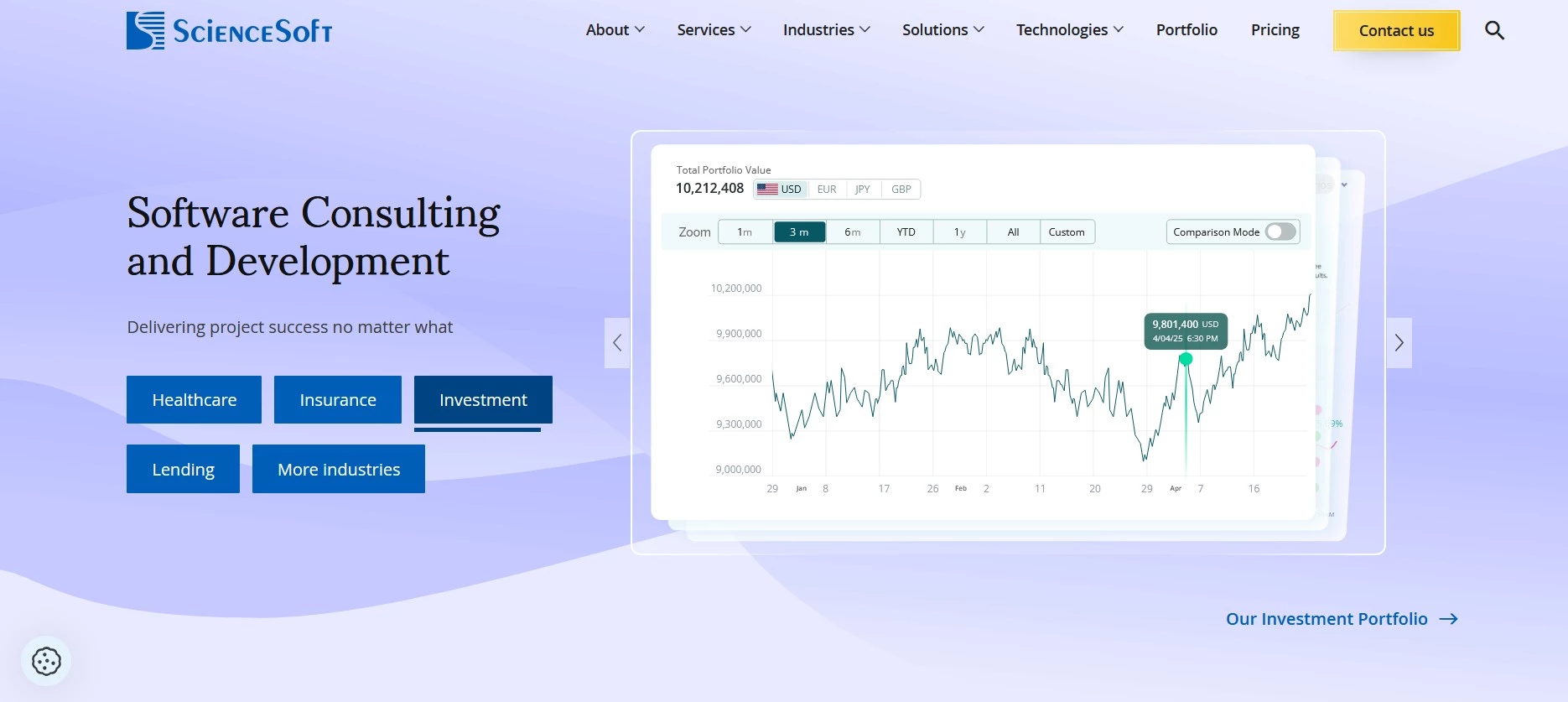
For storage strategy, companies like ScienceSoft often pair cloud architecture with governance-minded delivery, so retention, access controls, and cost tiers are part of the implementation plan instead of an afterthought.
Analytics
Analytics turns operational data into decisions through dashboards, reporting, and predictive insights. The real differentiators are data freshness, governance/definitions (one source of truth), and how easily teams can self-serve without breaking security.
Analytics Teams That Deliver Dashboards People Actually Use
Teams like Azumo lean into analytics as a full track (data prep, modeling, and visualization) so the dashboard arrives with definitions, refresh logic, and iteration baked into the engagement.
Search
Enterprise search helps employees and customers find information across websites, apps, docs, and knowledge bases. When it’s done well, factoring in access permissions, synonyms, and ongoing relevance tuning, search cuts support load and boosts productivity by returning the right results for each user.
Search That Works Across Content and Stays Permission Safe
For enterprise search, SharePoint-centric partners like Beyond Intranet and Cutulus tend to package search improvements alongside information architecture and governance, which is usually what stops search from turning into a junk drawer.
3. Content, Collaboration & Communication
These services cover how information moves through an organization and out to customers. That means delivering content quickly, managing it safely, and enabling day-to-day collaboration and customer communication. That entails:
Content Delivery
Content delivery services (often via CDNs) speed up websites and apps by caching content closer to users, reducing latency and load on origin servers. They are especially important for media-heavy experiences and global audiences.
Faster Pages for Global Users and Media Heavy Experiences
For delivery speed, web teams like IT Monks Agency focus on performance-minded builds, while agencies like Proven list modern hosting and monitoring capabilities that fit nicely into a package that allows you to launch fast, then keep it fast.
Content Management
Content management tools organize, publish, and govern digital content (web pages, product info, knowledge articles), enabling non-technical teams to update experiences while maintaining brand consistency and approval workflows.
CMS Setups That Let Teams Publish Without Breaking Guardrails

If you want smoother publishing, you’ll find agencies like Proven and Luxid calling out headless CMS work (such as Contentful or Strapi and composable content), which often comes packaged as implementation plus ongoing governance and enhancements.
Office Productivity
Office productivity suites centralize email, calendars, documents, spreadsheets, and collaboration to improve knowledge sharing and reducing shadow IT. Key considerations are identity integration, retention/eDiscovery, and external sharing controls.
Microsoft 365 Specialists Who Tame SharePoint and Collaboration
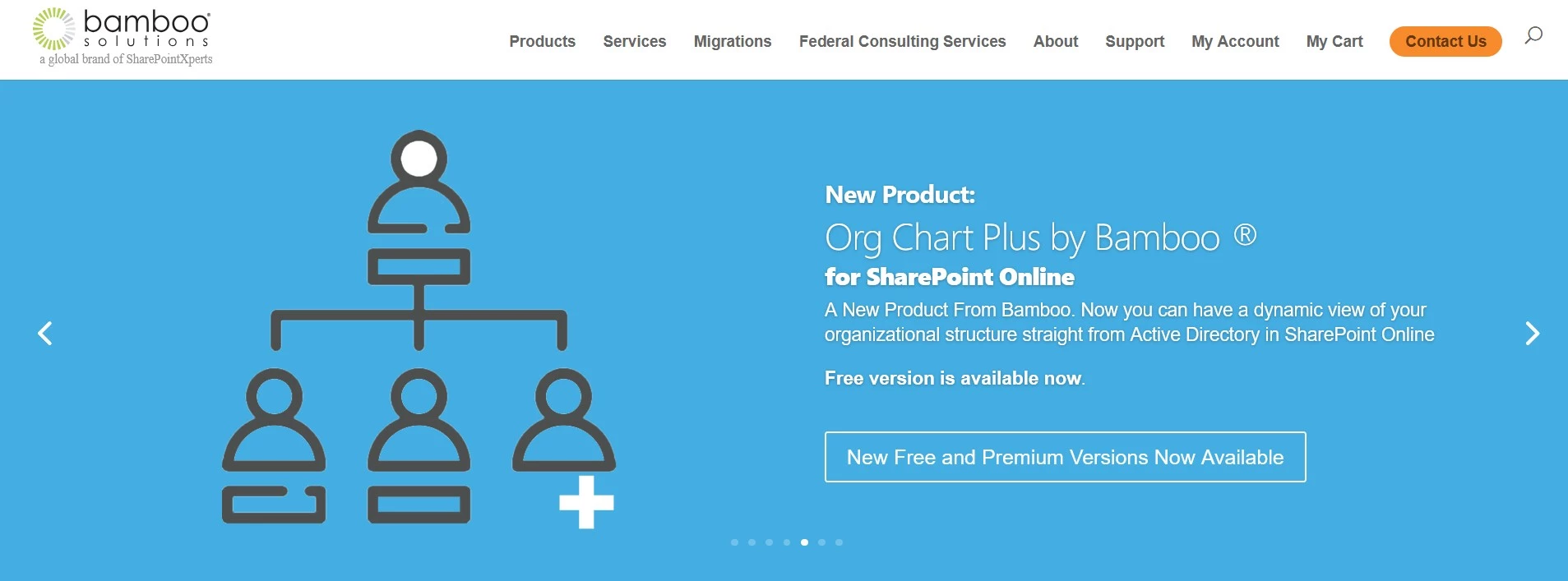
For Microsoft 365 rollouts and cleanups, Bamboo Solutions offers ready-made SharePoint/M365 enhancements (customizable web parts, apps, and tools) that make collaboration more usable without reinventing the wheel.
Meanwhile SharePoint Designs emphasizes out-of-the-box implementation, migration, and maintenance, plus prebuilt intranet templates and quick-deploy process/compliance tooling.
Communications
Business communications services (chat, VoIP, video conferencing, contact centers) keep teams and customers connected. Buyers evaluate reliability, compliance, integrations (CRM/helpdesk), and admin controls for distributed workforces.
Contact Center Partners for Real World Coverage Needs
For customer communications and contact centers, providers like Peak Support and Simply Contact emphasize outsourced support operations, while Influx highlights a flexible month-to-month support model that’s easy to scale up or down.
4. Operational Engineering & Automation
Keeping systems reliable and reducing manual workload happens through monitoring, event and transaction handling, workflow orchestration, and automation.
Operational leverage is key to fewer incidents, faster recovery when something breaks, and more output without scaling headcount at the same rate.
Monitoring
Monitoring and observability tools track uptime, performance, and user experience across infrastructure and applications. The goal is faster detection and resolution via metrics, logs, traces, and alerting tied to real service-impact signals.
Observability That Cuts Noise and Flags the Right Fires
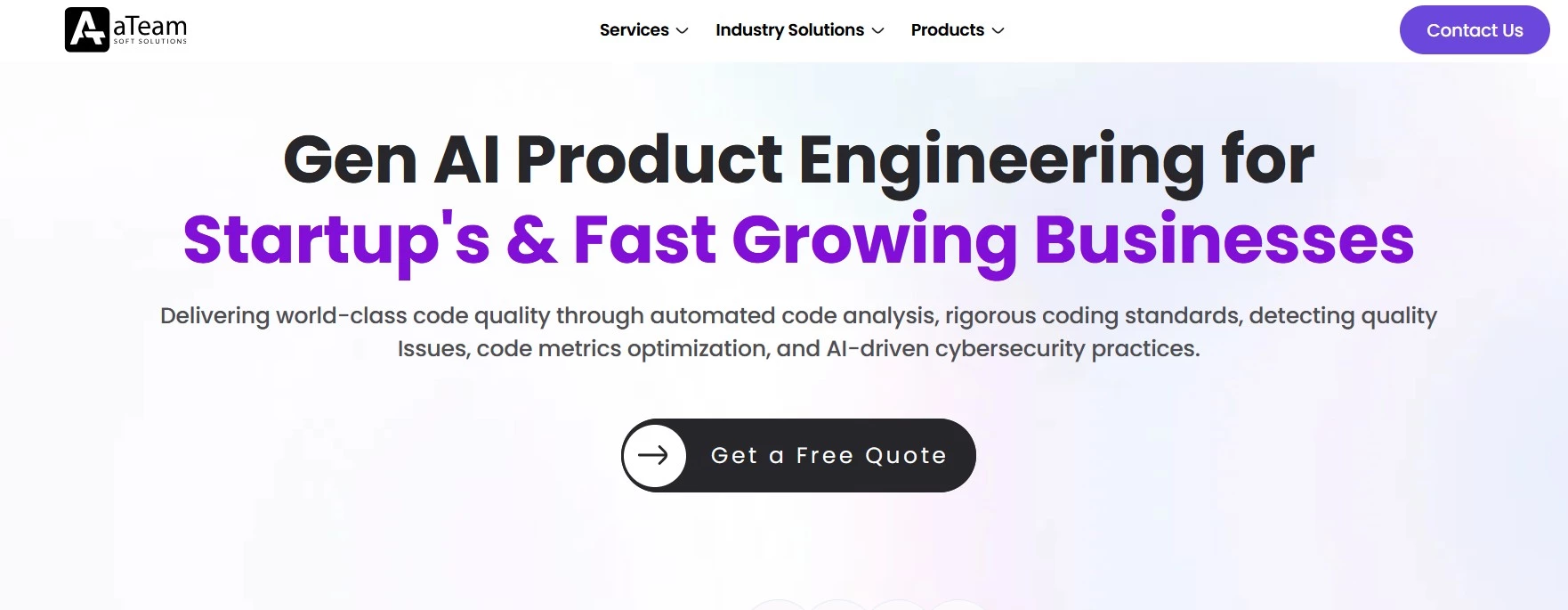
For monitoring and observability, engineering teams like ATeam Soft Solutions and IT Outposts are a fit when you want implementation plus ongoing refinement. That’s because they offer signal-based alerts, dashboards, and runbooks that get smarter over time rather than a one-and-done setup.
Event Processing
Event processing handles real-time streams of logins, purchases, sensor readings so systems can react instantly to power things like fraud detection, operational alerts, and near-real-time personalization.
Real Time Streams That Power Alerts, Fraud, and Personalization
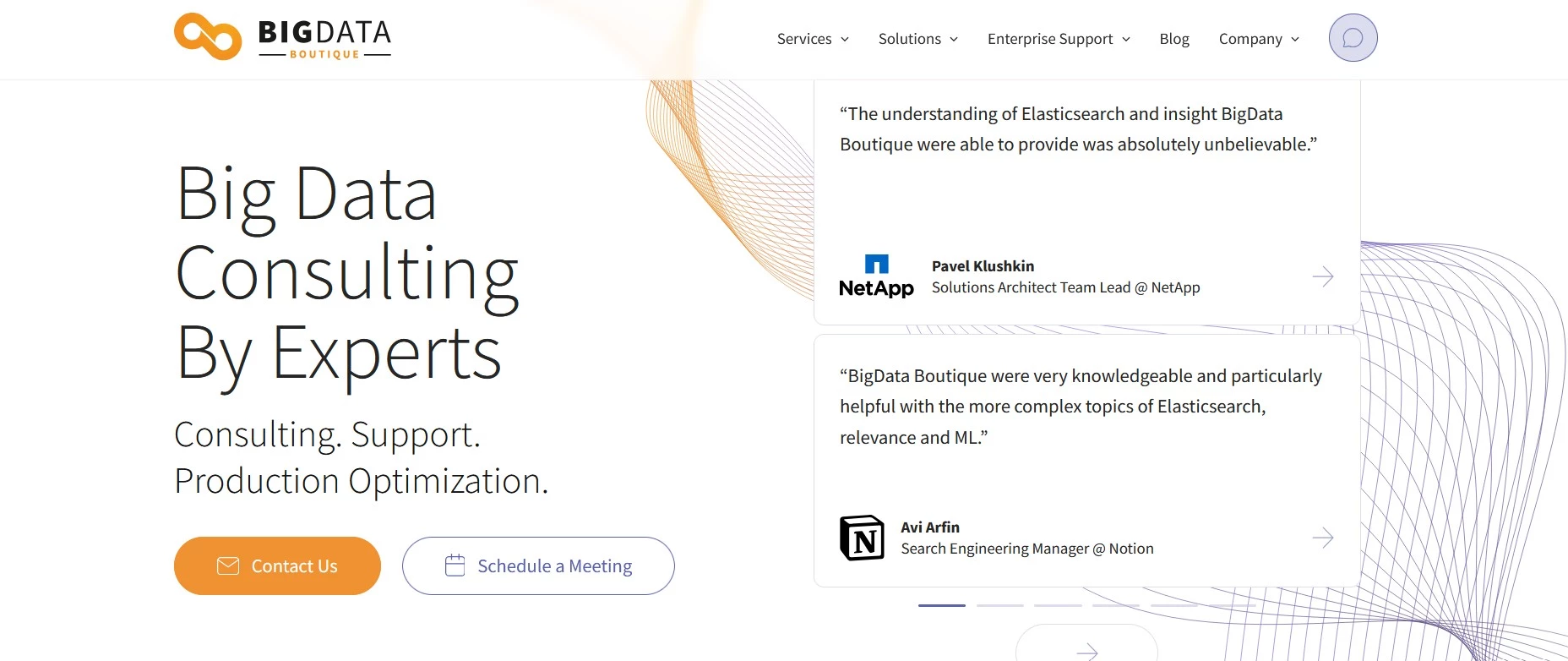
If you’re building on events and streams, data engineering teams like BigData Boutique and ThirdEye Data can treat it as a pipeline product. They design ingestion and stream processing with dependable downstream analytics, normally delivered as a phased rollout with performance and reliability tuning.
Transaction Processing
Transaction processing services ensure critical business transactions are handled accurately and reliably (payments, bookings, inventory changes), with emphasis on consistency, auditability, latency, and resilience under peak loads.
Payments Ready Engineering With Audit Trails and Resilience
For transaction-heavy systems, providers like Kindgeek highlight building secure payment processing that meets high compliance standards. You’ll need that for audit-ready workflows, strong traceability, and resilience across every step of the transaction lifecycle.
Workflow
Workflow tools orchestrate multi-step processes across people and systems (approvals, onboarding, incident response), improving accountability through defined steps, assignments, SLAs, and integrations that reduce handoffs.
Workflow Builders Who Replace Handoffs With Clear Steps
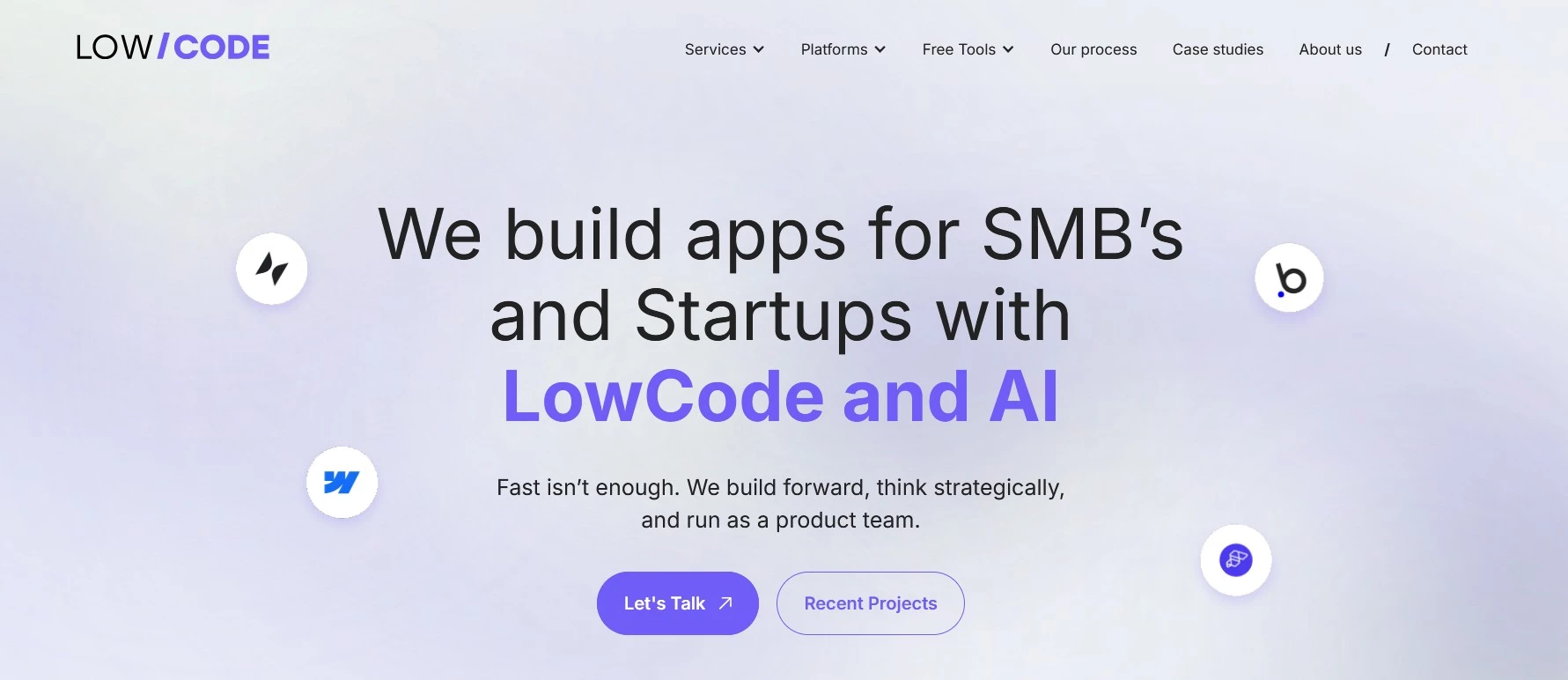
For approvals, onboarding, and internal orchestration, LowCode Agency highlights rapid no-code and low-code delivery across common platforms. That's often a great fit for packaging workflow builds as fast prototypes that evolve into production systems.
Business Automation
Automation reduces repetitive work and improves consistency, from task-level fixes (low-code/RPA) to end-to-end workflow orchestration (BPM). The best results come from standardizing the process first, defining ownership and KPIs, then automating the stable, measurable parts.
Low Code and RPA Providers That Remove Busywork Quickly
If the goal is to eliminate repetitive tasks, firms like Nuvento explicitly call out automation approaches (including UiPath-style intelligent automation and AI-driven workflows), which tend to be sold as quick wins followed by a pipeline of next automations.
5. Mobility & End-User Technology
Delivering secure mobile experiences and managing devices at scale require policies, deployment, and support tools.
This sector is especially relevant for frontline and field-heavy organizations where productivity, offline access, and compliance-driven device controls matter.
Mobile Apps
Mobile app services cover building and maintaining native or cross-platform apps to engage customers and employees; success depends on UX, performance, secure auth, offline support (when needed), and disciplined release/testing practices.
Mobile App Crews for Polished UX and Disciplined Shipping
For mobile apps, Zoolatech is positioned as a delivery-focused partner, supporting end-to-end development with planned release cycles, built-in QA, and ongoing maintenance as the product scales.
Mobile Platforms
Mobile platforms include tooling to manage devices, deploy apps, and enforce policies (MDM/UEM), which is critical for security and support, especially for bring-your-own-device (BYOD) environments and regulated industries.
Device Management Help for Secure BYOD and Fleet Control
For MDM and UEM needs, Zoolatech even showcases a mobile device management solution as a defined project, and providers like Mobile Mentor lean into enterprise-grade security and support as part of the overall mobile platform offering.
6. Security & Risk Management
Here the focus is protecting how data is accessed and how it’s handled. That means network defenses, information security controls, and the practices that reduce exposure and meet compliance needs.
The key to measurable risk reduction is shrinking the attack surface, as well as improving detection and response readiness, not to mention safeguarding sensitive data.
Network Security
Network security protects the pathways your data travels on (networks, endpoints, remote access) using controls like segmentation, VPN/ZTNA, firewalls, and continuous monitoring to reduce the attack surface.
Network Defenses That Tighten Access and Limit Blast Radius
For network security, firms like TruAdvantage and CyberDuo position around managed cybersecurity and secure transformation, which usually comes packaged as an assessment plus implementation and ongoing monitoring.
Information Security
Information security focuses on protecting information and systems from unauthorized access, disruption, modification, or destruction to maintain confidentiality, integrity, and availability. Implementation is usually done through policies, risk management, and technical controls.
Security Programs That Make Risk and Compliance Practical
If you’re more focused on policies, risk, and governance, InData Consulting emphasizes cybersecurity risk assessment as a starting point, while managed providers like CommSec Cyber Security highlight ongoing SOC-style visibility and response.
7. Emerging & Specialized Technologies
The shared theme across applied AI, connected devices, and robotics is practical innovation with pilotable solutions that can improve efficiency, safety, personalization, or predictive maintenance (when paired with the right data and operating model). Here’s how:
Generative AI (GenAI)
GenAI applies large language and multimodal models to draft, summarize, search, and assist. It powers copilots for support, sales, engineering, and operations.
Practical adoption depends on trustworthy knowledge access (RAG/search), privacy and permissions, quality evaluation (hallucinations, bias), and clear ROI tied to time saved, resolution rates, or conversion.
Internet of Things (IoT)
IoT connects devices with sensors/actuators so they can exchange data and manage at scale. This is common in manufacturing, logistics, and facilities where device identity, patching, segmentation, and data pipelines are as important as the devices themselves.
IoT Builders Who Connect Devices, Cloud, and Dashboards Safely
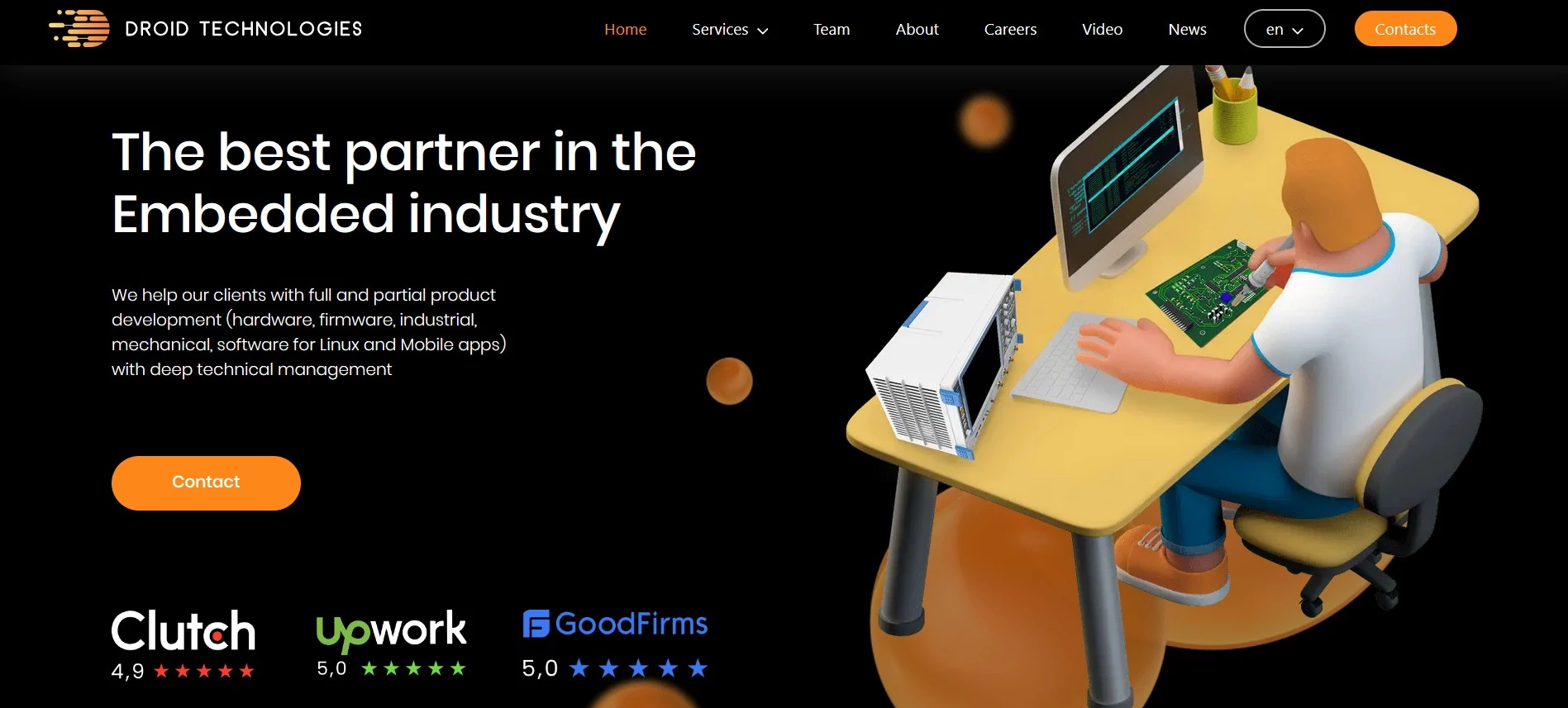
For IoT, teams like Sirin Software and Droid Technologies LLC combine device work (hardware/firmware) with cloud buildout and the UI layer. That fits IoT programs where the platform and dashboards need to be designed alongside the devices instead of being treated as an afterthought.
Robotics
Robotics uses programmable machines to automate physical work (assembly, picking, inspection). They deliver ROI when processes are repeatable and safety/reliability requirements are well-defined, often paired with vision systems and AI for flexibility.
Robotics and AI Partners for Smarter Physical Automation
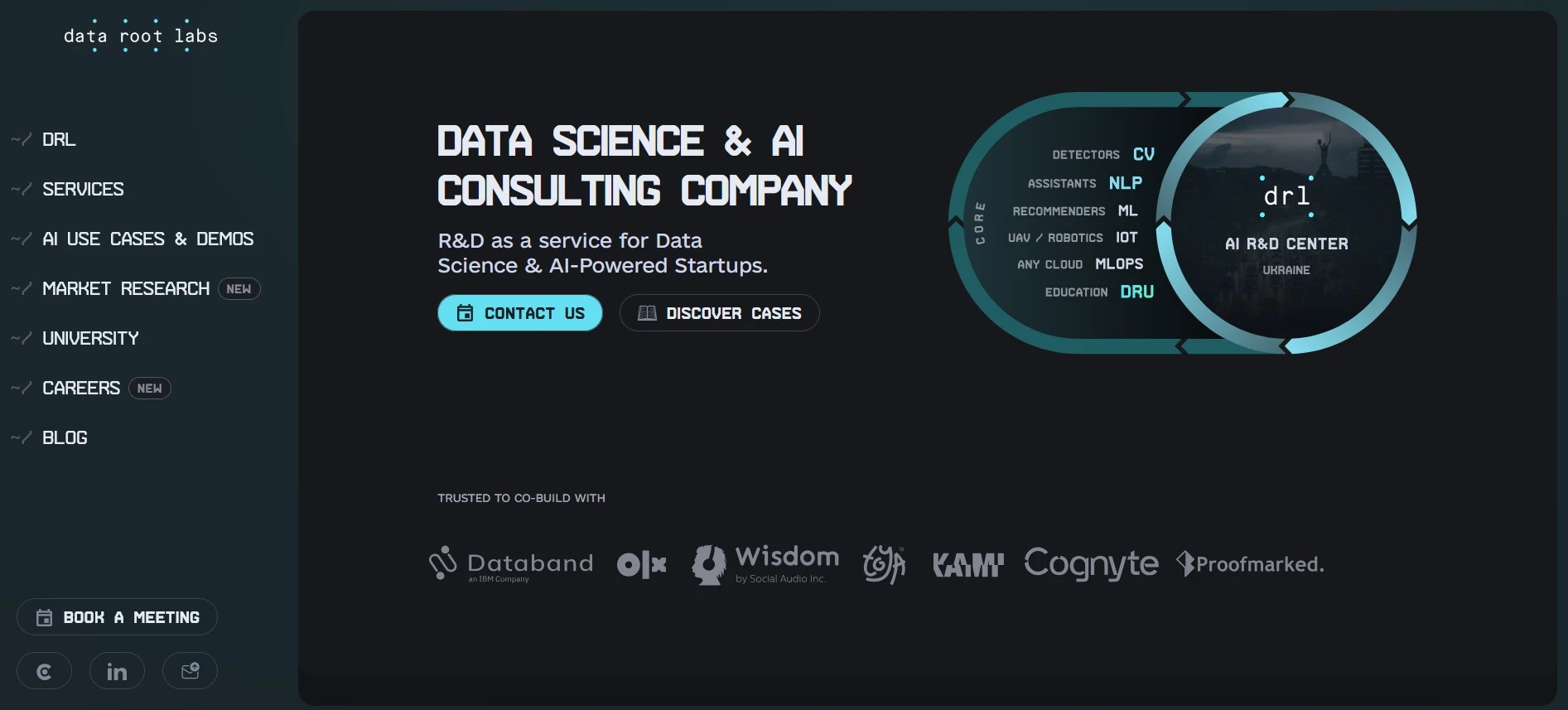
On the robotics side, DataRoot Labs appears in robotics AI listings and positions around advanced AI capabilities, which is a strong match when robotics projects need perception, optimization, or decisioning layered onto automation.
Choosing the Right IT Services for Your Business
Choosing IT services is easiest when you start with the outcome you want, then check that the option works with what you already use and that your team can realistically run it day to day.
Use the steps below as a quick test before you decide:
- Start with outcomes: Tie each service to a clear goal (like reduce downtime, speed up delivery, strengthen security, increase conversions) and define 2–3 success metrics upfront.
- Check fit with your stack: Prioritize tools that integrate cleanly with your identity provider and core systems (SSO, HRIS/ERP/CRM, cloud, data sources).
- Confirm compliance early: Validate data-handling needs (PII, retention, residency), required certifications, and auditability before you commit.
- Assign ownership: Make sure someone owns operations (SLAs, monitoring, incident response, and ongoing maintenance) so the service isn't left to drift after go-live.
- Pilot before scaling: Test with one workflow, one app, or one team, then review total cost and change management. Scale only after the pilot proves value.
Types of Information Technology: Final Words
Cloud and application platforms are ultimately about creating a secure, scalable foundation that lets teams deliver better software faster, with less operational friction and more consistency across the business.

Our team ranks agencies worldwide to help you find a qualified partner. Visit our Agency Directory for the top IT services companies, as well as:
- Top IT Services for Startups
- Top Managed IT Service Providers
- Top Cybersecurity Companies
- Top IT Services for Financial Industry
- Top Cloud Consulting Companies
Typse of Information Technology FAQs
1. How do we decide which workloads belong on which platform first?
Start with high-impact, frequently changing apps or services with clear reliability/performance pain.
2. What’s the biggest hidden cost in cloud/platform initiatives and how do we avoid it?
Tooling and process sprawl. Prevent it with standard templates, clear ownership, and consistent guardrails.
3. How can we control cloud spend without slowing teams down?
Tag everything, set budgets/alerts, and track cost per unit (per transaction/customer) so teams can self-manage.
4. What does “avoiding vendor lock-in” look like in practice?
Maintain tested export paths, use portable patterns where it matters, and document an exit plan for top dependencies.
5. What should we ask a partner or agency before trusting them with platform work?
Ask how they handle day-2 operations: incidents, observability, security, and cost. Add to that what they standardize vs. custom-build.
6. How do we keep APIs and integrations from becoming brittle over time?
Use contract-driven versioning, automated integration tests, and clear ownership for each interface.
7. What metrics prove the platform is improving delivery, not just “modernizing”?
Track DORA metrics plus cost per transaction and downtime. You’ll see improvement through faster, safer releases with fewer exceptions.