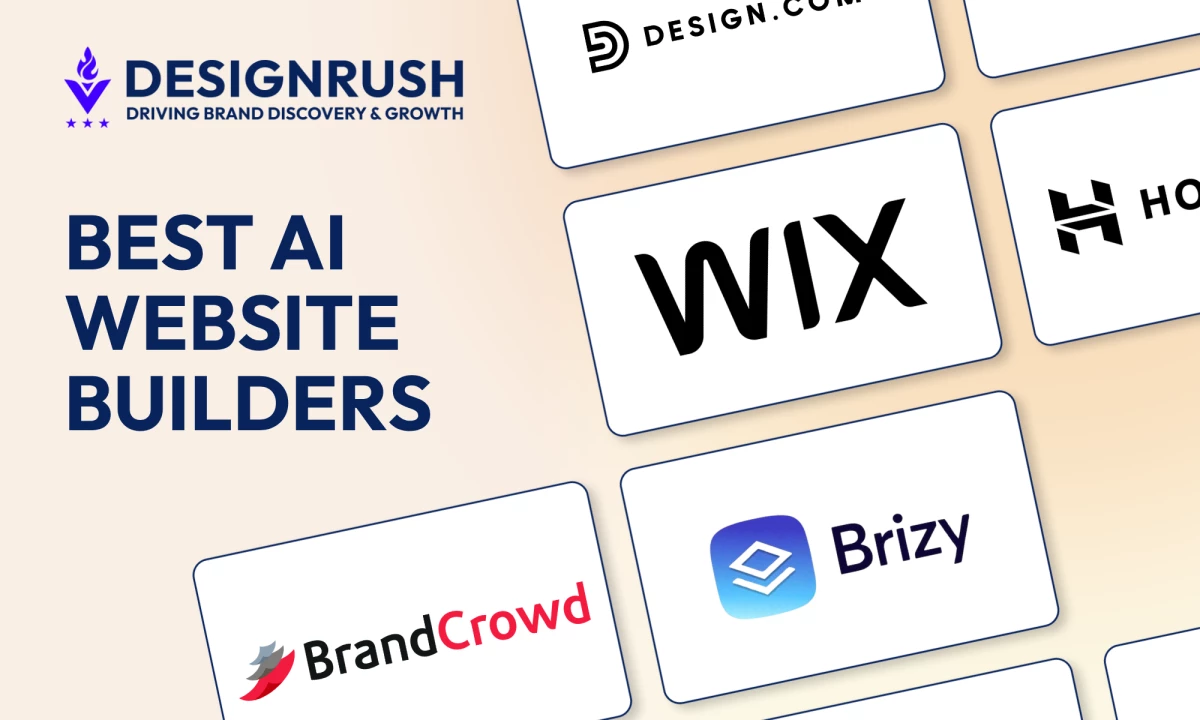

The best AI website builder depends on what you need to create. Brizy works best for launching professional landing pages quickly, Wix offers extensive customization and business tools, and Hostinger provides an accessible option for eCommerce websites.
Compare their editing controls, free-plan limits, SEO features, and long-term pricing before choosing one.
AI Website Builders: Key Findings
- Brizy works well for fast landing page launches, while Design.com and BrandCrowd suit businesses that want their website and brand assets created within the same platform.
- Wix offers the broadest customization and business toolkit, while Hostinger and Durable provide simpler all-in-one options for eCommerce and service-based businesses.
- 10Web gives WordPress users AI-assisted creation, migration, managed hosting, and access to the wider WordPress plugin ecosystem.
AI Website Builders Launch Sites in Half the Time, but Can They Compete?
In 2026, 64% of engineering professionals say AI has boosted their team's velocity by at least 25%, according to Jellyfish's survey, which makes AI website builders a natural next step for teams and businesses alike.
Faster building doesn't guarantee better results, though: 90% of Wix's AI-builder users still hand-edit their most brand-sensitive details, and Veracode found that about 44% of AI code-generation tasks introduced a security vulnerability.
The real question is whether an AI-built site can compete, convert, and scale in real-world markets, so we compared the best tools on pricing, customization, SEO, and growth.
How We Ranked the Best AI Website Builders
We reviewed 12 platforms using their current product documentation, feature pages, pricing information, and free-plan terms.
To compare their output under the same conditions, we tested each platform with the same website prompt and assessed how accurately and completely it followed the brief.
We compared the quality of the initial website, editing flexibility, brand and theme controls, SEO settings, business features, and publishing restrictions.
We also examined what happens after generation, including whether users can change layouts and site structure, connect a custom domain, manage content, add eCommerce or marketing tools, and scale the website without rebuilding it elsewhere.
Tools ranked more favorably when they could support an active business website rather than only produce a quick visual concept.
For pricing, we distinguished monthly billing from discounted annual rates and flagged introductory offers that renew at a higher price. All prices use US dollars and reflect information available in September 2026.
Providers may change prices based on location, billing term, plan updates, or temporary promotions.
The 12 Best AI Website Builders in 2026 at a Glance
Here’s a detailed look at the most popular AI website designer tools of 2026, each excelling in a specific niche for a particular purpose:
| Builder | Best For | Key AI Features | Free Access | Starting Price and Billing Terms |
| Brizy | Rapid professional websites | Block-based AI site generation | 14-day trial | $19/month |
| Design.com | Brand-first websites | AI site generation with logo and brand assets | Free plan | $9/month |
| BrandCrowd | Best for startups & small businesses | AI branding and website generation with automatic visual consistency | Free plan | $9/month |
| Wix AI | Custom business websites | AI chatbot builder with automated layouts and content | Free plan | $24/month |
| Hostinger AI | Fast ecommerce sites | AI website generator, AI writer, AI heatmap | 14-day trial | $11.99/month |
| Jimdo | Small business websites | AI setup assistant and automated SEO tools | Free plan | $12/month |
| GoDaddy AI | Simple business sites | Airo AI builder with marketing automation | Free plan | $9.99 per month billed annually |
| Durable | AI-run business sites | AI website generator with CRM and invoicing | Free plan | $25/month |
| 10Web AI | WordPress AI sites | AI site recreation and migration for WordPress | Free generation and one-week trial | $20/month |
| Squarespace AI | Design-led websites | Blueprint AI builder with AI-generated layouts and content | 14-day trial | $19/month |
| Framer | Design-controlled AI websites | Editable AI pages, sections, copy, visuals, CMS, and SEO | Free plan | $15/month |
| Webflow | Scalable marketing websites | Multi-page generation, design systems, copy, code, and CMS | Free plan | $25/month |
1. Brizy: Best AI Landing Page Builder for Rapid Site Creation
Choose it if you’re an agency or marketer building landing pages quickly.
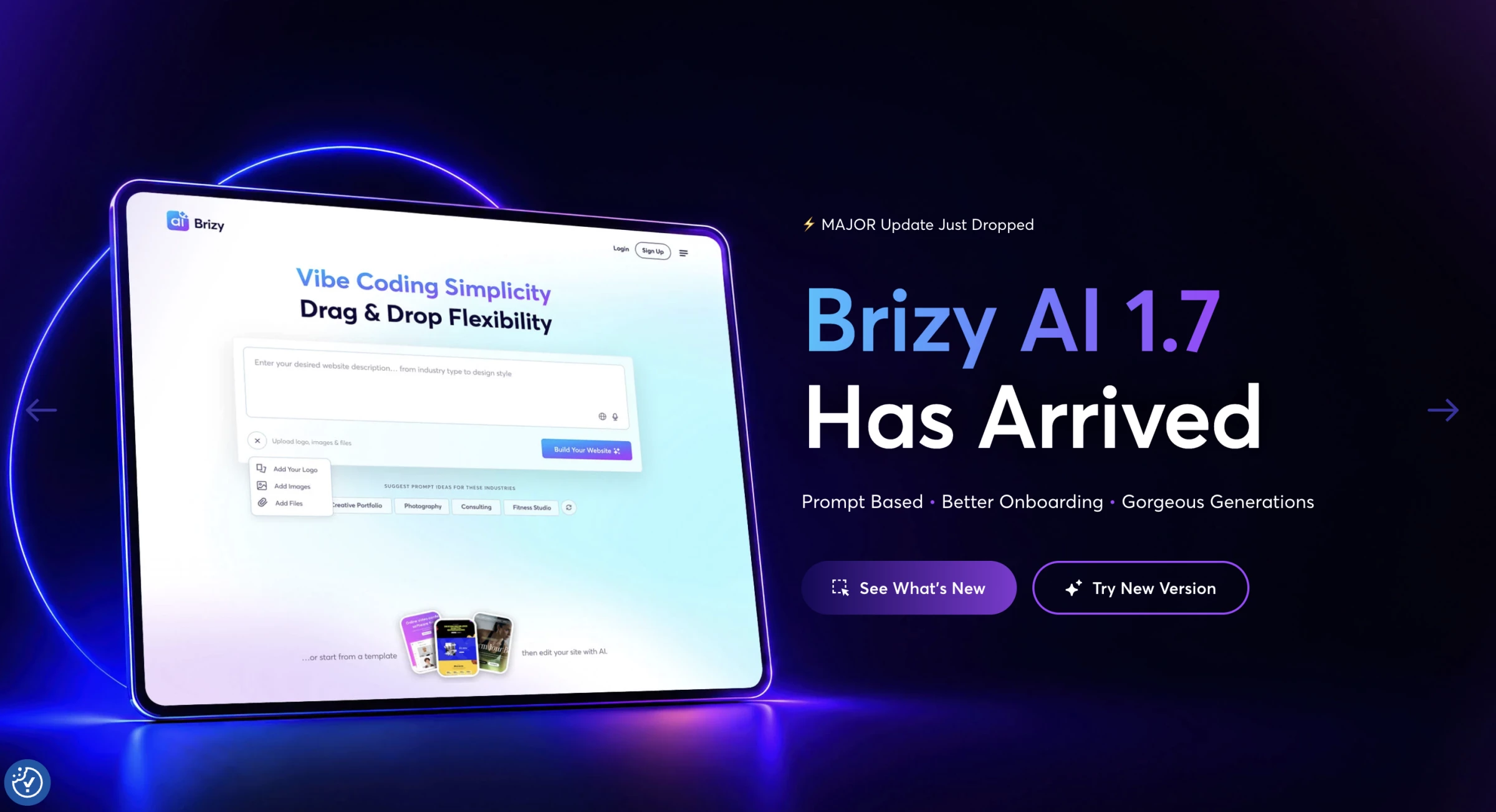
Brizy generates websites and landing pages from a prompt, business details, or information pulled from Google Business Profile, Facebook, and Instagram.
Dimi Baitanciuc, Brizy’s co-founder and CEO, says existing business data gives the AI more context about what a company needs.
By considering its industry, services, and branding, the platform can make “more informed decisions about website structure, functionality, and even content.”
The social profile connections reduce setup time for businesses that already maintain their information on those platforms.
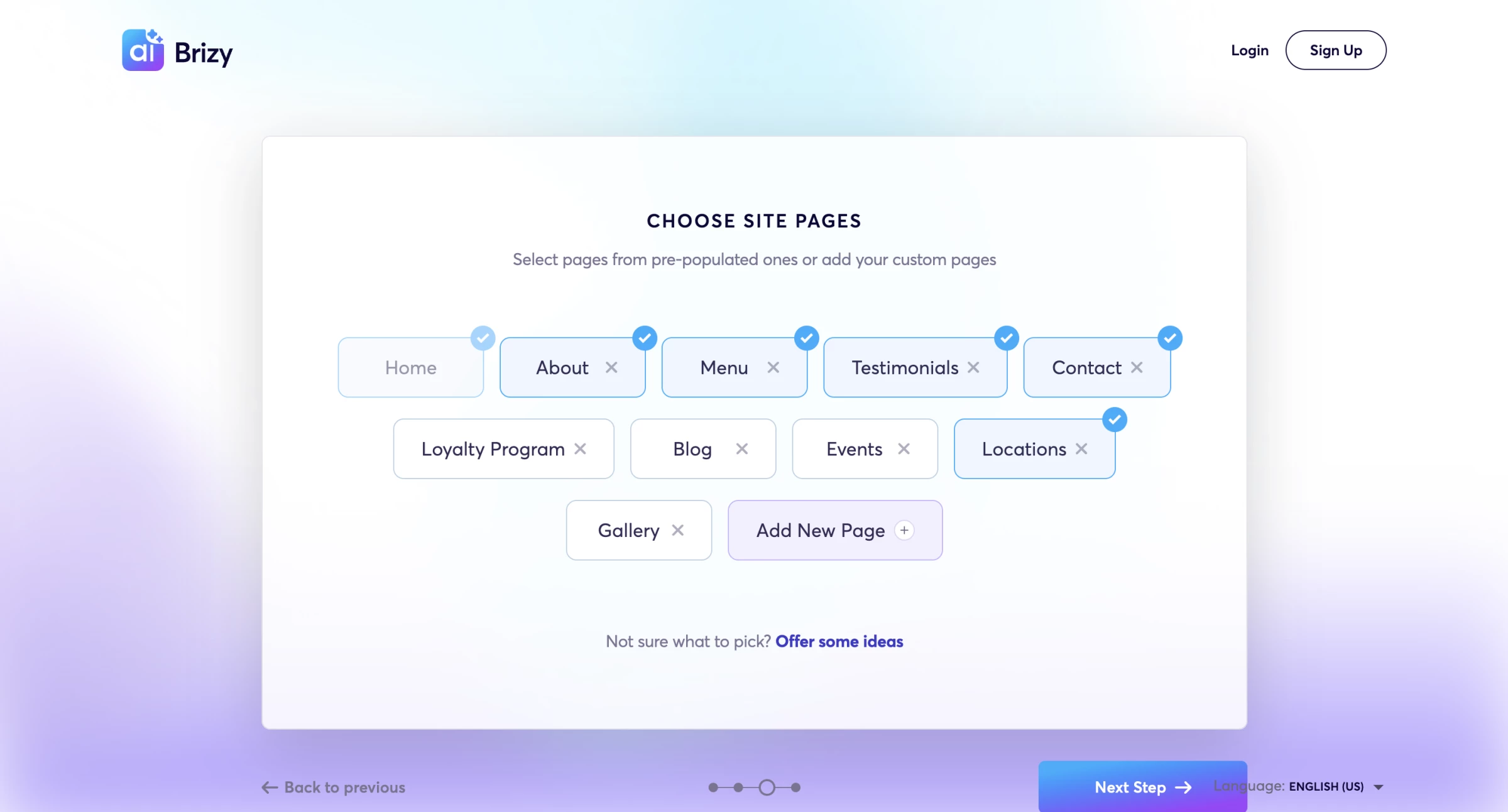
The platform keeps the generated design editable through its drag-and-drop builder. Teams can change the layout, copy, images, colors, and individual blocks without rebuilding the page from scratch.
Brizy Cloud includes hosting, while Brizy WordPress works as a plugin for self-hosted WordPress websites.
Brizy added its AI website generator to WordPress Pro plans in 2026, giving WordPress users a second way to access the same generation workflow.
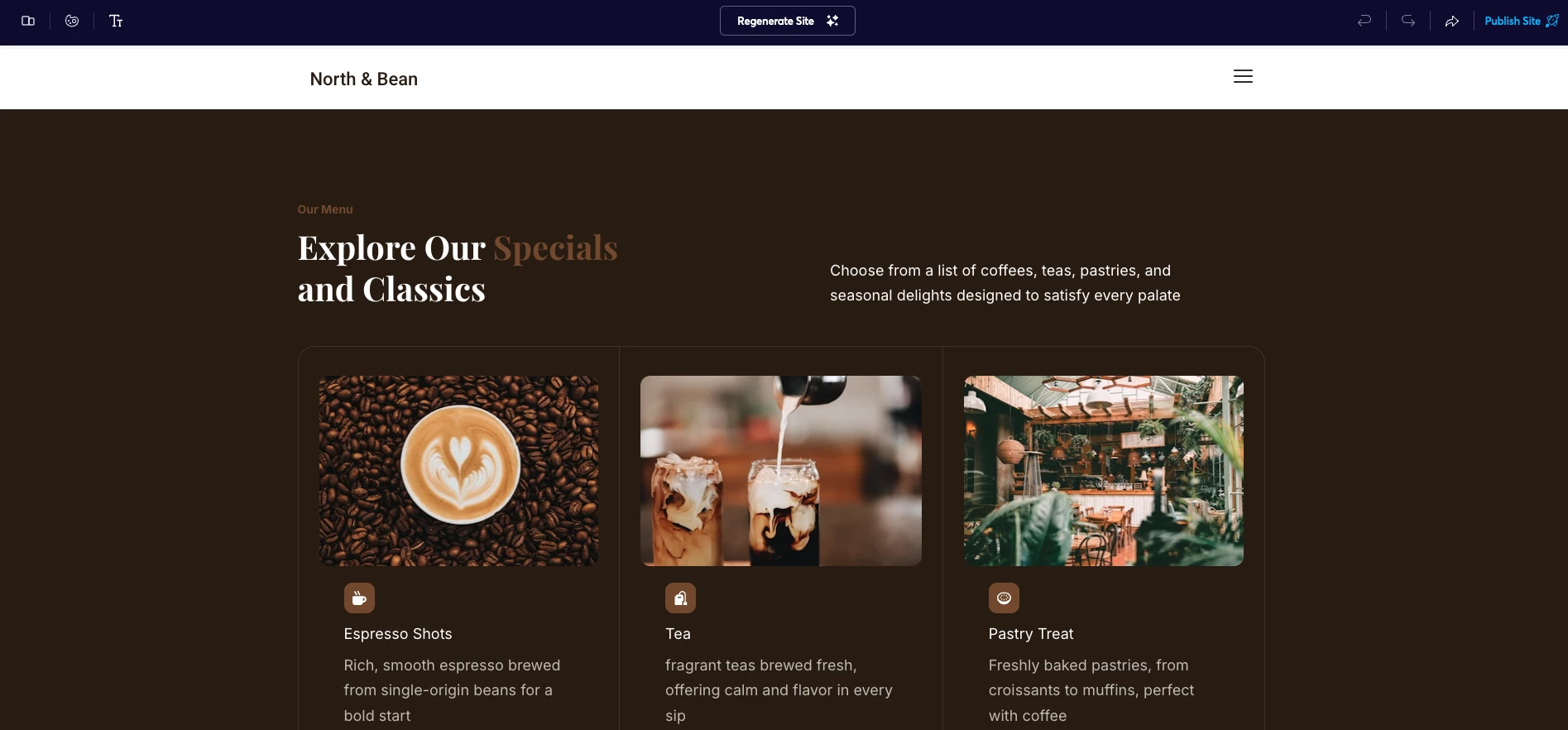
Agencies and software companies can also use Brizy's White Label plan to offer the builder under their own branding. The plan includes client management, hosted websites, unlimited team members, and white-label controls.
Get started with Brizy for free.
Pros
- Google Business Profile, Facebook, and Instagram integrations help auto-fill site content
- White Label plan allows agencies to rebrand the builder for client use
- Block-based AI generation creates flexible layouts instead of rigid templates
- Works with both Brizy Cloud hosting and self-hosted WordPress setups
Cons
- AI-generated sites may miss business details such as hours or specific services
- Advanced collaboration and multi-site management require paid plans
- Limited control over URL hierarchy may affect SEO structure on some projects
Pricing
- Brizy Cloud (hosted builder)
- Personal: $19/mo or $190/yr
- Agency: $69/mo or $690/yr
- White Label: $159/mo or $1590/yr
- Enterprise: Contact sales
- Brizy WordPress (self-hosted plugin)
- Personal: $69/yr
- Freelancer: $119/yr
- Agency: $239/yr
- White Label: $359/yr
- Enterprise: Contact sales
What Users Say
Across Capterra and WordPress.org, users frequently praise Brizy’s clean interface, quick setup, and gentler learning curve compared with more complex WordPress builders.
Less-positive feedback points to occasional bugs, limited media management, and gaps in advanced controls such as custom breakpoints and more sophisticated forms.
Other Notable Features
- Global blocks and styling controls let teams update repeated elements across multiple pages.
- Dynamic templates can pull content from WordPress posts, categories, and custom fields.
- Display conditions control where headers, footers, pop-ups, and other global blocks appear.
- Brizy Sync moves saved pages, blocks, and pop-ups between Brizy Cloud and WordPress projects.
- Brizy Cloud includes SSL and a global content delivery network to support security and performance.
Businesses that need custom architecture, brand strategy, or complex integrations can compare AI web design agencies instead.
2. Design.com: Best for Brand Styling and Theming
Pick it if you’re an early-stage founder without an internal designer.
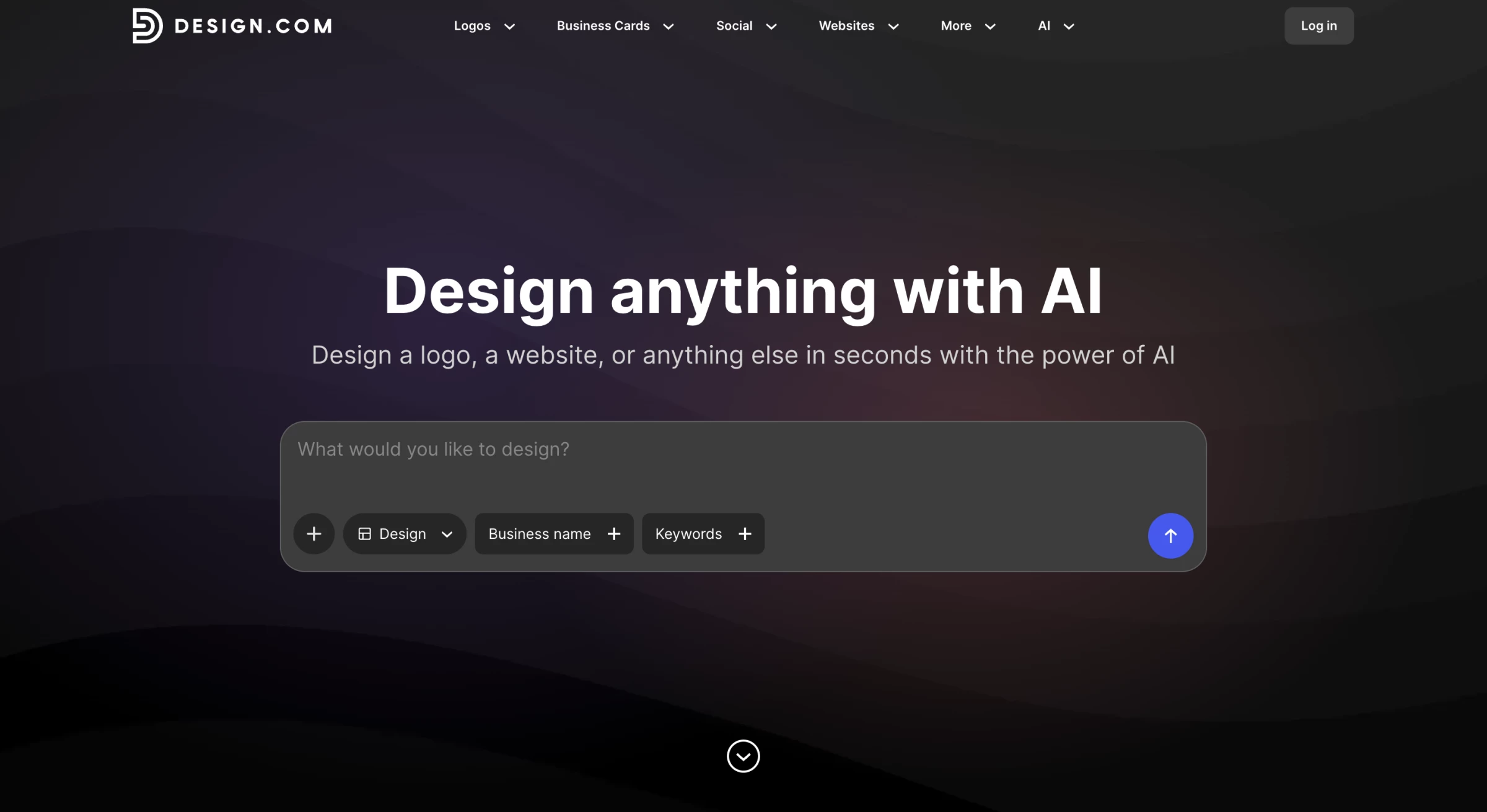
Design.com combines AI website generation with a broader branding platform.
You can start with a business name or prompt, generate website options, and build matching logos, business cards, social assets, email signatures, and other marketing materials in the same system.
The website editor provides direct control over colors, fonts, layouts, spacing, and design elements. Design.com can also apply a logo and its brand colors across the website and other assets, which reduces repetitive styling work for new businesses.
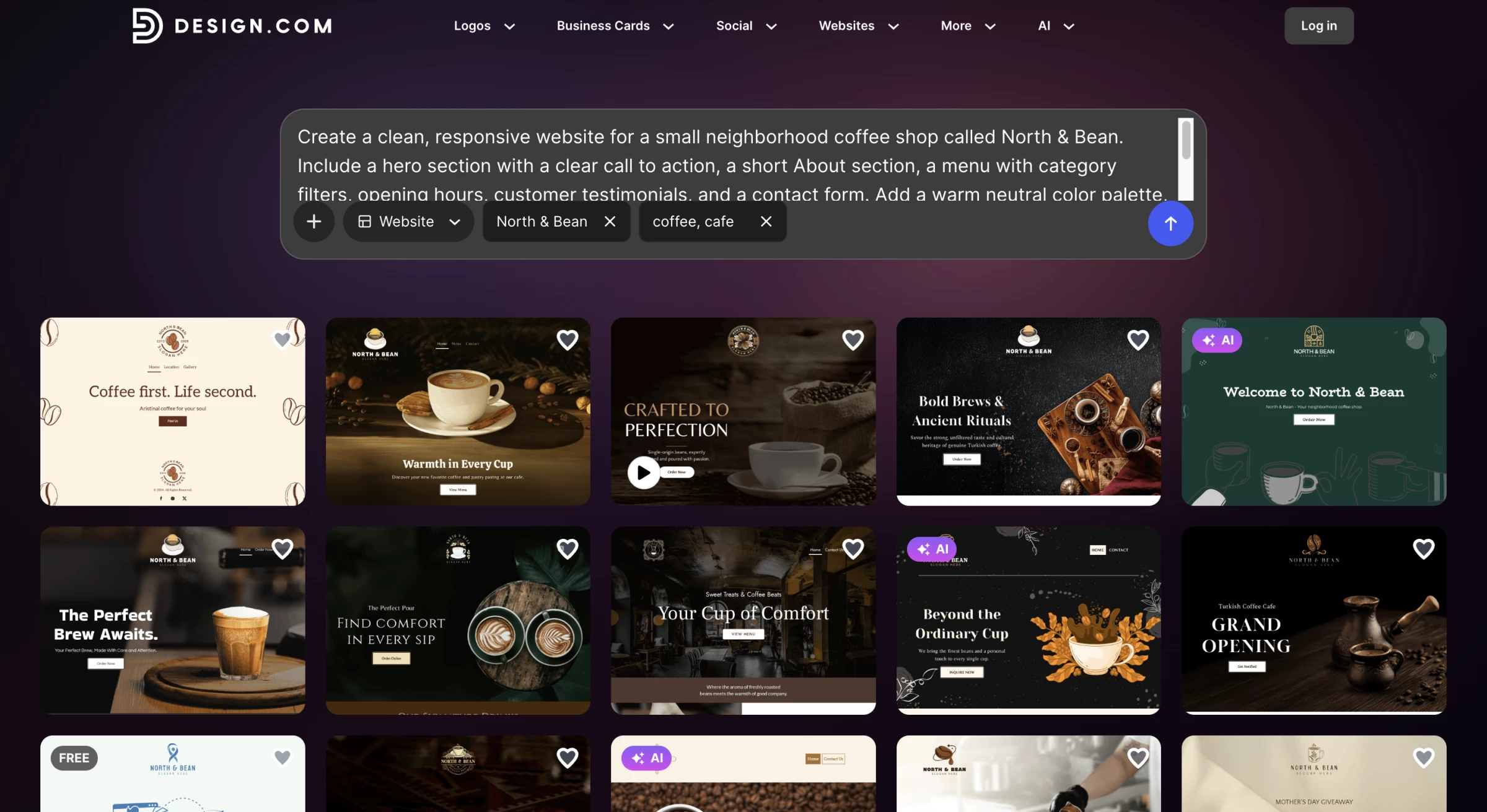
The platform offers more than 3,000 website templates and a much larger library of brand and marketing designs.
It also includes hosting, contact forms, online payments, video embeds, maps, email capture, and custom domain support on qualifying plans.
Design.com works best for a small company that needs a website and a complete visual identity at the same time.
Its brand-first workflow provides less technical depth than a developer-focused platform, but it gives non-designers a fast route to a consistent launch.
Pros
- AI generates website options from a business name or prompt.
- Brand colors and typography can carry across websites and marketing assets.
- The editor supports changes to fonts, colors, layouts, spacing, and visual elements.
- Free website options include hosting and a branded URL.
- The wider platform includes more than 50 design and branding tools.
Cons
- Limited advanced customization compared to full website builders
- Not designed for complex CMS-driven websites or large stores
- Some branding assets and templates require paid upgrades
Pricing
Design.com offers a free three-page website with a watermark, contact form, video embedding, and maps. Its broader branding plans currently include:
- Starter: $9 per month or $3 per month billed annually
- Value: $14 per month or $4 per month billed annually, including the website builder
- Premium: $19 per month or $5 per month billed annually, adding link-in-bio and digital business card tools
What Users Say
The dominant theme in Design.com’s Trustpilot reviews is accessibility. Customers like the large selection of designs and say they can create credible brand assets without professional design experience.
Some reviewers find the download process or plan structure confusing, while others report unexpected renewals, billing difficulties, or website-hosting limitations.
Other Notable Features
- The brand kit applies a logo, colors, and fonts across a large library of matching templates.
- A QR code generator creates branded codes for websites, contact details, menus, and payments.
- More than 30 social design tools cover platforms such as Instagram, TikTok, Facebook, LinkedIn, and YouTube.
- Presentation, flyer, poster, and business card makers extend the same identity into digital and print materials.
- Link-in-bio pages, email signatures, and digital business cards give new businesses additional branded touchpoints.
3. BrandCrowd: Best for Branded Small-Business Websites
Consider it if you’re a small business prioritizing consistent branding.
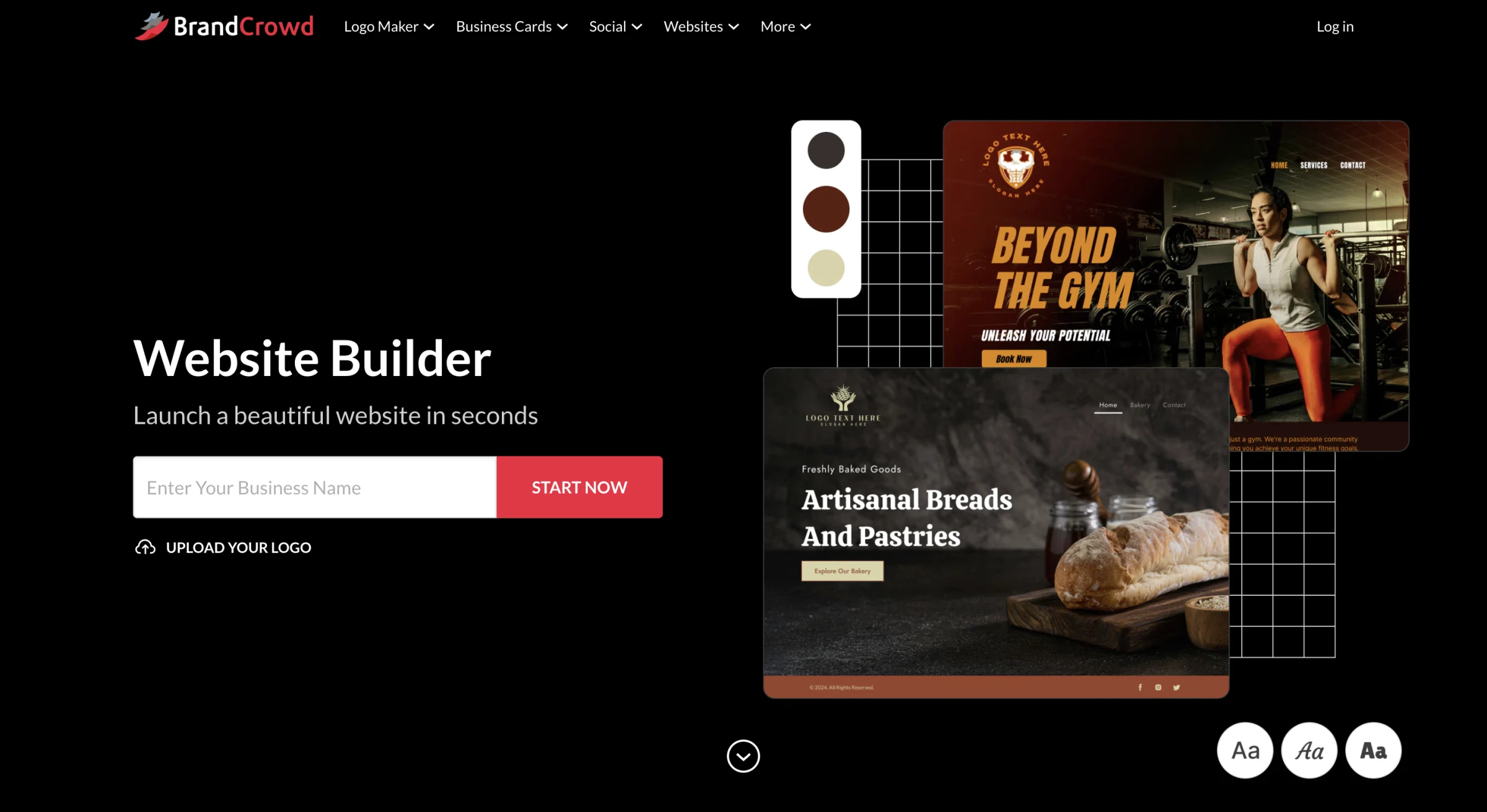
Along with a library of over 3,000 website templates, BrandCrowd’s website builder includes an AI website generator where you can generate a website with a simple prompt.
BrandCrowd AI website builder takes a different approach by starting with your brand first.
Instead of generating a standalone site, it creates a complete visual identity and applies it consistently across your website and supporting assets, including social media and print designs.
After generating a logo, the platform automatically carries brand colors, typography, and style across pages and designs, reducing the need to manually align everything later.
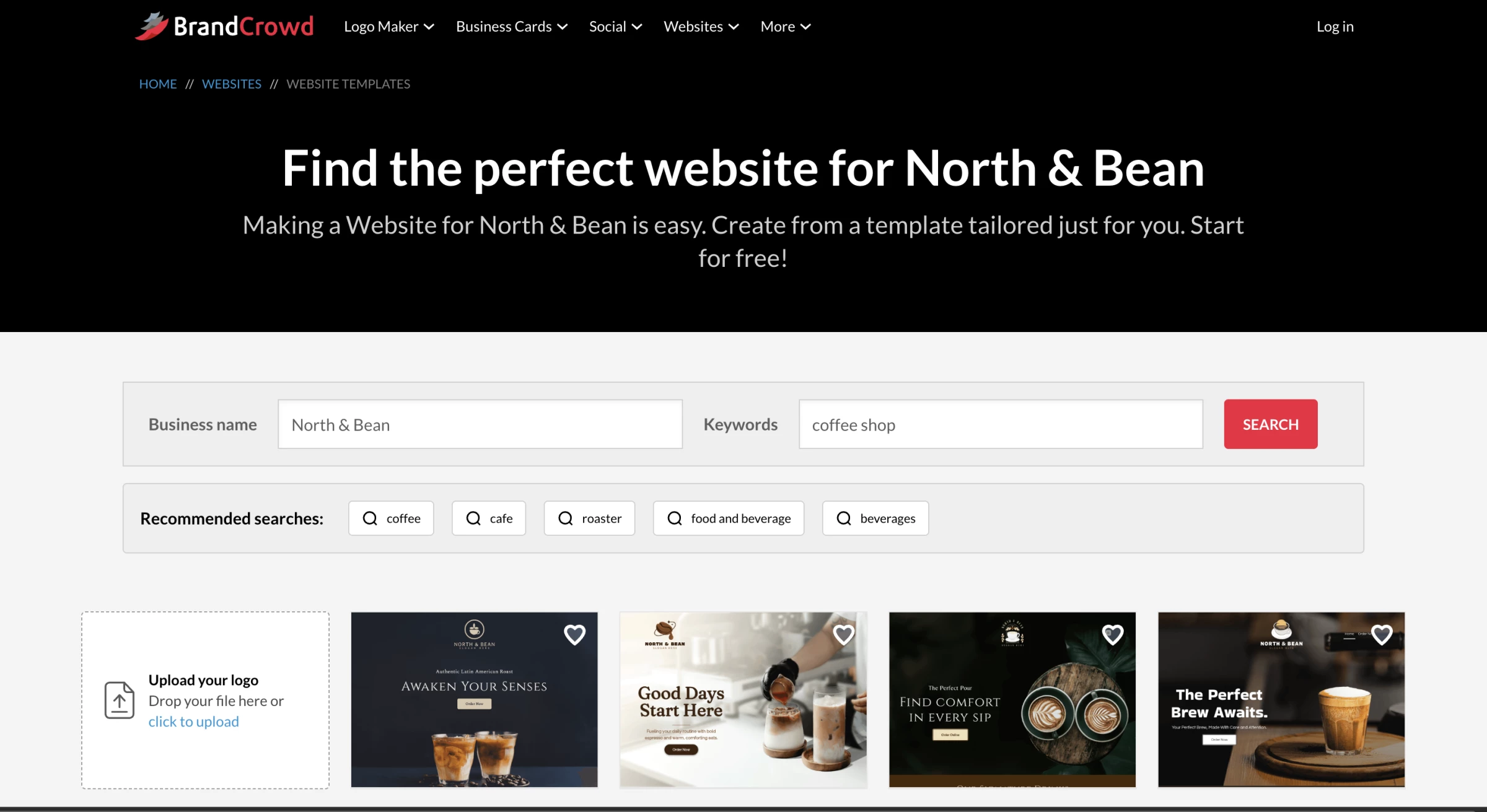
Creating a website from there is straightforward, with AI generation, drag-and-drop editing, and one-click publishing built into the same workflow.
BrandCrowd’s AI delivers branding and website outputs together, which is useful for small businesses, early-stage ventures, or fast project delivery where consistency matters.
The platform also includes tools for launching simple websites, link-in-bio pages, and digital business cards, extending the same brand system throughout multiple touchpoints.
Get started with BrandCrowd for free.
Pros
- AI generates a full brand identity alongside the website
- Coherent design across web pages and marketing assets
- AI-assisted editing allows quick refinements without manual setup
- Built-in tools for websites, social media, and business materials
- A very large website design library (over 3,000 website templates)
Cons
- Not designed for large-scale websites or advanced CMS needs
- Limited control compared to developer-focused platforms
Pricing
- Free Website Pack:
- Basic hosted website with a 3-page limit
- Watermark and limited editor features
- Website Builder:
- $9/month (billed monthly)
- $6/month (billed annually)
Paid plans enable unlimited pages, full editor access, and additional website features such as custom domains and media embeds.
What Users Say
Trustpilot feedback for BrandCrowd strongly favors its variety of editable designs, straightforward navigation, and suitability for first-time business owners.
Reviewers often highlight how quickly they can find and customize a usable logo or supporting brand asset. The recurring cautions concern subscription charges, occasional software glitches, and cases where downloaded files or final deliverables did not match expectations.
Other Notable Features
- The logo editor allows users to adjust icons, typography, colors, spacing, and layout.
- Business card templates automatically coordinate with the selected logo and brand palette.
- Email signature and letterhead makers carry the visual identity into business communications.
- Flyer, poster, presentation, and QR code tools support both print and digital campaigns.
- Link-in-bio pages and digital business cards consolidate contact details and social profiles.
4. Wix AI Website Builder: Best for Custom Business Websites
Go with it if you’re growing a business on one all-in-one platform.
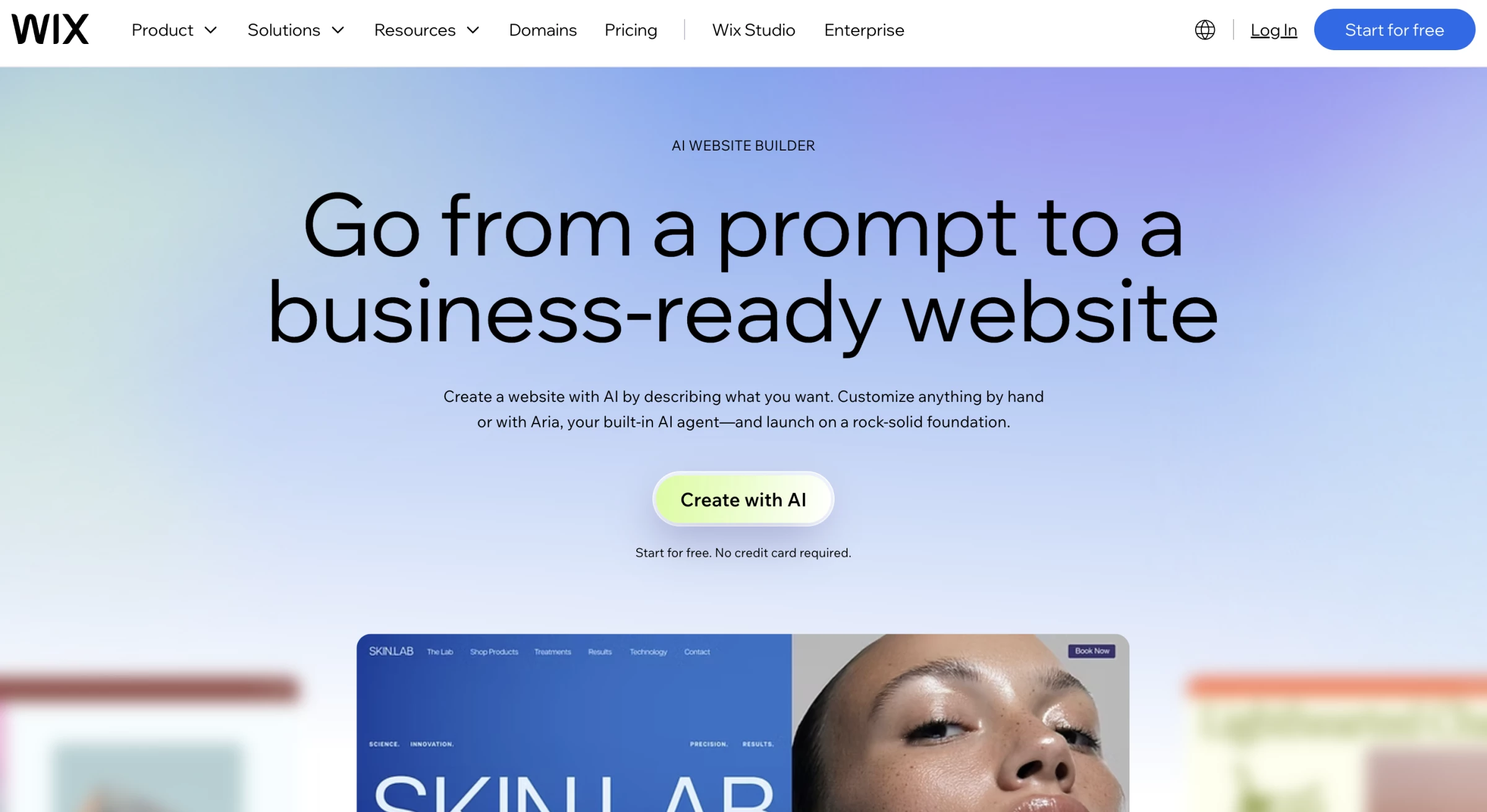
Wix now combines conversational site generation, vibe coding, and drag-and-drop editing in one workflow.
Its built-in AI agent, Aria, can generate a complete business website, add sections, change layouts, create content, connect a domain, and add business functionality through natural-language instructions.
You only need to answer a couple of questions, and the assistant crafts the prompt for you.
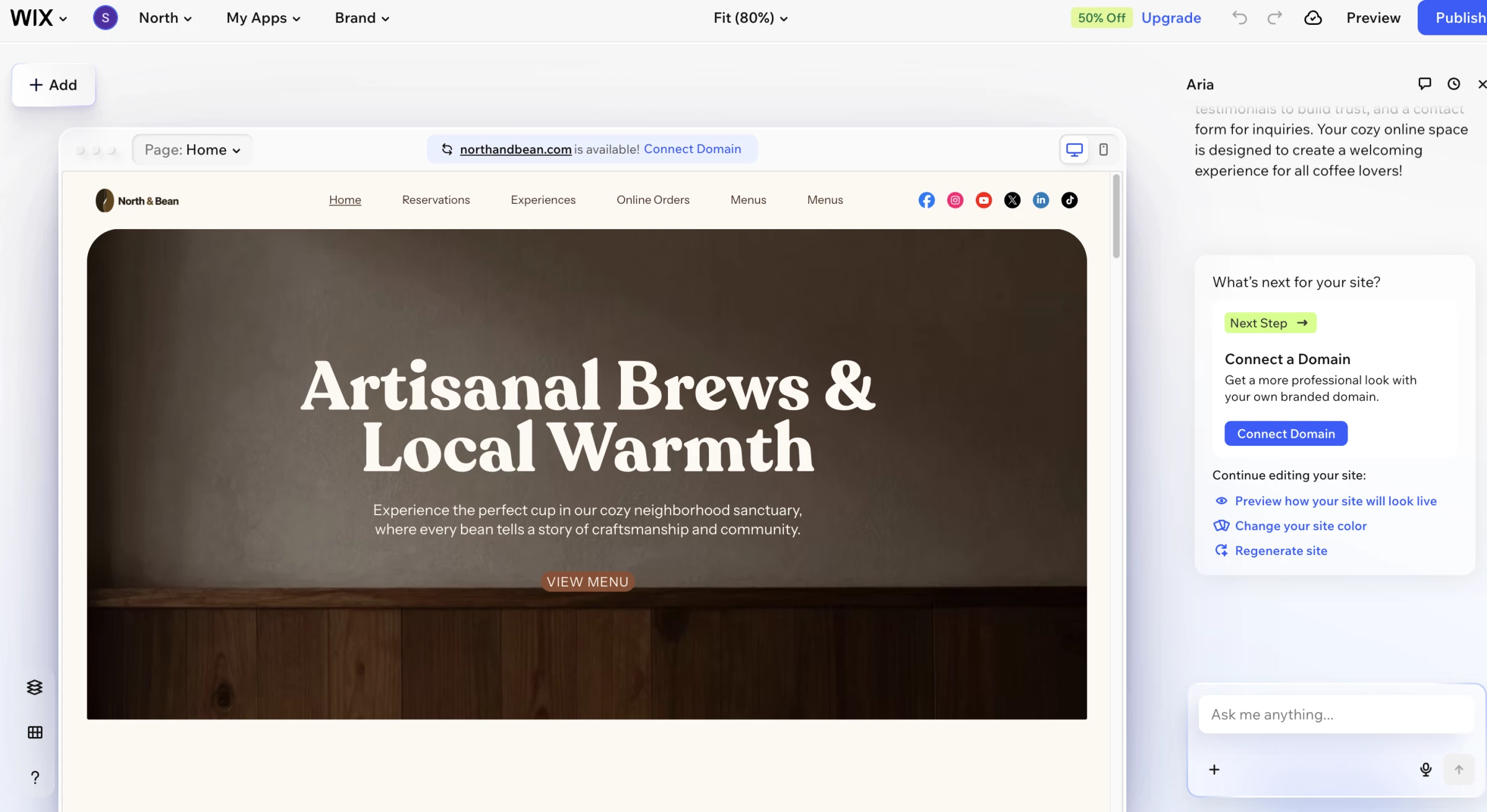
Wix creates a complete site with layouts, copy, images, and built-in business features like eCommerce, scheduling, and event management.
Wix also connects the website with SEO, paid advertising, social media, and email marketing tools.
This range makes it one of the strongest all-purpose choices for a business that expects the website to grow beyond a basic online presence.
The number of controls and applications can overwhelm users who only need a small brochure site. Teams should also compare the total cost of the website plan and any paid apps before committing to the ecosystem.
Pros
- Aria can create and modify websites through conversation
- Users can combine AI generation, vibe coding, and precise drag-and-drop editing
- Built-in tools support eCommerce, bookings, blogs, events, forms, and marketing
- The free plan lets users build and publish on a Wix-branded domain
- Users can customize fonts, colors, layouts, sections, images, and business features
Cons
- The broad interface and app ecosystem can feel complex to beginners
- Connecting a custom domain and accepting payments require a paid plan
- Paid applications can increase the total monthly cost
- Moving a mature website away from the Wix ecosystem can require a manual rebuild
Pricing
Wix pricing varies by region. Current US pricing starts at:
- Free: Wix-branded domain and Wix advertising
- Light: $24 per month with monthly billing or $17 per month billed annually
- Core: $36 per month with monthly billing or $29 per month billed annually
- Business: $46 per month with monthly billing or $39 per month billed annually
- Business Elite: $172 per month with monthly billing or $159 per month billed annually
Wix includes a 14-day money-back period for the initial Premium plan upgrade. Annual plans may include a domain voucher for the first year.
What Users Say
Wix receives broad praise on Capterra for its drag-and-drop editor, template range, customization options, and collection of business tools.
Beginners often say they can launch without coding, while experienced users appreciate the freedom to expand a site as their needs change.
Complaints typically involve editor complexity, slower performance in larger projects, paid app costs, and difficulty resolving technical or account-specific problems through support.
Other Notable Features
- The Wix App Market offers more than 800 native and third-party applications for extending a website.
- Velo gives advanced users access to code, databases, APIs, and custom application functionality.
- Roles and permissions let site owners control what collaborators can view, edit, or manage.
- Wix Multilingual supports translated content for businesses serving audiences in different markets.
- The Accessibility Wizard identifies potential accessibility issues and recommends improvements.
5. Hostinger AI Website Builder: Best AI eCommerce Website Builder
Pick it if you’re a budget-conscious online retailer.
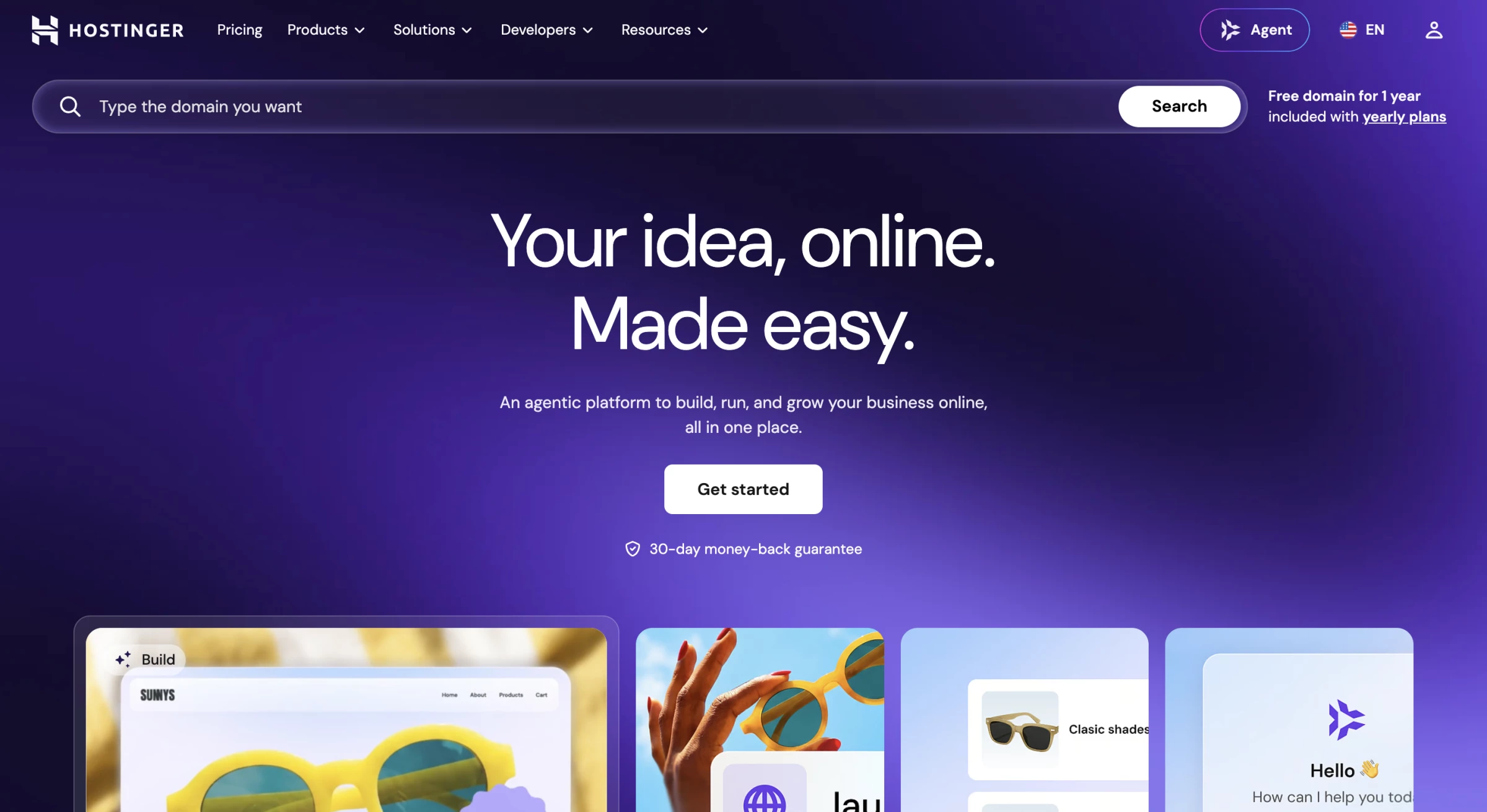
Hostinger combines its AI website builder with hosting, domain tools, email, SEO, and eCommerce features. You can generate a complete site from a description and edit it through a drag-and-drop interface.
The Business Website Builder plan supports product pages, payments, bookings, inventory, shipping, tax settings, analytics, and up to 1,000 products.
Its AI toolkit includes a writer, image tools, a logo maker, a heatmap, product description generation, and SEO assistance.
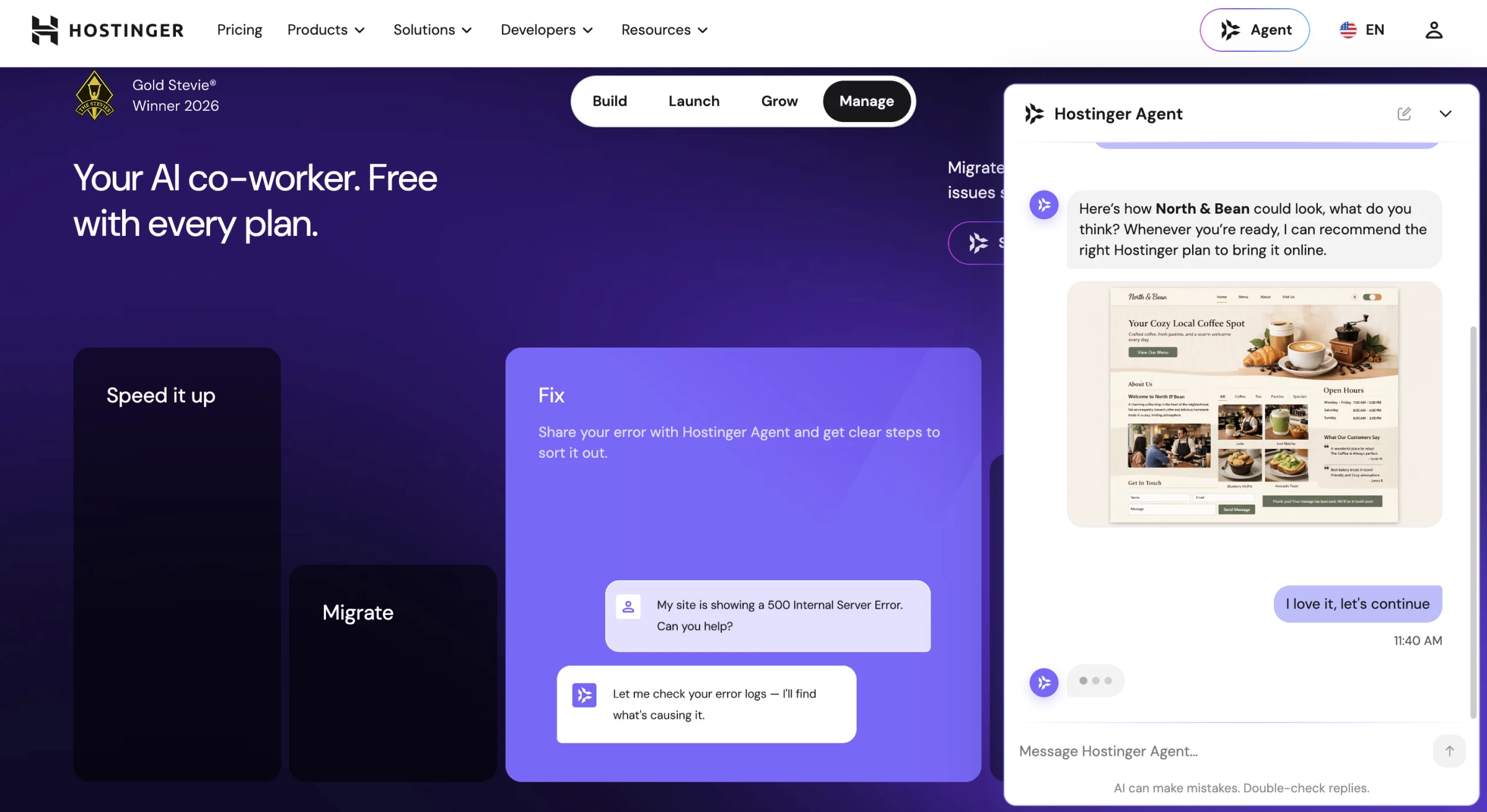
The platform also connects with Printful for print-on-demand products and with Google Ads, Meta Pixel, and analytics tools.
Hostinger works well for a small store that needs a low initial price and a managed platform. Buyers should look beyond the promotional price, however, because the lowest advertised rates require long commitments and renew at higher prices.
Get 14 days free with Hostinger.
Pros
- The Business plan combines eCommerce, domain and hosting, email, and AI tools
- Hostinger supports products, payments, bookings, shipping, tax settings, and inventory
- The platform does not charge a sales commission
- The drag-and-drop editor and AI generator require no coding
- A 14-day trial includes ecommerce, AI design, SEO, and marketing features
Cons
- Promotional prices require a long prepaid term
- Renewal prices cost substantially more than the initial advertised rate
- The builder offers less design-system control than Framer or Webflow
- Large or highly customized stores may outgrow its native eCommerce features
Pricing
Hostinger currently advertises these promotional starting rates:
- Premium: $11.99/month or $3.99/month annually
- Unlimited: $18.99/month or $4.99/month annually
- Cloud Startup: $27.99/month or $9.99/month annually
Hostinger does not offer a permanent free plan, but it provides a 14-day free trial.
6. Jimdo: Best for Guided Small-Business Website Setup
Consider it if you run a local business with limited technical experience.
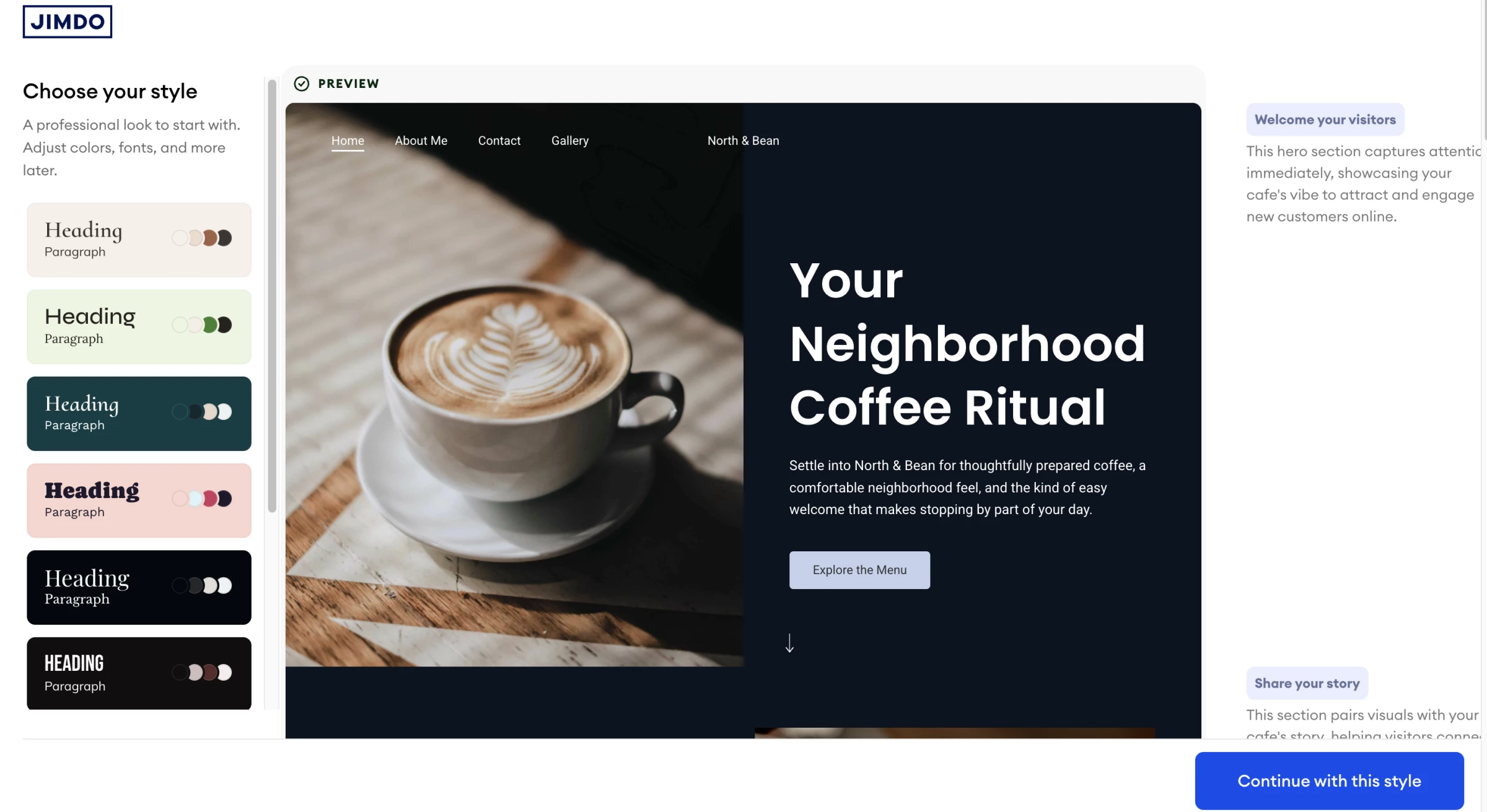
Jimdo creates an initial website by asking you about your business, services, audience, and preferred style.
It then assembles the text, photos, pages, and responsive layout, which you can edit through a modular block system.
Jimdo Companion now adds ongoing AI support after the initial setup.
Unlike a generic chatbot, Companion can use website content, forms, bookings, analytics, and business profile data to recommend SEO improvements, content changes, pricing actions, and next steps.
The platform also supports bookings, business listings, forms, analytics, invoices, payment links, and online shops with up to 100 products.
These tools make it a practical choice for freelancers, local businesses, and other self-employed professionals.
Jimdo provides a simpler editing environment than Wix, Framer, or Webflow. That simplicity helps if you’re a beginner but limits advanced visual customization and complex site structures.
Pros
- Guided setup creates a personalized site from a short series of questions
- Companion uses business and website data to recommend specific improvements
- Paid plans include SEO tools, statistics, a custom domain, and customer support
- Jimdo supports bookings, invoices, payment links, and small online stores
- The free plan lets users create and publish a basic website
Cons
- The modular editor provides less layout freedom than open-canvas builders
- Advanced features and custom domains require paid plans
- Jimdo targets smaller websites and stores rather than complex enterprise projects
- Prices and plan availability vary by country and contract length
Pricing
- Free: Basic website with .jimdosite.com subdomain
- Unlimited: $50/month
- Grow: $20/month
- Start: $12/month
Prices apply for a 12-month contract term.
Jimdo can handle a straightforward site internally. Businesses that need custom functionality can compare the leading AI web development tools.
What Users Say
Jimdo earns its clearest praise for simplicity. Capterra reviewers say the guided setup, intuitive interface, and all-in-one structure help small businesses launch without coding knowledge.
Its weaker feedback concerns customer support, price increases, eCommerce limits, and fewer customization options for users who want to move beyond a standard small-business website.
Other Notable Features
- The Legal Text Generator creates and updates privacy policies, imprint pages, and terms for supported European markets.
- Jimdo can convert bookings and store orders into invoices with attached payment links.
- Businesses can share payment links through email, WhatsApp, or QR codes.
- Team calendars help service businesses coordinate bookings across multiple employees.
- Social media imports can bring existing business information and images into the website setup process.
7. GoDaddy Website Builder: Best for Simple Online Presence
Choose it if your small business already uses GoDaddy services.
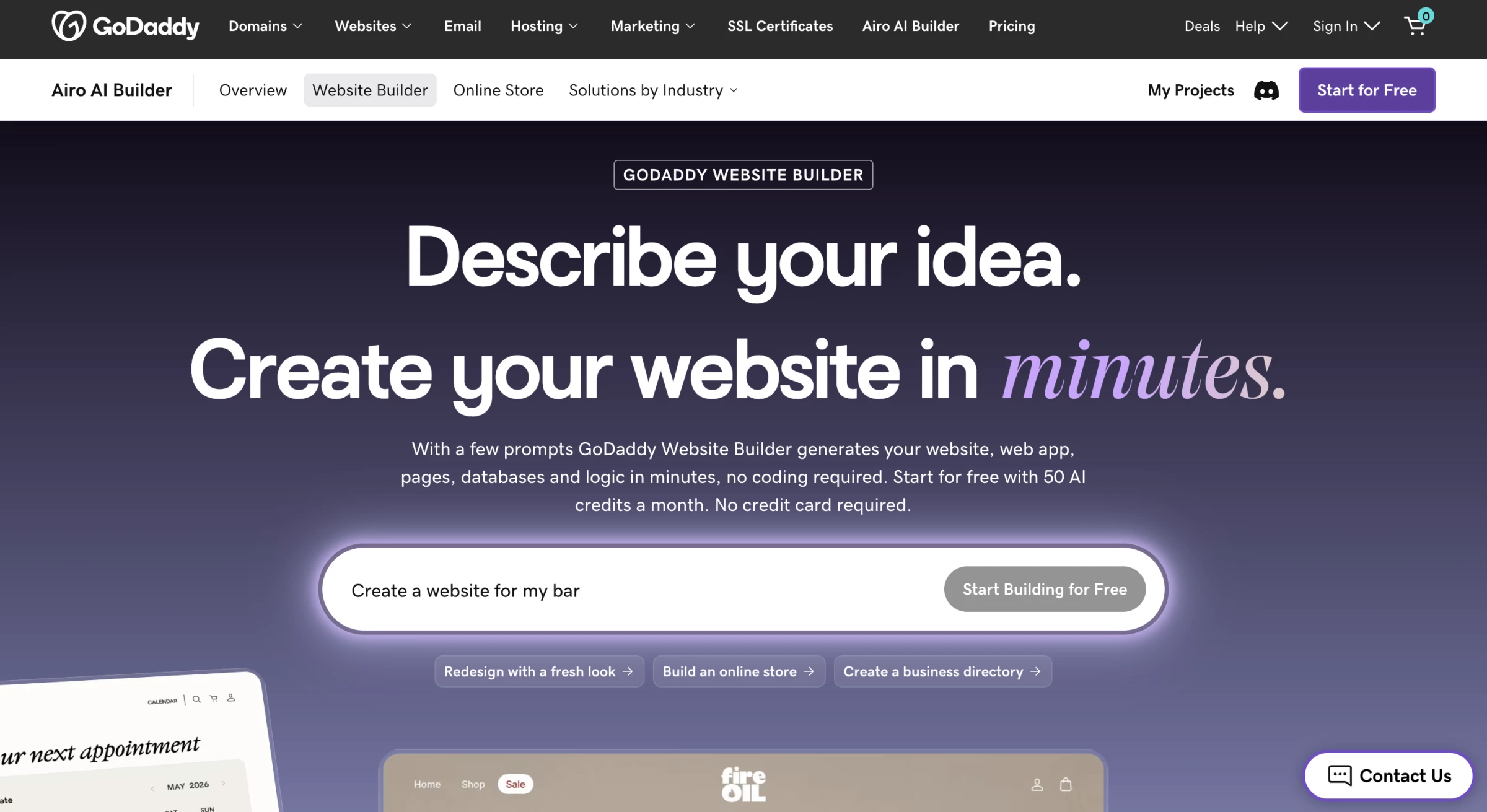
GoDaddy has expanded Airo beyond its earlier questionnaire-based website builder.
The current Airo AI Builder uses a conversational workflow to create websites, web apps, dashboards, databases, and custom interfaces from prompts.
You can ask Airo to generate pages, sections, starter copy, images, databases, and logic, then continue editing with AI or manual controls.
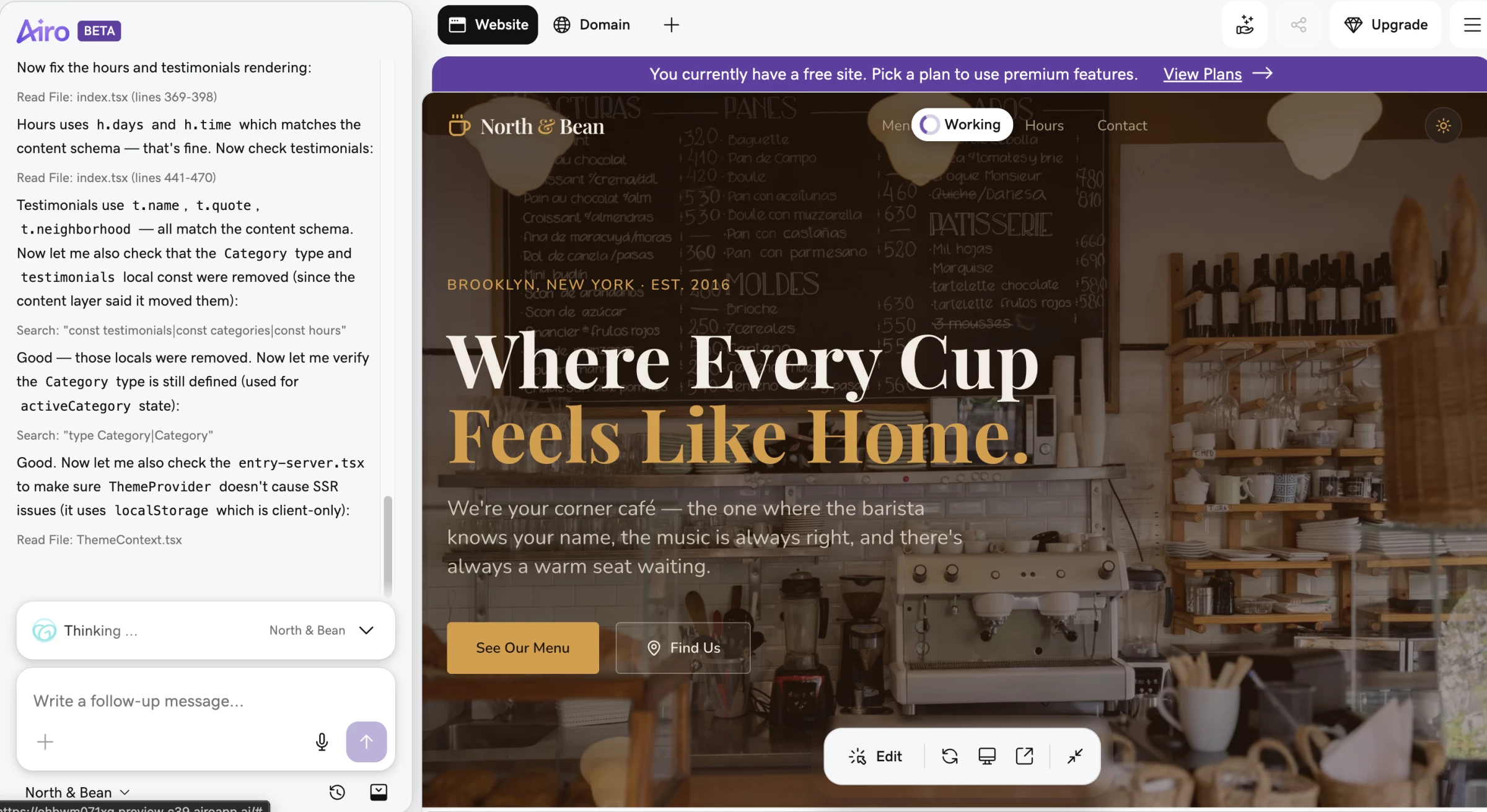
The free tier includes one published site and 50 AI credits per month, but it does not include a custom domain. Paid plans add a custom domain and higher limits.
This makes GoDaddy a practical AI business website design option for service providers and local companies that need to launch quickly.
More complex applications still require careful testing of logic, data handling, permissions, and security.
Get started with GoDaddy for free.
Pros
- Airo can create websites and full-stack web applications through conversation
- The builder can generate pages, images, databases, and application logic
- The free plan includes one published site and 50 monthly AI credits
- GoDaddy connects domains, hosting, email, marketing, and site creation
- The interface targets small-business owners without coding experience
Cons
- The free plan does not support a custom domain
- AI credits limit how much users can generate and revise
- Complex application logic needs thorough human testing
- Promotional domain and plan prices can increase at renewal
Pricing
Current Airo pricing starts at:
- Free: One published site, 50 AI credits per month, and no custom domain
- Starter: $9.99 per month billed annually, with a custom domain and core pages
GoDaddy also offers separate Website Builder and business packages, and pricing varies by market. Confirm whether a quoted rate covers Airo, the traditional Website Builder, hosting, email, or a bundled package.
Businesses that need a more differentiated site can compare small-business web design companies.
What Users Say
For GoDaddy, simplicity works as both the main advantage and the main limitation. Users reviewing the builder on Capterra like the fast setup, manageable interface, and ability to operate a basic website without a steep learning curve.
Users with more ambitious requirements criticize the restricted design controls, limited scalability, and gaps in technical SEO features such as redirect management.
Other Notable Features
- A unified inbox collects website forms, chats, and social messages in one interface.
- Appointment tools support deposits, online payments, and customer notifications.
- Businesses can feature selected customer reviews directly on their websites.
- Mobile editing lets owners update their site and create marketing content from the GoDaddy app.
- Automated health checks, security scans, SEO, and answer engine optimization tools support post-launch maintenance.
8. Durable: Best for AI-Run Service Business Websites
Pick it if you operate a small service-based business.
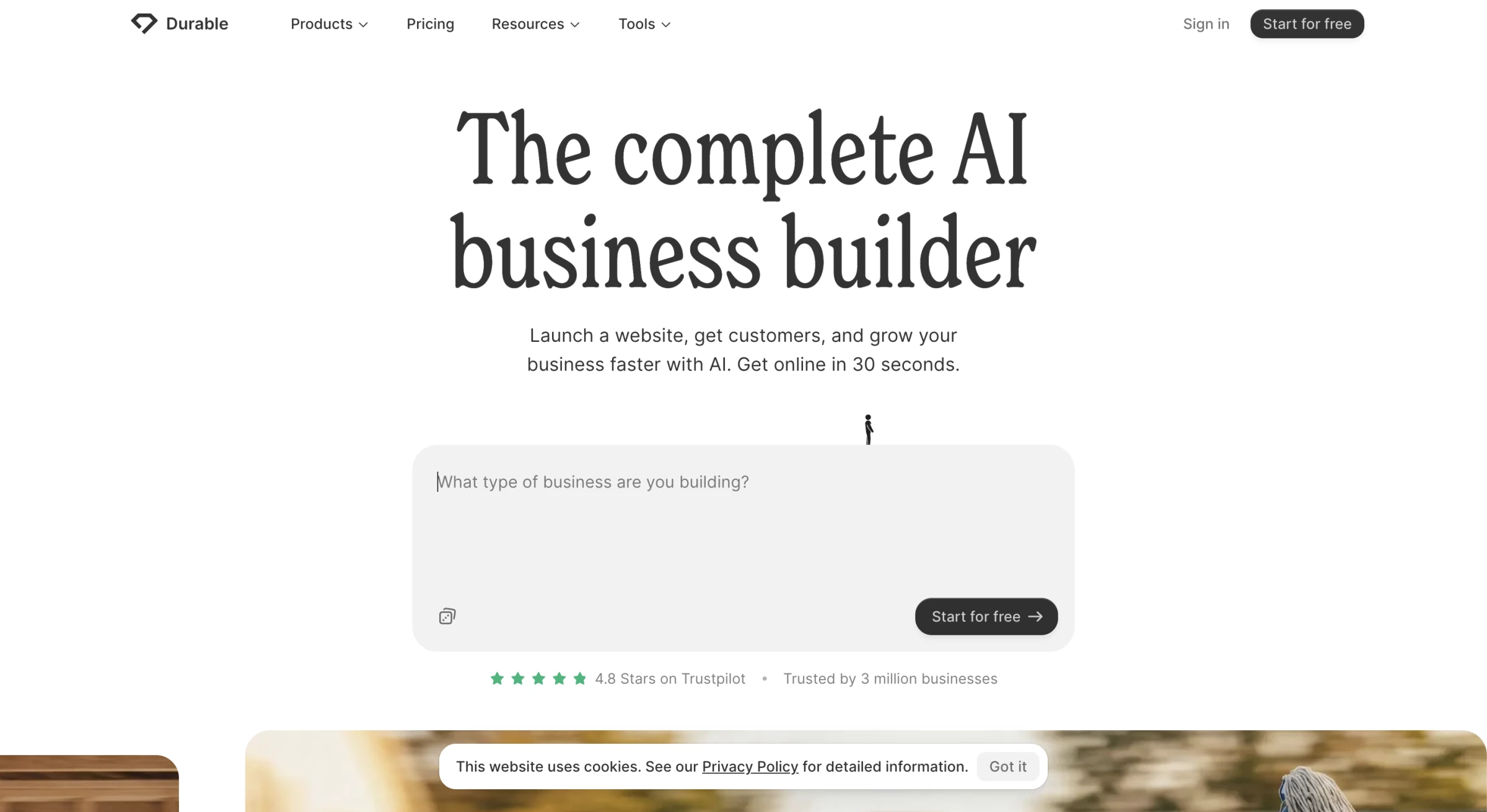
Durable generates a service business website from a short description and combines it with operational tools such as customer management, bookings, invoicing, payments, and marketing.
The platform now positions itself as an AI business builder, and its AI agents can help publish blog content, answer business questions, research competitors, request reviews, and manage lead follow-up within plan limits.
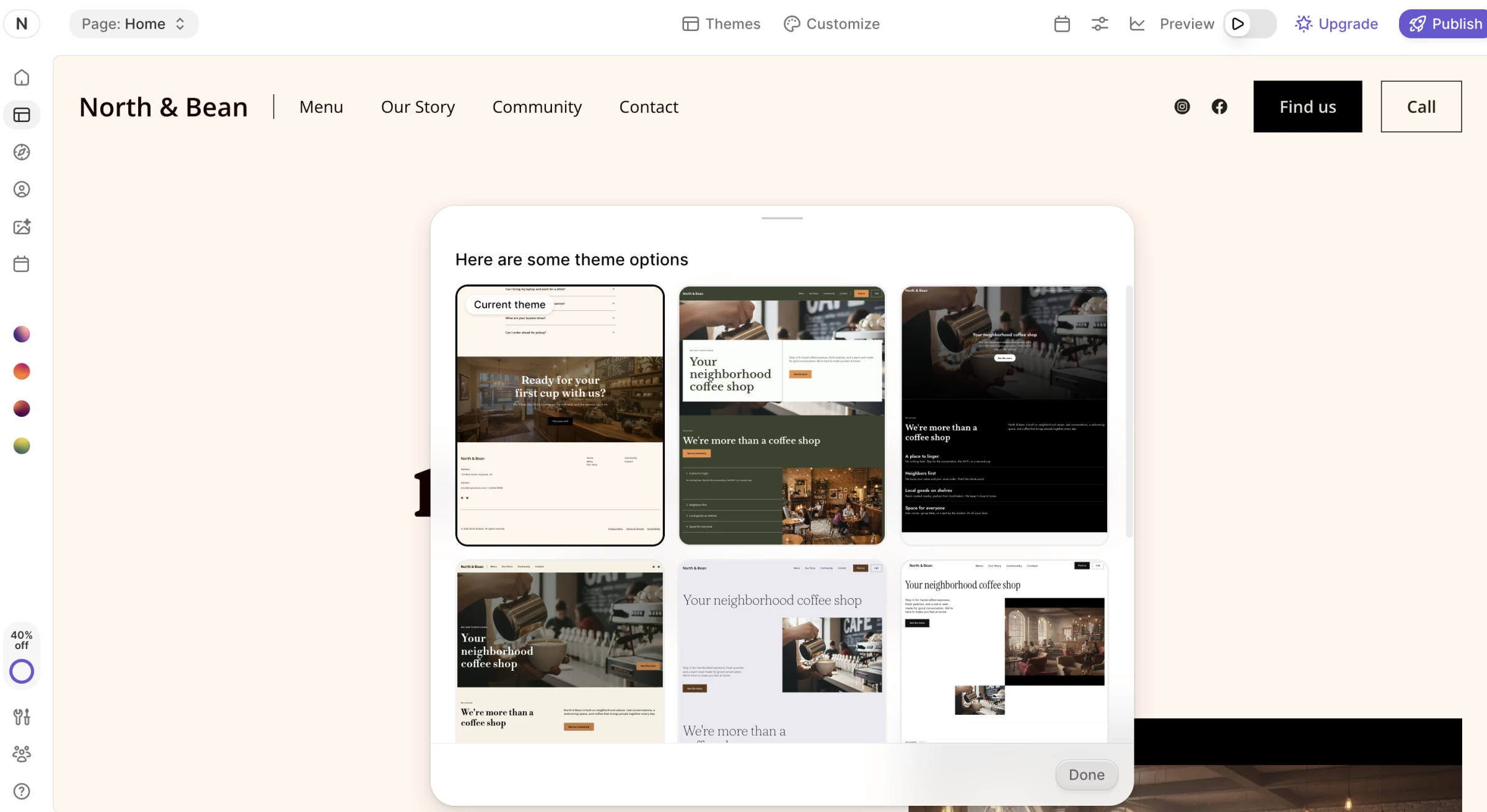
Durable also includes secure hosting, unlimited website traffic, SEO tools, analytics, image generation, and CRM functionality.
These capabilities will suit you if you’re a solo operator and run a local service business and want fewer separate tools.
The generated websites prioritize speed and business setup over extensive visual control.
But if your team needs a distinctive design system, complex content model, or advanced integrations may find the platform restrictive.
Try Durable for free today – no credit card required.
Pros
- Durable combines website generation with CRM, bookings, invoices, and payments
- AI agents support content, reviews, competitor research, and lead follow-up
- Every plan includes hosting, SEO tools, and unlimited website traffic
- The free plan lets users test the core website and business tools
- The simple workflow suits solo founders and local service businesses
Cons
- Design customization remains more limited than Wix, Framer, or Webflow
- The platform works best for simple service business websites
- AI and marketing limits vary substantially by plan
- Businesses with complex data or integration requirements may need another platform
Pricing
Durable currently offers:
- Free: $0
- Launch: $25 per month or $22 per month billed annually
- Grow: $49 per month or $41 per month billed annually
Launch adds bookings, higher AI limits, and priority support. Grow adds unlimited users, onboarding, and substantially higher AI agent limits.
What Users Say
Speed dominates the conversation in Durable’s Trustpilot reviews. Many customers say they produced a polished initial website quickly and found the onboarding or support team helpful.
More critical reviews describe the platform as expensive for their needs or too limited once a project requires specialized integrations, complex listings, or greater control over domain transfers.
Other Notable Features
- The Google Business Profile importer can build a starting website from an existing business listing.
- Durable’s CRM records contacts and organizes leads alongside their communication history.
- Built-in review requests encourage customers to leave feedback on Google.
- AI-assisted email tools help users draft personalized lead and customer communications.
- The invoicing system creates professional invoices and connects billing with customer records.
9. 10Web AI Builder: Best WordPress AI Website Builder
Use it if you’re an agency or business committed to WordPress.
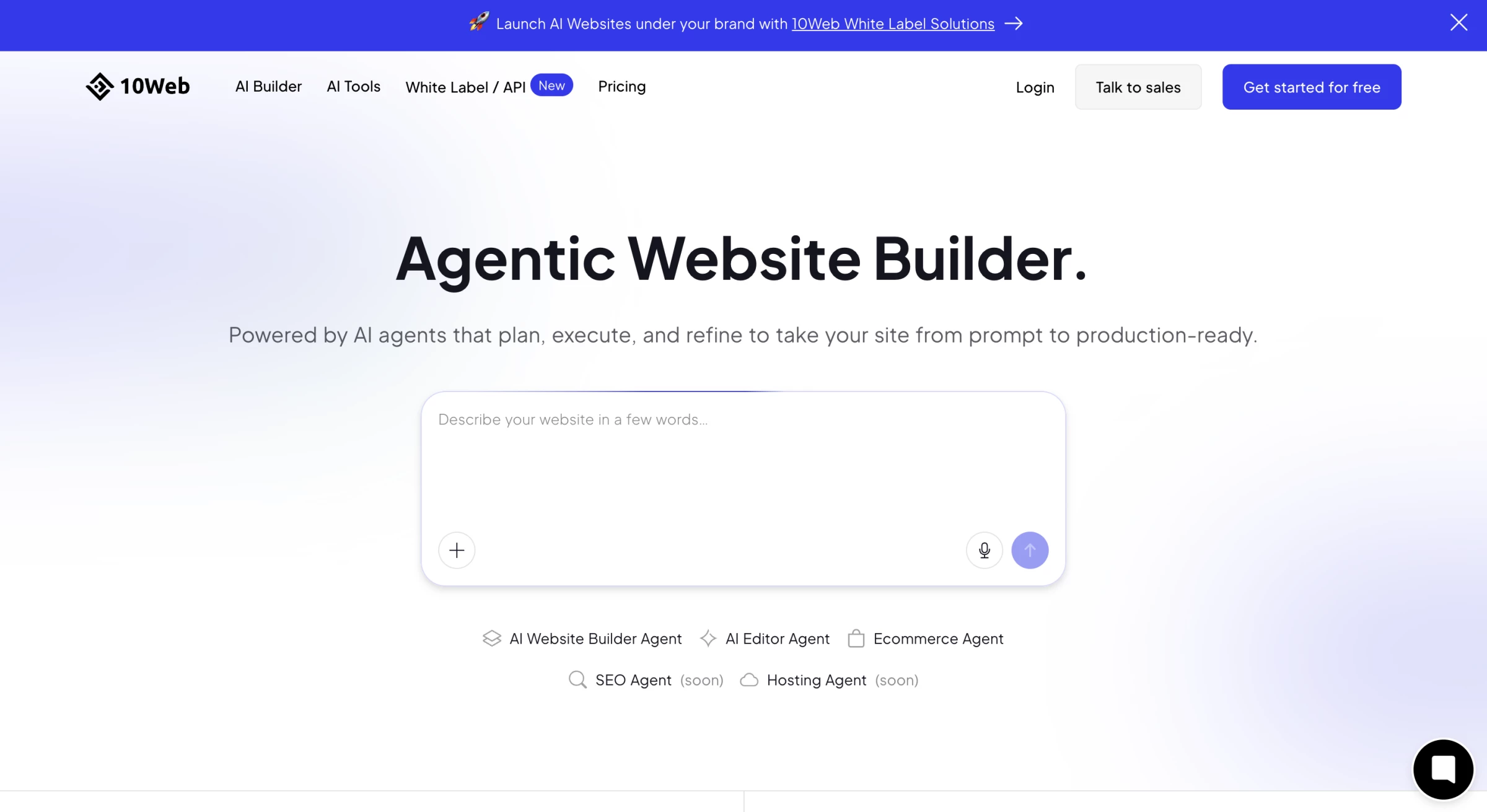
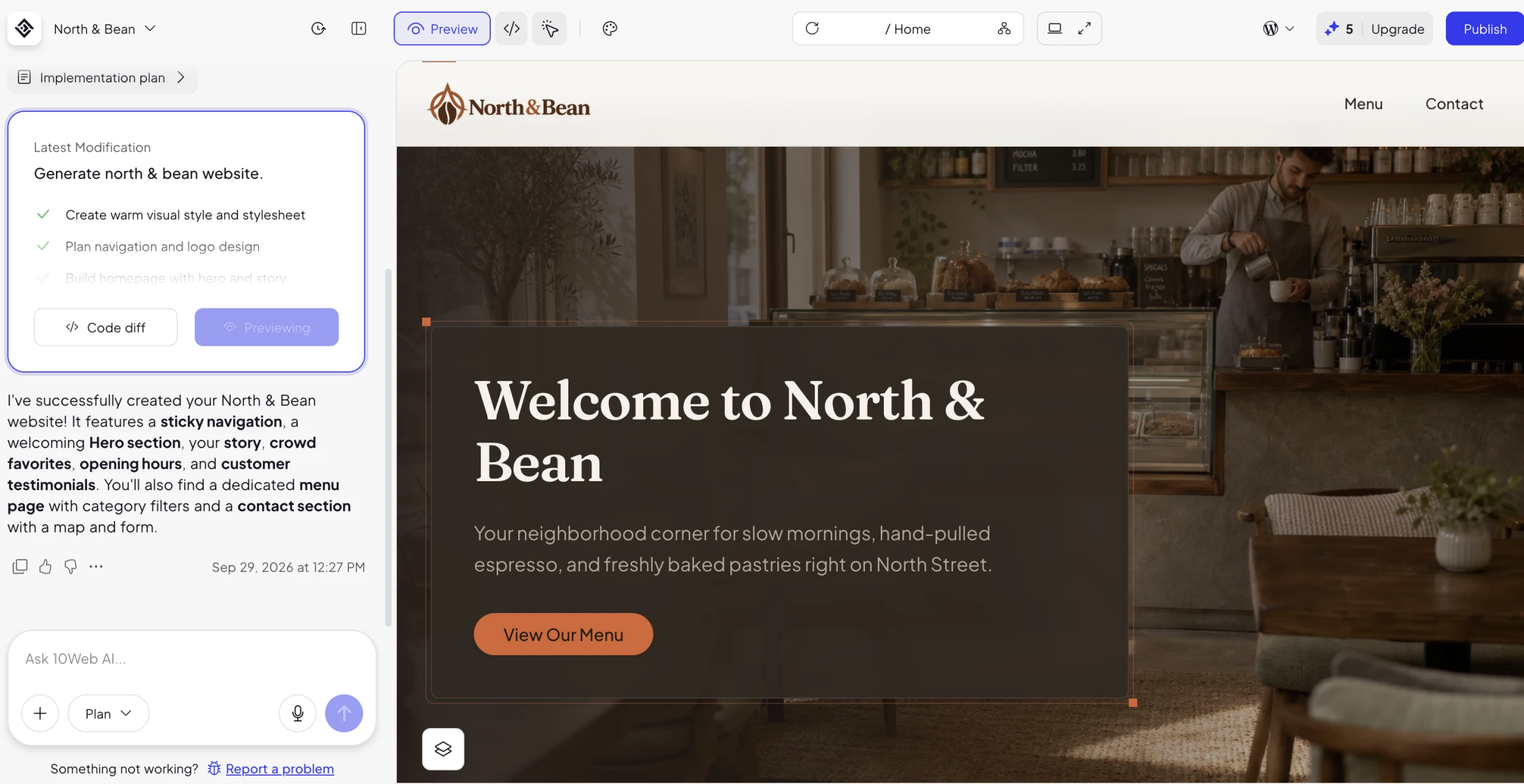
10Web generates WordPress websites from a description and hosts them on a managed WordPress environment.
You can create informational sites, stores, blogs, portfolios, and landing pages without building the initial structure manually.
The platform can also recreate an existing website in WordPress, migrate a site, and support further customization through an Elementor-based editor.
Agency features include white labeling, client management, custom plans, branded domains, and tools for reselling websites and services.
The combination suits freelancers, agencies, and hosting businesses as well as individual site owners.
10Web allows users to generate a website for free and provides a one-week trial for customization and publishing. Continued hosting and editing require a paid plan.
Get started with 10Web AI Builder for free.
Pros
- 10Web generates complete WordPress websites from prompts
- AI-assisted recreation and migration can accelerate an existing-site rebuild
- Managed hosting, security, and a custom domain come with paid plans
- White-label and agency tools support client delivery
- WordPress provides access to a larger plugin and integration ecosystem
Cons
- Users still need some WordPress knowledge for advanced maintenance
- The editor can feel heavier than a streamlined all-in-one builder
- Third-party WordPress plugins introduce their own costs and maintenance requirements
- The free option covers generation and a short trial rather than a permanent published site
Pricing
10Web promotes annual discounts, while standard month-to-month prices remain higher:
- AI Starter: $20 month to month or $10 per month billed annually
- AI Premium: $30 month to month or $15 per month billed annually
- AI Ultimate: $45 month to month or about $23 per month billed annually
Agency and eCommerce plans cost more. Confirm the number of websites, AI credits, storage, and traffic limits before choosing a plan.
Teams that need deeper customization can compare WordPress development companies.
What Users Say
Trustpilot reviewers often highlight patient support agents and the speed of creating a WordPress starting point, while Capterra feedback takes a more mixed view of support, editor performance, eCommerce, and core functionality.
Users generally value the time saved during setup, but some report that AI output and the Elementor-based editor still require troubleshooting or manual refinement.
Other Notable Features
- Figma importing converts an existing design into an editable WordPress website.
- URL-based recreation can clone or redesign an existing page as a WordPress template.
- Automated performance tools optimize caching, images, and other elements for Core Web Vitals.
- Cloudflare Enterprise CDN support improves delivery speed and adds security protections.
- Daily backups and restore controls help teams recover a website after an unsuccessful change.
10. Squarespace: Best for Design-Led Websites
Choose it if you’re part of a creative studio or boutique brand.
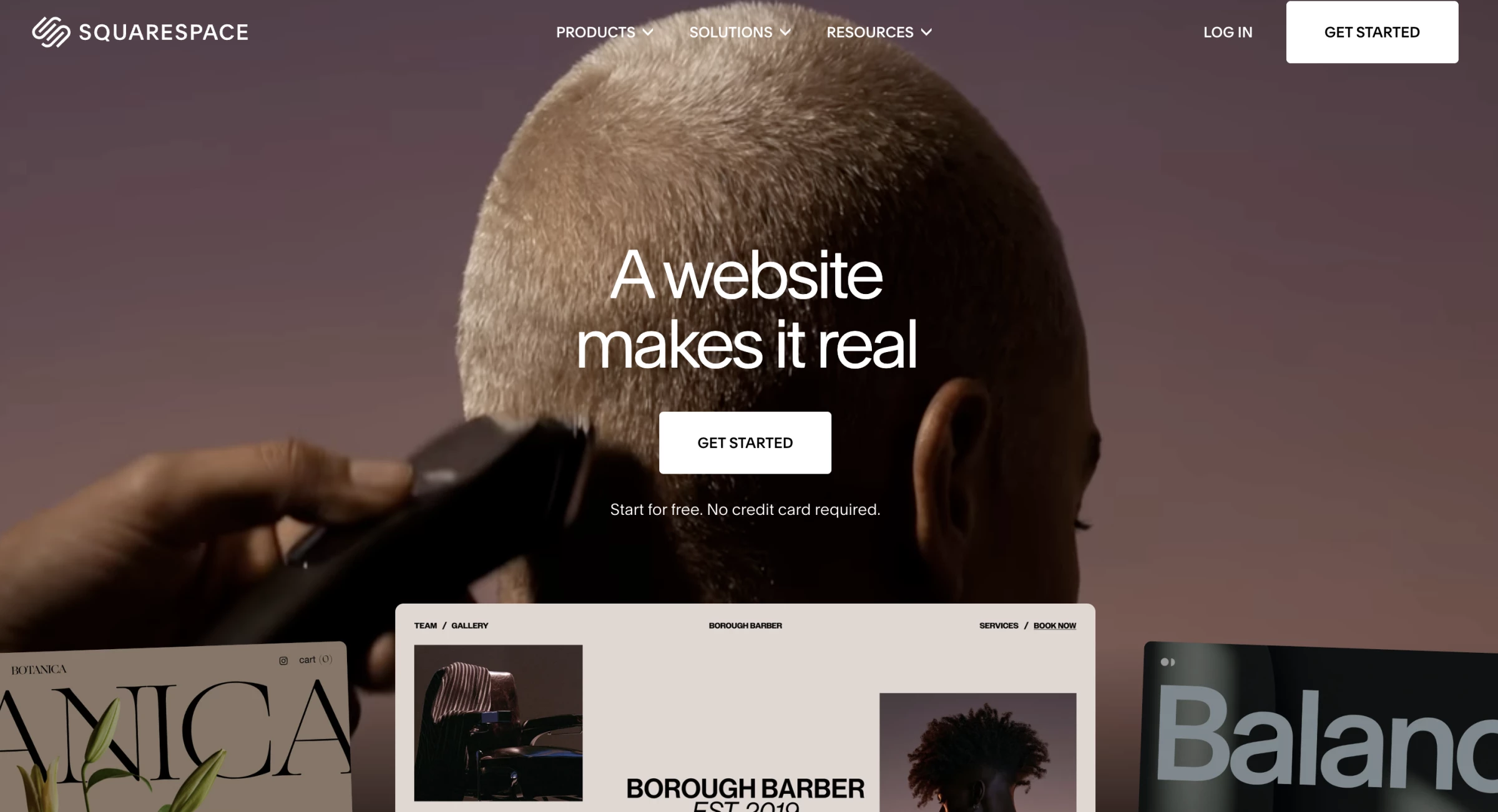
Squarespace’s Blueprint AI is a next-generation website builder designed to generate a fully personalized, launch-ready site in minutes.
With Squarespace’s 20 years of design expertise with advanced AI, it offers instant custom layouts, brand-matched content, and curated design choices.
Squarespace Blueprint AI creates a personalized multi-page website from a description of the project.
It can propose relevant pages, copy, imagery, colors, and fonts before opening the result in the standard Squarespace editor.
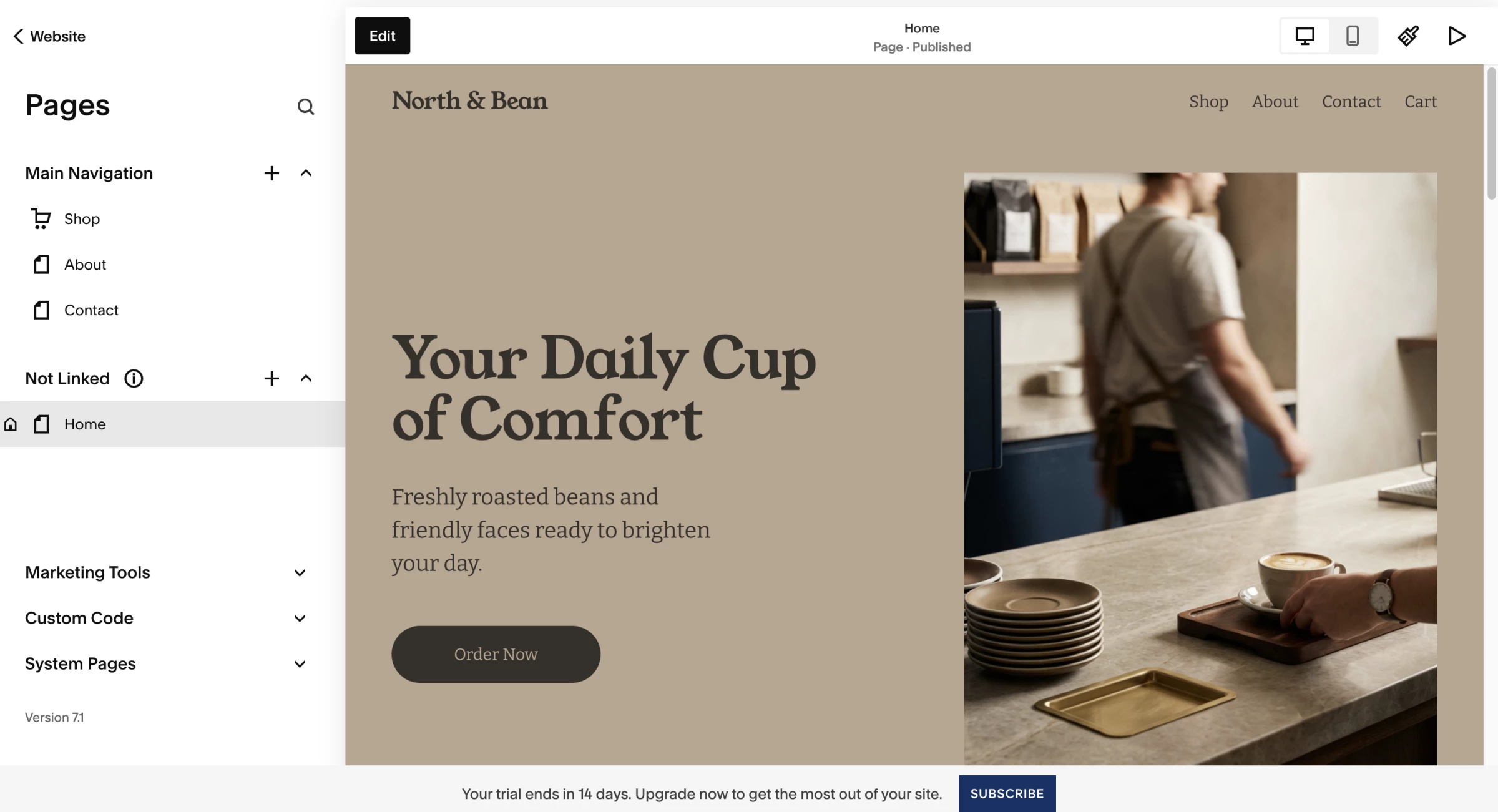
You can edit every part of the generated site through Squarespace and refine layouts with Fluid Engine.
The platform also provides eCommerce, appointment scheduling, invoicing, payments, analytics, email marketing, and social tools.
The AI builder is free to explore during the 14-day trial, but users need a paid website plan to publish.
Teams that want to compare its workflow with other creative platforms can explore our guide to AI web design tools.
Get started with Squarespace for free – no credit card required.
Pros
- Blueprint AI creates a multi-page starting point with copy, imagery, colors, and fonts
- Fluid Engine supports hands-on layout editing after generation
- The platform combines websites with ecommerce, scheduling, invoicing, and marketing
- Curated templates and styling controls support strong visual consistency
- The 14-day trial lets users evaluate the AI builder before paying
Cons
- Squarespace does not offer a permanent free published website
- The structured design system provides less freedom than an open canvas
- Advanced ecommerce and marketing capabilities require higher plans or add-ons
- AI-generated copy still needs editing for originality, accuracy, and brand voice
Pricing
Squarespace offers a free 14-day trial. Website plans currently start at:
- Basic: Monthly plan for $19/month and annual for $12/month
- Core: Monthly plan for $27/month and annual for $17/month
- Advanced: Monthly plan for $36/month and annual for $25/month
What Users Say
Capterra reviewers consistently associate Squarespace with polished templates, responsive layouts, and the ability to produce a professional website without relying on external plugins.
Users also value its clean interface and integrated commerce tools.
Criticism concentrates on higher prices, premium-plan requirements for advanced capabilities, constrained custom-code workflows, and styling controls that can become frustrating when a site needs exceptions to the established design system.
Other Notable Features
- Membership tools restrict selected content to free or paying members.
- Course features organize text and video lessons into structured chapters.
- Donation tools support one-time and recurring contributions, fundraising campaigns, and donor emails.
- Email Campaigns create branded newsletters and connect campaign data with website analytics.
- Digital product tools support paid newsletters, videos, downloads, and subscription-based content.
11. Framer: Best for Design-Controlled AI Websites
Pick it if you work on a startup product or marketing team.
Framer's AI agents create editable pages, sections, copy, and visuals directly inside a website project. Users can continue refining the site through conversation or take over through the visual canvas at any point.
The platform combines AI generation with a freeform canvas, CMS, localization, analytics, hosting, SEO controls, responsive breakpoints, components, and interactions.
These features give design and marketing teams more control than a template-led builder.
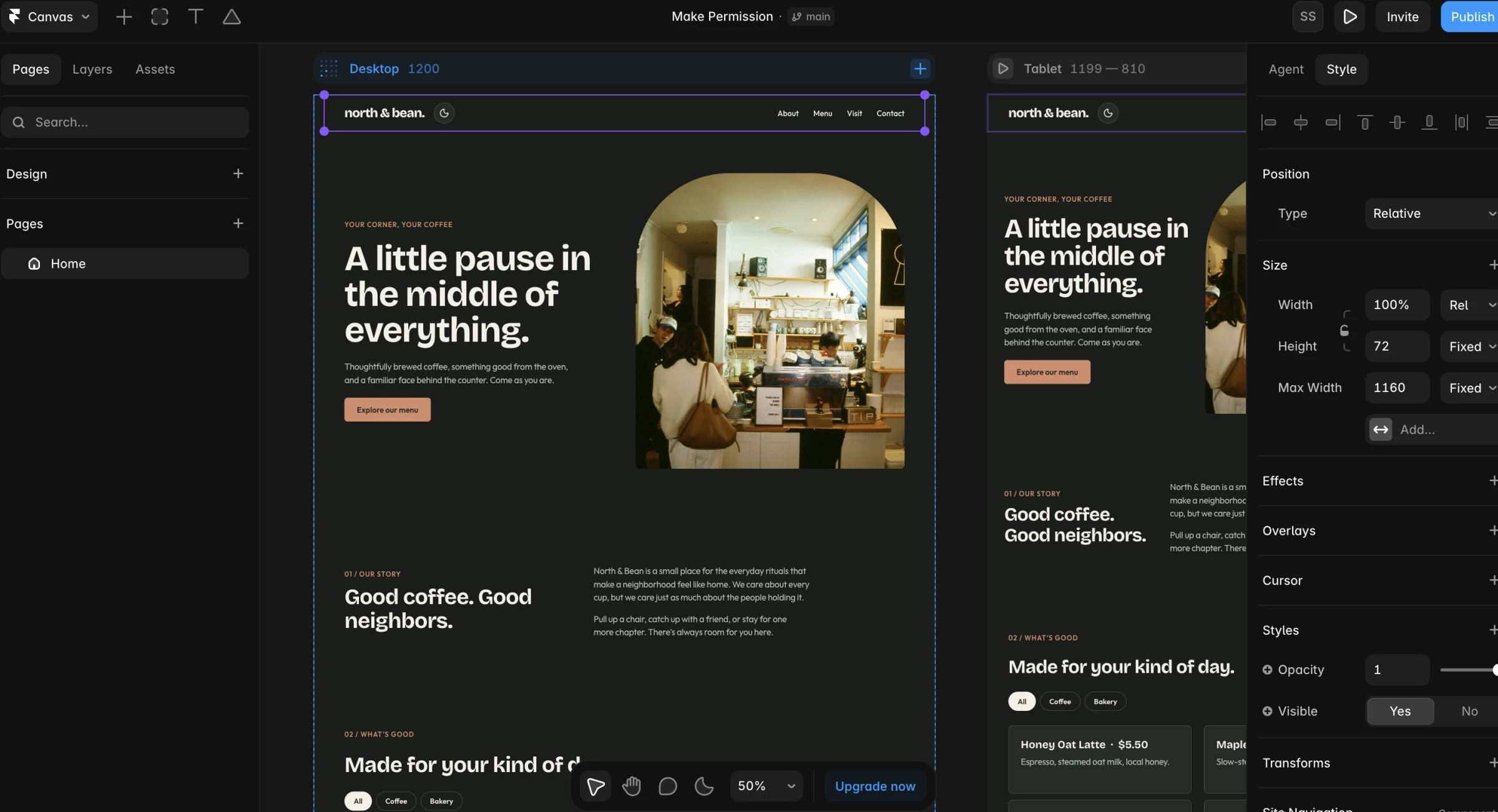
Framer works best for polished marketing websites, landing pages, portfolios, and content sites.
Your team can make detailed design changes without managing a separate codebase, although the tool requires more design knowledge than beginner-focused builders.
The free plan supports experimentation and publishing on a Framer domain. A paid plan unlocks a custom domain and higher CMS, traffic, collaboration, and AI limits.
Start building with Framer for free and upgrade when you’re ready to connect a custom domain.
Pros
- AI-generated pages remain editable on the visual canvas
- Framer supports detailed control over layouts, breakpoints, components, and interactions
- Built-in CMS, SEO, hosting, localization, and analytics reduce the need for separate tools
- The free plan includes a Framer domain and trial AI credits
- Teams can use AI agents for ongoing site creation and maintenance
Cons
- The interface requires more design knowledge than simple questionnaire-based builders
- Ecommerce relies more heavily on integrations than on a native store system
- Advanced CMS, localization, and collaboration needs increase the total price
- The free plan does not support a custom domain
Pricing
Framer currently offers:
- Free: $0 with a Framer domain and trial AI credits
- Basic: $10 per month billed annually, with month-to-month pricing of $15
- Pro: $30 per month billed annually, with month-to-month pricing of $45
- Enterprise: Custom pricing
What Users Say
Product Hunt users praise its Figma-like workflow, animation tools, responsive controls, performance, and ability to publish polished marketing sites without developer support.
Less-favorable reviewers point to a tougher learning curve than expected, limited CMS and integration depth for complex sites, editor lag on heavier projects, and concerns about pricing or support.
Other Notable Features
- Branches let multiple contributors develop and review changes without altering the live website.
- Staging URLs allow teams and clients to test updates before publication.
- Localization covers translated content, localized paths, language attributes, and automatic visitor routing.
- Framer Convert adds funnels, conversion triggers, and A/B testing to eligible plans.
- Native forms can track submissions as conversion events for analytics and experiments.
12. Webflow AI: Best for Scalable Marketing Websites
Consider it if you belong to an experienced web or marketing department.
Webflow's AI site builder generates a proposed site structure, pages, sections, content, and a foundational design system from a prompt.
You can define the website's purpose, audience, style, colors, fonts, and goals before generation.
The resulting theme includes editable colors, typography, animations, images, buttons, forms, cards, spacing, and corner styles.
Webflow then opens the website in its visual development environment, where users can work with CMS content, reusable components, interactions, code, and SEO controls.
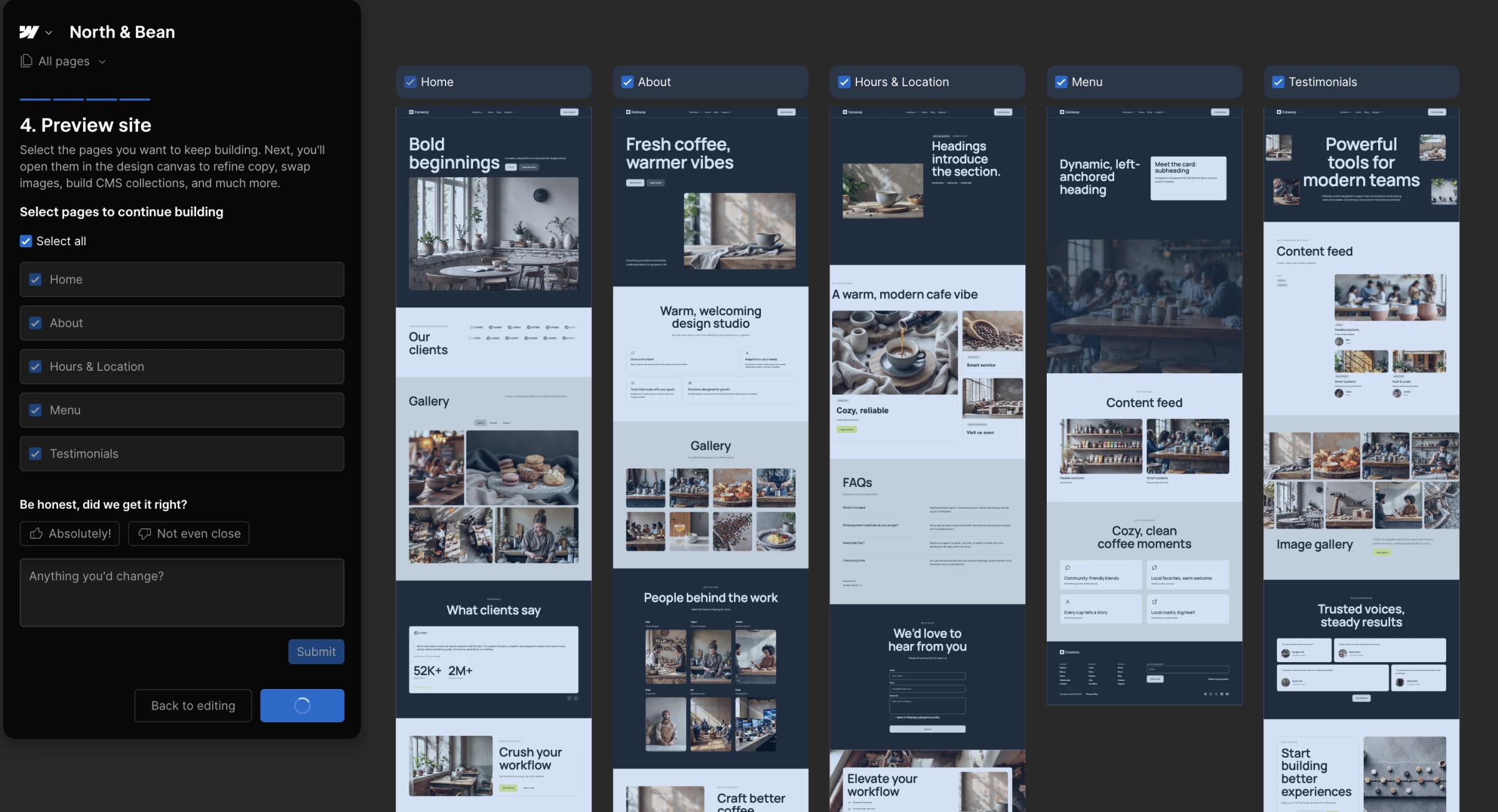
Free users can create a two-page website on a Webflow subdomain. A paid Site or Workspace plan allows the AI builder to generate up to five pages initially and supports additional AI-generated pages afterward.
Webflow suits marketing teams, designers, and agencies that want a scalable design system and deeper front-end control.
Its class-based workflow and product structure require more learning and budget planning than a beginner builder.
Build and test your site with Webflow for free, then upgrade when you’re ready to launch.
Pros
- The AI builder creates a multi-page structure and a reusable design system
- Users can customize themes, sections, content, CMS items, and code components
- Webflow provides strong control over SEO, structured data, redirects, and crawler access
- The free plan supports evaluation on a Webflow subdomain
- The visual development environment supports sophisticated responsive designs and interactions
Cons
- The AI builder only works with new or previously AI-generated Webflow sites
- Free websites remain limited to two static pages
- The class-based editor has a steeper learning curve than Wix or Jimdo
- Teams may need both Site and Workspace plans, which complicates cost comparisons
Pricing
Current self-service pricing includes:
- Starter: Free with a Webflow subdomain and two static pages
- Basic: $25 month to month or $15 per month billed annually
- Premium: $29 month to month or $25 per month billed annually
- Team: $2,500/month with annual contract required
What Users Say
Capterra reviews praise the design freedom, responsive controls, CMS, reusable classes, and ability to create sophisticated websites without writing every line of front-end code.
The same reviewers repeatedly mention a steep learning curve, especially for people who do not understand HTML and CSS concepts.
Pricing complexity, separate Site and Workspace plans, publishing workflows, and uneven support also appear among the recurring complaints.
- Other Notable Features
- Webflow Analyze tracks visitor behavior, traffic flow, and conversions without relying on third-party analytics software.
- Webflow Optimize supports A/B testing, audience targeting, and AI-assisted personalization.
- Localization translates CMS content, images, alt text, URLs, metadata, and other region-specific elements.
- Paid Workspace plans can export a site’s HTML, CSS, JavaScript, images, and other assets.
- Reusable component libraries and React component imports help teams maintain consistent design systems.
Which AI Website Builder Should You Choose?
Choose based on the type of website, required business features, design control, and who will maintain it after launch.
Do You Need an AI Website Builder or a Vibe-Coding Tool?
Choose Brizy, Squarespace, or Framer for a landing page, portfolio, blog, company website, or smaller store that users can manage visually.
GoDaddy Airo and Wix now blur this distinction by combining visual website editing with generated functionality.
Vibe-coding tools offer greater flexibility but require closer attention to testing, security, hosting, data, and maintenance. Our guide to what vibe coding is explains the differences.
How Much Design Control Do You Need?
Choose Brizy for fast, editable landing pages. Design.com and BrandCrowd work well when the website must match a logo and other marketing assets.
Squarespace provides polished layouts within a structured system. Framer and Webflow offer deeper control over responsive layouts, components, interactions, and content systems.
Wix combines broad customization with a more beginner-friendly editor.
Which Business Features Do You Need?
Identify the required tools before comparing designs.
- Choose Hostinger for smaller ecommerce sites with payments, inventory, shipping, and marketing tools.
- Choose Durable for service businesses that need CRM, bookings, invoicing, payments, and automated marketing.
- Choose Wix for a broader mix of ecommerce, scheduling, events, forms, and marketing.
- Choose Jimdo for guided setup with bookings, listings, invoices, and payment links.
- Choose GoDaddy to manage a website, domain, email, and basic marketing through one provider.
An attractive AI-generated homepage provides little value if the platform cannot support the business behind it.
Do You Want to Use WordPress?
Choose 10Web for AI-assisted WordPress generation, recreation, migration, managed hosting, and Elementor-based editing.
WordPress provides access to thousands of plugins, but each addition can introduce costs, security risks, compatibility issues, and maintenance work.
Will the Free Plan Support the Live Website?
Free plans work best for testing generated output and editing tools.
Before choosing one, check its restrictions on custom domains, platform branding, pages, payments, storage, traffic, AI credits, collaborators, SEO, and analytics.
Compare the regular paid price and renewal rate, not only the introductory offer. Some providers require annual or multi-year commitments to unlock their lowest advertised price.
Who Will Maintain the Website?
Brizy, Wix, Squarespace, Jimdo, and Durable suit marketers, founders, and small-business owners handling routine updates.
Framer, Webflow, 10Web, and vibe-coding tools provide more flexibility but require greater design or technical knowledge.
Ali Sayyed, co-founder of Aleph Website, similarly cautions that faster output does not guarantee a stronger final product.
AI “doesn’t necessarily result in better web design,” he says, so teams should use it for targeted, repetitive work while retaining human oversight of structure, user experience, and visual decisions.
Complex integrations, compliance requirements, localization, and long-term technical governance may justify working with no-code development agencies or pursuing custom development.
Businesses that need strategic design and custom implementation can also compare the top web design companies in our Agency Directory.