
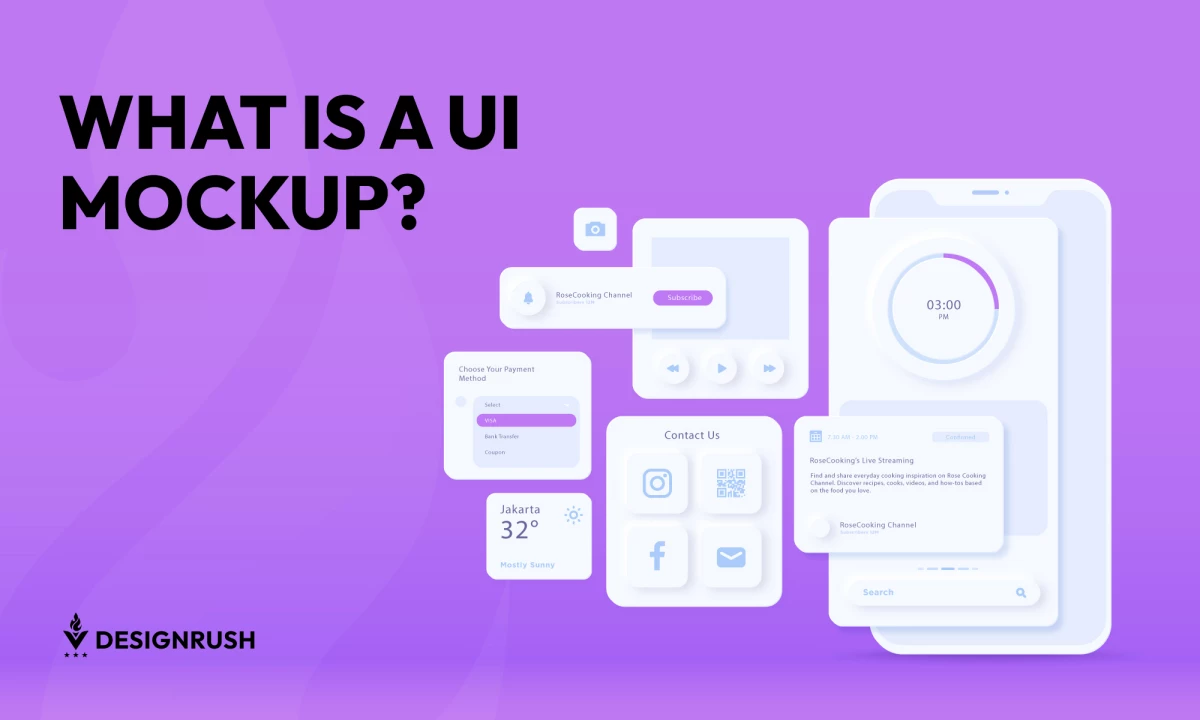

A UI mockup is an indispensable tool in the digital design process. It serves as a detailed visual representation of a product's final interface, enabling designers to plan, visualize, and precisely structure digital products. By bridging conceptualization and development, UI mockups offer stakeholders and developers a tangible product preview.
But how do these mockup designs enhance the journey from idea to reality? Understanding the role and benefits of UI mockups is key to improving collaboration, identifying issues early, and creating user-centric digital solutions.
What’s the Difference Between Prototypes, Mockups, and Wireframes?
Designing a user interface (UI) is a multi-step process. Understanding the distinctions between wireframes, mockups, and prototypes is essential for designers and developers to collaborate better with stakeholders and create a compelling UI design. Each tool serves a unique purpose in transforming an idea into a functional product.
Wireframes
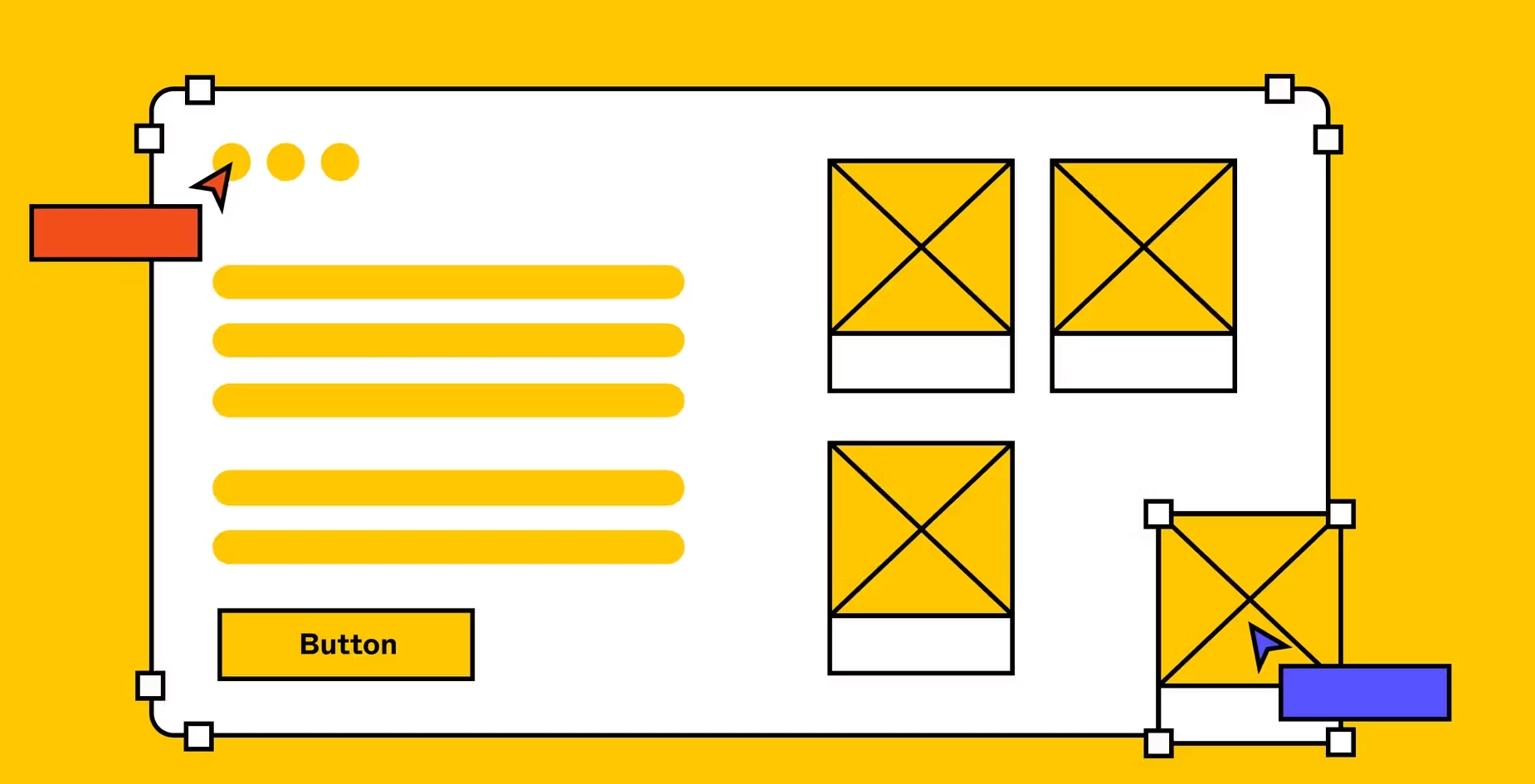
Wireframes are low-fidelity diagrams that focus on the basic structure and functionality. They are skeletons of the design, showcasing the placement of elements like buttons, menus, and content blocks. These layouts help define the hierarchy, ensuring the navigation and overall flow make sense. Wireframes can be quickly created by implementing common UI patterns, making them ideal for initial brainstorming and outlining key features.
Mockups
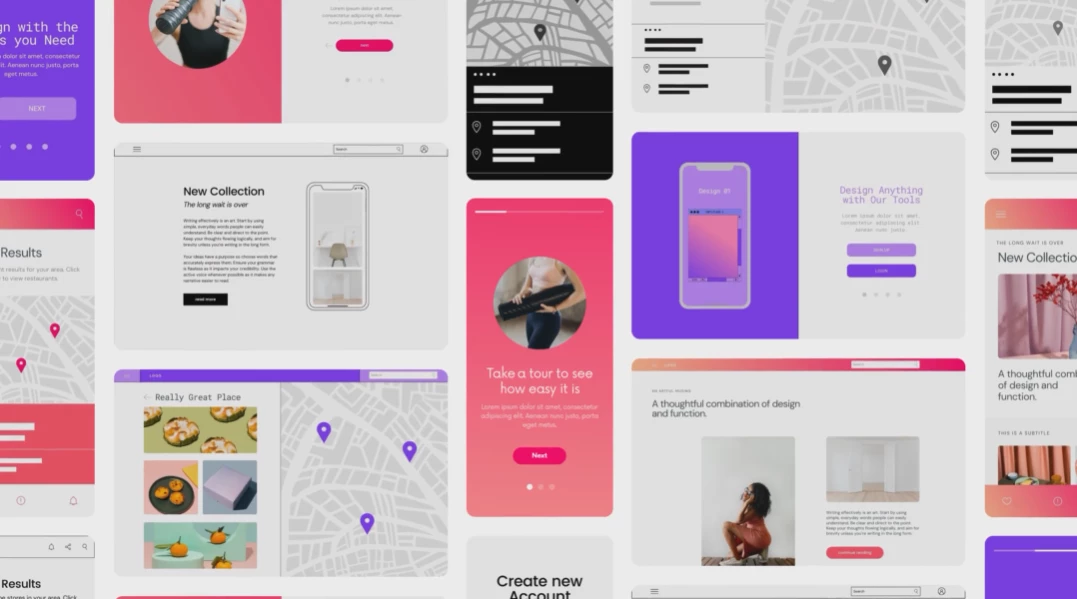
Mockups build upon wireframes by adding visual details such as color schemes, typography, and imagery. These high-fidelity representations of the product provide stakeholders with a polished preview. Mockups emphasize aesthetics and branding, ensuring the design aligns with the desired visual identity. However, unlike prototypes, they do not offer interactive elements, limiting their use in usability testing.
Prototypes
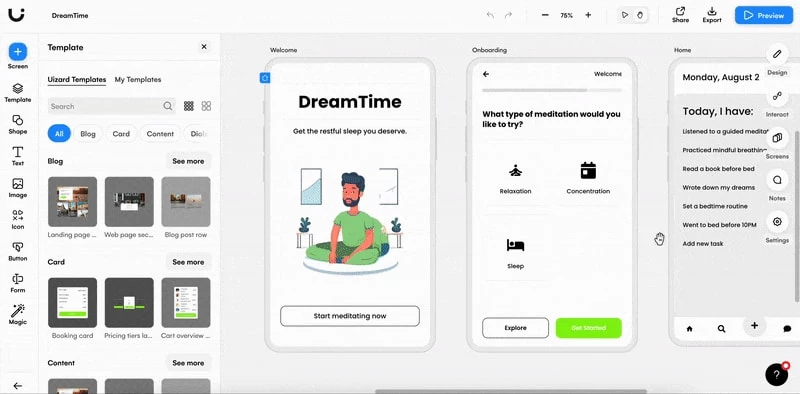
Prototypes take the design process a step further by adding interactivity and functionality. They simulate user interactions, enabling stakeholders to navigate through different screens and experience the product in a near-realistic manner. Prototypes are essential for usability testing, helping teams validate workflows and identify potential pain points before development begins.
Comparison Table
| Aspect | Wireframe | Mockup | Prototype |
| Fidelity | Low | High | High |
| Interactivity | None | None | Interactive |
| Purpose | Structure and Layout | Visual Design | Functionality |
| Usability Testing | No | Limited | Yes |
How They Complement Each Other
Because of their differences, these elements – prototypes, wireframes, and mockups – work together to deliver a well-rounded design process. Wireframes provide a foundation by defining the structure, mockups add visual clarity and detail, and prototypes, as a step between UI and UX design, validate functionality. Together, they enable iterative refinement, allowing designers to address structural, visual, and experiential aspects at different stages.

Why UI Mockups Matter: Effects and Benefits
UI mockups are vital in various digital design contexts, including websites, logos, apps, and packaging, offering clarity, alignment, and a user-centered approach. By leveraging mockups, teams can create intuitive, impactful interfaces that merge creativity and functionality seamlessly.
Visualization
UI mockups provide a detailed, static representation of a digital interface, enabling stakeholders to visualize the product before development. When it comes to website mockups, they depict how layouts, fonts, and visual elements look on various devices, ensuring responsiveness and cohesion. By bridging the gap between initial ideas and a polished design, mockups foster a shared understanding among team members and stakeholders, reducing ambiguities and setting clear expectations.
Collaboration
Mockups facilitate collaboration between designers, developers, and stakeholders. For example, when creating logos for a digital interface, a UI mockup can present actual logo designs, showcasing their placement and impact within the app or site. This context allows all parties to provide informed feedback, fostering a streamlined workflow. As a result, mockups reduce miscommunication, ensuring every voice contributes to a cohesive design vision.
Problem-Solving
Mockups help teams identify and resolve potential design challenges early. They reveal inconsistencies in layout, color contrast, or visual hierarchy that may not surface during wireframing. This proactive approach minimizes costly revisions in later stages, improving overall quality. By visualizing the interface in high fidelity, designers can anticipate user needs and address pain points effectively.
Efficiency
By providing precise visual guidelines, mockups streamline the handoff process to developers, ensuring clear communication of design specifications. In packaging design, for example, a UI mockup showcases how a digital interface integrates with the physical product. This eliminates ambiguity, accelerates development timelines, and ensures that the end product aligns closely with the intended vision.
User-Centric Focus
UI mockups ensure that design decisions cater to user needs and expectations. In app design, mockups simulate the user experience by visualizing interaction points and hierarchy in detail. This allows designers to validate design choices and refine the interface for optimal engagement. By focusing on the user early in the design process, mockups lay the foundation for a functional, visually appealing product that resonates with its audience.
Tools for Creating Effective User Interface Mockup
Creating effective UI mockups requires the right tools and a well-thought-out approach. Selecting software that matches your needs is the first step to ensuring a streamlined process.
Popular tools like Figma, Sketch, and Adobe XD are widely used for creating mockups due to their versatility and robust feature sets. Figma is renowned for its collaborative capabilities, which enable team members to edit in real-time. On the other hand, Sketch offers a streamlined interface ideal for macOS users, while Adobe XD integrates seamlessly with other Adobe Creative Cloud apps, making it a favorite among designers who already use Adobe tools.
Choosing the right tool depends on the project’s scope, team size, and desired features. Many tools also include libraries of pre-designed UI elements, which can save time and maintain consistency.
UI Mockups Best Practices
Once the tools are in place, adhering to best practices ensures the creation of impactful and practical mockups:
- Ensure Design Consistency with Style Guides
A consistent design language strengthens branding and maintains visual harmony. Use style guides or design systems to unify color schemes, typography, and component usage across mockups. This practice not only ensures brand integrity but also simplifies collaboration across teams. - Prioritize User-Centric and Accessible Aesthetics
Designs should cater to diverse user needs, with accessibility features like high-contrast text, legible fonts, and scalable layouts. Designing with empathy builds trust, as users feel understood and valued, leading to a more satisfying experience. - Use Real Data for Authenticity
Replacing placeholders with actual content gives stakeholders a clearer idea of the final product, ensuring that designs are contextually relevant. Additionally, using accurate data highlights potential layout issues or content mismatches early in the process. - Test and Iterate Through Feedback Loops
Continuous improvement through stakeholder and user feedback refines the mockup to align more closely with project objectives. Regular feedback loops allow teams to refine elements, ensuring the interface is optimized before development begins. This iterative process builds confidence in the design’s feasibility and user satisfaction. - Highlight Key Interactions and Responsive Layouts
Even though mockups are static by nature, they should indicate how key elements will behave or adapt in different scenarios. Highlighting these interactions ensures that developers understand the intended functionality while stakeholders can envision a more interactive and engaging user experience.
UI Mockup Takeaways
UI mockups are pivotal in the design process, enabling clear visualization, fostering collaboration, and enhancing product quality. By bridging creativity and functionality, they act as the cornerstone of effective digital design. Infusing UI mockups in your design process ensures a cohesive transition from concept to execution.
UI Mockup FAQs
1. Are UI mockups necessary for every digital product?
While not mandatory, UI mockups greatly enhance the design and development process, especially for complex projects. They are especially crucial for complex products with multiple screens or intricate interactions. Skipping mockups might be feasible for simpler projects, but their absence can lead to miscommunication and inefficiencies.
2. How long does it take to create a UI mockup?
The time varies based on complexity but can range from a few hours to several days for detailed designs. Simple mockups for a single screen may take a few hours, while intricate multi-screen designs with detailed branding could take days. Using component libraries or templates can expedite the process.
3. Can non-designers understand and contribute to UI mockups?
Yes, mockups are visual tools that facilitate collaboration, making them accessible to stakeholders without a design background. This ensures everyone involved can align with the product vision, fostering a shared sense of ownership.
4. Is a mockup a template?
No, mockups and templates serve different purposes in design. Mockups are static, high-fidelity representations of a specific product or interface, offering a snapshot of the final look and feel. Templates, on the other hand, are reusable design frameworks that provide a foundation for creating multiple similar designs.
5. What are the disadvantages of mockups?
Mockups are static and lack interactivity, making simulating user experiences or workflows challenging. This limitation may lead to overlooked usability issues appearing only during prototyping. However, despite these drawbacks, mockups remain invaluable for visualizing and refining design concepts before development.




-preview-webp.webp)
-preview-webp.webp)