
Shopify’s $39/month entry point may look simple, but building a high-performing eCommerce store soon gets complicated. You need to know the real costs of a Shopify website and how to control them for long-term growth.
Shopify Website Cost: Key Findings
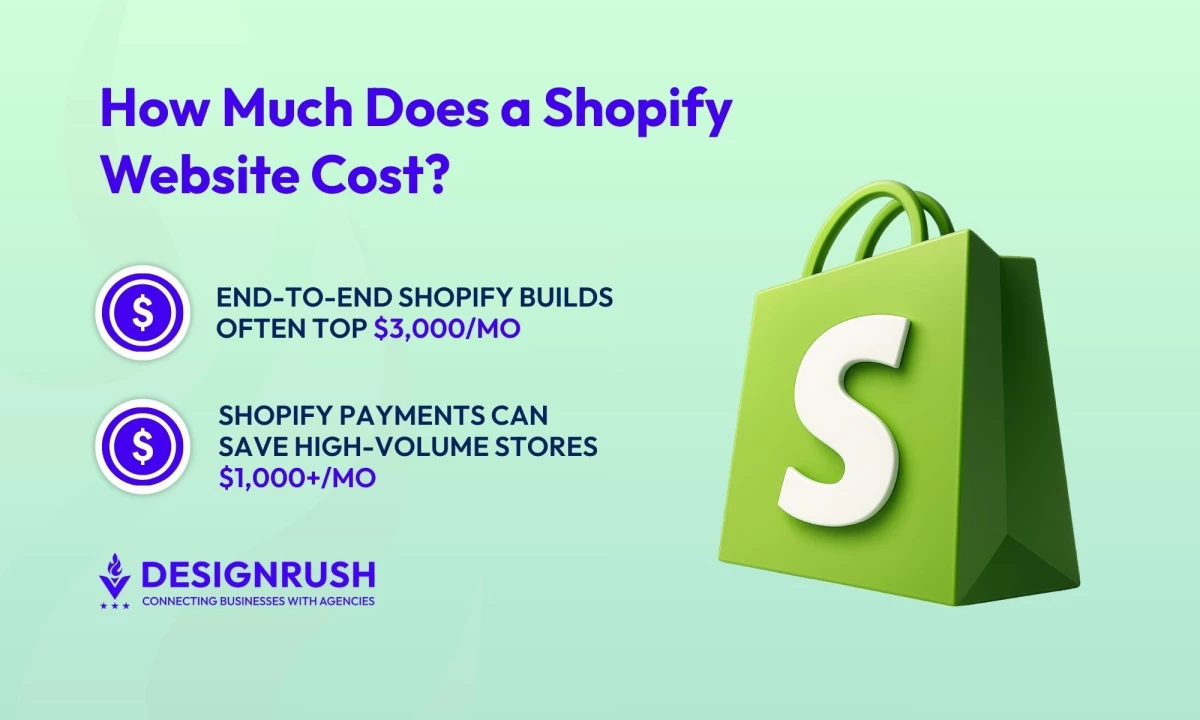
- End-to-end Shopify builds often top $3,000/month when you factor in the Shopify plan, paid apps, custom UX, and transaction fees.
- Shopify Payments can reduce transaction fees by up to 2% compared to third-party gateways — a savings of $1,000+ per month for high-volume stores.
- Compared to WooCommerce or Wix, Shopify wins on speed and stability, with faster time-to-launch and reliable, scalable infrastructure.
Shopify Website Cost Overview
Shopify is deceptively simple at first glance: behind its entry-level Basic plan lies a complex ecosystem of recurring fees, add-on apps, and scaling considerations.
We’ll provide a full-spectrum view of Shopify website costs, including real-world app stacks, expert insights, and platform comparisons to inform smarter quoting and forecasting.
Total Cost of Ownership: What Shopify Really Costs Per Month
With more than 4.6 million live sites, Shopify powers over 29% of U.S. online stores. This scale not only reflects merchant trust, but also ensures ongoing platform investment, innovation, and third-party support: key advantages over smaller or less mature competitors.
While Shopify promotes affordable entry plans, the total cost of ownership (TCO) can surprise you after launch.
Below is a breakdown of typical monthly eCommerce website costs for different project scenarios, including not just Shopify’s fees, but apps, services, and support often needed in each case:
| Project Type | Estimated Monthly TCO | Notes |
| DIY Shopify Store | $100 to $500/month | Lean setup using a basic plan, minimal apps, and free/low-cost themes to keep costs low. |
| Agency-Built Store | $5,000 to $30,000 (one-time dev) plus $500 to $2,500/month ongoing | Includes one-time design/dev costs plus ongoing plan fees, premium apps, and retainer-based CRO or tech support. |
| Shopify Plus Enterprise | $2,300+/month (platform fee) plus $1,000 to $5,000/month in apps & support | Enterprise needs advanced integrations and ongoing dev/marketing support to leverage Plus features at scale. |
Whether you're building for a client or launching your own eCommerce store, it's critical to account for downstream costs early, not just the upfront build. That means forecasting ongoing expenses like app subscriptions, payment processing fees, and tech support over a 12-to-24-month window.
For agencies, this level of transparency in your proposal prevents sticker shock, builds client trust, and sets realistic expectations. For self-funded entrepreneurs, it keeps your budget under control and helps you plan for profitability milestones.
Additional Shopify Website Costs You Need to Know
Understanding the total cost of ownership is just one piece of the puzzle. Smart planning, strategic app use, and adherence to eCommerce website best practices can significantly reduce overhead and improve performance from day one.
Here are some additional costs to consider:
1. Design & UX
Your eCommerce website design directly impacts brand perception, conversion rates, and customer trust, especially in competitive eCommerce markets. Investing in polished, intuitive UX on Shopify is a revenue lever, and it’s important to know how much it will cost:
- Free themes: Ideal for lean startups or MVPs. Free Shopify themes are modern and mobile-friendly but offer limited customization. Most growing brands will eventually need more design flexibility to stand out.
- Premium themes ($150 to $350 one-time): A great step up for brands wanting polish without full custom development. Premium themes offer advanced layouts and features, saving time for solo founders and helping agencies deliver mid-tier design at scale.
- Custom theme design ($5k to $25k): Best for brands where design drives performance. Custom web designs unlock tailored UX and higher conversion potential — a smart move for agencies building DTC stores or founders investing in long-term differentiation.
- Hiring an Agency ($5k to $30k one-time + $500 to $2,5k/month ongoing): A Shopify agency provides end-to-end support, from strategy and UX design to development and launch. The ongoing retainer typically covers CRO, updates, and technical maintenance, providing consistent optimization and expert oversight as brands scale.
Pro Tip: You can start with a free theme, then leave space in your budget for a premium or custom option by the time you hit certain revenue milestones. The improved branding and UX can often pay for itself via higher conversion rates.
2. Shopify App Ecosystem
Shopify’s App Store has thousands of apps. An average Shopify store might use 5 to 15 apps to extend core functionality. It’s crucial to plan for these monthly costs.
Here’s a breakdown by function:
Conversion & Growth
- ReConvert ($20 to $100/month) for post-purchase upsells: Boosts average order value (AOV) with custom thank-you page offers. Great for solo website owners wanting fast ROI and agencies optimizing client funnels at scale.
- Bold Subscriptions ($50 to $200/month) for recurring revenue: Enables subscription products and memberships. Perfect for brands adding predictable revenue.
- SEO Manager or Yoast SEO ($20 to $50/month) for search visibility: These apps improve meta tags, sitemaps, and schema. Ideal for store owners looking to rank higher, or agencies adding eCommerce SEO without full-service retainers.
Retention & Loyalty
- Klaviyo (Free to $500+/month) for SMS & email marketing: A must-have for abandoned cart flows, newsletters, and automations. Free to start, but scales with list size, so it’s important to forecast growth-based pricing.
- Loox or Judge.me ($15 to $50/month) for product reviews & UGC: Builds trust with customer reviews, photos, and star ratings. Judge.me is budget-friendly; Loox offers more visual options. Both are powerful tools for credibility and conversions.
Analytics & Optimization
- Lucky Orange / Hotjar ($10 to $100/month) for behavior analytics: Tracks user sessions and heatmaps to improve UX and conversions.
- Report Pundit ($20 to $150/month) for advanced reporting: Offers deep insights into orders, customer segments, and performance KPIs. You can monitor growth more strategically and use it for data-driven decision-making and reporting.
Pro Tip: The right apps can unlock serious ROI, but unchecked app sprawl can quietly drain profit. Audit app value regularly and prioritize tools that directly drive revenue, retention, or efficiency. Every app should earn its place.
3. Ongoing Support & Site Maintenance
Keeping your Shopify store optimized is where long-term ROI happens. Whether you're managing it solo or through an agency, ongoing performance, CRO, and technical upkeep should be treated as essential budget items, not afterthoughts.
- Performance & security updates: Expect to spend $300 to $1,500/month on site audits, bug fixes, speed optimization, and keeping Shopify apps or custom code up to date.
- Conversion rate optimization (CRO): Tools like A/B testing, heatmaps, and funnel optimization services help increase revenue per visitor. Costs vary: $100/month for tools, or $500 to $2K/month for professional CRO retainers.
- Analytics & reporting: Beyond native Shopify reports, most growing brands need deeper insights (e.g., Report Pundit, Google Analytics 4 setup, or custom dashboards). Budget $50–$250/month depending on your data stack.
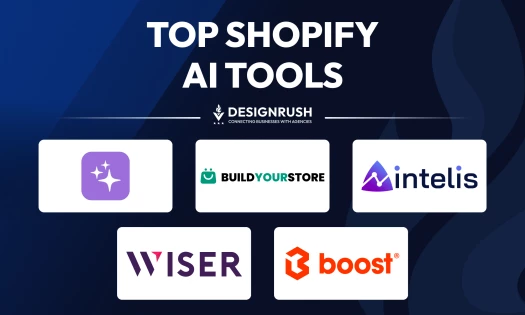
- AI tools: Many merchants are also starting to adopt Shopify AI tools like AI-powered search, dynamic product recommendations, and chatbots to improve customer experience and automate marketing tasks.
Pro Tip: If you’re building your own store, treat optimization as a monthly growth investment. Even a small spend on speed or analytics can yield measurable gains. For agencies, proactively packaging these services increases client lifetime value and keeps results compounding.
Shopify Transaction & Payment Processing Fees
Shopify payment fees can be a significant cost at scale and are often misunderstood by users. Here’s the breakdown:
| Payment Method | Shopify Basic | Plan | Advanced | Plus |
| Credit cards | 2.9% + $0.30 | 2.6% + $0.30 | 2.4% + $0.30 | 2.15% + $0.30 |
| Third-Party Gateway (e.g. Stripe, PayPal) | +2.0% | +1.0% | +0.5% | +0.15% |
This extra fee is Shopify’s surcharge if not using Shopify Payments. It dramatically adds up: Basic users pay nearly double fees with an external gateway.
Alternative payment methods like Afterpay, PayPal, and Amazon Pay each have their own fees and can incur Shopify’s surcharge if not routed through Shopify Payments. Plan for ~2% to 3% fee on those as well.
Pro Tip: Using Shopify Payments incurs no additional transaction fees. Furthermore, rates decrease on higher plans, directly improving margins on each sale.
Techniques for Reducing Shopify Website Costs
Your Shopify build doesn't need to break the bank. Here are some proven strategies to maximize your spending and preserve your margins:
1. Audit Apps Regularly
Start lean. Many Shopify users install apps for features already included in their plan, which leads to bloated costs and overlapping functionality. Prioritize built-in tools before adding third-party layers.
How to do it:
- Set ROI benchmarks for each app and review performance monthly or quarterly.
- Use Shopify’s built-in abandoned cart emails (included on all paid plans) before upgrading to a premium cart recovery tool.
- Leverage Shopify Email to send up to 10,000 emails/month for free before investing in paid platforms.
- Stick with core data analytics and discounting features until data or traffic volume justifies more complex tools.
- Schedule quarterly app audits to remove underused or redundant tools.
2. Build Private Apps for Custom Needs
Off-the-shelf Shopify apps are convenient, but not always cost-efficient for brands with multiple stores or highly specific workflows. Private app development offers long-term savings and operational control.
- Consider a private app if you're paying for multiple licenses of the same app across stores.
- Build custom tools like inventory syncs, product bundles, or dashboards that replace 2 to 3 monthly app fees.
- Agencies can reuse private app frameworks across clients to maximize development ROI.
- Plan custom builds when the lifetime savings will outweigh initial dev costs (e.g. $300+/month saved).
3. Use Partnerships & Vendor Discounts
Many apps and vendors offer partner incentives — if you’re not taking advantage, you’re likely overpaying. This applies to agencies managing multiple clients and website owners building long-term stacks.
How to do it:
- Join Shopify’s Partner Program to access vendor-specific discounts and early access features.
- Negotiate volume pricing if you have multiple stores or high app spend.
- Consolidate features under fewer vendors (e.g. CRM, SMS, and email in one suite) for better bundle pricing.
- Use Shopify’s App Store partner dashboard to apply trial extensions or seasonal promos for clients.
4. Plan App Adds in Phases
Launching with too many apps is a fast way to overextend your budget and your operations. A phased app rollout aligns cost with revenue, giving each tool time to prove its ROI.
How to do it:
- Phase 1 (Launch): Only essential tools for email marketing, basic analytics, maybe a review app.
- Phase 2 (Growth): Add CRO and AOV boosters like upsells, loyalty programs, and subscriptions once site traffic warrants them.
- Phase 3 (Scale): Integrate high-end features like ERP systems, AI personalization, or headless frontends as complexity grows.
Communicate the plan clearly to clients or stakeholders so cost increases feel like strategic investments, not surprise charges.
Shopify vs. Other Ecommerce Platforms: Strategic Comparison
Agencies helping clients choose the right platform and business owners aiming to build their own sites often ask: Why Shopify instead of WooCommerce or Wix?
The right answer goes beyond comparing monthly fees. It’s about understanding the total cost trajectory, scalability, and day-to-day operational demands of each platform over time.
Below is a high-level comparison:
| Feature | Shopify (hosted SaaS) | WooCommerce (open-source) | Wix eCommerce (hosted SaaS) |
| Hosting | Included & fully managed | Self-managed | Included & fully managed |
| Customization | Moderate | High | Low/moderate |
| Cost predictability | High | Low | Moderate |
| Time to launch | 2 to 6 weeks | 6 to 12 weeks or longer | 1 to 4 weeks |
| Scalability | High | Variable | Moderate |
| Est. monthly TCO | $100 to $3,000+ | $30 to $2,500 | $30 to $1,000 |
WooCommerce offers the highest level of customization through full code access and extensive plugins — ideal for developers and teams seeking total control. While powerful, it requires hands-on management of hosting and performance, making scalability resource intensive. Upfront costs may seem low, but variable plugin fees and dev time can lead to unpredictable TCO.
Wix Ecommerce prioritizes simplicity with drag-and-drop tools that are great for beginners but limited in customization depth. It performs well for small to midsize stores but can strain under larger-scale demands unless upgraded. While pricing is consistent, feature limitations and tier-based scaling may introduce unexpected costs as a business grows.
@avocadots_ 🚀 Shopify vs. WooCommerce: Which is better for your online store? 🤔 Get the scoop on which platform can take your business to the next level! 💡💻 #ecommerce#ecommercebusiness#digitalmarketing#shopify#woocommerce♬ original sound - avocadots
Shopify strikes a strong balance between flexibility and control. Its Liquid codebase and robust app ecosystem allow for moderate customization without heavy development needs. It excels in infrastructure, powering millions of high-traffic stores with built-in stability, and offers predictable costs thanks to transparent pricing and scalable app usage.
Shopify Website Cost: Wrap-Up
Shopify can fuel serious ecommerce growth, but only when every cost, from themes to transaction fees, is scoped with intention and aligned to the brand’s stage. Long-term success depends on making smart, phase-appropriate decisions and staying in control of your tech stack.
By prioritizing lifecycle-fit planning and cost visibility from day one, you’re not just building a Shopify website; you’re building a leaner, stronger, and more scalable business.

Our team ranks agencies worldwide to help you find a qualified partner. Visit our Agency Directory for the top eCommerce companies, as well as:
We also highlight exceptional creativity from around the world through our curated design awards. Explore the Awards section to discover standout work in website design and beyond.
Shopify Website Cost FAQs
1. Is Shopify cheaper than WooCommerce or Wix?
Shopify offers more predictable pricing, especially as you scale, but it’s not always the cheapest upfront. WooCommerce may seem less expensive, but hosting, plugin costs, and developer time can add up fast. Wix is budget-friendly but limited in flexibility.
Shopify strikes the best balance between cost, control, and growth-readiness.
2. Do all Shopify apps cost extra?
Most third-party Shopify apps come with monthly fees, typically ranging from $10 to over $500 depending on usage and features.
While some offer free tiers, the key to controlling spend is curating a stack that directly supports revenue, retention, or efficiency, not just adding apps for convenience.
3. Which Shopify plan is best for small businesses?
For most small businesses, either the Basic ($39/month) or Shopify ($105/month) plan delivers the right mix of features and affordability. Choose based on current revenue and how much automation or scalability your business requires.